Customer Ratings & Reviews







- Model:
- GA00426-US
- SKU:
- 10202750
Rating by feature
- Value
Rating 4.5 out of 5 stars
- Quality
Rating 4.7 out of 5 stars
- Ease of Use
Rating 4.6 out of 5 stars
Customers are saying
Customers commend the Nest Hub Max for its phenomenal sound quality and perfect screen size, making it easy to use. Many appreciate the helpfulness of Google Assistant and its smart home integration capabilities. However, some customers find it a bit pricey, and others have experienced issues with setup and compatibility with other devices. A few customers have also noted the absence of night vision.
This summary was generated by AI based on customer reviews.
Eh
||Posted . Owned for 5 months when reviewed.This reviewer received promo considerations or sweepstakes entry for writing a review.Not that useful. Not pulling me from using the phone, even in the kitchen.
No, I would not recommend this to a friendBrand response from Nest Support
Posted .Hey there, Adama. Thanks for giving us feedback on the Nest Hub Max. We’re sorry to hear you find its functionality and features below your expectations.
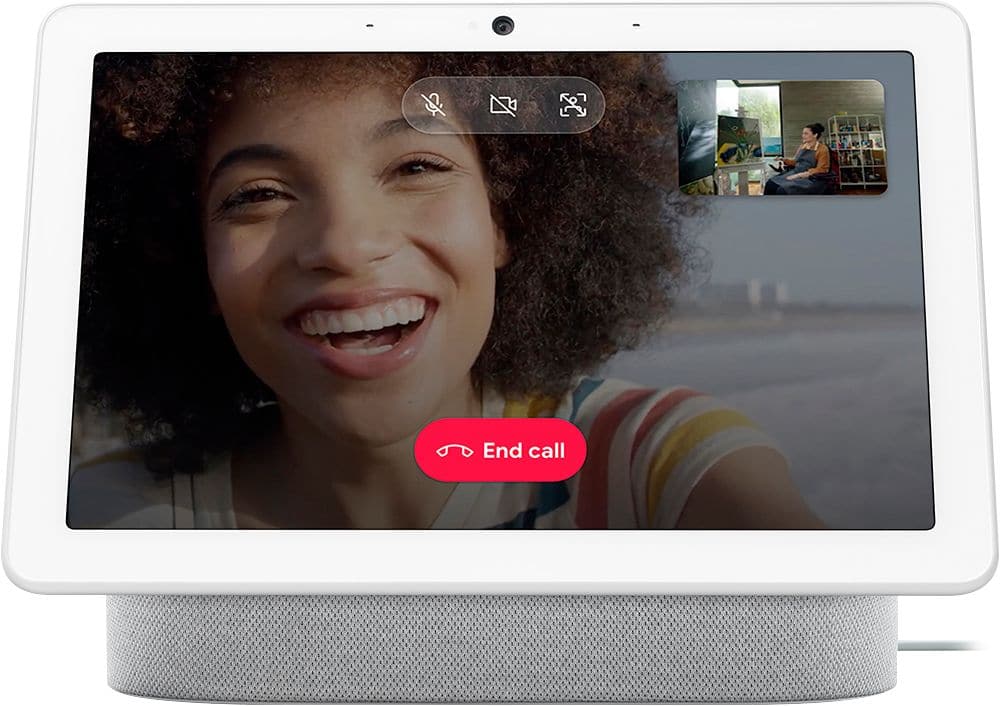
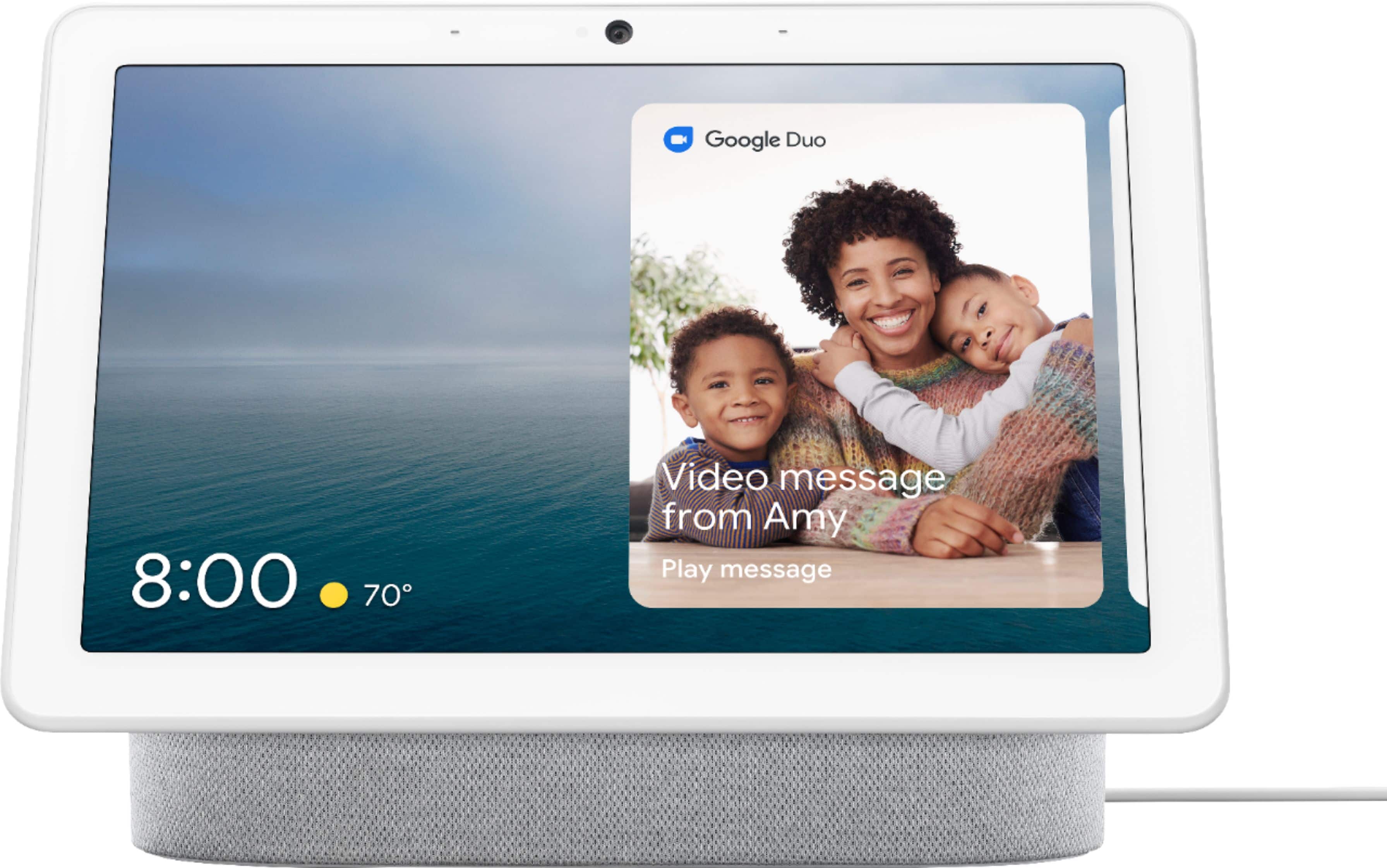
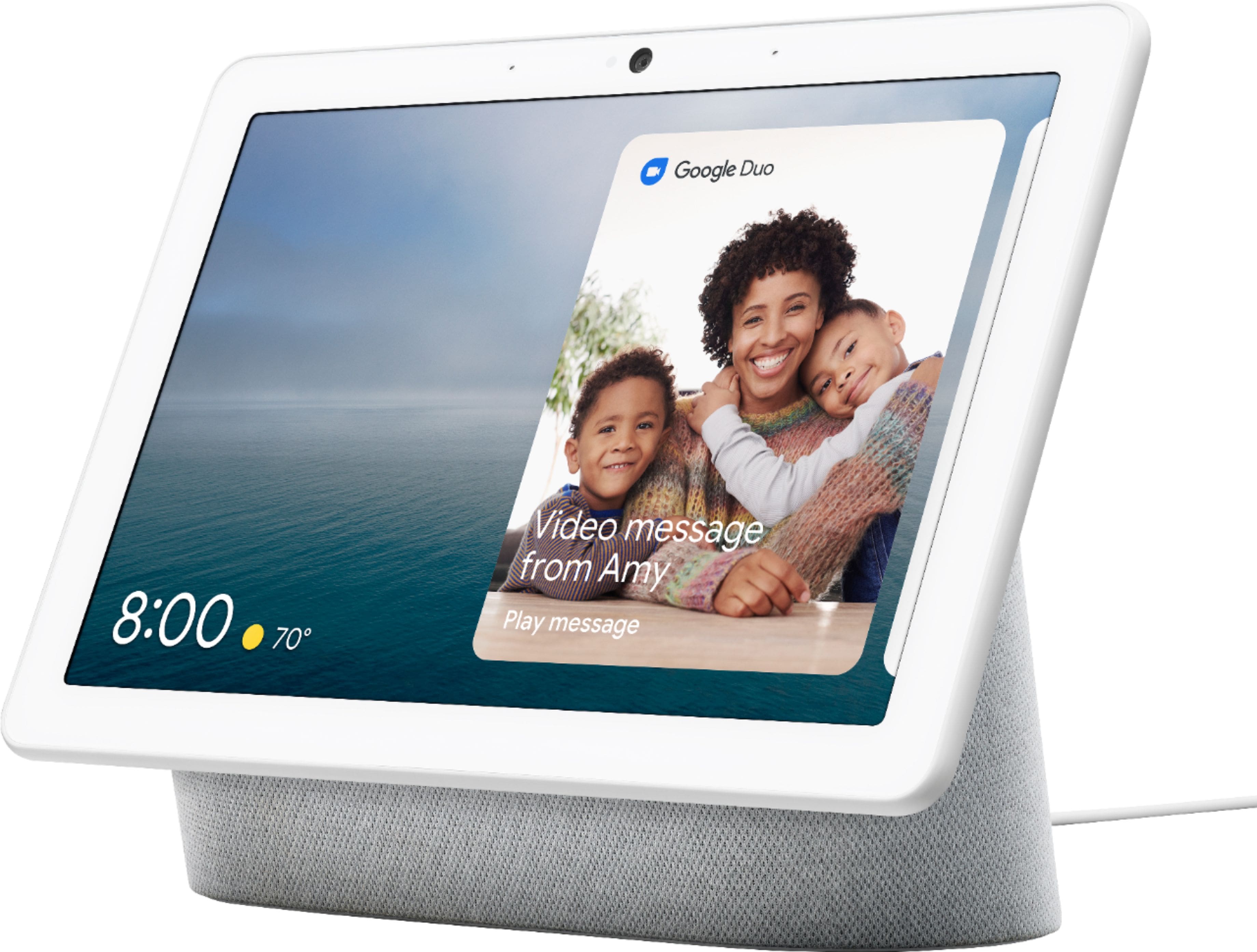
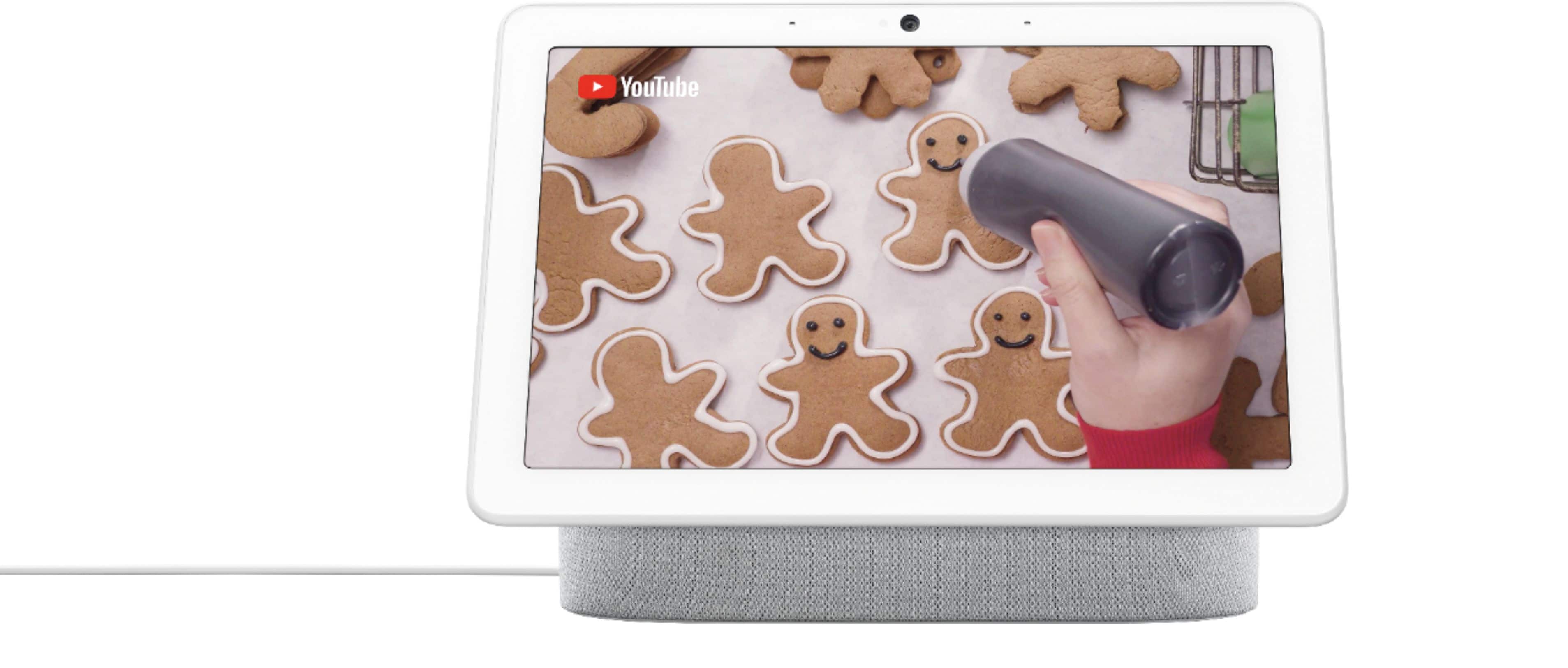
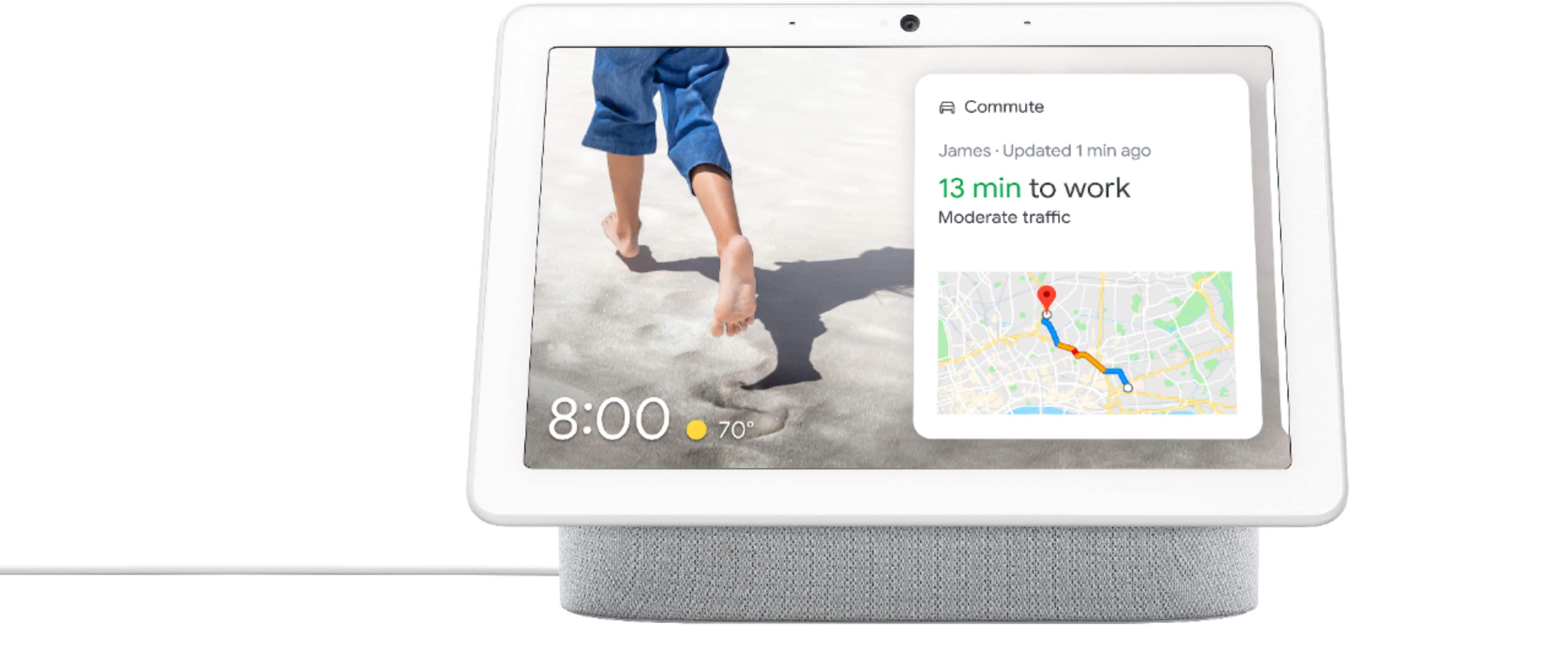
The Nest Hub Max with a built-in camera is designed to help your busy family stay in touch and on track. You can leave video messages and make video calls. Check in on home when you’re away with the built-in Nest Cam. Share reminders and to-dos. Everyone views their own calendar, commute, and more with just a glance. And enjoy Google Photos, YouTube TV, videos, and music on the 10-inch HD screen with stereo speakers. Learn more what you can do with the Nest display using this link: https://support.google.com/googlenest/answer/9334359
We’re hoping you can tell us more about your concerns so we can help improve your overall experience. You may visit us anytime through our contact channels here for guidance and assistance: https://support.google.com/googlenest/gethelp
Can't change language Google Assistant
||Posted . Owned for 1 month when reviewed.This reviewer received promo considerations or sweepstakes entry for writing a review.You can't change the language unless you change the language of your phone language changes across all formats
No, I would not recommend this to a friendBrand response from Nest Support
Posted .Hi Norm, thanks for giving us your feedback about the Nest Hub Max, and we’re sorry to hear of your issue with changing the language that affects the language across all formats.
You can try adding a second language to Google Assistant. It’s easy to talk to Assistant when you’ve chosen more than one language. When you say "Hey Google" followed by a voice command, the Assistant will answer in the language you use after "Hey Google". If you add a second language to Google Assistant, it can recognize either of the languages you’ve chosen. Please note that Google Assistant can’t recognize more than one language in the same phrase. Before you change Google Assistant’s language, make sure your mobile device or tablet is connected to the same Wi-Fi network or linked to the same account as your speaker or display.
To add a second language to Assistant:
- On your mobile device, open the Google Home app Google Home app.
- At the top right, tap your account > Assistant settings > Languages > Add a language.
- Choose another language.
We’re taking your feedback seriously to work on improving our products and the services we offer. If there’s anything we can help you with, simply let us know by visiting us anytime here: https://support.google.com/googlenest/gethelp
Google play
||Posted . Owned for 1 month when reviewed.This reviewer received promo considerations or sweepstakes entry for writing a review.I am happy with the google play but I am not happy with the return policy. I had to buy three because I didn’t get my one package with two with one for my son and one for my daughter but it didn’t arrive in time for my daughter’s birthday so I had to buy a third one to send to her. Then I couldn’t get to Springfield to return the one in time because of car trouble so now I am stuck with an extra one. I won’t buy anything from Best Buy again.
No, I would not recommend this to a friendcan't view multiple nest cameras at once
||Posted . Owned for 1 month when reviewed.This reviewer received promo considerations or sweepstakes entry for writing a review.you can't view multiple nest cameras at once even though someone here claimed you can -- you can't
No, I would not recommend this to a friendGood when it works. Annoying when it doesn’t
||Posted . Owned for 3 weeks when reviewed.This reviewer received promo considerations or sweepstakes entry for writing a review.It requires improvement in interface. You can search video by voice but then if you ask to play first one. It would play song ‘first one’
No, I would not recommend this to a friendSo so
||Posted . Owned for 3 weeks when reviewed.This reviewer received promo considerations or sweepstakes entry for writing a review.Returned mine and got Alexa. Migrating emails from Nest to Google was a pain Spent 3 hrs on the phone with tech support. Alexa was a piece of cake.
No, I would not recommend this to a friendMahendra
||Posted . Owned for 3 weeks when reviewed.This reviewer received promo considerations or sweepstakes entry for writing a review.Very complicated to switch wifi if you take unit different house should pick up automatic rather ridiculous
No, I would not recommend this to a friendBrand response from Nest Support
Posted .Hi Mahendra, thanks for sending in your feedback. We're sorry to hear that you're experiencing some difficulties with connecting to a different Wi-Fi network on your Nest Hub Max. We'd like to know more details about your concern so we can help identify why it's difficult on your end, and help troubleshoot the issue for you. Please contact us on our Google Help page and let us help improve your experience. You can reach our help page here: https://support.google.com/googlenest/gethelp
Meh.
||Posted . Owned for 1 year when reviewed.This reviewer received promo considerations or sweepstakes entry for writing a review.Google was great, but as with many of their products - both application-based and hardware - they seem to have lost interest.
No, I would not recommend this to a friendSmart speaker, dumb display
||Posted .This reviewer received promo considerations or sweepstakes entry for writing a review.This is a smart all time connected speaker with a dumb display. It would be nice to keep the time when power goes away. Also to have a choice to display time, or day or time and day maybe even contact at the same time. It would be nice to arrange according to your needs like an informatic hub on the home screen like a smart display without the need to touch it or talk to it.
No, I would not recommend this to a friendBrand response from Nest Support
Posted .Hi there Googlefan, thanks for taking the time to share your feedback. We’re sorry to learn that Nest Hub Max didn’t meet your expectations. We hear you, and we'll make sure to pass along the details of your feedback to the right team as we're always searching for ways to improve our products and services. If you need assistance, you can always reach out to our support team here: https://support.google.com/googlenest/gethelp
Digital photo screen
||Posted . Owned for 10 months when reviewed.This reviewer received promo considerations or sweepstakes entry for writing a review.It was cool to have at first but then that excitement died relatively sooner than expected.
No, I would not recommend this to a friendBrand response from Nest Support
Posted .Hi Buyer1, thanks for taking the time to share your feedback. We regret to hear that your experience with Nest Hub Max didn’t meet your expectations.
We value your feedback and your satisfaction is what drives us in improving our products and services. We’d like the opportunity to know more about your feedback, so we can help you and improve your experience. If you’re willing, please feel free to contact our support team. We’d be happy to assist you here: https://support.google.com/googlenest/gethelp
Good display with the mediocre speaker
||Posted . Owned for 1 month when reviewed.This reviewer received promo considerations or sweepstakes entry for writing a review.I purchased this to upgrade my Google home Max speaker, but returned it because the sound quality is not nearly as good.
No, I would not recommend this to a friendDoes what's advertised but not much else.
||Posted . Owned for 3 weeks when reviewed.This reviewer received promo considerations or sweepstakes entry for writing a review.Pretty digital picture frame. Offers little value outside of this if you aren't heavily invested in home automation.
No, I would not recommend this to a friendNot a fan, get an iPad instead
||Posted . Owned for 1 month when reviewed.This reviewer received promo considerations or sweepstakes entry for writing a review.Difficult to use and very limited. You’re much better off getting an iPad IF you’re not using the voice assistant. I got an iPad for the same price when it was on sale. Plus the Nest Hub has to be plugged in the entire time.
No, I would not recommend this to a friendBrand response from Nest Support
Posted .Hi there, Nick. We appreciate you for sharing your review on your Nest Hub Max. We're sorry to hear that your experience with the device was less than ideal. The Nest Hub Max is designed to work with thousands of smart home devices, including lights, thermostats, and locks. You can control these devices with your voice or from the Nest Hub Max's touchscreen. It can even look out for home when you’re away with the built-in Nest Cam. Check in for a live view. Get alerts if motion is detected.
For a less plugged-in option, you can look into the Google Pixel Tablet as an alternative. If you are in need of any assistance in the future, please don't hesitate to contact us on our Google Help page here: https://support.google.com/googlenest/gethelp
Nest hub max blank screen issues
||Posted . Owned for 7 months when reviewed.This reviewer received promo considerations or sweepstakes entry for writing a review.This was a good product. Not sure what happened. The screen randomly goes black while playing videos and the sound continues to play. I just This was okay when it started once a day but eventually went up to 3 times a day. I contacted Google and they eventually sent me a "new" one. Now the new one is doing it as well. Here we go again....
No, I would not recommend this to a friendBrand response from Nest Support
Posted .Hi Jonjon, thank you for sharing your review on the Nest Hub Max and we're sorry to hear that you're experiencing the same screen issues even with the replacement. Your feedback is valuable to us as it helps us in improving the products and services we provide. If you're willing to give it another go, please reach out to our support team and let us help find a better resolution for your issue. You can contact us on our Google Help page here: https://support.google.com/googlenest/gethelp
Does not stay connected to wifi after 7 months.
||Posted . Owned for 7 months when reviewed.This reviewer received promo considerations or sweepstakes entry for writing a review.The hub max worked pretty well for the first 8 months, now it will not stay connected to wifi. I know, the whole line of questions about distance to router, internet quality, etc... none of my other wifi dependant devices have any problems, just this hub max. Very disappointed for the price I paid for it. Will explore my options for returning or replacing as it was purchased through best buy.
No, I would not recommend this to a friendBrand response from Nest Support
Posted .Hi DBCooper,
We appreciate you for sharing your experience with us. We're sorry to hear you're having an issue with Nest Hub Max, and we understand how frustrating it must be. We're always working to improve our products and services, and your feedback goes a long way. If you're willing, you can reach out to our support team here: https://support.google.com/googlenest/contactflow so that we can do our best to help you out with your Nest Hub Max.
- Pros mentioned:Camera, Screen size, Sound quality
Nice upgrade from the smaller original
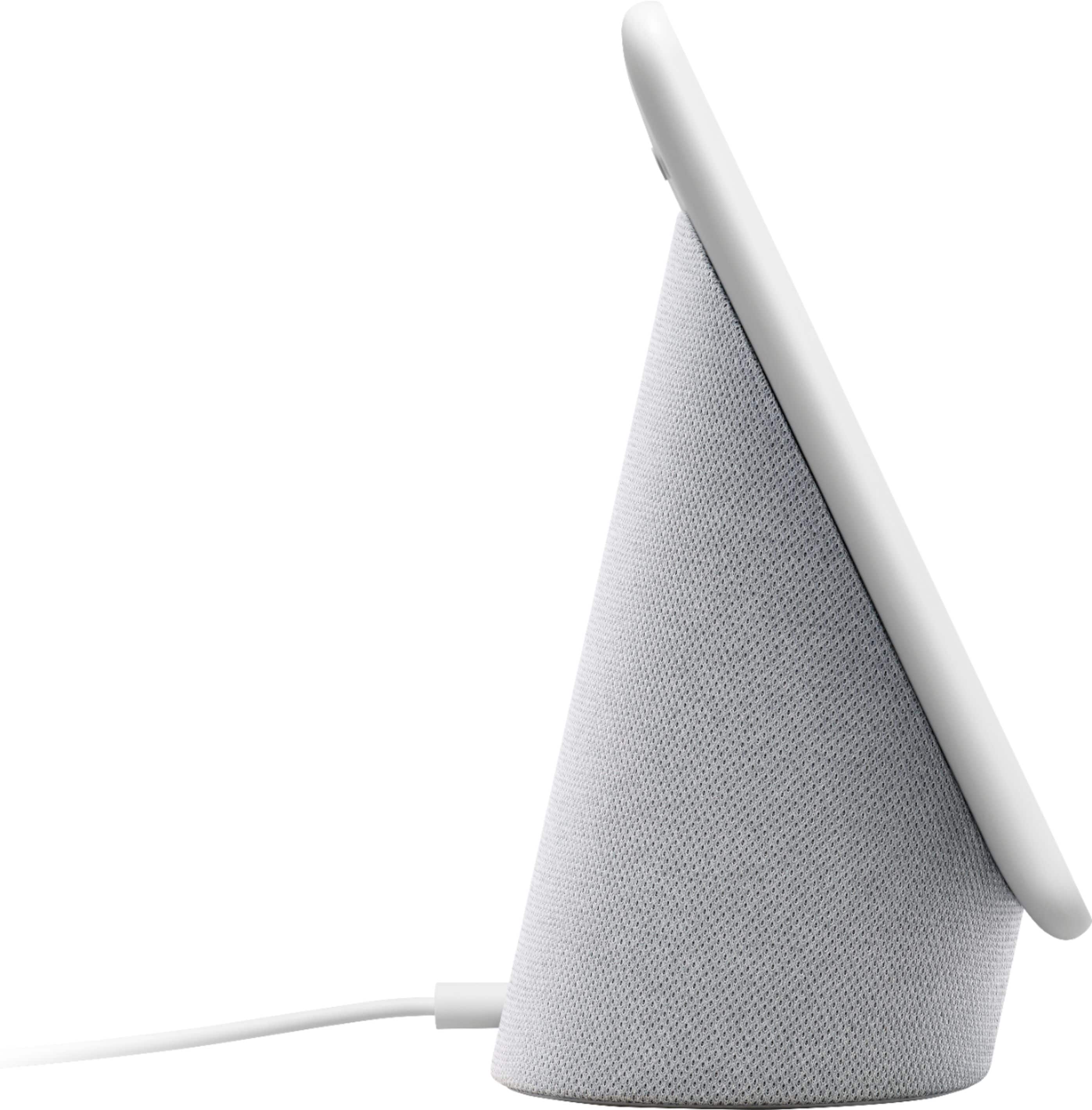
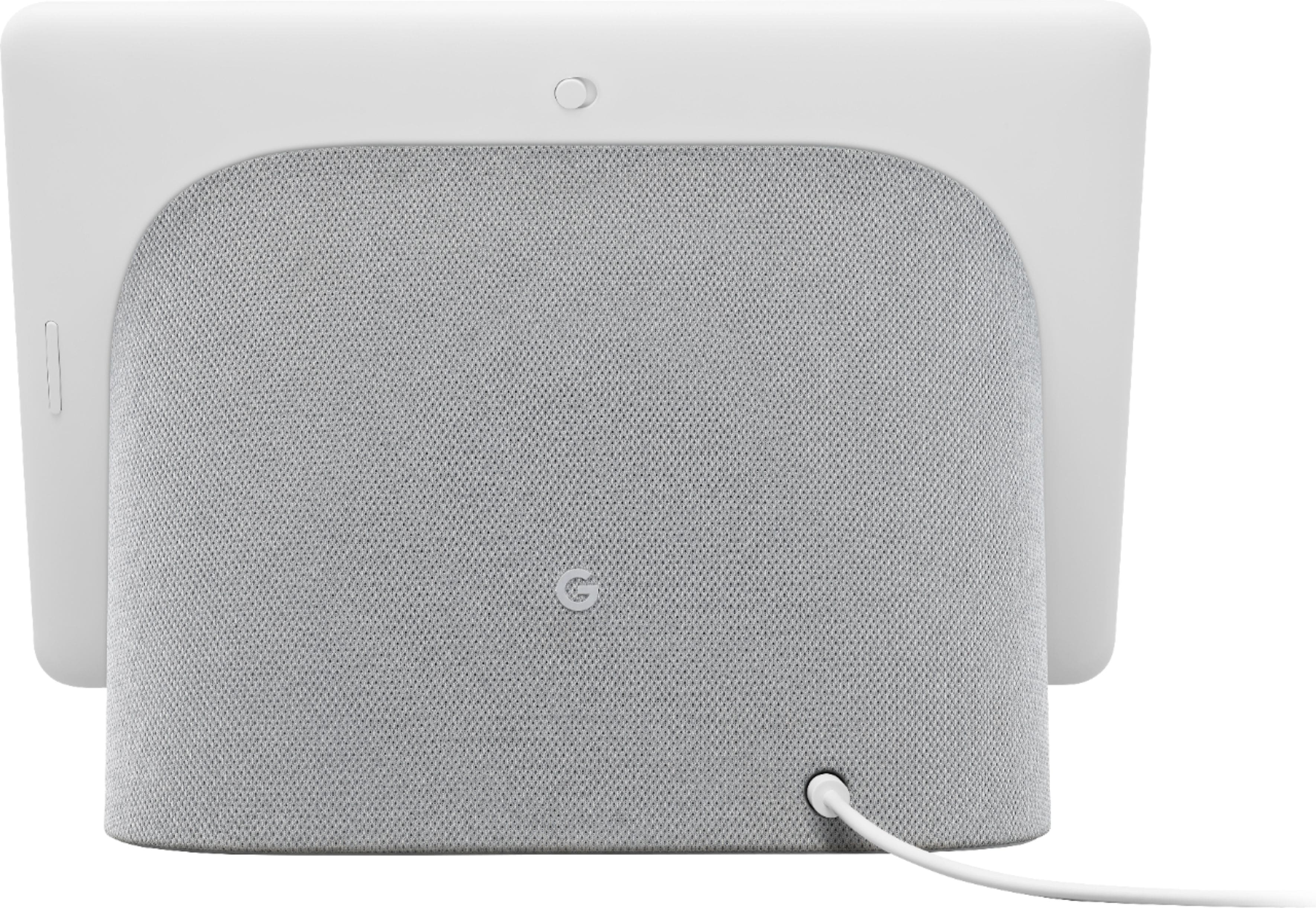
Posted .This reviewer received promo considerations or sweepstakes entry for writing a review.My home is pretty heavily invested in the Google ecosystem (multiple Home devices, Android TV, Nest Thermostat and Protects), so I was definitely intrigued by the new larger Smart Display, I’m always looking to make my home smarter. The Nest Hub Max replaces the original (smaller) Home Hub in my kitchen. The obvious difference between the original Home Hub and the new Nest Hub Max is well, it’s bigger (7” vs 10”). The larger footprint definitely makes it feels more at home on a kitchen counter than its smaller sibling. With its larger size come better sound. While it is louder and crisper than the original, I still found it lacking, but it’s perfectly fine for videos or background music. The second difference is that this one features a camera. So why do you want (another) camera in your house? Well, maybe you don’t and if that is the case, there is a physical button on the back to turn off the camera (this will also turn off the mic, you can turn them off/on individually in the Home app). If you do choose to use the camera, it works great for video calls (it even tracks you around the room to keep you in frame), acts as a security camera, and offers facial recognition. The security camera aspect integrates with the Nest app and allows you to see a live view, set schedules, get notifications when it detects motion, view clips and more. It comes with a Nest Aware trial that you will need to pay for to use some of the features after it ends. If you want to strictly use the live view function, that can be done through the Google Home app with no subscription fee. A few other notes on using this as a security camera; there is no night vision and its fixed angle can be a bit awkward (under cabinet and ceiling views). If you choose to use the facial recognition feature, the Nest Hub Max will attempt to show you relevant info when it identifies you (like calendar appointments, recommended videos or music). Another bonus is that you can use hand controls to pause/play media. This is especially useful when a toddler is screaming and the Hub Max can’t hear you yelling to turn off “wheels on the bus.'' Speaking of the microphone, it’s adequate and typically hears me correctly 8 out of 10 times (depending on the volume of the screaming toddler). With all the “smarts” this thing has, my favorite feature is that it just works as a great digital photo frame. It integrates with your Google Photos account and can show all or just select albums. Since my photos backup and get sorted into albums automatically, often times a photo I took the same day will pop up on the screen. It also has a great ambient light sensor to match the room lighting so the images appear more true to print and not like you are looking at a bright display. If you are looking to add to or get into smart home technology, this is a great value as it combines a smart speaker, display and security camera in one well designed package that is easy enough for anyone to use.
I would recommend this to a friend Absolutely great!
||Posted . Owned for 2 weeks when reviewed.This reviewer received promo considerations or sweepstakes entry for writing a review.I really love this device. Definitely a game changer and I highly encourage this purchase. Great home security camera and Comes with additional Google smart home features that other devices don't have yet.
I would recommend this to a friendlove it but...
||Posted . Owned for 2 months when reviewed.This reviewer received promo considerations or sweepstakes entry for writing a review.Its great but the screen blanks out while playing video. Audio continues but has to be unplugged to get video back on.
I would recommend this to a friendBrand response from Nest Support
Posted .Hi yoyoyoyo,
Thanks for letting us know of your issue with Nest Hub Max. We're sorry for the inconvenience and we'd like to help resolve it for you.
If you're willing, please reach out to us via the following support link for us to take a look and do our best to resolve it for you: https://support.google.com/googlenest/contactflow
Many other apps don’t work Google Hub
||Posted . Owned for 3 weeks when reviewed.This reviewer received promo considerations or sweepstakes entry for writing a review.Works with google apps only. Many comments of how to link other apps, but they don’t work as they are supposed.
No, I would not recommend this to a friendBrand response from Nest Support
Posted .Hi Jack,
Thank you so much for taking the time to share your experience with us. We're sorry to hear that you're having an issue with third-party apps linked to your Nest Hub Max. We'd like to gather more information and figure out the best way to help if you can reach out to our support team here: https://support.google.com/googlenest/contactflow
Its okay...
||Posted . Owned for 1 month when reviewed.This reviewer received promo considerations or sweepstakes entry for writing a review.I haven't messed with it too much. I use it mostly as an alarms. One expensive alarm lol
No, I would not recommend this to a friendBrand response from Nest Support
Posted .Hi Christmasgift19, we appreciate you sharing your feedback with Nest Hub Max. Your patronage and satisfaction are what drives us to keep working on improving our products and services. You can visit this link to learn more about what you can do with your device: https://support.google.com/googlenest/answer/9334359
If you need assistance, feel free to contact our support team. We’d be more than happy to assist you here: https://support.google.com/googlenest/gethelp