Customer Ratings & Reviews







- Model:
- GA00426-US
- SKU:
- 10202750
Rating by feature
- Value
Rating 4.5 out of 5 stars
- Quality
Rating 4.7 out of 5 stars
- Ease of Use
Rating 4.6 out of 5 stars
Customers are saying
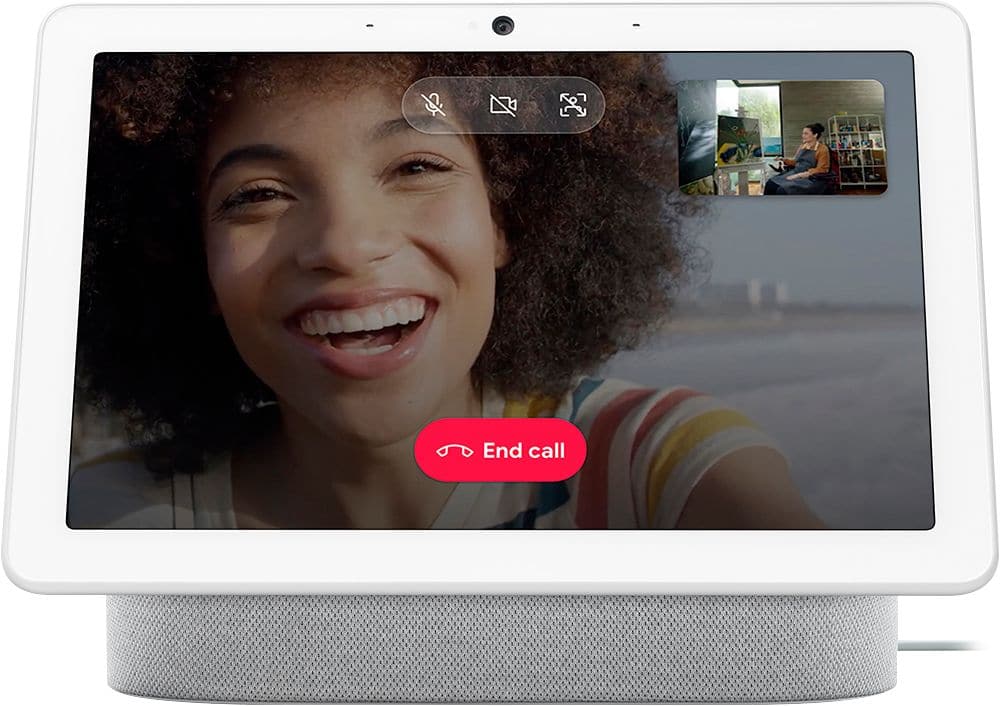
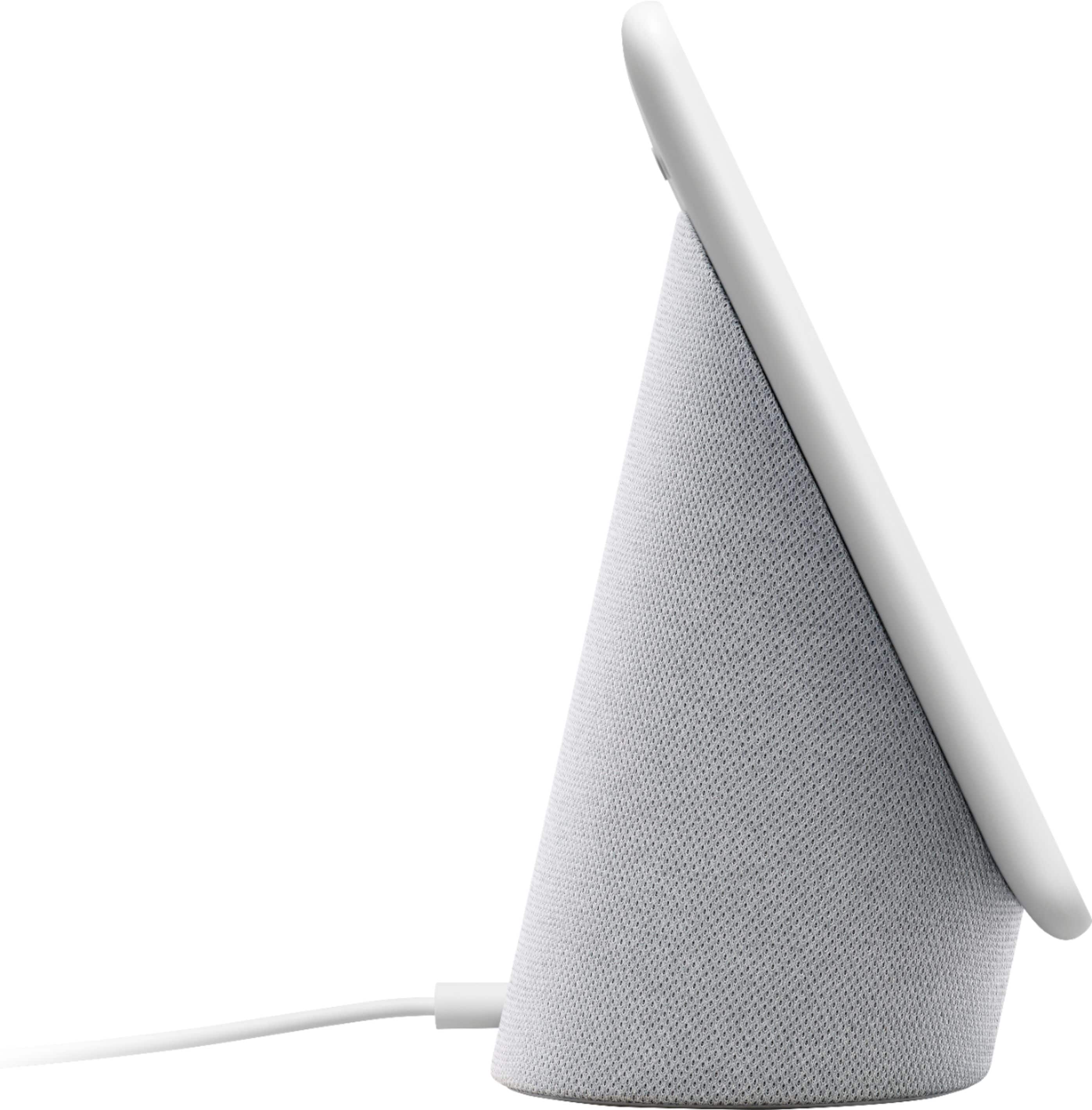
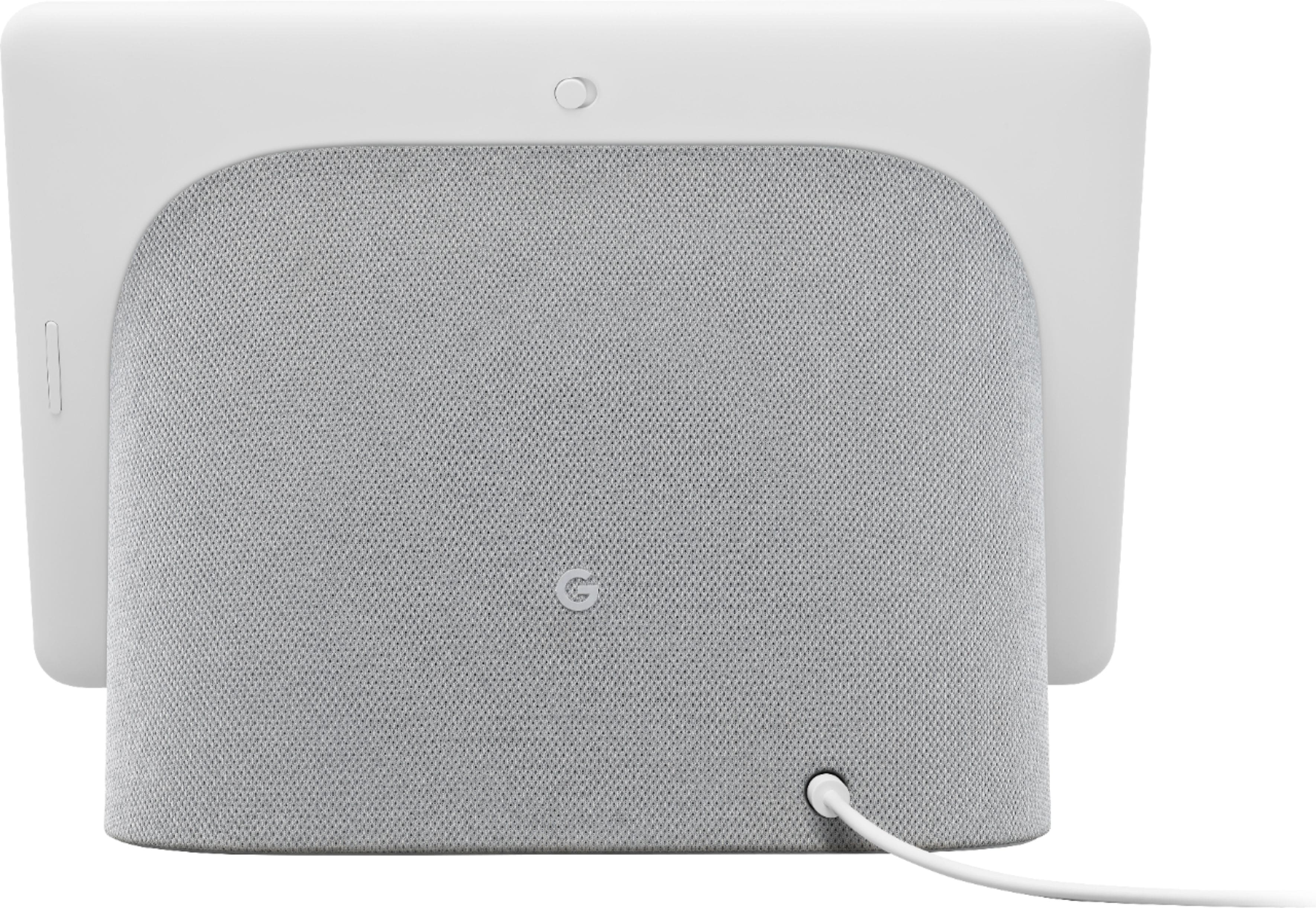
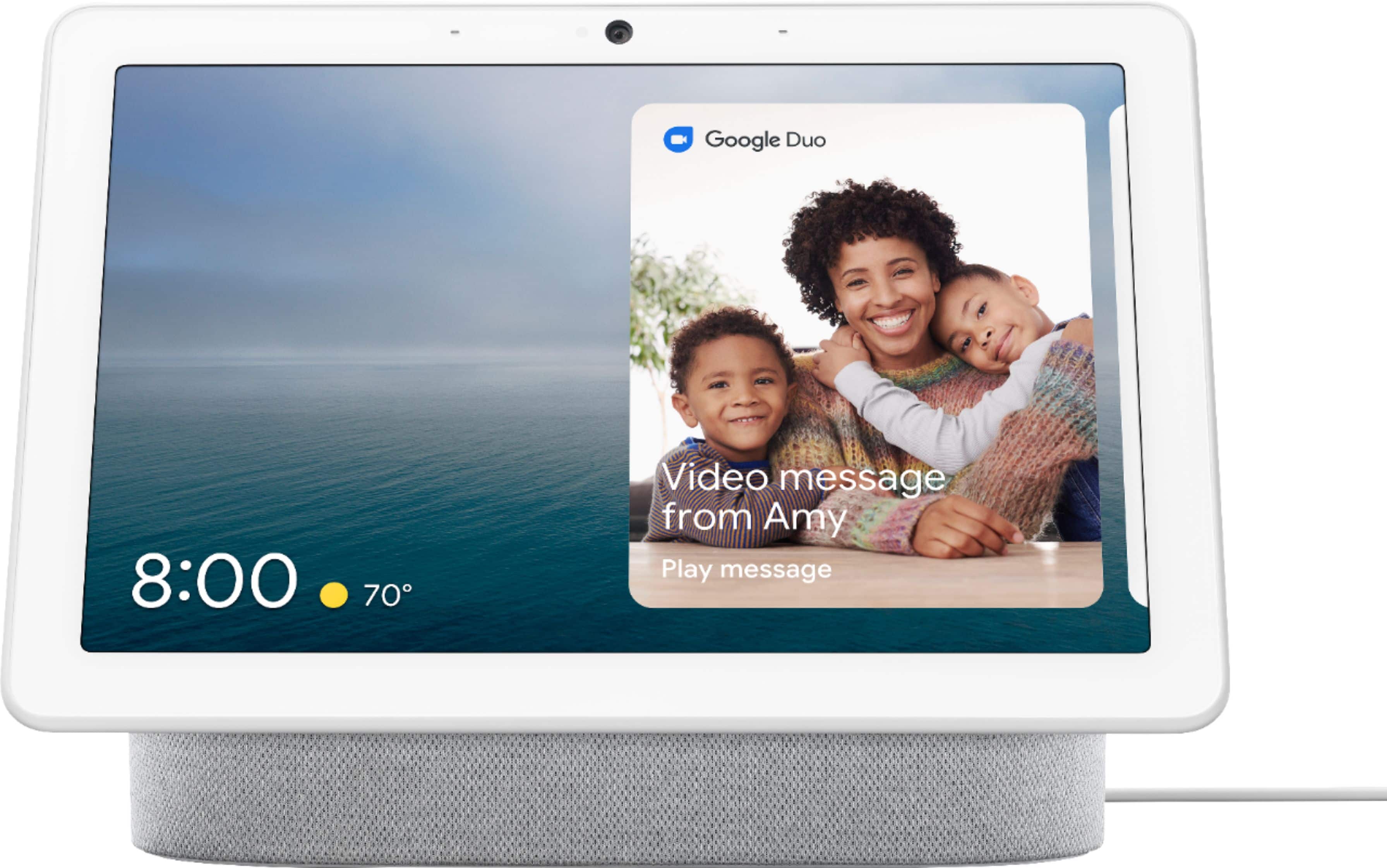
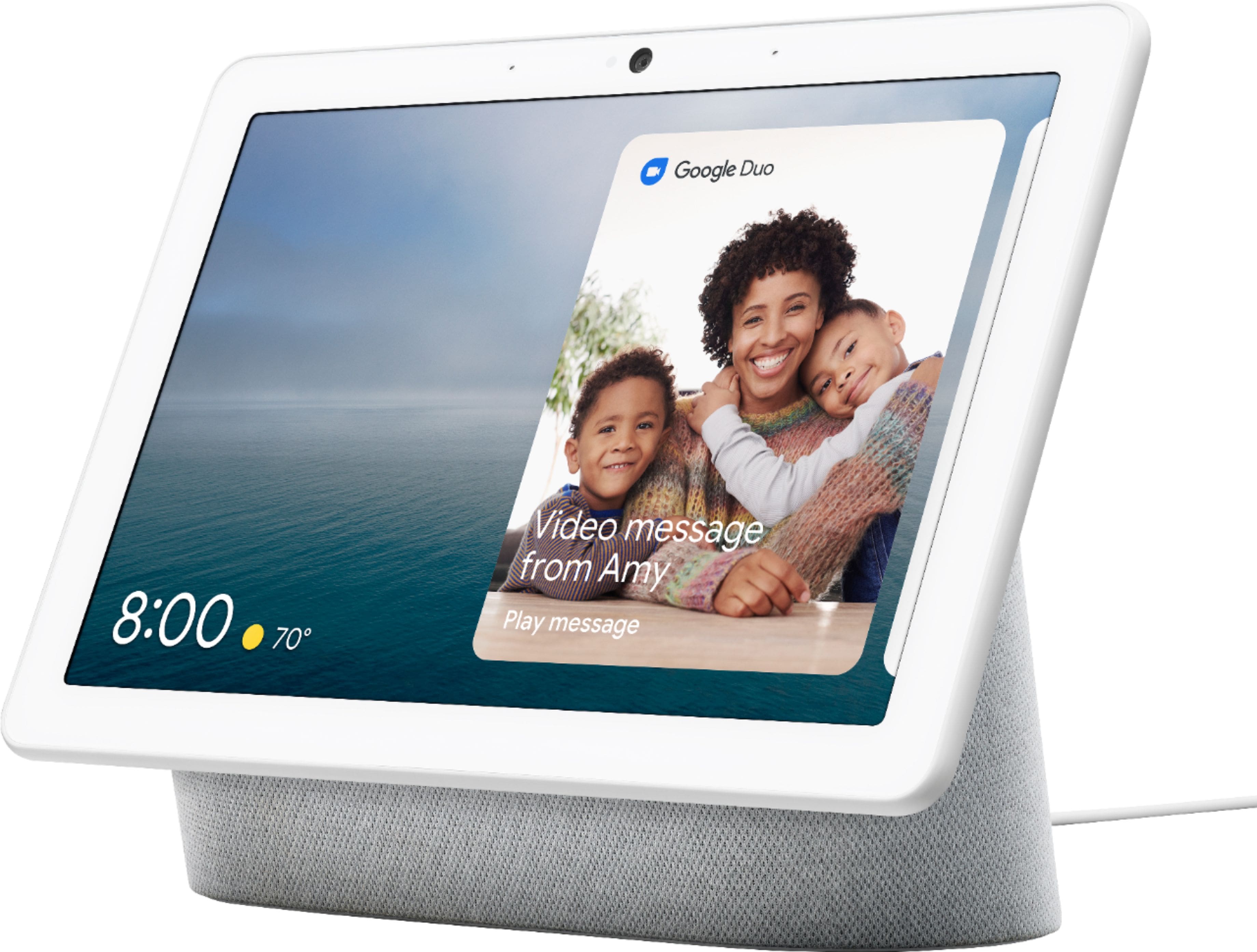
Customers commend the Nest Hub Max for its phenomenal sound quality and perfect screen size, making it easy to use. Many appreciate the helpfulness of Google Assistant and its smart home integration capabilities. However, some customers find it a bit pricey, and others have experienced issues with setup and compatibility with other devices. A few customers have also noted the absence of night vision.
This summary was generated by AI based on customer reviews.
Love the Google Home Hub!!!
Posted .This reviewer received promo considerations or sweepstakes entry for writing a review.Love the Google Home Hub! This is my 2nd one. Bought both my kids one too
I would recommend this to a friendGreat Product
Posted .This reviewer received promo considerations or sweepstakes entry for writing a review.Great product, worth every penny. It is amazing what this thing can do.
I would recommend this to a friendNest Hub Max Smart display
Posted .This reviewer received promo considerations or sweepstakes entry for writing a review.Purchased this Nest Hub for the kitchen. So far so good.
I would recommend this to a friendGoogle max
Posted .This reviewer received promo considerations or sweepstakes entry for writing a review.So excellent and fun. What a great addition to my kitchen
I would recommend this to a friendGoogle
Posted .This reviewer received promo considerations or sweepstakes entry for writing a review.Amazing , great images, . I enjoy it every day . My daughter love it
I would recommend this to a friendLove it , convient
Posted .This reviewer received promo considerations or sweepstakes entry for writing a review.Bought for a gift because got so many comments about mine.
I would recommend this to a friendGreat for the kitchen
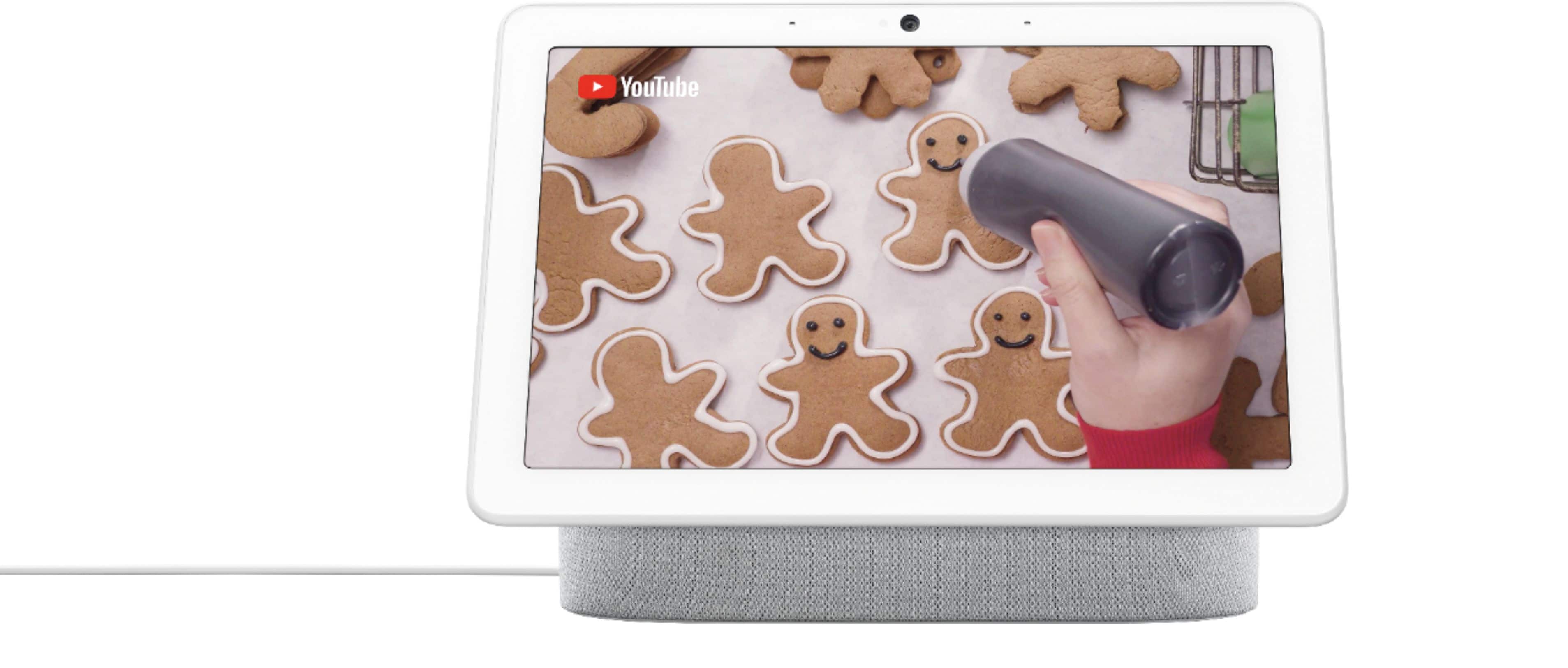
Posted .This reviewer received promo considerations or sweepstakes entry for writing a review.The google nest hub max is a great smart display for timers, recipies, videos and music.
I would recommend this to a friendneat hub
Posted .This reviewer received promo considerations or sweepstakes entry for writing a review.gives me greater flexibility. Love the options and I am still learning.
I would recommend this to a friendgreat tech, no group Duo video chats
Posted .This reviewer received promo considerations or sweepstakes entry for writing a review.I bought this to move to Duo with my family since Hangouts is going away. Everybody in the family has one now. We cannot do group video chats via Google Duo. Group video chats can only happen on phones and tablets. It's so disappointing. If you are buying it for group video chats, it is not going to work. For one-on-one video chats its really great. The automatic camera operation during a call while you move around the room is fantastic. It seems like you have a team producing your video chat. The ability to use your hand to stop youtube videos or music is also great. The inability to do group video chats is frustrating.
I would recommend this to a friend- Pros mentioned:Screen size
Extremely mid
Posted .This reviewer received promo considerations or sweepstakes entry for writing a review.This is the physical manifestation of the word mid. Its OK. There's nothing cool or remotely satisfying about it. It sounds bad, it misses half the commands you give it and from time to time it talks to you randomly when you weren't talking so that's kinda concerning. I would honestly go with anything else but this. I understand the screen seems kinda cool but the novelty wears off the second week you have it and you realize its mid.
No, I would not recommend this to a friendBrand response from Nest Support
Posted .Hi Vice1985, thanks for taking the time to share your feedback. We’re sorry to hear that your Nest Hub Max is having an issue with the voice commands.
If your Nest Hub Max is activating randomly or doesn’t give you a proper response, adjusting the mic’s sensitivity, and retraining the Voice Match can be helpful with this issue. See the steps below on how to do this:
Retrain Voice Match:
- On your phone or tablet, open the Google Home app.
- At the top right, tap your Profile picture or initial and then Assistant settings and then Voice Match.
- Tap Teach your Assistant your voice again and then Retrain.
Change Nest Hub’s hotword sensitivity:
- Open your Google Home app.
- Select your Nest Hub Max.
- At the top right, tap the Settings (Gear) icon.
- Then tap Audio.
- Then tap ""Hey Google"" sensitivity and adjust the slider to make your Nest Hub Max more responsive to the hotword.
If still unresolved, we may need to take a closer look at your device. Feel free to contact our support team here: https://support.google.com/googlenest/gethelp
Google Assistant
Posted .This reviewer received promo considerations or sweepstakes entry for writing a review.Love it!! I don't know what I would do without it!
I would recommend this to a friendGoogle Hub
Posted .This reviewer received promo considerations or sweepstakes entry for writing a review.Its ok i like Alexa Better And im a google girl its just something about this that could be better
No, I would not recommend this to a friendSolid hardware..
Posted .This reviewer received promo considerations or sweepstakes entry for writing a review.Operating system is better than alexa. Google AI feature are performing better.
I would recommend this to a friend- Pros mentioned:Sound quality
Embarrassing for Google
Posted .This reviewer received promo considerations or sweepstakes entry for writing a review.I wanted so badly for this product to work well. Our family has the google/nest cameras and speakers and decided to get this product. Kids can play games on the screen, but those are glitchy 50% of the time. Connecting to your video subscriptions and accessing them is difficult. I wouldn’t buy the product again, unfortunately. And it has lost my faith in other google screen products. If you only use the Hub Max for music it works well enough. If you want to utilize it for its more involved features, I think you will be frustrated by how slow or glitchy it can be.
No, I would not recommend this to a friendBrand response from Nest Support
Posted .Hello there, Josh. Thanks for sharing your experience with the Nest Hub Max, and we sincerely apologize for the challenges you've encountered, especially regarding the glitch performance and difficulties in connecting to video subscriptions. Slowness and responsiveness are crucial for a device experience. We're committed to provide a better resolution for your concern. If you are still experiencing lag or sluggishness, we recommend reaching out to our dedicated team of specialists on the Google Help Center here: https://support.google.com/googlenest/gethelp
Nest
Posted .This reviewer received promo considerations or sweepstakes entry for writing a review.Nest is the best in the west when you communicate with the east
I would recommend this to a friendIt works great for about 3 years.
Posted .This reviewer received promo considerations or sweepstakes entry for writing a review.We had this device for about 2.5 years. A few months ago it just stopped working and no reboot, factory reset or troubleshooting can help. The touchscreen is gone and the device has a very weird behavioir, can’t be used anymore. So, be aware….
No, I would not recommend this to a friendBrand response from Nest Support
Posted .Hi Verac1, thanks for letting us know about the issue. We're sorry to hear your Nest Hub Max stopped working. If you haven't tried yet, we recommend contacting our support team so we can assist you in troubleshooting and isolating the issue further and see how we can help you best. You may reach out to our support team here: https://support.google.com/googlenest/gethelp
made my smart home a lot smarter
Posted .This reviewer received promo considerations or sweepstakes entry for writing a review.works great. cant go wrong with google. helps around the house
I would recommend this to a friend- Pros mentioned:Sound quality
Built in Camera no longer works.
Posted .This reviewer received promo considerations or sweepstakes entry for writing a review.After 4 months of use, the built in Nest camera no longer works, hence the main reason for the purchase. The camera works to make or receive video calls, but not to monitor the home when you are away. Geek Squad did the inital set-up however, they do not offer in home service to come fix this issue. I googled it and there are hundreds of unhappy people going thru the same frustrating issue. The camera does not show up on the Google Home app, and if you try to access it on the display itself. it says "not available" what a bummer.
No, I would not recommend this to a friendBrand response from Nest Support
Posted .Hello MarcelaL, thank you for sharing your review here. We're sorry to learn that you're experiencing some difficulties with the camera of your Nest Hub Max. If you've forced close and re-open the Google Home app or removed any old Nest products that are no longer in use or online from the Home app, then we recommend that you reach out to our support specialists so we can assist you with setting up your Nest Hub Max again. Please contact us on our Google Help page: https://support.google.com/googlenest/gethelp
Absolute garbage
Posted .This reviewer received promo considerations or sweepstakes entry for writing a review.I love all my other Nest products, but this thing is absolutely useless! I bought this months ago and finally set it up. Unfortunately, I'm past the return window or I would return it. It can't do anything effectively. The interface is awful, the search search system crashes all the time, the screen times out and doesn't save where you left off, you can't jump between apps or 'background' anything and come back to it, hardly any apps are available for it. I don't understand what Google's goal for this product is if it can't at least do what a phone or tablet can. I can't think of a single good reason to buy this product. I would have been way better off just buying a tablet and a stand for it.
No, I would not recommend this to a friend- Pros mentioned:Camera
Easiest way to control your smart devices
Posted .This reviewer received promo considerations or sweepstakes entry for writing a review.Google has improved the quality of his devices. Includes a Nest camera to add to your home security.
I would recommend this to a friend