Customer Ratings & Reviews
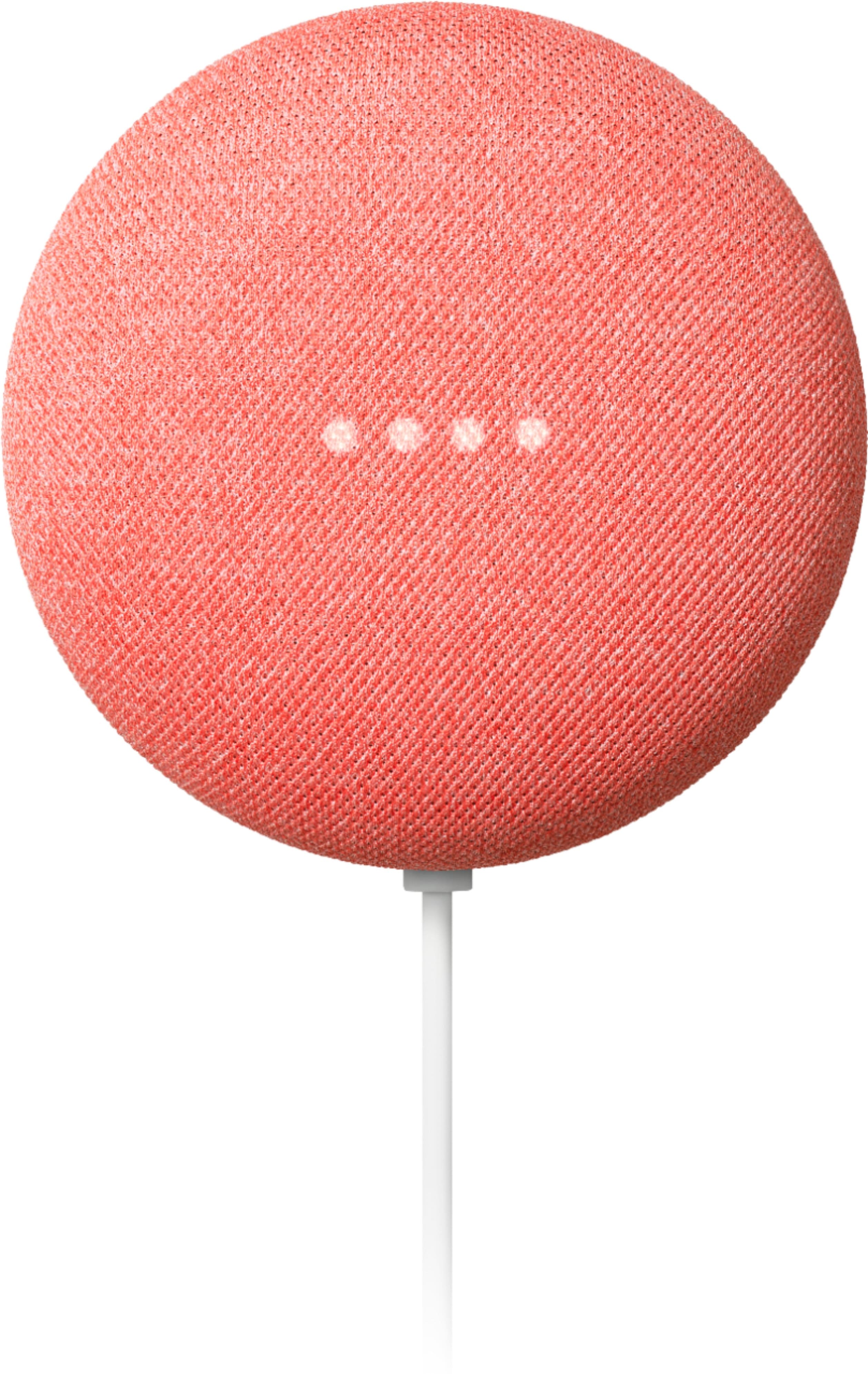
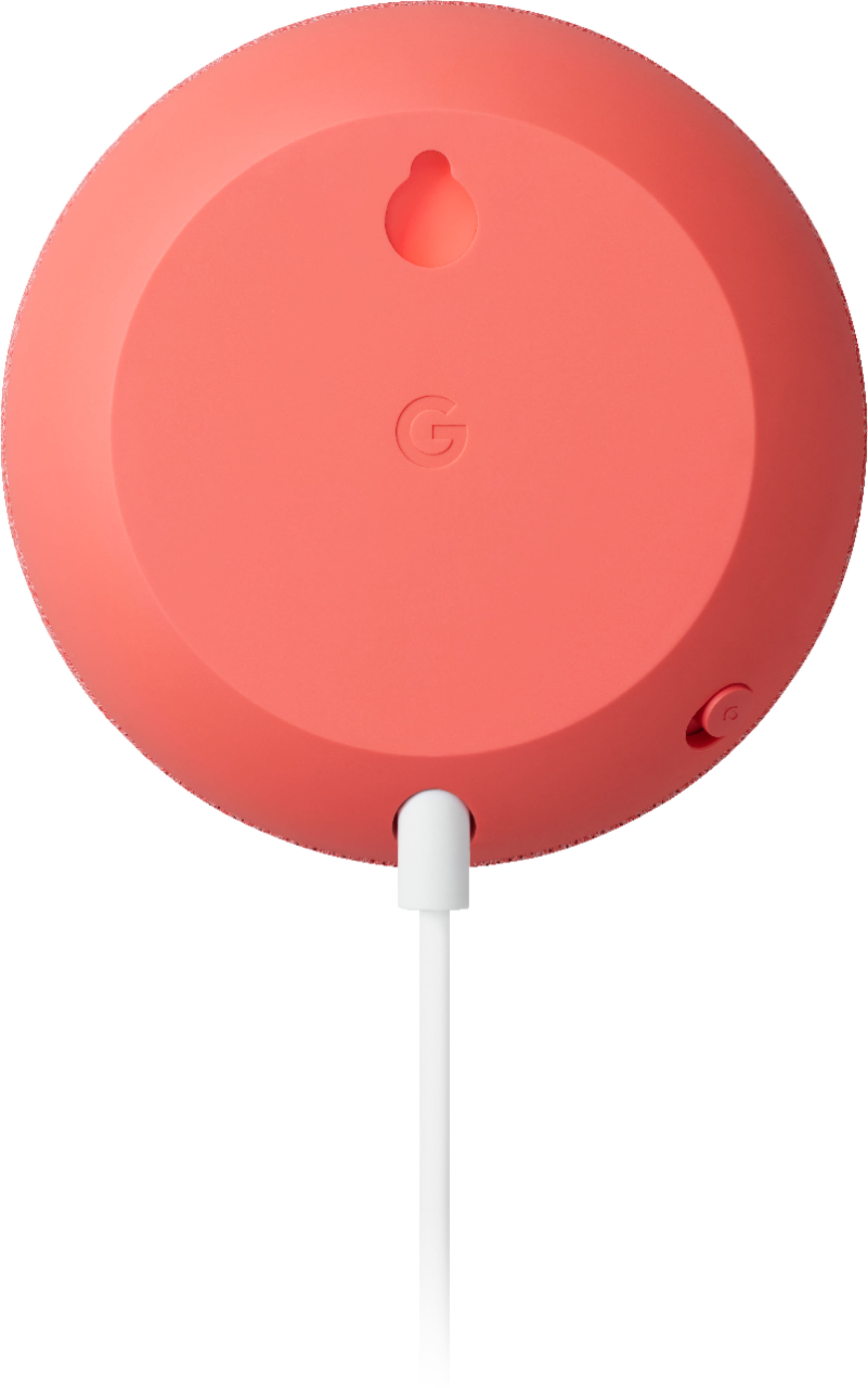
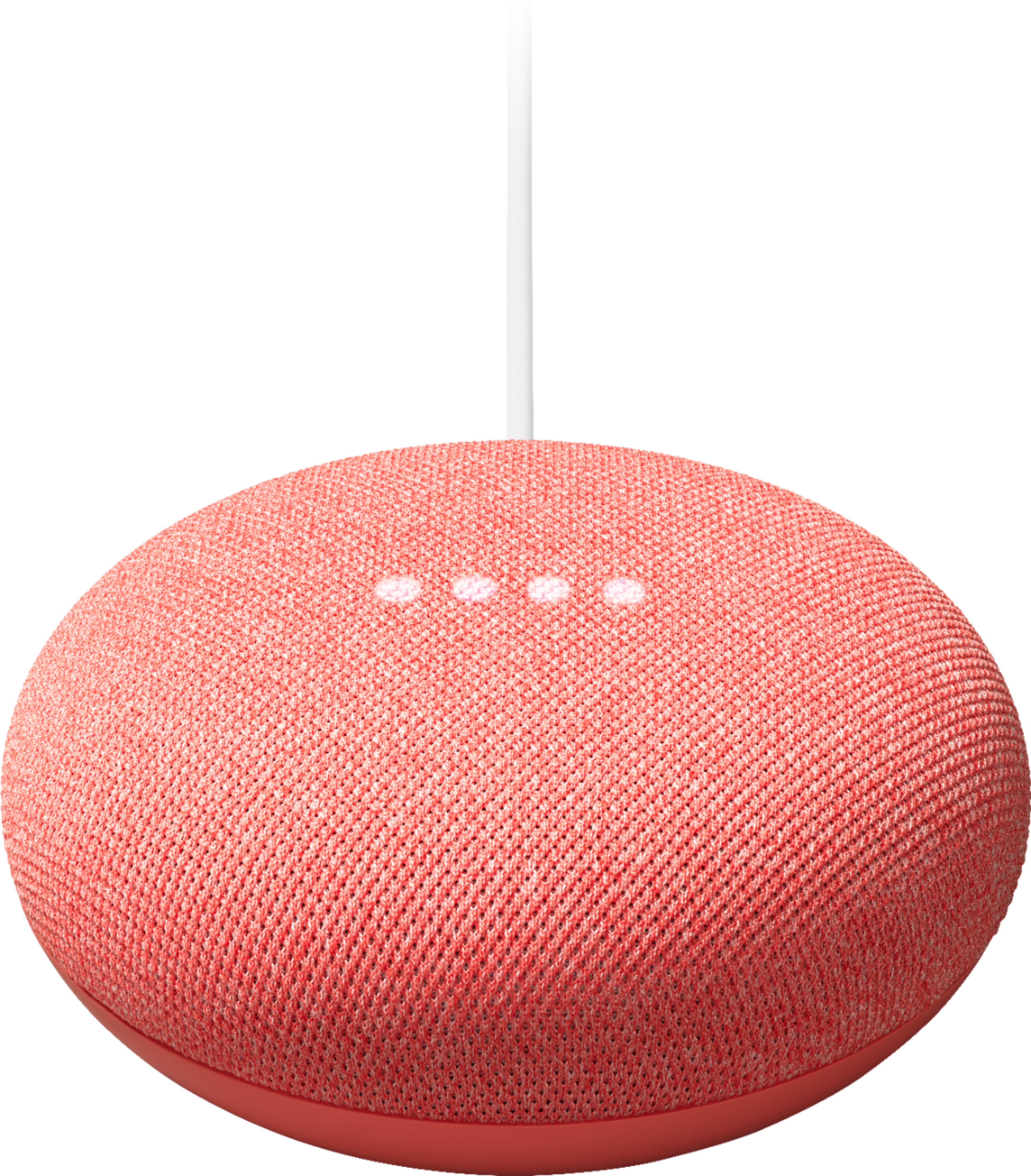

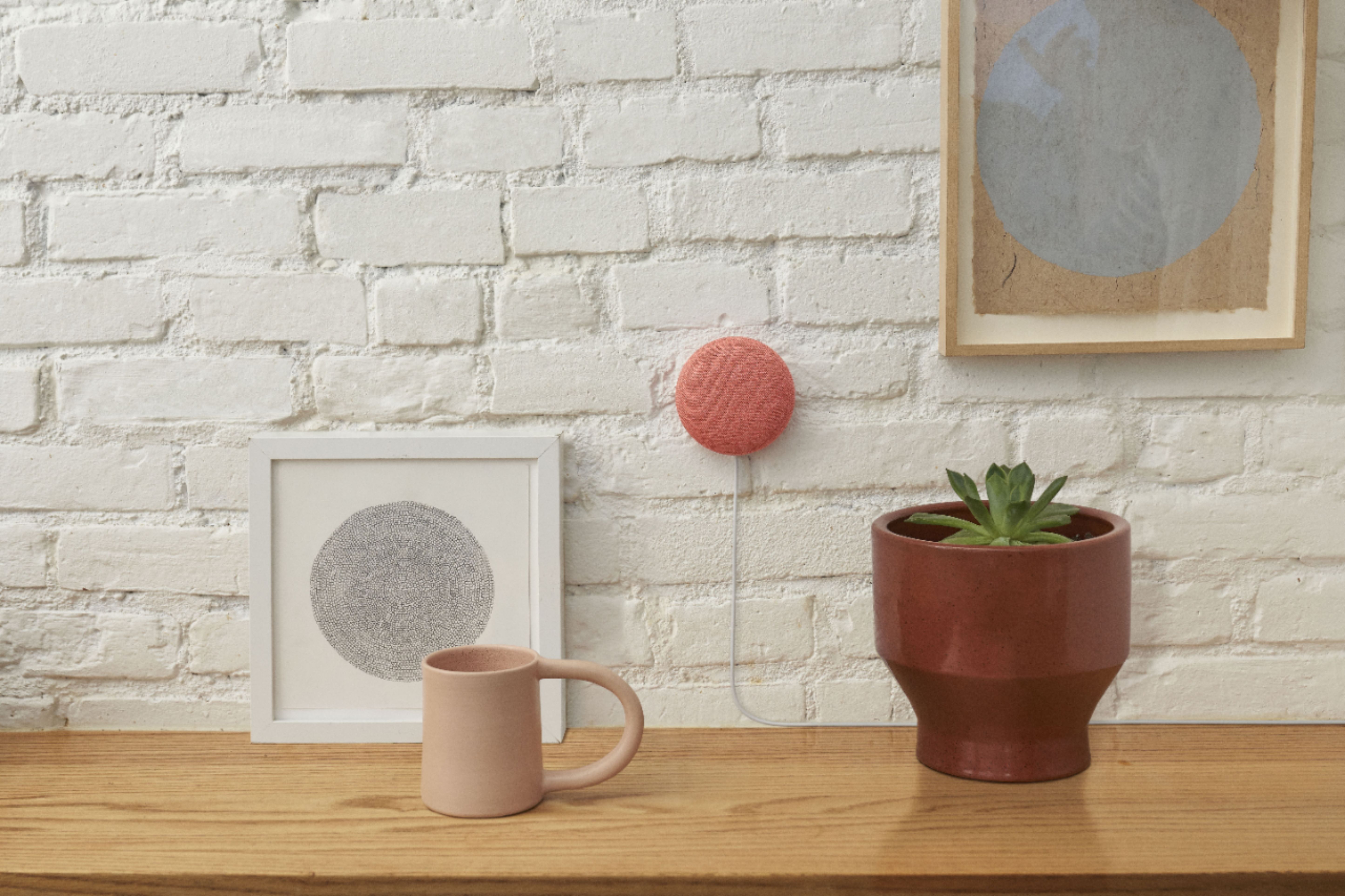

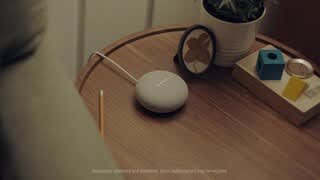
- Model:
- GA01141-US
- |
- SKU:
- 6348883
Customer reviews
Rating 4.7 out of 5 stars with 6401 reviews
(6,401 customer reviews)Rating by feature
- Value4.7
Rating 4.7 out of 5 stars
- Quality4.7
Rating 4.7 out of 5 stars
- Ease of Use4.7
Rating 4.7 out of 5 stars
to a friend
Customers are saying
Customers are positive about the Nest Mini (2nd Generation) with Google Assistant, frequently praising its sound quality, ease of use, and compact size. Many also appreciate its affordability and the seamless integration with Google Assistant and other smart home devices. However, some customers reported issues with connectivity. A few mentioned that the bass could be improved.
This summary was generated by AI based on customer reviews.
Rated 5 out of 5 stars
Love it
||Posted . Owned for 11 months when reviewed.This reviewer received promo considerations or sweepstakes entry for writing a review.I gave this as a present and that person loves it so much
This review is from Nest Mini (2nd Generation) with Google Assistant - Chalk
I would recommend this to a friendRated 5 out of 5 stars
Nest mini
||Posted . Owned for 9 months when reviewed.This reviewer received promo considerations or sweepstakes entry for writing a review.Nest mini worked amazing hooked up to my phone without issues
This review is from Nest Mini (2nd Generation) with Google Assistant - Chalk
I would recommend this to a friendRated 5 out of 5 stars
Nice
||Posted . Owned for less than 1 week when reviewed.This reviewer received promo considerations or sweepstakes entry for writing a review.Nice ..............................................
This review is from Nest Mini (2nd Generation) with Google Assistant - Chalk
I would recommend this to a friendRated 5 out of 5 stars
Great gift
||Posted . Owned for 5 months when reviewed.This reviewer received promo considerations or sweepstakes entry for writing a review.It was a bonus for the purchase of a TV and it is a great add-on.
This review is from Nest Mini (2nd Generation) with Google Assistant - Chalk
I would recommend this to a friendRated 5 out of 5 stars
Excellent
||Posted . Owned for 6 months when reviewed.This reviewer received promo considerations or sweepstakes entry for writing a review.I love my best mini. It gets smarter every day. Fun when bored.
This review is from Nest Mini (2nd Generation) with Google Assistant - Charcoal
I would recommend this to a friendRated 5 out of 5 stars
Fun
||Posted . Owned for 1 month when reviewed.This reviewer received promo considerations or sweepstakes entry for writing a review.Running lights and other smart products well.great mics
This review is from Nest Mini (2nd Generation) with Google Assistant - Chalk
I would recommend this to a friendRated 5 out of 5 stars
Great
||Posted . Owned for 3 weeks when reviewed.This reviewer received promo considerations or sweepstakes entry for writing a review.Love this so much and easy to setup. We would buy this product again.
This review is from Nest Mini (2nd Generation) with Google Assistant - Charcoal
I would recommend this to a friendRated 4 out of 5 stars
great product
||Posted . Owned for 1 month when reviewed.This reviewer received promo considerations or sweepstakes entry for writing a review.Google is a great tool for the whole family. Access easy answers quickly! The kids enjoy playing music on it and helping with homework
This review is from Nest Mini (2nd Generation) with Google Assistant - Chalk
I would recommend this to a friendRated 5 out of 5 stars
Works well!
||Posted . Owned for 1 month when reviewed.This reviewer received promo considerations or sweepstakes entry for writing a review.Great addition to our other Google aligned devices on the house
This review is from Nest Mini (2nd Generation) with Google Assistant - Charcoal
I would recommend this to a friendRated 5 out of 5 stars
Awesome, I love Google
||Posted .This reviewer received promo considerations or sweepstakes entry for writing a review.Super helpful even for basics like just to know tempeture
This review is from Nest Mini (2nd Generation) with Google Assistant - Chalk
I would recommend this to a friendRated 5 out of 5 stars
perfect
||Posted . Owned for 1 month when reviewed.This reviewer received promo considerations or sweepstakes entry for writing a review.this works great as it is intended to do easy to install and hook up
This review is from Nest Mini (2nd Generation) with Google Assistant - Chalk
I would recommend this to a friendRated 5 out of 5 stars
Great device
||Posted . Owned for less than 1 week when reviewed.This reviewer received promo considerations or sweepstakes entry for writing a review.Got as a gift with door bell. Awesome device. Says everything!!
This review is from Nest Mini (2nd Generation) with Google Assistant - Chalk
I would recommend this to a friendRated 5 out of 5 stars
The Upgrade!
||Posted . Owned for 1 month when reviewed.This reviewer received promo considerations or sweepstakes entry for writing a review.This is probably the best piece of spending I’ve done on Google products in the last few months - and I have lots of smart devices. The greatest bit, is the upgrade to the previous Google Home Mini in sound; bass and reach.
I would recommend this to a friendRated 5 out of 5 stars
Nice
||Posted . Owned for 1 week when reviewed.This reviewer received promo considerations or sweepstakes entry for writing a review.First one I’ve purchased and heard great things about it
This review is from Nest Mini (2nd Generation) with Google Assistant - Charcoal
I would recommend this to a friendRated 5 out of 5 stars
Super easy to set up
||Posted . Owned for 1 month when reviewed.This reviewer received promo considerations or sweepstakes entry for writing a review.I bought google home display and this pairs super easy!
This review is from Nest Mini (2nd Generation) with Google Assistant - Chalk
I would recommend this to a friendRated 5 out of 5 stars
Great nest mini
||Posted . Owned for less than 1 week when reviewed.This reviewer received promo considerations or sweepstakes entry for writing a review.I am very happy for this purchase, its very convenient for my room!!!
This review is from Nest Mini (2nd Generation) with Google Assistant - Chalk
I would recommend this to a friendRated 5 out of 5 stars
Great buy!
||Posted .This reviewer received promo considerations or sweepstakes entry for writing a review.I love my nests!! I have everything hooked up to them!
This review is from Nest Mini (2nd Generation) with Google Assistant - Chalk
I would recommend this to a friendRated 5 out of 5 stars
Great Christmas gift
||Posted . Owned for 7 months when reviewed.This reviewer received promo considerations or sweepstakes entry for writing a review.Christmas gift for my daughter and her husband. They loved it
This review is from Nest Mini (2nd Generation) with Google Assistant - Charcoal
I would recommend this to a friendRated 5 out of 5 stars
Great Google
||Posted . Owned for 2 weeks when reviewed.This reviewer received promo considerations or sweepstakes entry for writing a review.The Nest Mini was great gift for my son birthday He love it
This review is from Nest Mini (2nd Generation) with Google Assistant - Chalk
I would recommend this to a friendRated 5 out of 5 stars
Very helpful
||Posted . Owned for 1 month when reviewed.This reviewer received promo considerations or sweepstakes entry for writing a review.This control's my lights and fan. It tells me the time and weather.
This review is from Nest Mini (2nd Generation) with Google Assistant - Chalk
I would recommend this to a friend