Customer Ratings & Reviews
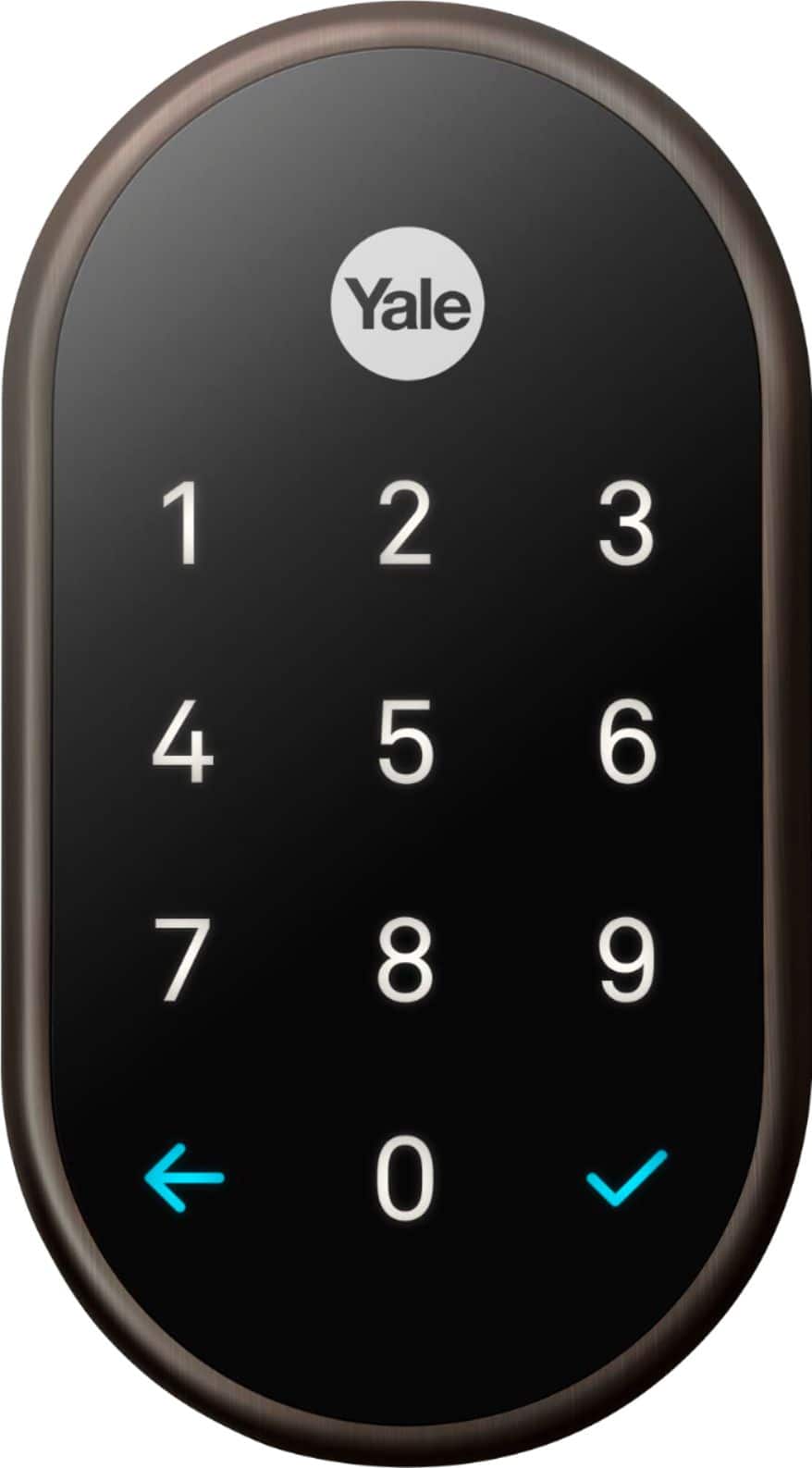
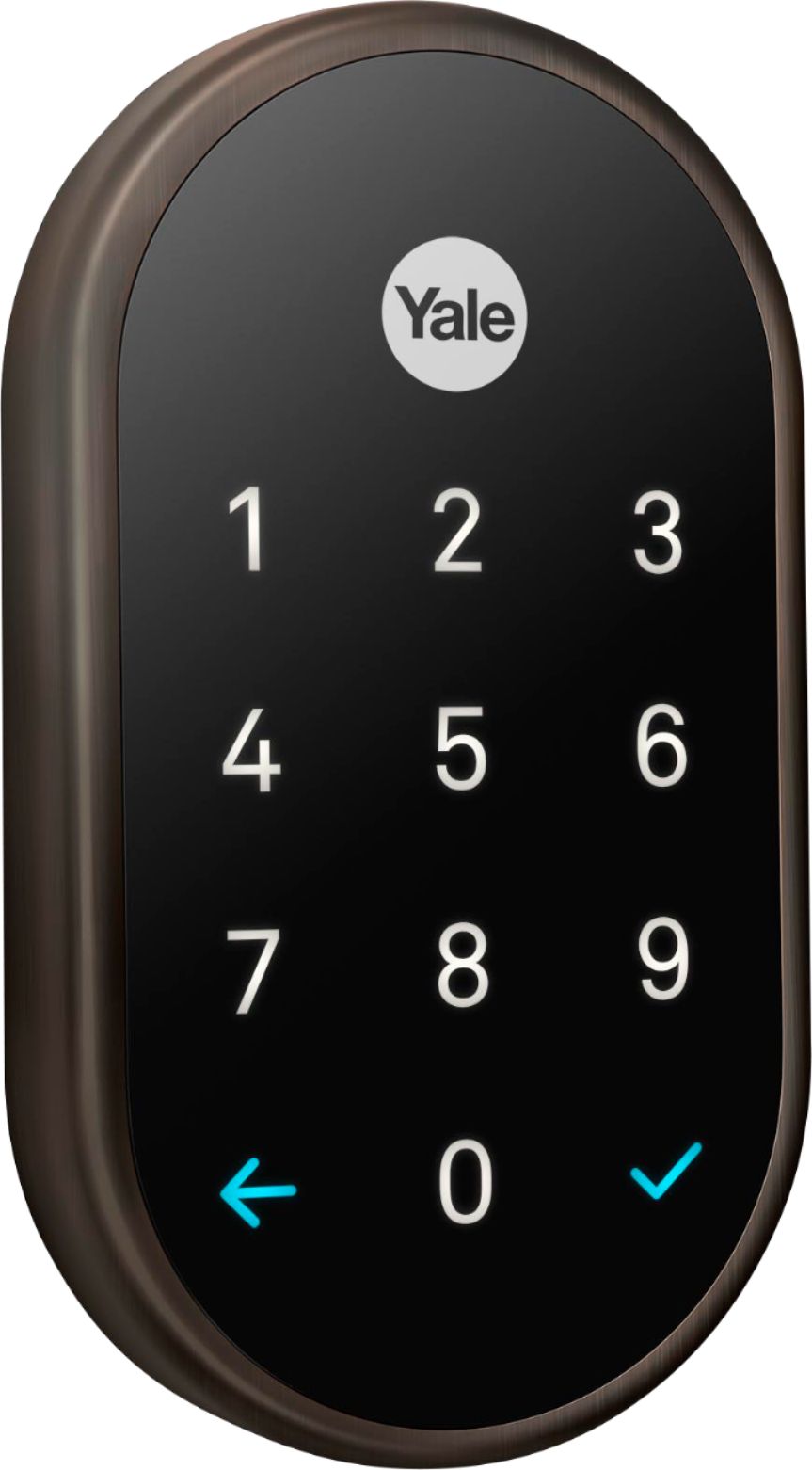
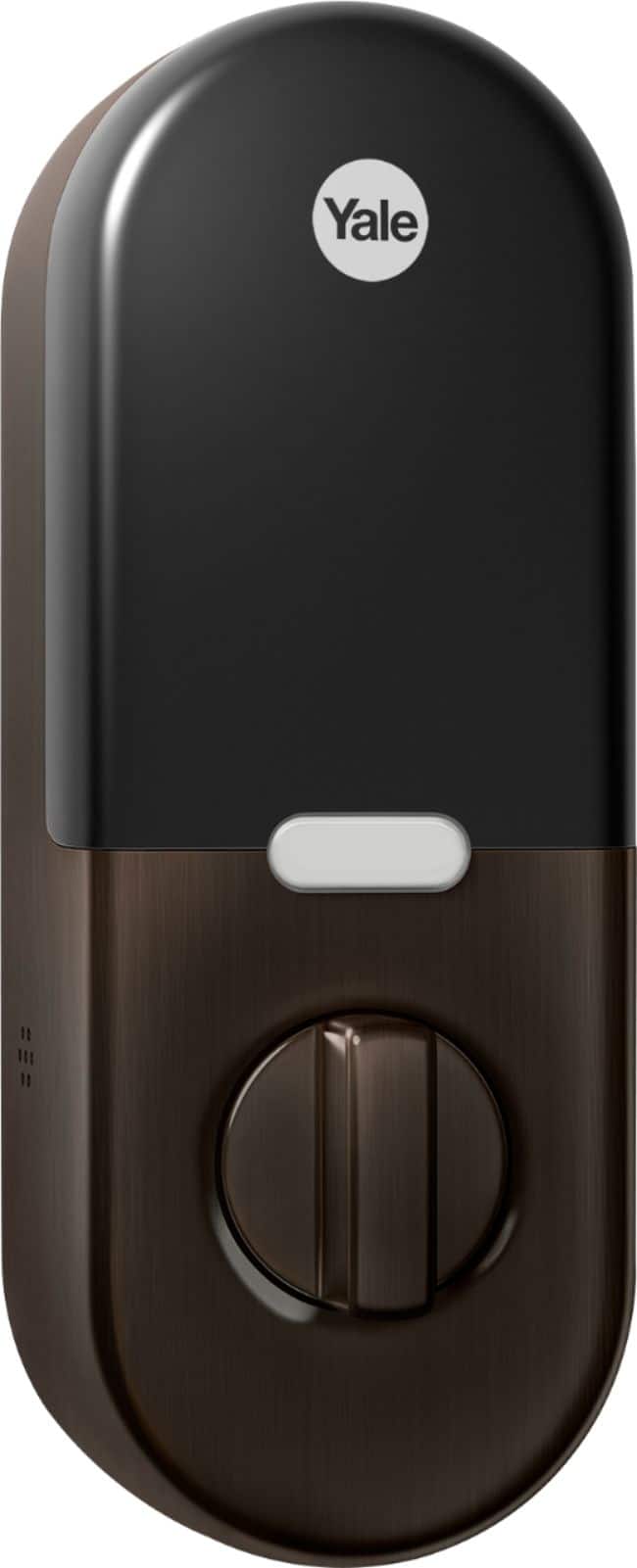
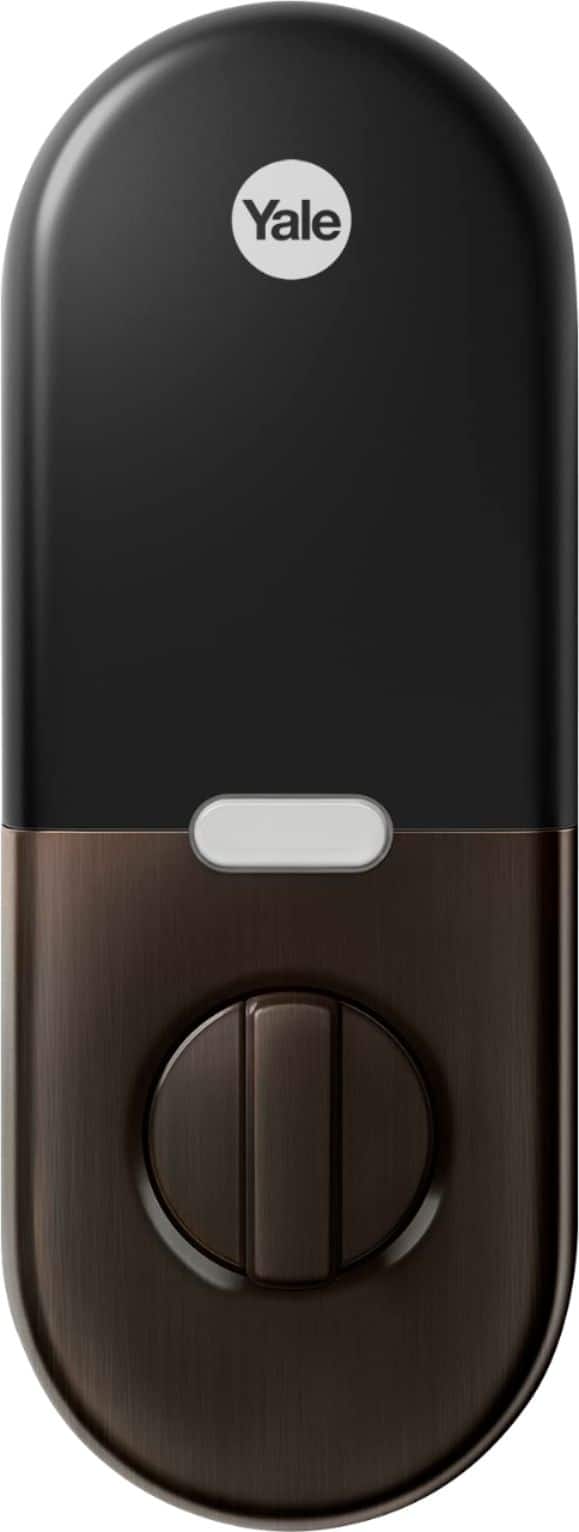




- Model:
- RB-YRD540-WV-0BP
- SKU:
- 6197556
Rating by feature
- Value
Rating 4.3 out of 5 stars
- Quality
Rating 4.7 out of 5 stars
- Ease of Use
Rating 4.6 out of 5 stars
Customers are saying
Customers recognize the Smart Lock Wi-Fi Replacement Deadbolt as user-friendly, easy to install, and a secure option for home security. The app integration, quality build, responsive keypad, good battery life, compatibility with smart home systems, and appealing design are also appreciated. However, some customers have reported connectivity issues and limitations with voice control functionality.
This summary was generated by AI based on customer reviews.
Bad functionality.
||Posted . Owned for 3 weeks when reviewed.This reviewer received promo considerations or sweepstakes entry for writing a review.I got a complaint with this device. Something wrong with the lock.
No, I would not recommend this to a friend- Pros mentioned:Installation

love this lock
|Posted .This reviewer received promo considerations or sweepstakes entry for writing a review.As a disclaimer, I am part of the Best Buy tech insider network and received the Yale/Nest lock with nest controller free for my honest opinion. First the lock looks and feels really good. The quality is as good as any Yale product I have had. installation is easy as well as long as you have a dedicated deadbolt lock on your door. Fit and finish are good, just a very good looking product. The model I received has the nest controller in the box. This was a plus, because I have not used any nest products in the past. The steps are easy. download the nest app on your phone, plug in the nest controller and follow directions, install lock on door and program. There is no key, but the instructions say there is a backup way of entering the door if the batteries die, so that shouldn't be an issue. You can program access codes for family members and temporary codes for guests or house cleaners as well as using the app to unlock the door from anywhere. If you have kids or frequent guests, this lock is a must buy. It saves having to hide keys around the yard and keeps your home much more secure. I highly recommend. Oh, one more thing - the lock will let you know whenever someone uses a code on the door so you know when anyone enters the house.
I would recommend this to a friend Frustrating Marketing Branding
||Posted . Owned for 2 weeks when reviewed.This reviewer received promo considerations or sweepstakes entry for writing a review.Does not work with Home kit (alternate model needed). Nest does not unlock with google assistant on Pixel. No geofencing. What does this thing even do!? Secondly, the keypad is not very sensitive, and misses key inputs a lot.
No, I would not recommend this to a friendBrand response from Nest Support
Posted .Hi there, we truly appreciate your feedback on Nest x Yale Lock, and we’re sorry to hear it’s a frustrating experience for you.
While you can lock the door using the Google Assistant, you can’t unlock your door using voice commands. This is a safety precaution to help prevent an unauthorized person from unlocking your door with their voice. Press firmly when you’re entering your passcode on the lock’s keypad. Use more pressure than you might use to tap something on a phone screen. If you’re wearing gloves, you might need to press even harder. And if your gloves are thick or wet, you may not be able to use the keypad with your gloves on. Remove your gloves and press on the keypad barehanded.
Also, Home/Away Assist can use the location of any phones or tablets signed in to an app account that shares access to your home, as well as the activity sensors in some of your Nest products. For the geofence to enable presence sensing to work properly, you’ll need to make sure that:
- You’ve enabled your phone in presence sensing settings in the Home app
- You’ve set location permissions for the Home App on your phone to Always on
- Everyone in your household has enabled their phones in presence sensing settings in the Home app on their own phones
Visit this link to learn more about Home/Away Assist: https://support.google.com/googlenest/answer/9257400
Our dedicated team is always ready to help you if necessary. Feel free to contact us anytime here: https://support.google.com/googlenest/gethelp
Better Choices are Available
||Posted . Owned for 4 months when reviewed.This reviewer received promo considerations or sweepstakes entry for writing a review.There are much better choices available. Also not a fan of how Google forces you into a plan. Instead we went with the August version which provides free monitoring access for our limited needs. We have been very happy and pleased with our phone access, notifications and auto unlocking upon arrival.
No, I would not recommend this to a friendBrand response from Nest Support
Posted .Please note that the Nest x Yale Lock does not offer or require any subscription plans. You can learn more about the Nest x Yale Lock in the article below:
https://support.google.com/googlenest/answer/9251009
nest connect plus smart lock
||Posted . Owned for 1 year when reviewed.This reviewer received promo considerations or sweepstakes entry for writing a review.worked great when I first purchased it... I connected it to my nest app easily... months later it went offline and Ive never got it back online. the lock will work but you cant control or use the features without the app... the worst customer care Ive ever had to deal with,,
No, I would not recommend this to a friendBrand response from Nest Support
Posted .Hi bobby59,
Thanks for sharing your feedback with us. We're sorry to hear of the connectivity issue as well as your poor experience with the customer care. We understand how important it is to keep your Nest x Yale Lock connected to Wi-Fi as it allows you to utilize many of its features.
Nest x Yale Lock can't connect to Wi-Fi directly, it comes with Nest Connect as a border router to connect the lock to your Wi-Fi network. Please make sure Nest Connect is set up and connected to your Wi-Fi and Nest x Yale Lock is connected to Nest Connect via Thread Connectivity. If you have already set up and established the connection with the Wi-Fi, we recommend ensuring the distance between the devices is not too far:
- If Nest Connect is too far away from your lock, your lock will be offline in the app but Nest Connect will be online.
- If Nest Connect is too far away from your Wi-Fi router, both Nest Connect and your lock will be offline in the app.
If you'd like to give us another chance to help you out with the issue, please reach out again here: https://support.google.com/googlenest/contactflow
Works only with the nest app
||Posted . Owned for 3 weeks when reviewed.This reviewer received promo considerations or sweepstakes entry for writing a review.You cannot use Alexa with this product so don’t waste your money.
No, I would not recommend this to a friendThis didn’t fit in a standard hole
||Posted . Owned for 1 month when reviewed.This reviewer received promo considerations or sweepstakes entry for writing a review.I never got to try it because the technician couldn’t insert it.
No, I would not recommend this to a friendBrand response from Nest Support
Posted .We're sorry to hear the Nest x Yale Lock was not able to be installed on your door. You can find further compatibility information in the article below:
https://support.google.com/googlenest/answer/9251009
not worth it
||Posted . Owned for 1 month when reviewed.This reviewer received promo considerations or sweepstakes entry for writing a review.cant reset after i forgot my current password. talked to Yale. They refused to send over a new one and take the old one after the installment of the new one.
No, I would not recommend this to a friendBrand response from Nest Support
Posted .Hello there, Harry. We really appreciate the feedback you shared, and it’s unfortunate to hear you ran into these issues with your Nest x Yale Lock. We can imagine how much time and effort you’ve spent on this, and we’re sorry for the inconvenience it could have caused you. We’re hoping you can tell us more about your concern so we can figure out a way to help you with the warranty claim. Please visit us at your earliest convenience using this link: https://support.google.com/googlenest/gethelp
Wouldn’t connect to internet
||Posted . Owned for 1 month when reviewed.This reviewer received promo considerations or sweepstakes entry for writing a review.Total tech couldn’t get this to work with my Verizon 5G gateway so it was returned. Got a Schlage encode instead that works great.
No, I would not recommend this to a friendBrand response from Nest Support
Posted .Hi there, Zeeeeeee. It’s unfortunate to hear your experience with the Nest x Yale Lock. We can imagine how hard you tried, and we’re sorry for the inconvenience this issue could have caused you. We understand that you have returned the device already, but if you find yourself wanting to try the Nest x Yale Lock again in the future and have some questions or concerns, feel free to contact us and we’ll gladly help you, here: https://support.google.com/googlenest/gethelp
the worst
||Posted .This reviewer received promo considerations or sweepstakes entry for writing a review.Installed in a breeze, but it won't close/lock - just keeps saying it failed or whatever when attempting to use it. Uninstalled and returned in about 5 minutes.
No, I would not recommend this to a friendBrand response from Nest Support
Posted .We're sorry to hear you experienced issues with the Nest x Yale lock after installation. We have 24/7 support available any time it's needed, so please don't hesitate to reach out as needed.
Nest.com/help
Ok product. More upset with beat buy returns.
||Posted . Owned for 3 weeks when reviewed.This reviewer received promo considerations or sweepstakes entry for writing a review.Install lock but keep saying it was not all the way locked. Adjusted door but problem continued. Decided to return. I was able to make it the store a week later. To my surprise the return window had closed in only two weeks.
No, I would not recommend this to a friendBrand response from Nest Support
Posted .Hello JLondon,
Thank you for sharing your review with us. We're sorry to hear that you experienced an issue with Nest x Yale Lock.
If you would like to keep using the lock, here's a support article that may help you identify the cause of the issue, and help you resolve it: https://support.google.com/googlenest/answer/9235711
We'd be also happy to take a look at the issue, and do our best to help you resolve it, if you can contact us here: https://support.google.com/googlenest/contactflow
HELP!!
||Posted . Owned for 3 weeks when reviewed.This reviewer received promo considerations or sweepstakes entry for writing a review.So far so bad. I installed it but it keeps jamming. And I cant afford to call geek squad to install it right now. Maybe if I was offended a discount for having it installed half way already I would.
I would recommend this to a friendNottobad
||Posted . Owned for 1 year when reviewed.This reviewer received promo considerations or sweepstakes entry for writing a review.The sound is too low. Even it's full you can't hear
No, I would not recommend this to a friendBrand response from Nest Support
Posted .Hi there! We're sorry to hear about your experience with your Nest x Yale Lock, we suggest checking out this article to find the steps to check your volume settings: https://support.google.com/googlenest/answer/9241255?hl=en&sjid=9830346473053311126-NC#zippy=;
Best Buy and Yale steal your money
||Posted . Owned for 5 months when reviewed.This reviewer received promo considerations or sweepstakes entry for writing a review.I'm how having to get my 3rd replacement system, best buy nor yale will refund the product. DO NOT BUY THIS.
No, I would not recommend this to a friendBrand response from Nest Support
Posted .Hi there, Ddasc. Thanks for reaching out. We're sorry to hear that the previous replacement Nest x Yale Lock devices didn’t work out. We can only imagine how inconvenient this experience may have been for you. However, since a third replacement device is already on its way to you, we recommend trying it out to see if it fixes the issue. It's important to us that we provide you with immediate help with your concern if the issue remains. You may reach out to our dedicated team of specialists on our Google Help page for help with your support concern here: https://support.google.com/googlenest/gethelp
- Cons mentioned:Connectivity
Yale lock not staying connected.
||Posted . Owned for 3 weeks when reviewed.This reviewer received promo considerations or sweepstakes entry for writing a review.One of the units will not stay connected to the Wifi. WiFi is strong at 200mbps.
No, I would not recommend this to a friendBrand response from Nest Support
Posted .Hi KinteH, thanks for sharing your concern with us. We're sorry to hear about the connectivity issue you're having with Nest x Yale Lock.
Nest x Yale Lock can't connect to your Wi-Fi directly. It relies on the Nest Connect, that came with your lock, to establish connection with your network and the Nest app. The Wi-Fi chip on your Nest x Yale Lock may be draining the batteries if it's not getting a good connection with the Nest Connect. If you're willing, we recommend bringing the Nest Connect closer to your Nest x Yale Lock. Ideally within a clear line of sight as Connect needs to be close enough to both your lock and your Wi-Fi router to maintain a wireless connection. You may then test to see if the batteries for your lock will still drain.
We may need to have a look at what may be causing the issue, if you still face the same connectivity issue, even after following the steps we shared with you. We'd love to work on improving your experience if you can reach out to us at the Google Nest Support page: https://support.google.com/googlenest/gethelp
Nest connect issues
||Posted . Owned for 2 months when reviewed.This reviewer received promo considerations or sweepstakes entry for writing a review.Would not work with existing home. Spent to much time on something that should never be an issue. Poor software
No, I would not recommend this to a friendBrand response from Nest Support
Posted .Hey Tpatch54, thank you for sending in your review. It's unfortunate to learn that your experience with Nest x Yale Lock didn't meet your expectations when it comes to the design and compatibility of the device with your home. If you're willing, we'd like to take a better look at your setup so we can help find a better resolution for you. Please contact us on our Google Help page here: https://support.google.com/googlenest/gethelp
Frequently disconnects.
||Posted . Owned for 1 month when reviewed.This reviewer received promo considerations or sweepstakes entry for writing a review.It works until it doesn’t very difficult to re- pair. I would not recommend this unit until they are updated with matter protocol.
No, I would not recommend this to a friendBrand response from Nest Support
Posted .Hi derplederp, thanks for reaching out. We´re sorry to hear about the difficult experience with Nest x Yale Lock. You may need to factory reset the Google Nest × Yale Lock to resolve some issues like an unresponsive keypad and connectivity issues. To reset, simply follow these steps:
- Remove the battery cover and batteries. To remove the battery cover, you’ll need either the battery cover key that came in the box with your Nest × Yale Lock or a thumbtack. A small allen or hex wrench may also work.
- Insert the key or thumbtack into the hole on top of the battery compartment and press down firmly.
- Grip the cover near the top and pull it off while you continue to press with the key or thumbtack.
- Remove all the batteries.
- Unscrew the 2 bolts holding the mounting plate.
- Remove the mounting plate to reveal the reset button, which is located on the left side of the cable connector.
- Hold down the reset button while you put in the batteries.
- Keep holding down on the reset button until the light turns red and the lock says “Just a moment, erasing all settings.”
- Release the reset button.
- Take out one battery each from the left and right side of the lock to expose the screw holes.
- Place the mounting plate on your door and line up the screw holes.
- Screw in the 2 bolts holding the mounting plate.
- Put the 2 batteries back in.
- The Nest × Yale Lock will say “Hi, from Yale and Nest” when the reset is complete.
Replace the battery cover.
We value your experience with Nest x Yale Lock. If you are still experiencing any issue, please consider contacting our support team here: https://support.google.com/googlenest/gethelp
Poor experience
||Posted . Owned for less than 1 week when reviewed.This reviewer received promo considerations or sweepstakes entry for writing a review.Disjointed installation schedule. Consultant spec out non-compatible equipment. Equipment was installed wrong and still not working. Very bad experience so far.
No, I would not recommend this to a friendBrand response from Nest Support
Posted .Hi Mikebr,
Oh no! We´re truly sorry to hear of the difficulty you have with the installation of your Nest x Yale Lock. We can only imagine how frustrating the experience may have been for you. If you haven't contacted a Nest Pro technician, we recommend contacting one as they may offer a work around and help install your Nest x Yale Lock properly. If you still face some issues, even after consulting with a Nest Pro technician, please feel free to reach out to our support team. We'll do our best to improve your experience if you could reach out to us via the Google Nest help page on this link: https://support.google.com/googlenest/gethelp
Difficult install
||Posted .This reviewer received promo considerations or sweepstakes entry for writing a review.Was a little difficult to setup but once installed works well. Needs a much larger hole in door than normal lockset. On the inside only. Does not easily lock unless hold the door tightly
No, I would not recommend this to a friendIssues connecting
||Posted . Owned for 3 weeks when reviewed.This reviewer received promo considerations or sweepstakes entry for writing a review.The nest connect doesn’t work! We spent hours on the phone with both google and nest costumer service and neither of them could help us fix the problem. So disappointing!
No, I would not recommend this to a friend