Customer Ratings & Reviews
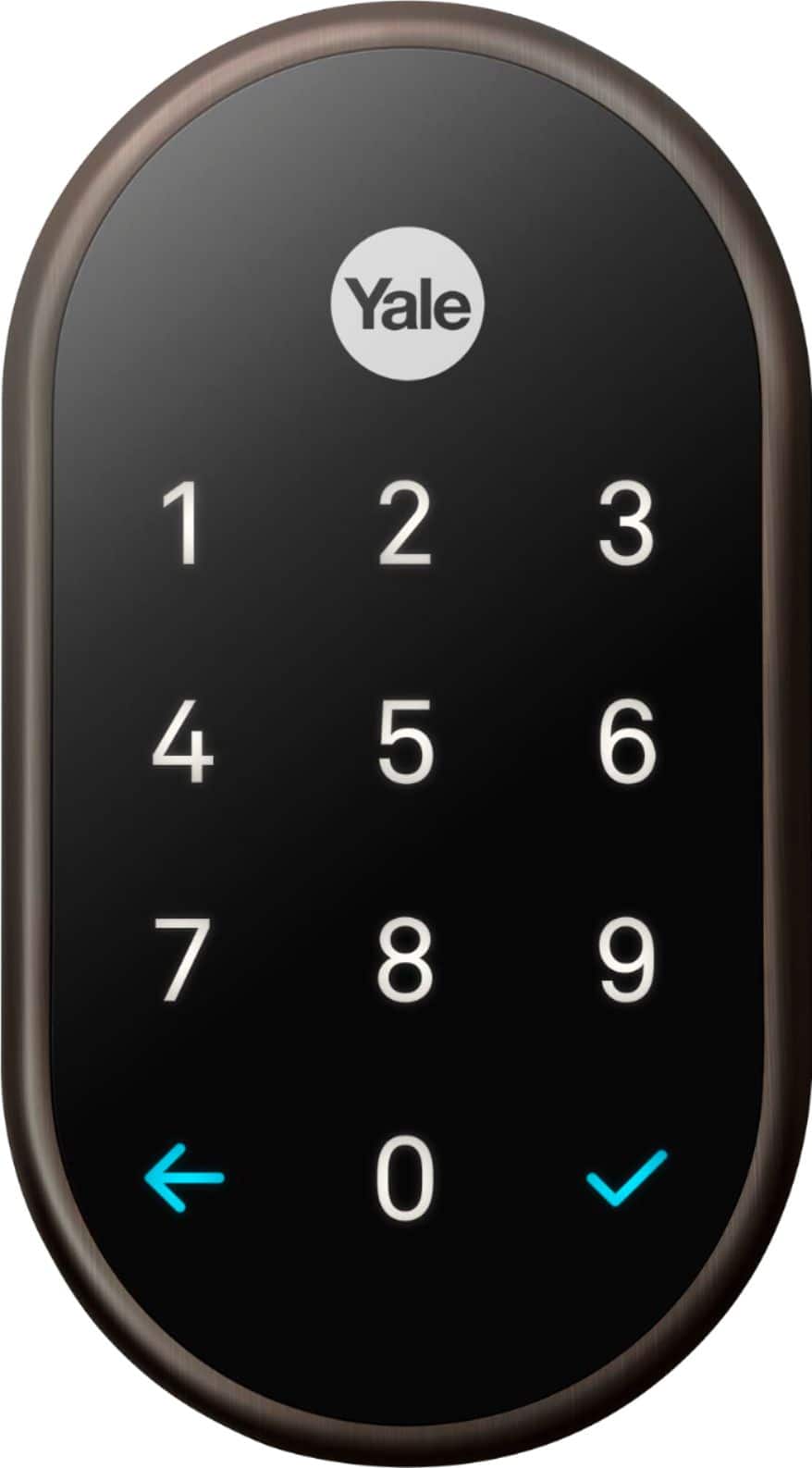
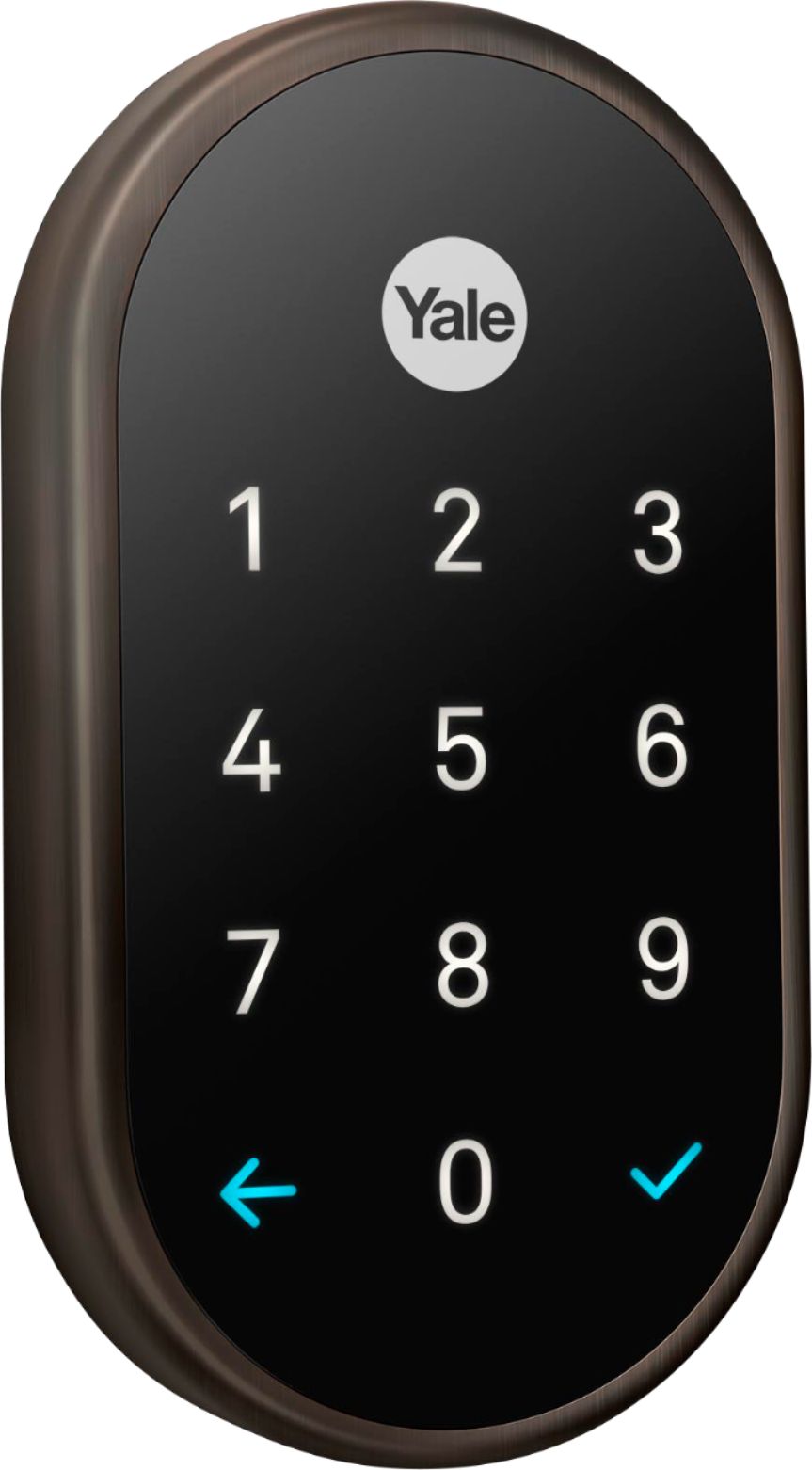
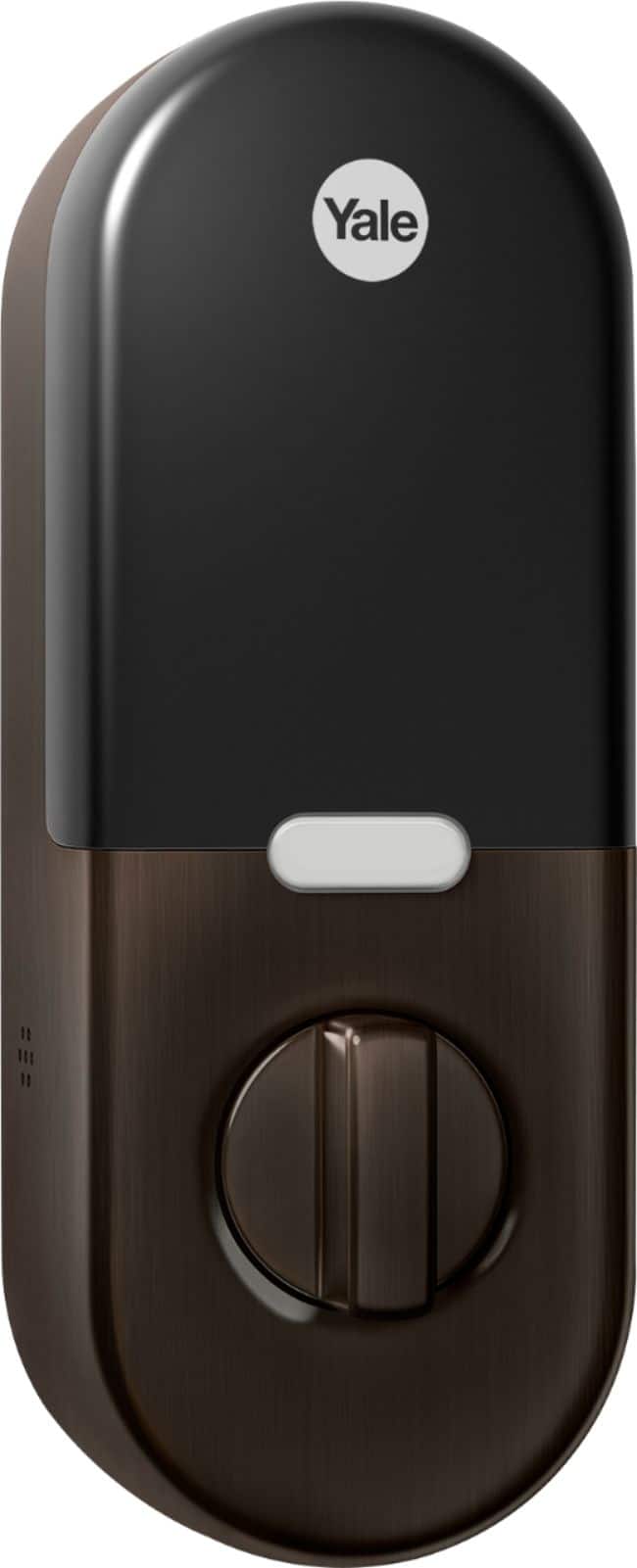
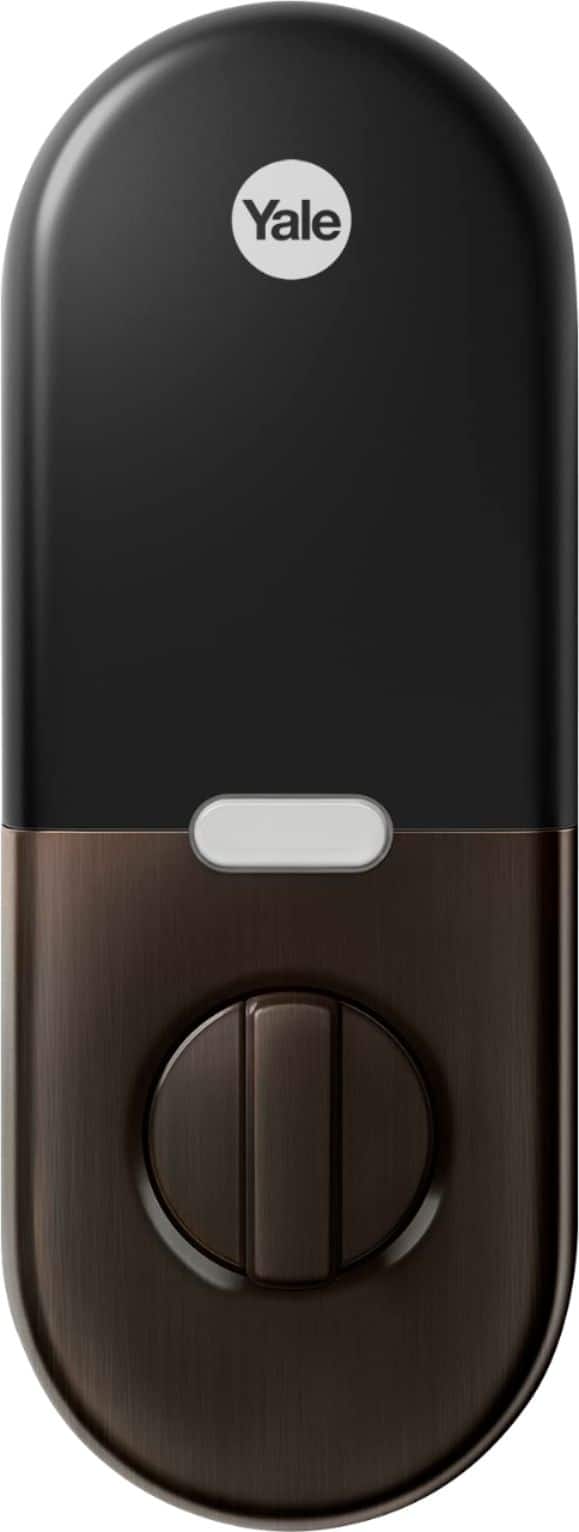




- Model:
- RB-YRD540-WV-0BP
- SKU:
- 6197556
Rating by feature
- Value
Rating 4.3 out of 5 stars
- Quality
Rating 4.7 out of 5 stars
- Ease of Use
Rating 4.6 out of 5 stars
Customers are saying
Customers recognize the Smart Lock Wi-Fi Replacement Deadbolt as user-friendly, easy to install, and a secure option for home security. The app integration, quality build, responsive keypad, good battery life, compatibility with smart home systems, and appealing design are also appreciated. However, some customers have reported connectivity issues and limitations with voice control functionality.
This summary was generated by AI based on customer reviews.
Didn't work on any level.
||Posted . Owned for 4 months when reviewed.This reviewer received promo considerations or sweepstakes entry for writing a review.Wouldn't work on our existing door with two holes for locks. The Geek couldn't get it to work anyway, so adapting the door to it wasn't an option...
No, I would not recommend this to a friendLook elsewhere
||Posted . Owned for 11 months when reviewed.This reviewer received promo considerations or sweepstakes entry for writing a review.The product is difficult to install and Nest have removed it from 'Work with Nest' rendering it useless. The product is also poorly supported by their customer service.
No, I would not recommend this to a friendBrand response from Nest Support
Posted .We're sorry to hear you encountered some difficulty while installing the Nest x Yale Lock. You can find further information on the installation process in the article below:
https://support.google.com/googlenest/answer/9210317
Works with Google Assistant will soon offer similar integrations that Works with Nest provided through partner devices. We will also continue to improve Nest products and in turn continue to improve the connections between Nest and third party products.
If any further assistance is needed at this time don't hesitate to reach out to our support team as we'll be happy to help.
nest.com/help
Dont buy this
||Posted . Owned for 1 month when reviewed.This reviewer received promo considerations or sweepstakes entry for writing a review.There is no key but there are batteries. So, if you batteries go dead and the internet goes down or there is a power outage how do you open your doors? NOT GOOD!
No, I would not recommend this to a friendBrand response from Nest Support
Posted .Hello Dontbuythis1234556,
Thanks for sharing your concern with us. We value your safety and convenience greatly. We are happy to address your concerns with Nest x Yale Lock. In the case of no internet connection or power outage, you will still be able to use the lock on the physical keypad because it's battery-powered. If the battery dies, you will need a standard 9 Volt alkaline battery to recharge the lock temporarily at the bottom of the keypad until you hear “Press the Yale logo to begin. The
batteries are very low. Replace the batteries now.”
You cna always reach out to us for further assistance or questions here : https://support.google.com/googlenest/contactflow?hl=en
Door lock review
||Posted . Owned for 1 week when reviewed.This reviewer received promo considerations or sweepstakes entry for writing a review.The lock gets stuck and can only be locked and unlocked manually
No, I would not recommend this to a friendBrand response from Nest Support
Posted .Hi there, StephanieP. Thanks for sharing your concern with us. We're sorry to hear that your Nest x Yale Lock gets stuck and that it can only be locked or unlocked manually.
The issue is most likely related to a connectivity issue between your lock, Nest Connect and your mobile phone where the Nest or Google Home app is installed. Nest x Yale Locks don't connect to your Wi-Fi network directly as it needs to connect to the Nest Connect first which comes with your lock. Your Nest Connect acts as a border router to your Wi-Fi network. You need to make sure your border router is within range (within 50ft direct line of sight) of the Nest x Yale Lock and Wi-Fi router. This range could be shorter if there are potential sources of interference, either physical interference (thickness and type of walls, mirrors, windows, etc.) and competing signals (other wireless devices, baby monitors, microwaves, etc.). You might want to restart the devices (Nest x Yale Lock, border router, Wi-Fi router) and move them closer if you need to establish a stable connection. Lastly, you may try performing a factory data reset on your lock to fix the issue. Check out this link for the steps: https://support.google.com/googlenest/answer/9218474
If you still experience some difficulty getting a stable connection, please feel free to reach out to our support channels where you can speak to any of our support specialists. Here's the link where you can contact us: https://support.google.com/googlenest/gethelp
- Cons mentioned:Connectivity

Good for Nest Connected Homes, Average Alone
|Posted .This reviewer received promo considerations or sweepstakes entry for writing a review.The biggest caveat to this review is simple: if you have invested into more Nest devices, the Nest x Yale Smart Lock is perfect for your household. If this is your first smart lock, then you may want to look elsewhere, but it could be good if you're looking for more Nest devices. First off, installation was easy. There are very helpful printed instructions to walk you through it, and as long as your door is bigger than 5.5" wide, then it will be compatible (no sliding doors, glass doors though.) It took me about 15 minutes to get everything up and setup, and confident in the install. The lock uses 4 AA batteries, and claims that the lock will last one year, but I have yet to test this claim. The batteries are supposed to, when low, signal to the lock to turn red and give a verbal warning. If they reach critical low point, the lock will tell you that again. If they run out, there are 9V switches on the bottom to reopen if needed. The functionality is pretty cool, but really is hinged on other Nest products. The lock doesn't connect to WiFi; rather, it connects to a Nest Connect part that connects to your WiFi. The functions run through the Nest app, which controls all of your Nest devices as well. The app is your way of controlling the lock itself. It's the remote to remotely unlock the door, lock the door, or access your 20 stored passcodes others can obtain from you. This is good, but most other companies provide more codes to store for guests. You can set expiration dates as well, but this should be expected, and also get notifications when someone unlocks or locks the door. There is an autolock feature that's neat as well, locking the door automatically after five minutes. So, overall, the Nest x Yale Smart Lock is a solid entry into the smart lock category. There aren't any touchscreen controls, no voice assist features yet, and code storage is somewhat sparse, but these aren't dealbreakers. If you're looking for a start of your own Nest home space, this would be a solid option to start out with.
I would recommend this to a friend - Pros mentioned:Installation
Yale is well known for their quality locks...
|Posted .This reviewer received promo considerations or sweepstakes entry for writing a review.And this is mostly why I chose this particular smart lock. This lock is tamper-proof which is a big plus. The Nest app let’s you know when people are trying to get in your home after 5 failed attempts at the key pad by notifying you. It seems very sturdy. I installed this on my front door. The lock is very easy to install and if you have already installed a bolt lock, you will have no problems installing this. There is an installation video available which is nice, even if you just want to double check your installation. For someone who doesn’t know how to install a dead bolt and is afraid of trying it yourself, there is always the option of having it installed professionally. Personally, I found it very simple. If you lose your battery life there is a 9 volt battery connection at the bottom of the key pad, which honestly you shouldn’t need because the Nest app will let you know how much battery life you have and when you need to change the battery. However, it is nice to know that under an unforeseen circumstance you have this option. Downloading the Nest app opens up all kinds of possibilities with this lock such as notifications, battery life, guest codes, locking/unlocking remotely, etc. If you are looking for a smart lock, I highly recommend this particular lock.
I would recommend this to a friend Junk
||Posted . Owned for 1 month when reviewed.This reviewer received promo considerations or sweepstakes entry for writing a review.This has locked me out of my home several times. The lock mechanism gets jammed some how, resulting in you not getting in through your door
No, I would not recommend this to a friendlock is good but Vivent wasn't
||Posted . Owned for more than 2 years when reviewed.This reviewer received promo considerations or sweepstakes entry for writing a review.had to return because the vivent package this was purchased with could never function as designed and kept dropping offline.
I would recommend this to a friendIt sucks
||Posted . Owned for 8 months when reviewed.This reviewer received promo considerations or sweepstakes entry for writing a review.It’s not worth the money it keeps getting stuck it won’t lock half the time. I can’t unlock it today yesterday it wouldn’t lock
No, I would not recommend this to a friendBrand response from Nest Support
Posted .Hi Naynay,
Sorry for the frustration you have with your Nest x Yale Lock. We understand how crucial it is to have a functional lock. We'd like to help you out if you can share more on the issue.
Please feel free to reach out to us by visiting https://support.google.com/googlenest/contactflow
Didnt fit
||Posted . Owned for 2 weeks when reviewed.This reviewer received promo considerations or sweepstakes entry for writing a review.Very specific sizing. Wouldn’t fit our door had to return
No, I would not recommend this to a friendBrand response from Nest Support
Posted .Hi there HEYJAY, thanks for the feedback you shared about the Nest x Yale Lock, and it’s unfortunate to hear you ran into this issue. We can imagine your excitement to try its features, and we’re sorry that you had to return it. During installation, the Nest × Yale Lock requires precise alignment to connect the parts to your door and each other. The steps are relatively straightforward, but you must pay attention to the details. If you want to give Nest x Yale Lock another go in the future, visit this link with instructions about the setup that includes installation video here: https://support.google.com/googlenest/answer/9210317
We also have help available and you’ll find our dedicated team ready for your support needs here: https://support.google.com/googlenest/gethelp
Awful!
||Posted . Owned for 1 month when reviewed.This reviewer received promo considerations or sweepstakes entry for writing a review.The tech rushed outta here so quick! This door is always malfunctioning...this is the second one Geek Squad installed.
No, I would not recommend this to a friendBrand response from Nest Support
Posted .Hi andjacks76,
We appreciate letting us know what's going on with your Nest x Yale Lock. Sorry for the frustration and we'd love to help you out if you can share more on the issue. Please feel free to reach out to us by visiting https://support.google.com/googlenest/contactflow
- Pros mentioned:App integration, Installation
Nest x Yale - Smart Lock
|Posted .This reviewer received promo considerations or sweepstakes entry for writing a review.So I've just received my Nest x Yale Smart Lock kit and I've been testing it out that last few days. Upon opening the box you will find the Nest x Yale Smart Lock, along with the installation guide, a door template and strike plate, the mounting screws and 4 AA batteries. Also included is the Nest Connect adapter which plugs into a nearby wall socket. You can also go and download the Nest companion app either from the App Store on iPhone or Google Play for Android smartphones. After creating and setting up the free app, the guide walks you through syncing up that Nest Connect and the smartlock. Putting everything together was pretty easy if you've ever changed a door knob before. I really like that I can lock and unlock my door via the app from the phone. Also during the setup process, the lock has a speaker on the side that also tells you when your door is locked or unlocked and also aides in the setup process. You can also setup temporary codes for different people too. I would recommend this for those that are ready to switch from manual keys to a more smarter lock for their homes.
I would recommend this to a friend Useless
||Posted . Owned for 1 month when reviewed.This reviewer received promo considerations or sweepstakes entry for writing a review.Takes a masters degree to use. You are better off old school lock and key
No, I would not recommend this to a friendBrand response from Nest Support
Posted .Hi Orlando, thanks for sharing your feedback. We hear you. Nest x Yale Lock is designed to work with ease, but we also understand that some may find it difficult to use. You’ll find some support articles that might help you about your Nest x Yale lock here: https://support.google.com/googlenest/topic/9369272
We’d be happy to help you further if we can learn more about your challenges and see how we may be able to help you best. If you’re willing, you can reach out to our support team anytime here: https://support.google.com/googlenest/gethelp
- Pros mentioned:Ease of useCons mentioned:Voice control
Nest X Yale lock worth the wait?
Posted .This reviewer received promo considerations or sweepstakes entry for writing a review.I have been waiting for the Nest X Yale door lock for a few years to go along with my other Nest products. I recently got the Nest Hello doorbell, and I am incredibly pleased with the Nest Hello. The Nest X Yale lock was packaged nicely and appears to be well built. It was a straightforward install minus having some issues getting the lock mechanism to close smoothly, which took quite a bit of the time. It was about 30 minutes for the install with 20 minutes of that making sure the door lock was closing smooth. The functionality was great, and the app was easy to use to help with step by step instructions. I added five additional users to the lock. Each of them would pop up with a notification whenever they open the lock if you chose to do so. The main reason for the purchase was to make sure the door was getting locked, and the kids did not forget. Also, that I can check from my phone when needed to make sure the door is locked, with no way to see a history of who's used the door lock at this time, all you get is the notifications. The app is pleasant and easy to use, it’s a bit limited in functionality which is why I am a bit disappointed. I was hoping for some Google Assistant with a voice to lock the doors was out at launch, but at the time of writing this review, it was not. I would recommend anyone who is invested in Google products, more specifically Nest products the Nest X Yale would be a good buy. If not, I would probably go with a lock with more features and works with smart hubs, and other devices. I am crossing my fingers we get a lot more options, and it works soon with the Nest Hello doorbell in conjunction somehow, I know it will never open with facial recognition, but any functionality would be nice.
I would recommend this to a friend - Pros mentioned:Installation
Really like this lock
|Posted .This reviewer received promo considerations or sweepstakes entry for writing a review.I wanted a key less lock to use in the event of a power failure when the garage door would not work. This lock became the primary and we no longer use the garage door. I replaced another brand that I had trouble with. Mostly, it offered no adjustment for the deadbolt and you had to pull on the door to lock it or the lock would interfere with the plate. This lock is so different for many reasons. Install was very easy. It allowed me more flexibility when installing the plate which eliminated interference with the dead bolt when locking. The lock talks to you and guided me through setting up an initial password. The app was easy to set up. The lock and Bluetooth device had bar codes that could be scanned eliminating any configuration. This lock can detect when you leave and automatically lock. you can unlock it with an app and you can have it automatically lock after a 1 or 5 minutes. The keypad can be disabled as well which is nice when on vacation. You can set up new users by the app, limit their access, and have it expire at a set time. It does not have the ability to operate with a key. Not the end of the world for me. I wish you could customize the time on the auto lock.Only options are 1 or 5 minutes. I hope this changes with future updates but that is my only criticism. I don't give many things five stars but this certainly is.
I would recommend this to a friend - Pros mentioned:Ease of use, Overall performance
Keys are a thing of the past.
|Posted .This reviewer received promo considerations or sweepstakes entry for writing a review.I have been looking at these smart deadbolts for some time now. The idea of coming home with a armload of groceries, and not having to set things down, or fiddle around for your keys seemed too good to be true. With the Nest x Yale - Smart Lock not only is this a reality, but also much more with the Nest Connect, and Nest app. I will get this out of the way right now. The product is of high quality, functions just like I imagined it would, and is absolutely worth the asking price. With that being said installation for me personally was a little bit of a mixed bag. I was installing this in an old metal front door from 1978, and while I thought the procedure was a simple drop in success the deadbolt wouldn't fully engage during calibration, and thus I could not complete the setup of the device. This required me to disassemble everything, and do some filing here, and some chiseling there. Finally everything was acceptable, the calibration completed successfully, and I can now live the good life of entering my home without the need to fiddle for keys. The Nest app is where the product exceeded my expectations. I would often times leave the house, and wonder if I had actually locked the front door. With the app I can see whether the door is or not, and do it remotely if I need to. Sweet! You can also grant access codes to whomever you wish (and subsequently revoke said access at any time). Family members get access codes AND the access to the Nest app itself. When "Privacy Mode" is engaged only family members with access to the app can enter the house. Pretty neat. Overall I love the Nest x Yale - Smart Lock, and if you are thinking of living this good, and futuristic keyless lifestyle with me than I fully recommend this to be your choice. Thanks for a great product!
I would recommend this to a friend Terrible
||Posted . Owned for 1 week when reviewed.This reviewer received promo considerations or sweepstakes entry for writing a review.Didn’t work as described returned within 48 hours! Terrible product
No, I would not recommend this to a friend- Pros mentioned:Ease of use
Great addition to a smart home
Posted .This reviewer received promo considerations or sweepstakes entry for writing a review.The Nest x Yale Smart lock was very easy to install, and in 15 minutes I had it in my garage door and connected to the Nest App on my phone. With the Nest App you can lock/unlock your door from anywhere, give users in your home different passcodes, create temporary passcodes for guests, and see every time that the door has been unlocked either manually or by a user passcode. The keypad is very sleek, and it does not seem to leave fingerprints, so no worries on people seeing what your passcode is by your fingerprints. The lock comes with a Nest Connect in the package, which is required to connect the lock to the Nest App, setup was very simple for that too. I have the Nest Thermostat at home already, so this was a great addition to my project of converting my house into a smart home. I had to do some slight modifications to my door frame, as the strike plate for my old deadbolt was a tad smaller than the one included. A simple wood chisel solved this problem though. My only complaint is the lack of voice compatibility, my Nest thermostat works with our Amazon Echos, but I know that feature should be available a little ways down the line as this product is still very new. Overall, 5 stars and I will be buying another one for our front door as well.
I would recommend this to a friend Didn't fit in my current lock
||Posted . Owned for 3 weeks when reviewed.This reviewer received promo considerations or sweepstakes entry for writing a review.I was so excited for the Yale lock but it didn't fit inside my current lock.
No, I would not recommend this to a friendBrand response from Nest Support
Posted .We're sorry to hear that the Nest x Yale Lock did not work out for you.
The Nest × Yale Lock can replace most common deadbolt locks. Your door can be any width or height. Only the thickness and backset matter.
The Nest × Yale Lock will fit several standard door thicknesses:
1 3/8 in (35 mm) thick
1 3/4 in (44 mm) thick
Between 2 - 2 ¼ in (51 - 57 mm) thick
If your deadbolt is more than 2-3/4 in (70mm) away from the edge of your door, it’s not compatible.
To learn more please take a look at the following article:
https://support.google.com/googlenest/answer/9251009
- Pros mentioned:Ease of use, Security
Great Smart Lock
|Posted .This reviewer received promo considerations or sweepstakes entry for writing a review.Yale is the king when it comes to making locks, so I was pumped that Nest partnered with them to make their first smart lock. We already have a Nest thermostat, some nest cameras and nest protects, so this was an easy integration into our existing smart home ecosystem. For those that don't already have Nest products, it only takes a few minutes to download the app, create an account and add the lock. Installation was very easy and straightforward considering we already had a deadbolt on the door. For those without an existing deadbolt, the instructions come with a door template to assist you with where to drill the holes. The only hiccup I encountered was due to extending the deadbolt to the 2 7/8" configuration. It didn't click in to place so once I had the lock installed, the bolt wouldn't budge. I had to pull it apart and reassemble after identifying the issue. Not a huge problem, but annoying. Definitely not Nest's or Yale's fault. Once installed, the lock ran a quick calibration test with the door closed and asked for a master code. Added it to the Nest app and was off and running adding codes for family members. I get notifications whenever the door is open and it's cool that you can set it to lock automatically when you're not home, or at pre-set times after it's been opened. I believe you can have upwards of 20 codes for the lock and revoke access at any time. Overall, I love the lock and might add a Nest Hello Doorbell down the line to make this even more useful. Highly recommend for anyone looking for a smart lock.
I would recommend this to a friend