Customer Ratings & Reviews
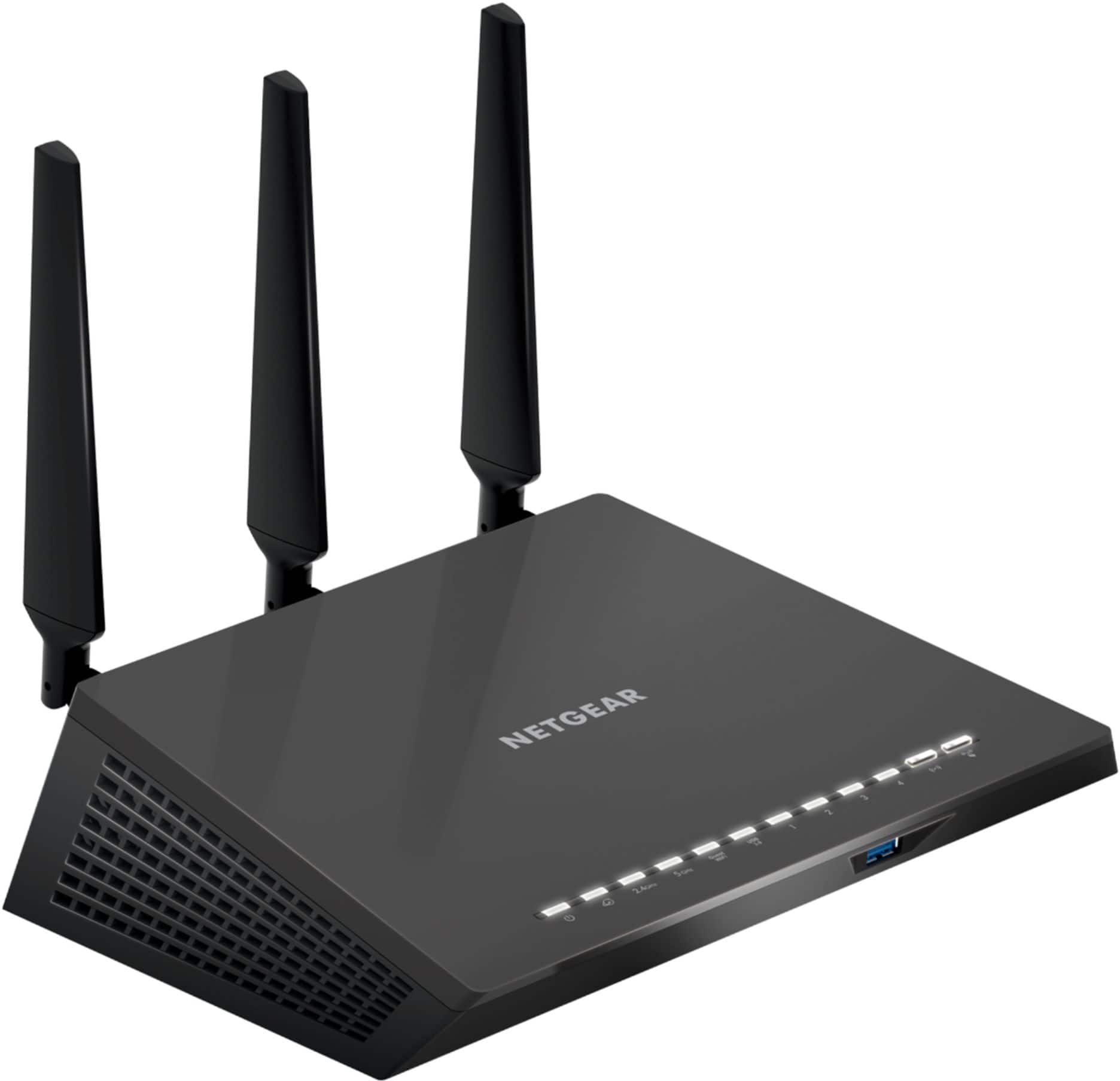
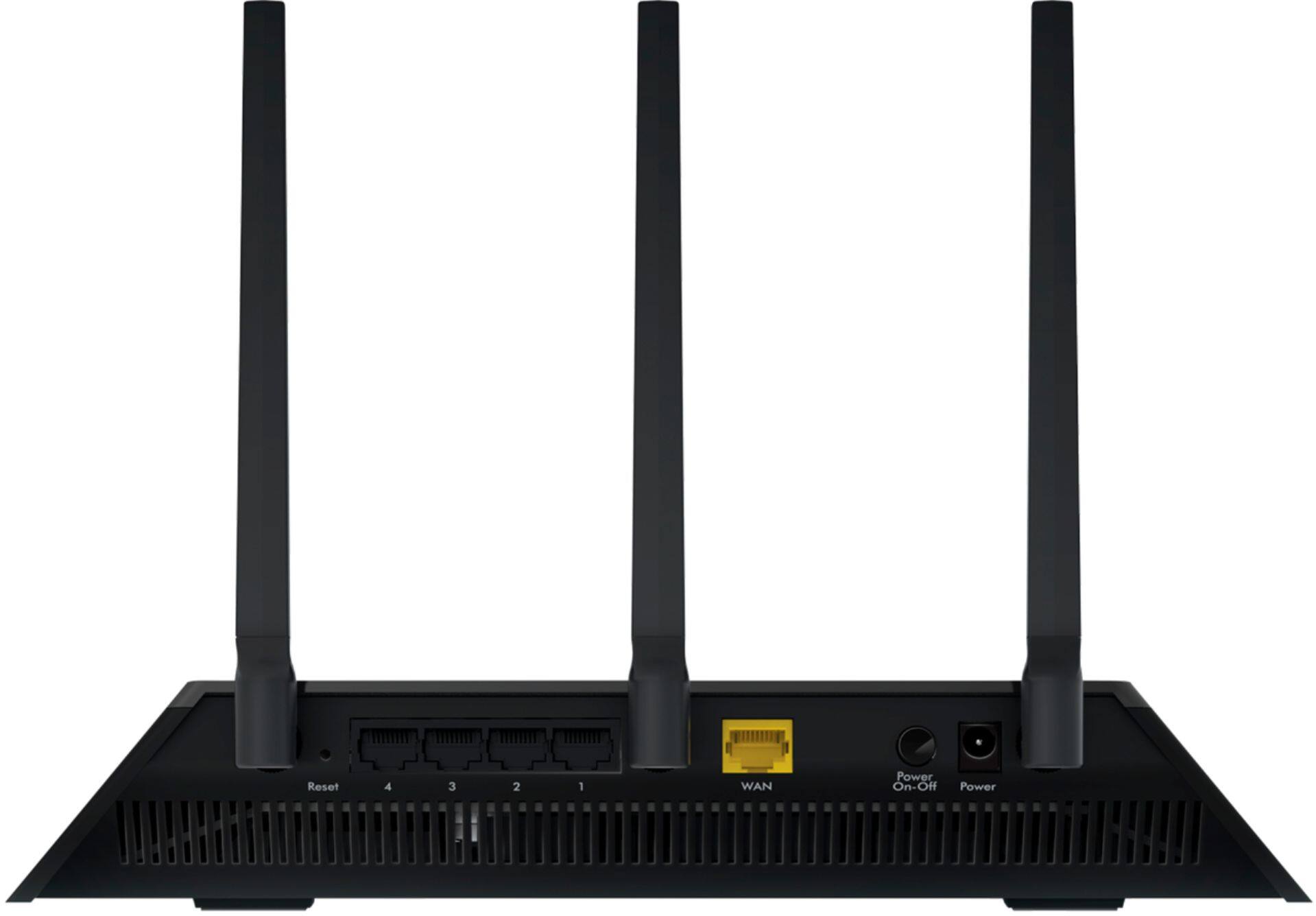
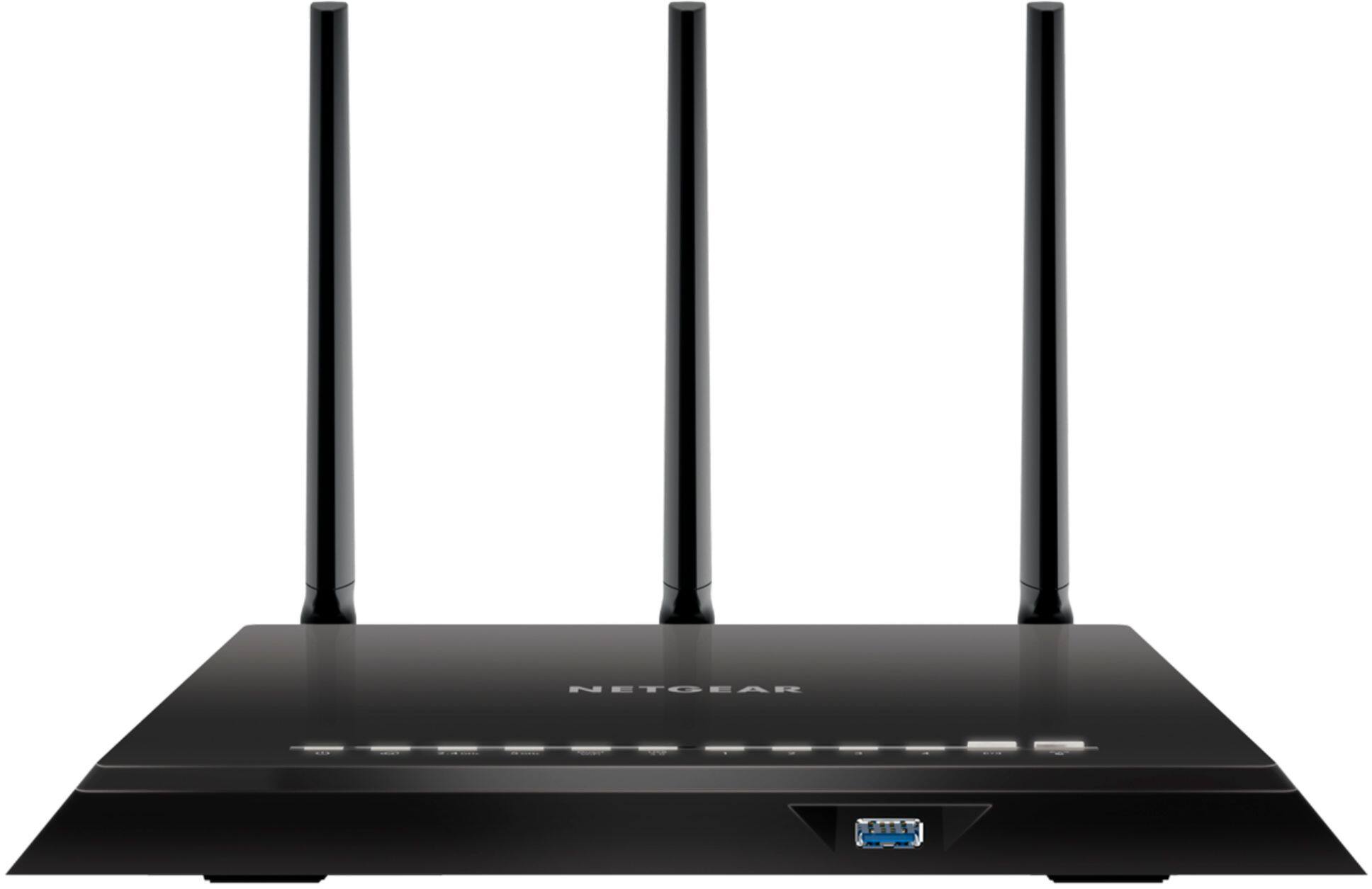
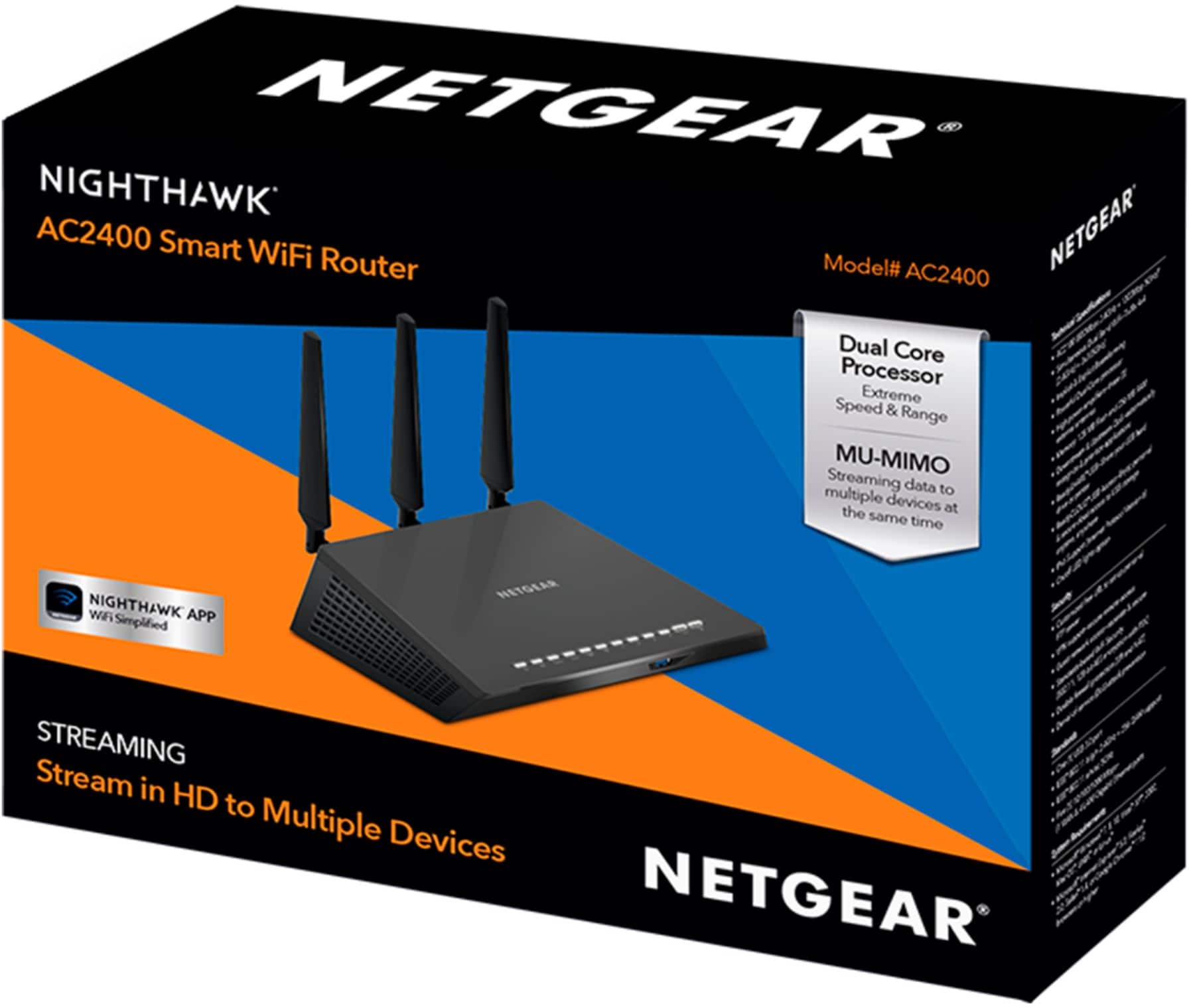
- Model:
- AC2400-100NAS
- |
- SKU:
- 6291800
Customer reviews
Rating 4.5 out of 5 stars with 966 reviews
(966 customer reviews)Rating by feature
- Value4.4
Rating 4.4 out of 5 stars
- Quality4.4
Rating 4.4 out of 5 stars
- Ease of Use4.5
Rating 4.5 out of 5 stars
Customers are saying
Customers are satisfied with the Nighthawk AC2400 Dual-Band Wi-Fi 5 Router's ease of use, range, and performance, frequently citing positive experiences with setup and strong signal strength for streaming and gaming. Many appreciate the router's wide coverage area and find it provides a good value for the price. While some users experienced compatibility issues, the overwhelmingly positive feedback points to a generally well-received product. A few users noted that parental controls could be improved.
This summary was generated by AI based on customer reviews.
Rated 2 out of 5 stars
dont work to good
||Posted .This reviewer received promo considerations or sweepstakes entry for writing a review.item was expensive and does not work well for the cost.
No, I would not recommend this to a friendRated 1 out of 5 stars
Should have gone with a newer model.
||Posted .This reviewer received promo considerations or sweepstakes entry for writing a review.I got this under a promotion (for $99) and I thought it was a good deal. But I see it was just a marketing strategy and newer models go on sale as well. So that was my fault. Overall I haven't noticed an experience with my wifi speed since installing this router.
No, I would not recommend this to a friendRated 1 out of 5 stars
Inconsistent
||Posted .This reviewer received promo considerations or sweepstakes entry for writing a review.I have been having issues with this router. It disconnects often and not very reliable. I already had to call tech support twice, I would not recommend it
No, I would not recommend this to a friendRated 1 out of 5 stars
Bad Router.
||Posted .This reviewer received promo considerations or sweepstakes entry for writing a review.I couldn't pass this up at the under $100 price point. Everything worked well for about 2 months and all of the sudden the 2.4ghz band started dropping off. Research shows that Netgear is plagued with this problem, no fix available. Piece of Junk.
No, I would not recommend this to a friendRated 1 out of 5 stars
Worst router
||Posted . Owned for 11 months when reviewed.This reviewer received promo considerations or sweepstakes entry for writing a review.This has to be the worst router made! Drops connection to all products throughout our home. Called Netgear and they want $89 diagnose problem no thank you! We have to reset the router every three hours in order for it to work.
No, I would not recommend this to a friendRated 1 out of 5 stars
Low range
||Posted .This reviewer received promo considerations or sweepstakes entry for writing a review.I bought it to replace my n600 but it has a very low range, the app speed test is not working properly, I am returning the router.
No, I would not recommend this to a friend- Pros mentioned:Speed
Rated 5 out of 5 stars
Great Performance!
Posted .This reviewer received promo considerations or sweepstakes entry for writing a review.I provide technical support to clients, so I have a lot of experience using different WiFi equipment. I personally have had a lot of issues with WiFi equipment providing a good, reliable signal. I have had 2 Apple Time Capsules (first was an older model and then upgraded to the AC WiFi model), a Google WiFi system, and then this router. For as long as I can remember, our WiFi with both Time Capsules never was the most reliable. It seemed the connection would always drop every so often. More recently I found that the signal coming into our modem from Spectrum was not good because when I went into the modem's web portal and looked to see if all the channels were locked, a few were not that should have been. This may have been the issue all along when we had the Apple routers, so I cannot say for sure now that I no longer have them. I finally decided it was worth trying the Google WiFi system because of how well rated they were and because of how frustrated I was after attempting to optimize so many settings to fix the internet issues with the Apple routers. They seemed to work better than the Apple routers so I kept them. It was after getting the Google WiFi system that I discovered the signal issue with the modem and had Spectrum come out and fix their line. Even after that, I was still having some issues! I reset the Google WiFi system multiple times and changed around different settings including what was suggested by support. I also tried using just 1 WiFi point instead of 2. But, ultimately, the problems were not solved. I would notice maybe once or twice a day that at random times, the WiFi icon on my iPhone would go away indicating that it had disconnected from WiFi. And then maybe 5-10 seconds later, it would reconnect. Even when that wasn't happening, other times the internet connectivity would just get stuck and not load. It was incredibly frustrating! We do not live in a large house (1250 square feet), but with 1 Google WiFi, our iPhones would often connect to 2 GHz WiFi (which gets slower speeds) automatically when we were in another room besides the one where the main WiFi point was. I ended up putting a second WiFi point in our house in the main area we occupied just to prevent this from happening, but that was not a very cost effective solution and really felt wasteful when our house is not that big. Without two, we would maybe get 20-40Mbps in the Kitchen because our devices would default to 2GHz. Google WiFi provides no option to separate the 2 GHz and 5 GHz networks, and when you have a device that does not allow you to manually set that, you are pretty much out of luck unless you unnecessarily place points in popular areas of your home. This feature is one thing I really like about this Netgear router. It allows you to create separate networks for 2 GHz and 5 GHz, which is a big plus! So far this router has performed great! We have a 200Mbps connection with Spectrum and I tested our devices on the Google WiFi before and after and the Netgear performed better than the Google WiFi. Throughout our house we generally get a little bit over 200Mbps on the wireless connection (including in the Kitchen that I referenced earlier). So far, I am really glad I decided to try this router. I was reluctant because of experiences with other Netgear routers years ago, but so far this router has done an exceptional job! It is hard to believe that such a good router could be obtained for just $90! I will update my review if anything changes with this router that ends up being an issue!
I would recommend this to a friend Rated 1 out of 5 stars
Poor throughput
||Posted .This reviewer received promo considerations or sweepstakes entry for writing a review.Bought this on sale thought it would be a upgrade to my WiFi system but that turned out to be a mistake throughput drops off rapidly even though it shows a good signal with distance. Ended up with a Orbi system
No, I would not recommend this to a friendRated 1 out of 5 stars
Not Great
||Posted .This reviewer received promo considerations or sweepstakes entry for writing a review.I use 1 week still not improvement is dummy series for netgear not original netgear product launch for small business I recommended for Best Buy to buy R7000 or R7000p with open source router
No, I would not recommend this to a friendRated 1 out of 5 stars
Router for sale!
||Posted . Owned for 1.5 years when reviewed.This reviewer received promo considerations or sweepstakes entry for writing a review.This router never worked. When I tried to return it Best Buy would not refund my money or give me a new one. Not impressed with this router or Best Buy!
No, I would not recommend this to a friendRated 1 out of 5 stars
Stopped working.
||Posted .This reviewer received promo considerations or sweepstakes entry for writing a review.Stopped working. Ot no longer conncets to the internet. Zfiniry does not provide technical support to condigure. Purchased in Nov. 2018.
No, I would not recommend this to a friendRated 1 out of 5 stars
No range
||Posted .This reviewer received promo considerations or sweepstakes entry for writing a review.I have a negear n600 thought upgrade better range wrong couldn’t even connect my ring door bell chime or other devices like I could with my current router.
No, I would not recommend this to a friendRated 1 out of 5 stars
Failed
||Posted .This reviewer received promo considerations or sweepstakes entry for writing a review.Failed to detect my computers, printers, tablets, and smart phone and messed up my computer. Returned the next day. I will never use or buy net gear again.
No, I would not recommend this to a friendRated 1 out of 5 stars
Worked first day & didn't after that.
||Posted .This reviewer received promo considerations or sweepstakes entry for writing a review.Hooked up wi-fi box & it worked that day. Next day it wouldn't. Powered on intermittently, but mostly 2 lights orange but not white for full power on.
No, I would not recommend this to a friendRated 1 out of 5 stars
Dead already
||Posted . Owned for 1.5 years when reviewed.This reviewer received promo considerations or sweepstakes entry for writing a review.Seems like enough said. Heck my old blue linksys from the early aughts still works. The 10 or 12 yo Belkin still works.
No, I would not recommend this to a friendRated 1 out of 5 stars
Bad router
||Posted . Owned for 7 months when reviewed.This reviewer received promo considerations or sweepstakes entry for writing a review.It’s loses the connection a lot, I unplugged the box for 10 seconds but still not working until I rest it
No, I would not recommend this to a friendRated 1 out of 5 stars
Returned
||Posted .This reviewer received promo considerations or sweepstakes entry for writing a review.Found a better one and returned this one, don't know if it works. The only reason I gave it a one.
No, I would not recommend this to a friendRated 1 out of 5 stars
Didn’t work
||Posted .This reviewer received promo considerations or sweepstakes entry for writing a review.Even geek squad couldn’t connect. Wouldn’t waste your time. Try something else
No, I would not recommend this to a friend- Pros mentioned:Range, Speed
Rated 4 out of 5 stars
Excellent Performance, Setup Not So Much
Posted .This reviewer received promo considerations or sweepstakes entry for writing a review.Only been using for a day but range and speed as advertised. Included very brief "Quickstart" tells you to download a phone app for automated setup. Of course the app was unable to complete the setup because former TWC customers must enter nc.rr.com in the domain field (only available via the router GUI) to achieve an internet connection. I suggest you download the full User Manual before getting started at https://www.downloads.netgear.com/files/GDC/AC2400/AC2400_UM_EN.pdf. Then after connecting the router to your modem connect to it from a PC via Ethernet. You can then access the router GUI interface a 192.168.1.1 and can view all default settings, make changes as needed, and enter the aforementioned domain name. Also when making changes a popup appears frequently requiring your user name and password. Unfortunately the popup coding does not allow you to use LastPass to fill the fields and thus you have to re-key your name and pw each time! I bought this during Black Friday weekend for about half off. So buying it at that price I would give it 5 stars, but at normal price with the setup difficulties it only rates 4.
I would recommend this to a friend Rated 5 out of 5 stars
Wonderful
Posted .This reviewer received promo considerations or sweepstakes entry for writing a review.Being 68 years old and intimidated by electronics I cautiously bought this since my old router was not covering our home. What a easy setup this router was ! I was amazed at the setup, coverage and registration process. We now have Wi-Fi in our home where we never did, especially the garage. Buy it !
I would recommend this to a friend