Customer Ratings & Reviews
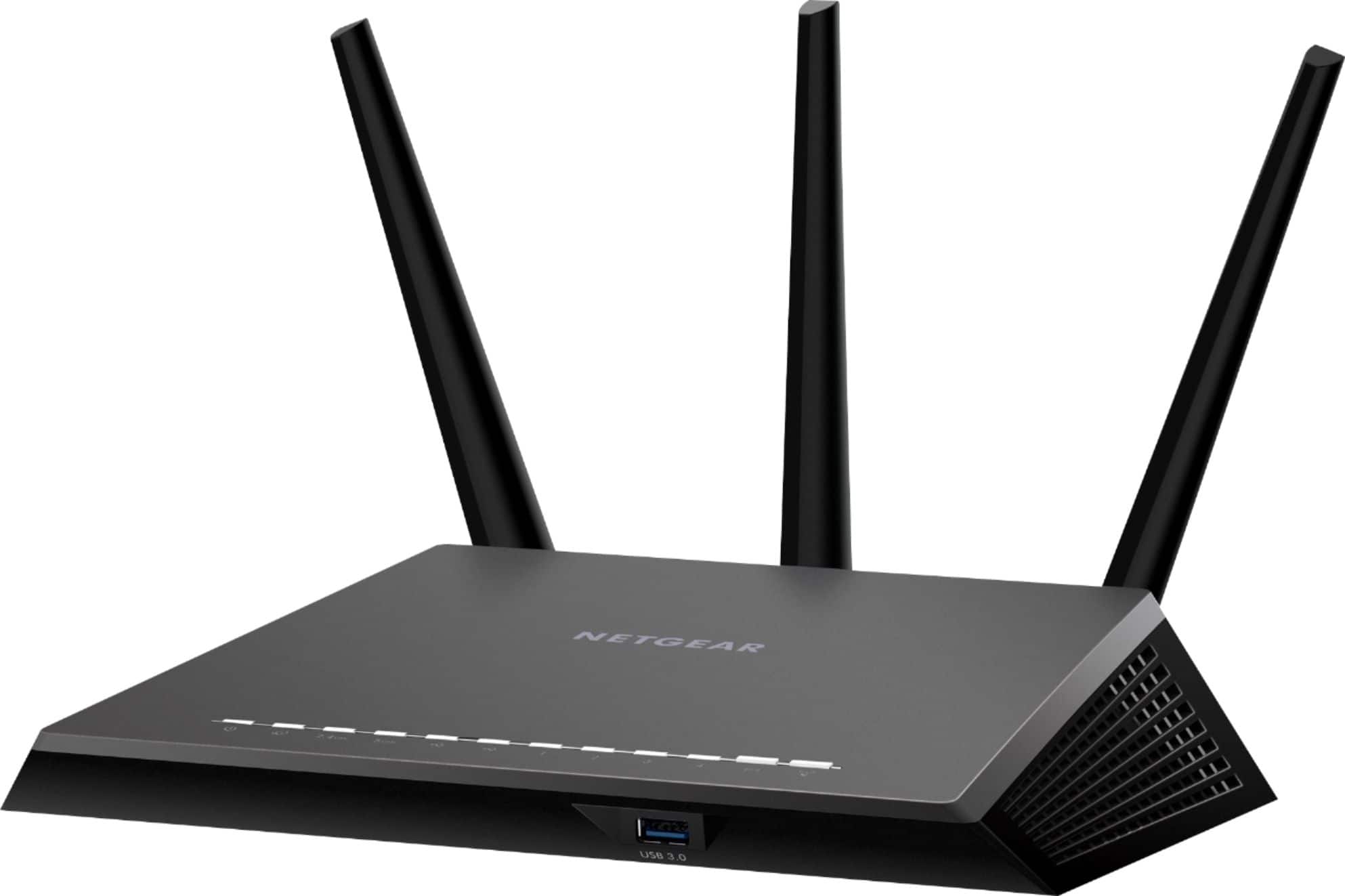
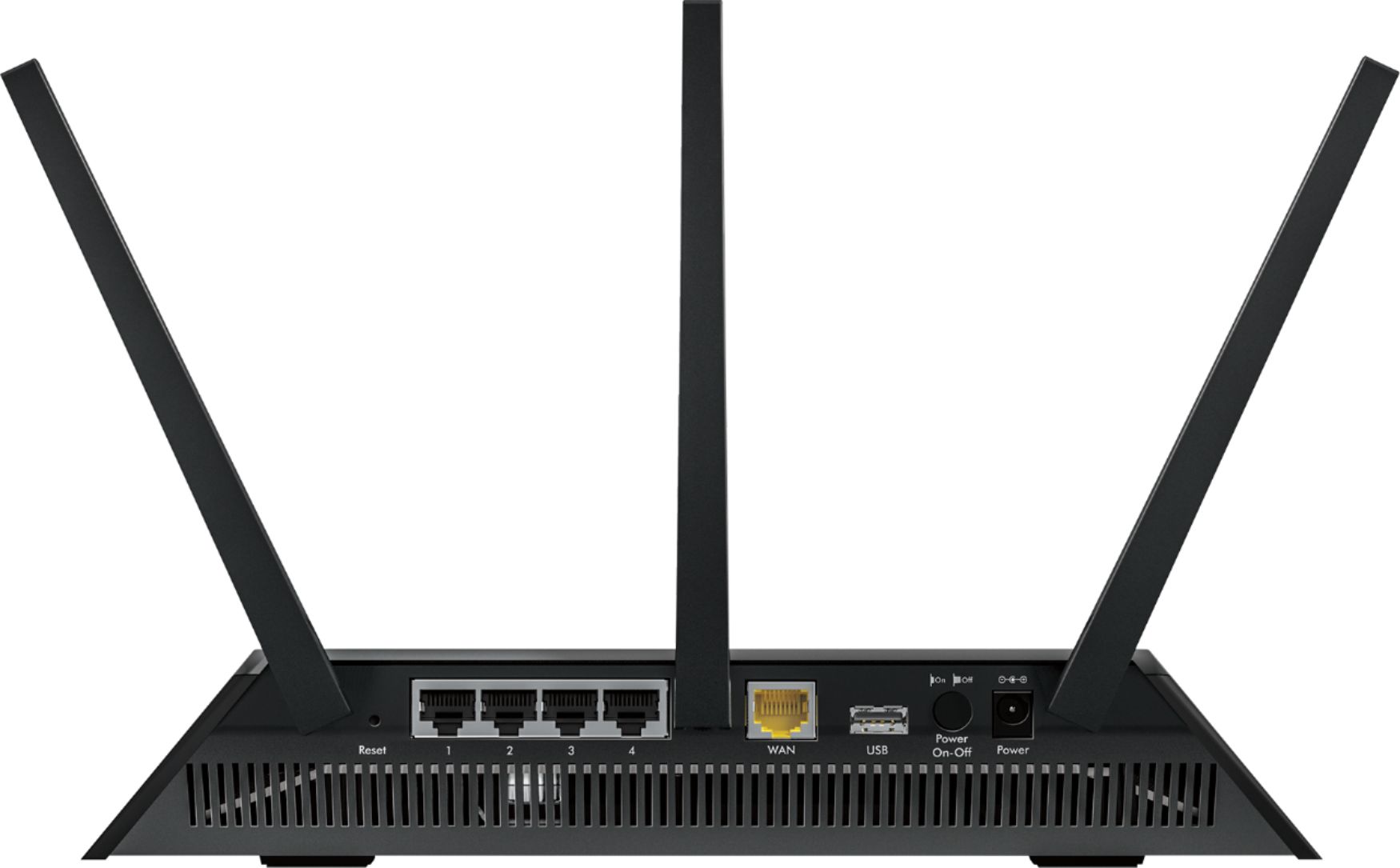
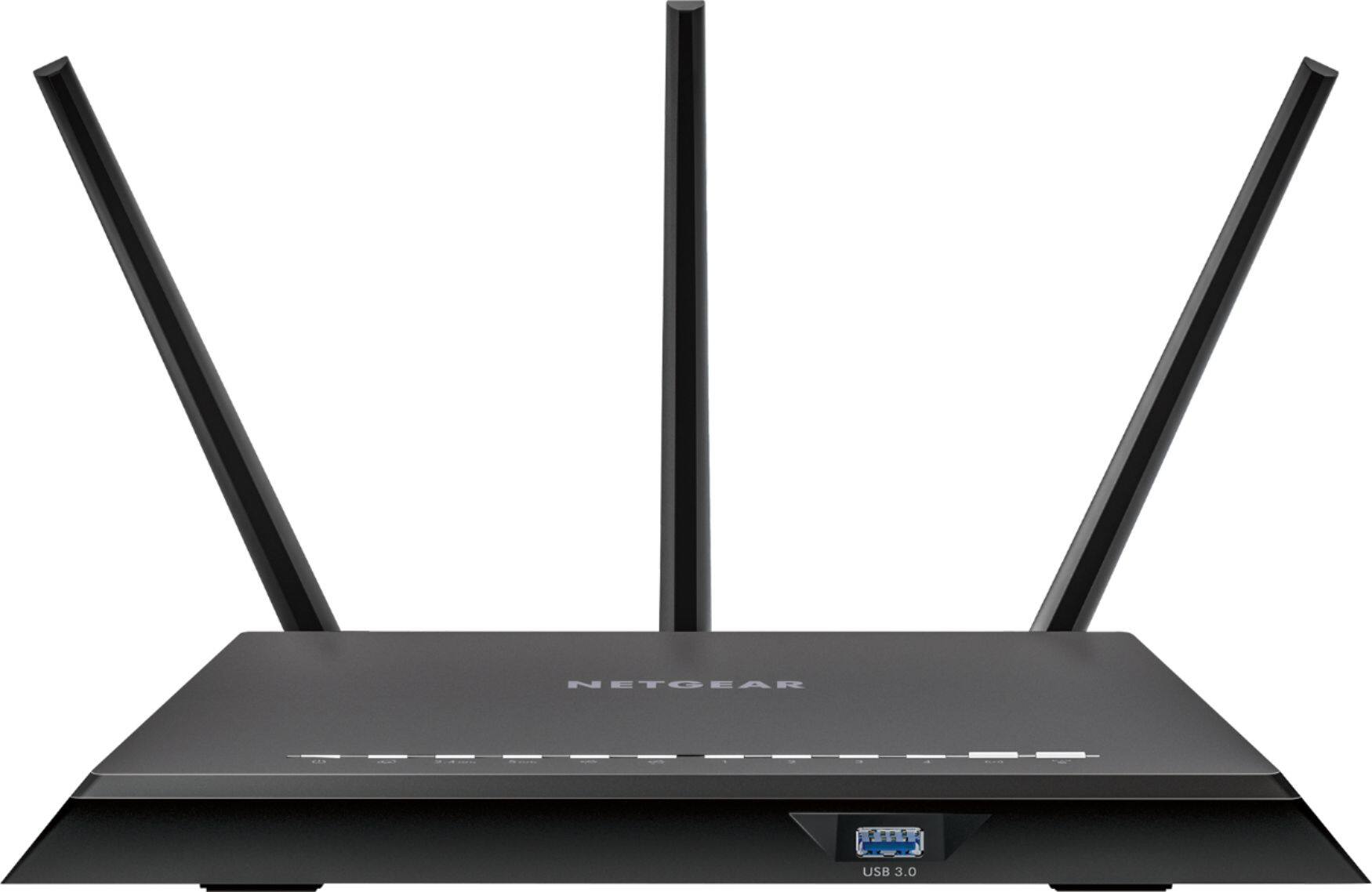
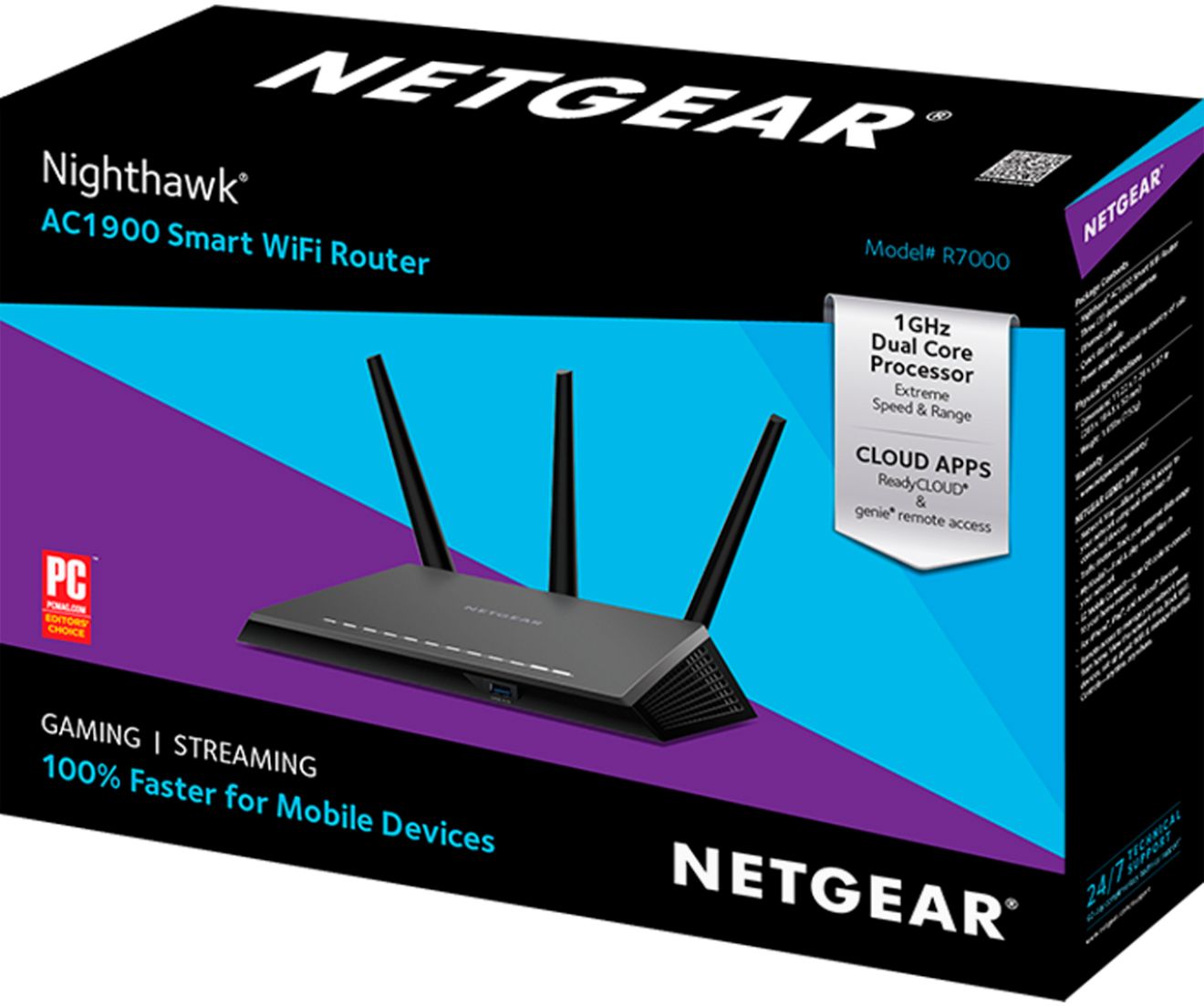




- Model:
- R7000-100NAS
- |
- SKU:
- 1754208
Customer reviews
Rating 4.5 out of 5 stars with 13440 reviews
(13,440 customer reviews)Rating by feature
- Setup4.3
Rating 4.3 out of 5 stars
- Range4.4
Rating 4.4 out of 5 stars
- Signal Strength4.4
Rating 4.4 out of 5 stars
Customers are saying
Customers are enthusiastic about the Nighthawk R7000 AC1900 WiFi Router's impressive range, ease of use, and performance. Many appreciate its strong signal and the generally simple setup process, leading to positive experiences with streaming and overall WiFi quality. However, some users reported occasional connection issues and noted the router's relatively large size. While some experienced improvements in lag, others mentioned problems with the firmware.
This summary was generated by AI based on customer reviews.
- Pros mentioned:Signal strength
Rated 5 out of 5 stars
Overheats, but otehrwise great
Posted .This reviewer received promo considerations or sweepstakes entry for writing a review.Except for overheating, this router works great. This has a strong signal to cover a 2400 sq ft house. However, I had a real issue with 5Ghz dropping out. I figured out that it was overheating, set it up on two wood blocks and it's been fine ever since. My advice is don/t put it in an enclosure on top of other equipment. Consider adding taller feet to get better air movement.
I would recommend this to a friend - Pros mentioned:Speed
Rated 5 out of 5 stars
Great Wireless Router
Posted .This reviewer received promo considerations or sweepstakes entry for writing a review.My wife and I have Xfinity Comcast and we was using just the X1 cable modem router,It couldn't handle all the mobile devices and laptops and desktops we have connected on the network,It wasn't fast at all,I purchased this Netgear Nighthawk wireless router at Bestbuy it's the best out there hands down,I give it 5 stars and i will recommend this product to anyone whose looking for faster speed.I am very satisfied and please,I been a fan of Netgear for years and I am very happy.
I would recommend this to a friend - Pros mentioned:Ease of use, Speed
Rated 5 out of 5 stars
wonderful
Posted .This reviewer received promo considerations or sweepstakes entry for writing a review.our internet connection seems to run much smoother and quicker than it previously did. super easy installation and use. love this unit
I would recommend this to a friend - Pros mentioned:Speed
Rated 5 out of 5 stars
About 20 devices connected and this router rocks!
Posted .This reviewer received promo considerations or sweepstakes entry for writing a review.So many great router in the marker, this Netgear R7000 does what you expect and more. Because speed if the first benefits of it. All my tech devices like roku, tivo, alexa, ipad's, laptop and desktop, voip phone, radio, smart tv, all are connected like if each has a dedicated line. So amazing and recommended - best money you paid for a devices you need any moment, thebest of all, It is Netgear, I will buy again.
I would recommend this to a friend - Pros mentioned:Speed
Rated 4 out of 5 stars
Could not get to work with Surface Pro 3
Posted .This reviewer received promo considerations or sweepstakes entry for writing a review.Beware if you are getting this router to work with the Surface Pro 3. I tried connecting the surface to both 2.4 and 5ghz and had problems with both. It would connect at around 800mbps but could not keep a stable internet connection. Worked great with all of my other computers and devices that connected on G and N. Did not have any other AC devices to test on the router. Researched and discovered that the Surface has many compatibility issues on AC. My surface works perfect on my Linksys E3000 at 130mbps so I guess I'm going back to that until Microsoft can fix this issue.
I would recommend this to a friend - Pros mentioned:Performance
Rated 3 out of 5 stars
Didn't Work For Me.
Posted .This reviewer received promo considerations or sweepstakes entry for writing a review.Just bumped up my net to 200M service. Needed to up my router to handle the higher speed. Thought i could trust the sales guy at Best Buy for his recommendation. After telling him all the devices that are on my network (almost 20), he suggested the AC1900. Got the "This should handle that, plus more.". Not so. About half worked fine with the 1900, the other half, I thought I was back in the dark ages (i.e. dial-up). The 1900 say is will give streaming devices top priority. It turned out it to gave my streaming devices the lowest priority, even after going into the settings to set them as top priorities. Returned the unit and went with an different device (which was even a worse choice). After returning that unit, I talked to the Network Guru at Best Buy. Should have talked to him first. With his advice, the 1900 is not made for handling that many devices (spreading the bandwidth wealth) and it has a hard time managing older WiFi devices with newer (I guess 4 yr old devices get left in the weeds with the 1900.). He said I should have gone with an AC2200 or higher device. I went with the AC3200. It's like Nirvana. AHHHHHHH.... This goes out to all router manufactures. Maybe you should give recommended max allowed devices and do a little more Software Qual.. I work for a company that builds older WiFi legacy devices and our products are having issues with this type of routers. So I would say, if you have many WiFi devices, pay a little more and go to a higher model.
No, I would not recommend this to a friend - Pros mentioned:Ease of use
Rated 5 out of 5 stars
Easy set up, consistent wireless strength
Posted .This reviewer received promo considerations or sweepstakes entry for writing a review.I have roughly 14-18 wifi devices in the house, and I can have them all running without worrying about reaching wireless bandwidth caps. If you have an AC adapter for your PC you can get nearly gigabit speeds over wifi, which is insane. The Netgear Genie software makes setting up wifi, filtering out MAC addresses and other more in depth router settings a breeze with an easy to use GUI style interface. Anyone from moderate networking knowledge on up to networking engineers can easily adjust settings and use this router.
I would recommend this to a friend Rated 5 out of 5 stars
Great Range Router for a large home!
Posted .This reviewer received promo considerations or sweepstakes entry for writing a review.Live in a 2300 square foot house. Tried all if the high end routers from Asus to Apple to Linksys. Still had streaming buffer issues downstairs with my router upstairs. Couldn't even go to my back yard and get a signal. Bought this Beast of a Router and all I can say is Wow. Not only are my buffering issues fixed but I actually have the same wi fi signal downstairs as I do up stairs where the router is located. Setup was easy as well. Would defiantly recommend this router especially for those with a large home.
I would recommend this to a friend- Pros mentioned:Range, Speed
Rated 2 out of 5 stars
Great router when it works
Posted .This reviewer received promo considerations or sweepstakes entry for writing a review.Hooked this router up last night at 6pm. Worked great! Range was excellent along with being very fast. 2pm today, the 2.4ghz network was unreachable but the 5ghz seemed fine. Figured I'd call netgear to troubleshoot vs. rebooting it (since it's a $200 router#. Took me 3 calls and over an hour for them to tell me they wanted to downgrade the firmware, and if that didn't fix it I should return it to the store. They had no interest in trying to figure out the problem at all. I asked for higher level support. They next tech was very nice but just wanted to change wireless settings. I asked if there were logs or something to look at but apparently not. She had no idea how to troubleshoot an issue. Wanted me to change the SSID and channel for the 2.4 network along with other settings all at once. No way that would help zero in on the cause. I agreed to the least likely fix of changing the SSID #no way that was the problem) but of course that reboots the router, and fixed the problem. Of course not the change, but the reboot. I knew that would clear the problem but was hoping to let netgear see the problem in action but wasn't to be. I don't think netgear has any interest in troubleshooting problems. They want to Band-Aid and move on. Very disappointing. Had high hopes for this router.
No, I would not recommend this to a friend Rated 5 out of 5 stars
Works over whole house
Posted .This reviewer received promo considerations or sweepstakes entry for writing a review.Really didn't think I needed to spend this much but other routers couldn't seem to get to basement and other parts of house. This one does. We can be anywhere in the house and get really good internet coverage.
I would recommend this to a friend- Pros mentioned:Ease of use, Range
Rated 4 out of 5 stars
Wireless router
Posted .This reviewer received promo considerations or sweepstakes entry for writing a review.Product has good range easy to set up and handles multiple devices.
I would recommend this to a friend - Pros mentioned:Performance, Signal strength
Rated 4 out of 5 stars
Excellent Product
Posted .This reviewer received promo considerations or sweepstakes entry for writing a review.Excellent signal strength and very reliable. Would absolutely recommend to anyone in the market for an upgrade to their existing router
I would recommend this to a friend Rated 4 out of 5 stars
Expected Better Range
Posted .This reviewer received promo considerations or sweepstakes entry for writing a review.I realize that it's a first-world problem when you can't find a router with enough range for your home, but I had hoped that the R7000 would have done just that. It does not. Set-up was easy, and our coverage is decent, but I now need to figure out how to extend its range. In the router's defense, my problem areas are our basement and the upstairs, opposite end of the house. I've used repeaters in the past, but always run into encryption issues which then forces us to open our network. I was told by the BestBuy salesman that my old router (a Netgear N600) could be used as an access point, but this does not seem to be the case, and two hours of my life was lost yesterday trying to obtain customer support from Netgear to explain how this can be done. They assured me it was possible, but when their suggestions did nothing to help, they simply ended our chat, issuing me a case number and reminding me that I could contact them at any time. Thanks? Arghhhhh! For some reason, iPads seem to have difficulty with the signal, you have to be within about 20 feet for things to stream properly, and its signal does occasionally drop when we''re upstairs, but I owe that more to the distance coupled with closed doors along the way. Now that I've mentioned all the bad, I should add that we now have secure wireless which performs very well in MOST cases. The connection also seems speedier, and I do like that there is a USB port on the front and buttons that are very user-friendly I'm only a couple of days into this, but am hopeful that I can make this work.
I would recommend this to a friend- Pros mentioned:Performance
Rated 1 out of 5 stars
I am disppointed in this product
Posted .This reviewer received promo considerations or sweepstakes entry for writing a review.I decided to buy this product based on the glowing reviews from other BB members and the overall performance rating. I have come to regret that decision. No one in my family is happy with the performance of this router. After 2 months of dealing with issues, including a return of the product for a new replacement, I am ready to give up. This router simply can not handle multiple connections to devices and having multiple Xboxes running on my network. The slowdowns and disconnections have lead me to conclude that the network load is too much for the Nighthawk. I will bite the bullet and go with a router that has shown consistently that it can handle our home network traffic. My C7 from TP-LINK was the best router we ever brought. But the great performance only lasted 2 years. I have made sure there are no conflicts with other wireless networks in the area and we carry the fastest TWC residential speed for the internet. I am hugely disappointed with the Netgear wasn't up to the challenge. No doubt the Nighthawk works fine for light to moderate network workload. But having multiple Xboxes with several devices is just too much for the product.
No, I would not recommend this to a friend - Pros mentioned:Ease of use, Range
Rated 4 out of 5 stars
good router
Posted .This reviewer received promo considerations or sweepstakes entry for writing a review.Good Router - easy to set-up, good download speeds and fairly good range... may get the range extender in the future.
I would recommend this to a friend - Cons mentioned:Connection
Rated 5 out of 5 stars
Excellent router
Posted .This reviewer received promo considerations or sweepstakes entry for writing a review.This is an excellent router for the price. Easy to set up and configure. Always connects, and never drops out.
I would recommend this to a friend - Pros mentioned:Ease of use
Rated 4 out of 5 stars
Expensive but nice
Posted .This reviewer received promo considerations or sweepstakes entry for writing a review.Pricy but got to say it was easy to install, and streams like a charm. Wish I'd have gotten one of these last year!
I would recommend this to a friend - Pros mentioned:Speed
Rated 5 out of 5 stars
excellent router
Posted .This reviewer received promo considerations or sweepstakes entry for writing a review.Had to get a new router cause my old one wasn't cutting it no more ps3 and 4,tablets,laptops and cell phones in the house needed something stronger asap drove to bestbuy brought it a little expensive but its worth it hooked it up everything working like new this router is fast no more buffering from Netflix no more lost connection I luv it
I would recommend this to a friend Rated 3 out of 5 stars
Great POTENTIAL, Needs Firmware Fixes
Posted .This reviewer received promo considerations or sweepstakes entry for writing a review.I'm an IT professional (29 years) and I have owned and / or configured many wifi routers. The Netgear R7000 Nighthawk has great potential once a few of the issues are resolved. The BestBuy on Preston Rd in Frisco, TX did a great job through the sales transaction. My internet: Time Warner Extreme (30 Mb down / 5 Mb up). Motorola SB6141 cable modem. Speedtest.net verified, good pings / low jitter / no dropped packets on Pingtest.net. I have also optimized DNS per GRC's DNS Benchmark. Only one other wifi signal nearby (next house). I did not use Netgear's "Genie" application to set this up. I used the router's web configuration. I would call the setup "about average" of similar devices. Best advice: don't change anything that you don't understand. The current firmware as of this writing is Ver 1.0.2.194_1.0.15 which was released in mid-December (as best I can tell). The "bugs" that I have experienced are: dropped wifi connections on both 2.4 GHz and 5 GHz channels, odd / unpredictable latency / lag during gaming on wired connection, and Quality of Service (QOS) causing latency issues when enabled. I updated to the newest firmware during installation (I suggest that you download the firmware .ZIP file to your PC and upgrade from a wired connection rather than using the feature of updating from the router itself. Also read the included release notes for important information about resetting your router back to defaults after the update). Netgear recommends that "Upstream QOS" be enabled for the benefit of online games (multiplayer on XBox Live, PSN or PC / Mac games) but the lag was so bad that I would be kicked out of games. I encourage any potential purchaser to visit Netgear's website, go to the "Support" page and then select the "Discussion Forum." Find the forum for the "R7000" and see if the issues are resolved. Netgear is aware and addressing these issues as well as soliciting user input (multiple cases are open, many posts in forum). Other similar models by other manufacturers that I have researched are experiencing their own set of problems. That's the price of being on the leading edge these days. Summary: apologies for the long review. As an Elite Plus member, I have 45 days from purchase date to return to BestBuy. I am going to hold onto this router a while longer and see how Netgear addresses the issues with this product. If you need this level of speed and performance, then I still recommend the Nighthawk R7000 as long as you can afford to be patient and/or tolerate the current set of shortcomings.
I would recommend this to a friend- Pros mentioned:Ease of use
Rated 5 out of 5 stars
Intersection of value and performance
Posted .This reviewer received promo considerations or sweepstakes entry for writing a review.Does everything as advertised and very easy to set up. Using the app as opposed to logging in through a default ip address makes it more user friendly for those some place between a simple end user and expert.
I would recommend this to a friend