Customer Ratings & Reviews
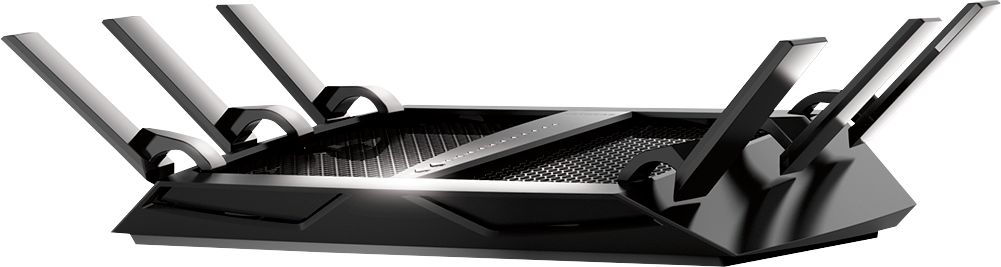
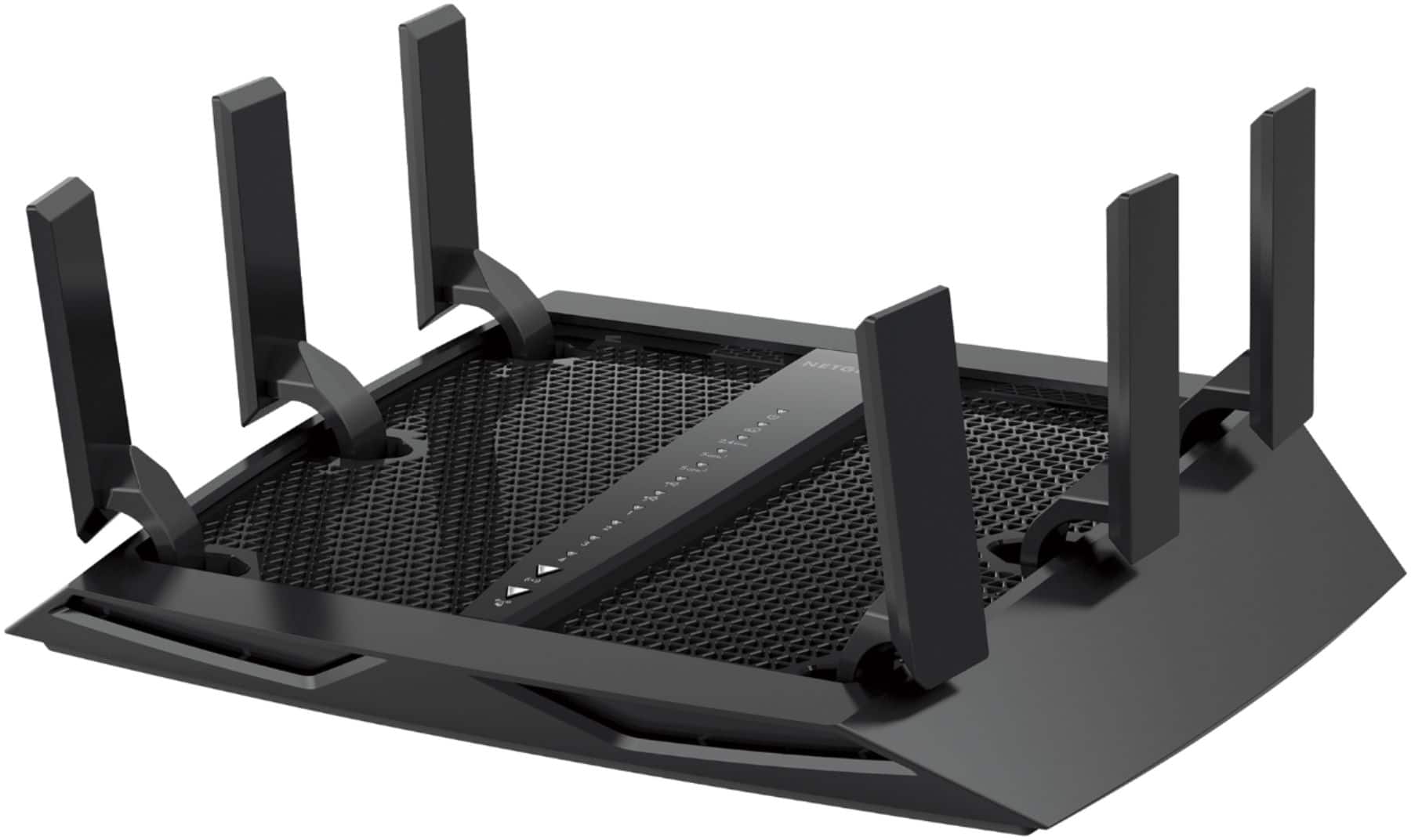
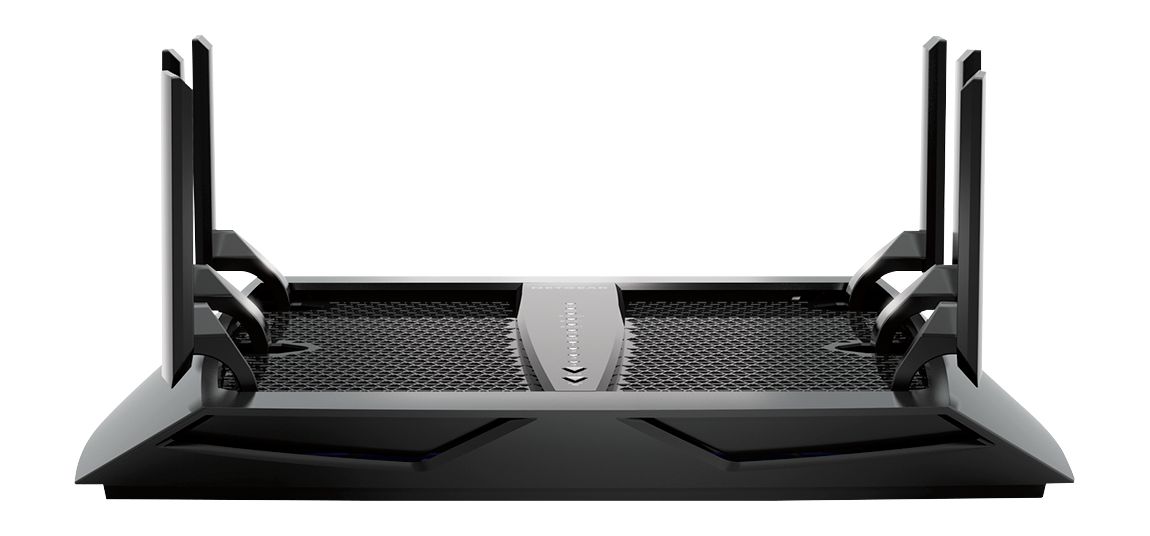
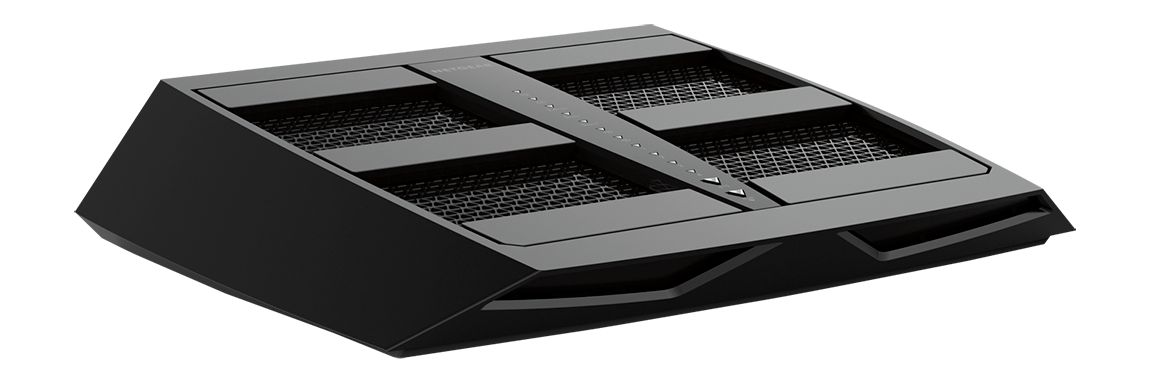






- Model:
- R8000-100NAS
- |
- SKU:
- 7201035
Customer reviews
Rating 4.5 out of 5 stars with 7137 reviews
(7,137 customer reviews)Rating by feature
- Setup4.1
Rating 4.1 out of 5 stars
- Range3.9
Rating 3.9 out of 5 stars
- Signal Strength3.8
Rating 3.8 out of 5 stars
Customers are saying
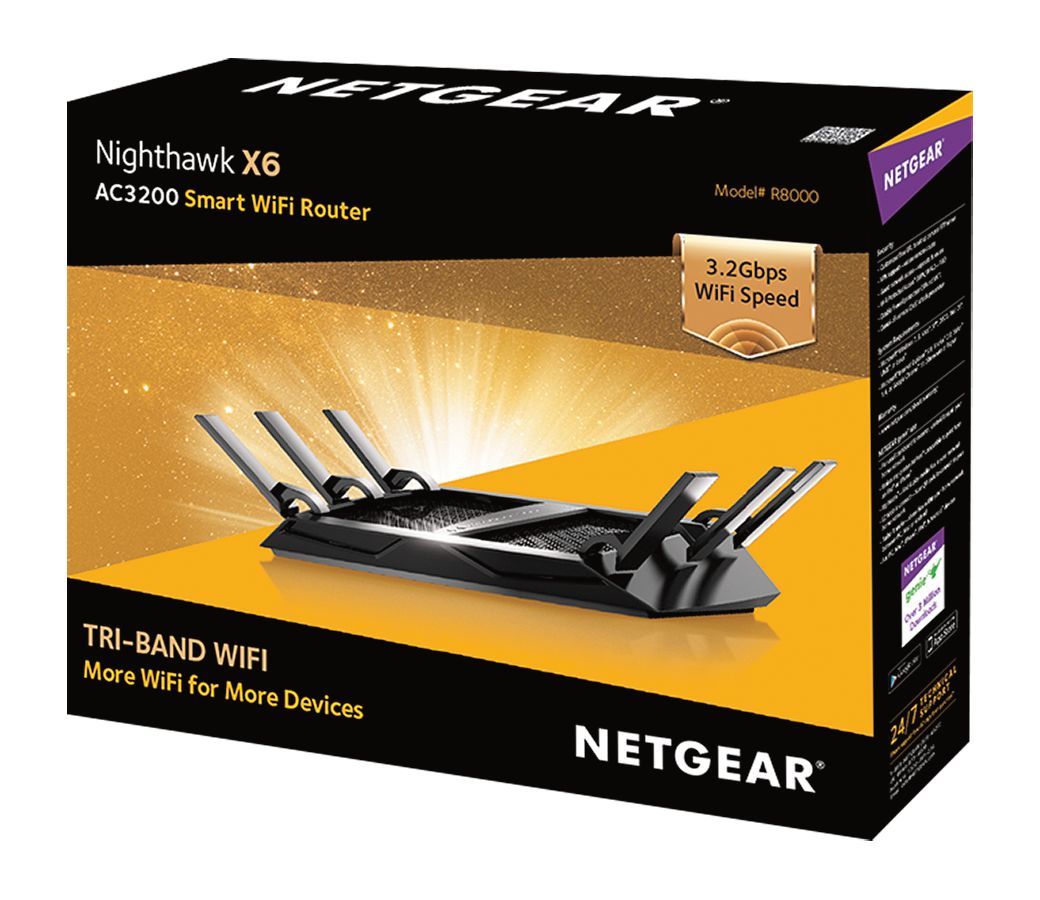
Customers have good things to say about the Nighthawk X6 AC3200 Tri-Band Wi-Fi 5 Router's range, ease of use, performance, and signal strength, frequently citing its excellent coverage and ability to handle streaming. Setup is also praised for being straightforward. While some customers find the price high and the router large, many report no lag issues.
This summary was generated by AI based on customer reviews.
Rated 2 out of 5 stars
Probably going to return
Posted .This reviewer received promo considerations or sweepstakes entry for writing a review.My ASUS router died the other day, so off to BB I went. Wanted a dual band at a minimum which could support several devices and home automation. Looked for "easy" setup, maybe app enabled also. Settled on the Blackhawk for what appeared to be a great deal (got 15% off for trading in non-working ASUS also). Got the Blackhawk home and set-up. I have 2 kids that I monitor and set there hours they can access the web (kids today need to get away from screens). So I find out that during the set-up of this Blackhawk, I can't access the parental controls in order to limit certain device's access times, I can only blanket everything. In order to have access to these "advanced" features, you have to pay Disney Circle $5 a month!! Seriously?? I just spent $200 bucks on a router, and I can't even use the features that are standard on other routers? I have to create accounts on a 3rd party app, and pay extra every month? Ridiculous.
No, I would not recommend this to a friend- Pros mentioned:Speed
Rated 1 out of 5 stars
Nightmare would be a better name.
Posted .This reviewer received promo considerations or sweepstakes entry for writing a review.I have been battling with this frustrating piece of tech for weeks! The speed is adequate, but the app on android is a nightmare! It takes forever to load when it decides to come on at all. Usually, it just gives a black screen. I paused several devices on the app and have been unable to reconnect them every since. Customer support is so far non-existent. Spending this much money on a product should have a smooth and reliable user interface. RUN from this product!
No, I would not recommend this to a friend Rated 2 out of 5 stars
NO RF power levels adjustment
Posted .This reviewer received promo considerations or sweepstakes entry for writing a review.To my surprise, some of the published specs on this router are abysmal. Some of the people involved in the development and marketing definitely dropped the ball here. As for today, the mobile Genie app does not work with the router. Neither the parental control feature. Statements about features as “powerful amplifiers” and “high performance antennas” does not give any details about the unit. And the thing that pushed me to write this review is that there is no way do adjust RF power levels. So in other words if you are in an RF environment with multiple APs in order to customize the RF coverage, there is no way to decrease the power levels in order to mitigate possible interferences or adjust coverage based on specific needs or configurations. This is a very basic feature that is widely included in most of the wireless routers & AP, but not in the R8000. Disappointing. Update the firmware please and get the right people involved in the development.
No, I would not recommend this to a friendRated 4 out of 5 stars
Exactly what you need to boost wifi
Posted .This reviewer received promo considerations or sweepstakes entry for writing a review.easy to setup and install. Almost tripled my download speed and double my upload speed.
I would recommend this to a friendRated 4 out of 5 stars
Nice Router
Posted .This reviewer received promo considerations or sweepstakes entry for writing a review.Had issues with first unit. Second unit gave some hiccups but working good now.
I would recommend this to a friendRated 4 out of 5 stars
It's working out sofar
Posted .This reviewer received promo considerations or sweepstakes entry for writing a review.still working out some of the kinks hopefully things will get better.
I would recommend this to a friendRated 5 out of 5 stars
Great Router
Posted .This reviewer received promo considerations or sweepstakes entry for writing a review.This is a state of the art router. It is geared for WiFi.
I would recommend this to a friendRated 4 out of 5 stars
This item is great.
Posted .This reviewer received promo considerations or sweepstakes entry for writing a review.This product is very good and I’m send to country .
I would recommend this to a friendRated 1 out of 5 stars
Save your money and pick another WiFi router
Posted .This reviewer received promo considerations or sweepstakes entry for writing a review.I ran extensive tests for three days concluding that the engineers at Netgear really fell short on the R8000. The 2G network was stable, however, naturally much slower than 5G. Both 5G bands were unstable and required a router reboot to eliminate connection issues, packet loss, and/or high latency, even with the latest firmware applied. For a router marketed as best-in-class, this is not acceptable. Returned it and purchased a different brand for 1/2 the price. No issues at all in identical conditions, confirming that the issues were not environmental. I'll refrain from mentioning the brand to maintain the integrity of my feedback.
No, I would not recommend this to a friendRated 1 out of 5 stars
was great now not so much
Posted .This reviewer received promo considerations or sweepstakes entry for writing a review.Have had the device a week. I read all the reviews before purchasing and a few were bad, which does happen. Bought it and hooked it all up and had it running in about an hour after connecting all my devices. Between iPhones, iPads, Apple TVs, two iMacs, Mac Air laptop, and several wifi enabled cameras I have about 25 devices. The first few days the thing was a beast and handled all the traffic. Granted not all the devices are not on and used at the same time. But it worked great and we even streamed 3 movies from the iMac to the apple tvs while surfing the internet. about 3 days in devices wouldn't connect anymore and would start to prompt me for the password. They would even try to connect to my neighbors house. I reset the router and started over, worked again for a day or so and then all the devices once again started to disconnect. very very disappointing. right now I'm on day seven and I think its time to pack it up and bring it back as it has been two resets and it keeps reverting to dropping my devices and then not letting them reconnect.
No, I would not recommend this to a friendRated 1 out of 5 stars
Big disappointment!
Posted .This reviewer received promo considerations or sweepstakes entry for writing a review.I've been running an airport extreme for about three years and it has started to become noticibly slow and lacking in features. I researched online and decided to try the new R8000. I couldnt get the thing to let me log in at all, no genie app, local ip, etc. Apparently I didn't hold the hard reset button in long enough before calling some sorry excuse for tech support personnel. 45 minutes on the phone to be treated as if I were rather unintelligent didnt sit well with me. At one point the csr even commented that I may have a defective unit and Netgear would need to ship me a replacement, but it finally started working. It worked for the rest of the evening, although I couldn't get my directv receiver to communicate with the router. I awoke this morning to find my laptop without internet access, even when I strung cat6 to it. Then my old reliable hp printer (never once had a problem with it) said the wifi network was missing. I tried everything, even did another hard reset to no avail. Gave up and ordered an Asus, this sorry excuse for a router is going back to Best Buy! Sidenote---came home from the shop tonight to find that my laptop would sign onto the internet via wifi---until I shut it down and came back to it later--it once again had no internet access. A $270 router should NOT have stability issues!
No, I would not recommend this to a friendRated 1 out of 5 stars
This product is unreliable.
Posted .This reviewer received promo considerations or sweepstakes entry for writing a review.This product is unreliable. I bought one. It broke after 6 mos. I spent 5 hr on phone and problem could not be fixed. They sent me another after 2 weeks. The next one broke after 13 months. It couldn't be fixed
No, I would not recommend this to a friendRated 1 out of 5 stars
Worst router on the market!
Posted .This reviewer received promo considerations or sweepstakes entry for writing a review.I bought this router a little over one year ago. I purchased the router brand new and was defective out of the box. I went through all of the setup instructions as stated in the instruction and double checked my internet connection multiple times and the product never would connect and work. I called Best Buy to try and exchange the defective product and the would not take it back and went on to tell me I have to get it replaced through Netgear themselves. So I called the company and they would not replace it either saying that it only has a one year warranty. It really frustrates me that a company can market a product that is defective out of the box and refuse to exchange it. I paid three hundred dollars for a piece of junk plastic router that never worked and the company will not stand behind it. My advice to everyone is do not buy anything netgear, their modems, routers, etc. do not buy from this company especially if they will not stand behind their products and i wouldn’t recommend Best Buy either now that I have been told I have to go back to the manufacturer to get my products exchanged. I you do not want to warranty defective parts then you shouldn’t represent netgear or other companies and sell their products. My advice to everyone is to buy ASUS products. They in my opinion are the best on the market and have never had any problems!
No, I would not recommend this to a friendRated 1 out of 5 stars
Waste of time and Money
Posted .This reviewer received promo considerations or sweepstakes entry for writing a review.Purchased this router yesterday and I will be returning it today. So after my Netgear 1900 started to die I decided to do a major upgrade and purchase this at Best Buy. It was on a great sale so I was very excited. I get it home, set it up exactly as the directions stated, restarting everything etc.... I go to log in and run into my first problem, it was saying I could not manage the router as I was not on the same wifi network. Well, I just connected to it so I WAS ON THE SAME NETWORK. After about an hour of messing with options, unplugging etc, I finally got into the management screen. I was so pumped, I got in and am ready to fly.... YEAH NO.... What a piece of crap.... It would not even transmit to the same places my soon to be dead router was hitting, and this is to be for large homes, and my home is not that large... When I did get it to give me a signal, the best, BEST speed I could get on a 250m line, was 90 megs! 90!!!!! So, I called support, because clearly I did something wrong... After an HOUR ON HOLD, the conclusion of the person on the phone was, to take it back...YUP THEY TOLD ME TO TAKE THE PIECE OF CRAP BACK...SO I am... I will be going to ASUS or Linksys today, I am done with Netgear.
No, I would not recommend this to a friendRated 1 out of 5 stars
Worst router ever
Posted .This reviewer received promo considerations or sweepstakes entry for writing a review.Before the r8000 I had a net gear r7000 and I should have never changed it for the r8000. None of my devices hold a stable connection and the range is horrible. I have done all the firm ware updates, upgraded the modem and still it provides very poor performance. I catch my self on LTE on all my devices rather than wifi.Honestly what waste of money. It will be turned in for another brand. Thank you Best Buy for the 45 day return policy. Do your self the favor and when your at the store skip this router.
No, I would not recommend this to a friendRated 2 out of 5 stars
Got this as a replacement
Posted .This reviewer received promo considerations or sweepstakes entry for writing a review.I had a netgear R6300 and it was great. I spent the high price for this because a liked my R6300. I wanted to replace it to get more range in my 3000 sqf home. I got the range I wanted BUT it is very unreliable. I have to use the 4G on my phone to play games and view Facebook. I will be returning this and replacing it with something else, what at this point i do not know.
No, I would not recommend this to a friendRated 1 out of 5 stars
-1 Star
Posted .This reviewer received promo considerations or sweepstakes entry for writing a review.I wish I could rate this as a negative one star. While this may be a good router, getting it configured is the problem. I have over 3 hours working with this and I still can't get this working. Part of the problem is there are no instructions, just an app you download to your phone. Unfortunately, the app is slow and buggy on iOS. The scan of the QR does not work. When the app fails to connect to the Wi-Fi during the setup procedure you can't go back in the program to restart. You must delete the app, reload it and try again, and again, and again. Before you start it is recommended that you go to their website and print the factory default settings. This way you will know what the router is set for including passwords. You might read up on common problems and alleged solutions, too. The other issue is I have a static IP, which complicates the setup. Don't bother looking for a phone number for tech support. They don't have one (at least none listed). Clearly, Netgear is underemployed. If you are desperate for a job you might send them a resume.
No, I would not recommend this to a friendRated 1 out of 5 stars
Poor choice if using security cameras via WiFi
Posted .This reviewer received promo considerations or sweepstakes entry for writing a review.Our household is a heavy user of the internet. We have a 400 Mbps connection to support a variety of streaming devices, computers, iPads, Nest security cameras, phones, and other smart devices. We demand a consistently strong signal that doesn’t drop / interrupt your game / kick the cameras off-line. After one week of use, we found that the router dropped signals (on all three bands - G, N, and AC) at least once a day, putting my smart home in complete disarray. Probably not a big deal for most, but my older router was more consistent. Lastly, this router has six antennas on it, so I naturally expected it to reach a greater portion of our home. This device has difficulty providing full coverage for our 2,000 square foot home. Note: Updating firmware did not result in a performance difference.
No, I would not recommend this to a friendRated 2 out of 5 stars
Constant reboot required
Posted .This reviewer received promo considerations or sweepstakes entry for writing a review.Not sure the issue, but this thing constantly requires a reboot, sometimes multiple a day. might be that I've got too many devices coming on and off, but Netgear is no help as CS is terrible. They did replace my first one that had same problem, but it was an excruciating process to get it. Try something else, it's got to be better.
No, I would not recommend this to a friendRated 1 out of 5 stars
Nighthawk X6 is right on par with Netgear products
Posted .This reviewer received promo considerations or sweepstakes entry for writing a review.If you like spotty Wifi, random speed fluctuation, the need to reset your router before you go to sleep 3-4 nights a week, or have to make a special setting just so your phone can connect.... then the Nighthawk X6 (R8000) is for you! All of the above is frequent! Speeds drop from 400meg to less than 5 after a couple days requiring a router reboot. Netgears routers (not just this one) do not like iPhones, most routers you can set to reconfigure to 2.4ghz or 5ghz based on the best connection, but not this one if you want your iPhone to connect. Get a Linksys, Asus or TP Link. Stay away from Netgear!
No, I would not recommend this to a friendBrand response from Netgear Support
Posted .Hi MattD2001,
We appreciate your feedback and we want you to know that your experience is important to us. We are sorry to hear that you had a difficult experience with your product. This resource should help you "https://kb.netgear.com/1110/How-do-I-troubleshoot-my-wireless-network”
Please let us know if this resolved your issue by updating your review. If you need further assistance, please email us at [email protected] for additional resources or to contact one of our support experts. We will be happy to help.
Thank you.