Customer Ratings & Reviews




- Model:
- R8500-100NAS
- |
- SKU:
- 4446201
Customer reviews
Rating 4.5 out of 5 stars with 1610 reviews
(1,610 customer reviews)Rating by feature
- Value4.1
Rating 4.1 out of 5 stars
- Quality4.3
Rating 4.3 out of 5 stars
- Ease of Use4.5
Rating 4.5 out of 5 stars
Customers are saying
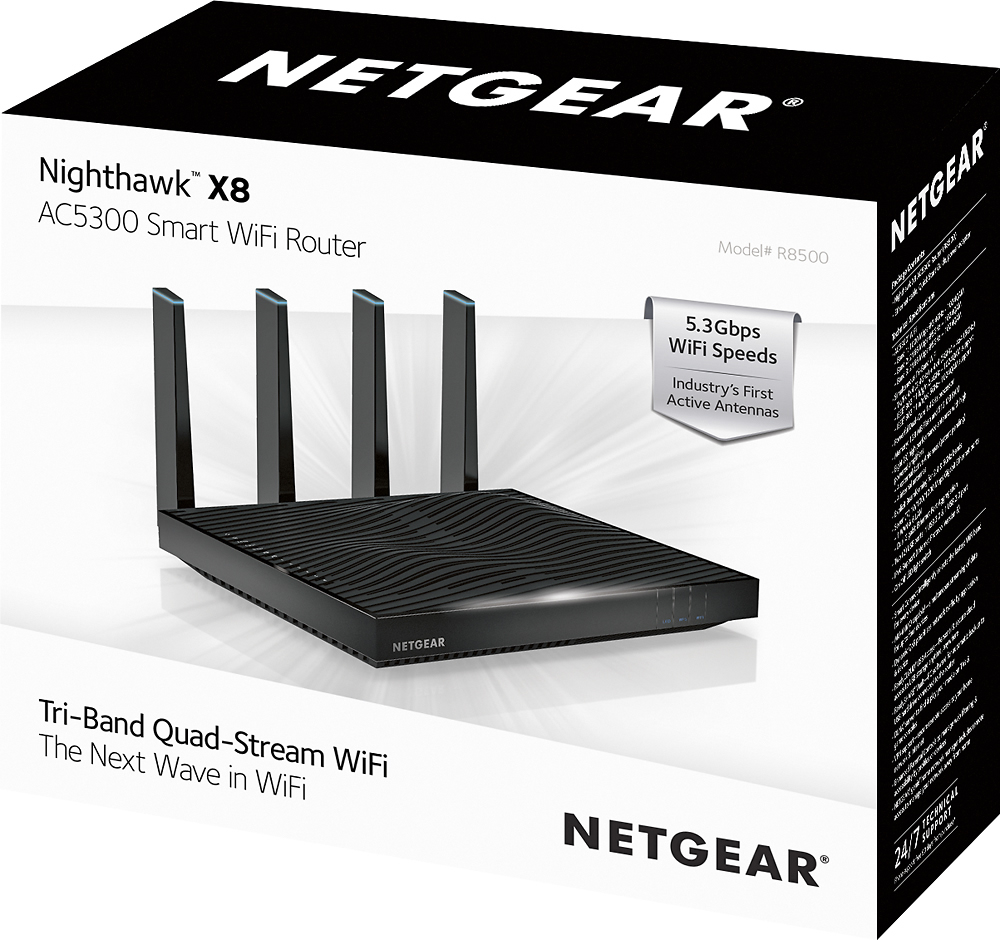
Customers admire the Nighthawk X8 AC5300 Tri-Band Quad Stream Wi-Fi Router's impressive range, performance, and ease of use, with many praising its quick and simple setup. Positive feedback also highlights strong signal strength and good coverage, leading to improved streaming and gaming experiences. However, some customers find the router to be expensive and large. A few users also reported issues with the router's firmware.
This summary was generated by AI based on customer reviews.
Rated 5 out of 5 stars
Great router
||Posted .This reviewer received promo considerations or sweepstakes entry for writing a review.It was time for a upgrade and couldn't be happier.
I would recommend this to a friendRated 5 out of 5 stars
Excellent boost for our wifi
||Posted .This reviewer received promo considerations or sweepstakes entry for writing a review.Love this product. Its really helped our wifi speed
I would recommend this to a friendRated 5 out of 5 stars
Works great
||Posted .This reviewer received promo considerations or sweepstakes entry for writing a review.It's a little high priced but I caught it on sale.
I would recommend this to a friendRated 5 out of 5 stars
Great router
||Posted .This reviewer received promo considerations or sweepstakes entry for writing a review.Love that all my bedrooms and device's connect....
I would recommend this to a friendRated 5 out of 5 stars
Great!
||Posted .This reviewer received promo considerations or sweepstakes entry for writing a review.Expensive but it very much helped our home system!
I would recommend this to a friendRated 5 out of 5 stars
Good choice
||Posted .This reviewer received promo considerations or sweepstakes entry for writing a review.this is a great choice of a router. Worth the money.
I would recommend this to a friendRated 5 out of 5 stars
Awesome device
||Posted .This reviewer received promo considerations or sweepstakes entry for writing a review.This router is excellent! Well worth the money!!!!
I would recommend this to a friendRated 5 out of 5 stars
Enjoying this product
||Posted .This reviewer received promo considerations or sweepstakes entry for writing a review.Happy with purchased!!! I would highly recommended
I would recommend this to a friendRated 4 out of 5 stars
Good product
||Posted .This reviewer received promo considerations or sweepstakes entry for writing a review.First one failed within 2 days. Second seems fine.
I would recommend this to a friendRated 3 out of 5 stars
Router failed after 2 weeks
||Posted .This reviewer received promo considerations or sweepstakes entry for writing a review.The router worked well for two weeks and then failed. After 2 hours of discussions with Netgear technical support people in the Philippines, they decided to allow me to send it back for a replacement which I did today. We will see how that works out
No, I would not recommend this to a friendRated 1 out of 5 stars
Wanted it to work
||Posted .This reviewer received promo considerations or sweepstakes entry for writing a review.The first day it worked fine the it got a mind of it own not letting anything use the wifi. Then not letting even the hard wired items even work. Did everything I could but was use. Went back to my apple wifi time capsule and no issues.
No, I would not recommend this to a friendRated 3 out of 5 stars
Not worth extra money
||Posted .This reviewer received promo considerations or sweepstakes entry for writing a review.Original purchase was the X6. All was well until the X8 was the same price for one day. I purchased this, hooked it up, but it had no better performance than the x6. Returned the X8 to The store with no issues.
No, I would not recommend this to a friend- Pros mentioned:Performance, Speed
Rated 5 out of 5 stars
Very Impressive
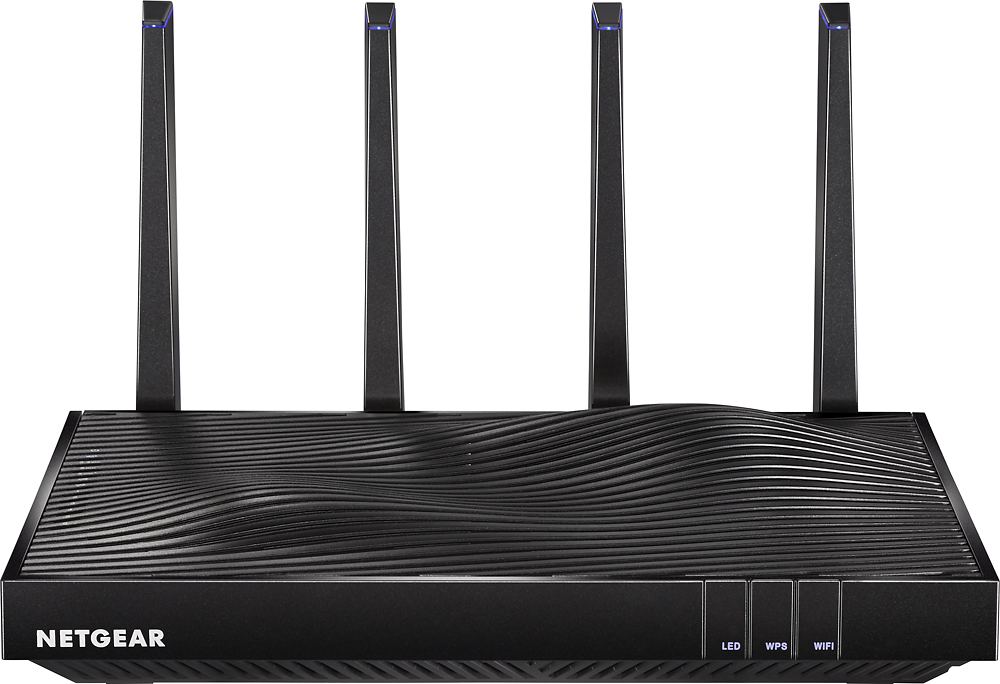
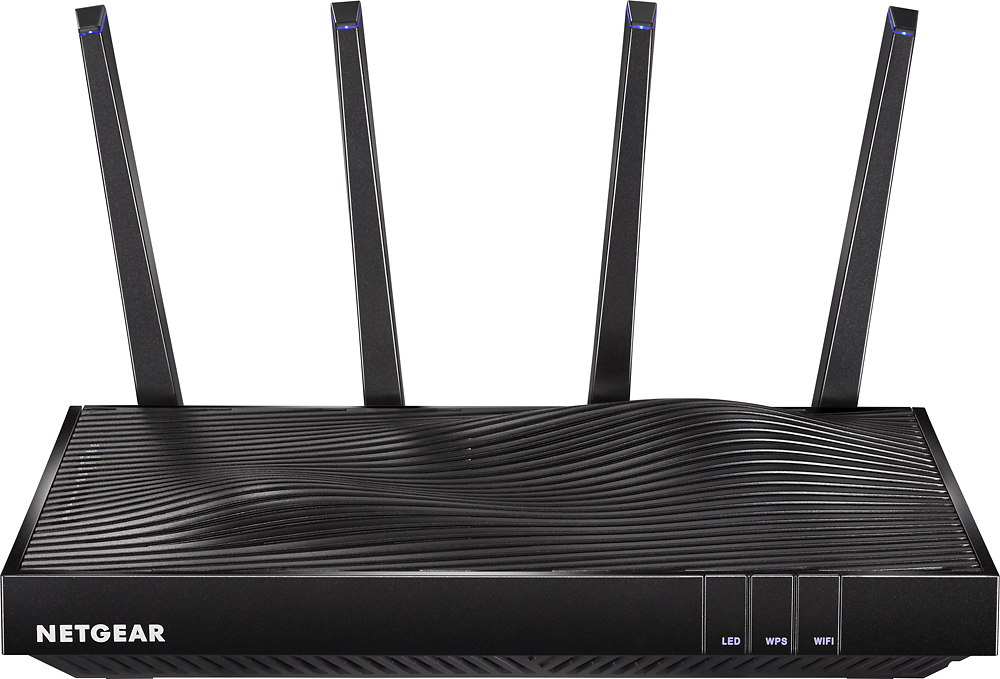
Posted .This reviewer received promo considerations or sweepstakes entry for writing a review.I read all the reviews before I purchased this, and the negative reviews almost pushed me to a different product. I'm glad I purchased this router. Set-up took all of 2 minutes, and the directions were great. It runs all my smart-home products, laptops, and iPads/iPhones, without a problem. It has run flawlessly, and I have not had to reset it. As an aside, it is very impressive looking with the blue LED's on the tip of each antenna, and substantial in size. My new laptop has the 802.11ac protocol and it is absolutely faster than my previous router. The only issue was that I couldn't run the Genie software on my new Windows 10 laptop, but had no trouble on my old operating system which was Windows 7 and via an app for my phone. So I could still get into the software and customize the settings. I did email Netgear support about this problem. It's expensive, but it is faster, and has performed perfectly.
I would recommend this to a friend - Pros mentioned:Range, Signal strength
Rated 5 out of 5 stars
Wow...no WOW!!!!!!!
Posted .This reviewer received promo considerations or sweepstakes entry for writing a review.I have had this product for almost two weeks now....Must admit I was skeptical to lay out over $400 for a router, especially with few if any reviews and none from my trusted sources. But I am surely glad I did. This router is phenomenal! It has range and power. I live in a very hard to cover home where I had a links us AC1900 router and an amped wireless 700mw range extended and still had dead zones or could not put XBox One one wireless network. This router solved all issues and I had gameplay on my XBox One with no lag wirelessly from this router (located downstairs) to the console upstairs. I have tested the broadband signal strengths throughout my home and it is 8-15x stronger in some of the furthest places from my router with no range extender attached. The active antennae are as advertised and all my devices work seamlessly. Prioritization to s Andrea,mane works seamlessly. Best router I have e Ed owned...hands down. Others not even close to this router it has blown me away. No more complaints from the kids that the Internet is slow. Worth the $$$$$$
I would recommend this to a friend - Pros mentioned:Range, Speed
Rated 5 out of 5 stars
Impressive Router with an Abundance of Features
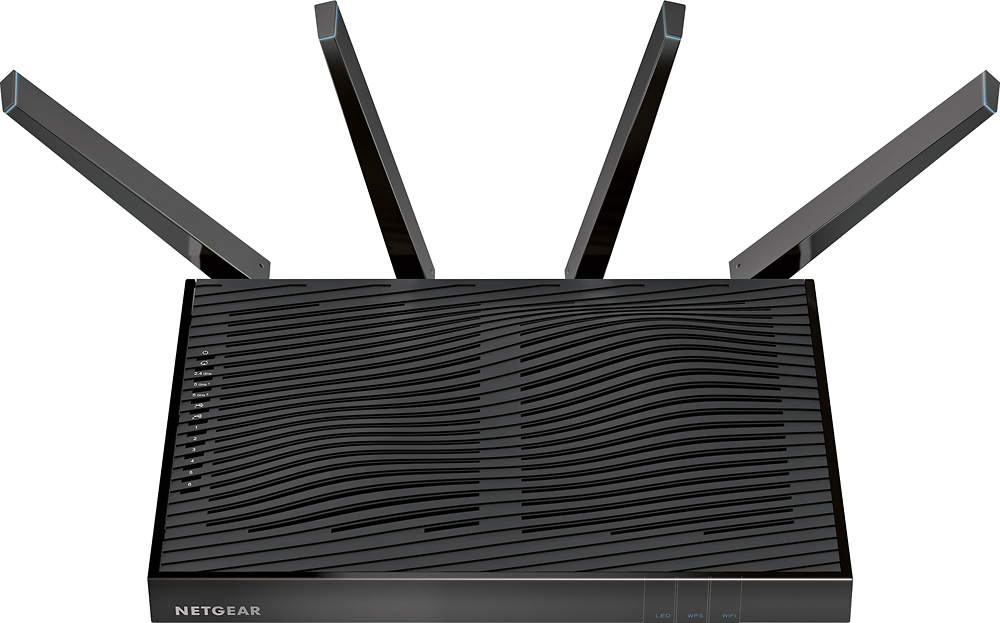
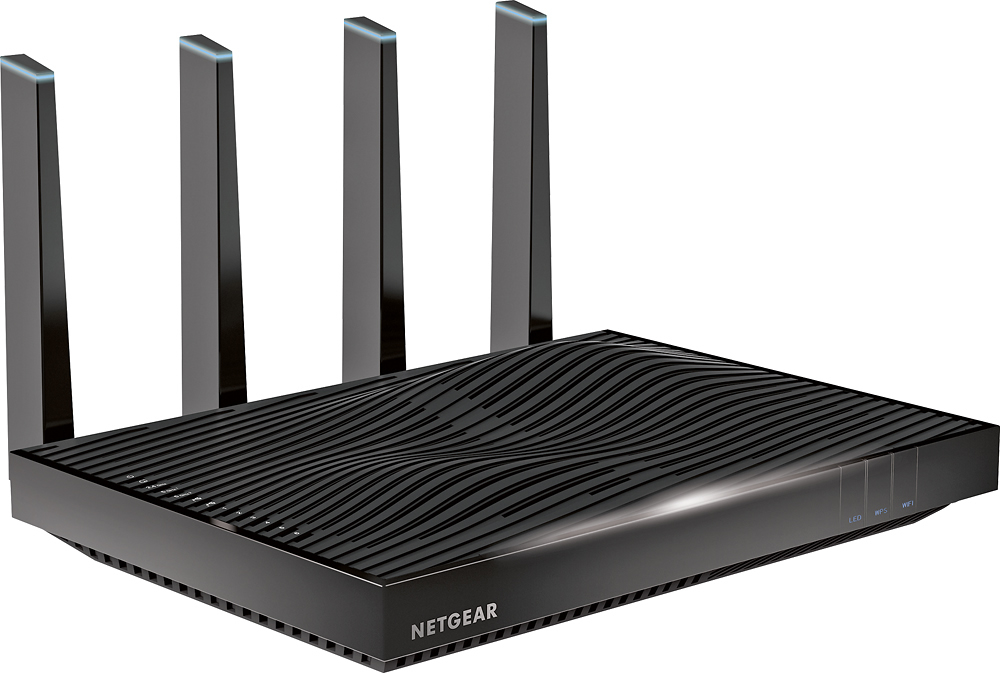
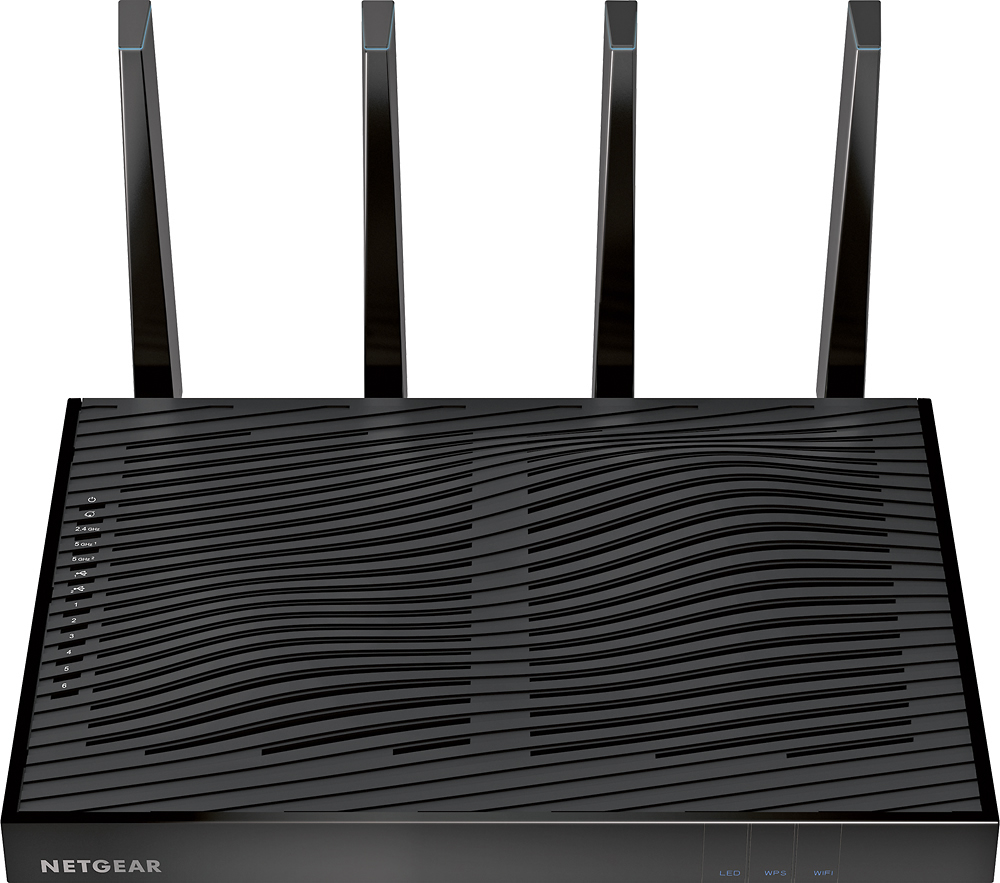
Posted .This reviewer received promo considerations or sweepstakes entry for writing a review.I received this router from Netgear for free as part of their friends and family program to test new products. This router replaced a Netgear AC750 router and I did a comparison between the two as part of this review. The AC750 is a great router but it can’t hold a candle to the AC5300 in terms of performance. From a performance standpoint (speed at distances), the AC5300 beat the AC750 at every distance measured, as expected. For reference, I have a 100mb down/ 10mb up plan. Right next to the router, the AC5300 received 7% faster speeds (117mb down / 12mb up). At 45 feet away, it received 41% faster speeds on the 2.4GHz band and 70% (117mb down / 12mb up) faster speeds on the 5GHz band. At 70 feet away, it received 91% faster speeds on the 2.4GHz band and the 5GHz picked up (59mb down / 12mb up) when the AC750 couldn’t produce a consistent/reliable signal. At 100 feet away, the AC5300 router was still picking up great speeds (93mb down / 12mb up). The router comes with something called “Smart Connect” which is a feature that separates slower and faster devices to specific bands to ensure they are getting the best wireless speeds. I must say the distance on this router is truly impressive as I can pick up a signal in both my back and front yard. In terms of features, this router comes fully loaded with just about everything you would need. The tri-band Wi-Fi and quad stream have you covered on the speed and the Netgear genie application allows you to manage your network appropriately. When you login to your router via the Netgear genie manager, you can see your network status, a network map (including the number of devices currently connected), your parental control settings, your USB drive status and the status of your guest network – if you choose to use one. You have the ability to set a schedule for your router to access the internet, if you would like to cut it off at night or during dinner. You can even block certain sites from being accessed from your network. The form factor of this router is pretty large but with the wavy body and the lights, it looks cool. Each of the four external antennas has a blue light at the top, which gives it a really neat look. You can turn off all of the LEDs with the touch of a button if you would rather have them off and not emitting a blue glow. The router also has a button to enable and disable the Wi-Fi. The router comes with 6 gigabit Ethernet LAN ports (and 1 WAN port) so you can plug in your wired devices. It has the ability to hook up a USB hard drive to it and not only access it from the network, but also schedule automatic backups of all the machines connected to the router. The router has 2 USB ports (one is a 3.0 port and the other is a 2.0 port). I hooked up our printer to the USB port and was able to remote print from multiple devices on the network, throughout the house. The last thing that I tested was the router’s ability to be a wireless bridge. I plugged the router into an electrical outlet downstairs and enabled the feature through my computer that was connected to it. The router was able to pick up the wireless signal from the other router that was connected to my modem and repeat the signal from its location, giving me extended coverage. However, I was able to eliminate the other router all together with this router’s impressive coverage. Setting up the router was extremely easy. The router comes with a predefined set of credentials where you can login, immediately change your password and configure the settings you wish. I was able to get the router online and configured in a matter of minutes. Aside from the Wi-Fi, WPS and LED light buttons on the front of the router feeling a little flimsy, I really can’t say anything negative about this router. I can truly say that this router is the best I have ever used or tested. If you are looking for a highly customizable router that can transmit a reliable signal at impressive distances while providing you the ability to micro-manage your network, look no further. This thing has it all!
I would recommend this to a friend Rated 3 out of 5 stars
So so for what it was promised
||Posted .This reviewer received promo considerations or sweepstakes entry for writing a review.Although it is claimed as one or the best router in the market including for transferring 4K videos, I honestly did not see any difference at all vs. the Apple Airport Time Capsule.
No, I would not recommend this to a friendRated 3 out of 5 stars
Not totally sure yet.
||Posted .This reviewer received promo considerations or sweepstakes entry for writing a review.This router is ok. Only since I replaced my older Belkin I am unable to map my network drives. Tried everthing no luck.
No, I would not recommend this to a friendRated 3 out of 5 stars
Works as stated but,
||Posted .This reviewer received promo considerations or sweepstakes entry for writing a review.No difference in performance than my previous netgear I had payed half for. The price is way to high for this item. Do your homework. There are much better options.
No, I would not recommend this to a friend- Pros mentioned:SpeedCons mentioned:Size
Rated 4 out of 5 stars
Netgear Nighthawk x8 R8500 Router
Posted .This reviewer received promo considerations or sweepstakes entry for writing a review.I was upgrading from a Netgear WNDR3800. This was a very reliable router for me but the 5 GHz band did not have the range I needed to cover my 2400 SqFt single level house though it was not all the fault of the router as I have located the router poorly in the house. It is located in the NE corner of the house and most of the wireless devices are used in the SW corner. Price: This router is expensive. I purchased on Black Friday for $299 and that is still expensive for a router. Size: Everyone has mentioned the size of this router. It is twice the size of my previous router plus the large external antennas but I must admit that I was expecting something larger from reading the reviews. It still fits on my desk behind my monitor however you may want to verify that you have space for this router prior to purchasing it. Setup: I started the setup with the Genie app. That was a mistake as not all of the features are available in the Genie app. Halfway through the setup i switched to the Web based admin page. I am familiar with this admin page from my previous router and things went much easier then. Range: With my previous router I was getting full bars on the 2.4 GHz band and I am still getting full bars so I will make no comment here. For the 5 GHz band located 70 ft through 3 walls, on the iPhone I was getting 1 of 3 bars and now I get full bars, on my laptop I was getting 2 of 5 bars and now I am getting 4 bars. On my iPhone the 5 GHz now has coverage on the back patio and in all but the SW corner of my 10,000 SqFt lot. The 2.4 GHz band has coverage on the whole lot. Speed: The speed of my 2.4 GHz has increased about 25%. I am not sure why but my iPhone is seeing a 50% drop in throughput at the 70 Ft location as compared to in the same room with the router but this was the case with my previous router also. I see a much less drop in throughput with my laptop but I still see a drop. The speed on the 5 GHz band is solid throughout the house. My iPhone is getting the full bandwidth of my connection in the room with the router and at the 70 Ft location it is still getting about 90-95% of that bandwidth. This is at any location in the house. Conclusion: Since my goal was the improve my 5 GHz range this router has accomplished that. I have only had the router 1 week but it appears to be stable (version 56 of the firmware). I have not had to power cycle the router due to throughput issues or resets. Hopefully this will be as stable as my previous Netgear router was. The only con i see for this router is the price, routers just shouldn't cost $400.
I would recommend this to a friend Rated 1 out of 5 stars
Engineer: Fantastic WiFi, Crashes Indefinitely...
||Posted .This reviewer received promo considerations or sweepstakes entry for writing a review.By trade I am an IT Security Engineer. I have no clue what's going on with these things, but the initial reviews made me purchase and install many of them at multiple clients. I have since had to replace ALL of them. After 1-3 months of use, they start power cycling and never come back online. Netgear support tells us to exchange them. The manual reset does nothing. Online forums indicate this is a very common problem with these. I am so frustrated with Netgear. One of my clients is on their third one. I am losing money on these things left and right at this point. Pro tip: backup your configuration, so if/when you have to replace it, you don't have to waist time re-setting up and fine-tuning it to your needs.
No, I would not recommend this to a friend