Customer Ratings & Reviews
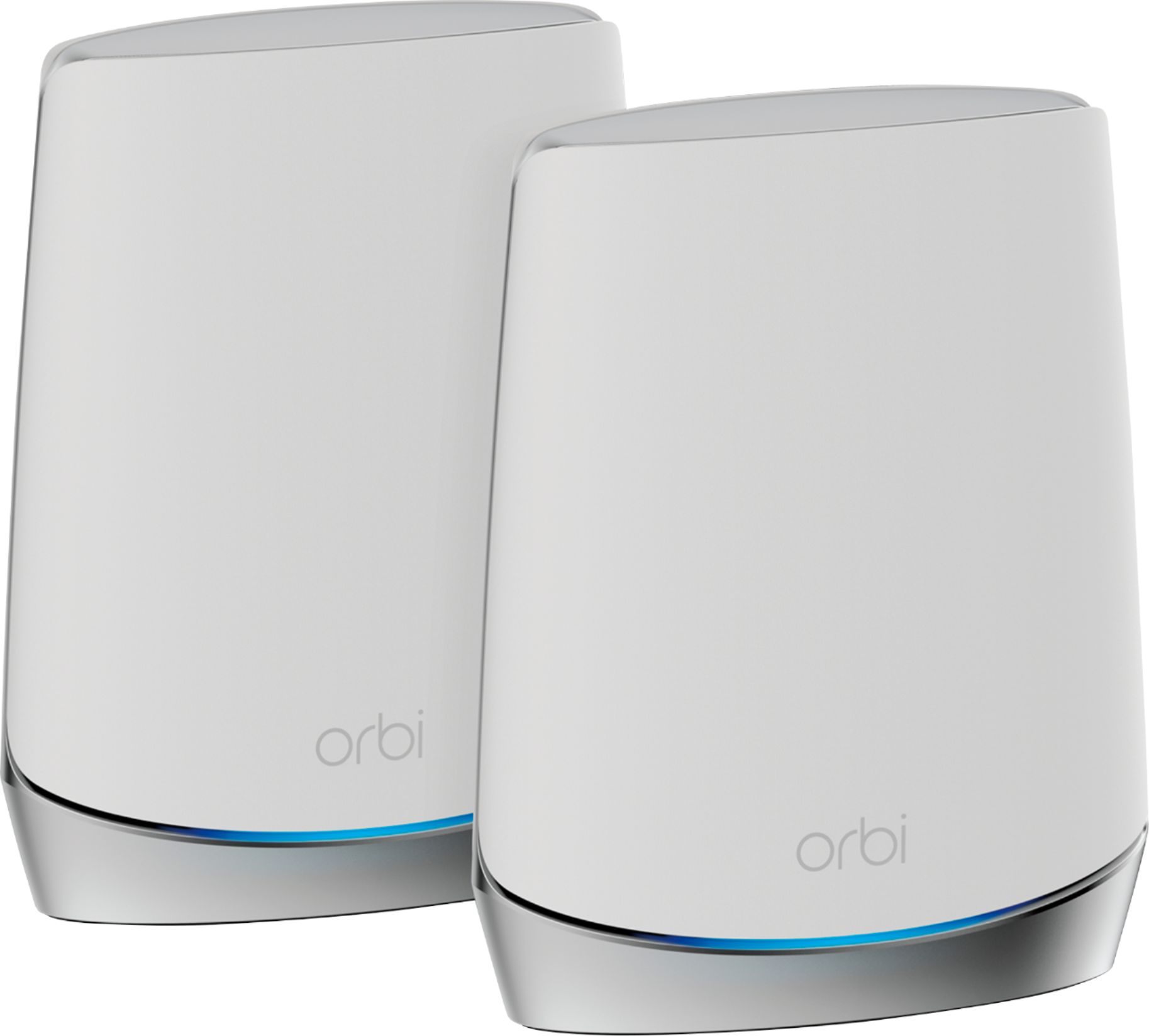
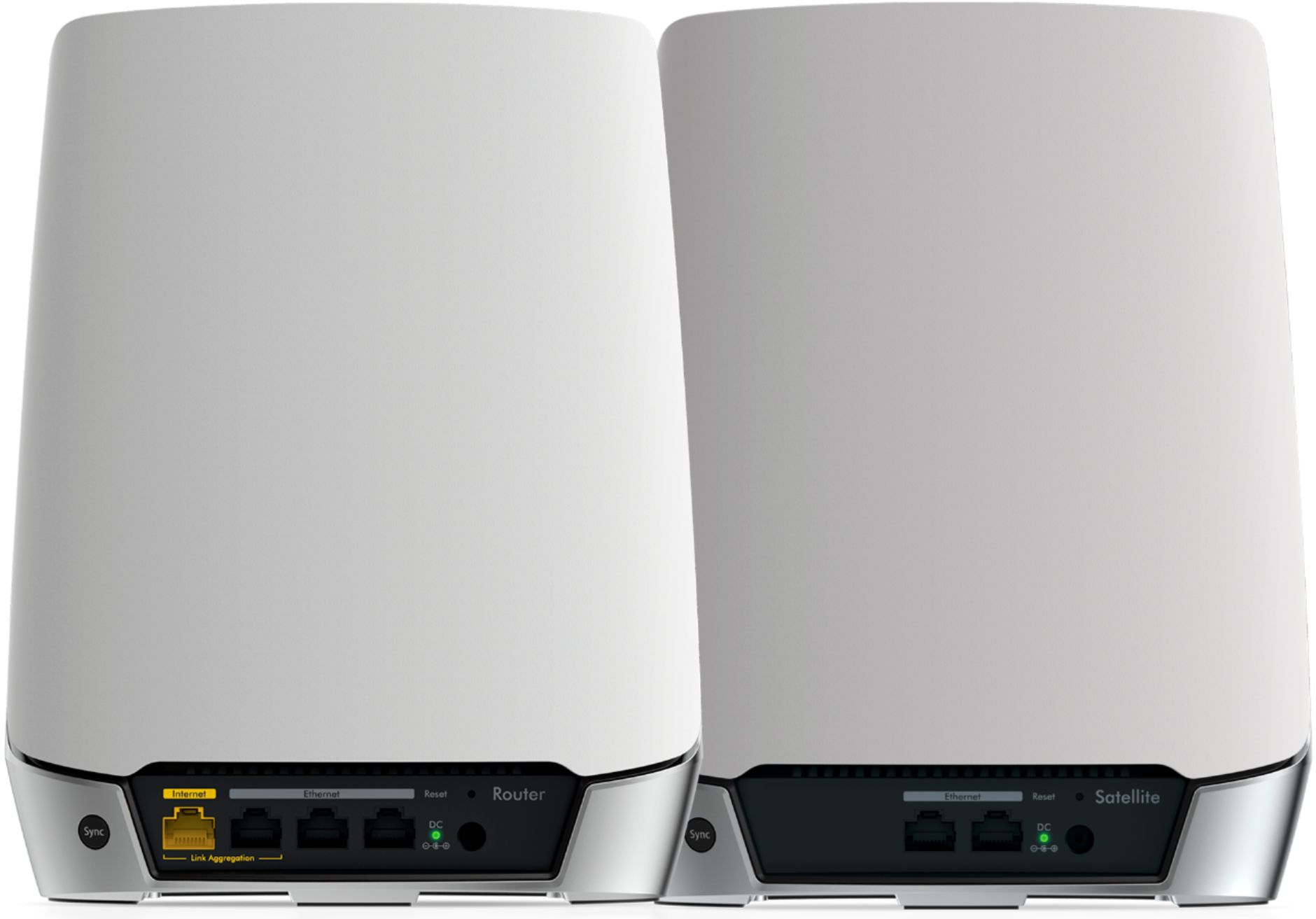
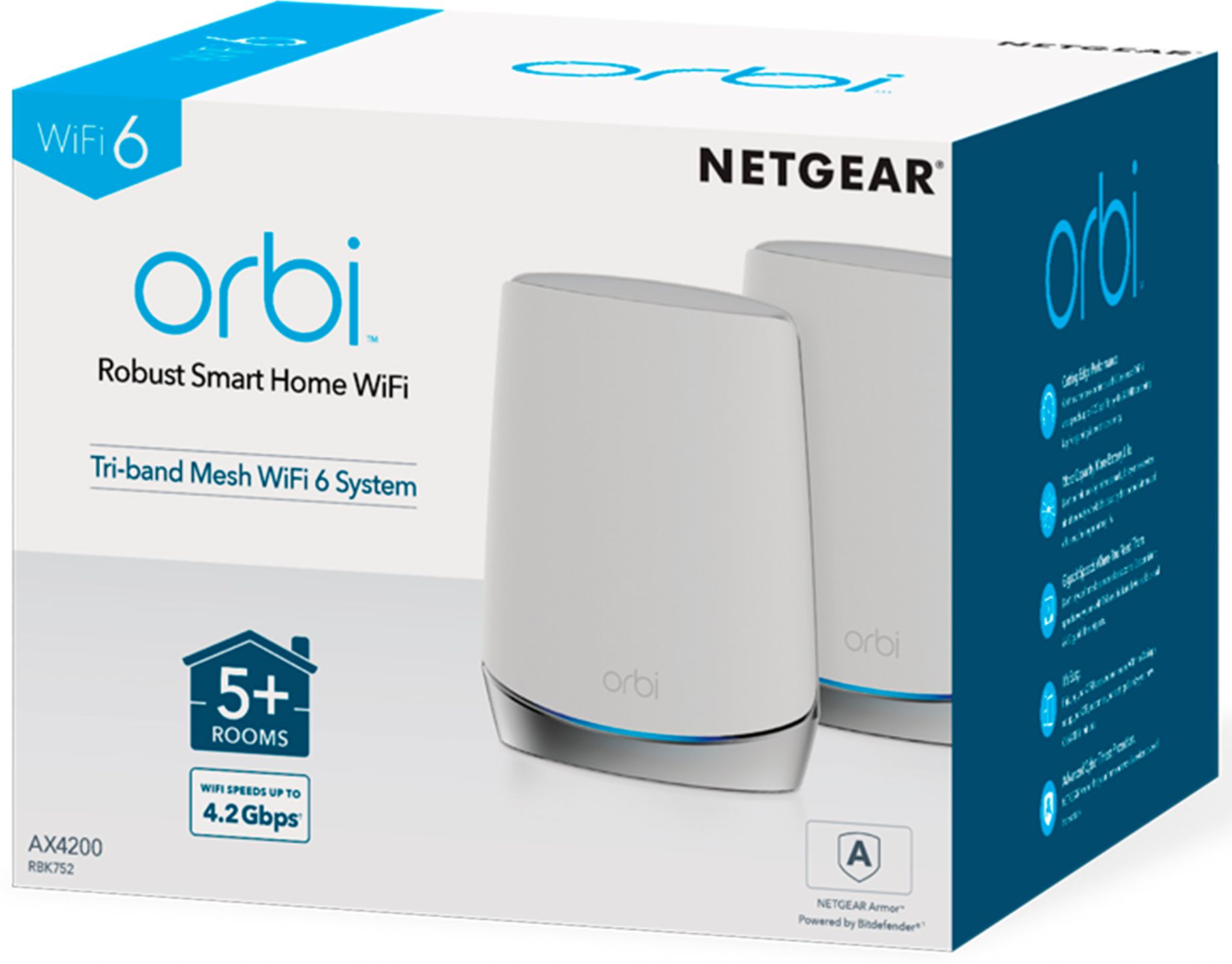

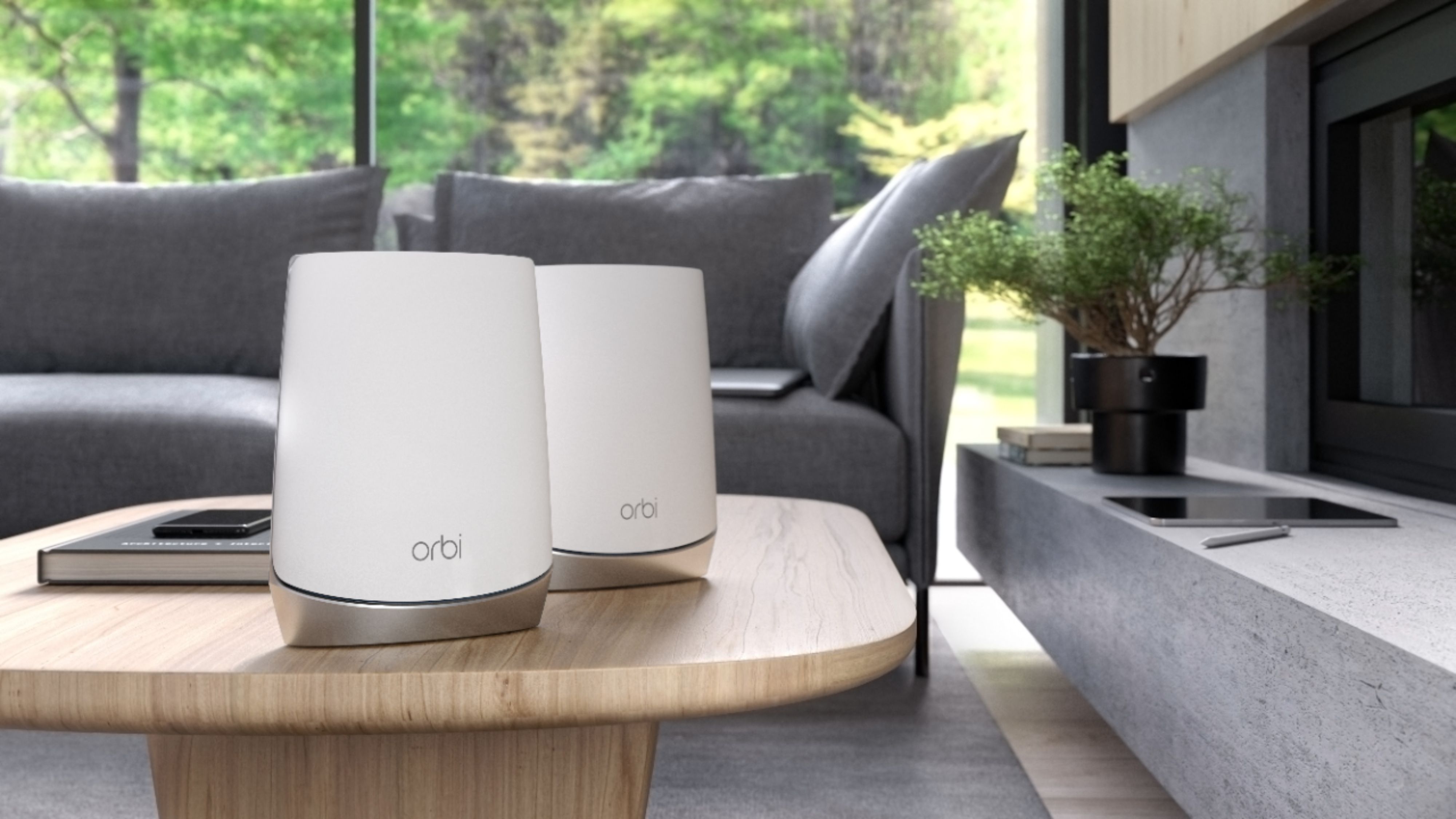
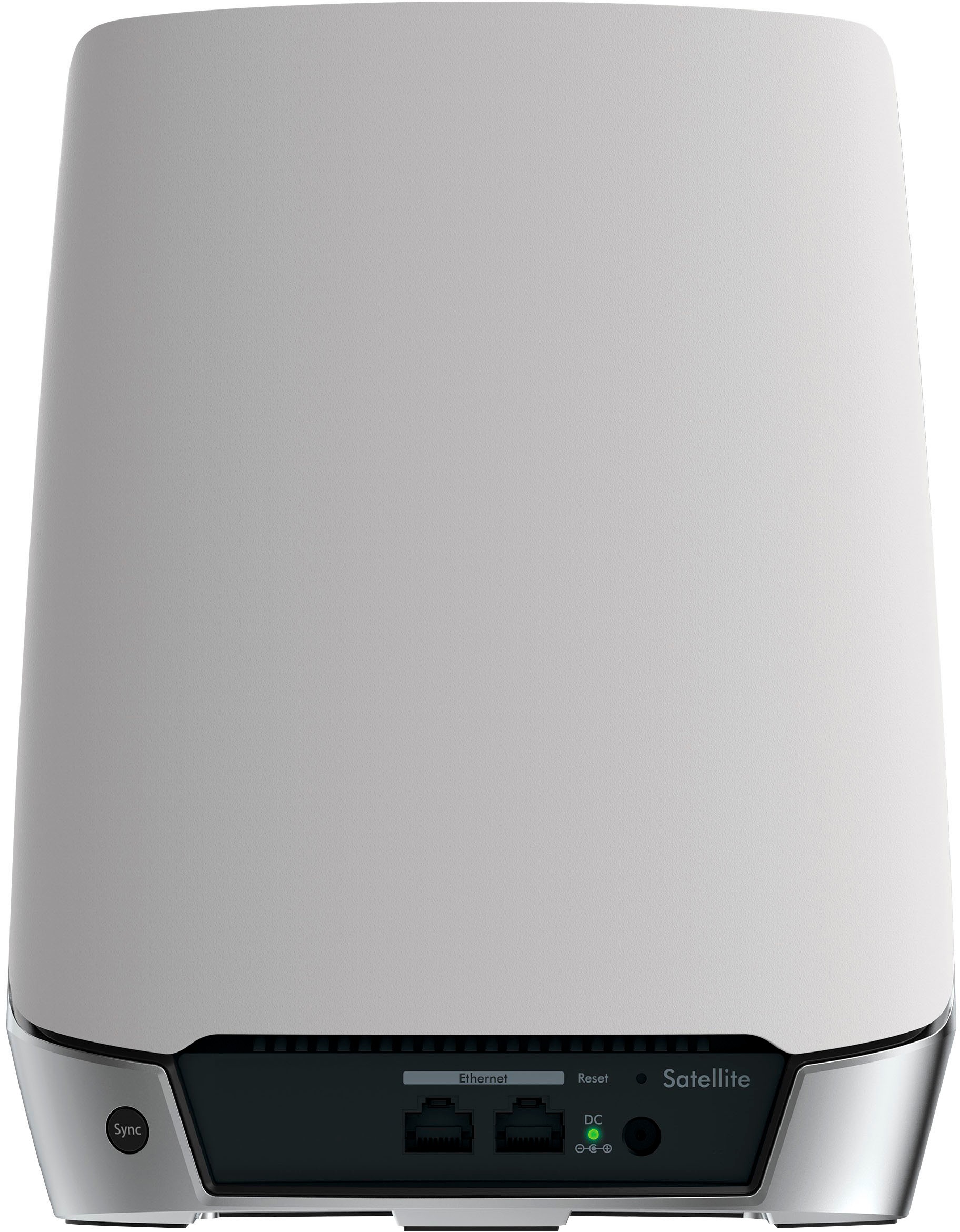
- Model:
- RBK752-100NAS
- |
- SKU:
- 6405440
Customer reviews
Rating 4.7 out of 5 stars with 2336 reviews
(2,336 customer reviews)Rating by feature
- Setup4.6
Rating 4.6 out of 5 stars
- Range4.8
Rating 4.8 out of 5 stars
- Signal Strength4.8
Rating 4.8 out of 5 stars
Customers are saying
Customers recognize the Orbi 750 Series AX4200 Tri-Band Mesh Wi-Fi 6 System's extensive coverage, ease of use, and strong performance as significant advantages. Many appreciate the straightforward setup process and reliable signal strength, resulting in improved connectivity. However, some users cite the high price as a drawback, and a lack of robust parental controls is also mentioned as an area for improvement. While some experienced lag, others reported significant improvements in speed and reduced lag after installation.
This summary was generated by AI based on customer reviews.
Rated 2 out of 5 stars
Nope not buying again
||Posted . Owned for 4 months when reviewed.This reviewer received promo considerations or sweepstakes entry for writing a review.Returned could not get to sink with ATT Fiber network
No, I would not recommend this to a friendBrand response from Netgear Support
Posted .Hi Paliza,
Thank you for your review, we appreciate your feedback and we want you to know that your experience is important to us. We're sorry to hear that you had an issue with setting up your RBK752 and have already returned it. When experiencing trouble while setting up, we recommend visiting this resource: https://kb.netgear.com/000061613/What-should-I-do-if-I-m-having-trouble-installing-my-Orbi-WiFi-System?language=en_US.
If you decide to repurchase the RBK752 or any other NETGEAR product and have any issues, NETGEAR Support will be happy to help you. You can contact NETGEAR Support by going to: https://my.netgear.com/support/contact.aspx and follow the onscreen instructions. Once you’ve registered your product you will be given the options of contacting Support through Phone, Chat, or email.
Regards,
NETGEAR Team
Rated 2 out of 5 stars
Sucks
||Posted . Owned for 1 month when reviewed.This reviewer received promo considerations or sweepstakes entry for writing a review.I had to return them due to the fact that the devices will constantly connect to the router and switch to the satellite back and forth when in the same spot.
No, I would not recommend this to a friendBrand response from Netgear Support
Posted .Hi Arodtechguy,
Thanks for your review of your Orbi. We understand that you have been having a difficult time with the product lately and we would like to look into some of the support opportunities that we have available. Your product comes with a one-year warranty and 90 days of complimentary tech support. If you need further assistance, please log in to MyNETGEAR and click support for additional resources or to contact one of our support experts. They will be happy to help.
Thank you.
Rated 1 out of 5 stars
Poor performance; Not as advertised
||Posted .This reviewer received promo considerations or sweepstakes entry for writing a review.Very inconsistent router. No "mesh"; 20-30 sec lag time in wifi reception going between router and satellite. Every 5-10 days, would wake up to router or satellite needing to be restarted. Advertises that it can handle 30-40 devices and a 5,000 sq. ft. house. Both the number of devices and home square footage is inaccurate. Wifi outages if more than 3 people are on zoom calls at once (and with online learning and work from home--that's below average...)
No, I would not recommend this to a friendBrand response from Netgear Support
Posted .Hi Larrylaw1,
Thank you for your feedback. We would like to help you with your Orbi Mesh RBK752. The range of your product can be degraded if there are things in the environment that are interrupting the signal. Wireless routers, access points, and adapters send and receive radio wave signals through antennas. To optimize your wireless range, we suggest checking this resource: https://kb.netgear.com/1114/Improving-wireless-range-Overview
We would need additional information on your usage to troubleshoot the issue with the system needing to be restarted. Please email us at NetgearTeam@netgear.com
Thank you
Rated 1 out of 5 stars
Couldn’t be it to work!
||Posted . Owned for 3 weeks when reviewed.This reviewer received promo considerations or sweepstakes entry for writing a review.I have a BS and MS n Computer Science, and could never get the Orbi system to set up properly. Tried for 3 days running the setup procedures, including hard resetting the Orbi back to factory settings, but would never complete. Usually ended up with the app saying it couldn’t find the Orbi router. Returned for a refund. Most Netgear products work fine, the Orbi is the exception. No idea how it would work if it ever completed setup.
No, I would not recommend this to a friendBrand response from Netgear Support
Posted .Hi BadDog,
We're sorry to hear that you had problems with your RBK752 and have already returned it. If you decide to repurchase the Orbi or any other NETGEAR product and have any issues, NETGEAR Support will be happy to help you. You can contact NETGEAR Support by going to: https://www.netgear.com/support/contact.aspx and follow the onscreen instructions. Once you’ve registered your product you will be given the options of contacting Support through Phone, Chat, or email.
Regards,
NETGEAR Team
Rated 1 out of 5 stars
Worst router in my life
||Posted .This reviewer received promo considerations or sweepstakes entry for writing a review.Please save your time and money, this is the worst router I have bought, I tried to ignore the bad reviews from others here as I couldn’t find other option to extend my wifi. Right after 47 days this router will start having connectivity problems, called tech support and I’m NOT kidding when I say I spend 1 hr with customers support just to have me done what I’ve done already ( unplug from power and reset router to factory) just don’t buy it!
No, I would not recommend this to a friendBrand response from Netgear Support
Posted .Hi Ray08,
Thank you for the feedback on your support experience. We would like to help escalate your issue so that we can improve the experience with your Orbi. Please email us at netgearteam@netgear.com.
Thank you,
NETGEAR Team
- Pros mentioned:Speed
Rated 5 out of 5 stars
Excellent purchase
Posted .This reviewer received promo considerations or sweepstakes entry for writing a review.We had the best internet connection Fios can get (1Gbps) and claims from the Verizon Fios tech that signal was strong enough throughout our 2-storey house. We easily have 20 devices connected between the Alexa devices, TVs with Fire sticks, Samsung Hub, smart appliances and lighting, 2 video game consoles, multiple iPads and phones and 4 people conducting video conferences and earning remotely and kids playing computer games. We had serious connection problems. I wasted hundreds buying high-end extenders that gave us various network names but it barely improved things. Orbi w/ 2 satellites cover every part of the house with the same credentials with speeds of 550+ Mbps everywhere. Install was super easy with the app and Verizon even has instructions on how to install Orbi with their Fios router. The sleak design is a better fit for our house decor compared to the alien UFO looking routers out there. I highly recommend if you want a once and for all solution to a fast, reliable connection and peace of mind in a nice unit design that blends in with the decorations. Setting customization, guest wifi set-up and parental control is very easy with the app.
I would recommend this to a friend Rated 1 out of 5 stars
Slow, not reliable, and limited features.
||Posted . Owned for 1.5 years when reviewed.This reviewer received promo considerations or sweepstakes entry for writing a review.Slow, not reliable, and limited features. For example, web site filtering is an available option, but it does not actually work. DNS in DHCP cannot be adjusted. The Orbi's IP will always provide your DNS and it is not responsive. I do not get the guaranteed bandwidth my ISP provides. It has been troubleshoot through and through, and all signs point to the Orbi being the cause.
No, I would not recommend this to a friendBrand response from Netgear Support
Posted .Hi BBShopper,
Thank you for your review, we appreciate your feedback and we want you to know that your experience is important to us. We are sorry to hear that you had a difficult experience with your product. This resource should help you troubleshoot your wireless network for the speed issue you are experiencing: https://kb.netgear.com/1110/How-do-I-troubleshoot-my-wireless-network.
If you need further assistance or if you continue to experience DNS issues, you can contact NETGEAR Support by going to: https://my.netgear.com/support/contact.aspx and follow the onscreen instructions. Once you’ve registered your product you will be given the options of contacting Support through Phone, Chat, or email.
Regards,
NETGEAR Team
Rated 1 out of 5 stars
Great when it works
||Posted . Owned for 2 months when reviewed.This reviewer received promo considerations or sweepstakes entry for writing a review.I had more issues setting this router up than I have had with any other router. Initial set up was a nightmare as it did not want to connect to the internet. Usually when there is a power outage it will not reconnect either and then I have to factory reset. Which leads back to the headache of setting up this junk. Extremely disappointed especially for the price. Unfortunately I kept it because it worked great once set up.
No, I would not recommend this to a friendBrand response from Netgear Support
Posted .Hi Milk,
Thank you for your review and feedback. We have a firmware update for your RBK752 Router and Satellite, please download when you are able: https://www.netgear.com/support/product/rbk752.aspx#RBR750%20(Orbi%20Router)%20Firmware%20Version%204.6.3.7.
For setting up your Orbi Mesh we recommend using the Orbi App which makes the process easier. https://kb.netgear.com/000036467/What-can-I-do-with-the-Orbi-app?language=en_US. If you are not using the Orbi App and are having difficulties, please check out this link: https://kb.netgear.com/000061613/I-m-having-trouble-installing-my-Orbi-WiFi-System-what-do-I-do.
If you need assistance, please contact NETGEAR Support by going to: https://www.netgear.com/support/contact.aspx and follow the onscreen instructions. Once you’ve registered your product you will be given the options of contacting Support through Phone, Chat, or email.
Regards,
NETGEAR Team
Rated 1 out of 5 stars
Orby Router Issue
||Posted . Owned for less than 1 week when reviewed.This reviewer received promo considerations or sweepstakes entry for writing a review.Requires a strong cell phone internet signal to download a set up app. We could not set this unit up as We had no cell phone internet and Netgear does not supply a customer help phone number. Netgear help o ly available on line. If Your trying to set up a router and internet service and do not have a strong cell phone carrier based internet signal You can't download the cell phone app to start router installation.
No, I would not recommend this to a friendBrand response from Netgear Support
Posted .Hi Orby,
Thank you for your feedback. We have an article with information to help you manually install your web interface. https://kb.netgear.com/22697/How-do-I-install-my-NETGEAR-router-using-the-router-web-interface.
If you continue to have any issues setting up your system, please contact us at netgearteam@netgear.com
Thank you,
NETGEAR Team
Rated 2 out of 5 stars
Not that good
||Posted . Owned for 1 month when reviewed.This reviewer received promo considerations or sweepstakes entry for writing a review.Doesnt do like i would expect a satellite tonoerform still have the circle
No, I would not recommend this to a friendBrand response from Netgear Support
Posted .Hi Timj,
Thank you for your review, we appreciate your feedback and we want you to know that your experience is important to us. We are sorry to hear that you had a difficult experience with your product. If experiencing a connectivity issue, we recommend checking out these troubleshooting resources: https://kb.netgear.com/1110/How-do-I-troubleshoot-my-wireless-network, and also: https://kb.netgear.com/000061531/What-should-I-do-if-I-experience-wireless-connectivity-issues-while-connecting-devices-to-my-WiFi-6-NETGEAR-router-or-Orbi-mesh-system?language=en_US.
If you need further assistance, you can contact NETGEAR Support by going to: https://my.netgear.com/support/contact.aspx and follow the onscreen instructions. Once you’ve registered your product you will be given the options of contacting Support through Phone, Chat, or email. We recommend that you use only official NETGEAR support resources.
Regards,
NETGEAR Team
Rated 1 out of 5 stars
Very Disappointed in this NetGear product
||Posted . Owned for 3 weeks when reviewed.This reviewer received promo considerations or sweepstakes entry for writing a review.Not a fan of this Netgear product. The Orbi app is extremely flaky and I have never been able to set up the QoS feature since for whatever reason the app's speed test feature will not run. Called and spoke to multiple Netgear Pro (Paid) Support and they cannot fix or understand the issue either.
No, I would not recommend this to a friendBrand response from Netgear Support
Posted .Hi Sgfgator,
Thank you for your review. We can help you with your Orbi App. Please email us at NetgearTeam@netgear.com
Thank you
Rated 2 out of 5 stars
Not what I expected
||Posted . Owned for 1 year when reviewed.This reviewer received promo considerations or sweepstakes entry for writing a review.Maybe I don't know what I'm doing but I have 2 Gig internet but this is not pushing out even a Gig of it.
No, I would not recommend this to a friendRated 2 out of 5 stars
Do your research
||Posted .This reviewer received promo considerations or sweepstakes entry for writing a review.Not as good as the original ones. These seem ok, but you might want an extra’s.
I would recommend this to a friendBrand response from Netgear Support
Posted .Hi Kims,
Thank you for your review, we appreciate your feedback and we want you to know that your experience is important to us. This resource should help you: https://kb.netgear.com/1110/How-do-I-troubleshoot-my-wireless-network.
If you need further assistance, you can visit https://my.netgear.com/support/contact.aspx to register your product, get help, access the latest downloads and user manuals, and join our community. We recommend that you use only official NETGEAR support resources.
Thank you,
NETGEAR Team
Rated 1 out of 5 stars
Not stable connection
||Posted . Owned for 2 months when reviewed.This reviewer received promo considerations or sweepstakes entry for writing a review.I couldn't get a stable connection at all. I bought this after a lot of good reviews everywhere however, my connection was not stable at all. Even the wired connection from satellites. I tried placing satellites in different places too. Netgear support (offshore) is useless. Someone even argued with me that you can't use the Orbi without a modem. But with Verizon, you don't need a modem.
No, I would not recommend this to a friendBrand response from Netgear Support
Posted .Hi ch81,
Thank you for the review on your Orbi. We appreciate your feedback on the connectivity of your device. This resource should help you "https://kb.netgear.com/1110/How-do-I-troubleshoot-my-wireless-network"
Please let us know if this resolved your issue by updating your review. If you need further assistance, our support team will be able to help. Fios will have a ONT device rather then a modem since the connection is Fiberoptic.
Thank you.
Rated 2 out of 5 stars
Orbi 2 pack
||Posted . Owned for 1 month when reviewed.This reviewer received promo considerations or sweepstakes entry for writing a review.They did not work out as advertised. I had to return them.
No, I would not recommend this to a friendBrand response from Netgear Support
Posted .Hi Andrew58,
We're sorry to hear that you had problems with your RBK752 and have already returned it. If you decide to repurchase the NETGEAR Tri-Band Mesh Wifi 6 System or any other NETGEAR product and have any issues, NETGEAR Support will be happy to help you. You can contact NETGEAR Support by going to: https://www.netgear.com/support/contact.aspx and follow the onscreen instructions. Once you’ve registered your product you will be given the options of contacting Support through Phone, Chat, or email.
Regards,
NETGEAR Team
Rated 2 out of 5 stars
Worked, but not well
||Posted .This reviewer received promo considerations or sweepstakes entry for writing a review.Had this system hooked up but only worked for half the house. Took it back
No, I would not recommend this to a friendRated 1 out of 5 stars
Junk Product Non existent updates !
||Posted . Owned for 1 month when reviewed.This reviewer received promo considerations or sweepstakes entry for writing a review.Unable to update via app , disabled by Netgear . Have to pay customer support that is Awful to email you the updates and walk you through install .my second Orbi system first bricked after 2 years and this new one has to be reset 6-10 times a day . If you do purchase buy warranty, you will need it !
No, I would not recommend this to a friendBrand response from Netgear Support
Posted .Hi Chuck,
Thank you for your review, we appreciate your feedback and we want you to know that your experience is important to us. We're sorry to hear that you are still experiencing issues with your RBK752, and we would like to look into your case and see what additional help we can provide. Please email us your contact information along with your case number and a link to your review to netgearteam@netgear.com, and we will be happy to help you.
Regards,
NETGEAR Team
Rated 1 out of 5 stars
Starts acting up months later or immediate.
||Posted . Owned for 5 months when reviewed.This reviewer received promo considerations or sweepstakes entry for writing a review.No matter what I do or set up or tweak or fix or move, this thing keeps forcing me to reset or turn off or fix. My 2nd set of Orbi’s purchased as the first was a different model and I assumed lemon but these things just straight up suck. Internet runs but it makes a lot of things buffer or take long to load on a gigabit network.
No, I would not recommend this to a friendRated 2 out of 5 stars
Looks is all it has.
||Posted . Owned for 2 weeks when reviewed.This reviewer received promo considerations or sweepstakes entry for writing a review.Headache to use the app, horrid experience with xfinity, I’ll be switching to a different product.
No, I would not recommend this to a friendBrand response from Netgear Support
Posted .Hi Ds144,
Thank you for your review of your experience using the Orbi RBK752 and Orbi app. We understand that you had a difficult first experience with your orbi installation and we would like to look into the support opportunities that we have to help. This resource may help: https://kb.netgear.com/31017/How-do-I-set-up-my-Orbi-router-and-satellite
Please let us know if this helps to resolve your issue by updating your review. If you need further assistance, please email us at netgearteam@netgear.com for additional resources or to contact one of our support experts. We will be happy to help.
Thank you.
NETGEAR Team
Rated 1 out of 5 stars
Orbi wifiax42000
||Posted . Owned for 3 weeks when reviewed.This reviewer received promo considerations or sweepstakes entry for writing a review.I have had the router and satellite for about three weeks and it is horrible. It says I am connected to the router even though the satellite is ten feet away from me, the sad thing is that I do not know how to connect to the satellite since it shares the same wifi name. I am constantly being disconnected.
No, I would not recommend this to a friendBrand response from Netgear Support
Posted .Hi ZeusMMB,
Thank you for your review, we appreciate your feedback and we want you to know that your experience is important to us. We are sorry to hear that you had a difficult experience with your product. These resources should help you troubleshoot your network and connectivity: https://kb.netgear.com/1110/How-do-I-troubleshoot-my-wireless-network, and also: https://kb.netgear.com/000061531/What-should-I-do-if-I-experience-wireless-connectivity-issues-while-connecting-devices-to-my-WiFi-6-NETGEAR-router-or-Orbi-mesh-system?language=en_US.
If you need further assistance, you can contact NETGEAR Support by going to: https://my.netgear.com/support/contact.aspx and follow the onscreen instructions. Once you’ve registered your product you will be given the options of contacting Support through Phone, Chat, or email.
Regards,
NETGEAR Team