Customer Ratings & Reviews
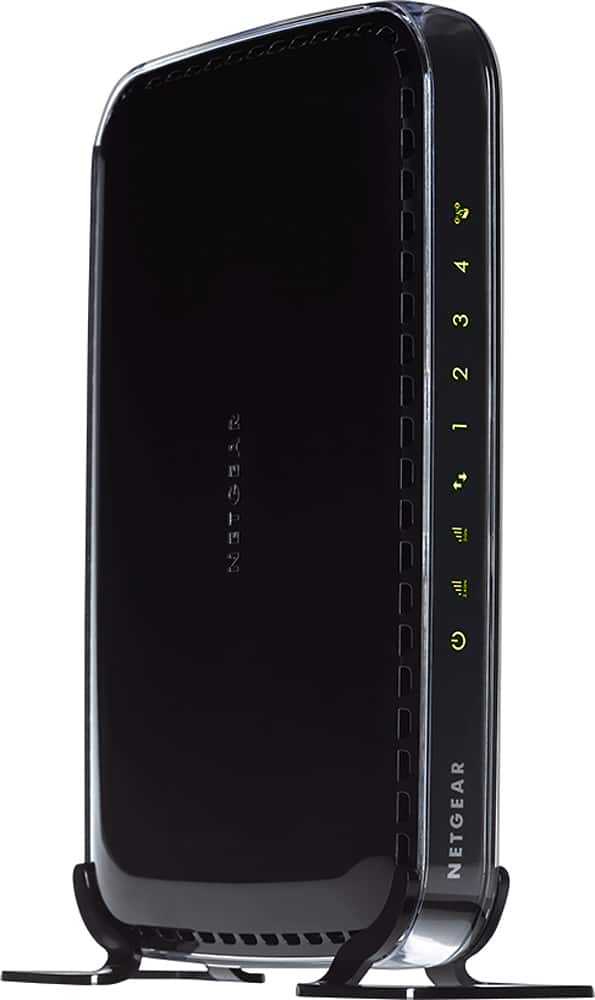
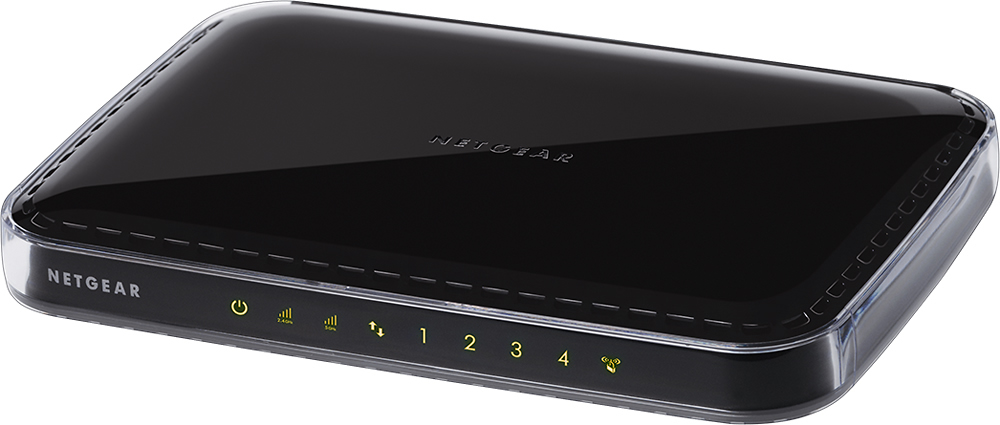

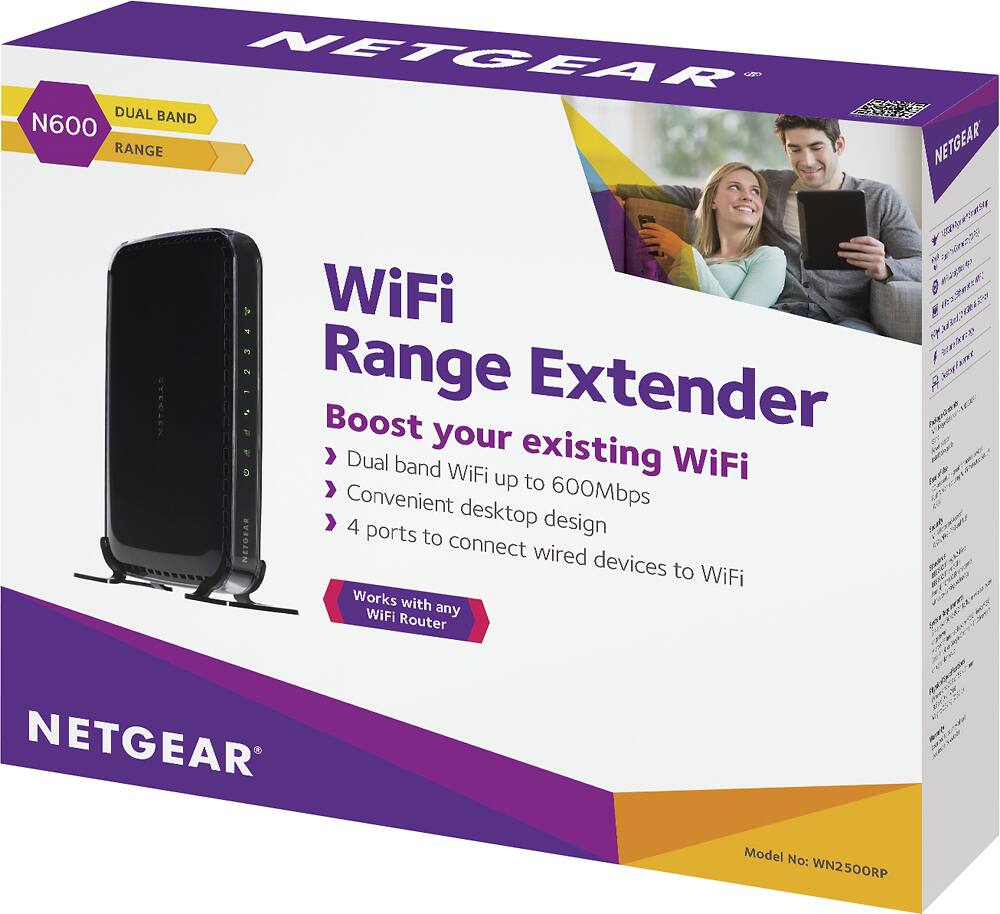

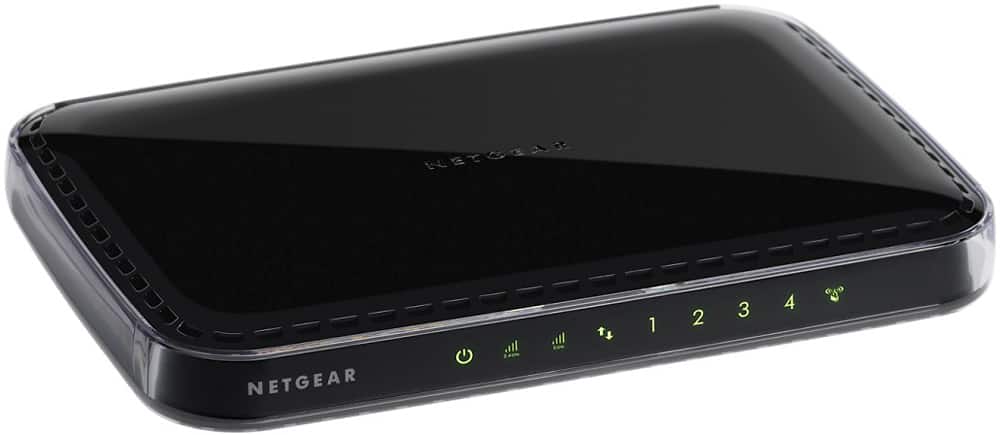
- Model:
- WN2500RP-100NAS
- |
- SKU:
- 4317174
Customer reviews
Rating 4.3 out of 5 stars with 1915 reviews
(1,915 customer reviews)Rating by feature
- Value4.7
Rating 4.7 out of 5 stars
- Quality4.7
Rating 4.7 out of 5 stars
- Ease of Use4.5
Rating 4.5 out of 5 stars
Customers are saying
Customers express satisfaction with the ease of use, extended range, and improved signal strength of the Universal Wi-Fi Dual-Band Range Extender with 4-Port Ethernet Switch. Many appreciate the additional Ethernet ports and the generally positive performance. While some users experienced occasional connection drops, the overall feedback highlights the product's effectiveness in boosting Wi-Fi coverage and providing a convenient setup process. The dual-band functionality and competitive price point are also frequently praised.
This summary was generated by AI based on customer reviews.
Rated 5 out of 5 stars
Excellent Range Coverage
Posted .This reviewer received promo considerations or sweepstakes entry for writing a review.Excellent wifi range extender to my room and I like the ethernet connection for more stabilty
I would recommend this to a friendRated 5 out of 5 stars
Great product for in home use.
Posted .This reviewer received promo considerations or sweepstakes entry for writing a review.I was not able to connect to my printer from the other end of the house now I am able to to everything wireless, My Netgear picked up with no problems. I have never had an issue with Netgear.
I would recommend this to a friendRated 4 out of 5 stars
Good extender for beginner
Posted .This reviewer received promo considerations or sweepstakes entry for writing a review.The device works fine,it extends my WiFi from ground floor to next floor .
I would recommend this to a friendRated 4 out of 5 stars
Works great
Posted .This reviewer received promo considerations or sweepstakes entry for writing a review.No problems so far, upped the quality of internet and speed.
I would recommend this to a friendRated 2 out of 5 stars
not helping me
Posted .This reviewer received promo considerations or sweepstakes entry for writing a review.This is not helping at all. I have the same non coverage as before
No, I would not recommend this to a friendRated 5 out of 5 stars
Netgear wireless Extender.
Posted .This reviewer received promo considerations or sweepstakes entry for writing a review.I bought the Extender 'cause in the past I had problems sometimes with slowdowns in the Internet, so it is working like a charm. I recommended..
I would recommend this to a friendRated 5 out of 5 stars
Works
Posted .This reviewer received promo considerations or sweepstakes entry for writing a review.Works well. Don’t have much else to say. It’s an extender
I would recommend this to a friendRated 4 out of 5 stars
Excellent
Posted .This reviewer received promo considerations or sweepstakes entry for writing a review.This fixed the issue that I was haivng with my wifi
I would recommend this to a friendRated 5 out of 5 stars
Works Well
Posted .This reviewer received promo considerations or sweepstakes entry for writing a review.Works as expected to expand our wi-fi to areas in house router didn't previously reach consistently.
I would recommend this to a friendRated 5 out of 5 stars
Does the job I wanted.
Posted .This reviewer received promo considerations or sweepstakes entry for writing a review.The wi-fi extender was successfully used to access TV's & computers remote to my home network router.
I would recommend this to a friendRated 5 out of 5 stars
Great
Posted .This reviewer received promo considerations or sweepstakes entry for writing a review.Is the best extended wifi. Before try Cisco and work no good
I would recommend this to a friendRated 5 out of 5 stars
Great Product
Posted .This reviewer received promo considerations or sweepstakes entry for writing a review.Bought it a while back. the sound is great actually improved my stereo.
I would recommend this to a friendRated 1 out of 5 stars
Hard to configure, stopped working after a day
Posted .This reviewer received promo considerations or sweepstakes entry for writing a review.I was initially able to use the WPS push button technique to connect the Netgear extender to my wireless router. Easy, right? Well, things went south immediately afterward. I found I was unable to connect to the device from my computer, which I needed to do in order to enable the FastLane settings. This was despite the unit showing a strong connection on both the 2.4 GHz and 5 GHz bands. The URL given in the instructions for accessing the unit's web interface just took me to the Netgear site. So I thought perhaps it might be a router issue and checked settings there. Everything on the router seemed fine; no MAC filtering turned on, compatible security encryption settings, etc. It should have just worked. So I looked at devices connected to the router, and could see that the Netgear extender was indeed connected to the router. Bizarre. So I tried putting the IP address currently used by the Netgear extender into my browser's address bar in hopes of being able to connect to the Netgear extender, similar to the process used for connecting to my router. And...success! The web interface came up for the extender and I was able to configure the settings for FastLane. Okay, so a little bumpy with the configuration, but having gotten past that roadblock, everything seemed to be working fine. Was able to connect devices to the extender and all appeared to be working as expected. The next day it stopped working. No connection on the extender for the 5 GHz band. Can't connect to it from the computer via the IP address even though the Netgear extender shows up as connected to the router. Reset the unit to factory defaults and went through the entire setup process again. Still no 5 GHz connection, still can't connect to the device from my computer - not from the IP address, not even by adding the NETGEAR_EXT network to my wireless networks. Needless to say, I'll be returning the unit and buying something else. Too much hassle.
No, I would not recommend this to a friendRated 3 out of 5 stars
Did not work for me
Posted .This reviewer received promo considerations or sweepstakes entry for writing a review.This is not an access point. You are supposed to place it near the edge of your WiFi signal, so it can take it and extend it further. In my house, there was nowhere I could place this to achieve what I needed.
No, I would not recommend this to a friend- Pros mentioned:Ease of use
Rated 1 out of 5 stars
stopped connecting to source
Posted .This reviewer received promo considerations or sweepstakes entry for writing a review.Installation was relatively easy when I first got it and reception was improving in the back bedrooms. However, after a couple of weeks, it kept dropping the connection to the main router, ultimately not beiong able to connect at all. I rebooted and reinstalled a few times. Netgear tech support was no help. I returned it.
No, I would not recommend this to a friend Rated 1 out of 5 stars
Impossible to install
Posted .This reviewer received promo considerations or sweepstakes entry for writing a review.I followed the installation instructions for the product. When I tried to attach to the extender, it would not accept the password I entered. I checked several times so I know it was correct. This must be a common problem because there were instructions in the install guide that said that being too far from my router might cause this to happen. I moved right next to the router and it still would not accept the password. I thought I might have better luck if i used my router wep code instead of a password. I tried to return to the site to reconfigure; it kept rerouting me to the support website, not the "local" configuration site. This must also be a common problem because there were specific instructions for this as well. This happened even after I reset to factory defaults. When I tried to register my product and get "chat help" the netgear site did not accept the serial number on my device, which I entered several times exactly as stamped on the device. This was very frustrating. Note also that the instructions for the product say you should only use it when you really need it. So if your router is fine in one part of your house, you should connect directly to the router, then reconnect to the extender as you move around. So that means for my ipad, which I use all over the house, I'm going to have to switch networks all the time. Seems like a real inconvenience. One of the troubleshooting tips really puzzled me: it indicated I should find a better "line of site" between the extender and the router. If "line of site" is required, how is this thing supposed to help me solve the problem of having my router in the basement and needing to extend coverage upstairs? Do I have to drill a hole in the floor? I will start from scratch when I get home from work, but at this point, I don't have high hopes.
No, I would not recommend this to a friendRated 1 out of 5 stars
Don't Walk- RUN away
Posted .This reviewer received promo considerations or sweepstakes entry for writing a review.Overall an awful experience. The new boosted signal is constantly dropping- pairing is a pain. Get a booster that allows you to mirror the network name.
No, I would not recommend this to a friend- Pros mentioned:Signal strength
Rated 1 out of 5 stars
Frequent drops
Posted .This reviewer received promo considerations or sweepstakes entry for writing a review.Installed perfectly with both bands showing strong and seemed to really boost performance in areas far from the wireless router. After about two weeks, however, it no longer maintains a steady connection. Frequent drops, etc., really have made it impossible to use and have made going back to the original weak signal of the wireless router preferable. I'm disappointed.
No, I would not recommend this to a friend Rated 2 out of 5 stars
Constant Resets and Disappearing Band
Posted .This reviewer received promo considerations or sweepstakes entry for writing a review.I knew I should have spent the extra bucks to buy the Apple Airport Extreme the first time. This device was intended to try to help out my "extended range" LinkSys E4200 router with its limited range and dead spots in my small house. The Netgear has inexplicably changed the password on the slower band used for guest access rendering it unavailable and the higher speed band disappears daily, requiring constant restarts. Frustrating!!
No, I would not recommend this to a friendRated 3 out of 5 stars
Just not what i was expecting
Posted .This reviewer received promo considerations or sweepstakes entry for writing a review.My devices drop the internet from time to time as they switch from the direct lionk to the extedner back and forth
No, I would not recommend this to a friend