Customer Ratings & Reviews
- Model:
- RS300-100NAS
- |
- SKU:
- 6583238
Customer reviews
Rating 4.7 out of 5 stars with 213 reviews
(213 customer reviews)Rating by feature
- Setup4.7
Rating 4.7 out of 5 stars
- Range4.7
Rating 4.7 out of 5 stars
- Signal Strength4.7
Rating 4.7 out of 5 stars
Customers are saying
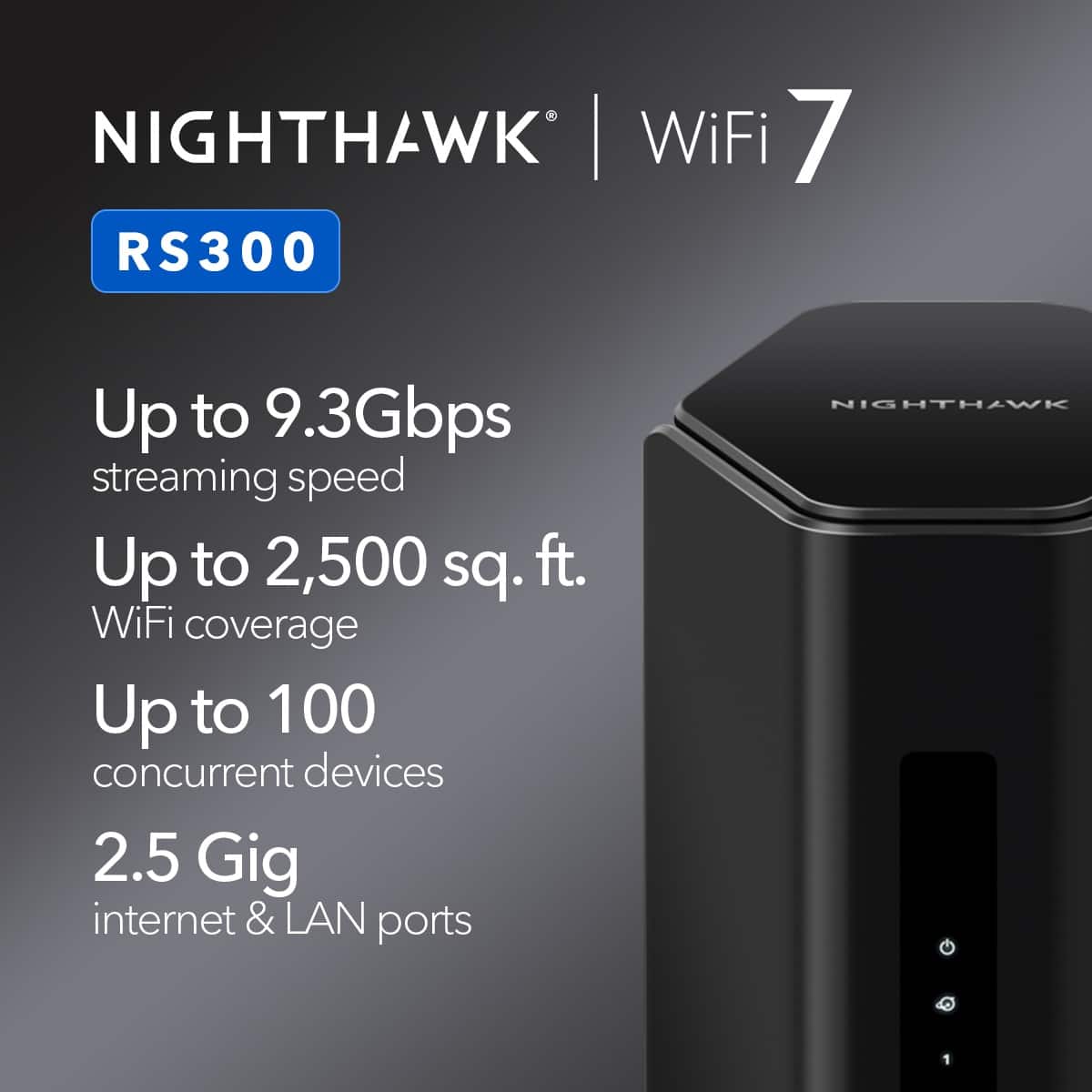
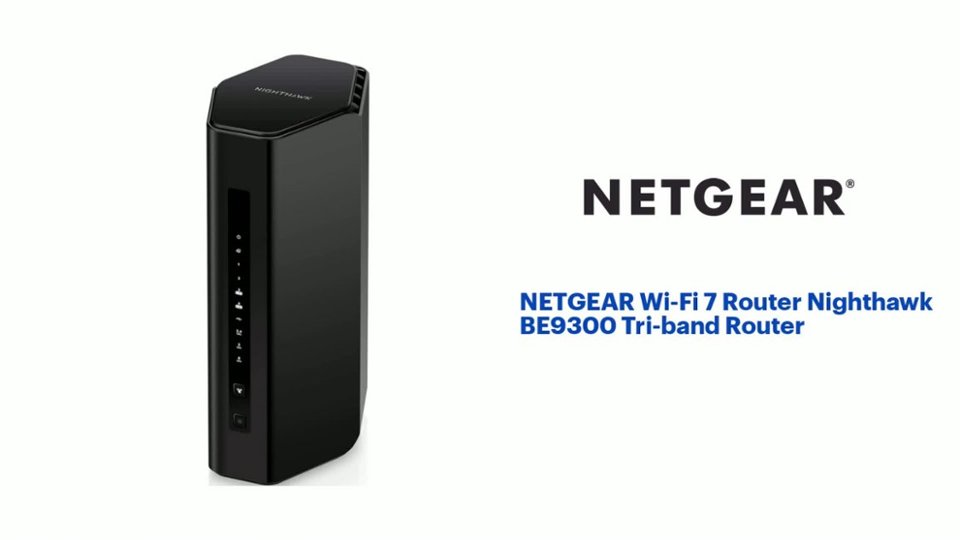
Customers regard the Wi-Fi 7 Router Nighthawk BE9300 Tri-band Router highly for its speed and performance, with many reporting seamless operation and significant improvements in connection speeds. The setup process is also praised for its ease of use. Furthermore, customers appreciate the router's extensive coverage and strong signal strength, ensuring reliable connectivity throughout their homes.
This summary was generated by AI based on customer reviews.
Rated 4 out of 5 stars
Works fine
||Posted . Owned for 1 month when reviewed.This reviewer received promo considerations or sweepstakes entry for writing a review.It has been working fine, a little complicated to install but got it done.
I would recommend this to a friendRated 5 out of 5 stars
Great
||Posted . Owned for 2 months when reviewed.This reviewer received promo considerations or sweepstakes entry for writing a review.East set up very strong signal can handle multiple devices
I would recommend this to a friendRated 3 out of 5 stars
Average Router, but not a fit for me.
||Posted .This reviewer received promo considerations or sweepstakes entry for writing a review.Probably a good modem router combo for standard home installations. In my case, the router would not operate in bridge-mode, which I had to have.
I would recommend this to a friendRated 4 out of 5 stars
Good
||Posted . Owned for 4 months when reviewed.This reviewer received promo considerations or sweepstakes entry for writing a review.It's solve my ping issue while gaming. I recommend it.
I would recommend this to a friendRated 2 out of 5 stars
Disappointed with the new stuff, old was better!
||Posted .This reviewer received promo considerations or sweepstakes entry for writing a review.My older Night Hawk router from three years ago still worked, but I went with gateway fiber and a new modem with them so I purchased this new router to be safe. Turns out it kept dropping the signal and I had to constantly reset the router daily. Needless to say this $300 baby went back to Best Buy and then I hooked the old Night Hawk router ($179.00) and it works flawlessly. Who knew????
No, I would not recommend this to a friendRated 4 out of 5 stars
Tech
||Posted . Owned for 3 weeks when reviewed.This reviewer received promo considerations or sweepstakes entry for writing a review.Older tech struggles with the new network signals. Router works great but wish it worked better with older tech.
I would recommend this to a friendBrand response from Netgear Support
Posted .Hi AdamJ,
Thank you for your review and valuable feedback. We would like an opportunity to improve your experience with the connectivity of some of your devices with the RS300. When experiencing an issue with connectivity with some connected devices, we recommend disabling Smart Connect. With Smart Connect enabled, that same router broadcasts a single NETGEARWIFI SSID for both the 2.4 GHz band and 5 GHz band. You see a single SSID broadcast when connecting your devices, and the router automatically selects the best WiFi band for each device. For more details on this topic please visit the following resource: https://kb.netgear.com/25346/What-is-Smart-Connect-and-how-do-I-enable-or-disable-it-on-my-Nighthawk-router.
We would like to follow up with you regarding the issue with some devices not connecting that you are experiencing. Please reach out to us at netgearteam@netgear.com with your contact information, and we will be happy to help you.
Regards,
NETGEAR Team
Rated 3 out of 5 stars
Modem
||Posted . Owned for 3 weeks when reviewed.This reviewer received promo considerations or sweepstakes entry for writing a review.Thought I would try this model it’s slower than the one I replaced
No, I would not recommend this to a friendBrand response from Netgear Support
Posted .Hi KeithL,
Thank you for your review and valuable feedback. We would like an opportunity to improve your experience with your speed while connected to your RS300. We recommend visiting these troubleshooting resources when experiencing an issue with speed as your WiFi Performance can be affected by different factors such as device placement and interference from other devices: https://kb.netgear.com/19279/Why-am-I-not-getting-the-maximum-speed-that-my-router-is-capable-of?language=en_US; and also: https://kb.netgear.com/19279/Why-am-I-not-getting-the-maximum-speed-that-my-router-is-capable-of?language=en_US.
If you're still experiencing any issues, please reach out to us at netgearteam@netgear.com — we’re happy to help! If your experience has improved, we’d really appreciate an updated review.
Regards,
NETGEAR Team
Rated 3 out of 5 stars
OK for ease of use
||Posted . Owned for less than 1 week when reviewed.This reviewer received promo considerations or sweepstakes entry for writing a review.Nice modem, worked flawlessly. However, 2200 SQ FT house and signal is not real strong. It is advertised as good for up to 2500 square foot but it is not.
No, I would not recommend this to a friendRated 3 out of 5 stars
Not connecting to some devices !
||Posted . Owned for 4 months when reviewed.This reviewer received promo considerations or sweepstakes entry for writing a review.Wasn't too impress with this model, I have an older R8000 NightHawk which works better, ended up returning due incapability connecting with some of my devices !
No, I would not recommend this to a friendBrand response from Netgear Support
Posted .Hi Pete1146,
Thank you for your review, we appreciate your feedback and we want you to know that your experience is important to us. We're sorry to hear that you had connectivity problems with a few of your devices while connecting to your RS300 and have already returned it. A wireless device might not connect to your RS300 due to interference, outdated firmware on the router or device, channel congestion or a problem with your WiFi network name. When experiencing an issue with some devices not connecting, we recommend visiting this troubleshooting resource: https://kb.netgear.com/000063823/My-wireless-devices-are-disconnecting-from-my-WiFi-network-what-do-I-do?language=en_US.
If you decide to repurchase the RS300 or any other NETGEAR product and have any issues, please reach out to us with your contact information to netgearteam@netgear.com, and we will be happy to help you.
Regards,
NETGEAR Team
- Pros mentioned:Setup process, Signal strength, Speed
Rated 5 out of 5 stars
Excellent product!!
Posted .This reviewer received promo considerations or sweepstakes entry for writing a review.Excellent router!! Admittedly I’m an Apple fan boy and have used the AirPort Time Capsule for the last 10+ years. Due to the recent drop in support, it has forced me into other options. Explored this as an alternative and it hasn’t disappointed!! Super easy setup and already experiencing strong signals / faster speeds. The app is super intuitive and easy to use! Hopefully this will last as long as my previous router!
I would recommend this to a friend Rated 1 out of 5 stars
Stay away! Total garbage!
||Posted .This reviewer received promo considerations or sweepstakes entry for writing a review.This thing is garbage. It loses the WiFi at least three times a day. The signal strength is weak at best. You'd think spending over $300 for something you'd say least get some reliability. The LAN is the only thing that is reliable. A family member get a cheaper version and they were smart enough to return it in the return window, I'm stuck with this trash for now
No, I would not recommend this to a friendBrand response from Netgear Support
Posted .Hi BDub,
Thank you for your review and valuable feedback. We are sorry to hear that you are having a difficult experience with your RS300 losing WiFI. We recommend visiting these troubleshooting resources: https://kb.netgear.com/1110/How-do-I-troubleshoot-my-wireless-network, and also: https://kb.netgear.com/000063823/My-wireless-devices-are-disconnecting-from-my-WiFi-network-what-do-I-do?language=en_US.
We also recommend ensuring your RS300 is on the latest firmware v1.0.1.90, released as recently as 4-28-25: https://kb.netgear.com/000066656/RS300-Firmware-Version-1-0-1-90.
We would like to follow up with you regarding the WiFi connectivity of your RS300, please reach out to us at netgearteam@netgear.com with your contact information, and we will be happy to help you.
Regards,
NETGEAR Team
Rated 1 out of 5 stars
Inconsistent
||Posted . Owned for 1 month when reviewed.This reviewer received promo considerations or sweepstakes entry for writing a review.I purchased this a month ago. The setup process was frustrating with the extreme lack of directions. The router is not capable of maintaining consistent WiFi speed. I have 2gigs and it keeps going from 2100mbps download and 2000mbps upload. An hour later it will be 2000mbps download and 300mbps upload. This has been happening since the 2nd week right outside the ridiculously low return policy so I can’t return it.
No, I would not recommend this to a friendBrand response from Netgear Support
Posted .Hi Valued Customer,
Thank you for your review, we appreciate your feedback and we want you to know that your experience is important to us. We are sorry to hear that you are having a difficult experience with the speed while connected to your RS300. Inconsistent upload speeds with RS300 can be caused by several factors, including interference and router placement. We recommend visiting this troubleshooting resource: https://kb.netgear.com/19279/Why-am-I-not-getting-the-maximum-speed-that-my-router-is-capable-of?language=en_US
We would like to follow up with you regarding the inconsistent speeds you have been experiencing. Please reach out to us at netgearteam@netgear.com with your contact information, and we will be happy to help you.
Regards,
NETGEAR Team
Rated 1 out of 5 stars
Returned for negligence
||Posted . Owned for 1 week when reviewed.This reviewer received promo considerations or sweepstakes entry for writing a review.The software, for it was lacking I’ve tried everything I could get it to talk between three computers
No, I would not recommend this to a friendBrand response from Netgear Support
Posted .Hi Riptwisted,
Thank you for your review and valuable feedback. We would like an opportunity to improve your experience with your RS300. Nighthawk WiFi 7 router WiFi networks are encrypted with WPA2-PSK + WPA3-Personal encryption by default. This is because it is the best blend of compatibility and security available. However, some devices such as printers, smart devices (IoT), and older devices are not compatible with this level of encryption. For these devices to work, you must connect them to a network with a lower level of encryption. Depending on your NETGEAR router, there are different methods of doing this. We recommend visiting the following resource: https://kb.netgear.com/000066695/How-to-resolve-issues-connecting-devices-to-your-NETGEAR-WiFi-7-network.
If you're still experiencing any issues, please reach out to us at netgearteam@netgear.com — we’re happy to help! If your experience has improved, we’d really appreciate an updated review.
Regards,
NETGEAR Team
Rated 1 out of 5 stars
Nighthawks don't take flight anymore.
||Posted . Owned for 2 months when reviewed.This reviewer received promo considerations or sweepstakes entry for writing a review.Absolute trash. Broke after a few months to the point where it won't let me into the admin site, even through a wired connection.
No, I would not recommend this to a friendBrand response from Netgear Support
Posted .HI NickU,
Thank you for your review and valuable feedback.We are sorry to hear that you are having a difficult experience with your RS300 not being able to access the Web GUI. When unable to access the Web GUI, we recommend trying both http://192.168.1.1 or www.routerlogin.net on different web browsers, including Microsoft Edge, Apple Safari and Google Chrome. For more information, please visit the following resource: https://kb.netgear.com/27199/I-can-t-access-my-router-what-do-I-do.
We would like to follow up with you and look further into the issue with your device not working are experiencing. Please reach out to us at netgearteam@netgear.com with your contact information, a copy of your review and we will be happy to help you.
Regards,
NETGEAR Team
Rated 1 out of 5 stars
Unable to connect to the internet
||Posted . Owned for less than 1 week when reviewed.This reviewer received promo considerations or sweepstakes entry for writing a review.After configuration, the wireless router would not connect to the internet. Set it to factory default, and it still wouldn't connect! I confirm it's not the cable modem nor the ISP as I was able to connect with an R8500 router.
No, I would not recommend this to a friendBrand response from Netgear Support
Posted .Hi FromDa808,
Thank you for your review and valuable feedback. We would like an opportunity to improve your experience with your RS300 not connecting to the internet. When experiencing an issue with connecting, we recommend , checking to see if the router can obtain a Internet IP address from your Internet service provider (ISP). Unless your ISP provides a fixed IP address, your router requests an IP address from the ISP. You can determine whether the request was successful using the router web interface. For more details on this topic please visit the User Manual, beginning on page 185: https://www.downloads.netgear.com/files/GDC/RS300/RS300_RS280_UM_EN.pdf.
We would like to follow up with you and look further into the issue with connecting that you are experiencing. Please reach out to us at netgearteam@netgear.com with your contact information and a copy of your review, and we will be happy to help you.
Regards,
NETGEAR Team
- Pros mentioned:Coverage, Setup process, Speed
Rated 5 out of 5 stars
Perfect Router
Posted .This reviewer received promo considerations or sweepstakes entry for writing a review.It is a very fast router, it was very easy to set up and works better than I thought it would with great coverage!
I would recommend this to a friend - Pros mentioned:Overall performance, Setup process
Rated 5 out of 5 stars
Seamless Transition
Posted .This reviewer received promo considerations or sweepstakes entry for writing a review.Excellent performance and user interface. The experience of setting this new device up was seamless and the improvement in performance is welcomed!
I would recommend this to a friend Rated 5 out of 5 stars
Great Coverage Easy Setup
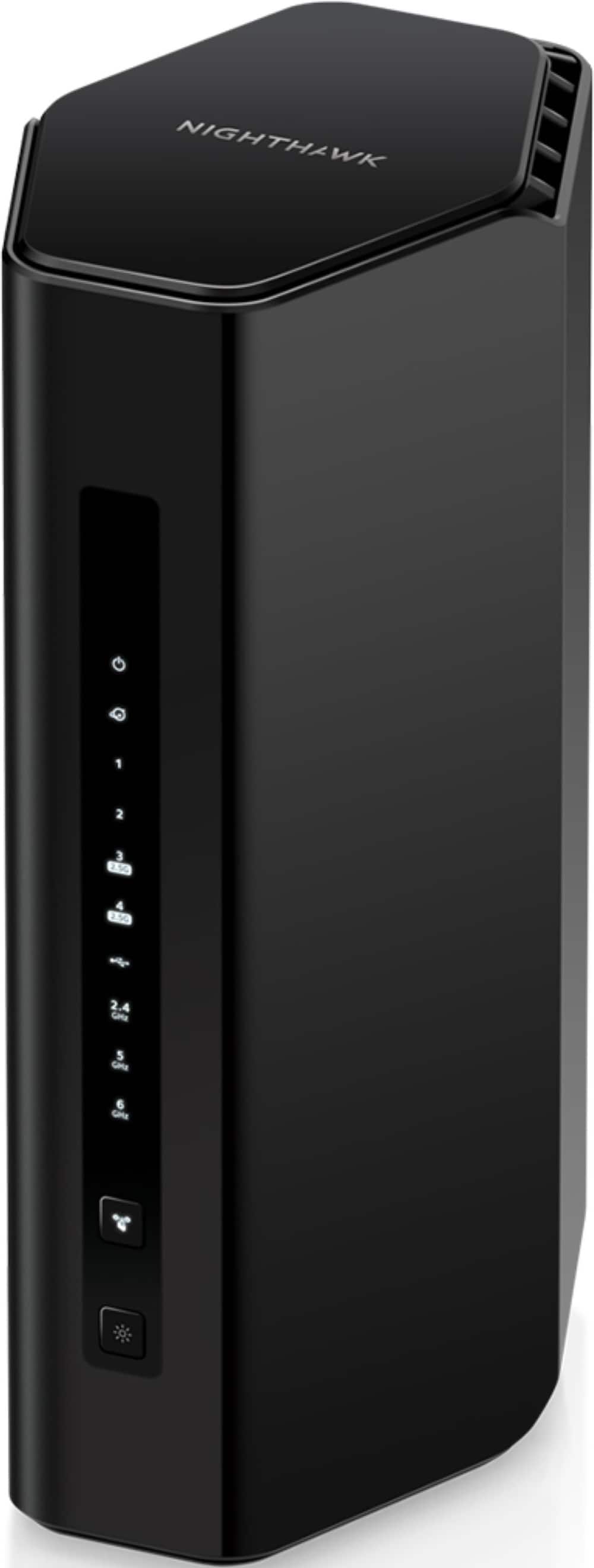
Posted .This reviewer received promo considerations or sweepstakes entry for writing a review.I bought the NetGear Wi-Fi 7 Router Nighthawk BE9300 because I got cable service internet service at a new two story apartment. Obviously the cable comes into the unit on the ground floor, but almost all of my devices are upstairs. One thing I was concerned about was the broadcast pattern because my home office is directly above my living room, which is where the cable modem and router is located. That wasn't a problem at all. Once I hooked up the cable modem, it was a matter of minutes to connect the wireless router. The instructions really weren't necessary It seemed obvious where the Cat 6 cable needed to go on both devices. The it was just a matter of waiting for both devices to get to know each other. Registering the router was easy as well, and connecting devices via Wi Fi to the router was also easy. Once my devices were wireless connected to the router I was happy to see that I was getting the speeds I expected. With all my devices connected at once. The amazing thing is that the router can wirelessly connect even more devices. A lot more devices. Now I need to find a small wall mounted shelf/cage that can accommodate my cable modem and router. (One of the nice features this router has is that it doesn't have a slew of exposed antennas on the outside. One of the drawbacks is that there isn't a way to mount it to the wall.)
I would recommend this to a friend- Pros mentioned:Speed
Rated 5 out of 5 stars
Great Router with Excellent Speed
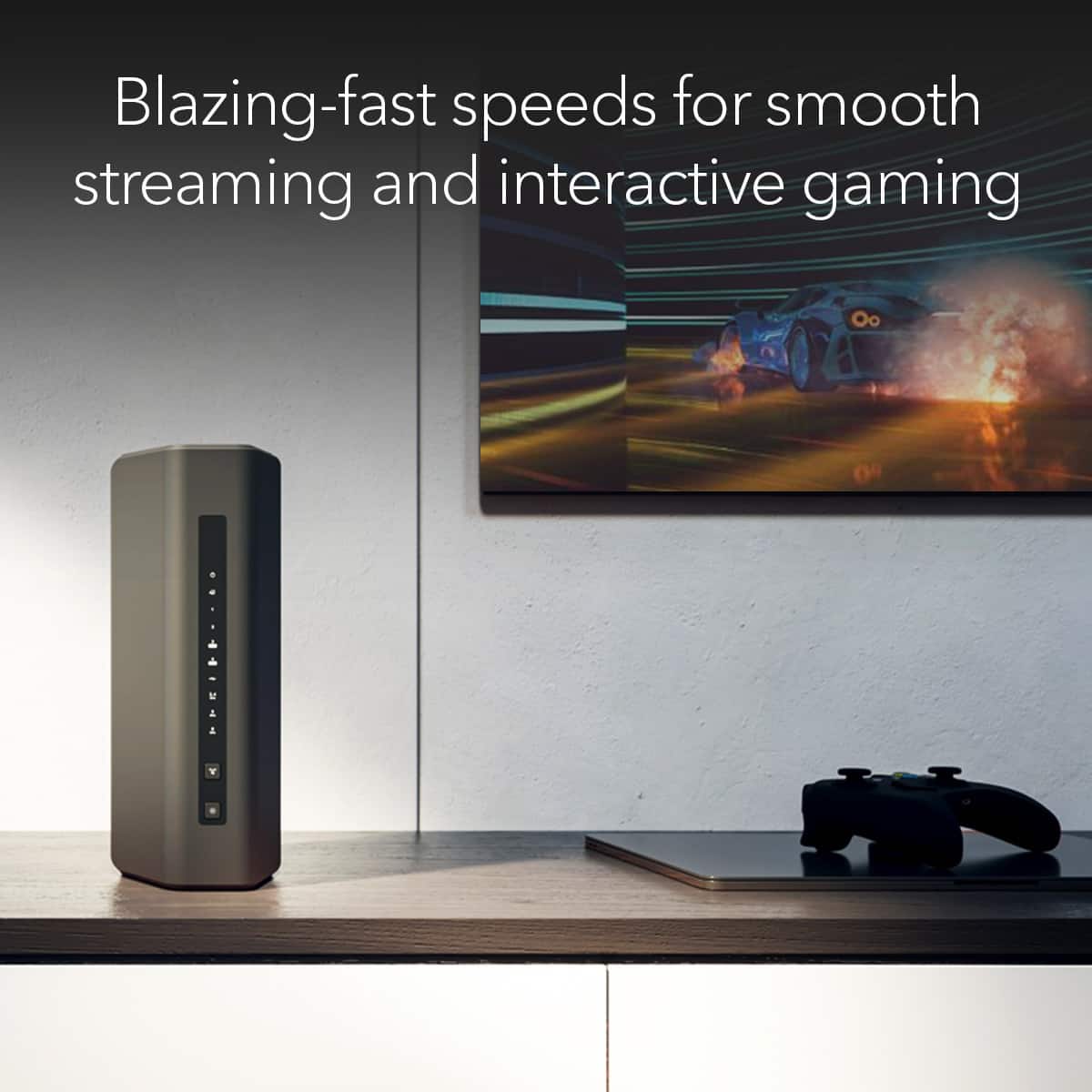
Posted .This reviewer received promo considerations or sweepstakes entry for writing a review.The Nighthawk RS300 has been a game-changer. It offers tri-band technology, which significantly improves the distribution of devices across different frequency bands, ensuring a more stable and reliable connection for all my smart home gadgets. Since installing the Nighthawk RS300, I have consistently experienced speeds that exceed the advertised rates from my ISP, which is a testament to the router's superior performance. The setup process was straightforward, and the user interface is intuitive, making it easy to manage and monitor network performance. NETGEAR Nighthawk RS300 has resolved my connectivity issues and provided a significant boost in internet speed and reliability. For anyone facing similar problems with their current router or looking to upgrade to a more robust and efficient network solution, this router is definitely worth the investment.
I would recommend this to a friend Rated 4 out of 5 stars
It’s been reliable, so far.
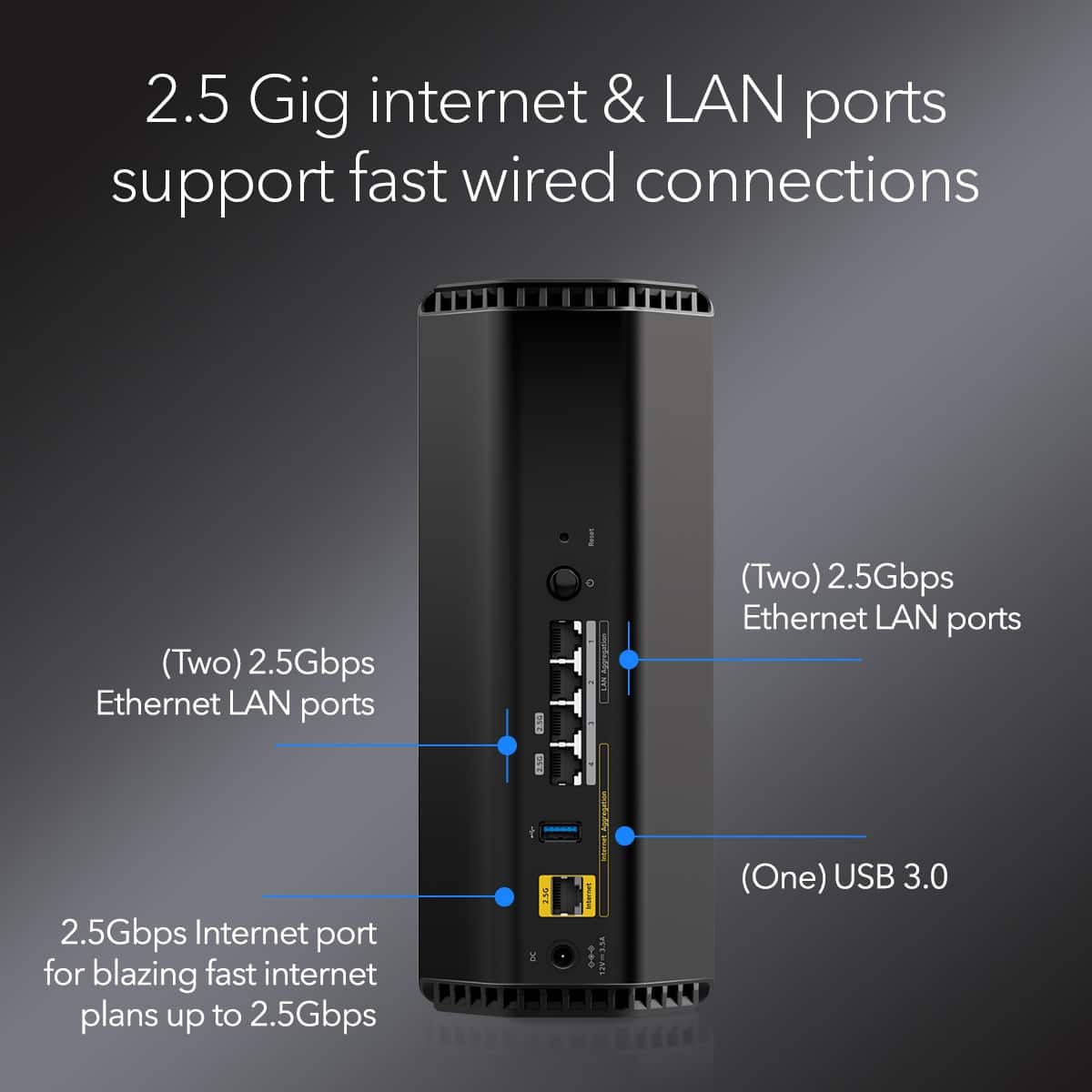
Posted .This reviewer received promo considerations or sweepstakes entry for writing a review.I bought this new router to upgrade from my old one because I was running into WiFi connection issues. I haven’t used Netgear in a long time, but I know they make solid products. So far it’s been handling my new 1Gb/s fiber internet and all of my wired and wireless devices. I have a total of 35 devices that connect at one time, most of which are wireless. It covers my whole house (I don’t remember the exact square footage, but it’s not small) and has been able to handle all my wired devices just fine, including a NAS that is using 802.3ad link aggregation, a 8 port 2.5Gb switch that is full, and a 8 port 1Gb switch that has 3 devices on it. The setup was simple for the most part, but I had to go digging to find where I can clone a MAC address. Would have been nice if the option was giving during setup so all my wireless devices don’t get all confused. So far I’m liking it. It didn’t take up a lot of space and has been reliable, so far.
I would recommend this to a friend