Customer Ratings & Reviews
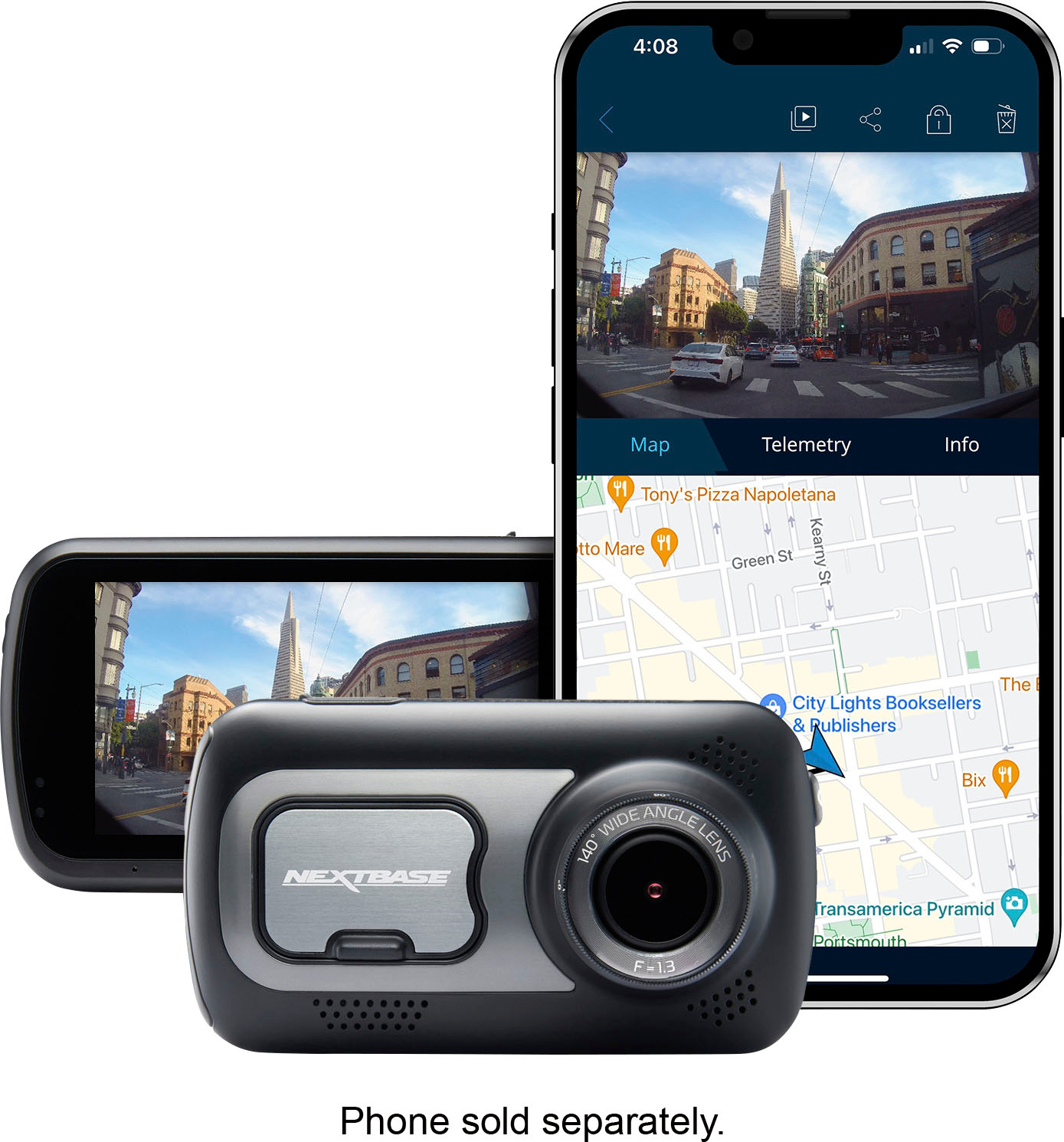
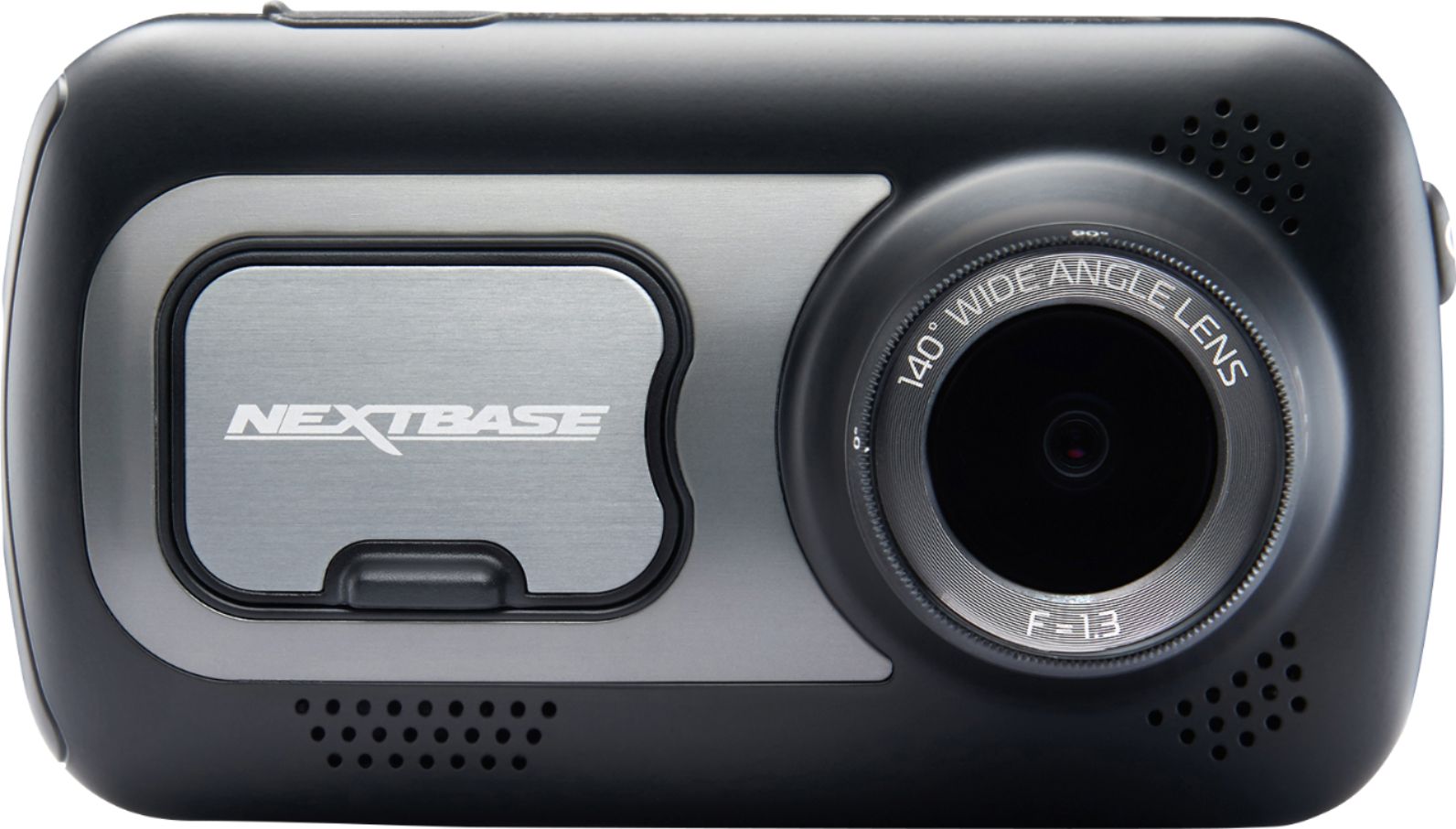
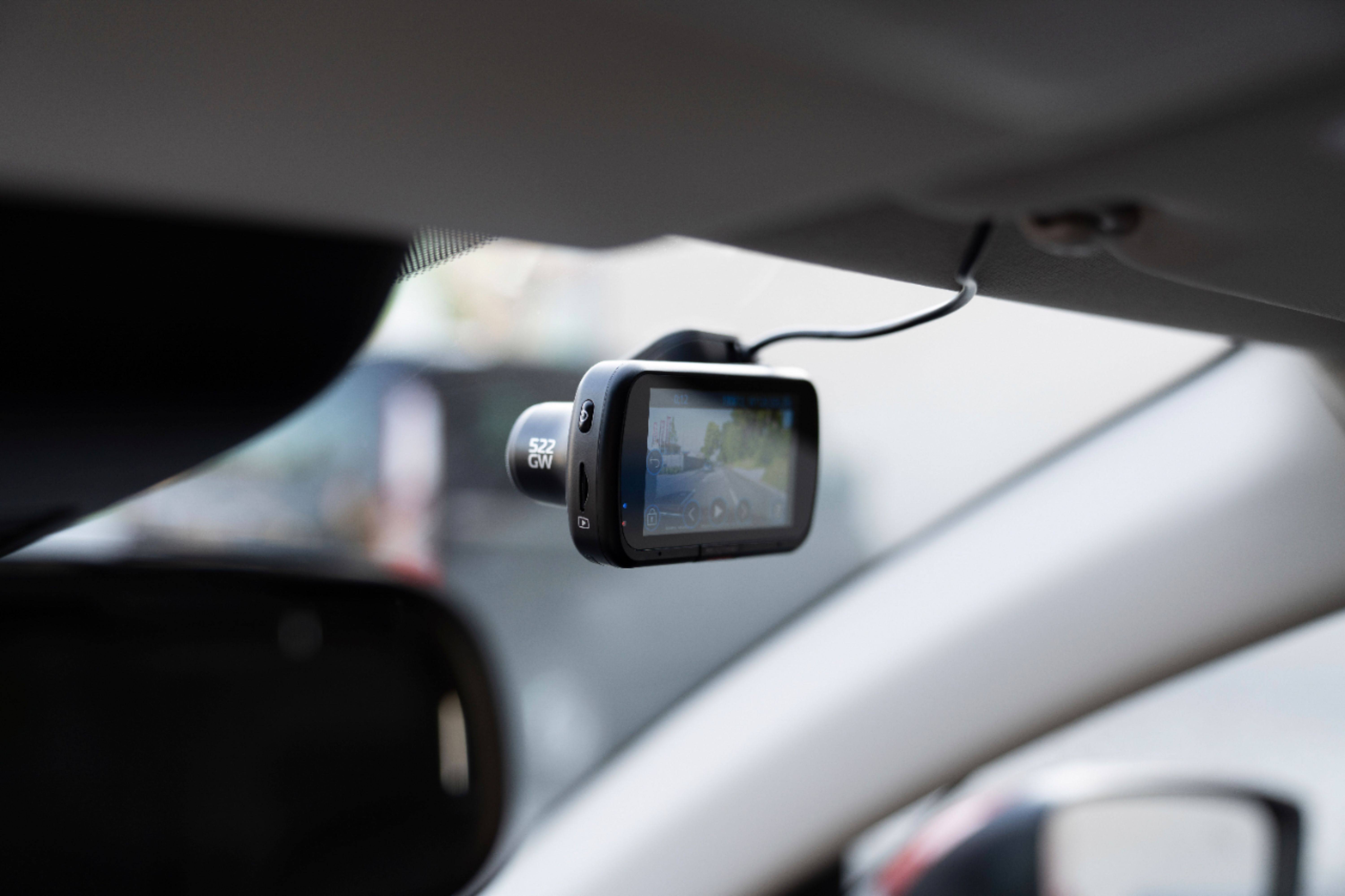
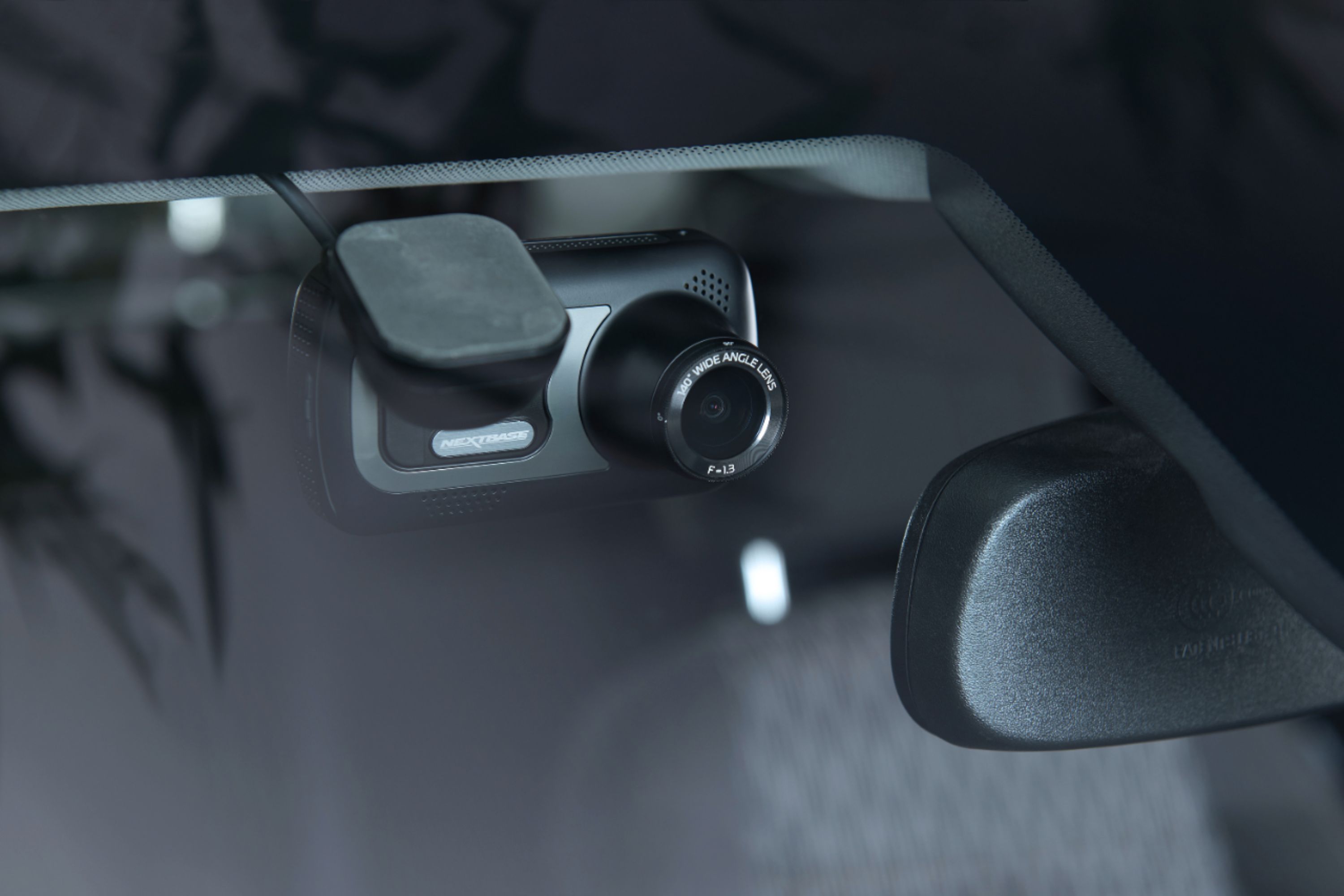


- Model:
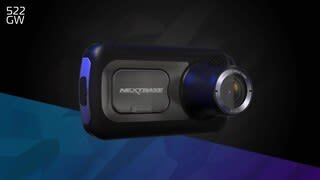
- NBDVR522GW
- |
- SKU:
- 6346998
Customer reviews
Rating 4 out of 5 stars with 619 reviews
(619 customer reviews)Rating by feature
- Value3.8
Rating 3.8 out of 5 stars
- Quality4.1
Rating 4.1 out of 5 stars
- Ease of Use4.0
Rating 4.0 out of 5 stars
Customers are saying
Customers are satisfied with the 522GW Dash Cam's video quality, ease of use, and touch screen. Many also appreciate the included GPS and the relatively easy installation process. However, some users have expressed concerns regarding battery life and the lack of an included SD card. The mobile application also received criticism for its usability.
This summary was generated by AI based on customer reviews.
Rated 3 out of 5 stars
Need tutorial!
||Posted . Owned for 3 months when reviewed.This reviewer received promo considerations or sweepstakes entry for writing a review.Difficult to use and find justification for the price not being an Uber driver.
No, I would not recommend this to a friendBrand response from Nextbase
Posted .Hello,
Please see our 522GW Support Page below for manuals, guides and FAQs. We also have multiple videos on YouTube which show how to use your device.
https://www.nextbase.com/en-us/help-and-support/dash-cams/522gw-dash-cam-support/
If you need any further help, please contact our Support Team at support@nextbase.com.
Rated 5 out of 5 stars
Dash camera
||Posted . Owned for 1 month when reviewed.This reviewer received promo considerations or sweepstakes entry for writing a review.Bose headphones Very easy to set up And to use With app
I would recommend this to a friendBrand response from Nextbase
Posted .Glad to hear it!
Rated 5 out of 5 stars
4isecurity
||Posted . Owned for 2 weeks when reviewed.This reviewer received promo considerations or sweepstakes entry for writing a review.This purchased was the most valuable and helpful to monitor during my driving on read.
I would recommend this to a friendRated 2 out of 5 stars
I returned it. Defective
||Posted . Owned for 1 month when reviewed.This reviewer received promo considerations or sweepstakes entry for writing a review.Great form factor, nice screen, but froze up constantly. Or turned off after 15 seconds. I know people try and blame the memory card, but I think its just net a good design. The reset button hole on the bottom needs an actual button as often you need to reset. And never got Alexa to work. The app is terrible. Returned it and got a Garmin. Works great.
No, I would not recommend this to a friendRated 5 out of 5 stars
Great product
||Posted . Owned for 2 weeks when reviewed.This reviewer received promo considerations or sweepstakes entry for writing a review.Very good quality and love the integration with the rear camera. Sold separately
I would recommend this to a friendRated 5 out of 5 stars
Dash Cam
||Posted . Owned for 1 week when reviewed.This reviewer received promo considerations or sweepstakes entry for writing a review.Great camera for security of your family. Someone is always watching over them.
I would recommend this to a friendRated 5 out of 5 stars
Great Dash Cam
||Posted . Owned for 2 months when reviewed.This reviewer received promo considerations or sweepstakes entry for writing a review.This was recommended by best buy employee. Great picture quality and recording. Also has amazon Alexa built in.
I would recommend this to a friend- Cons mentioned:App
Rated 1 out of 5 stars
Professional drivers
||Posted . Owned for 3 weeks when reviewed.This reviewer received promo considerations or sweepstakes entry for writing a review.Would not recommend this product, phone app would disconnect from the camera. Would have to delete the app and reinstall.
No, I would not recommend this to a friendBrand response from Nextbase
Posted .Hello,
I'm sorry to hear that you're having app issues with your 522GW. Please ensure the following settings on your phone are correctly enabled.
iPhone: on your iPhone, go into Settings- MyNextbase- Background Refresh Data- Ensure this is turned on. If you see 'Location' this must also be set to 'Always'.
Then go to your MyNextbase Connect app and click on the menu in the top left of the app home screen. Select App Settings and turn on ‘Enable Low Resolution Downloads'.
16) Android: on your phone, go into Settings- Apps- MyNextbase- Notifications- Ensure these are set to On. Then go back one screen to Permissions and ensure these are also turned on.
Then go to your MyNextbase Connect app and click on the menu in the top left of the app home screen. Select App Settings and turn on ‘Prefer Wi-Fi Direct Downloads’, ‘Allow analytics’ and ‘Enable Low Resolution Downloads'.
If you have any further problems, please contact our Support Team at support@nextbase.com.
Rated 5 out of 5 stars
Love it
||Posted . Owned for 3 weeks when reviewed.This reviewer received promo considerations or sweepstakes entry for writing a review.Really is a great dash cam. I am glad I spent the extra money on this one. If want a great cam then buy this one.
I would recommend this to a friendRated 5 out of 5 stars
Satisfied
||Posted . Owned for 1 month when reviewed.This reviewer received promo considerations or sweepstakes entry for writing a review.I love this amazing camera. Can record up to 3 minute loops. I use this every single day since I had it installed
I would recommend this to a friendRated 5 out of 5 stars
Excellent camera all around. Great features.
||Posted . Owned for 1 month when reviewed.This reviewer received promo considerations or sweepstakes entry for writing a review.These Nextbase cameras are great for recording when driving. I highly recommend them. Not expensive at all.
I would recommend this to a friendRated 2 out of 5 stars
Did not want to stay paired to my phone.
||Posted . Owned for 1 month when reviewed.This reviewer received promo considerations or sweepstakes entry for writing a review.I didn’t like that the app kept disconnecting from my phone and I would have to pair it over and over again. Also the camera keeps asking me to format the card which means I have to erase all the data and I am using the recommended card by Nextbase.
No, I would not recommend this to a friendBrand response from Nextbase
Posted .Hello David,
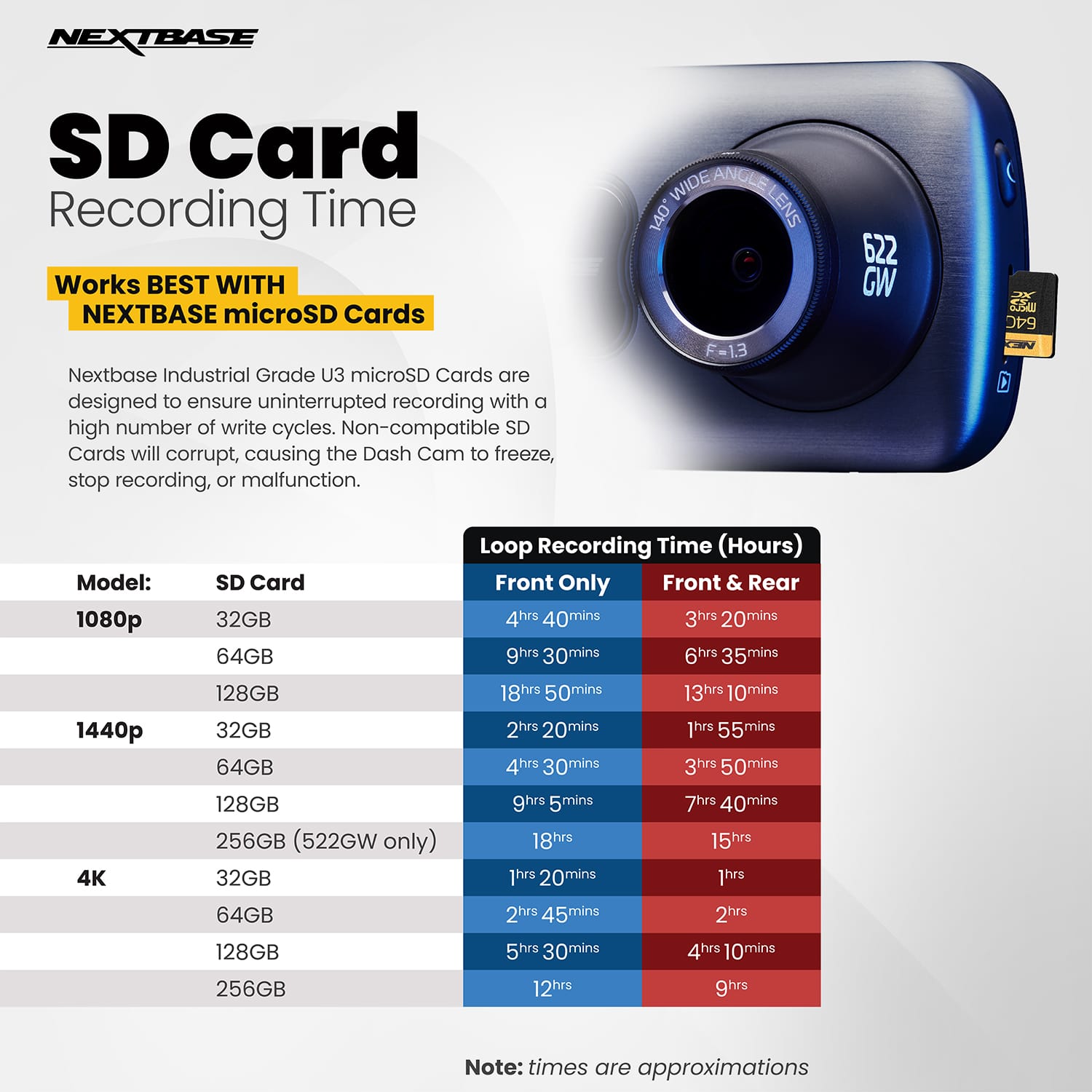
We recommend formatting the SD card at least every two weeks and here's why: The camera will record continuously in small segments (1,2, or 3 minutes). It will record these segments consecutively until the SD card is full. Then the oldest piece of footage will be deleted and the newest will be saved in it's place. This will continue looping and is called Continuous Overwriting. The Dash Cam does this automatically to allow for more footage to be recorded and the old, unnecessary footage to be deleted without manual intervention.
However Protected Files are not overwritten in the same way as normal files. If you do not format regularly, these files can build up and reduce the capacity of storage available for normal footage. It is essential to format every two weeks to delete any protected files and clear the card ready for continued usage.
You can format the card by:
1) On the Dash Cam:
a) Turn on the Dash Cam
b) Stop it recording
c) Open Settings
d) Go into Setup
e) Click 'Format'
f) Follow the instructions.
Please be aware that formatting the SD card will delete all the data on the card, so if you wish to keep any footage, please copy this across to a computer before you start the formatting process.
For your mobile phone, it sounds like the settings on the app may not be correctly enabled. Please give our support team a call or email on nasupport@nextbase.com or call +1 800 2805 178 and they can help you further in getting fully setup.
Rated 1 out of 5 stars
Not Reliable
||Posted . Owned for 3 months when reviewed.This reviewer received promo considerations or sweepstakes entry for writing a review.Purchased on 8/3 from BestBuy and had Geek Squad install both front and rear camera. Worked fine for first month. Now having issues where it locks-up and become unresponsive. Even power button won't shut device down. Have to unplug and leave unplugged for extended period for it to shutdown. Works fine for a while and then repeats. Also issue with rear camera not responding. Have contacted oversees for warranty return of item. Will reply once I see how they handle this. Smart phone software is badly designed and lacks any real usability.
No, I would not recommend this to a friendBrand response from Nextbase
Posted .Hello Dave,
Please remove the SD card, then press the reset button on the underside of the Dash Cam. Then, without the SD card inserted, please turn on the Camera. Does it now start normally?
If so then you are having symptoms of an SD card failure. Please ensure the card is a compatible SD card and that you are formatting every two weeks.
Our Support Team will be able to assist you further with troubleshooting and get you up and running. It sounds like you're already in contact with them, but if not please email support@nextbase.com.
Rated 5 out of 5 stars
awesome dash came
||Posted .This reviewer received promo considerations or sweepstakes entry for writing a review.Great size that won't block your view. Video looks great and easy to use.
I would recommend this to a friendRated 2 out of 5 stars
Not all that great.
||Posted . Owned for 1 month when reviewed.This reviewer received promo considerations or sweepstakes entry for writing a review.This unit is programmed to constantly seek my cell phone to store video on more than it is programmed to store on the micro card. Also, the release doesn't work well at all to remove it from the holder on the windshield.
No, I would not recommend this to a friendBrand response from Nextbase
Posted .Hello Don, Thank you for taking the time to leave your review.
The files recorded by the dashcam are all saved onto the SD card. These are not automatically saved onto your phone. To save any files onto your phone, you would need to connect to the device and manually carry this out.
Regarding the recording lengths, the camera will record continuously in small segments (1,2, or 3 minutes). It will record these segments consecutively until the SD card is full. Then the oldest piece of footage will be deleted and the newest will be saved in it's place. This will continue looping and is called Continuous Overwriting. The Dash Cam does this automatically to allow for more footage to be recorded and the old, unnecessary footage to be deleted without manual intervention.
However Protected Files are not overwritten in the same way as normal files. If you do not format regularly, these files can build up and reduce the capacity of storage available for normal footage. It is essential to format every two weeks to delete any protected files and clear the card ready for continued usage.
If you do have any questions, please give our support team a call on +1 (800) 280-5178 or email nasupport@nextbase.com.
Rated 5 out of 5 stars
Dash cam
||Posted . Owned for 3 months when reviewed.This reviewer received promo considerations or sweepstakes entry for writing a review.Great product Will definitely recommend it It pays for it self in case of an accident
I would recommend this to a friendRated 5 out of 5 stars
Good quality display
||Posted . Owned for 9 months when reviewed.This reviewer received promo considerations or sweepstakes entry for writing a review.Exelent display! App works fine with my phone and is super easy to use it
I would recommend this to a friendRated 5 out of 5 stars
Dashcam
||Posted . Owned for 1 month when reviewed.This reviewer received promo considerations or sweepstakes entry for writing a review.I really like this dashcam. I think is very nice and does the work
I would recommend this to a friend- Cons mentioned:Reliability
Rated 1 out of 5 stars
Not recommended
||Posted . Owned for 11 months when reviewed.This reviewer received promo considerations or sweepstakes entry for writing a review.Don’t recommend. I bought two of these and have had problems with both. Spent the extra money to buy the required high speed data cards and still would shutdown randomly and regularly indicating that I had to reformat my card. Became useless and annoying.
No, I would not recommend this to a friendBrand response from Nextbase
Posted .Thank you for your review. I’m very sorry to hear that you’re having mobile app connection issues, but the good news is that we can get you up and running. Can I confirm your Dash Cam model, the SD card (brand, class, size and model), the Dash Cam’s firmware number and your phone model and we’ll be able to get you successfully connected.
Our support line is available here: Contact Number
+1 800 2805 178
Contact Email
support@nextbase.com
Rated 2 out of 5 stars
Research before you buy
||Posted . Owned for less than 1 week when reviewed.This reviewer received promo considerations or sweepstakes entry for writing a review.Video call Quality good if you're buying for the Alexa or to have live view will not work unless you are near a stationary Wi-Fi will not connect to hotspot had to exchange first one nothing worked got the second one features did not work camera froze returned got a refund shop before you buy this not recommended if you want to use Alexa
No, I would not recommend this to a friend