Customer Ratings & Reviews
- Model:
- 27-R014
- SKU:
- 6111306
Rating by feature
- Value
Rating 4.7 out of 5 stars
- Quality
Rating 4.7 out of 5 stars
- Ease of Use
Rating 4.7 out of 5 stars
Customers are saying
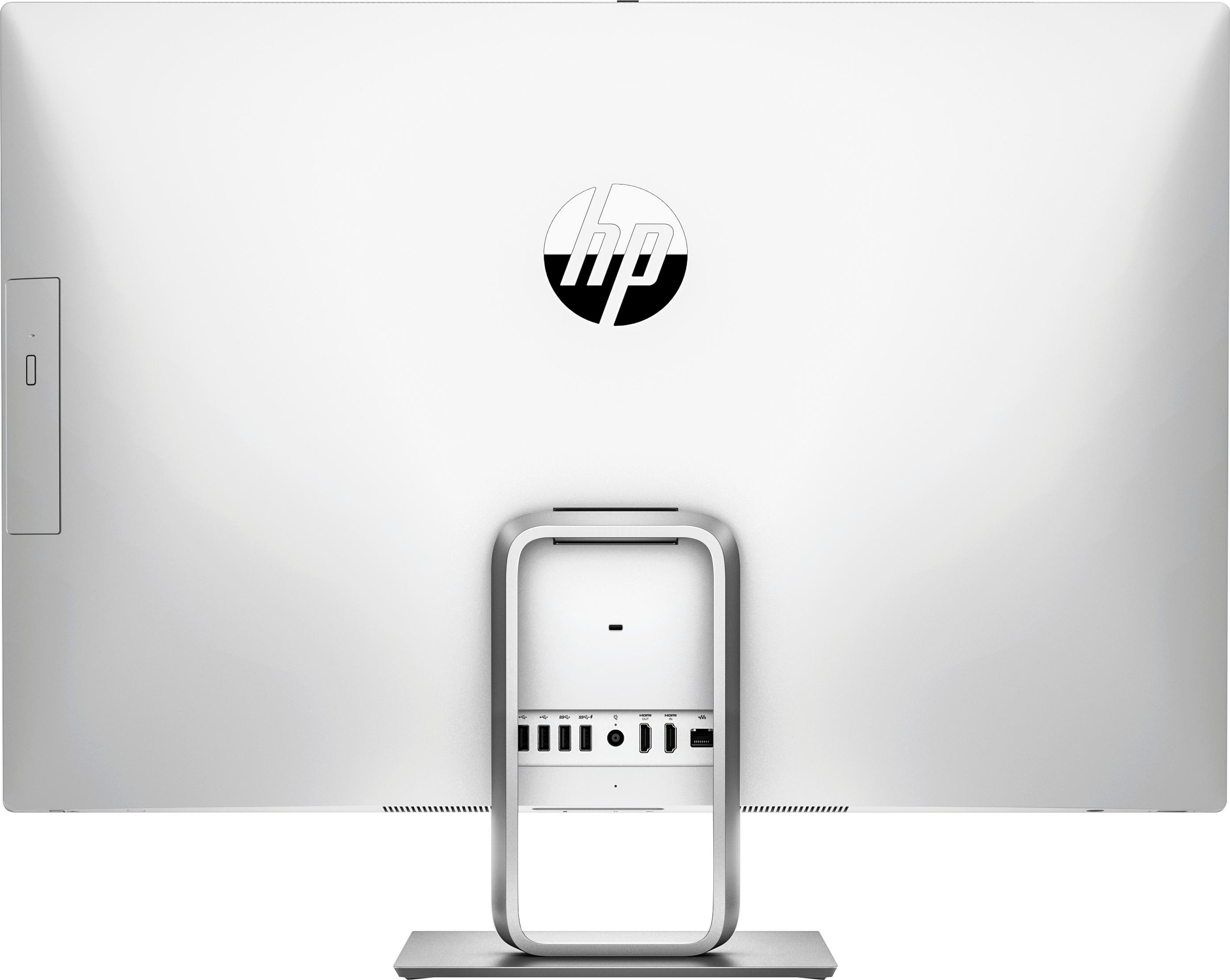
Customers express satisfaction with the large screen size and ease of use of the Pavilion 27" All-in-One. Many also praise its performance and sleek design, while some users mention the limited number of USB ports located on the back as a drawback. A few customers also noted concerns about the hard drive and speakers.
This summary was generated by AI based on customer reviews.
Great home office computer
||Posted .This reviewer received promo considerations or sweepstakes entry for writing a review.Great system to use for home office , very sound system built-in
I would recommend this to a friendScreen size and color is great for movies.
||Posted .This reviewer received promo considerations or sweepstakes entry for writing a review.The computer is great. I also have the model before this new one.
I would recommend this to a friend- Pros mentioned:Screen size
Do not buy this computer
||Posted .This reviewer received promo considerations or sweepstakes entry for writing a review.This purchase was a disaster. I bought this computer as the price was right for a 27" and my husband liked the touch screen. This computer crashed within two weeks. The Geek Squad was unable to walk us through what was wrong and we had to bring it into Best Buy . I felt the computer was probably a lemon so I did not want it repaired. Luckily because I am an Elite Member I had one month to return it for a refund which is what I did. I got a 27" Apple instead and I am very happy with it.
No, I would not recommend this to a friend It’s OK... makes a humming noise though
||Posted .This reviewer received promo considerations or sweepstakes entry for writing a review.Makes a humming noise...I took my old platinum colored HP Pavillon in to Best Buy to be serviced because of a hardware issue and they fixed and then dropped it and cracked the screen! They only had this years model. The arctic white is ok, but hate the humming noise.
No, I would not recommend this to a friendGreat Computer
||Posted .This reviewer received promo considerations or sweepstakes entry for writing a review.I love the 27" screen. The computer is very easy to use
I would recommend this to a friend27 inch monitor is a huge improvement
||Posted .This reviewer received promo considerations or sweepstakes entry for writing a review.Very versatile. Home office, multimedia, Internet.
I would recommend this to a friend- Pros mentioned:Processor speed, Screen size

Attractive, fast, compact All-In-One Computer
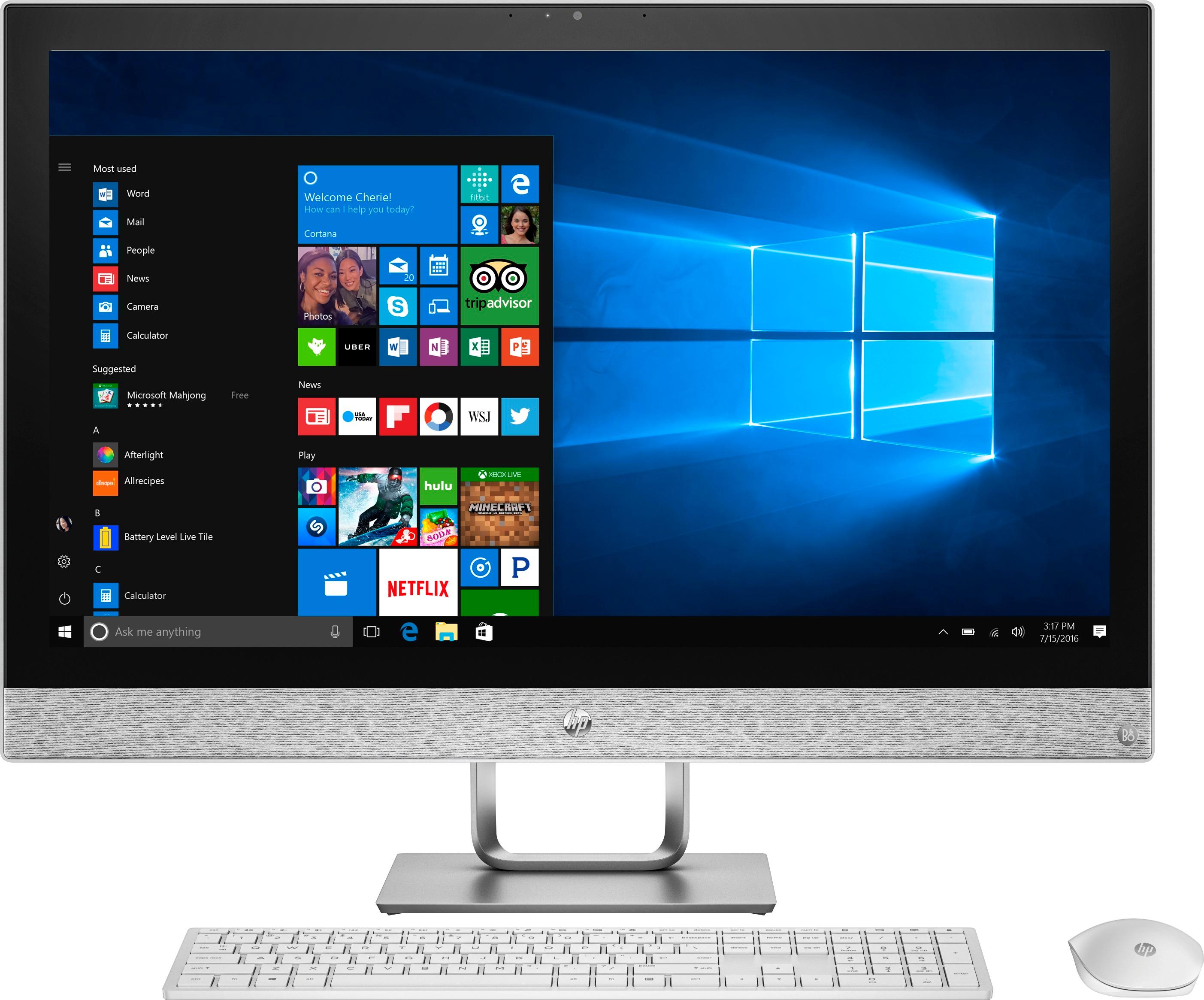
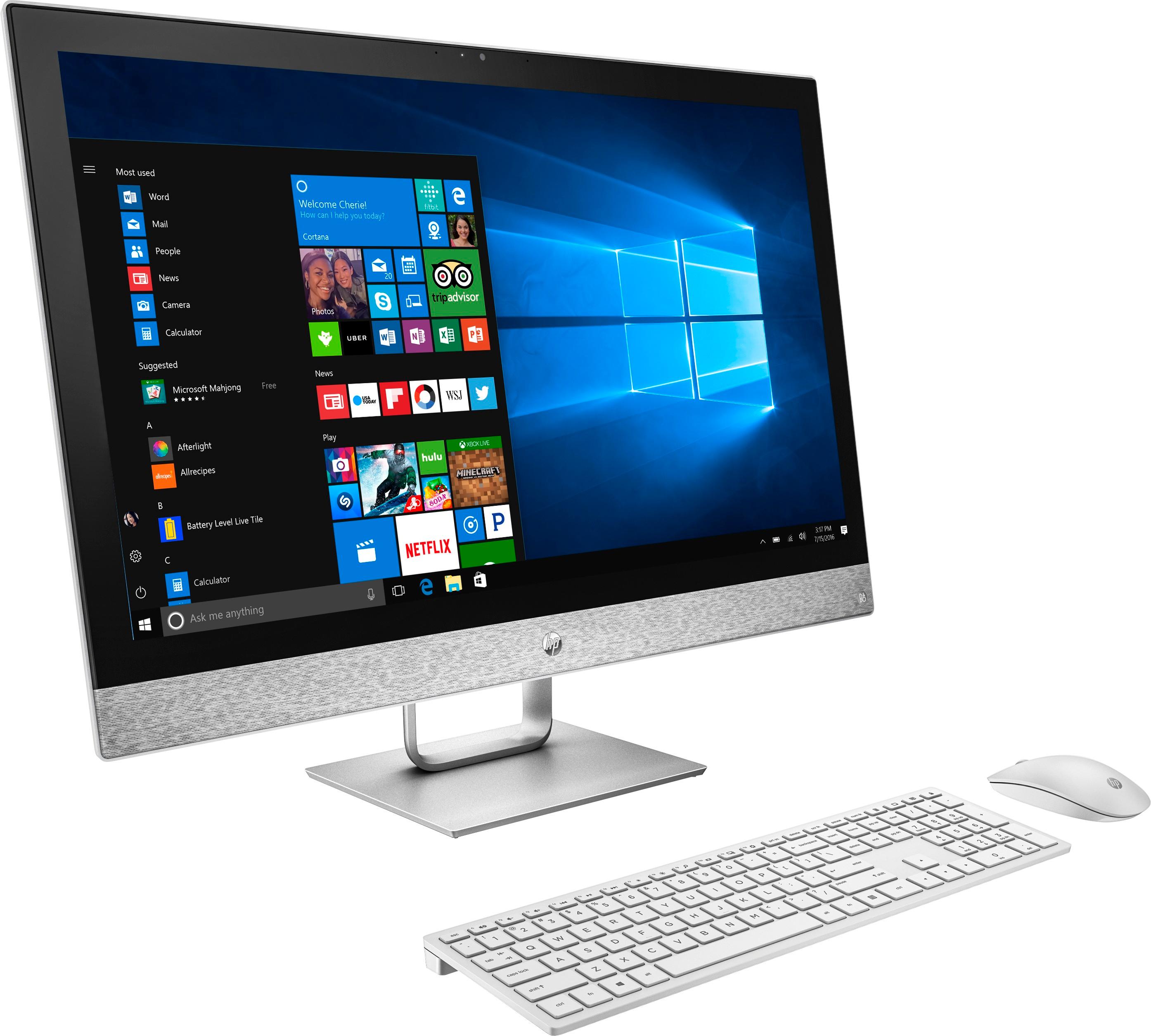
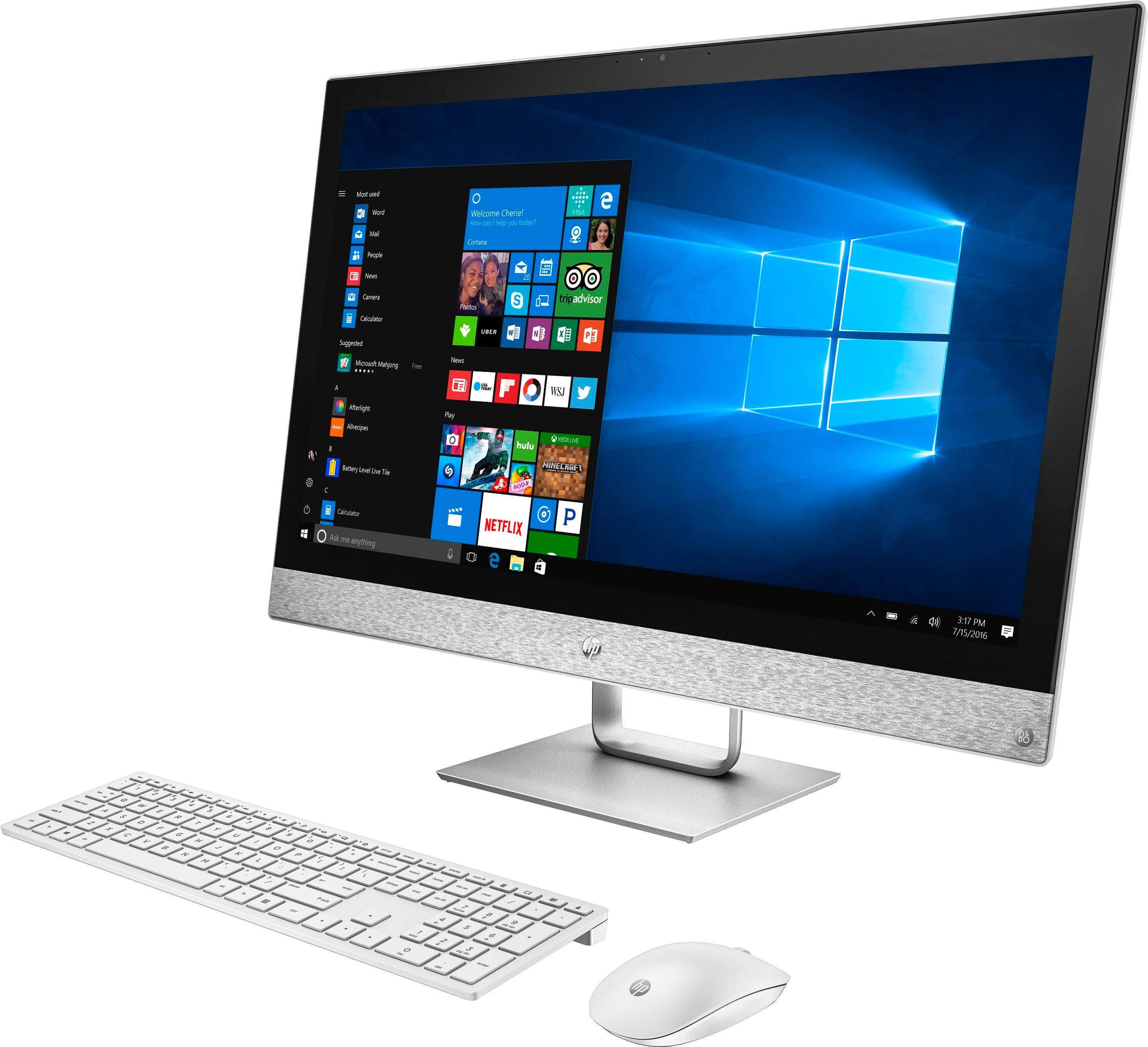
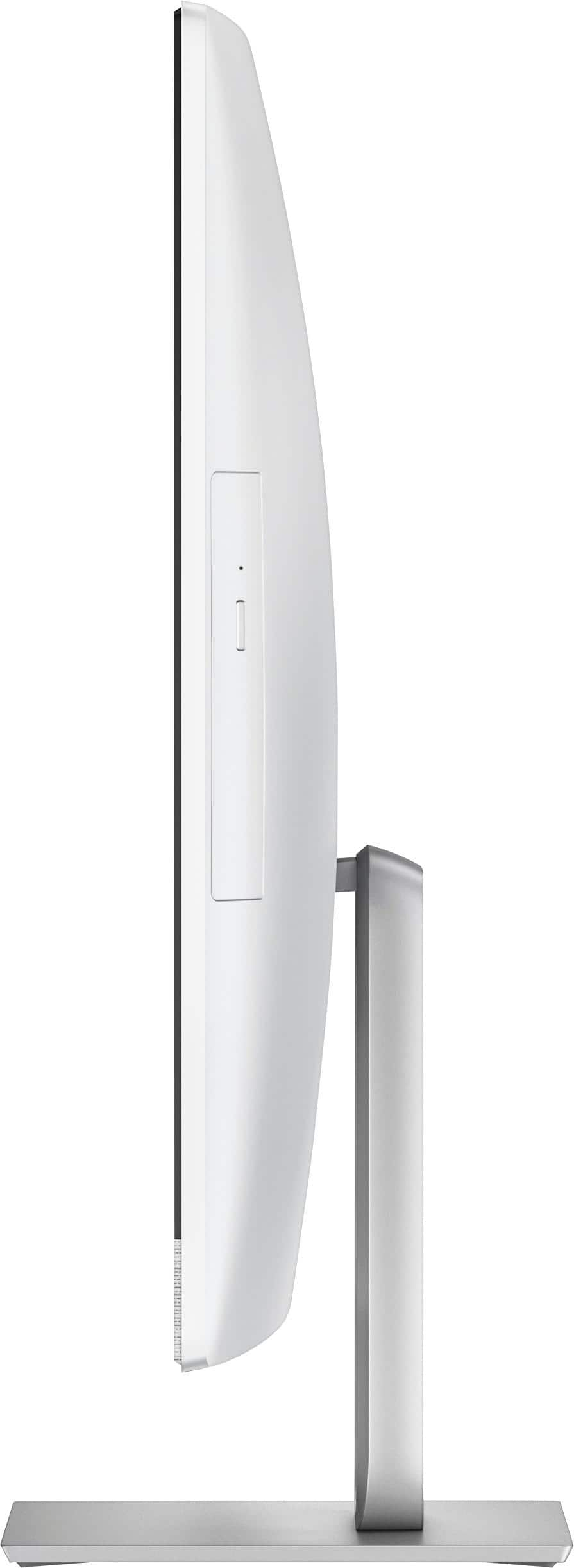
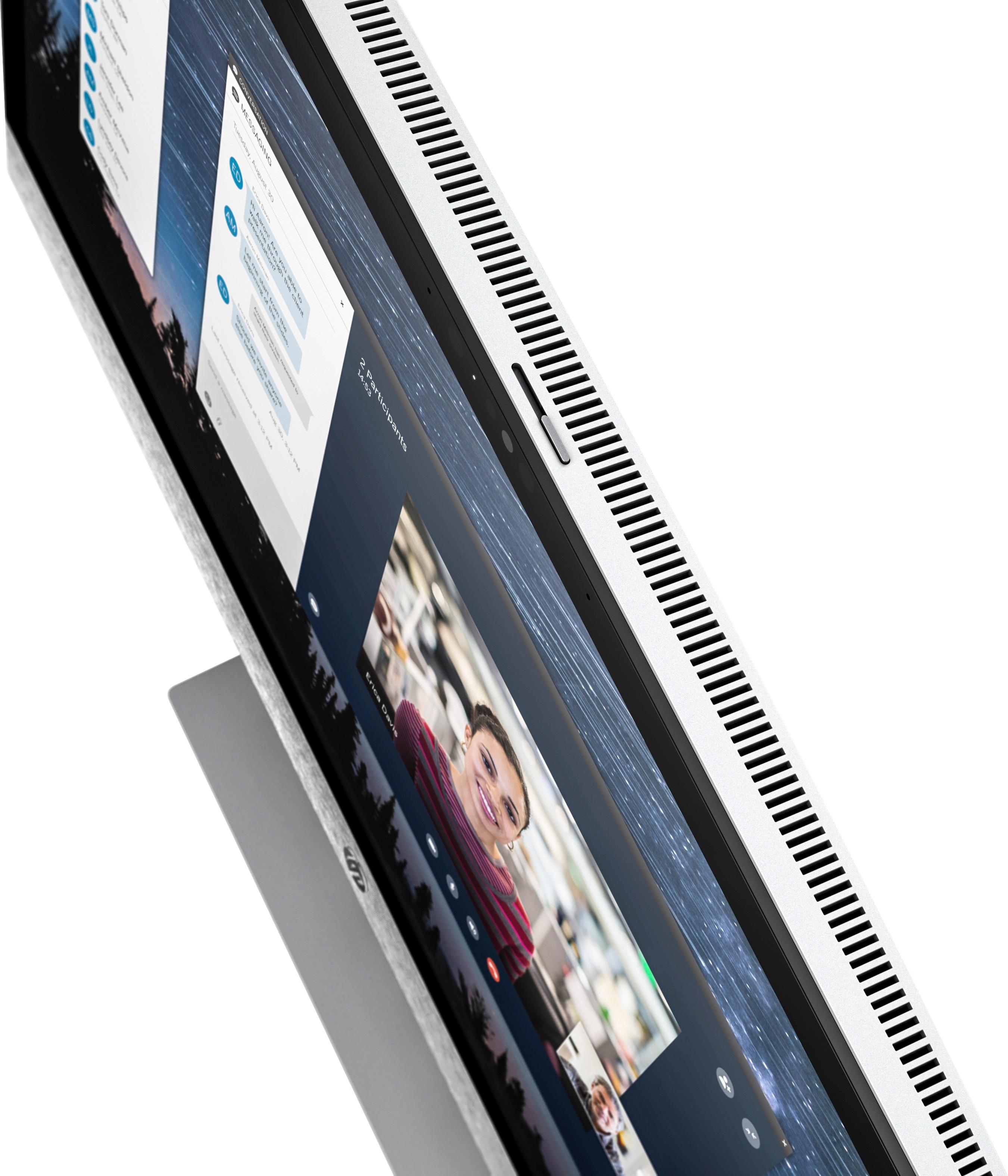
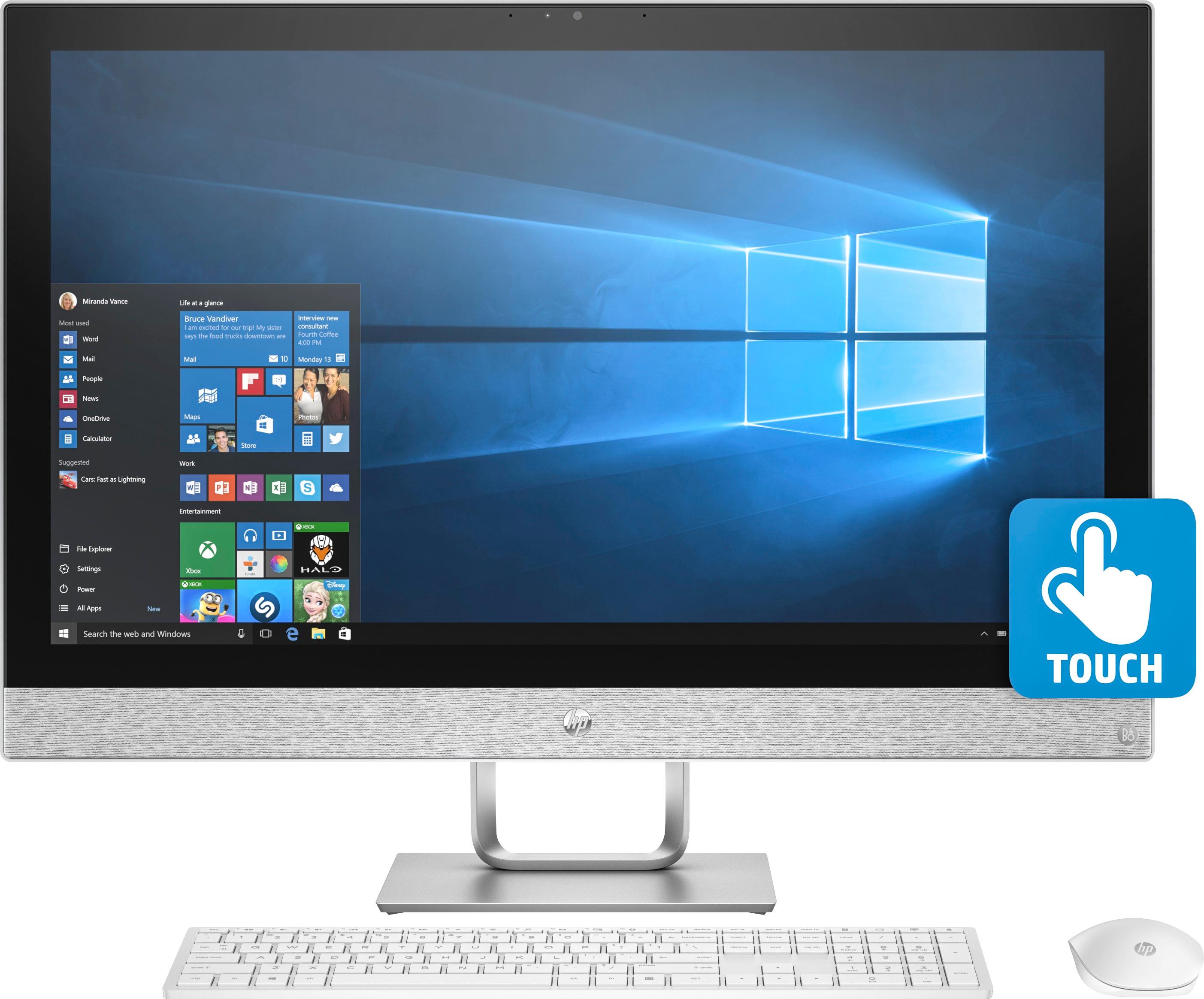
|Posted .This reviewer received promo considerations or sweepstakes entry for writing a review.The HP Pavilion 27” All-In-One is a very nice desktop computer running Windows 10. It’s quite attractive in appearance and uses very little space compared to tower desktop units. Occasionally, you will notice a very faint “whrrrr” as the cooling fan inside runs. It isn’t distracting or bothersome since it’s very quiet. It doesn’t run all the time either, but the first day or so it will run more while it indexes data (for search capabilities), downloading updates etc. After that, the fan only comes on occasionally depending on how hard you’re pushing it – the more the processor has to do, the more heat is produced. Like I said, I can tell when it’s running, but it’s very faint and not a problem for me. It has a large touch screen (HD or 1K or 1080p as they are described in various ways) and comes with a wireless full-sized keyboard and mouse. Don’t look for an on-switch on the keyboard; it turns on automatically as the HP is booting up and turns off the same way! The mouse has a small switch underneath it to turn the mouse on or off. It also has a DVD player/burner built-in. It has two B&O front facing speakers situated in an attractive fabric strip below the screen. They provide plenty of volume and, through the B&O control panel, you can adjust treble, bass balance and improving voice clarity . With 12 GB’s of RAM (you can add another 4 GB for a maximum total of 16 GB) and the Core i7 processor, it handles any regular household or business need. It doesn’t have a dedicated graphics card so really intensive graphics activity (heavy duty gaming, heavy duty photo/video work, heavy duty Photoshop) may not run as well. I haven’t had time to test this, but typically with onboard graphics you don’t have the horsepower for the really intense graphics work. Nevertheless, unless you’re deep into heavy graphics use, you shouldn’t have any problem doing just about anything you want with this HP All-In-One. Even then, you can easily edit photos/video run games and Photoshop, but if your needs run to professional work or running the latest 3D games, you’ll need a little more graphics power. In addition to the 1 TB SATA hard drive, HP has included a 16 GB Optane drive that acts as a buffer to store and launch things much quicker than the regular hard drive is able to do. Booting up or shutting down the HP takes only seconds. As you open and close programs, it stores some data on the Optane drive so that as time goes on, the ones you use more often do open and close more quickly. In short, the HP is more responsive than a typical computer having only the standard SATA hard drive. It’s a nice extra that offers more convenience along with some real-world benefits. It has a number of ports – USB-A 3 and USB 2’s along with a USB-C port, ethernet, audio, power, sd-card reader, HDMI in & out ports. I have two small USB hubs hooked up to my HP that allow me to plug in my camera, USB external hard drives and other peripherals as needed. The ports for the most part are located on the back of the All-In-One but a few are under the bottom so you can plug in there as well. There’s a built-in webcam with a slide control on top of the All-In-One to close off the lens for security when not using it. When using it for teleconferences simply slide the switch the other way and the webcam is available for use. Set up was simple and took only minutes. I have a 2nd monitor that uses the HDMI out port on the HP to the 2nd monitor since I usually need a number of documents, email, browser and a few other programs open doing my office and personal business. Although the HP screen is large, for me a 2nd large monitor is extremely useful. There's always more things you may like no matter what device you consider - none I've seen has everything. There's Windows Hello and higher resolution screens, better speakers, bigger SSD drives, discreet graphics and many more things one could have. For household or business use, the HP Pavilion 27" All-In-One offers a very nice package that will get the job done for the vast majority of users.
I would recommend this to a friend Easy to use!
||Posted .This reviewer received promo considerations or sweepstakes entry for writing a review.Love my computer but the first one was defected!!!
I would recommend this to a friend- Pros mentioned:Processor speed
Outstanding Power/Value Option For Most People
|Posted .This reviewer received promo considerations or sweepstakes entry for writing a review.There are a lot of reviews that hit a whole bunch of different topics and features about this computer. From the ones I've read, I haven't seen much on the actual day-to-day operation of this computer and I think that is important. Let me start off by giving a quick rundown of how it is used in my office. I work for a moderately sized non-profit and while we have a nice endowment and take in a lot of donation, we like that to go to those we serve. Also, while we have about 50 employees, most of us wear many different hats. I was originally a teacher and so I am in charge of the education portion, but I also have a flair for design and I know how to code a webpage so in addition to being the education lead, I am also half of the design team and half of the IT department. I do everything from writing lessons, to building websites, to creating brochures/programs/flyers/banners. I use everything from MS Office to the entire Adobe Creative Suite. Right now I have two computers at work, one PC and one Mac. The Mac is 5 years old and showing its age, the PC is brand new and is set up to really be my IT computer (screens are vertical for code and web layout). We needed a better graphics computer and I needed a computer that our interns could also work, since this will also act as their workstation. Surprisingly, none (and I mean zero) of our interns over the last three years knows or likes Macs so I decided to go with this computer because it looked like a good cross between power and value and I have heard great things about the new Optane memory. Ok, now that you have the background I'll give you the quick down and dirty review. I set this up at home so I didn't waste time in the office and I could run some A/B testing between this HP and my top of the line iMac at home that has a 512GB solid state drive, 4k retina screen, 16GB of DDR3 RAM, and 6th generation quad core i7 running at 3.3GHz. This is my personal home computer and I do quite a bit of work at home but I'm trying to shift more of that to the office. Anyway. I have attached to videos to this review so you can see how these two computers do starting up both from a cold start and using Adobe InDesign (actually I was unable to do so, I'll keep trying though). In both instances, the HP was ready to go faster than my Mac. That Optane memory is doing exactly what is was intended to do, and that is give you the flexibility and low price point of a traditional hard drive while getting the speed of a solid state drive. In this case you are actually getting better speed than a solid state drive. Running the entire Adobe Creative Suite on both computers reveals that in almost every instance, the HP outperforms my iMac with the exception of some graphics crunching in Illustrator (I'm thinking that is where the Intel Iris Pro graphics with some dedicated memory is helping). Also, when using Lightroom, the 4k retina screen is a lot nicer for pixel-peeping some of the details. The HP only has a standard HD screen and while it is not bad, it can't hold a candle to the 4k. That being said, this iMac cost a whole bunch more than the HP. I only have one other gripe about the HP over the iMac. I would gladly give up the touch screen (never understood touchscreens on desktop computers, 2-in-1 laptops sure, but not desktops) in exchange for a higher resolution screen. The other issue with the touch screen is that it is set back a bit from the glass and it makes the entire screen super reflective. I've read a few reviews here and I notice other have mentioned how much you really need to consider the placement of this computer and light sources if you don't want to basically be looking at a mirror. I have a face for radio so I certainly don't want that! That being said, when bright/colorful screens are up, which this screen does very well, the reflectivity is not really an issue. Also, the base is incredibly stable and the touchscreen is very responsive so you don't have to poke the screen too hard to get it to do what you want. I'm sure the interns are going to love that but the fingerprints are really going to bug me. Finally, we also do a TON of teleconferencing with other non-profits and schools around the nation and sometime the world. The camera/mic setup is very nice and I appreciate the security switch that blocks the camera at the top. The easy access to the SD card, headphone, and another USB drive at the bottom of the screen is really helpful as is the HDMI in button on the bottom right of the screen which makes it easy for us to link in other devices. All-in-all I am extremely pleased with the power/productivity of this HP Pavilion and our CFO is going to be happy that I didn't have to break the bank to make it happen! I'm going to recommend that we purchase a few more of these for a few other departments around the foundation. HP has built a nice, attractive, and reasonably powerful computer that would serve any family, student, or office admirably in a lot of different situations. I'm a power user and am pretty pleased with it, I'm pretty sure you will be too.
I would recommend this to a friend Meh
||Posted .This reviewer received promo considerations or sweepstakes entry for writing a review.Computer came with problems out the box, blue screen of death to be exact. Ran all the updates and worked fine for a while. Then started crashing again. Awesome.
No, I would not recommend this to a friend- Pros mentioned:Screen size
The screen is quite large . The monitor made a hum
||Posted .This reviewer received promo considerations or sweepstakes entry for writing a review.The screen is quite large . The monitor made a humming noise . I returned it and bought the 24 inch one which i love .
No, I would not recommend this to a friend - Cons mentioned:Hard drive
Hard drive crashed in less than 3 months
||Posted .This reviewer received promo considerations or sweepstakes entry for writing a review.Bought this computer in the end of October. I dondesign work from home. The computer was never as fast as I imagined it would be considering it’s specs. In January, the computer crashed and was told it isnthe hard drive. One of the most expensive computers I have purchased and the worst.
No, I would not recommend this to a friend Good product but small issue
||Posted .This reviewer received promo considerations or sweepstakes entry for writing a review.Its great product but only problem is since day one the sound doesnt work...it was small software issue that was quickly fixed.
I would recommend this to a friendI expected more
||Posted .This reviewer received promo considerations or sweepstakes entry for writing a review.It's underwhelming. The screen is nice, the speakers are okay. It's really slow for what it is and for how much I paid
No, I would not recommend this to a friend- Pros mentioned:Processor speed
Great PC
Posted .This reviewer received promo considerations or sweepstakes entry for writing a review.I have been waiting to move from my laptop to an All-in One. Found this one and it is fantastic! Huge touchscreen is great! Has 2 hard drives, the i7 processer, 12Gb RAM and runs very fast. The power cord is the only cable and this is the best PC I have ever had.
I would recommend this to a friend - Pros mentioned:Processor speed, Screen size
Great AIO Overall
|Posted .This reviewer received promo considerations or sweepstakes entry for writing a review.This is a very good All-In-One Computer. Lots of ports, beautiful screen, great speakers (volume and quality), and lots of storage space. I dug out several game CD’s that I haven’t used in about 10 years and a old Joystick and installed them on this computer. Submarines and Airplanes play great on this computer The big screen and sound make playing fast and great. Several years ago, I did some testing using Quicken on new computers that I had been testing and was surprised that the quickest load of the program and my history file was with regular solid memory and the slowest was a conventional hard drive. A SSD was in the middle. I installed Quicken on this computer. From a cold start, my Dell with a 256 SSD took 10 seconds to load. This computer took 5 seconds. I have used a Chrome browser and a Edge browser with 10-15 tabs open and it works great. I did a Passmark Performance Test (Ver 9) with the following results: Overall = 3173.8 72% of all tested computers CPU =9438.0 81% 2D graphics =779.6 77% 3D graphics =1196.8 49% Memory = 2562.0 87% DiskMark =1704.9 57% Start Time - Pwr Sw to sign-on 12 seconds Shutdown - 10 seconds My only gripes is no Windows Hello sign-on and the “stealth” power switch under the left side of the screen is difficult to feel and press.
I would recommend this to a friend Desk top computer
||Posted .This reviewer received promo considerations or sweepstakes entry for writing a review.Does not allow you to size up or down on images by percentage .this wastes alot of ink
No, I would not recommend this to a friendStopped working
||Posted .This reviewer received promo considerations or sweepstakes entry for writing a review.The PC will not power on. It worked for 3 weeks. The screen will come on when I try to change to the HDMI external screen, but the computer will not power on. I've tried pushing the power button and holding the power button. Guess it's a trip back to Best Buy.
No, I would not recommend this to a friendIt’s real nice
||Posted .This reviewer received promo considerations or sweepstakes entry for writing a review.I found it to work great love the new computer and hope to by another one
I would recommend this to a friendC.D. drive is poorly made
||Posted .This reviewer received promo considerations or sweepstakes entry for writing a review.I just received my computer and went to download my software. I pushed the button on the CD drive and the cover made with a flimsy piece of plastic fell off. No big deal I thought and we snapped it back on. Put new Photoshop disc in, closed the door and it fell off again. My disc is spinning stuck in the drive and I’m on the phone for an hour with a tech attempting to dislodge my disc. That done I now have to drive an hour to return my computer. I will not get the same one. The monitor is so beautiful my I cannot do my photography with my disc drive.
No, I would not recommend this to a friend