Customer Ratings & Reviews

- Model:
- 500-252-PR
- |
- SKU:
- 10917231
Customer reviews
Rating 4.7 out of 5 stars with 342 reviews
(342 customer reviews)Rating by feature
- Value4.7
Rating 4.7 out of 5 stars
- Quality4.8
Rating 4.8 out of 5 stars
- Ease of Use4.8
Rating 4.8 out of 5 stars
- Pros mentioned:Overall performance
Rated 5 out of 5 stars
Controller
||Posted .This reviewer received promo considerations or sweepstakes entry for writing a review.Works perfectly, very easy to change color settings
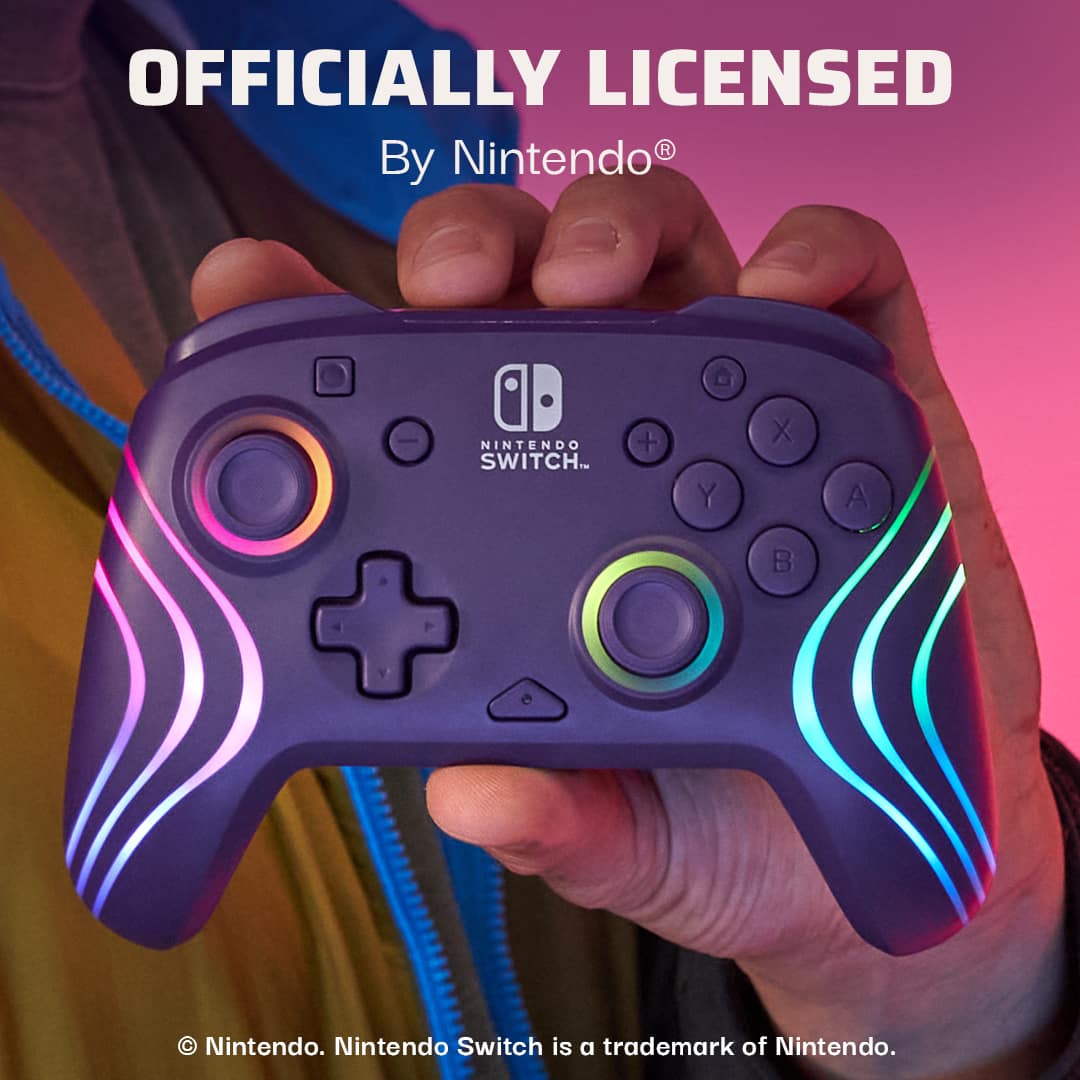
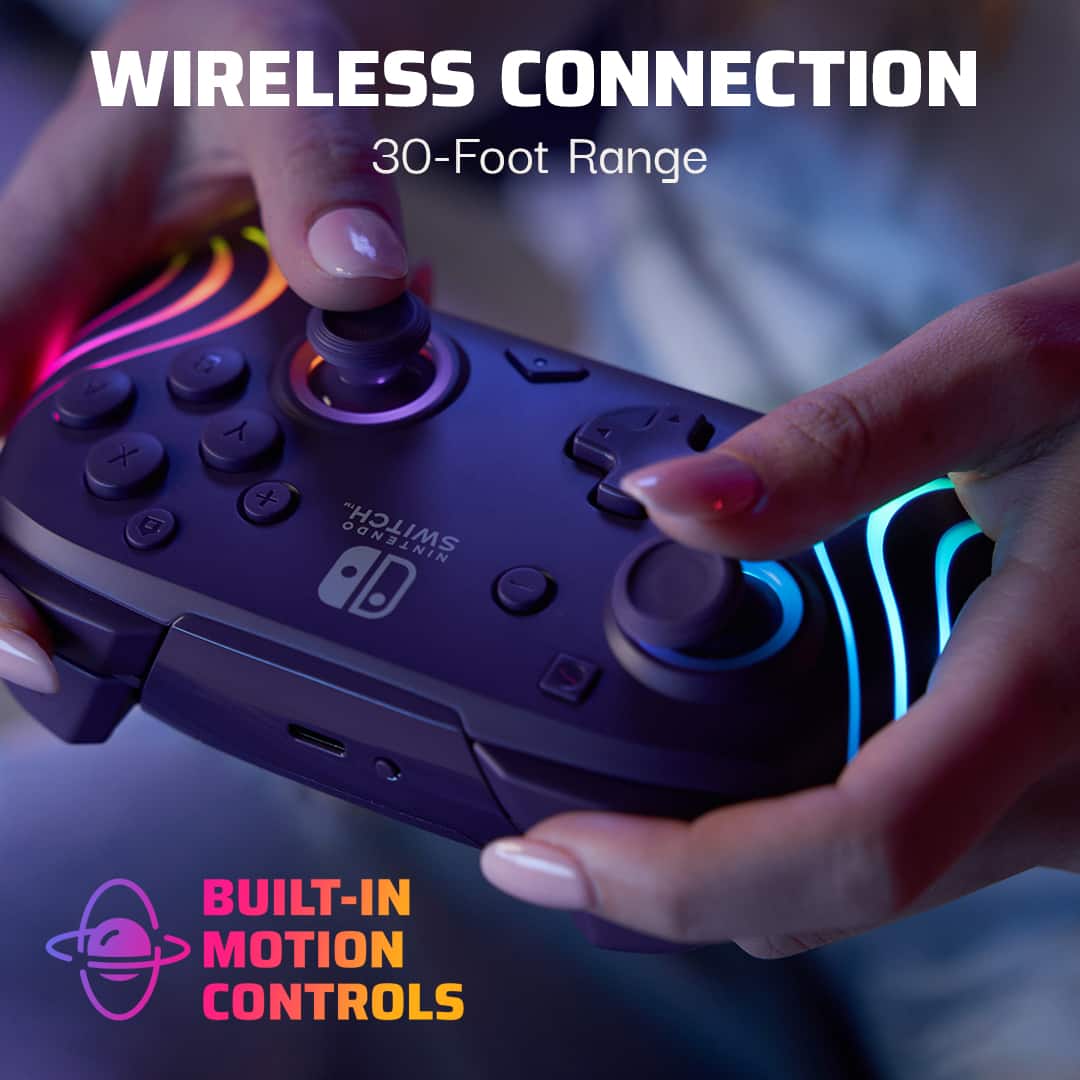
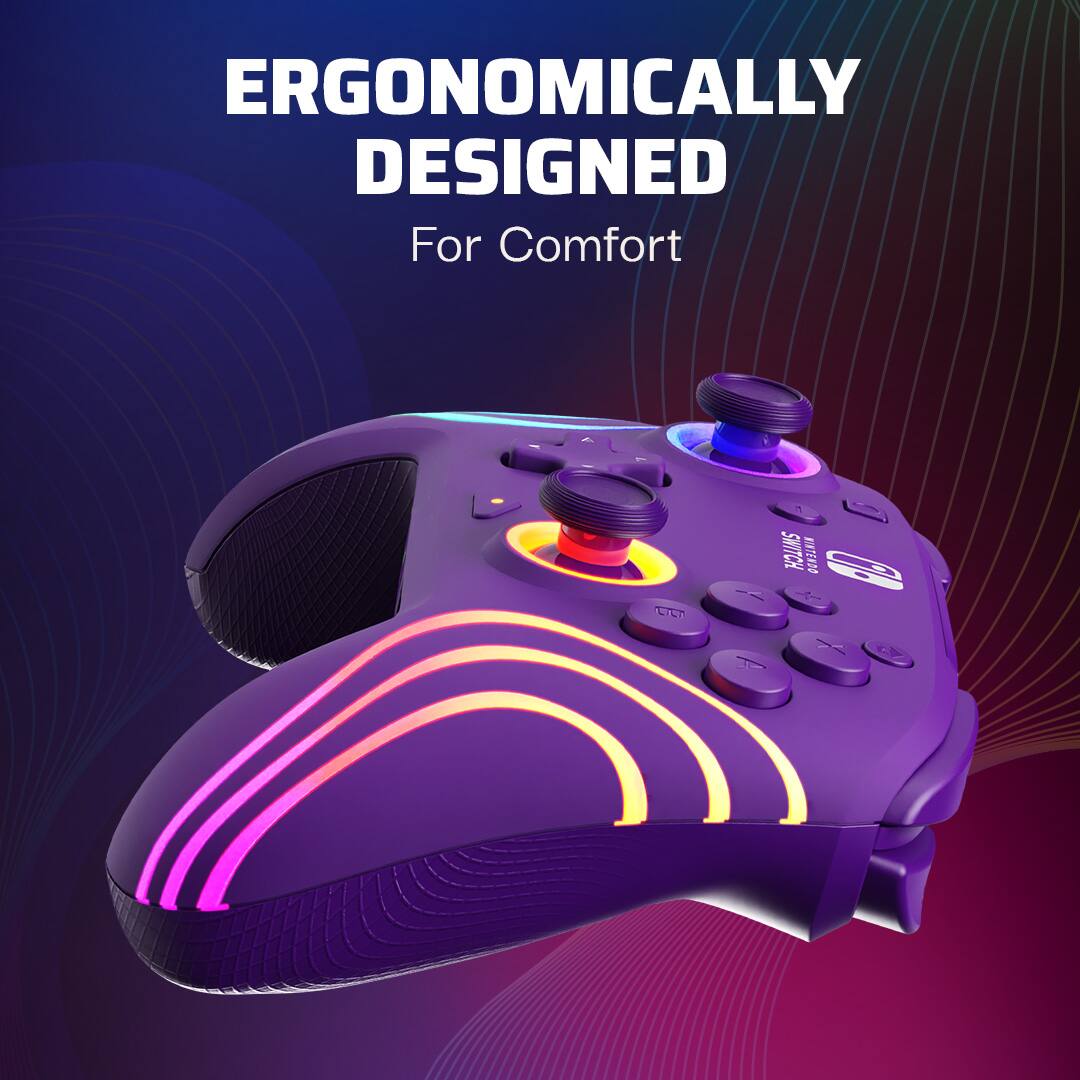
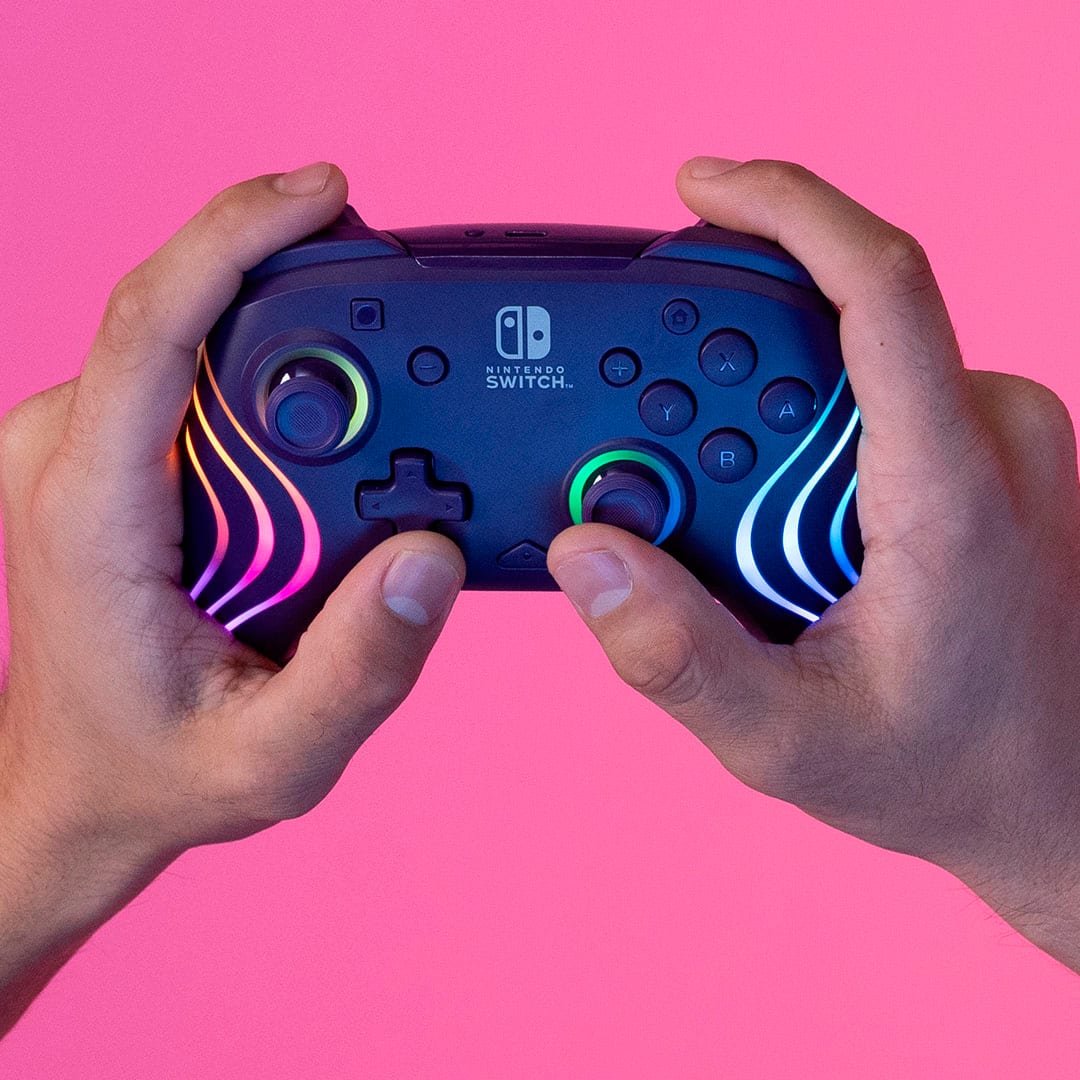
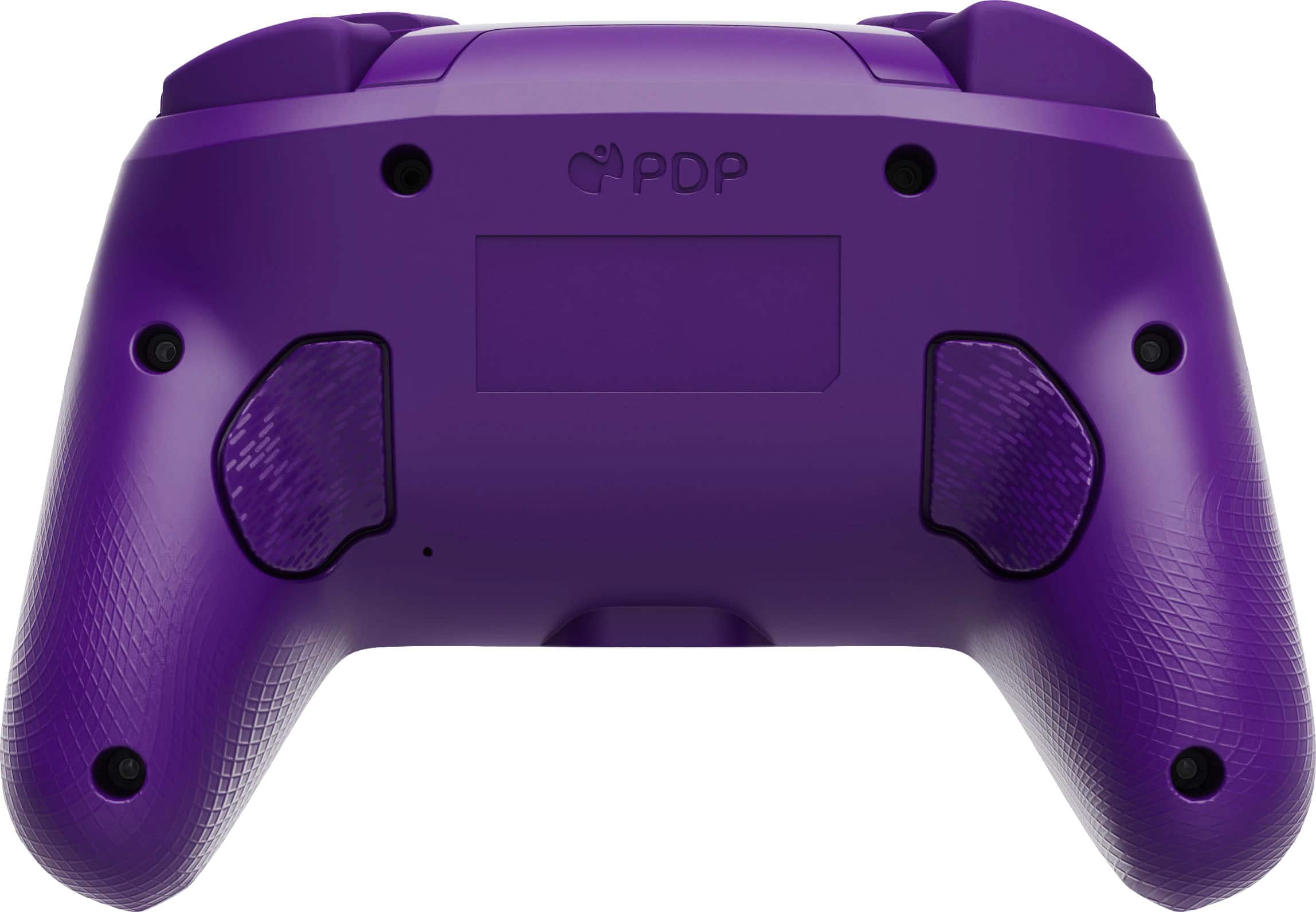
This review is from PDP - Afterglow Wave Wireless RGB Gaming Controller for Nintendo Switch, Nintendo Switch 2 - Black
I would recommend this to a friend - Pros mentioned:Ergonomics
Rated 5 out of 5 stars
Great Value
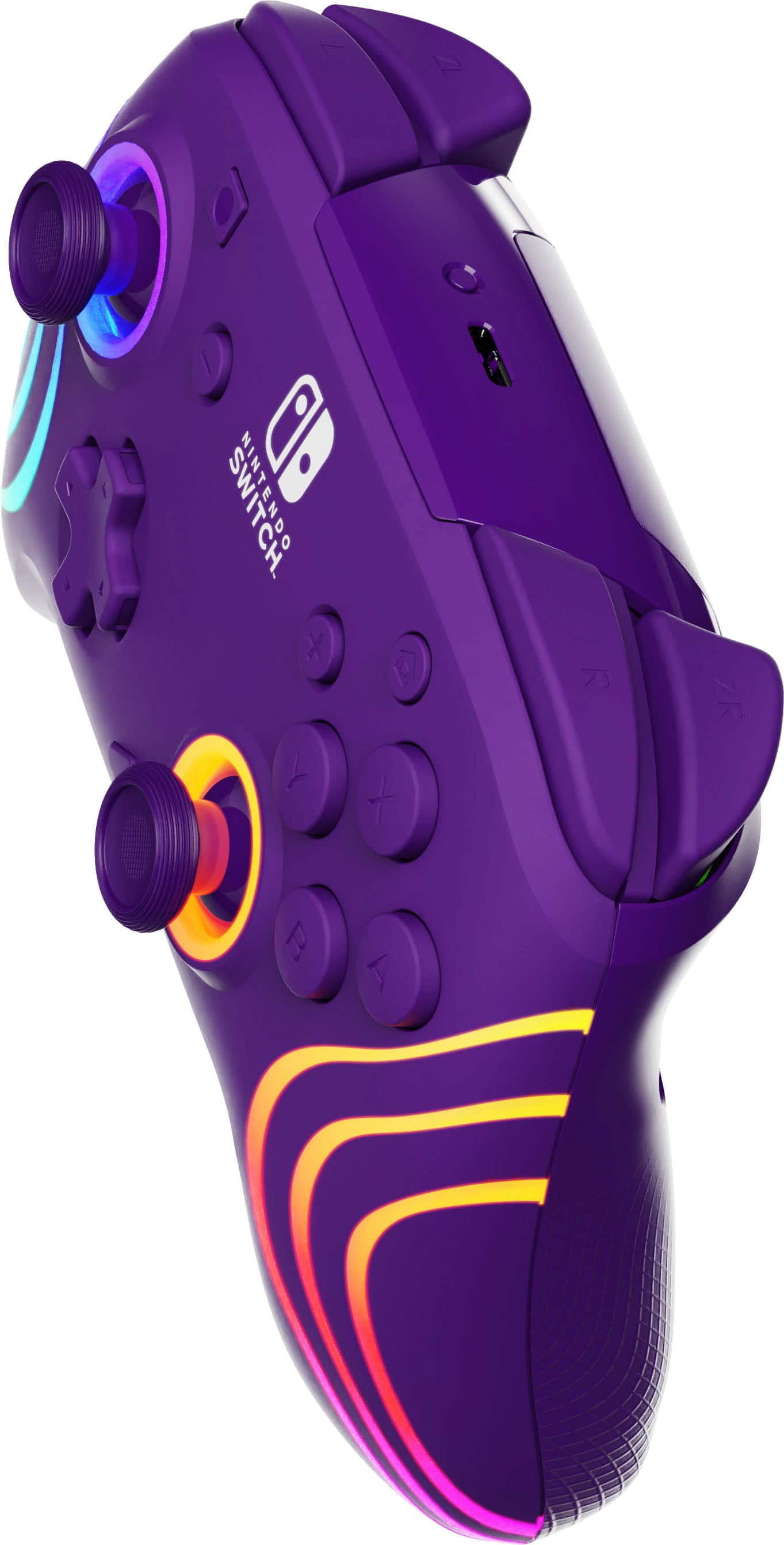
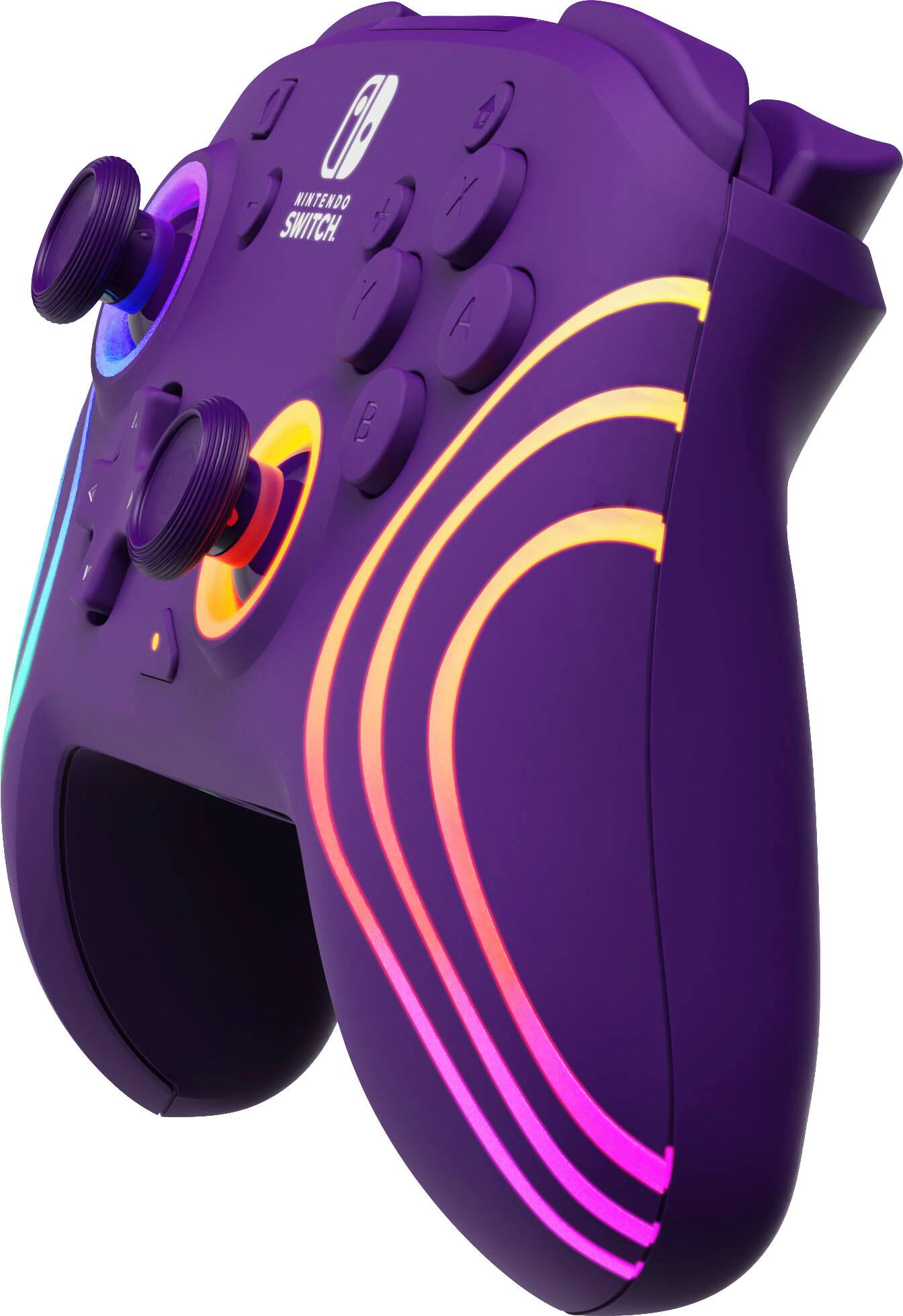
||Posted . Owned for 6 months when reviewed.This reviewer received promo considerations or sweepstakes entry for writing a review.Excellent Switch Pro controller at a great price. The LED colors are beautiful, buttons and joysticks are responsive. Great ergonomics.
This review is from PDP - Afterglow Wave Wireless RGB Gaming Controller for Nintendo Switch, Nintendo Switch 2 - Black
I would recommend this to a friend - Pros mentioned:Overall performance
Rated 5 out of 5 stars
Great for switch 2.
||Posted . Owned for 3 weeks when reviewed.This reviewer received promo considerations or sweepstakes entry for writing a review.Works as intended for the switch 2. Recommended for anyone who doesn't need the pro 2 controller.
This review is from PDP - Afterglow Wave Wireless RGB Gaming Controller for Nintendo Switch, Nintendo Switch 2 - Blue
I would recommend this to a friend Rated 5 out of 5 stars
Controller for multiplayer games
||Posted . Owned for 11 months when reviewed.This reviewer received promo considerations or sweepstakes entry for writing a review.I love the control especially when playing red dead redemption ! Also great for Mario kart or either multiplayer games.
This review is from PDP - Afterglow Wave Wireless RGB Gaming Controller for Nintendo Switch, Nintendo Switch 2 - Black
I would recommend this to a friendRated 5 out of 5 stars
Awesome for the money
||Posted .This reviewer received promo considerations or sweepstakes entry for writing a review.Feels almost identical to the Nintendo version. This one is even Nintendo branded! Great controller if you don’t want to spend the money on the Nintendo one
This review is from PDP - Afterglow Wave Wireless RGB Gaming Controller for Nintendo Switch, Nintendo Switch 2 - White
I would recommend this to a friendRated 5 out of 5 stars
Also works on the SwitchUP!!
||Posted . Owned for 1 month when reviewed.This reviewer received promo considerations or sweepstakes entry for writing a review.Work tremendously well and look great while doing it
This review is from PDP - Afterglow Wave Wireless RGB Gaming Controller for Nintendo Switch, Nintendo Switch 2 - Black
I would recommend this to a friend- Pros mentioned:Ergonomics
Rated 5 out of 5 stars
Perfect birthday gift
||Posted . Owned for 1 month when reviewed.This reviewer received promo considerations or sweepstakes entry for writing a review.This was for my daughter's birthday and she loved it. The colors were great the way it glowed and synced up perfectly with the switch
This review is from PDP - Afterglow Wave Wireless RGB Gaming Controller for Nintendo Switch, Nintendo Switch 2 - Purple
I would recommend this to a friend - Pros mentioned:Overall performance
Rated 5 out of 5 stars
Great for competitive play
||Posted . Owned for 6 months when reviewed.This reviewer received promo considerations or sweepstakes entry for writing a review.Works as good as other pro controllers, was more affordable as well.
This review is from PDP - Afterglow Wave Wireless RGB Gaming Controller for Nintendo Switch, Nintendo Switch 2 - White
I would recommend this to a friend Rated 5 out of 5 stars
Colors and customization
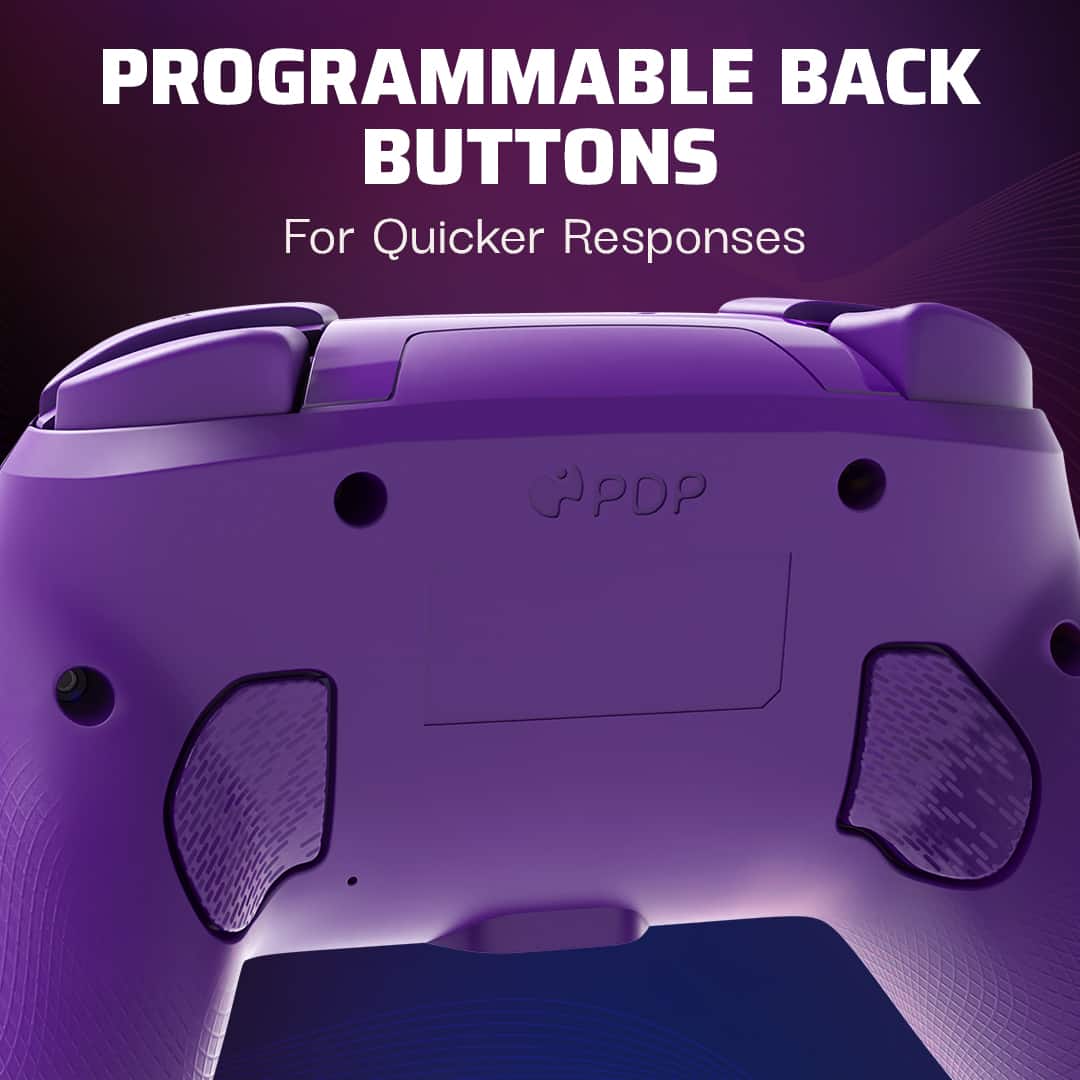
||Posted . Owned for 2 months when reviewed.This reviewer received promo considerations or sweepstakes entry for writing a review.Very easy to customize, great colors, and very user friendly and easy to understand the programming of the buttons
This review is from PDP - Afterglow Wave Wireless RGB Gaming Controller for Nintendo Switch, Nintendo Switch 2 - White
I would recommend this to a friend- Pros mentioned:Lighting
Rated 5 out of 5 stars
Nice controller
||Posted . Owned for 1 month when reviewed.This reviewer received promo considerations or sweepstakes entry for writing a review.Love the colors and the lights. The lights make it fun and love that you can changr the color. Works wonderfully. Took a minute to hook up but would definitely buy again.
This review is from PDP - Afterglow Wave Wireless RGB Gaming Controller for Nintendo Switch, Nintendo Switch 2 - Purple
I would recommend this to a friend - Pros mentioned:Overall performance
Rated 5 out of 5 stars
I’m very happy with this controller
||Posted .This reviewer received promo considerations or sweepstakes entry for writing a review.I got this as a replacement to my old controller which has gotten a drift issue after 3-4 years . It is really nice .
This review is from PDP - Afterglow Wave Wireless RGB Gaming Controller for Nintendo Switch, Nintendo Switch 2 - White
I would recommend this to a friend - Pros mentioned:Overall performance
Rated 5 out of 5 stars
Great controller.
||Posted .This reviewer received promo considerations or sweepstakes entry for writing a review.Love this controller. Looks great works even better.
This review is from PDP - Afterglow Wave Wireless RGB Gaming Controller for Nintendo Switch, Nintendo Switch 2 - White
I would recommend this to a friend Rated 5 out of 5 stars
Product review
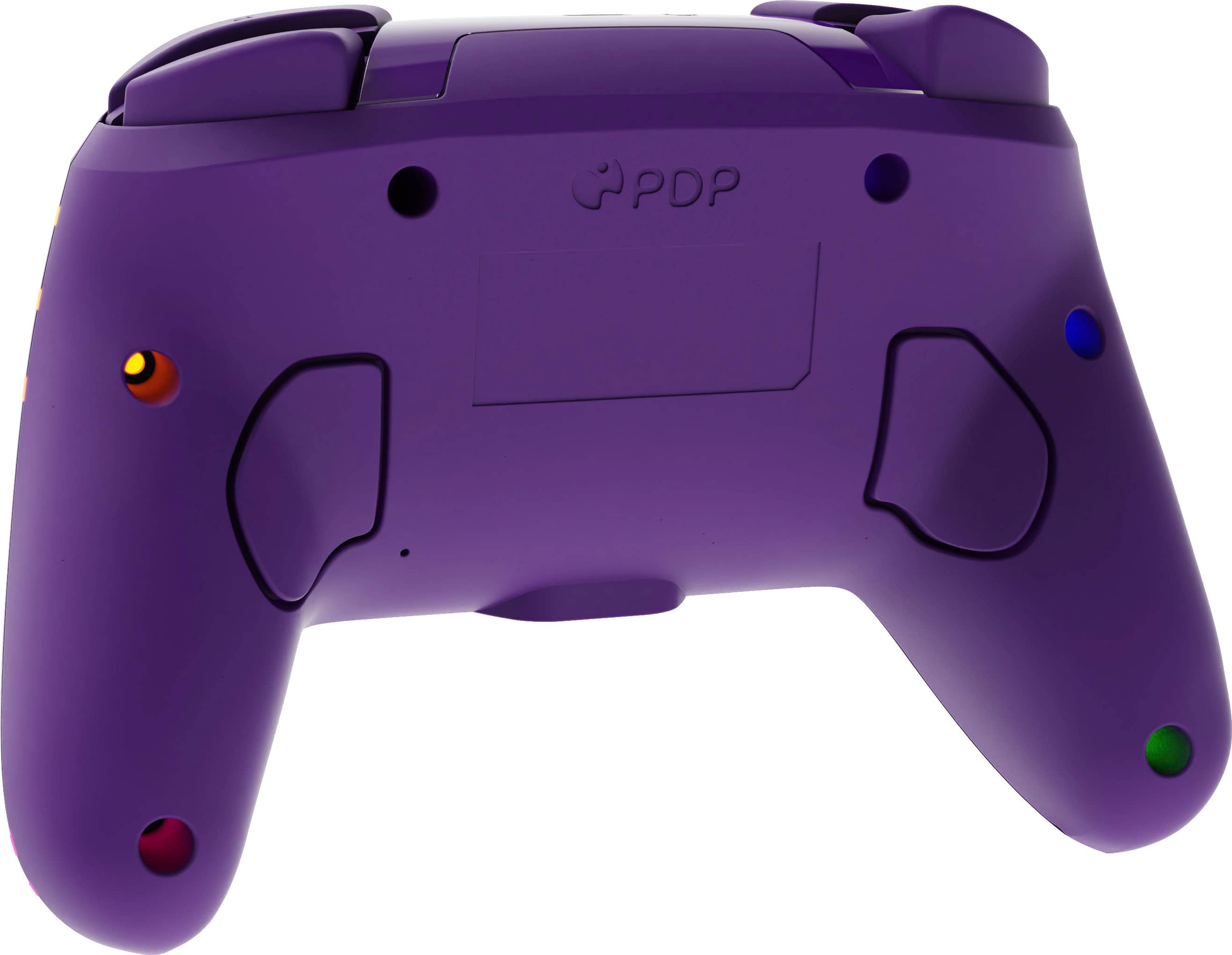
||Posted . Owned for 1 month when reviewed.This reviewer received promo considerations or sweepstakes entry for writing a review.Good grip, soft. It feels with good quality. I didnt had any problems with it.
This review is from PDP - Afterglow Wave Wireless RGB Gaming Controller for Nintendo Switch, Nintendo Switch 2 - Black
I would recommend this to a friendRated 5 out of 5 stars
Wonderful
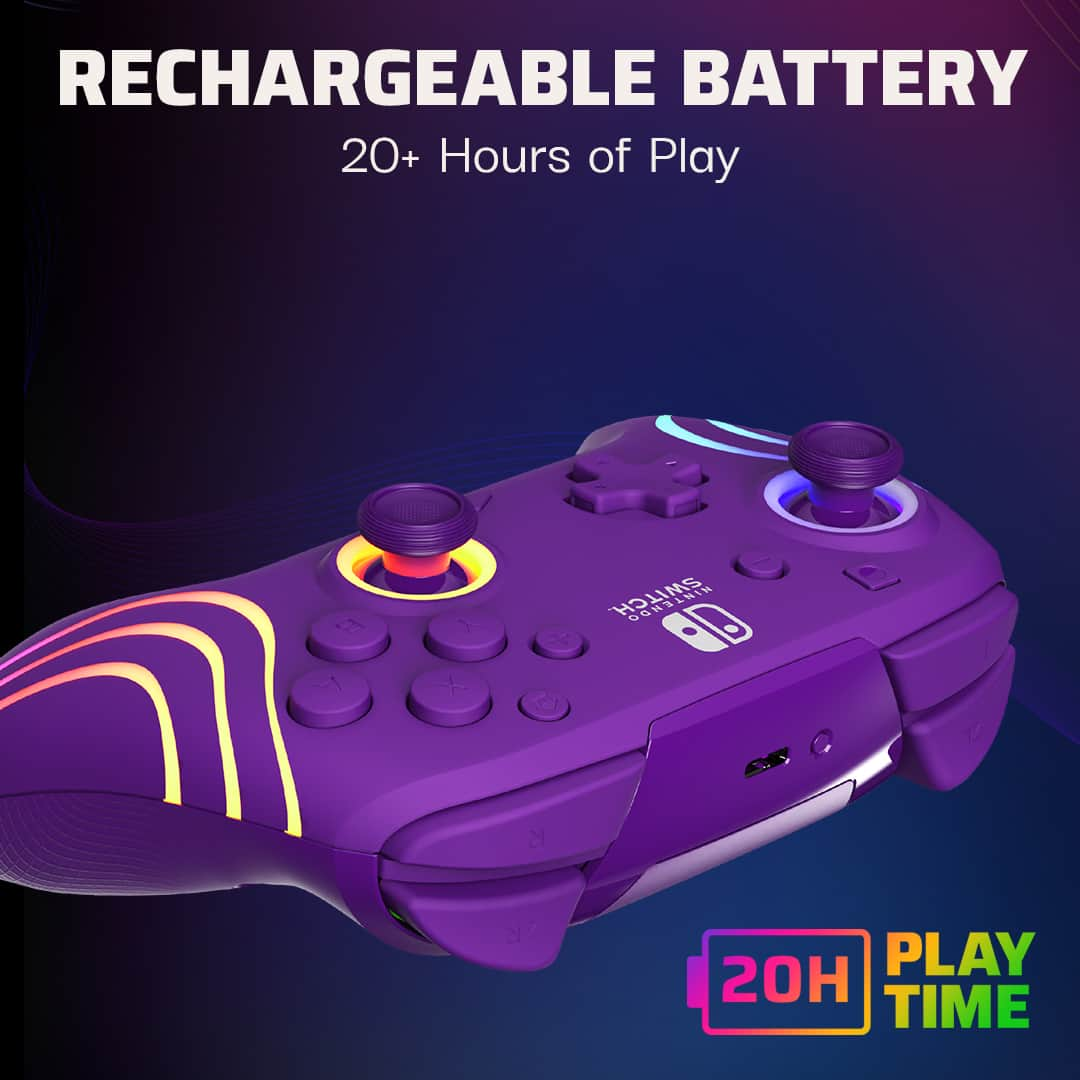
||Posted .This reviewer received promo considerations or sweepstakes entry for writing a review.Love this. It is so easy to charge connect and use
This review is from PDP - Afterglow Wave Wireless RGB Gaming Controller for Nintendo Switch, Nintendo Switch 2 - Purple
I would recommend this to a friendRated 5 out of 5 stars
No issue
||Posted . Owned for 1 year when reviewed.This reviewer received promo considerations or sweepstakes entry for writing a review.Works great no issues love the lights must buy great product
This review is from PDP - Afterglow Wave Wireless RGB Gaming Controller for Nintendo Switch, Nintendo Switch 2 - White
I would recommend this to a friendRated 5 out of 5 stars
A Fun Item
||Posted . Owned for 1 month when reviewed.This reviewer received promo considerations or sweepstakes entry for writing a review.Great Product, Excellent Customer Service Experience !!
This review is from PDP - Afterglow Wave Wireless RGB Gaming Controller for Nintendo Switch, Nintendo Switch 2 - Purple
I would recommend this to a friendRated 5 out of 5 stars
Super cool controller!
||Posted .This reviewer received promo considerations or sweepstakes entry for writing a review.This is so easy to pair to the Switch. I have the first Switch but anticipate getting the Switch 2 soon. It’s nice to know this controller pairs with either system!
This review is from PDP - Afterglow Wave Wireless RGB Gaming Controller for Nintendo Switch, Nintendo Switch 2 - Blue
I would recommend this to a friendRated 5 out of 5 stars
Smooth operator
||Posted . Owned for 1 month when reviewed.This reviewer received promo considerations or sweepstakes entry for writing a review.Smooth controls, easy to use, easy to set up. Looking to get another one.
This review is from PDP - Afterglow Wave Wireless RGB Gaming Controller for Nintendo Switch, Nintendo Switch 2 - Purple
I would recommend this to a friendRated 5 out of 5 stars
Great purchase
||Posted . Owned for 1 month when reviewed.This reviewer received promo considerations or sweepstakes entry for writing a review.Very fun colors and good quality. Definitely doesn't feel as premium as a pro controller, but would recommend.
This review is from PDP - Afterglow Wave Wireless RGB Gaming Controller for Nintendo Switch, Nintendo Switch 2 - Purple
I would recommend this to a friendRated 5 out of 5 stars
Control
||Posted . Owned for 2 weeks when reviewed.This reviewer received promo considerations or sweepstakes entry for writing a review.Very sturdy and well made. Feels like a xbox controller. Can’t complain about it. Has cool rgb lighting around it makes it looker cooler. I will buy it again.
This review is from PDP - Afterglow Wave Wireless RGB Gaming Controller for Nintendo Switch, Nintendo Switch 2 - Black
I would recommend this to a friend