Customer Ratings & Reviews
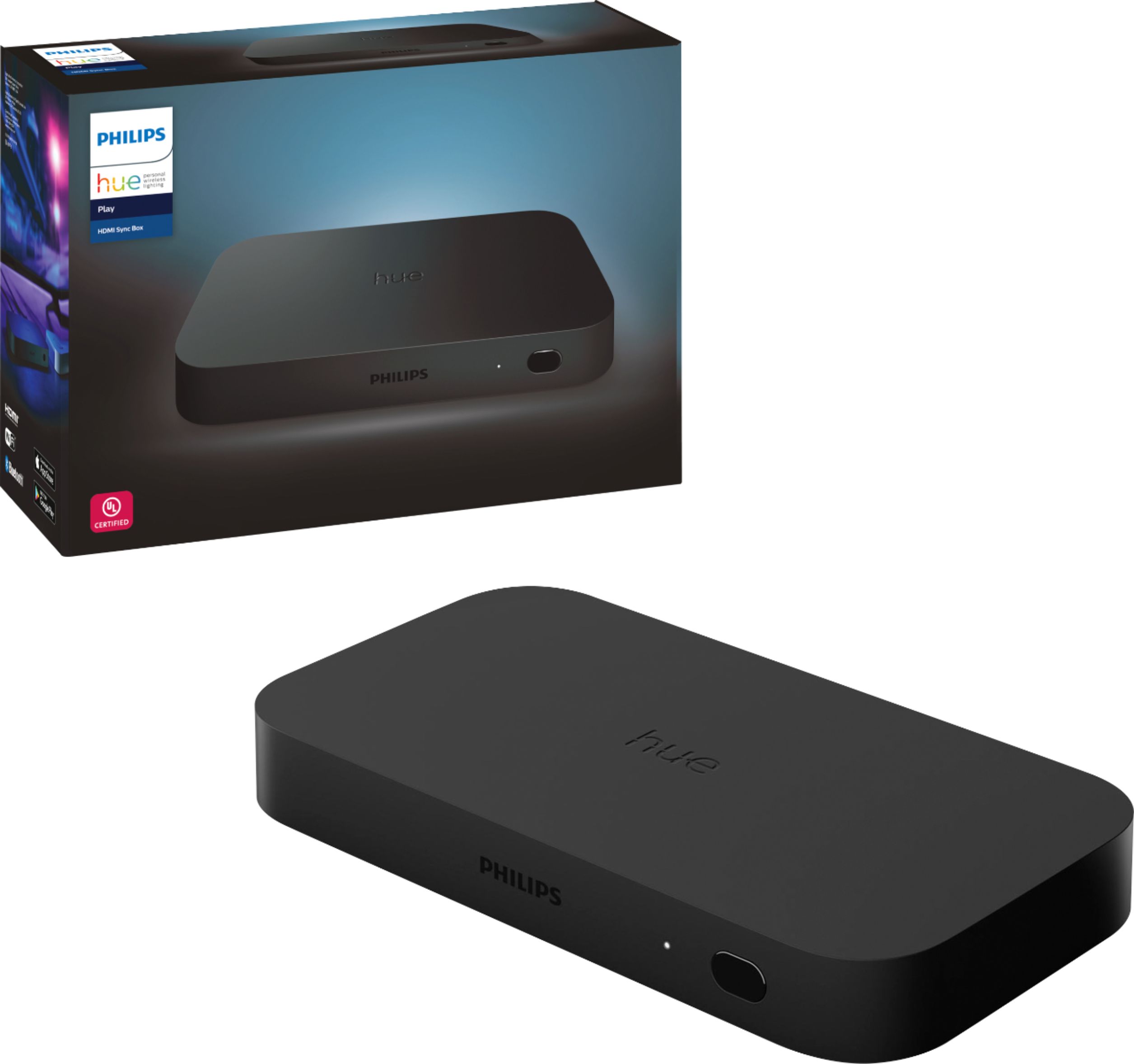





- Model:
- 555227
- SKU:
- 6371722
Rating by feature
- Value
Rating 3.5 out of 5 stars
- Quality
Rating 4.3 out of 5 stars
- Ease of Use
Rating 4.0 out of 5 stars
Customers are saying
Customers enjoy the immersive experience and ease of use of the Hue Play HDMI Sync Box, praising its color accuracy and the generally smooth setup process. However, some customers find the price to be high and have reported compatibility and connectivity issues. A few users also mentioned occasional lag.
This summary was generated by AI based on customer reviews.
Great Add On to Home Theater Visuales
||Posted . Owned for 1 week when reviewed.This reviewer received promo considerations or sweepstakes entry for writing a review.The Philips Hue Play HDMI Sync Box is an obvious choice when you already enjoy an incredible Home Theater experience and you want to take it to the next level. Easy set up with a slight learning curb.
I would recommend this to a friendNot entirely what I expected
||Posted . Owned for 1 week when reviewed.This reviewer received promo considerations or sweepstakes entry for writing a review.I wanted to love this product so much but did not deliver what I expected. My personal experience the color shifting was not accurate for what was on my TV, also to add the music sync option isn’t that great. I have plenty of hue lights as well as the hue play bars. Wish it worked out for me as I love the concept of immersion of what is playing on the screen
No, I would not recommend this to a friendGreat Product highly recommend
||Posted .This reviewer received promo considerations or sweepstakes entry for writing a review.Great product we love it with our klipse Dolby Atmos Sounds system and LG 75”
I would recommend this to a friendI Wouldn't Buy It
||Posted . Owned for 1 year when reviewed.This reviewer received promo considerations or sweepstakes entry for writing a review.When it works, it's amazing. I have an LG OLED 4K TV and I use an Apple TV 4K that supports HDR and Dolby Vision. I've used the latest Apple TV and the one before it and it happens on both. I've even tried high bandwidth / data cables. The audio and video cut out and sometimes it just won't display anything. It's not the TV because everything else works. I've even gone down to no HDR or Dolby and stereo sound. It still has issues. Phillips and Apple TV have an issue for sure.
No, I would not recommend this to a friendPhilips Hue Play
||Posted . Owned for 1 month when reviewed.This reviewer received promo considerations or sweepstakes entry for writing a review.Excellent product, I love to interact with my tv now. Watch movies now is more funny, but you need a extra tool . The Hue Play light bar to work with. I loved.
I would recommend this to a friend- Pros mentioned:Color, Immersive experienceCons mentioned:Connectivity

Theater Experience Outweighs Setup
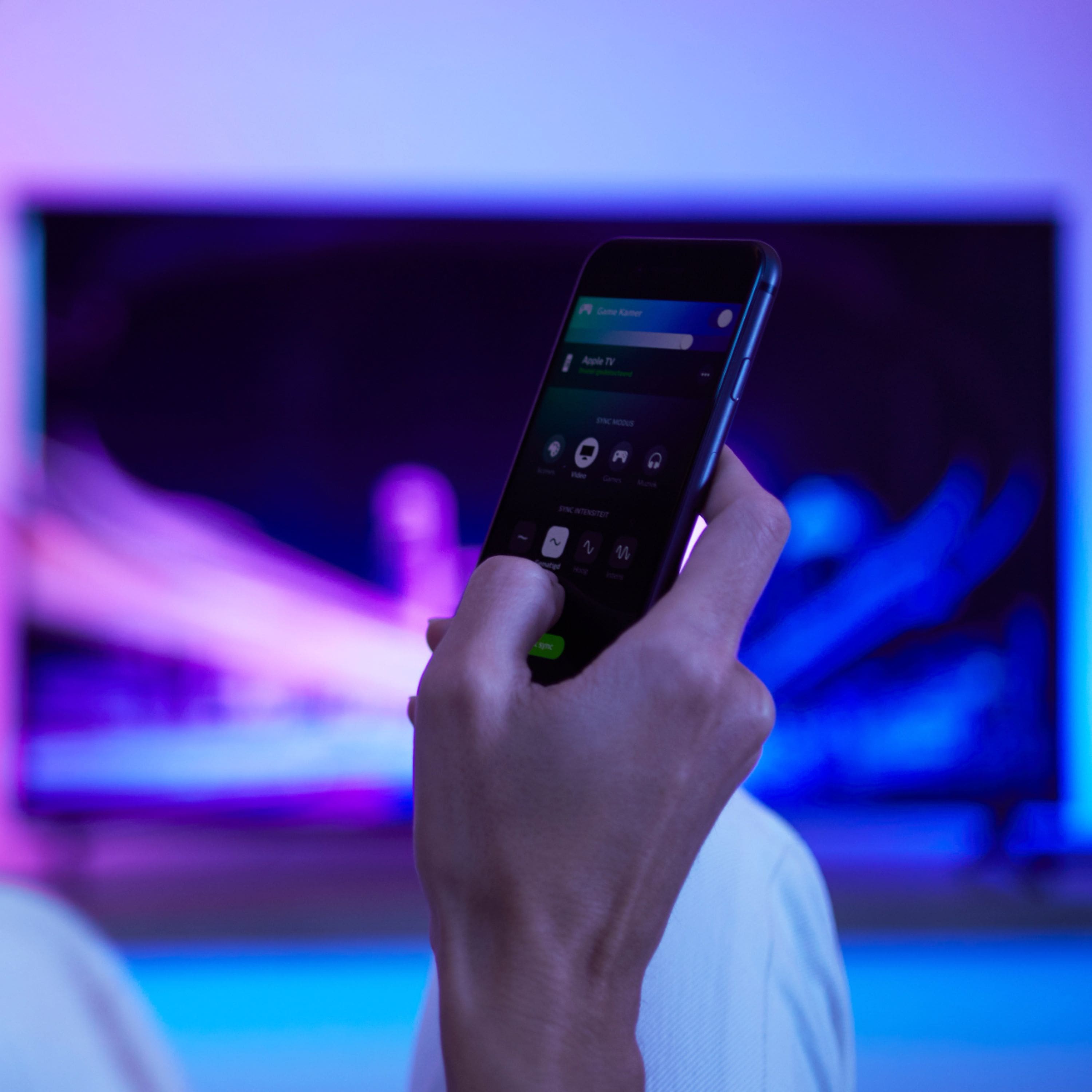
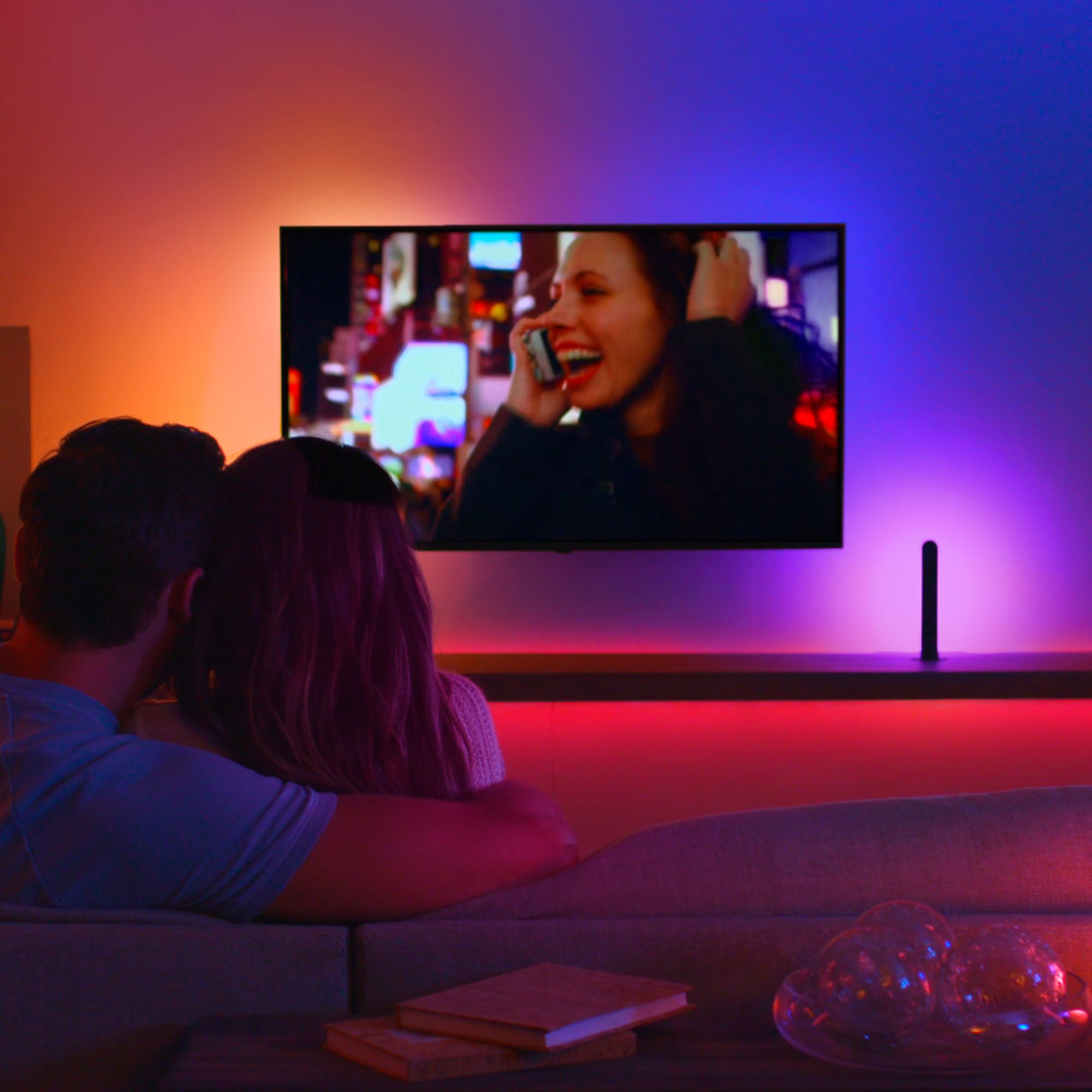
|Posted .This reviewer received promo considerations or sweepstakes entry for writing a review.For anyone who has had Philips Hue lights in their home, you know we’ve been waiting for this product for quite some time, and it DOES deliver, but it’s VERY frustrating to get the end result. I use two Philips Hue Play light bars behind my tv. PROS Discussion: The Hue Sync app allows you to adjust the brightness of the lightbars via the app. They can be dimmer or light part of the room, depending on what you are watching. The other key feature is that you can also adjust the intensity, that is, how fast the lights switch in response to the colors on the tv screen. It is a great feature, because you can adjust it to the content of the movie or game. Even with action movies, there is very little time delay for the color switching. Believe me, it really is amazing to have this product; the way you watch movies hasn’t changed much; the way you see them is honestly, changed. Movies or gaming, the experience is amazing and breathtaking; absolutely immersive. It makes my tv feel like I’m at the theater. When I listen to music, I either stream from my Apple TV, or watch videos. The lights change with what’s on the screen; depending on the source, the music can be captivating, as the lights change with what’s on the tv screen. CONS Discussion: To detect if the tv was on or off, the settings allowed for the connection of a micro-USB between cable between the Sync Box and tv, or by CEC (Consumer Electronics Control). Neither the CEC nor the micro-USB worked reliably / consistently, so I typically had to use the app to start the light syncing process. When I turned off the tv, the Sync Box did not always turn off, however, if left on all of the time, it would alleviate activating light syncing via the app. The Hue Sync app REALLY should have been incorporated into the normal Hue app under the accessories tab, and simply ‘grayed out’ if a Sync Box was not connected. I honestly would have even bought a separate remote for instant changing of inputs. Harmony capability absolutely needs to be incorporated; when I use this Sync Box, I am sacrificing convenience of my Harmony remote, in order to get the theater experience, and I should not have to do that. I might be old school, but when I buy things, I don’t want to run to my computer or iPad in order to download the manual that explains the settings. The adjustments were really not straight forward, and before it worked, it was frustrating beyond belief. HOME SYSTEM: I use the Philips Hue Sync app on my iPhone Xs running iOS 13.2.3, and an iPad running iPadOS 12.2.3. I have a 55” Samsung 4K UHD 8 Series TV for movies, an XBOX One S for gaming, and an Apple TV (4th Gen) for music streaming. I play music through a Denon receiver (5.1 channel surround), and movies / television through my Samsung HW-Q90R Dolby Atmos Sound Bar. I use two Philips Hue Play light bars behind my tv for the cinematic experience. I use an iPad as a central hub to control smart devices (Philips Hue lights, plugs, vacuum, heater / fan, etc.) and home stereo equipment (in conjunction with a Logitech Harmony Hub). I have Gigabit ethernet. I had my components connected via HDMI directly to my television, so to insert the Sync Box was easy (FYI, connect the Sync Box output to your tv’s ARC). You set up the Philips Hue Play light bars using the Philips Hue app in conjunction with the 2nd Gen Hue Bridge, then use the Philips Hue Sync app to set up the Sync Box, select the entertainment area, etc.
I would recommend this to a friend Go Big or Go Home!
||Posted . Owned for 1 year when reviewed.This reviewer received promo considerations or sweepstakes entry for writing a review.I am running 3 of these in my living room with just under 30 lights syncing with the TV... absolutely love it!
I would recommend this to a friendAmazing
||Posted . Owned for 5 months when reviewed.This reviewer received promo considerations or sweepstakes entry for writing a review.Wish it had dolby support, but other than that I love it. I use an HDMI slitter to downscale from Dolby Vision to 1080, still works great
I would recommend this to a friendAmazing
||Posted . Owned for 1 week when reviewed.This reviewer received promo considerations or sweepstakes entry for writing a review.The colors displayed on the TV are shown behind the TV when using the Hue Strips. Check out the pic from Star Wars!
I would recommend this to a friendGift that was well received
||Posted . Owned for 1 month when reviewed.This reviewer received promo considerations or sweepstakes entry for writing a review.I bought this as part of an overall gift for my daughter. She told me they really like the overall effect.
I would recommend this to a friendGreat product
||Posted . Owned for 1 month when reviewed.This reviewer received promo considerations or sweepstakes entry for writing a review.They finally made it happen. I’ve been waiting for color mimicking . It makes playing video games submersive.
I would recommend this to a friendDOA
||Posted . Owned for 2 months when reviewed.This reviewer received promo considerations or sweepstakes entry for writing a review.This was an open box purchase. I had another one that died after 3 years so got this as a replacement. Unfortunately, this unit would not power on so returned.
No, I would not recommend this to a friendNice purchase
||Posted . Owned for 1 month when reviewed.This reviewer received promo considerations or sweepstakes entry for writing a review.Love it! Doubles the look of my 82” TV. Great new look.
I would recommend this to a friendLoving it.
||Posted . Owned for 1 month when reviewed.This reviewer received promo considerations or sweepstakes entry for writing a review.It is worth every penny. It will drive up to 10 hue lights.
I would recommend this to a friendPhilips hue
||Posted . Owned for 1 month when reviewed.This reviewer received promo considerations or sweepstakes entry for writing a review.The best product! I love I it! Thanks philips for all!
I would recommend this to a friendGoing to return it
||Posted .This reviewer received promo considerations or sweepstakes entry for writing a review.The Box I got was wacky. Half the time it hooked up to the Bluetooth and was found. Tried about 6 × 2 hook it up to Wi-Fi and it never could hook up. Also the auto detector of the device this is a bit off. If you're having trouble playing cable it helps to press buttons on the cable
No, I would not recommend this to a friendRefurbished?
||Posted .This reviewer received promo considerations or sweepstakes entry for writing a review.Product works great. Box just seems like it had one of those refurbish stickers, I purchased a new one.
I would recommend this to a friendDont buy open box
||Posted . Owned for less than 1 week when reviewed.This reviewer received promo considerations or sweepstakes entry for writing a review.Bought Like New open box. Came with no box or directions, all scratched up. Contacted customer service who said too bad, return it. Why say it comes with everything and like new then send me junk?
No, I would not recommend this to a friend- Pros mentioned:Color, Hdmi sync, Setup
Create An Exciting New Entertainment Dimension
|Posted .This reviewer received promo considerations or sweepstakes entry for writing a review.Philips - Hue Play HDMI Sync Box is a unique, one-of-a-kind product that pushes the boundaries of in-home entertainment. I was a bit apprehensive, reading some negative reviews prior to ordering the Sync Box. I am very glad I did not hesitate to pull the trigger. It is far more enjoyable & easy to set up than I ever anticipated! Set-up is simple: plug in up to 4 devices, such as a Fire Stick, Apple TV, other streaming devices, a Video Game, a DVR, a Receiver, etc. No switching is required; it automatically switches whichever device you turn on. The Sync Box is seamless & responds. It passes 4K through to your TV or monitor. You turn on the TV & your streaming or game devices exactly the same way after adding the Sync Box. It adds NO complication! You choose what type of Hue lights to connect to your TV. I chose 2 Hue Light Bars, one behind the TV, pointing right & the other behind the TV, pointing left. I added a Hue Light Strip behind the TV, across the top. You can add or remove any Hue bulbs you may already own to the Sync Box at any time. The colors are configurable; I found they were ideal right out of the box, with no color tweaking needed. Brightness is fully adjustable & intensity is selectable in 4 levels. You can even set a minimum light level separately for various input devices. This is very useful for gaming, vs. watching a movie. You position each light by simply dragging it across your cellphone screen on the set-up app. The more lights you add, the more fine the detail & the benefit you achieve for positioning the lights to match the TV screen. The colors are absolutely amazing! It literally spreads the TV screen's effective size by opening your senses to a view that is no longer constrained by the confines of a rectangular TV screen. CONCLUSION: The Hue Play HDMI Sync Box is a WOW! product that greatly enhances your viewing experience, whether Movies, Gaming, or even the News! This 5-Star jewel is ready for Prime Time; I highly recommend it.
I would recommend this to a friend - Pros mentioned:Hdmi syncCons mentioned:Price
Great addition to hometheater enthusiasts
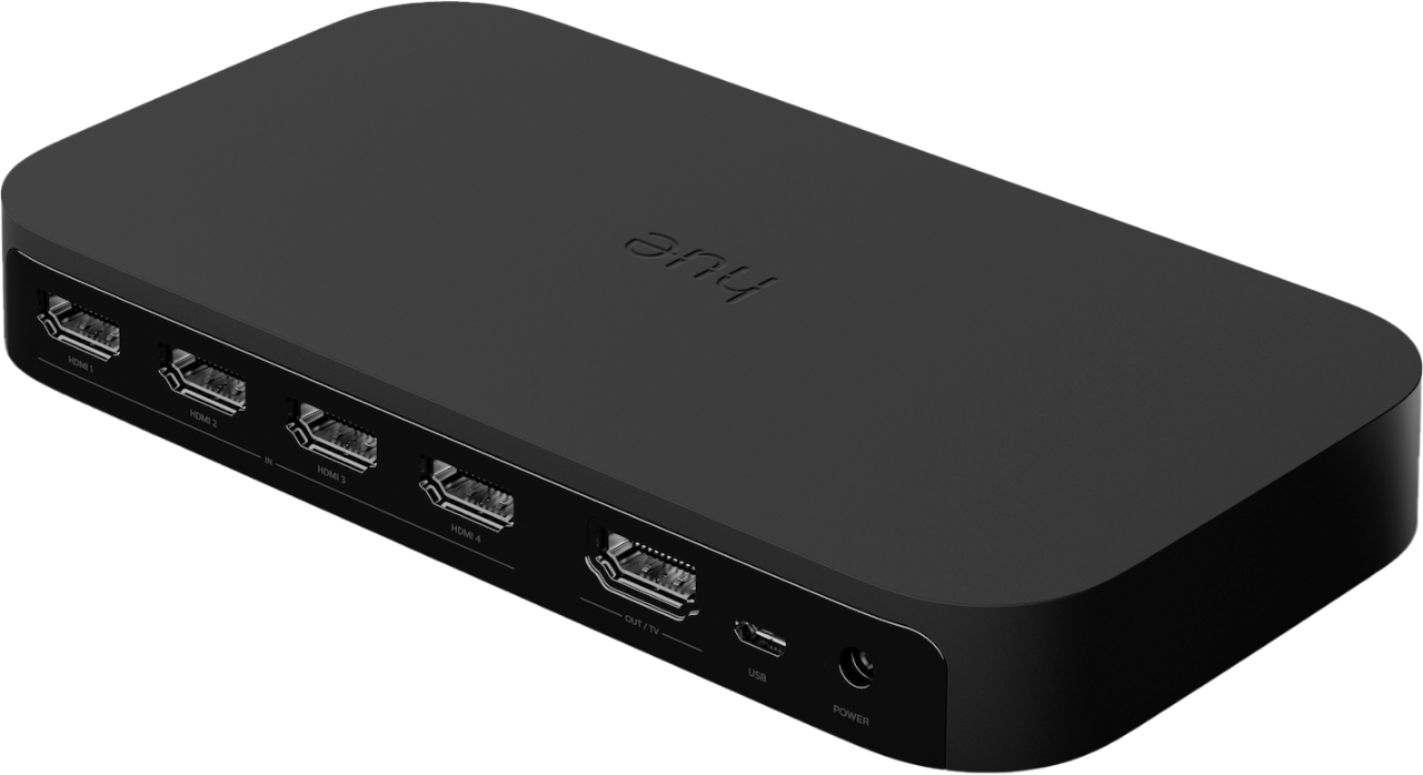
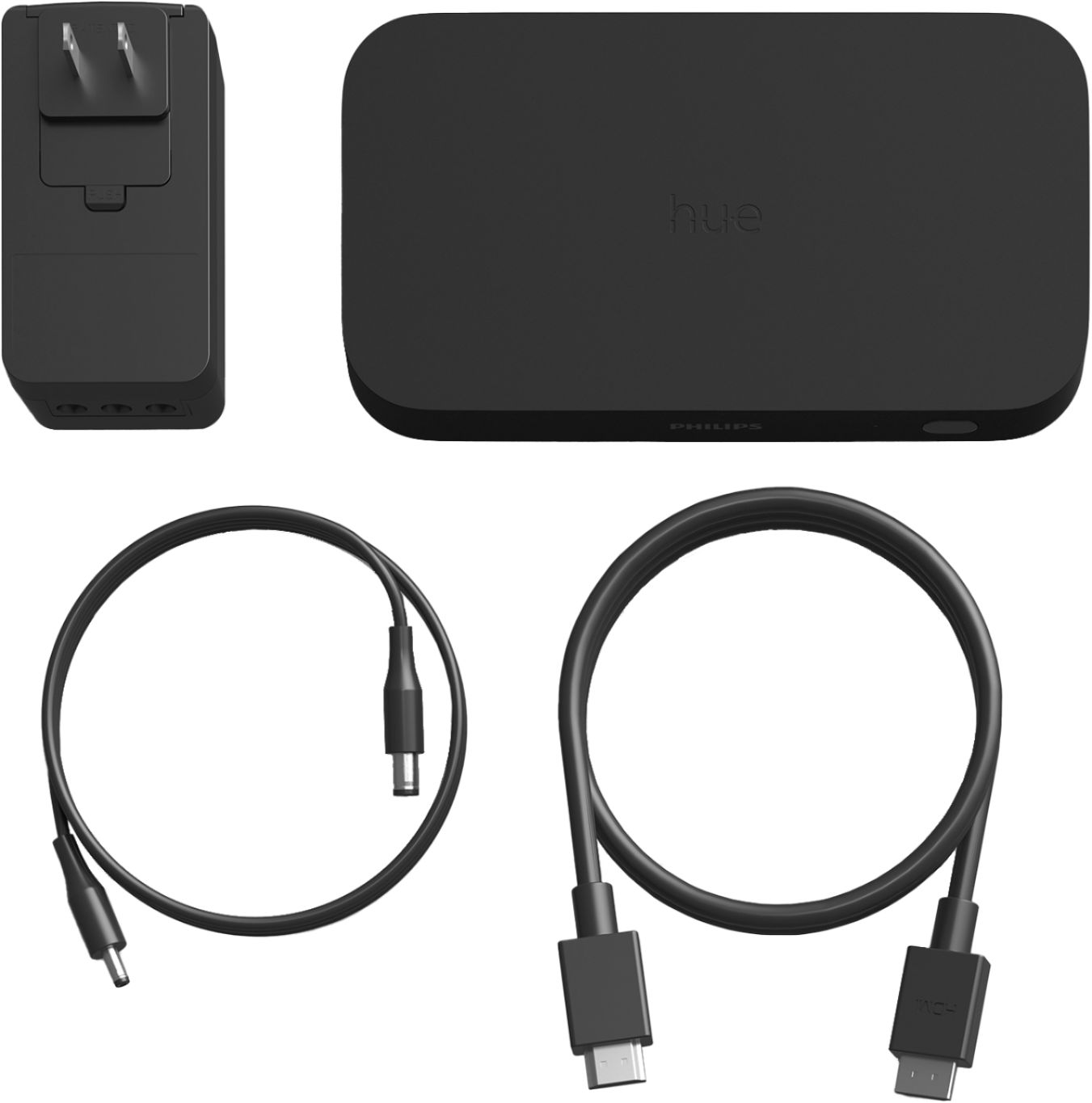
|Posted .This reviewer received promo considerations or sweepstakes entry for writing a review.This compact device syncs your TV content that is playing on your TV from differnt video sources(apple TV, Fire TV, Chromecast, Roku) with various hue lights(Strip, play light bar, color bulbs) without any latency. The lights will adjust the color and brightness to the content that is being watched to create an immersive experience. If you are invested in hue ecosystem and interested in Bias lighting for TV then this product will not disappoint you. My Setup is as follows: Samsung 82 inch QLED TV wall mounted, Pioneer elite 4k receiver, apple TV 4k, Fire TV Cube 2 gen, Chromecast connected to the sync box with Philips hue lightstrip plus attached to the back of the TV & Philips Play light bar on 2 sides placed vertically at the back of the TV. Also, have 4 hue BR30 white and color ambiance bulbs in the ceiling. This sync up box is a sleek little device that looks similar to old netgear router or apple tv(that is little wider) but with five rear HDMI ports(4 HDMI input and 1 HDMI output). I connected my apple tv, fire tv cube,chromecast, samsung blu-ray player inputs to the hdmi ports of sync up box and connected the hdmi out to the TV's HDMI. Sync box has automatic HDMI switching capabilities so it will adjust when you change the video source. For example, if you're watching your content from fire cube and if you poweup the apple tv, the sync box will automatically switch to that input. Keep in mind this device doesnot support HDR 10+ & Dolby vision videos for lighting effects but the sync box will act as pass through. Once all your video sources are connected to the sync box, its time to pair it with hue bridge using the app . Also, the power adapter that comes with it can connect upto 3 devices in the same adapter and this saves some space on your power outlet if you have it mounted on your wall. It was quite handy for me to connect my 2 hue play light bars & 1 hue strip light. You need to download the app Philips Hue Sync app(different from hue app to control bulbs) from IOS app store or android google store and follow the steps to pair the bridge and sync box. It takes few minutes to update the latest and greatest software/firware and once done you can name your hdmi inputs(hdmi 1 as apple tv, hdmi 2 as fire cube and so on) then assign hue lights and setup friendly name for devices. Once you setup your lights placement using the graphical representation on the app, in the entertainment section its time to play lights in action. The Hue Sync app has three adjustable sync modes: Video, Music, Game as icon. Once the sync mode is selected, you can adjust the intenstiy of the light. There are four intensity settings: subtle, moderate, high and extreme. I like subtle intensity when watching movies that way its not too distracting. Overall, this sync box is the best TV bias lighting that syncs with hue lights with low latency and accurate color syncing in the market. Pricing is little expensive at $229 but if you have invested already in hue ecosystem then this is great addition to the home theater experience.
I would recommend this to a friend