Customer Ratings & Reviews
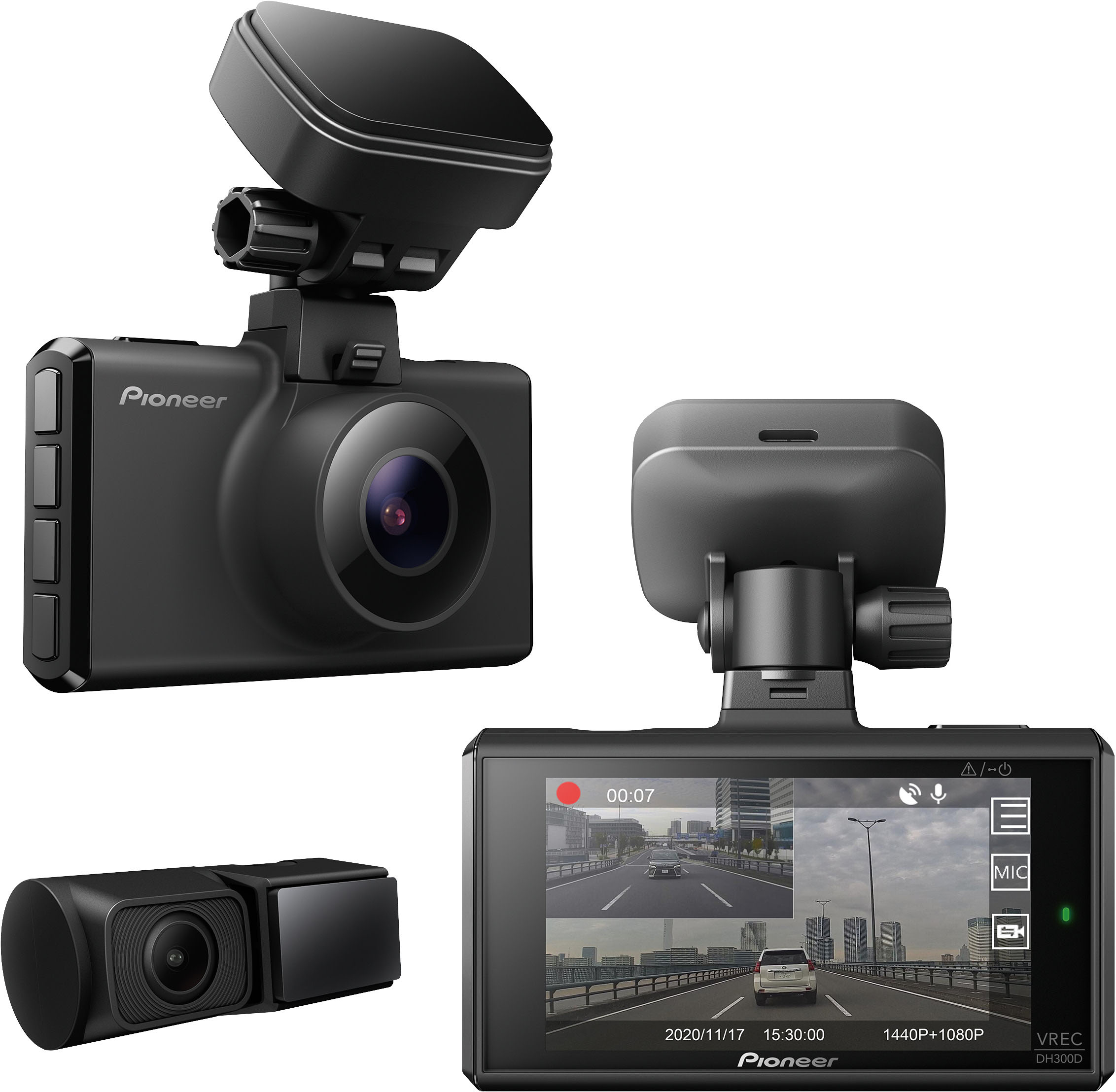
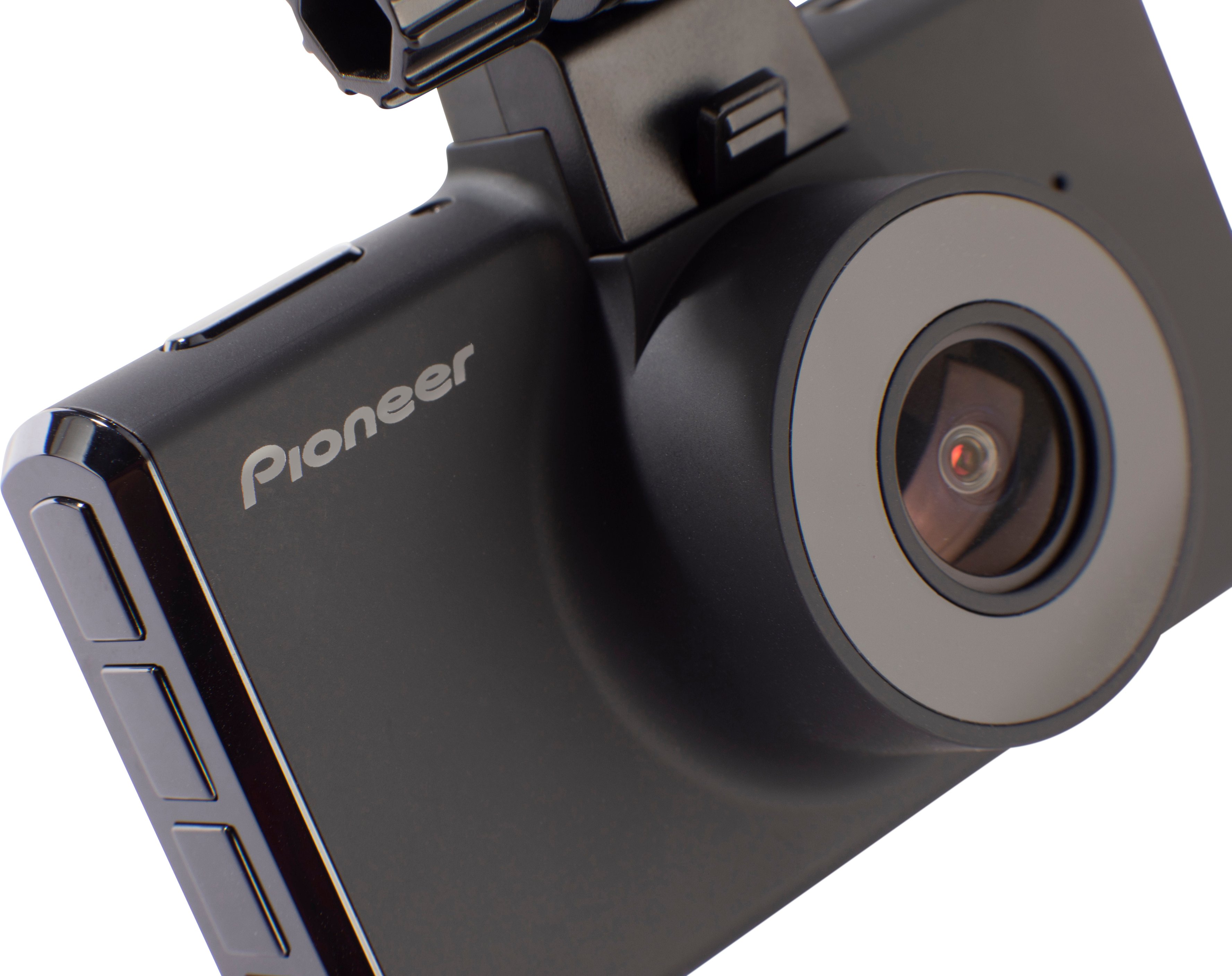
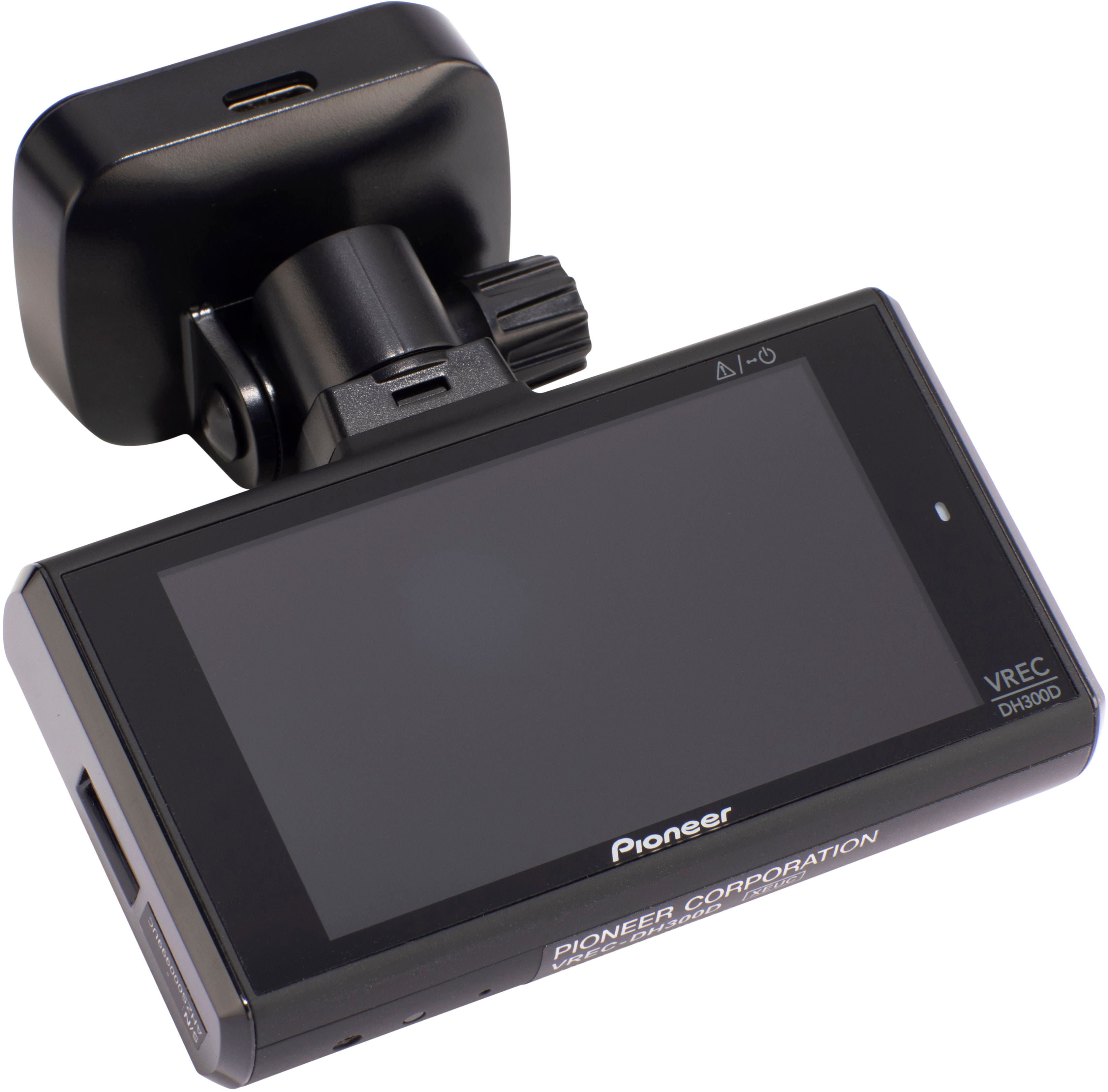
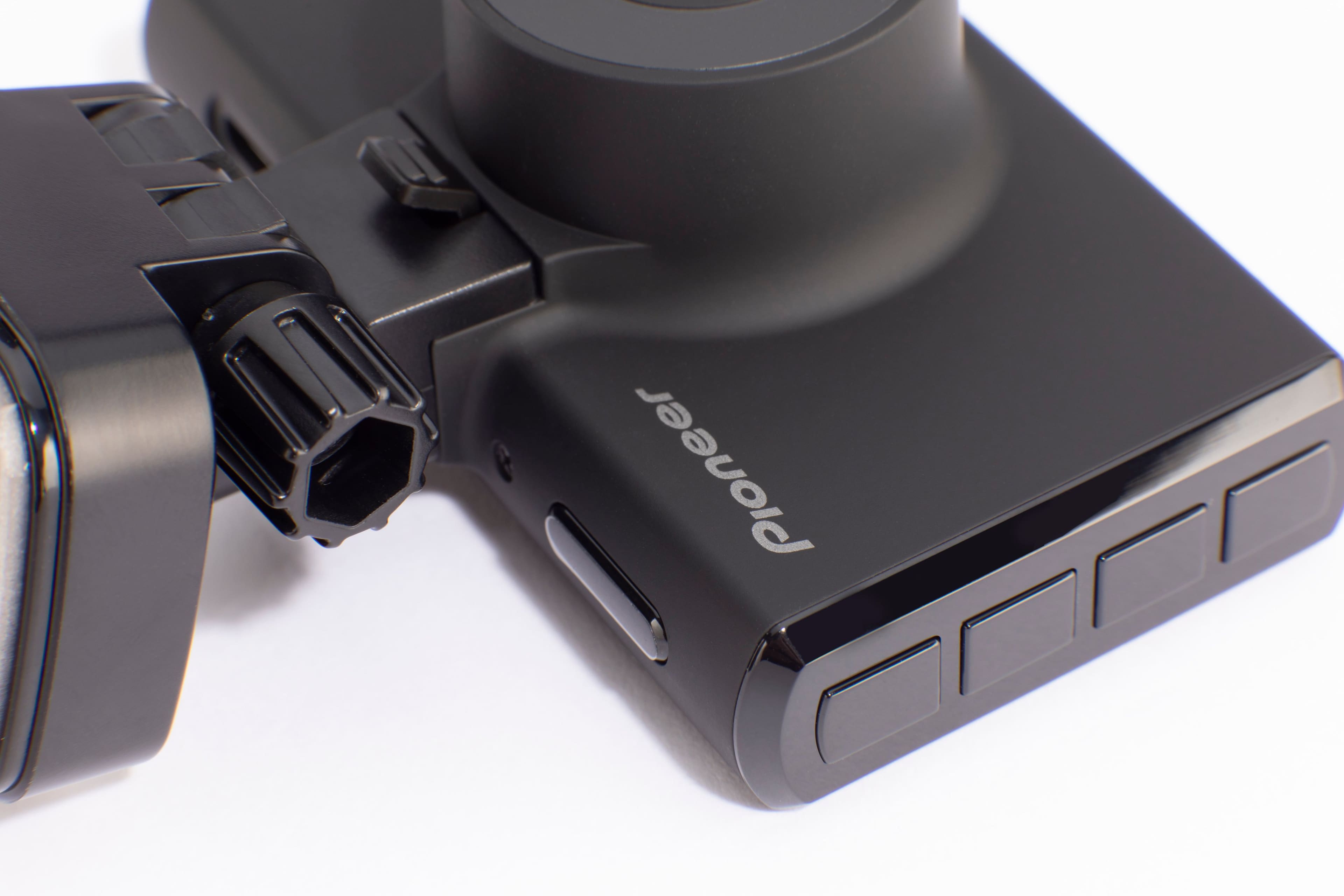

- Model:
- VREC-DH300D
- SKU:
- 6500061
to a friend
Customers are saying
Customers praise the 2-Channel 1440P Dash Camera System's video quality, GPS capabilities, and long cable lengths, finding these features particularly useful and easy to install. However, some users express concerns regarding the lack of a battery, the absence of a touchscreen interface, and the lower-than-ideal frame rate. The system's resolution is also a point of discussion, with some finding it excellent while others prefer higher frame rates for smoother video.
This summary was generated by AI based on customer reviews.
- Pros mentioned:Gps, Video qualityCons mentioned:Battery life

Its a Good Dash Cam
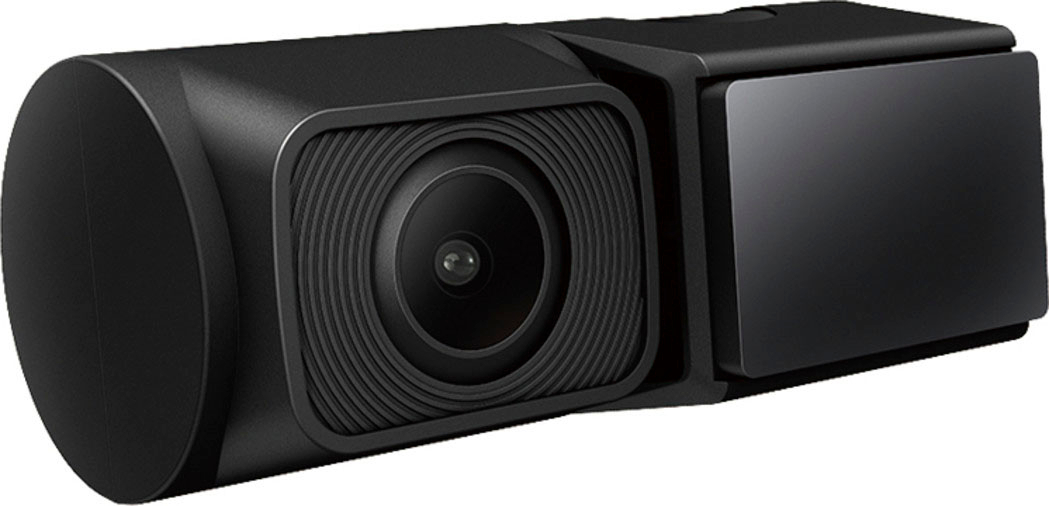
|Posted .This reviewer received promo considerations or sweepstakes entry for writing a review.This Pioneer dash cam is my first dash cam. The camera picture quality is better than middle of the road. The camera does adjust for night view and performs pretty well at night. The night vision is powered by something called Sony CMOS. There is a front and rear camera. The cameras have GPS technology and use a micro sd card to record content. Wide angle view is a big plus and works very well. The rear camera is small in siz and does not get in your way. The installation was pretty easy, but you need to think it all out as you run the wires and obviously each car is different so take that into consideration. Pioneer does provide ample wire to get the job done. I do wish the directions were clearer in a few instances. The size of the front camera makes it very managable as my windshield has a gps remote box, state toll box, the rearview mirror and camera. Why Pioneer didn't match this camera set to an app is a head scratcher. The operation is very smooth. The SD card works flawlessly and is easy to mount and unmount. I do wish it had some internal power to work when the car is off. Pioneer makes an adapter that ties into battery power for 24 hour video protection, but I am not a fan of potential battery drain. An internal battery that recharged when car was operational, would have been great. To me that ability to record when car is off is important. Overall, this is a good unit and should, for the most part meet your needs.
I would recommend this to a friend - Pros mentioned:Ease of use, Video qualityCons mentioned:Frame rate
An Unimpeachable Witness on Every Trip
|Posted .This reviewer received promo considerations or sweepstakes entry for writing a review.Pioneer - 2-Channel Dual Recording 1440p WQHD Dash Camera System (VREC-DH300D) We’ve all got stories about frightening roadway incidents. When those stories involve us, in accidents, and we’re relating truly unbelievable situations, it’s important to have a record that can’t be denied. Dash cameras are the perfect witness. The Pioneer brings an extremely nicely engineered front and rear camera that reliably records very detailed and very wide-view video images. These videos are crystal clear from a dual camera combination at an average price for these types of cameras. It’s not all perfect, however, but I will recommend the Pioneer system. INSTALLATION: Pioneer’s design choices makes installation more or less easy depending on how demanding you are for a completely disappearing install. Firstly, I should point out that the Best Buy web page for this unit says it does not fit my Lexus. It did. Easily. I was recording images within minutes of entering my car with this kit under my arm and seconds after plugging it in to my power port. It mounts on the front and rear windows like the manual suggests and it plugs into my power port, hidden in my storage compartment between the seats. Hiding the wires might be a chore, but I’ve got the number to the nearest Best Buy and I’m going to let them do that part. The wires provided are all adequately lengthy so it’s hard to imagine anything but a bus being too big to install this. Oh, and I can assure you the Pioneer operates even if my wires are loosely hanging for a few more days. OPERATION: The included instructions handle install rather well. Actual operation is somewhat intuitive but I could easily see some people giving up and looking for help. Everything is managed off of the menu structure showing on the screen after you press the top on button. You’ll want to immediately search for the always on Display setting or you’ll be quickly thwarted . The Pioneer allows searching for and manipulating of the videos, but on the device screen. The Pioneer controls allow you to view the ongoing recorded images, choosing the front or back image to display or even both, overlaid. If you reach around your mounted camera and remember the control positions, you can switch on-the-fly. Don’t do it. The video created by the Pioneer is viewed using on-camera controls aligned along the right edge of the master (front) camera. The included 16GB micro-SD card, using the also included SD card adapter allow you to bring the recorded videos to your PC and view them using appropriate software.I found viewing videos simply using Quicktime on my Mac was much easier. I was even able to pull them into PHOTOS on the Mac if I wanted to save clips or make videos available for sharing. But, I’m spoiled. I’ve got another brand of (front only) dash cam that allows me to view trip videos on the device, on my phone or on my Mac using Apps designed by that manufacturer which add some useful features. I’m surprised Pioneer hasn’t taken this extra step. CONSIDERATIONS: The Pioneer VREC-DH300D should install into most vehicles. I’m going to recommend professional installation for the neatest look, but many of you are more adept at fitting accessories into your cars and trucks than I am. Your call. The lack of a dedicated App from Pioneer is a head-scratcher for me. [The feature list for the Pioneer references an App, but I never found one,] Either a phone of PC App would be fine. I used my Mac’s video Apps to do this with no difficulty. In fairness, the camera does a perfectly fine job putting video control at your fingertips, even if on the 3” screen. I simply prefer to search and manage videos in the comfort of my house on a 27” screen. And, if you need a video clip to share, you’re going to need to download it somewhere. The camera in wonderfully compact and the included wires are lengthy and fit simply into dedicated locations on each camera. Camera record speed is not typical (27fps) but I found no compatibility issues. I’d love to see higher frame rate to ensure all that high resolution is matched by the smoothest image capture. These will be moving vehicles, after all. The Power Port plug makes it easy to power the cameras. Pioneer offers a kit to hard wire the camera into a car fuse box. SUMMARY: I’m going to get lots of use out of this Pioneer Dual Recording Dash Cam system, but I am surprised by some choices Pioneer made regarding making the camera easier to use for more people. The images are quite useful. Photo: I’ve enclosed a screen capture photo taken THROUGH the Pioneer I was holding in my hand prior to mounting on the windshield. It’s quite clear. I smudged out some GPS info at the bottom of the image, but it’s there in every video.
I would recommend this to a friend - Pros mentioned:Field of view, GpsCons mentioned:Touchscreen
Decent quality, missed target
|Posted .This reviewer received promo considerations or sweepstakes entry for writing a review.I feel having a dash cam is pretty essential these days. So many things happen while on the road and it becomes your word versus theirs when it involves an incident. It feels so good to look back at a video after a situation and clearly see whether the light was in your favor or you can prove you came to a complete stop. Having improved resolution like the 1440p and wide field of view that this Pioneer system has is also beneficial. Having a second camera whether you use it to watch your back or the inside is also great. However, I feel Pioneer really missed the target on this one. Despite the great looking resolution of 2560x1440p, 3.7MP front camera, what good is the dash cam if it is difficult to show the video. There is no way to view the footage with a mobile device unless you can pull out the micro-SD card and use it, which most phones don’t support any more. Sure, you could show the footage on the little 3” display itself, but you have to leave it mounted because it is powered through the mount. Which, looks nice and all, but makes it impossible to show someone, like the officer standing beside your car. You can easily take out the micro-SD card and use the included adapter to put into a SD slot of a computer to read it. But, you have to find your own method of showing the GPS data as they don’t have an application like some other dash cam manufacturers that can play and show that data to you. The good thing is though, the GPS location along with date/time and speed are visually on the video as well, see screenshots. Another design choice that I don’t understand is the wiring for the rear camera. It is hard wired from the camera and is long enough (3 m/9 ft. 10 in.) to reach from the back, along the top interior to the front camera in a 2 door sedan. However, the cable has a ring/tip end that does not plug into the camera, but instead uses another cord that converts it to USB-C (See picture). This cord with the only purpose to connect the rear camera cable to the front camera is 6 m/19 ft. 8 in. long. Leaving me with having to tuck 20 ft worth of cable behind paneling. Besides the GPS I don’t feel this is much better than some cheap off-brand model you can get through other markets. The other branded camera I have in my truck I rated mildly for the difficulty I had with their app and connection, but even that was better than no connection at all. Also, the default G sensor setting triggers on the slightest thump from music or rough bump in the road. You will know it detected an event from the loud beep, which also can make longer than default 20 second video clips. Overall, the front camera resolution is pretty decent, especially in daylight, not too bad in city night. The rear camera is pretty generic, low res looking for 1080p, but tags all the same data as the front camera. However, the lack of ability to access the videos through wireless or even taking the camera off the dash to use as a display device ruins its full potential. That along with the odd wiring choice puts this dash cam on the bottom of choices for me. I feel having a dash cam is pretty essential these days. So many things happen while on the road and it becomes your word versus theirs when it involves an incident. It feels so good to look back at a video after a situation and clearly see whether the light was in your favor or you can prove you came to a complete stop. Having improved resolution like the 1440p and wide field of view that this Pioneer system has is also beneficial. Having a second camera whether you use it to watch your back or the inside is also great. However, I feel Pioneer really missed the target on this one. Despite the great looking resolution of 2560x1440p, 3.7MP front camera, what good is the dash cam if it is difficult to show the video. There is no way to view the footage with a mobile device unless you can pull out the micro-SD card and use it, which most phones don’t support any more. Sure, you could show the footage on the little 3” display itself, but you have to leave it mounted because it is powered through the mount. Which, looks nice and all, but makes it impossible to show someone, like the officer standing beside your car. You can easily take out the micro-SD card and use the included adapter to put into a SD slot of a computer to read it. But, you have to find your own method of showing the GPS data as they don’t have an application like some other dash cam manufacturers that can play and show that data to you. The good thing is though, the GPS location along with date/time and speed are visually on the video as well, see screenshots. Another design choice that I don’t understand is the wiring for the rear camera. It is hard wired from the camera and is long enough (3 m/9 ft. 10 in.) to reach from the back, along the top interior to the front camera in a 2 door sedan. However, the cable has a ring/tip end that does not plug into the camera, but instead uses another cord that converts it to USB-C (See picture). This cord with the only purpose to connect the rear camera cable to the front camera is 6 m/19 ft. 8 in. long. Leaving me with having to tuck 20 ft worth of cable behind paneling. Besides the GPS I don’t feel this is much better than some cheap off-brand model you can get through other markets. The other branded camera I have in my truck I rated mildly for the difficulty I had with their app and connection, but even that was better than no connection at all. Also, the default G sensor setting triggers on the slightest thump from music or rough bump in the road. You will know it detected an event from the loud beep, which also can make longer than default 20 second video clips. Overall, the front camera resolution is pretty decent, especially in daylight, not too bad in city night. The rear camera is pretty generic, low res looking for 1080p, but tags all the same data as the front camera. However, the lack of ability to access the videos through wireless or even taking the camera off the dash to use as a display device ruins its full potential. That along with the odd wiring choice puts this dash cam on the bottom of choices for me.
Brand response from PioneerCustomerSupport
Posted .Hi David,
Thanks for taking the time and effort to leave a review our Pioneer - 2-Channel Dual Recording 1440p WQHD (Wide Quad HD) Dash Camera System - Black. We apologize if we haven't completely meet your expectations about this product. We are continuously working on improving our products and their designs and if you have any more questions or concerns, please use the link below to reach us.
Kind regards,
Lisa
Pioneer Products
https://www.pioneerelectronics.com/PUSA/
- Pros mentioned:Cable length, Gps, Video qualityCons mentioned:Frame rate
Feels like a prototype, not ready for sale
|Posted .This reviewer received promo considerations or sweepstakes entry for writing a review.The TL;DR of this review is that it has sub par video quality, bare bones features and no way to view video files/clips using Bluetooth or Wi-Fi. The box and packaging are very nice, the camera modules are fitted inside a custom foam pad for protection. The build quality of both cameras feels really nice, and they have a nice soft texture feel to them. The cables for both the front and rear camera are plenty long enough to install in most vehicles and you get an micro SD card in the box. You don’t get any cable clips or trim tools, which would have been nice. I was shocked to find out that there was no app support at all for this camera. To view the video files, you must remove the SD card and view on a computer, or playback directly from the camera itself. That’s a nonstarter for me, even before I saw how bad the video quality was (screen shots attached.) In 2022, I expect to be able to pull out my phone and grab some video clips or stills from my dashcam when I need to, whether just for sharing or more importantly, in an emergency. This camera has no Wi-Fi or Bluetooth support, so menu setup, video downloading or sharing, real time video feed to align your camera if needed, etc. is not here. Super disappointed in that right off the start. This camera gives the Sony Starvis sensor a bad rap. I have other dashcams that have the Starvis sensor and the video quality is amazing. The video quality from this Pioneer camera was disappointing. Not sure what they did to degrade the video quality this bad for a WQHD sensor, but they did it. Colors were nice, and the audio is actually the best I’ve heard from a dash cam, but that’s it. Even in the bright sunny daytime, the picture is super pixelated and boxy, blurring even worse at the edges. Details are non-existent and washed out. This isn’t bad for a WQHD camera, this is bad period. And the frame rate is locked to 27 FPS? What? Who uses 27 FPS? Such an odd decision there. The video feels blocky/choppy, and just unnatural to watch. It does have GPS, so you can overlay the coordinates of your drive on your clips, along with date and time and the MPH you were traveling. Also, if you don’t attach the back camera, the camera will give you an air raid siren of beeps letting you know, which you can dismiss with the OK button, but then every 10 mins or so as you drive, it will come back and alert you again, with full air raid siren, until you dismiss it again. Not cool, not while you’re driving. Why would Pioneer set it up that way? I mean there are plenty of reasons that you might not have the rear camera hooked up, but still want to use the main front camera. To alert me while I drive that the back camera is not attached and force me to dismiss the alert while I’m driving is the dumbest thing I’ve seen on a dashcam. And, with no back camera connected, the camera is still recording clips of the phantom back camera feed, so when you review files, you get the file clips from the front camera, and all black corresponding clips from the nonexistent rear camera. Such a waste of the memory card. Why would you record phantom clips from a camera that is not connected? Overall this camera is a big disappointment, especially from a brand like Pioneer. This camera doesn’t feel ready for Production at all, it feels like a prototype or test unit. Look elsewhere as there are plenty of other dashcams in this space that would yield you better results.
No, I would not recommend this to a friendBrand response from PioneerCustomerSupport
Posted .Hi HarvickFan,
We're sorry for disappointing you. Your feedback is important to improve the quality of this product.
Pioneer Support
Lea
www.usca.pioneer-tv.com
- Pros mentioned:Cable length, Video quality
Great Forward and RearView Dash Cam
|Posted .This reviewer received promo considerations or sweepstakes entry for writing a review.There is plenty to like about Pioneers latest dual cam dashcam. Very simple user interface and button layout. Enough options to get great footage, but not too many menu options to be confusing. Install is simple and straight forward if you don't have a huge powered mirror. Plenty of cable to reach all areas of most vehicles and larger SUV's. Default settings should be fine for most and that makes this very easy to be nearly plug and drive for good results for those who just want a reliable cam to catch insurance incidents. Pioneer does include a 16GB card that's good for about 1 hour of recording before overwriting old footage. I would recommend at least getting a fast 64GB card. Also note that the GPS in this model. Only seems viewable in playback, not while driving. Info while driving is minimal, as it probably should be. You will see GPS coordinates and speed in playback. The video quality forward and rearview is very good, and playback looks good on built in screen or when SD card is viewed on PC or TV. Pausing any clip will let you see plate info at about a 1-3 car lengths or a bit further, but beyond 3 car lengths it starts to look fuzzy and may not be readable. Night drives also recorded decent and should easily let you see incidents closer to your vehicle. I included sample pics recorded from my truck. Minor placement issue I should mention. For me, the point and shoot camera shape of the main cam itself. This won't be an issue for most. Yet, in my 2019 Ram 1500 I have a massive rearview mirror housing and it makes this style of dash cam placement a bit more difficult. If the cam is mounted up out of the way so I can use sun visors, it records a bit of the plastic mirror hump and the playback screen is blocked by the mirror. Mounted lower on windshield for better full view recording, it obscures a bit of my view. I chose behind mirror. This won't be everyone's issue, but if you have one of those newer powered or high tech rearview mirrors. This cam may need thoughtful placement or tradeoffs. Note to Pioneer: If the lens had been shifted to the left or right of the body. My placement would have better view around mirror hump.
I would recommend this to a friend - Pros mentioned:Gps
Decent Enough
|Posted .This reviewer received promo considerations or sweepstakes entry for writing a review.This Pioneer Dash Cam is easy to operate, easy to install and has good video recording quality. Some important options are the G-Sensor that detects impacts to your car and locks the video in a separate file folder for easy access, along with optional parking mode to monitor your vehicle after the engine is turned off. it has a built in GPS to accurately record vital information such as your current position, vehicle speed, direction of travel and time, which are good features, but lacking other features that makes things a little easier. The Bad: Parking mode with RD-HWK200 dash cam hardwire kit is not capable of 24/7 recording and max you can record while parked is 12 hrs. In my area catalytic converter theft is extremely high so if a thief does this outside device’s recording time, then there will be no video. Another convenient feature lacking is Wi-Fi-Connect that gives you the ability to watch stored videos easily on your phone via app. Setting up or changing Parking Mode options can only be done directly on the hard-kit and not in the Dash Cam option settings. Setup: In my case, this was easy to install since my prior hard-wire kit (DC 5 V (12 V / 24 V) worked with this Dash Cash by using a Micro USB female to USB-C male adapter. The VREC-DH300D comes with everything you need as far as cables and even a micro-SD Card, it is pretty much plug & play as I did not have to adjust any settings. The GPS setup time and date automatically and device would record while driving or in Parking Mode. I drove around with it for 2 weeks and it performed well with no issues. The high-quality wide viewing angles video recording are excellent along with the rear camera, license plates are clearly visible which would be important in certain instances. This device seems dependable, although lacking some bell & whistles, does enough to fulfill my needs.
I would recommend this to a friend - Pros mentioned:Cable length, Ease of use
Excellent front and rear with large screen
|Posted .This reviewer received promo considerations or sweepstakes entry for writing a review.This is my first Pioneer dash cam. I have three vehicles with different brands all small screens. This one has a nice size screen with the menu buttons conveniently places to the right. Unlike my other dash cameras, the access to the features is a lot easier and intuitive. Not too many button pushing. Three different resolutions with 1080p my favorite, which is the mid range, so I can record more yet good enough to see excellent details. I comes with a 16GB microSD which I replaced with a 64 GB and works great. My only negative comment is the fact that it is glued into the windshield which meant to select the right place the first time because once stuck, moving it will be a pain. The cable for the rear cam is long enough for my minivan. I cant comment on the G-force recording since no parking lot events yet. It does have a larger footprint than my other off brand dash cam but considering the large screen I'm not complaining. It has front, back and combine view. I'll be replacing my other older dash cams with this model in the near future.
I would recommend this to a friend - Pros mentioned:Video qualityCons mentioned:Battery life, Touchscreen
Great cameras, additional adapter may be required
|Posted .This reviewer received promo considerations or sweepstakes entry for writing a review.This is my 2nd dashcam I have owned; my older one doesn't have a rear view camera. This dash camera has some great improvements, so I was interested in giving it a try. I didn't bother seeing if this unit had an app since I never really used the app for my older unit. I noticed this unit does not have a touch screen, a personal assistant (google/amazon), or an internal battery. I read that you can purchase an adapter to hook this dashcam up to the car battery so that it is always on, but I did not attempt this task yet. I was pleased to see that this dashcam uses the latest USB type c port, which is becoming the standard. I would highly recommend using command adhesive or double-sided tape first to make sure you have the cameras mounted in the best position, before using the #M VHB tape included. The cable Panasonic supplies is long enough to route around the longest of vehicles. Even though this unit lacks a touchscreen and doesn't include a personal assistant, I feel the picture quality and responsiveness is great and would recommend it based on these features alone. I would not recommend this to anyone who expects the unit to run on an internal battery since this unit seems to be built with the intention of hooking it up to the car battery.
I would recommend this to a friend - Pros mentioned:Gps, Video quality
Straightforward Solid DASHCAM
|Posted .This reviewer received promo considerations or sweepstakes entry for writing a review.I was very excited to install the dash cam and the rear camera. The installation was pretty simple with a little bit of effort when running the wire throughout your car for a cleaner look. EQIPMENT The dash camera and rear camera have a very solid and quality feel to it. It comes with an SD card and the necessary cables. VIDEO QUALITY The video quality is decent, it provides good video for an overall documentation of any incidents. I also like that it includes GPS co-ordinates and the speed you are travelling as well. The only DOWNSIDE is that the license plates do not become legible until they are about 6ft away. Meaning if there is an incident that is in the next lane or if the vehicle is not directly behind you at some point in time the plate can not be read. PLUS if you enlarge a screenshot of a vehicle plate more than 6ft away, due to the resolution, it will be VERY BLURRED and not legible. On a sunny or cloudy day there is a little bit of a loss in detail or color vibrancy but it will still record the essential info: the plate and vehicle in front and behind you. ACCESSABILITY The ability to view any video files is not easy. You need to extract the SD card and watch it on a PC. I wish it had an app or smartphone compatible. The ease of sharing files with insurance companies or any other parties is really hampered by this design. I installed my dash cam in the lower left hand corner due to the wiring and i need to move the angle and readjust the camera in order to pull the SD card out. OVERALL A very solid quality DASHCAM that will do what you need but it will not have a few of the options that would make it a little more enjoyable.
I would recommend this to a friend - Pros mentioned:Gps, Video quality
High-End Style and Build Quality; Sparse Features.
|Posted .This reviewer received promo considerations or sweepstakes entry for writing a review.Pioneer's VREC-DH300D dash cam system offers good video coverage and image quality with two HD cameras -- 1440p front and 1080p rear. Recorded video can be viewed from another device using the SD card, or directly from the dash cam using its 3-inch screen. The camera has a built in GPS which also records speed and location information. Cameras are compact and stylish, and build quality appears excellent. They are adjustable once mounted and offer automation with "G-Sensors", which automatically save a recoding when it detects sudden acceleration, braking, or a collision. If your accessory power is on full-time, it will also record while parked it it detects a collision or excessive movement, then display a notification when your vehicle is started. If your accessory power shuts off when your shut your vehicle off, an accessory power kit is available as an option. Overall the installation was easy. The cable that connects the front camera to the back camera is plenty long, and the wires were easy to tuck away. Settings are handled by physical buttons on the device (no touchscreen), and navigating the menu was a bit tedious, but was not difficult. I felt it was missing some features that are offered from competitive dash cams in its segment. There is no bluetooth or wifi allowing you to access settings or view video from your phone. To view on another device, you must remove the SD card, and you must have an SD card interface on your laptop or PC. The SD card is easily accessible from the dash cam, but it still requires a lot more effort than some of its competition. While it does come with an SC card, it's only 16Gb, which by today's standards is disappointing. Overall, I can't really fault the Pioneer's VREC-DH300D's performance, but I feel some of it's competitors offer more features which translates to better value. Also, while 1440p is better than standard HD, license plates are still difficult to read, and I feel that in the segment Pioneer's VREC-DH300D could've offered 4k (2160p) resolution, wifi/bluetooth, and a larger capacity SD card.
- Cons mentioned:Battery life, Installation
Low grade dash cam missing much needed features
|Posted .This reviewer received promo considerations or sweepstakes entry for writing a review.In the world of dash cam tech, the Pioneer VREC-DH300D misses out on a lot of features that would make this a better unit overall. If you want basic functionality and both a front and rear camera, this can work for you. If you want features, a touch screen, and resolution, I would look elsewhere. The resolution boasts Quad HD 1440, but in actuality, you are getting a larger file size and image, but not the added resolution you would expect. As a photographer and videographer by trade, one thing I understand is resolution. After testing this dash cam at full resolution, I have found that, while the image is a bit larger on your screen than 1080, it is not superior in terms of quality. There is digital noise present even in bright sunlight, it is a “blocky” picture, and definitely not very sharp. To make matters worse, when driving directly into the sun, the camera compensates, by blowing out the sky to keep the road in the exposure safe zone. Even though the road is mostly what you prefer seeing in your video clips (in case of an accident), I would think current technology would allow even lower priced dash cams to properly expose lights and darks, or get it closer than this. I have reasonably priced action cams that can expose properly, so I am disappointed that this camera can't get it done. The camera settings allow for exposure compensation, but that is actually useless considering you do not want to be constantly diving through the settings while driving to adjust your exposure. Which leads me to the interface, and is very clunky. There are buttons on the side of the main unit to navigate through the menus and make adjustments. In this day and age, a touch screen is what is needed for quick adjustments, or to simply wake up the camera to see what is going on and if it is even recording. Having no touch screen makes this a set it and forget it dash cam. Battery. There is no battery. If you want a dash cam to wake up and record any incidents that may happen while you are away from your vehicle, you will need to look for a different model. Installation can be either easy, or very difficult depending on what type of vehicle you are installing it in. You may end up with a lot of extra cabling to tuck away if you have a smaller car, and that may not be an easy task. I would suggest having a tech install it for you. The cabling is also proprietary and goes from USB-C to 1/8th inch. Why not USB to USB? Backing up, saving, and viewing files can only be done by ejecting the micro SD card and loading onto your computer. There is no app available for this dash cam package. In a nutshell, and not to go on and on, I would look at other offerings in the dash cam world. The most important features that I expect in a dash cam (that are missing here) are as follows. Resolution. You may need to zoom into your image to grab a license plate number. I am not sure this unit will allow you to zoom in too far without breaking up, therefore most likely making a small license plate unreadable. A touch screen interface for ease of use. An app for saving and viewing files. A battery for waking up the unit in case of a break in, or hit and run while you are away. As a bonus, an app that will alert you if there is a break in, or hit and run. While I understand that these features would most likely raise the asking price of the unit, I am perfectly willing to pay a little extra to have them.
No, I would not recommend this to a friendBrand response from PioneerCustomerSupport
Posted .Hi Mr Shiny Cadillackness,
We're sorry for disappointing you. Please know that we are considering your feedback to improve the quality of our products.
Pioneer Support
Lea
www.usca.pioneer-tv.com
Good Dash cam but NO phone connectability
|Posted .This reviewer received promo considerations or sweepstakes entry for writing a review.First off let’s talk about the elephant in the room, NO APPS, no phone connection at all. This is very disappointing. Most units of this caliber have full phone connect ability. Where you can download and view events on your phone immediately. Not this unit. You must pull the card out and download to your pc to view or send to someone if you don’t view it on the camera. Now on to the review… The install was easy, they have almost too much line for the rear camera which is surely better than not enough. I installed it and still had probably 4 feet left of line I had to hide in the headliner of my Ford F150 Super crew. My headliner was easily pulled down just enough to rout and hide the line. I had to loosen the A and B pillar a little to route around the doors. NOTE: DO NOT INSTALL IT DOWN THE A OR B PILLER as many of today’s cars have side airbags that deploy from the A and B pillars. This is noted in the fine print of the safety precaution in the directions. After routing as the instructions called for, power your unit up first and make sure your cameras are GOING to be mounted in your preferred location, once you mount it the unit will most likely not move since the adhesive is like cement!! I mounted the rear as per the instructions BUT, I’m glad I powered the unit up first and check my rear view. If I would have followed the directions, my rear view would have been upside down. The instructions call for the wiring and mounting to go on the passenger side of the vehicle. The rear-view cord comes out on the driver side not the passenger side like one would think. Once all mounted and all wires tucked up. I powered up the unit and formatted the card. I then set the time and date, made sure the viewing angle was good and then flipped through the settings and set to my liking. A neat feature in the view settings is the ability to view the front/back, the back/front, just the front or just the back while driving on the main screen. When you download the files for viewing on a PC. You can differentiate between the files with A as the front view and B for the back. I believe the direction should have been a little better explaining the settings and options available. They were a little lackluster in more than a few areas. (i.e., Rear camera being possible upside down, files, resolution settings, exposure compensation) The resolution and camera lens are great for super wide coverage, the camera does adjust somewhat for hot spots or extremely bright days, the nights are not bad, the camera adjusts to allow viewing in very dark areas, playback is granulated for the dark areas without a light source. But acceptable for lit areas for the road or with existing lights. The FPS is only 27?? Should be at least 60FPS for the best picture. In the settings on the camera, you can adjust the exposure compensation to make the recording better, but I think this is useless as it would be futile to constantly manually adjust this on the camera as this exposure can change 20 times just driving down the street. The camera does do a good job adjusting itself so I’m not sure why this option was even included. Hopefully I will never have to use it for its intended purpose. But its nice to have added insurance for yourself. The last one I had recorded a thousand-pound tree limb coming down on my truck. In closing I would say this is a nice unit that does what it is intended to do, although I am disappointed it doesn’t have phone connectability. It is a strong performer with great resolution. If you don’t care about the phone issue, then this is a capable dash cam.
I would recommend this to a friendDual HD Dash + Rear-Facing Cam that Does It All
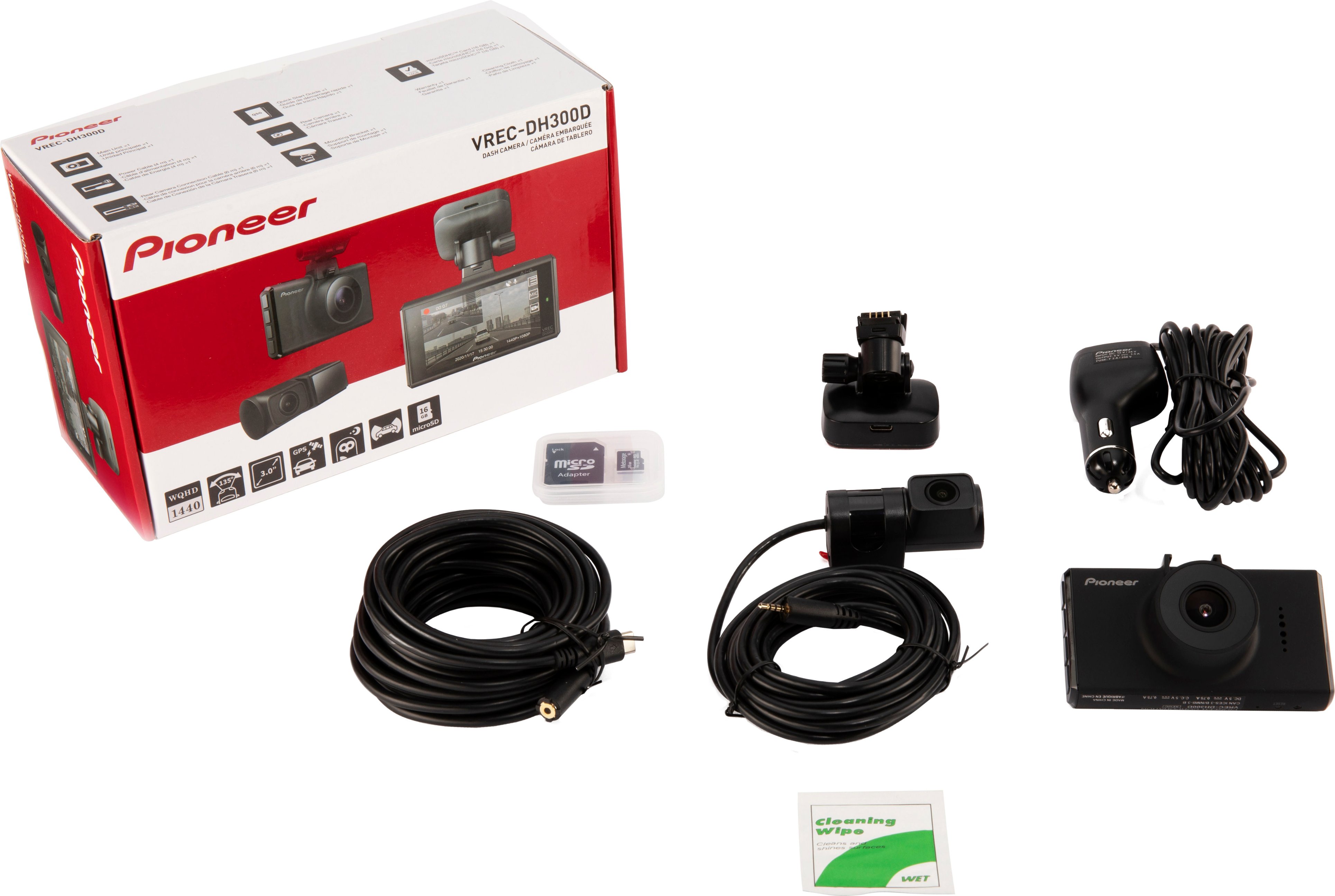
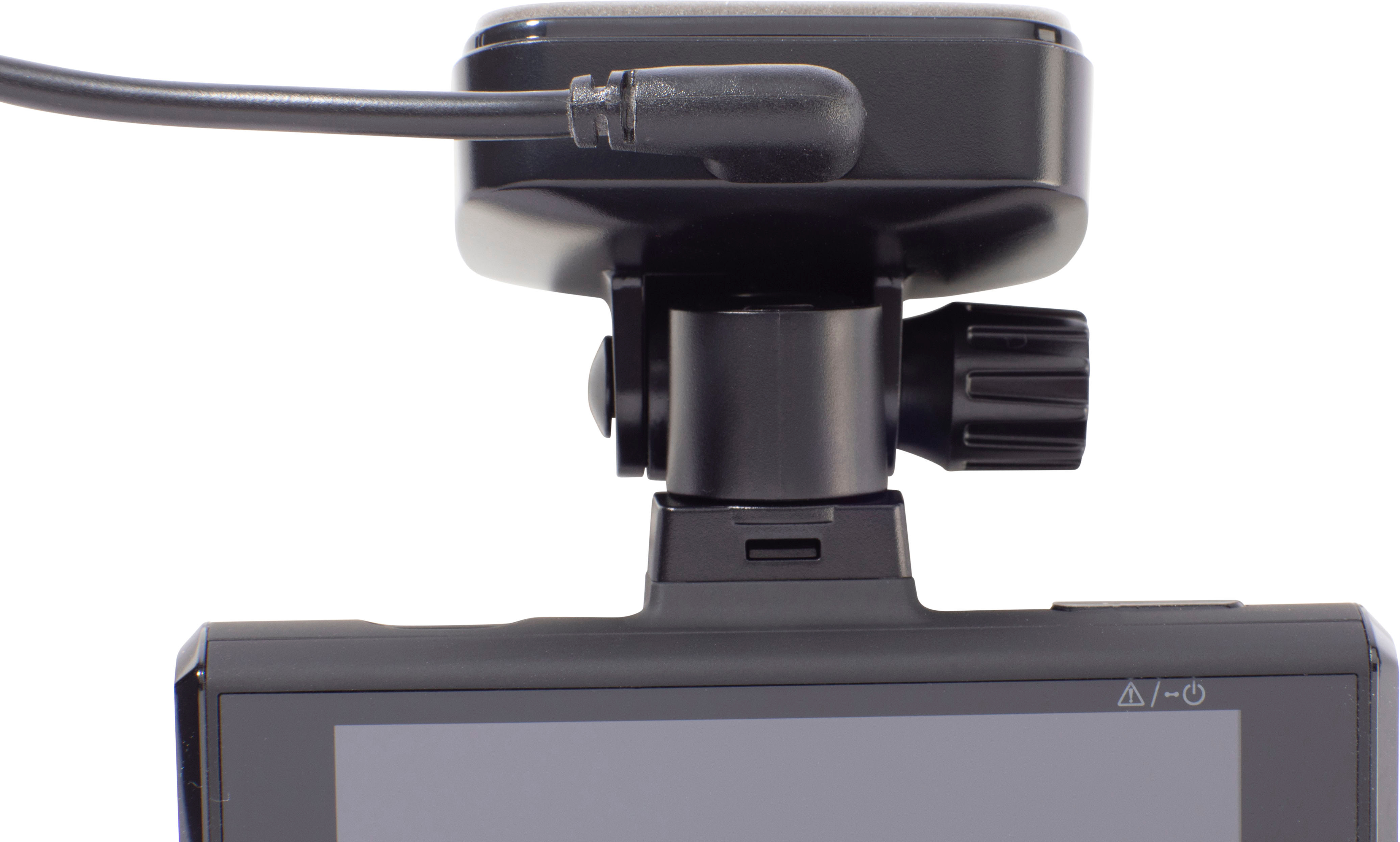
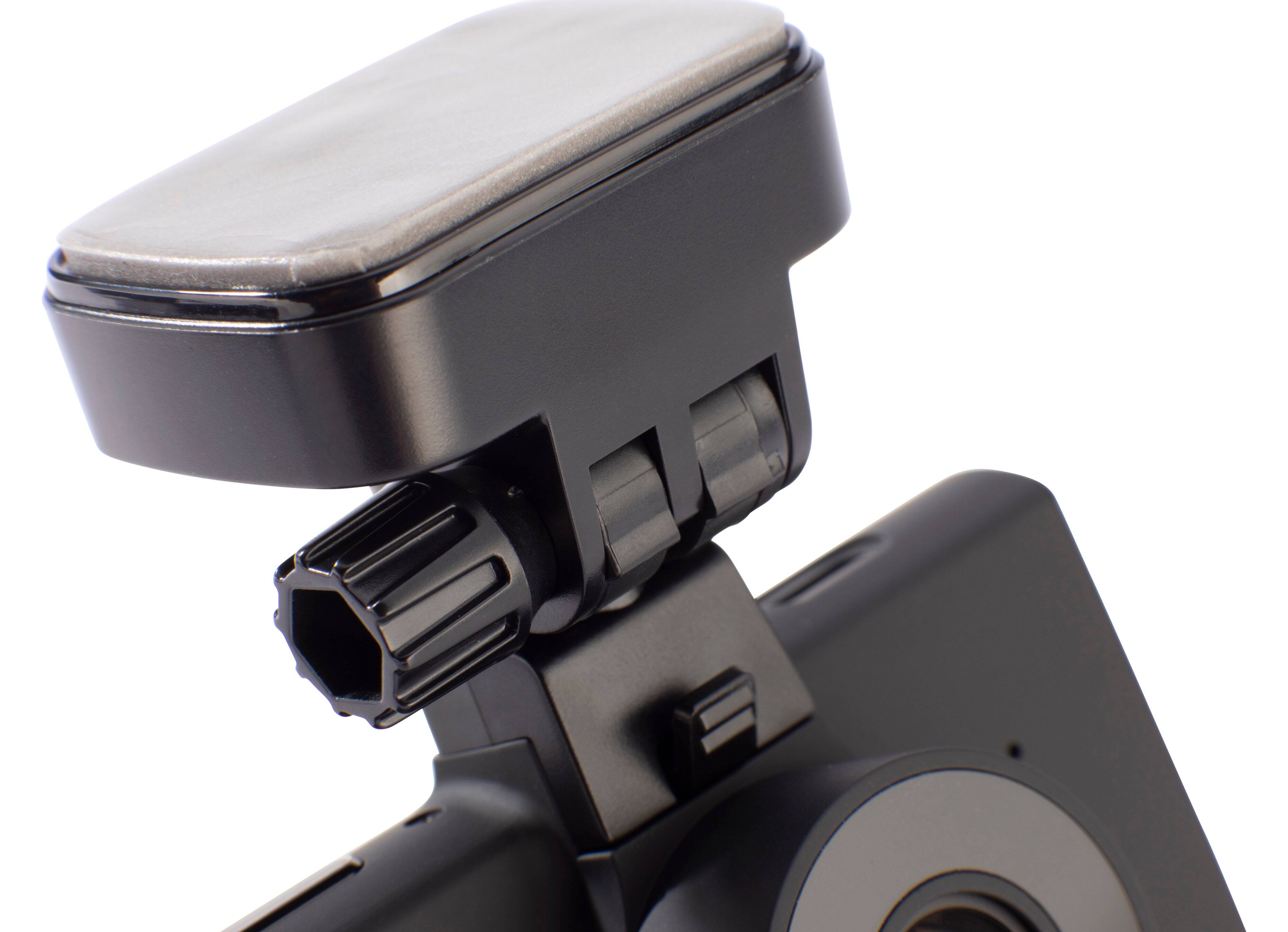
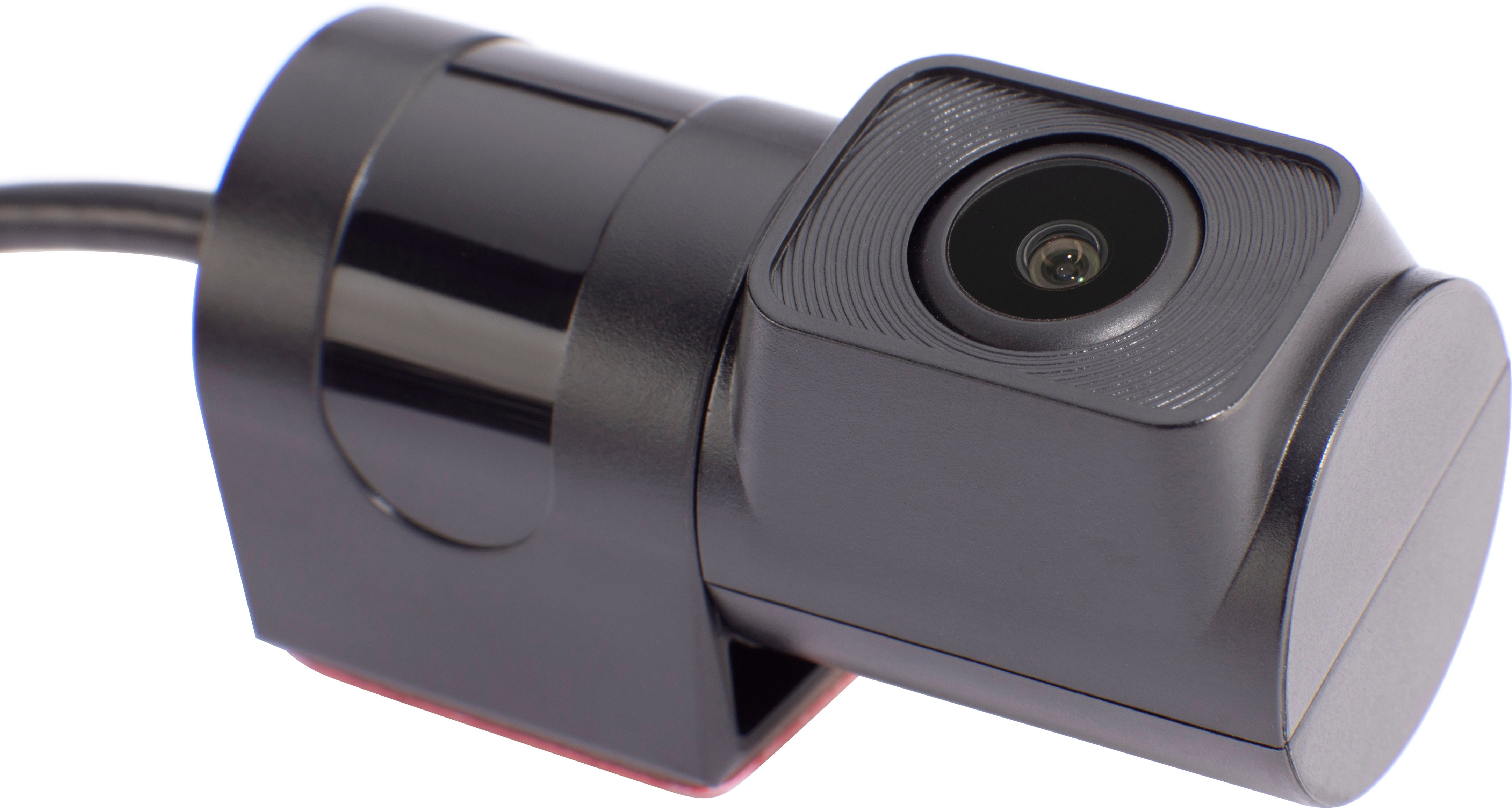
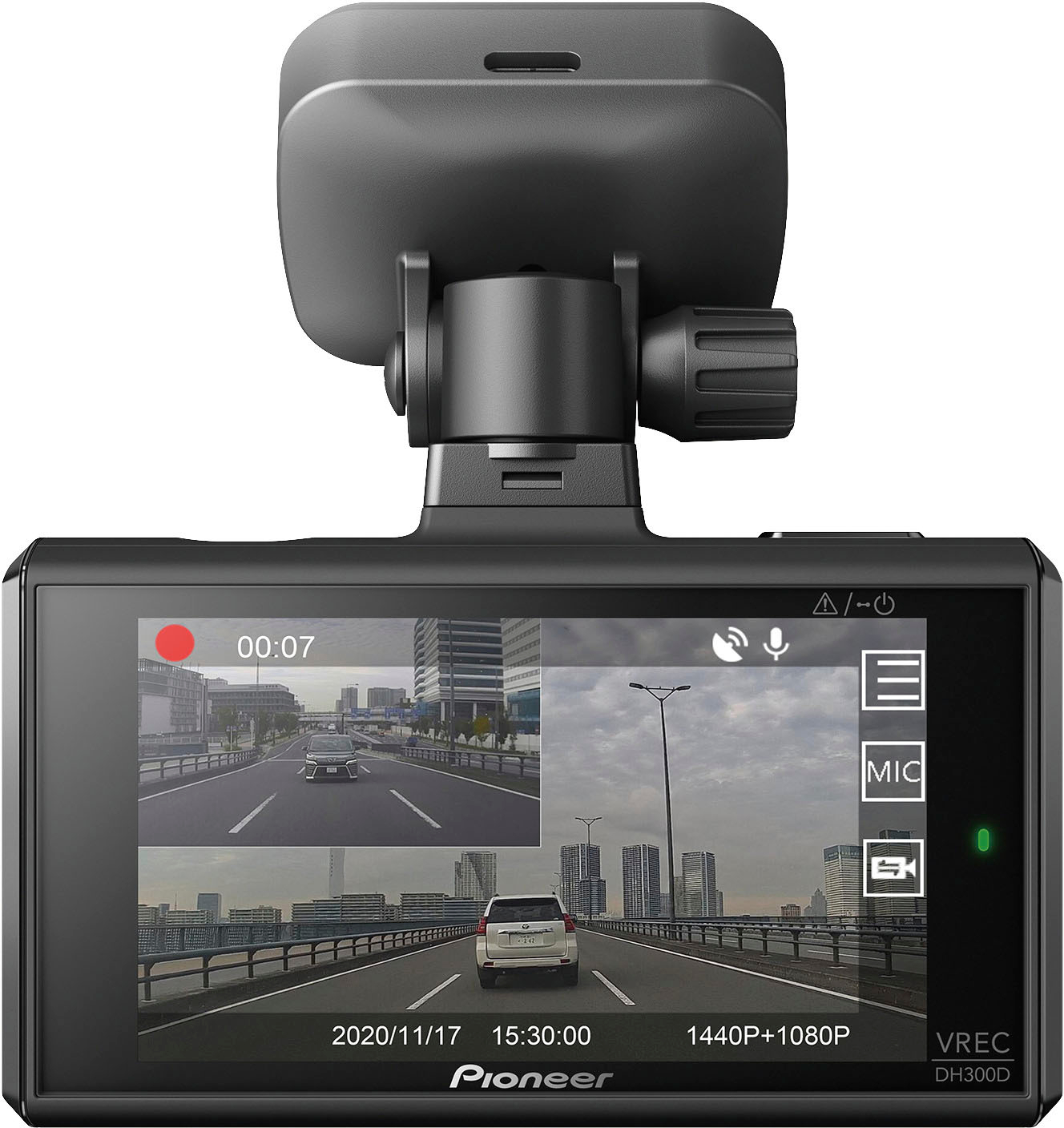
|Posted .This reviewer received promo considerations or sweepstakes entry for writing a review.Looking for a Dash Cam that is easy to install and has all the convenient features needed to capture video when necessary? Not only does the Pioneer VREC-DH3000D do just that, but it is also a quality product with a full 1-year warranty. It is a dash cam system that works with a forward HD camera and a rear HD camera. Both can be adjusted for perfect angles, but the rear-facing cam can face toward the exterior of the vehicle or the interior with a simple hand adjustment which might be needed in certain situations. The 3” Dash Cam Display can even show a picture in a picture of the rear and forward video. Each camera is equipped with Sony’s Starvis, an image sensor, and also with Pioneer’s Night Vision. Between these two excellent video features, the image quality delivered is pretty exceptional even in parking garages and night driving. The Dash Cam Video Display has a built in GPS, built-in speaker, and records on a 16 GB micro-SD card (included with adapter) which allows video viewing on other devices besides just the 3” display. The unit is capable of recording on any micro-SD card up to 128 GB. The forward-facing cam can record in video resolutions up to 1440p and has a 135-degree viewing angle. The rear-view cam records video in resolutions up to 1080p and has a 128-degree viewing angle. Unfortunately, the world has turned into an ugly place and vehicles are often sabotaged in parking lots, etc. With an optional hardwired power kit, the VREC-DH300D dual cam system can actually keep an eye on your vehicle while its parked and the engine is off. With the G-sensor incident detection, if the vehicle is bumped, etc., the system will activate and save a recording of the incident. The next time you start the vehicle, the system will let you know that an incident has occurred. There is also a Pioneer’s Dash Camera app that lets you share video from your phone. There are really just two specific requirements that your vehicle must have in order to work with the VREC-DH300D. The vehicle needs to be equipped with a 12-volt power plug outlet and a fixed rear, non-operable window. The unit comes on and goes off with the ignition of the vehicle and this is very convenient because it is not necessarily something else you need to start and stop manually. When installing the product there should be ample cabling included in the box. There is a 19.5’ video cable that uses a USB-C on one end and a TRRS on the other, an extra 9.5’ video cable for the rear camera that ends into a TRRS connector, and the cigarette lighter adapter or 12-volt power is on a 13’ cable. There is enough cable to easily wire, and conceal the installation in a CRV Hybrid SUV, which is equivalent in size to several SUV models on the market and on the road. When installing the Pioneer VREC-DH300D it is important to be sure the window area that the mounting brackets will be attached to are clean before beginning installation. The 3M tape that is included on the mounts is extremely strong and, I have found in the past, impossible to remove. The tape is on the bracket that holds the dash cam and also on the rear-facing camera bracket. The bracket that holds the dash camera has an easy removal of the cam itself from the bracket, but the bracket is permanently fixed once the 3M tape sets up. I wish that the connection of the cable running to the 12-volt power cable was reversed so that all of the cables could easily be routed more cleanly toward the passenger side of the vehicle. As it is designed, the 12-volt power cable must go 1” towards the driver’s side and bend back toward the passenger side because the connector is angled in the driver’s side direction. The way it is designed might work better for another type of vehicle, but for me it would have been better the other way. Other than that small detail, it appears to be a perfectly thought through design and is not only engineered well, but also constructed well. It is a quality product and I definitely recommend it if you are looking for a dash camera to record your surroundings while in your vehicle, or if you must park in an area where you might need surveillance to protect your vehicle while you are not physically in the vehicle with the ignition on.
I would recommend this to a friend- Pros mentioned:Ease of use, Video quality
Awesome camera.
||Posted . Owned for 3 weeks when reviewed.This reviewer received promo considerations or sweepstakes entry for writing a review.Simple and easy to use. Great picture. Not overly complicated with a bunch of unnecessary crap.
I would recommend this to a friend Not the quality I expected.
||Posted . Owned for 10 months when reviewed.This reviewer received promo considerations or sweepstakes entry for writing a review.Customer service to pioneer sucks. It only records in 3 second increments and the display on stays on for about 3 seconds after starting the car then it goes dark.
No, I would not recommend this to a friend- Pros mentioned:Video quality
Worth getting
||Posted . Owned for 3 weeks when reviewed.This reviewer received promo considerations or sweepstakes entry for writing a review.The best dash cam that i have ever owned. Great quality of video.
I would recommend this to a friendBrand response from Pioneer Electronics Team
Posted .Thank you for providing the feedback on the product, we appreciate your time.

- Pros mentioned:Field of view, GpsCons mentioned:Frame rate, Installation, Touchscreen
Well-built but Basic Dual Dashcam from Pioneer
|Posted .This reviewer received promo considerations or sweepstakes entry for writing a review.Installation took me a about an hour on my F150. For the front camera, I ran it down the A-pillar (being careful not to obstruct or disturb the side curtain airbag) and down near the fuse box on the passenger side, then under the floor carpeting and neatly plugged into the center console power port. For the rear camera, I again went down the A-pillar then under the passenger door sills along the other wiring and behind the backseat. Note, the mounts are 3M adhesive, not suction cup, so be sure the cameras are where you want them as they would be difficult to remove and reposition. On trucks be careful not to obstruct sliding rear windows (as I almost did). The rear camera can be mounted either direction and flipped in the camera’s menu. The included wiring should be enough for the longest of vehicles. By default, it will record 20 second clips of both the front and rear cameras and name them as date_time_A and date_time_B on the microSD card. I suggest changing it to 1 minute or 3 minutes because 20 seconds is too short to sort through. The video quality is ok, nowhere near great, but not unusable either. The field of view is wide enough to capture the periphery of both front and rear. Pioneer boasts about the camera resolution but I wish there was options to boost the bitrate of the recorded video and framerate which is stuck at an odd 27 fps. I fear in a crash where things happen in a blink of an eye details will be missed because the framerate is so low. License plates more than one car length away are not readable. You can record audio with your video (mic can be muted) I had to read the manual to confirm but the unit does not seem to offer any wifi or Bluetooth functionality. Meaning you cannot view or download the videos straight to your phone. You must physically remove the microSD card and go from there. Which works fine of course but seems odd not to have in 2022, especially when it’s a feature I’ve had in other dashcams. When you really need the video, like in an accident, you may not have access to it immediately. The video will have GPS coordinates, the current date, and speed burned into the video, but I could not find the option to add your license plate as many other dashcams allow. There is no built-in battery so no parking mode. The hard-wire kit that Pioneer sells will enable a parking mode but I do not have it so could not test this feature. Parking mode allows the camera to continue recording incidents while the vehicle is parked. Pros: Front and rear coverage Includes SD Card Mic Mute Button Rear Camera can be flipped Can set video recording length from 20 seconds to 3 minutes. Compatible with hard-wired kit (sold separately) GPS Location and Speed Data embedded in video Cons: Video Quality is best described as decent No Wifi, Bluetooth or any type of connectivity No Touchscreen Frame-rate is poor “Parking Mode” requires additional accessory and installation No watermarking feature Overall, it’s easy to use and serves its purpose but its just the basics and at this price point I would expect to see some additional features such as 60fps, phone connectivity, or a built-in parking mode. There are competitor products that do exactly what this unit does and at a cheaper price point. However, Pioneer is a reputable company that makes excellent products so I do think it will last much longer than the no-name brands you might find online.
No, I would not recommend this to a friend - Pros mentioned:Cable length, Field of view, Video qualityCons mentioned:Frame rate, Touchscreen
Great Images, But No App Support = Huge Miss
|Posted .This reviewer received promo considerations or sweepstakes entry for writing a review.PROS Great Image Quality from Sony Sensors Better than HD from Front Camera Plenty of Cable for Rear Camera Installation CONS No App Support Must Remove Camera & SD Card to View Events Odd 27fps Record Rate INSTALLATION This is my 4th dash cam installation. I have cams from many other manufacturers, including Pioneer, Aukey, Anker, and NextBase. If you have installed one dash cam, you can install any, as they all hook up the same basic way. The front camera has a power cable that runs to a 12V adapter and a separate cable that runs to the back if you have a rear camera. Installation was easy and straightforward. Pioneer is one of the few manufacturers that give you enough wiring to install their dashcams into an American automobile. Unlike my Anker and Aukey cameras, where I had to buy extension cables longer than those provided, the Pioneer cable for the rear camera was more than long enough to install in my full-size Tundra, with about 2ft left over. Thanks Pioneer! One thing to note, the Pioneer uses an uncommon cable to connect the front camera to the rear. The cable is a USB-C to TRRS (a 4-pole headphone jack). While available, if you need a custom length cable, they are not as readily available as the more common USB-C or plain TRRS cable. USE The Pioneer dash cam uses the STARVIS image sensor. This is a hybrid sensor using a Sony CMOS chip with Pioneer backlighting for improved images in darker scenes. The STARVIS sensor is very good. Images from the front camera can be recorded at either 1920 x 1080 or at a higher WQHD resolution of 2560 x 1440. The rear camera is fixed at 1920 x 1080. Both cameras offer excellent picture quality. The front camera boasts an impressive 135 degree field of view with the rear just ever so slightly less at 128 degrees. Image compensation is available in the settings of both cameras to boost low light detail and performance. This is also one of the few cameras that includes a 16GB microSD card in the box. Fortunately, the dash cam is expandable to accommodate cards up to 128GB. Which is a good thing. Recording both cameras at full resolution in h.264 format yields only about an hour of record time with the included card. Changing the settings to h.265 is available and greatly increases the available record time, but some users may have compatibility problems with the h.265 format. I installed a 128GB card prior to installation and it was recognized and formatted without issue. NEGATIVES First. The biggest negative and absolute deal breaker for this camera is the complete lack of app support. In my opinion, Pioneer missed a huge opportunity here. Once you have had a dash cam with app support on your phone, you won’t want to go back. Only one minute with my NextBase and its well-designed and reliable interface is all it takes to walk away from the Pioneer. Why do I need to remove the camera and the SD card to get full use of its features including GPS overlay? Nextbase does this with no drama from the comfort of the driver’s seat and my phone. I can even download those videos directly to my phone without ever fiddling with the dash cam. Second. The cameras record at an odd 27fps. Current standardized video formats in the US are 24, 30, and 60fps (rounded up). I know of no video source in use today that utilizes 27fps. This will potentially cause playback issues and hiccups due to its odd cadence. No other video camera I’ve used records at such an odd framerate. Not to mention, the ability of a dash cam to record at higher framerates is ideal. A good dash cam will do 60fps. While it may not seem like a lot, that difference translates into smoother playback and less image blur at higher speeds. Third. While the display on the camera is nice and big at a generous 3 inches, it isn’t a touchscreen. The controls for the functions are on the right side of the camera body. If you installed the camera to the right of your rearview mirror like I did, changes are nearly impossible to make because those buttons are out of reach. My Aukey, Anker, and Nextbase all have similar quality displays, but are touchscreens. So much more intuitive. Imagine trying to adjust your computer monitor with the buttons in the back and out of sight. That’s what using the antiquated Pioneer interface is like. CONCLUSIONS This is good example of a product where the cons far outweigh the benefits. The cumbersome, half-baked image and video retrieval is just something the Pioneer can not recover from. Does the dash cam have a good image? Yes, absolutely. But, it isn’t that much better than my other dash cams. Add to this the lack of a touchscreen interface and it just adds insult to injury. There are plenty of other competitors on the market that perform just as well as the Pioneer in image quality, but also have a terrific user interface and experience, not to mention the ability to record at substantially higher framerates. I cannot recommend the Pioneer. For the money, there are better options to be had. Not recommended.
No, I would not recommend this to a friendBrand response from PioneerCustomerSupport
Posted .Hi there,
Thank you giving us your time on writing a review with our Pioneer - 2-Channel Dual Recording 1440p WQHD (Wide Quad HD) Dash Camera System - Black. We will take note with your comments for this products as it helps us improved our products. Have a great day.
Gem
Pioneer Products
- Pros mentioned:Cable length, Video qualityCons mentioned:Battery life
Good night video, 1440p, easy to install, MP4 vid
|Posted .This reviewer received promo considerations or sweepstakes entry for writing a review.The Pioneer VREC-DH300D dash cam kit offers an excellent front camera with good night vision, a serviceable rear camera, and long enough cabling to fit just about any vehicle. The front camera is powered by a Sony CMOS sensor that offers sharp 1440p video recording in both day and night. The rear camera shoots at 1080p with decent video quality, but it’s clearly a lower level than the front cam. Both cameras constantly record at the same time with the same audio recorded to both front and rear camera files. This helps a lot when trying to piece together an event from all angles. The files record to an included 16GB micro SD card, but I upgraded to the max 128GB. I wish I could connect to it with an app and replay/record video through my phone, but pulling videos off of the micro SD card is easy enough. Front and rear cams record as common MP4 files, so all the files are immediately available to watch. The files themselves end in either A or B to denote front and rear camera. The time and date stamps on the files make it easy to find the segment of footage you need. The video itself includes date, time, GPS coordinates, and speed, which are all key details in evidence footage. Video playback directly on the camera is easy enough, but the camera has no battery so you have to watch it while it’s mounted to the base. It’s a bit inconvenient, but then dash camera systems aren’t made to be looked at frequently. They’re more of something you install and don’t touch or think about until a notable situation occurs. That said, I’m looking forward to replaying footage of driving through the backroads while the trees bloom this Spring. In the daylight, the front cam 1440p video is brilliant with excellent detail and resolution. The night footage obviously takes a hit in picture quality with some grain and artifacts, but offers good video as well. The rear camera takes a harder hit at night with a lot of glare from headlights, but it still offers serviceable details. As for the install, Pioneer gives you plenty of cable length for the rear camera and power cable to accommodate most vehicles. If anything, I had way too much rear camera cable left for my Accord coupe, but I was still able to neatly tuck it inside the headliner for a clean install. The rear camera itself is an inside mount camera with 3M adhesive tape that sticks solidly to the rear window. The lens rotates up and down making it simple to adjust for an ideal angle. The power cable is plenty long to plug into a cigarette lighter/12v port and run up the A pillar and headliner while tucking away neatly behind the panels. I ordered the optional hardwire kit which enables Parking Mode, so it can record for up to 12 hours after the car has been shut off. It also includes an adjustable voltage monitor, so it will shut off before draining your battery too far. It also makes for a cleaner install, which can be really simple with some add-a-circuit fuse adapters. Just about anyone can install this dash cam system with the included 12v plug, but most people should probably use an installer if they want to hardwire it. Overall, I really dig this 2 channel dash camera system. It offers great daytime video quality and more than serviceable night footage. I love the date, time, GPS, and speed markers and that it records in MP4. I wish it had a built-in battery to make it easier to review footage on the camera or a way to do it through an app, but I don’t really need to review anything until “something” happens, which hopefully won’t be very often. Overall an excellent front and rear dash camera system that just about anyone can install.
- Pros mentioned:Cable length, Gps, Video quality
Nice Dashcam but missing on the technology side
|Posted .This reviewer received promo considerations or sweepstakes entry for writing a review.Note - Best buy has the Description for the Wireless charger which needs to be corrected Pros: 1. Easy installation and setup - Setup was quite easy unlike few other dash cams which are little complex especially for the rear camera. 2. Excellent image quality - WQHD 1440 for the front and 1080 for the rear camera. 3. 135 degrees wide angle lens for the Front camera and 128 degree diagonal viewing angle is very helpful to even capture the either sides of the vehicle. 4. Built in GPS helps track the speed, direction of travel and time. This will be especially useful when we run into an accident. 5. Adjustable rear view camera. Its pretty easy to adjust up/down 6. Night time mode - Even in the complete darkness or lack of light it is a lot clear especially due to STARVIS technology that produces bright videos/images. 7. Flexible and long cable (but sometimes that longer cable may not be really needed). But i am someone who feels its better to have a lengthy cord just in case (its better to have a lengthy cord rather than being sorry). I have a minivan (Chrysler Pacifica) and still the cord is long enough to support even 50% bigger vehicle. 8. Excellent 3M stickers - During the installation, the rear camera was not installed properly. I had to remove the sticker and install it again. It was pretty sturdy one and it was as hard as cement to remove. I thought after removing the 3M it may not stick but to my surprise i was able to install it once again correctly. Cons: 1. At this price point, having No app support which feel is a major drawback and something Pioneer missed especially in this modern world where there is plethora of apps for almost anything and everything. Especially when we are in an accident scene we cannot be taking the memory card from the camera, insert it to the phone (again we will need the pin to eject the sim/memory card slot which no one will ever carry) or even a laptop in order to show it to the law enforcement officers. Its high time Pioneer starts providing app support and option to view the recordings on the phone. 2. There should have been some warning indicators when we are too close to the vehicle or rear vehicle is so close to us. Also there should have been some warning sounds when we switch from one lane to another. My earlier dashcam costed me 90 bucks had this feature and it was really helpful for the older cars which does not have this feature. 3. Setup image asks us to take the cord from the rear dashcam to the front dashcam from the right side. It should be changed to left side as the cable goes into the left side of the front dash cam. Not a big deal but Pioneer should rectify it. 4. Unmouting the Front dash cam is little tedious if we want to take out the camera.
I would recommend this to a friend