Customer Ratings & Reviews
- Model:
- 9019
- SKU:
- 6379227
Rating by feature
- Value
Rating 4.2 out of 5 stars
- Quality
Rating 4.4 out of 5 stars
- Ease of Use
Rating 4.4 out of 5 stars
Customers are saying
Customers recognize the Lab Printer for its user-friendly design. However, some customers have expressed concerns regarding the quality of printed photos.
This summary was generated by AI based on customer reviews.
Polarois no
||Posted . Owned for 3 weeks when reviewed.This reviewer received promo considerations or sweepstakes entry for writing a review.Decent product for price................but you get what you pay for
I would recommend this to a friendCool, but not great
||Posted . Owned for 3 weeks when reviewed.This reviewer received promo considerations or sweepstakes entry for writing a review.The idea is cool, the design is cool, but quality of the pics are not worth it. Your better off just buying a polaroid camera, shots will better. You expect to much cause its literally taking a picture of a picture so just keep that in mind
No, I would not recommend this to a friend- Pros mentioned:Ease of use, Overall performance, Print quality

Welcome to the world of polaroids
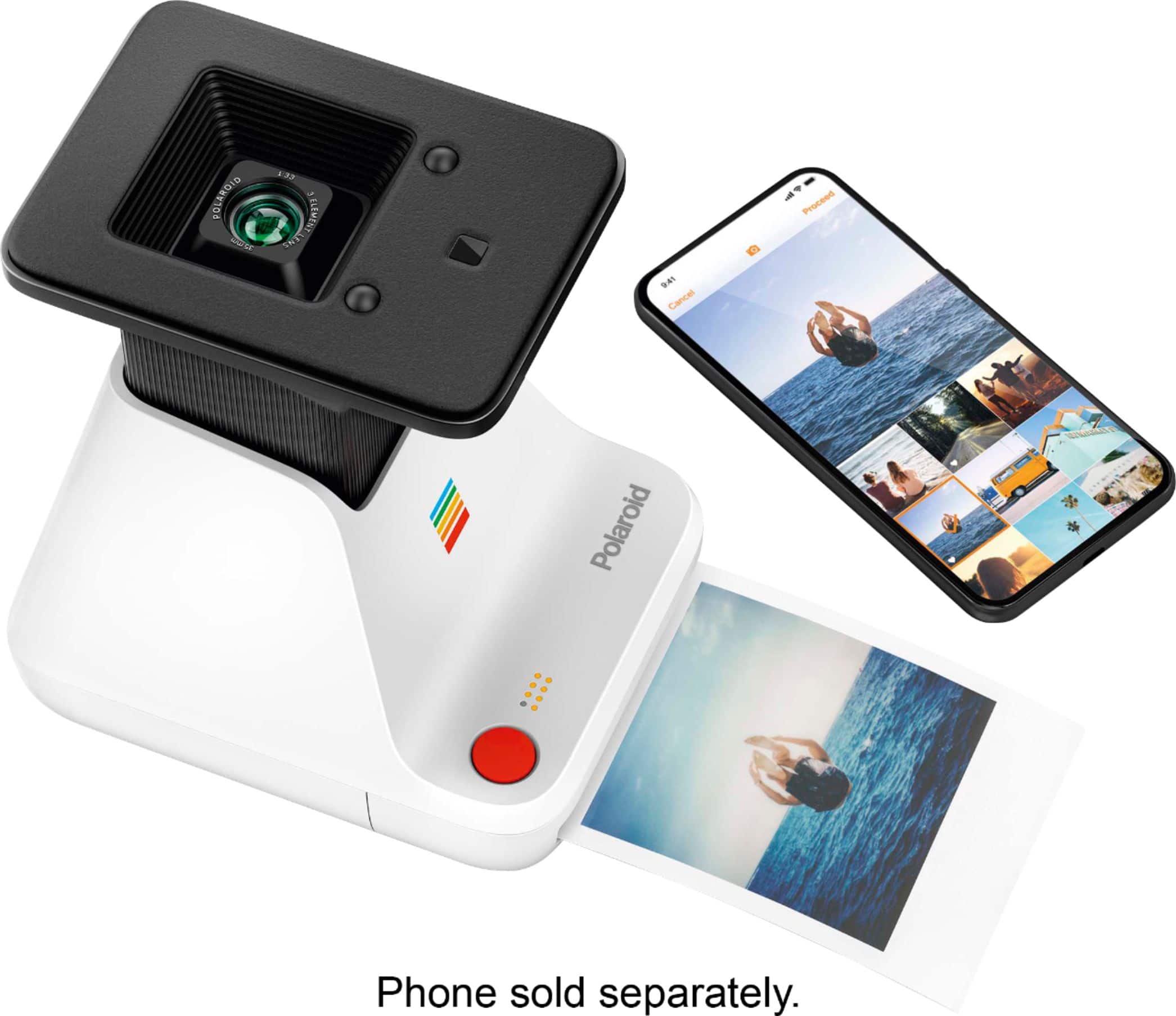
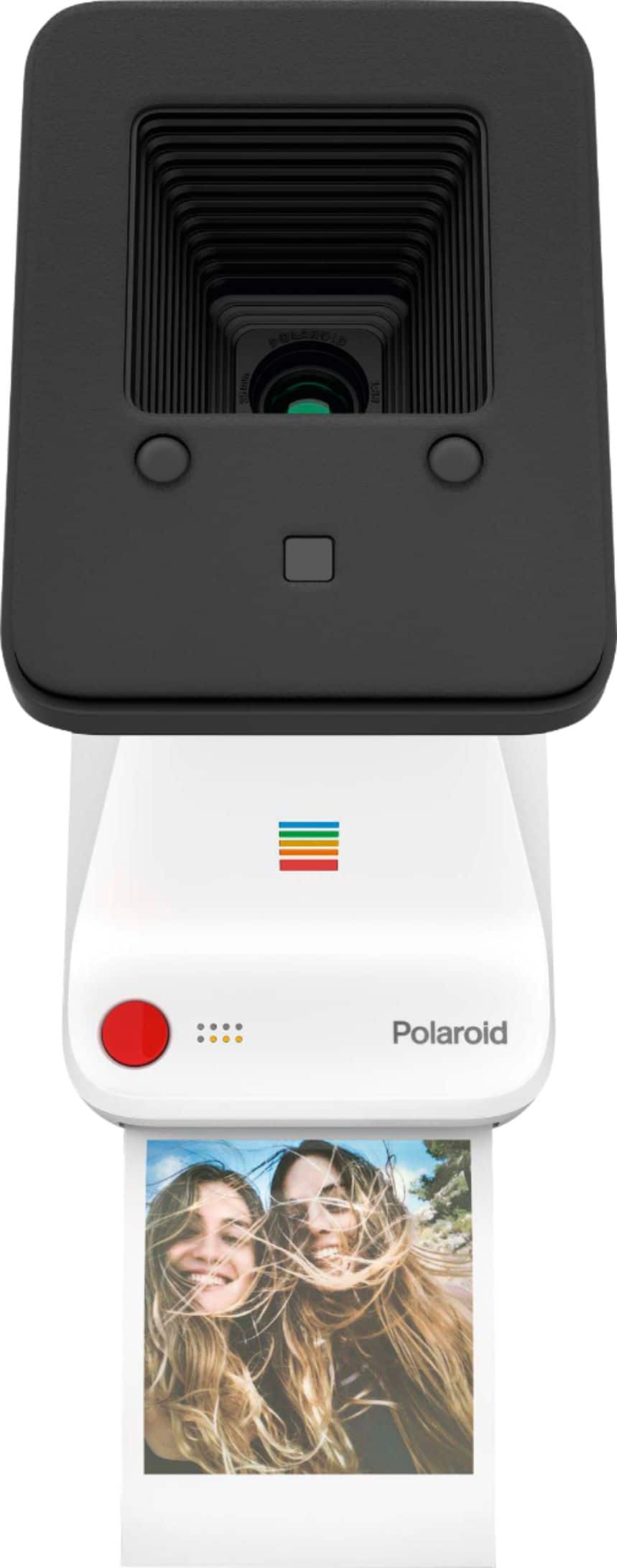
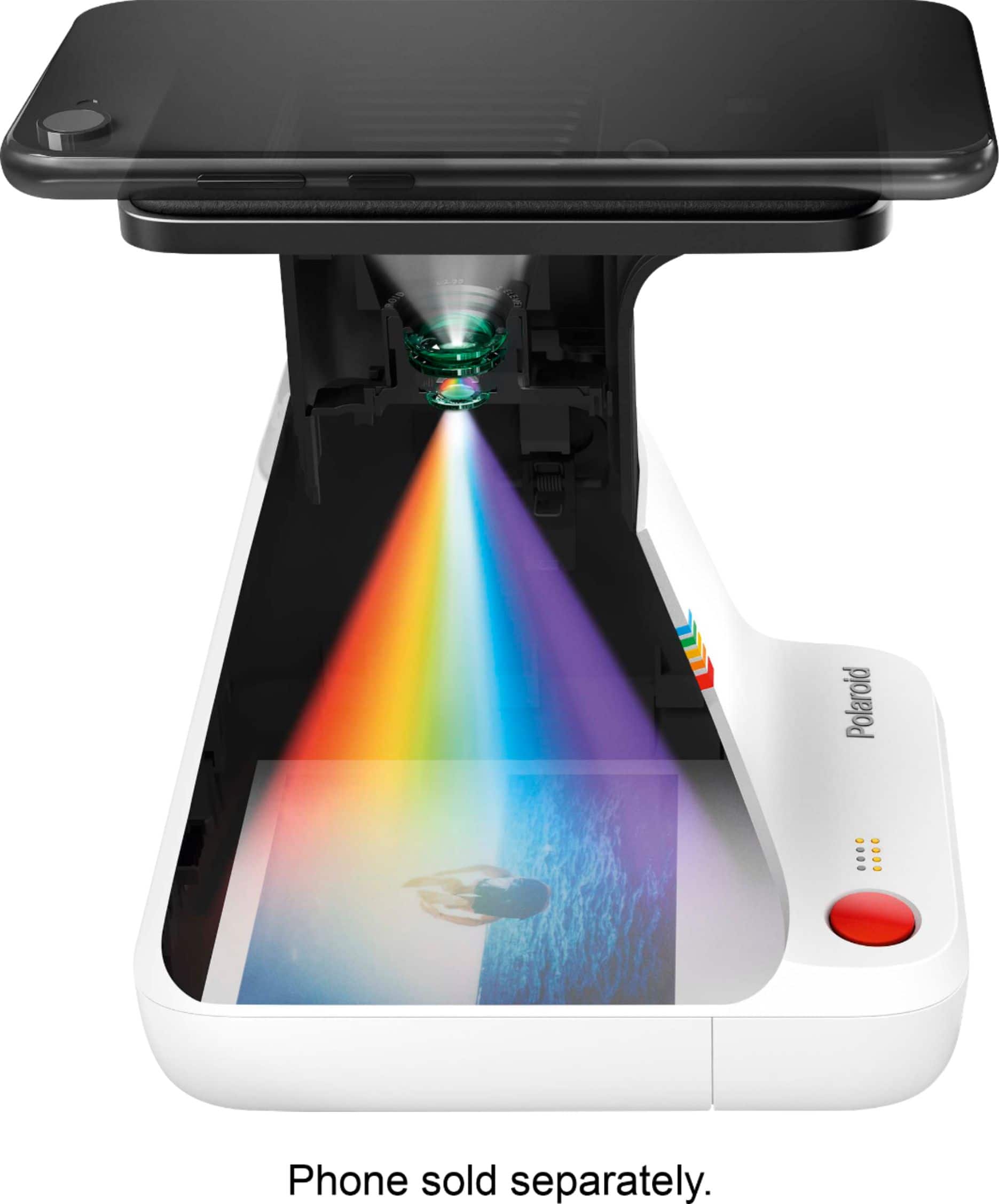
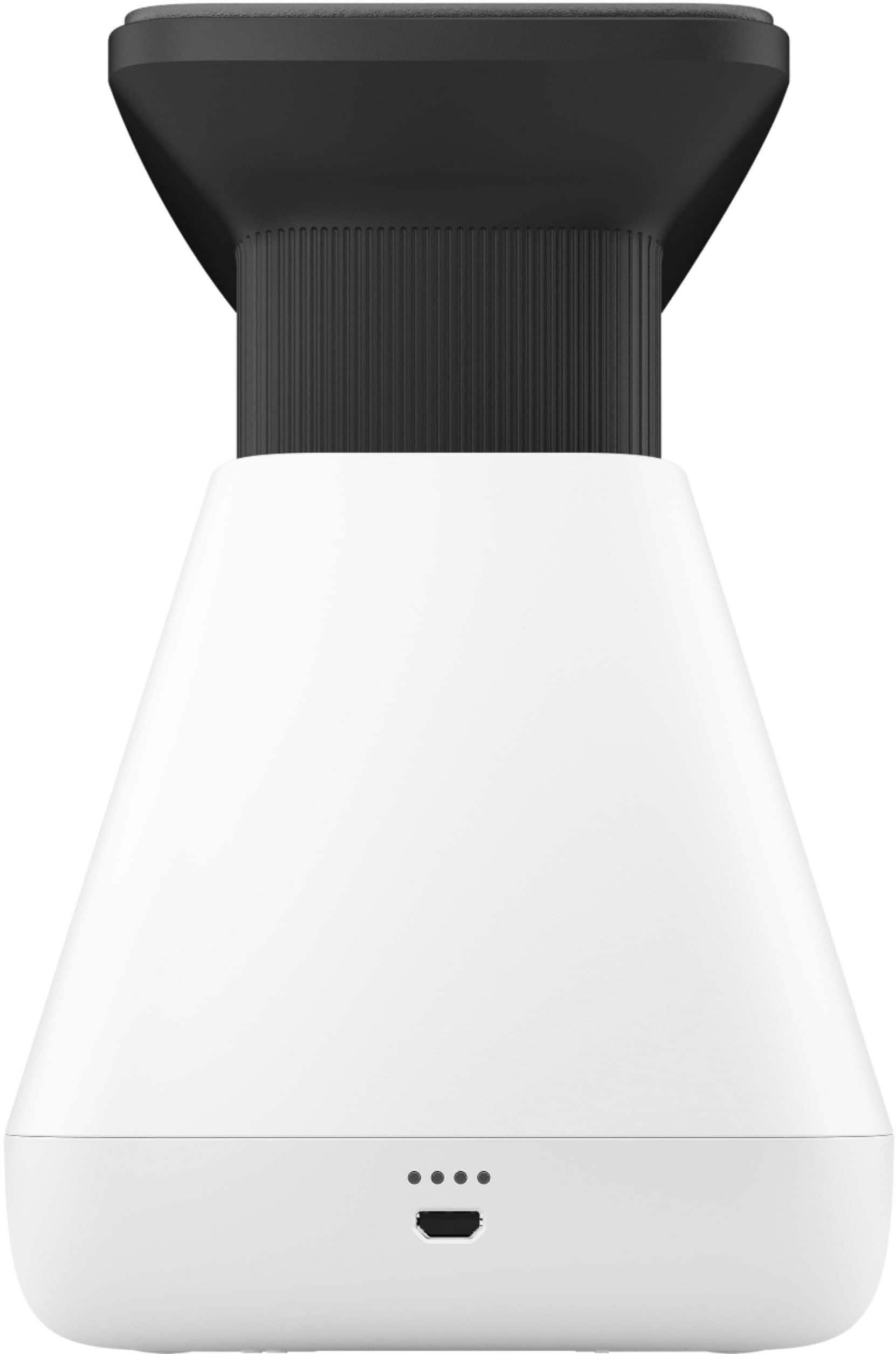
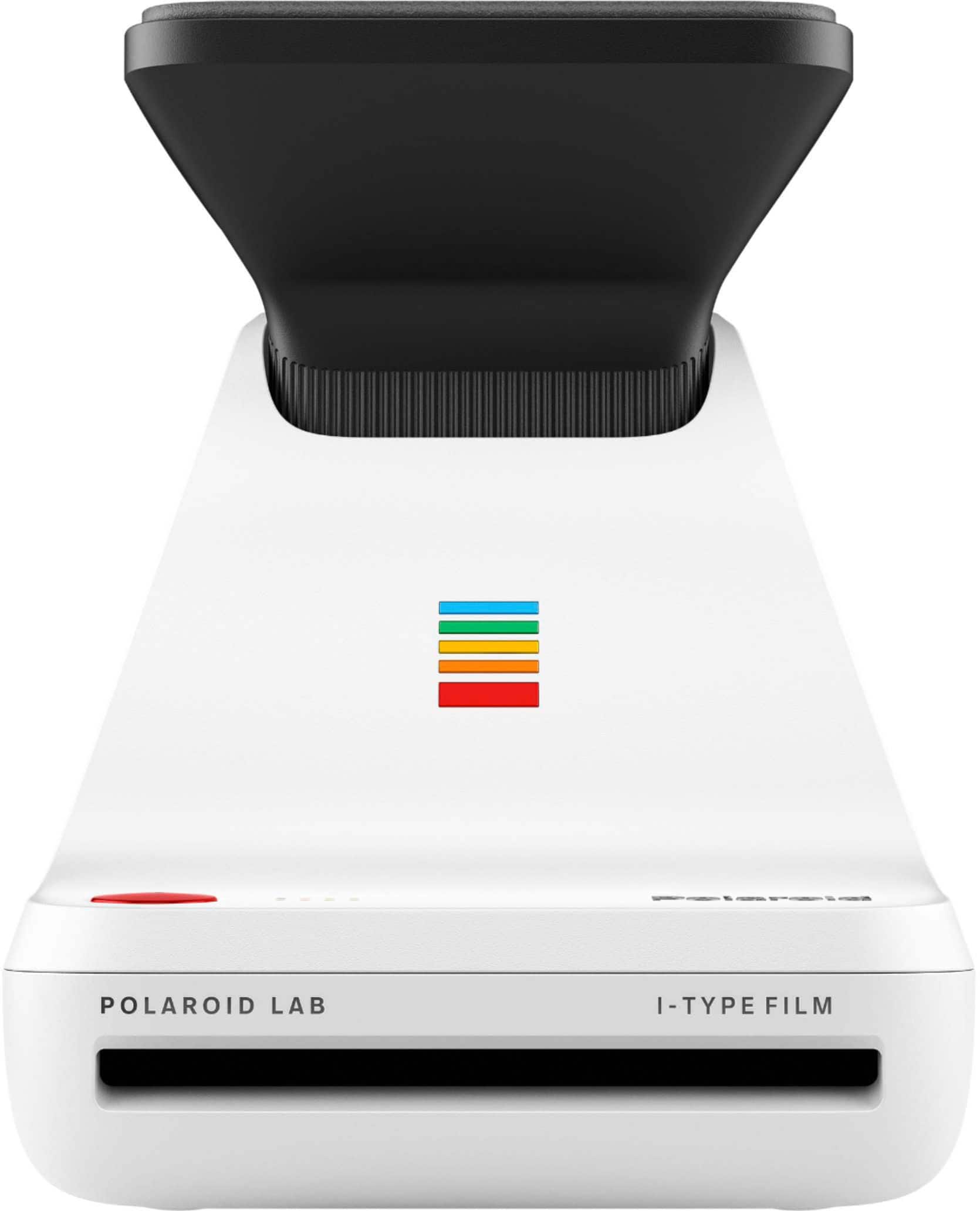
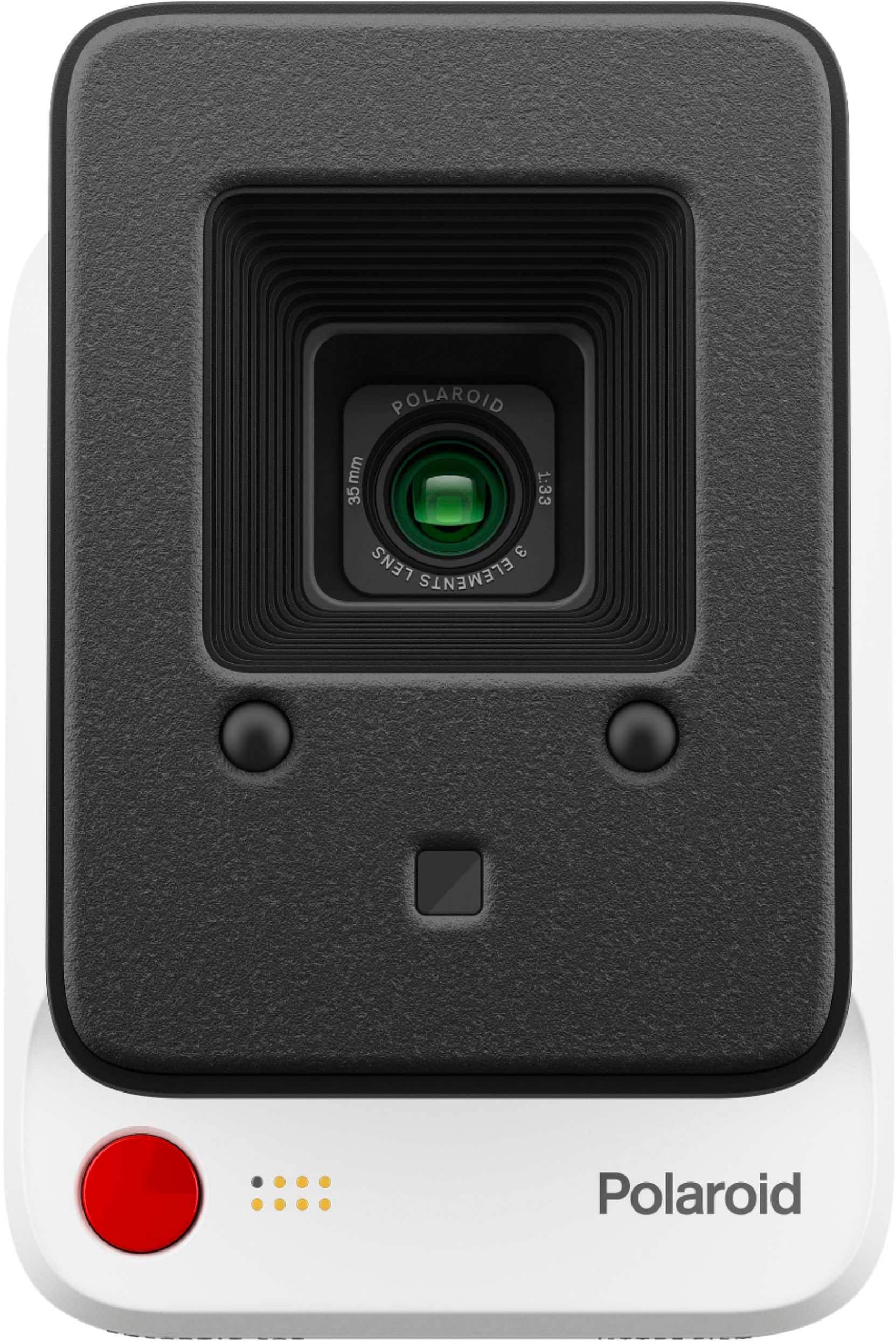
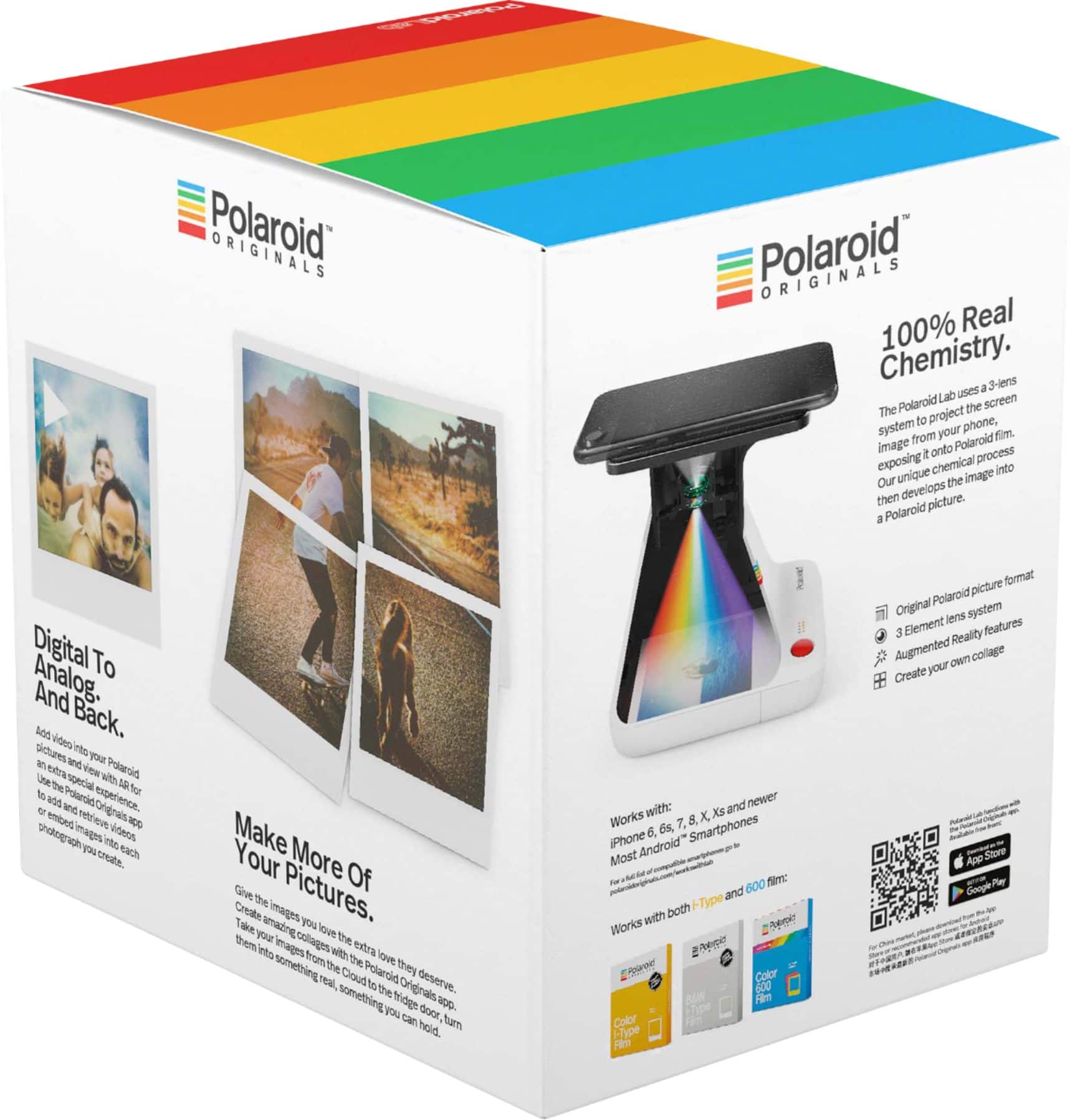
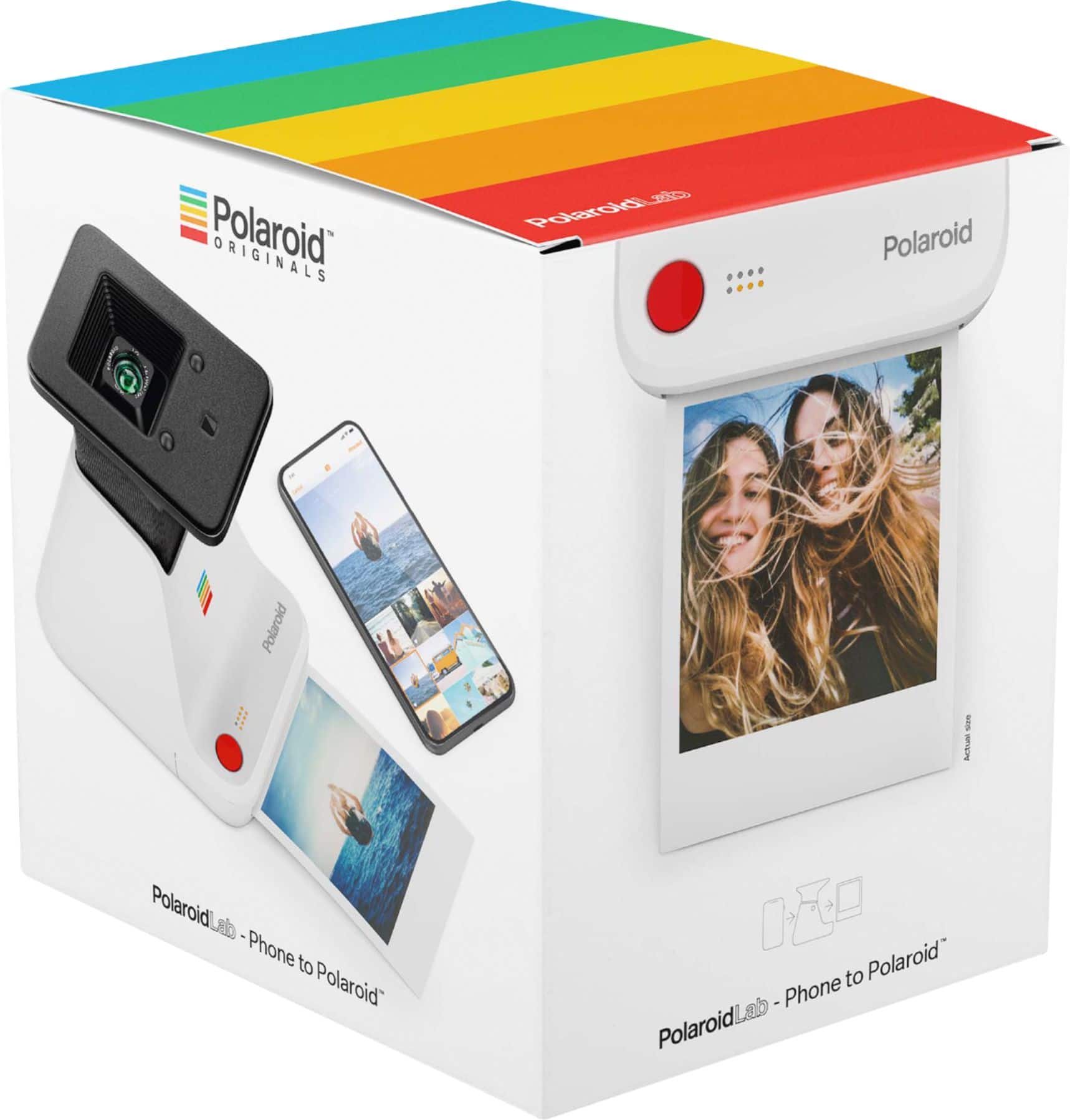
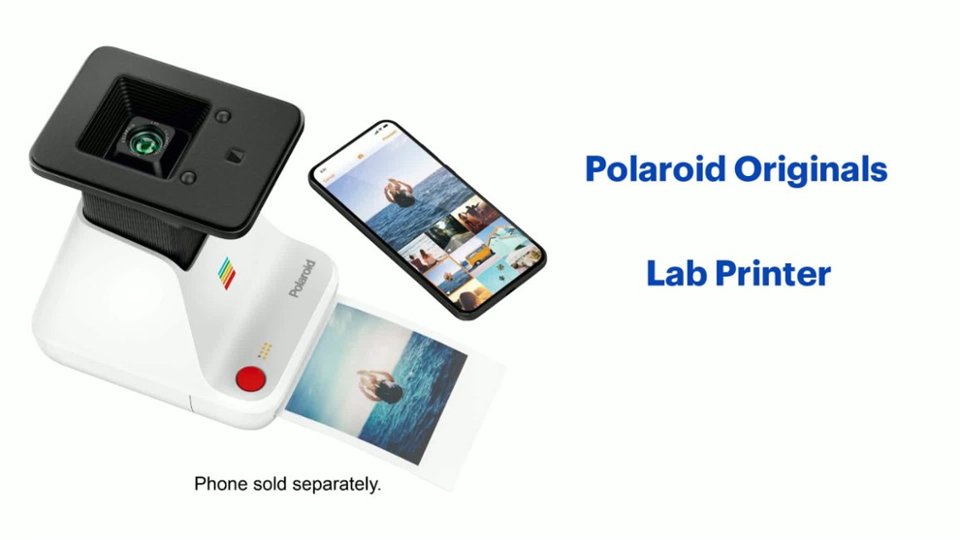
|Posted .This reviewer received promo considerations or sweepstakes entry for writing a review.Review Summary: The lab is a bit of a niche product, but one that accomplishes exactly what it sets out to do. It is dead easy to set-up, the app is responsive and intuitive, and the polaroid quality is generally very good, albeit sometimes inconsistent. The actual act of taking a photo of your photograph on your phone takes some additional preparation in order to get the best photo quality possible, but once set-up, is quick and easy to do. If you are an individual looking to dip your toes into analog printing, but don’t want to buy a dedicated polaroid camera, this device is a great start. Set-up: The set-up process with the lab is pleasantly simple and straight-forward. The lab comes packaged in a box with instructions, a user manual, and a USB charging cable to keep the lab charged. The lab itself is made primarily of a plastic material that feels sturdy and comes with a cover for the camera lens. On the lab are LED indicators which indicate the status of the lab, as well as the number of polaroids you have left in the print tray. Other than that, there is a power button on the side of the lab which extends the lens platform into the “ready” position, and a button on the lab which you use to process your polaroids. The bottom of the lab drops down where you can load in your polaroid prints for processing. In order to use the lab, you’ll need to install the Polaroid Originals mobile app which is clean, simple, and easy to navigate. The app itself contains a few short tutorial videos on how to use the lab, and also allows you to adjust the exposure and color of the image on your phone. This customization is designed to help you tune the picture to how you would like it to look printed, although this can prove a bit difficult to achieve consistently (more on this later). In the app, you can select the image you want to print, and decide if you would like to print it as a single polaroid, or break the image up into a collage among multiple polaroid prints (up to 9). Performance: Overall, the lab performs very well based on what it sets out to do, which is create physical polaroid prints from your digital photo collection. It is important to understand going in that these photos are not going to come out looking bright and detailed like they will appear on a digital screen, or if printed in a traditional digital fashion on quality photo paper. Instead, you’ll notice that the polaroids will tend to skew towards darker colors, with certain fine details being lost and a warmer “vintage” appearance to the print which will appeal heavily to your nostalgia factor. This being said, I had a complete blast finding some of my favorite photographs on my phone and seeing them translated to analog prints. I love mobile photography, and my Google Pixel takes amazing photos, so to see those photos translated onto polaroid prints was very fun to experience. The photos themselves take about 10-15 minutes to develop depending on if they are color or black and white, and should be kept in the dark, but it was always fun to flip the photo over finally and see how the picture turned out. I was very pleased with the quality of the photographs, and despite them not quite being to the level you would expect from a dedicated polaroid camera, most people are likely to never notice the difference. Overall, the lab does a very solid job of creating genuinely good looking polaroids from a digital source. This all being said, there are a few caveats with this product worth mentioning. Firstly, the lab works by taking a photograph of the photograph on your phone. It works by you placing your phone on the platform above the camera lens (the lab will beep and blink until your phone is properly aligned on the platform) and then taking a photo of your phone screen with the photograph displayed on it. This is probably the most unintuitive part of the lab, and while it generally works well, it can’t help but feel a little makeshift in the age of downloading and printing photos on a printer. This being said, it is not a complicated process, and after the first few times, it is easy to get used to. However, my biggest issue with this process is the fact that the quality of the polaroids is tied directly to the quality of your screen. Before using the lab, you need to turn your brightness up and make sure any color filters, such as night light, are turned off. This ensures your screen is as clear as possible for the photograph to take place. However, you also need to make sure you clean your screen free of smudges or oils which could show up in the photograph. The app recommends removing your phone case and/or screen protector, however this may not always be possible, and so it is important to try and keep your screen as clear as possible. I would imagine this product would not work well for individuals with cracked or damaged screens. All of this together adds up to a minor, but still noticeable level of inconvenience that, while it didn’t bother me too much, may affect others more who have poorer quality phones. Finally, the only other complaint I can level against the lab is the consistency of the photo quality. As I alluded to at the start of this section, this device is not for those looking to create consistent, highest-quality polaroid photographs, due to the fact that information is lost in the digital to analog conversion process. For those individuals, a dedicated polaroid camera would likely be a better solution. However, even knowing this, the photo quality of the printed polaroids tends to vary noticeably (but not drastically) from photo to photo. I struggled to maintain a consistent image quality between photographs, and while none of them looked bad by any means, it can be difficult to dial-in and predict exactly how your photos will look prior to your printing of them. For me this was part of the fun, but for those looking to create consistent image tone prints, you may find the quality inconsistencies more challenging. Overall though, the lab far exceeded the quality expectations I had set, and always produced great results. Conclusion: This is not a product for everyone. It does tend to have a niche appeal, given the technological innovations which have allowed the move from analog to digital photography to occur in recent years. However, for those looking to get the best of both worlds in the form of taking your digital collections and creating analog polaroid prints from them, I have to say I don’t think you will be disappointed. This lab accomplished exactly what it sets out to do, and does so in an intuitive and easy to use manner. The app is well thought out, and the prints, while not always perfect, always looked great. I have been looking to create new decorations to hang in my house, and I fully intend to use the lab to create some interesting polaroid collages to display.
I would recommend this to a friend DONT BUY
||Posted . Owned for less than 1 week when reviewed.This reviewer received promo considerations or sweepstakes entry for writing a review.This is the most pointless product I’ve ever seen. OG polorids look better
No, I would not recommend this to a friendBrand response from Polaroid Support
Posted .Hi Justin, I'm sorry to hear that you're unhappy! What was the issue you experienced? Would you be able to send some sample images to our customer service team? We'd be happy to help. We can be reached at usa (at) polaroid (dot) com.
A waste of money and time
||Posted . Owned for 1 month when reviewed.This reviewer received promo considerations or sweepstakes entry for writing a review.I don’t recommend. At the end of the day it captures subpar pictures of your screen, takes forever to develop and half of you prints probably won’t come out right. Polaroids are $18 for an 8 pack, so not worth it. I returned this printer for an instax mini 11 and I love it!
No, I would not recommend this to a friendBrand response from Polaroid Support
Posted .Hi there, I'm sorry to hear that you didn't enjoy the Polaroid Lab! Polaroid film is a very complex product, with over 50,000 unique chemical reactions taking place inside the photo as it develops, which is why it takes up to 10 minutes to develop, and why the cost is what it is. If you do have issues and contact our customer service team, chances are we will very easily be able to help you figure out whatever issue you are experiencing!
Review of this product I purchased!
||Posted . Owned for 1 month when reviewed.This reviewer received promo considerations or sweepstakes entry for writing a review.The photographs do not come out clearly.Too dark.The clarity is not what I expected.
No, I would not recommend this to a friendBrand response from Polaroid Support
Posted .Hi there, We're sorry to hear about your issues! If you contact our customer service team at usa (at) polaroid (dot) com we'd be happy to help figure this out with you.
Bad quality
||Posted . Owned for 9 months when reviewed.This reviewer received promo considerations or sweepstakes entry for writing a review.Literally the worst purchase ever. The product does not serve quality for the price I paid. Really bad picture quality and the worst is that the films are very expensive not too mention that the size is way too big. Do not recommend this product, at least not worth the price!
No, I would not recommend this to a friendBrand response from Polaroid Support
Posted .Hi Dannis, I'm sorry to hear you are unhappy with the Lab! We'd be happy to help figure this out with you and help you get the best quality images you can. Please contact our customer service team at usa (at) polaroid (dot) com.
Not satisfied with purchase
||Posted . Owned for 1 month when reviewed.This reviewer received promo considerations or sweepstakes entry for writing a review.Not user friendly. Needs better instructions for setup and use.
No, I would not recommend this to a friendBrand response from Polaroid Support
Posted .We're sorry to hear that! Please contact our customer service team at usa@polaroid.com and we can help you.
- Pros mentioned:Print quality
A Polaroid without the worry of Polaroids!
|Posted .This reviewer received promo considerations or sweepstakes entry for writing a review.As soon as I took it out of the box, I was impressed by the design and weight of the lab. I can easily put it in my backpack for transport. Pressing the power button releases and raises the phone platform which then turns on several lights which include a film counter (represented by dots) and a battery indicator. Also to note - nowhere on the manual or quick start document does it tell you HOW to turn off the Polaroid Lab. I had to google it, which resulted in a recently posted answer on Polaroids website. You have to press on the platform lightly until it goes all the way down. The website says it'll turn itself off after a few minutes, but for me it turns off when the platform is all the way down. Using the Polaroid app (required for this to work) was pretty simple and interesting. Not only can you print a single picture, but you can also spread a picture with double, Triple, Four, Six, or Nine pieces of film. Each mode has multiple ways to print it out, if you wanted to make one giant picture into x amount of film, you can have it stacked, cascade, side by side or loose / messy format to build one picture. Great way to cover space on a wall with multiple Polaroids forming a large one. Interesting thing to note - you can print an image onto 9 pieces of film, but each pack only contains 8 pieces of film, and multiple boxes of film can get pretty pricey. Now for the quality. Is it great? No, does it look like a Polaroid? Yes! For sure, each picture I've printed looks as if I had taken it with my on Checkipop (another instant film camera). In other words, it does produce the desired effect I wanted - to look as if I happened to have an instant camera at a moment. Except without having to worry that the shutter was pressed at the exact moment everyone was completely still or it'll come out blurry! Do not expect full vibrant reproductions of your picture on this! It's not meant to be an exact replica, but that doesn't mean they look terrible! They look like great Polaroids! This is a great product, especially for someone like me who already loves instant film and can now make instant films off my existing library. Remember, it is a picture of a picture, so it won't be perfect, but it will be a perfect Polaroid!
I would recommend this to a friend Did not work
||Posted .This reviewer received promo considerations or sweepstakes entry for writing a review.The purchasing part was very seamless. However, it did not work. We had to return it and they did not have a replacement so we had to buy from Polaroid directly. It would not print the picture. We rebooted and we restarted and even bought new film. It would not print.
No, I would not recommend this to a friendDisappointed
||Posted . Owned for 1 month when reviewed.This reviewer received promo considerations or sweepstakes entry for writing a review.What a disappointment with this! I eventually returned it. I was so excited to buy this only to be being dissatisfied. The pictures do not come out clear and I tried adjusting the settings and used great images.
No, I would not recommend this to a friendBrand response from Polaroid Support
Posted .Hi Mari, I'm sorry to hear about your issues! You should be able to get excellent results with the Polaroid Lab so there must have been a technical issue with the particular unit you had. I'm very sorry it proved to be an unpleasant experience.
terrible photo quality
||Posted . Owned for 4 months when reviewed.This reviewer received promo considerations or sweepstakes entry for writing a review.photo quality is terrible - blurry, muted colors. much better to send photos from your phone to costco and have them printed out there. cheapter too. directions on how to use were confusing too.
No, I would not recommend this to a friendTerrible
||Posted . Owned for 10 months when reviewed.This reviewer received promo considerations or sweepstakes entry for writing a review.The pictures are dark and very poor quality. I wished I could return it but wait too long.
No, I would not recommend this to a friendBrand response from Polaroid Support
Posted .Hi Nana, I'm sorry to hear that! This doesn't sound normal so something may be happening with the specific unit you have. Don't worry, it's under warranty. Please contact our customer service team at usa [at] polaroid [dot] com and we can help.
Very difficult to use don’t recommend this at leas
||Posted .This reviewer received promo considerations or sweepstakes entry for writing a review.Very difficult to use don’t recommend this at least you know what you’re doing are you seeing somebody uses before very poor quality
No, I would not recommend this to a friendBrand response from Polaroid Support
Posted .Hi there, We're sorry to hear that! Please contact our customer service team at usa (at) polaroid (dot) com and we can help.
Title
||Posted . Owned for 1 month when reviewed.This reviewer received promo considerations or sweepstakes entry for writing a review.Bad quality for the money did i spent. I wish I could return it and get my money back. Complicated to use.
No, I would not recommend this to a friendBrand response from Polaroid Support
Posted .Hi Marco, I'm sorry to hear about your issues! Please contact our customer service team at [email protected] and we can help.
Doesn’t work with a case
||Posted .This reviewer received promo considerations or sweepstakes entry for writing a review.This thing does not work with any case and, well, they’re a pain to take on and off so, yeah. Worthless.
No, I would not recommend this to a friendBrand response from Polaroid Support
Posted .Hi there, You can still use the Polaroid Lab with a case on your phone, it just depends on how big and bulky the case is. Basically, the phone needs to rest flush on the Lab's cradle.
Not worth it!
||Posted .This reviewer received promo considerations or sweepstakes entry for writing a review.Very poor! The pictures come out froom your phone brown and white. No colors at all!
No, I would not recommend this to a friendBrand response from Polaroid Support
Posted .Hi Evelyn, I'm sorry to hear about your troubles. This does not sound normal at all. There may be a problem with the film you used. Please contact our customer service team at usa (at) polaroid (dot) com and we can help.
Bad design
||Posted . Owned for 6 months when reviewed.This reviewer received promo considerations or sweepstakes entry for writing a review.This just takes a picture of your phone screen. Won’t work at all (won’t even start) if case is on phone.
No, I would not recommend this to a friendpictures turn out very Yellow
||Posted . Owned for 8 months when reviewed.This reviewer received promo considerations or sweepstakes entry for writing a review.not clear always yellow , when it prints they are yellow
No, I would not recommend this to a friendFuzzy like 1978
||Posted . Owned for 3 weeks when reviewed.This reviewer received promo considerations or sweepstakes entry for writing a review.Hard to get a good picture trying different development times.
No, I would not recommend this to a friendBrand response from Polaroid Support
Posted .Hi Sands, I'm sorry to hear about your issues! Please contact our customer service team and we can help you get better results. We can be reached at usa@polaroid.com