Customer Ratings & Reviews




- Model:
- 7Y211AA
- SKU:
- 12061457
Rating by feature
- Sound Quality
Rating 4.3 out of 5 stars
- Battery Life
Rating 4.6 out of 5 stars
- Connectivity
Rating 4.4 out of 5 stars
Headset
||Posted . Owned for 1 month when reviewed.This reviewer received promo considerations or sweepstakes entry for writing a review.Good product can hear great. Battery life is excellent
I would recommend this to a friendBest Professional Headset in the Market
||Posted .This reviewer received promo considerations or sweepstakes entry for writing a review.This headset is among the best professional headset in the market
I would recommend this to a friendWireless headset
||Posted . Owned for 1 month when reviewed.This reviewer received promo considerations or sweepstakes entry for writing a review.New to this kind of headset. The directions and the information you have to download is not clear at first. Once charged and program downloaded they work great.
I would recommend this to a friendGreat headset
||Posted . Owned for 1 month when reviewed.This reviewer received promo considerations or sweepstakes entry for writing a review.Great headset worth every penny i bought it to place an old set i had
I would recommend this to a friendExcellent
||Posted .This reviewer received promo considerations or sweepstakes entry for writing a review.Best Headset ever... Best Headset ever... Best Headset ever...
I would recommend this to a friendHard to hear sometimes
||Posted . Owned for 3 months when reviewed.This reviewer received promo considerations or sweepstakes entry for writing a review.The price isn't bad but I wish you could turn the sound up higher. Oftentimes, I hear the people around me more than my clients on the phone. It's good for the price but I would prefer a little more noise canceling.
I would recommend this to a friendGood headset, bad mic
||Posted . Owned for 2 weeks when reviewed.This reviewer received promo considerations or sweepstakes entry for writing a review.Customers were having trouble hearing me through the microphone. All my sound settings were fine but the mic just would not pick up.
No, I would not recommend this to a friendWFH headset
||Posted . Owned for 2 weeks when reviewed.This reviewer received promo considerations or sweepstakes entry for writing a review.They work great, the range is great, but heavier than they appear.
I would recommend this to a friendBuy it now& regret it after the last return date:)
||Posted . Owned for 1 month when reviewed.This reviewer received promo considerations or sweepstakes entry for writing a review.This is basically working from home in style. The money does not matter at this point. This is a flex. These are out of everyone's budget. Are we going to buy? OF COURSE! Its Plantronics! Its a Call Center Rep's way of flexing Gucci.
No, I would not recommend this to a friendDidnt work
||Posted .This reviewer received promo considerations or sweepstakes entry for writing a review.Imposible to add to my cellphone, im planing to go to best buy and return this product
No, I would not recommend this to a friendAverage
||Posted . Owned for 1 month when reviewed.This reviewer received promo considerations or sweepstakes entry for writing a review.Average , I have a lot of people saying I sound muffled no matter how I adjust the mic near my mouth when I speak . The mute button works when I wants to .
I would recommend this to a friendNot what I expected…
||Posted . Owned for 5 months when reviewed.This reviewer received promo considerations or sweepstakes entry for writing a review.These cut in and out. They have to be turned off and on in order for my computer to recognize them. Def not a fan.
No, I would not recommend this to a friendThe best Headset to Work
||Posted . Owned for 3 weeks when reviewed.This reviewer received promo considerations or sweepstakes entry for writing a review.Life changing for employee working al day with calls, best product ever.
I would recommend this to a friendWorks amazingly
||Posted . Owned for 1 week when reviewed.This reviewer received promo considerations or sweepstakes entry for writing a review.This product is awesome no complaints at all!!!!!!
I would recommend this to a friendsir
||Posted . Owned for 1 week when reviewed.This reviewer received promo considerations or sweepstakes entry for writing a review.Over all is the best head set i ever product i own
I would recommend this to a friendNot worth it
||Posted . Owned for 1 week when reviewed.This reviewer received promo considerations or sweepstakes entry for writing a review.Caller do not hear me, this headset is not compatible for Dell laptop or ring central. I thought the headset mic was not working, i exchanged for 2nd one. Nope its the device. I end up purchasing another brand that was VERY expensive. It work perfectly with dell and its 100% noises cancellation.
No, I would not recommend this to a friend
Solid choice
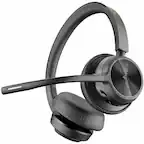
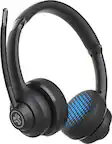
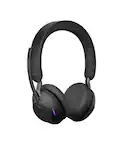
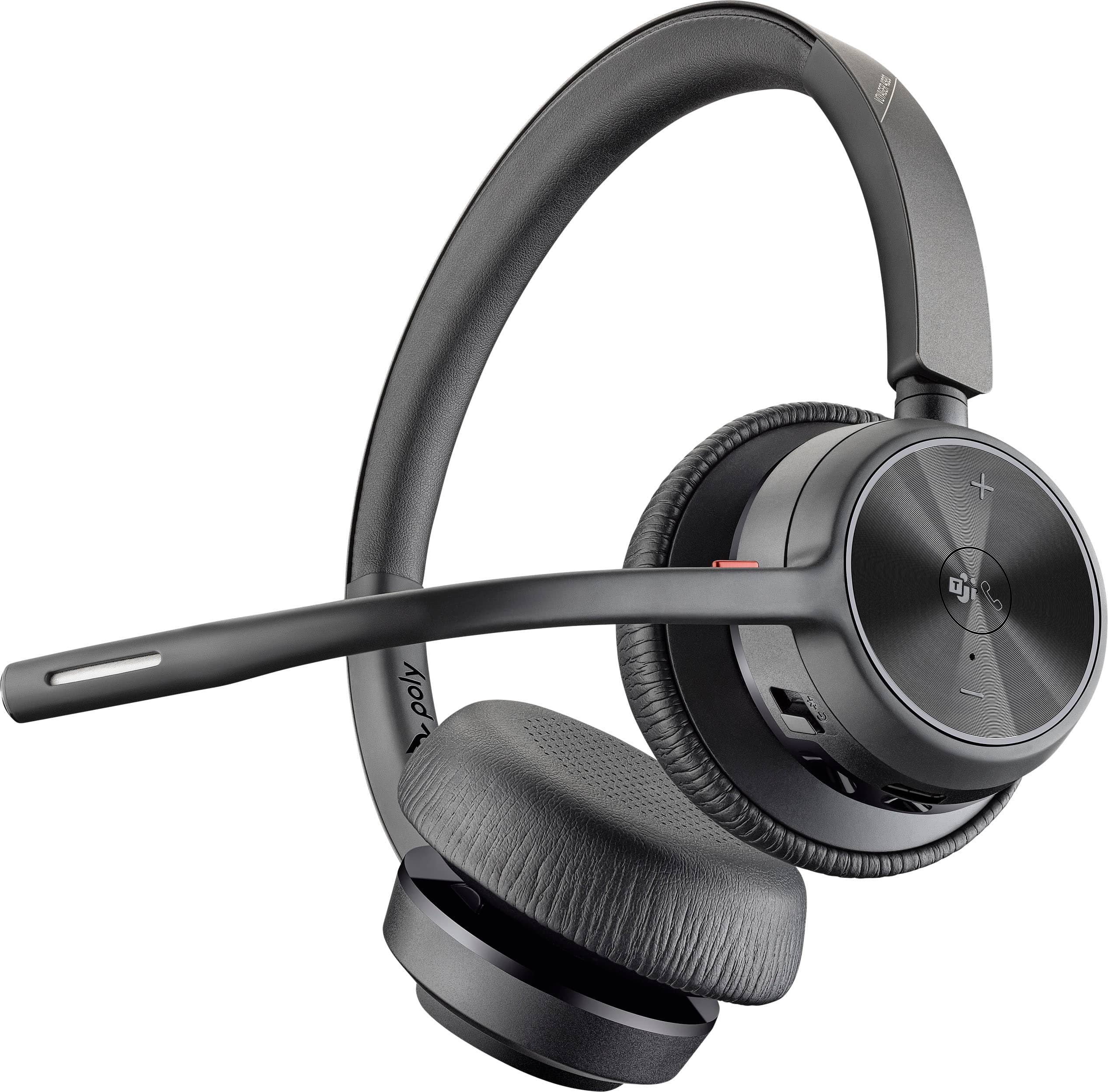
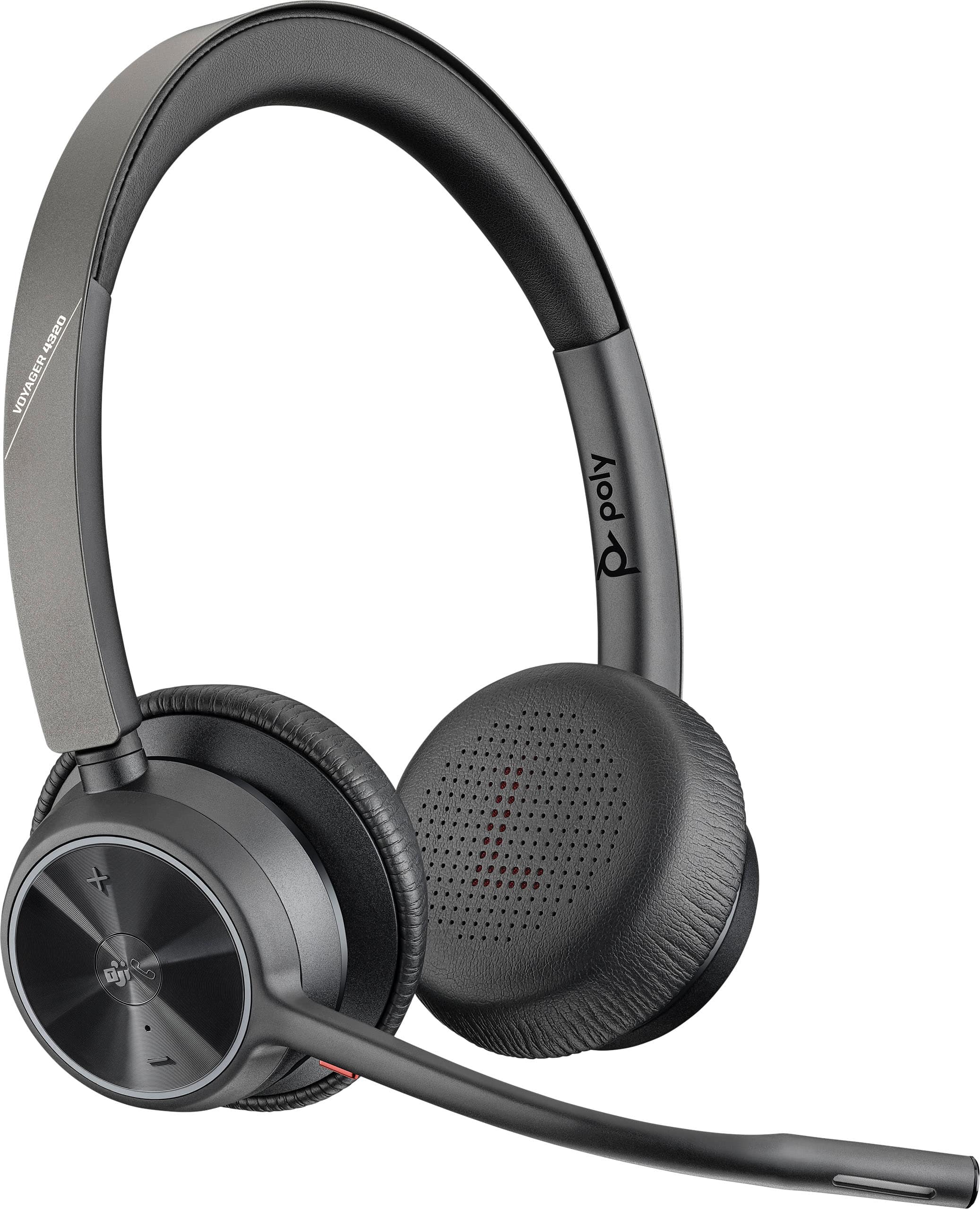
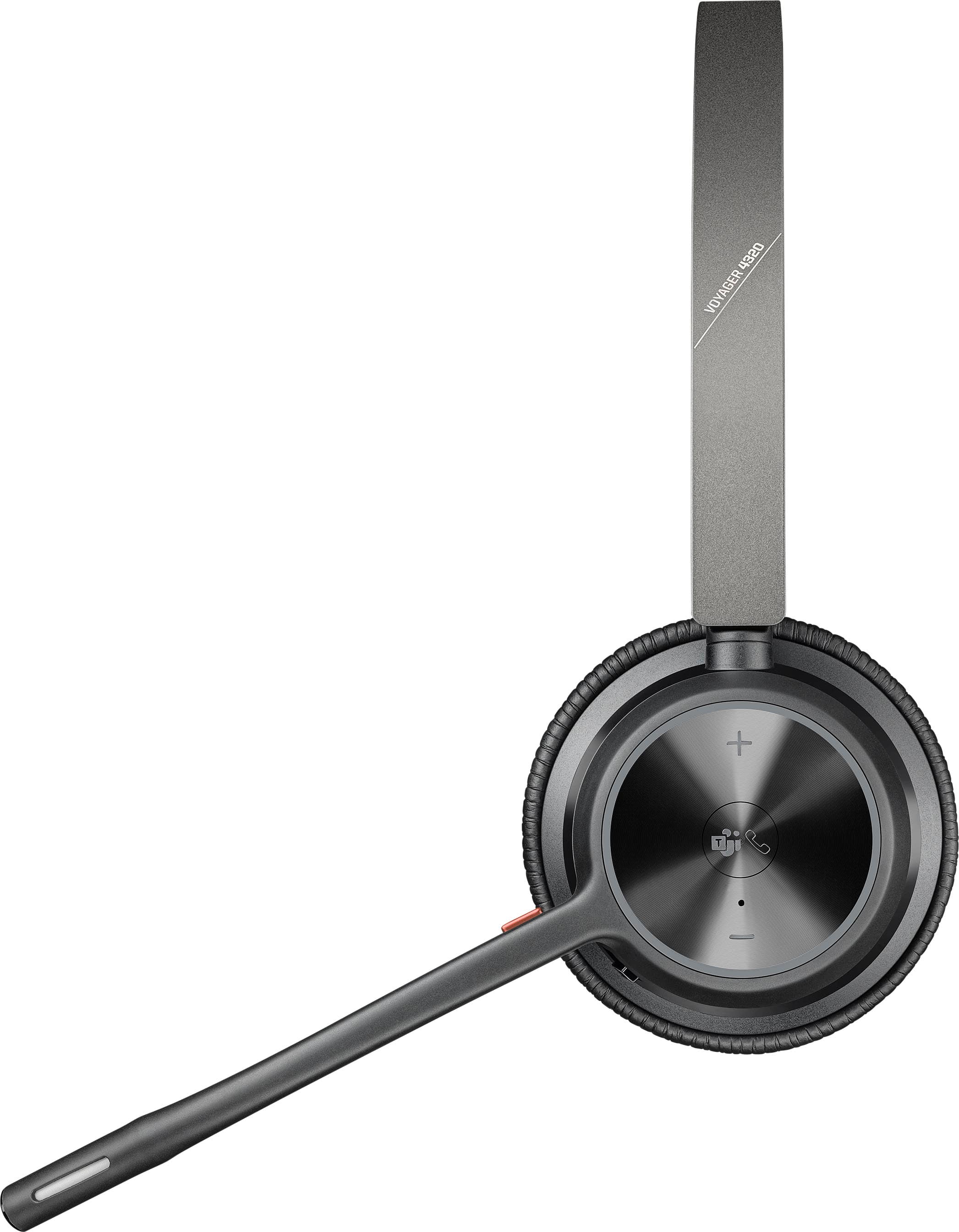
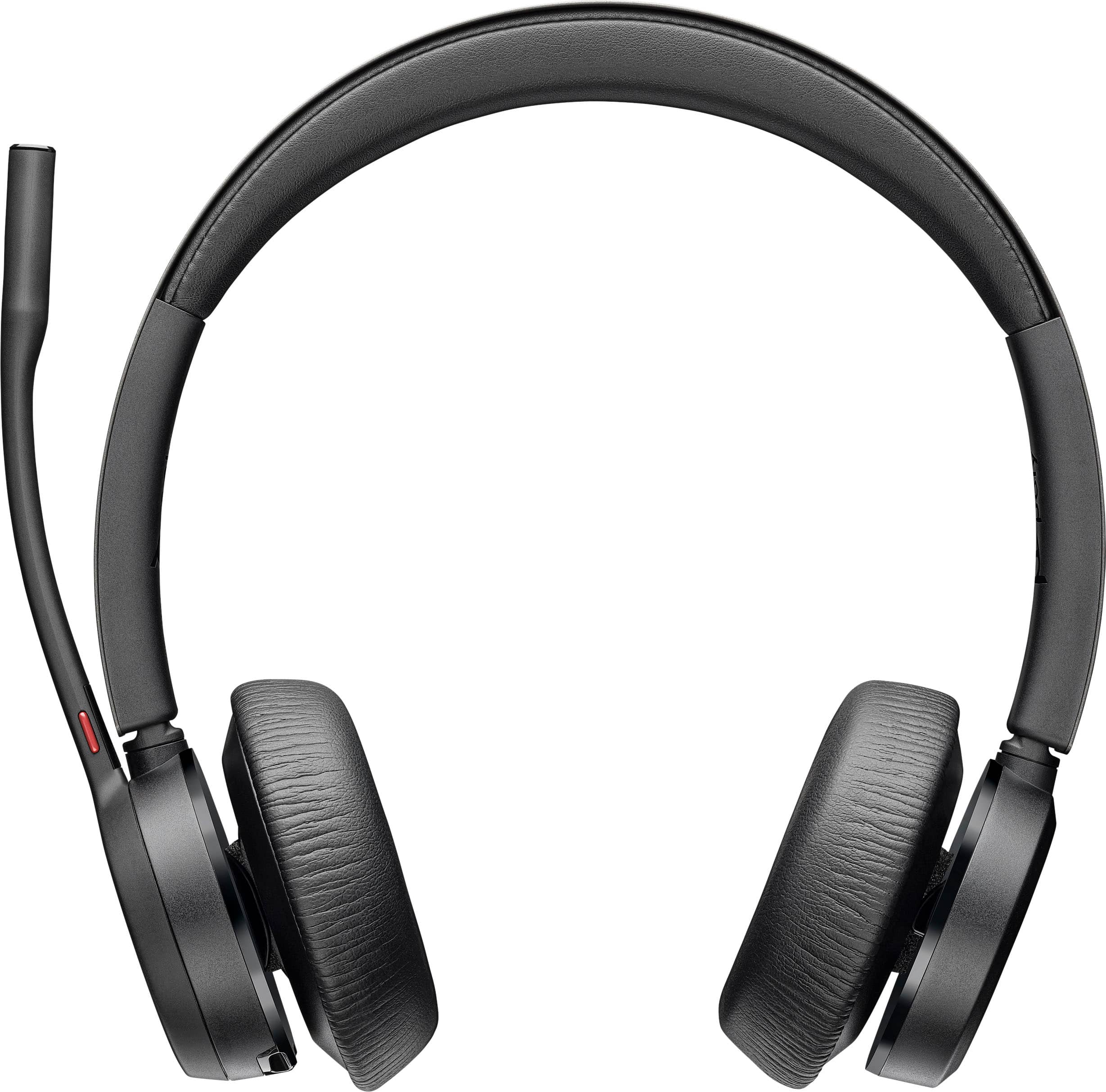
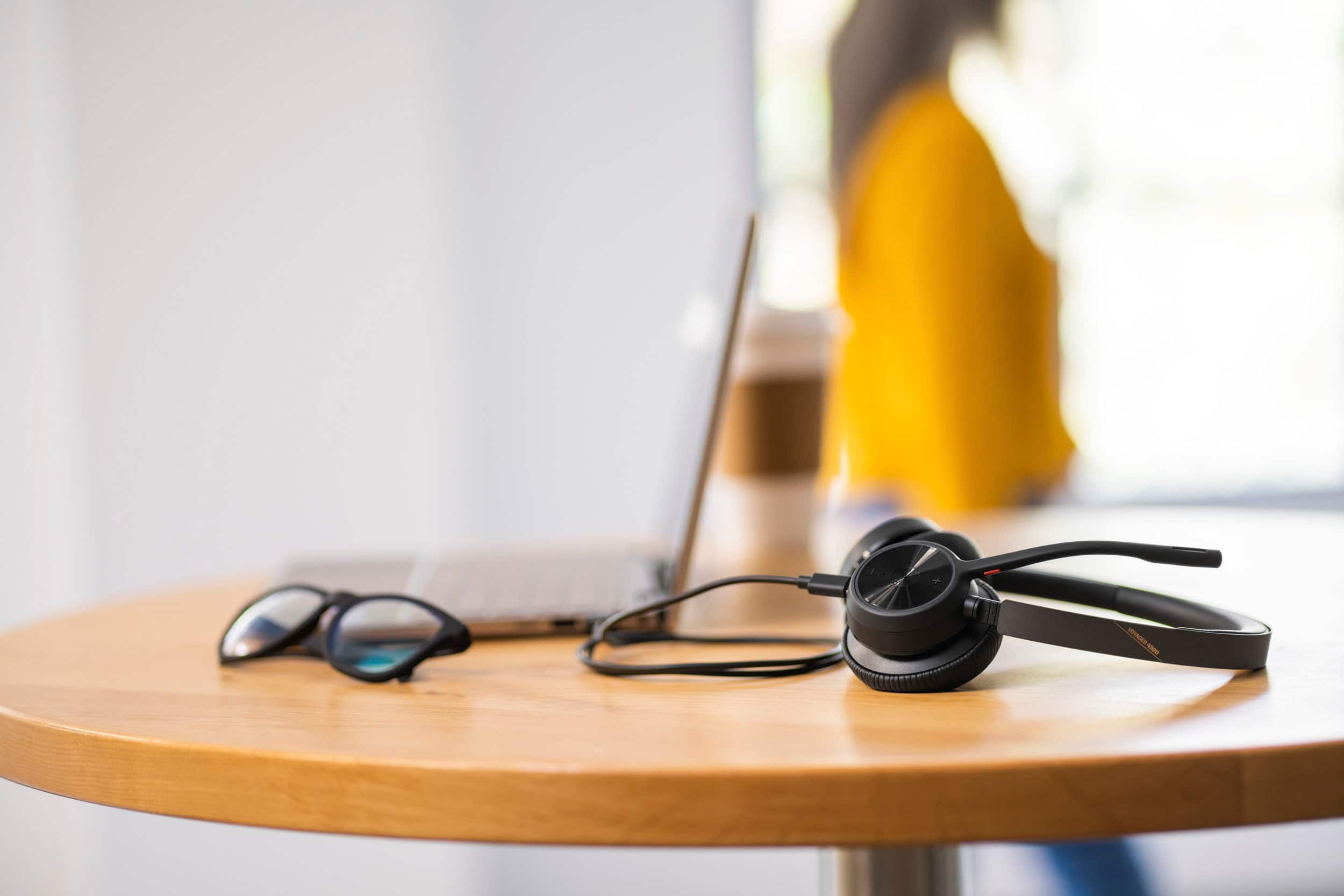
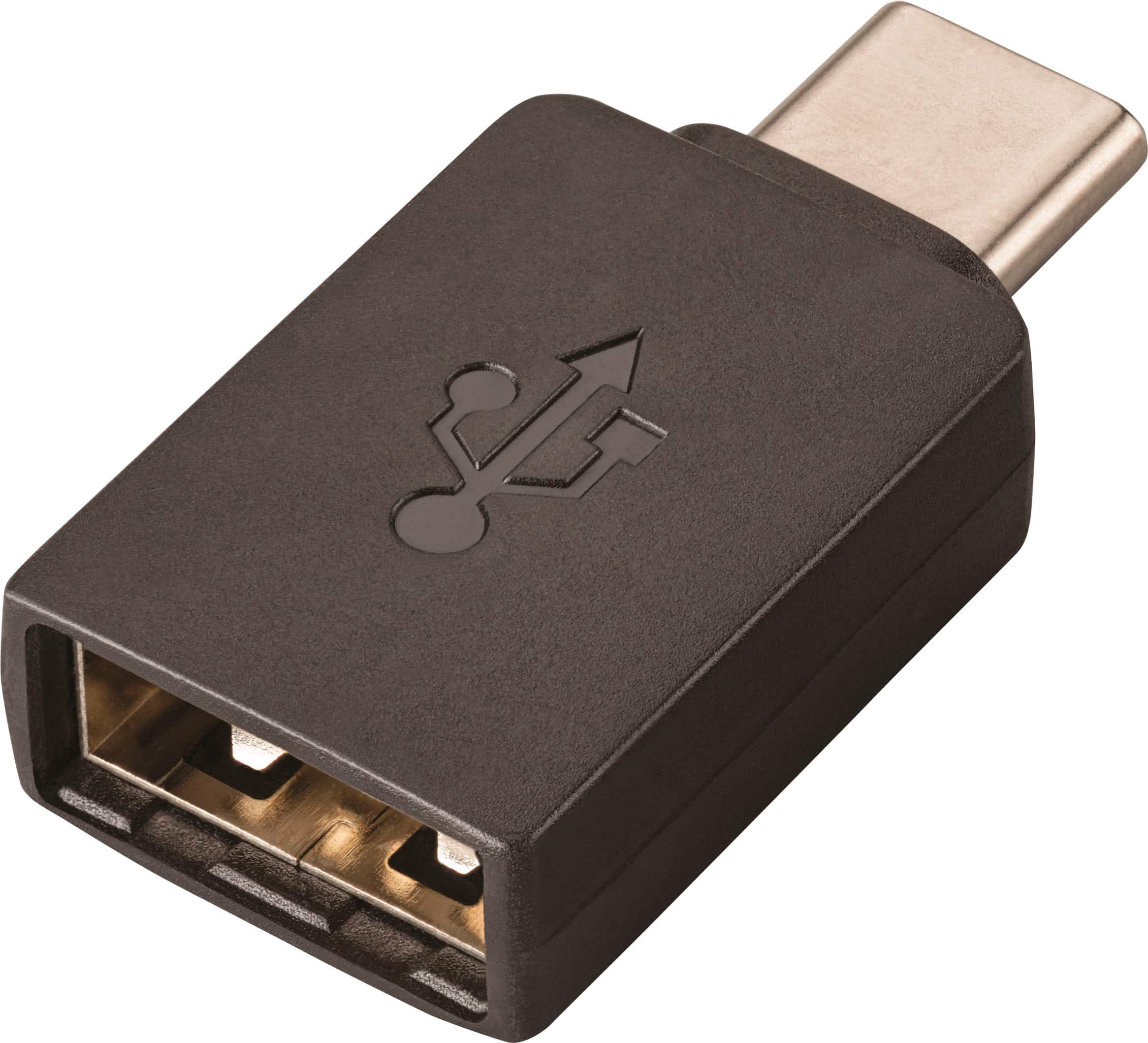
|Posted .This reviewer received promo considerations or sweepstakes entry for writing a review.I've tried countless headsets, headphones and earbuds over the years and I'm still holding out hope for a top-performing, all around best choice that can deliver equally well with both its microphone(s) and drivers. And to be clear--the 4320 is not that all around performer. But let me explain. Since the pandemic hit, me (along with countless others) have been looking for this holy grail device for obvious reasons--who doesn't want great media consumption headphones alongside something you can use for work-from-home? More than anything else, I find headphones and earbuds that have onboard microphones--some good, some not so good--but deliver reasonably clear and enjoyable audio playback. The sort of holy grail of headsets is something that still elludes us, and least as far as I've discovered. But that's not to say you can't have an awesome set of headphones, and also an awesome headset for work. The Voyager 4320 UC might fill that gap in your repertoire. This is a very lightweight headset, with a boom mic that extends toward your mouth, providing optimal microphone performance. The ear cups aren't overly thick or bulky, and sit on your ears. Due to their position on your ears and the light weight, there is little-to-no wearing fatigue for longer meetings (or strings of meetings), and everything breathes well so it doesn't get too hot. The 4320 has a dedicated button for Microsoft Teams, comes with a USB adapter for connecting to your PC, and can connect via Bluetooth to your cell phone. It can quickly switch between multiple devices, so you can leave a call on your cell and join a webinar on your computer fluidly. Onboard buttons allow you to put the headset in pairing mode as well as quickly mute (the boom, when folded all the way up, also mutes). In some ways this headset is built for an enterprise environment--the aforementioned USB adapter allows for plug-and-play operation on your corporate computer, without any installation/administrative rights required. And, the 4320 is compatible with many mainstream phone systems: Cisco, Avaya, Mitel, Ring Central, and others (requires an additional accessory if your desk phone doesn't have bluetooth capabilities). As a standalone headset, it charges via a USB-A to USB-C cable, which can also be used simultaneously when on a call (if you run out of battery). But, you can easily get through an entire day of meetings without worrying about recharging. Although the microphone can't be moved from ear to ear, the headset can be turned around and warn comfortably if you prefer the mic on the left side. Included in the box is a soft carrying case that doesn't offer much protection, but does a good job holding the headset and any accessories. The headset retails for $169, and even if purchasing this out of your own pocket (i.e., your employer doesn't buy it for you), I think it's well worth the price. Two and a half years after the start of the pandemic, I wish I had gotten this sooner...would have saved a lot of "technical difficulties" at the start of meetings.
I would recommend this to a friendNot suitable for use with noisey kids
||Posted . Owned for 2 months when reviewed.This reviewer received promo considerations or sweepstakes entry for writing a review.Did not work for noise canceling. It was comfortable though.
No, I would not recommend this to a friendBad mic
||Posted .This reviewer received promo considerations or sweepstakes entry for writing a review.Everyone on my calls keeps asking if I’m far from the mic—so yeah, not great.
No, I would not recommend this to a friendGood for the work at home crew!
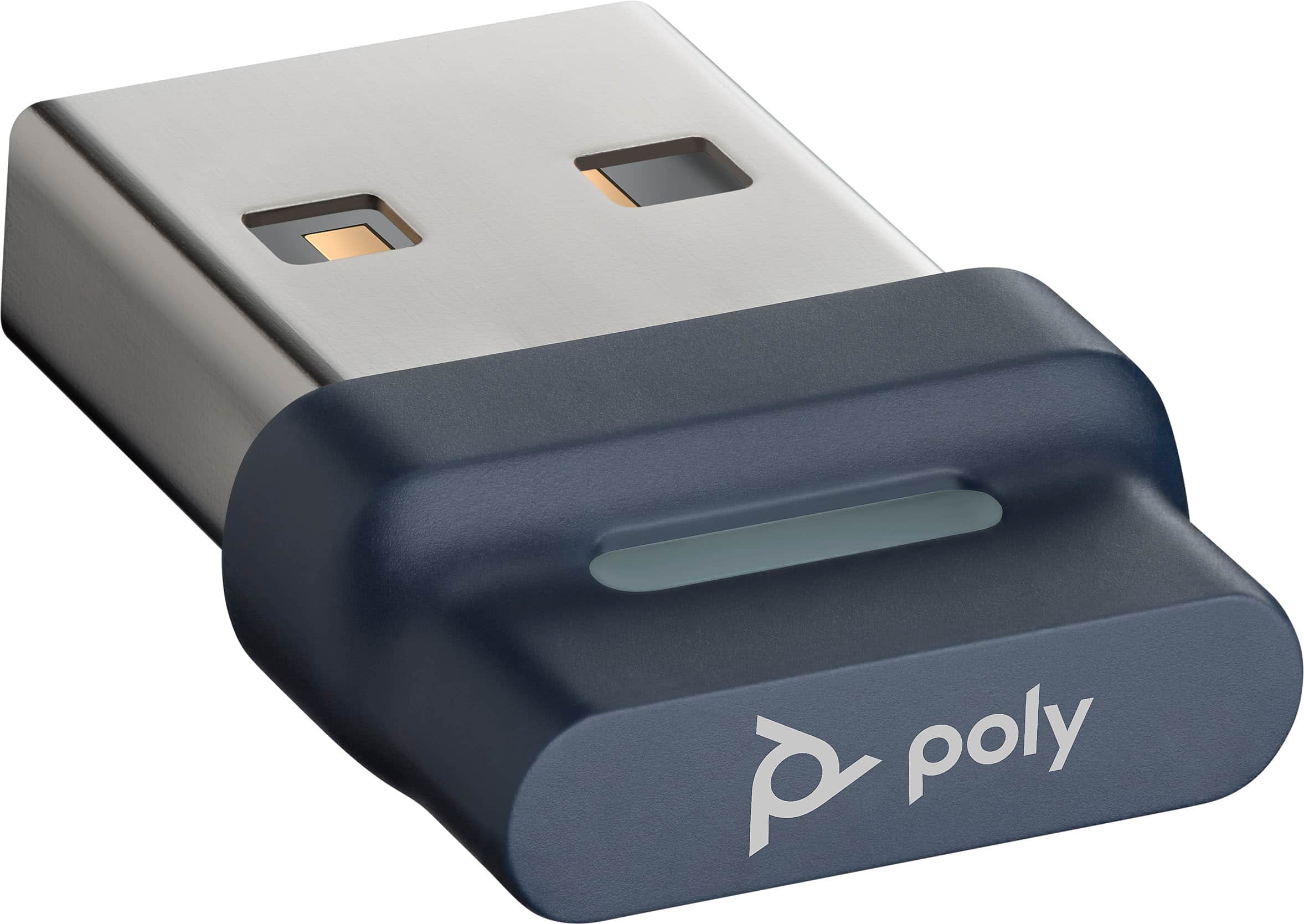
|Posted .This reviewer received promo considerations or sweepstakes entry for writing a review.Although I’ve used other Plantronics single ear headsets before, and used Polycom speaker phones in conference rooms in my past working life when situated in an office, I did not know that Plantronics acquired Polycom in 2018 in order to create a leader in voice and video collaboration technology. However, the experience of living through a global pandemic and working exclusively from home made the use of a comfortable headset for daily video conference calls a must. My requirements were to find a headset that did not produce ear fatigue like in ear buds and had all day comfort. I want to be able to participate in Teams calls, answer my cell phone, and listen to music without having to switch back and forth between different types of headsets. The Voyager 4320 UC meets all of those requirements superbly. To start at the beginning, the packaging is pretty sturdy to prevent any shipment crushes. Besides the headset itself, the box includes a USB-C charging cable, a BT700 USB Adapter (which has been paired to the headset at the factory) and a soft carrying case. The Voyager 4320 UC is a product that enhances productivity by connecting to both a desktop and a mobile device simultaneously via multi point technology (up to eight devices can be paired to it). Bluetooth is v5.2 The Bluetooth range is a generous 164 feet (50 meters) thanks to the custom USB adapter. The adapter is paired to the headset at the factory, but you can re-pair it if you need to. It is strongly recommended to use the supplied Bluetooth adapter rather than relying on the personal computer’s Bluetooth to achieve this kind of range. There’s a light on the dongle to display status: flashing red and blue indicates pairing, solid blue means the headset is connected, flashing blue indicates on a call, solid red indicates mute is on, and flashing purple shows that streaming media is coming from the computer. . The USB-C Charging cable is 4.9 foot (1.5 meters) long. I did not test it using Zoom, but did find it easy to use with Microsoft Teams Although multipoint technology is becoming more prevalent with in ear headphones, it’s satisfying to see it being brought to this type of headset and is easy to configure. There are status lights on the headset to indicate to people around you (whether still at home or back in an office) The flexible boom mic is attached to the right ear cup; you can flip the headset around and swing it over if you prefer your mic on the left. The weight of the headset is .35 lbs (162 g). I normally experience ear fatigue when using in ear buds all day long, so this is a good solution to the work from home situation. The head band and both ear cups are well padded, although the headset felt a bit tight the first few days of use. I didn’t have any problems with wearing glasses while wearing the headset, which is good to know if you do wear glasses while working. The head band can be adjusted to accommodate varying head sizes. The headset has about an 80% charge in the box so you can begin to use it immediately. The battery life is supplied by a 350 mAH lithium ion. Although it’s rated at 24 hours wireless talk time (listening time is 47 hours), you can plug in the charging cable and use it as a wired device if you don’t have time to charge it. It’s rated at 1.6 hours for a full charge, and you can get 10 hours of listening time after a 15 minute charge. Standby time is up to 50 days. The box contains a Quick Start card with a QR code that links to the online manual from your phone. The card itself shows a view of the manual controls as well as how to quickly connect to a computer and to pair it with your mobile device. I downloaded the Poly Lens desk app for a Windows PC (MAC app version is also available) to allow for customization, since it’s not intuitive for adjusting the voice audio for phone calls in order to hear my own voice through the headset. I had to read the manual online to get it to work the way I wanted. The box contains a printed manual, but the print but it’s so much easier to read it on line. The Lens app will also indicate battery status. I don’t normally use Siri, Google Assistant or Cortana, but you can designate one of these as your default voice assistant if you use them. There are two mics in the boom, and something called Acoustic Fence technology that creates a virtual fence around you for major noise reduction. People listening to me on calls commented on how clear and crisp my voice sounded for a Bluetooth headset. They did not hear any room noises (like a dog barking or garbage trucks going by the house) so the fence must be doing its job pretty well. When not on calls, the sound is excellent for listening to music during the day. I was pleasantly surprised how high quality the sound is and is comparable to higher priced music headphones. The lows and the mids seem well balanced. The headset itself has easy to use physical controls are call answer/end, mute, volume +/-, power on/off/pairing. When not on a call and connected to a desktop computer you can tap the TEAMS button to view the TEAMS app (TEAMS app on the phone is not supported) Overall, this takes a little bit of getting used to compared to other types of in ear headphones. In ear buds don’t always interact seamlessly with TEAMS on the desktop, or other soft phone technology. Since Plantronics has always been superior for this type of use, they make it easy to use once you get everything set up properly. Being able to effortlessly switch between listening to music, participating in TEAMS call, and answering cell phone calls makes working from home a breeze.
I would recommend this to a friend