Customer Ratings & Reviews




- Model:
- SK-1000829-01
- SKU:
- 6596885
Rating by feature
- Value
Rating 4.6 out of 5 stars
- Quality
Rating 4.7 out of 5 stars
- Ease of Use
Rating 4.8 out of 5 stars
Customers are saying
Customers love the Wayfarer (Gen 1) glasses with Meta AI for their video quality, overall performance, ease of use, and iconic design. The fit of the glasses is also a plus for many users. However, some customers have expressed concerns about the battery life and connectivity. Additionally, a few users find the glasses a little heavy and are not satisfied with the Meta AI performance.
This summary was generated by AI based on customer reviews.
Perfect Eyewear
||Posted . Owned for 3 months when reviewed.This reviewer received promo considerations or sweepstakes entry for writing a review.Love my glasses. You can even add prescription to them!!!
I would recommend this to a friendBrand response from Meta Store Support
Posted .Hi iGadgetGyrl!
Thank you so much for your review; we really appreciate your feedback. If you ever have any issues or questions, you can always reach out to our Support Team via the website.
Best is best for electronics deal
||Posted . Owned for 1 month when reviewed.This reviewer received promo considerations or sweepstakes entry for writing a review.Best buy is best; even for latest model i received amazing discount.
I would recommend this to a friend- Cons mentioned:Battery life
Horrible Battery Life….
||Posted .This reviewer received promo considerations or sweepstakes entry for writing a review.Very disappointed! Really wanted to love these but the battery life is absolutely horrible on them! Style is nice though, did not come with charger or anything. Wasn’t able to return them so I’m stuck with them now. Not sure if I got a defective pair but I barely use them and they are dead!
No, I would not recommend this to a friendBrand response from Meta Store Support
Posted .Hey Ari,
Thanks for taking the time to share your experience regarding your Meta Ray-Ban purchase.
Fully charged glasses last up to 4 hours for moderate usage and up to 3 hours with continuous audio streaming and voice assistance. This may vary with use and other factors.
To charge your glasses, put them in the charging case and place it on the nose bridge inside the charging case. This is the only way to charge the glasses. You'll know your glasses are charging when the case LED blinks after you've docked them and closed the case. You can also see a charging icon in the Meta AI app. Please be aware that the first time you charge your glasses you need to remove the protective plastic tab from the metal charging connections on the case.
To charge your charging case, connect the case to a power adapter using a USB-C cable and plug it into the front of the charging case. This is the only way to charge the case.
If you do believe you require further assistance with your glasses, please reach out to Ray-Ban via their official website where they can provide further troubleshooting, and look into what your options may be.
AI is cool
||Posted . Owned for 1 month when reviewed.This reviewer received promo considerations or sweepstakes entry for writing a review.The AI functionality is good but all in all it's kind of useless
No, I would not recommend this to a friendHappy
||Posted . Owned for 3 weeks when reviewed.This reviewer received promo considerations or sweepstakes entry for writing a review.Love it!! Works great!! Never have any issues with this product.
I would recommend this to a friendAlmost Perfect
||Posted . Owned for 7 months when reviewed.This reviewer received promo considerations or sweepstakes entry for writing a review.They look fantastic they work great the only drawback is with such a short recording time.
I would recommend this to a friendEfficient!
||Posted . Owned for less than 1 week when reviewed.This reviewer received promo considerations or sweepstakes entry for writing a review.The outer loop location staff were very helpful! Highly recommend
I would recommend this to a friendJUST OK
||Posted . Owned for 3 weeks when reviewed.This reviewer received promo considerations or sweepstakes entry for writing a review.These glasses are kind of fun. But they are a hassle because they seem to unpair very easuly even when i dont want to. Also it seems to beed ti be paired everytime i put them on. It dies basic stuff. Hoping for more value added features
No, I would not recommend this to a friendBrand response from Meta Store Support
Posted .Hello Roxsie!
We understand that you are having some issues with the Ray-Ban Meta Wayfarer glasses unpairing with the app. In this case, we would suggest you to follow the below steps:
To force restart your glasses:
Press and hold the capture button at the same time as turning the power switch off (pull the switch back towards the back of the glasses) and then ON (push the switch forward towards the front of the glasses). Then release the capture button.
Wait for the LED to flash green before releasing the capture button.
It may take a few minutes for your glasses to re-establish a connection with the app.
To factory reset:
Close the right temple arm.
Press the capture button 5 times until the user LED turns orange
Press and hold the capture button until the user LED starts flashing
Release the capture button and wait for the LED to cycle through white and then green before turning off to indicate factory reset is complete
You'll then need to un-pair and re-pair your glasses with the Meta View app
We hope this will solve your issue. If not, please contact our wonderful Meta Store Support. We will be happy to help you.
Shades
||Posted . Owned for 1 month when reviewed.This reviewer received promo considerations or sweepstakes entry for writing a review.Love these wear them every chance I go out to the store.
I would recommend this to a friendNice Xmas gift.
||Posted . Owned for 1 week when reviewed.This reviewer received promo considerations or sweepstakes entry for writing a review.Very nice item! Grandson loves them. He uses them while studying.
I would recommend this to a friend- Cons mentioned:Battery life
It not as good as i thought
||Posted . Owned for 1 month when reviewed.This reviewer received promo considerations or sweepstakes entry for writing a review.The slim size is alright . Battery lasts 4 hours kinda pathetic. A lot of money for a disapointment.
No, I would not recommend this to a friendBrand response from Meta Store Support
Posted .Hi there,
Thanks for your review. We see you're a little unhappy with our Ray-Ban Meta glasses and the battery on it not being long enough.
With our Ray-Ban Meta glasses, the expected charge is to be up to 4 hours of usage and a fully charged case will hold up to 32 hours of additional charge. Battery life varies with use and other factors. To improve battery life, you can try the following:
- Keep the glasses in the case when not in use.
- Turn the glasses off when not in use.
We hope this helps you out but if you need further assistance, you can reach out to our support team via our website and we'll be happy to see what we can do for you!
Thanks again!
Very good experience
||Posted . Owned for 1 week when reviewed.This reviewer received promo considerations or sweepstakes entry for writing a review.They are awesome, but just record for 1 minute videos
I would recommend this to a friendRaybands
||Posted . Owned for 3 weeks when reviewed.This reviewer received promo considerations or sweepstakes entry for writing a review.They are pretty cool. Definitely read the instructions
I would recommend this to a friendBluetooth Microphones are inferior
||Posted . Owned for 1 month when reviewed.This reviewer received promo considerations or sweepstakes entry for writing a review.They’re nice. But when people call me, they say that they cannot hear me well and ask if I am speakerphone or if I’m using low quality Bluetooth.
No, I would not recommend this to a friendBrand response from Meta Store Support
Posted .Hi there Daniel,
We appreciate you taking the time to leave a review and some feedback on the Ray-Ban Meta Wayfarer glasses.
We're wanting you to have the best possible experience with your new glasses, so please attempt the following troubleshooting steps:
- An update is now available to resolve microphone signal issues for impacted users. Please navigate to the Meta AI App and update your glasses and app to the latest version.
- Ensure you have Meta AI turned on in settings.
-Make sure you have “Hey Meta” turned on in settings.
If the issue persists after having followed the steps, then please call someone your on glasses and talk for about 1 minute, then lift your glasses about one inch off your face and talk for another minute. If you are hard to hear then become clear when the glasses are lifted, then contact our wonderful Support Team via our official website, as they'd be happy to assist.
You won't regret buying them!
||Posted . Owned for 3 weeks when reviewed.This reviewer received promo considerations or sweepstakes entry for writing a review.These spectacles are awesome! I love everything about them!
I would recommend this to a friendGood product
||Posted . Owned for 1 week when reviewed.This reviewer received promo considerations or sweepstakes entry for writing a review.I love this product and very clear and good material
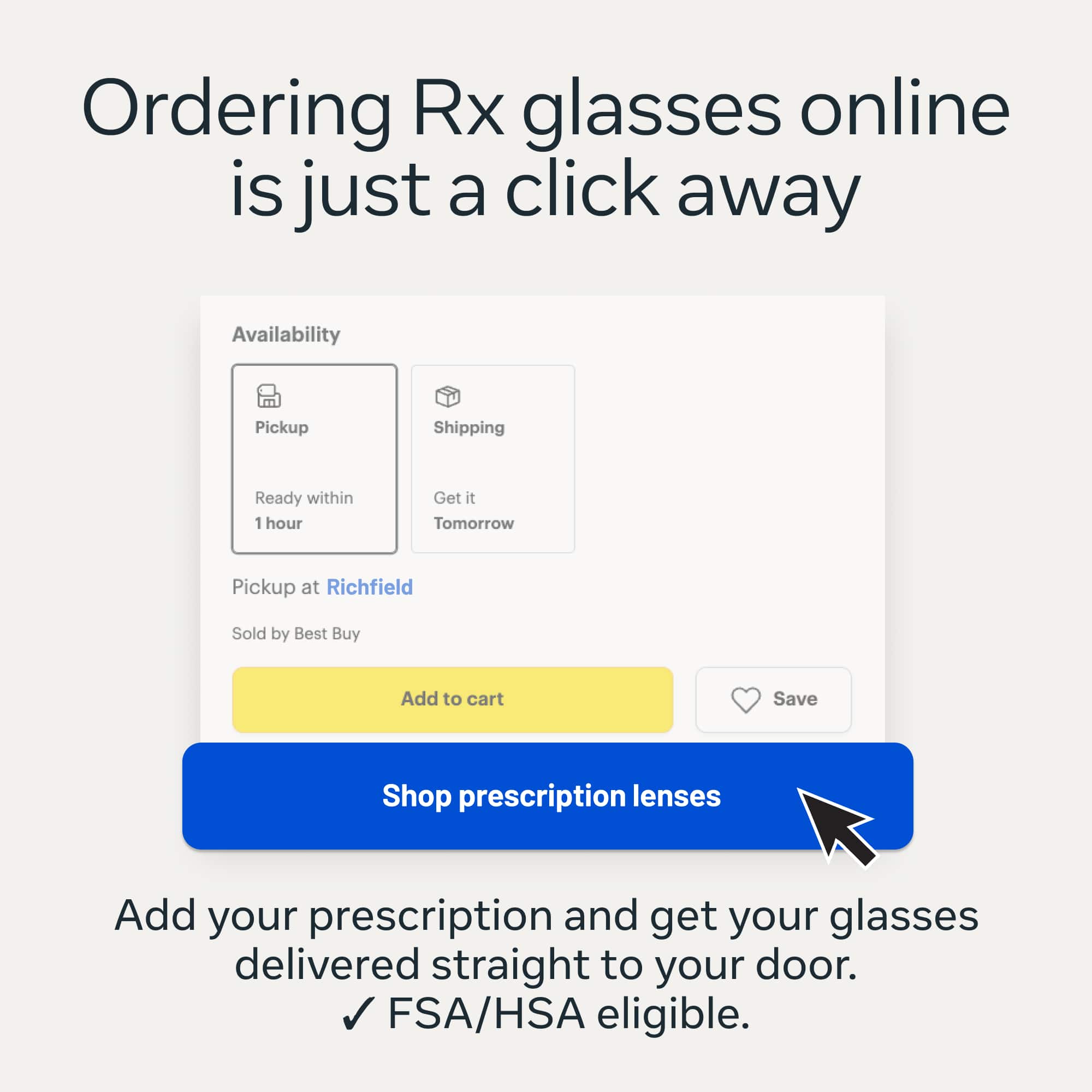
I would recommend this to a friendAdding prescription lenses is impossible.
||Posted . Owned for 1 month when reviewed.This reviewer received promo considerations or sweepstakes entry for writing a review.I love the glasses, but after being assured that I could get prescription lenses put in them, I found that is not true. My vision company tried to find anywhere that would change the lenses and had no luck. I’m so disappointed.
I would recommend this to a friendBrand response from Meta Store Support
Posted .Hi Yvonne,
Congratulations on your new Ray-Ban Meta smart glasses!
We would like to let you know that you can find a list of authorized locations in which you can add prescription lenses to your smart glasses on Ray-Ban's website.
If you have any queries please don't hesitate to reach out to any of our Support channels.
See you in AR!
Solid but needs 2.0 version
||Posted .This reviewer received promo considerations or sweepstakes entry for writing a review.Overall happy… camera only captures in portrait… sound is clear but sometimes not loud enough…. I also wish they could live stream….
I would recommend this to a friendBrand response from Meta Store Support
Posted .Hey there!
Thank you for the review and feedback on our glasses.
You can livestream to both Facebook and Instagram on these glasses!
Ensure that your glasses are powered on and connected to the Meta AI mobile app.
On your phone, open Facebook or Instagram.
Ensure that you're on the latest version of the Facebook or Instagram app.
Tap the plus.
Tap Live.
Tap Video, then tap Next.
Tap the glasses icon on the left to connect to your glasses.
On your glasses, double-press the capture button to switch to your glasses camera.
Tap Go live to start your live-stream.
If you require any further clarification please contact us directly!
Ray Ban Smart Glasses
||Posted . Owned for 1 month when reviewed.This reviewer received promo considerations or sweepstakes entry for writing a review.Awesome product and Ray Ban glasses are built to last!
I would recommend this to a friend- Cons mentioned:Connectivity
Meta glasses
||Posted .This reviewer received promo considerations or sweepstakes entry for writing a review.I have had issues since I purchased these glasses and it has only been one month. It’s a hassle to get a service request because you can actually speak with anyone. Everything is via chat or email. Highly disappointed!
No, I would not recommend this to a friendBrand response from Meta Store Support
Posted .Hey Jamie,
Thanks for taking the time to share your experience with us regarding your recent Ray-Ban Meta glasses purchase.
You are correct that our 24/7 support team is email and live chat, and we'd really like to use these contact methods to help you with anything you're having difficulties with regarding your new glasses.
If you click contact us on the Meta website, you can either raise an email ticket or reach out to us via the live chat, and our 24/7 support team will be more than happy to work together with you to get your problem resolved.
We look forward to hearing from you!