Customer Ratings & Reviews
![esc 1 ! 2 @ 3 # 4 $ 5 % 6 ^ 7 & 8 * 9 ( 0 ) - = + ins tab Q W E R T Y U I O P [ { ] } \ del caps A S D F G H J K L ; : " enter pg up shift Z X C V B N M , < > / ? shift pg dn ctrl alt - alt fn ctrl](https://pisces.bbystatic.com/image2/BestBuy_US/images/products/ceb2a492-a5c5-4c7f-b64b-c6876b117e93.jpg)

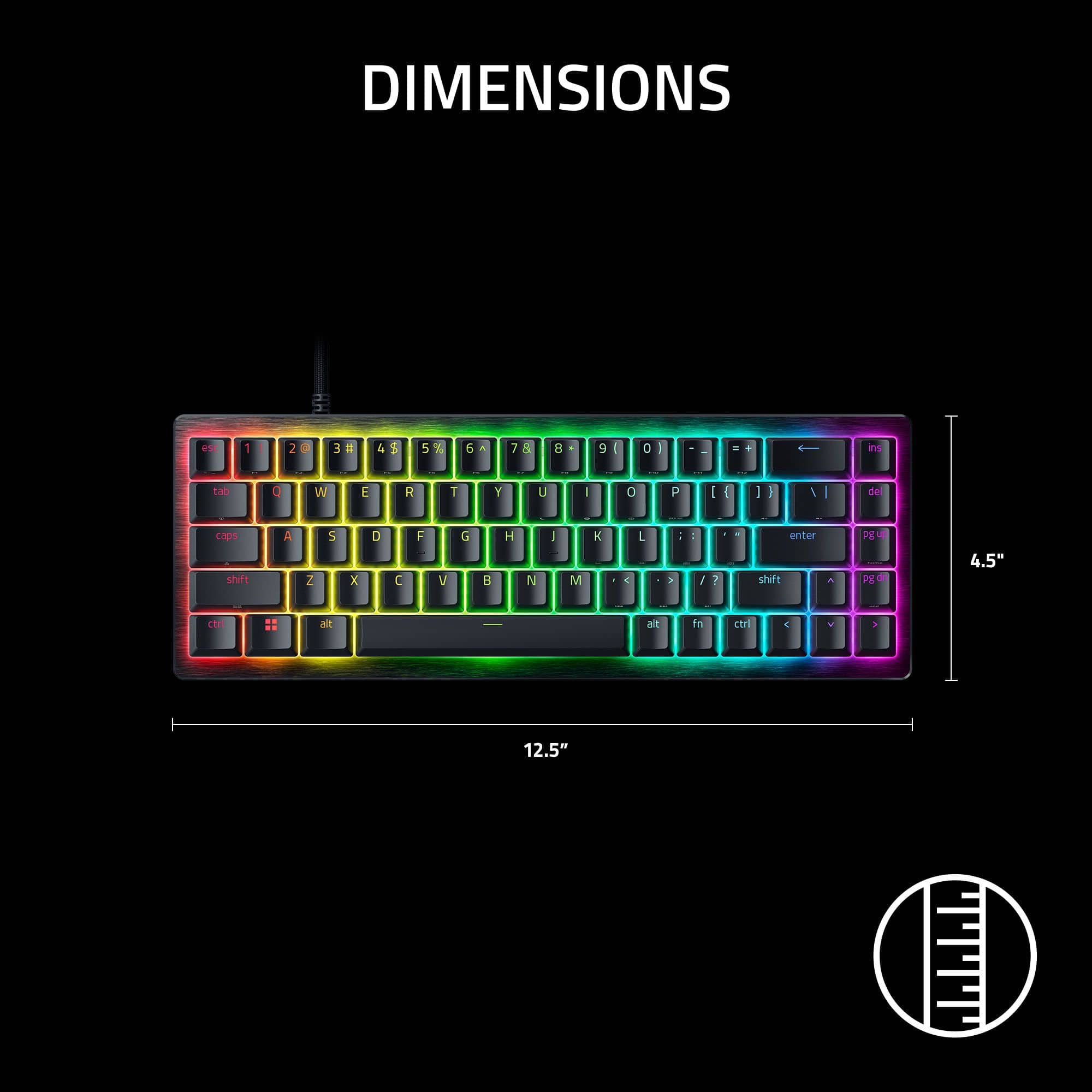
![esc 1 tao P1 2 9 Cops O F2 3 # A W F3 4 shf A $ st E F4 5 S % N R F5 6 D X T F6 7 & alt F I 1 Y F7 8 G A U FB 9 H 1 B C / F9 O J 1 N 1 O O F10 - - M P = = F11 L + - prtsc [ 1 = { F12 144 ] > } M AF alt RAZER ? I HI / fn shift enter x ctri del 1 pg up pg home dn end V ins](https://pisces.bbystatic.com/image2/BestBuy_US/images/products/a45c0f0a-6eb8-4dc3-8228-6be4bdef1ef1.jpg)
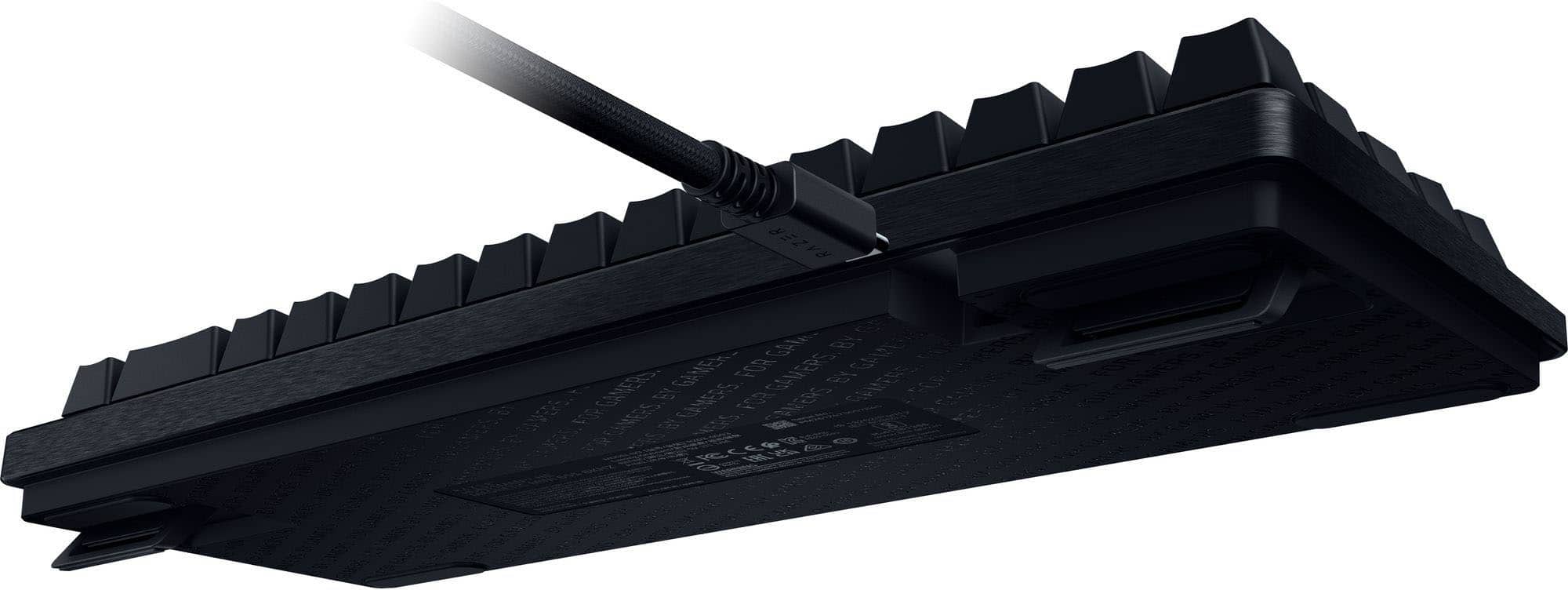
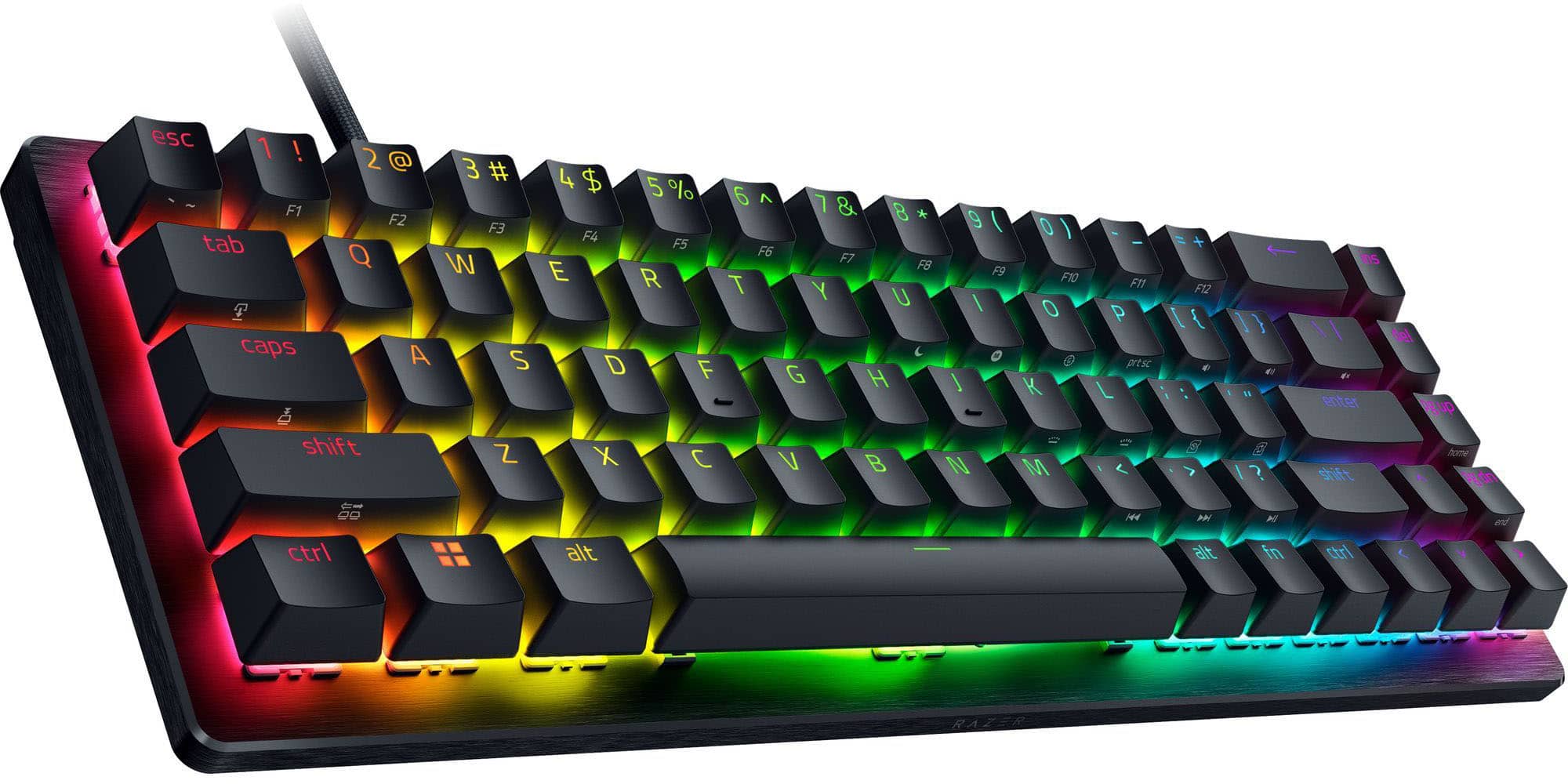

- Model:
- RZ03-05930200-R3U1
- SKU:
- 6677744
to a friend
Customers are saying
Customers have good things to say about this product, particularly highlighting its surprisingly solid build quality and impressive RGB lighting. Users also frequently praise its high-performance capabilities, noting that it operates without lag and offers an instantaneous response time. Additionally, the device is appreciated for its compact, portable design and quiet operation, while the high polling rate provides a competitive edge.
This summary was generated by AI based on customer reviews.
- Pros mentioned:Noise level

Razer Huntsman V3 HE Magnetic Mini 65% 8KHz
|Posted .This reviewer received promo considerations or sweepstakes entry for writing a review.This is keyboard by far one of the better mini keyboards I have had the chance to get my hands on that Razer has made! And for someone that is used to having one that has the ten key pad on them along with big hands it's keys are very quite and responsive. the pros on this keyboard are the ease of setup, the settings for how responsive the keys are which goes up to 8k, how lite it is and the software for it which actually does a great job on showing you what's what on it and in the settings but that part is just my opinion and for those who buy this one to make up there own mind about. There were only two things that I found to be cons about this board and they are the fact of no wrist pad for it and the other is this the fact that you are supposed to be able to down load profiles for your games that would let you have RGB set up from Razer's website which I tried to do but none of the ones I downloaded worked for the RGB lighting and with that being said the last pro to this is that in the software you can make your own to which you can upload to Razer's website for others to use, which is something I will try later on once I get used to using it lol. All in all this mini keyboard is well worth getting and the only reason for myself giving a 4 star on it is the two cons other than that it's 100% a get items
I would recommend this to a friend - Pros mentioned:Build quality, Rgb lighting
Very compact, ultra-responsive gaming keyboard
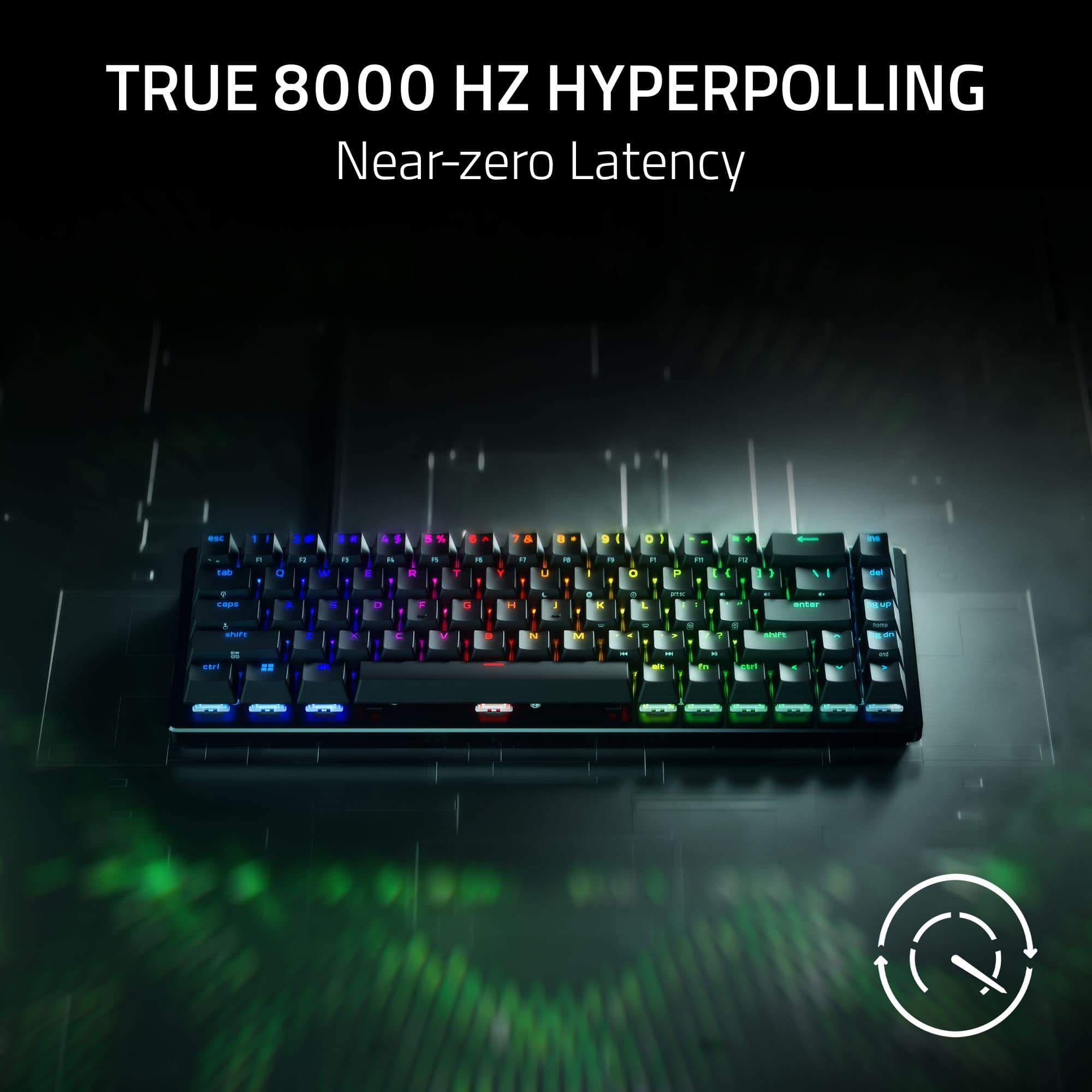
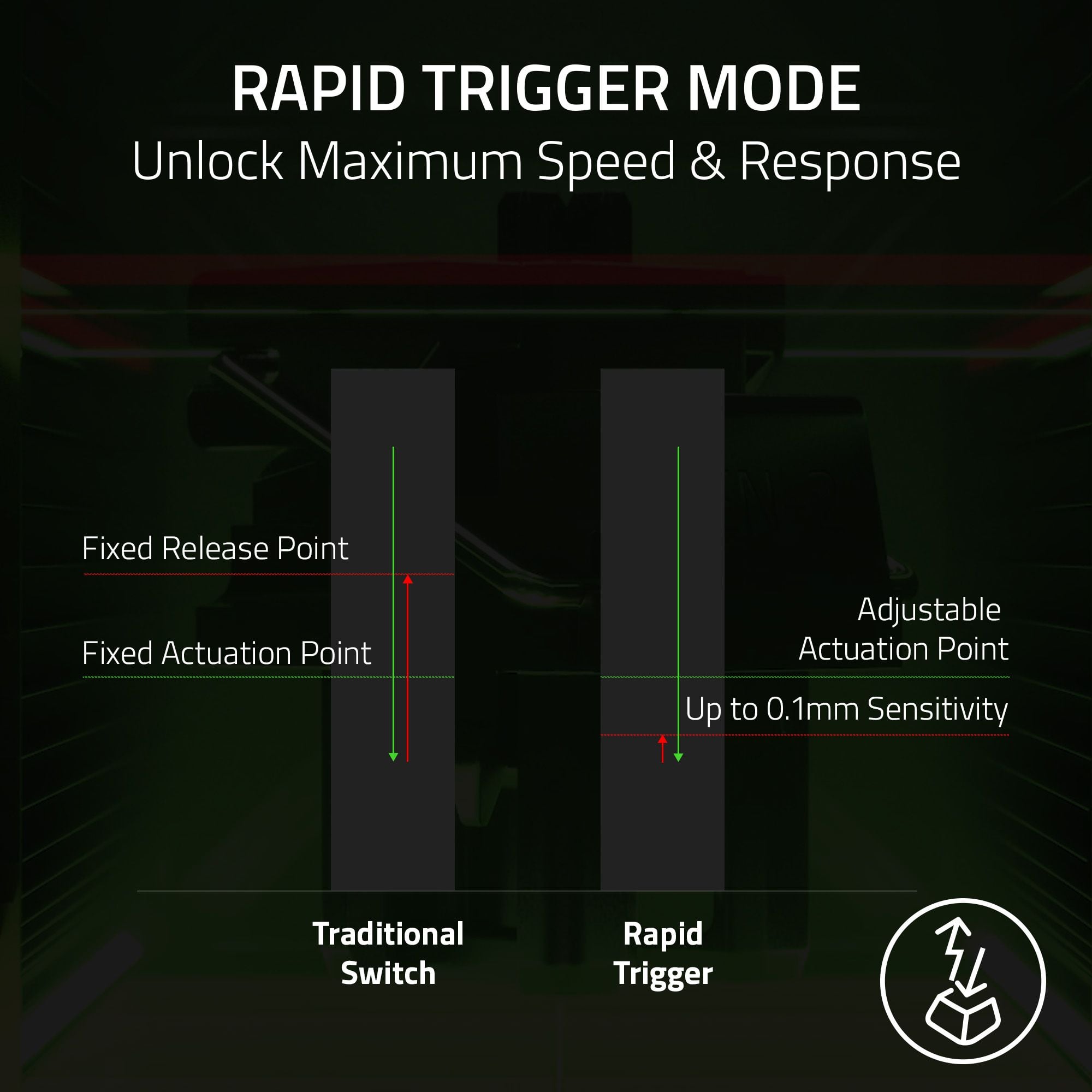
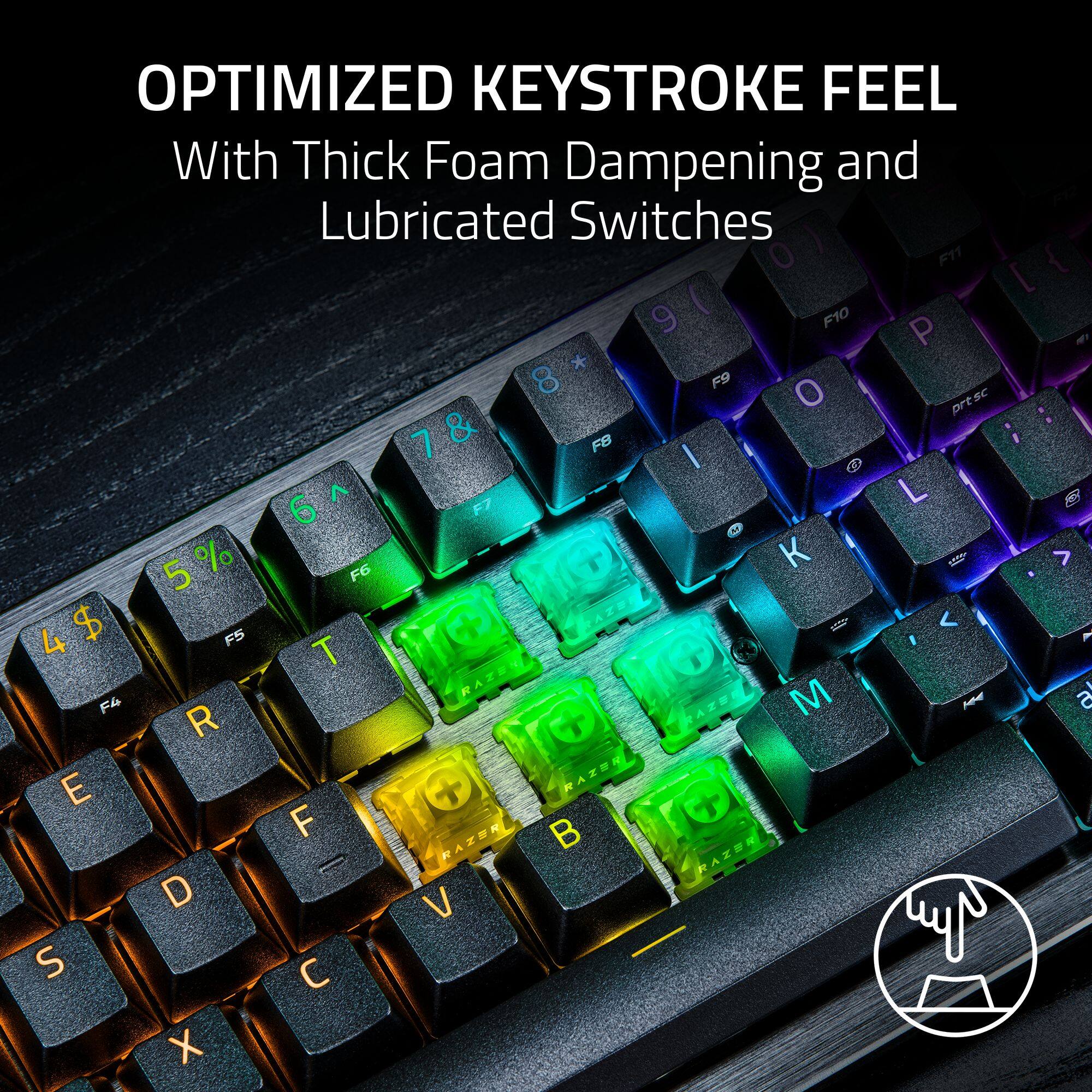
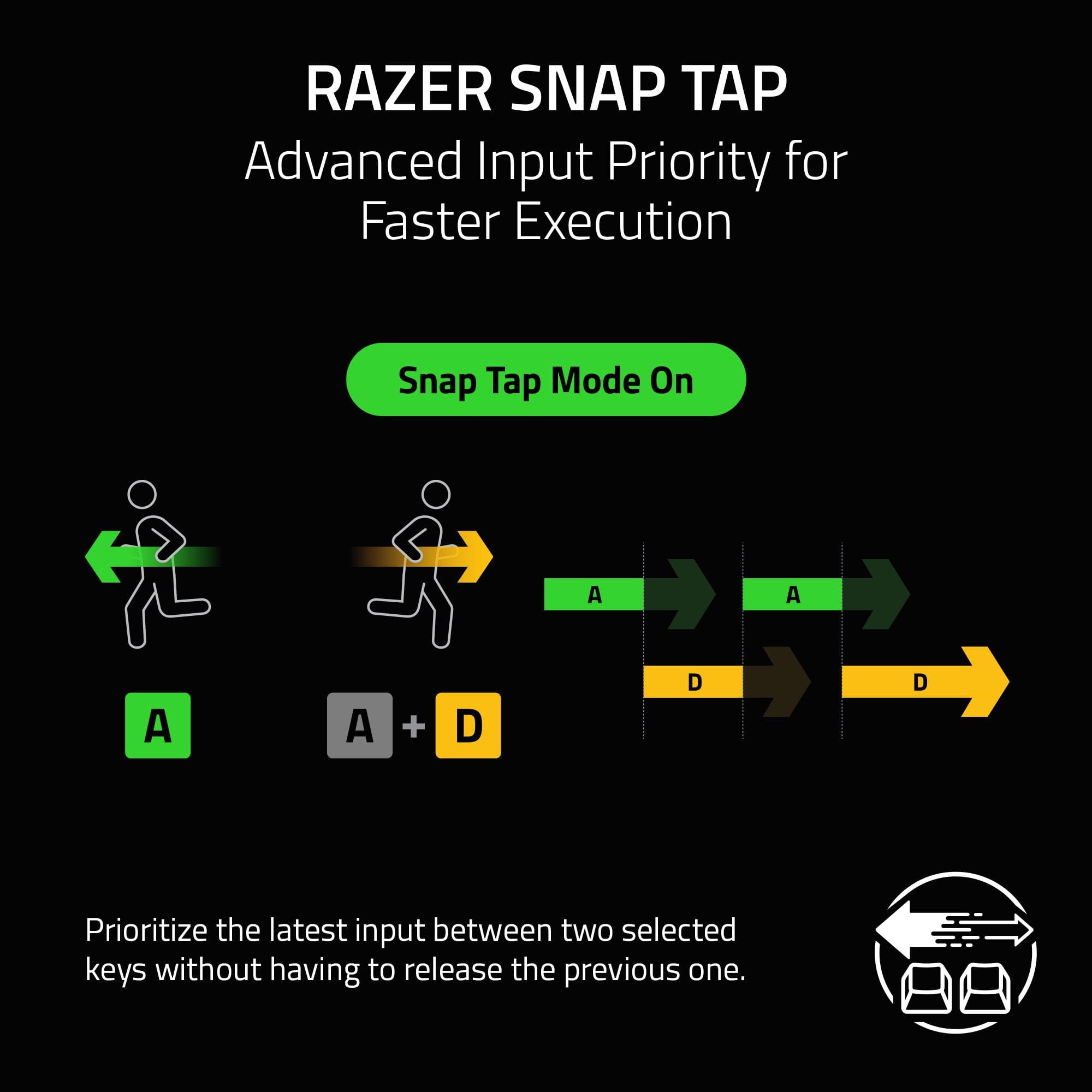
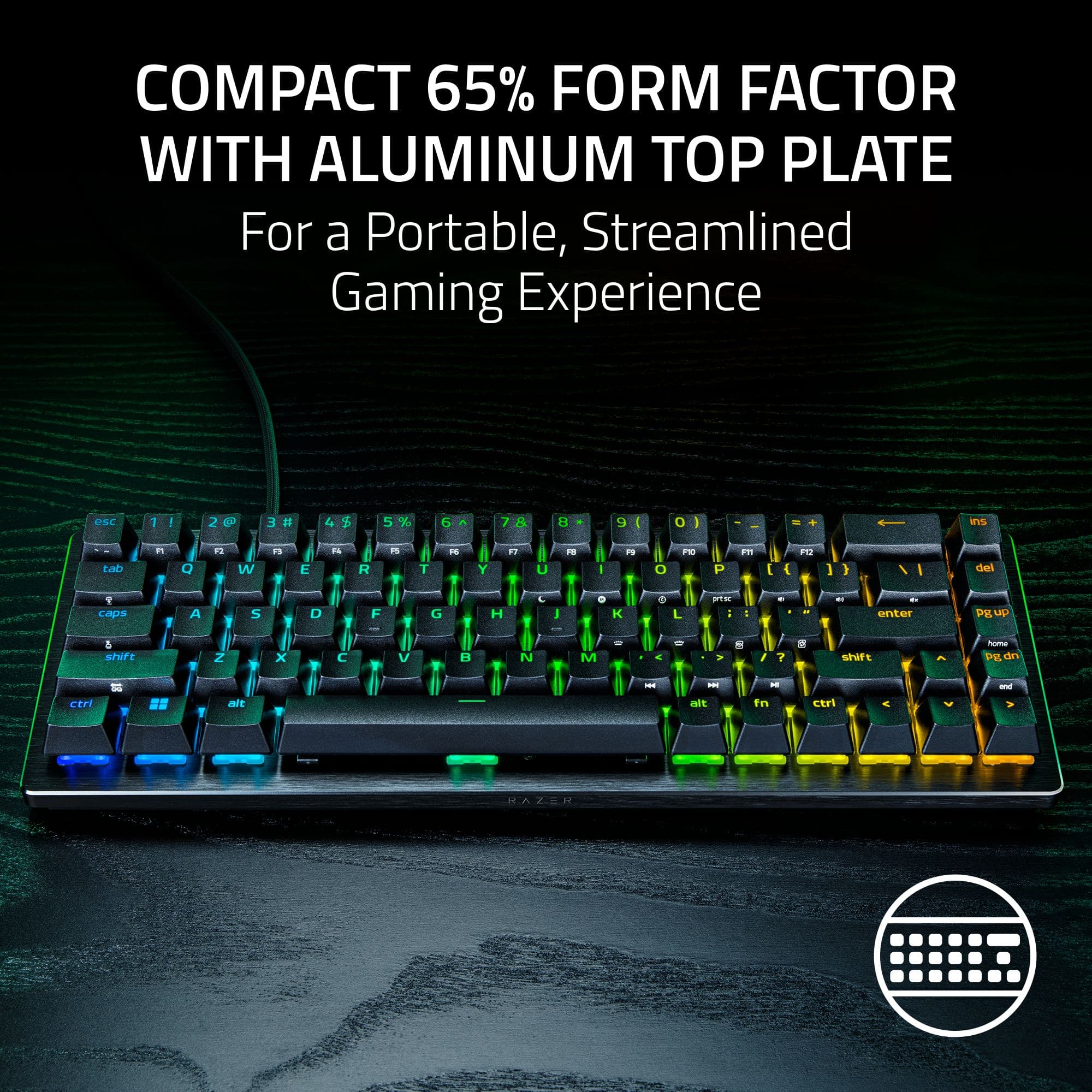
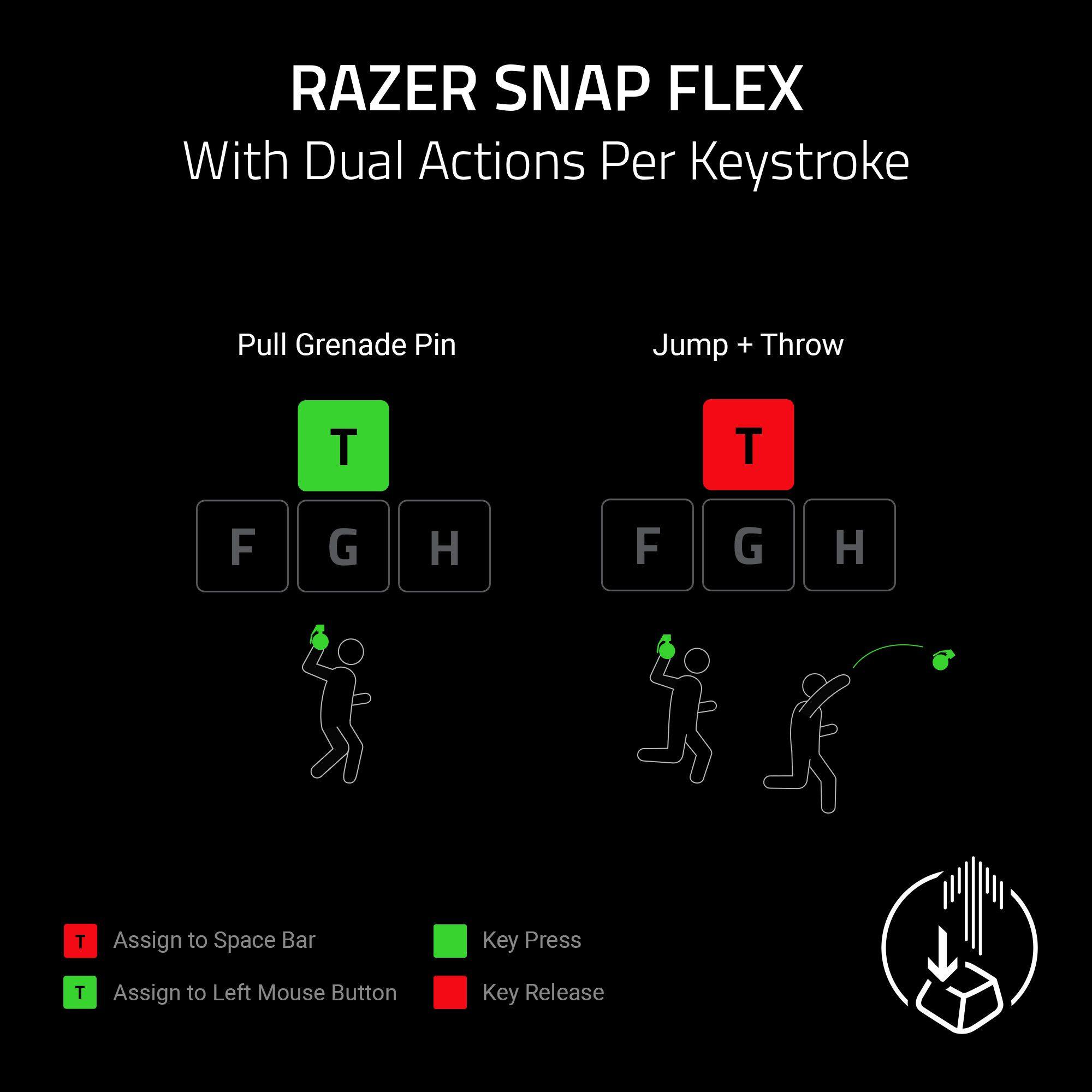
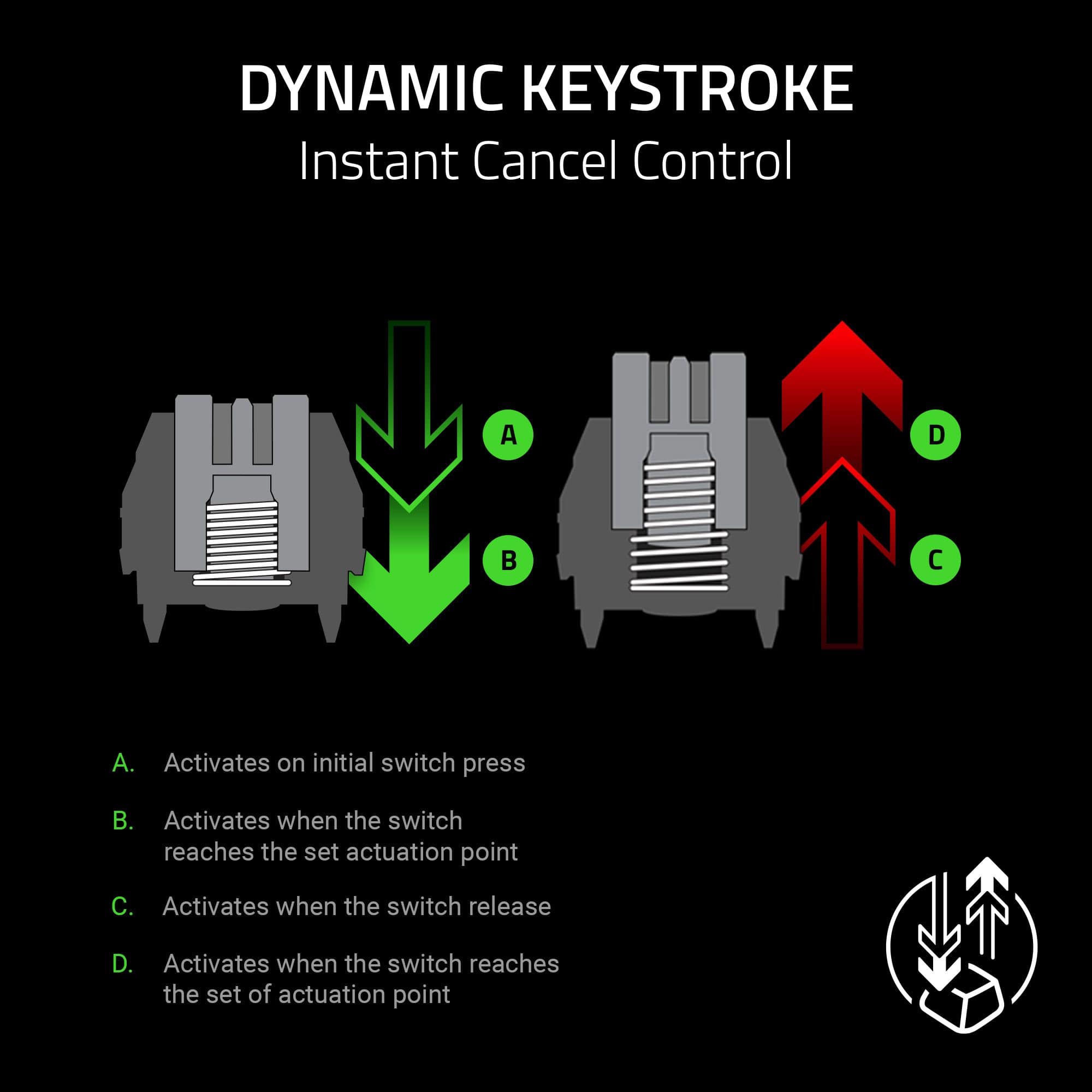
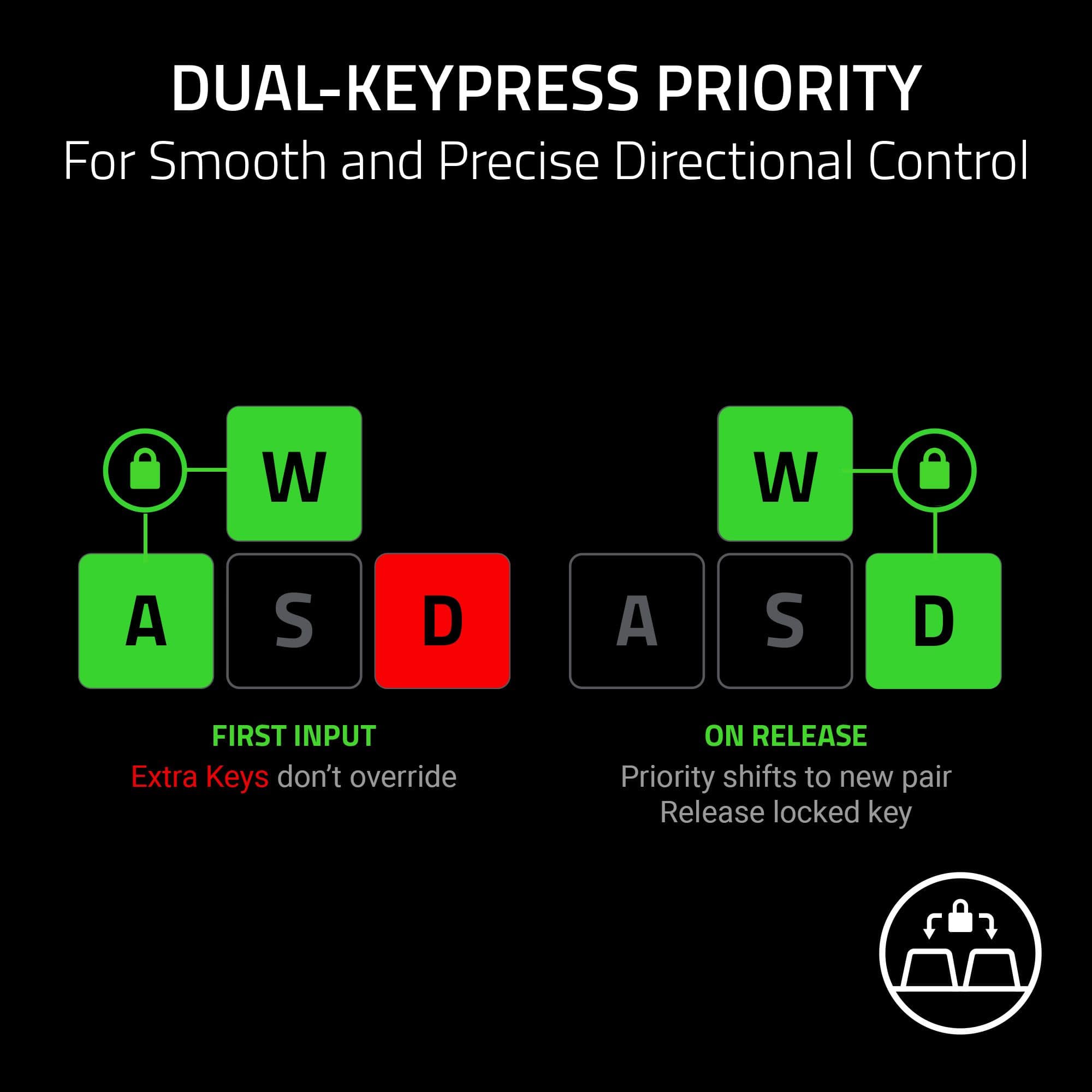
|Posted .This reviewer received promo considerations or sweepstakes entry for writing a review.Unboxing this keyboard, you'll notice right-away the compact form but don't let looks fool you! It's actually got a bunch of tech going for it that makes your game play better than ever before. There are a number of features that I like with this keyboard. First is the HyperPolling, where this keyboard reduces the latency to near-instant responsive keystrokes combined with the Gen2 analog optical switches which offer on the fly adjustable actuation and a rapid trigger mode that reset the instant a key starts travel upward. It's definitely noticeable in some games and I feel it definitely gives you a slight advantage unless you're use to a specific key type for your game play. IN addition this keyboard has the Snap Tap functionality which you can enable either by function key or with Razer Synapse. This keyboard really has a ton to offer in terms of customizing the responsiveness of the keys to your playing style. I've always liked the Huntsman keyboards and this one has a ton to offer for being a compact keyboard. The build is really high quality, with an aluminum top plate and high-quality switches and keys. It has a 2 year warranty, and you can download an Official Marvel Rivals profile from Razer and import it to use with your new keyboard which is pretty cool. If you're into or getting into esports and want the very best, I'd recommend checking this one out if you're looking for an ultra-compact keyboard that has the best features to offer to tailor do your playing style. The next thing is even though this is a 60% keyboard, you still have dual purpose arrow keys which is an awesome way to have those modifier keys without sacrificing space ultimately keeping the keyboard ultra-compact. The RGB lighting is great and typical Razer colors matching everything in my Razer setup. One thing I really like on this keyboard is the dual function keys do have writing on the sides so it's easy to see which keys have the dual functions.
I would recommend this to a friend - Pros mentioned:Build quality, Rgb lighting
On the Hunt
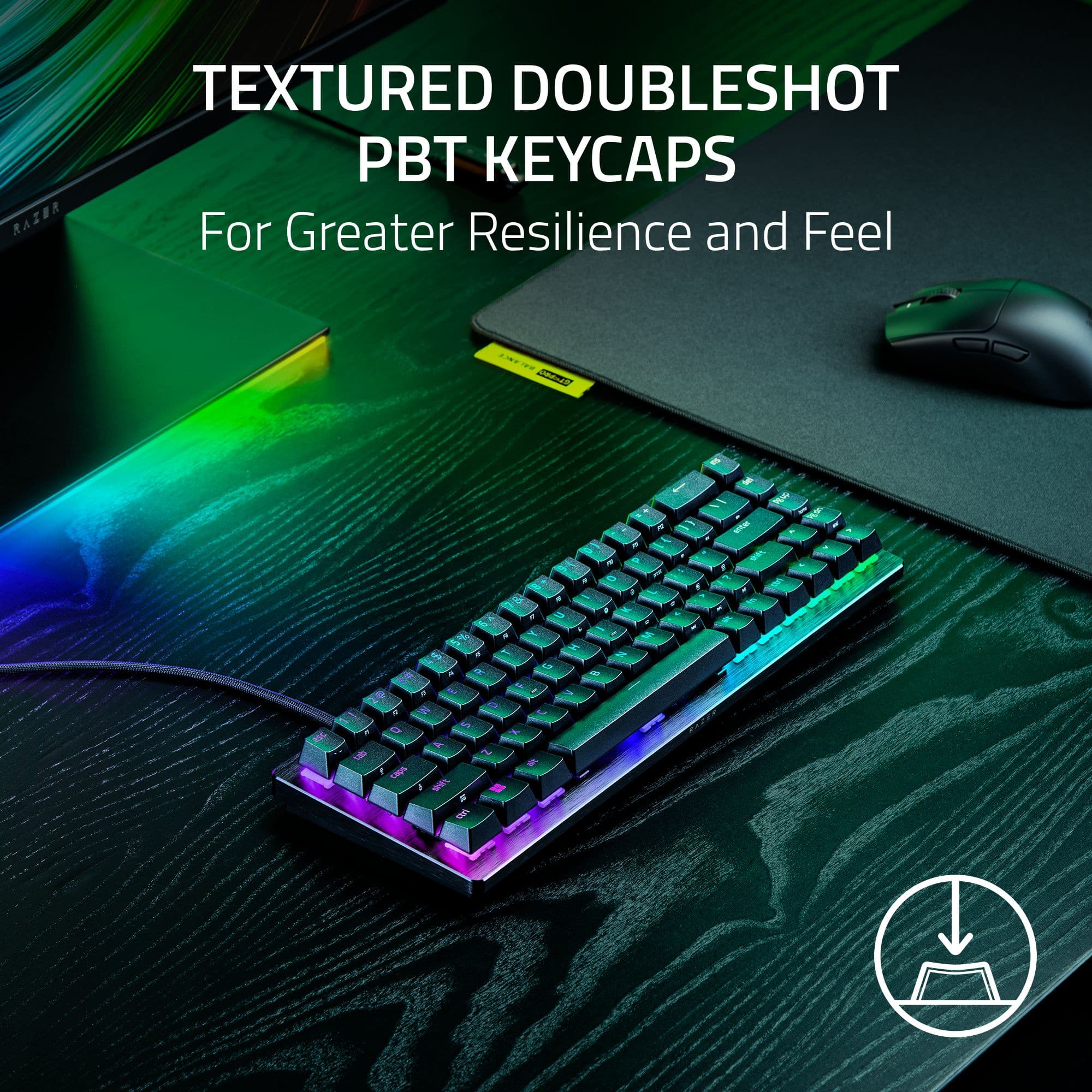
|Posted .This reviewer received promo considerations or sweepstakes entry for writing a review.I have gone through my fair share of keyboards over the years, and the Razer Huntsman has quickly become one of my favorites. The keyboard is stupidly responsive. The switches feel amazing and are smooth as all get out. The build is very industrial-sleek, and the keyboard is genuinely satisfying to use. I am not personally a 65% guy, but for a reason. I am a gamer, but I am also older and use my keyboards for work as well. I need to have some function keys, but most importantly, I need a ten key. That said, I have played enough that occasionally, I get roped into a good minimalist keyboard and will run two decks. My setup is more absent minded professor and not so much that I make TikToks about how clean and cool my space is. The 65% layout does free up a lot of desk space without feeling cramped, and the aluminum top plate gives it a premium feel for sure. The textured PBT keycaps feel great while also looking like they’ll hold up well. And yes…I’m still someone who loves RGB. Razer’s Chroma lighting looks so good on this keyboard. The colors are bright and the effects are liquid smooth. All setups are quick and easy and take on simple downloads or updates to get the board up and running. Overall, this is an excellent keyboard that provides an even more excellent gaming experience. The premium build, the lightning fast responsiveness, and some of the best RGB lighting out there makes this keyboard really stand out. If you are looking for a compact keyboard that performs as well as it looks, the Huntsman is definitely worth checking out.
I would recommend this to a friend - Pros mentioned:Build quality, Performance
Small and mighty
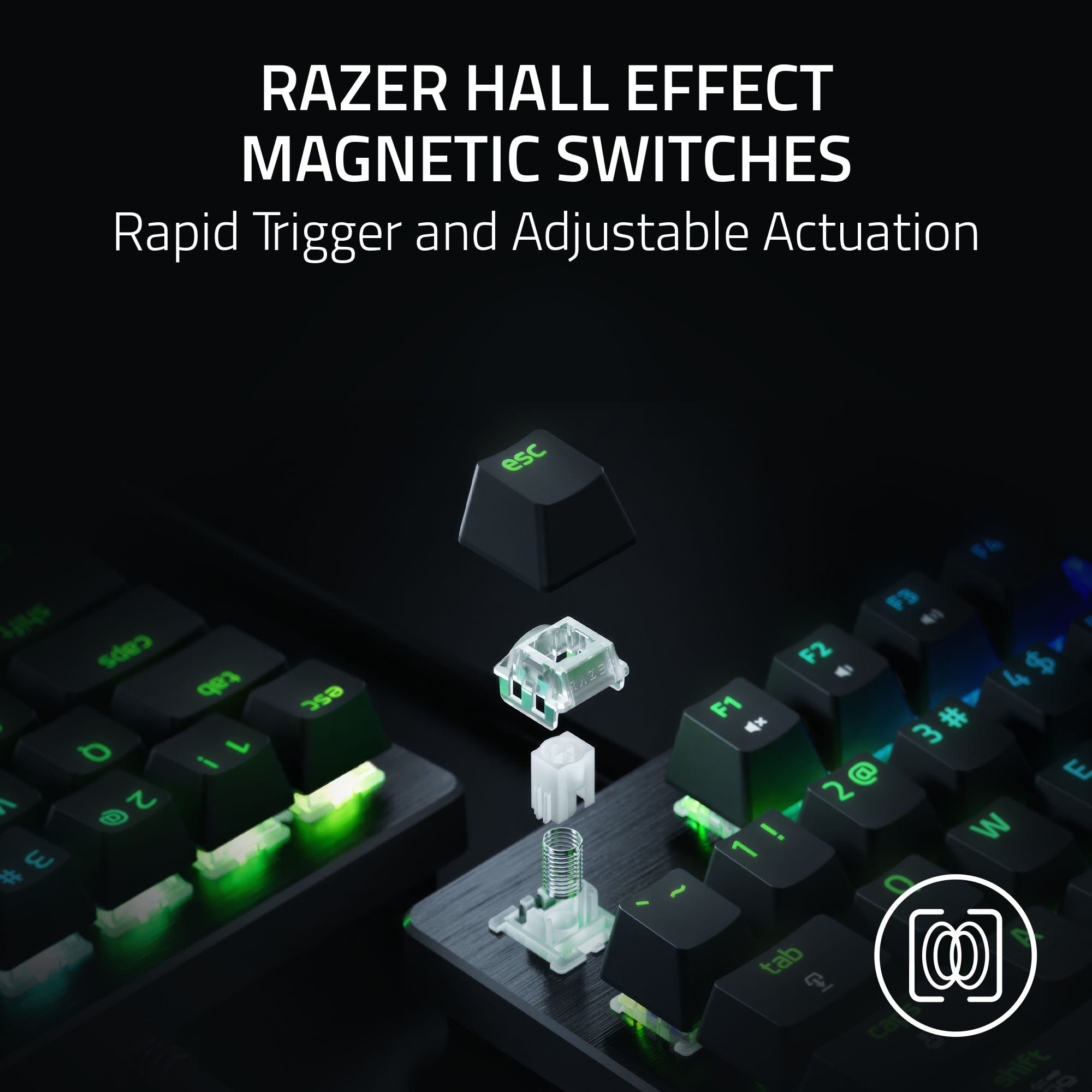
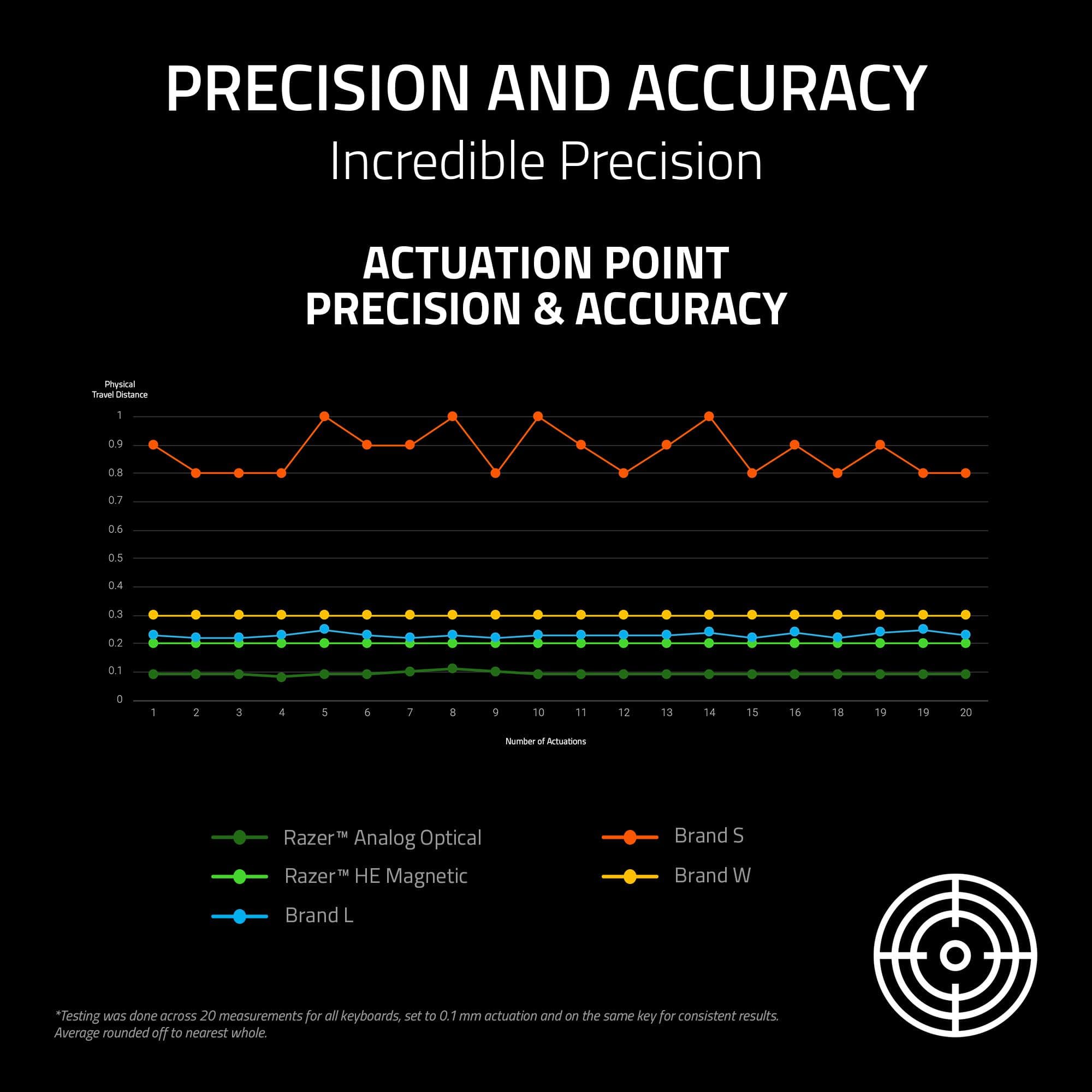
|Posted .This reviewer received promo considerations or sweepstakes entry for writing a review.The Razer Huntsman V3 HE Mini is another fantastic keyboard from Razer. This is my 4th or 5th mechanical Razer keyboard and my third hall effect keyboard from any brand. The Huntsman V3 HE Mini has a few features that elevate it above a standard gaming keyboard. Thanks to the capabilities of hall effect switches, you can adjust the actuation height to tenths of a millimeter, from ultra quick actuation to longer presses than a standard keyboard. On top of that, the hall effect switches allow you to configure keys as analog buttons. There are preconfigured modes which allow you to set the WASD keys as joystick directions, giving you the ability to walk and run from pressing more lightly or heavily on the keys. There's also a racing mode that allows it to function as a steering wheel, which actually works better than the joystick mode. As with all Razer accessories, the Huntsman V3 HE Mini is controlled through Synapse 4, and it integrated perfectly with my Chroma setup. The lighting effects run at a high frame rate. I also really like that the USB-C connection is recessed in the top of the keyboard quite a bit, so there's less connector sticking out the back which gives this tiny keyboard a much cleaner look on my desk. Overall, this is a really interesting product from Razer. They have priced it really well, it's got a nice premium feel to the key caps, and it's absolutely stripped to the minimum size possible for a keyboard of this quality. For someone already embedded in the Chroma ecosystem looking for a 65% keyboard, this is an awesome choice. It's still a great choice if it's your first Razer accessory on the price and quality factors. Two thumbs up from me.
I would recommend this to a friend - Pros mentioned:Build quality, Rgb lighting
Another New Huntsman
|Posted .This reviewer received promo considerations or sweepstakes entry for writing a review.Now this is a different Gaming keyboard from Razer this year. After about three weeks of using the Huntsman V3 8KHz Mini, I can confidently say this keyboard is built for gamers who care about raw performance above everything else. When I switched from my older optical board, the Rapid Trigger difference was immediate, like counter‑strafing in Valorant felt tighter, and movement inputs in Apex registered exactly when I needed them to. With time I learned that the adjustable actuation is genuinely useful: I keep WASD at 1.0 mm for responsiveness and set my typing keys closer to 2.0 mm to avoid accidental presses. Let's talk a little about its design. Yes, it is a Mini keyboard, if you have not tried it yet, do yourself a favor. I would say the build quality surprised me, even though the chassis is mostly plastic, the aluminum top plate gives it a premium feel and zero flex. The PBT keycaps feel great, and the sound profile is pleasantly muted, so no harsh pings or rattles. It’s not “custom keyboard” quiet, but I would say it’s miles better than older Huntsman models. As I mentioned its Mini design is super cool, the 65% layout is perfect for gaming. I get way more mouse space and keeping arrow keys is a lifesaver for everyday use. I always like to see the removable braided cable, it is nice, though I wish the switches were hot‑swappable. That’s probably my biggest complaint: for a keyboard this expensive, being locked into one switch type feels limiting. The Good ole Synapse is packed with options, but it’s actually easy to use. You can get your Rapid Trigger tuning, Snap Tap, and actuation adjustments, they all feel intuitive once you get the hang of them. As always with Razer, RGB looks clean and bright, though I mostly keep it subtle. The biggest downside? It may be the price for some. At $119.99, it’s not outrageous, but when you compare it to Wooting’s magnetic boards or even some cheaper optical options, you’re paying a premium for Razer’s ecosystem and build quality. Also, sometimes you may notice that the aluminum plate attracts fingerprints, so I wipe it down from time to time (not a big deal). Overall, the Huntsman V3 8KHz Mini is a fantastic gaming keyboard if you care about speed, precision, and a compact layout. It’s not the best value on the market, but it feels great to use and for competitive players, that might be worth the cost.
I would recommend this to a friend You can use some keys as actual joystick inputs
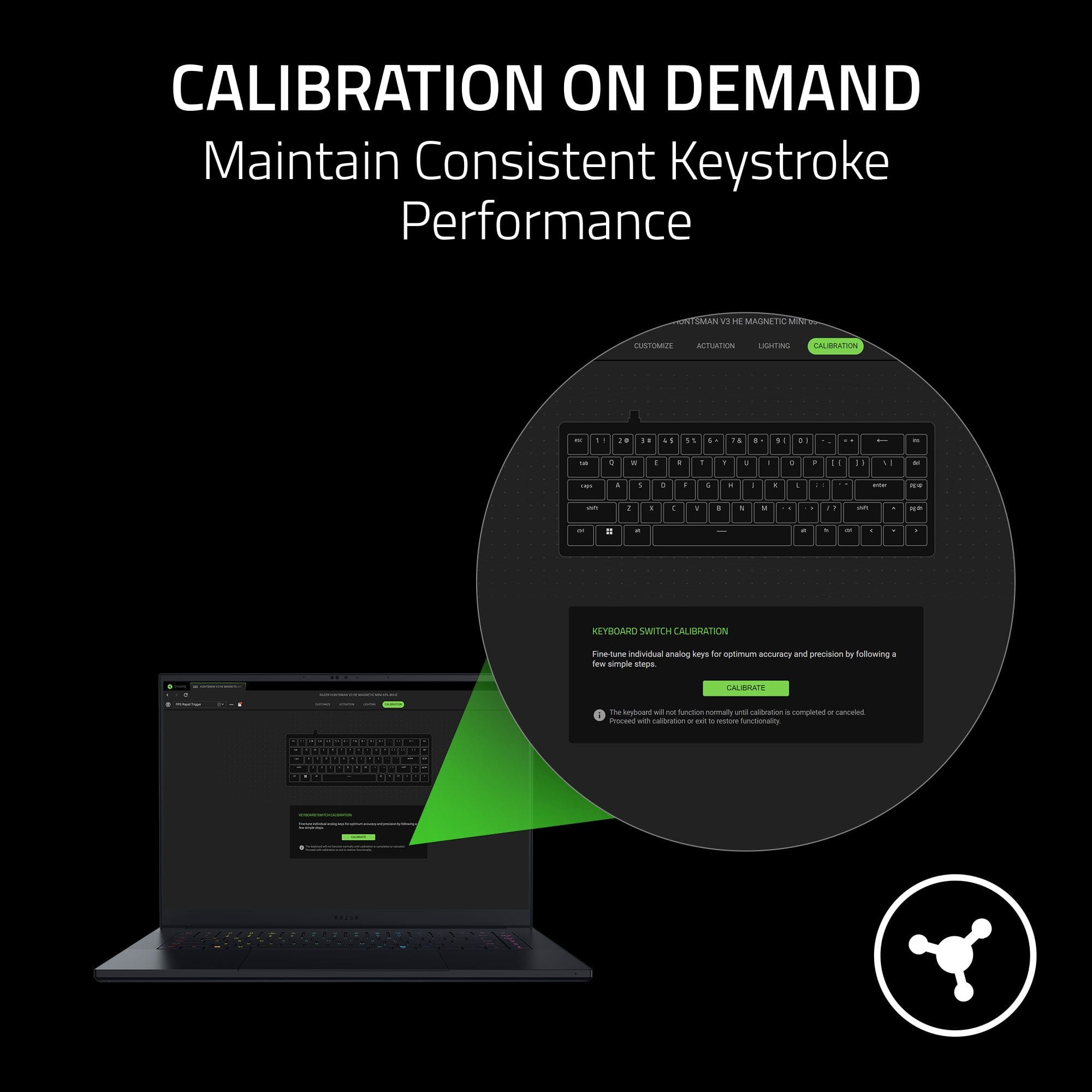
|Posted .This reviewer received promo considerations or sweepstakes entry for writing a review.I'm going to start by mentioning a couple of annoying quirks this keyboard has. First, the tilde key is locked behind both Fn and Shift. However, due to the left shift key having a secondary function, you cannot type "~" by pressing Fn + Left Shift + Esc. You can only type it by pressing Right Shift. It took me far longer than it should have to figure this out, but I will admit I never really use right shift for anything. So, if anyone else has the problem of not being able to type tilde, that's why. Second, I don't think there's a way to customize the color scheme for the factory default profile. Which, I get it - it's a profile for typing and general usage and there as a fallback in case you horribly mangle your other profiles, but I do think it would just be kind of nice to have. That out of the way, I do really like this keyboard. Holding down the Fn key changes the lighting to only illuminate keys with an alternate function. When you're not in the Factory Default profile, you can remap pretty much whatever you want to aside from critical keys like Fn. I have never seen a keyboard before where the keys can emulate joystick inputs that vary on intensity depending on how far you're pressing them, and this is not only fascinating but useful. For instance, there's an onboard racing profile that changes the WASD keys to emulate the steering and acceleration as joystick inputs and allow you to, say, go slowly by just lightly holding down W as opposed to fluttering the key. I personally have found that I like to make use of this by mapping movement controls as a joystick for first-person games, without having to deal with the other compromises of using a controller such as all the layered keybinds (such as "interact" also being "reload", which has actually caused me problems in some games before). The Razer Synapse software also makes it easy to see what exactly you've configured, and make adjustments. (You should be aware that the software will start automatically installing when you connect it to a computer, so do be careful about what computers you connect this keyboard to.) Profile edits are also saved to memory, and this thing has a decent amount on onboard memory for storing profiles. You could fit a decent amount of them, depending on how complex each profile you make is. Speaking of the profiles, there's an absolutely insane amount of configuration you can do with Synapse. I've already mentioned the joystick mapping, but you can also set keys to do mouse clicks, macros, media controls, edit settings on other Razer peripherals, start programs, do keyboard shortcuts with only one key, type text with only one key (I found this most useful for Minecraft), turn the key off... And you can set Synapse to change the profile automatically depending on what programs you have open (intended for games, but you can also select non-game programs and map a bunch of common inputs to Hypershift under the Fn key, for example. You could, say, automatically stub out a new function when programming; or have a few commands easy to access when in the Terminal). Honestly, it's almost overwhelming just how much you can configure this thing. The major drawback, though, is that this keyboard does require Synapse for all of this - if you plug it into a Linux machine, you're stuck using the Factory Default profile. Profiles using gamepad inputs also won't work if you don't have Synapse running. As for the quality of the keyboard itself, it feels great. The keycaps feel solid, the body looks and feels nice, and while I usually prefer my keypresses to have a more distinct feel on actuation I'm going to ignore that in this case just because of how impressed I am by the variable actuation and the fact you can map keys as functional joystick inputs rather than on/off button presses. This keyboard isn't wireless, but honestly I don't particularly mind as I tend to use my wireless keyboards in wired mode anyway. I feel like that also helps keep it simpler and smaller, which is nice - it's pretty easy to stuff this keyboard in a bag and take it somewhere with me. No wireless dongle means no interference in busy places, so it's nice for stuff like LAN parties if you were to attend one. Overall, I'm seriously impressed by this keyboard. If you're serious about gaming, use Windows, want a keyboard that you can customize, and don't mind not having the keypad; I would absolutely recommend this. I would maybe also stay away from it if you're a novice to gaming with a keyboard, since the sheer amount of options you have laid out for you on loading up Synapse can actually be a little overwhelming? But otherwise I think this is one the coolest keyboards I've ever used, and I think anyone who's a serious gamer could get a lot of mileage out of it.
I would recommend this to a friendA Great Little Keyboard
|Posted .This reviewer received promo considerations or sweepstakes entry for writing a review.My daughter is a huge mouse and keyboard gamer. Is she also really loves her desk space to be maximized, but loves customizing and decorating everything. This keyboard is perfect for all of that. It has a very minimal footprint, but is still very usable for most games, especially with key mapping. The RGB lighting gives tons of aesthetic options, to suit and decor or setup. The sound is very satisfying, something that I find very pleasant. That said, it was loud enough that I don't feel I could use it for work, as I work on the phone and use a headset. Testing it with a friend, they could hear the keystrokes through the phone, and said they would probably be pretty distracting. This is a great keyboard for any gamer in your life, or a great entry level keyboard for yourself. Price is not a huge premium here but quality is. The bang for the buck here is huge, and the quality should allow this keyboard to be used for years to come. Makes and excellent gift for the gamer in your life, or even yourself.
I would recommend this to a friendColorful and compact
|Posted .This reviewer received promo considerations or sweepstakes entry for writing a review.I enjoyed this right out of the box. The colors just pop, especially when you first cut it on. It makes almost like a ripple effect of colors. It's compact and all the buttons are right on top of each other right where they need to be. Obviously there is no right number keypad and no need for a numbs lock or anything like that. But a shift key takes care of all of that as all the buttons much like the keyboard itself is compactly placed. The other place I was especially happy was the space in between the base of the keyboard and the keys themselves. Very easy to get a nozzle of compressed air through and clean out the keyboard. This thing has been spotless since I've taken it out of the box. I connected it to my PC and to my PlayStation with a long cord for chatting. I don't need a big keyboard to chat, just a few letters here in there so it is very convenient. But from my PC it's also very convenient for quick typing. I highly recommend this to anyone with a compact office or space or for quick chatting online no matter the format. Be sure to pick one up soon.
I would recommend this to a friend