Customer Ratings & Reviews

- Model:
- 53707BBR
- SKU:
- 6422841
Rating by feature
- Value
Rating 4.2 out of 5 stars
- Quality
Rating 4.5 out of 5 stars
- Ease of Use
Rating 4.5 out of 5 stars
Customers are saying
Customers recognize the Kishi controller's ease of use and generally positive build quality, frequently praising its convenient USB-C port and compact design. However, some users experienced compatibility issues with certain games and phones, noting that the fit wasn't ideal for all devices. While many found the controller responsive, some criticisms focused on the feel of the triggers and D-pad.
This summary was generated by AI based on customer reviews.
- Cons mentioned:Compatibility
Size
||Posted . Owned for 3 weeks when reviewed.This reviewer received promo considerations or sweepstakes entry for writing a review.Did not fit newer sized phones 2022, the new version 2 fixes this. The analog sticks were not as smooth as I thought it would be
I would recommend this to a friend - Pros mentioned:Usb-c portCons mentioned:Compatibility

Works pretty well, but not earth-shattering
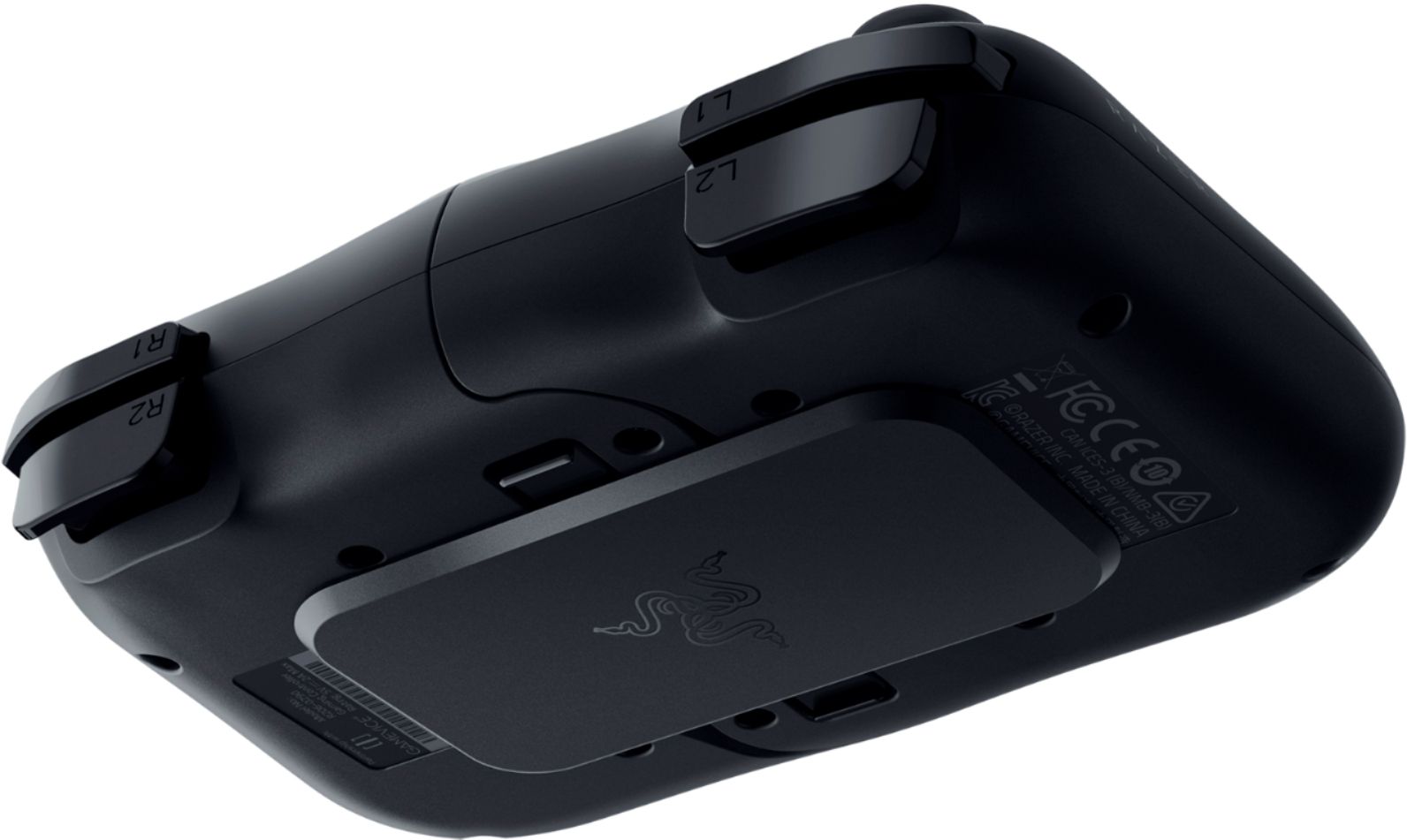
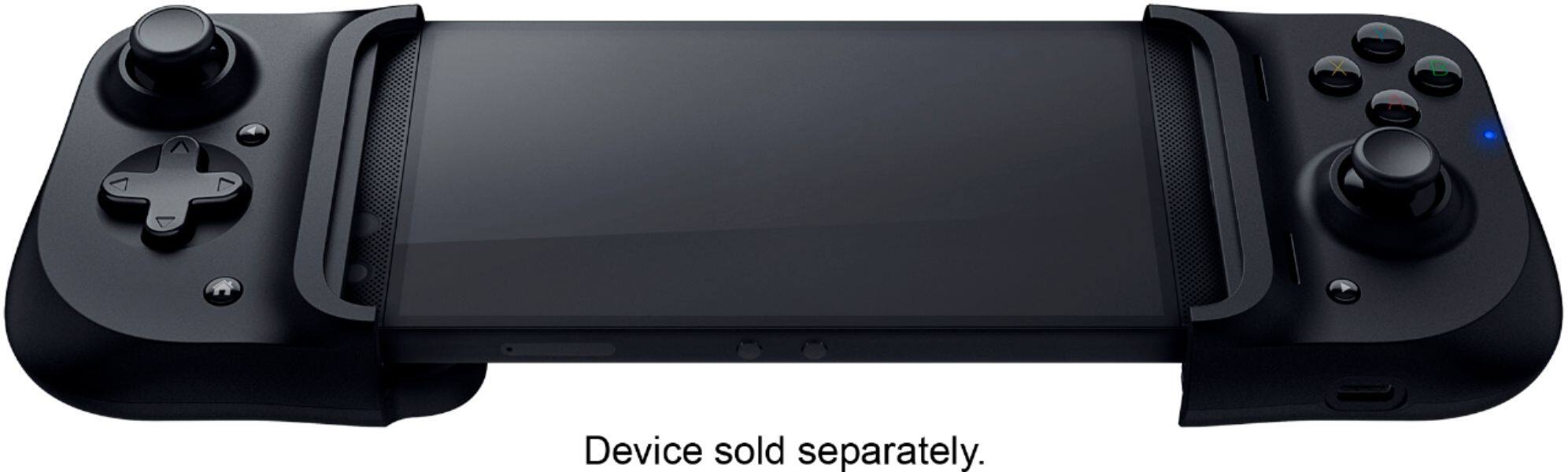
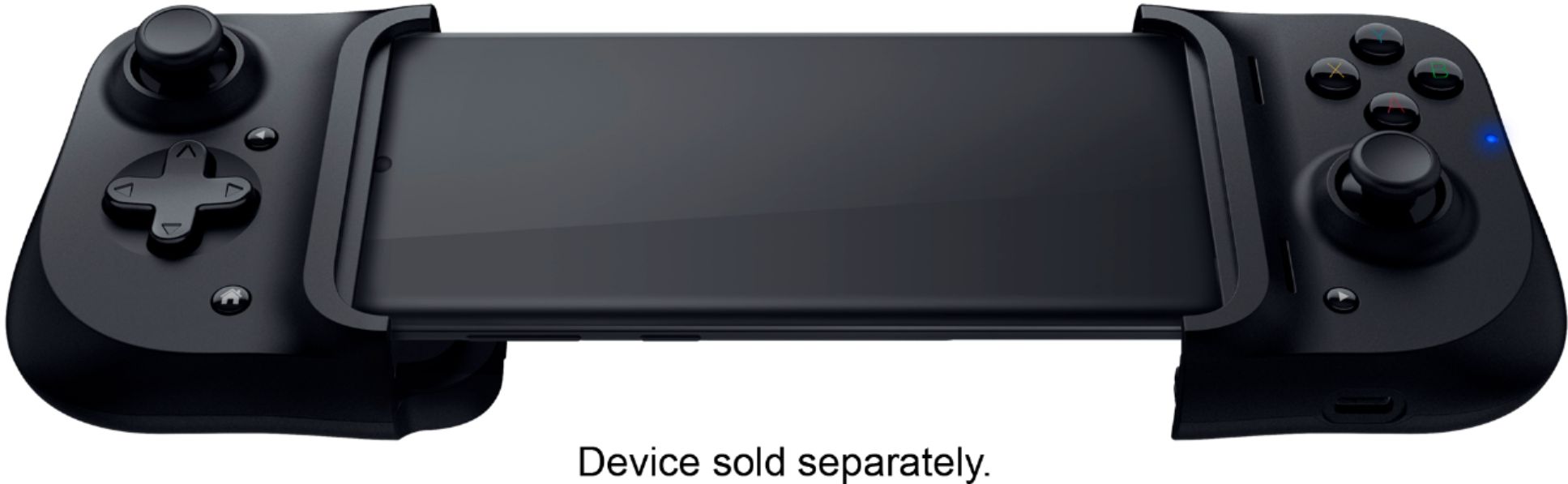
|Posted .This reviewer received promo considerations or sweepstakes entry for writing a review.The primary thing I like about this controller is that it's pass-thru: There's no separate power or bluetooth to setup. It simply connects directly to your phone. But you have to make sure your phone fits - and this should be the case for modern, candy bar style phones where the USB-C port is on the bottom-middle. The controller doesn't have a separate mounting option for your phone if it's not physically compatible. The button action doesn't feel...premium...to me, and using a fairly large phone makes things feel a bit too wide for my tastes, but that's a personal preference. But the controller works, and actually works quite well. One thing: I didn't see the documentation mention anything about a companion app, but there is one in the Google Play store ("Razer Kishi"). You will want this! The app points you toward all the compatible games you can find in the store. Finally, having a pass-thru USB-C port for charging was most appreciated and ensures you can game for as long as you want. If you're looking for a basic controller for casual Android phone gaming, this might be just what you need.
I would recommend this to a friend Not great. Just... just not great.
||Posted . Owned for 3 weeks when reviewed.This reviewer received promo considerations or sweepstakes entry for writing a review.It's kind of bulky, occasionally glitches out, and the controller has a hard time collapsing back into it's normal form for storage. Not worth the price, honestly.
No, I would not recommend this to a friendToo thin
||Posted . Owned for 1 week when reviewed.This reviewer received promo considerations or sweepstakes entry for writing a review.Is good but it isn't ergonomic, It feels like a SNES controller... I have a medium hand size, if you have a bigger hand I DO NOT RECOMMEND.
I would recommend this to a friend- Pros mentioned:Usb-c portCons mentioned:Lag
Must-have if you also have Xbox Game Pass Ultimate
|Posted .This reviewer received promo considerations or sweepstakes entry for writing a review.If you subscribe to the Xbox Game Pass Ultimate service and own a compatible Android phone (has to have a center mounted USB-C port and be at least Android version 8), this Razer Kishi Gaming Controller for Android is an absolute must-have due to the relatively new Cloud gaming feature available via the Xbox Game Pass app. This controller essentially turns your phone into a portable Xbox. The controls are familiar if you are used to gaming with an Xbox One controller although tactile feel of the buttons isn’t quite the same. Despite this, the buttons work which is all that really matters and the best part is there is no lag since the controller physically connects to your phone. The only thing that can affect the performance is your internet connection since the games are played via the cloud so make sure you are on a solid Wi-Fi connection when playing. I haven’t had any issues using the controller with my Motorola Moto G6 even though my phone model isn’t specifically listed as a compatible device so don’t worry about your phone not working as long as it has a center-mounted USB-C port and falls within the supported dimensions (145.3 – 163.7 mm x 68.2 - 78.1 mm x 7.0 - 8.8 mm). Overall, I am vey impressed with the Razer Kishi - Gaming Controller for Android and I highly recommend it!
I would recommend this to a friend - Cons mentioned:Compatibility
NOPE
||Posted . Owned for less than 1 week when reviewed.This reviewer received promo considerations or sweepstakes entry for writing a review.Wasn't compatible with my phone and games. Returned it asap. Will not recommend
No, I would not recommend this to a friend - Cons mentioned:Compatibility
High priced garbage
||Posted . Owned for 5 months when reviewed.This reviewer received promo considerations or sweepstakes entry for writing a review.This thing does not work with all Galaxys. Would not work with my galaxy note 10+
No, I would not recommend this to a friend Doesnt work with s22 ultra
||Posted . Owned for less than 1 week when reviewed.This reviewer received promo considerations or sweepstakes entry for writing a review.Just posting this to say it does NOT work with the s22 ultra. Will be returning it
No, I would not recommend this to a friend- Cons mentioned:Compatibility
Disappointment
||Posted . Owned for 4 months when reviewed.This reviewer received promo considerations or sweepstakes entry for writing a review.Do not buy this if tou have a Galaxy Note 20 or any phone larger.
No, I would not recommend this to a friend Good but no COD or Pubg
||Posted . Owned for 3 weeks when reviewed.This reviewer received promo considerations or sweepstakes entry for writing a review.Unfortunately it does not support Call of Duty mobil or Pubg. For everything else it worked fine.
No, I would not recommend this to a friend- Pros mentioned:Ease of use
Convient and portable
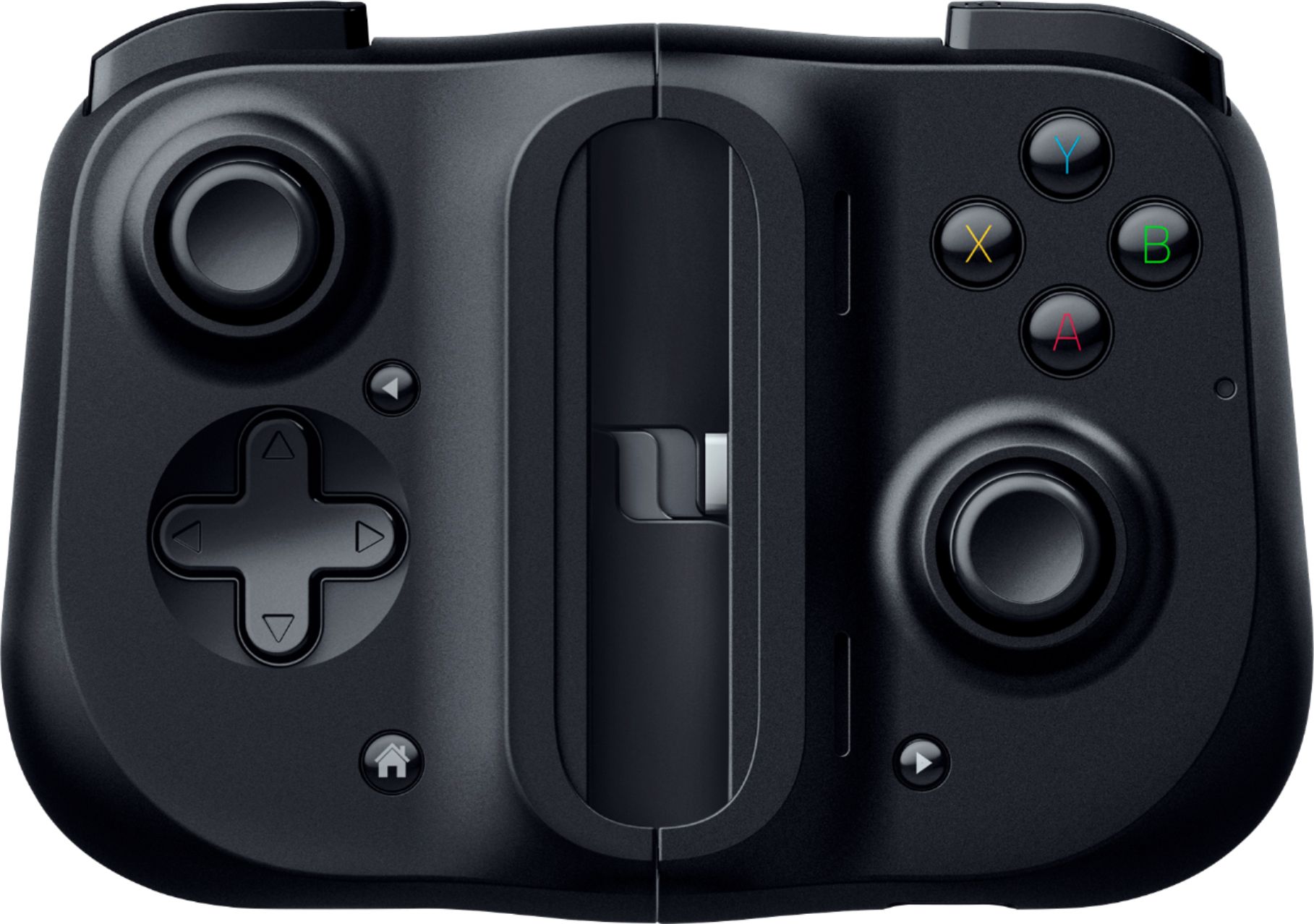
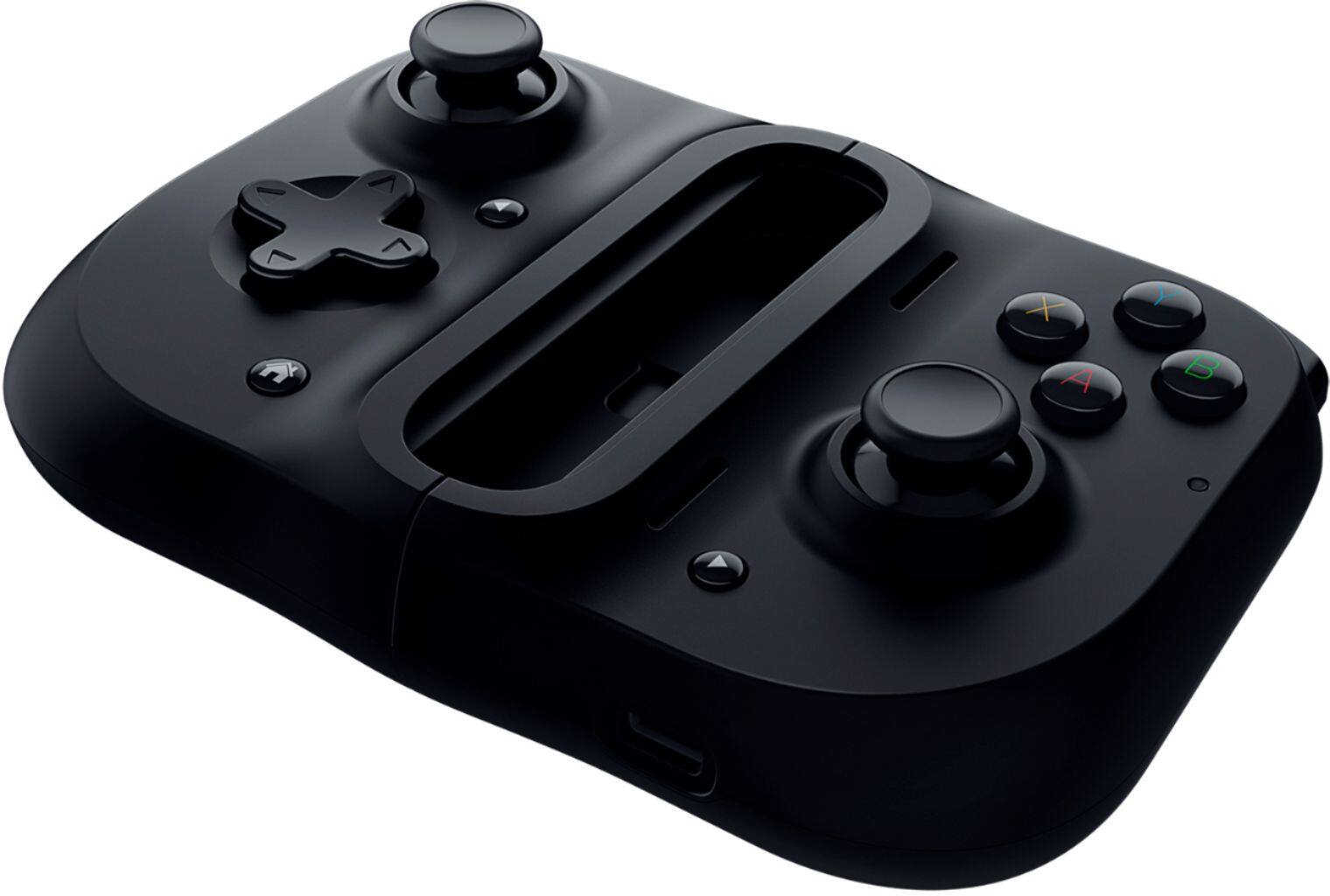
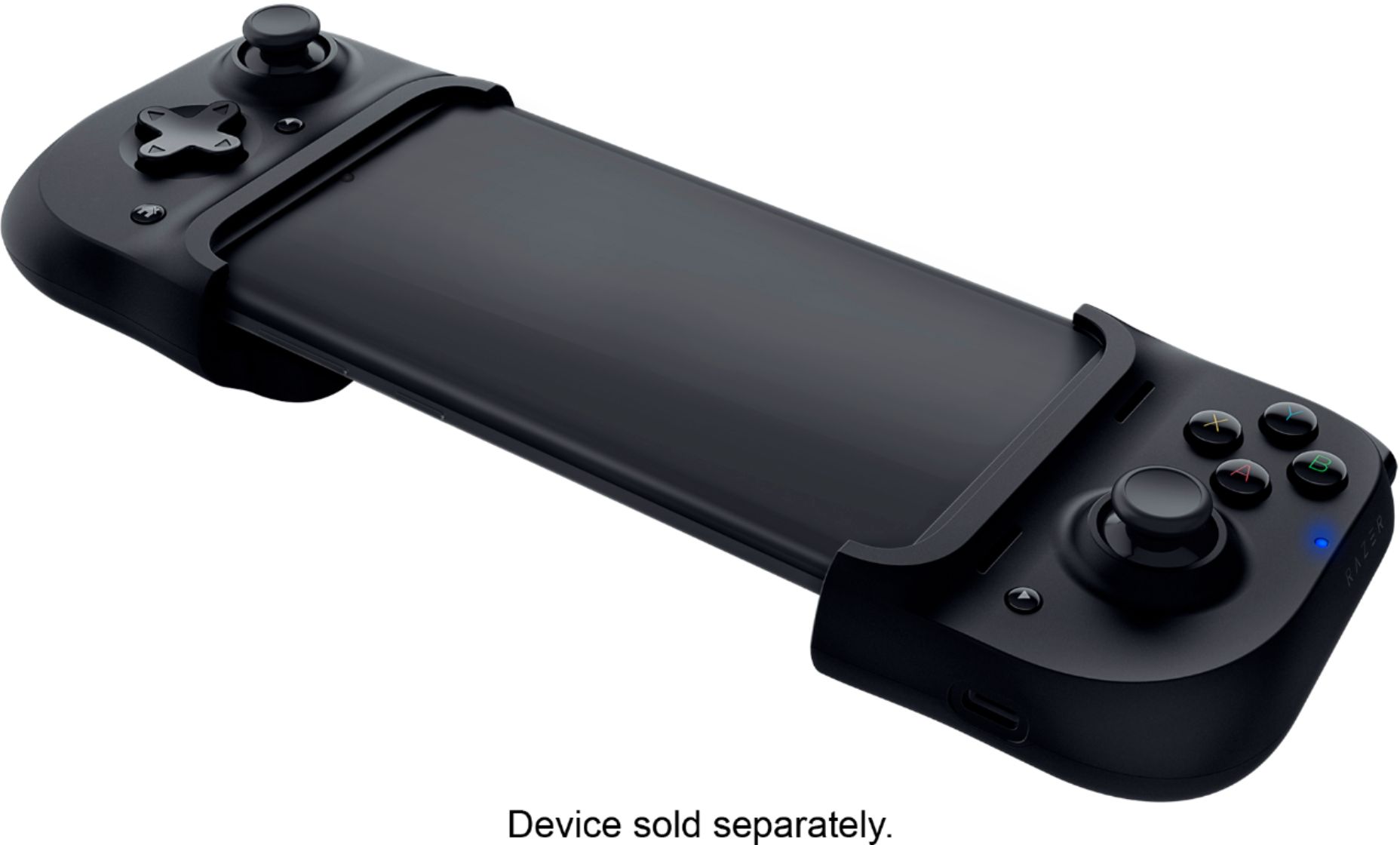
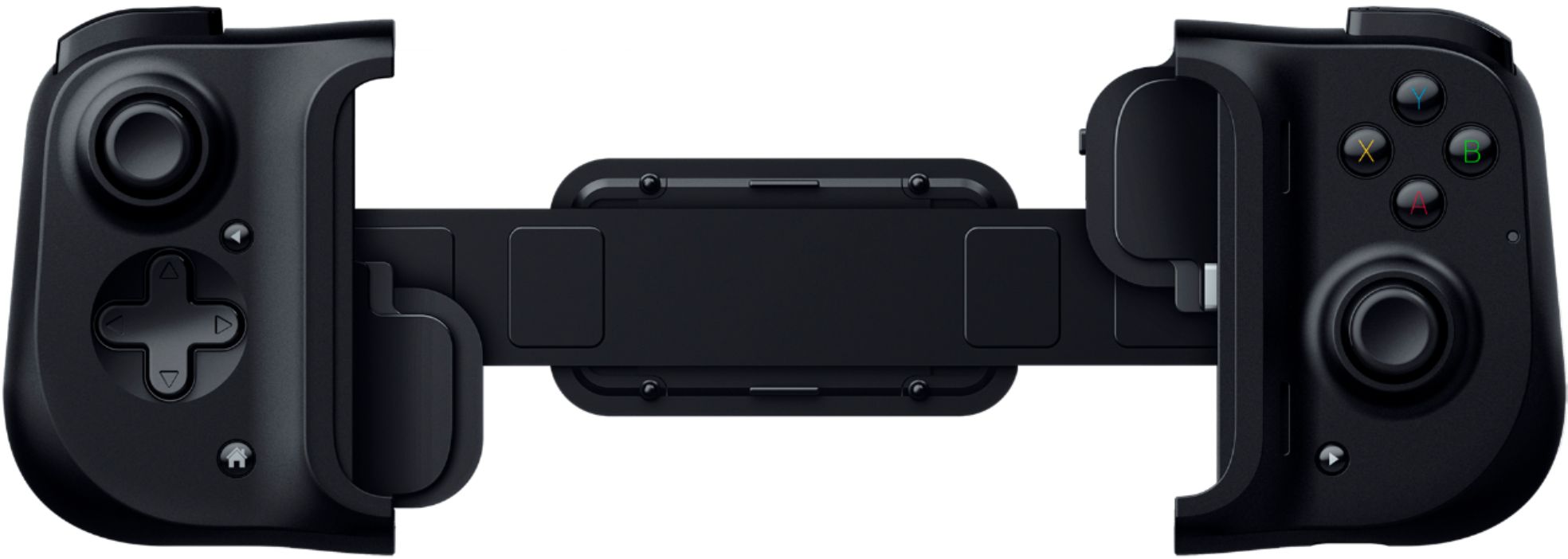
|Posted .This reviewer received promo considerations or sweepstakes entry for writing a review.The Razer Kishi is a decent gaming controller for mobile phones, with some drawbacks. The controller is very simple, yet functional. It stretches out to fit most android phones, with a snug and secure fit. It connects to the phone through a USB-C port, which offers better gameplay than a standard bluetooth connection. Because it connects directly to the phone via USB-C, this gives it very low latency, which means faster response times. This also eliminates the need for batteries, as it draws power directly from the phone. There is also another USB-C port that lets you charge your phone while playing. The Controller has every button that your modern day console controller has. For instance, it has X, B, A, Y, Left and right bumpers, left and right triggers and a D-pad, the left and right thumb sticks also click too. My biggest complaint about the controller, are the buttons. I was expecting more of a solid click type button, instead the buttons feel like you're pressing on mini marsh mallows. The triggers are a little better, but still have room for improvement. If anything I wish the triggers used a click type button instead of what they have. The thumb sticks are actually pretty solid, they have a nice grip to them and move very well. The first time I tried using the Kishi, it felt a little awkward in my hands and made them cramp up a bit. I quickly got used to it, and now it feels very comfortable to hold. I really like how games immediately recognize that there is a controller connected, which I don't have to customize it that much. The controller really works well in first person shooter games, and 3rd person action games. After you're done playing, the controller closes and clips together making it portable to carry around with you. Overall, I am pretty satisfied with the Razer Kishi. I like how it turns your phone into a portable game console. The way it connects using USB-C, creates a lag free experience, as well as eliminates the need to charge or add batteries. My only complaint is the buttons, although they function just fine, I wish Razer would have made a better click style button. I would recommend this to anyone who likes to game on their phone and wants to use a controller.
I would recommend this to a friend Hand held
||Posted . Owned for 1 week when reviewed.This reviewer received promo considerations or sweepstakes entry for writing a review.My daughter is not impressed with this. We will return it.
No, I would not recommend this to a friend- Pros mentioned:Usb-c port
Good feel and response
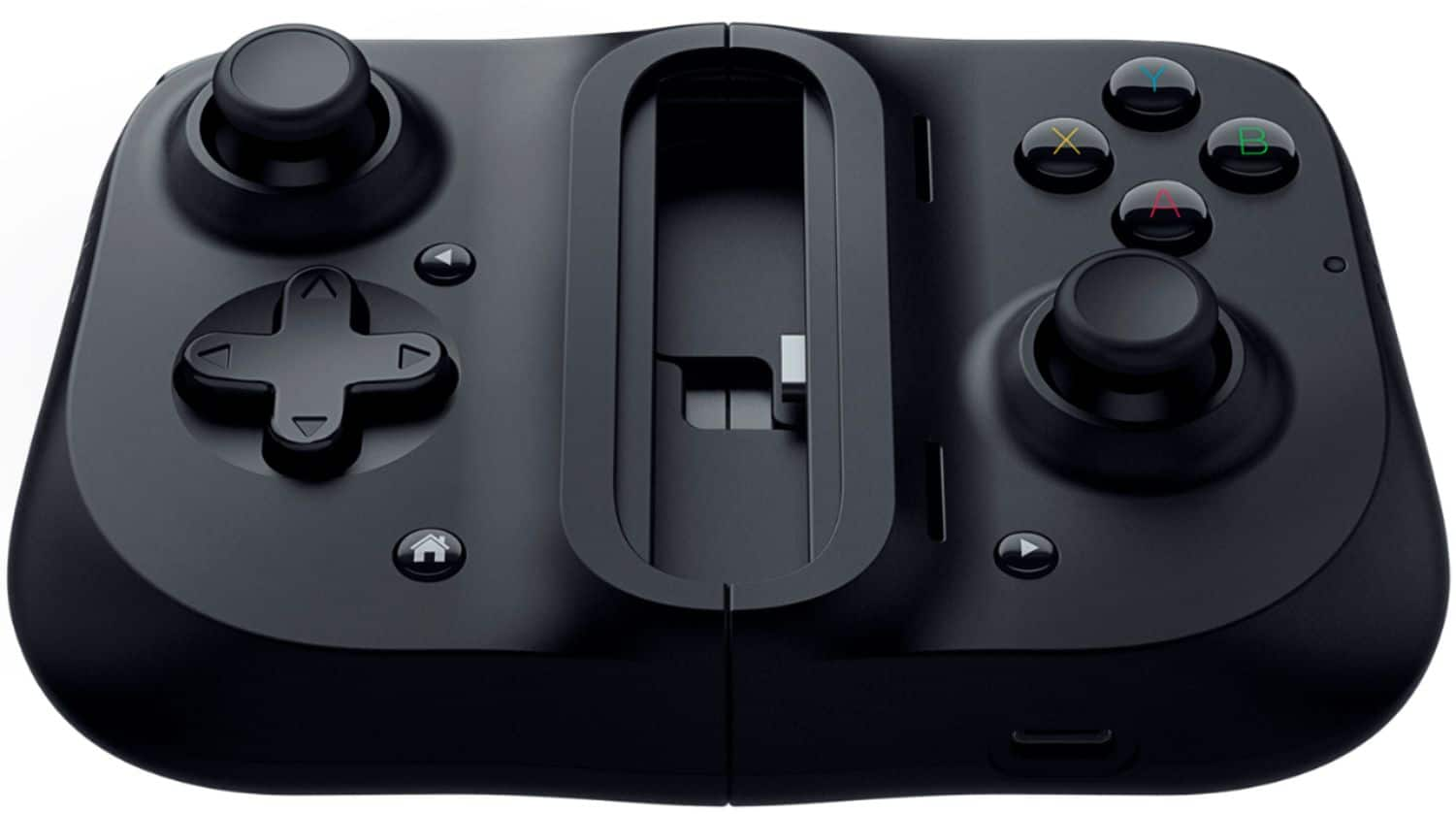
|Posted .This reviewer received promo considerations or sweepstakes entry for writing a review.Overall a solid product and simple to use. It spreads apart to accept a phone in between the two side of the controller. The elastic connector keeps the phone in tight. You just slide the phone over the USB-C connector and snap the other end on. That's it. As stated, the controller does not have a battery or wireless, it has a USB-C port for pass through charging. Without being connected to a power supply, it uses the phone for power. I used a Sony XZ2 and it ran fine on it, with or without being plugged into a charger. The feel is good, sticks and buttons respond immediately, and feel good in your hands. You get the regular 4 game pad buttons, 4 shoulder buttons, 2 analog sticks (with press as a button), D-pad, home, and 2 arrow buttons. Hardware wise, everything is pretty solid. You don't need to, but downloading the Razor Kishi Software is a big help. It shows you which games are setup for use with the device, and will send you to them in the Google Play store. Game that use the device have a mapping you can see and know what buttons do what. The list seems to be growing, it's big, but isn't huge. Games without support, or older games is an unknown experience. Buttons and sticks may or not work, and you have to figure out what they do in the game by trial and error. The drawback is you cannot remap or assign buttons on the device or through the Razor software built for it. So, you're stuck with what you get. To some extent it's for newer games that support it only. In some games that use motion/tilt to move and you use the gamepad, they both work at the same time. If you can't turn off the motion movement in the game, you have to keep the phone still, or risk accidental inputs you don't want. There are a lot of games in the Play store, so if you really want to use this for a game, check and see if the game supports the device in the play store or Razor website.
I would recommend this to a friend - Pros mentioned:Ease of use, Usb-c port
Great for remote gaming
|Posted .This reviewer received promo considerations or sweepstakes entry for writing a review.I got this to review as part of the Best Buy Tech Insider program and I am very impressed with how this mobile controller works. It essentially turns me Samsung Note10+ into a Nintendo Switch, that can run both mobile games and works well when using remote play for my ps4. Its easy to setup and connect, and the only down side is that I have to remove my phone case inorder to get it to fit correctly. Once connected it is comfortable to hold and it even has a usb-c port so you can have your phone plugged in while you're playing. If you play any games on your phone for any extended amount of time, I highly recommend this for you.
I would recommend this to a friend - Pros mentioned:Ease of use
Fun Option for Mobile Games
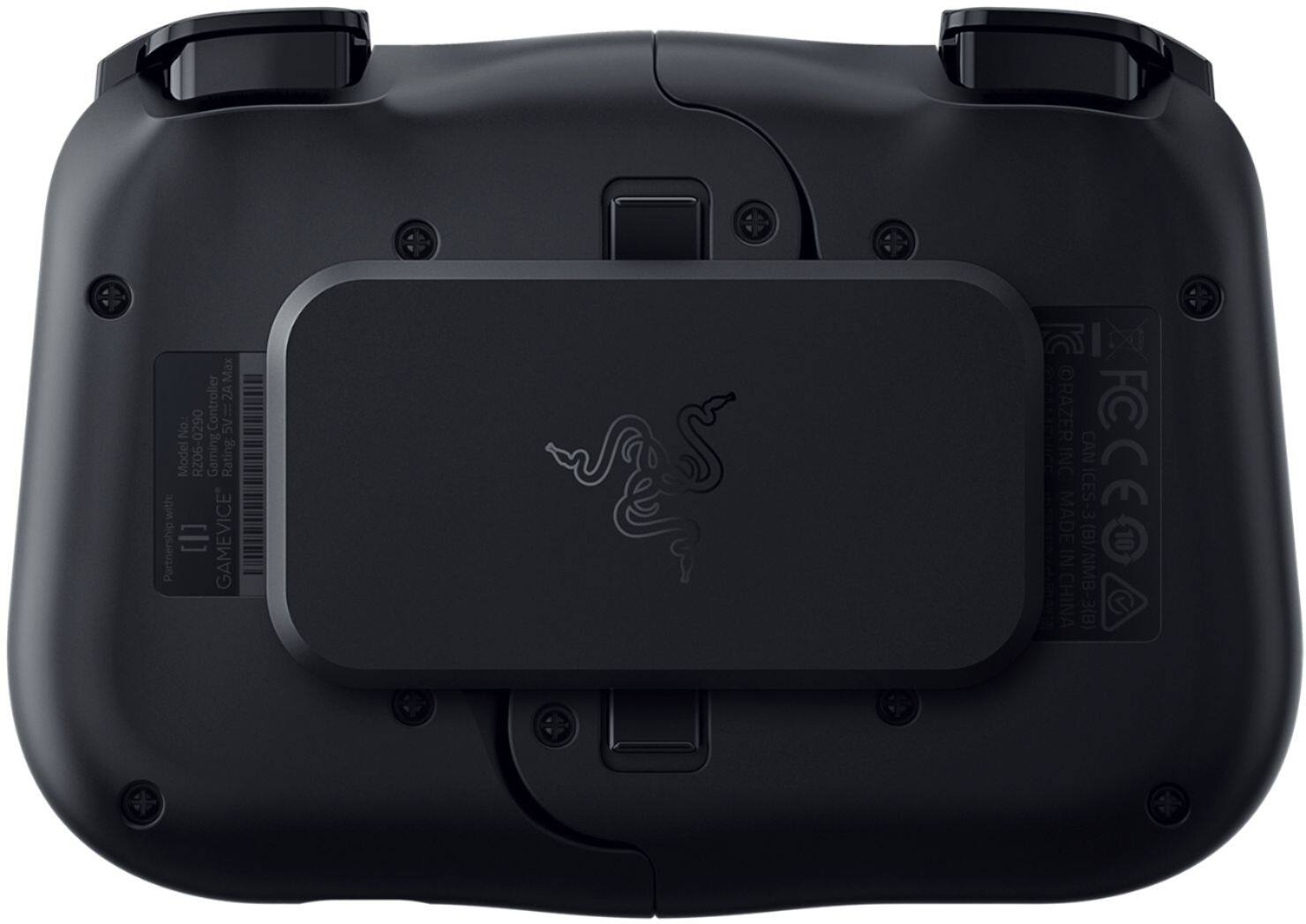
|Posted .This reviewer received promo considerations or sweepstakes entry for writing a review.I play a variety of console games and PC games, but have always kept things pretty simple when it comes to games on my Android phone because on-screen controls really annoy me. Trying to tap just the right spot without any tactile landmarks meant I was always in the wrong spot, and my fingers were constantly blocking my view of the screen. It just wasn’t that much fun before. I’m happy to say that the Razer Kishi is a game changer (literally)! I’m actually enjoying mobile games, using the controls confidently and reliably, and I’m able to see the entire screen the whole time. This really cool product makes a huge difference. The controller itself is lightweight, and collapses down to a compact size for storage or travel. For use, it expands to fit around your phone using elastic panels to accommodate a variety of device sizes. It’s easy to attach and detach from my phone, too. The phone is held in place by the elastic pressure pulling the two sides together, and on my smaller phone, the fit feels like it could be a bit more secure. The joystick, d-pad, and buttons all feel responsive and appropriately “clicky.” Their placement is very intuitive -- if you’ve used any major console controller, you’ll know where everything is right away. There’s a companion app that can be used to find games that have been tested and found compatible with the Kishi. There are a lot of choices, but not every game I’d want to try was listed. Overall, this is a fun product that has changed mobile gaming for me very quickly. I’m enjoying it and would recommend it to others. My only wish would be a more secure feeling fit to my phone, and more games that support it.
I would recommend this to a friend Didn't work out of the box. Support was useless.
||Posted .This reviewer received promo considerations or sweepstakes entry for writing a review.Didn't work out of the box. Contacted razer support who just told me to "reinstall the app" twice then disconnected me from support. If I could give 0 stars I would.
No, I would not recommend this to a friend- Pros mentioned:Usb-c port
Best Android solution for retro gamers
|Posted .This reviewer received promo considerations or sweepstakes entry for writing a review.As long as you have a phone running at least Android 8 and a USB-C port positioned on the bottom center of the device, this is an excellent option for retro gamers using Android. The device just works out of the box. I'm using it with an Essential PH-1, and without even exploring the Kishi app, I'm having the best controller experience with classic game emulators I've had yet. The device is well-built, the D-pad and joysticks are responsive, and the buttons are sturdy and have a reasonable degree of resistance. This isn't a chintzy Bluetooth controller with rigid shoulder buttons that don't travel well or only activate when they're in the right mood. Setting up the device, once you unlock the latches, is trivially easy. The controller plugs directly into the USB-C port and bypasses the Bluetooth pairing step that's never been unfailingly reliable for me. It just works. The controller telescopes to accommodate the length of your particular phone; reference measurements are available from Razer. You have to make sure your device fits, but most should. When the controller is attached, the whole setup is no bigger than a Switch. This is strongly recommended for anyone who plays higher-end games on mobile. I'm primarily a retro gamer, and attaching this to even a properly specced budget phone running Retroarch will give you an experience better than 90% of the retro-themed handhelds proliferating on popular online shopping sites. The cost might seem high, but the better handheld Bluetooth Android controllers aren't much cheaper, and the convenience factor is worth the extra cash. Strongly recommended.
I would recommend this to a friend - Cons mentioned:Compatibility
fun for android games
|Posted .This reviewer received promo considerations or sweepstakes entry for writing a review.I just had to try the Razer Kishi to play android games on my phone. I have the note 20 ultra and unfortunately it didn't fit on that phone, but I still had the note 10 plus and that worked great! It fits quite well, snug but not super tight. It reminded me of holding a switch or switch lite. Once it was on the phone, there's a charging port on the controller that's a pass through to charge the phone. I loved that! No need to stop playing to charge the phone! It's very responsive since it uses the USB C port for connection rather than Bluetooth. There wasn't any lag at all between pressing the buttons or moving the joysticks and the phone's response in the game. With the same buttons as most controllers functionality would be just like any other gaming system. There was some games however where the button layout was counter intuitive to what we're used to, for example, what's usually B is now the X, etc. Most games will allow you to change these, but finding where that is at can be tricky depending on the game. I'm having a blast using this controller to play games on my phone and it's convenient to remove and compactly store until I'm ready to go again. The only downside is of course having to remove a phone case to play, but I was expecting that. Not a deal breaker. I love it!
I would recommend this to a friend The best so far
|Posted .This reviewer received promo considerations or sweepstakes entry for writing a review.I didn't expect the Kishi to be this good. It's extremely easy to set up and use, works right out of the box and easily fits in a bag or large pocket when not in use. First and most imporantt; your phone MUST have a centered USB c port to be compatible. If you want to use your phone with a case, there is a very simple hack available. Google is your friend here. This hack would also help if your phone is too large. (you lucky devil) The Kishi is NOT a Bluetooth device which is a blessing in my opinion. The controller is powered directly from your phone and has pass through charging. What is that? You ask. You plug the charging cable into the Kishi while you are playing and it charges the phone. When you first set it up, download the Razer Kishi app from play store. It allows you to check for firmware updates and apply if necessary. The app also lets you browse the current compatible games for the Kishi. It has a surprisingly robust selection of games. It also works with emulators (woohoo!) Again if you need to know more about emulators, Google is your friend. The controller is quite responsive and I was impressed to discover the L2 & R2 buttons are pressure sensitive. Fans of racing games will rejoice at this news. It makes fine steering adjustments a breeze. Kishi also works with xcloud and steam link, making it, in my opinion, the best all around phone controller available for android. It works on PUBG if you use Panda game pad app. This also goes for COD mobile. As a final note, I've seen some negative comments about the fingerprint reader on some phones being covered by the back strap of the Kishi. I was easily able to slide my finger under the strap to use the fingerprint reader. I found the complaint to be way overblown and in my opinion a non-issue. In closing, I wouldn't hesitate to recommend the Kishi to anyone who enjoys mobile gaming.
I would recommend this to a friend- Pros mentioned:DesignCons mentioned:Lag
Quiet+Works with COD mobile, fortnite, Xbox GP
Posted .This reviewer received promo considerations or sweepstakes entry for writing a review.Best mobile controller I’ve used. In the past, I’ve used the Xbox, ps4, steel series nimbus, and moga controllers with smart phones. The form factor of the kishi, its light weight, responsive yet quiet buttons and ingenious design make it the best mobile phone controller you can buy. My galaxy note 20 ultra fits into it snuggly. There is no controller lag or latency, which I used to notice when pairing my Bluetooth Xbox controller. Best part is this works with COD mobile, fortnite, and Xbox game pass! There is a trick to getting it work with CODM however. You will need to pair an Xbox Bluetooth controller to your phone. Once the CODM sees the Xbox Bluetooth controller, the kishi controller starts working! You’ll need to occasionally press a button on the Xbox controller otherwise it’ll auto shut off and the kishi stops working in CODM. This workaround is only needed for CODM. Otherwise the kishi controller works great with fortnite and Xbox game pass games. I’ve also had friends tell me over voice game chat that the kishi sounds much quieter than my Bluetooth Xbox controller. It’s also comfortable and light in the hands. If holding the Nintendo switch is comfortable for you then holding this controller for extended periods of time will be no issue. If you’re in need of a mobile phone controller then this is by far the best controller on the market.
I would recommend this to a friend