Customer Ratings & Reviews

- Model:
- 53707BBR
- SKU:
- 6422841
Rating by feature
- Value
Rating 4.2 out of 5 stars
- Quality
Rating 4.5 out of 5 stars
- Ease of Use
Rating 4.5 out of 5 stars
Customers are saying
Customers recognize the Kishi controller's ease of use and generally positive build quality, frequently praising its convenient USB-C port and compact design. However, some users experienced compatibility issues with certain games and phones, noting that the fit wasn't ideal for all devices. While many found the controller responsive, some criticisms focused on the feel of the triggers and D-pad.
This summary was generated by AI based on customer reviews.
- Pros mentioned:Usb-c port

Razor Kishi Phone Gaming Conrtoller for Android
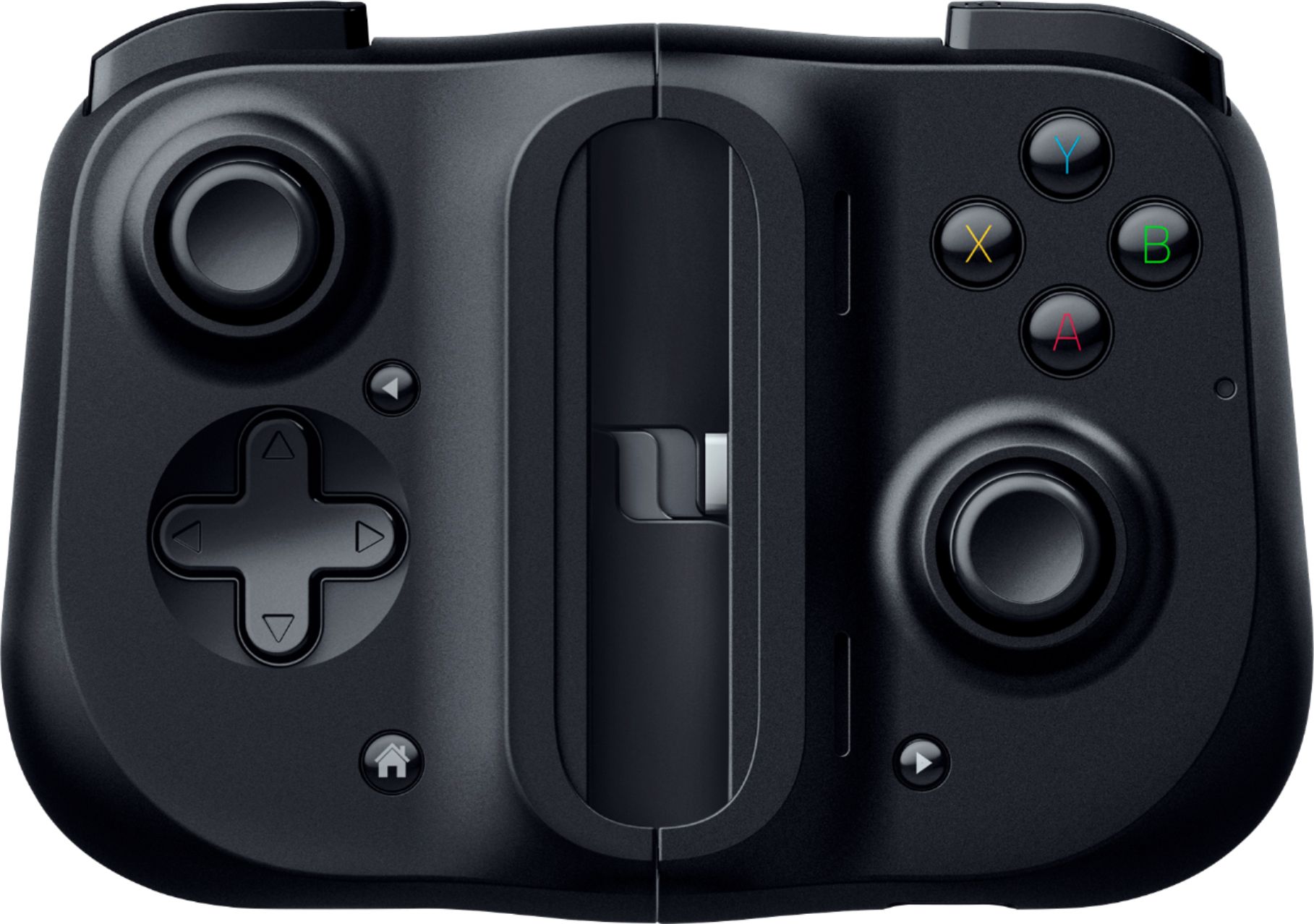
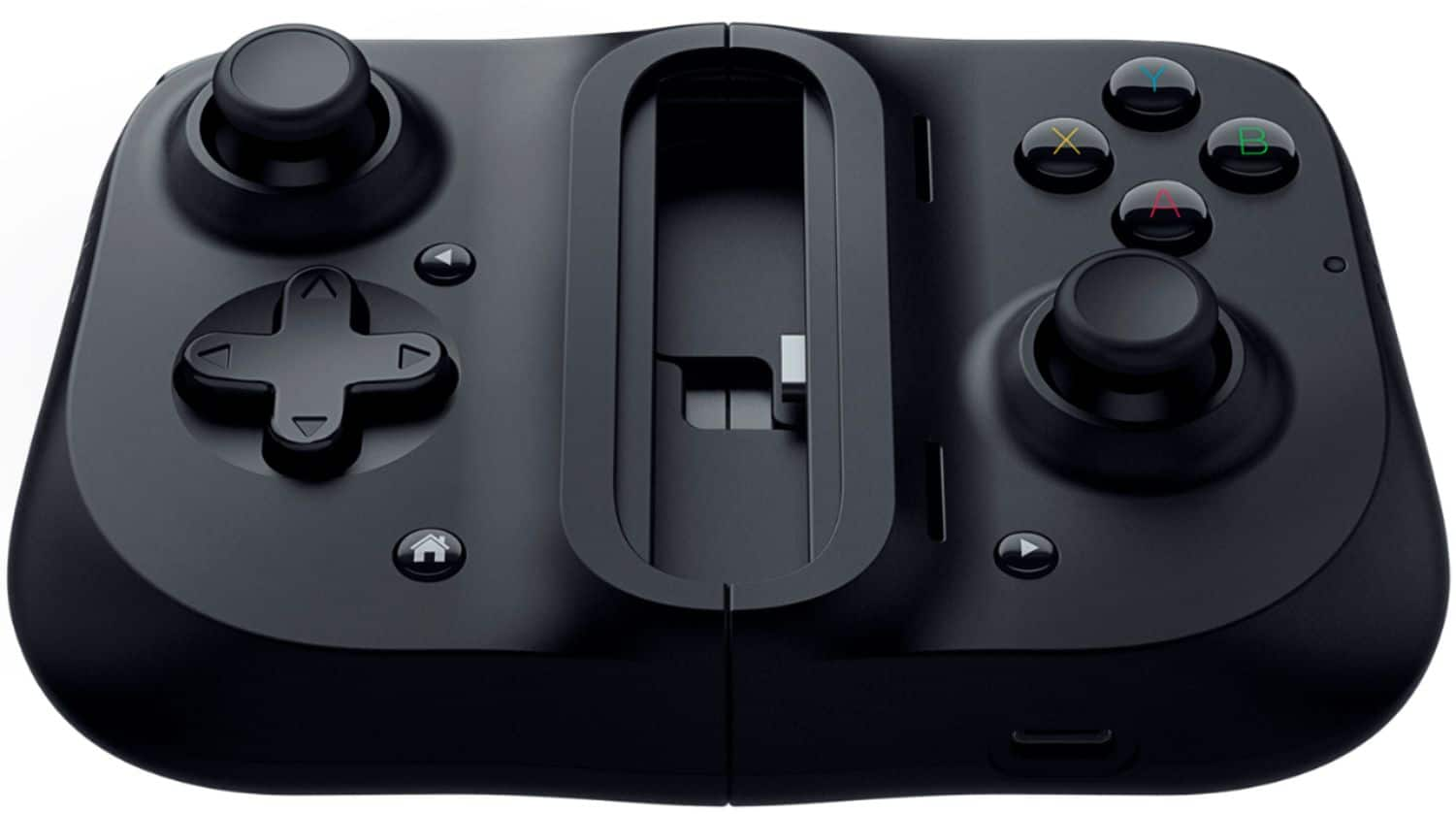
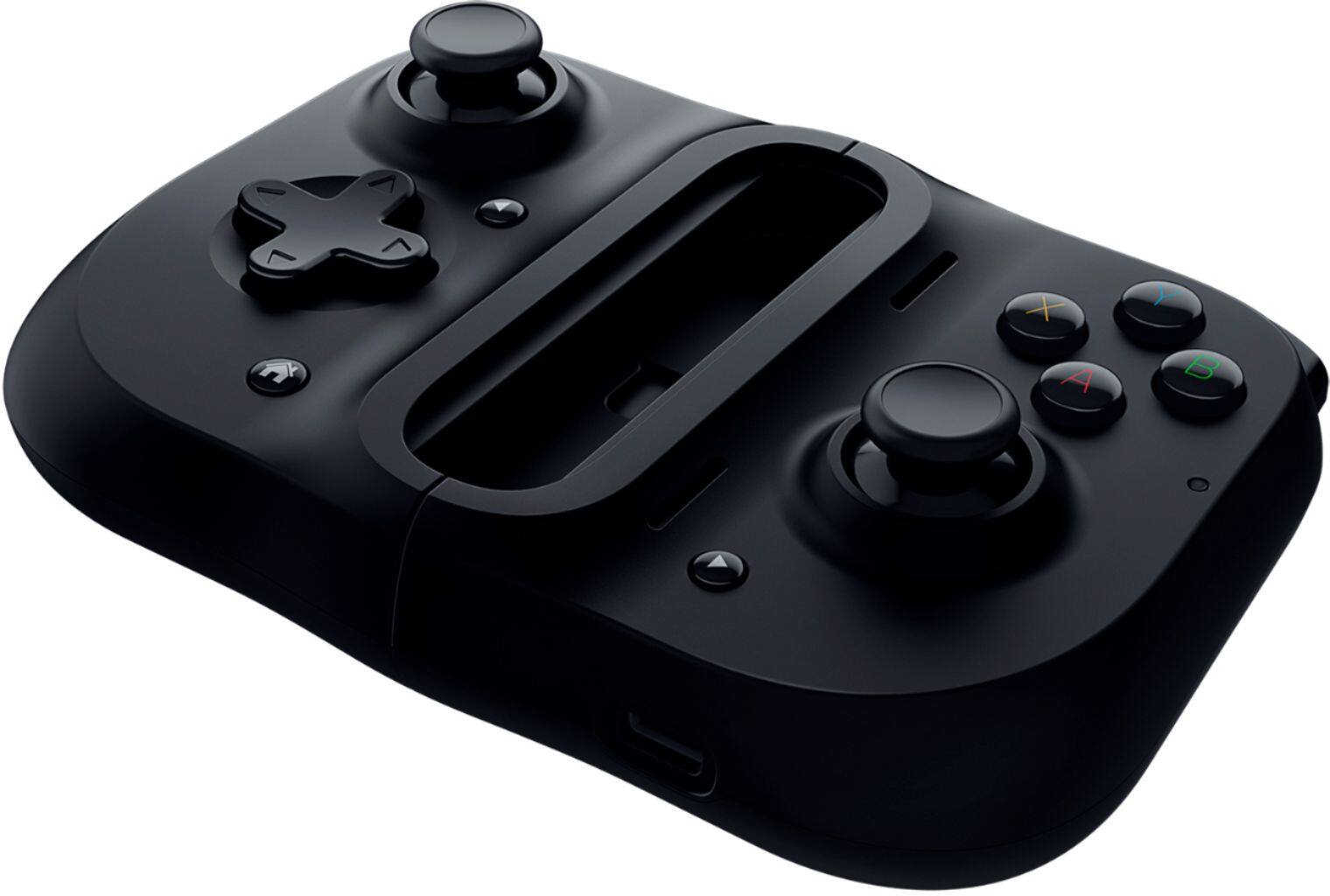
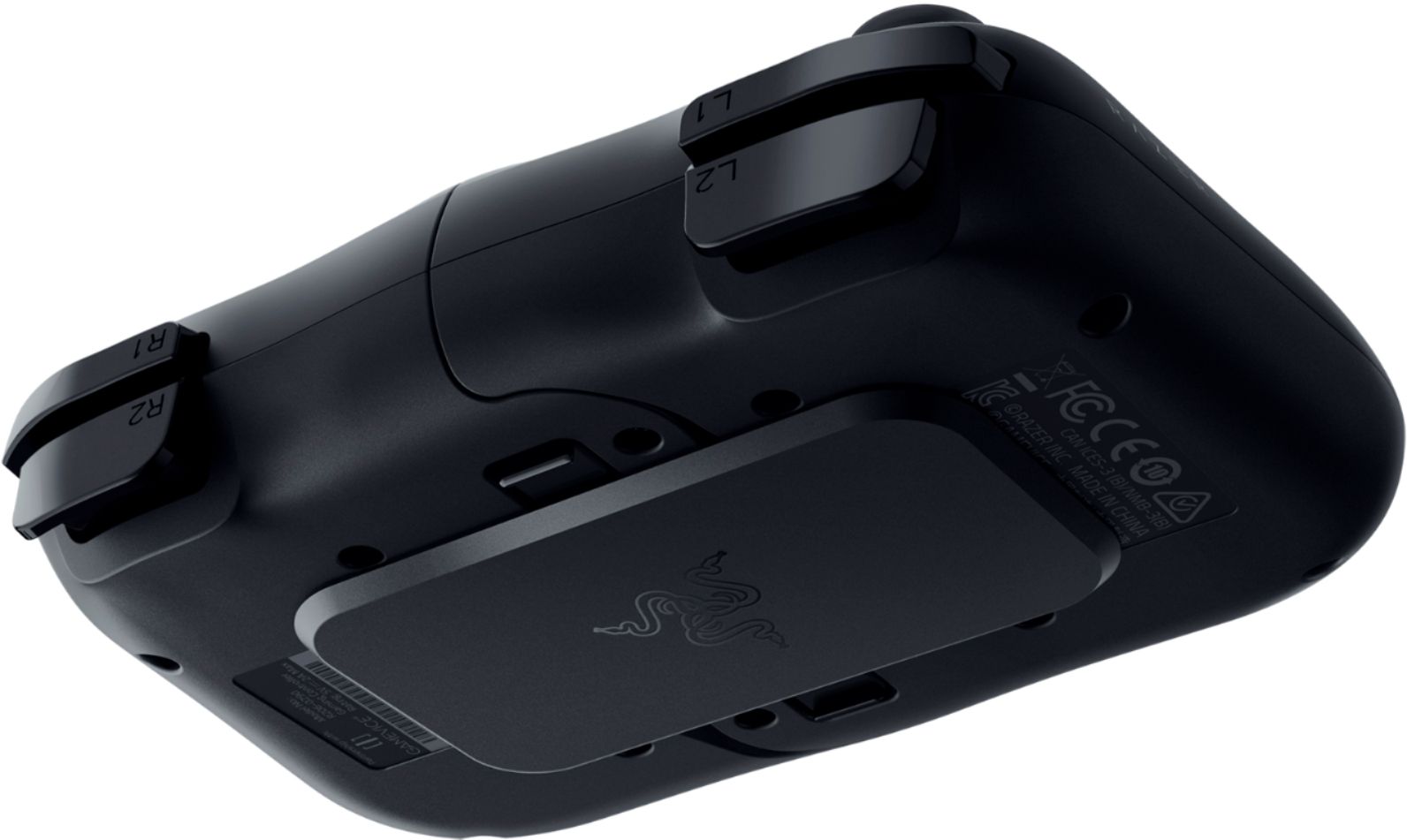
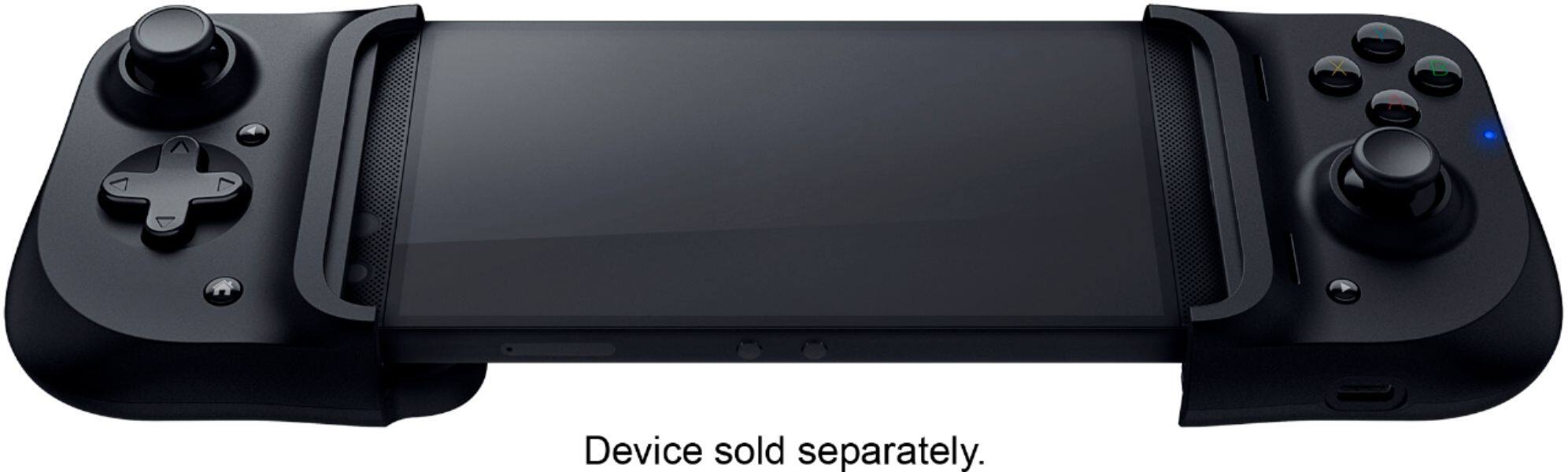
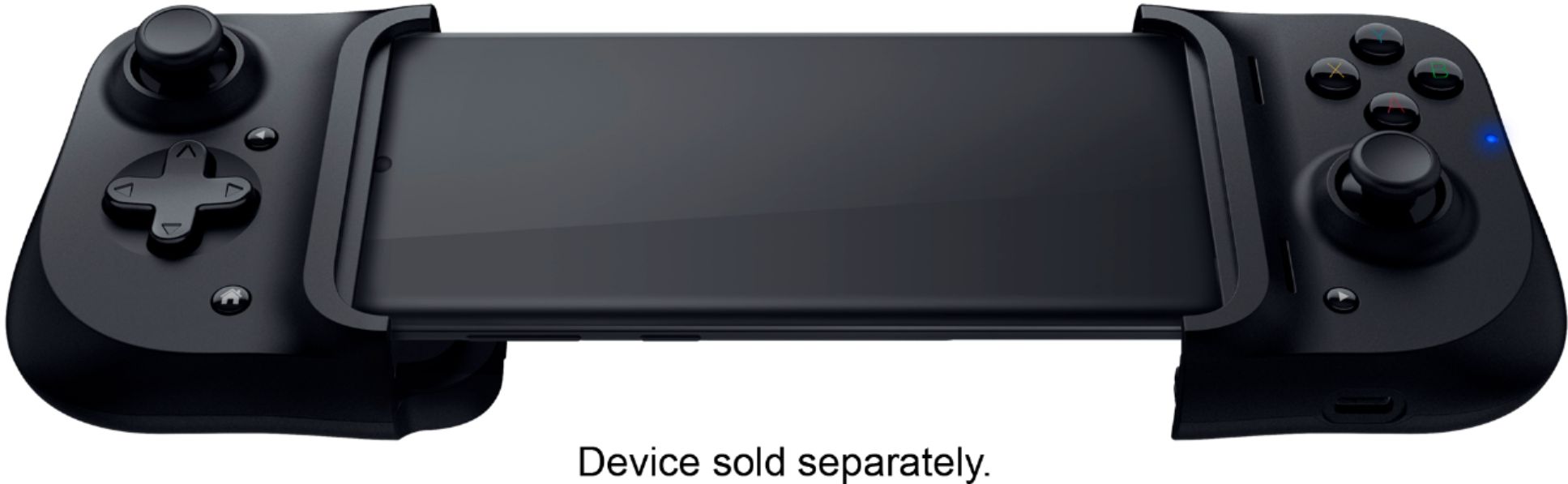
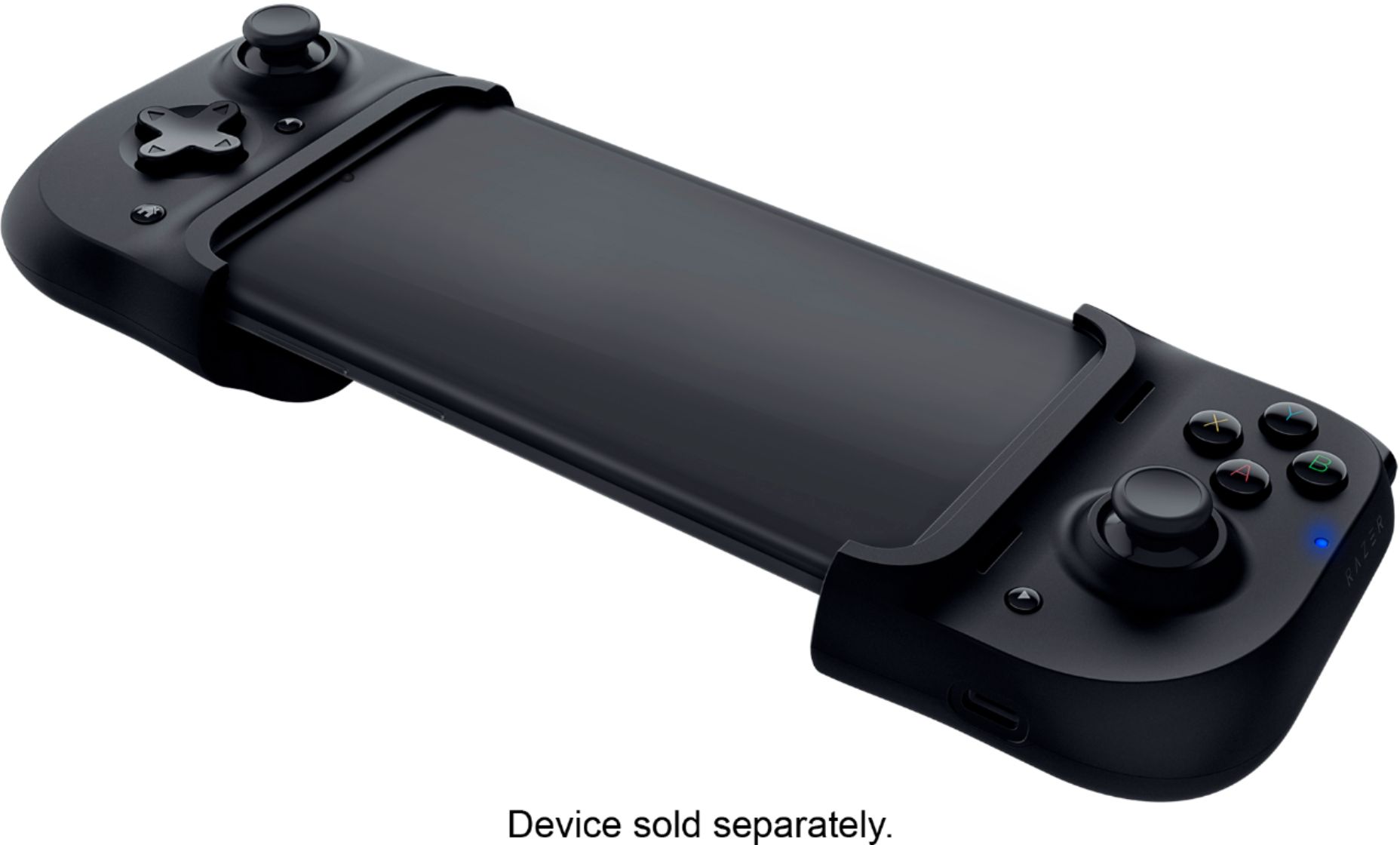
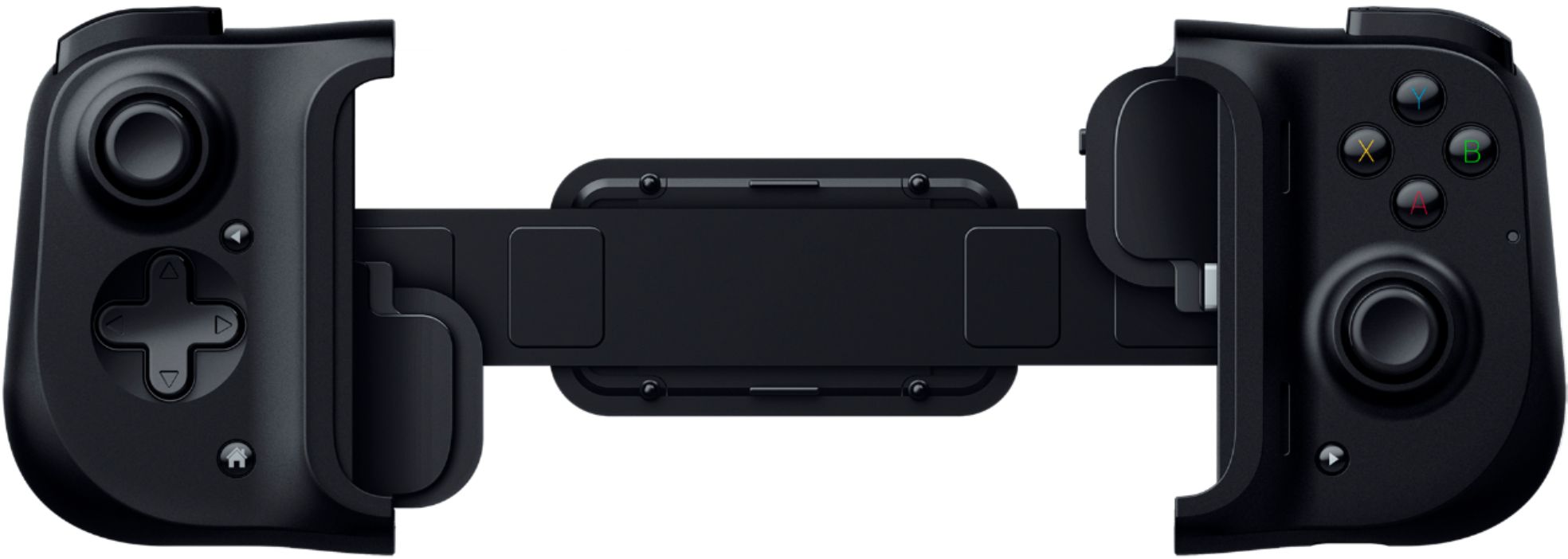
|Posted .This reviewer received promo considerations or sweepstakes entry for writing a review.The Razor Kishi retails for $99.99 msrp. This add on controller makes mobile gaming even better. The button and thumb stick layout is similar to an Xbox controller. Your Android phone needs to have a USB-C port. And the controller itself has a pass through USB-C port for charging only. When not in use, the 2 sides can be attached together for storage. This only works properly on games that are in the landscape orientation. I use this to play xbox games on my phone. I highly recommend using any bluetooth enabled head set or ear buds for the sound. I highly recommend this for any phone gamer.
I would recommend this to a friend Great but cheap dpad, questionable quality control
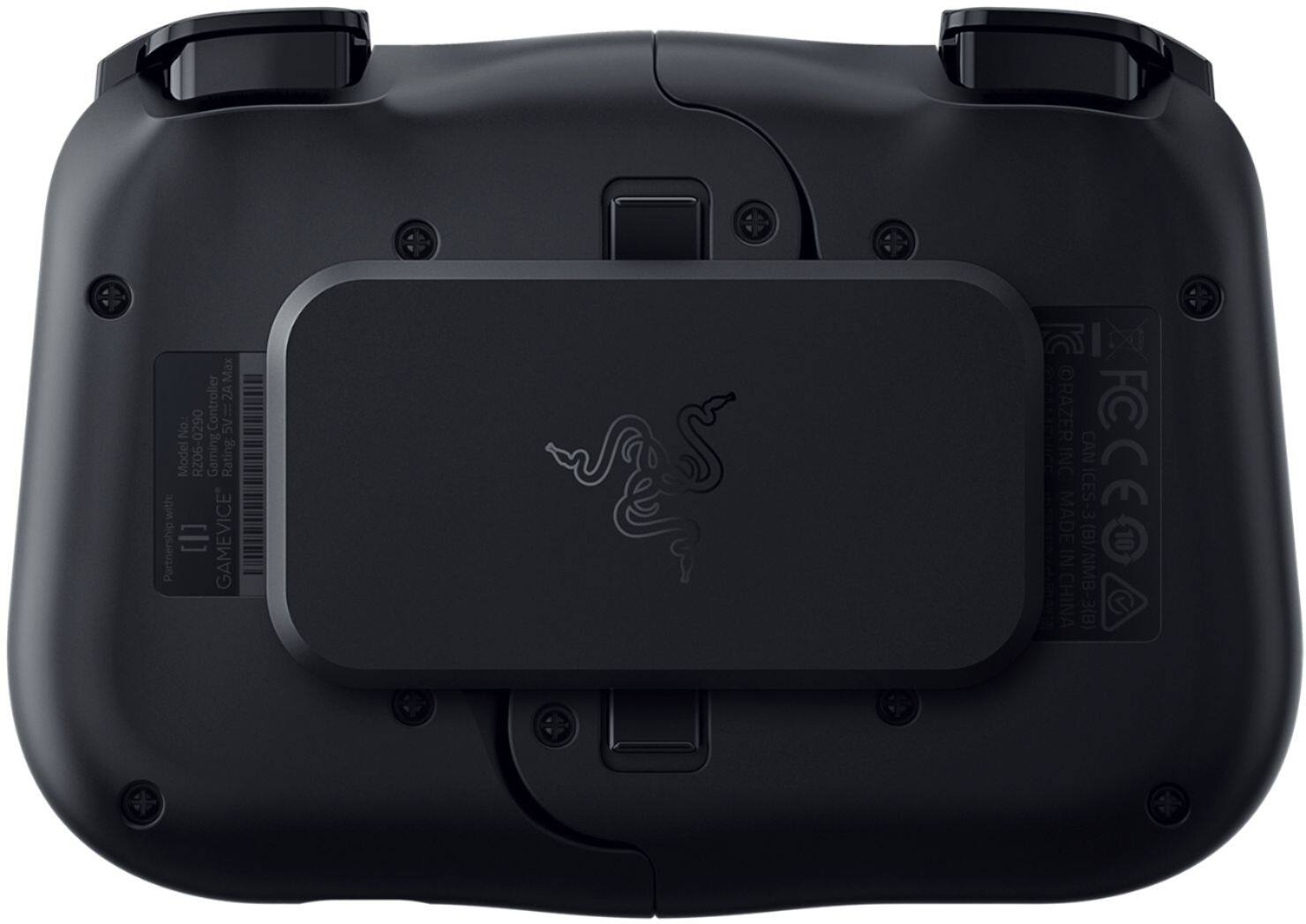
|Posted .This reviewer received promo considerations or sweepstakes entry for writing a review.Minimum phone height: About 5.25" from top to bottom (NOT diagonally the way manufacturer's advertise their phone in terms of screen size). Phones smaller than this will not be compatible because there will be no tension support in the center and the left controller part will dangle away from the right part. ***Do NOT use an adapter if your phone isn't USB-C. The controller's left and right parts are supported by a spring-based tension band on the back. This tension may eventually break your adapter and possibly your port as well due to the small size of the adapter not being able to support the force of that tension. Max phone height: About 6.5" from top to bottom (again, not screen size but device height). Max phone height with needing to angle the left controller to fit the top of the phone is 6 1/8". At 6.49", the Samsung Galaxy Note 20 Ultra is just at the limit of the Razer Kishi and will fit. Phone width: From 2 7/8" to about 3". Phones wider than 3" will not fit because that is the absolute max before it hits hard plastic. Max phone depth: 3/8" with rubber insert. 7/16" without rubber insert. Your phone may work with a case but it's probably very few. You can remove the rubber inserts to try to fit the case in. If it doesn't fit, do NOT force it in, or else you may damage the hard plastic case of the controller. Pros: - Usability - The Razer Kishi essentially turns your phone into something kind of like a Nintendo Switch, especially for phones that allow you to use your home screen in landscape mode. The phone stays in securely thanks in part to the rubber inserts that grip it while preventing damage to it while it's attached. Depending on your phone, at its widest, the Razer Kishi is 1.25" wider than the Nintendo Switch at 10.5". At its narrowest, without any stretching, it's the same width as the Switch at about 9.25" With more generous/wider curves and a recessed spot on the back on the controller, it feels more ergonomic to hold than the Nintendo Switch. The controls and buttons mimic the Xbox's with X/Y/A/B, Back, Start, Home, L button, L trigger, R button, R trigger, left analog stick, button on left analog stick, right analog stick, button on right analog stick, and cross (+) dpad. Thanks to the availability of these buttons, the controller is also very friendly with any current emulation on Android, including Playstation and Dreamcast. Many of these apps have already been updated to natively support the Razer Kishi and have the buttons mapped accordingly. - Zero Latency - The box advertises "Ultra-low latency gameplay" but I experienced no latency. It's a direct USB-C connection and Android recognizes it as a external controller. I wondered if the possible latency concerns may have something to do with the left controller part since it's the right part that has the USB-C connection, but the Kishi doesn't have any bluetooth. From inspecting the box, there's no wireless radio certification noted on it. So the whole construction of the Kishi controller is probably hardwired, and the left controller part is probably wired through the expanding tension band. - Analog sticks - The analog sticks feel great to me. They're tight and responsive. They're tight enough to allow me to play platformers like Sonic the Hedgehog 2 with. The clickiness of the button on the analog sticks feels right too and requires the same amount of pressure to click as a regular Xbox controller, so you won't press them accidentally. Just OK: - USB-C passthrough phone charging - The Kishi does not require any external power or use any batteries. It is powered through your phone, so when you have the Kishi connected, know that your phone's battery will drain quicker than usual. However, the Kishi does have USB-C passthrough charging. Located on the bottom of the right controller part is a power-only USB-C port. So while you're playing with the controller, you can ensure that your phone doesn't lose any battery life, or even charge your phone. This feature is only "Just OK" for 2 reasons: 1. It doesn't support data. You can't plug it into your computer and access or transfer data through the Kishi's USB-C port. You also can't plug in peripherals like a keyboard or a USB card reader or thumb drive. No data means no data. 2. The Kishi's USB-C port does NOT support any sort of fast-charging. So those 45W, 25W fast chargers are rendered useless with the Kishi as it will drop back down to standard USB charging speeds. My Samsung Galaxy Note 10+ takes about 3.5 hours to charge from 0 to 100% using the Kishi USB-C port making it 3 times longer than without the Kishi USB-C port using a fast charger. - Buttons - Aside from the analog buttons, the others feel "Just OK." The home/back/start buttons feel very rigid and don't feel soft like all the major console home/back/start/option buttons that I'm used to. The front-facing X/Y/A/B buttons are decent. I find them comparable to that of the Xbox 360's front facing buttons. Not too clicky but I also don't think they're too mushy like some people have reported they are. The good thing for me is that they're relatively quiet. The L/R shoulder buttons feel somewhat similar to the front facing ones. They're also relatively quiet. They're also taller than the trigger buttons behind them, so you're not likely to accidentally confuse the buttons. The L/R trigger buttons are EVER so slightly convex to avoid the concave slippage feel on the Dual Shock 3's concave trigger buttons. They are also relative quiet with about the same amount of depth and tension, in terms of the trigger button press, as an Xbox 360's trigger button (not the Dual Shock 4, which has more give/less tension than the Kishi's trigger button). - Supports MS Game Pass - The button colors are reversed, and the Home button takes you to the Home screen instead of the Game Pass app, but otherwise the $20 cheaper Android Kishi supports Game Pass just the same as the Xbox branded one. You can always remap the Home button using a third party app. It does NOT support PS4 Remote Play but this because of Sony not Razer. Sony only allows Dual Shock 4 or touch controls for its app. Cons: - Flex - If you use it aggressively, the controller parts can flex inwards, towards you due to the expandabilty/stretch of the back of the Kishi. It won't flex backwards though. - Directional pad (Dpad) - The dpad isn't as bad as the Xbox 360 controller but like it, it has trouble with definite 4-way (left/right/up/down) inputs. Playing puzzle games like Lumines, the Kishi would accidentally go down-right or down-left when I press down. Playing fighting games like Garou: Mark of the Wolves, I had difficulty executing SNK's weird super moves that have diagonal inputs in them. It's hard to rely on precision with the Kishi's dpad. Also, with my dpad, the button presses will emit a high-pitched squeak. I suspect this is a manufacturing defect and have already contacted Razer customer support to address this. They told me to try blowing it with compressed air, which I tried using the straw attachment to blow directly into the crevices of the dpad to get underneath it. That didn't fix the issue. I'm still awaiting an email from them for the warranty process. - Quality control - Upon researching my issue with the Kishi's squeaky dpad I found threads with similar complaints regarding Kishi controller quality. So it seems to me that Razer is more about just getting their product out there to sell and taking their chances with those customers who actually complain later. There will be people quick to defend Razer because they didn't receive a defective product but that there is the problem. Quality control. The good get mixed with the bad and what you get is a game of chance. It seems that I got a Kishi with a bad dpad because when I showed the video of my dpad to a Raxer support agent, they agreed it shouldn't be like that and even went as far as to question if I abused or dropped my controller for that to happen (I didn't). - App - Razer's app is horrendous. Despite my phone being one of the supported phones (Samsung Galaxy Note 10+), the firmware update button on the app doesn't work. When I tap on it, it does nothing. It's also non-intuitive. To get to the firmware section of the app, you tap on the profile/avatar looking button. The design also looks like that of a homebrew illegal app instead of one that's more professional. The good thing is, the app is optional. You don't need it to use the Kishi. Its main use is to update the firmware (which doesn't even work for me), and as a frontend for apps that are compatible with the Kishi. The search function for the apps is hidden in the category section. To search for a particular app, you need to select the "All" category first and only then will you find the magnifying glass icon to search for an app. Even in regards compatibility it's questionable. For example, Street Fighter IV Champion Edition is "compatible". But the controller does not function in any of the menus or player select screen. Those are touch-only. The Kishi only works during fights. The Razer Kishi app is also missing apps that are fully compatible with it. Games such as Sonic the Hedgehog 2. You won't find it in the Razer Kishi app, but it works with Kishi and as "compatible" as the apps listed on the Razer Kishi app. You won't be able to map the buttons, but this is true for some of the games listed as compatible on the Razer Kishi app. It all comes down to what Razer has personally tested for themselves. The omission of Sonic 2 shows that they don't take this task seriously and eventually will end up being an obsolete list of supported games if and when Razer loses complete interest in updating their list on the app. Conclusion: The Razer Kishi plays best with Emulation apps. Cheap dpad and quality issues are its most serious concerns.
I would recommend this to a friend- Pros mentioned:Quality
Excellent with Pixel 4a
|Posted .This reviewer received promo considerations or sweepstakes entry for writing a review.Really impressive. I have used a few different styles in the past but they didn't have anything close to as nice of a mounting system as this. Buttons work well. Really nice for retro gaming and there is a long list of compatible games on the Play store. The app is well designed and provides the compatible games list and controller software updates. Well done.
I would recommend this to a friend Great way to convert phone to Xbox Controller!
|Posted .This reviewer received promo considerations or sweepstakes entry for writing a review.With game streaming becoming more and more popular and Microsoft about to launch Project X Cloud, the need for a way to turn your mobile device into a game controller is growing stronger. Enter the Razer Kishi. This device is basically a set of controls for your phone. It cradles the phone and gives you xbox controller like controls directly on your mobile device. I spent some time testing it both on Project X Cloud and in-home streaming direct from my console. It worked flawlessly!! I cradled a Google Pixel 4 into the device and it fit like a glove. Biggest complaint is the lack of charging capability. If this device were to act like a mobile charger it would be HUGE, and make it well worth the retail price. However, it only currently offer pass-through charging. So you'll still need a cord if you're running low on juice. Also, it folds up into a small enough package for transport. Nothing tiny, but small enough to fit into most bag pockets. The responsiveness of the controls was good, and the controller behaved really no differently than a typically game controller would. I would highly recommend this to people who are considering doing mobile gaming and game streaming!
I would recommend this to a friendWorks as nice Controller
|Posted .This reviewer received promo considerations or sweepstakes entry for writing a review.Overall as a controller it works. If you phone is the right size for the controller (check the website) and has the USB-C Connection in the center of the phone then your good. Setup and plug in just seemed to work and using it with XBOX Game streaming on the phone. My only issue was getting the pass-thru charging to work. With my phone it disabled the controller, so it didn't work, but I used a Nokia 6.2 and not one of the officially listed. Honestly I feel its more a setting in Android I need to configure so the pass through works and not the device itself. When playing a game using it, I didn't find any problems. The sticks responding to the game as expected and I never once had an issue playing game. Even over a 2 hour session, it worked as a controller and felt natural. I really liked it as a neat way to play on the go or around the house.
I would recommend this to a friend- Cons mentioned:Fit
Kishi
Posted .This reviewer received promo considerations or sweepstakes entry for writing a review.Kind of hard to open and close phone is a tight fit too but I like it
I would recommend this to a friend I was Skeptical, Now I am a Believer
|Posted .This reviewer received promo considerations or sweepstakes entry for writing a review.Despite the odd name (Razer Kishi), I decided to give this controller a try Xbox Game Pass Ultimate now offering game streaming to cell phones and tablets. Let me just say that this blows all of the competition I have tried (and I've tried about everything I can find). It is easy to transport due to it's small size, but firmly hold all of the cell phones I have tried with it (Pixel 2,3, and 4). Games are a pleasure to play, and the buttons feel so similar to a standard console controller. I can't recommend this enough if you want to game on the go.
I would recommend this to a friendFun device for the constant gamer on the go...
|Posted .This reviewer received promo considerations or sweepstakes entry for writing a review.This was a neat device that allowed me to play games on my phone. Mine connected to my USB C port and using a band connected on both side of the phone. I felt zero lag and it was very responsive. The only issues I had were that the controllers seemed to bend or sag especially under heavy play. They make this for both lighting and USB C, if you like playing games on your phone and you like the idea of using a traditional controller for more control then I think you will like this device.
I would recommend this to a friend- Pros mentioned:Usb-c portCons mentioned:Fit
Low quality, barely fits S21 Ultra
Posted .This reviewer received promo considerations or sweepstakes entry for writing a review.There are other reviews saying this thing fits a Samsung S21 Ultra, and while it technically does, it is not a good fit at all. The right side will plug into the S21 Ultra if you angle it a little, but the left side does not fit on very well at all. Multiple times while playing it would slide off the left side or move around because the phone did not fit securely inside the little groove. This is also without a case on the phone. If you have any kind of case you'll have to take it off. Beyond the fit, the quality of this product is just not that great. The buttons feel cheap. And it frankly is just not comfortable to hold. Moving my thumb between the right buttons and right analog stick while supporting the device is awkward. Another downside and poor design IMO is it has speaker ports on the right side to redirect sound out of a bottom face phone speaker, but not on the left. So if your phone has stereo speakers on the top and bottom of the phone, your left channel is going to be more muffled than the right. I really don't see why they didn't simply add the same porting on the left side. I liked the idea of this controller connect directly to the phone through USB-C instead of a bluetooth controller that simply held the phone or had to have a wire to connect, but imo it's poorly executed.
No, I would not recommend this to a friend - Cons mentioned:Compatibility
Performance varies with devixe
Posted .This reviewer received promo considerations or sweepstakes entry for writing a review.Your experience with this controller will vary depending on the Android device you have. Most Samsung work well with devices like this but motoral not so well. Also I recommend only using an Android device no bigger than 6.5. My Motorola Stylus 5G which is 6.8 just barley fit
I would recommend this to a friend - Cons mentioned:Lag
Best Bluetooth Controller out there
Posted .This reviewer received promo considerations or sweepstakes entry for writing a review.What more can i say about this amazing controller. It fits well on my Note 20 5G and plays game splendid. No lag has been reached yet after multiple hours and different games played. The buttons are great and the triggers are smooth. Would be awesome if they came in different colors but black is great as is. The price is way better than other Bluetooth controllers and even its sibling made for IOS products.
I would recommend this to a friend - Cons mentioned:Compatibility
Great for Emulators and mobile games
Posted .This reviewer received promo considerations or sweepstakes entry for writing a review.Better than I expected. I never liked using touchscreen when playing games so having this as an attachment helps alot when I play Emulators or phone games. Only downside is there are alot of phone games that are not compatible with the controller but its slowly starting to be available as time pass.
I would recommend this to a friend - Pros mentioned:Ease of use
Thank you razer u guys rule!!!!
Posted .This reviewer received promo considerations or sweepstakes entry for writing a review.This kishi gamer paddle is amazing.. it made me love my call if duty mobile all over again it's like im playing it for the first time again.. and it turns my phone into an xbox console i love it so much... thank you razer for thinking about us mobile phone gamers also.. you guys rule!!!
I would recommend this to a friend Good choice
Posted .This reviewer received promo considerations or sweepstakes entry for writing a review.Got for my boyfriend and he love it and play on the road
I would recommend this to a friend- Pros mentioned:Ease of use
Best purchase I've made in a while
Posted .This reviewer received promo considerations or sweepstakes entry for writing a review.Works well with all cloud gaming providers, pretty portable, and a great pick up and play option
I would recommend this to a friend - Cons mentioned:Compatibility, Fit
Was this made in 2016? Does not work with Pixel 6/
Posted .This reviewer received promo considerations or sweepstakes entry for writing a review.This thing is barely big enough to for flagship phones and requires almost breaking it to stretch it out enough to fit a larger phone. You pretty much need a small/medium phone to use it properly. Also apparently it doesn't accommodate camera bumps, especially the Pixel 6/6 Pro. Don't buy unless you have a smaller phone without a camera bump.
No, I would not recommend this to a friend Love it
Posted .This reviewer received promo considerations or sweepstakes entry for writing a review.It fits my phone perfectly and securely. As a female i love having this in my purse giving access to play whenever i want.
I would recommend this to a friendcomfy
Posted .This reviewer received promo considerations or sweepstakes entry for writing a review.Comfortable in my hands. I need to take the case off my phone (Samsung S20 FE) for it to fit, but it's not a big deal.
I would recommend this to a friendAwesome product.
Posted .This reviewer received promo considerations or sweepstakes entry for writing a review.Works and fits flawlessly on my samsung note 9. Highly recommend.
I would recommend this to a friendPerfect for game pass.
Posted .This reviewer received promo considerations or sweepstakes entry for writing a review.Good controller phone feels solid in it perfect for game pass.
I would recommend this to a friend