Customer Ratings & Reviews



- Model:
- RZ06-05070100-R3U1
- SKU:
- 12296884
Rating by feature
- Value
Rating 4.2 out of 5 stars
- Quality
Rating 4.6 out of 5 stars
- Ease of Use
Rating 4.7 out of 5 stars
to a friend
iPad Nexus mapping
||Posted . Owned for 3 months when reviewed.This reviewer received promo considerations or sweepstakes entry for writing a review.Nexus mapping tool does not work for iPad, it does for Android.
I would recommend this to a friendGreat but not compatible with cod mobile
||Posted . Owned for 3 months when reviewed.This reviewer received promo considerations or sweepstakes entry for writing a review.Great product but wasn't compatible with game i wanted it for
I would recommend this to a friendOver priced
||Posted . Owned for 3 weeks when reviewed.This reviewer received promo considerations or sweepstakes entry for writing a review.Pretty good controller wish it had back button at its price range. has good software support, virtual controller is decedent would only purchase for steam link or Xbox ultimate but there are better cheap options still
No, I would not recommend this to a friendTo much for too little
||Posted . Owned for 1 month when reviewed.This reviewer received promo considerations or sweepstakes entry for writing a review.Just a joke of an option. No back paddle. Ive button mapped my actual controller and cant use this above 100 dollar option. Cheap construction and the galaxy rubber pads definitely dont accomodate.
No, I would not recommend this to a friendAwesome product. Terribly over priced
||Posted . Owned for 2 months when reviewed.This reviewer received promo considerations or sweepstakes entry for writing a review.Not worth the price of $150. If you can get it cheap go for it but kinda stinks it offers a lot. But that price just does not do it.
No, I would not recommend this to a friendToo expensive for such poor execution
||Posted . Owned for 3 weeks when reviewed.This reviewer received promo considerations or sweepstakes entry for writing a review.It’s too big to take with you. iPad had too be few good for controller games. Phones with cases don’t seat properly and the hand connection is too shallow should be adjustable. Overall for $120 you should get something else maybe two other things.
No, I would not recommend this to a friendNot worth it
||Posted . Owned for less than 1 week when reviewed.This reviewer received promo considerations or sweepstakes entry for writing a review.This isn’t worth $150. I have the backbone and this. This is a good device if it was at the $79.99 mark. It overheats your device and kills the battery really quick. I am gonna be returning this device and continue using the backbone. You figure for $150 they would include a case but didn’t.
No, I would not recommend this to a friend
Finally, a mobile phone game controller that works
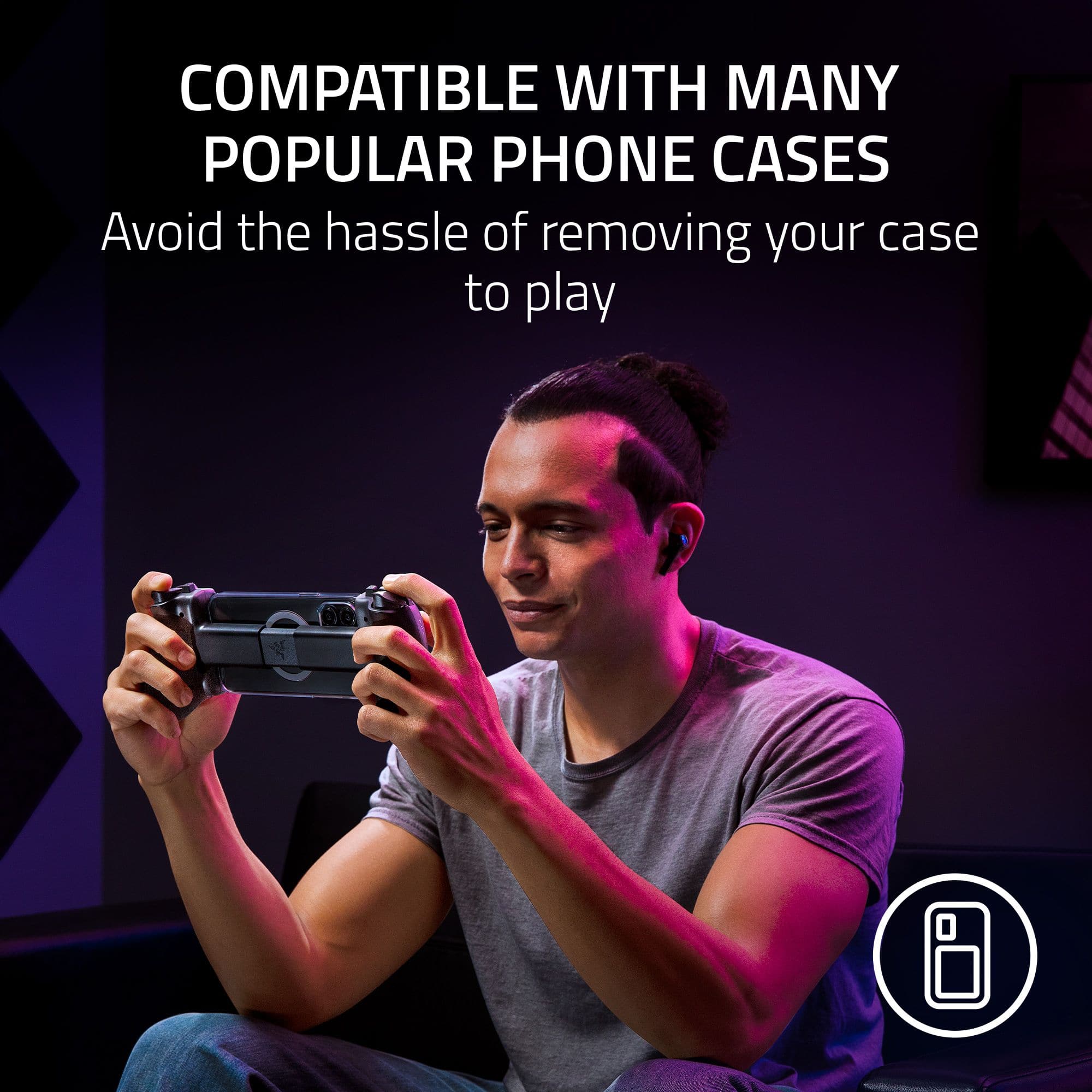
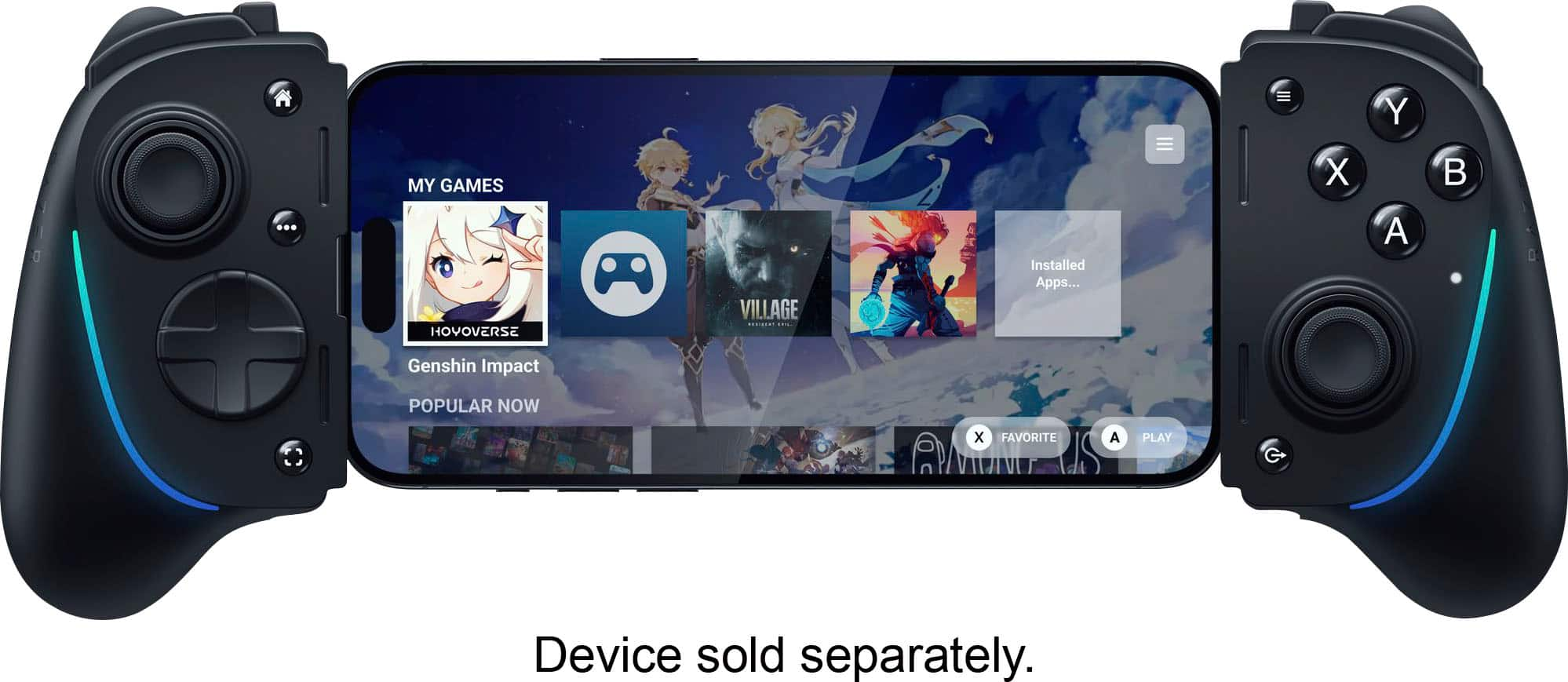
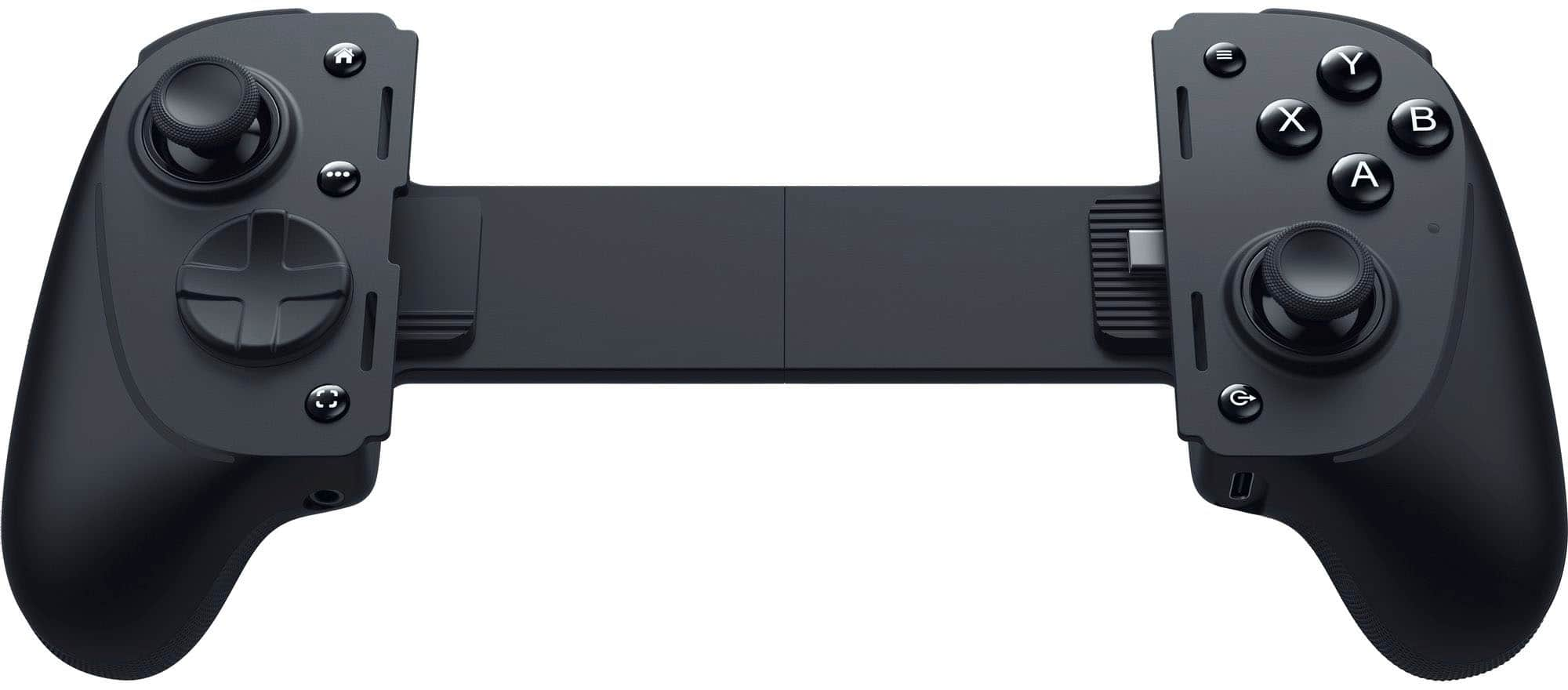
|Posted .This reviewer received promo considerations or sweepstakes entry for writing a review.This is the iPhone game controller I've been waiting for, and for a very basic reason. I always have some kind of case on my iPhone. Usually, it's a slimmer case, not one of those super big an bulky ones, but the cases add just enough extra size to the device that causes other game controllers to not work. I'd have to remove my phone from my case whenever I want to game, which is super annoying. So I was hopeful that the Kishi Ultra would work, since it's adjustable enough to handle a tablet up to the size of an iPad mini. I snapped it onto my iPhone 15 Pro, still in its case, fired up Dead Cells and I was off and running! There is also several sets of rubber bumpers that you can use to augment how the Kishi Ultra holds a device. Because I'm using it with a case, I simply remove the bumpers and the USB-C connector on the right of the device is long enough to connect with my phone. I'm probably a dinosaur when it comes to gaming, because I prefer a physical keyboard or controller. I've never really warmed to ports of games that were clearly designed for a physical means of control, that were ported to a device that was touchscreen. The Kishi Ultra solves that for me, because I can snap it on, and the game immediately recognizes there's an external controller and plays just as well as I'd hope. In terms of the controls, I was also happy to see there wasn't any kind of noticeable or detrimental lag. The buttons all feel great, with a little clicky play to them. There's your standard dual analog sticks, 8-direction D-Pad, left & right triggers, and 4-button layout. Razer also added smaller trigger buttons, so instead of pressing down on the analog sticks for L3 or R3, there's smaller trigger buttons next to the standard triggers. When it comes to ports, there's a 3.5 headphone jack on the left, and a USB-C port on the right. The headphone jack works just like you'd expect a headphone jack to work. The USB-C port allows for pass thru charging, so you can charge your phone while you play. I haven't tried to see if I could hook it up to my computer or PlayStation as a wired external controller yet, but sounds like a fun thing to test. The controller feels nice in the hands too, and I have to say that I appreciate the fact that Razer made this controller black. Although I love the look of white devices, when it comes to controllers, the white gets so dirty after a while. Plus, if I'm being picky, it also looks nice holding my black iPhone 15 Pro. There's also an app you can download to adjust the RGB lighting and enable other things, but I was very happy to see that it worked right out of the box without requiring an additional app to even work.
I would recommend this to a friendGreat for Mobile gaming
|Posted .This reviewer received promo considerations or sweepstakes entry for writing a review.So far, I am enjoying this controller. Feels nice when holding. But there are a couple things I would like to mention first. I tested this with a Samsung Galaxy Note 20 and iPad (2 years old) both are USB-C. If you have a thicker phone case, you will have to remove that. Not a big deal and expected. If thinner, it looks like it would work without taking the case off. My case is thicker so had to take it off first. So, keep that in mind that if you plan to use this a lot, I suggest a case that is easy to take off. One game I was looking forward to using with my phone was Call of Duty Mobile. I was a little disappointed that the game itself (no fault for the controller) does not recognize plug in controllers with Android. It worked great with my iPad via a USB-C extender cord. But with Android (at least my phone) the game did not recognize it. But that is not without some work arounds. First, Razer has come up with a way that you can turn on a virtual mode to work with touchscreen only games. This allows you to select the controller button and place it over the touchscreen and this will mimic you touching the screen. Works great but takes some time to set up with a game. I would love to see Razer add default settings that you could select for some games that will place the buttons for you and then you can go and modify as needed. But right now, it does not so you have to manually set it up. The other work around to this is to connect a Bluetooth controller, like an Xbox controller. This seems to work as the game detects that a controller is connected and allows you to then use this controller. Downside is, you have to have the Bluetooth controller connected and in range. I like that it has an extra button at top, but the location I would have liked to have it on the back instead. This does not come with a USB-C extension cord or a case. The app is nice, but I would like to see them add 2 list types. One that shows all the games that work fully with the controller, and another list that shows the games that work with it but that require the virtual mode. Overall, though, I like that it has the option for RGB lighting. It is compatible with multiple devices (and even more with a USB-C extension). Feels comfortable to hold. Can still charge and use headphones with it. A ton of games are compatible. If you are looking at a controller for your phone, I highly recommend this.
I would recommend this to a friendGame on and on the go!!!!!
|Posted .This reviewer received promo considerations or sweepstakes entry for writing a review.The Razer Kishi Ultra gamepad offers an upgraded mobile gaming experience with ease of use and no lag performance. Setupi Ultra is a breeze. Simply install the Nexus app from your device's app store, plug the gamepad into your smartphone's USB-C port, and you're ready to go. You are on your way to hours of great gaming. The Razer Kishi Ultra delivers a great gaming experience across a variety of games and platforms. Whether you're into first-person shooters or sports , the responsive buttons, analog sticks, and triggers provide a comfortable and precise feel, keeping you engaged and captivated in your gaming world. The Razer Kisha Ultru's design ensures a snug fit around your phone, giving you the sensation of a new portable gaming console. And all this is achieved without adding any unnecessary bulk. Razer has even included rubber pads that help it fit better between devices such as iPhones, Androids, and iPads. The gamepad extends to accommodate a tablet. You can adjust the RGB with Chroma, which is all in the Nexus app. It has a launcher to scroll through installed games, flawless Steam play, and no lag in latency. The virtual button-assigning feature opens up a world of gaming possibilities for games that require on-screen touch. You can assign buttons and D-pads to respond to screen gestures. One drawback was the stationary USB-C port, which was not a total deal breaker. It may weaken down the road. I love that it is powered by the device and does not need charging. There is also a port to plug in for device charging. The Razer Kishi Ultra supports a variety of mobile games, from action-packed shooters to fast-paced racing. Console-like gameplay enhances the overall gaming experience. The tactile ergonomic design makes extended gaming sessions enjoyable, and the pass-through charging feature ensures your phone stays powered up during long playtime so that you can game without interruption. The Razer Kishi Ultra is a perfect choice for any gamer looking for better mobile gaming. Its ease of setup and superior functionality make it a top contender in the mobile gaming accessory market, giving you confidence and reassurance that you're making an excellent choice for your gaming needs.
I would recommend this to a friendDoesn't work with Samsung S24 Ultra
||Posted . Owned for 3 months when reviewed.This reviewer received promo considerations or sweepstakes entry for writing a review.Did not work with the samsung S24 Ultra at all wouldnt let map buttons or anything else
No, I would not recommend this to a friendNot worth money
||Posted . Owned for 3 weeks when reviewed.This reviewer received promo considerations or sweepstakes entry for writing a review.Didn’t do what I thought was not worth the money at all.
No, I would not recommend this to a friendCrashes and Nexus app needs work
||Posted . Owned for less than 1 week when reviewed.This reviewer received promo considerations or sweepstakes entry for writing a review.Really wanted to like this,but after the janky app once in awhile just crashing and rebooting my razar plus 23' I'm just done w it and will be returning. Also the virtual buttons you can add don't work. Just terrible for a accessory this expensive.
No, I would not recommend this to a friendNice PC and Android Controller
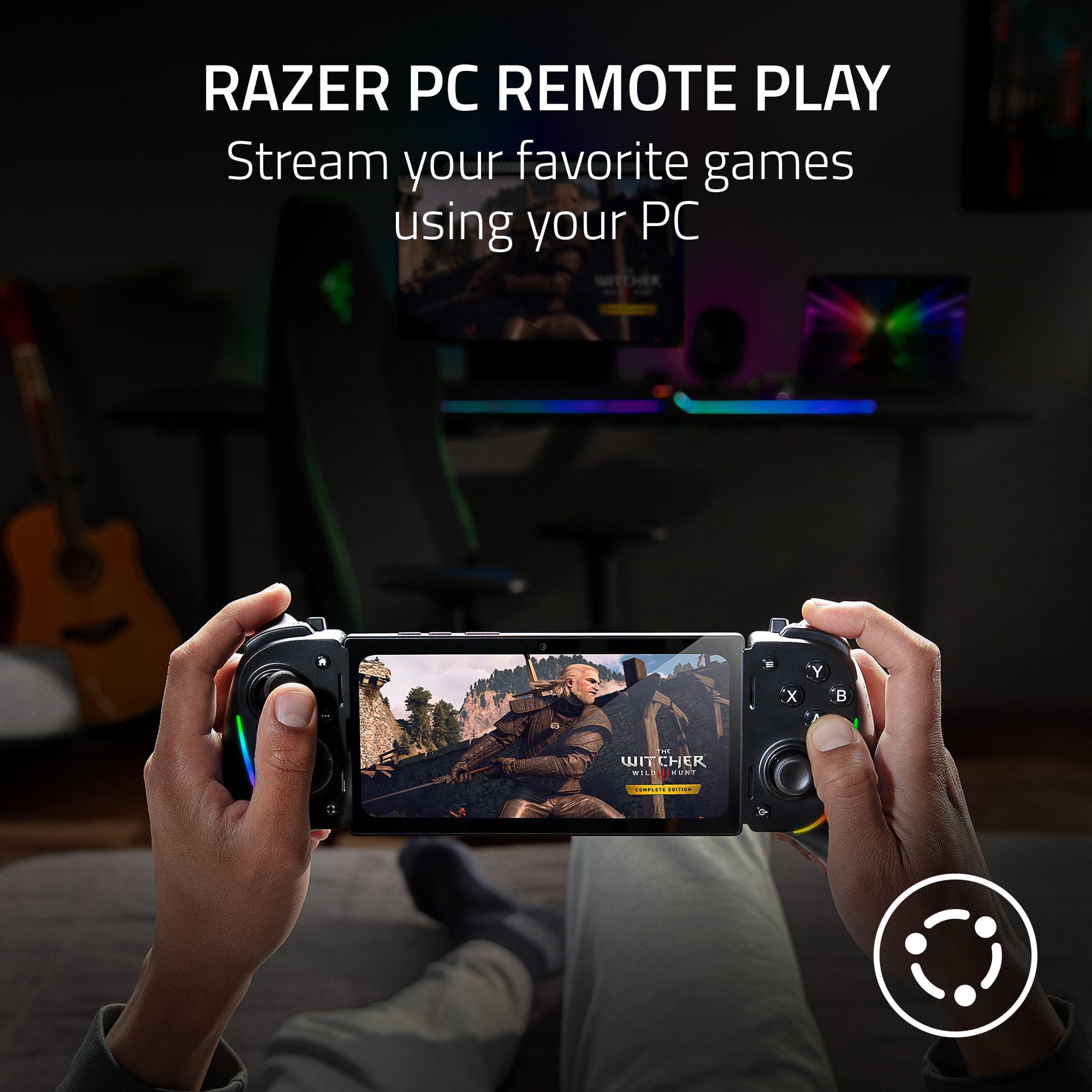
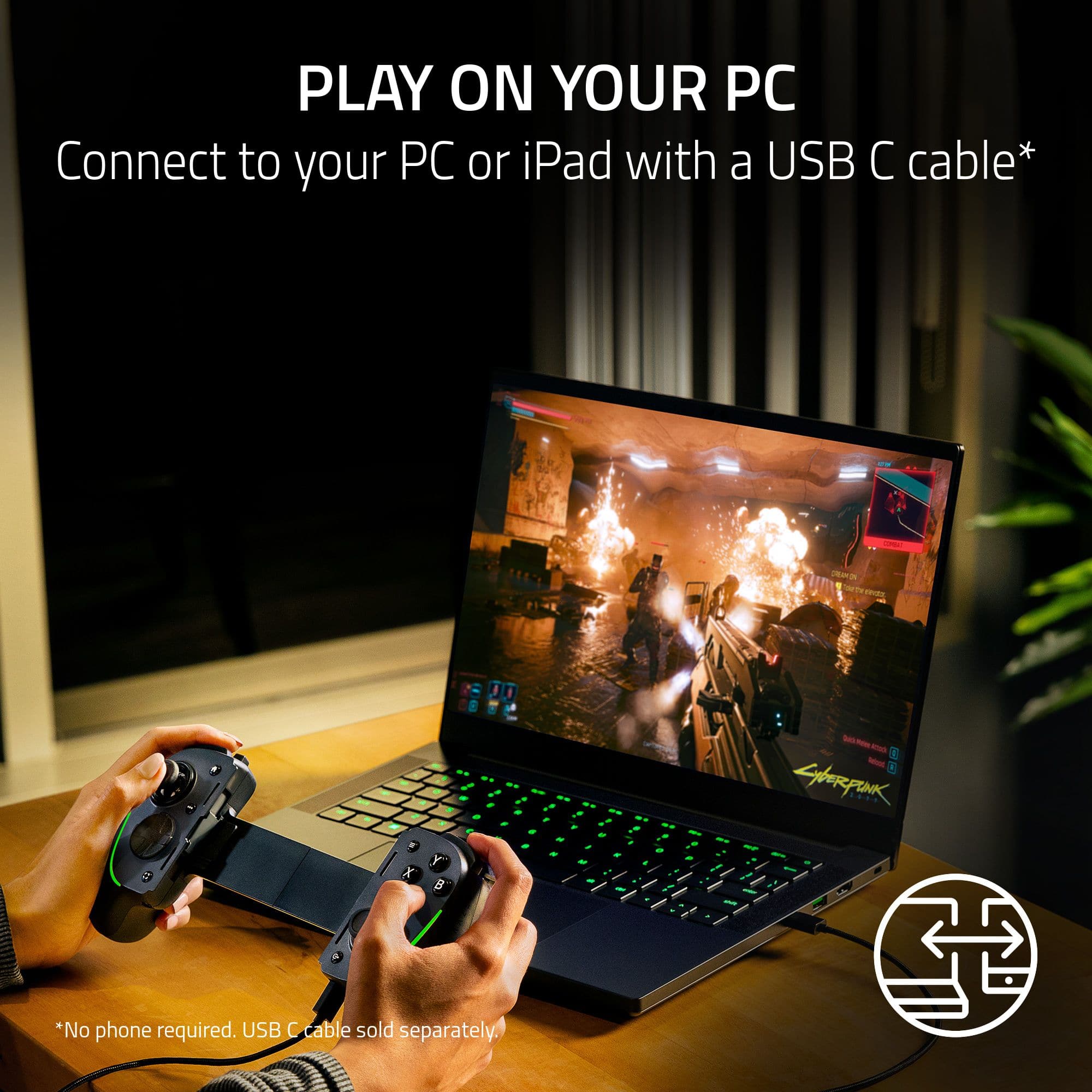
|Posted .This reviewer received promo considerations or sweepstakes entry for writing a review.This is a nice improvement over the other Razer controller I had years ago. It fits my Motorola Think Phone in its case with no issues and works well. A nice addition to being able to use Game pass with my phone. The controller fits my hand and is extremely comfortable to hold and use. Buttons feel crisp and the control sticks are a little stiffer than my Xbox Pro controller, but similar I think to my Corsair SCRUF. It does have some nice RGB if you need the bling, and it will pass through USB power to the phone so you can game on it as long as you have juice. The important thing is the ergonomics for me when using it. It's easy to hold with the phone and comfortable. The shoulder buttons are different as there are more buttons on the side but feel good and easy to hit and use. Overall I love the controller the feel of the triggers and buttons not only feel good, but are very responsive when playing games with it, either on PC (just to test how it handled) and on my Phone. Its nice to be able to use my Gamepass and not feel limited. So that is a huge win. If you need a mobile controller that you can use as a PC controller as a backup, this is the controller for you.
I would recommend this to a friendBetter then backbone
Posted .This reviewer received promo considerations or sweepstakes entry for writing a review.Better then backbone, you dont have to pay to use the app which is already better in my opinion. Also love the rgb led lights and you can customize the colors as well which is really cool. The controllers grip is thick and mimics a console controller which i like more then the other skinny phone controllers, the buttons have a great feel and bumpers have nice click and triggers are smooth. L3 and R3 are very smmooth and doesnt jump around it has a great range. Nexus app connects you to xbox cloud, steam and ios apps or android if your an android user. Overall i would say this is a 5/5 product.
I would recommend this to a friendLike a PlayStation Portal when used with a tablet
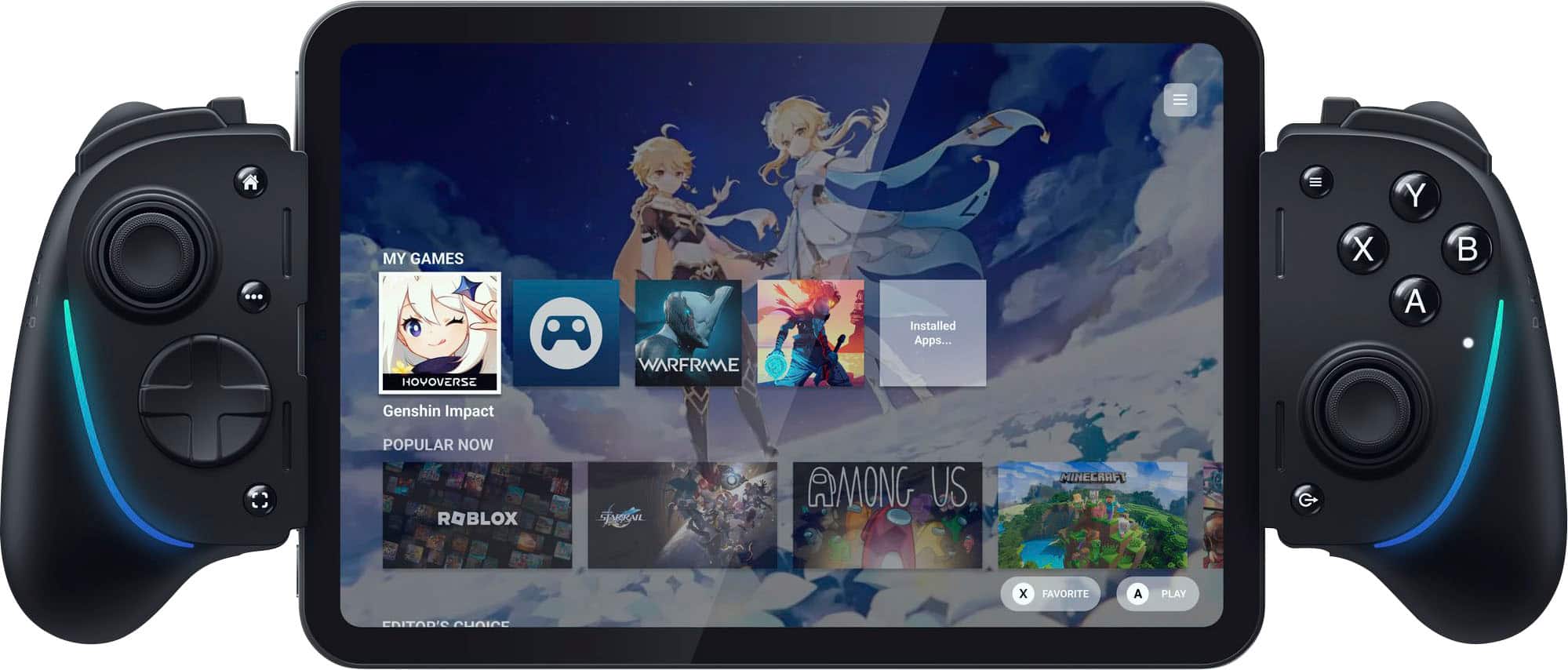
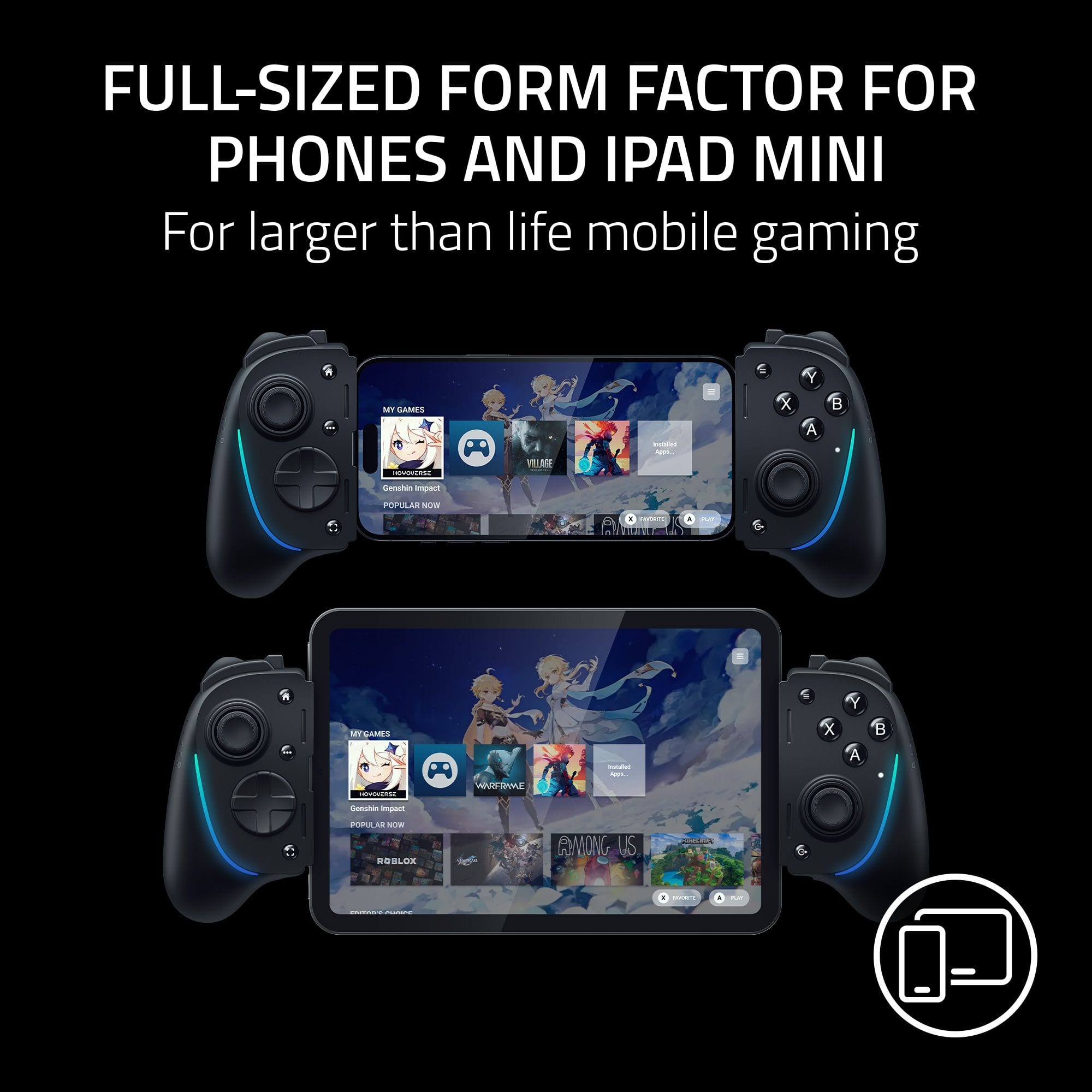
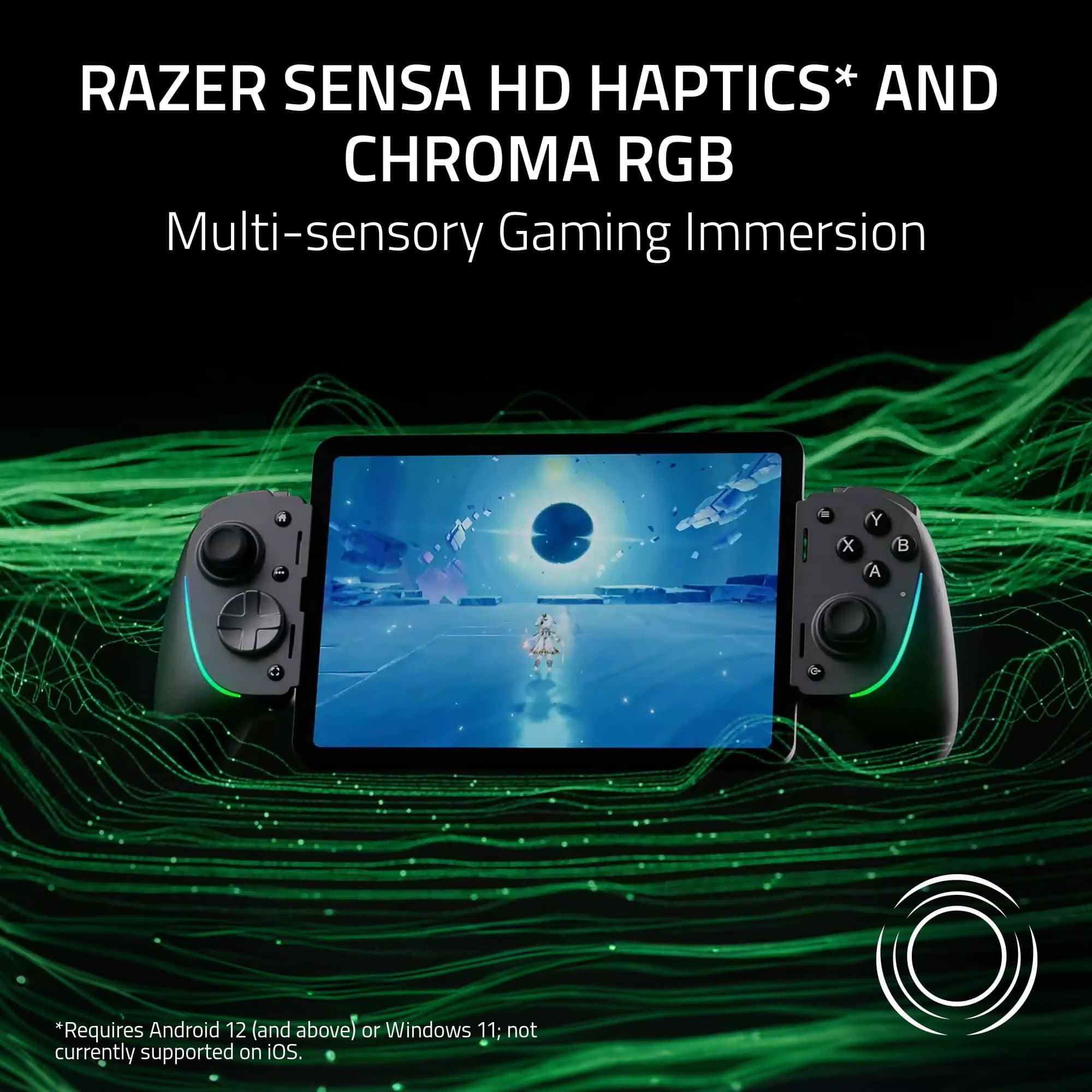
|Posted .This reviewer received promo considerations or sweepstakes entry for writing a review.The Razer Kishi Ultra feels great to hold in your hands thanks to the full size ergonomic grips. The buttons also have a mechanical click to them instead of a mushy feel. They feel responsive and don't feel cheap. They actually feel like a gaming console controller. The arrangement of the controller's sticks and buttons makes it really familiar to an Xbox controller, so it makes it feel pretty natural for Xbox Game Pass, or Steam Link gaming on your phone. When you're not playing it with console cloud gaming, the Kishi Ultra retains the console user experience with the Razer Nexus app, which is a frontend portal for all the games you have installed on your mobile device. For games compatible with an Xbox controller, the Nexus app has a setting readily available to enable or disable Xinput mode so the controller is seen as an Xbox controller by the game. On top of that, the Nexus app presents your games with a console-like user interface, like a Nintendo DS, even having haptic feedback with the motors inside the grips. Above each of the grips there is a LED strip that lights up in different colors with different lighting modes. It's customizable through the Nexus app. You can have it cycle through different colors over every few seconds, keep it static with one color, have it pulsate in different colors or the same color, or just turn off the lights altogether if you find them too distracting or are concerned with the battery consumption it takes from your phone. There is a USB-C port for passthrough wired charging *and* to use as a wired controller on a Windows PC. Unfortunately, this port does not support Samsung's fast charging nor does it transmit data for your mobile device. One of the advantages about the Kishi Ultra compared to other mobile device controllers is that the Kishi Ultra is designed with large devices in mind. It easily expands to my S22 Ultra's width with a spring-based expanding backbone, and can fit up to an 8" tablet such as an iPad Mini. When paired with an 8" tablet you can pretty much get an experience similar to the $200 PlayStation Portal. So the Kishi Ultra has that going for itself with its own high price tag. And since the connection is made by USB-C and not bluetooth, there is no input lag. I love that the Kishi Ultra has four holes, 2 on the left, 2 on the right, to let sound from your mobile device pass through. On the original Kishi, there were only 2 on the right side, none on the left. This had the left speakers of my S22 Ultra sounding muffled while the right was clear. With the Kishi Ultra, the speakers from both sides now come through clearly and evenly. On the bottom of the left side of the controller there's a standard audio jack for headphones as well. I only have a couple of issues with the Kishi Ultra. The first is its backbone design. I worry about its durability when carrying it around inside a bag with other things because its backbone is just made of hard plastic. I worry that under certain pressure, it could end up breaking. Like for instance, if I put it in my backpack and I lean against the subway door because it's rush hour and really crowded. Will the controller hold up being sandwiched between my back and that subway door and whatever other stuff I may have in my bag that may get in between the grips and applying pressure against the backbone like my metal water bottle? The other issue I have is with its fit with different phones. It doesn't fit all phones securely, nor will it work with all phone cases. The number of allowed fit configurations using its different sized rubber phone holder pieces is way too limited. I had to remove my case to get my S22 Ultra to fit the Kishi Ultra and have it align properly with the USB-C plug. But that's not the end of it. After I've fit it in, the rubber grips that hold the phone aren't grippy enough to prevent the left side of my phone from sliding down occasionally. And if you're a person that handles a controller aggressively when you play, you can find your phone sliding down the grip pretty frequently. On the right side, the mobile device is held in place by the USB-C plug. But constant moving and sliding could wear out/loosen that plug over time. There's nothing else on the left side of the controller to hold the controller other than the rubber inserts because the Kishi Ultra was designed to be used with tall 8" tablets, where its height extends beyond the height of the Kishi Ultra itself. Other than those concerns, the fact that you can get a PlayStation Portal like experience with the Kishi Ultra thanks to its premium look and feel, as well as use it as a wired controller for PC gaming, I would recommend it. Just be careful with packing it away when on the go because I don't have a lot of confidence in the plastic backbone.
I would recommend this to a friendUltra Versatile Razer Kishi Gaming Controller
|Posted .This reviewer received promo considerations or sweepstakes entry for writing a review.I own, and regularly use on a daily basis, many Razer gaming peripherals. Something I loved seeing as a feature on this Kishi controller, were the RGB lights. Love me some RGB lighting! From the get-go, I decided I wanted to try this controller out on several of my devices. Getting them connected and setup to use this Razer Kishi Ultra USB-C Gaming Controller was super easy. Although the device comes with 3 pairs of interchangeable rubber cushions included, I ended up using this Razer Kishi without the rubberized bumpers, as my phone with its basic case kept on fits in there perfectly. *Make sure to be careful when placing your mobile device into and when removing it from this Razer Kishi gaming controller. Follow the instructions in the basic user guide.* I really appreciate the versatility of this handheld gaming device. I'm able to use it with my current Android phone and (older smaller) tablet, my backup iPhone, Pixel phone, and even with my laptop. The responsiveness of the Mecha-tactile D-pad and ABXY buttons, clickable analog thumbsticks, bumpers and triggers is 'spot-on.' Design of the Kishi is reminiscent of your standard game controller. I've never been a fan of haptic responses when using game controllers, so usually turn that feature off. The slight haptic setting for navigating the app's dashboard is fine though. There's a 3.5mm audio and mic port, too. The Razer Nexus (game launcher) app works well, keeping track of your installed mobile game apps and offering other choices directly from the dashboard with links to the game store - Google Play or App Store. The Nexus app also enables you to customize the sweet RGB lighting. The handheld also has a dedicated 'share button' which allows you to do screen captures that save to your device. Besides trying this Kishi with my favorite mobile games, I also installed the Steam link app. I was immediately intrigued by the possibilities, thinking that perhaps this might be a way to "mimic" a Steam Deck. What this does, though, is 'mirror' your PC's desktop, so that you are able to play your library of games on Steam (the ones that your mobile device are able to graphically handle, that is). But do your hands/arms get tired holding onto the Razer Kishi while your phone or tablet is installed? Well, the Kishi itself is slightly heavier than a regular gaming controller. Add to that the weight of your mobile device, and that could contribute to some muscle fatigue. Still, you can always balance the controller on your lap or knee to alleviate this. Besides that, taking a short break now and then during long gaming sessions, is a good idea. That being said, the hand grips are textured, and comfortable to hold onto. So far, I'm having lots of fun with my Razer Kishi Ultra. I've shied away from playing mobile games on my phone, mostly because of how clumsy the controls are. Now with this game controller, I'll be able to finally enjoy mobile games again. This Kishi feels very similar to my console controller, with familiar buttons, triggers, and thumbsticks. *Two 'thumb-sticks' up!* Recommend.
I would recommend this to a friendNot what you expext
||Posted . Owned for 2 weeks when reviewed.This reviewer received promo considerations or sweepstakes entry for writing a review.Not what I expected, really wasn’t as smooth operated
No, I would not recommend this to a friendGreat phone accessory for gaming
|Posted .This reviewer received promo considerations or sweepstakes entry for writing a review.Right out of the box, you can get this hooked up to your phone fairly quickly. The controller comes with multiple configurations, allowing it to work on iphones, androids, and even ipad minis (6th gen). When you open the box you will be presented with a quick sheet, to quickly figure out which of the multiple cushions to choose from, that works with your device. After installing the cushion that works with your device and placing the phone in the controller, it just seemed to work without fuss. I launched Xbox/Microsoft Gamepass and was playing cloud games immediately with this controller, without any issues. Pros: works with iphone,android & ipad mini (6th gen) devices, and can also work on a pc has a passthru c port so you can charge while you play includes a 3.5 audio+mic port, as well as an additional bumper R4&L4 button(s) button remapping as well as additional features are done through a phone app pretty easily Cons: for me nothing really stood out as bad on this controller, everything felt pretty solid and functioned as it should. overall the controller does what it is intended to do, turns your phone into a full fledge portable gaming device. Personally i like it, i really enjoy being able to slap this on my phone and jump into my xbox library so quickly and seamlessly, the button layout is simliar to all my other controllers and the dpad and thumbsticks feel good, not cheap like on some controllers. i would recommend this controller to anyone looking for a controller like this.
I would recommend this to a friendExcellent controller! Highly recommended!
|Posted .This reviewer received promo considerations or sweepstakes entry for writing a review.The Razer Kishi Ultra gaming controller is a great buy for anyone looking for a gaming controller for their Android or Apple devices. This is a much better controller, in my opinion, than the alternatives available. With a free app, Razer's Nexus app, you also have a centralized location to find your games or discover new games that will work on your device with the Kishi Ultra controller. The Razer Kishi Ultra also features several adapters to allow your different devices to be easily used with this controller, and the fact that it can expand up to the point where it fits an iPad Mini is just amazing. If you have an even larger device, you can still use this controller using the USB C pass-through port on the bottom you are able to use the Razer Kishi Ultra on larger iPads or even your PC. My only real complaint, and it's a minor complaint, is I wish Razer included a case to make it easier to take the Razer Kishi Ultra mobile more easily. Like I said this is a very minor complaint and has nothing to do with the actual build or quality of the controller and is something I just wish Razer would include since having a carrying case would make it easy to travel with the controller and provides a place to keep the adapters and cables for the controller. I highly recommend this to anyone who wants a gaming controller for their mobile devices.
I would recommend this to a friend