Customer Ratings & Reviews





- Model:
- RC21-02280200-R3U1
- SKU:
- 6610561
Rating by feature
- Value
Rating 4.5 out of 5 stars
- Quality
Rating 4.9 out of 5 stars
- Ease of Use
Rating 4.7 out of 5 stars
- Pros mentioned:Overall performance
Perfect!
||Posted .This reviewer received promo considerations or sweepstakes entry for writing a review.Works great, all my devices work at max speed with no issues. Using a 2025 Razer Blade 14
I would recommend this to a friend - Pros mentioned:Overall performance
awesome
||Posted . Owned for 1 week when reviewed.This reviewer received promo considerations or sweepstakes entry for writing a review.The buld quality and the amount of ports is awesome and everything works flawlessly
I would recommend this to a friend - Pros mentioned:Overall performance
Excellent docking station !
||Posted . Owned for 1 week when reviewed.This reviewer received promo considerations or sweepstakes entry for writing a review.This docking station immediately solved all of the problems I was encountering with my monitors.
I would recommend this to a friend - Pros mentioned:Ports
Best laptop dock ever.
||Posted . Owned for 1 month when reviewed.This reviewer received promo considerations or sweepstakes entry for writing a review.Its very fast response and it has many ports and all. I use it on 2025 x13 flow its great set up.
I would recommend this to a friend Great hardware, messy software
||Posted . Owned for 2 weeks when reviewed.This reviewer received promo considerations or sweepstakes entry for writing a review.Razer USB 4 Docking Station (14 Ports) The hardware is solid and the build quality feels premium. However, Razer’s software ecosystem is messy, and compatibility between their products leaves a lot to be desired.
I would recommend this to a friend- Pros mentioned:Overall performance
Razer- USB Dock Station
||Posted . Owned for 1 week when reviewed.This reviewer received promo considerations or sweepstakes entry for writing a review.Works great for my laptop and desk. The Dock Station performs as stated in product review.
I would recommend this to a friend Excellent product
||Posted . Owned for 6 months when reviewed.This reviewer received promo considerations or sweepstakes entry for writing a review.A bit pricey but well worth the price for the quality.
I would recommend this to a friendAmazing for rhe money
||Posted . Owned for 2 weeks when reviewed.This reviewer received promo considerations or sweepstakes entry for writing a review.I like how premium it feels. It feels way better than other brands when it comes to its chasis
I would recommend this to a friend- Pros mentioned:Overall performance
Review
||Posted . Owned for 1 month when reviewed.This reviewer received promo considerations or sweepstakes entry for writing a review.Performed well. Was looking for a product to work well with gaming laptop
I would recommend this to a friend - Cons mentioned:Refresh rate
Good dock but doesnt do what i needed
||Posted . Owned for 2 weeks when reviewed.This reviewer received promo considerations or sweepstakes entry for writing a review.The Razer USB C 4 dock is good. But unfortunately I’m connecting it to a MacBook M4 Pro which has the capability to dispay at 120hz. When using the hdmi 2.1 output on the dock to my dispay it only pushed 60hz. I contacted Razer support and they were not much help. They asked for Videos and pictures of my set up then stopped replying. Im stuck with the dock now but I am not satisfied with the product. Especially at the price point I purchased it at.
No, I would not recommend this to a friend Good but pricey
||Posted . Owned for 1 month when reviewed.This reviewer received promo considerations or sweepstakes entry for writing a review.Good dock, has all the ports and outputs that I would ever need. Given that I only use it for work (2 external monitors, no gaming), the price point might have been a little high/unnecessary but zero complaints.
I would recommend this to a friendGreat product
||Posted . Owned for 1 week when reviewed.This reviewer received promo considerations or sweepstakes entry for writing a review.wonderful selection of ports, nowadays its hard to find like this docking station
I would recommend this to a friendClean set up
||Posted . Owned for 3 months when reviewed.This reviewer received promo considerations or sweepstakes entry for writing a review.Took a little to figure out but it makes using my gaming laptop so much easier
I would recommend this to a friendNot fully Mac-compatible.
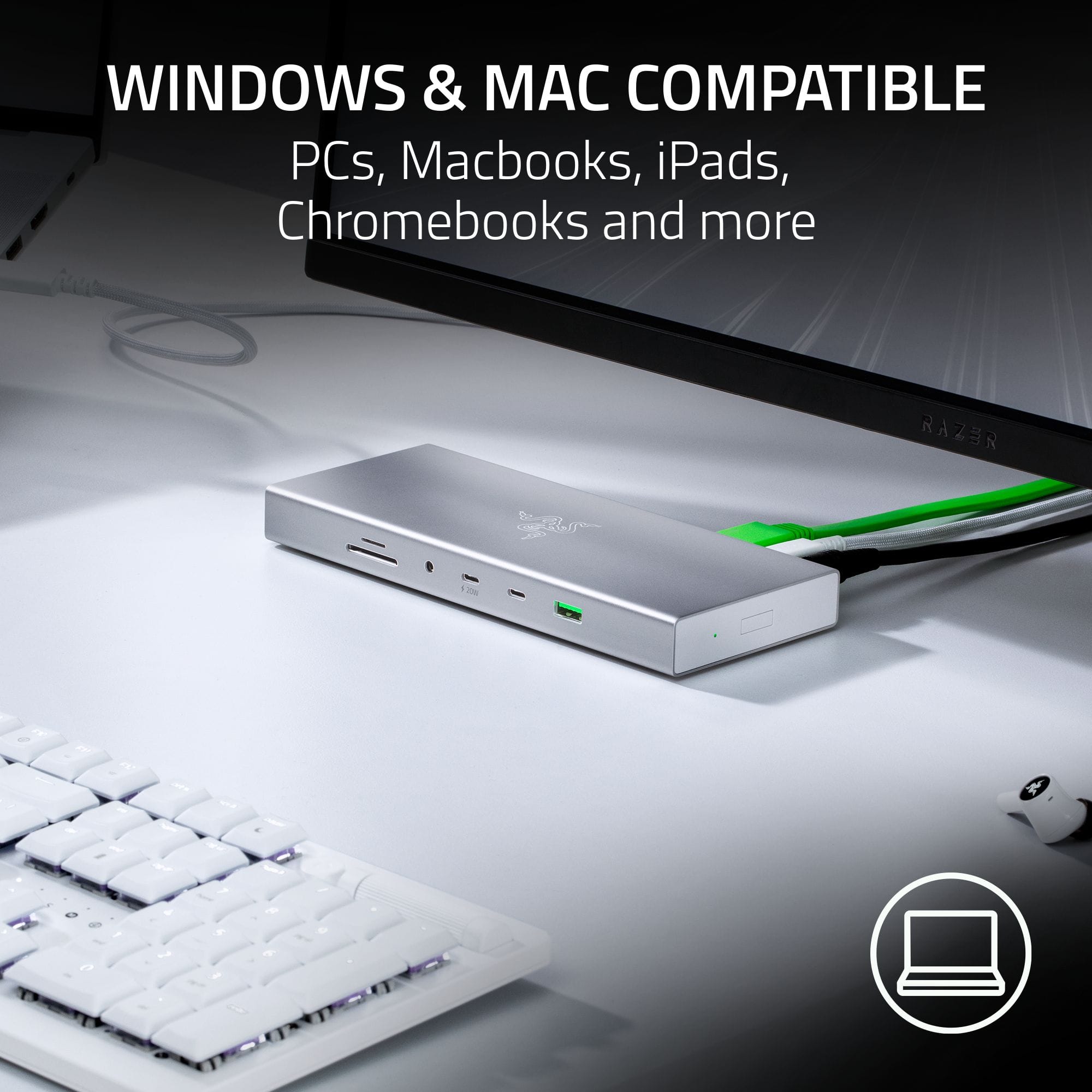
||Posted . Owned for 1 week when reviewed.This reviewer received promo considerations or sweepstakes entry for writing a review.Won’t output 4k over 60hz for a Mac - not pleased.
No, I would not recommend this to a friendGreat
||Posted . Owned for 2 weeks when reviewed.This reviewer received promo considerations or sweepstakes entry for writing a review.Wasn't working at first but after a restart it's great. Everything is fast and reliable
I would recommend this to a friendNice unit, check your USB requirements
||Posted .This reviewer received promo considerations or sweepstakes entry for writing a review.Easy set up. Does what it is intended to do. Would like to have an extra USB or two.
I would recommend this to a friend- Pros mentioned:Design, Hdmi, Ports

Excellent dock with all the connections you need
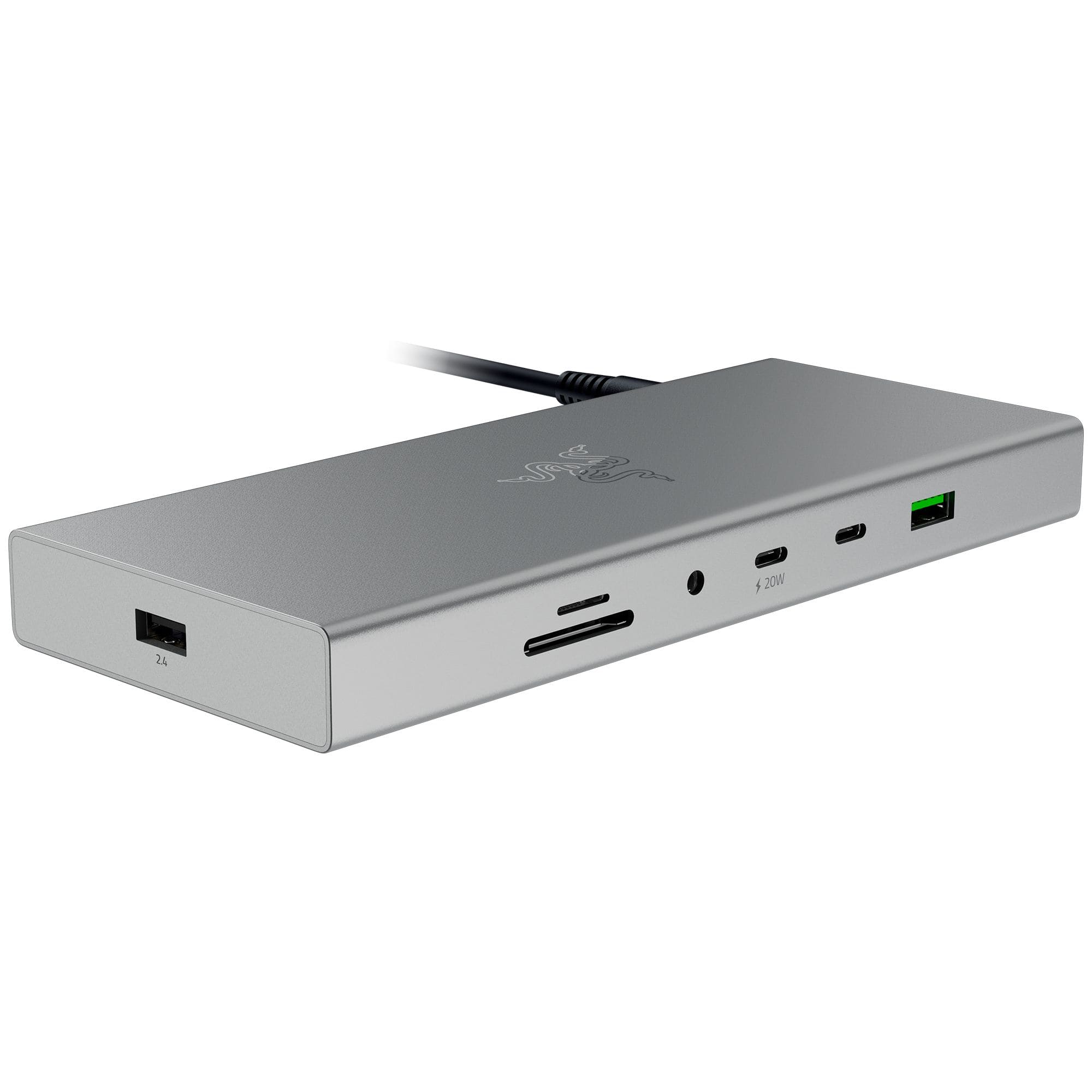
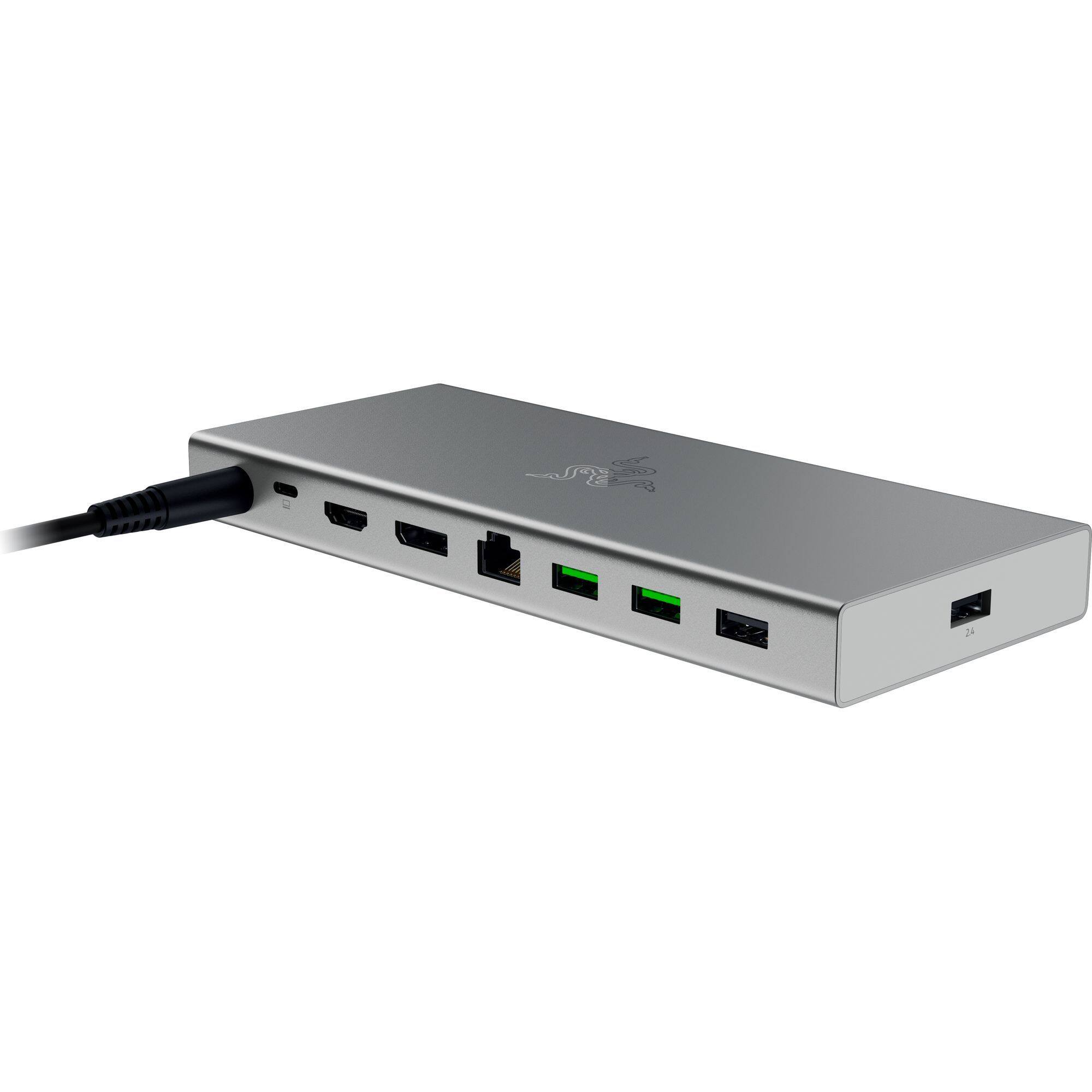
|Posted .This reviewer received promo considerations or sweepstakes entry for writing a review.GOOD - Lots of ports - USB 4 bandwidth for upstream - Compact size - Good overall design and layout - Doesn't require Razer software to work - Includes its own 180 W power supply BAD - Documentation isn't clear on power delivery capacity ( either 85 W or 100 W ) - SD card slot is upside down relative to other ports - Side power button isn't compatible with all laptops - Status light on the power brick quite bright TLDR Razer's USB 4 dock is a nicely compact dock that doesn't take up a ton of space on your desk and gives you all the ports you'd need for working on a modern laptop. DETAILS The dock stats already tell most of the story. It has seven USB ports for connecting various peripherals to you laptop, which should be more than you're likely to need. Two of those ports are type-C connections, and one of those can supply 20 W power. Additionally you have an Ethernet jack, one DisplayPort 1.4, one HDMI 2.1, a 4-pole 3.5mm audio jack ( works with headset mics, not just headphones ), and two card readers. Using a USB 4 upstream connection to a laptop means it has plenty of bandwidth available to share all those connections. Unless you're running multiple 4K monitors while also copying terabytes of data from a network location, you shouldn't have any bottlenecking issues through the dock. And the dock fits all these connections quite nicely into a svelte little brick that won't dominate your desk space. Better still, the dock is completely plug-n-play. You won't need to download any specific drivers for it ( at least my Win10 laptop didn't need to ). It doesn't even need Razer's software suite to run. Additionally, the dock comes with its own 180 W power supply. This allows you to keep the ( likely much smaller ) power supply for your laptop itself handy for travel instead of using it to power the dock. The dock also has a power button on the right hand side. However, while this button will power the dock itself on and off, not all laptops will recognize it to actually power them on and off. The biggest "problem" with the dock, if that's even the right word, is whether it can deliver 85 W or 100 W to the laptop. Most docks like this tend to require 10 - 15 W of power for themselves to operate. For example, a dock may pull 60 W of power from the power supply in the wall, but it will only send 45 W of that to power the laptop as it needs the rest for itself. The product manual for the dock says it supports PD 3.0 with up to 100 W of power to the laptop. But on the same page, the port specifications says it can only go up to 85 W. As the dock's 180 W power supply is well above this threshold, it doesn't make any sense why the 85 w spec should be there. Even if the laptop alone was using 100 W and the other USB PD port was using its full 20 W, there's no way the dock itself and the rest of the peripherals would come close to using 60 W. For most people, this is probably a non-issue. Most work laptops now run on 60 W or less. Even higher performing laptops with 100 W draw stay under 80 W in normal day-to-day use. But this could be a very real concern for gaming laptops if the dock is limiting you to a lower power envelope. Apart from the PD discrepancy, I only have two small complains about the dock. The SD card reader is upside down compared to the rest of the ports. To use the micro SD slot, the card needs to be inserted with the label side up, as expected. However the full-size SD slot needs the card label-side down and contact pins up. There are no markings or labels on the dock indicating this, and it took me a few minutes to figure this out, as I could not get the SD card in. The card readers are rated for UHS-II speed, so copying dozens of GBs of raw DSLR images and drone video footage is quite speedy. My other small complaint is the status light on the power supply is pretty bright. This probably isn't an issue for most people, since it can be tucked under a desk or something. But I know a few people don't need to have a dock power supply act as a night light in their home office.
I would recommend this to a friend Does a good job
||Posted . Owned for 1 week when reviewed.This reviewer received promo considerations or sweepstakes entry for writing a review.Works well. the quality of the wire and outer casing is nice. its
I would recommend this to a friendIt's ok.
||Posted . Owned for less than 1 week when reviewed.This reviewer received promo considerations or sweepstakes entry for writing a review.The Docking Ports are in a weird spot. It does its job.
No, I would not recommend this to a friendChanged my world
||Posted .This reviewer received promo considerations or sweepstakes entry for writing a review.Changed my world! No more fighting for space on my desk to connect all of my accessories.
I would recommend this to a friend