Customer Ratings & Reviews

- Model:
- RZ06-05200200-R3U1
- SKU:
- 6640413
Rating by feature
- Value
Rating 4.1 out of 5 stars
- Quality
Rating 4.5 out of 5 stars
- Ease of Use
Rating 4.4 out of 5 stars
Customers are saying
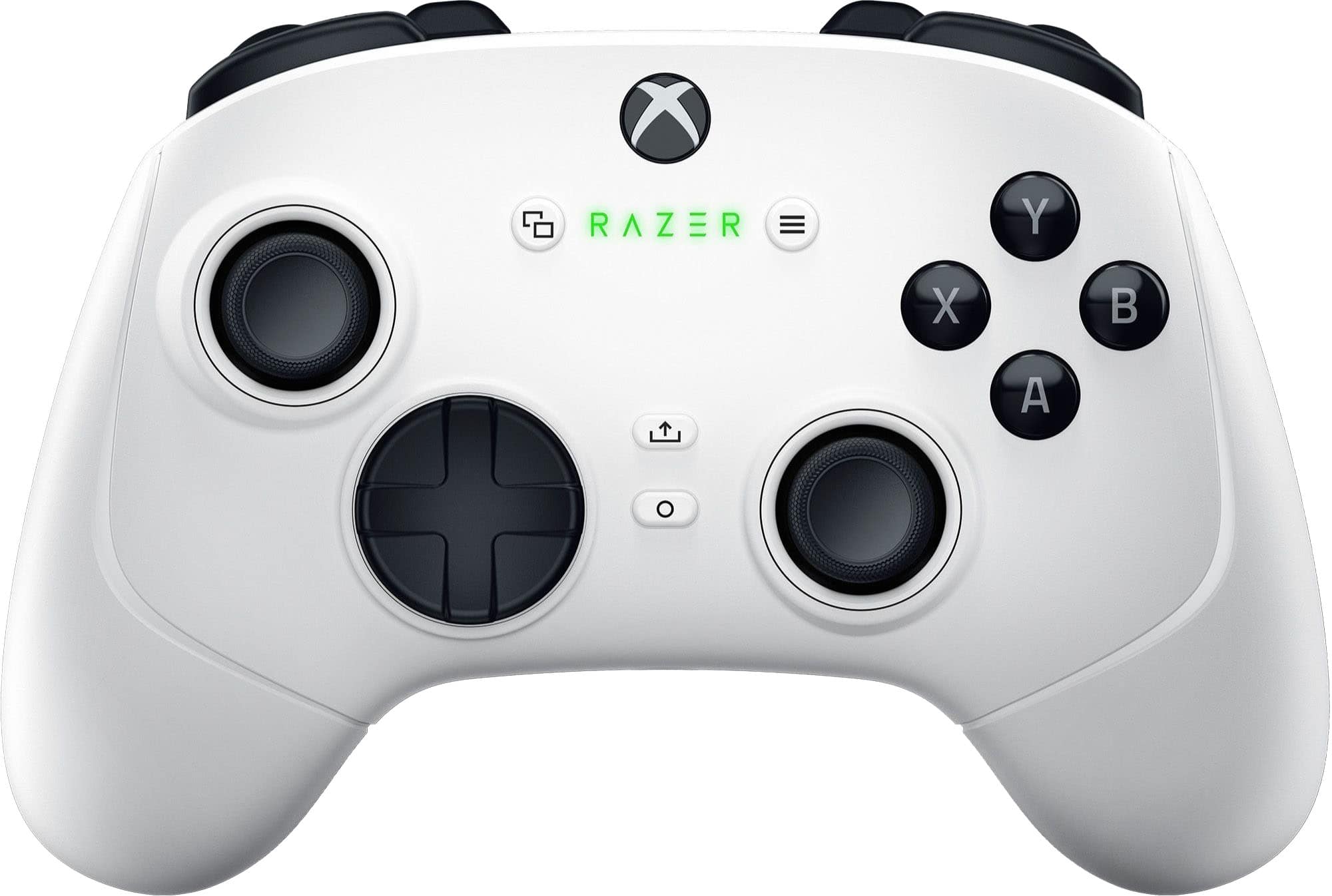
Customers value the Wolverine V3 Pro Wireless Gaming Controller for its excellent button quality, overall performance, and great battery life. The controller's ergonomics and responsive triggers are also appreciated, along with the Hall effect sticks. Some customers have expressed concerns about connectivity limitations, as well as the product's price point.
This summary was generated by AI based on customer reviews.
Good for hobbit hands
||Posted . Owned for 3 weeks when reviewed.This reviewer received promo considerations or sweepstakes entry for writing a review.I can see this being really comfortable for people who have little Frodo hands.
No, I would not recommend this to a friend- Cons mentioned:Connectivity
Avoid this expensive waste
||Posted . Owned for 1 week when reviewed.This reviewer received promo considerations or sweepstakes entry for writing a review.Can't recommend. Only had problems with this controller. It would rumble randomly and would drop connection to the dongle
No, I would not recommend this to a friend Just ok
||Posted . Owned for 1 week when reviewed.This reviewer received promo considerations or sweepstakes entry for writing a review.Not my favorite stiffer buttons and hard to push sometimes pushes extra hard
No, I would not recommend this to a friendRazer wolverine pro
||Posted . Owned for 1 month when reviewed.This reviewer received promo considerations or sweepstakes entry for writing a review.Good single player games. Not great for fps not really responsive
I would recommend this to a friend- Pros mentioned:Battery life, Ergonomics, Overall performance

Fortnite approved
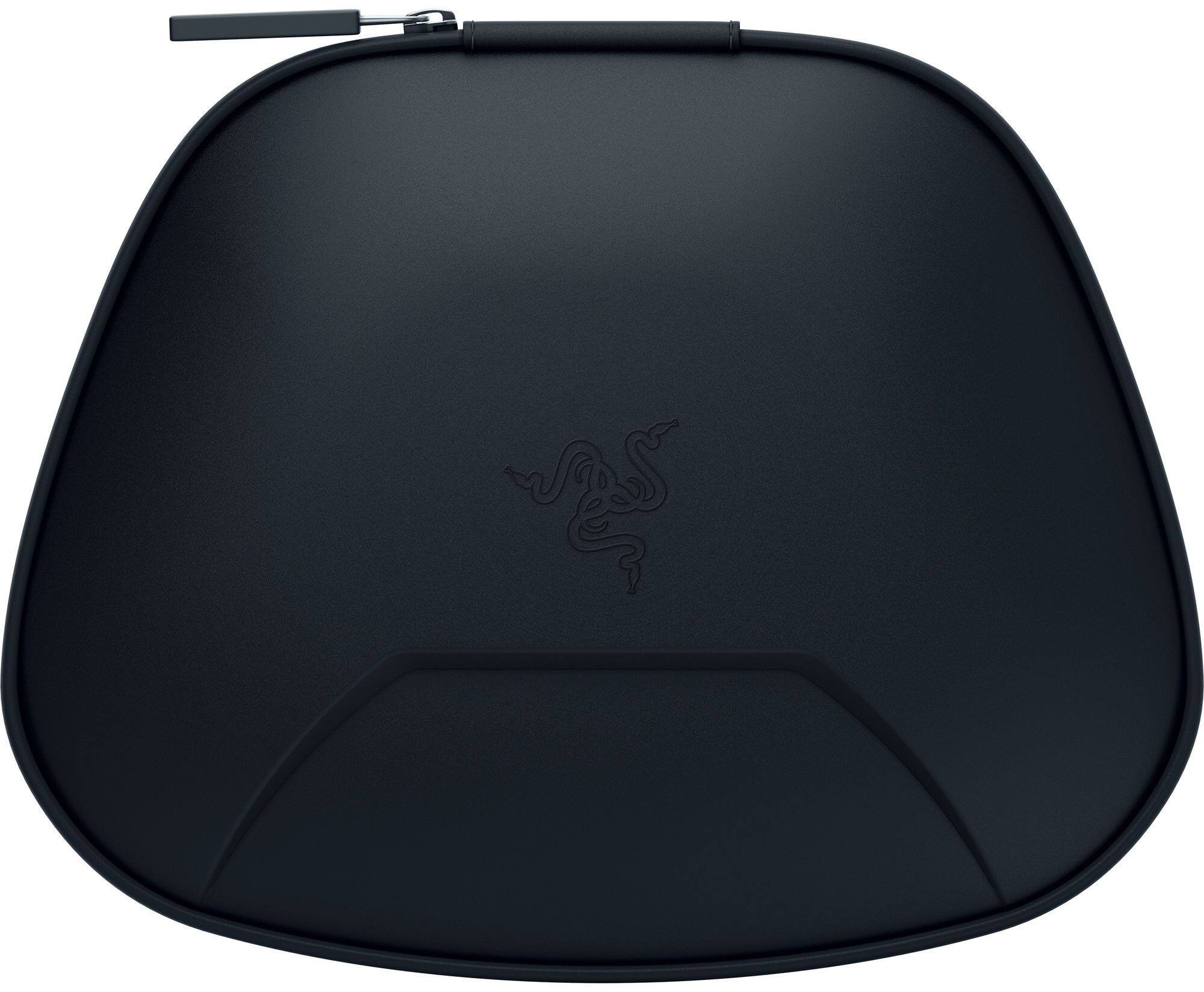
|Posted .This reviewer received promo considerations or sweepstakes entry for writing a review.Most of the feedback here will be from my pre-teen but I did take this for a test drive as well. Start off by saying that I have a official Xbox Pro controller that the pre-teen used for about 30 min before giving it back to me. This one I cannot pry away. After hooking up the included dongle and updating firmware, the controller was ready to use without a hitch. Battery life seems more than adequate, lasting at least a couple days and still not needing a charge. I don't know how long that will last, but for now it is impressive. The 10" cord is great, since they are usually much shorter. no idea on charge time because it is normally left overnight. Accessories-wise (other than the cord) it comes with a nice case, though for us it is not really going anywhere. The alternate thumb sticks is a nice touch as well if the fit for you is not right. Zero issues with gameplay reported, or happened to me. You would never know this was cordless (at up to an 8' distance). "Downsides" for me if you want to call them that were as follows: >Trigger buttons underneath were almost 'too present'. I found myself hitting them by accident more than anything else. They are exceptionally responsive though. Otherwise the controller feels good in the hands, and not like it is too far from your standard XBox controller for it to be distracting. >The app on the XBox from Razer is a mystery to me. We tried to downlaod it, I don't know if that ever actually occurred and in the end I'm not sure what the point is. The pre-teen wanted nothing to do with reprogramming the buttons so I didn't force the issue.
I would recommend this to a friend Sticky D pad
||Posted . Owned for 1 month when reviewed.This reviewer received promo considerations or sweepstakes entry for writing a review.Was good for 2 weeks, then the D pad started sticking. Avoid these unless you wanna risk getting a bad D pad.
No, I would not recommend this to a friend- Cons mentioned:Price
Disappointing
||Posted . Owned for 2 months when reviewed.This reviewer received promo considerations or sweepstakes entry for writing a review.Not worth the orice. Thumbstick stopped working one monty later. Have had plenty of other controllers, bever once had this issue.
No, I would not recommend this to a friend doesn't fit nice on hand
||Posted . Owned for 3 weeks when reviewed.This reviewer received promo considerations or sweepstakes entry for writing a review.doesn't fit nice on hand...........................
No, I would not recommend this to a friend- Cons mentioned:Size
Terrible
||Posted . Owned for 2 months when reviewed.This reviewer received promo considerations or sweepstakes entry for writing a review.Just get an Elite. Son disliked this controller. Size, extra button, stiff sticks, etc.
No, I would not recommend this to a friend Inconsistent connection with poor button controls
||Posted . Owned for 1 week when reviewed.This reviewer received promo considerations or sweepstakes entry for writing a review.Stopped working after a week, wouldn’t charge and would not recognize in the app. Kept sending me to the xbox accessories app instead of the Razer app. No easy way to adjust volume and switch profiles, buttons were not consistent and I would get no feedback at times when pressing buttons. D-pad is too sensitive and would randomly press. Stick to Xbox Elite series 2.
No, I would not recommend this to a friend- Pros mentioned:Button quality, TriggersCons mentioned:Software
It's so clicky.
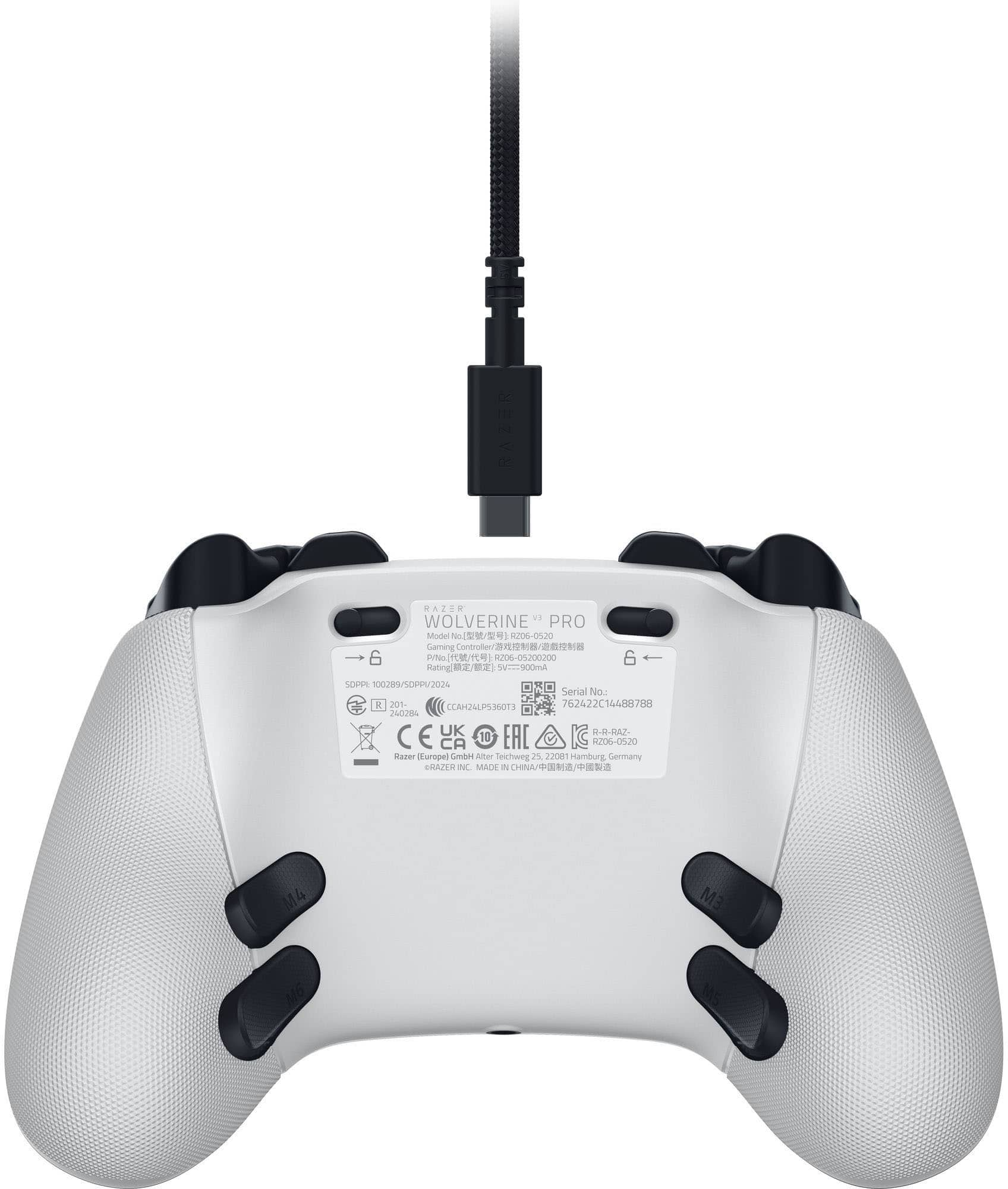
|Posted .This reviewer received promo considerations or sweepstakes entry for writing a review.As an alternative to your first party standard and pro controllers for the XBOX this is a rather solid choice. with 4 back paddles and 2 additional shoulder bumpers there are plenty of configuration options that make it so you nearly never have to remove your thumbs from the sticks to play. It's overall solidly built, the buttons and triggers are fool good, the dpad is an acquired taste but if it's right for you it feels good, though I don't think it would perform that great in street fighter, but your mileage may vary on that particular front. Where I think it falls off however is on overall mappability on PC. It uses a UWP windows app to manage it's configuration on PC rather than through the razer chroma software just about every other razer paripheral uses. That's kind of annoying on its own, needing yet another peice of software. But what bothers me most is how limited the mapping options are for PC gaming. By all accounts all the additional buttons should be mappable as seperate inputs and not just as alternates of traditional controller buttons. It should be possible for each paddle to be it's own macro, or input, but this is an issue I have with controllers on PC almost entirely across the board. So this is going to be more useful as a console controller or for PC games that use normal controller inputs overall. While steam Input can help here, it's still just seen as an xbox controller and the paddles and extra bumpers are going to function based on how you configured them in it's own configuration software. Points for rechargeable batter, and high polling rate wired PC modes. The only thing really missing here is swappable componants like different stick toppers and dpad. I personally like how it's setup so not really bothered by this myself. If you pick one up, go to Razers website and to the support section for this controller, there is a firmware update to download that fixes a few minor issues with I believe deadzones, either way, good to keep your stuff updated where possible to avoid problems.
I would recommend this to a friend Bad dongle
||Posted .This reviewer received promo considerations or sweepstakes entry for writing a review.Unfortunately, my brand new controller came with a defective dongle and was never used
No, I would not recommend this to a friendHorrible experience
||Posted .This reviewer received promo considerations or sweepstakes entry for writing a review.Very clunky, hard to work, and would not turn on the Xbox console like any other controller.
No, I would not recommend this to a friendU
||Posted . Owned for 3 weeks when reviewed.This reviewer received promo considerations or sweepstakes entry for writing a review.After two weeks the hardwire started failing great controller but faulty wiring
No, I would not recommend this to a friendTerrible Controller. Scam
||Posted . Owned for 1 month when reviewed.This reviewer received promo considerations or sweepstakes entry for writing a review.Please do not waste your money on this controller. In under a day i have problems playing and charging. Its the same poorly designed port as the v2 and will become loose almost immediately. Nor can you charge it while the xbox is off. Never have i felt like i have wasted money more than this.
No, I would not recommend this to a friendCharging port poor design...
||Posted . Owned for 2 weeks when reviewed.This reviewer received promo considerations or sweepstakes entry for writing a review.Used it for 2 days and absolutly loved it, but then the charging port got a short. I pkay wired so thats a major problem. Fix that and you have a fantastic controller.
No, I would not recommend this to a friendI would play on on razer kishi phone before this
||Posted . Owned for 1 month when reviewed.This reviewer received promo considerations or sweepstakes entry for writing a review.Literally the absolute worst “pro” controller money can buy I’ve used scuff Xbox’s multiple versions from 5-7 years ago and never have I had so many issues with a junky piece of trash
No, I would not recommend this to a friend- Pros mentioned:Button quality, Overall performance
Perfect Precision and Quality with Customization
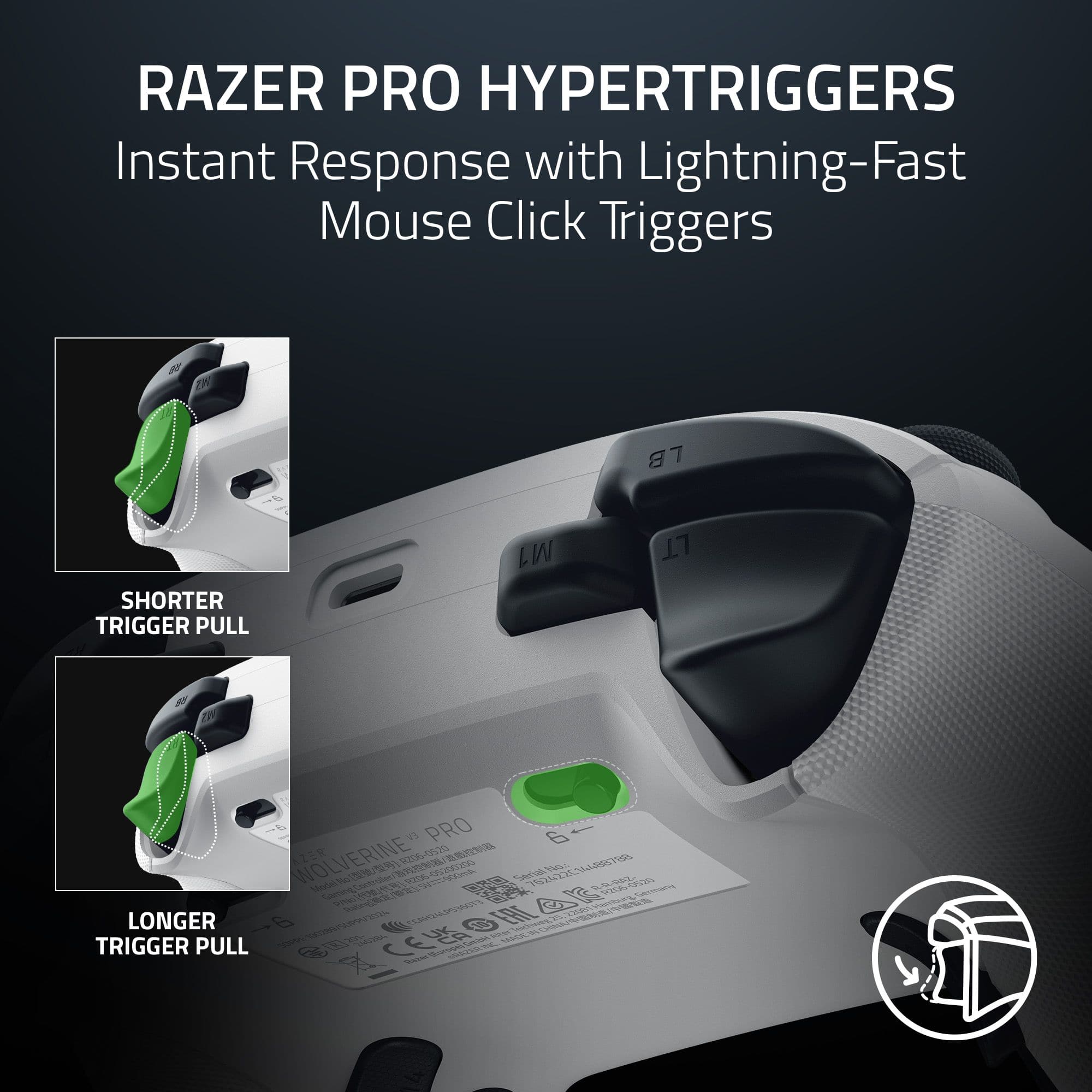
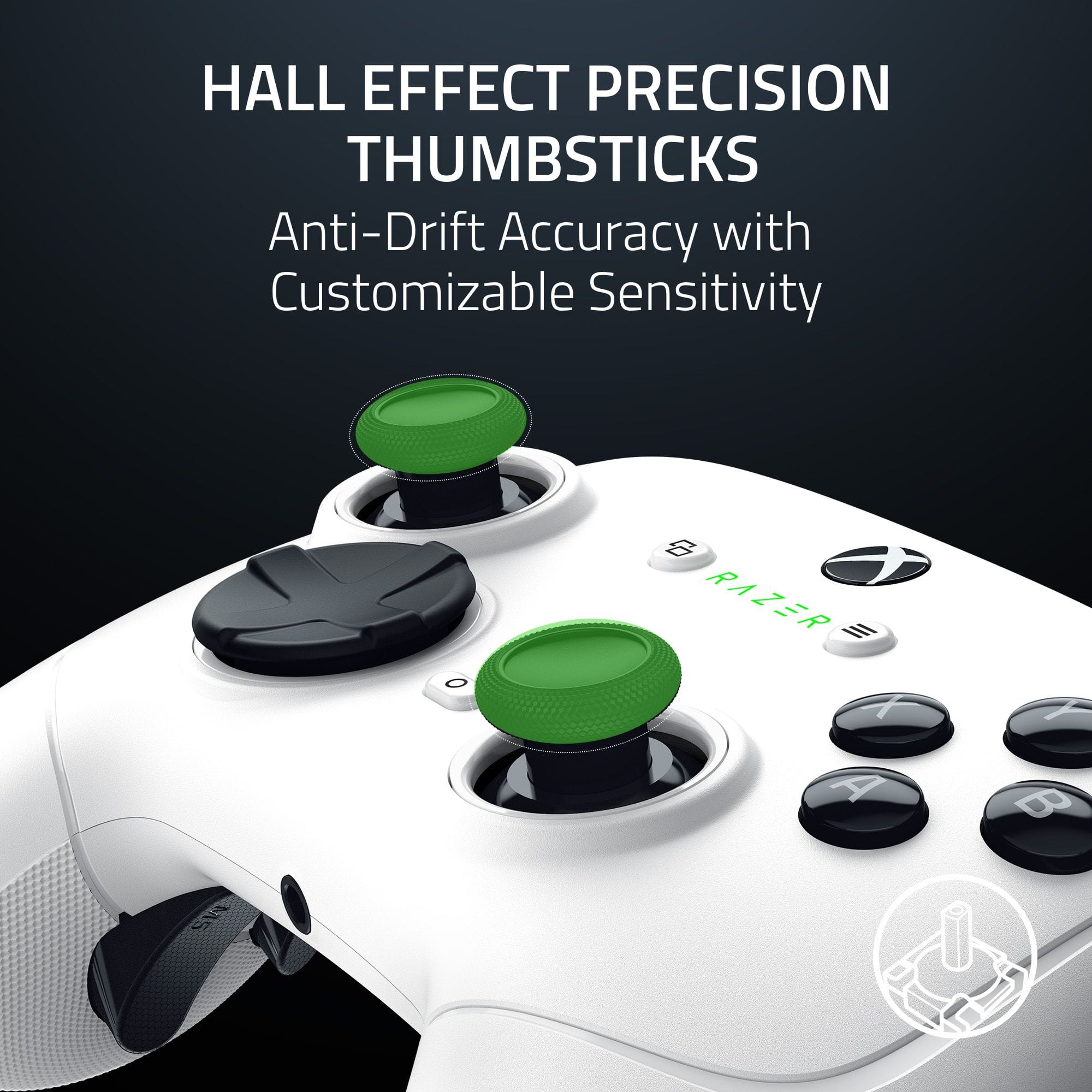
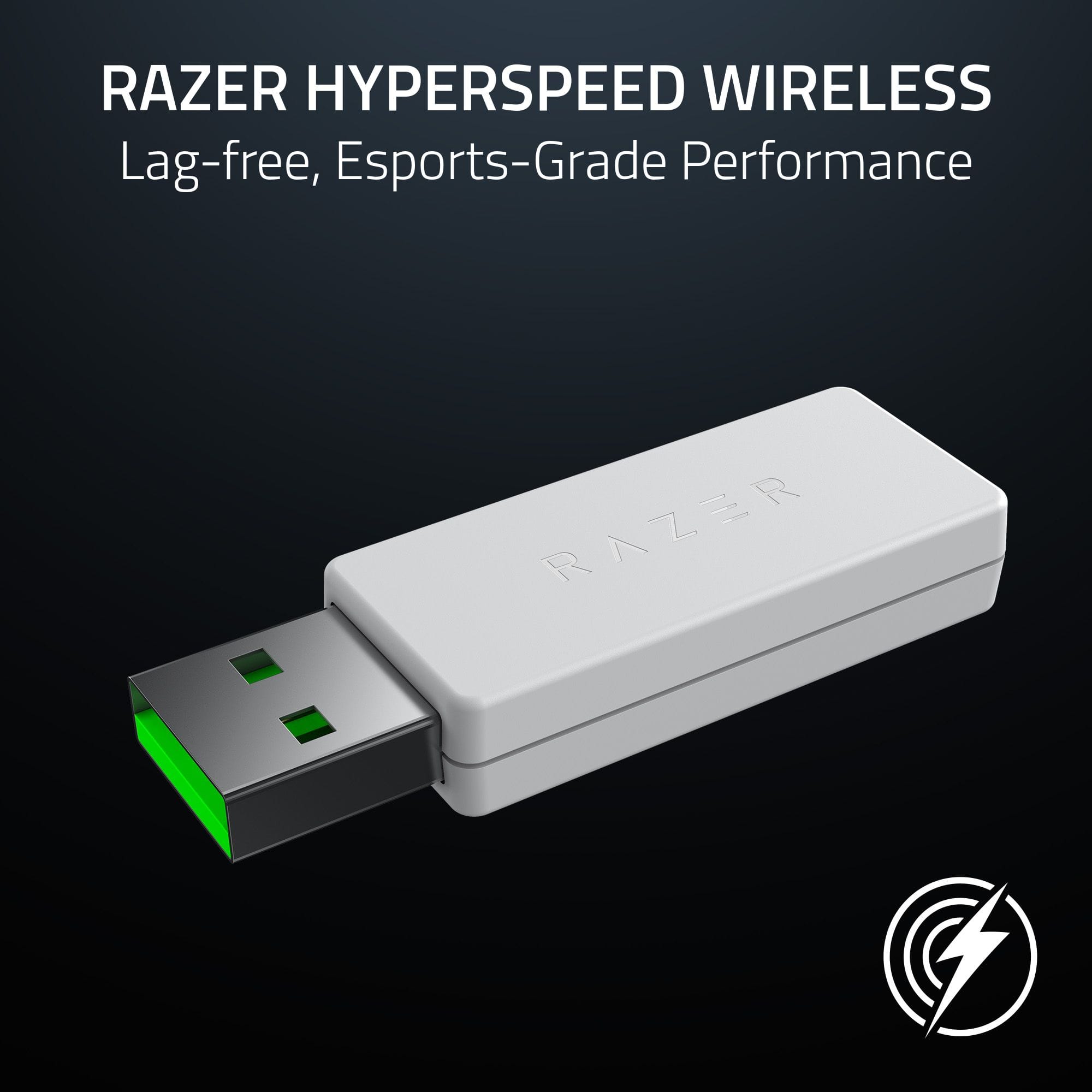
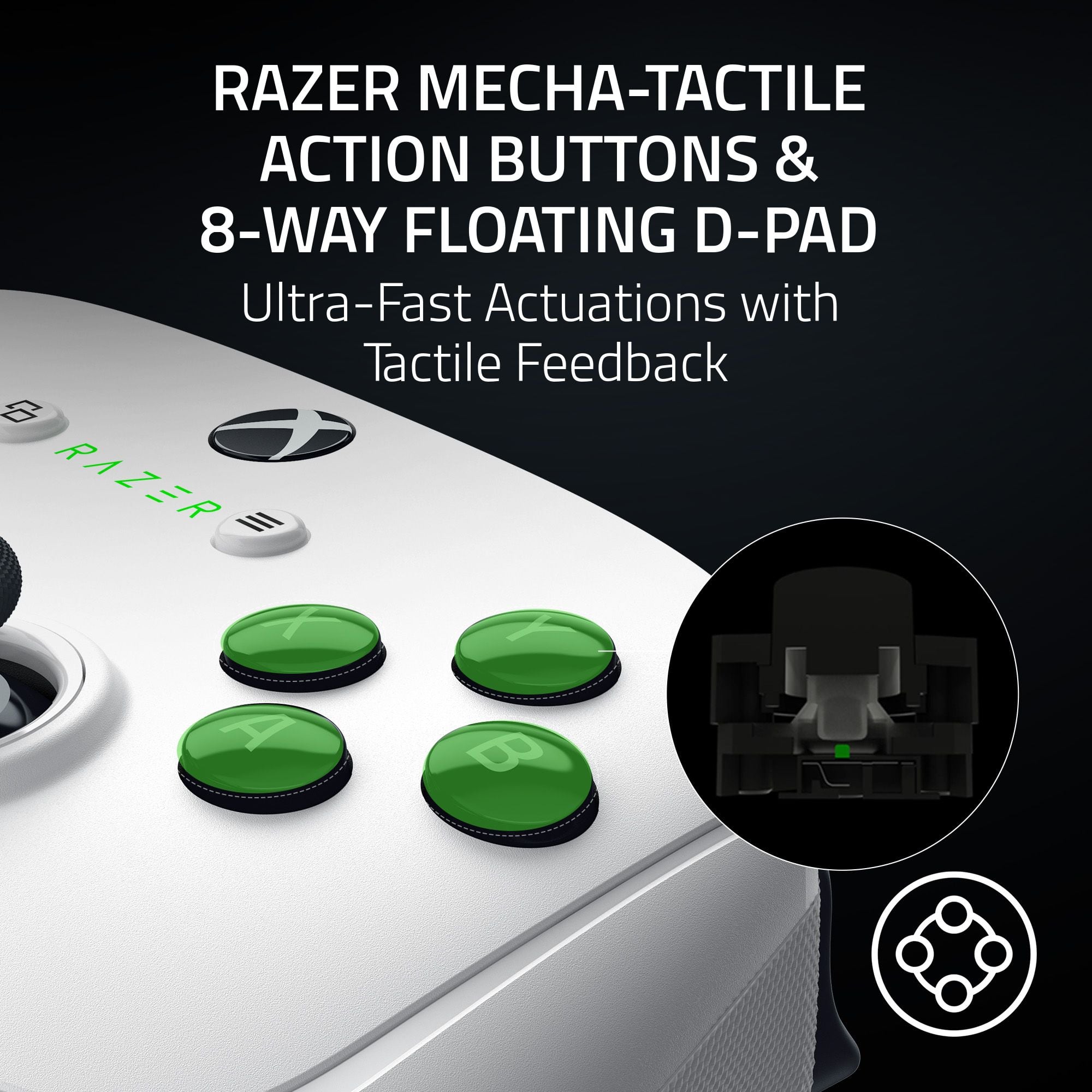
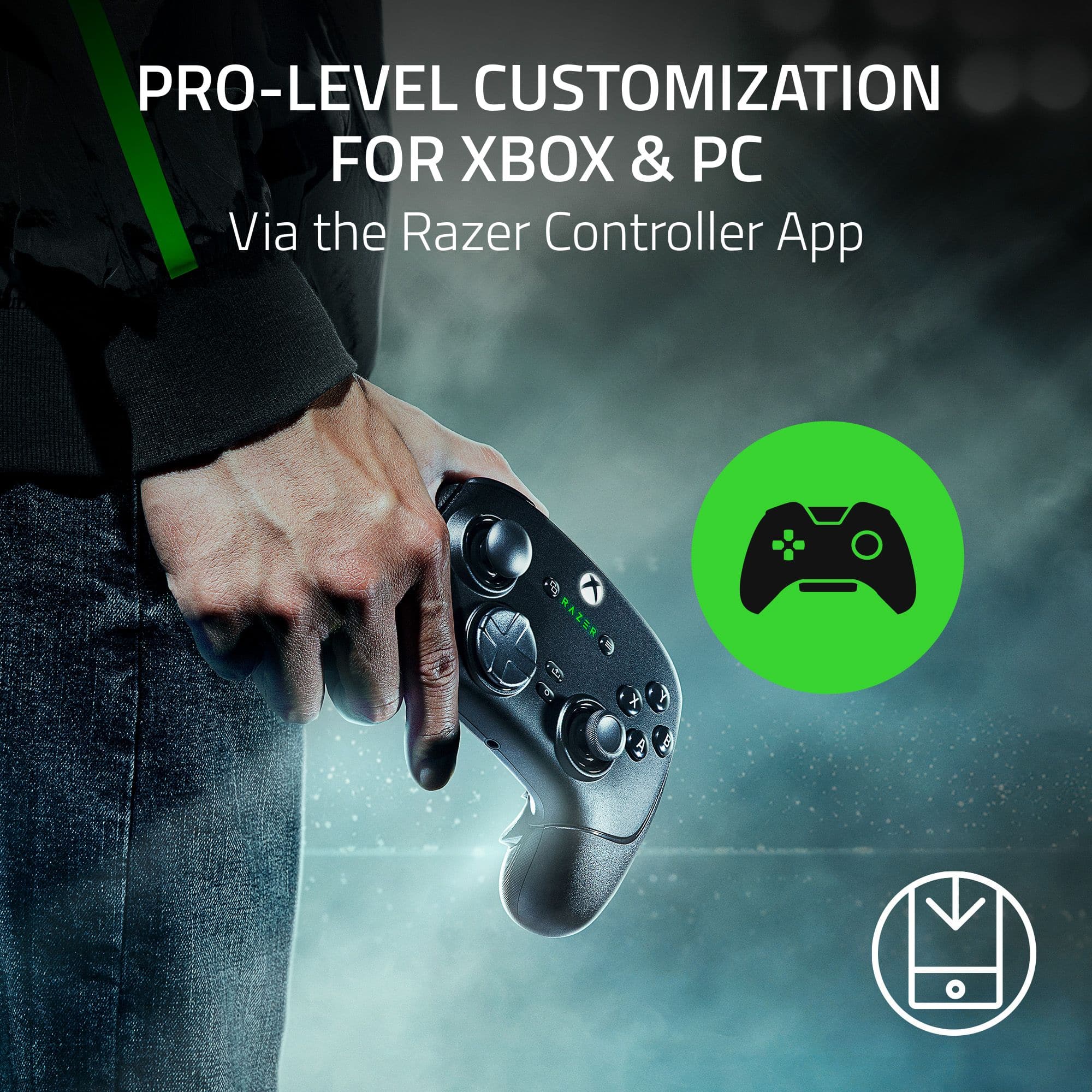
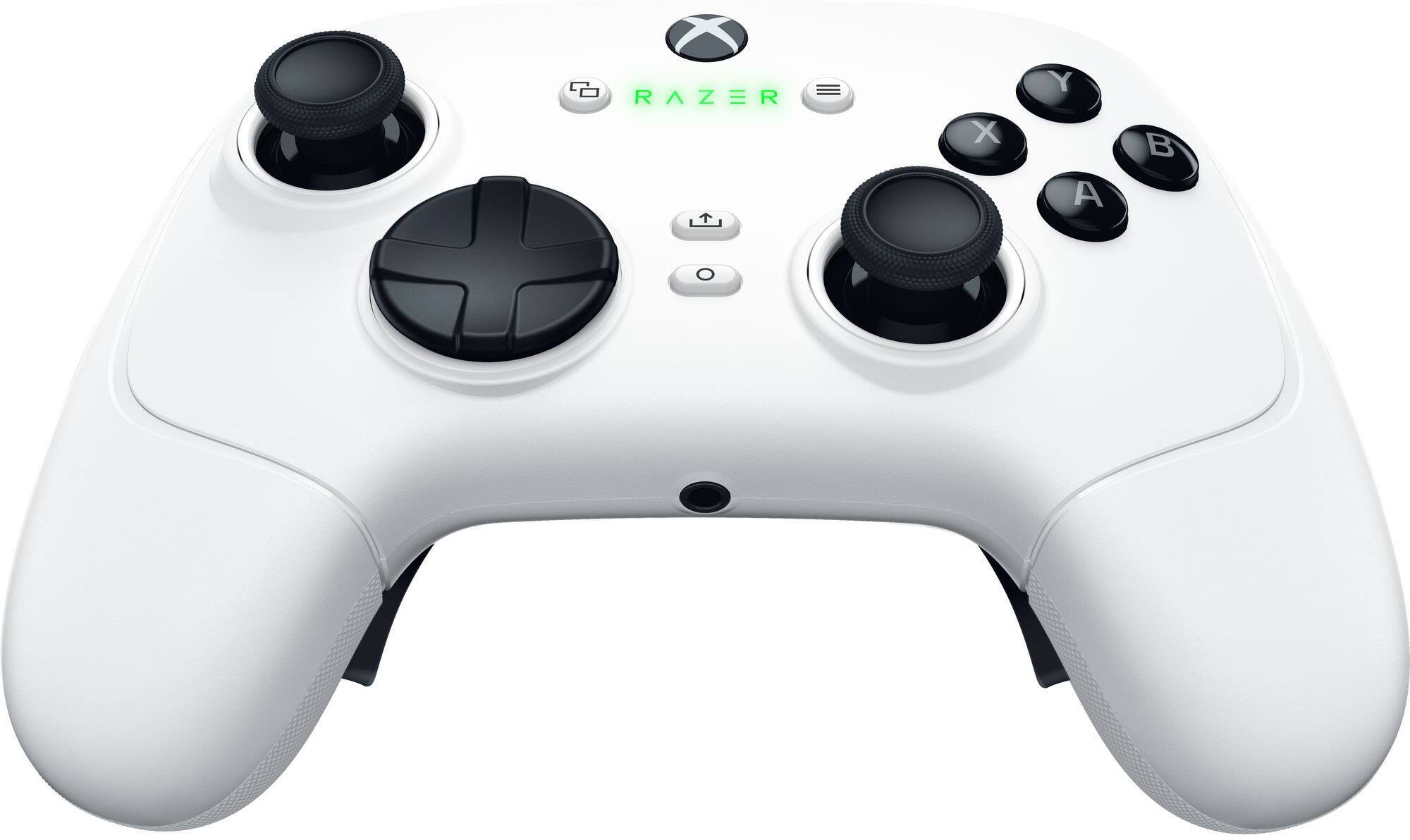
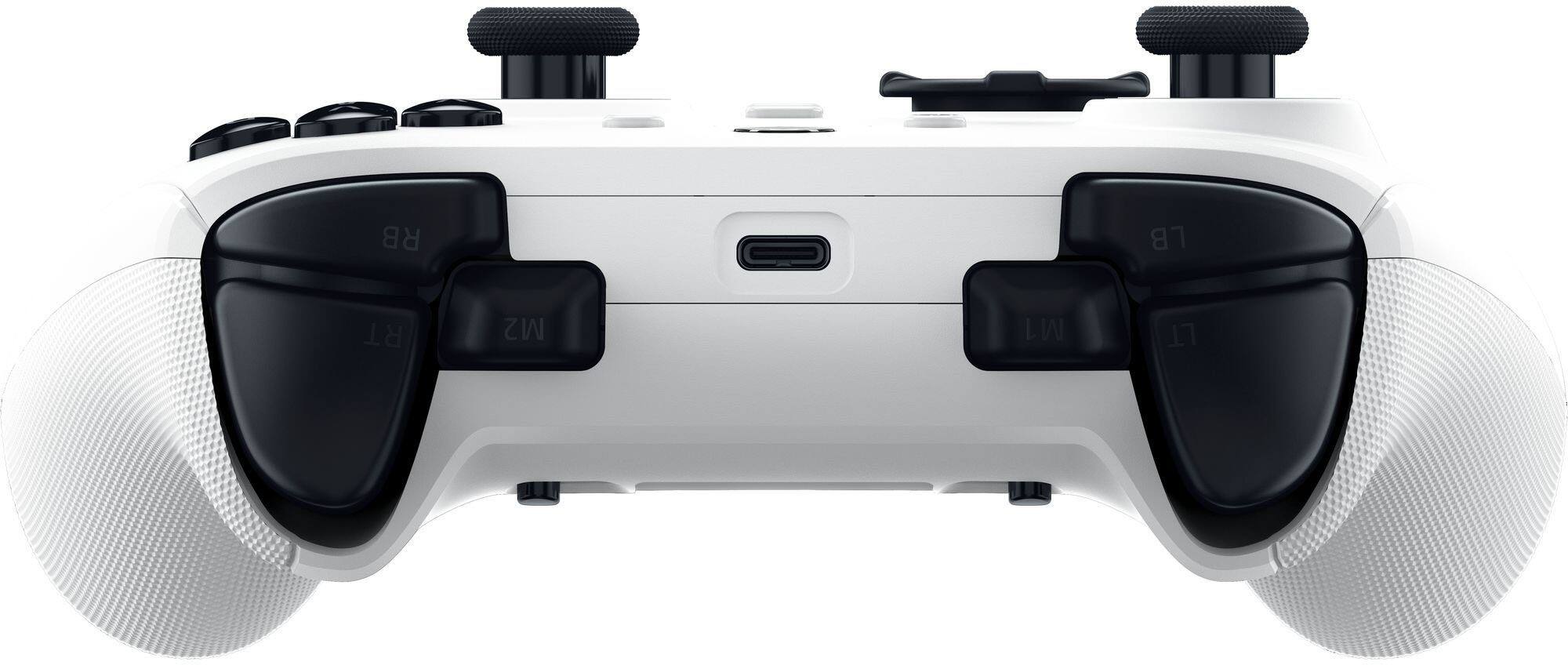
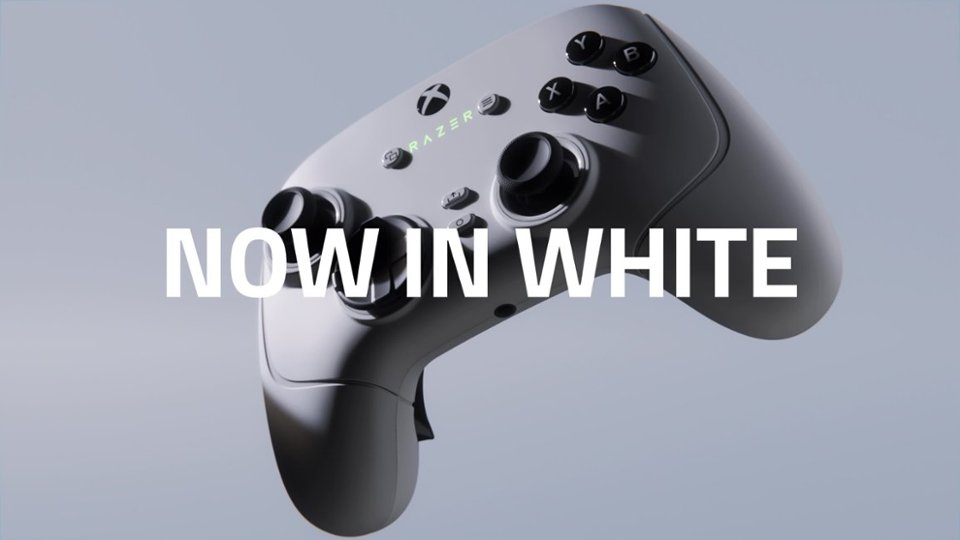
|Posted .This reviewer received promo considerations or sweepstakes entry for writing a review.Razer established in 2005, is designed by gamers for gamers. They have invested heavily into bringing the best and most reliable technology to their gaming accessories and the Wolverine Pro 3 is proof of that. The shape of the Wolverine Pro 3 is pretty much the same as the OEM Xbox controller. The weight distribution is a little different. The OEM controller feels heavier in the handles, were as the Wolverine's weight feels a little more evenly distributed. The shape of the two controllers is basically the only common feature between them. As soon as you start to press the buttons on the Pro 3, you can feel the difference and even hear it. The OEM buttons feel clunky and slightly wobbly. The Razer buttons actually feel more precise and have a more predictable sound and press. The thumbsticks feel more stable and even rotate smoother. The D-Pad feels much tighter than the OEM, and shares the same type of Ultra fast actuators as the action buttons on the Pro 3. The number one issue with most console OEM controllers is thumbstick drift. After a few good couple months of gaming, traditional analog thumbsticks tend to take a beating and can start to cause unwanted movements when the thumbsticks are in the zero position. The Wolverine Pro 3 thumbsticks use Hall Effect technology to eliminate the possibility of thumbstick drift. Hall effect joysticks are contactless, so there's no physical contact between the moving parts, which means the sensors don't wear out. They also have increased precision, improved accuracy, and reduced latency. Which makes them the best option for any serious gamer. The OEM controller use analog thumbsticks with potentiometers, in which a ring of resistive wire slides over a wiper that measures how far you push or pull the stick. These mechanical pieces can wear out quickly with a lot of intense gaming, and then start to become inaccurate or slightly stick in a position of constant input, which causes drift. The Pro 3 action buttons and inputs use Razer's Mecha-Tactile actuators. where as traditional action buttons use a rubber or membrane form that when pressed down creates the connection against the circuit board. The Mecha-Tactile actuators have a shorter travel distance and are much faster to use and process. Not only are the buttons and triggers ultra fast but so is the connection. The wireless dongle uses an ultra-low-latency 2.4 GHz connection on pc and the Xbox. Although for the best possible speeds the USB cable can reach polling speeds up to 1000Hz on a PC. As if the high quality, ultra fast inputs and reliability weren't enough the controller also comes with 6 additional remappable buttons. As well as 2 additional snap-on joysticks for increased height, if desired. Although if you decide the 6 additional buttons are not your style, you can turn them off in the app. Basically all of the buttons on the Pro 3 can be remapped in the Razor companion app on the PC and Xbox. Through the app, you can also adjust the sensitivity of the Thumbsticks and triggers. You can even save your preferences into different profiles for different games. The triggers can be used in the traditional analog fashion with the variable distance and resistance or you can flip the switches on the bottom of the controller to make these like the other action buttons for instant action. There is so much you can do with this controller, with it's adaptability of customization and uses, that it's hard to pass up. This is so much better than an OEM controller in every way, not to mention that it should last a good 5 times or more than an OEM controller. Overall this controller is just as fast and precise as advertised. It has worked great on every game I played for racing, shooting, fighting and general action games. It's super easy to transition between the Xbox and PC, just by adding the dongle or USB cable. The only negative thing I can say about it, is that the during some of the fighting games, trying to pull of some intense combos caused me to pop off the higher thumbsticks. So maybe if they had a better way to lock on it would be perfect, or maybe I could just calm down a bit during matches.
I would recommend this to a friend - Pros mentioned:Button qualityCons mentioned:Connectivity
Almost the perfect gaming controller!
|Posted .This reviewer received promo considerations or sweepstakes entry for writing a review.I was beyond excited to finally get my hands on Razer’s new Wolverine V3 Pro, a wireless controller with hall effect thumb sticks. A long-awaited alternative to the mainstream elite or performance controllers. For me, hall effect magnetic thumb sticks are the absolute best when it comes to preventing drift, which is one of the most frustrating issues in gaming. I’ve had my fair share of controllers, and all but the hall effect ones eventually developed a bit of drift. So, the fact that this controller features that technology was a huge plus right off the bat. Now, let’s talk about the build and feel. This controller is super lightweight but in no way feels cheap. It feels durable, like it’s built to last, which is exactly what I need in a controller that I plan to put through hours of gaming. It even comes with a premium fabric hard carrying case, a generously long USB-A to USB-C cable, two additional thumb stick caps, and a Hyperspeed wireless dongle. Every piece feels high-quality, and nothing about it screams “cut corners,” which is great when you’re investing in a premium gaming accessory. From first glance, everything about this controller hits the mark and lands right in that sweet spot for both casual and hardcore gamers alike. What really sets the Wolverine V3 Pro apart are the buttons. If you’re a fan of mechanical keyboards with that satisfying clicky, tactile feedback, you’re going to love this controller. All the buttons, are "mecha-tactile," meaning they have that same crisp, responsive feel you’d expect from a mechanical keyboard. Every button press is so satisfying and incredibly responsive. This also extends to the 6 remappable buttons; 4 back paddles and 2 “claw grip” bumpers. While I’m more of a traditional grip player, having the claw grip option is a cool addition for those who use it. One of my absolute favorite features is that the paddles and directional pad are mouse-click buttons. Yes, you read that right, mouse clicks, just like a mechanical gaming mouse. And with the trigger stop switches, you can turn the left and right triggers into instant-response mouse-click triggers too. The mouse-click functionality is hands-down one of the best things about this controller. Plus, being able to remap buttons and adjust settings without needing to install or open an app is a huge win for me. You can control everything from volume and brightness to effects and button assignments simply by holding the function button and using various inputs. It’s quick, easy, and stress-free. Now, for as awesome as this controller is, there are a couple of quirks that could use some improvement. While Razer finally gave us an elite wireless controller, it’s only wireless through the Hyperspeed wireless dongle, there’s no Bluetooth connectivity. I wish Bluetooth had been included, as it would make the controller even more versatile. Another small gripe is that the controller feels a bit cramped during extended gaming sessions. The wing grips aren’t as pronounced as a standard Xbox controller, and after a while, my hands started to feel a bit fatigued. I was able to work around this by remapping my paddles to the most-used buttons in my games, which helped me stay comfortable for longer sessions. Overall, if you’re in the market for a high-performance controller and love the tactile feel of mechanical buttons, the Razer Wolverine V3 Pro is a fantastic choice. It delivers on all fronts with hall effect thumb sticks, customizable mouse-click buttons, and a seamless setup. Just a couple of tweaks could make it perfect, but as it stands, it’s a top-tier controller that I’m loving so far!
I would recommend this to a friend - Pros mentioned:Battery life, Button quality
Responsive and easy to program
|Posted .This reviewer received promo considerations or sweepstakes entry for writing a review.This controller provides all the benefits of the Wolverine Pro controller and pairs it with wireless support. It can be used wired, but once charged, you just connect the wireless doggle and it pairs easily. It works well with both an Xbox and PC. All you have to do is select the program button, the button you wish to map and then the back to assign. No special programs are need for PC use and the XBox built in controller settings can be used for configuration. The button setup has the fill of an xBox controller, and it does weigh a little more than a regular Xbox controller. The buttons are well placed, and the controller has a larger feel. The grips have a slight texture that gives a good grip and are comfortable when playing long gaming sessions. If you decide to play wired, the charge cable is plenty long enough. There is a nice case provided for protection when not in use and traveling. There are no RGB lights other than the Razer logo on the face of the controller. It charges quickly and the battery is great and last for hours under moderate use. It works just as well several feet from the doggle as within a few inches away. The ability to charge will save a lot of battery replacements.
I would recommend this to a friend