Customer Ratings & Reviews
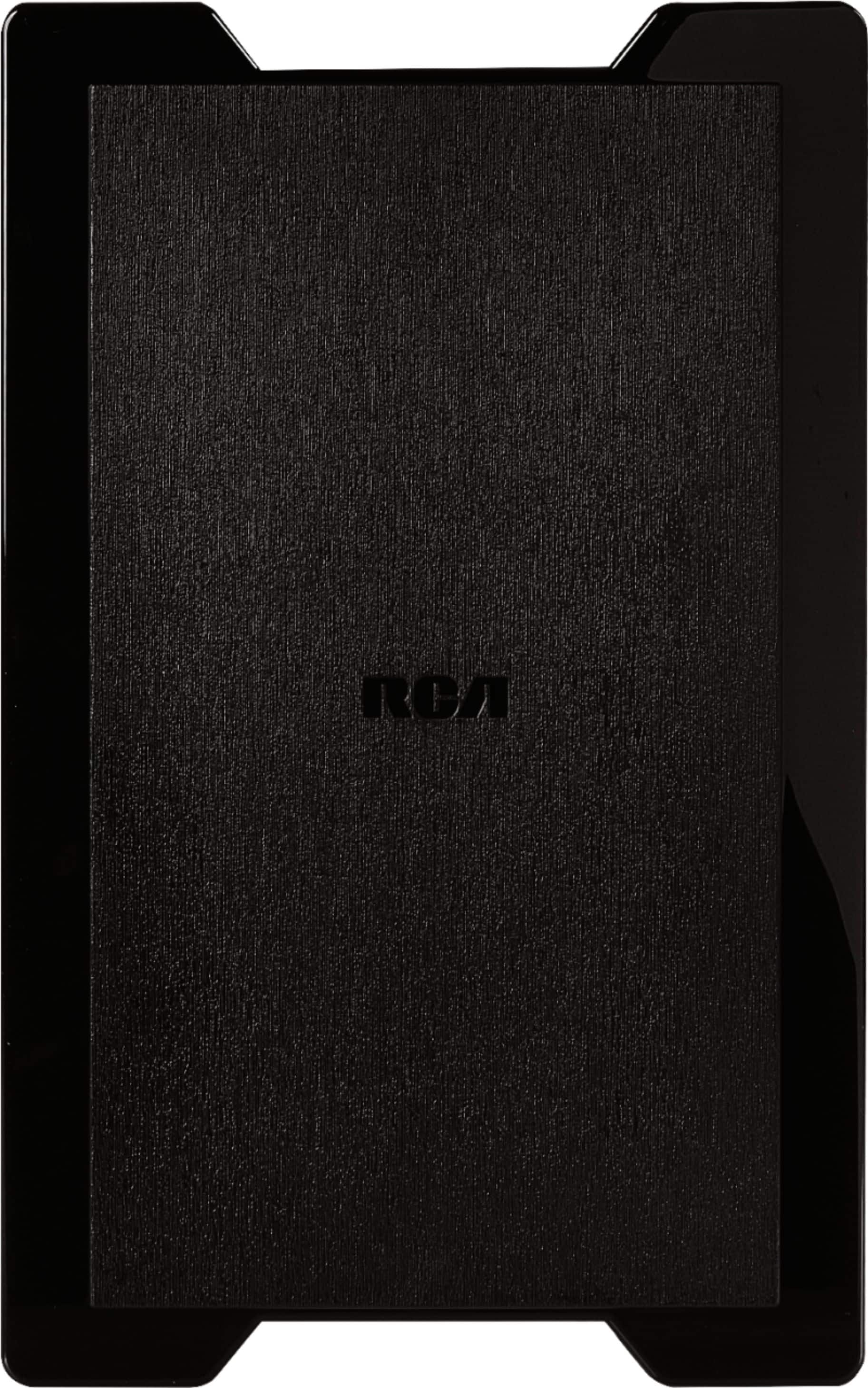
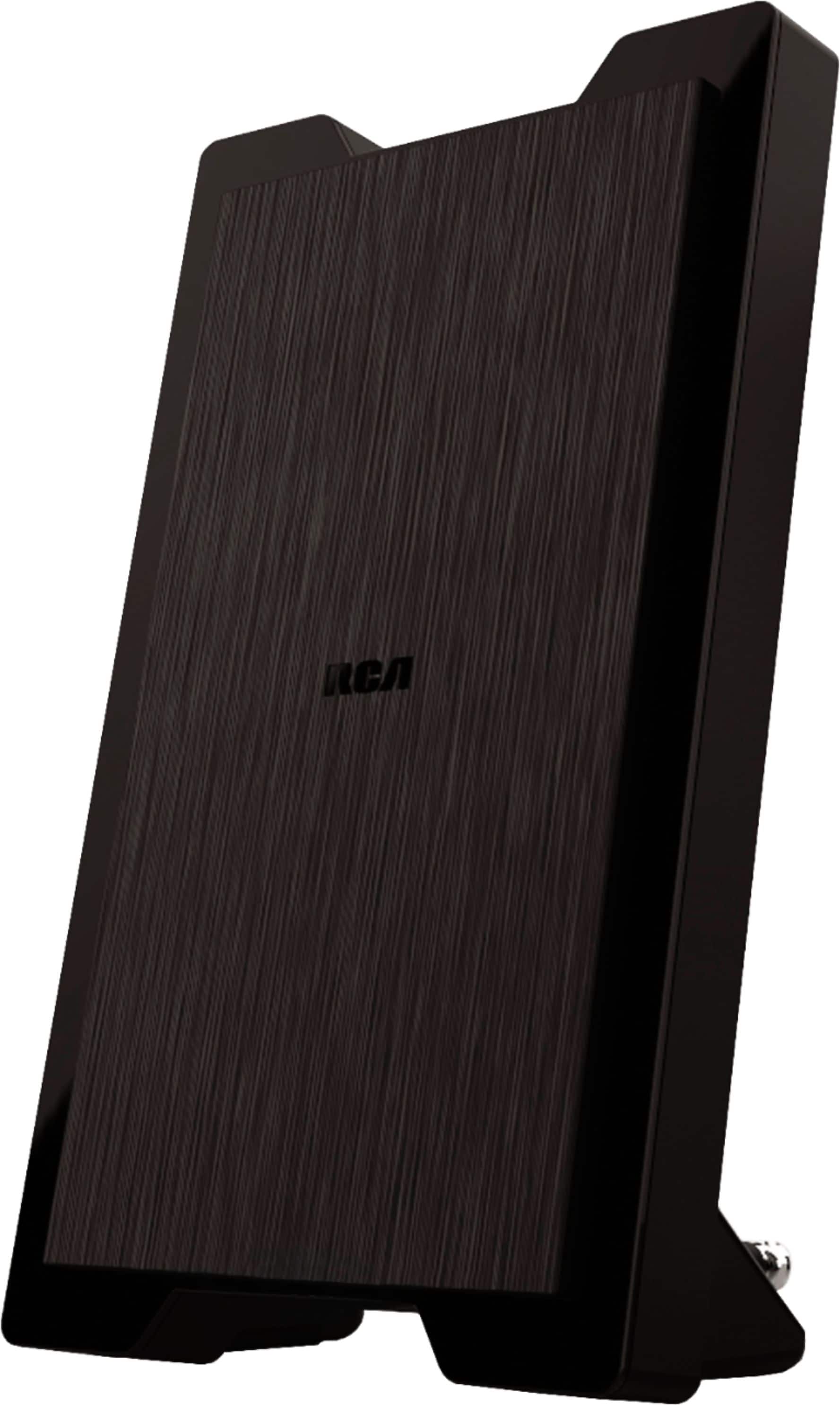
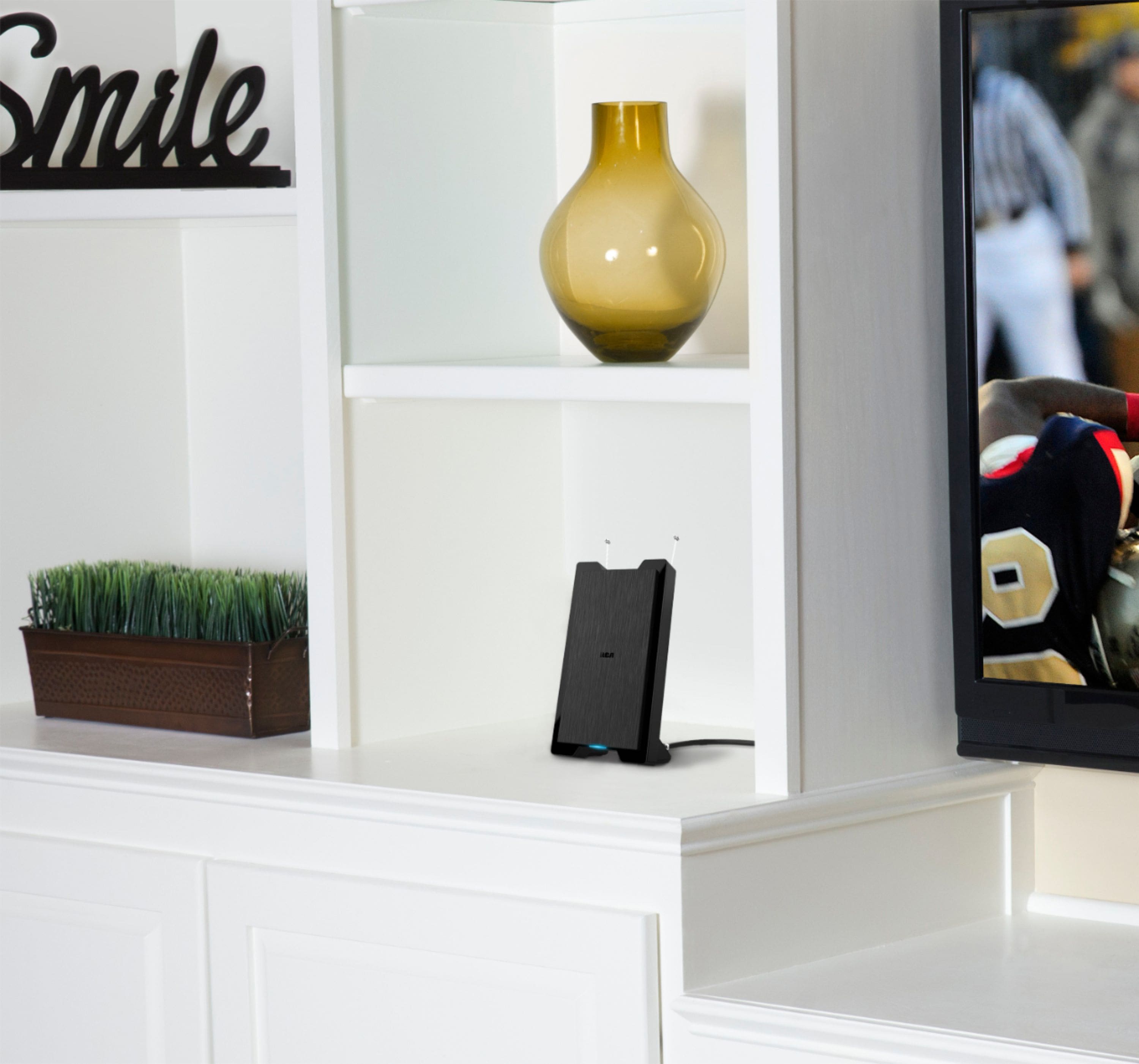
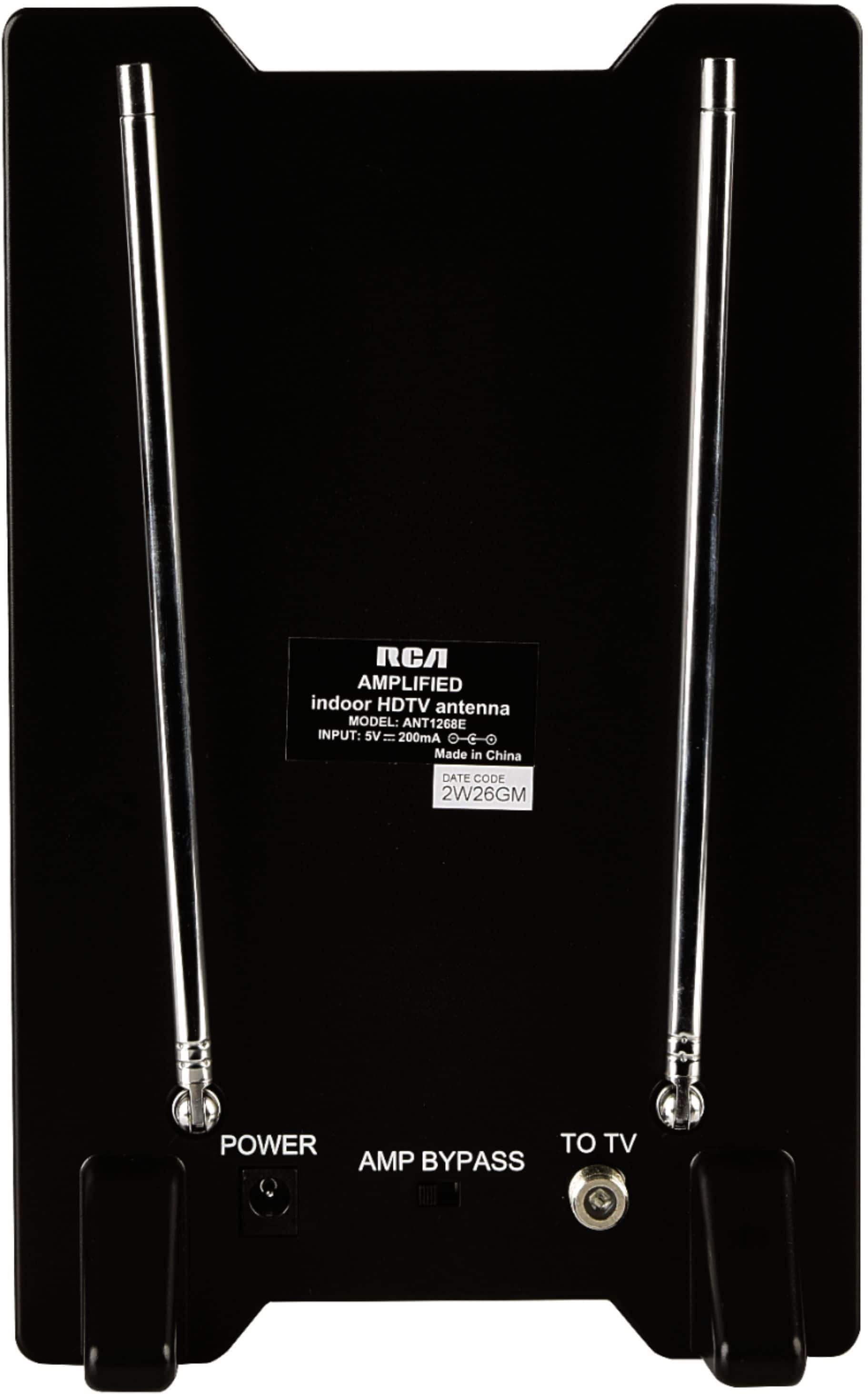

- Model:
- ANT1268EV
- SKU:
- 6448223
Rating by feature
- Value
Rating 4.3 out of 5 stars
- Quality
Rating 4.2 out of 5 stars
- Ease of Use
Rating 4.4 out of 5 stars
Customers are saying
Customers find value in the Amplified Indoor HDTV Antenna's reception, ease of use, and picture quality. Many customers report a high channel count and satisfactory performance. However, some customers have concerns regarding signal strength and range.
This summary was generated by AI based on customer reviews.
RCA TV ANTENNA
||Posted .This reviewer received promo considerations or sweepstakes entry for writing a review.Could not get local channels no matter where I placed it in the house
No, I would not recommend this to a friendDisappointing
||Posted . Owned for 3 weeks when reviewed.This reviewer received promo considerations or sweepstakes entry for writing a review.Disappointed, I realize it’s made for indoor, got it for my garage. Very spotty. Returning it and trying Something else.
No, I would not recommend this to a friendRCA HDTV Antenna
||Posted . Owned for 3 weeks when reviewed.This reviewer received promo considerations or sweepstakes entry for writing a review.I don't see the difference between this RCA HDTV antenna than a regular rabbit ears antenna except $20 cash.
No, I would not recommend this to a friendFailure
||Posted . Owned for 1 week when reviewed.This reviewer received promo considerations or sweepstakes entry for writing a review.This item didn’t meet my requirements. I was unable to receive a signal.
No, I would not recommend this to a friendBrand response from Voxx Accessories Corp
Posted .Hello KickingHigh - Sorry to read that the antenna did not work for you when you tried it at your specific location. Hopefully we can offer a couple tips that may help get you watching Free HDTV. First of all, we want to make sure that you performed a channel scan using your TV’s menu system. This is the most important and most often over-looked step after connecting the RCA antenna to the TV. Unfortunately each TV manufacturer has a different process on how to get to the channel scan function within its menu settings, so you will have to look at your TV owners manual for those specific steps. Also, make sure your TV input is set to "Antenna" or "Air" or something similar. Also, if you can place the antenna near (or in) a window facing the broadcast tower general direction the better your chances are of receiving a signal. It also helps when you completely uncoil the antennas cable before running the channel scan. If all of that does not work, I would check your TV to ensure that it does indeed have an ATSC tuner which is needed to receive today’s digital broadcast signals. Most TV's built around 2007 have this type of tuner. An easy way to find out is by finding your TV model number and doing a Quick Google Search for your TV model number. The type of tuner should be an “ATSC” (not an NTSC) as mentioned above. If it does not, you will need to purchase a digital converter box. If you can send us a quick email to RCAAntennaHelp@voxxintl.com with your zip code we can take a look to see what other specific information we may be able to provide to help you get watching Free HDTV.
Hated it
||Posted . Owned for 3 weeks when reviewed.This reviewer received promo considerations or sweepstakes entry for writing a review.The product would not work at my home at all. I was very disappointed
No, I would not recommend this to a friendBrand response from Voxx Accessories Corp
Posted .Hello Printer - Sorry to read that the antenna did not work for you when you tried it at your specific location. Hopefully we can offer a couple tips that may help get you watching Free HDTV. First of all, we want to make sure that you performed a channel scan using your TV’s menu system. This is the most important and most often over-looked step after connecting the RCA antenna to the TV. Unfortunately each TV manufacturer has a different process on how to get to the channel scan function within its menu settings, so you will have to look at your TV owners manual for those specific steps. Also, make sure your TV input is set to "Antenna" or "Air" or something similar. Also, if you can place the antenna near (or in) a window facing the broadcast tower general direction the better your chances are of receiving a signal. It also helps when you completely uncoil the antennas cable before running the channel scan. If all of that does not work, I would check your TV to ensure that it does indeed have an ATSC tuner which is needed to receive today’s digital broadcast signals. Most TV's built around 2007 have this type of tuner. An easy way to find out is by finding your TV model number and doing a Quick Google Search for your TV model number. The type of tuner should be an “ATSC” (not an NTSC) as mentioned above. If it does not, you will need to purchase a digital converter box. If you can send us a quick email to RCAAntennaHelp@voxxintl.com with your zip code we can take a look to see what other specific information we may be able to provide to help you get watching Free HDTV.
Helps a little
||Posted . Owned for 7 months when reviewed.This reviewer received promo considerations or sweepstakes entry for writing a review.Works good when it gets the signal. Reception in Hawaii is not very good.
I would recommend this to a friendNot working in zip code 33763
||Posted . Owned for 3 weeks when reviewed.This reviewer received promo considerations or sweepstakes entry for writing a review.It doesn't work in Clearwater, does not receive any signal at all
No, I would not recommend this to a friendDid not get all local channels
||Posted . Owned for 3 weeks when reviewed.This reviewer received promo considerations or sweepstakes entry for writing a review.Did not pick up VHF channels. Did get UHF channels. I returned it.
No, I would not recommend this to a friendBrand response from Voxx Accessories Corp
Posted .Hello cajundancer - Unfortunately, VHF stations broadcast signals are broadcast at significantly less power thus do not travel as far as UHF signals and are more susceptible to impulse noise (RF interference). There are many items that could cause RF interference (CFL light bulbs, WiFi, microwave, etc..) and typically they are worse in the morning or at night when there are more things "on" in your surrounding environment. I would try moving your antenna as high up and/or as close to (or in) a window facing the direction of the broadcast towers, making sure you completely uncoil the antennas cable, and rerun a channel scan. If you do not rescan for channels after relocating the antenna, any new and expected changes in channels/reception would not be accurate and would likely be much worse.
Keep in mind that there are also several other factors that can negatively affect your ability to receive the broadcast signal at your specific location. Each antenna installation location is 100% unique and typically presents its own set of unique challenges. Objects such as tree foliage, building construction type and materials, metal roofing materials and the physical terrain (mountains & hills) of the land all play significant roles and may severely block the incoming signals at your specific location. If using an indoor antenna, aluminum or steel siding, metal lathe used under older plaster walls, and metal mesh under exterior stucco all can also impact the incoming broadcast signals. When looking at signal strength ratings online, keep in mind that those signal strength ratings are taken at a height of about 30 feet with zero obstructions. As no two antenna installations are 100% identical, reception seemingly always varies from neighbor to neighbor and even from room-to-room even within the same house.
RCA TV antenna
||Posted . Owned for 1 month when reviewed.This reviewer received promo considerations or sweepstakes entry for writing a review.It did not work. It did not have enough strength for the distance.
No, I would not recommend this to a friendBrand response from Voxx Accessories Corp
Posted .Hello - The signal strength from the local broadcast towers at your exact location is one of the major factors on whether an antenna can receive a signal or not. Unfortunately there are some locations where it is difficult to get a great viewing experience on all the local channels. Some other factors when it comes to selecting a proper antenna for your location include factors like the surrounding terrain, whether or not you have a line-of-sight to the broadcast towers and even materials used in construction of your dwelling have an impact on the signal indoors. In most instances, if you can place your antenna high up, near a window, facing the direction of your local broadcast towers you generally have better luck getting a signal. Always remember to rescan for channels through your TV menu settings any time you move your antenna. If you did not rescan for channels after relocating the antenna, any new and expected changes in channels/reception would not be accurate and would likely be much worse. If you can send us an email at RCAAntennaHelp@voxxintl.com we would be glad to assist you in determining which antenna would be best for your location.
purchase of rca amplified indoor hdtv antenna
||Posted . Owned for 1 week when reviewed.This reviewer received promo considerations or sweepstakes entry for writing a review.i wasn't able to get improved picture from either of my tv's. returned this product.
No, I would not recommend this to a friendBrand response from Voxx Accessories Corp
Posted .Hello my printer - The signal strength at your location is one of the major factors on whether an antenna can receive a signal. There are different types of antennas that may offer better reception based on the location(s) of the broadcast towers in your area. Unfortunately there are some locations where it is difficult to secure a watchable signal. Some other factors include things like the surrounding terrain, whether or not you have a line-of-sight to the broadcast towers and even materials used in construction of your dwelling have an impact on the signal indoors. If you can place your antenna high up, near a window, facing the direction of your local broadcast towers you may have better luck getting a signal. Always remember to rescan for channels through your TV menu settings any time you move your antenna.
Do not buy
||Posted . Owned for 3 months when reviewed.This reviewer received promo considerations or sweepstakes entry for writing a review.low grade useless product . Do not recommend. Was a quick return.
No, I would not recommend this to a friendBrand response from Voxx Accessories Corp
Posted .Hello Omikoman - Sorry to hear that this antenna did not work at your specific location. Hopefully you did run a channel scan through your TV menu settings. That is the most often over-looked step after connecting your antenna to your TV. Keep in mind, there are several other factors that can affect your ability to receive the broadcast signal at your specific location. The biggest factors in whether an antenna can receive a signal relates to the broadcasters power and the signal strength at the your specific location, the surrounding terrain, whether or not there is an actual line of sight to the broadcast towers, meteorological conditions, large nearby structures and the construction materials used in your dwelling. If you can send us a quick email to RCAAntennaHelp@voxxintl.com with your zip code we can take a look to see what other specific information we may be able to provide to help you get watching Free HDTV.
Poor Reception
||Posted . Owned for 1 month when reviewed.This reviewer received promo considerations or sweepstakes entry for writing a review.Lousy antenna. Works better without built in amp operational, but still poor.
No, I would not recommend this to a friendBrand response from Voxx Accessories Corp
Posted .Hello Erfenbach - Sorry to hear that this antenna did not work well at your location. Your distance from the broadcast towers, the signal strength at your specific location as-well-as the surrounding terrain all play important roles on whether an antenna can receive a signal. Sometimes another size or type of antenna is needed. No antenna will receive a signal that isn't there. If you can send us an email at RCAAntennaHelp@voxxintl.com we would be glad to assist you in determining which antenna would be best for your location.
Junk tv antena
||Posted . Owned for 1 month when reviewed.This reviewer received promo considerations or sweepstakes entry for writing a review.Does NOT work...even being located less than one mile from 2 different tv towers!!!!
No, I would not recommend this to a friendBrand response from Voxx Accessories Corp
Posted .Hello Antena - Thank you for contacting us. Hopefully you performed a channel scan using your TV’s menu system as noted in the Owner's Manual as well as the Quick Start Guide included in the antenna packaging? This is the most important and most often over-looked step after connecting the antenna to the TV. The your TV will not display any channels if a channel scan is not performed. Each TV manufacturer has a different process on how to get to the channel scan function within its menu settings, so please refer to your TV owners manual for the specific steps. Keep in mind that you will have to perform a channel scan each and every time the antenna is physically moved or adjusted. If you did not rescan for channels after relocating the antenna, any new and expected changes in channels/reception would not be accurate and would likely be much worse. After performing the channel scan, make sure your TV input is set to "Air/Antenna" or similar and not "Cable" within your TV menu settings.
I would also check your TV to ensure that it does indeed have an ATSC tuner which is needed to receive today’s digital broadcast signals. Most TV's built after 2007 have this type of tuner. If it does not, you will need to purchase a digital converter box.
Beware
||Posted . Owned for 3 weeks when reviewed.This reviewer received promo considerations or sweepstakes entry for writing a review.We used this a camping trip, less than 10 miles from home...nothing nada!
No, I would not recommend this to a friendBrand response from Voxx Accessories Corp
Posted .Hello - Hopefully you did run a channel scan through your TV menu settings once you got to your camping site. Keep in mind that the signal strength at your camping location is one of the major factors on whether an any antenna can receive a signal or not. There are some locations where it is difficult to secure a watchable signal due to other issues. Some other issues include things like the surrounding terrain, blocked TV signals due to large trees, whether or not you have a line-of-sight to the broadcast towers from your camping sight and even materials used in construction of your camper will have an impact on the signal inside your camper. If you can place your antenna high up, near a window, facing the direction of your local broadcast towers you may have better luck getting a signal. No antenna will receive a signal that isn't there. I would also check the TV in your camper to ensure that it does indeed have an ATSC tuner built-in which is needed to receive today’s digital broadcast signals. Most TV's built around 2007 have this type of tuner. An easy way to find out is by finding your TV model number and doing a Quick Google Search for your TV model number. The type of tuner should be an “ATSC” (not an NTSC). If it does not have an ATSC tuner, you will need a digital converter box.
Bad Quality Rabbit Ear Antenna
||Posted . Owned for 3 weeks when reviewed.This reviewer received promo considerations or sweepstakes entry for writing a review.Bad Reception, Poor Quality, Rabbit Ear Antenna...
No, I would not recommend this to a friendTv
||Posted . Owned for 1 month when reviewed.This reviewer received promo considerations or sweepstakes entry for writing a review.Not good at all to expensive it does not work good !!!
No, I would not recommend this to a friendTerrible
||Posted . Owned for 10 months when reviewed.This reviewer received promo considerations or sweepstakes entry for writing a review.Horrible.......Don't waste your money or time.....
No, I would not recommend this to a friendBrand response from Voxx Accessories Corp
Posted .Hello Tone43 - Sorry to hear that the antenna did not work for you when you tried it at your specific location. Hopefully we can offer a couple tips that may help get you watching Free HDTV. First of all, we want to make sure that you performed a channel scan using your TV’s menu system. This is the most important and most often over-looked step after connecting the RCA antenna to the TV. Unfortunately each TV manufacturer has a different process on how to get to the channel scan function within its menu settings, so you will have to look at your TV owners manual for those specific steps. Also, make sure your TV input is set to "Antenna" or "Air" or something similar. Also, if you can place the antenna near (or in) a window facing the broadcast tower general direction the better your chances are of receiving a signal. It also helps when you completely uncoil the antennas cable before running the channel scan. If all of that does not work, I would check your TV to ensure that it does indeed have an ATSC tuner which is needed to receive today’s digital broadcast signals. Most TV's built around 2007 have this type of tuner. An easy way to find out is by finding your TV model number and doing a Quick Google Search for your TV model number. The type of tuner should be an “ATSC” (not an NTSC) as mentioned above. If it does not, you will need to purchase a digital converter box. If you can send us a quick email to RCAAntennaHelp@voxxintl.com with your zip code we can take a look to see what other specific information we may be able to provide to help you get watching Free HDTV.
HDTV ANTENNA
||Posted .This reviewer received promo considerations or sweepstakes entry for writing a review.Unfortunately this HDTV Antenna did not work......
No, I would not recommend this to a friendAntenna
||Posted . Owned for 3 weeks when reviewed.This reviewer received promo considerations or sweepstakes entry for writing a review.Tried it at two places, couldn’t get a single channel
No, I would not recommend this to a friend- Pros mentioned:ReceptionCons mentioned:Signal strength

Go get one!
|Posted .This reviewer received promo considerations or sweepstakes entry for writing a review.I "cut the cord" from cable and have been "OTA" (over-the-air) for several years so I was excited to try an amplified antenna. In the past, I've had antennas, and amplifiers, but never had them combined into one unit. The RCA does that and looks stylish as well. It was easy to set up and offered a free app to show you what channels you can expect to receive at your address. (FYI - this information is also available on the internet). I live about 25 miles from the major networks in my area so I had an idea what to expect. I tried the antenna in two locations - my garage, and a basement bedroom. First was the garage where I currently use one of the "flat panel" type antennas, with an external/amplifier, hooked up to a 46" Samsung. With this set-up, the RCA provided better reception (more channels) with the amplifier off. I didn't notice any improvement with the amplifier turned on, nor did I need to extend the dipoles to gain channels. Overall it worked better non-amplified than my current amplified set up. Next, I tried it in the basement hooked up to a 32" Insignia, where I have struggled to get any reception from a portable antenna, even when placed next to a window. With my current "flat panel" I get about 9 channels. With the RCA I was able to get several more channels so it was a definite improvement. When I turned on the amplifier, I guess the signal was too strong because the screen became pixelated and I got nothing. However, non amplified, it worked better than my previous set up. The bottom line with this antenna - or any "OTA" antenna - is to see how close you are to the sources and what stations you can expect to receive. If you're considering dropping cable, check this out first! However, if you've already cut the cord, and know what is available, the RCA Indoor Amplified Antenna is an excellent option since it can be used with the amplifier turned on or off. This would also be a great option in an extra room where you don't have cable (garage) or don't want to pay for cable (guest bedroom). Go get one - you won't be disappointed! I know I wasn't.
I would recommend this to a friend