Customer Ratings & Reviews


- Model:
- ANTB55EV
- SKU:
- 6336496
Rating by feature
- Value
Rating 4.1 out of 5 stars
- Quality
Rating 4.1 out of 5 stars
- Ease of Use
Rating 4.3 out of 5 stars
Customers are saying
Customers highly value the Indoor Flat Amplified HDTV Antenna for its exceptional reception, ease of use, and great picture quality. Many customers also appreciate the performance, channel count, quick setup, and reasonable price. However, some customers have expressed concerns regarding signal strength, cord length, and placement.
This summary was generated by AI based on customer reviews.
Horrible
||Posted . Owned for 3 weeks when reviewed.This reviewer received promo considerations or sweepstakes entry for writing a review.Terrible product! Came with an amplifier did absolutely nothing!
No, I would not recommend this to a friendDoesn't work
||Posted . Owned for 1 month when reviewed.This reviewer received promo considerations or sweepstakes entry for writing a review.I can't get any channels with it, even on the second floor.
No, I would not recommend this to a friendnot good, yet
||Posted . Owned for 3 weeks when reviewed.This reviewer received promo considerations or sweepstakes entry for writing a review.Technology is not quite there yet. poor picture quality.
No, I would not recommend this to a friendvery Poor reception!
||Posted . Owned for less than 1 week when reviewed.This reviewer received promo considerations or sweepstakes entry for writing a review.Only pulled in 4 stations. Returned . Very easy to return.
No, I would not recommend this to a frienddidn't work at all
||Posted . Owned for 2 months when reviewed.This reviewer received promo considerations or sweepstakes entry for writing a review.I tried but it just didn't work in my application.
No, I would not recommend this to a friendBad antenna
||Posted . Owned for 1 month when reviewed.This reviewer received promo considerations or sweepstakes entry for writing a review.Had to return because it only picked up one channel
No, I would not recommend this to a friend- Pros mentioned:Ease of use, Reception

Works great!
|Posted .This reviewer received promo considerations or sweepstakes entry for writing a review.This was very easy to set-up and connect to my television. It took me less than 15 minutes including the time it took to scan for channels. I was very surprised at some of the channels it picked up that my other antenna (which was more expensive) could not pick up. I was able to get PBS and kids tv. Just a side-note, when I first did the channel scan with the antenna sitting up right, it did not pick up on channels 7-13. When I scanned it a second time with it on the side, I was able to get all the channels 2-13 plus more and I didn’t lose any channels. Thats pretty great especially because its so hard to get channel 7 in the back of my house with the other antenna in the other room we have. I also really like how thin it is so it does not get in the way of anything or take up much space. I would def recommend this antenna.
I would recommend this to a friend - Pros mentioned:Channel count
Surprisingly Good
|Posted .This reviewer received promo considerations or sweepstakes entry for writing a review.The antenna lies flat or can be propped up with legs that fold out from the main unit. The legs are pretty thin and feel like they could pop off or break easily. However dropping it with the legs out caused no damage. Not a stress test, just my clumsiness. My initial setup was without using the app, lying flat and no power connected. I was able to tune in 17 channels, which is a pretty impressive number based on other antenna I have owned. My next test was with power, lying flat and no app for reference. I was able to jump to 23 channels found. The last test, after the drop, was propped up, referencing the app for direction to aim for the most major channel coverage. I was able to jump to 36 channels, some of which I would not care about anyhow, but channels. The other antenna I have are rated for 50 miles and do not get the number of channels I am getting here. They mostly get low to mid 20’s for total channels with power. None of the TV’s I have are close to windows, so they are all pretty similar in setup. The other antenna I am using were set up on this TV at some point in time and had similar results. Overall, propped up and using the app for directional recommendations, I was able to exceed all my other antenna. While it may not feel like the sturdiest of antenna, I don’t anticipate it will be moved often and it can handle a fall of about 3 foot without damage at least one time. If you are looking to test cutting the cord, this is a good antenna to start with if you are not looking to mount one on the roof. I could see this as being great in a camper or in a minivan that has the built in screen with a coax connection (coax to HDMI or RCA converter depending on the vans setup?) as a way to have TV on a road trip. The sturdiness is the only reason I am dropping a star. This is a fall back if our internet is down, we are using a streaming TV service that has our local channels. In the event of bad weather, no antenna will get good reception but some channels may come thru, personal experience in the past. A shockingly good antenna at good price. YMMV, but definitely download the app. Setting the antenna up in the right direction is a huge improvement in reception numbers and quality.
I would recommend this to a friend - Pros mentioned:Reception
RCA antenna
||Posted . Owned for 3 weeks when reviewed.This reviewer received promo considerations or sweepstakes entry for writing a review.Reception is terrible !!! Can hardly get local channels, but for some reason the channels in the 50’s come in ok.
No, I would not recommend this to a friendBrand response from Voxx Accessories Corp
Posted .Hello GlenB- The signal strength from your local broadcast towers, at your exact location, is the major factor on whether an antenna can receive a signal. No antenna will receive a signal that isn't there. There are some locations where it is difficult to secure a watchable signal due to a lack of strong signals and other factors in the surrounding environment that can potentially (negatively) affect those signals. Some of those other factors include things such as the surrounding terrain, whether or not you have a line-of-sight to the local broadcast towers and even the materials used in construction of your dwelling have an impact on the signal strength indoors. Typically, if you can place your antenna high up, near a window that faces the direction of your local broadcast towers, you will likely have better luck getting a signal. Always remember to rescan for channels through your TV menu settings any time you move your antenna. If you did not rescan for channels after relocating the antenna, any new and expected changes in channels/reception would not be accurate and would likely be much worse. If you can send us an email at RCAAntennaHelp@voxxintl.com we would be glad to assist you in determining which antenna would be best for your location.
- Pros mentioned:Picture quality, Reception
Great picture reception and 4K is sharp
|Posted .This reviewer received promo considerations or sweepstakes entry for writing a review.The nicest feature of this antenna is its size. I have other larger antennas that work well, but this one is compact and can sit on the TV stand instead of being pinned to a wall. The kit includes two screws for mounting it to a wall, but it isn't necessary. I would recommend not having it right next to a wireless router, as it seems to interfere with the signal. Once moved further away from the router, it seems to be working great. It receives everything that it should and the picture and reception are outstanding. If you're looking to cut the cable, this a great place to start.
I would recommend this to a friend Ok.
||Posted . Owned for 3 months when reviewed.This reviewer received promo considerations or sweepstakes entry for writing a review.Works ok but you should spend a little more if you rely on it for all your tv watching.
No, I would not recommend this to a friendAntenna
||Posted . Owned for 3 weeks when reviewed.This reviewer received promo considerations or sweepstakes entry for writing a review.Not able to set up the antenna. Just have there. I would not to buy.
No, I would not recommend this to a friendBrand response from Voxx Accessories Corp
Posted .Hello IdaC- Just to be certain, have you performed an Auto Program, or also often referred to as a Channel Scan, using your TV’s menu system as noted in the Owner's Manual as-well-as the Quick Start Guide of the antenna? This is the most important and most often overlooked step after physically connecting the antenna to the TV. Your TV will not recognize any channels unless this step is performed. Unfortunately, each TV manufacturer has a different process on how to get to the channel scan function. The channel scan is typically found within your TV menu settings, so please refer to your TV owners manual for those specific steps on how to perform a channel scan as it is a function of your TV and not the antenna.
not good
||Posted . Owned for 3 weeks when reviewed.This reviewer received promo considerations or sweepstakes entry for writing a review.the quality was ok. only get a few channels .not worth the money
No, I would not recommend this to a friendBrand response from Voxx Accessories Corp
Posted .Hello Sweetjones20 - Sorry to read that this antenna did not work as expected at your specific location. Hopefully you did run a channel scan through your TV menu settings. That is the most often over-looked step after connecting your antenna to your TV. Keep in mind, there are several other factors that can affect your ability to receive the broadcast signal at your specific location. The biggest factors in whether an antenna can receive a signal relates to the broadcasters power and the signal strength at your specific location, the surrounding terrain, whether or not there is an actual line of sight to the broadcast towers, meteorological conditions, large nearby structures and the construction materials used in your dwelling. If you can send us a quick email to RCAAntennaHelp@voxxintl.com with your zip code we can take a look to see what other specific information we may be able to provide to help.
- Pros mentioned:ReceptionCons mentioned:Signal strength
Great Indoor Antenna
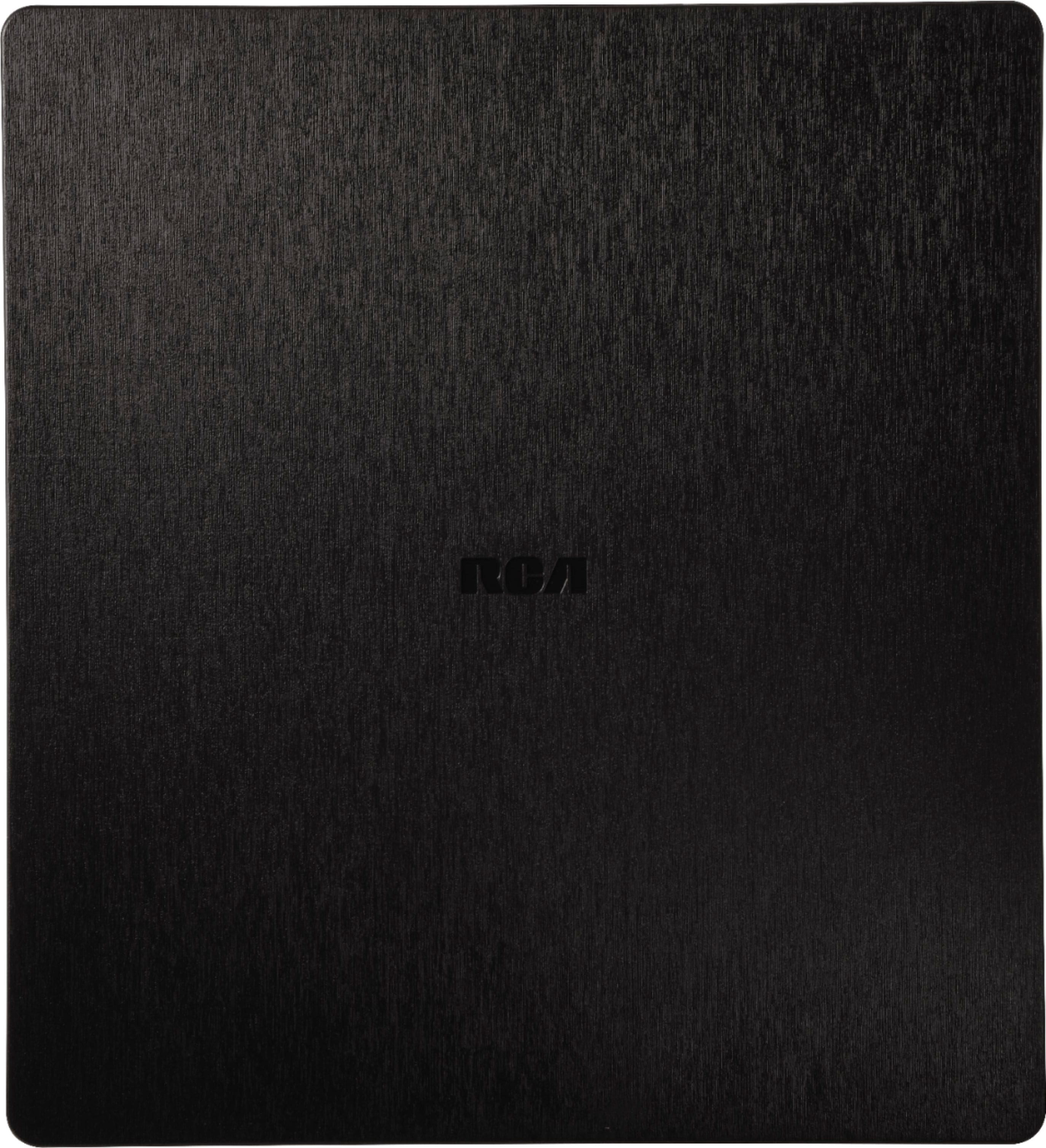
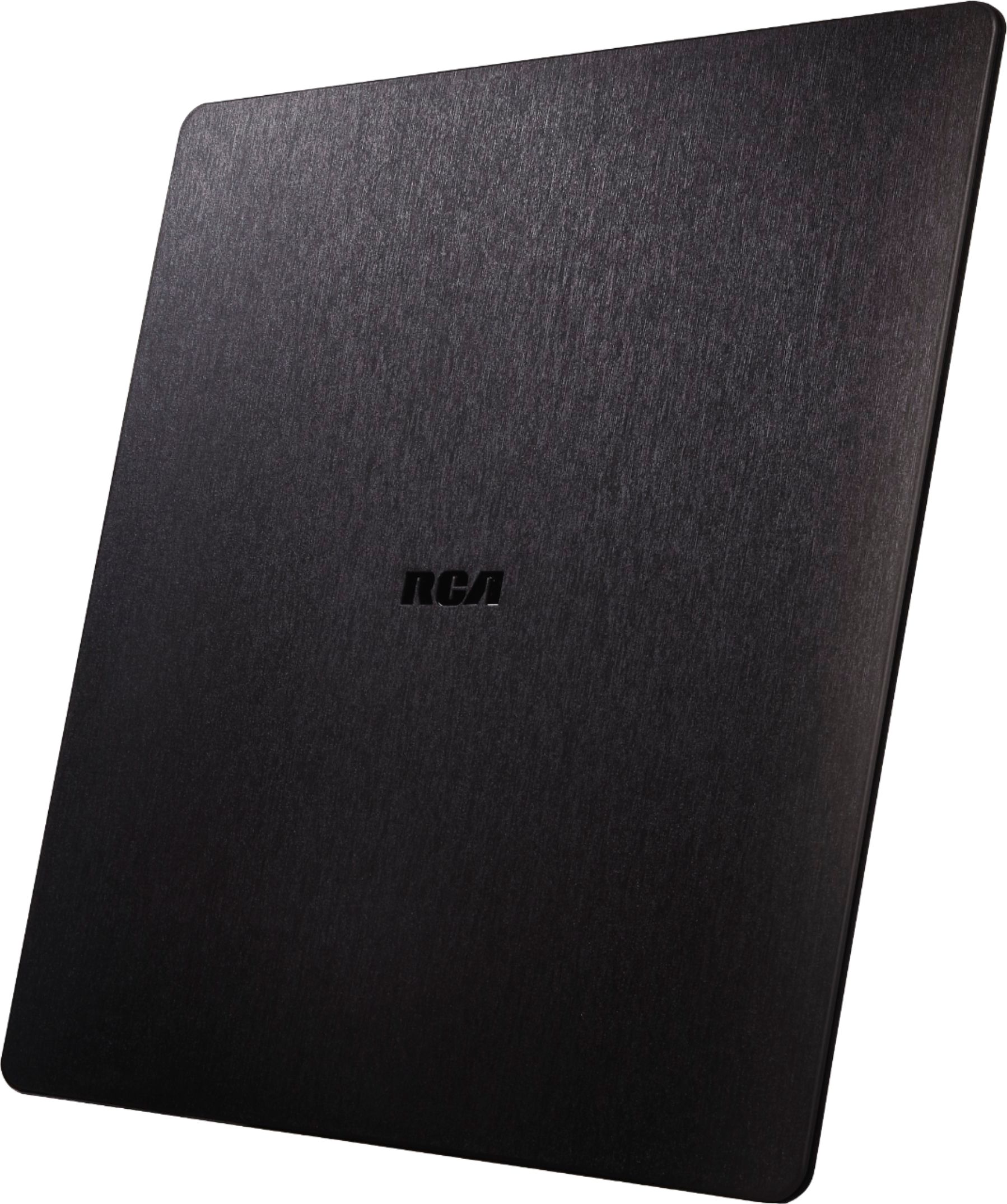
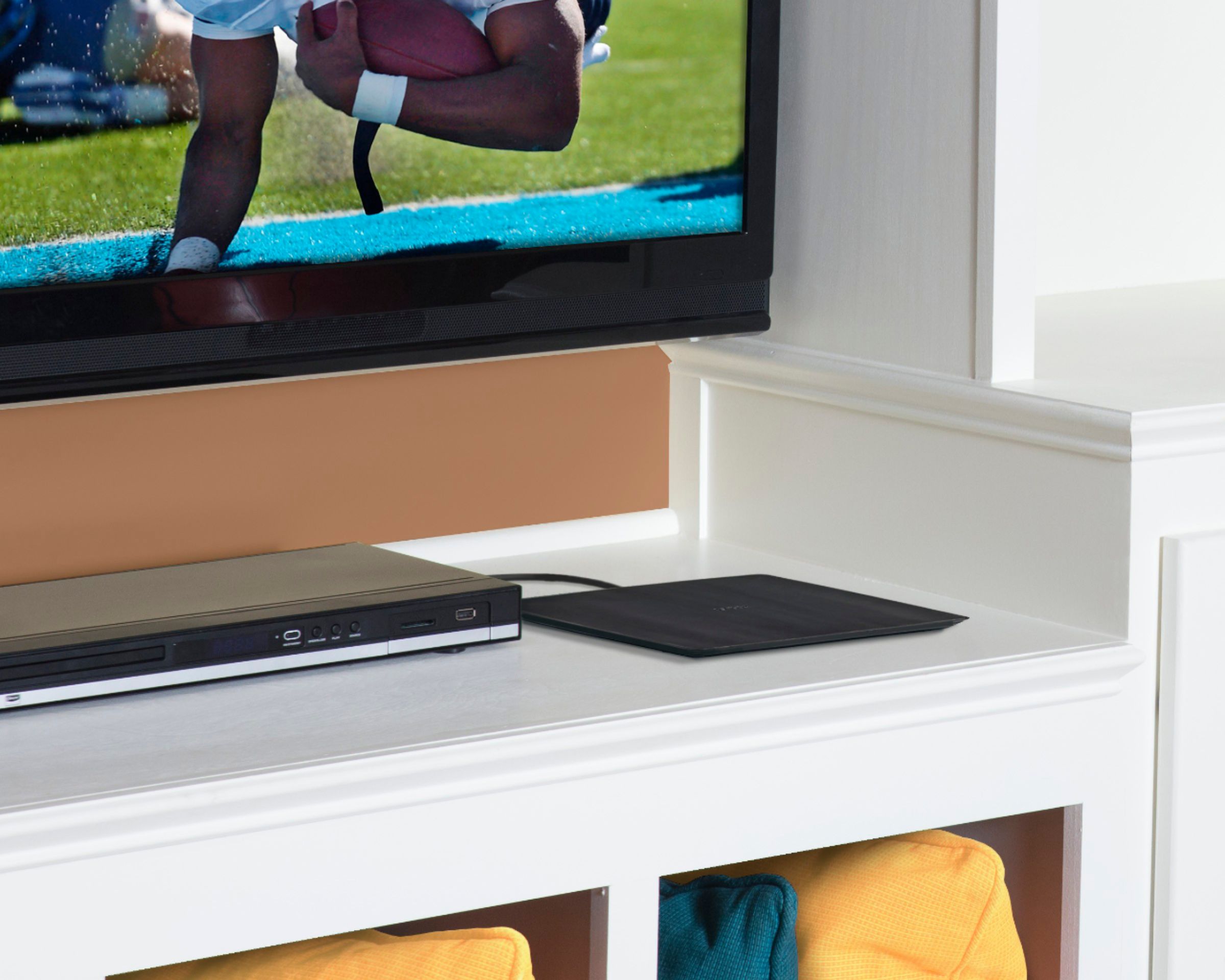
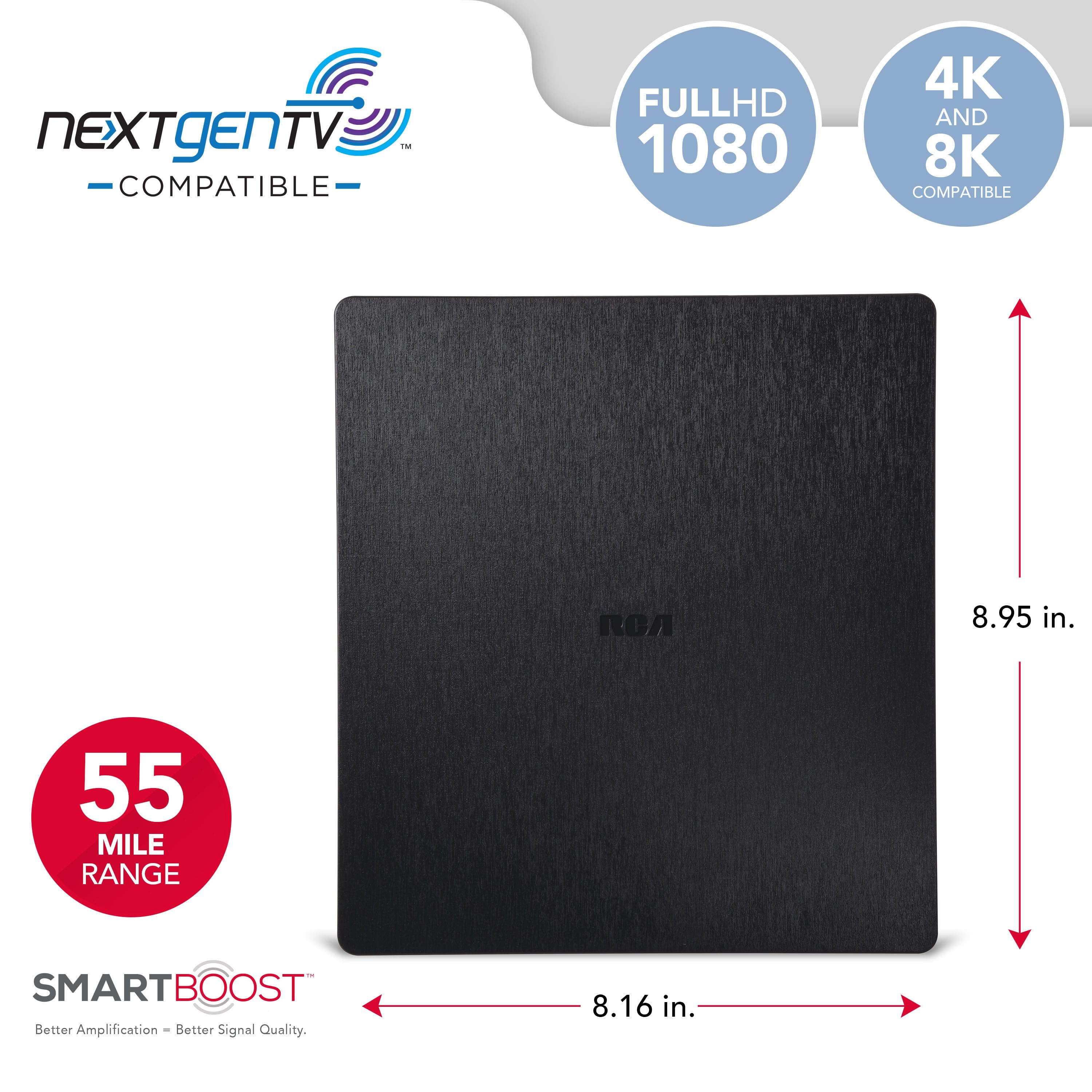
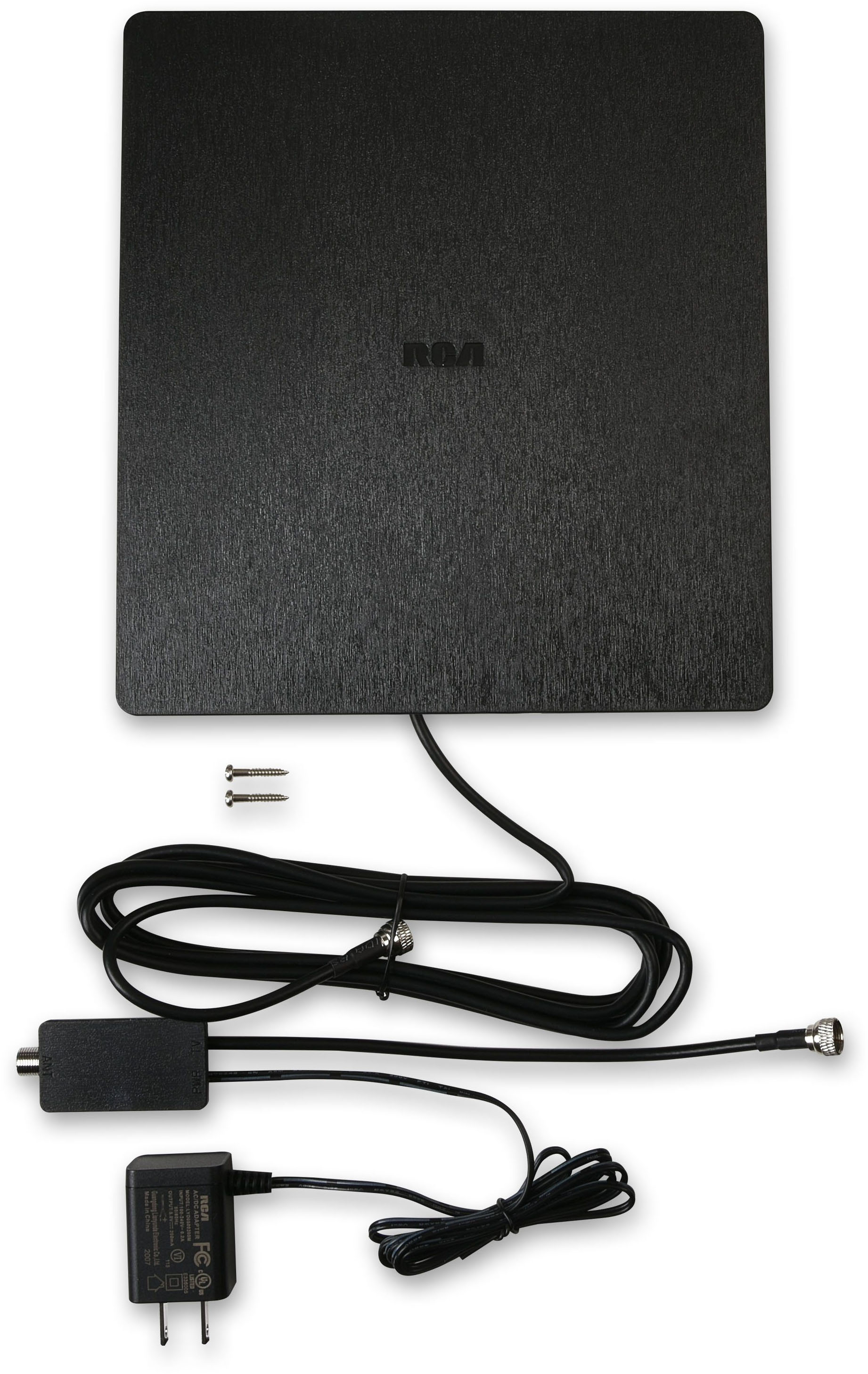
|Posted .This reviewer received promo considerations or sweepstakes entry for writing a review.The RCA Indoor Flat Amplified HDTV antenna is a great option for those looking to cut the cable. However, it's a very good idea to use the RCA Antenna Finder (https://www.rcaantennas.net/channels/) to make sure this antenna is right for you. Those living in extremely hilly terrain or far away from the broadcast towers may not be able to receive all the signals they expect. The RCA Antenna came nicely packaged and is about 9h"x8.5w"x0.5d." It feels sturdy and substantial. I also like that this antenna is designed to lay flat rather than be stood up or mounted somewhere. That makes it easy to lay on top of a TV stand, DVD/BluRay player, etc so that it blends in with your decor. I first tried this antenna in my office/extra bedroom since it is somewhere I don't want to pay for an extra cable connection, but still want the convenience of TV. This room is in the interior of my apartment and I received all of the major networks clearly although there was occasional interference from the CBS stations. I do live in an urban area, but the towers are all outside of the city and on the far side of town from me so none of my signals show in the "Green" from the RCA signal finder site. Even then, most were crystal clear at all times and even with some heavy downpours. I would highly recommend this product for anyone looking to cut the cables or as an option to add TV service to a room without the added cost of an additional box. I think most will find there are a ton of channels that they didn't know about with an interesting variety of programming. A benefit of this product is also that it is pretty cheap ($39.99) so even if it isn't perfect, it's still a one-time purchase that will give you FREE over the air TV. Whether it be for your primary use or for a spare bedroom, I think that's a bargain. Additionally, if it doesn't meet your needs, you can simply return it. Pros: *Design *Cost *Signal Reception Cons: *Isn't terribly powerful, so it won't likely work if you are 75mi away from the towers and in a hilly terrain.
I would recommend this to a friend - Pros mentioned:Performance
Good product
Posted .This reviewer received promo considerations or sweepstakes entry for writing a review.Works well! Good for when the network goes down. Enjoy
I would recommend this to a friend Home antenna.
||Posted . Owned for 3 weeks when reviewed.This reviewer received promo considerations or sweepstakes entry for writing a review.Huge let down for me. Didn’t come close to doing what I bought it for. I am not sure if working at all now.
No, I would not recommend this to a friendBrand response from Voxx Accessories Corp
Posted .Hello RoyceW - Sorry to read that the antenna did not come close to your expectations for you when you tried it at your specific location. Hopefully we can offer a couple tips that may help get more channels and watching free HDTV. First of all, we want to make sure that you performed a channel scan using your TV’s menu system. This is the most important and most often over-looked step after connecting the RCA antenna to the TV. Unfortunately each TV manufacturer has a different process on how to get to the channel scan function within its menu settings, so you will have to look at your TV owners manual for those specific steps. Also, make sure your TV input is set to "Antenna" or "Air" or something similar. Also, if you can place the antenna near (or in) a window facing the broadcast tower general direction the better your chances are of receiving a signal. It also helps when you completely uncoil the antennas cable before running the channel scan. If all of that does not work, I would check your TV to ensure that it does indeed have an ATSC tuner which is needed to receive today’s digital broadcast signals. Most TV's built around 2007 have this type of tuner. An easy way to find out is by finding your TV model number and doing a Quick Google Search for your TV model number. The type of tuner should be an “ATSC” (not an NTSC) as mentioned above. If it does not, you will need to purchase a digital converter box. If you can send us a quick email to RCAAntennaHelp@voxxintl.com with your zip code we can take a look to see what other specific information we may be able to provide to assist you.
- Pros mentioned:Picture quality
Easy to use
Posted .This reviewer received promo considerations or sweepstakes entry for writing a review.Worked perfectly, easy to installed and came with extra wires for multiple hook up. Channels are clear and sounds comes out good.
I would recommend this to a friend Antenna not working
||Posted . Owned for 2 months when reviewed.This reviewer received promo considerations or sweepstakes entry for writing a review.Not worth the money. It does not work at all. Piece of junk
No, I would not recommend this to a friendBrand response from Voxx Accessories Corp
Posted .Hello Lala - Just to be certain, have you performed an Auto Program, or also often referred to as a Channel Scan, using your TV’s menu system as noted in the Owner's Manual as-well-as the Quick Start Guide of the antenna? This is the most important and most often overlooked step after physically connecting the antenna to the TV. Your TV will not recognize any channels unless this step is performed. Unfortunately, each TV manufacturer has a different process on how to get to the channel scan function. The channel scan is typically found within your TV menu settings, so please refer to your TV owners manual for those specific steps on how to perform a channel scan as it is a function of your TV and not the antenna. The channel scan on some TV’s will take some time so please be patient. One the channel scan is complete, you should be able to view channels on your TV. After performing the channel scan, make sure your TV input is set to "Air/Antenna" or something similar and not "Cable" within your TV menu settings. If you can place the antenna near (or in) a window facing the broadcast tower general direction, the better your chances are of receiving a signal. Also, make sure you completely uncoil the antennas cable before running the channel scan. If you have cable that is coiled up, uncoil it before rerunning a channel scan. The signal strength from the broadcast tower at your particular location, inside your home, is the single most important factor on whether or not an antenna can receive a signal. No antenna will receive a signal that isn’t there or pixelation/dropouts will typically occur if the signal is weak or intermittent. Also, keep in mind that you will have to perform a new channel scan each and every time the antenna is physically moved or adjusted. If you did not rescan for channels after relocating the antenna, any new and expected changes in channels/reception would not be accurate and would likely be much worse.
- Cons mentioned:Signal strength
Not bad...but not good either
|Posted .This reviewer received promo considerations or sweepstakes entry for writing a review.The unit comes with smartboost, an add in amplifier between the antenna and tv connection. I got the same results with and without the booster. My area has limited OTA signals. They are aired over the valley in digital from some 1950's transponders via UHF. I've tried a number of antennas as well as an outdoor unit and I've gotten spotty results with all of them. All of the signals broadcast about 25 miles away as the crow flies, but some of the channels come in with artifacts and/or pixelation. I've called the park service that maintains the signal and sometimes it's the signal due to old equipment, but many times it's just the antenna. I get 4 digital PBS stations really clear...usually. With this RCA unit, I got 3 and the 4 channels was dark. I could see the titles and display rate, but no picture or sound no matter how long I waited. Other channels took a bit to work and then they would hesitate or the audio was out of sync. For me, this isn't one of the better units I've tried, but it wasn't the worst either. I'd say if you live in a market that has lots of OTA signals, say the LA basin with Mt. Wilson in proximity, this would be a good choice for free viewing. If you're like me on the fringe or in an area that go shafted during the analog to digital selloff, you need to keep looking at other alternatives. I'd recommend it to a friend as long as they live in a OTA market. The app included with this unit would show what's available. You can also find a few links online that shows what's visible at your address with a Google search.
I would recommend this to a friend Antena
||Posted . Owned for 3 weeks when reviewed.This reviewer received promo considerations or sweepstakes entry for writing a review.Do not buy this, it is a trash. It is a waste of money
No, I would not recommend this to a friend