Customer Ratings & Reviews


- Model:
- B08HSTJPM5
- SKU:
- 10731931
Rating by feature
- Value
Rating 4.6 out of 5 stars
- Quality
Rating 4.7 out of 5 stars
- Ease of Use
Rating 4.6 out of 5 stars
to a friend
A Great Alarm and easy to set up
||Posted . Owned for 1 week when reviewed.This reviewer received promo considerations or sweepstakes entry for writing a review.Great alarm alternative, a bit tricky with having to have RING control your internal WiFI now, bit seems to be solid so far.
I would recommend this to a friendRing product
||Posted . Owned for 2 weeks when reviewed.This reviewer received promo considerations or sweepstakes entry for writing a review.We weren’t going to get the Ring but glad we did. and the installer was great.
I would recommend this to a friendGreat security system
||Posted .This reviewer received promo considerations or sweepstakes entry for writing a review.Great product! If you are looking for a security system get this one.
I would recommend this to a friendRing is the way to go!
||Posted . Owned for 2 months when reviewed.This reviewer received promo considerations or sweepstakes entry for writing a review.As always, Ring doesn’t disappoint with their variety of products!
I would recommend this to a friendGreat
||Posted . Owned for 1 week when reviewed.This reviewer received promo considerations or sweepstakes entry for writing a review.Great product greeeaaaaaaaaaaaaaaaaaaaaaaaaaaaaaaaat
I would recommend this to a friendWorks
||Posted . Owned for 2 weeks when reviewed.This reviewer received promo considerations or sweepstakes entry for writing a review.Great purchase.....................................
I would recommend this to a friendMust Have
||Posted . Owned for 1 month when reviewed.This reviewer received promo considerations or sweepstakes entry for writing a review.Already a ring user and this just completes the system!!
I would recommend this to a friendGood system
||Posted . Owned for 3 weeks when reviewed.This reviewer received promo considerations or sweepstakes entry for writing a review.Good integrated system, easy to set up, easy to operate.
I would recommend this to a friendGreat
||Posted . Owned for 1 month when reviewed.This reviewer received promo considerations or sweepstakes entry for writing a review.Great product and really easy to install and set up
I would recommend this to a friendAmazing
||Posted . Owned for 1 week when reviewed.This reviewer received promo considerations or sweepstakes entry for writing a review.We gave it for Christmas it is a peace of mind…..
I would recommend this to a friendGift idea
||Posted .This reviewer received promo considerations or sweepstakes entry for writing a review.New gift for new home owners definitely 10/10, gift
I would recommend this to a friendBackup Internet is a fail so far.
||Posted . Owned for 2 weeks when reviewed.This reviewer received promo considerations or sweepstakes entry for writing a review.The main Ring system works great but the backup internet is a huge fail. Just before we left town for the summer I upgraded our Ring system to the Ring Pro. A week or so later our main internet connection went down and the Ring Pro switched to Cellular backup instead of Cellular Internet Backup so everything in the house, including our security cameras, if offline. There's no way for me to remotely restart it when its in this backup mode. The only option we have at this point is to do an emergency flight back home to remedy the situation and come up with more redundancies. We have the Ring Alarm Pro at a second location and the backup internet works less than 50% of the time but even when it does work it takes quite awhile to kick over compared to other failover wan setups. Needs a lot of work to be something I feel like I could rely on as a backup internet device.
No, I would not recommend this to a friendBrand response from Ring
Posted .Hello numes,
We are always looking for ways to better our neighbor experience, and your feedback is an invaluable part of this process. Thank you for taking the time to share your Ring Alarm Pro experience with us directly. We understand the importance of a seamless ordering, setup and installation process, as this allows you to start using your Ring Alarm Pro right away. What you describe is not the experience we want you to have with our product, rest assured we are here to offer you some help.
Ring Alarm Cellular Backup is a feature that allows you to continue receiving alarm protection when there is no home internet access or when running on internal battery. To use Alarm Cellular Backup, you must subscribe to a Ring Protect subscription. It is a valuable feature when you have a power or internet outage and allows you to avoid having your system go offline. After power or internet is restored, if you’re having an issue with switching your Ring Alarm Base Station back to your internet network, please follow these troubleshooting steps: https://support.ring.com/hc/en-us/articles/4418013510932-Ring-Alarm-Base-Station-Is-Stuck-on-Alarm-Cellular-Backup.
Also, Ring Community is our first peer-to-peer community forum, giving our customers the ability to help one another and share their feedback/experiences with Ring. We invite you to reach out at https://community.ring.com/ if any additional information is needed regarding your Ring Alarm Pro cellular connectivity issues.
Thank you,
Alexis with Ring
Disappointed Customers
||Posted . Owned for 1 month when reviewed.This reviewer received promo considerations or sweepstakes entry for writing a review.The system is good when working properly. Geek Quads did a horribly job
I would recommend this to a friendTerrible Primary Router
||Posted . Owned for 5 months when reviewed.This reviewer received promo considerations or sweepstakes entry for writing a review.TLDR: don't buy this and use it as your primary router, your network will be so slow your smart home lights won't work, your Apple TV will display "No Network Detected" and buffer every 1-5 minutes, and your phone will switch to cellular data even while you're home. Desired (but dysfunctional) setup: MB7621 cable modem -> Ring Alarm Pro Eero Wi-Fi 6 Router Reverted to old modem (and fast) setup: MB7621 cable modem -> Archer AX50 Router -> Ring Alarm Pro Eero Wi-Fi 6 Router I bought the Ring Alarm Pro because I needed a monitored alarm that would automatically call the fire dept if there was a fire via First Alert smoke & CO alarm. The benefit of having power outage battery backup, whole home internet through a cellular network if the ISP failed, and the router being Eero HW with powerful expandability sold me on this upgrade vs the base Ring Alarm. Unfortunately after lots of trouble I've given up on using the Ring Alarm Pro as a home router and switched back to my Archer AX50 router, which immediately restored my home wifi to normal speeds and zippy smart home responsiveness. The battery backup during power failures and cell backup still work for the ring alarm network, but no other devices in the home can take advantage of that feature. As the engineer in the family I've set up a few Eero mesh networks with wired backhaul in the past and had excellent performance and planned to do the same with this as the primary router for my own mesh network, but that is obviously no longer possible as this router is pull-your-hair-out slow. Note that I tested disabling IPv6 to no avail. Only purchase if you don't want/need the full feature set.
No, I would not recommend this to a friendBrand response from Ring
Posted .Hi jonrwilson.
Thank you for taking the time to share your experience with us.
We understand how important it is for your Ring Alarm Pro to function consistently and reliably. The features and technology provided by the Ring Alarm Pro are incredibly valuable and help provide you with peace of mind about your home security. We are eager to address the issue you raised in your review and want to ensure your device is working as intended.
It seems that you have already discovered the best way to integrate the Ring Alarm Pro with your network to best suit your needs, but I wanted to include some additional information for your review.
When setting up your Ring Alarm Pro, you can create a second wifi network (also known as double NAT) that will operate independently from your primary wifi network. This allows you to use certain features, including 24/7 Backup Internet, Extra Data, and Ring Edge, while maintaining your original wifi network and connected devices.
Another option is to put your Alarm Pro’s eero router into Bridge Mode. Doing so will allow your existing router to manage the connection between your wifi network and Internet Service Provider (ISP).
When using Bridge Mode, you must connect Alarm Pro to your router via an Ethernet cable. Additionally, you will lose certain Alarm Pro advanced features, such as 24/7 Backup Internet2 and Extra Data. You will, however, retain the ability to use Ring Edge for local video processing.
Ring Community was launched to help deliver the most current news and educational information to our neighbors. This online forum is divided into four categories: Product Boards, Ring Updates, Tips + Tricks, and a Moderators’ Corner. The Product Boards are where you can begin new topics with your questions or feedback; there is also a search option that helps you find topics that have already been posted by other neighbors.
All the best,
Nicole rom Ring.
Hoping it's ok!
||Posted . Owned for 1 month when reviewed.This reviewer received promo considerations or sweepstakes entry for writing a review.Had to buy extra pieces. Only had 2 door and 2 window pieces.
I would recommend this to a friendBrand response from Ring
Posted .Hi jeff.
Thank you for taking the time to share your Ring experience with us and other consumers. We believe in keeping people close to what’s important. That is why we are driven to create products that help you protect what matters most at home and empower you to connect with your visitors from wherever you are. Together, we’ll make neighborhoods safer!
Ring Community was launched to help deliver the most current news and educational information to our neighbors. This online forum is divided into four categories: Product Boards, Ring Updates, Tips and Tricks, and a Moderators’ Corner. The Product Boards are where you can begin new topics with your questions or feedback; there is also a search option that helps you find topics that have already been posted by other neighbors. We invite you to visit our Ring Community today.
Thank you,
Miyuki from Ring.
Good alarm
||Posted . Owned for 1 week when reviewed.This reviewer received promo considerations or sweepstakes entry for writing a review.Overall great. Just wish they would add a glass break sensor.
I would recommend this to a friend
Good for small homes with need for router/security
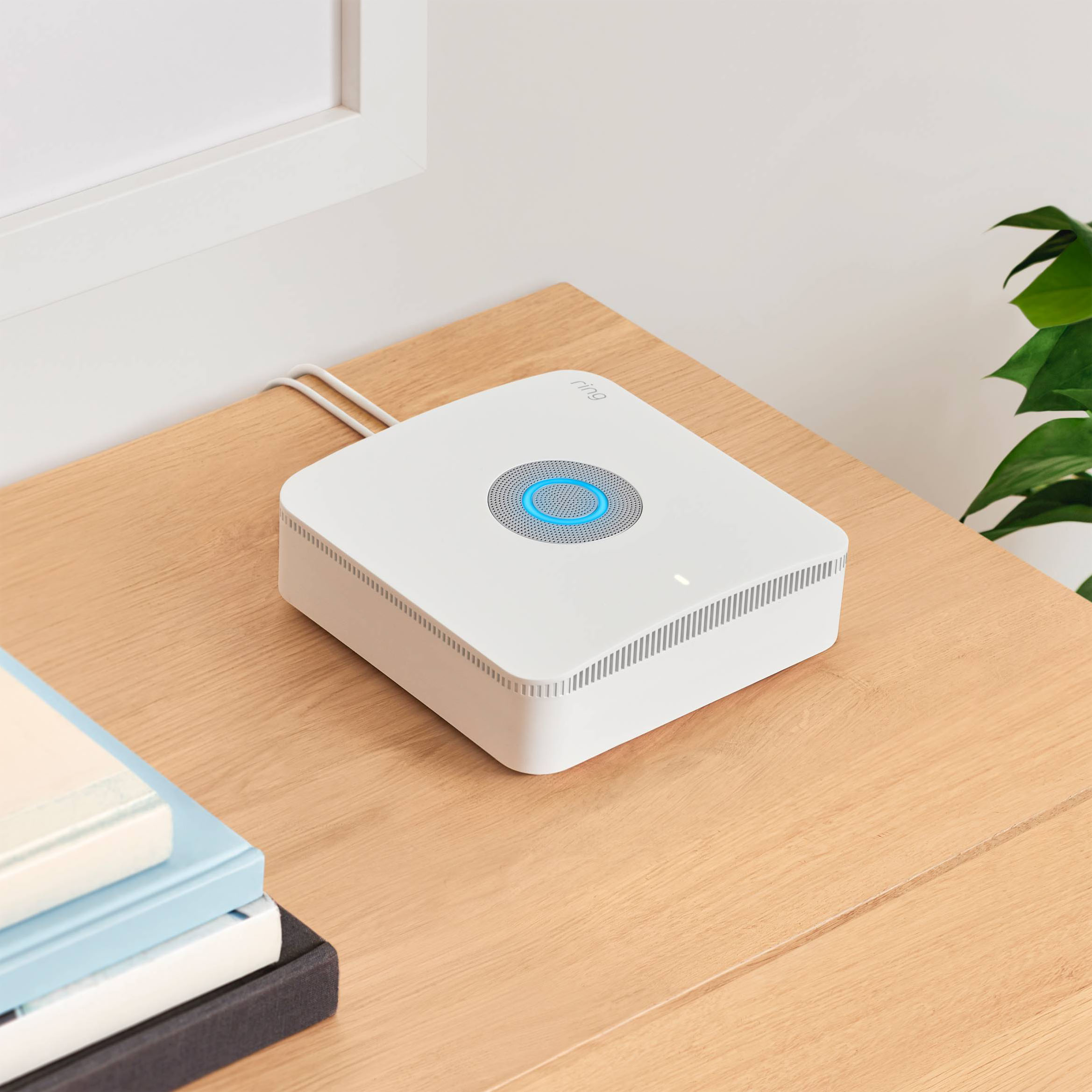
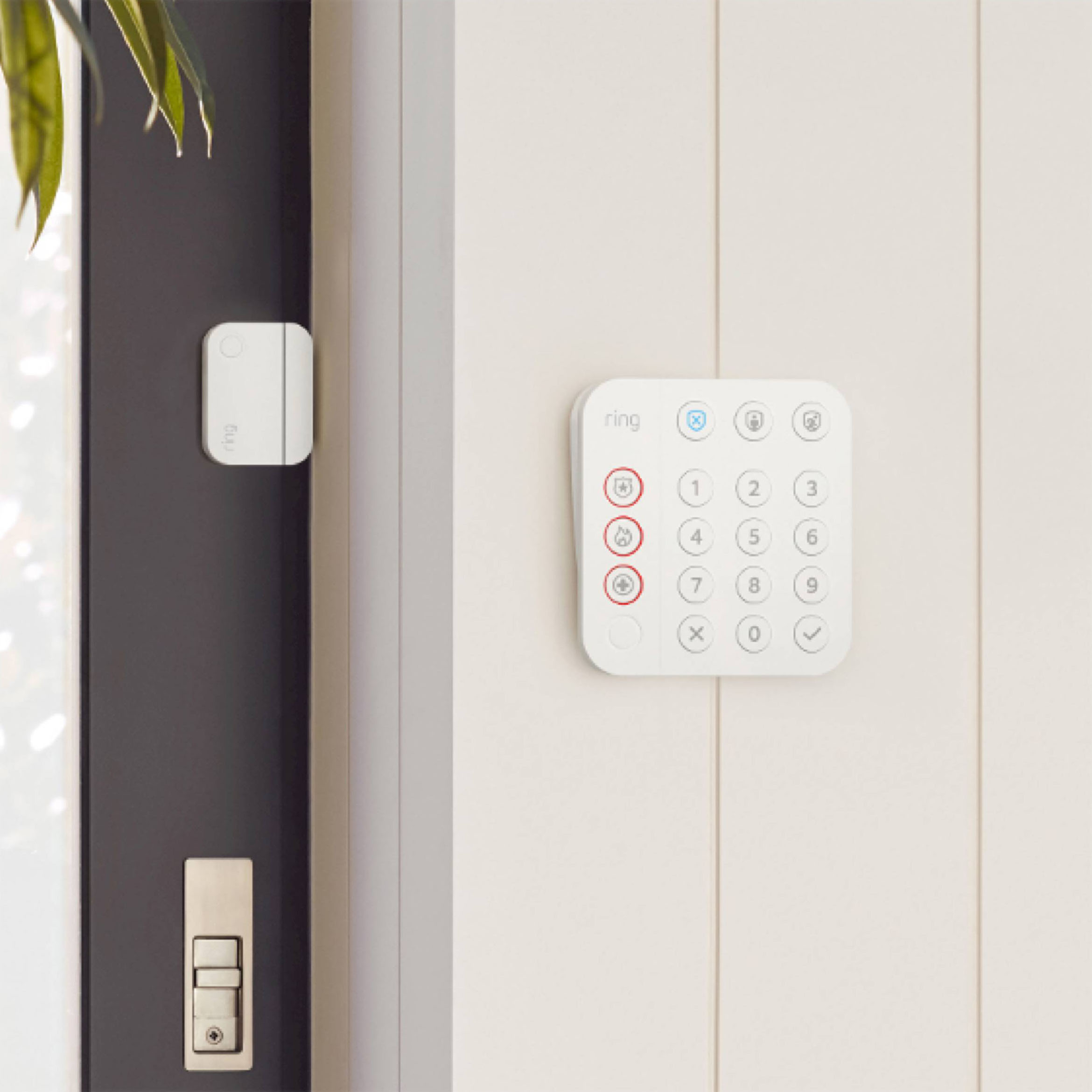
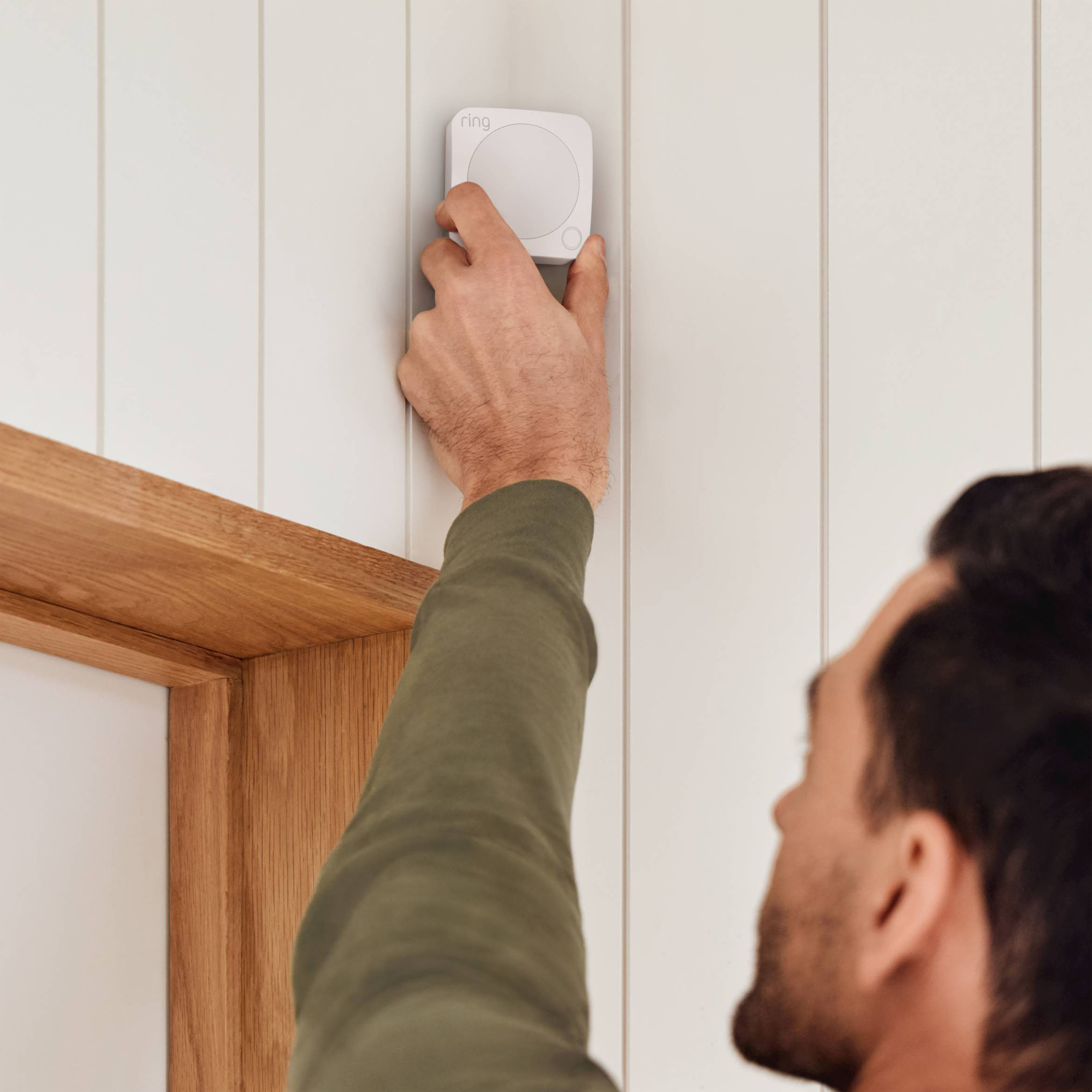
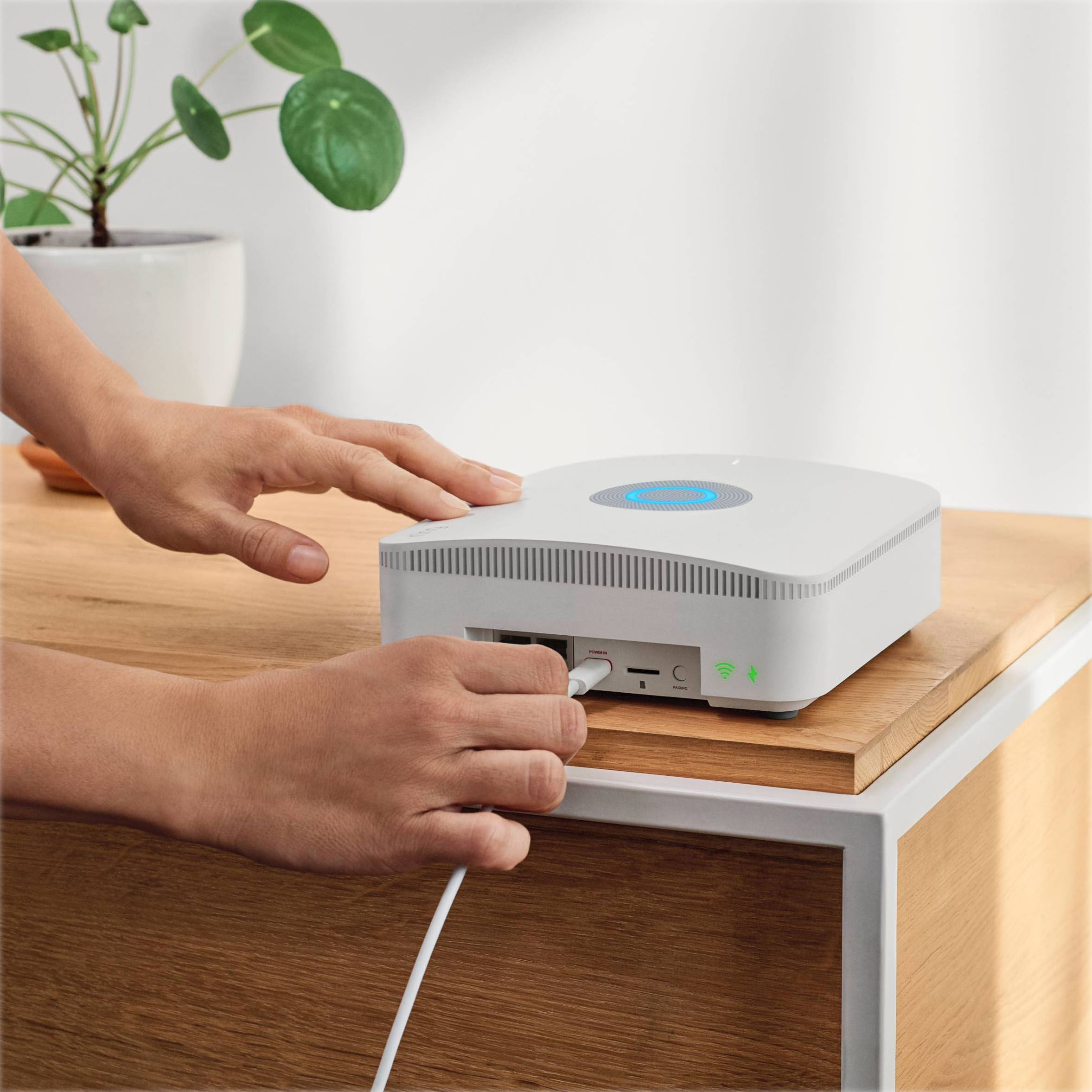
|Posted .This reviewer received promo considerations or sweepstakes entry for writing a review.I am a Ring fan as I have multiple Ring devices already with the doorbell and cameras around the house. The Ring Alarm Pro provides that additional security for those that are in the market to get a reasonably priced security system that is professionally monitored and also provides fail safes with cellular back up. The base station that is included acts as both the command center for your Ring Alarm and adds the Eero 6 wifi router. It is specifies coverage for upto 1500 sft so take that into mind for the size of your residence. It also includes a range extender but I believe that only helps with the connection of the door/window sensors. Okay... Setup is fairly easy but if you are going to use the Eero networking you are required to setup in Eero app first then Ring app. I had a little issue connecting one of my window sensors but was able to get through it with Ring assistance. I must say that Ring has the best customer service I have ever experienced from an organization especially security company. It is very easy to place the sensors yourself, and if you need instruction, the app walks you through with video tutorials. So once the kit is setup you have the option for professional monitoring or a stand alone security system that just provides push alerts to you through the Ring app. There are different tiers of monitoring and the recommended package for this Pro Alarm kit is the $20 a month coverage which includes the professional monitoring and cellular back up of upto 3gb for power outages. Anything used over the 3 gb is $3 per gb which is quite pricy should you need back up for extended periods of time. Now the alarm system is very responsive and provides timely alerts via the Ring app and push notifications when doors, windows, or motion is detected from your self installed sensors. You can personalize all of your alerts and sensitivity in the app and can also alarm/disarm the security system from anywhere with your phone. The included key pad does the same function and can be placed anywhere in the home. It is back lit and you can program your own pin security for alarming purposes. This Ring Alarm is basically comparable to any big security firm offering service for a fraction of there advertised price. Best thing with the Ring Alarm is that it is very expandable with more sensors and was easy to add to my current Ring setup of cameras and doorbell. Now i did have some issues with the Eero router. That is because I have already fine tuned my networking in my house with my current router and mesh system and I am by no means an expert in network (far from it). Because of that, the Eero router essentially made a separate network name for my house. Not sure how that will affect my internet service if any, but only time will tell. I'm happy with my current network setup so I will have to have someone look into this for me. Other than that, I am very satisfied with the ease of setup, expandability, compatibility, and more than that the service and price from Ring. There is no security contract that locks you into years of service and the monthly/yearly charge is a fraction of the big companies. Great investment!
I would recommend this to a friendAlarm easy to ibstall
||Posted . Owned for 6 months when reviewed.This reviewer received promo considerations or sweepstakes entry for writing a review.Easy to install and make your own or professional monitoring security system
I would recommend this to a friendNot quite there yet
||Posted . Owned for 1 week when reviewed.This reviewer received promo considerations or sweepstakes entry for writing a review.So far having some trouble getting set up the way we want. It seems to interfering with our Wi-Fi. Tech is coming back today
No, I would not recommend this to a friendBrand response from Ring
Posted .Hi Myreplacementphone.
Thank you for taking the time to share your experience with us. We understand the importance of a seamless setup process so that you can begin using your Ring Alarm Pro right away. The features and technology provided by the Ring Alarm Pro are incredibly valuable and help provide you with peace of mind about your home security. We can definitely provide you with more information regarding the connection concern mentioned in your review.
It sounds like the device is not operating as expected. There are very specific setup steps that must be followed when initially connecting the Ring Alarm Pro Base Station to your network. You’ll want to connect your Alarm Pro Base Station to your existing modem using the included Ethernet cable or any compatible Ethernet cable. Follow the steps in the Ring app to complete the setup.
You can create a second wifi network (also know as Double NAT-ing) that will operate independently from your primary wifi network. This allows you to use certain features, including "24/7 Backup Internet," "Extra Data," and "Ring Edge" while maintaining your original wifi network and connected devices.
Another option is to put your Alarm Pro’s eero router into "Bridge Mode." Doing so will allow your existing router to manage the connection between your wifi network and Internet Service Provider (ISP).
NOTE: When using "Bridge Mode," you must connect Alarm Pro to your router via an ethernet cable. Additionally you will lose certain Alarm Pro advanced features, such as "24/7 Backup Internet" and "Extra Data." You will however retain the ability to use "Ring Edge" for local video processing.
You will also need to subscribe to the Ring Protect Pro Plan and set up your Alarm Pro in the Ring app and the Eero app to manage your Alarm system and your wifi network. Follow the steps in the Ring app during the setup process. This method of setup will allow you to use the alarm portion of the device with full functionality while having the Ring Alarm Pro's included Eero router available as a backup network, should your existing internet go down.
If you are getting the message: "Your Ring Alarm Pro failed to communicate with Ring," your Alarm Pro Base Station can no longer finish setup. This could be an issue with your internet connection, your cellular signal, or the Base Station may no longer have power. To resolve this, make sure your Alarm Pro is plugged in to a working power source, then check the internet connection. If you’ve unplugged an ethernet cable with a working internet connection, please plug it back in, then tap "Try Again." If you’ve moved your Alarm Pro to a different spot it may not have a strong cellular reception. Move it to another spot that has a stronger cellular signal, and tap "Try Again."
We invite you to reach out to our community if any additional information is needed regarding your question. The Ring Community is our first peer-to-peer community forum, giving our customers the ability to help one another by sharing their feedback and experiences with each other.
Thank you,
Melissa from Ring.
Ring Keypad Operation
||Posted . Owned for 1 month when reviewed.This reviewer received promo considerations or sweepstakes entry for writing a review.This is a good product if installed correctly; otherwise, it is a nightmare to operate without siren going off.
I would recommend this to a friendBrand response from Ring
Posted .Hi Duck.
Thank you for taking the time to share your experience with us. We understand the importance of a seamless setup process so that you can begin using your Ring Alarm Pro 8-Piece Kit right away. The features and technology provided by the Ring Alarm Pro 8-Piece Kit are incredibly valuable and help provide you with peace of mind about your home security. We want to ensure your device is working as intended by providing you with solutions to resolve the concern you mentioned in your review.
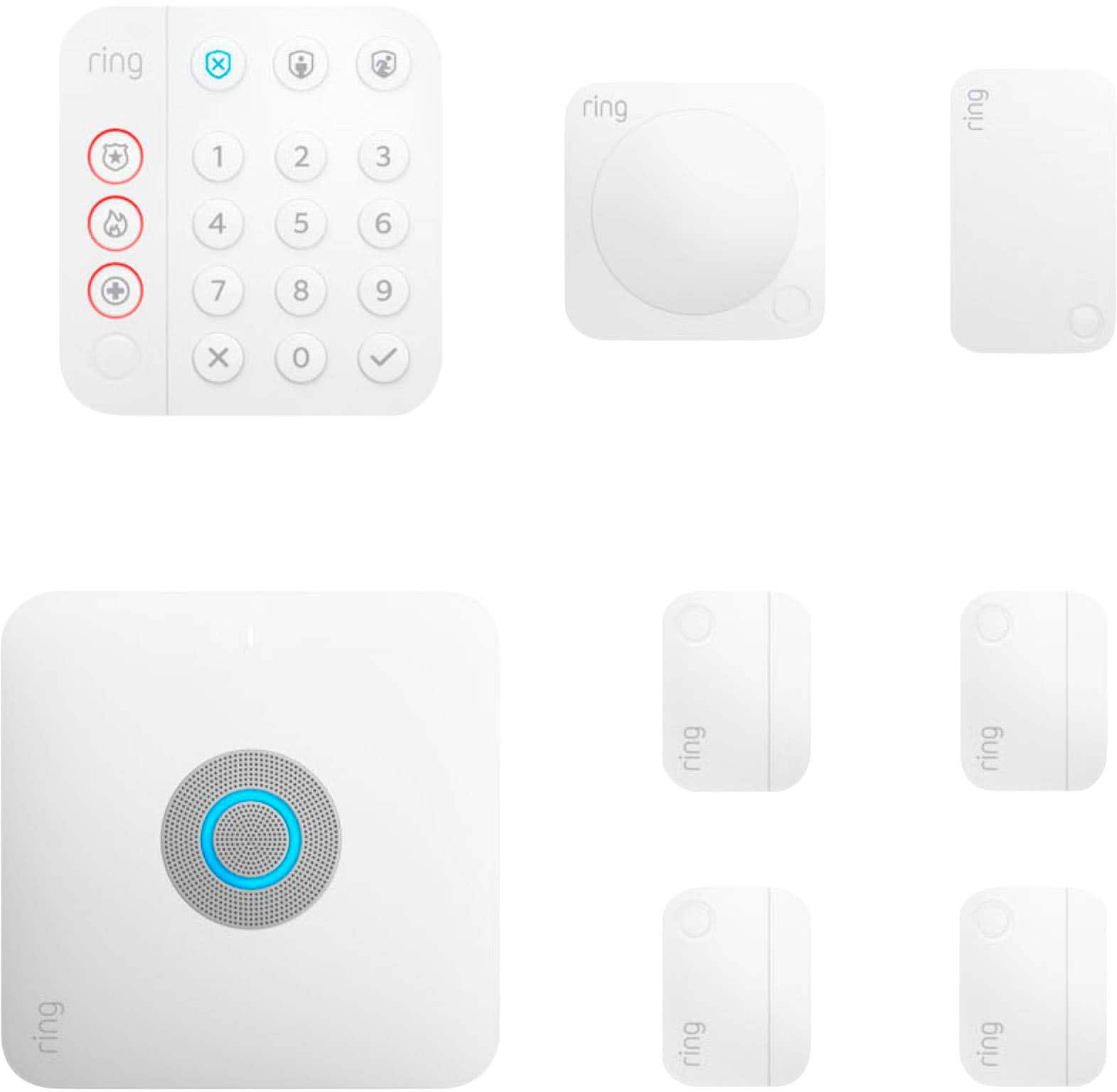
It sounds like the device is not performing as intended. The Ring Alarm Pro 8-Piece Kit is the Alarm system that combines reliable home security with a secure internet network. Use Alarm Pro to set up 24/7 Backup Internet for your primary internet service when you are subscribed to a Ring Protect Pro subscription, even if you don’t have a broadband internet connection at your location.
Prior to using your Ring Alarm, be sure to create your four digit access code for the Ring Alarm Keypad in the Ring app by following these steps:
Open the Ring app.
Tap the top menu (≡).
Make sure you’re on the right "Location" setting, then tap "Settings"
Tap "Shared Access."
Select the user.
Enter a unique four-digit access code.
You will need to enter your new access code twice before saving.
Tap Done.
False alarms may be caused by:
Using "Entry" and "Exit Delays" that are too short.
Improper device installation, such as placing a Ring Motion Detector near a busy window or a heat source, or improperly mounting a Ring Contact Sensor.
Arming in "Away Mode" instead of "Home Mode" when you’re at home.
Placing a smoke detector with a Ring Smoke & CO Listener in the kitchen close to the stove/oven, if you frequently create a lot of smoke while cooking.
Not providing caregivers who access your home (including dog walkers and babysitters) with a "Guest User" alarm code, and not teaching them how to arm and disarm correctly.
We invite you to reach out to our community if any additional information is needed regarding your Ring Alarm Pro 8-Piece Kit. The Ring Community is our first peer-to-peer community forum, giving our customers the ability to help one another by sharing their feedback and experiences with each other.
Thank you,
Melissa from Ring.