Customer Ratings & Reviews

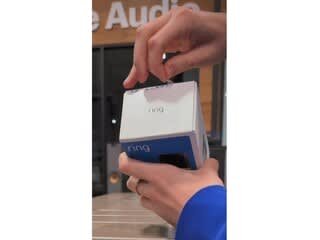



- Model:
- B09WZBPX7K
- SKU:
- 10104278
Rating by feature
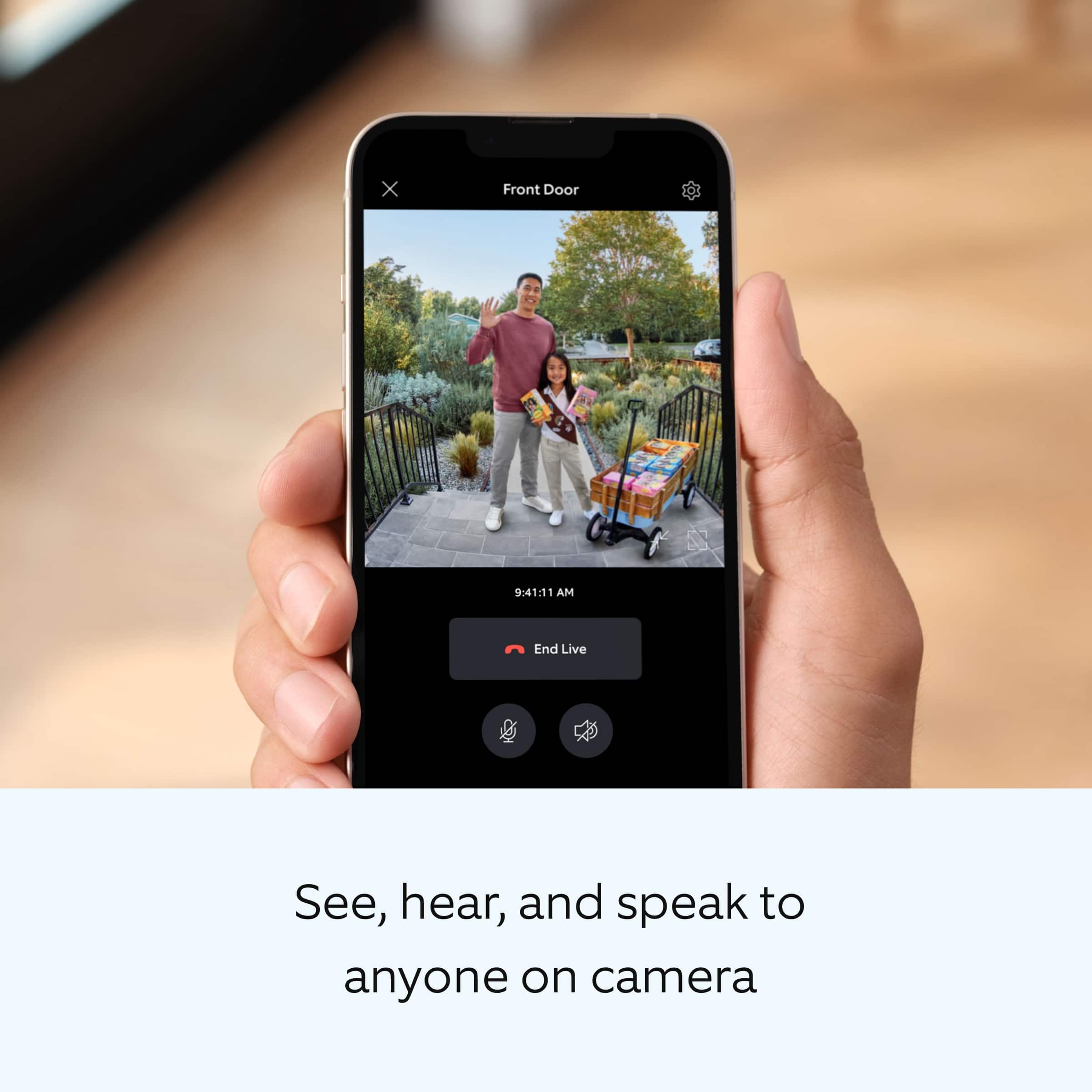
- Video Quality
Rating 4.8 out of 5 stars
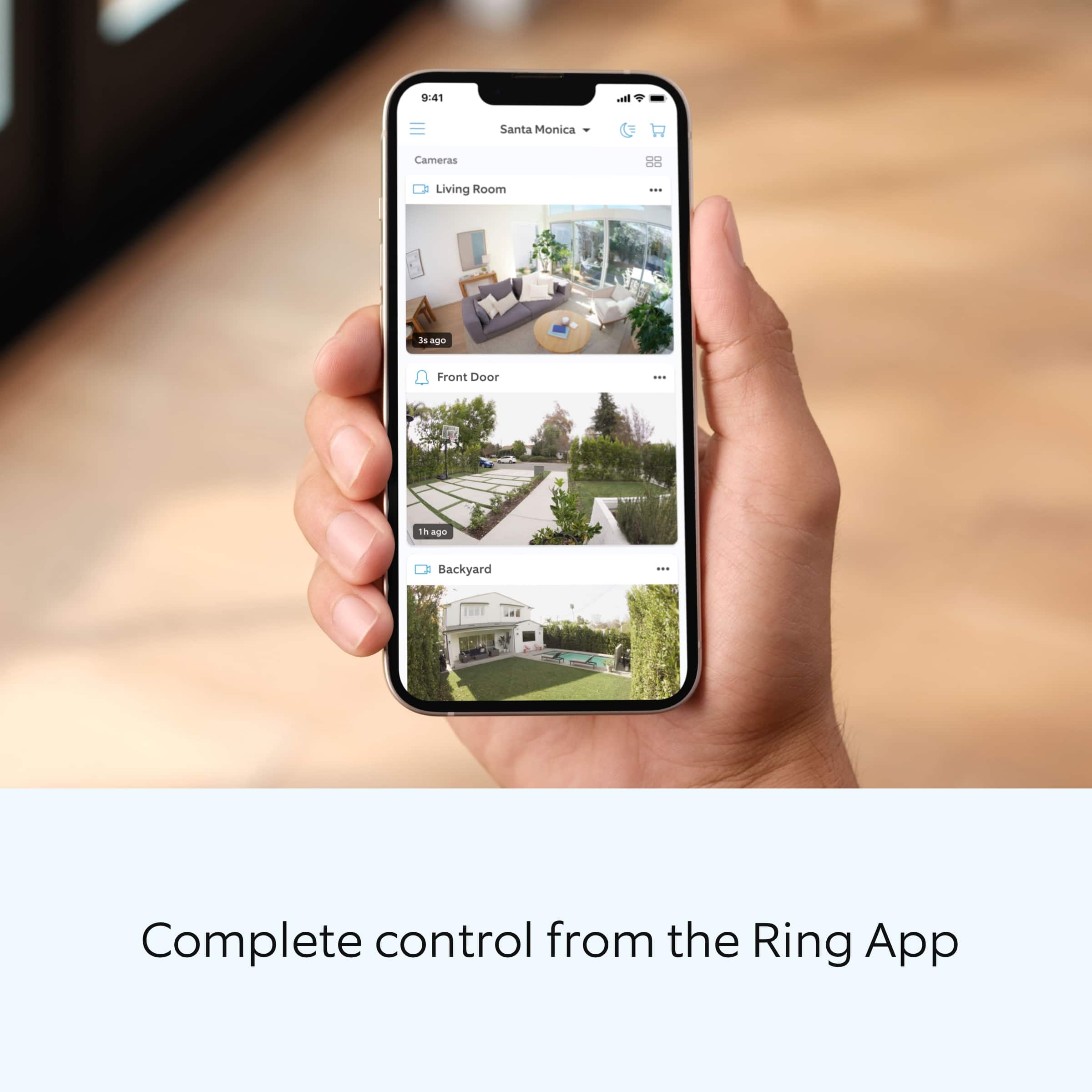
- Mobile App
Rating 4.8 out of 5 stars
- Sound Quality
Rating 4.7 out of 5 stars
Customers are saying
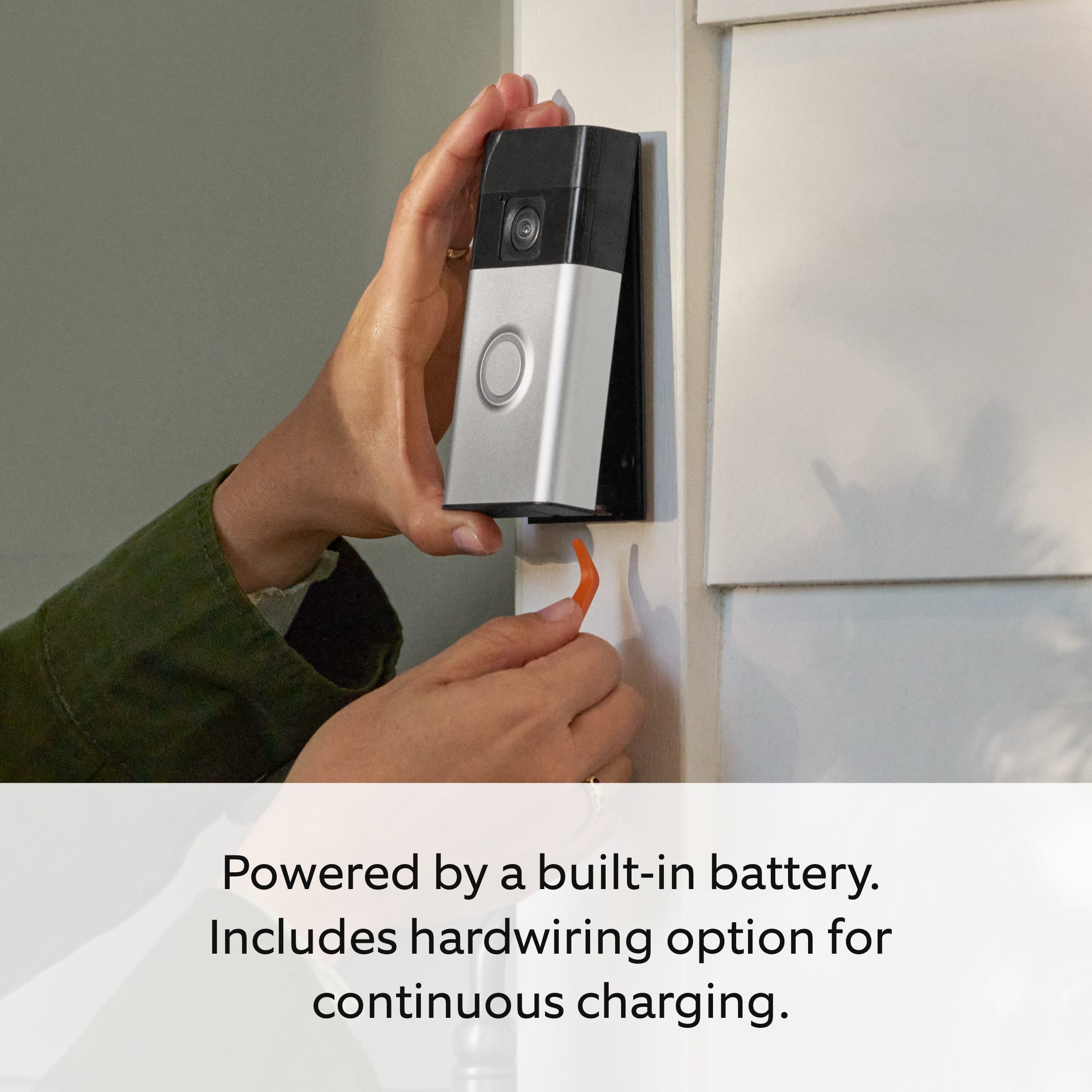
Customers are positive about the product's clear video quality, overall performance, and ease of use, frequently praising its excellent battery life, convenient installation, and comprehensive head-to-toe view for added security. However, some customers have experienced issues with connectivity, noting that the unit occasionally disconnects from Wi-Fi, and a few found the installation instructions to be unclear.
This summary was generated by AI based on customer reviews.
Amazing
||Posted . Owned for 3 weeks when reviewed.This reviewer received promo considerations or sweepstakes entry for writing a review.Works great never lets me down always works and helps alot when not home
I would recommend this to a friendBrand response from Ring
Posted .Hi JovanE.
Thank you for taking the time to share your experience with us. We are pleased to read that you are enjoying your new Ring Battery Doorbell Plus and that the features included are meeting your expectations. At Ring, we believe in keeping people close to what’s important. That is why we are driven to create products that help you protect what matters most at home and empower you to connect with your visitors from wherever you are. Together, we’ll make neighborhoods safer!
Ring Community was launched to help deliver the most current news and educational information to our neighbors. This online forum is divided into four categories: Product Boards, Ring Updates, Tips and Tricks, and a Moderators’ Corner. The Product Boards are where you can begin new topics with your questions or feedback; there is also a search option that helps you find topics that have already been posted by other neighbors. We invite you to visit our community today.
Thank you,
Melissa from Ring.
- Cons mentioned:Connectivity
Completely unusable
||Posted . Owned for 1 month when reviewed.This reviewer received promo considerations or sweepstakes entry for writing a review.Was completely unable to connect to my WiFi even after calling my internet service provider and ring customer support a few times.
No, I would not recommend this to a friendBrand response from Ring
Posted .Hi Amanda.
Thank you for taking the time to share your experience with us.
We understand how important it is for your Ring Battery Doorbell Plus to function consistently and reliably. The features and technology provided by the Ring Battery Doorbell Plus are incredibly valuable and help provide you with peace of mind about your home security. We want to ensure your device is working as intended by providing you with solutions to resolve the concern you mentioned in your review.
It sounds like your device is having trouble connecting to your home's wifi network. If you have issues connecting to your home wifi, try the following steps.
Make sure you're entering the correct password. Passwords are case-sensitive and do not include spaces. Your network password can often be found on the bottom or side of your router.
Make sure your password doesn't have any special characters. If your password contains characters like an asterisk (*), pound sign (#), or exclamation mark (!), remove them by changing the password in your router's settings. If you do not have access to these settings, contact your internet service provider to change the password.
Make sure you have a 5 GHz-compatible Ring device if you're trying to connect to a 5 GHz network. If you do have a 5 GHz compatible device but still have issues, connect to a 2.4 GHz network first, then switch to the 5 GHz network after setup is complete. You can do so via the Device Health section of the Ring app.
Ring Community was launched to help deliver the most current news and educational information to our neighbors. This online forum is divided into four categories: Product Boards, Ring Updates, Tips + Tricks, and a Moderators’ Corner. The Product Boards are where you can begin new topics with your questions or feedback; there is also a search option that helps you find topics that have already been posted by other neighbors.
All the best,
Miyuki from Ring.
Replacement ring doorbell
||Posted . Owned for 3 weeks when reviewed.This reviewer received promo considerations or sweepstakes entry for writing a review.The newer ring has more sensitive battery connection prongs so be careful when replacing the battery
I would recommend this to a friendBrand response from Ring
Posted .Hi CarolY.
Thank you for taking the time to share your Ring experience with us and other consumers. We believe in keeping people close to what’s important. That is why we are driven to create products that help you protect what matters most at home and empower you to connect with your visitors from wherever you are. Together, we’ll make neighborhoods safer!
For more information on your Ring Battery Doorbell Plus, we invite you to reach out to our community. Ring Community is our first peer-to-peer community forum, giving our customers the ability to help one another and share their personal feedback and experiences with Ring. We look forward to hearing from you if we can be of any further assistance!
Thank you,
Miyuki from Ring.
Ms Rob
||Posted . Owned for 1 week when reviewed.This reviewer received promo considerations or sweepstakes entry for writing a review.Good product I will recommend it to everybody and will by another one
I would recommend this to a friendBrand response from Ring
Posted .Hi AngelineR.
Thank you for taking the time to share your feedback with us. We are pleased to read that you are finding value in your Ring Battery Doorbell Plus. At Ring, we believe in keeping people close to what’s important. That is why we are driven to create products that help you protect what matters most at home and empower you to connect with your visitors from wherever you are. Together, we’ll make neighborhoods safer!
We invite you to reach out to our community if any additional information is needed regarding your new Ring device. Ring Community is our first peer-to-peer community forum, giving our customers the ability to help one another and share their feedback and experiences with Ring.
Thank you,
Melissa from Ring.
Efficient!
||Posted . Owned for 2 months when reviewed.This reviewer received promo considerations or sweepstakes entry for writing a review.It is efficient without being overly intrusive. Plus it is not cumbersome and unattractive.
I would recommend this to a friendLow battery life
||Posted . Owned for 4 months when reviewed.This reviewer received promo considerations or sweepstakes entry for writing a review.Works better than our original, but battery last about 1/3 as long as our old ring doorbell.
I would recommend this to a friendDisappointed in Ring doorbell Plus
||Posted .This reviewer received promo considerations or sweepstakes entry for writing a review.Bought to replace Doorbell 2. Big disappointment, didn't have the vision reach, plus the videos were circular, like watching through a tunnel. I prefer the rectangular screen, more video. Hopefully Ring will go back to the original screen/camera view. Returned the Plus
No, I would not recommend this to a friendBrand response from Ring
Posted .Hi SAL1952.
Thank you for taking the time to share your experience with us. At Ring, we want to ensure that you have the best possible experience with our products. Your peace of mind and security are extremely important to us. The features and technology provided by the Ring Battery Doorbell Plus are incredibly valuable and help provide you with peace of mind about your home security. Rest assured, we're here to help!
At Ring, we believe that stronger communities are the key to safer neighborhoods. That is why we are driven to create products that help you protect what matters most at home, and empower you to connect with your visitors from wherever you are. We are saddened to read that this device did not meet your expectations but are still here to assist you. Our support team is available 24/7.
Ring Community was launched to help deliver the most current news and educational information to our neighbors. This online forum is divided into four categories: Product Boards, Ring Updates, Tips + Tricks, and a Moderators’ Corner. The Product Boards are where you can begin new topics with your questions or feedback; there is also a search option which helps you find topics that were already posted by other neighbors. We invite you to join our community today!
Thank you,
Amilia from Ring.
Good product
||Posted . Owned for 3 weeks when reviewed.This reviewer received promo considerations or sweepstakes entry for writing a review.Battery life a bit short. But it does its job. Still a decent product.
I would recommend this to a friendBrand response from Ring
Posted .Hi OliverZ.
We appreciate you taking the time to share your experience with us. We are pleased to read that you are enjoying your new Ring Battery Doorbell Plus! At Ring, we believe in keeping people close to what’s important. That is why we are driven to create products that help you protect what matters most at home and empower you to connect with your visitors from wherever you are. Together, we’ll make neighborhoods safer!
There are some troubleshooting steps that you can take to ensure that you have your device set up for optimal battery-life performance. The more events captured by your Ring devices, the more your battery is used. Using "Live View" can also drain your battery faster. If your device is capturing an excessive number of events each day, you may need to recharge your battery sooner.
To prevent excessive activity, under "Motion Settings" for your device in the Ring app, you can:
Adjust your "Motion Sensitivity" slider to a lower sensitivity.
Redraw your "Customizable Motion Zones."
Change "Motion Frequency" to regularly or periodically.
You could also adjust the direction of your Ring device so it doesn't detect as much motion.
You can go to "Power Settings" in the Ring app to see what features may be draining your battery.
To access "Power Settings," open the Ring app:
Tap the menu (≡) on the top left of the dashboard.
Tap "Devices."
Tap the individual device (video doorbell or security camera) you want to check.
Tap "Power Settings" to check your "Battery Level" percentage and "Feature Power Usage."
Tap a feature to adjust "Snapshot Capture," "Motion Frequency," and "Video Recording Length.".
Ring Community is our first peer-to-peer community forum, giving our customers the ability to help one another and share their feedback and experiences with Ring. We invite you to reach out to our community if any additional information is needed regarding your Ring Battery Doorbell Plus.
Thank you.
Melissa from Ring.
❤️
||Posted . Owned for 4 months when reviewed.This reviewer received promo considerations or sweepstakes entry for writing a review.Great for us. I wish the video quality was better. But it's been great.
I would recommend this to a friendBrand response from Ring
Posted .Hi TaylorR.
At Ring, we appreciate you taking the time to share your feedback with us. We are glad to read that you are enjoying your new Ring Battery Doorbell Plus! Furthermore, we believe in keeping people close to what’s important. That is why we are driven to create products that help you protect what matters most at home and empower you to connect with your visitors from wherever you are. Together, we’ll make neighborhoods safer!
Ring devices require high-speed internet to bring you crisp, clear video and audio. Poor network connectivity can affect the performance of your Ring device. We are happy to share some troubleshooting steps to help you diagnose and fix common video issues that you may experience with Ring doorbells and cameras.
Ring devices with 1080p video require at least 1 Mbps upload and download speeds, though 2 Mbps is recommended for optimal performance. In addition to ensuring that you have sufficient wifi speeds, you will also want to check the signal strength of your device. A poor wifi signal can cause connectivity with your Ring device to be unreliable. Check the Device Health section of your Ring application to ensure the device’s RSSI is within an acceptable range. The recommended range for optimal performance is 0 to -60 for the RSSI.
Ring Community launched in March 2019 to help deliver the most current news and educational information to our neighbors. It is our first peer-to-peer community forum, giving our customers the ability to help one another and share their feedback and experiences with Ring. Please reach out to our community if any additional information is needed regarding your video quality concern.
Thank you,
Melissa from Ring.
Best door camera in the world !!!!!!
||Posted .This reviewer received promo considerations or sweepstakes entry for writing a review.Love the angle we get out of this camera and really impressed with how this device functions
I would recommend this to a friendNone
||Posted . Owned for 1 month when reviewed.This reviewer received promo considerations or sweepstakes entry for writing a review.Good product works well. Very pleased. Probably will buy other ring products.
I would recommend this to a friendTHUG CATCHER
||Posted . Owned for 3 weeks when reviewed.This reviewer received promo considerations or sweepstakes entry for writing a review.Perfect fit for my apartment, couldn’t ask for anything better. Time to catch these thugs!
I would recommend this to a friendRing bell video camera
||Posted . Owned for 1 month when reviewed.This reviewer received promo considerations or sweepstakes entry for writing a review.Good product works well.now i can avoid unplesent persons at the door no need to face them.
I would recommend this to a friendDoor bell with short battery life
||Posted . Owned for 2 months when reviewed.This reviewer received promo considerations or sweepstakes entry for writing a review.This door bell is alright. Though i have two complaints - the battery drains pretty quickly. Its my third month using it and its already at 15 % And the biggest complaint i have is - it never detects a delivery guy from fedex or Amazon , i got no idea whats going on here !
No, I would not recommend this to a friendBrand response from Ring
Posted .Hello pisces,
We understand how imperative it is to have a Ring doorbell solution that works best for you and your environment. While the Ring Doorbell Plus is designed with battery life, longevity, and advanced motion detection in mind, it's still important to consider other factors that may impact your battery life.
Batteries in Ring devices are designed to go months between charges under normal conditions. However, real battery life is dependent on a number of factors, such as local weather, the number of events captured, and the frequency of activation. Learn what can cause your Ring device battery to require more frequent charging and troubleshoot battery life issues here: https://ring.com/support/articles/oj8z4/Troubleshooting-Ring-Device-Batteries-Draining-Too-Fast.
You may also optimize motion notifications and recordings by adjusting your device's motion frequency: https://ring.com/support/articles/9m71f/Optimizing-Motion-Alerts-with-Motion-Frequency.
Ring Community was launched to help deliver the most current news and educational information to our neighbors. This online forum is divided into four categories: product boards, ring updates, tips and tricks, and a Moderators’ Corner. The product boards are where you can begin new topics with your questions or feedback; there is also a search option that helps you find topics that have already been posted by other neighbors. We invite you to visit our site, https://community.ring.com/, today.
Thank you,
Alexis with Ring
This item stop working w one year of use
||Posted . Owned for 1 year when reviewed.This reviewer received promo considerations or sweepstakes entry for writing a review.Consumers beware i bought this item 1 year and gave up .at my end it was never dropped or miss handled . And just like that stop working.
No, I would not recommend this to a friendBrand response from Ring
Posted .Hi IsidroT.
Thank you for taking the time to share your experience with us. We understand how important it is for your Ring Battery Doorbell Plus to function consistently and reliably, so you are alerted to any wanted or unwanted activity in or around your home. The features and technology provided by the Ring Battery Doorbell Plus are incredibly valuable and help provide you with peace of mind about your home security. We are eager to address the issue you raised in your review and provide you with a resolution today.
It sounds like your Ring Battery Doorbell Plus is not performing as expected. We would love the opportunity to share with you some troubleshooting steps that you can try to get your Ring Battery Doorbell Plus functioning as intended. If your device is unresponsive, try pressing and holding the reset button for 20 seconds. Follow the steps in the Ring app to reconnect the doorbell or camera to your network. To reconnect a Ring device to your wifi network: Open the Ring app to the main dashboard. Tap more (•••) on the camera you want to access. Tap your device's Settings. Tap the Device Health tile. Under Network, tap Reconnect or Change Network and follow the prompts. Allow some time for your device to fully reconnect to the network, then check your wifi signal strength in "Device Health" to confirm it has successfully reconnected.
If you still have the Ring device in your possession, we invite you to reach out to our community. Ring Community is our first peer-to-peer community forum, giving our customers the ability to help one another and share their personal feedback and experiences with Ring. We look forward to hearing from you. Please let us know if we can be of any further assistance!
Thank you,
Miyuki from Ring.
awesome
||Posted . Owned for 1 month when reviewed.This reviewer received promo considerations or sweepstakes entry for writing a review.The device works great . My eyes for me when I’m not home
I would recommend this to a friendBrand response from Ring
Posted .Hi JosephC.
Thank you for taking the time to share your experience with us. We are pleased to read that you are enjoying your new Ring Battery Doorbell Plus and that the features included are meeting your expectations. At Ring, we believe in keeping people close to what’s important. That is why we are driven to create products that help you protect what matters most at home and empower you to connect with your visitors from wherever you are. Together, we’ll make neighborhoods safer!
Ring Community was launched to help deliver the most current news and educational information to our neighbors. This online forum is divided into four categories: Product Boards, Ring Updates, Tips and Tricks, and a Moderators’ Corner. The Product Boards are where you can begin new topics with your questions or feedback; there is also a search option that helps you find topics that have already been posted by other neighbors. We invite you to visit our community today.
Thank you,
Melissa from Ring.
Unsatisfied customer
||Posted . Owned for 1 month when reviewed.This reviewer received promo considerations or sweepstakes entry for writing a review.No one said you have to pay monthly to see ring activity. So all you get is alert nothing else. They call history the same time of alert. History should start next day so you can see recent activity so pay 149 for a door bell
No, I would not recommend this to a friendBrand response from Ring
Posted .Hi Eppyegghead.
Thank you for taking the time to share your experience with us. At Ring, we want to ensure that you have the best possible experience with our products. Your peace of mind and security are extremely important to us. The features and technology provided by the Ring Battery Doorbell Plus are incredibly valuable and help provide you with peace of mind about your home security. Rest assured, we're here to help!
It sounds like you are concerned with the need for the Ring Home Plan subscription. At Ring, we work hard to be completely transparent in both our products, and the optional services in which we provide. The Ring Home Plan is mentioned on our Ring packaging, on our website, and in the welcome email you received upon setting up your device. Your Ring products provide their standard features (real-time notifications, live view, and two-way talk) without any subscription. Ring Home Plans offer downloading and sharing video capabilities and additional features for those who want them.
We invite you to reach out to our community if any additional information is needed regarding your concern. The Ring Community is our first peer-to-peer community forum, giving our customers the ability to help one another by sharing their feedback and experiences with each other. Join the Ring Community today!
Thank you,
Amilia from Ring.
3 year product
||Posted . Owned for 3 weeks when reviewed.This reviewer received promo considerations or sweepstakes entry for writing a review.I am please with product with the video coverage to the front door the battery goes quick and this is my 3rd one they last an average of 3 years the flood camera lights too
I would recommend this to a friendBrand response from Ring
Posted .Hi Lily.
Thank you for taking the time to share your Ring experience with us and other consumers. We believe in keeping people close to what’s important. That is why we are driven to create products that help you protect what matters most at home and empower you to connect with your visitors from wherever you are. Together, we’ll make neighborhoods safer!
For more information on your Ring Battery Doorbell Plus, we invite you to reach out to our community. Ring Community is our first peer-to-peer community forum, giving our customers the ability to help one another and share their personal feedback and experiences with Ring. We look forward to hearing from you if we can be of any further assistance!
Thank you,
Miyuki from Ring.
Safety
||Posted . Owned for 3 weeks when reviewed.This reviewer received promo considerations or sweepstakes entry for writing a review.It’s a great product to protect my loved ones. This is the product to get
I would recommend this to a friendRing Setup
||Posted . Owned for 1 month when reviewed.This reviewer received promo considerations or sweepstakes entry for writing a review.Works really well, just don't like changing the batteries all the time...
I would recommend this to a friend