Customer Ratings & Reviews


- Model:
- 8AC1PZ-0EN0
- |
- SKU:
- 10736159
Customer reviews
Rating 4.7 out of 5 stars with 3077 reviews
(3,077 customer reviews)Rating by feature
- Video Quality4.7
Rating 4.7 out of 5 stars
- Mobile App4.8
Rating 4.8 out of 5 stars
- Sound Quality4.7
Rating 4.7 out of 5 stars
Customers are saying
Customers often highlight the product's ease of use, excellent sound quality, and the helpful night light feature. Many also appreciate its ability to extend WiFi range and provide strong signal strength. While generally well-received, a small number of customers find the product to be a pricey add-on.
This summary was generated by AI based on customer reviews.
- Pros mentioned:Ease of use
Rated 5 out of 5 stars
Nice product with great value.
||Posted . Owned for 4 months when reviewed.This reviewer received promo considerations or sweepstakes entry for writing a review.Nice product with great value. works well, easy to install too. Really like it. ...
This review is from Ring - Chime Pro - White
I would recommend this to a friend Rated 5 out of 5 stars
my ring
||Posted . Owned for 1 month when reviewed.This reviewer received promo considerations or sweepstakes entry for writing a review.my other one stop working and this one works real good. also its volume is great. It catches everything.
This review is from Ring - Chime Pro - White
I would recommend this to a friend- Pros mentioned:Ease of use
Rated 5 out of 5 stars
Wonderful!
||Posted . Owned for less than 1 week when reviewed.This reviewer received promo considerations or sweepstakes entry for writing a review.Excellent product, Ease of set-up was amazing, far surpassing my expectations!
This review is from Ring - Chime Pro - White
I would recommend this to a friend - Pros mentioned:Setup
Rated 4 out of 5 stars
Decent product when it works.
||Posted . Owned for 2 weeks when reviewed.This reviewer received promo considerations or sweepstakes entry for writing a review.Nice and easy to setup but occasionally it disconnects. The internet is not the problem. Everything else in the house works fine. The ring device is usually the problem.
This review is from Ring - Chime Pro - White
No, I would not recommend this to a friend - Pros mentioned:Wifi range
Rated 5 out of 5 stars
Works well!
||Posted . Owned for 1 week when reviewed.This reviewer received promo considerations or sweepstakes entry for writing a review.This box works very well. It allowed me to use my Ring Spotlight about 10 feet from the house at my shed.
This review is from Ring - Chime Pro - White
I would recommend this to a friend - Pros mentioned:Ease of use
Rated 5 out of 5 stars
Great chime
||Posted . Owned for 3 weeks when reviewed.This reviewer received promo considerations or sweepstakes entry for writing a review.Works great! As described, easy set up. You can choose different ring tones.
This review is from Ring - Chime Pro - White
I would recommend this to a friend - Pros mentioned:Setup
Rated 5 out of 5 stars
Ring Chime Review
||Posted . Owned for 1 month when reviewed.This reviewer received promo considerations or sweepstakes entry for writing a review.The two Ring Chime devices work great with my existing Ring doorbell. It was very easy to set up also.
This review is from Ring - Chime Pro - White
I would recommend this to a friend - Pros mentioned:Ease of use
Rated 5 out of 5 stars
Ring Chime-Pro is Great
||Posted . Owned for 5 months when reviewed.This reviewer received promo considerations or sweepstakes entry for writing a review.The Ring Chime Pro is a must-have if you've installed a Ring doorbell. Easy to connect, and works great.
This review is from Ring - Chime Pro - White
I would recommend this to a friend - Pros mentioned:Sound quality
Rated 5 out of 5 stars
Ring Chime works great with Ring Peephole doorbell
||Posted . Owned for 1 month when reviewed.This reviewer received promo considerations or sweepstakes entry for writing a review.The Ring Chime Pro works great with our Ring Peephole Doorbell and the chime can be heard throughout out home
This review is from Ring - Chime Pro - White
I would recommend this to a friend - Pros mentioned:Night light
Rated 5 out of 5 stars
Chime pro
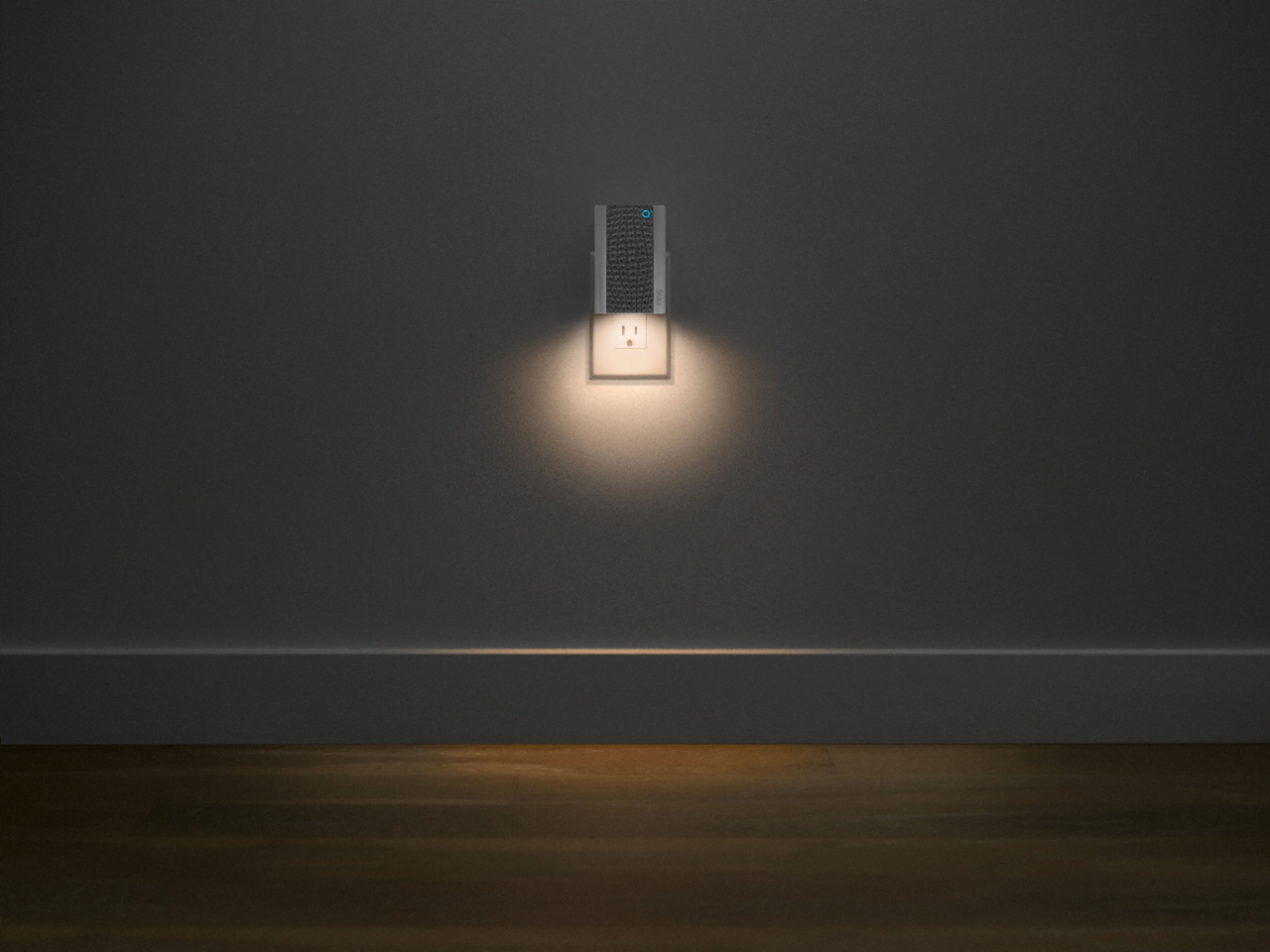
||Posted .This reviewer received promo considerations or sweepstakes entry for writing a review.A must buy. Has a nightlight that comes on and it gives you notifications when the ring doorbell goes off.
This review is from Ring - Chime Pro - White
I would recommend this to a friend - Pros mentioned:Ease of use
Rated 5 out of 5 stars
It’s so easy
||Posted . Owned for 3 weeks when reviewed.This reviewer received promo considerations or sweepstakes entry for writing a review.Easy to set! Great addition to our system! Brought it hone, plugged it in, and connected to our network.
This review is from Ring - Chime Pro - White
I would recommend this to a friend Rated 5 out of 5 stars
Great price!
||Posted . Owned for 1 month when reviewed.This reviewer received promo considerations or sweepstakes entry for writing a review.Amazing deal and price. I caught this on sale for a deal of teh day. I could not resist!
This review is from Ring - Chime Pro - White
I would recommend this to a friend- Pros mentioned:Wifi range
Rated 5 out of 5 stars
Love it
||Posted . Owned for 1 year when reviewed.This reviewer received promo considerations or sweepstakes entry for writing a review.Love it. It goes so well with the camera and doorbell and never disconnected.
This review is from Ring - Chime Pro - White
I would recommend this to a friend - Pros mentioned:Setup
Rated 5 out of 5 stars
Easy to set up!
||Posted .This reviewer received promo considerations or sweepstakes entry for writing a review.Works very well with my Ring doorbell! Very easy to setup! Took only 5 mins to set up though the ring app.
This review is from Ring - Chime Pro - White
I would recommend this to a friend Rated 5 out of 5 stars
Chime Pro
||Posted . Owned for 1 month when reviewed.This reviewer received promo considerations or sweepstakes entry for writing a review.Love that I can hear a door bell loud enough throughout the house
This review is from Ring - Chime Pro - White
I would recommend this to a friend- Pros mentioned:Sound quality
Rated 5 out of 5 stars
Great add-on item for your ring doorbell!!
||Posted .This reviewer received promo considerations or sweepstakes entry for writing a review.As the title states. This is a great add on to the ring doorbell. Easily pairs and is loud enough to hear.
This review is from Ring - Chime Pro - White
I would recommend this to a friend - Pros mentioned:Ease of use
Rated 5 out of 5 stars
Awesome
||Posted . Owned for 2 months when reviewed.This reviewer received promo considerations or sweepstakes entry for writing a review.Easy to install and super essy to use. Amazing features
This review is from Ring - Chime Pro - White
I would recommend this to a friend Rated 5 out of 5 stars
ring chime pro
||Posted . Owned for 2 weeks when reviewed.This reviewer received promo considerations or sweepstakes entry for writing a review.works great with ring doorbell 4--it plugs into an electrical outlet
This review is from Ring - Chime Pro - White
I would recommend this to a friend- Pros mentioned:Wifi range
Rated 5 out of 5 stars
It just works
||Posted . Owned for 2 months when reviewed.This reviewer received promo considerations or sweepstakes entry for writing a review.Not only a chime but it extended the range of my system to a Ring Camera on the far end of my house.
This review is from Ring - Chime Pro - White
I would recommend this to a friend Rated 5 out of 5 stars
Best item.
||Posted . Owned for 1 month when reviewed.This reviewer received promo considerations or sweepstakes entry for writing a review.Helps your ring cam stay connected. Placed in right internet range you will always have your cam on line.
This review is from Ring - Chime Pro - White
I would recommend this to a friend