Customer Ratings & Reviews
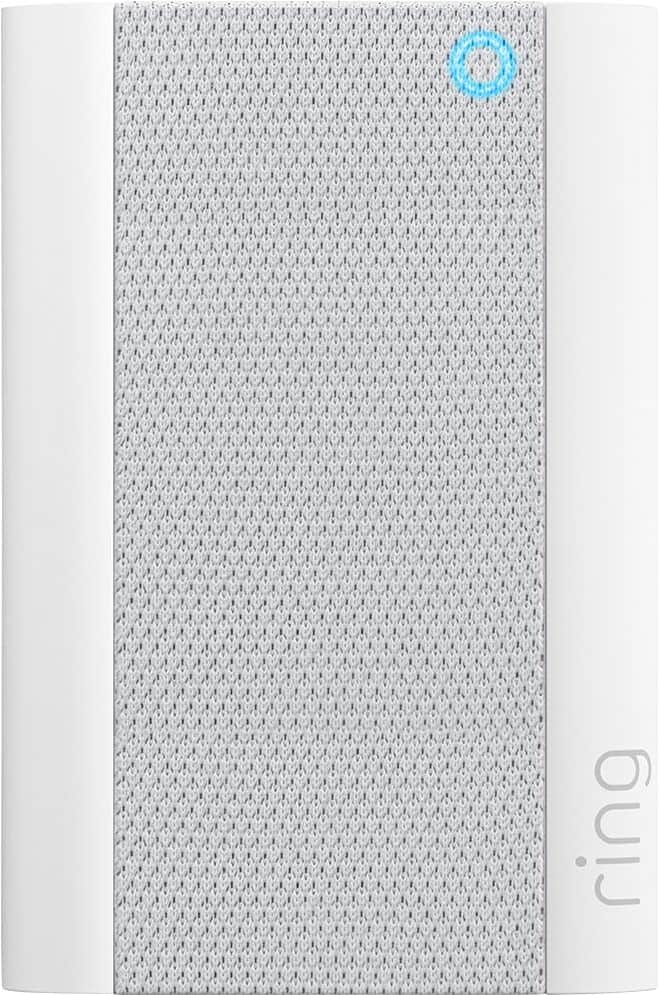
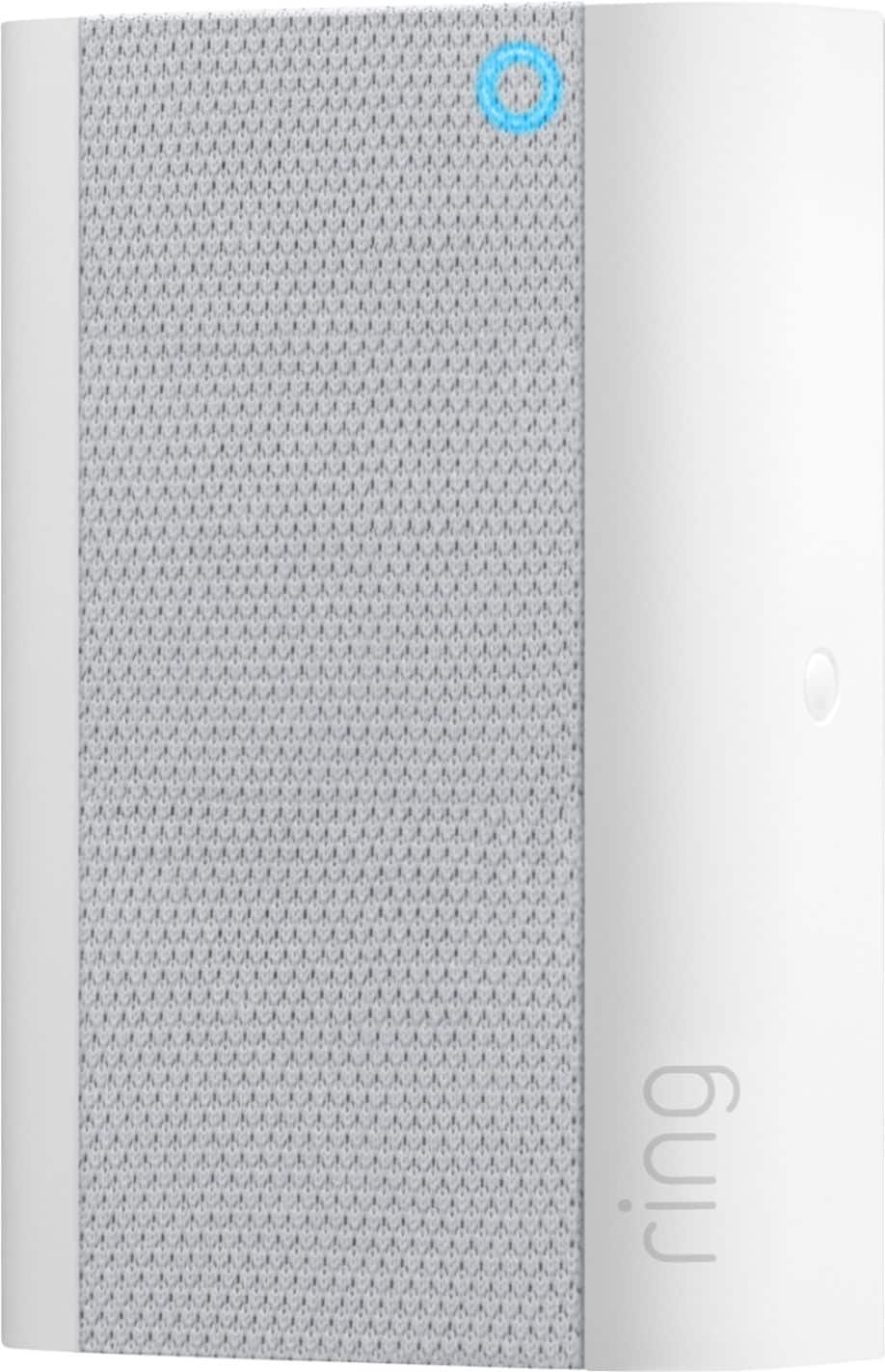
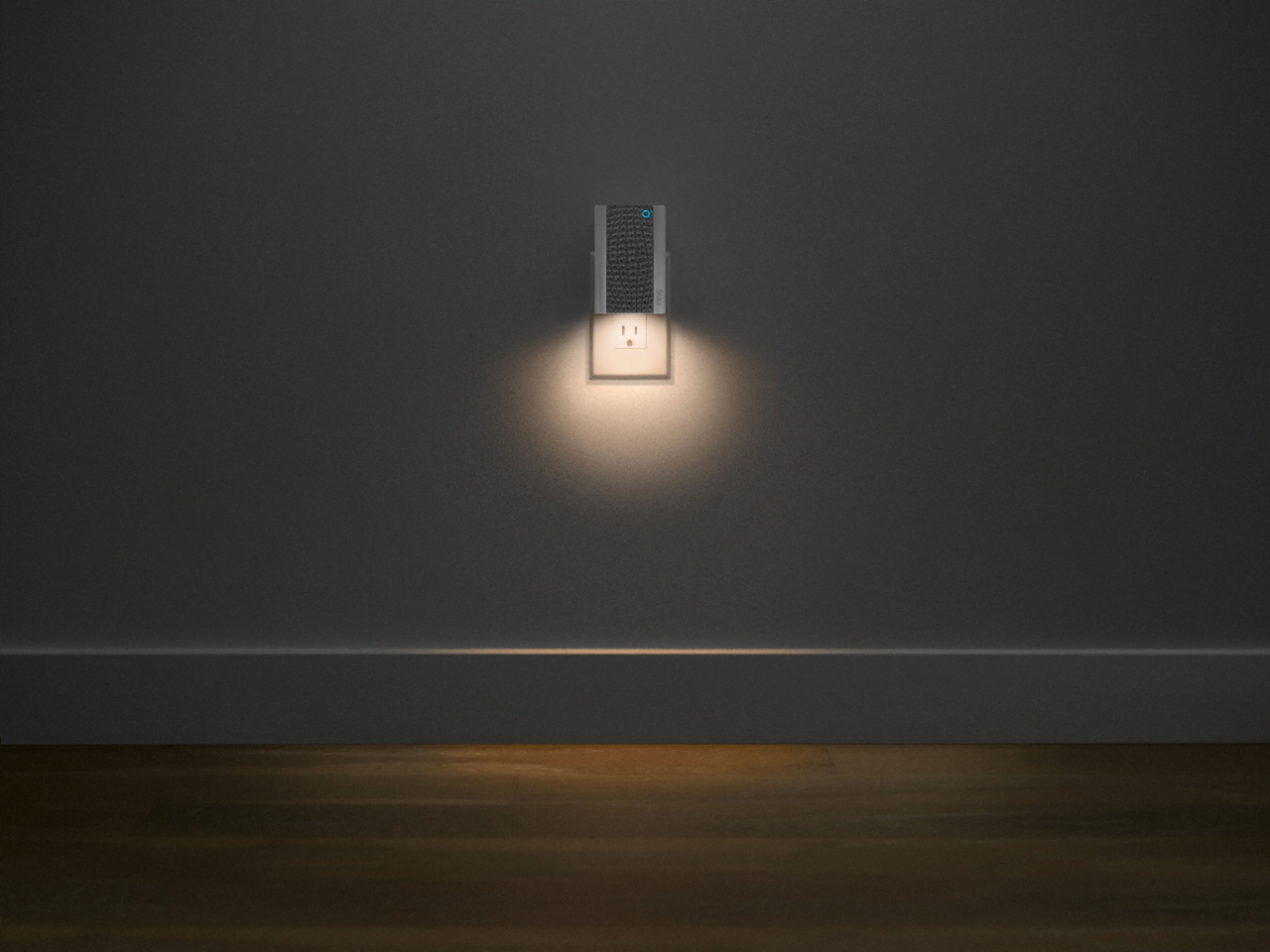
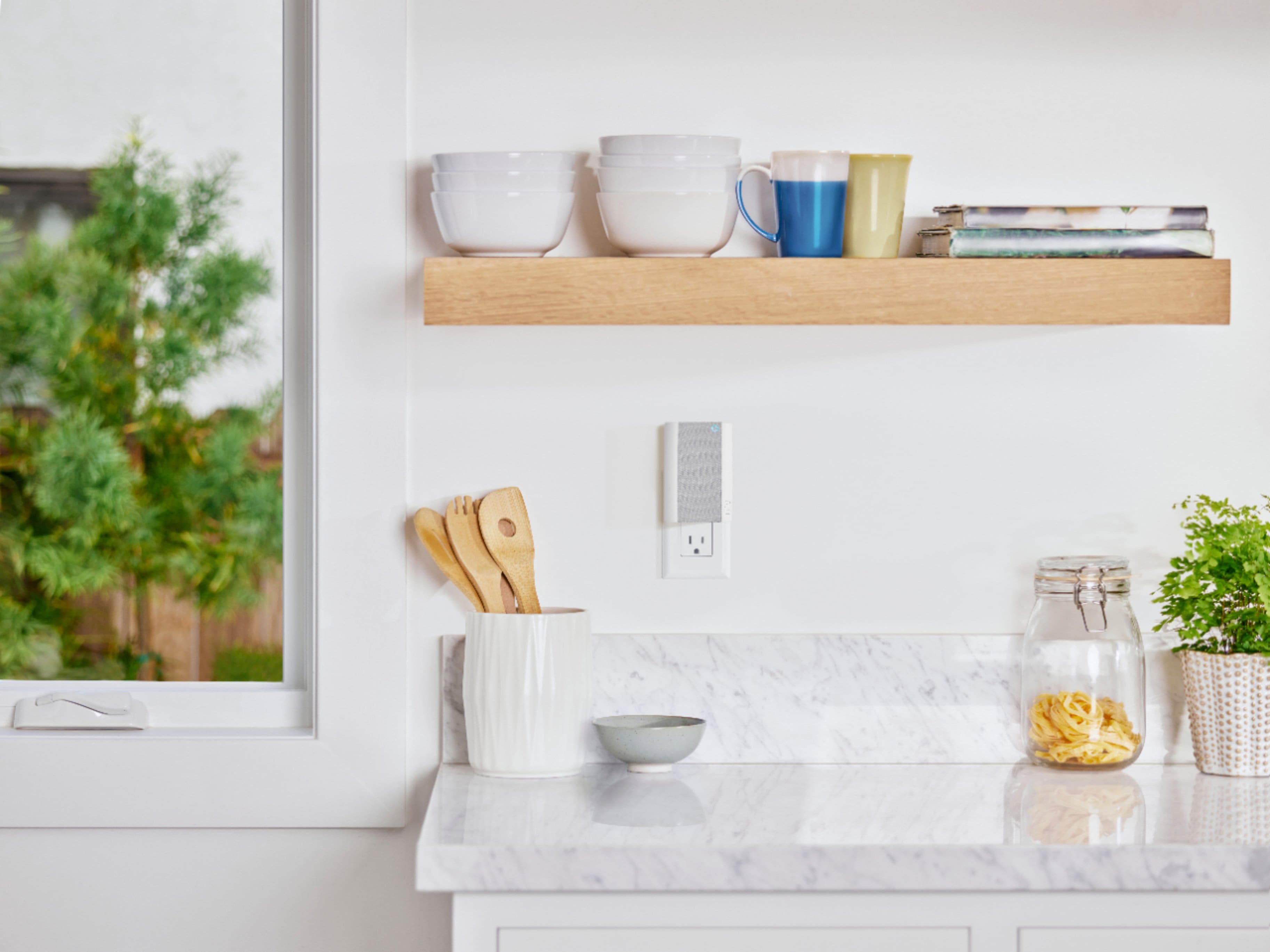

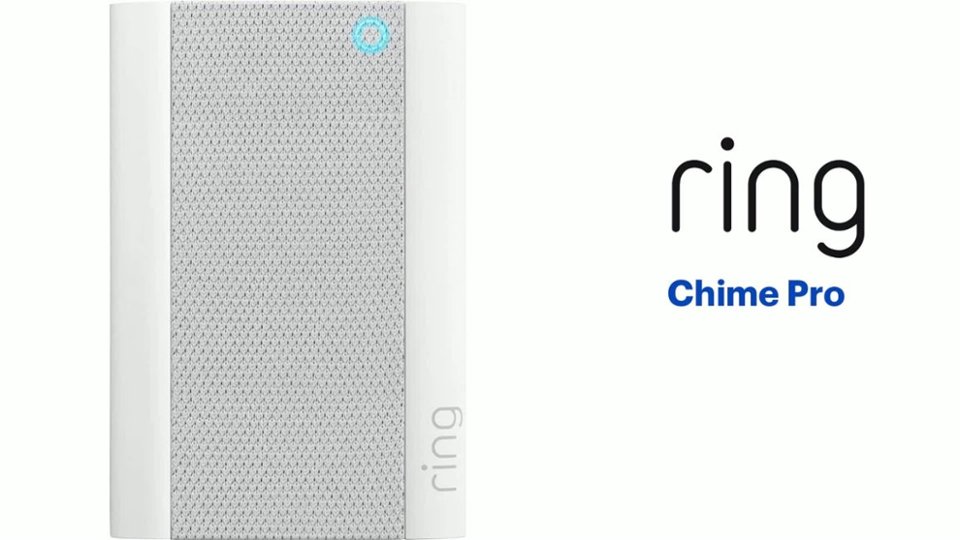
- Model:
- 8AC1PZ-0EN0
- SKU:
- 12481231
Rating by feature
- Video Quality
Rating 4.7 out of 5 stars
- Mobile App
Rating 4.8 out of 5 stars
- Sound Quality
Rating 4.7 out of 5 stars
Customers are saying
Customers often highlight the product's ease of use, particularly for setup, and appreciate its helpful night light. Many also praise its great sound quality and volume, as well as its ability to extend WiFi range and provide good signal strength. Its compatibility with multiple doorbells is also a positive aspect. However, some customers find the price to be a significant drawback.
This summary was generated by AI based on customer reviews.
It’s okay but has a lag
||Posted . Owned for 1 month when reviewed.This reviewer received promo considerations or sweepstakes entry for writing a review.Does not chime as soon as someone rings the door. There is a lag between the actual time rung and the Rome you are alerted. Not loud enough for you to heat up stairs. But does work , provides different sound options definitely needed with ring door bell.
I would recommend this to a friendBrand response from Ring
Posted .Hello Renii,
Thank you for bringing this to our attention. Here at Ring, we hear your concerns and are here to help. Our top priority at Ring is to ensure that our customers have the best possible experience with our products. It is important to us that you have all the necessary information needed to ensure that Ring App is performing optimally for you, and that you are able to answer your motion alerts.
Based on your review, it seems that you are having trouble with answering your doorbell from your Ring App. Rapid Ring is a "light" version of the classic Ring app with most of the features stripped out except for the ability to activate a Live View and respond to an event as quickly as possible. By using the Rapid Ring app in conjunction with the original Ring app, you'll be able to answer your notifications as quickly as possible. Please see our help center article for more information on the Rapid Ring App: https://support.ring.com/hc/en-us/articles/360028023571-Rapid-Ring-App-Information.
Ring Community launched in March 2019 to help deliver the most current news and educational information to our neighbors. It is our first peer-to-peer community forum, giving our customers the ability to help one another and share their feedback/experiences with Ring. Please reach out at https://community.ring.com/ if any additional information is needed regarding your Ring App concern.
Thank you, Jamila with Ring
Ring Chime
||Posted . Owned for 6 months when reviewed.This reviewer received promo considerations or sweepstakes entry for writing a review.I bought this because the chime I had died. The down side is its not very loud and that's with the volume maxed out.
No, I would not recommend this to a friendBrand response from Ring
Posted .Hi yamadog.
Thank you for taking the time to leave your feedback on the Ring Chime. We understand how critical it is for your Ring Chime to notify you of activity around your property. Being able to rely on the alerts is an essential feature of the Ring Chime. We can definitely assist you with this today, and we are confident we can find the correct settings for your home’s environment.
It sounds like the device is not performing as expected. The Ring Chime and Chime Pro can play audio alerts when motion is detected on your Ring device or when someone presses your Ring doorbell. Ring Chime was designed with the ability to customize the type of sound you hear when an event takes place.
Your Ring Chime or Chime Pro can play different sounds for motion and ring events. We recommend following these steps to choose the best sound for Chime alerts for your environment:
Open the Ring app.
Tap the top menu (☰) and then Devices.
Select your Chime or Chime Pro device.
Tap Audio Settings, then Chime Tones.
You'll see two tabs at the top of the screen: rings and motions.
Tap Rings and select your favorite sound. Chime will play when someone presses your doorbell. You'll hear an audio sample when chosen. You can also adjust the volume with the slider.
Tap Motions and select your favorite sound. Chime will play when motion is detected on your Ring doorbells and cameras. You can also adjust the volume with the slider.
We invite you to reach out to our community if any additional information is needed regarding your Ring Chime. The Ring Community is our first peer-to-peer community forum, giving our customers the ability to help one another by sharing their feedback and experiences with each other.
Thank you,
Amilia from Ring.
- Pros mentioned:Ease of use
Ring chime
||Posted . Owned for 1 month when reviewed.This reviewer received promo considerations or sweepstakes entry for writing a review.Works great and easy setup,easy setup just like everything else I have of ring
I would recommend this to a friend - Pros mentioned:Ease of use
Great sound
||Posted . Owned for 1 week when reviewed.This reviewer received promo considerations or sweepstakes entry for writing a review.Work perfect for big house , clear and hing volume sound , easy installation
I would recommend this to a friend - Pros mentioned:Night light
About the chim
||Posted . Owned for 1 month when reviewed.This reviewer received promo considerations or sweepstakes entry for writing a review.Love that it comes with a night light and its own internet different sounds!
I would recommend this to a friend Ring chime pro
||Posted .This reviewer received promo considerations or sweepstakes entry for writing a review.My ring chime pro blinks blue most of the time. After I reconnect to my wifi, it will say connected but check the wifi signal. I have checked my wifi and it is connected. Not sure if this is a problem with the ring chime pro.
No, I would not recommend this to a friendBrand response from Ring
Posted .Hi Meek,
Thank you for taking the time to leave feedback on the Ring Chime Pro. We understand how essential this accessory can be to your home security, when it's working as intended. Occasionally, we encounter issues such as poor wifi that may cause our devices to disconnect periodically. To identify this concern, we will want to start in the Device Health page in your Ring App. To Access the Device Health tile:
Open the Ring app.
Tap the three lines on the top left.
Tap Devices.
Select the device you want to access.
Tap the Device Health tile below the image of the device.
From here, you will find a measurement called RSSI, which is Received Signal Strength Indicator. This number tells you how strong the wifi signal to your Chime Pro is. Another way to check this is by performing a placement test: https://support.ring.com/hc/en-us/articles/360052520292-Using-Chime-Pro-Placement-Test-to-optimize-your-wifi.
It's important to us that you resolve this concern. We invite you to reach out to our Ring Community forum with any additional questions or concerns you might have: https://community.ring.com/.
Kindest Regards,
Caitlin with Ring
Love my Rings but my Chime is the little pain
||Posted . Owned for 1 week when reviewed.This reviewer received promo considerations or sweepstakes entry for writing a review.Have had my Ring for 2 weeks and the Chime is the only device that loses connection for some reason. Has lost connection 2x
I would recommend this to a friendBrand response from Ring
Posted .Hi jens210.
Thank you for taking the time to share your experience with us. At Ring, we understand it is essential to have your Ring Chime Pro (2nd Gen.) online and working properly so you can keep your home secure. Having a solid connection ensures you do not miss any activity around your home. We are here today to provide you with education to assist you in finding the best solution for your home’s environment.
It sounds like the device is not operating as expected. The Ring Chime Pro (2nd Generation) is the updated version of the Ring Chime Pro (1st Generation) wifi extender. It features a new design, built-in nightlight, dual-band 2.4 GHz and 5 GHz wifi connectivity, and guided feedback during setup that helps you find the best location for your Chime Pro.
Here are a few of the top reasons for poor connectivity:
Your Ring device may be too far from your WiFi router.
Your home wifi connection is poor (or your internet service provider is experiencing high traffic).
To learn more about your device's signal strength, follow these steps:
Open the Ring app.
Tap the menu (☰).
Tap “Devices.”
Select the Ring Chime Pro.
Tap on the “Device Health” tile.
Scroll to “Signal Strength” under the “Network” section.
The green, amber, and red colors are indicators of your device connection. Green is good; red is poor.
Move your WiFi router off the floor.
Walls, floors, and furniture can interfere with or weaken your router's wireless signal. Choose an elevated, central, open location for your wifi router.
Ring devices require high speed internet for optimal performance. We have listed the steps below for how to check your wifi speed:
Most internet service providers range from 100–400 mbps (megabytes per second) for download speed and 10–100 mbps for uploading. We recommend testing your internet connection 15 feet from your wifi router, using websites like this one.
If your wifi speed is falling below the ranges noted above, we recommend contacting your internet service provider.
If any additional information is needed regarding your Ring Chime Pro (2nd Gen.), please reach out to our community. Ring Community is our first peer-to-peer community forum, giving our customers the ability to help one another and share their feedback and experiences directly with Ring.
Sincerely,
Melissa from Ring.
- Pros mentioned:Night light
Easy
||Posted . Owned for 1 month when reviewed.This reviewer received promo considerations or sweepstakes entry for writing a review.Easy to install works great and it has a night light underneath
I would recommend this to a friend Ring chime pro
||Posted . Owned for 3 weeks when reviewed.This reviewer received promo considerations or sweepstakes entry for writing a review.It’s okay, it could be louder. I like the light feature on the bottom. Pretty simple to connect and use.
I would recommend this to a friendBrand response from Ring
Posted .Hi Letsgobrandon.
Thank you for taking the time to leave your feedback on the Ring Chime Pro. We understand how critical it is for your Ring Chime Pro to notify you of activity around your property. Being able to rely on the alerts is an essential feature of the Ring Chime Pro. We can definitely assist you with this today, and we are confident we can find the correct settings for your home’s environment.
It sounds like the device is not performing as expected. Chime and Chime Pro can play audio alerts when motion is detected on your Ring device or when someone presses your Ring doorbell. Ring Chime Pro was designed with the ability to customize the type of sound you hear when an event takes place.
Your Chime Pro can play different sounds for motion and ring events. We recommend following these steps to choose the best sound for Chime alerts for your environment:
Open the Ring app.
Tap the top menu (☰) and then Devices.
Select your Chime Pro device.
Tap Audio Settings, then Chime Tones.
You'll see two tabs at the top of the screen: rings and motions.
Tap Rings and select your favorite sound. Chime will play when someone presses your doorbell. You'll hear an audio sample when chosen. You can also adjust the volume with the slider.
Tap Motions and select your favorite sound. Chime will play when motion is detected on your Ring doorbells and cameras. You can also adjust the volume with the slider.
You can also get announcements for motion and ring alerts from Alexa by integrating your compatible Ring devices with select Echo devices.
We invite you to reach out to our community if any additional information is needed regarding your Ring Chime Pro. The Ring Community is our first peer-to-peer community forum, giving our customers the ability to help one another by sharing their feedback and experiences with each other.
Thank you,
Melissa from Ring.
Why all of a sudden I needed this
||Posted .This reviewer received promo considerations or sweepstakes entry for writing a review.Didn’t have it long but so far so good my outdoor cam worked fine for half a year before I started losing internet connection I figure it’s there way to keep us buying their products
I would recommend this to a friendBrand response from Ring
Posted .Hello glinda,
We are thankful for your feedback regarding your experience with the Ring Spotlight Camera. We are constantly pushing ourselves to develop products to empower users with an affordable, effective way to monitor and secure their home. In pursuit of our mission to make neighborhoods safer, when applying technologies to our business, we always consider our three pillars of customer security, privacy, and user control. We understand how important it is to have your devices working as intended, as it offers a level of security in your home.
After reading your review, it seems that your Ring Spotlight Camera is having trouble staying connected to your home wifi. When this occurs, we recommend rebooting your wifi modem and router. Since your router and modem are usually the hardest-working devices in your house, for optimal performance, you should reboot them about once a month. To reboot routers or modems, follow the instructions below:
Unplug your router or modem from its power supply (don’t just turn it off).
If your router and modem are separate, unplug both of them.
Wait at least 30 seconds, then plug them back in.
Wait for your internet to be restored.
Here is a helpful article which walks you through additional steps to take if the issue still persists for you after your modem/router reboot: https://support.ring.com/hc/en-us/articles/217240386-In-app-Setup-Failing-Repeatedly.
Additionally, if you have not already, please check out our Ring Community forum where other Ring users, like yourself, have an open discussion platform to share their experiences, as well as solutions to issues experienced: https://community.ring.com/.
Thank you, Jamila with Ring.
- Pros mentioned:Sound quality
Chime pro
||Posted . Owned for 1 month when reviewed.This reviewer received promo considerations or sweepstakes entry for writing a review.The chime sound selections are great. Help extend my wifi.
I would recommend this to a friend Needs Improvement
||Posted . Owned for 2 weeks when reviewed.This reviewer received promo considerations or sweepstakes entry for writing a review.The device is small, and sadly even with the volume all the way up its just not loud enough. I wouldnt mind if it was a little bit bigger but definitely needs to be louder for sure.
No, I would not recommend this to a friendBrand response from Ring
Posted .Hello Krich101,
Thank you for leaving a review on the Ring Chime Pro. We love knowing what products/features our Ring community members would like to see considered. Thank you for taking the time to share your feedback with us.
We greatly appreciate your feedback and welcome you to share your request on our community support board. We would love to hear your feedback on how we might improve this experience for you, and kindly ask for your feedback to be directed to our Ring Community page on Ring.com (http://ring.com/): https://community.ring.com/.
Thank you, Jamila, with Ring
- Pros mentioned:Ease of use
ring chime
||Posted . Owned for less than 1 week when reviewed.This reviewer received promo considerations or sweepstakes entry for writing a review.Practically hooked it's self up on its own. Works great.
I would recommend this to a friend Confused
||Posted . Owned for 1 month when reviewed.This reviewer received promo considerations or sweepstakes entry for writing a review.I purchased this device because so many people told me it makes the ring door bell work so much better. My opinion is I see no difference it’s a waste unless it’s something I’m missing.
No, I would not recommend this to a friendBrand response from Ring
Posted .Hello MSBB,
Here at Ring, we understand how critical it is for your Ring Chime Pro to work as intended. It's a key component to ensure all connected Ring devices have a strong signal, along with providing an internal audio effect through your home. We are here to lend some assistance.
Based on your review, it seems that you are having trouble with your Ring Chime Pro extending your wifi signal. When this happens, we recommend moving your Chime Pro. The ideal placement for your Chime Pro is about halfway between your wifi router and the device it’s connected to.
Wifi extenders work best with devices that won’t be moved, and ideally, the maximum distance between the router and the device should be under 30 feet. If the distance is greater than 30 feet, you might need a different solution to a weak wifi signal, like a mesh network instead of a wifi extender. A wifi router creates a single access point that broadcasts a signal. The further the signal has to go, the weaker the signal gets.
For more information on troubleshooting your Ring Chime Pro, please see our help center article: https://support.ring.com/hc/en-us/articles/360048673232-Troubleshooting-Your-Ring-Chime-Pro-and-Understanding-Light-Patterns.
For any additional questions or concerns regarding your Ring Chime Pro, please feel free to reach out on our community forum at https://community.ring.com/. We look forward to hearing from you soon.
Thank you, Jamila with Ring.
- Pros mentioned:Sound quality
Ring Chime Pro
||Posted . Owned for 1 month when reviewed.This reviewer received promo considerations or sweepstakes entry for writing a review.I like chime pro, I can hear it fine. I’m happy with it
I would recommend this to a friend It’s ok
||Posted . Owned for 3 weeks when reviewed.This reviewer received promo considerations or sweepstakes entry for writing a review.We got it because it said it would boost your WiFi signal. It wants you to be in their WiFi signal but it doesn’t work and was so weak my doorbell wouldn’t work. At least I can hear my doorbell ring now
No, I would not recommend this to a friendBrand response from Ring
Posted .Hello NICUmomma,
We understand how important it is to experience a reliable connection to your home security devices. The Ring Chime Pro is intended to help better your connection to Ring doorbells and cameras. With proper placement and the Chime Pro Network, you should notice a significant difference. Our team is here to ensure that is the case.
Placement of your Chime Pro is key. For the initial setup of the Chime Pro, place it within a 20 feet radius of your router to ensure a successful setup. Once the unit is set up, move your Chime Pro halfway between the router and the Ring device.
If your Chime Pro has trouble re-connecting, then it might be due to interference. Some things that can cause interference include (but are not limited to):
* Materials such as stucco, brick, or concrete.
* House appliances such as microwaves.
* Electronic devices such as televisions, game systems, or wifi enabled devices.
To ensure the best performance, please test a few different locations. You’ll find that one area provides the best performance. We invite you to visit our Community Forum for some additional tips and tricks, as well as additional support. For any additional questions or concerns, please feel free to reach out on our community forum at https://community.ring.com/.
Regards,
Caitlin with Ring
- Pros mentioned:Ease of use
Nice doorbell ring
||Posted . Owned for 2 weeks when reviewed.This reviewer received promo considerations or sweepstakes entry for writing a review.Very easy to install. I love how I change the ringtones.
I would recommend this to a friend Decent range extender
||Posted . Owned for 1 month when reviewed.This reviewer received promo considerations or sweepstakes entry for writing a review.Not as strong as it claims but works well. I put this in my garage for a external floodlight/camera. Once a month I usually have to reset the light. Overall gets the job done with minor inconvenience.
I would recommend this to a friendBrand response from Ring
Posted .Hello Jk84,
We're pleased to learn that you're getting good use out of your Ring Chime Pro. It is important to us that you are able to enjoy the benefits of this wifi extender without having to reset your Floodlight Cam. You should be able to use your devices without an issue. Our team is here to help find a solution.
If you're resting your Floodlight Camera because it falls offline, we recommend relocating your Chime Pro. Testing a few different areas of your home should help find the best possible location. This way, your Floodlight Camera goes without service interruptions.
Additionally, Chime Pro is compatible with 2.4 GHz and 5 GHz wifi networks. Have you tried setting up your Chime Pro on 2.4 GHz? This type of network is typically better at reaching difficult areas such as the garage.
Please visit our community forum at https://community.ring.com/, for some additional tips and support. We look forward to hearing from you.
All the best,
Marlom at Ring
- Pros mentioned:Ease of use
Ring extender
||Posted . Owned for 1 month when reviewed.This reviewer received promo considerations or sweepstakes entry for writing a review.Fantastic item works just like the advertisement said
I would recommend this to a friend Dissapointed.
||Posted . Owned for 6 months when reviewed.This reviewer received promo considerations or sweepstakes entry for writing a review.When people ring the doorbell most of the time I don't get notifications. I have spent hours talking to different technicians. Every time the Ring works one day and then stops. Unfortunately I hard wired it so I'm really stuck. Some of the techs tell me it's because they did a software update. Weekly? Sometimes. So why doesn't the update download automatically. Very, very disappointed. By the way when I don't get notified it shows up as missed ring.
No, I would not recommend this to a friendBrand response from Ring
Posted .Hello Great,
Receiving notifications is a crucial feature when managing your home security. I value your time, and I would like to ensure we are providing you with solutions that address your concerns, and restore your confidence in Ring.
In addition to ensuring the Ring App is working properly with your phone, it's also important to look at the network environment as a potential cause for concern. One of the related factors to delayed notifications is often-times the signal strength, also referred to as RSSI within the Ring App. This article from our Help Center covers RSSI (Received Signal Strength Indicator) and how this can impact your Ring devices in negative or positive ways. Understanding how this works is a great step to take when resolving the concerns you're experiencing: https://support.ring.com/hc/en-us/articles/217271526-Understanding-RSSI-Values-and-Wireless-Signal-Strength
I would love to get you connected with one of our specialized agents to address this concern with you directly, and help improve your experience with Ring. Please reach out to us at your earliest convenience.
Kindly,
Caitlin with Ring