Customer Ratings & Reviews

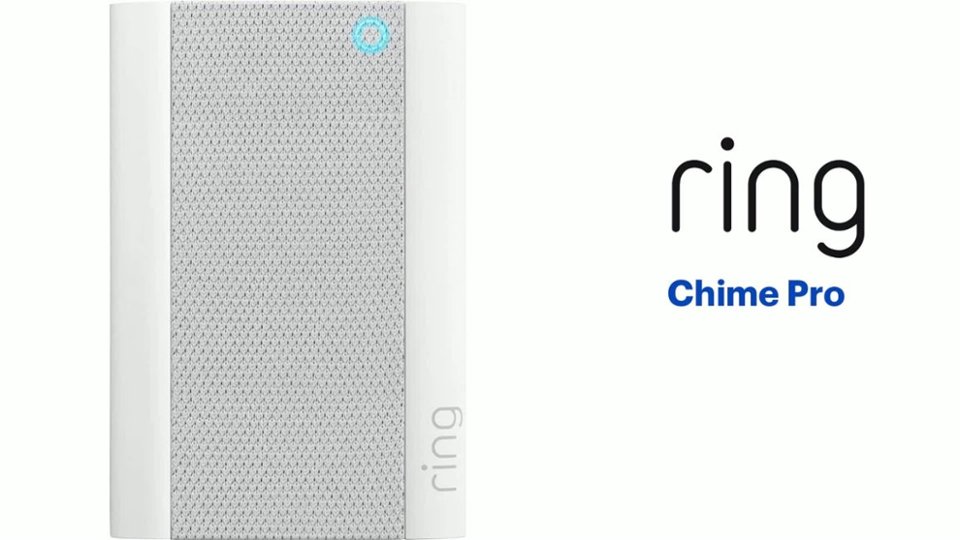
- Model:
- 8AC1PZ-0EN0
- SKU:
- 12481231
Rating by feature
- Video Quality
Rating 4.7 out of 5 stars
- Mobile App
Rating 4.8 out of 5 stars
- Sound Quality
Rating 4.7 out of 5 stars
Customers are saying
Customers often highlight the product's ease of use, particularly for setup, and appreciate its helpful night light. Many also praise its great sound quality and volume, as well as its ability to extend WiFi range and provide good signal strength. Its compatibility with multiple doorbells is also a positive aspect. However, some customers find the price to be a significant drawback.
This summary was generated by AI based on customer reviews.
Chime Pro
||Posted . Owned for 1 week when reviewed.This reviewer received promo considerations or sweepstakes entry for writing a review.Load alerts from when someone comes near the ring device
I would recommend this to a friendBrand response from Ring
Posted .Hi cobalt411.
Thank you for taking the time to share your experience with us. We understand the importance of having your Ring Chime Pro alert you as intended so that you can effectively monitor your home. The features and technology provided by the Ring Chime Pro are incredibly valuable and help provide you with peace of mind about your home security. We can definitely assist you with this today, and we are confident we can find the correct settings for your home’s environment.
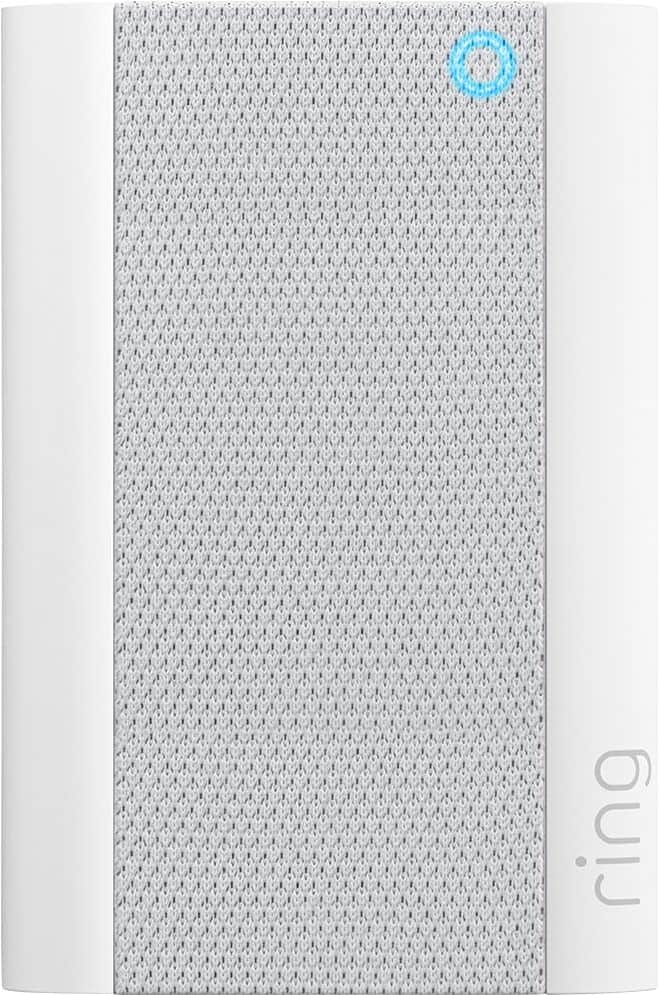
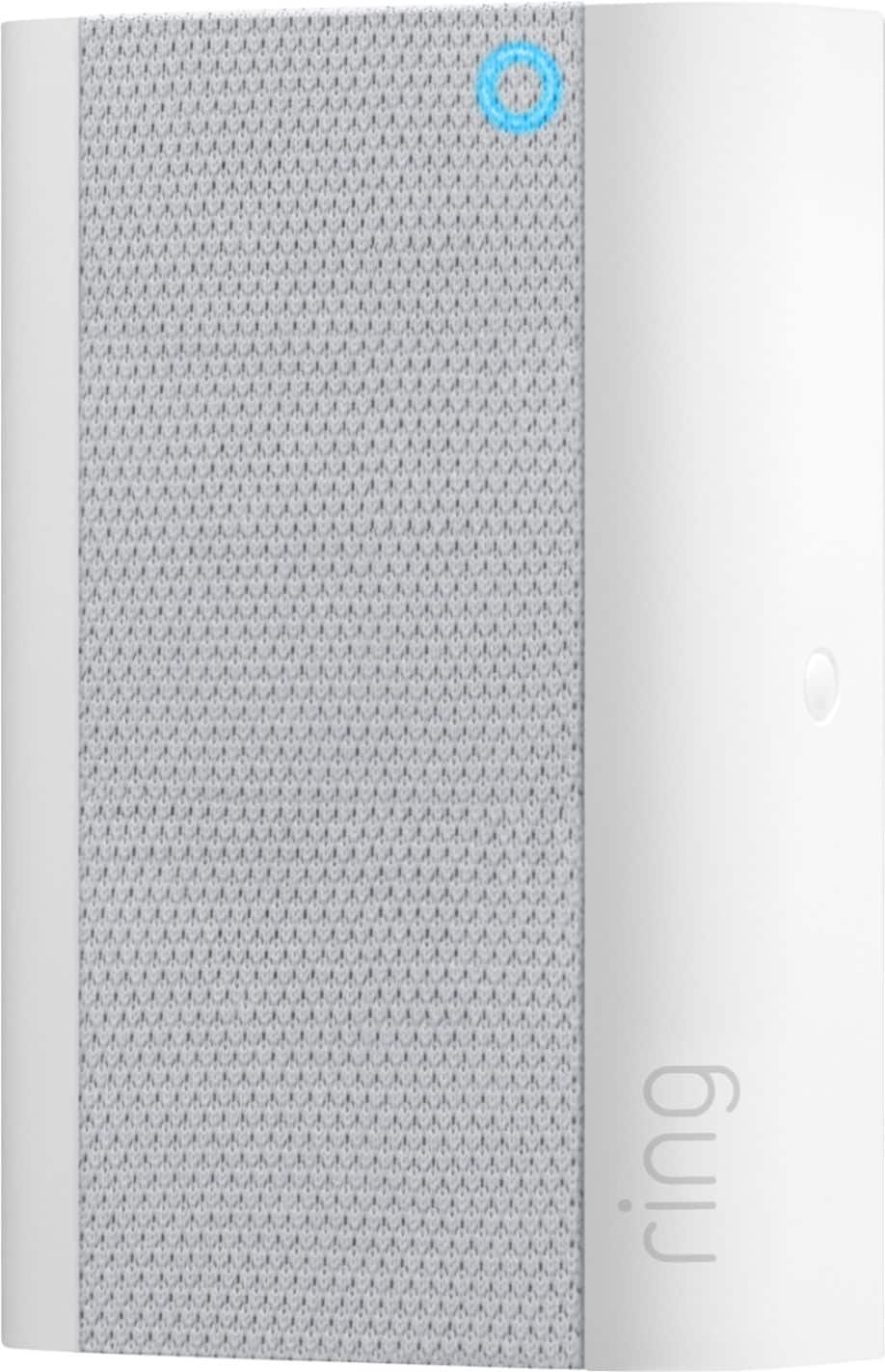
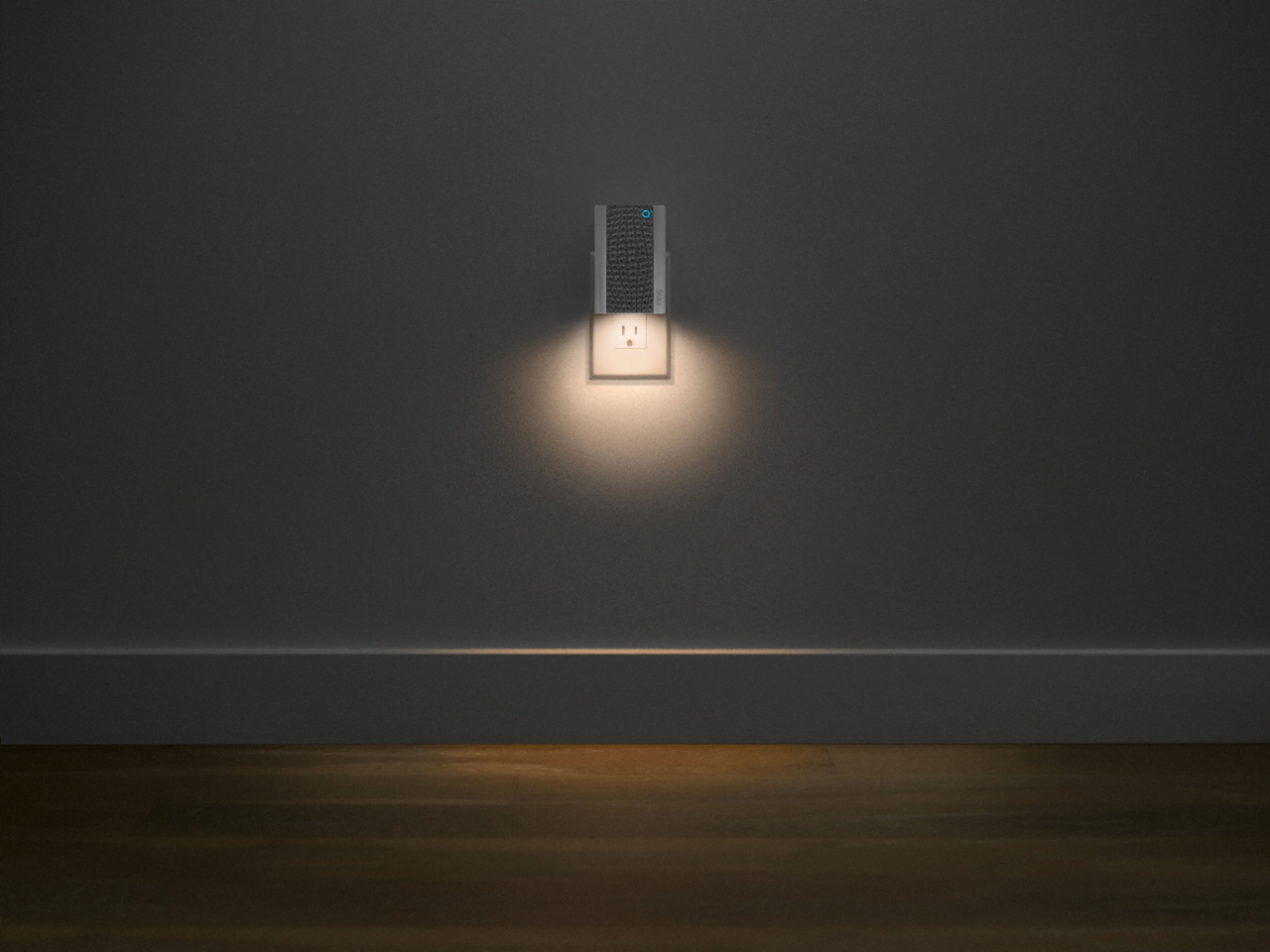
The Ring Chime Pro (2nd Generation) is the updated version of the Ring Chime Pro (1st Generation) wifi extender. It features a new design, built-in nightlight, dual-band 2.4 GHz and 5 GHz wifi connectivity, and guided feedback during setup that helps you find the best location for your Chime Pro. Simply plug your Ring Chime into a wall socket and follow the guided instructions in your Ring app. Follow these steps to adjust the volume for your Ring Chime Pro in the Ring app:
We have included the steps here for how to adjust the volume on your Ring Chime Pro:
Tap on the menu (☰).
Tap Devices.
Select your Chime.
Tap Audio Settings.
Tap Chime Tones.
Adjust the volume sliders under Rings and Motion.
We invite you to reach out to our Community if any additional information is needed regarding your Ring Chime Pro. The Ring Community is our first peer-to-peer community forum, giving our customers the ability to help one another by sharing their feedback and experiences with each other.
Thank you,
Melissa from Ring.
Not worth it
||Posted . Owned for 2 weeks when reviewed.This reviewer received promo considerations or sweepstakes entry for writing a review.I purchased this because most of the time I have my phone off. However, its kind of low and if your not close to it you won't hear it.
No, I would not recommend this to a friendBrand response from Ring
Posted .Hello JFloyd,
We understand how important it is to hear your Ring alerts throughout your home. The Ring Chime is intended to amplify Ring alerts so that you can hear them when you are away from your phone. Rest assured, we hear your concern and are here to help.
If you haven't already, please use the Ring app to increase the volume on your device. As a reference, here is how:
- Launch the Ring app and tap the main menu.
- Select the word Devices.
- Tap your Chime.
- Select Audio Settings.
- Tap Chime Tones.
From here, you can choose the sounds your device makes and increase the volume. If you happen to run into issues or need further assistance, please reach us directly. For any additional questions or concerns, please feel free to reach out on our community forum at https://community.ring.com/.
Thank you,
Antonio from Ring
Ring lady
||Posted . Owned for 3 weeks when reviewed.This reviewer received promo considerations or sweepstakes entry for writing a review.We are most please with our recent purchases, We called Ring and the lady spent over an hour with us to connect it to our motion lights and cameras. Everything works beautifully with maximum results. She was so knowledgeable and patient.
I would recommend this to a friendNot pleased
||Posted . Owned for 3 weeks when reviewed.This reviewer received promo considerations or sweepstakes entry for writing a review.Have many ring products and very happy with their performance. Not so with the chime. Great idea but does not stay online. Always offline. Not an issue with any of my other devices. My kindle, Alexa, laptop, phone, printer and desktop all online but not chime. Ready to trash it!
No, I would not recommend this to a friendBrand response from Ring
Posted .Hello Chimereview,
We here at Ring see your concern and would like to lend some assistance. You’re an important member of our Ring community, and we always want you to feel safe and secure. Based on your review it seems that you are having trouble with your Ring Chime Pro staying connected to WIFI. If this is the case, we recommend resetting the Chime Pro by pressing and holding the setup button for 10-30 seconds. Once done attempt to set up the device again. If you have tried the above steps and still need assistance, please reach out to us directly at 18006561918. -Jamila at Ring.
Still not working
||Posted . Owned for 3 weeks when reviewed.This reviewer received promo considerations or sweepstakes entry for writing a review.Still not working well - it’s no more than an expensive nightlight.
No, I would not recommend this to a friendBrand response from Ring
Posted .Hi Returned.
Thank you for taking the time to share your experience with us. We understand how critical it is for your Ring Chime Pro to function consistently and reliably so that you can effectively monitor your home. The security features and technology provided by the Ring Chime Pro are incredibly valuable to your peace of mind, and receiving a damaged device is not the experience we want any of our neighbors to encounter during the purchase process. We are here to provide you with some information to resolve the issue you mentioned in your review.
It sounds like the device is not performing as expected. Even with your Chime Pro, your router is still your main source of connection for your Ring device. Ideally, the maximum distance between the router and your device is 20-25 feet with the Chime Pro about halfway between the Ring device and your router. If possible, try moving the router closer to the device. Also, make sure your router is not in a closet or behind furniture, like a sofa, so the router has an unobstructed signal.
We invite you to reach out to our community if any additional information is needed regarding your Ring Chime Pro. The Ring Community is our first peer-to-peer community forum, giving our customers the ability to help one another by sharing their feedback and experiences with each other.
Thank you,
Melissa from Ring.
Not as loud as I hoped for
||Posted . Owned for 1 month when reviewed.This reviewer received promo considerations or sweepstakes entry for writing a review.You don't have to get this with your Ring, but it's nice to have. Connects easily to iPhones. The sound is not as loud as I hoped for.
I would recommend this to a friendBrand response from Ring
Posted .Hi StoneCold360,
Thank you for leaving your review on the Chime Pro. We understand how important it is to hear your Ring alerts throughout your home. The Ring Chime Pro is designed to amplify Ring alerts to enhance your home security. Rest assured, we hear your concern and are here to help.
If you haven't already, please use the Ring app to increase the volume on your device. As a reference, here is how:
- Launch the Ring app and tap the main menu.
- Select the word Devices.
- Tap your Chime.
- Select Audio Settings.
- Tap Chime Tones.
From here, you can choose the sounds your device makes and increase the volume. If you happen to run into issues or need further assistance, please reach us directly. For any additional questions or concerns, please feel free to reach out on our community forum at https://community.ring.com/.
All the Best,
Caitlin with Ring
- Cons mentioned:Price
Trash!
||Posted . Owned for 1 month when reviewed.This reviewer received promo considerations or sweepstakes entry for writing a review.This item was supposed to help with extending internet connection. I am still waiting for it to kick in and help! Trash! Fifty dollars a pop! They say the more you buy the more it increases your connection! Ha!!! Don't waste your money!
No, I would not recommend this to a friendBrand response from Ring
Posted .Hello RC4u,
Here at Ring, we understand how critical it is for your Ring Chime Pro to work as intended. It's a key component to ensure all connected Ring devices have a strong signal, along with providing an internal audio effect through your home. We are here to lend some assistance.
Based on your review, it seems that you are having trouble with your Ring Chime Pro extending your wifi signal. When this happens, we recommend moving your Chime Pro. The ideal placement for your Chime Pro is about halfway between your wifi router and the device it’s connected to.
Wifi extenders work best with devices that won’t be moved, and ideally, the maximum distance between the router and the device should be under 30 feet. If the distance is greater than 30 feet, you might need a different solution to a weak wifi signal, like a mesh network instead of a wifi extender. A wifi router creates a single access point that broadcasts a signal. The further the signal has to go, the weaker the signal gets.
For more information on troubleshooting your Ring Chime Pro, please see our help center
article: https://support.ring.com/hc/en-us/articles/360048673232-Troubleshooting-Your-Ring-Chime-Pro-and-Understanding-Light-Patterns.
For any additional questions or concerns regarding your Ring Chime Pro, please feel free to reach out on our community forum at https://community.ring.com/. We look forward to hearing from you soon.
Thank you, Jamila with Ring.
Time Zone Error
||Posted .This reviewer received promo considerations or sweepstakes entry for writing a review.In the Event History the time shown is GMT which doesn't do me any good since I am in Pacific time
I would recommend this to a friendBrand response from Ring
Posted .Hello Simi,
Thank you for taking a moment to leave your review rating on the Ring Chime Pro. We believe that stronger communities are the key to safer neighborhoods. That is why we are driven to create products that help you protect what matters most at home, and empower you to connect with your visitors from wherever you are. Together, we’ll make neighborhoods safer!
Locations are a function in the Ring app that allows you to group your Ring devices by their physical location. To edit the name or street address of a Location, do the following:
Tap the three-lines on the upper left side of the screen.
Tap Settings.
If you want to change the name of the Location, tap the Name field and enter the new name.
Then tap Save at the bottom of the screen.
If you want to change the address, tap Change Address.
Tap Continue.
Then tap Confirm.
Here is a helpful article which walks you through the process of updating your location as well, so that the time zones match the area you live in: https://support.ring.com/hc/en-us/articles/115005039983.
Ring Community is our first peer-to-peer community forum, giving our customers the ability to help one another and share their feedback/experiences with Ring. We invite you to reach out at https://community.ring.com/ if you have any additional questions or feedback regarding your Chime Pro.
Thank you,
Alexis with Ring
Awful / Not Worth the Cost
||Posted . Owned for 1 month when reviewed.This reviewer received promo considerations or sweepstakes entry for writing a review.Not worth the money! First, when installed it barely made any difference in WiFi strength. Second, it only chimes and does not play the same notifications that you have selected on your cameras. Chime is worthless!
No, I would not recommend this to a friendBrand response from Ring
Posted .Hi CfaringMustang.
Thank you for taking the time to share your experience with us. We understand the importance of having a consistent wifi signal on your Ring device. Having a solid connection ensures you do not miss any activity around your home. We are eager to address the issue you raised in your review and provide you with a resolution today.
It sounds like the device is not operating as expected in regard to connectivity. Even with your Ring Chime Pro, your router is still your main source of connection for your Ring device. Ideally, the maximum distance between the router and your device is 20-25 feet with the Ring Chime Pro about halfway between the Ring device and your router. If possible, try moving the router closer to the Ring device. Also, make sure your router is not in a closet or behind furniture, like a sofa, so the router has an unobstructed signal. To connect the Ring device to the Ring Chime Pro network, please follow the steps below.
1. Open the Ring app.
2. Tap the menu (≡).
3. Tap Devices and select your Ring Chime Pro.
4. Tap the Chime Pro Network tile.
5. Select Switch to Chime Pro Network and follow the prompts in the app.
6. Allow some time for your device to fully reconnect to the network, then check your wifi signal strengthen Device Health to confirm it has successfully reconnected.
You can also hold down the reset button on the side of the Chime Pro for 10 seconds and release it to power cycle the Chime Pro.
If any additional information is needed regarding your Ring Chime Pro, please reach out to our community. Ring Community is our first peer-to-peer community forum, giving our customers the ability to help one another and share their feedback and experiences directly with Ring.
Thank you,
Matthew from Ring.
Not Satisfied
||Posted .This reviewer received promo considerations or sweepstakes entry for writing a review.I'm not very satisfied with this purchase. It doesn't appear to extend my wifi service which is what I depended on it for
No, I would not recommend this to a friendBrand response from Ring
Posted .Hello Smile,
We understand how important it is for the Chime Pro to extend the wifi to your Ring devices, as it is designed to do. With proper placement and being connected to the Chime Pro Network, you should notice a significant difference in your Ring device's performance. Our team is here to ensure that is the case.
To start, placement of your Chime Pro is key. Once the unit is set up, move your Chime Pro halfway between the router and the Ring device. Some things that can cause interference include (but are not limited to):
* Materials such as stucco, brick, or concrete.
* House appliances such as microwaves.
* Electronic devices such as televisions, game systems, or wifi enabled devices.
On our website at Ring.com, we offer a helpful placement test article in our Help Center, that helps you discover the best positioning for your home: https://support.ring.com/hc/en-us/articles/360052520292-Using-Chime-Pro-Placement-Test-to-optimize-your-wifi.
We invite you to visit our Community Forum for some additional tips and tricks, as well as additional support. For any additional questions or concerns, please feel free to reach out on our community forum at https://community.ring.com/.
Regards,
Caitlin with Ring
WiFi Boost Not All That
||Posted . Owned for 3 weeks when reviewed.This reviewer received promo considerations or sweepstakes entry for writing a review.Didn’t really change the strength of WiFi at my other connected Ring devices. Mostly just an expensive nightlight.
No, I would not recommend this to a friendBrand response from Ring
Posted .Hello JB77,
Our top priority at Ring is to ensure that our customers have the best possible experience with our products. We really appreciate your feedback. Our team is always striving to improve our products and their performance.
This device is designed to provide you with a quality internet connection to your Ring devices. It can also help amplify Ring alerts through your home. We’re here to gather further information, and help you get the most from your Ring Security.
For the Chime Pro to work as intended, you’ll need to switch your Ring doorbells and cameras to the Chime Pro Network. Please reference this article to learn how: https://support.ring.com/hc/en-us/articles/115003763123-Connecting-an-Existing-Ring-Product-to-Chime-Pro
Please pay close attention to the “Best Practices for Wifi Extenders” portion of the article, as device placement is key. Should you have additional questions, we are happy to find the best solution for you. Additionally, please feel free to reach out to our Ring Community forum at https://community.ring.com/, where Ring users like yourself share their personal experiences with Ring.
Regards,
Antonio from Ring
Tough to stay synced with my wifi
||Posted . Owned for 1 month when reviewed.This reviewer received promo considerations or sweepstakes entry for writing a review.Bought with my Ring doorbell. But chime rarely is alerted by doorbell sensor.
No, I would not recommend this to a friendBrand response from Ring
Posted .Hello MikeS,
We know how important it is to know when activity is detected by your Ring doorbell. The Ring Chime Pro is intended to link to your Ring doorbells and cameras to amplify Ring alerts. So long as the devices are properly linked, you can expect a tone to play when motion is detected or when doorbells are pressed.
It is possible that a settings change unlinked the doorbell. Can you please open the Ring app and follow the steps in the article below? It will show you how to ensure your Ring devices are properly linked to your Ring Chime Pro.
https://support.ring.com/hc/en-us/articles/360034840052-How-to-Link-your-Ring-Devices-to-a-Chime-or-Chime-Pro
If your device is properly linked to your doorbell, please try relocating the Chime Pro to a different wall outlet. Oftentimes, nearby interference or a weak wifi connection can cause delays between events.
Should all else fail, please reboot your router. This allows all the wifi devices in the house to refresh their internet connection, which can reduce delays and speed up notification deliveries.
We would love to hear more about solutions you've tried, and if our tips helped resolve your connection and notification concerns. Please feel free to reach out on our community forum at https://community.ring.com/ for additional support.
All the best,
Marlom at Ring
Mr. Resident
||Posted .This reviewer received promo considerations or sweepstakes entry for writing a review.I thought it will help to amplify the alert sound from my current door bell and security cameras, but “Not”. The set up app just leading me go around and around, not connected. Been purchased more than 30 days, if less than that, I will return. Frustrated.
No, I would not recommend this to a friendBrand response from Ring
Posted .Hi ThangD.
Thank you for taking the time to share your experience with us. At Ring, we understand it is essential to have your Ring Chime Pro online and working properly so you can keep your home secure. Being able to rely on the alerts to know when activity is detected is an essential feature of the Ring Chime Pro. We are eager to address the issue you raised in your review and provide you with a resolution today.
It sounds like the device is not performing as expected. The Ring Chime Pro is designed to provide you with alerts from your Ring devices at home. Simply plug your Ring Chime Pro into a wall socket and follow the guided instructions in your Ring app.
If your Ring Chime Pro is not connecting to your network, we recommend that you reset the device by pressing and holding the rest button on the side of the device for 20 seconds. Follow the steps in the Ring app to setup the device to your network. We have included those steps here:
Open the Ring app.
Tap the menu (≡).
Tap "Set Up a Device".
Follow the in app prompts to complete the setup.
We invite you to reach out to our community if any additional information is needed regarding your Ring Chime Pro. The Ring Community is our first peer-to-peer community forum, giving our customers the ability to help one another by sharing their feedback and experiences with each other.
Thank you,
Amilia from Ring.
Ring Chime
||Posted . Owned for 1 year when reviewed.This reviewer received promo considerations or sweepstakes entry for writing a review.Have trouble getting the wifi extender to connect. That was the reason for buying. Overall it works.
I would recommend this to a friendBrand response from Ring
Posted .Hello Erica,
Here at Ring, we understand how critical it is for your Ring Chime Pro to work as intended. It's a key component to ensure all connected Ring devices have a strong signal, along with providing an internal audio effect through your home. We are here to lend some assistance.
Based on your review, it seems that you are having trouble with your Ring Chime Pro extending your wifi signal. When this happens, we recommend moving your Chime Pro. The ideal placement for your Chime Pro is about halfway between your wifi router and the device it’s connected to.
Wifi extenders work best with devices that won’t be moved, and ideally, the maximum distance between the router and the device should be under 30 feet. If the distance is greater than 30 feet, you might need a different solution to a weak wifi signal, like a mesh network instead of a wifi extender. A wifi router creates a single access point that broadcasts a signal. The further the signal has to go, the weaker the signal gets.
For more information on troubleshooting your Ring Chime Pro, please see our help center
article: https://support.ring.com/hc/en-us/articles/360048673232-Troubleshooting-Your-Ring-Chime-Pro-and-Understanding-Light-Patterns.
For any additional questions or concerns regarding your Ring Chime Pro, please feel free to reach out on our community forum at https://community.ring.com/. We look forward to hearing from you soon.
Thank you, Jamila with Ring
Needs more volume
||Posted . Owned for 1 month when reviewed.This reviewer received promo considerations or sweepstakes entry for writing a review.I cannot find out how to increase the volume of the ringer.
No, I would not recommend this to a friendBrand response from Ring
Posted .Hi GregJ.
Thank you for taking the time to share your experience with us.
We understand the importance of a seamless setup process. Being able to adjust the settings of your Ring Chime Pro is a vital feature to ensure you can hear notifications inside your home. We can definitely provide you with more information regarding the concern mentioned in your review.
It sounds like you are having some difficulty adjusting the settings of your Ring Chime Pro. The Ring Chime Pro offers the ability to adjust the volume and chime tone for notifications. Follow these steps to adjust the volume on your Ring Chime or Chime Pro:
Tap on the menu (☰).
Tap Devices.
Select your Chime.
Tap Audio Settings.
Tap Chime Tones.
Adjust the volume sliders under Rings and Motion.
Visit our support center for additional information.
Ring Community was established to assist in providing our neighbors with the most recent news and instructional material. Four sections make up this online forum: Ring Updates, Product Boards, Tips & Tricks, and a Moderators' Corner. You can start new topics on the Product Boards with your questions or suggestions; a search function will assist you in locating subjects that other neighbors have previously posted.
All the best,
Nicole from Ring.
Not fit for my purpose - returned
||Posted . Owned for 3 weeks when reviewed.This reviewer received promo considerations or sweepstakes entry for writing a review.Did not serve my purpose so I returned it. It's not an extender. I would've had to climb up to where the spotlights are and press the button on them to connect to this unit. I ended up buying another Orbi satellite for my mesh wifi, so no need to risk life and limb climbing to reset my spotlights.
No, I would not recommend this to a friendBrand response from Ring
Posted .Hello FilmFiend,
Thank you for taking a moment to leave your review on the Ring Chime Pro. We sincerely appreciate it. At Ring, we believe that stronger communities are the key to safer neighborhoods. That is why we are driven to create products that help you protect what matters most at home, and empower you to connect with your visitors from wherever you are. We are happy to read that you were able to find a home networking solution that works best for you and your home's environment. The safety of our neighbors is our top priority, we'd never want you to feel unsafe installing our products.
If you still have the Ring device in your possession, we invite you to reach out to us at https://community.ring.com/. Ring Community is our first peer-to-peer community forum, giving our customers the ability to help one another and share their personal feedback/experiences with Ring. We look forward to hearing from you, if we can be of any further assistance!
Thank you,
Alexis with Ring
Ok product
||Posted . Owned for 5 months when reviewed.This reviewer received promo considerations or sweepstakes entry for writing a review.Nice product for the price, sound was OK and no issues
I would recommend this to a friendBrand response from Ring
Posted .Hello Naveen.
Thank you for taking a moment to leave your Ring Chime Pro rating. Here at Ring, we believe that stronger communities are the key to safer neighborhoods. That is why we are driven to create products that help you protect what matters most at home and empower you to connect with your neighbors from wherever you are. Together, we’ll make neighborhoods safer!
We are pleased to read that you are enjoying the features and functionality of the RIng Chime Pro!
Ring Community is our first peer-to-peer community forum, giving our customers the ability to help one another and share their feedback and experiences with Ring. We invite you to reach out to our community if you have any additional questions or feedback regarding your Ring Chime Pro.
Thank you,
Melissa from Ring.
Ring Chime
||Posted . Owned for 2 weeks when reviewed.This reviewer received promo considerations or sweepstakes entry for writing a review.Nice product however, it turns off frequently and has to be removed from the outlet and put back in to reboot.
I would recommend this to a friendBrand response from Ring
Posted .Hi Birdsong,
We know how important it is to have a reliable Chime Pro to help secure your home. This device should remain online without an issue. We hear your concern and want to offer our help.
Wifi disconnects are usually attributed to your device's placement. For example, if you've placed your Chime Pro behind furniture, electronics or other large appliances, interference may occur. If you would like to learn more about proper placement of the Chime Pro, you may find this article from our Help Center especially useful: https://support.ring.com/hc/en-us/articles/360052520292-Using-Chime-Pro-Placement-Test-to-optimize-your-wifi.
You may relocate the Chime Pro to a more open part of your home, to help ensure your device performs optimally. Your experience with Ring is important to us, and we would love to make sure you are receiving the full support you need. We'd like to invite you to our Ring Community page to find more Ring Users like yourself, that have shared their own solutions to this concern: https://community.ring.com/.
Kindest Regards,
Caitlin with Ring
Doesn't extend signal very well.
||Posted . Owned for 1 month when reviewed.This reviewer received promo considerations or sweepstakes entry for writing a review.Doesn't seem to extend the wifi signal like I thought it would. Does have different chimes if you like.
No, I would not recommend this to a friendBrand response from Ring
Posted .Hello Hefty7,
Thank you for taking the time to leave a review on your Chime Pro device. We completely understand the relevance of having your home security up and running. Having peace of mind that your device’s wireless internet connection is solid is also very important. Rest assured, we're here to provide you with resources to resolve this concern quickly! So you can rely on the timely alerts your Ring security camera is intended to provide you.
After reading your review, it seems that you are having trouble with your Ring Chime Pro extending your wifi to your Ring device. If you notice that you are still having trouble with your Ring devices connection while using the Chime Pro, we recommend moving the Chime Pro closer to the router. For more information regarding the proper positioning of your Chime Pro, see the following help center article: https://support.ring.com/hc/en-us/articles/360052520292-Using-Chime-Pro-Placement-Test-to-optimize-your-wifi.
Ring Community launched in March 2019 to help deliver the most current news and educational information to our neighbors. It is our first peer-to-peer community forum, giving our customers the ability to help one another and share their feedback/experiences directly with Ring. Please reach out at https://community.ring.com/ if any additional information is needed regarding your Chime Pro wifi signal strength concern.
Thank you,
Alexis with Ring
Kinda pointless.
||Posted . Owned for 2 months when reviewed.This reviewer received promo considerations or sweepstakes entry for writing a review.Didnt really need this when then app notifies you. Returned, girlfriend just uses her app.
No, I would not recommend this to a friendBrand response from Ring
Posted .Hello DodgerBlueKills,
Thank you for taking a moment to leave your review of the Ring Chime Pro. At Ring, we believe that stronger communities are the key to safer neighborhoods. That is why we are driven to create products that help you protect what matters most at home, and empower you to connect with your visitors from wherever you are. We are saddened to read that this wifi boosting and audio alert device did not meet your expectations, but are still here to assist you, if needed.
We invite you to reach out to us at https://community.ring.com/ if you have any further questions regarding this device. Ring Community is our first peer-to-peer community forum, giving our customers the ability to help one another and share their personal feedback/experiences with Ring. We look forward to hearing from you, if we can be of any further assistance!
Thank you,
Alexis with Ring.