Last-Minute SavingsLimited quantities.Shop now

Skip to content
Gift Ideas
Main Content

Customer Ratings & Reviews
Model:
B09L45VFCN
SKU:
6494615
Your price for this item is $34.99

Customer reviews

Rating 4.8 out of 5 stars with 1169 reviews

Rating Filter

Rating by feature

  • Video Quality

    Rating 4.7 out of 5 stars

  • Mobile App

    Rating 4.8 out of 5 stars

  • Sound Quality

    Rating 4.7 out of 5 stars

Pros mentioned filter

Cons mentioned filter

96%would recommend to a friend

Customers are saying

Customers regard Chime favorably for its ease of use, excellent sound quality, and simple setup. Many appreciate the adjustable volume and compact size, while some experienced minor difficulties with initial Wi-Fi connectivity. The compatibility with Ring products is also frequently praised. Although some users mentioned battery life as an issue, the overall feedback highlights Chime's positive attributes.

This summary was generated by AI based on customer reviews.

The vast majority of our reviews come from verified purchases. Reviews from customers may include My Best Buy members, employees, and Tech Insider Network members (as tagged). Select reviewers may receive discounted products, promotional considerations or entries into drawings for honest, helpful reviews.
Page 55 Showing 1,081-1,100 of 1,169 reviews
  • Rated 3 out of 5 stars

    Volume low

    |
    |
    Posted . Owned for 1 week when reviewed.
    This reviewer received promo considerations or sweepstakes entry for writing a review.

    The volume is not loud at all, so recommend if not for a small home to buy more than 1.

    No, I would not recommend this to a friend
    • Brand response from Ring
      Posted .

      Hi CherrylB.

      Thank you for taking the time to share your experience with us.

      We understand the importance of being able to hear notifications from your Ring Chime. The features and technology provided by Ring devices are incredibly valuable and help provide you with peace of mind about your home security. We can definitely provide you with more information regarding the concern mentioned in your review.

      It sounds like you have some concerns with the volume of your Ring Chime. With the Ring Chime, you have the option to change and customize chime tones for alerts and notifications. In addition to adjusting the chime tones, you can change the volume of your Ring Chime unit and configure which device(s) will trigger your chime. If you do not want to trigger your Chime, it's easy to turn off the connection from the Device Settings in your app. Visit our support center for more information.

      Ring Community was launched to help deliver the most current news and educational information to our neighbors. This online forum is divided into four categories: Product Boards, Ring Updates, Tips + Tricks, and a Moderators’ Corner. The Product Boards are where you can begin new topics with your questions or feedback; there is also a search option that helps you find topics that have already been posted by other neighbors.

      All the best,
      Nicole from Ring. Ring

  • Rated 3 out of 5 stars

    Basic device

    |
    |
    Posted . Owned for 1 month when reviewed.
    This reviewer received promo considerations or sweepstakes entry for writing a review.

    Does what is supposed to do but really basic. No bells and whistls

    I would recommend this to a friend
    • Brand response from Ring
      Posted .

      Hi PaulK.

      Thank you for taking the time to share your experience with us.

      We understand the importance of having all relevant product information prior to purchasing. The features and technology provided by the Ring Chime are incredibly valuable and help provide you with peace of mind about your home security. We can definitely provide you with more information regarding the concern mentioned in your review.

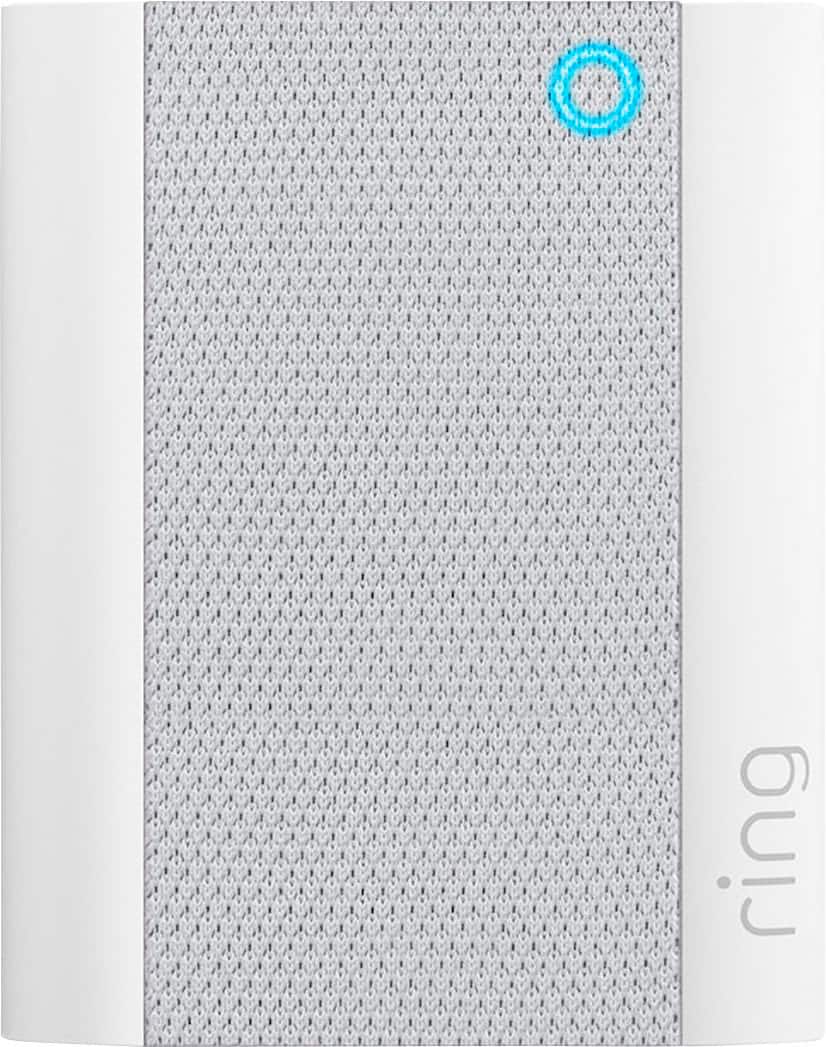
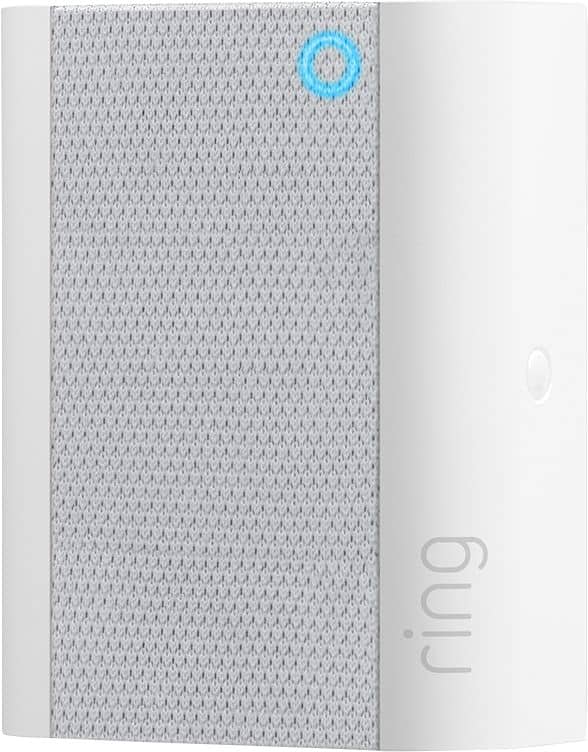
      It sounds like you have some concerns with the features of the Ring Chime (2nd Generation). As an updated version of the Chime, the second generation Chime now has a sleek new look that meshes well with any decor, as well as a new LED indicator so you know if it’s online. When plugged into a standard wall socket, the Chime produces an audio signal whenever you receive an alert from a Ring device for motion and doorbell announcements. Visit our support center for more information.

      Ring Community was launched to help deliver the most current news and educational information to our neighbors. This online forum is divided into four categories: Product Boards, Ring Updates, Tips + Tricks, and a Moderators’ Corner. The Product Boards are where you can begin new topics with your questions or feedback; there is also a search option that helps you find topics that have already been posted by other neighbors.

      All the best,
      Nicole from Ring. Ring

  • Rated 3 out of 5 stars

    Meh

    |
    |
    Posted . Owned for 1 week when reviewed.
    This reviewer received promo considerations or sweepstakes entry for writing a review.

    There’s a delay from the moment someone rings the bell to the sound of the bell.

    No, I would not recommend this to a friend
    • Brand response from Ring
      Posted .

      Hi Pedro.
      Thank you for taking the time to share your experience with us. We understand how critical it is for your Ring Chime to notify you of activity in and around your home. Being able to rely on the alerts is an essential feature of the Ring Chime. We can definitely provide you with more information regarding the concern mentioned in your review.
      It sounds like the device is not performing as expected. With Ring Chime, simply plug it in to a power outlet, set it up in the Ring app, and you'll be able to hear alerts from your Ring devices at home. Notification delays are often related to wifi connection or mobile device variables. A delay of under six seconds is expected due to signal fluctuation. For the Chime, placing the device within a good range of the router and without obstacles in between will ensure optimal performance.
      To learn more about your device's signal strength, follow these steps:
      Open the Ring app.
      Tap the menu (☰).
      Tap Devices.
      Select the Ring device you would like to test.
      Tap on the Device Health tile.
      Scroll to Signal Strength under the Network section.
      The green, amber, and red colors are indicators of your device connection. Green is good; red is poor.
      If your wifi signal strength is good, we recommend pressing and holding the reset button on the side of the Ring Chime for 15 seconds. Follow the steps in the Ring app to reconnect the device to wifi.
      If any additional information is needed regarding your Ring Chime, please reach out to our community. Ring Community is our first peer-to-peer community forum, giving our customers the ability to help one another and share their feedback and experiences directly with Ring.
      Sincerely,
      Melissa from Ring. Ring

  • Pros mentioned:
    Ease of use

    Rated 4 out of 5 stars

    Great device

    |
    |
    Posted . Owned for 1 month when reviewed.
    This reviewer received promo considerations or sweepstakes entry for writing a review.

    Great product and easy to install and connect i plan on using and purchasing some more for my household

    I would recommend this to a friend
  • Cons mentioned:
    Connectivity

    Rated 1 out of 5 stars

    Not A Friendly Setup

    |
    |
    Posted . Owned for 3 weeks when reviewed.
    This reviewer received promo considerations or sweepstakes entry for writing a review.

    We couldnever get the device to connect to our current ring camera. We could see it on our network and at one point could manage the new device independently. Constantly got message to transfer the ownership.

    No, I would not recommend this to a friend
    • Brand response from Ring
      Posted .

      Hi CherylB.

      Thank you for taking the time to share your experience with us.

      We understand the importance of a seamless setup process so that you can begin using your Ring Chime right away. The features and technology provided by the Ring Chime are incredibly valuable and help provide you with peace of mind about your home security. We are eager to provide you with a solution for the concern mentioned in your review.

      It sounds like you are having some trouble getting your Ring Chime connected to your existing Ring device. We recommend setting up your Ring device (video doorbell or security camera) first, then setting up the Ring Chime. After the device and the Chime are active and on the wifi network, use the Ring app to associate the Ring Chime with the Ring device.

      If you are having trouble connecting your two devices and are getting a message to transfer ownership, we recommend checking that both devices are set up under the same owner account. Once you've confirmed they are set up under the same owner account, follow these steps to link it to your Ring device(s):

      Tap the menu (☰).
      Select Devices.
      Choose your Chime.
      Make sure the camera or doorbell you want is connected to Chime.
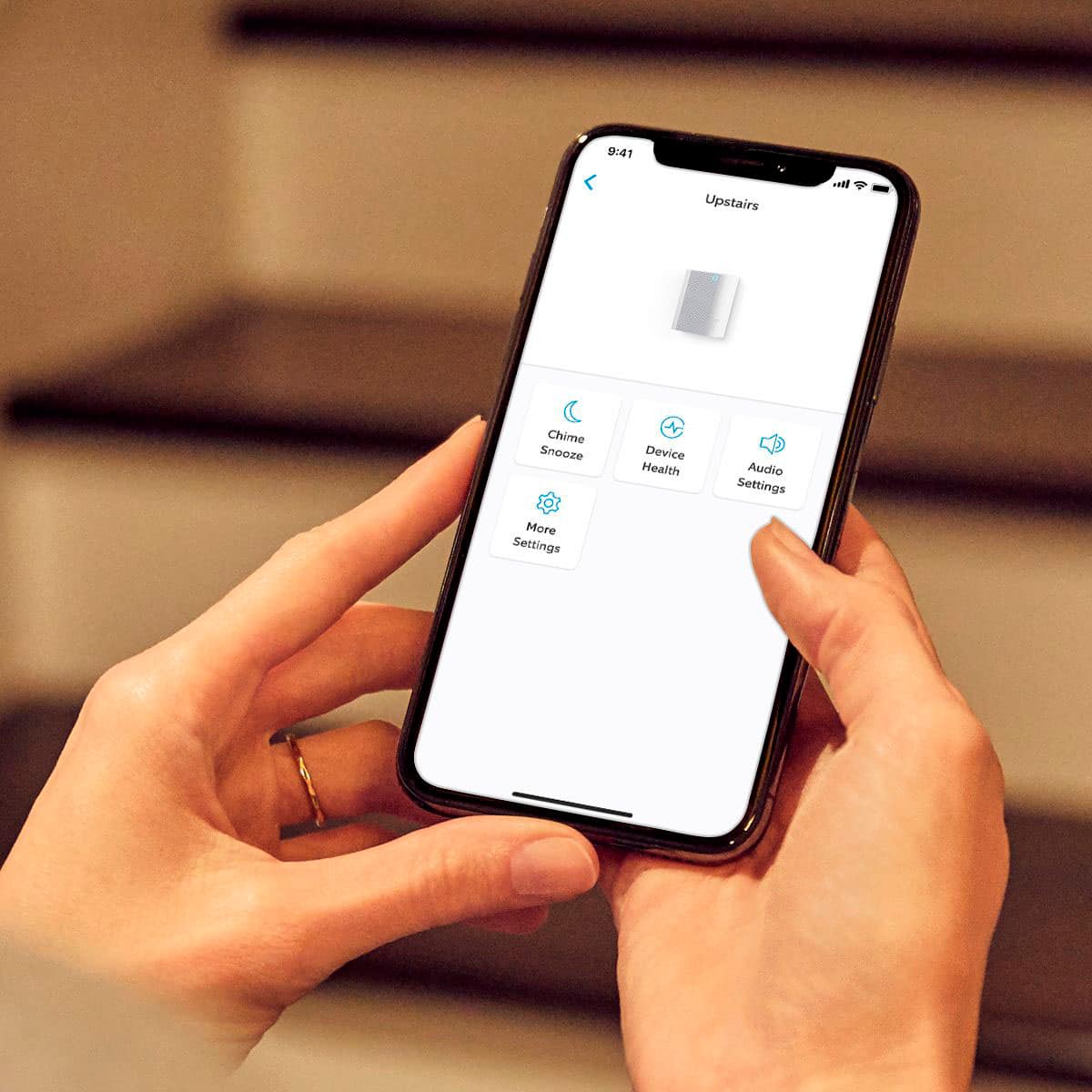
      If your device is connected to the Chime, tap Audio Settings.
      You can adjust Chime Alerts, Chime Tones, and Chime Volume.
      You can select different sounds for doorbell rings and Motion Alerts.
      All of your devices can be set individually to have alerts set on or off.
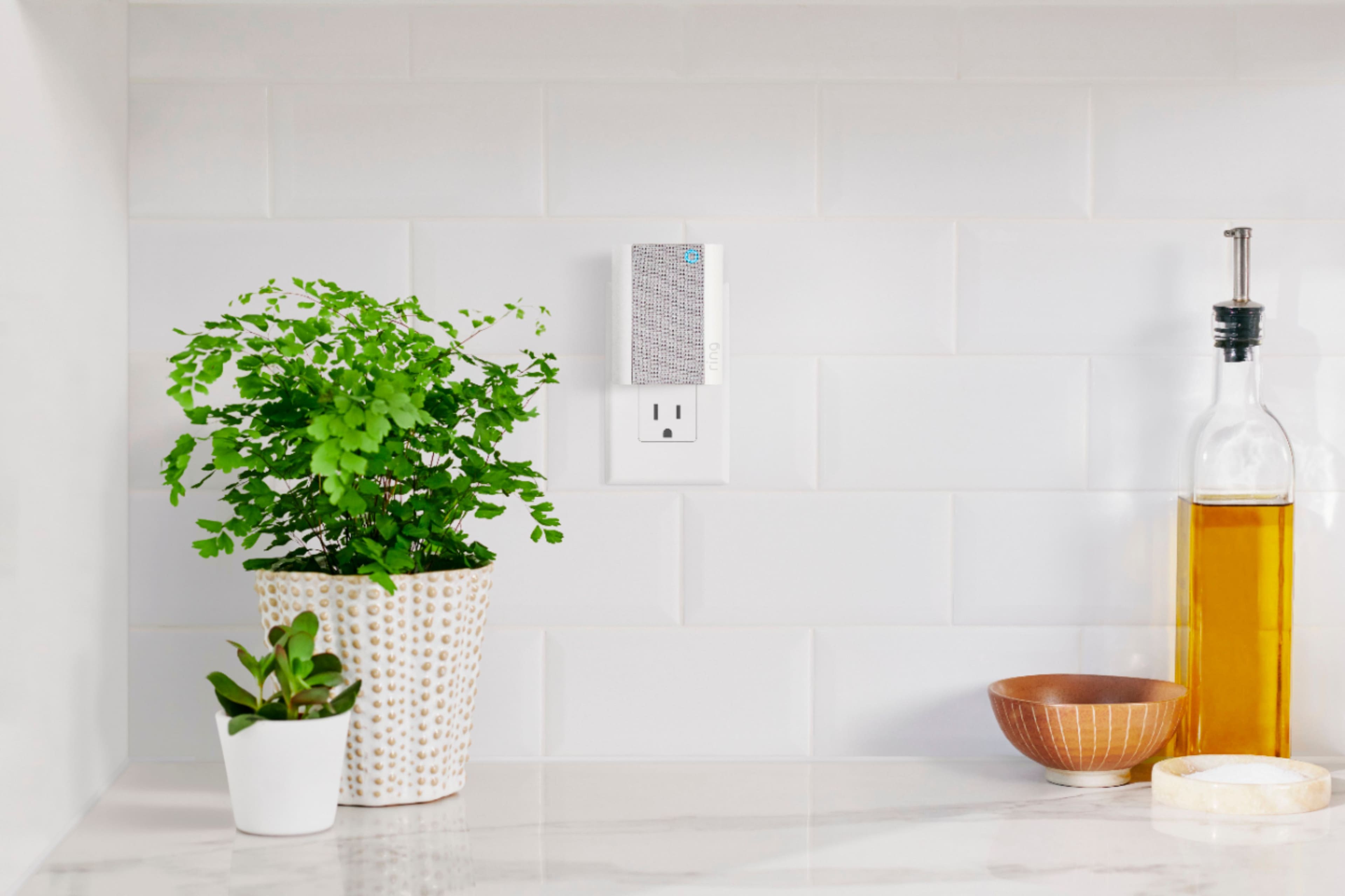
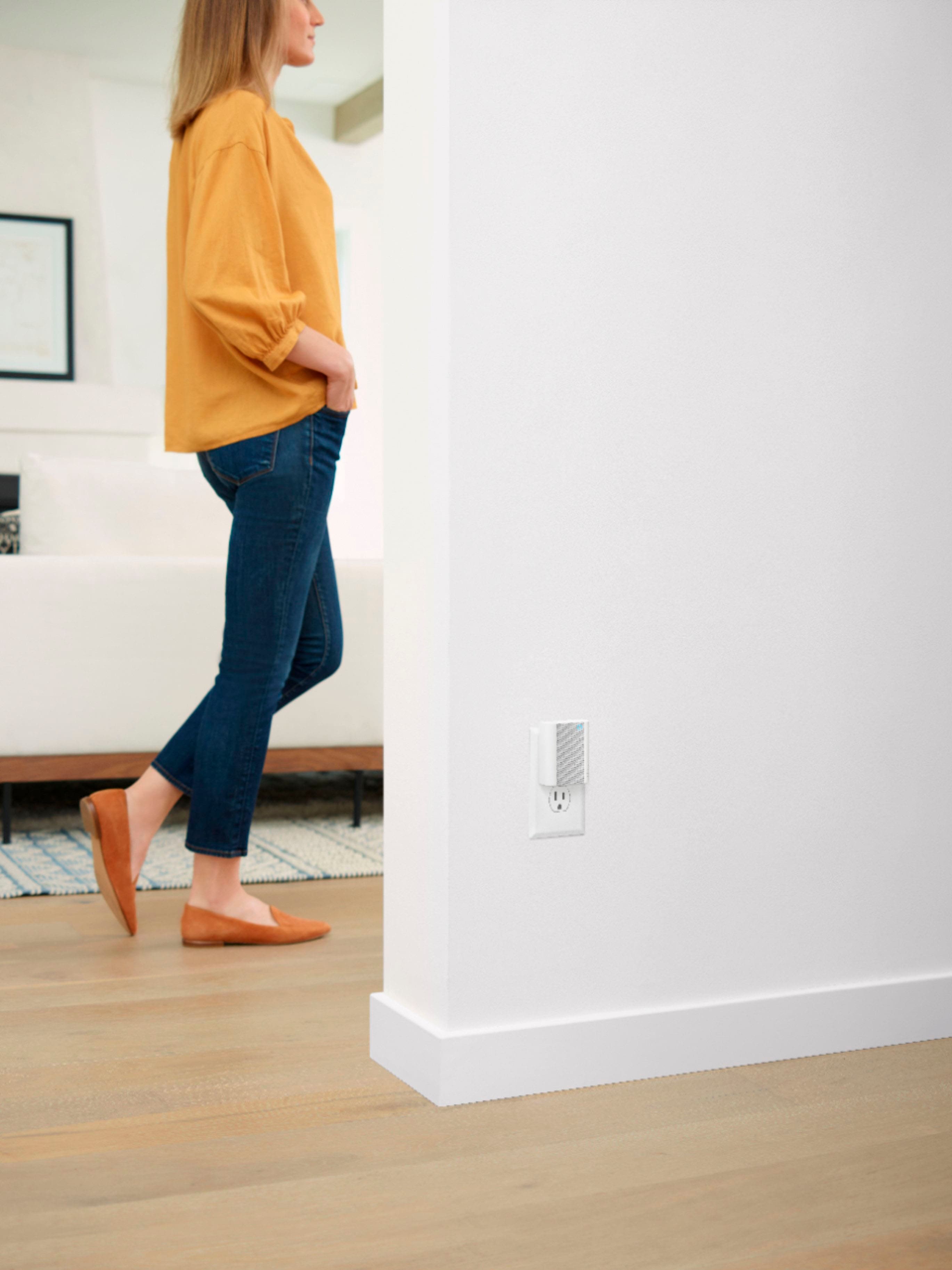
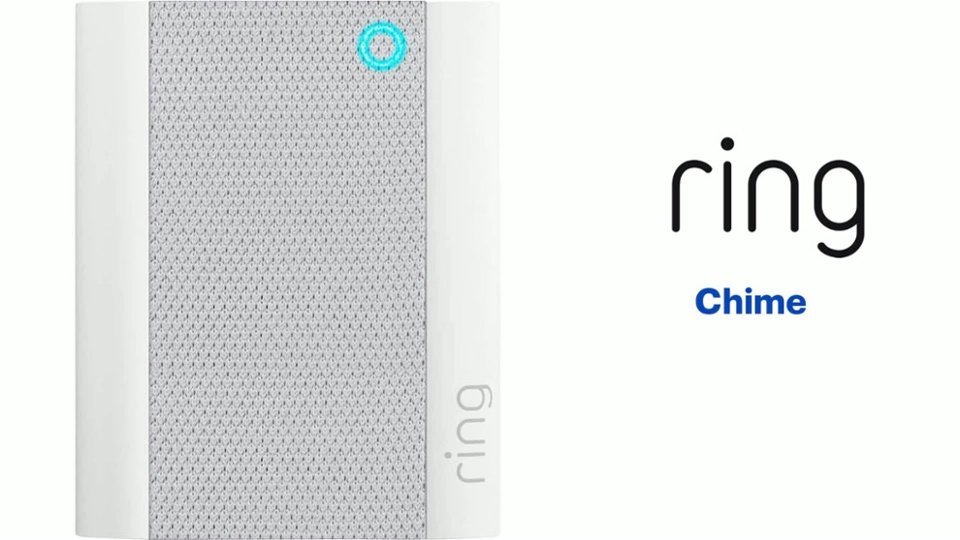
      Chime is a plug-in device that provides audible alerts whenever motion is detected or a doorbell’s button is pressed.

      Visit our support center for more information.

      Ring Community was established to assist in providing our neighbors with the most recent news and instructional material. Four sections make up this online forum: Ring Updates, Product Boards, Tips & Tricks, and a Moderators' Corner. You can start new topics on the Product Boards with your questions or suggestions; a search function will assist you in locating subjects that other neighbors have previously posted.

      All the best,
      Nicole from Ring. Ring

  • Rated 3 out of 5 stars

    Sound low

    |
    |
    Posted . Owned for 1 week when reviewed.
    This reviewer received promo considerations or sweepstakes entry for writing a review.

    The sound still not very loud and no way to adjust the volume but it still come in handy to know when your doorbell rings.

    I would recommend this to a friend
    • Brand response from Ring
      Posted .

      Hi Krys.

      Thank you for taking the time to share your experience with us.

      We understand the importance of having all relevant product information prior to purchasing. The features and technology provided by the Ring Chime are incredibly valuable and help provide you with peace of mind about your home security. We can definitely provide you with more information regarding the concern mentioned in your review.

      It sounds like you have some concerns regarding the customization of the Ring Chime. With the Ring Chime, you do have the option to change and customize chime tones for alerts and notifications and adjust the volume. Once you've set up your Chime in the Ring app, follow these steps to customize it:

      Tap the menu (☰).
      Select Devices.
      Choose your Chime.
      Make sure the camera or doorbell you want is connected to Chime.
      If your device is connected to the Chime, tap Audio Settings.
      You can adjust Chime Alerts, Chime Tones, and Chime Volume.
      You can select different sounds for doorbell rings and Motion Alerts.
      All of your devices can be set individually to have alerts set on or off.

      Visit our support center for more information.

      Ring Community was established to assist in providing our neighbors with the most recent news and instructional material. Four sections make up this online forum: Ring Updates, Product Boards, Tips & Tricks, and a Moderators' Corner. You can start new topics on the Product Boards with your questions or suggestions; a search function will assist you in locating subjects that other neighbors have previously posted.

      All the best,
      Nicole from Ring. Ring

  • Rated 3 out of 5 stars

    backdoor

    |
    |
    Posted . Owned for 1 month when reviewed.
    This reviewer received promo considerations or sweepstakes entry for writing a review.

    Disappointed because I was not advised that I needed this when I bought the doorbell.

    I would recommend this to a friend
    • Brand response from Ring
      Posted .

      Hi MyPalace.

      Thank you for taking the time to share your experience with us. We understand the importance of having all relevant product information prior to purchasing.The features and technology provided by the Ring Chime are incredibly valuable and help provide you with peace of mind about your home security. We can definitely provide you with more information about the concern that you mentioned in your review.

      It sounds like the device is not what you expected. The Ring Chime (2nd Generation) is an updated version of the classic Ring Chime. Simply plug it in to a power outlet, set it up in the Ring app, and you'll be able to hear alerts from your Ring devices at home. Ring Chime connects to 802.11 b/g/n 2.4 GHz wifi and can be paired to any number of Ring devices. You can also pair multiple Ring Chime units to one Ring video doorbell or security camera. Once connected, your Ring Chime will work anywhere it has a wifi connection.

      Ring Community was established to assist in providing our neighbors with the most recent news and instructional material. Four sections make up this online forum: Ring Updates, Product Boards, Tips & Tricks, and a Moderators' Corner. You can start new topics on the Product Boards with your queries or suggestions; a search function will assist you in locating subjects that other neighbors have previously posted. We cordially encourage you to visit our community if you need additional information on your Ring Chime or other Ring devices.

      Thank you,
      Melissa from Ring. Ring

  • Rated 3 out of 5 stars

    Dissapointed

    |
    |
    Posted . Owned for 1 month when reviewed.
    This reviewer received promo considerations or sweepstakes entry for writing a review.

    Intermittently fails to ring. Probably due to transformer power being to low to work with Ring Pro 2 Doorbell.

    No, I would not recommend this to a friend
    • Brand response from Ring
      Posted .

      Hello Royo,

      Thank you for taking the time to share your Ring experience with us and other consumers. We believe that stronger communities are the key to safer neighborhoods. You are correct, the Ring Wired Doorbell Pro 2 requires a transformer that is rated 16-24VAC, 50/60HZ.

      If your doorbell is not receiving enough power, it will not ring your internal chime kit or be able to communicate within the Ring app to send the audio alert to the Ring Chime. You'll want to locate and replace your home's doorbell transformer in order to permanently resolve this issue: https://ring.com/support/articles/w9jj6/How-To-Install-Your-Hardwired-Transformer.

      Ring Community was launched in March 2019 to help deliver the most current news and educational information to our customers. You can find tips and tricks from other Ring users at https://community.ring.com/. This peer-to-peer forum allows our neighbors to share their feedback and experiences to assist each other in resolving their concerns.

      Thank you,
      Alexis with Ring Ring

  • Cons mentioned:
    Connectivity

    Rated 1 out of 5 stars

    Terrible connectivity

    |
    |
    Posted . Owned for 1.5 years when reviewed.
    This reviewer received promo considerations or sweepstakes entry for writing a review.

    It constantly disconnects. Not worth the price unless you get it in a bundle but it’s been useless.

    No, I would not recommend this to a friend
    • Brand response from Ring
      Posted .

      Hi Rickie.

      Thank you for taking the time to share your experience with us. At Ring, we understand it is essential to have your Ring Chime online and working properly so you can keep your home secure. Having a solid connection ensures you do not miss any activity around your home. We are here today to provide you with education to assist you in finding the best solution for your home’s environment.

      It sounds like the device is not performing as expected in regards to connection issues. Usually, a device falling offline repeatedly is related to poor wifi connectivity caused by signal fluctuations, channel congestion, or data loss. In rare cases, this can be caused by settings in your router. Walls, floors, and furniture can interfere or weaken your router's wireless signal. Choose an elevated, central, open location for your wifi router.

      Most internet service providers range from 100-400mbps (megabytes per second) for download speed and 10-100mbps for uploading. If your wifi speed is falling below the ranges noted above, we recommend contacting your internet service provider.

      You can also hold down the reset button on the side of the Chime Pro for 10 seconds and release it to power cycle the Chime Pro.

      If any additional information is needed regarding your Ring Chime, please reach out to our community. Ring Community is our first peer-to-peer community forum, giving our customers the ability to help one another and share their feedback and experiences directly with Ring.

      Sincerely,
      Melissa from Ring. Ring

  • Rated 3 out of 5 stars

    Michael bbchime

    |
    |
    Posted . Owned for 1 month when reviewed.
    This reviewer received promo considerations or sweepstakes entry for writing a review.

    Sound on the Chime is very low, good thing that when someone passes in front of the Ring setup you know there's someone at the door.

    No, I would not recommend this to a friend
    • Brand response from Ring
      Posted .

      Hello Michaelbbring,

      Thank you for taking the time to share your Ring experience with us. We appreciate that you have placed value in owning a Ring device to secure your home. Our top priority at Ring is to ensure that our customers have the best possible experience with our products. We really appreciate your feedback. Our team is always striving to improve our products and their performance.

      The Ring Chime Pro (2nd Generation) is an updated version of the Ring Chime Pro (1st generation) wifi extender. In addition to a stylish new design with a built-in nightlight, the Ring Chime Pro (2nd generation) boasts dual-band 2.4 GHz and 5 GHz wifi connectivity and guided feedback during setup that helps you find the best location for your Chime Pro. Based on your review, it seems that you feel like the volume on the Ring Chime Pro 2nd Gen is too low. If this is the case, we recommend you adjusting the volume on the Ring Chime Pro. To adjust the volume, select your Ring Chime Pro under the device tab on the Ring App. From there, you can select audio settings and adjust the volume on your Ring Chime Pro. Please see our help center article for more information: https://support.ring.com/hc/en-us/articles/360034840052-How-to-Link-your-Ring-Devices-to-a-Chime-or-Chime-Pro.

      Ring Community is our first peer-to-peer community forum, giving our customers the ability to help one another and share their feedback/experiences with Ring. We invite you to reach out at https://community.ring.com/ if any additional information is needed regarding your Ring Chime Pro 2nd Gen concern.

      Thank you, Jamila, with Ring. Ring

  • Rated 3 out of 5 stars

    Good

    |
    |
    Posted . Owned for 9 months when reviewed.
    This reviewer received promo considerations or sweepstakes entry for writing a review.

    Good volume could be louder………………………………………………………….

    I would recommend this to a friend
    • Brand response from Ring
      Posted .

      Hi ReginaldB.
      Thank you for taking the time to leave your feedback on the Ring Chime. We understand how critical it is for your ring chime to notify you of activity around your property. Being able to rely on the alerts is an essential feature of the Ring Chime. We can definitely assist you with this today, and we are confident we can find the correct settings for your home’s environment.
      It sounds like the device is not performing as expected. Chime and Chime Pro can play audio alerts when motion is detected on your Ring device or when someone presses your Ring doorbell. Ring Chime was designed with the ability to customize the type of sound you hear when an event takes place.
      Your Chime or Chime Pro can play different sounds for motion and ring events. We recommend following these steps to choose the best sound for Chime alerts for your environment:
      Open the Ring app.
      Tap the top menu (☰) and then Devices.
      Select your Chime or Chime Pro device.
      Tap Audio Settings, then Chime Tones.
      You'll see two tabs at the top of the screen: rings and motions.
      Tap Rings and select your favorite sound. Chime will play when someone presses your doorbell. You'll hear an audio sample when chosen. You can also adjust the volume with the slider.
      Tap Motions and select your favorite sound. Chime will play when motion is detected on your Ring doorbells and cameras. You can also adjust the volume with the slider.
      You can also get announcements for motion and ring alerts from Alexa by integrating your compatible Ring devices with select Echo devices.
      We invite you to reach out to our community if any additional information is needed regarding your ring chime. The Ring Community is our first peer-to-peer community forum, giving our customers the ability to help one another by sharing their feedback and experiences with each other.
      Thank you,
      Melissa from Ring. (edited) Ring

  • Rated 5 out of 5 stars

    N/A

    |
    |
    Posted . Owned for 1 month when reviewed.
    This reviewer received promo considerations or sweepstakes entry for writing a review.

    Just plug in and sync it with your camera thru the app and it's good to go, you can even choose different rings for when somebody rings the bell, versus when it detects movement, if you want

    I would recommend this to a friend
  • Pros mentioned:
    Volume

    Rated 2 out of 5 stars

    Loud

    |
    |
    Posted .
    This reviewer received promo considerations or sweepstakes entry for writing a review.

    Nice and really loud but you can set the volume with the app...

    I would recommend this to a friend
  • Rated 5 out of 5 stars

    Ring chime works well

    |
    |
    Posted . Owned for 3 weeks when reviewed.
    This reviewer received promo considerations or sweepstakes entry for writing a review.

    When I had Ring doorbell installed, it didn't ring the chimes in the house. This product did what it was intended to do, so now we have a chime, even if my phone is not in the house.

    I would recommend this to a friend
  • Pros mentioned:
    Volume

    Rated 4 out of 5 stars

    Great Product

    |
    |
    Posted . Owned for 1 month when reviewed.
    This reviewer received promo considerations or sweepstakes entry for writing a review.

    The chime is very loud and alerts me to any activity

    I would recommend this to a friend
  • Rated 5 out of 5 stars

    Convenient Device with Ring Doorbell

    |
    |
    Posted . Owned for less than 1 week when reviewed.
    This reviewer received promo considerations or sweepstakes entry for writing a review.

    It was just installed today so no real opinion yet. I was, however, surprised that this one plug in device can go from one outlet to the next. Such a feature has possibilities.

    I would recommend this to a friend
  • Rated 3 out of 5 stars

    nice

    |
    |
    Posted . Owned for 2 weeks when reviewed.
    This reviewer received promo considerations or sweepstakes entry for writing a review.

    nice item ..................................................

    I would recommend this to a friend
    • Brand response from Ring
      Posted .

      Hi there, thank you for your feedback. If you have any questions about your Chime, check out our Help Center https://support.ring.com/hc/en-us for answers. All the best, Ashley from Ring. Ring

  • Rated 3 out of 5 stars

    Nope

    |
    |
    Posted . Owned for 1 month when reviewed.
    This reviewer received promo considerations or sweepstakes entry for writing a review.

    Was not loud enough for me. Returned it! Sound was too low.

    No, I would not recommend this to a friend
    • Brand response from Ring
      Posted .

      Hi TwinMomma. I definitely understand what it's like when a device isn't the right fit for you. There is an option to adjust the volume of the Ring Chime in the Ring app, so you can make it louder or quieter based on what works best for you. The volume slider is located in the Audio Settings tile, under the Chime Tones option. If you have any other questions about Ring devices, you can browse the Ring Community at https://community.ring.com/ to see what other neighbors are saying. All the best, Ashley from Ring. Ring

  • Rated 5 out of 5 stars

    Increases our ability to hear the doorbell.

    |
    |
    Posted . Owned for 3 months when reviewed.
    This reviewer received promo considerations or sweepstakes entry for writing a review.

    Works great with various "ring tones". Added one to basement and another to upper level, allowing us to hear when door bell is rung.

    I would recommend this to a friend
  • Cons mentioned:
    Connectivity

    Rated 1 out of 5 stars

    Sad

    |
    |
    Posted . Owned for 1 month when reviewed.
    This reviewer received promo considerations or sweepstakes entry for writing a review.

    Don't work, doesn't connect with my wifi,I trying so many time to connect, even different, way and not working

    No, I would not recommend this to a friend
    • Brand response from Ring
      Posted .

      Hi Perfect.

      Thank you for taking the time to share your experience with us.

      We understand the importance of a seamless setup process so that you can begin using your Ring Chime right away. The features and technology provided by the Ring Chime are incredibly valuable and help provide you with peace of mind about your home security. We would love the opportunity to work with you to get your device up and running as intended.

      It sounds like your Ring Chime is failing to complete setup. During setup, the temporary wifi network called "Ring-" is broadcast by your device. If you're having trouble finding this network, you should restart the setup procedure. When you get to this step, look for a slowly pulsing light on your device. This means the device is broadcasting the network. Now, try the setup process again. If you don't see this light, you may have a malfunctioning unit.

      If you are able to connect to the "Ring" network but are still receiving a 'Setup did not complete' message and cannot finish setup, it may be one of the following:

      Your Ring device is too far from your wifi router.
      There's a possible problem with your internet connection.
      There's a possible issue related to your wifi modem or router. Ideally, your router should be within 20 feet of your Ring device.

      Visit our support center for more information.

      Ring Community was launched to help deliver the most current news and educational information to our neighbors. This online forum is divided into four categories: Product Boards, Ring Updates, Tips + Tricks, and a Moderators’ Corner. The Product Boards are where you can begin new topics with your questions or feedback; there is also a search option that helps you find topics that have already been posted by other neighbors.

      All the best,
      Nicole from Ring. Ring