Customer Ratings & Reviews
- Model:
- B09L45VFCN
- SKU:
- 6494615
Rating by feature
- Video Quality
Rating 4.7 out of 5 stars
- Mobile App
Rating 4.8 out of 5 stars
- Sound Quality
Rating 4.8 out of 5 stars
Customers are saying
Customers regard the Chime favorably for its ease of use and sound quality, with many appreciating its simple setup, good volume, and convenient size. The device is also praised for its compatibility with Ring doorbells and its affordable price. However, some customers have reported occasional connectivity issues, while others have noted concerns about battery life and range.
This summary was generated by AI based on customer reviews.
Worth the Purahcse
||Posted . Owned for 3 weeks when reviewed.This reviewer received promo considerations or sweepstakes entry for writing a review.good product and happy with the purchase. I would buy it again
I would recommend this to a friendNot bad.
||Posted . Owned for 1 month when reviewed.This reviewer received promo considerations or sweepstakes entry for writing a review.Had to reset once when power went out. So far it’s working good.?
I would recommend this to a friendBrand response from Ring
Posted .Hi AdrianC.
Thank you for taking the time to share your Ring experience with us and other consumers. We believe in keeping people close to what’s important. That is why we are driven to create products that help you protect what matters most at home and empower you to connect with your visitors from wherever you are. Together, we’ll make neighborhoods safer!
Ring Community was launched to help deliver the most current news and educational information to our neighbors. This online forum is divided into four categories: Product Boards, Ring Updates, Tips and Tricks, and a Moderators’ Corner. The Product Boards are where you can begin new topics with your questions or feedback; there is also a search option that helps you find topics that have already been posted by other neighbors. We invite you to visit our Ring Community today.
Thank you,
Miyuki from Ring.
- Pros mentioned:Sound quality
Ring Chime
||Posted . Owned for 2 months when reviewed.This reviewer received promo considerations or sweepstakes entry for writing a review.Excellent addition to our Ring system. Provides alerts when I am not near my phone. Small unit but powerful sound.
I would recommend this to a friend Works Great
||Posted . Owned for 1 month when reviewed.This reviewer received promo considerations or sweepstakes entry for writing a review.Bought this so my mother could hear better when someone was at the house.
I would recommend this to a friendBrand response from Ring
Posted .Hi Natrat.
Thank you for taking the time to share your Ring experience with us and other consumers. We believe in keeping people close to what’s important. That is why we are driven to create products that help you protect what matters most at home and empower you to connect with your visitors from wherever you are. Together, we’ll make neighborhoods safer!
Ring Community was launched to help deliver the most current news and educational information to our neighbors. This online forum is divided into four categories: Product Boards, Ring Updates, Tips and Tricks, and a Moderators’ Corner. The Product Boards are where you can begin new topics with your questions or feedback; there is also a search option that helps you find topics that have already been posted by other neighbors. We invite you to visit our Ring Community today.
Thank you,
Miyuki from Ring.
Like it
||Posted . Owned for 1 month when reviewed.This reviewer received promo considerations or sweepstakes entry for writing a review.If i don't have my phone next to me this allows me to know someone is at my door.
I would recommend this to a friendBrand response from Ring
Posted .Hi Brandy.
Thank you for taking the time to share your Ring experience with us and other consumers. We believe in keeping people close to what’s important. That is why we are driven to create products that help you protect what matters most at home and empower you to connect with your visitors from wherever you are. Together, we’ll make neighborhoods safer!
Ring Community was launched to help deliver the most current news and educational information to our neighbors. This online forum is divided into four categories: Product Boards, Ring Updates, Tips and Tricks, and a Moderators’ Corner. The Product Boards are where you can begin new topics with your questions or feedback; there is also a search option that helps you find topics that have already been posted by other neighbors. We invite you to visit our Ring Community today.
Thank you,
Miyuki from Ring.
Would recommend
||Posted . Owned for 1 month when reviewed.This reviewer received promo considerations or sweepstakes entry for writing a review.Perfect addition to the ring video doorbell (unwired).
I would recommend this to a friendDing dong ring
||Posted . Owned for 3 months when reviewed.This reviewer received promo considerations or sweepstakes entry for writing a review.Works as intended, wish the ring was much louder..
I would recommend this to a friend- Pros mentioned:Sound quality
Chime
||Posted . Owned for 7 months when reviewed.This reviewer received promo considerations or sweepstakes entry for writing a review.Great product with my ring doorbell. It makes an attention getting sound when the door bell rings.
I would recommend this to a friend It works
||Posted . Owned for 7 months when reviewed.This reviewer received promo considerations or sweepstakes entry for writing a review.It works fine……………………………………………………………………………………………..
I would recommend this to a friend- Pros mentioned:Volume
perfect add on
||Posted . Owned for 1 month when reviewed.This reviewer received promo considerations or sweepstakes entry for writing a review.great addition to the ring camera doorbell i have. very loud and can hear it through out the house,
I would recommend this to a friend - Pros mentioned:Setup
Ring Chime
||Posted . Owned for 1 month when reviewed.This reviewer received promo considerations or sweepstakes entry for writing a review.Setup was easy and quick. It works great. I love the fact that I’ve can mute the Chime remotely.
I would recommend this to a friend Door bell ring cam
||Posted . Owned for 5 months when reviewed.This reviewer received promo considerations or sweepstakes entry for writing a review.Great for knowing when my children get home from school. Affordable subscription through amazon. Getting help with troubleshooting from the company agents is reliable.
I would recommend this to a friendBrand response from Ring
Posted .Hi LovelyraeB.
Thank you for taking the time to share your experience with us.
Here at Ring, we believe that stronger communities are the key to safer neighborhoods. That is why we are driven to create products that help you protect what matters most at home and empower you to connect with your neighbors from wherever you are. Together, we’ll make neighborhoods safer!
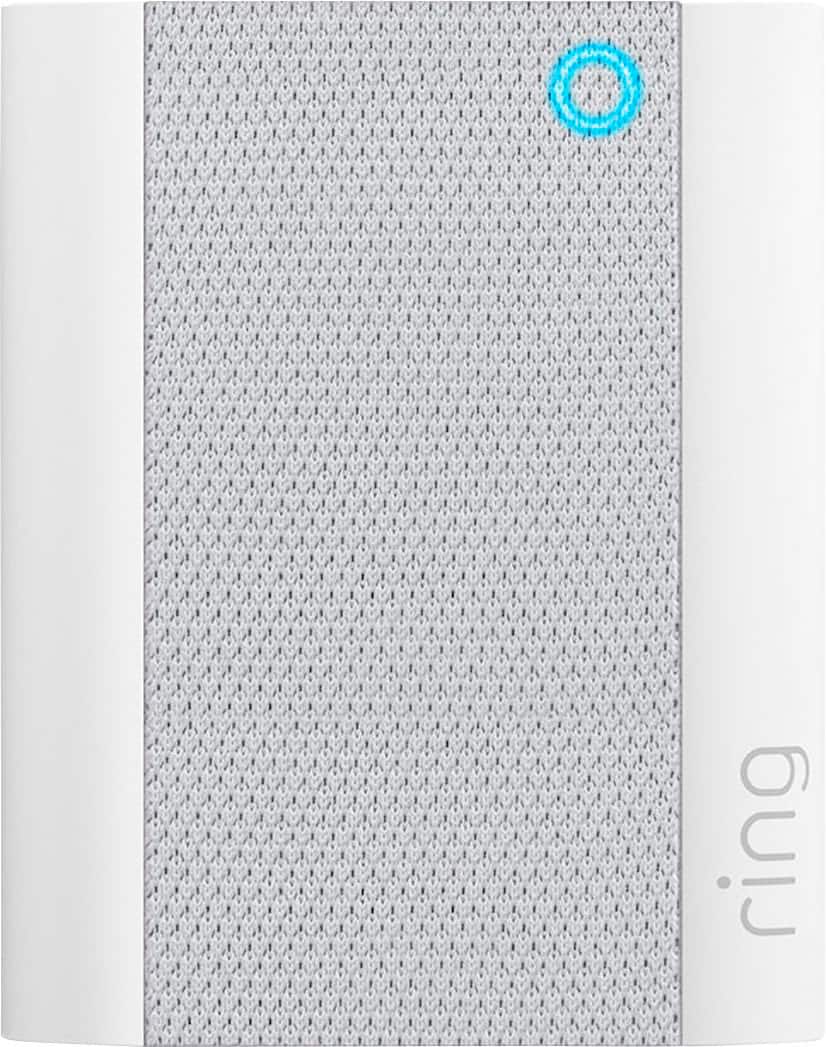
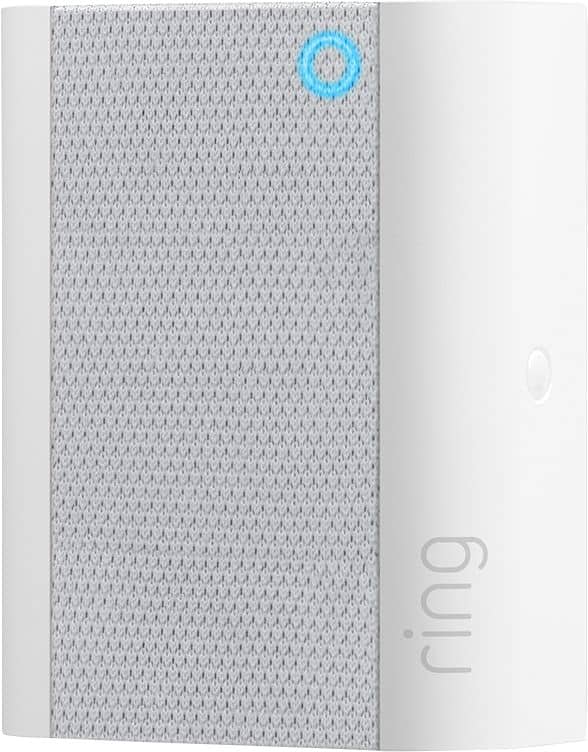
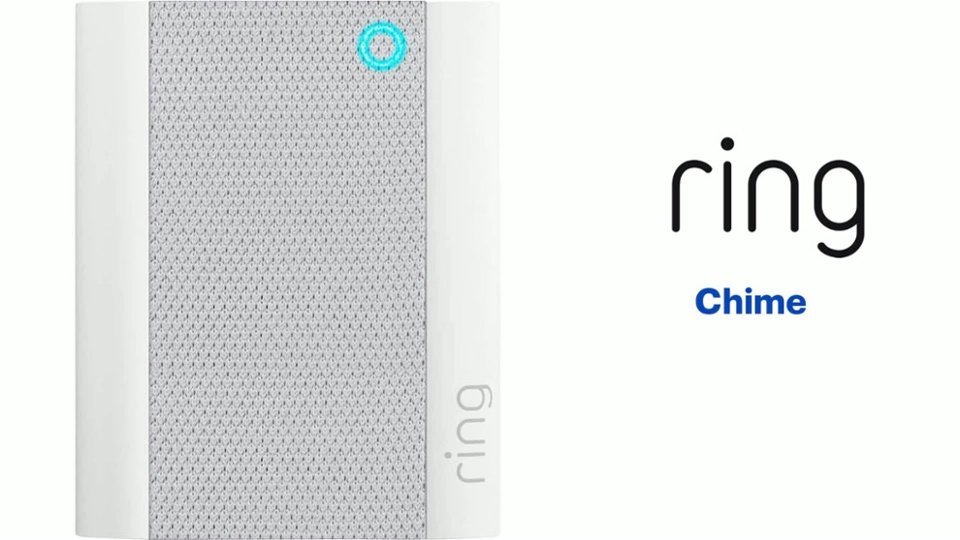
We are pleased to read that you are enjoying the benefits of having a Ring Chime installed! The Ring Chime (2nd Generation) is an updated version of the classic Ring Chime. As an updated version of the Chime, the second generation Chime now has a sleek new look that meshes well with any decor, as well as a new LED indicator so you know if it’s online. Visit our support center for more information.
Ring Community was launched to help deliver the most current news and educational information to our neighbors. This online forum is divided into four categories: Product Boards, Ring Updates, Tips + Tricks, and a Moderators’ Corner. The Product Boards are where you can begin new topics with your questions or feedback; there is also a search option that helps you find topics that have already been posted by other neighbors.
All the best,
Nicole from Ring.
- Pros mentioned:Ease of use
Nickman67
||Posted . Owned for 3 months when reviewed.This reviewer received promo considerations or sweepstakes entry for writing a review.Compact easy to program and install. Nice looking and blends in with the outlets.
I would recommend this to a friend Ring Chime
||Posted . Owned for 1 month when reviewed.This reviewer received promo considerations or sweepstakes entry for writing a review.The 'Ring Chime' is excellent.......tis used in conjuction witg ring doirbell.
I would recommend this to a friend- Pros mentioned:Sound quality
Chime for ring door bell.
||Posted . Owned for 1 week when reviewed.This reviewer received promo considerations or sweepstakes entry for writing a review.Works super, grate addition to your rind door bell. Would recommend
I would recommend this to a friend Good only when it works
||Posted . Owned for 7 months when reviewed.This reviewer received promo considerations or sweepstakes entry for writing a review.When it works it is fine but if it loses signal for some reason it doesn’t reconnect automatically. I have to unplug and plug back in to get it working again. It just blinks blue
No, I would not recommend this to a friendBrand response from Ring
Posted .Hi Sfamily.
Thank you for taking the time to share your experience with us. We understand how critical it is for your Ring Chime to be online and operating as intended to notify you of activity in and around your home. Being able to rely on the alerts is an essential feature of the Ring Chime. We can definitely provide you with more information regarding the connection concern mentioned in your review.
It sounds like the device is not performing as expected. When a device is falling offline frequently, it is usually related to wifi signal issues. For the Chime, placing the device within a good range of the router and without obstacles in between will ensure optimal performance.
To learn more about your device's signal strength, follow these steps:
Open the Ring app.
Tap the menu (☰).
Tap Devices.
Select the Ring device you would like to test.
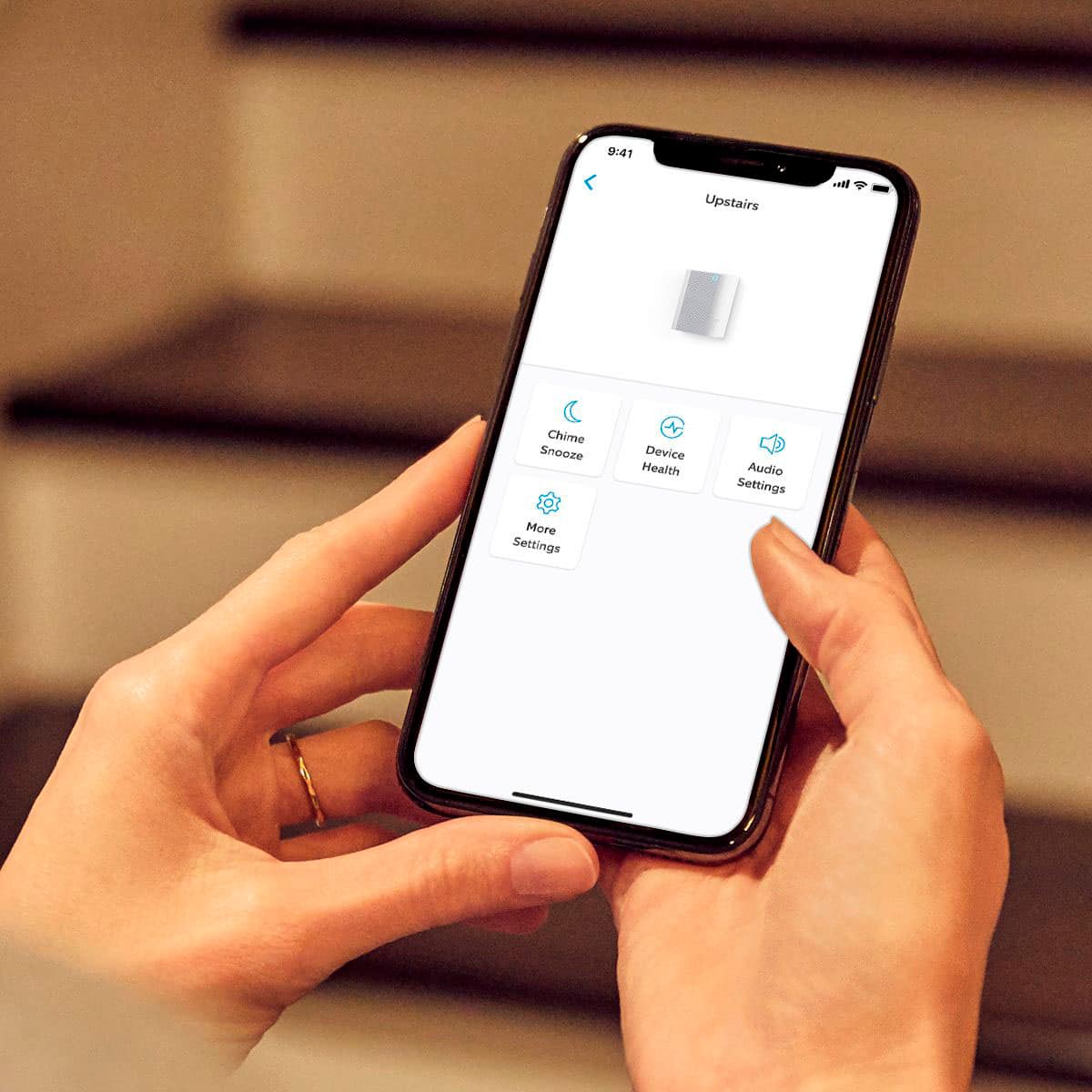
Tap on the Device Health tile.
Scroll to Signal Strength under the Network section.
The green, amber, and red colors are indicators of your device connection. Green is good; red is poor.
If your wifi signal strength is good, we recommend pressing and holding the reset button on the side of the Ring Chime for 15 seconds. Follow the steps in the Ring app to reconnect the device to wifi.
If any additional information is needed regarding your Ring Chime, please reach out to our community. Ring Community is our first peer-to-peer community forum, giving our customers the ability to help one another and share their feedback and experiences directly with Ring.
Sincerely,
Melissa from Ring.
- Pros mentioned:Setup
Chime wireless
||Posted . Owned for 1 month when reviewed.This reviewer received promo considerations or sweepstakes entry for writing a review.It’s works great and easy to install and program I recommend it
I would recommend this to a friend - Pros mentioned:Ease of use
Ring chime
||Posted . Owned for 3 weeks when reviewed.This reviewer received promo considerations or sweepstakes entry for writing a review.Love it easy to know when someone is at ur home great product
I would recommend this to a friend - Pros mentioned:Volume
Loud and responsive
||Posted . Owned for 1 month when reviewed.This reviewer received promo considerations or sweepstakes entry for writing a review.You can adjust volume and when to ring and what noise it makes
I would recommend this to a friend - Pros mentioned:Ease of use
Ring guy
||Posted . Owned for 1 month when reviewed.This reviewer received promo considerations or sweepstakes entry for writing a review.It’s working get everything I expected from ring it’s a help
I would recommend this to a friend