Customer Ratings & Reviews
- Model:
- B09L45VFCN
- SKU:
- 6494615
Rating by feature
- Video Quality
Rating 4.7 out of 5 stars
- Mobile App
Rating 4.8 out of 5 stars
- Sound Quality
Rating 4.8 out of 5 stars
Customers are saying
Customers regard the Chime favorably for its ease of use and sound quality, with many appreciating its simple setup, good volume, and convenient size. The device is also praised for its compatibility with Ring doorbells and its affordable price. However, some customers have reported occasional connectivity issues, while others have noted concerns about battery life and range.
This summary was generated by AI based on customer reviews.
Ms Rogers
Posted .This reviewer received promo considerations or sweepstakes entry for writing a review.Just what I needed and available from the store at a reasonable price
I would recommend this to a friendEasy Peasy!
Posted .This reviewer received promo considerations or sweepstakes entry for writing a review.We couldn't get our indoor bell to work once we set up the Ring doorbell so picked this up. Easy to set up and works great.
I would recommend this to a friendRing chime/doorbell.
Posted .This reviewer received promo considerations or sweepstakes entry for writing a review.Great product. Easily rebooted. Easy to get telephone support from the Geek Squad installer and technician.
I would recommend this to a friendDoorbell
Posted .This reviewer received promo considerations or sweepstakes entry for writing a review.Excellent gift , we also own a ring doorbell and love it.
I would recommend this to a friendRing
Posted .This reviewer received promo considerations or sweepstakes entry for writing a review.Works good. Wish it would recognize our family coming out of the house. It’s a little annoying that it goes off at 5am when I leave for work.
I would recommend this to a friendBrand response from Ring
Posted .Hi user466104.
Thank you for taking the time to share your Ring experience with us and other consumers. We believe in keeping people close to what’s important. That is why we are driven to create products that help you protect what matters most at home and empower you to connect with your visitors from wherever you are. Together, we’ll make neighborhoods safer!
We are happy to share with you some information on how to adjust your motion settings to better suit your needs. This camera uses adjustable motion detection and runs on passive infrared sensors. The system identifies visitors via a moving heat signature and sends a notification to your smart device when one is detected. You can adjust three preset motion zones and their distances under the "Motion Settings" tab on the device's page in the Ring app. Additionally, you can choose how often the camera checks for movement in those predefined zones via the "Motion Frequency" setting. If you find that your camera is missing some motions, please set the motion frequency to "Frequently." If you find that your camera is picking up too much motion, we recommend lowering the "Motion Sensitivity" under the "Motion Settings" tab. This also includes changing the "Motion Frequency" to "Regularly" or "Periodically" in the Ring app.
Accuracy in motion detection can also be improved by enabling the "Smart Alerts" feature for people only in your Ring app. To enable "Smart Alerts", please follow these steps:
Tap the menu (≡) on the top left.
Tap "Devices."
Tap the device that you want to adjust.
Tap "Motion Settings."
Tap "Smart Alerts."
Tap "Enable Feature."
Tap "Continue."
Select the notification options that you want for "Person" and "Other Motion."
You'll see a video camera where you can select or de-select recording and a bell icon to represent alert notifications.
After you've adjusted your settings, tap "Done."
If any additional information is needed regarding your Ring devices, please reach out to our community. Ring Community is our first peer-to-peer community forum, giving our customers the ability to help one another and share their feedback and experiences directly with Ring.
Thank you,
Melissa from Ring.
Ring Community was launched to help deliver the most current news and educational information to our neighbors. This online forum is divided into four categories: Product Boards, Ring Updates, Tips + Tricks, and a Moderators’ Corner. The Product Boards are where you can begin new topics with your questions or feedback; there is also a search option which helps you find topics that were already posted by other neighbors. We invite you to visit our site at https://community.ring.com/ today!
Awesome device!
Posted .This reviewer received promo considerations or sweepstakes entry for writing a review.An awesome device to accompany your Ring Doorbell system!
I would recommend this to a friendRing Chime
Posted .This reviewer received promo considerations or sweepstakes entry for writing a review.Item as advertised. Online order. Store pickup within two hours.
I would recommend this to a friendMr
Posted .This reviewer received promo considerations or sweepstakes entry for writing a review.It's great, easy to install and durable, everything went well so far
I would recommend this to a friendRing Chime works perfectly
Posted .This reviewer received promo considerations or sweepstakes entry for writing a review.Works perfectly with my ring doorbell! Fast shipping, great quality!
I would recommend this to a friendGreat product
Posted .This reviewer received promo considerations or sweepstakes entry for writing a review.Love it. Definitely feel safer knowing whats going on outside.
I would recommend this to a friendRing chime
Posted .This reviewer received promo considerations or sweepstakes entry for writing a review.It’s nice having this on every floor. Would definitely recommend
I would recommend this to a friendRing chime
Posted .This reviewer received promo considerations or sweepstakes entry for writing a review.Keeps going offline. Sound control could be louder.
I would recommend this to a friend- Cons mentioned:Connectivity
What Compatibility?
Posted .This reviewer received promo considerations or sweepstakes entry for writing a review.This product will not connect to a new router. Now I have to buy another device or upgrade.
No, I would not recommend this to a friendBrand response from Ring
Posted .Hi None.
Thank you for taking the time to share your experience with us. We understand the importance of a seamless setup process so that you can begin using your Ring Chime right away. The features and technology provided by the Ring Chime are incredibly valuable and help provide you with peace of mind about your home security. We can definitely provide you with more information regarding the connection concern mentioned in your review.
It sounds like the device is not performing as expected. The Ring Chime is designed to work with your home's wifi network and is compatible with b/g/n wifi networks operating on 2.4 GHz frequencies. If you're receiving a 'Setup did not complete' message and cannot finish setup, it could be due to one of these common causes of setup failures:
* Your Ring device is too far from your wifi router. Ideally, your router should be within 20 feet of your Ring device.
* There's a possible problem with your internet connection.
* There's a possible issue related to your wifi modem or router.
Make sure your wifi router is off the floor.
Walls, floors, and furniture can interfere or weaken your router’s wireless signal. Choose an elevated, central, open location.
Make sure you're entering the correct password. Passwords are case sensitive and do not include spaces. Your network password can often be found on the bottom or side of your router.
Wifi passwords are case and special character (such as *,@,$, or #) sensitive. Double check letter capitalization and placement.
If you haven't changed your wifi password since your router was installed, it may be on a sticker on the underside of your router.
Connect other devices to your wifi network using your last remembered password to verify it is still correct.
If you have multiple networks or a wifi extender, confirm you are connecting to the correct one.
Make sure to connect to the 2.4 GHz network, not 5 GHz. All Ring devices can connect to 2.4 GHz, while only select Ring devices have Dual-Band wifi to be able to connect to either.
If you are attempting to connect to a community wifi network, you may need to reach out to your internet service provider to manually add the MAC ID of the Ring device to allow it to connect to your wifi.
We invite you to reach out to our community if any additional information is needed regarding your Ring Chime. The Ring Community is our first peer-to-peer community forum, giving our customers the ability to help one another by sharing their feedback and experiences with each other.
Thank you,
Amilia from Ring.
Not Happy
Posted .This reviewer received promo considerations or sweepstakes entry for writing a review.Didn't work even though it was connected. Not good choice
No, I would not recommend this to a friendBrand response from Ring
Posted .Hi ConnieJ.
Thank you for taking the time to share your experience.
We understand how important it is for your Ring Chime to notify you of visitors consistently and reliably. Being able to rely on the alerts to know when you have visitors is an essential feature of the Ring Chime. Rest assured, we are here to provide you with a concrete resolution as quickly as possible.
It sounds like your Ring Chime is set up in the Ring app but is not notifying you as you would like. The Ring Chime is a plug-in device that provides audible alerts whenever motion is detected or a doorbell’s button is pressed. Once you've set up your Chime in the Ring app, follow these steps to link it to your Ring device(s):
Tap the menu (☰).
Select Devices.
Choose your Chime.
Make sure the camera or doorbell you want is connected to Chime.
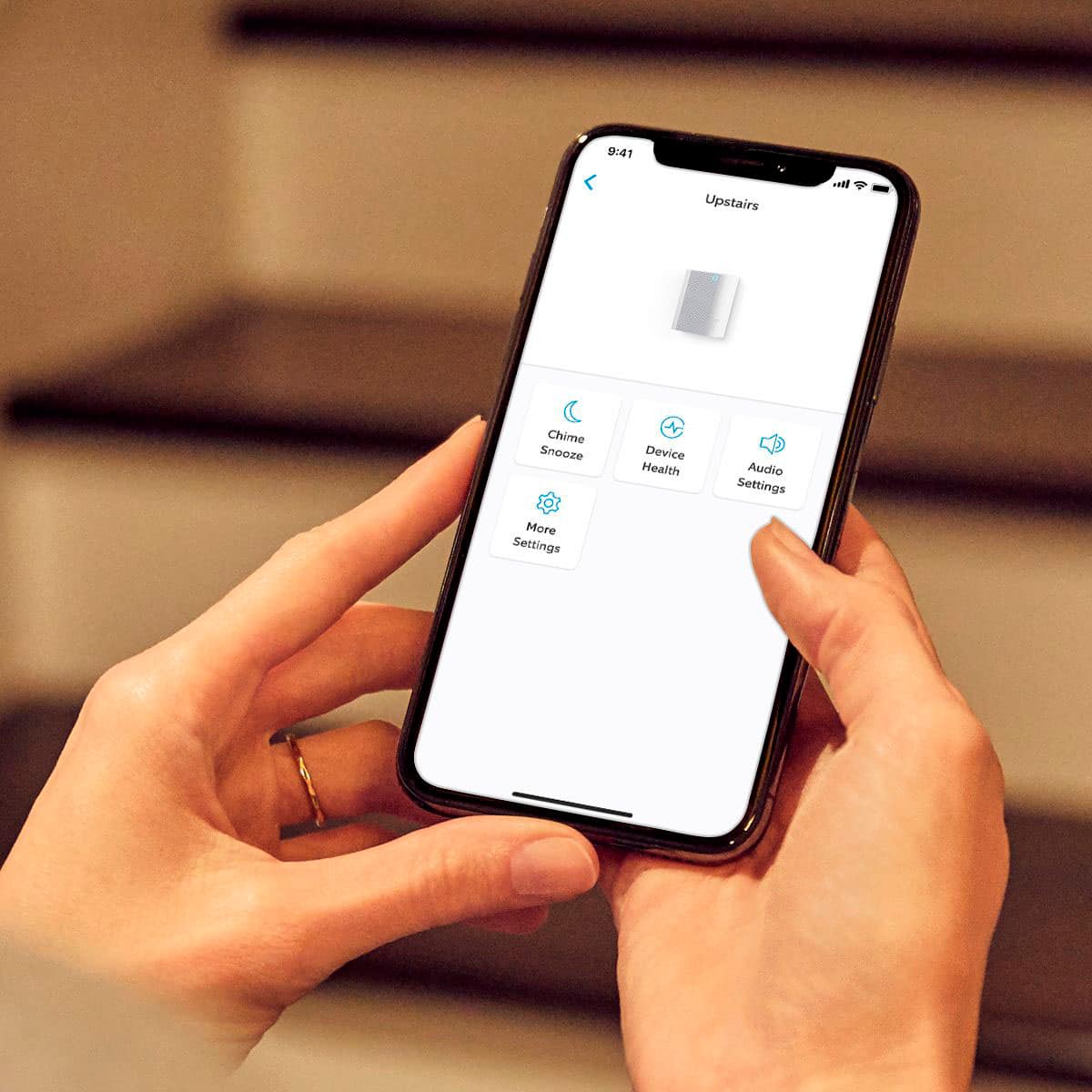
If your device is connected to the chime, tap Audio Settings.
You can adjust chime alerts, chime tones, and chime volume.
You can select different sounds for doorbell rings and motion alerts.
All of your devices can be set individually to have alerts set on or off.
Visit our support center if additional information is needed.
Ring Community was launched to help deliver the most current news and educational information to our neighbors. This online forum is divided into four categories: Product Boards, Ring Updates, Tips + Tricks, and a Moderators’ Corner. The Product Boards are where you can begin new topics with your questions or feedback; there is also a search option that helps you find topics that have already been posted by other neighbors.
All the best,
Nicole from Ring.
Worse
Posted .This reviewer received promo considerations or sweepstakes entry for writing a review.Customer worse said too bad past warranty deadline
No, I would not recommend this to a friendBrand response from Ring
Posted .Hi user271356.
Thank you for taking the time to leave a review for the Ring Chime (2nd Generation).
We understand the importance of having your Ring devices work consistently and reliably. The features and technology provided by Ring devices are incredibly valuable and help provide you with peace of mind about your home security. We would love the opportunity to work with you to address any concerns you have.
It sounds like your Ring Chime is not working as expected. Your device may have lost its power connection. Follow these steps to check whether your Ring Chime has lost its power:
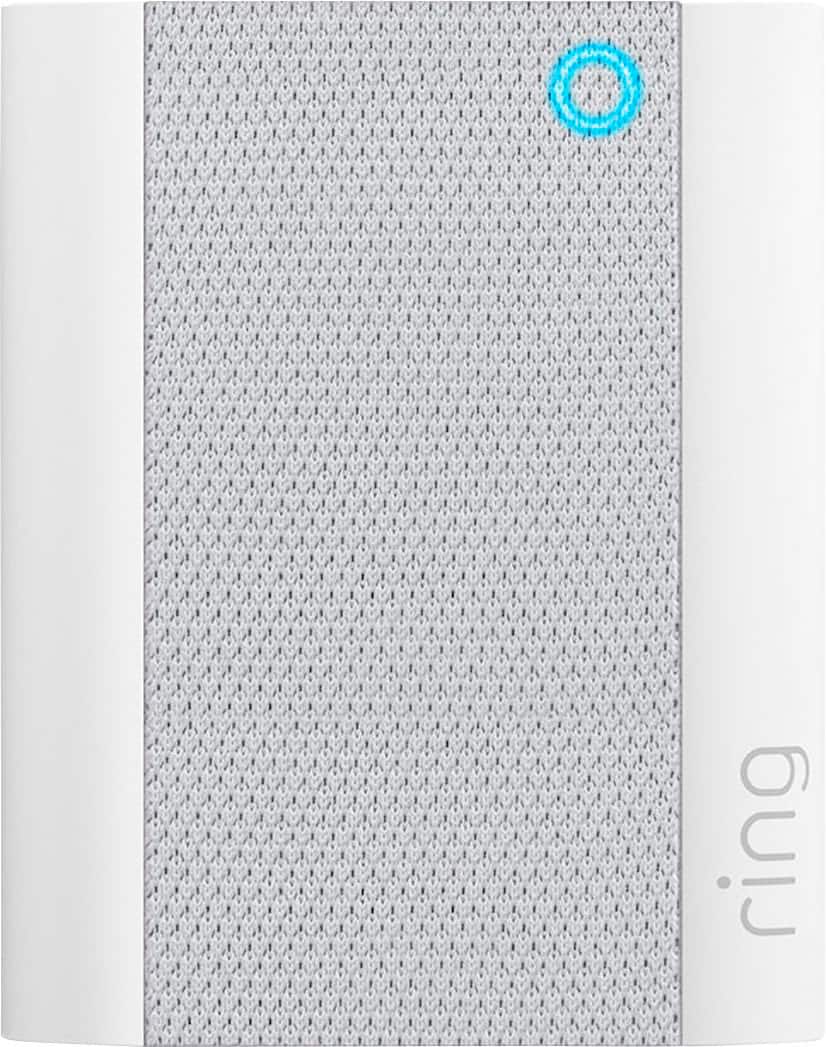
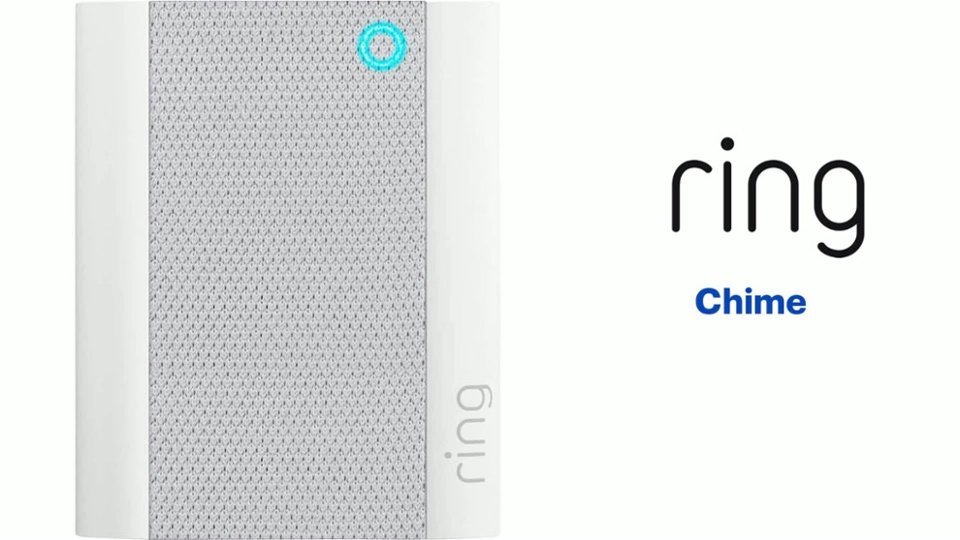
First, examine the Ring Chime unit. Is the light on the front glowing a soft blue? That means the unit is receiving power. If the light isn't glowing, try unplugging and plugging the unit back into the plug. It should restart immediately.
If it does not restart, try the unit at another power outlet. If it starts glowing, you may have an issue with the outlet itself. Try plugging another appliance into the original outlet and see if you're getting power from it. You may have blown a fuse and need to reset the outlet at the breaker.
Once you've replugged the unit back into an outlet and verified that it's receiving power, let the device run for at least thirty seconds. Once the light stops flashing and glows steadily, it has automatically reconnected to your network.
Visit our support center if additional troubleshooting is needed.
Ring Community was launched to help deliver the most current news and educational information to our neighbors. This online forum is divided into four categories: Product Boards, Ring Updates, Tips + Tricks, and a Moderators’ Corner. The Product Boards are where you can begin new topics with your questions or feedback; there is also a search option that helps you find topics that have already been posted by other neighbors.
All the best,
Nicole from Ring.