Customer Ratings & Reviews
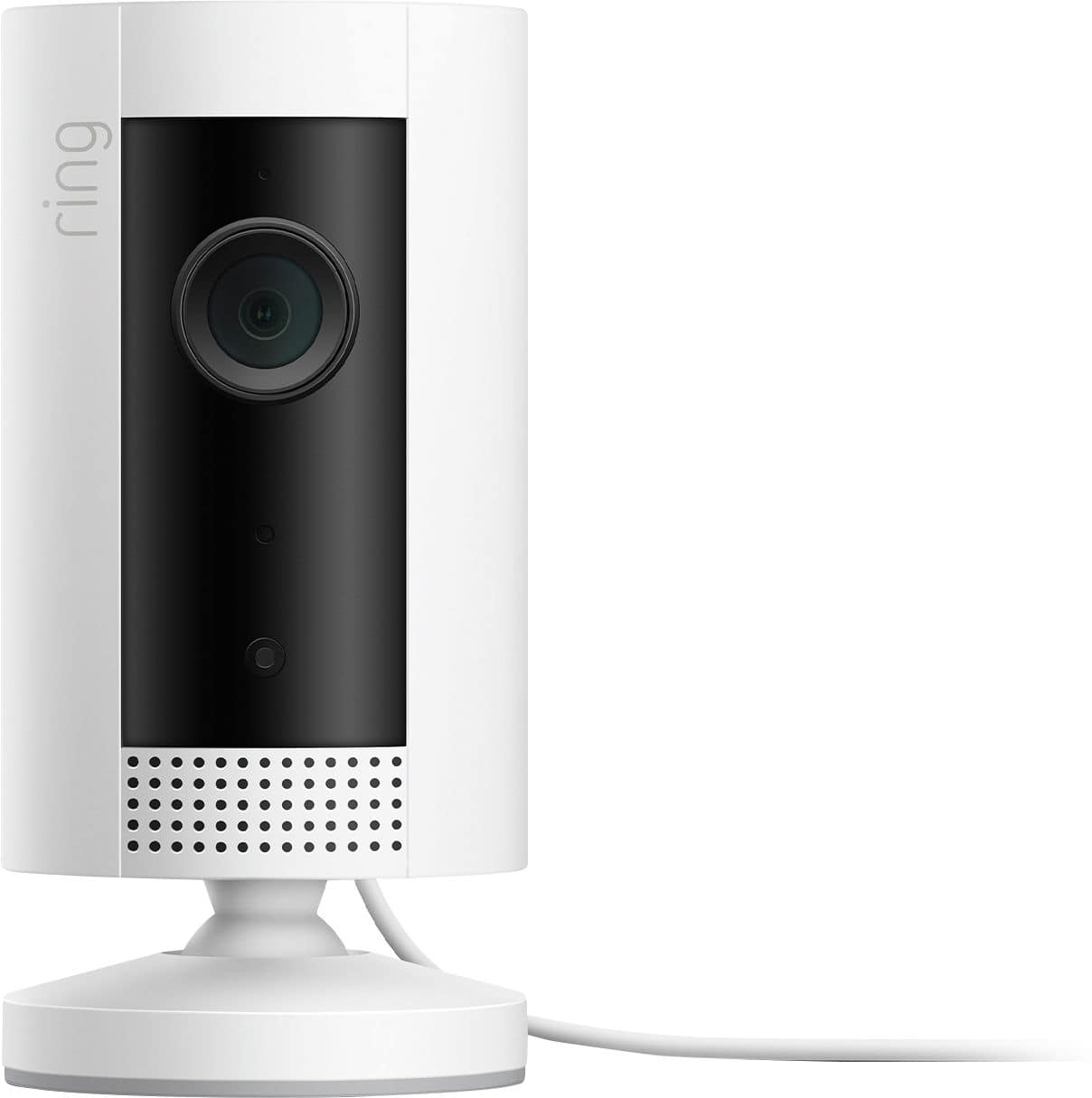
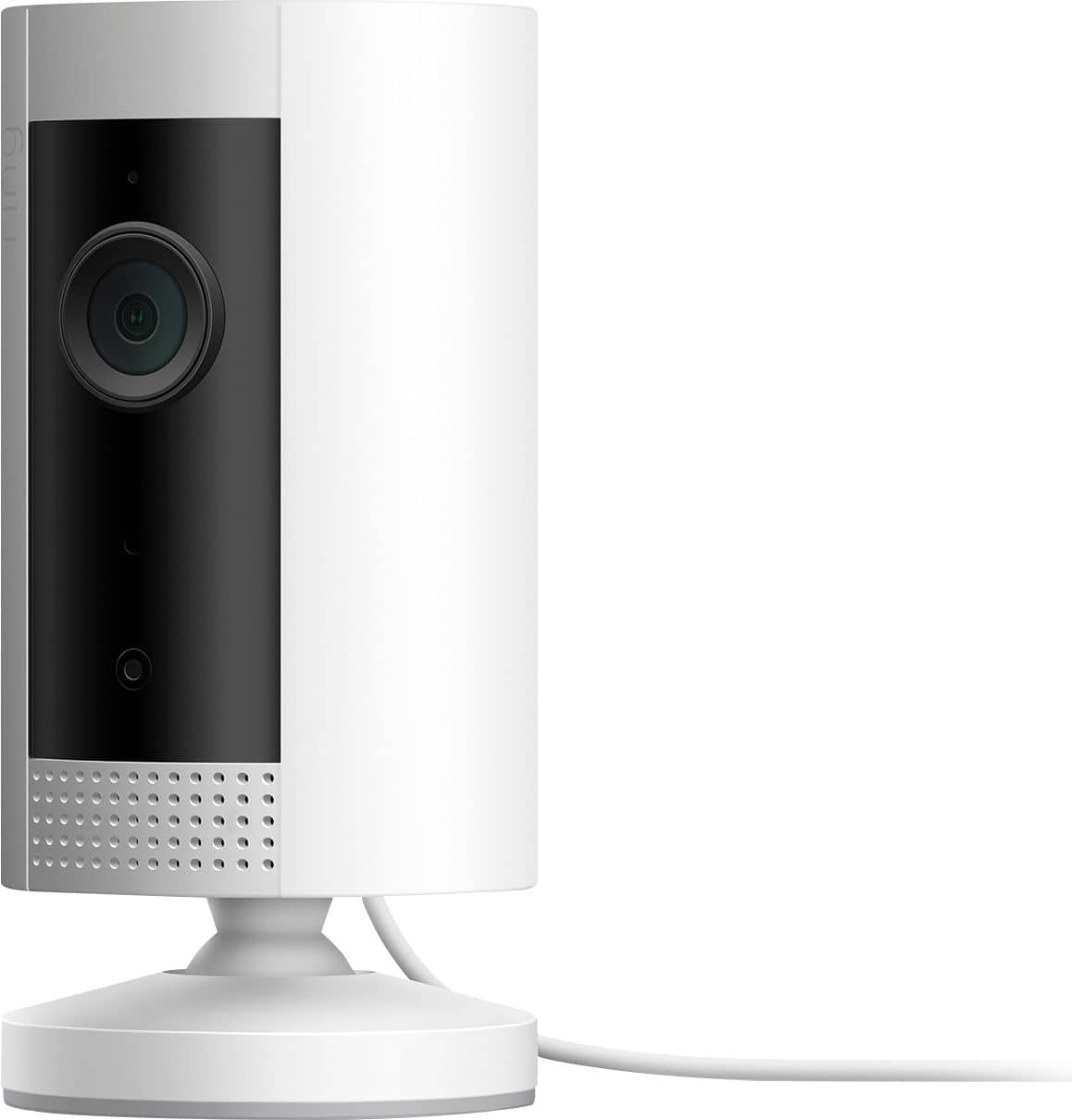
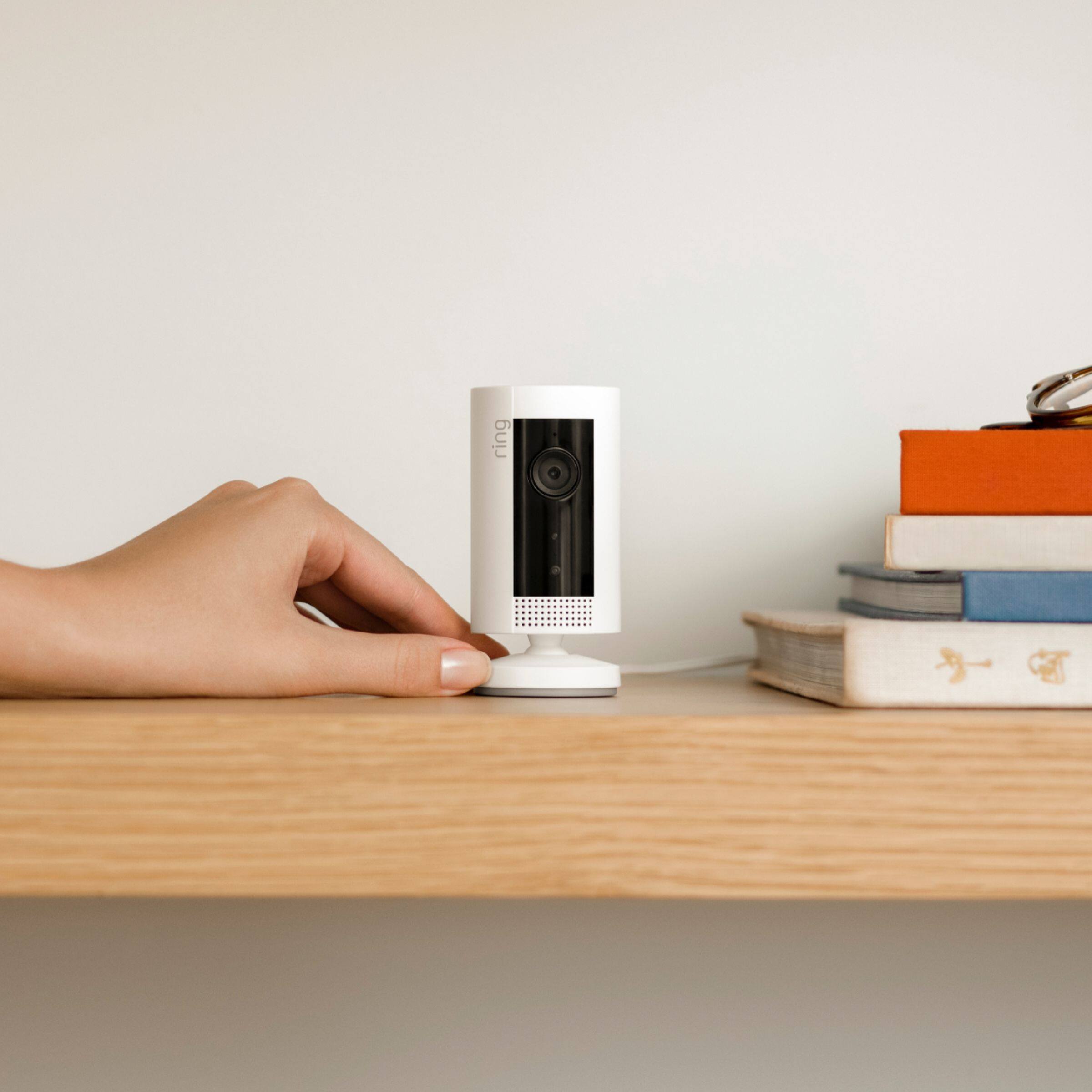
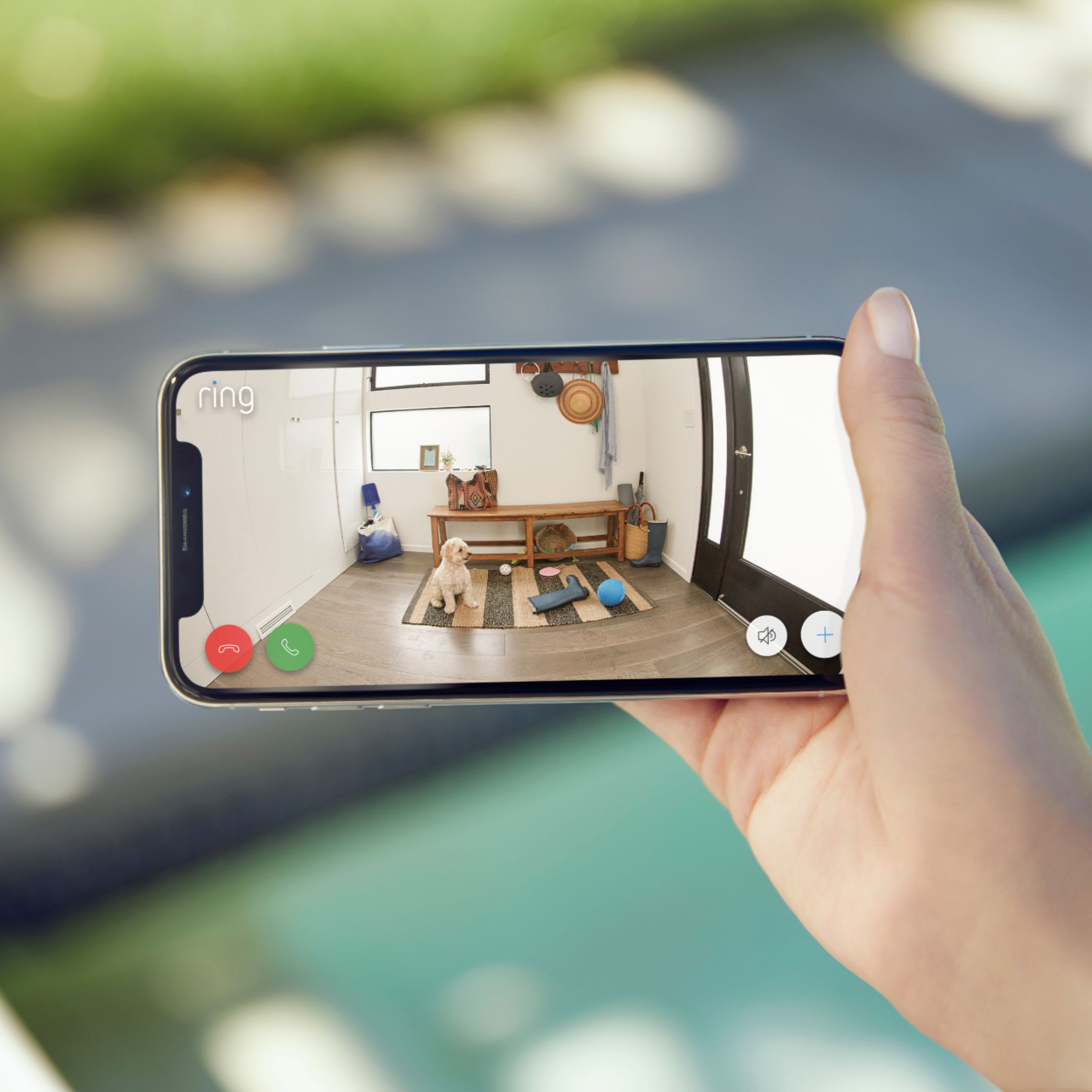



- Model:
- 8SN1S9-WEN0
- SKU:
- 6375685
Rating by feature
- Value
Rating 4.7 out of 5 stars
- Quality
Rating 4.7 out of 5 stars
- Ease of Use
Rating 4.8 out of 5 stars
Customers are saying
Customers admire the Indoor 1080p Security Camera (1st Gen) for its impressive camera quality and ease of use. Many appreciate its compact size, overall performance, and reasonable price. While users find the camera beneficial for security purposes, some have expressed concerns regarding the battery life and cord length.
This summary was generated by AI based on customer reviews.
Ring
||Posted . Owned for 1 month when reviewed.This reviewer received promo considerations or sweepstakes entry for writing a review.It’s great for something inexpensive and basic. No installation needed
I would recommend this to a friendBrand response from Ring
Posted .Hello Phone,
Thank you for leaving a review. We love reading how your Ring Indoor Camera has added an extra layer of security in your home and how it is working as intended. Our top priority at Ring is to ensure that our customers have the best possible experience with our products. We really appreciate your feedback. Our team is always striving to improve our products and their performance.
We would love to hear more about your experience with Ring. We invite you to share your experience with other Ring users, like yourself, on our Ring Community page: https://community.ring.com/.
Thank you, Jamila, with Ring.
No Geofencing
||Posted . Owned for 2 weeks when reviewed.This reviewer received promo considerations or sweepstakes entry for writing a review.My Nest has geofencing, my Canary has geofencing, why doesn't my Ring have geofencing? This is a real shortfall in the software and it wouldn't be hard to add. It's a pain in the neck to have to repeatedly disable the alarm and there is no chance I'll remember to turn it on whenever I leave the house. Thinking seriously about returning it.
No, I would not recommend this to a friendBrand response from Ring
Posted .Hello JohnM,
Thank you for reaching out to us with your feature request. Our top priority at Ring is to ensure that our customers have the best possible experience with our products. We really appreciate your feedback. Our team is always striving to improve our products and their performance.
We are happy to let you know that we now have a geofencing option. A geofence is a virtual perimeter or invisible boundary around a particular geographic location. When you configure a geofence in the Ring app, the Ring app can remind you to set your Mode to “Away” when you exit the geofence. When you come home and re-enter the geofence, your Ring app can automatically snooze alerts from your security cameras and doorbells. For steps on how to set up geofencing in your Ring App, please see our help center article: https://support.ring.com/hc/en-us/articles/360052805372-Geofence-in-the-Ring-App.
Ring Community launched in March 2019 to help deliver the most current news and educational information to our customers. You can find tips and tricks from other Ring users at https://community.ring.com/. This peer-to-peer forum allows our neighbors to share their feedback and experiences to assist each other in resolving their concerns.
Thank you, Jamila, with Ring.
Good camera
||Posted . Owned for 1.5 years when reviewed.This reviewer received promo considerations or sweepstakes entry for writing a review.I like the HD camera better but this serves it’s purpose
I would recommend this to a friendBrand response from Ring
Posted .Hello JayG,
We are pleased to read that you are enjoying your new Ring Indoor Cam device and that the features included are meeting your expectations. We believe that stronger communities are the key to safer neighborhoods. That is why we are driven to create products that help you protect what matters most at home and empower you to connect with your neighbors from wherever you are. Together, we’ll make neighborhoods safer!
Ring Community was launched to help deliver the most current news and educational information to our neighbors. This online forum is divided into four categories: Product Boards, Ring Updates, Tips + Tricks, and a Moderators’ Corner. The Product Boards are where you can begin new topics with your questions or feedback; there is also a search option which helps you find topics that were already posted by other neighbors. We invite you to visit our site at https://community.ring.com/ today.
Thank you,
Alexis with Ring
Picture quality
||Posted . Owned for 1 week when reviewed.This reviewer received promo considerations or sweepstakes entry for writing a review.Im really disappointed with the night vision part of this unti cause when i put it up against my $99.00 dollar unti its not as good, so i will be returning it to buy the more expensive one cause for $40.00 dollars i dont want to sacrifice picture quality.
No, I would not recommend this to a friendBrand response from Ring
Posted .Hi Cowboyfan. I understand how important night vision can be. It's important to ensure that there are no other light sources in the area, as this allows the infrared lights to work their best. If you have any further questions or concerns, try browsing the Ring Community at https://community.ring.com/. As our first peer-to-peer forum, the Ring Community allows you to ask questions and interact with other neighbors to discuss your Ring devices. Best wishes, David with Ring.
Good video. Bad mic.
||Posted . Owned for 1 month when reviewed.This reviewer received promo considerations or sweepstakes entry for writing a review.Video is good but the mic is muffled. I talk through it and no one can hear me
No, I would not recommend this to a friendBrand response from Ring
Posted .Hello MAG91,
Thank you for taking the time to leave a review. We understand how important both the audio and video features are on your Ring Indoor Camera. This ensures that you are able to see and speak to the person who is at your door, in real time. The Ring Indoor Camera is intended to provide you with peace of mind in your home security. Rest assured, we are here to provide you with some solutions to resolve the audio and video concerns you expressed.
After reading your review, it seems that you are having trouble with the audio and video on your Ring Indoor Camera. If you are having audio trouble with your Ring Indoor Camera, we recommend checking your mobile device to make sure that the external volume control is turned up to an adequate level to hear the person. Please see our help center article for more tips: https://support.ring.com/hc/en-us/articles/360050175212-Audio-and-Sound-Issues-Troubleshooting-Guide.
Ring Community launched in March 2019 to help deliver the most current news and educational information to our neighbors. It is our first peer-to-peer community forum, giving our customers the ability to help one another and share their feedback/experiences with Ring. Please reach out at https://community.ring.com/ if any additional information is needed regarding your Ring Indoor Camera concern.
Thank you, Jamila with Ring
Okay
||Posted . Owned for 2 weeks when reviewed.This reviewer received promo considerations or sweepstakes entry for writing a review.Didn't like you need a subscription for the product. Definitely open and use before your 90 days expires.
No, I would not recommend this to a friendCan't turn off video or sound feed.
||Posted . Owned for more than 2 years when reviewed.This reviewer received promo considerations or sweepstakes entry for writing a review.Couldn't turn the camera and mic off. You could "stop it from recording" but the mic and camera were always picking up sound and video. Only way to stop this was to disconnect the setup. I wasn't comfortable with this and I was even less comfortable with ring after I saw the fiasco about "privileged higher ups" being able to watch and listen to your feed at their leisure. I do not recommend this camera if you do not get unlimited data for you internet monthly. I don't know if they fixed the security problem yet. Get a cctv security system that saves a backup to dropbox/cloud or something.
No, I would not recommend this to a friendBrand response from Ring
Posted .Hi Diesel. We certainly respect your privacy here at Ring. You can disable the Audio Recording and Streaming in your Privacy Settings here: https://support.ring.com/hc/en-us/articles/360039994312-Disabling-the-Audio-Recording-on-your-Ring-Device. If you have any further questions or concerns, try browsing the Ring Community at https://community.ring.com/. As our first peer-to-peer forum, the Ring Community allows you to ask questions and interact with other neighbors to discuss your Ring devices. Best wishes, David with Ring.
Bad
||Posted . Owned for 1 month when reviewed.This reviewer received promo considerations or sweepstakes entry for writing a review.Wifi is glitchy and it only connects to the 2.4gh network
No, I would not recommend this to a friendBrand response from Ring
Posted .Hi Killluminati. Being able to rely in your Indoor Cam is key in order to have some peace of mind. A 2.4GHz wifi network should provide sufficient speeds, as long as your Indoor Cam is receiving a stable signal. To learn more about wifi and how to improve your signal, check out this Help Center article: https://support.ring.com/hc/en-us/articles/360020044511-How-to-Make-Wifi-Work-For-You. If you have any additional questions, try browsing the Ring Community at https://community.ring.com/ to find answers provided by other neighbors. Best wishes, Ashley from Ring.
Disconnected
||Posted . Owned for 2 weeks when reviewed.This reviewer received promo considerations or sweepstakes entry for writing a review.Love Ring (have 7 cameras), but this one has lost connection to my WiFi twice. I was out of town both times and monitoring workmen. Shucks. One more time and it goes back. Pros-decent resolution; triggers fine when connected Cons-disconnects from WiFi; audio could be improved
No, I would not recommend this to a friendDisappointed
||Posted . Owned for 1 month when reviewed.This reviewer received promo considerations or sweepstakes entry for writing a review.I loved the camera but I kept getting messages about a subscription. I asked before I bought it if you had to have for it to work. I was told no. I found out after 30 days you only get live feed so what good is that if someone breaks in because I wouldn't have video of it. I returned it for a Kasa TP-LINK older model which does not require a subscription and it does give you 2 days of video. I just go in daily and delete them. If there were an incident I could forward the video to myself and give it to the authorities.
No, I would not recommend this to a friendBrand response from Ring
Posted .Hi Nannychell, I definitely understand the importance of knowing what you're getting from your home security devices. The Ring Protect plan is an optional subscription that offers extra features for your Indoor Cam, including video recording. Without a Ring Protect plan, you can still receive notifications and activate Live View. For more information, check out this article from our Help Center https://support.ring.com/hc/en-us/articles/115001671383-General-Information-on-Ring-Protect-Subscription-Plans. Best wishes, Ashley from Ring.
Decent
||Posted . Owned for less than 1 week when reviewed.This reviewer received promo considerations or sweepstakes entry for writing a review.It doesn’t detect motion as good as I thought it would
I would recommend this to a friendBrand response from Ring
Posted .Hello ItsJC,
We appreciate you bringing your Ring Indoor camera experience to our attention. The Indoor Cam is a smaller next-generation security camera specifically designed to be used indoors to bolster the security around your home. This device also features 1080p full HD resolution, two-way audio, HD video recording, and a wide viewing angle. Please know that it is a priority for us to be of assistance and find a resolution to your concern.
Based on your review, it seems that you are not fully satisfied with your Ring Indoor Camera. The Ring Indoor Camera uses infrared motion capturing to detect motion within its field of view. You can use the Ring app to determine the Ring Indoor Camera motion detection range and the specific zones where motion will trigger a smart alert. These settings help ensure that the Ring Indoor Camera will capture the events you want to see and ignore the ones you don’t. Here is a helpful article with more information on how to resolve motion concerns with your device: https://support.ring.com/hc/en-us/articles/360022462472-Utilizing-Motion-Detection-with-your-Ring-Battery-Devices.
Also, Ring Community is our first peer-to-peer community forum, giving our customers the ability to help one another and share their experiences with Ring directly. We invite you to reach out at https://community.ring.com/if any additional information is needed regarding your Ring Indoor Camera device and its performance.
Thank you,
Jamila with Ring
Fair
||Posted .This reviewer received promo considerations or sweepstakes entry for writing a review.Great camera but the audio quality is not the best
I would recommend this to a friendBrand response from Ring
Posted .Hi Exlelent. I'm glad you're enjoying the Indoor Camera so far, and I understand wanting to ensure the audio quality is up to par. If you're experiencing audio concerns with your Indoor Cam, try the troubleshooting steps here https://support.ring.com/hc/en-us/articles/360050175212-Audio-and-Sound-Issues-Troubleshooting-Guide. You can also check out the Ring Community at https://community.ring.com/ to ask other neighbors what solutions worked for them. All the best, Ashley from Ring.
Good quality but
||Posted . Owned for 1 month when reviewed.This reviewer received promo considerations or sweepstakes entry for writing a review.The power cord is very short ... I don't recommend buying it if you don't have the plug nearby.
No, I would not recommend this to a friend- Pros mentioned:Ease of use
Great camera for beginners..
||Posted . Owned for 1 month when reviewed.This reviewer received promo considerations or sweepstakes entry for writing a review.Great for beginners I just wish it was SmartThings compatible.
No, I would not recommend this to a friend Returnitem
||Posted . Owned for 1 month when reviewed.This reviewer received promo considerations or sweepstakes entry for writing a review.Didn’t get a full concept of the device, and no tech support helped in the store
No, I would not recommend this to a friendBrand response from Ring
Posted .Hello Ireturneditem,
Thank you for taking a moment to leave your review on the Ring Indoor Camera. We sincerely appreciate it! At Ring, we believe that stronger communities are the key to safer neighborhoods. That is why we are driven to create products that help you protect what matters most at home, and empower you to connect with your visitors from wherever you are.
While we are saddened to read that this device did not meet your expectations, if you still have the Ring device in your possession, we invite you to reach out to us at https://community.ring.com/.
We look forward to hearing from you, if you have any further feedback regarding your overall experience.
Thank you,
Jamila with Ring
Not good
||Posted . Owned for 1 year when reviewed.This reviewer received promo considerations or sweepstakes entry for writing a review.Not very good, dissatisfied with the overall perof this canera.
No, I would not recommend this to a friendBrand response from Ring
Posted .Hello Pete,
We appreciate you for bringing your Ring Indoor camera experience to our attention. The Indoor Cam is a smaller, next-generation security camera specifically designed to be used indoors to bolster the security around your home. This device also features 1080p full HD resolution, two-way audio, HD video recording, and a wide viewing angle. Please know that it is a priority for us to be of assistance and find a resolution to your concern.
After reading your review, it seems that your Indoor Camera may not be picking up the correct motion. The Indoor Camera uses infrared motion capturing to detect motion, within its field of view. You can use the Ring app to determine the Indoor Camera's motion detection range and the specific zones where motion will trigger a smart alert. These settings help ensure that the Indoor Camera will capture the events you want to see and ignore the ones you don’t. Here is a helpful article with more information on how to resolve motion concerns with your device: https://support.ring.com/hc/en-us/articles/360021842611-Utilizing-Motion-Zones-With-Your-Powered-Ring-Devices.
Also, Ring Community is our first peer-to-peer community forum, giving our customers the ability to help one another and share their experiences with Ring directly. We invite you to reach out at https://community.ring.com/ if any additional information is needed regarding your Ring Indoor Camera and its performance.
Thank you,
Jamila with Ring
Returned due to lack of security!?!
||Posted . Owned for 3 weeks when reviewed.This reviewer received promo considerations or sweepstakes entry for writing a review.I had a Ring doorbell at my last house and was very happy with it, so recently purchased their security system. However given Ring's poor response after the hacking of their cameras, I returned this product, unopened. Ring is representing themselves as a security option for the DIY homeowner and yet apparently did not provide the homeowner the technical protocol needed to protect themselves when using a Ring device. And then when problems arose, Ring blamed the homeowner. I will look to find a better system/company for my security needs, one that provides a safe product and quality customer service.
No, I would not recommend this to a friendBrand response from Ring
Posted .Hello Disappointed,
Thank you for taking a moment to leave your review on the Ring Indoor Camera. At Ring, we believe that stronger communities are the key to safer neighborhoods. That is why we are driven to create products that help you protect what matters most at home, and empower you to connect with your visitors from wherever you are. We are saddened to read that this device did not meet your expectations, but are still here to assist you, if needed.
If you still have the Ring device in your possession, we invite you to reach out to us at https://community.ring.com/. Ring Community is our first peer-to-peer community forum, giving our customers the ability to help one another and share their personal feedback/experiences with Ring. We look forward to hearing from you, if we can be of any further assistance!
Thank you,
Jamila with Ring
thumbs up
||Posted . Owned for 3 weeks when reviewed.This reviewer received promo considerations or sweepstakes entry for writing a review.works well. Got it for Christmas when I needed an upgrade
I would recommend this to a friendBrand response from Ring
Posted .Hello Momof6,
We are pleased to read that you are enjoying your new Ring Indoor Camera device and that the features included are meeting your expectations. We believe that stronger communities are the key to safer neighborhoods. That is why we are driven to create products that help you protect what matters most at home and empower you to connect with your neighbors from wherever you are. Together, we’ll make neighborhoods safer!
Ring Community was launched to help deliver the most current news and educational information to our neighbors. This online forum is divided into four categories: Product Boards, Ring Updates, Tips + Tricks, and a Moderators’ Corner. The Product Boards are where you can begin new topics with your questions or feedback; there is also a search option which helps you find topics that were already posted by other neighbors. We invite you to visit our site at https://community.ring.com/ today, if you need any other information regarding your new device.
Thank you,
Alexis with Ring
Wifi
||Posted . Owned for 3 weeks when reviewed.This reviewer received promo considerations or sweepstakes entry for writing a review.Don’t like it it’s reception is not good and I have the best wifi
No, I would not recommend this to a friendBrand response from Ring
Posted .Hello Pete,
At Ring, we want to ensure that you have the best possible experience with our products. Your peace of mind for security is very important to us. The Ring Indoor Cam is designed to remain connected to your home wifi without an issue. Our team is here to provide you a solution.
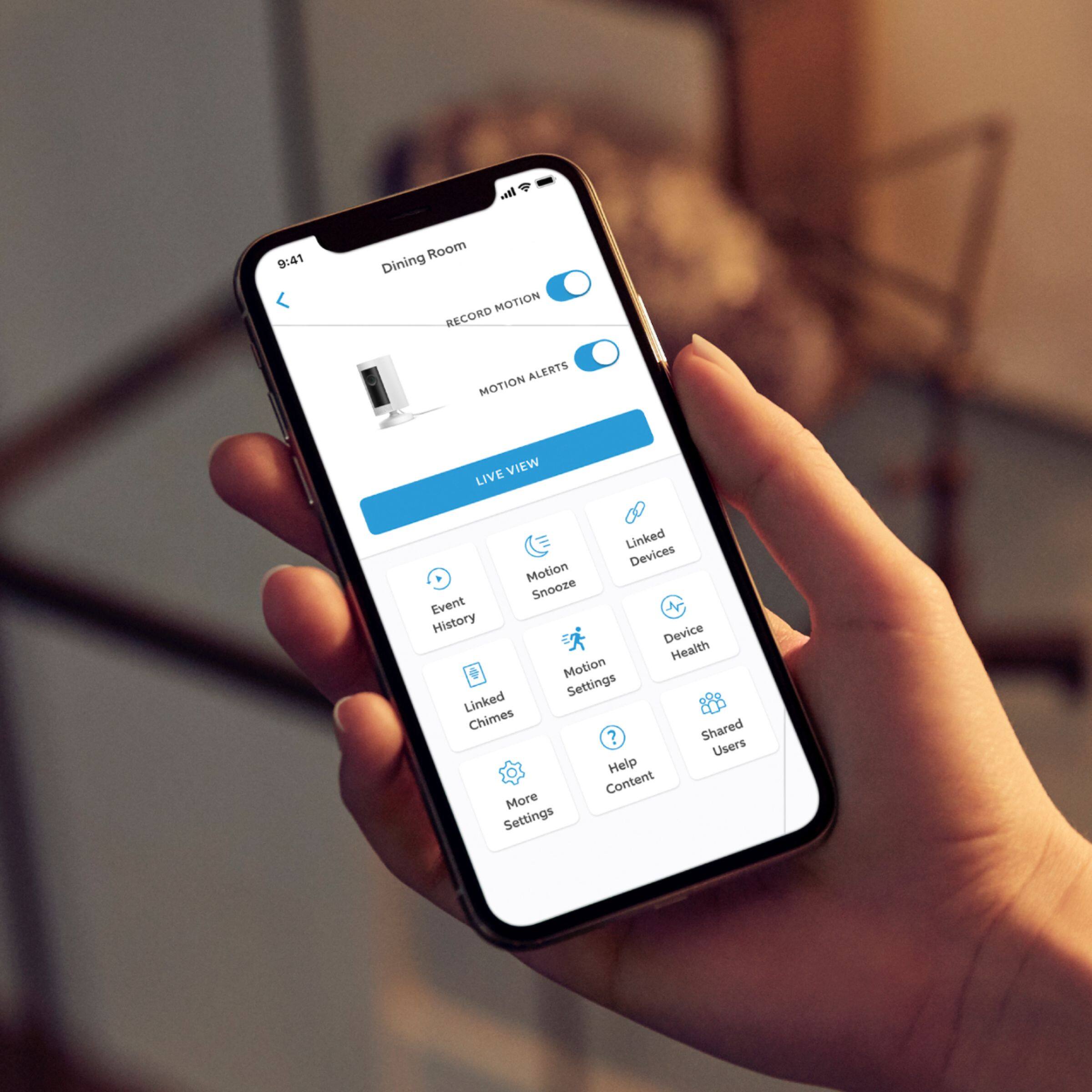
Should a wifi problem arise, you can use the Device Health feature in the Ring app to learn more.
* Open the Ring app, then select the menu in the upper left-hand corner.
* Select the Devices tab.
* Tap on your Ring Indoor Cam.
From the menu tiles below, please select Device Health. Here, you'll see your RSSI, which is an indication of your network signal strength. To learn more about RSSI, please visit the support article:
https://support.ring.com/hc/en-us/articles/217271526-Understanding-RSSI-Values-and-Wireless-Signal-Strength
Also, within the Device Health section is your Network Name. Please ensure that the network your camera is connected is the correct network. If not, you'll need to switch it over. Use the Change Wifi Network feature to do so. The below article will teach you how:
https://support.ring.com/hc/en-us/articles/360034825092-How-to-Reconnect-Your-Ring-Device-to-Wifi-or-Change-Your-Wifi-Network
For a better understanding on how to improve your situation, please view the guidance in this article:
https://support.ring.com/hc/en-us/articles/360020044511-How-to-Make-Wifi-Work-For-You
If you still have concerns regarding this, we would love to hear from you directly on our Ring Community forum. This is a platform intended for Ring users, just like yourself, to create open discussions regarding their Ring experiences, suggestions, and more: https://community.ring.com/.
My best,
Marlom at Ring
Dissatisfied
||Posted . Owned for 3 months when reviewed.This reviewer received promo considerations or sweepstakes entry for writing a review.When I first purchased this I loved it. Now Not so much. Besides the camera feature, The sound and two-way talk has gone away. I’ve exchanged 2 through Best Buy and the sound still doesn’t work. I haven’t called Ring to see what it could be but I’m very unhappy about it.
No, I would not recommend this to a friendBrand response from Ring
Posted .Hello Kiki,
Thank you for taking the time to leave a review. We understand how important the audio feature is on your Ring Indoor Camera. This ensures that you are able to see and speak to the person who is at your door, in real time. The Ring Indoor Camera is intended to provide you with peace of mind about your home security. Rest assured, we are here to provide you with some solutions to resolve the audio concerns you expressed.
After reading your review, it seems that you are having trouble with the audio on your Ring Indoor Camera. If you are having audio trouble with your Ring Indoor Camera, we recommend checking your mobile device to make sure that the external volume control is turned up to an adequate level to hear the person. Please see our help center article for more tips: https://support.ring.com/hc/en-us/articles/360050175212-Audio-and-Sound-Issues-Troubleshooting-Guide.
Ring Community launched in March 2019 to help deliver the most current news and educational information to our neighbors. It is our first peer-to-peer community forum, giving our customers the ability to help one another and share their feedback/experiences with Ring. Please reach out at https://community.ring.com/if any additional information is needed regarding your Ring Indoor Camera concern.
Thank you, Jamila with Ring