Customer Ratings & Reviews
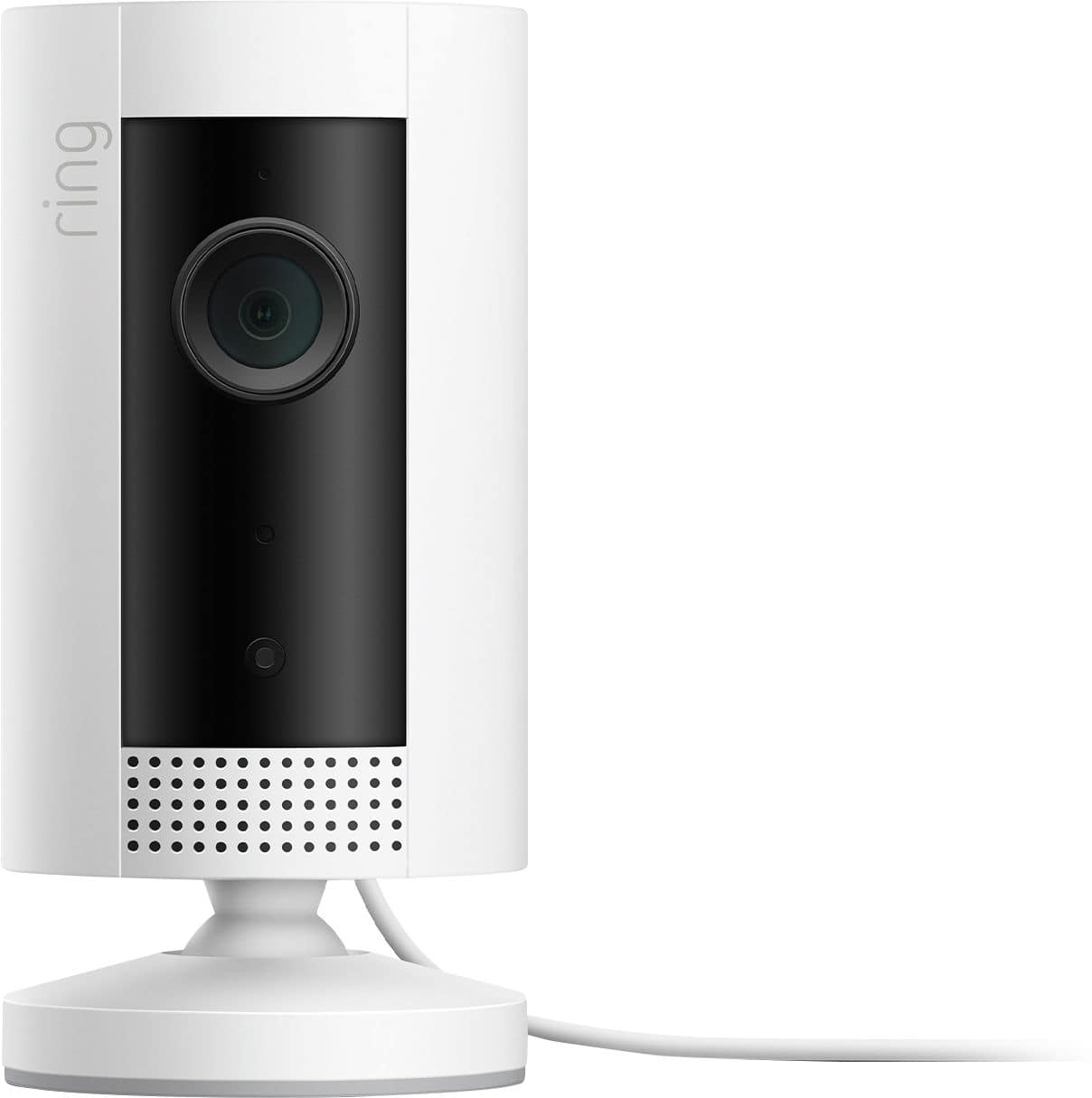
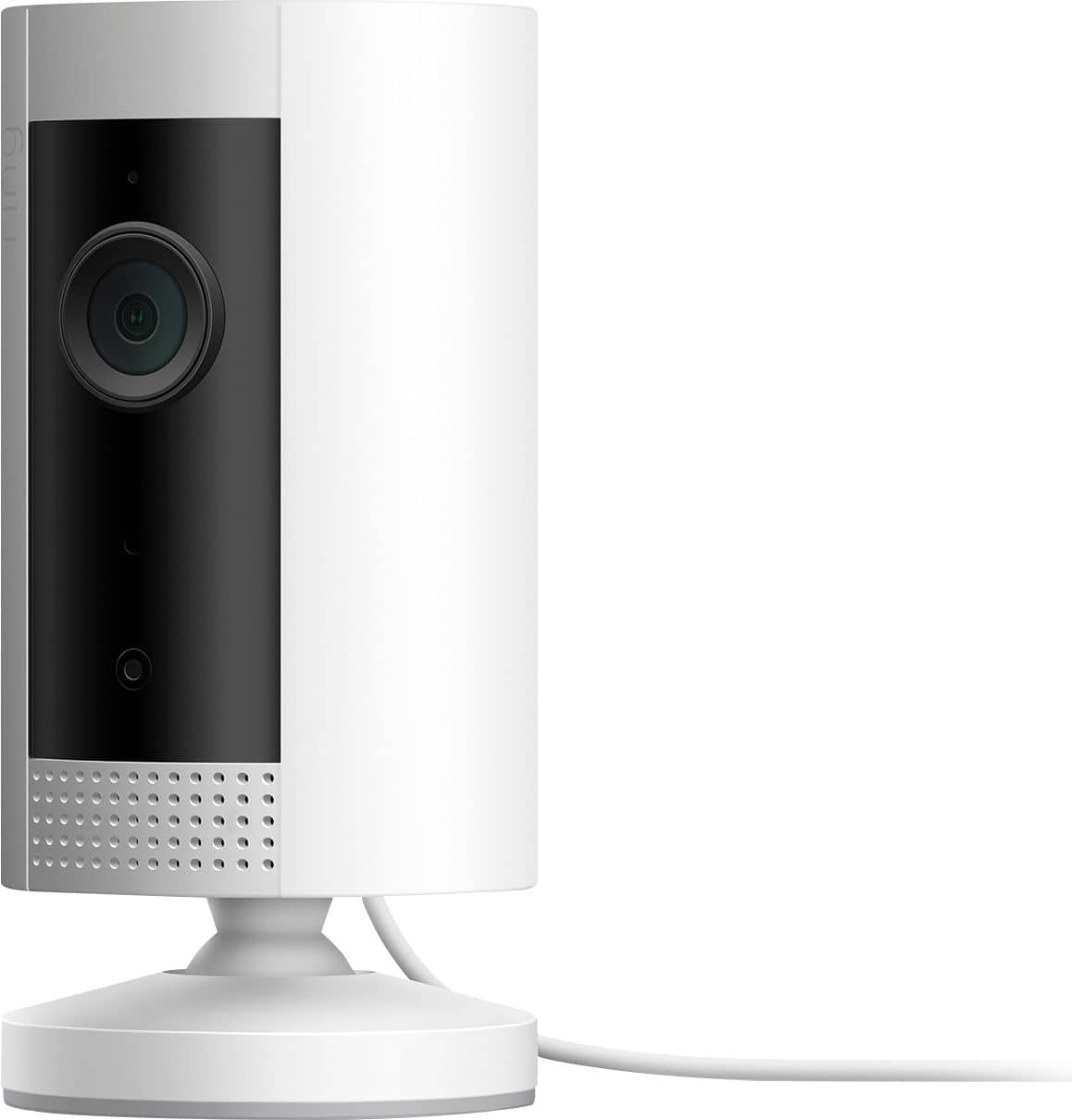
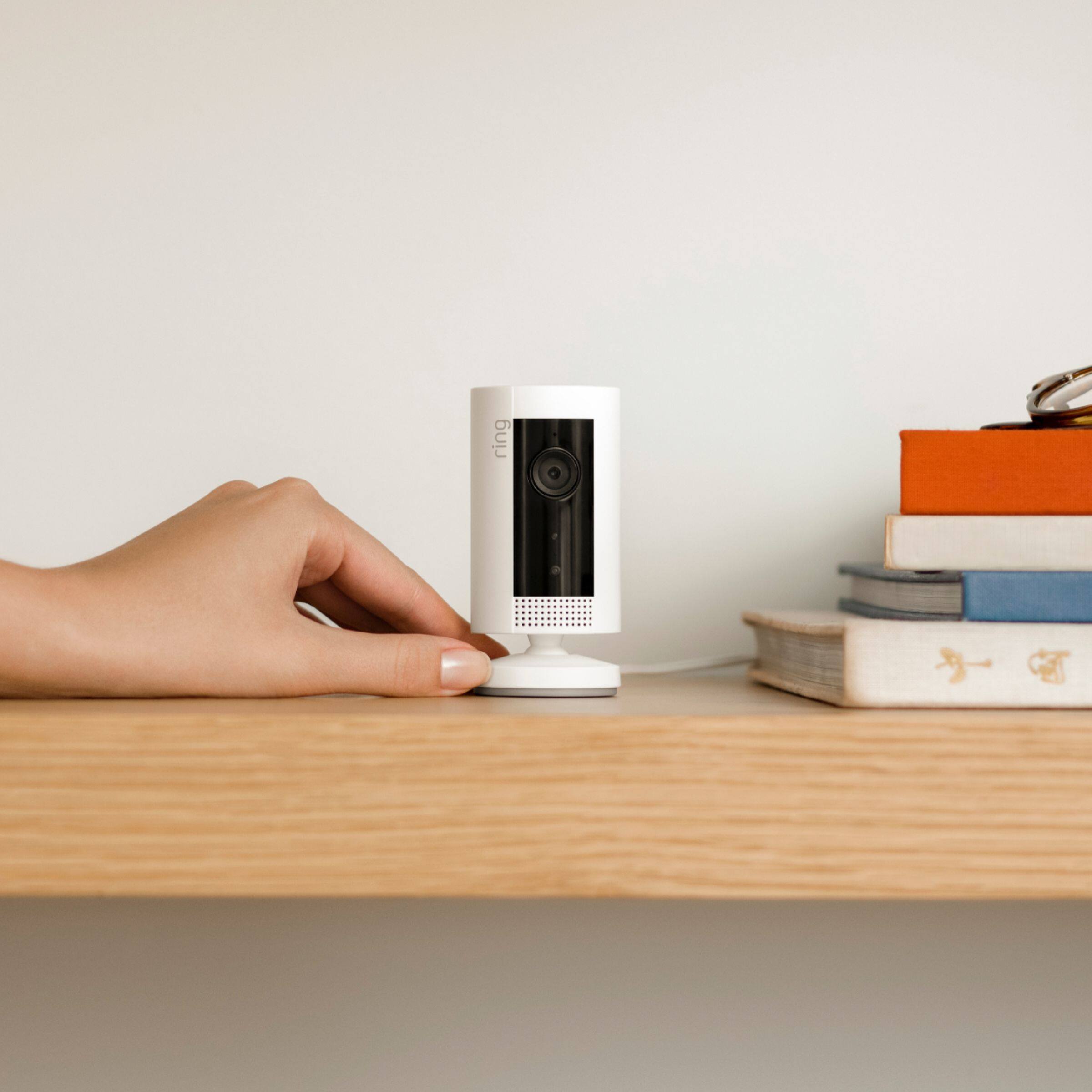
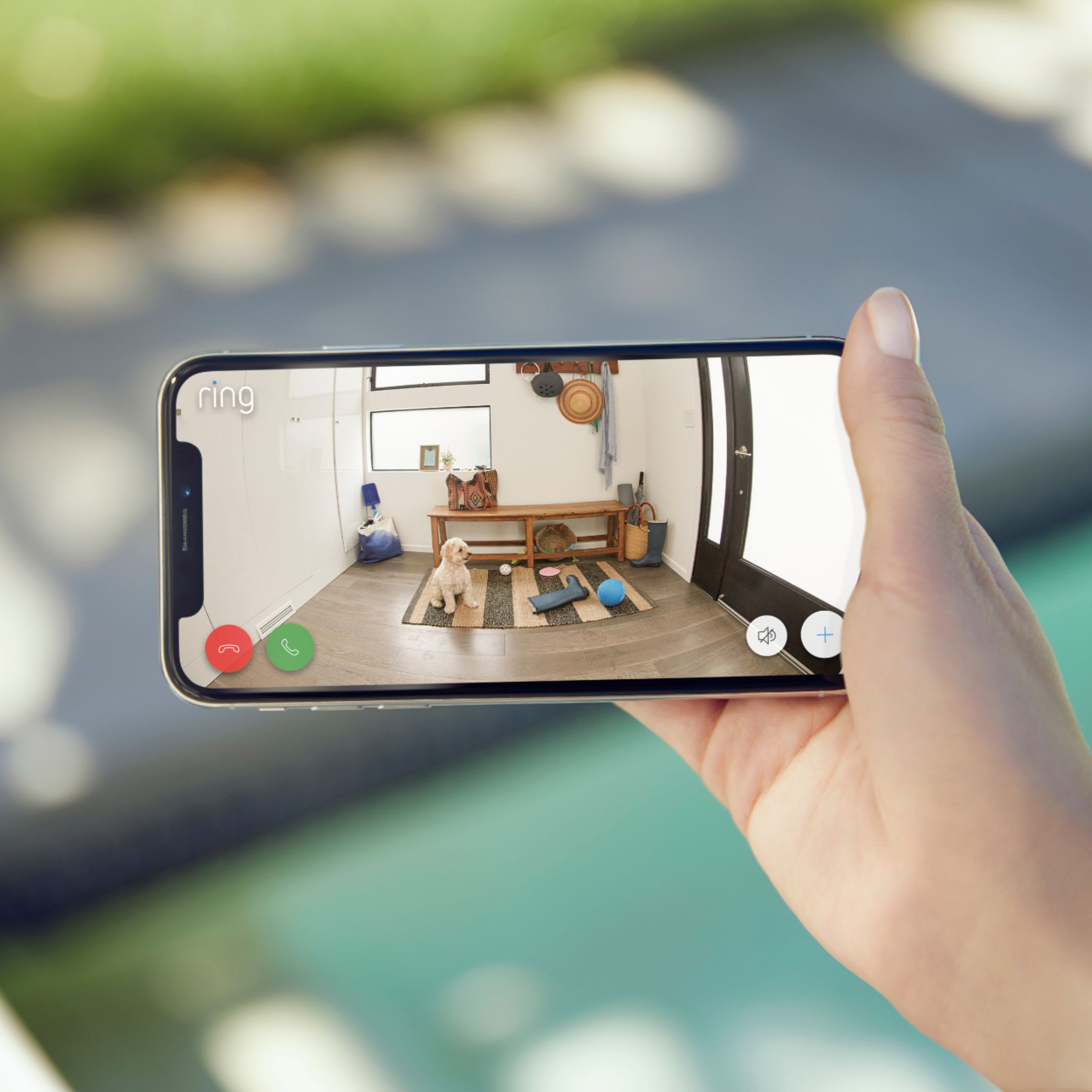

- Model:
- 8SN1S9-WEN0
- SKU:
- 6375685
Rating by feature
- Value
Rating 4.7 out of 5 stars
- Quality
Rating 4.7 out of 5 stars
- Ease of Use
Rating 4.8 out of 5 stars
Customers are saying
Customers admire the Indoor 1080p Security Camera (1st Gen) for its impressive camera quality and ease of use. Many appreciate its compact size, overall performance, and reasonable price. While users find the camera beneficial for security purposes, some have expressed concerns regarding the battery life and cord length.
This summary was generated by AI based on customer reviews.
Let down
||Posted . Owned for 3 weeks when reviewed.This reviewer received promo considerations or sweepstakes entry for writing a review.This indoors camera was garbage worked for 4/5 weeks then the internet went out for 2 hrs and when it came back on the camera would not reconnect no matter what I tried finally just bought a different one and it’s way better
No, I would not recommend this to a friendBrand response from Ring
Posted .Hello Customer75,
We appreciate you for bringing your Ring Indoor camera experience to our attention. The Indoor Cam is a smaller next-generation security camera specifically designed to be used indoors to bolster the security around your home. This device also features 1080p full HD resolution, two-way audio, HD video recording, and a wide viewing angle. Please know that it is a priority for us to be of assistance and find a resolution to your concern.
After reading your review it seems that your Indoor Camera is having trouble staying connected to your home wifi. When this occurs, we recommend rebooting your wifi modem and router. Since your router and modem are usually the hardest working devices in your house, for optimal performance you should reboot them about once a month. To reboot routers or modems, follow the instructions below:
Unplug your router or modem from its power supply (don’t just turn it off).
If your router and modem are separate, unplug both of them.
Wait at least 30 seconds, then plug them back in.
Wait for your internet to be restored.
Here is a helpful article which walks you though additional steps to take if the issue still persists for you after your modem/router reboot: https://support.ring.com/hc/en-us/articles/360023559372-Fixing-Your-Devices-Falling-Offline-Repeatedly-by-Adjusting-Your-Router.
Additionally, if you have not already, please check out our Ring Community forum where other Ring users, like yourself, have an open discussion platform to share their experiences, as well as solutions to issues experienced: https://community.ring.com/.
Thank you, Jamila with Ring.
Good
||Posted . Owned for 1 week when reviewed.This reviewer received promo considerations or sweepstakes entry for writing a review.Just wasn’t what I need it for but it’s a good product
I would recommend this to a friendOk camera
||Posted .This reviewer received promo considerations or sweepstakes entry for writing a review.Ok camera, average speaker. Really can't recommend though.
No, I would not recommend this to a friend- Pros mentioned:Camera quality
Good camera for the price
||Posted . Owned for 1 month when reviewed.This reviewer received promo considerations or sweepstakes entry for writing a review.This ring devise does the job...I guess.... the picture quality is great but the 2 way is terrible. Nobody can understand what I’m saying on the other end. The doorbell is the same way. Wish it worked better.
No, I would not recommend this to a friendBrand response from Ring
Posted .Hello Tanlozzz,
Thank you for taking the time to leave a review. We understand how important the audio feature is on your Ring Indoor Camera. This ensures that you are able to speak to the person who is at your door, in real time. The Ring Indoor Camera is intended to provide you with peace of mind about your home security. Rest assured, we are here to provide you with some solutions to resolve the audio concerns you expressed.
After reading your review, it seems that you are having trouble with the audio on your Ring Indoor Camera. If you are having audio trouble with your Ring Indoor Camera, we recommend checking your mobile device to make sure that the external volume control is turned up to an adequate level to hear the person. Please see our help center article for more tips: https://support.ring.com/hc/en-us/articles/360050175212-Audio-and-Sound-Issues-Troubleshooting-Guide.
Ring Community launched in March 2019 to help deliver the most current news and educational information to our neighbors. It is our first peer-to-peer community forum, giving our customers the ability to help one another and share their feedback/experiences with Ring. Please reach out at https://community.ring.com/if any additional information is needed regarding your Ring Indoor Camera concern.
Thank you, Jamila with Ring
Ok
||Posted .This reviewer received promo considerations or sweepstakes entry for writing a review.Ok but want u to pay to use (kkkkkkkkkkkkkkkkkkkkk
I would recommend this to a friendDisappointed
||Posted . Owned for 3 weeks when reviewed.This reviewer received promo considerations or sweepstakes entry for writing a review.This is our second one, as the outgoing microphone didn’t work on the 1st one. Best Buy and Ring word not replace and because we needed in our home for our kids - while we were at work, we purchased another and same problem.
No, I would not recommend this to a friendBrand response from Ring
Posted .Hello Disappointed,
Thank you for taking the time to share your experience with us. We appreciate the value and trust you have placed in Ring for your home security needs. The Ring Indoor Cam is designed to work in many environments, and provide two-way audio with noise cancellation. We understand how important quality audio is, as it allows you to clearly communicate with your kids.
The audio issues may be due to your phone settings, volume control, distance, nearby interference, network limitations or a combination of these. All of these factors play a big part in the overall audio quality. The link below has some great troubleshooting steps that we encourage you to try.
https://support.ring.com/hc/en-us/articles/360050175212-Audio-and-Sound-Issues-Troubleshooting-Guide
If after trying these steps you are still experiencing issues, we would love to investigate this further with you. Please feel free to check out our community forum at https://community.ring.com/ for additional tips and support!
Thank you,
Alexis with Ring
Would not recommend!!
||Posted . Owned for 2 months when reviewed.This reviewer received promo considerations or sweepstakes entry for writing a review.Has stopped working!!! No longer shows picture in color after a minute of turning it on. Easy to set up. Losses WiFi and freezes. Can’t use talk mode because it echos too much and sound is horrible.
No, I would not recommend this to a friendBrand response from Ring
Posted .Hello rookie,
Thank you for taking the time to share your Ring Indoor Camera experience with us. We appreciate it. Our products are intended to provide you with long-term peace of mind in terms of home security.Ring devices all include a one-year limited warranty on parts and hardware: https://ring.com/warranty. If you are a Ring Protect Plus member, an added benefit of this plan is an extended product warranty that would cover replacement for the lifetime of the device. Rest assured, whether you are a Protect Plus member or not, we do have some solutions that can resolve your concerns and ensure you have a Ring device that is capturing visitors around your home when you need it most!
To obtain the benefit of the limited warranty, please contact Ring community support at http://support.ring.com/or 1 (800) 656-1918 (US). For any additional questions or concerns, please feel free to reach out on our community forum at https://community.ring.com/. This forum was launched in 2019 to allow our neighbors to share their experiences and feedback directly with Ring.
We are eager to get a solution in place for you so you can monitor your home and get notified in a timely manner of visitors approaching your door. We look forward to hearing from you soon!
Thank you, Jamila with Ring.
- Pros mentioned:Camera quality
Mrs. Pugh
Posted .This reviewer received promo considerations or sweepstakes entry for writing a review.I have equipped my entire house with the Ring cameras. I absolutely love how you get to see everything whenever you're home or away, also being able to talk thru the camera with the great visibility of the color camera or nighttime vision is awesome. Everyone has to get at least one just to see how much you will love it.
I would recommend this to a friend Indoor camera
||Posted . Owned for 1 month when reviewed.This reviewer received promo considerations or sweepstakes entry for writing a review.The purpose of buying this indoor camera is to record mostly day and night. But it doesn’t record at after midnight . It records at certain hours at night but is not always at the same time. I am very disappointed.
No, I would not recommend this to a friendBrand response from Ring
Posted .Hello Roomscameras,
Our top priority at Ring is to ensure that our customers have the best possible experience with our products. We really appreciate your feedback. Our team is always striving to improve our products and their performance.
As your home security system grows, you’ll be able to use Modes to control the behavior of your security cameras, doorbells and Ring Alarm.
Modes are settings in the Ring app that can control the behavior of all of your Ring devices. The idea is to configure your cameras and doorbells to protect your home in different ways, depending on your current needs. For instance, if you are staying in for the night you can set your indoor devices to 'Disarmed' and your outdoor devices to 'Home'. Your indoor movements won't trigger motion detection, while your video doorbell and security cameras outside will still alert you if motion is detected. Then, all of your devices, including Ring Alarm if you have one, will work as a single ecosystem with one tap of a button.
For more information on Ring Modes: https://support.ring.com/hc/en-us/articles/360036107792-Control-All-your-Ring-Devices-with-Modes.
Also Ring Community was launched to help deliver the most current news and educational information to our neighbors. This online forum is divided into four categories: Product Boards, Ring Updates, Tips + Tricks, and a Moderators’ Corner. The Product Boards are where you can begin new topics with your questions or feedback; there is also a search option that helps you find topics that have already been posted by other neighbors. We invite you to visit our site at https://community.ring.com/ today!
Thank you,
Antonio from Ring
Ring Stick Up Camera
||Posted . Owned for 7 months when reviewed.This reviewer received promo considerations or sweepstakes entry for writing a review.I have six other Ring cameras outside my house and they all work perfectly. This is the only one that goes offline any time the power goes out or the internet. It has to be reset every time.
No, I would not recommend this to a friendBrand response from Ring
Posted .Hello Jemo,
We appreciate you for bringing your Ring Indoor camera experience to our attention. The Ring Indoor Cam is a smaller next-generation security camera specifically designed to be used indoors to bolster the security around your home. The Ring Indoor Cam features 1080p full-HD resolution, two-way audio, HD video recording, and a wide viewing angle. Please know that it is a priority for us to be of assistance and find a resolution to your concern. After reading your review, it seems that your Ring Indoor Camera is having trouble staying connected to your home wifi. When this occurs, we recommend rebooting your wifi modem and router. Since your router and modem are usually the hardest working devices in your house, for optimal performance, you should reboot them about once a month. To reboot routers or modems, follow the instructions below:
Unplug your router or modem from its power supply (don’t just turn it off).
If your router and modem are separate, unplug both of them.
Wait at least 30 seconds, then plug them back in.
Wait for your internet to be restored.
Here is a helpful article which walks you though additional steps to take if the issue still persists for you after your modem/router reboot: https://support.ring.com/hc/en-us/articles/217240386-In-app-Setup-Failing-Repeatedly.
Additionally, if you have not already, please check out our Ring Community forum where other Ring users, like yourself, have an open discussion platform to share their experiences, as well as solutions to issues experienced: https://community.ring.com/.
Thank you, Jamila with Ring.
Lasted for 2 minutes and died
||Posted . Owned for 3 weeks when reviewed.This reviewer received promo considerations or sweepstakes entry for writing a review.Would give no stars if I could. Had a fishbowl view. Worked only for for 2 minutes then died. Returned and got an Arlo Instead that has been great.
No, I would not recommend this to a friendBrand response from Ring
Posted .Hello Gator,
Thank you for taking a moment to leave your review of the Ring Indoor. At Ring, we believe that stronger communities are the key to safer neighborhoods. That is why we are driven to create products that help you protect what matters most at home, and empower you to connect with your visitors from wherever you are. We are saddened to read that this device did not meet your expectations, but are still here to assist you, if needed.
If you still have the Ring device in your possession, we invite you to reach out to us at https://community.ring.com/. Ring Community is our first peer-to-peer community forum, giving our customers the ability to help one another and share their personal feedback/experiences with Ring. We look forward to hearing from you, if we can be of any further assistance!
Thank you, Jamila with Ring.
works okay. over priced
||Posted . Owned for 8 months when reviewed.This reviewer received promo considerations or sweepstakes entry for writing a review.There's a lot better stuff for the money out there. I ended up with the KAMI from a large on line retailer that costs a whole lot less and with better tech with no subscription fees.
No, I would not recommend this to a friendBrand response from Ring
Posted .Hello ElSid,
Thank you for taking a moment to leave your review on the Ring Indoor Camera. We sincerely appreciate it! At Ring, we believe that stronger communities are the key to safer neighborhoods. That is why we are driven to create products that help you protect what matters most at home, and empower you to connect with your visitors from wherever you are.
While we are saddened to read that this device did not meet your expectations, if you still have the Ring device in your possession, we invite you to reach out to us at https://community.ring.com/.
We look forward to hearing from you, if you have any further feedback regarding your overall experience.
Thank you,
Jamila with Ring
Stopped working after 3 weeks
||Posted . Owned for 1 month when reviewed.This reviewer received promo considerations or sweepstakes entry for writing a review.Was working great until the 3 week mark. I tried to reset it, but the light won’t even turn on anymore.
No, I would not recommend this to a friendBrand response from Ring
Posted .Hello Pogo2563,
Thank you for taking the time to share your Ring Indoor Camera experience with us. We appreciate it. Our products are intended to provide you with long-term peace of mind in terms of home security.Ring devices all include a one-year limited warranty on parts and hardware: https://ring.com/warranty. If you are a Ring Protect Plus member, an added benefit of this plan is an extended product warranty that would cover replacement for the lifetime of the device. Rest assured, whether you are a Protect Plus member or not, we do have some solutions that can resolve your concerns and ensure you have a Ring device that is capturing visitors around your home when you need it most!
To obtain the benefit of the limited warranty, please contact Ring community support at http://support.ring.com/or 1 (800) 656-1918 (US). For any additional questions or concerns, please feel free to reach out on our community forum at https://community.ring.com/. This forum was launched in 2019 to allow our neighbors to share their experiences and feedback directly with Ring.
We are eager to get a solution in place for you so you can monitor your home and get notified in a timely manner of visitors approaching your door. We look forward to hearing from you soon!
Thank you, Jamila with Ring.
Live View Restrictions - NOT a monitoring device
||Posted . Owned for 8 months when reviewed.This reviewer received promo considerations or sweepstakes entry for writing a review.Camera is OK, but images on packaging showing monitoring of babies and/or pets is misleading. There is NO OPTION for continuous live view (even without recording). Live view streams stop after 10 mins and are recorded. Many users on Ring.com thread's have been requesting this feature for 3 years. The desire is to have continuous live view and not need the ability to record (i.e., baby monitor).
No, I would not recommend this to a friendBrand response from Ring
Posted .Hello HE55MP,
Thank you for taking the time to share your experience with us. We know how important it is to be able to see and speak to the person through your Ring Indoor Cam. This device is intended to provide you access to the camera, for your peace of mind. We, here at Ring, take your security and peace of mind seriously. Please know that we are here to provide you more information regarding our Live View feature.
We appreciate you elaborating on your feature request. We do take our customers’ feedback seriously and implement new ideas where we can. At this time, Live View is limited to ten minutes per video. In addition, the Ring Indoor Cam is designed to be triggered by motion using the Motion Detection feature. I have attached a help article below that will provide more information about the current abilities of the Live View feature: https://support.ring.com/hc/en-us/articles/208144516-Using-Live-View.
We invite you to reach out at https://community.ring.com/ if any additional information is needed regarding your Ring Indoor Cam concerns. Ring Community is our first peer-to-peer community forum, giving our customers the ability to help one another and share their feedback and experiences with Ring.
Regards,
Jess from Ring
Does not work
||Posted . Owned for 3 weeks when reviewed.This reviewer received promo considerations or sweepstakes entry for writing a review.I purchased two of these after a robbery. They have pretty good resolution, but are unable to detect human motion. Dogs, cats, wind, and light reflections will set them off, but they don't seem to notice people. DON'T WASTE YOUR MONEY.
No, I would not recommend this to a friendBrand response from Ring
Posted .Hello PJSBend,
Thank you for leaving a review. We fully understand the importance of having the motion detection work as intended. It is a valuable feature that is designed to notify you as to who may be near your home. Please know that it is a priority for me to be of assistance and find a resolution to your concern. If you are having trouble with your Ring device detecting motion, we recommend adjusting your motion settings. To adjust your motion settings please do the following steps: Open the Ring App, Tap the three lines in the top left corner, Tap Devices, select your desired camera, Tap Motion Settings, here you can adjust the motion sensitivity of the camera. If you have any further concerns, please reach out to us directly at 18006561918. We look forward to hearing from you. -Jamila at Ring
Stopped working
||Posted . Owned for 3 months when reviewed.This reviewer received promo considerations or sweepstakes entry for writing a review.The ring camera was working perfectly and now three months later it is now July 2021 and the camera has stopped working and won’t come on at all. Smh
No, I would not recommend this to a friendBrand response from Ring
Posted .Hello Inoperable,
Thank you for taking a moment to leave your review on the Ring Indoor Camera. We sincerely appreciate it. At Ring, we believe that stronger communities are the key to safer neighborhoods. That is why we are driven to create products that help you protect what matters most at home, and empower you to connect with your visitors from wherever you are. The Indoor Cam is a smaller, next-generation security camera specifically designed to be used indoors to bolster the security around your home.
There are several possibilities that could be causing this for you. Please check the following items:
Fully close and re-open your Ring app.
Check to make sure your Indoor Cam is powered on.
If not, try another outlet. The one you’re using may be faulty or associated with a light switch.
Restart the router and run through the setup process again, making sure to correctly enter your password.
Ring Community is our first peer-to-peer community forum, giving our customers the ability to help one another and share their feedback/experiences with Ring. We invite you to reach out at https://community.ring.com/ if any additional information is needed regarding your unresponsive device concern.
Thank you,
Alexis with Ring
ring
||Posted . Owned for 1 month when reviewed.This reviewer received promo considerations or sweepstakes entry for writing a review.product worked for awhile. but when i plugged it back in never turned back on !!! probably was a defective unit !!
No, I would not recommend this to a friendBrand response from Ring
Posted .Hello Andre,
Thank you for taking the time to share your user experience with us. The Ring Indoor Cam is a smaller next-generation security camera specifically designed to be used indoors to bolster the security around your home. The Ring Indoor Cam features 1080p full HD resolution, two-way audio, HD video recording, and a wide viewing angle. Please know that it is a priority for us to be of assistance and find a resolution to your concern. After reading your review, it seems that your Ring Indoor Camera is having trouble working as intended. If this is the case, we recommend resetting your Ring Indoor Camera. To reset your Ring Indoor Camera, press and hold the setup button for 10-15 seconds. Once done, you can proceed with attempting to set up the device. Please see our help center article for more information on troubleshooting your Ring Indoor Camera; https://support.ring.com/hc/en-us/articles/360033911431-Indoor-Cam-Troubleshooting. Ring Community launched in March 2019 to help deliver the most current news and educational information to our neighbors. It is our first peer-to-peer community forum, giving our customers the ability to help one another and share their feedback/experiences with Ring. Please reach out at https://community.ring.com/ if any additional information is needed regarding your Ring Indoor Camera concern. Thank you, Jamila with Ring
Not working, lack of customer service for both
||Posted .This reviewer received promo considerations or sweepstakes entry for writing a review.I made this purchase on May 19, 2020 and received it via home delivery rather quickly considering the current situation. I set it up as instructed, in the same manner I did with my three other Ring cameras. It has never worked properly. I trouble shooted the device per online recommendations through Ring, still not functioning. I contacted Ring customer support, no response and I reached out to Best Buy for support, no response. At this point, I'm stuck with a camera that does not work.
No, I would not recommend this to a friendBrand response from Ring
Posted .Hello Shelby,
Thank you for taking the time to reach out to us. We understand the importance of being able to receive technical or product support when it is needed. Our informative online support site is available here https://support.ring.com/hc/en-us. You can also contact us 24/7 via telephone or from 5AM - 9PM MST (US) via chat. Please visit our customer care site for more information: https://support.ring.com/hc/en-us/articles/360036196372.
As another resource, Ring Community launched in March 2019 to help deliver the most current news and educational information to our neighbors. It is our first peer-to-peer community forum, giving our customers the ability to help one another and share their feedback/experiences with Ring.
Please reach out at https://community.ring.com/ if any additional information is needed regarding your Ring device.
Thank you,
Jamila with Ring
Poor sound quality.
||Posted . Owned for less than 1 week when reviewed.This reviewer received promo considerations or sweepstakes entry for writing a review.Poor sound quality. The volume is extremely low and muffled. I guess I expected better due to the superior quality from our ring doorbell.
No, I would not recommend this to a friendBrand response from Ring
Posted .Hello Amber,
Poor audio and video quality can sometimes be attributed to a weak wifi connection. This first test is designed to see if poor wifi signal strength from your router could be the culprit for your video problems. You'll be bringing your Ring device close to your router in order to minimize any interference from your home's architecture or distance.
To run this test:
* Remove your Ring device from its mounting and bring it into the same room as your wifi router.
* Open your Ring app on your smartphone, tablet, or PC.
* Be sure you've turned off your cellular data and connected to the same wifi network as your Ring device.
* Select your device
* Trigger an event on your Ring device. This could mean pressing the button on a doorbell or activating the motion sensors on a camera.
* Answer the event and examine the resulting video.
There are two possible outcomes from this test. Footage is crisp and clear, if your Ring device's footage looks good when it's next to the router, the culprit is most probably something that happens in the distance between your router and the normal location of your Ring device. In this case you can either try to move your Ring device a bit closer to your router (if possible, even a few feet it often enough to make a difference) or extend your wifi signal out to your Ring Device. To do this, you'll need a wifi extender such as the Ring Chime Pro. If you're getting heavy pixelation even next to your router, this is usually due to slow wifi speeds.
Please reach out to us directly via our community forum at https://community.ring.com/ so we can find a solution to best resolve this and ensure the device is functioning as it was intended.
Thank you,
Antonio from Ring
Subscription only
||Posted . Owned for 3 weeks when reviewed.This reviewer received promo considerations or sweepstakes entry for writing a review.It needs a subscription. Others do not. It is ok if you need cloud-based but others do not require that.
No, I would not recommend this to a friendBrand response from Ring
Posted .Hello MrCustomer,
Thank you so much for showing interest in our products and desiring to have more information regarding the optional Ring Protect Plan subscription. We want to ensure that we can answer any questions you may have concerning how the Ring Protect Plans work and how to save/share your videos, when necessary.
Ring gives customers a complimentary 30-day trial with each new Ring device. After the 30-days, you can choose if you would like to purchase a Ring Protect Plan or not. A Ring Protect Plan is not necessary to view real time notifications on your Ring cameras. Without the Ring Protect Plan, you can still use the live view and two-way audio feature, you are still able to see who is at your door and answer motion notifications. In order to see past recorded videos from your ring device, you will need the optional Ring Protect Plan, which starts at $3/month per device or $30/year per device. Please see the following link for more information regarding the Ring Protect Plan and the benefits it offers: https://support.ring.com/hc/en-us/articles/115001671383-General-Information-on-Ring-Protect-Subscription-Plans.
We invite you to reach out at https://community.ring.com/ if any additional information is needed regarding your Ring Protect Plan question. Ring Community is our first peer-to-peer community forum, giving our customers the ability to help one another and share their feedback/experiences with Ring.
Thank you,
Jamila with Ring