Customer Ratings & Reviews

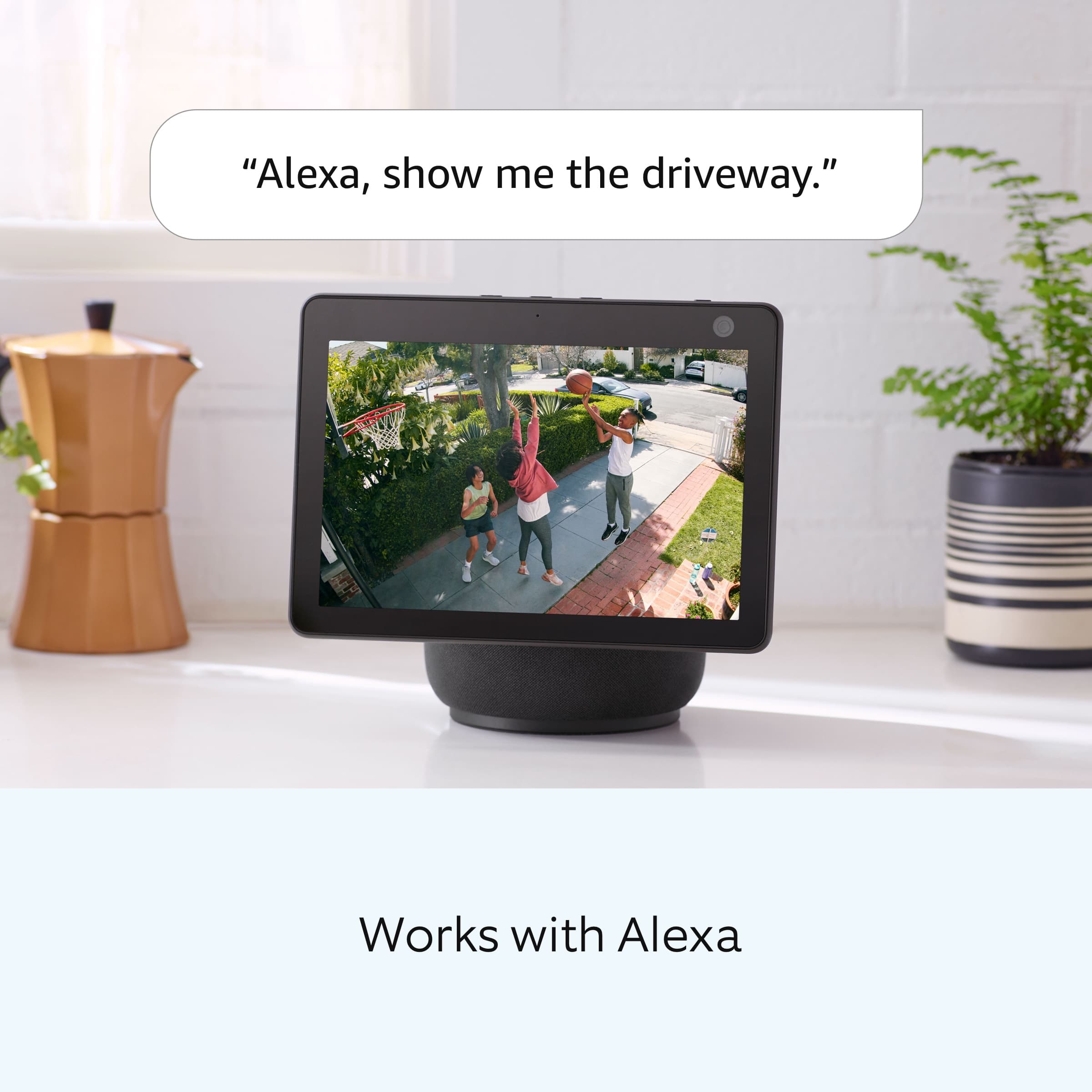
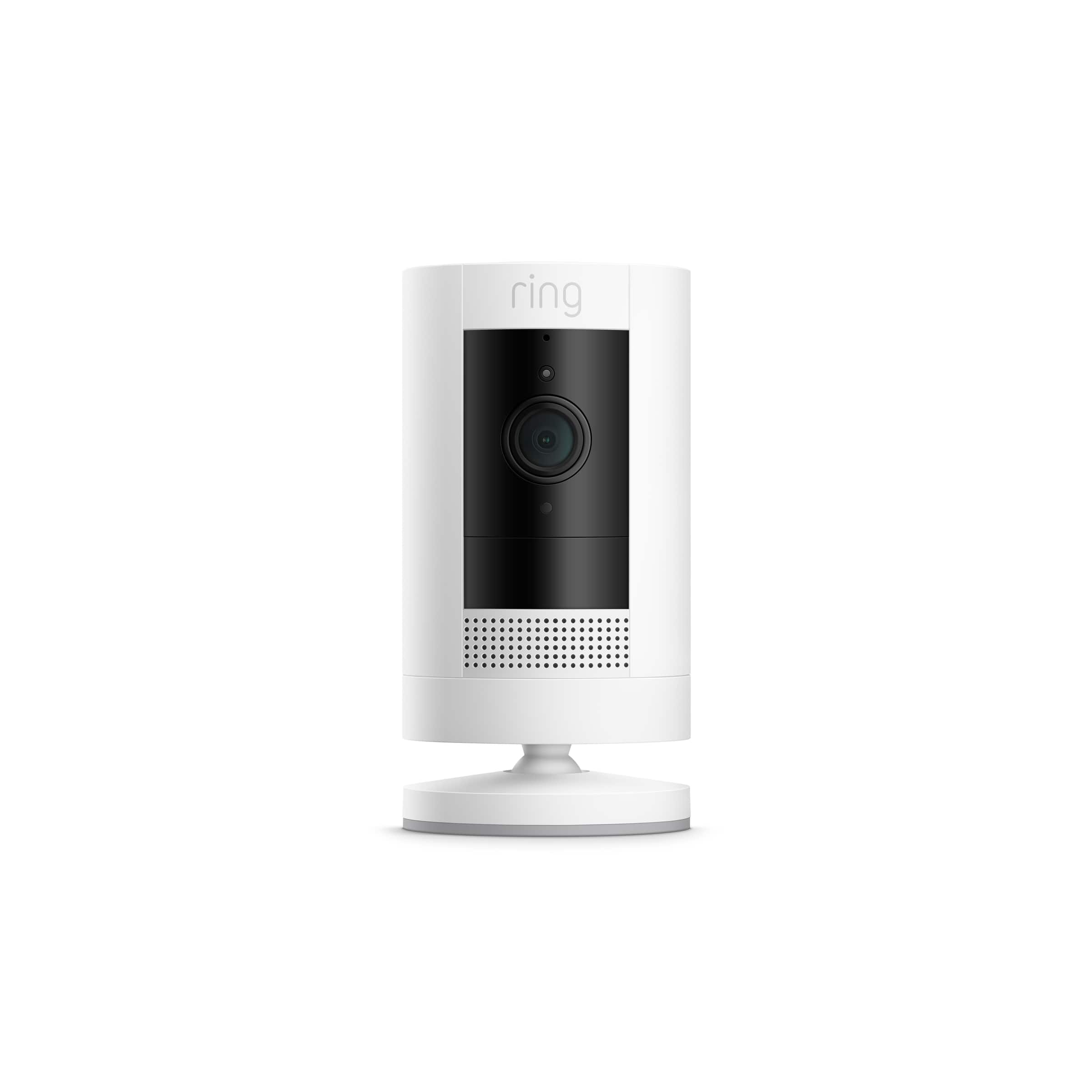

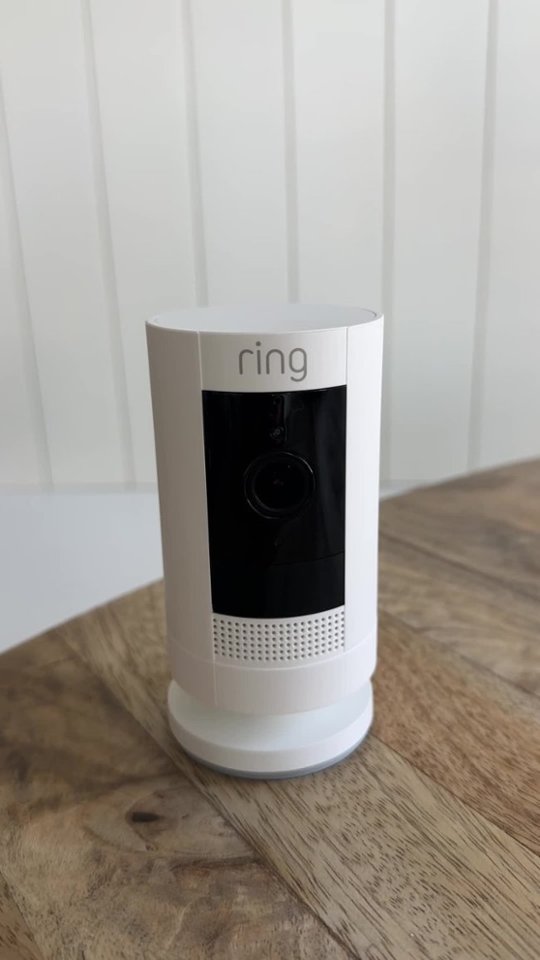

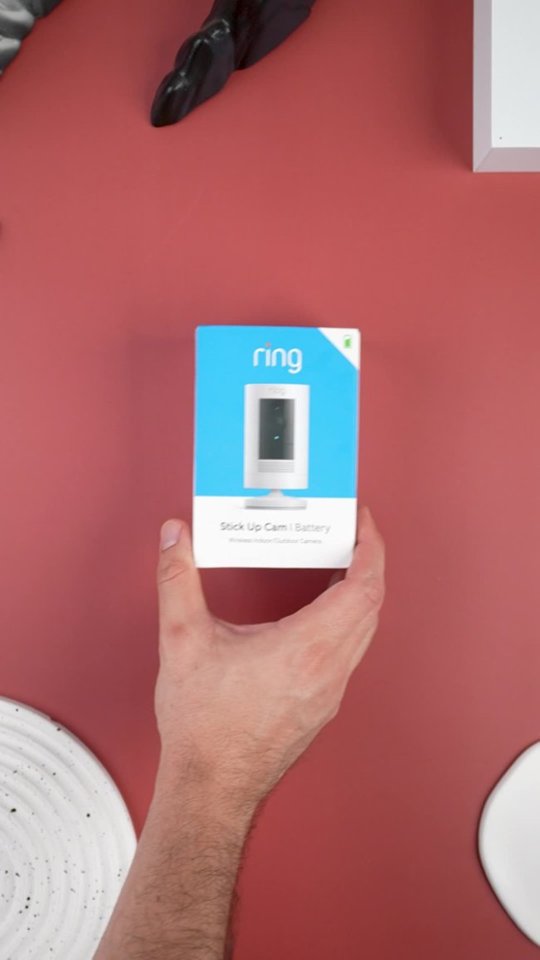
- Model:
- 8SC1S9-WEN0/B0C5QRZ47P
- SKU:
- 12558192
Rating by feature
- Value
Rating 4.6 out of 5 stars
- Quality
Rating 4.7 out of 5 stars
- Ease of Use
Rating 4.7 out of 5 stars
Customers are saying
Customers admire the exceptional camera quality and user-friendly interface that make this product a reliable choice for home security. Users frequently praise the long-lasting battery life and straightforward installation process, which contribute to its overall strong performance. While the device is highly regarded for its night vision and field of view, some individuals have noted occasional inconsistencies with motion detection and connectivity. Despite these minor technical challenges, the product remains a popular and affordable solution for those seeking enhanced monitoring capabilities.
This summary was generated by AI based on customer reviews.
- Cons mentioned:Motion detection
Mediocre camera in a mediocre security system
Posted .This reviewer received promo considerations or sweepstakes entry for writing a review.I don't know if it's the camera or the Ring app, but this thing sort of reminds me of the old black and white cartoon where the dopey dog is constantly chasing the rabbit, stopping all the time, looking around in a confused manner, and saying: "Where did he go, George, where did he go ?". I get lots of "recordings" where the action has already completed, and all I get is recording of no action after the fact. Ring - don't tell me it's my network, because it's not that. I have 2 extenders and everything has an RSSI of 40-45. I wish there was a better product available. I think it's the camera's motion sensing elements. (PS - getting the ladder out to reconnect it to the wifi is just old tech/stupid.)
No, I would not recommend this to a friendBrand response from Ring
Posted .Hello ChicagoDave,
We are thankful for your feedback regarding your experience with the Ring Stickup Camera. We are constantly pushing ourselves to develop products to empower users with an affordable, effective way to monitor and secure their home. In pursuit of our mission to make neighborhoods safer, when applying technologies to our business, we always consider our three pillars of customer security, privacy, and user control. We understand how important it is to have your devices working as intended, as it offers a level of security in your home.
Based on your review, it seems that you are not fully satisfied with your Ring Stickup Camera. The Stick Up Cam uses infrared motion capturing to detect motion, within its field of view. You can use the Ring app to determine the Stick Up Cam’s motion detection range and the specific zones where motion will trigger a smart alert. These settings help ensure that the Stick Up Cam will capture the events you want to see and ignore the ones you don’t. Here is a helpful article with more information on how to resolve motion concerns with your device: https://support.ring.com/hc/en-us/articles/213106363-How-to-Set-Up-Motion-Detection-for-Your-Stick-Up-Cam.
Also, Ring Community is our first peer-to-peer community forum, giving our customers the ability to help one another and share their experiences with Ring directly. We invite you to reach out at https://community.ring.com/ if any additional information is needed regarding your Ring Stickup Camera device and its performance.
Thank you,
Jamila with Ring
007
Posted .This reviewer received promo considerations or sweepstakes entry for writing a review.I got the camera and it did what it did for me and got the cat and the dog fighting in the house and I found out who started it
I would recommend this to a friendNot for cold weather
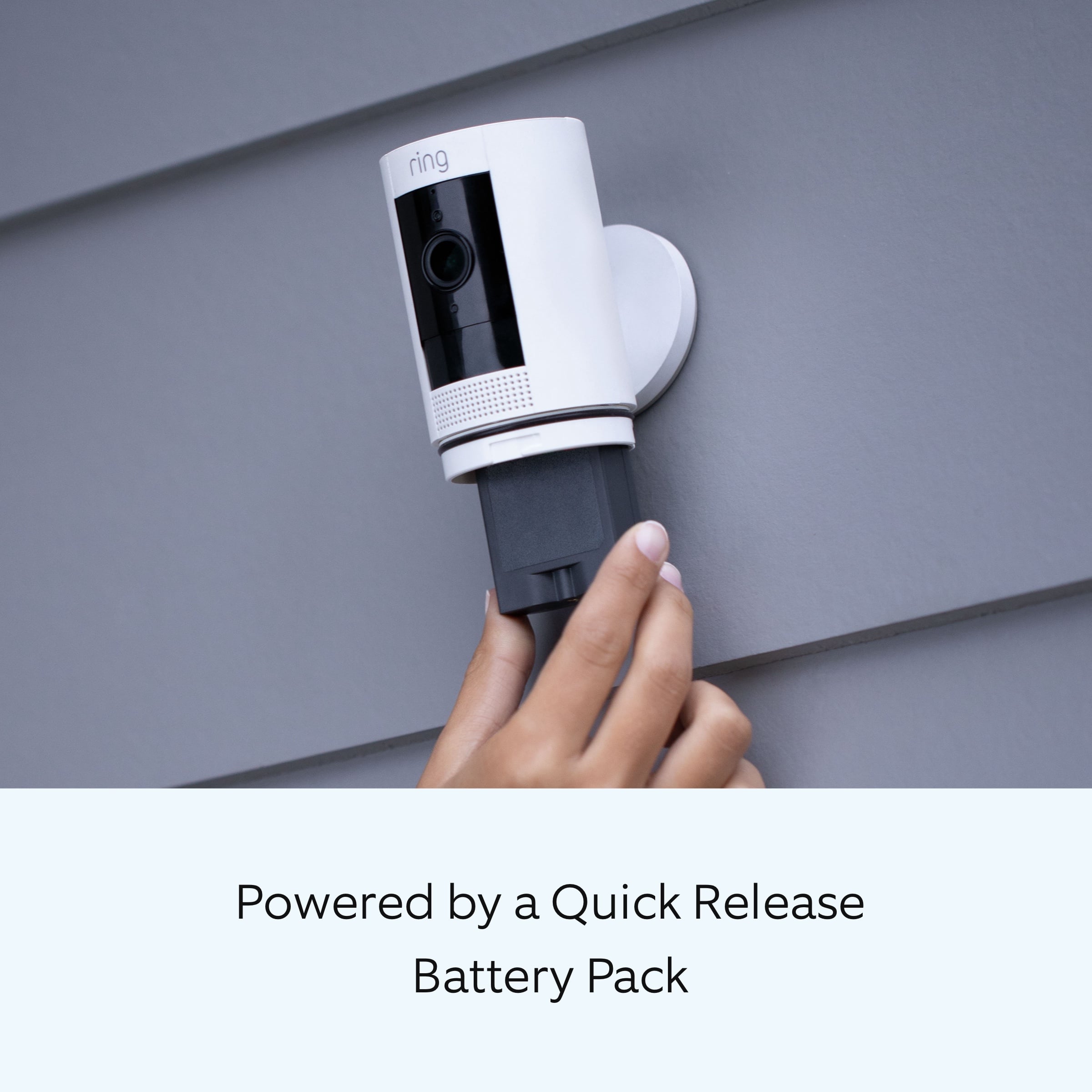
Posted .This reviewer received promo considerations or sweepstakes entry for writing a review.Installation and set was easy. I received this as a gift so it was not my choice to purchase. I live in Minnesota and now that the temps have dropped, a battery camera isn't feasible. I've made it 2 weeks tops so far and we're only in the beginning of December. Battery life is an issue. Swapping out batteries is easy, but shouldn't be necessary every 2 weeks. If you do buy this, get a second battery. That way when your battery looses charge, installing an already charged battery is more convenient than waiting overnight for the battery to charge. Ring's site states these are designed to only accept charge when temps are above 20 degrees F, so even solar might not be a solution for me. I can only recommend this product for warm weather climates.
No, I would not recommend this to a friendBrand response from Ring
Posted .Hi Jro10.
Thank you for taking the time to share your experience. We understand the importance of having a solid charge on your Ring Outdoor Cam (Formerly known as the Ring Stick Up Cam) so that you are able to have a longer time between charge cycles. Having longevity in a battery-powered security device is crucial when it comes to monitoring your home, especially if you are away for long periods of time. We are here to provide you with some education to resolve the battery life issue you mentioned in your review.
As cold weather sets in, lithium-ion batteries like those used in Ring Doorbells and Security Cameras may experience several issues, including trouble holding a charge, running out of power faster than normal, or losing functionality. Knowing at what temperature batteries will start to be impacted can help you take the necessary steps to keep your device working. When the temperature drops to:
36°F (3°C): The battery may not hold a charge as effectively, resulting in having to charge the unit more frequently.
32°F (0°C): The battery may not charge at all. Even hardwired configurations may not charge the battery.
-5°F (-20.5°C): The battery may stop working completely until temperatures warm up.
When it gets cold and your device's battery runs out, bring your entire device inside and charge the battery with a USB cord. This will allow your device to warm up while the battery charges.
The more events captured by your Ring devices, the more your battery is used. Using "Live View" can also drain your battery faster. If your device is capturing an excessive number of events each day, you may need to recharge your battery sooner.
To prevent excessive activity, under "Motion Settings" for your device in the Ring app, you can:
Adjust your "Motion Sensitivity" slider to a lower sensitivity.
Redraw your "Customizable Motion Zones."
Change "Motion Frequency" to regularly or periodically.
You could also adjust the direction of your Ring device so it doesn't detect as much motion.
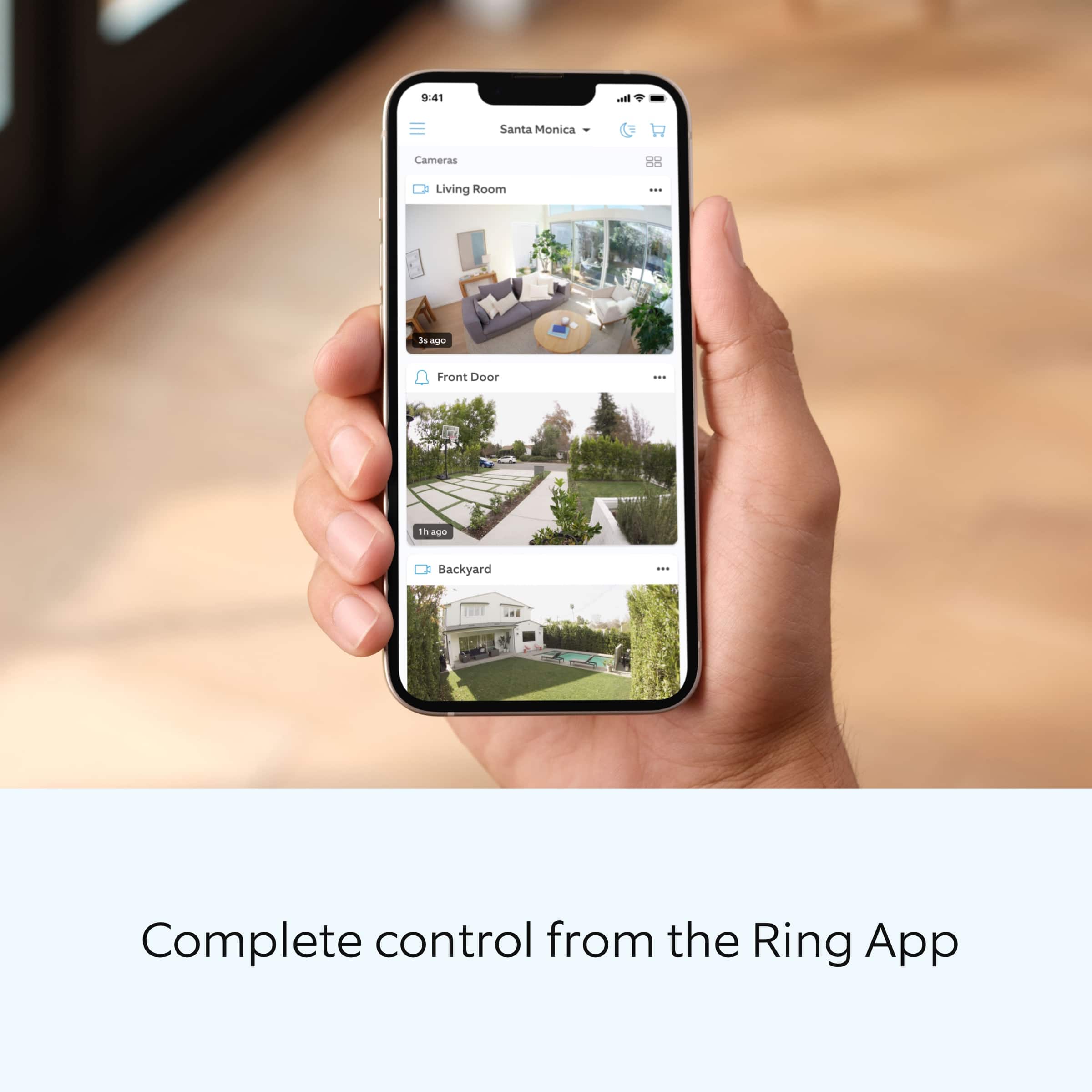
You can go to "Power Settings" in the Ring app to see what features may be draining your battery.
To access "Power Settings," open the Ring app:
Tap the menu (≡) on the top left of the dashboard.
Tap "Devices."
Tap the individual device (video doorbell or security camera) you want to check.
Tap "Power Settings" to check your "Battery Level" percentage and "Feature Power Usage."
Tap a feature to adjust "Snapshot Capture," "Motion Frequency," and "Video Recording Length.".
If any additional information is needed regarding your Ring Outdoor Cam, please reach out to our community. Ring Community is our first peer-to-peer community forum, giving our customers the ability to help one another and share their feedback and experiences directly with Ring.
Thank you for being the best part of Ring! Have a wonderful day!
Sincerely,
Miyuki from Ring.
- Cons mentioned:Mounting
Misleading Name -it doesn't easily just "Stick Up"
Posted .This reviewer received promo considerations or sweepstakes entry for writing a review.The product name implies you just "stick it up". Definitely not that easy. Took a fairly tech-experienced person a good hour from out of the box to fully set up. The plastic hardware to mount it outside seems like it will break if we ever have to move it (painting the house this Fall). Also the screws to hold camera to wall have very small heads and are easy to strip. Once it was all set up, the "Stick Up" cam works reasonably well - but took way too much effort to get installed for an "easy" solution.
No, I would not recommend this to a friendBrand response from Ring
Posted .Hello RochesterMan,
We are always looking for ways to better our neighbor experience, and your feedback is an invaluable part of this process. Thank you for taking the time to share your experience with us. At Ring, we are driven to create products that help you protect what matters most at home and empower you to connect with your neighbors from wherever you are. Having the peace of mind that you purchased the Ring Stick Up Camera for is critical.
All of our doorbells and cameras are designed to be a fairly simple, DIY (do-it-yourself) type of installation. We strive to include all needed parts, tools, and instructions to make the process seamless for our customers. However, in some installation instances and unique home environments, assistance from a qualified professional or someone familiar with installing Ring products may be best.
Ring Community launched in March 2019 to help deliver the most current news and educational information to our customers. This peer-to-peer forum allows our neighbors to share their feedback and experiences. You can find other useful installation information at https://community.ring.com/ for your Ring Stick Up Camera device.
Thank you,
Alexis with Ring
The best!
Posted .This reviewer received promo considerations or sweepstakes entry for writing a review.What I like about Ring it doesn’t matter how many ring devices that you have you only pay 10.00 a month and I have 5 devices it’s worth it But it does freeze up sometimes , but I love it
I would recommend this to a friend- Cons mentioned:Motion detection
Misses alot of movement
Posted .This reviewer received promo considerations or sweepstakes entry for writing a review.I live in a condo. So people are usually walking in my driveway from the sidewalk. At times it will pick up somebody or only parts of them being in my driveway and or not pick them up at all. Im looking for another brand to buy. I have been using this for 6 months and just fed up with it.
No, I would not recommend this to a friendBrand response from Ring
Posted .Hi Kat.
Thank you for taking the time to share your experience with me. We understand the importance of having your Ring Stick Up Cam online and ready to protect you. You should be able to enjoy the peace of mind that the Ring Stick Up Cam is designed to add to your home security. Rest assured, we’re here to provide you with some troubleshooting steps to resolve this issue quickly.
It sounds like you are experiencing an issue with the device in regards to power. We have included a link here to an article on our website with useful information on troubleshooting issues with your Ring Stick Up Cam: https://ring.com/support/articles/w4fuj/Troubleshooting-Stick-Up-Cam-Battery.
If you have completed all of the troubleshooting steps and you are still experiencing issues, we recommend contacting Ring Customer Support. You can choose your method of contact by clicking this link: https://ring.com/support/contact-us.
Ring Community was launched to help deliver the most current news and educational information to our neighbors. This online forum is divided into four categories: Product Boards, Ring Updates, Tips + Tricks, and a Moderators’ Corner. The Product Boards are where you can begin new topics with your questions or feedback; there is also a search option that helps you find topics that have already been posted by other neighbors. We invite you to visit our site at https://community.ring.com/ today.
Thank you,
Melissa from Ring.
My Review
Posted .This reviewer received promo considerations or sweepstakes entry for writing a review.performs exactly as described. Video and audio are clear. Good customization options, if desired.
I would recommend this to a friendGood security camera
Posted .This reviewer received promo considerations or sweepstakes entry for writing a review.This has excellent coverage …. I bought 5 total to put on all sides of my house
I would recommend this to a friendRing - Stick Up Indoor/Outdoor Security Camera
Posted .This reviewer received promo considerations or sweepstakes entry for writing a review.Very Happy with Ring - Stick Up Indoor/Outdoor Wire Free and Wired, bought both.
I would recommend this to a friendRing
Posted .This reviewer received promo considerations or sweepstakes entry for writing a review.Works great! Reliable and weather proof. Glad I bought this.
I would recommend this to a friendGreat
Posted .This reviewer received promo considerations or sweepstakes entry for writing a review.Excellent product! Will purchase a couple of more in a few years
I would recommend this to a friendGreat product, I own 4
Posted .This reviewer received promo considerations or sweepstakes entry for writing a review.Great product, own 4. I also bought 1 for my son for his home .
I would recommend this to a friendGood but terrible battery life
Posted .This reviewer received promo considerations or sweepstakes entry for writing a review.It's great except for the battery life. We have several throughout our restaurant and the batteries constantly need to be changed.
I would recommend this to a friendBrand response from Ring
Posted .Hi Ally.
Thank you for taking the time to share your experience. We understand the importance of having a solid charge on your Ring Ring Outdoor Cam (Formerly known as the Ring Stick Up Cam) so that you are able to have a longer time between charge cycles. Having longevity in a battery-powered security device is crucial when it comes to monitoring your home, especially if you are away for long periods of time. We are here to provide you with some education to resolve the battery life issue you mentioned in your review.
It sounds like the device is not performing as expected. There are some troubleshooting steps that you can take to ensure that you have your device set up for optimal battery-life performance. The more events captured by your Ring devices, the more your battery is used. Using "Live View" can also drain your battery faster. If your device is capturing an excessive number of events each day, you may need to recharge your battery sooner.
To prevent excessive activity, under "Motion Settings" for your device in the Ring app, you can:
Adjust your "Motion Sensitivity" slider to a lower sensitivity.
Redraw your "Customizable Motion Zones."
Change "Motion Frequency" to regularly or periodically.
You could also adjust the direction of your Ring device so it doesn't detect as much motion.
You can go to "Power Settings" in the Ring app to see what features may be draining your battery.
To access "Power Settings," open the Ring app:
Tap the menu (≡) on the top left of the dashboard.
Tap "Devices."
Tap the individual device (video doorbell or security camera) you want to check.
Tap "Power Settings" to check your "Battery Level" percentage and "Feature Power Usage."
Tap a feature to adjust "Snapshot Capture," "Motion Frequency," and "Video Recording Length.".
For more information on your Ring Outdoor Cam (Formerly known as the Ring Stick Up Cam), we invite you to reach out to our community. Ring Community is our first peer-to-peer community forum, giving our customers the ability to help one another and share their personal feedback and experiences with Ring. We look forward to hearing from you if we can be of any further assistance!
Thank you,
Miyuki from Ring.
Ring
Posted .This reviewer received promo considerations or sweepstakes entry for writing a review.Only one person was working the floor when I came inside the store. Employee didn’t have time for me to look around just gave me the item and walked away
I would recommend this to a friendRing
Posted .This reviewer received promo considerations or sweepstakes entry for writing a review.Product itself is good, however the battery life can be better.
I would recommend this to a friendBrand response from Ring
Posted .Hi MaricelaG.
Thank you for taking the time to share your feedback with us. We are pleased to read that you are finding value in your Ring Stick Up Cam. At Ring, we believe in keeping people close to what’s important. That is why we are driven to create products that help you protect what matters most at home and empower you to connect with your visitors from wherever you are. Together, we’ll make neighborhoods safer!
There are some steps that you can take to ensure that you have your device set up for optimal battery-life performance. The more events captured by your Ring devices, the more your battery is used. Using "Live View" can also drain your battery faster. If your device is capturing an excessive number of events each day, you may need to recharge your battery sooner.
To prevent excessive activity, under "Motion Settings" for your device in the Ring app, you can:
Adjust your "Motion Sensitivity" slider to a lower sensitivity.
Redraw your "Customizable Motion Zones."
Change "Motion Frequency" to regularly or periodically.
You could also adjust the direction of your Ring device so it doesn't detect as much motion.
You can go to "Power Settings" in the Ring app to see what features may be draining your battery.
To access "Power Settings," open the Ring app:
Tap the menu (≡) on the top left of the dashboard.
Tap "Devices."
Tap the individual device (video doorbell or security camera) you want to check.
Tap "Power Settings" to check your "Battery Level" percentage and "Feature Power Usage."
Tap a feature to adjust "Snapshot Capture," "Motion Frequency," and "Video Recording Length.".
We invite you to reach out to our community if any additional information is needed regarding your new Ring device. Ring Community is our first peer-to-peer community forum, giving our customers the ability to help one another and share their feedback and experiences with Ring.
Thank you,
Melissa from Ring.
works great
Posted .This reviewer received promo considerations or sweepstakes entry for writing a review.i love my ring camera it works well and the app is easy to use
I would recommend this to a friendCamera
Posted .This reviewer received promo considerations or sweepstakes entry for writing a review.Loud and clear . Comes in handy thank you bestbuy
I would recommend this to a friend- Cons mentioned:Motion detection
Worked for 2 Whole Hours!
Posted .This reviewer received promo considerations or sweepstakes entry for writing a review.Worked for only 2 hours before it decided it just didnt want to record ANY movement at all even at the highest most sensitive settings. Wifi connection is fine. Only works if I put it in live mode otherwise forget about it.
No, I would not recommend this to a friendBrand response from Ring
Posted .Hi dissapointed.
Thank you for taking the time to share your experience with us. We understand how important it is to have your Ring Stick Up Cam capture all the correct motion events. The Ring Stick Up Cam was designed to capture motions based on your specifications to help keep your home secure. We are here to provide you with some information to resolve the issue you mentioned in your review.
It sounds like the device is not performing as expected in regards to motion detection. First, make sure that the "Motion Detection" setting on the device's page in the Ring app is toggled blue for on. It is also important to ensure that you have the proper motion settings in place for your environment. This camera uses adjustable motion detection and runs on passive infrared sensors. The system identifies visitors via a moving heat signature and sends a notification to your smart device when one is detected. You can adjust three preset motion zones and their distances under the "Motion Settings" tab on the device's page in the Ring app. Additionally, you can choose how often the camera checks for movement in those predefined zones via the "Motion Frequency" setting. If you find that your camera is missing some motions, please set the motion frequency to "Frequently."
Accuracy in motion detection can also be improved by enabling the "Smart Alerts" feature for people only in your Ring app. To enable "Smart Alerts," please follow these steps:
Tap the menu (≡) on the top left.
Tap "Devices."
Tap the device that you want to adjust.
Tap "Motion Settings."
Tap "Smart Alerts."
Tap "Enable Feature."
Tap "Continue."
Select the notification options that you want for "Person" and "Other Motion."
You'll see a video camera where you can select or de-select recording and a bell icon to represent alert notifications.
After you've adjusted your settings, tap "Done."
If any additional information is needed regarding your Ring Stick Up Cam, please reach out to our community. Ring Community is our first peer-to-peer community forum, giving our customers the ability to help one another and share their feedback and experiences directly with Ring.
Thank you,
Melissa from Ring.
Good for the price
Posted .This reviewer received promo considerations or sweepstakes entry for writing a review.It works. You'd think it would have a wider range of view.
I would recommend this to a friendCamera
Posted .This reviewer received promo considerations or sweepstakes entry for writing a review.Works great battery runs out quick is the only downside
I would recommend this to a friend