Customer Ratings & Reviews
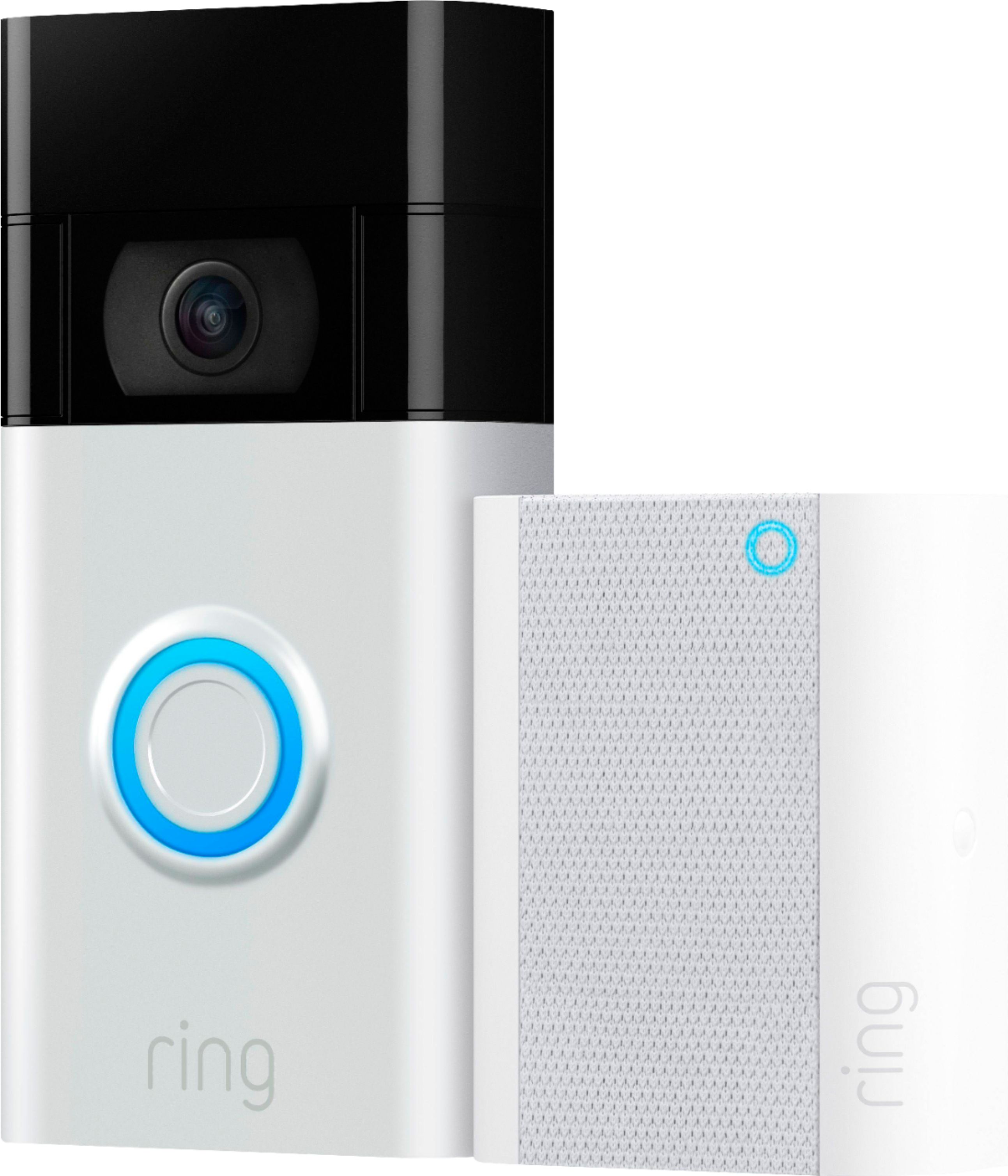
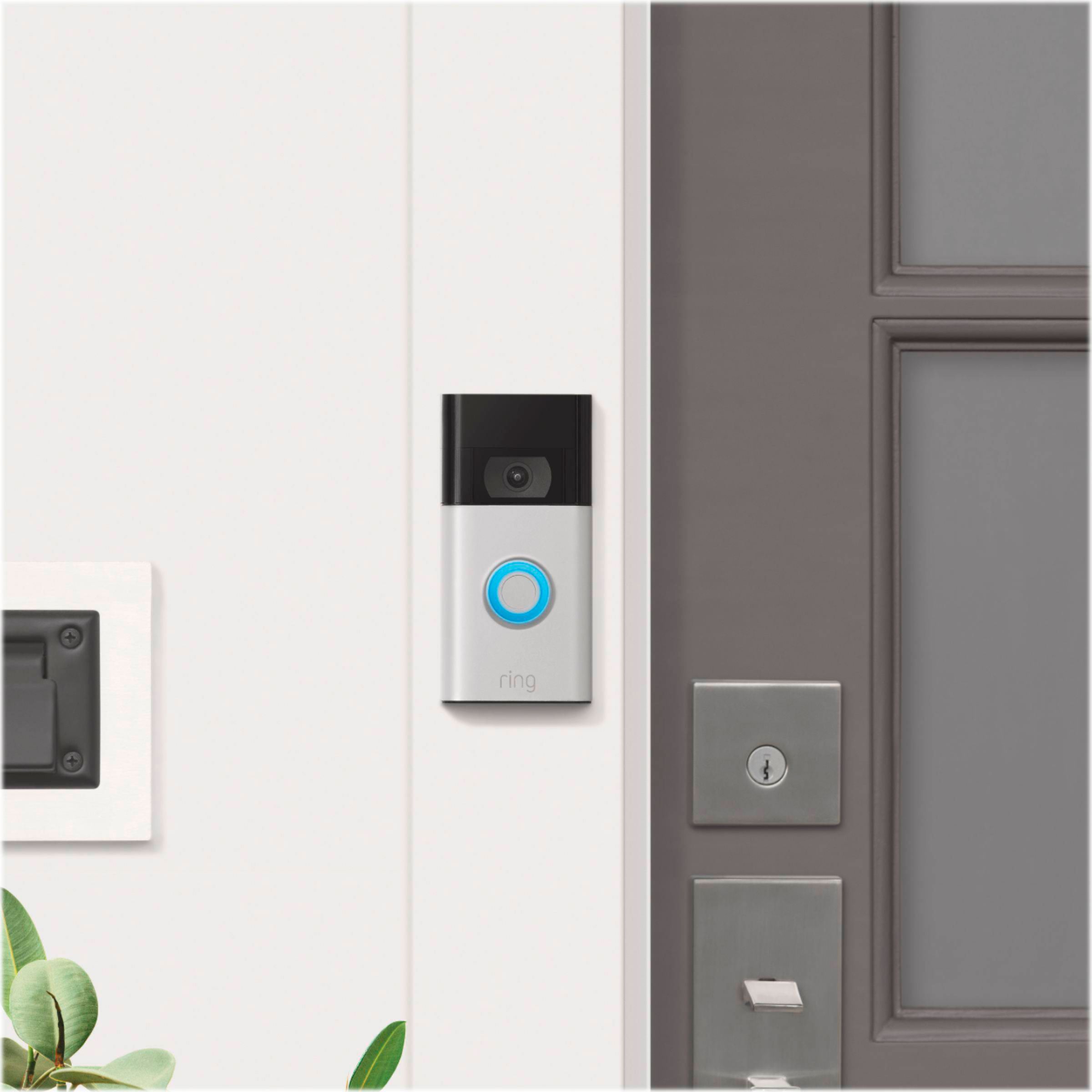
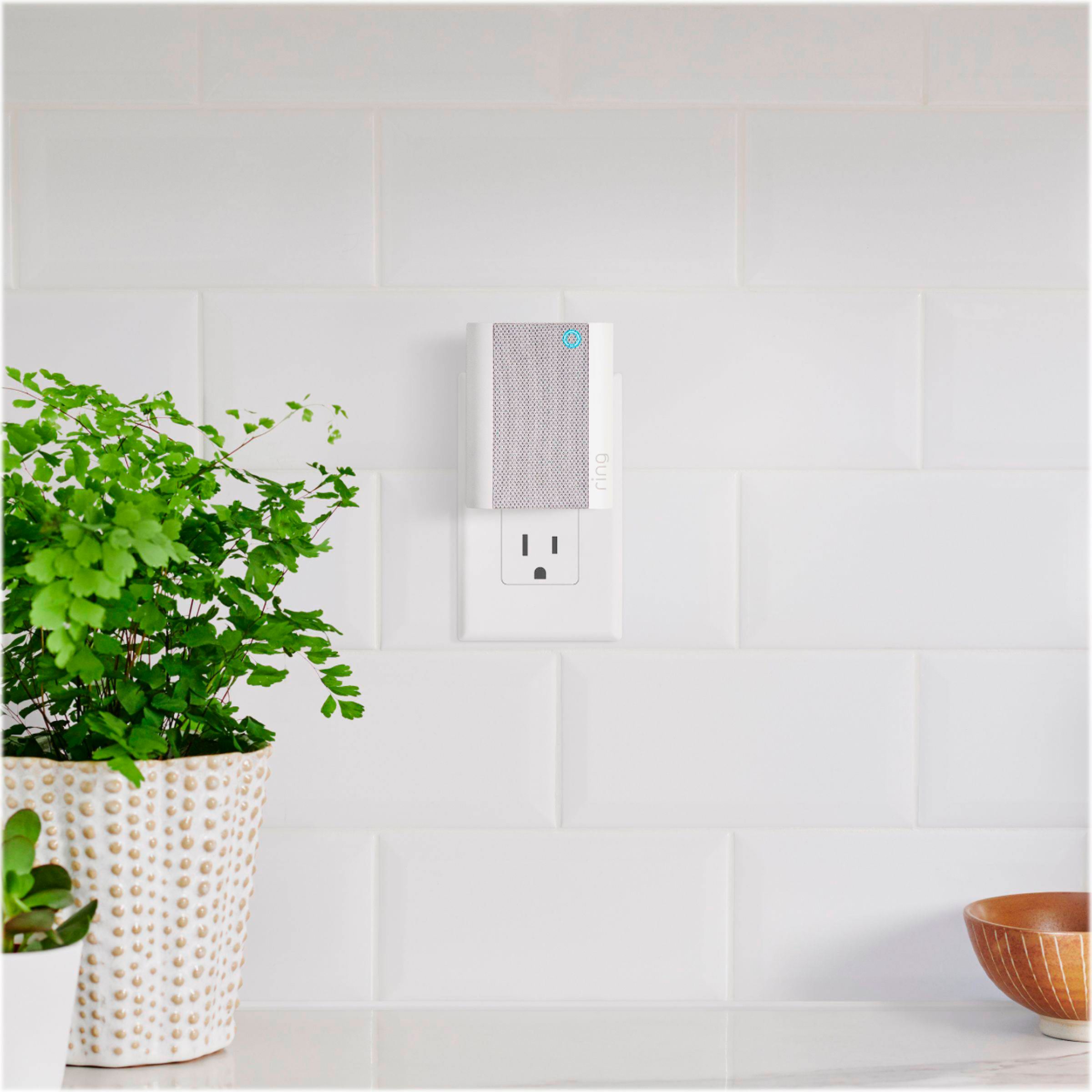
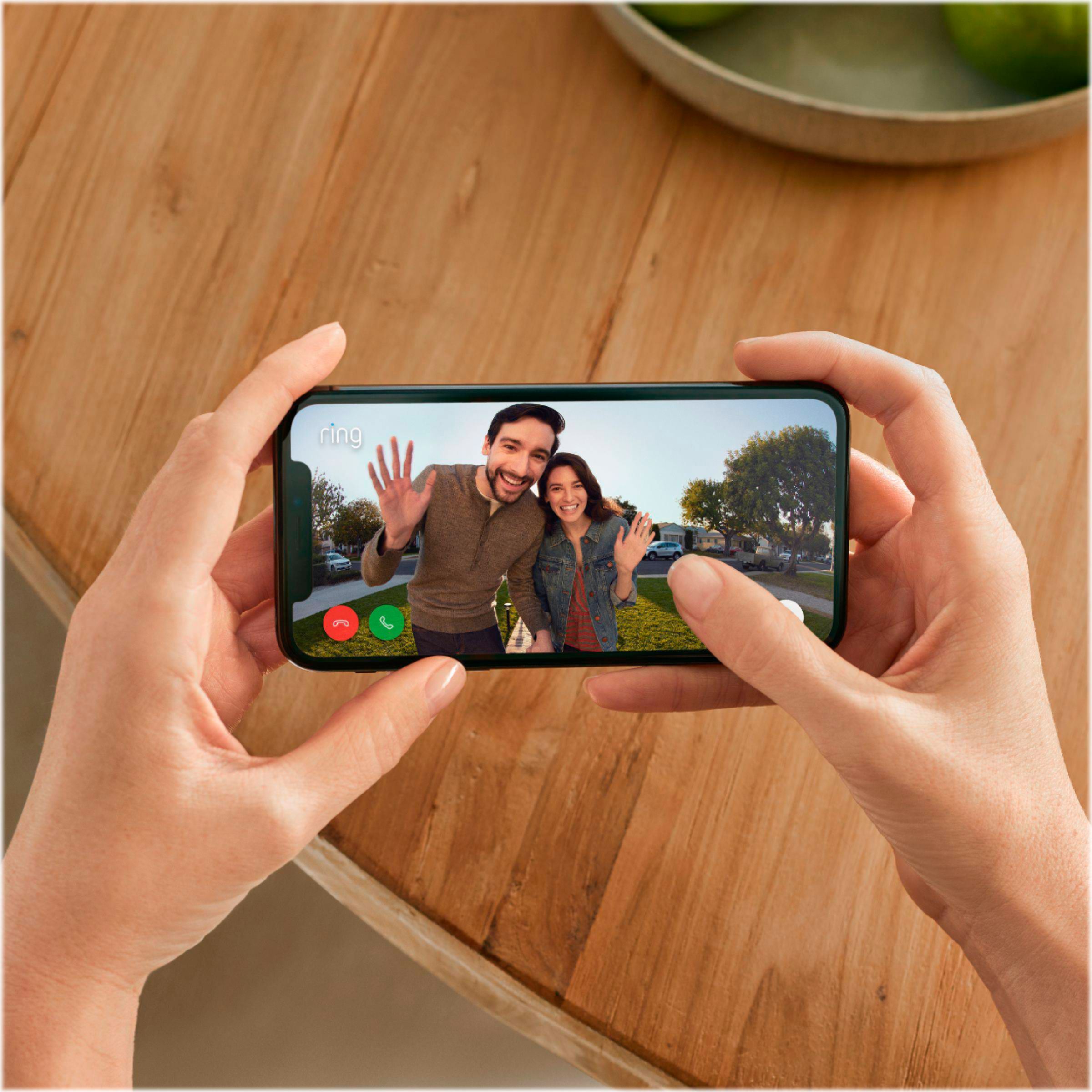
- Model:
- 8VRAXZ-SEN0
- SKU:
- 6429534
Rating by feature
- Video Quality
Rating 4.6 out of 5 stars
- Mobile App
Rating 4.7 out of 5 stars
- Sound Quality
Rating 4.5 out of 5 stars
Customers are saying
Customers are satisfied with the camera quality, ease of use, and installation of the Smart Wi-Fi Video Doorbell. Many appreciate the motion detection feature and the wireless capabilities, while also enjoying the wide viewing angle. However, some users experienced issues with short battery life and occasional chime problems. A few customers also reported compatibility challenges with existing smart home systems.
This summary was generated by AI based on customer reviews.
Does what it needs to do.
||Posted . Owned for 1 month when reviewed.This reviewer received promo considerations or sweepstakes entry for writing a review.Bought for my parents and they loved it. So easy to use!!!
I would recommend this to a friendGreat tech support helped with all the installatio
||Posted . Owned for 1 month when reviewed.This reviewer received promo considerations or sweepstakes entry for writing a review.Great tech support helped with all the installation
I would recommend this to a friendUnable to hook up
||Posted . Owned for 2 weeks when reviewed.This reviewer received promo considerations or sweepstakes entry for writing a review.I purchased this for my new spot but had to return because it would habe been extremely hard to hook up to my door and run through the wall to an outlet. I got the wireless instead. I did like that it came with the chime. Wireless doesnt have that option.
No, I would not recommend this to a friendBrand response from Ring
Posted .Hello Secure,
We understand how important it is to select the home security device that best fits your needs. All Ring Video Doorbells are designed with our users in mind, and should offer a relatively simply DIY installation. Our team is here to help wherever we can.
As a leader in home security, we strive to educate our users on our products power requirements prior to them making a purchase. Our products descriptions inform users whether the device they are considering is battery operated or requires a hardwired connection. As always, we'll continue to improve upon our products descriptions to better inform potential customers.
Most retailers offer Ring doorbells paired with a Ring Chime as a bundle. These bundles can also be found on Amazon.com as well as on our own website, Ring.com.
As a reference, here is a bundle of the battery powered Ring Video Doorbell 4 with a Chime Pro:
https://ring.com/products/video-doorbell-4-chime-pro-bundle
We appreciate that you have placed value in owning a Ring device to secure your home and know it's important that it meets your needs and expectations. For any additional questions or concerns, please feel free to reach out on our community forum at https://community.ring.com/.
My best,
Marlom at Ring
Flattop
||Posted .This reviewer received promo considerations or sweepstakes entry for writing a review.good enough for my little house....Works as expected
I would recommend this to a friendIt’s ok
||Posted . Owned for 3 weeks when reviewed.This reviewer received promo considerations or sweepstakes entry for writing a review.The doorbell works however the chime won’t stay connected to my wifi for nothing and I don’t know why . I literally have it plugged in and sitting on the wifi box and it still will only stay connected for a little while
No, I would not recommend this to a friendBrand response from Ring
Posted .Hello NotMyFaveDoorbellButItWrk,
Our top priority at Ring is to ensure that our customers have the best possible experience with our products and services. We truly value your feedback, because it helps us improve not only the product from a consumer standpoint but also our standards of service.
The Ring Chime is designed to work in many environments to provide you with peace of mind and security. vPlease reach out to us directly via our community forum at https://community.ring.com/ so we can find a solution to best resolve this and ensure the device is functioning as it was intended.
Thank you,
Antonio from Ring
- Cons mentioned:Battery life
Battery dies fast
||Posted . Owned for 2 months when reviewed.This reviewer received promo considerations or sweepstakes entry for writing a review.Assuming we got a bad batch, the battery dies extremely fast compared to all of our ring products. This doorbell has the lowest settings with zero motion alerts or ring alerts and the battery dies faster than our ring products with all settings turned to high sensitivity. I can’t imagine the battery is only designed to lazy 7-14 days. It sucks having to unscrew this entire doorbell off the wall every other week to juice it up.
I would recommend this to a friendBrand response from Ring
Posted .Hello CorbinWilliams,
We understand how important it is to experience acceptable battery life from your Ring Video Doorbell. Like your other Ring devices, this doorbell should provide genuinely useful battery power. Rest assured, we hear your concern and are here to help.
A potential cause of battery drain is poor wifi reception. This happens are your device repeatedly attempts to connect to the wifi network. Have you checked the RSSI reading through the Ring app?
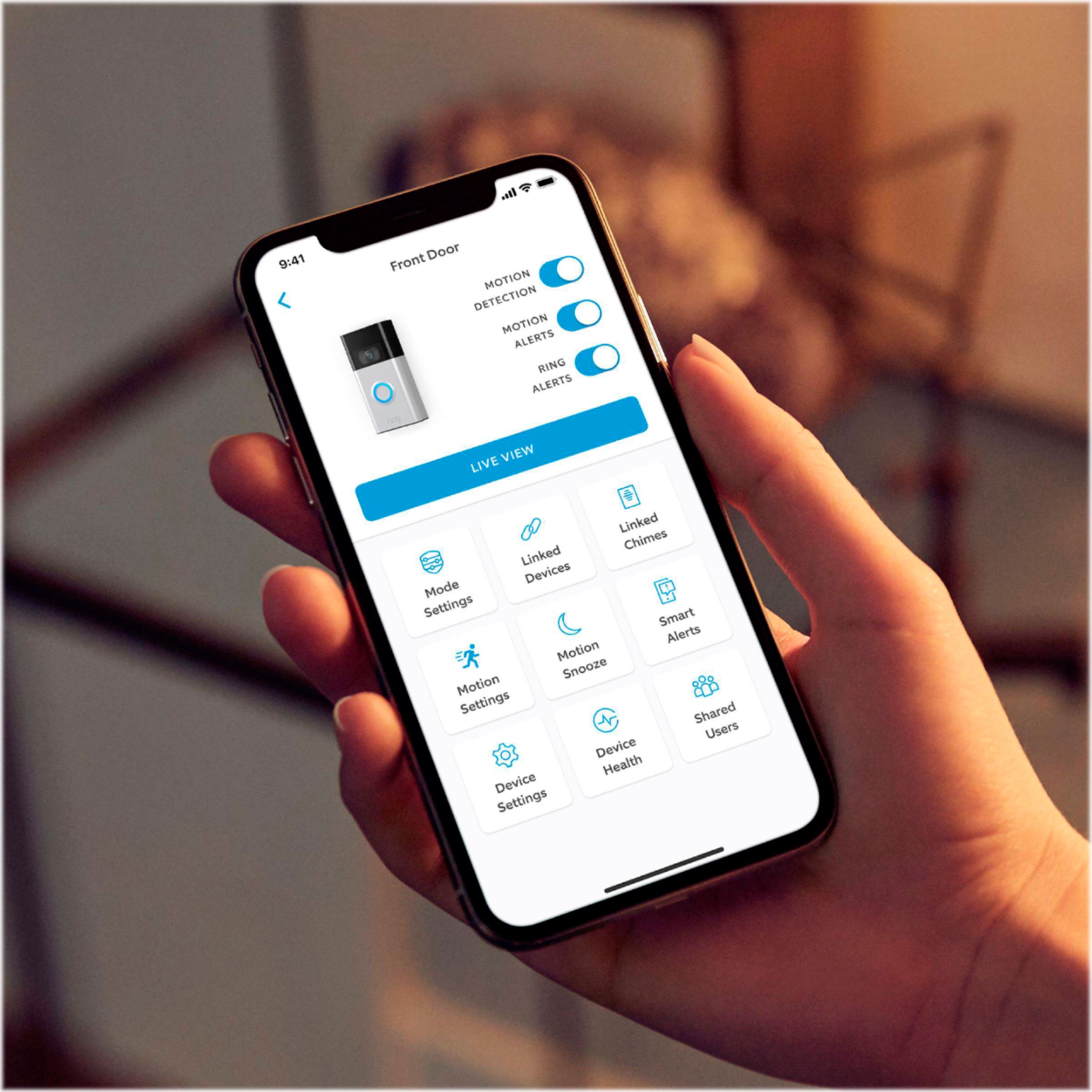
You can find your RSSI reading in the Device Health section. If you have a poor signal, this section will also offer tips on how to resolve this.
Learn more here:
https://support.ring.com/hc/en-us/articles/115001757766-Understanding-Your-Ring-Device-s-Device-Health-Page
For more tips, tricks and advice, please see our Ring Community here: https://community.ring.com/
All the best,
Marlom at Ring
- Cons mentioned:Battery life
No replaceable battery makes it a piece of junk
||Posted . Owned for less than 1 week when reviewed.This reviewer received promo considerations or sweepstakes entry for writing a review.Buyer be aware that this doorbell (2nd gen) does not have a replaceable battery. In order to charge the battery you must remove the entire doorbell device and charge it for many hours to full charge while you don't have a doorbell. So, you cannot buy a back up battery so you can quickly replace while the device is in place. Nowhere in the specs or advertisement they tell you that, DON'T BUY.
No, I would not recommend this to a friendBrand response from Ring
Posted .Hello Gpna,
We know how important it is to understand how to charge your doorbell prior to making a purchase. The Ring Video Doorbell (2020 Release) features a built-in battery that is intended to be recharged with the included USB cable. Our goal is to ensure that everyone has a solid understanding of our products to make an informed buying decision. We are here to help and shed some light on the subject.
The product pages for the Ring Video Doorbell (2020 release) on Ring.com and Amazon.com both make note of the built-in battery powering this device. For example, on Ring.com, you'll notice a statement reading "Runs on a built-in, rechargeable battery". You can find this statement under the "Power and Connectivity" section.
You'll find a similar statement on Amazon.com, which reads "Powered by the built-in rechargeable battery or connects to existing doorbell wires for constant power."
Additionally, our product box and manual aim to educate those who look at the package in our retail stores.
For continuous power and little to no manual recharging, please connect your device to an existing doorbell system. You can learn how to do so here: https://support.ring.com/hc/en-us/articles/360041352731-How-to-Physically-Install-Your-Ring-Video-Doorbell-2020-release-With-an-Existing-Doorbell
Alternatively, you can purchase our Plug-In Adapter (2nd Generation). This optional accessory helps keep your device powered, even without an existing doorbell system. You can learn more here: https://ring.com/collections/accessories/products/video-doorbell-plugin-adapter-gen-2
As a leader in home security, we strive to empower our customers with the knowledge they need. We encourage you to visit our Community Forums, where you can start a conversation about this for others to help. Find us at https://community.ring.com/.
All the best,
Marlom at Ring
Fussy with wifi.
||Posted . Owned for 1.5 years when reviewed.This reviewer received promo considerations or sweepstakes entry for writing a review.Item returned because it would not connect to Netgear C6300 router.
No, I would not recommend this to a friend- Cons mentioned:Battery life
Piece of Junk
||Posted . Owned for 2 months when reviewed.This reviewer received promo considerations or sweepstakes entry for writing a review.A piece of junk! I bought it as a Christmas gift for my mother in law, in just less than 2 months the battery is empty... I went to Best Buy in San Bernardino, they couldn’t replace it, they said it doesn’t have a warranty and I asked for the Ring hotline... the manager told to google it!
No, I would not recommend this to a friendBrand response from Ring
Posted .Hello Jemmie,
Your feedback is so important to us, and I would like to help improve your experience. The Ring Video Doorbell comes with a built-in rechargeable lithium-ion battery. In your Ring box you should have an orange micro-USB cable. Connect this to any power source and allow the battery to charge for five to 10 hours. We provide step-by-step instructions on how to charge the battery from our Help Center on Ring.com: https://support.ring.com/hc/en-us/articles/206129023-Charging-the-Battery-on-Your-Ring-Video-Doorbell
Additionally, I would like to provide you with Ring's warranty, as we offer a 1-year warranty on all devices. https://shop.ring.com/pages/warranty
I would love to get you connected with a trained Ring technician to go over these concerns with you, and ensure all of your future questions and concerns are answered appropriately. Thank you for taking the time to read my reply today, and we hope to hear from you soon!
Best,
Caitlin with Ring
Delay
||Posted .This reviewer received promo considerations or sweepstakes entry for writing a review.Bell is on a delay. Visitors are waiting and end up having to ring the doorbell multiple times.
I would recommend this to a friendBrand response from Ring
Posted .Hello Pleaseread,
Our top priority at Ring is to ensure that our customers have the best possible experience with our products and services. We truly value your feedback regarding the Ring Video Doorbell because it helps us improve not only the product from a consumer standpoint but also our standards of service.
Please reach out to us directly via our community forum at https://community.ring.com/ so we can find a solution to best resolve this and ensure the device is functioning as it was intended.
Thank you,
Antonio from Ring
Ring
||Posted . Owned for 2 weeks when reviewed.This reviewer received promo considerations or sweepstakes entry for writing a review.I had to send it to ring cause it was defective so I am not satisfied with the product
No, I would not recommend this to a friendBrand response from Ring
Posted .Hello Nlsmith,
We appreciate you being part of the Ring family and for putting your trust in us to bring you the best home security. What you describe isn't the experience we want our customers to go through. Our intention is for you to easily setup and begin using your Ring Video Doorbell right out of the box, with no issues at all. Please know that we are still here to help find a solution.
If you currently have an open support ticket with us at Ring, please respond to the latest email, or feel free to call in. Our specialists can review the latest details and help provide a timely solution.
Otherwise, if you have received a replacement or made another accommodation, please feel free to post about your experience on our Community Forums at https://community.ring.com/. Here, other members of the Ring Community share their experience and knowledge with you.
My best,
Marlom at Ring
Ring
||Posted .This reviewer received promo considerations or sweepstakes entry for writing a review.It’s skips between motion at least 15 mins don’t capture all the motions
No, I would not recommend this to a friendBrand response from Ring
Posted .Hello Umm7,
We are happy to have you as a part of the Ring Community, and thank you for sharing your experience with us! Ring knows the importance of having the motion detection work as intended. It is a valuable feature that is designed to notify you as to who may be near your home. Please know that it is a priority for us to be of assistance and find a resolution to your concern.
All battery-powered Ring devices, including the Ring Video Doorbell, use passive infrared (PIR) sensors to detect motion. Adjustable motion zones work by identifying visitors based on a change in temperature, and sending a signal to your smart device when it detects one. You can control the sensors' range and sensitivity using the controls in the Ring app. It is also optimized for low-power operations to save on battery power.
Please reach out to us directly via our community forum at https://community.ring.com. We are confident with a few changes, we can get the device to function as it is intended to and provide you and your family a sense of security.
All the best,
Antonio from Ring
Great value!
||Posted .This reviewer received promo considerations or sweepstakes entry for writing a review.This is a really good and cheap home security system.
I would recommend this to a friendBrand response from Ring
Posted .Hello Greg,
Thank you for taking a moment to leave your rating. It's great knowing that you are enjoying your Ring Doorbell. We believe that stronger communities are the key to safer neighborhoods. That is why we are driven to create products that help you protect what matters most at home and empower you to connect with your neighbors from wherever you are. Together, we’ll make neighborhoods safer!
Ring Community is our first peer-to-peer community forum, giving our customers the ability to help one another and share their feedback/experiences with Ring. We invite you to reach out at https://community.ring.com/ if you have any additional questions or feedback regarding your Ring Video Doorbell.
Thank you,
Alexis with Ring
Works when it wants to
||Posted . Owned for 5 months when reviewed.This reviewer received promo considerations or sweepstakes entry for writing a review.Works when it wants to. I have panoramic wifi and have never had any issue with any other electronics. Now after 6 months this product is saying poor connection. Wasnt happening in the beginning and nothing has changed. Waste of money.
No, I would not recommend this to a friendBrand response from Ring
Posted .Hi Motherof2,
We understand how important it is to have your Ring Video Doorbell online and connected to your panoramic wifi network. This ensures you can check on activity around your home and brings peace of mind. What you describe isn't what we want you to encounter, and can assure you that we are here to help.
If you haven't already, we recommend rebooting your Panoramic Wifi system, including any wifi access points that are connected to the main router. This helps it refresh its internet connection and maintain optimal performance. You should only have to power it down for a moment or so. Once the wifi has been restored, your Ring devices will automatically reconnect, and should function as intended.
You may also read the article below that goes into more detail on what causes a poor signal reading, as well as steps to resolve it.
https://support.ring.com/hc/en-us/articles/217271526-Understanding-RSSI-Values-and-Wireless-Signal-Strength
If after trying these steps you are still experiencing issues, we would love to investigate this further with you. Please feel free to check out our community forum at https://community.ring.com/ for additional tips and support!
All the best,
Marlom at Ring
Ring Video Doorbell a nightmare to set up
||Posted .This reviewer received promo considerations or sweepstakes entry for writing a review.The Ring Video Doorbell would not connect to my WiFi. I tried everything-turning off Cellular Data on my phone, switching channels on my internet, restarting my router, resetting the Ring device, checking my internet speed; nothing seemed to work. I did get it connected one time when my internet was on channel 8, but I could not get live video to play. After about 3 hours of trying to get it to work, I returned the item. Picked up the Eufy Video Doorbell and it connected to my WiFi with ease, and I got live video feed in less than 15 minutes.
No, I would not recommend this to a friendBrand response from Ring
Posted .Hello NewMexicoGuy,
Thank you for taking the time to share your installation experience with us. We appreciate the value and effort you invested in setting up your Ring Video Doorbell. Our intention is for users to quickly and easily set up their device with little to no issues. The Ring app should provide an easy-to-follow set-up process which should complete in a matter of moments. Although you may no longer own your Ring device, we are still here to acknowledge your concern and share resources with others who may experience a similar situation.
The three most common causes of failure to complete the setup (after entering an incorrect password) are your Ring device being too far from your wifi router, having a problem with your internet connection, or some type of issue related to your wifi modem or router.
If you've already brought your Ring doorbell inside next to your router and the setup continues to fail, try rebooting your modem and/or router. Since your router and modem are usually the hardest working devices in your house, the devices like to be rebooted about once a month for optimal performance.
To reboot these devices, please follow the instructions below:
-Unplug your router or modem from its power supply (don't just turn it off). If your router and modem are separate, unplug both of them.
-Wait at least 30 seconds, then plug them back in and wait for your internet to be restored.
-Confirm that your internet has been restored by connecting another device to your wifi network and trying to access a website, then repeat the setup process for your Ring Doorbell.
Should these problems persist, you can reference the article below. Here, we go into greater detail on how to resolve failed set-ups.
https://support.ring.com/hc/en-us/articles/217240386-In-app-Setup-Failing-Repeatedly
If after trying these steps, you are still experiencing issues, we would love to investigate this further with you. Please feel free to check out our community forum at https://community.ring.com/ for additional tips and support! All the best, Marlom at Ring
My best,
Marlom at Ring
- Cons mentioned:Battery life
Defected item
||Posted . Owned for 2 months when reviewed.This reviewer received promo considerations or sweepstakes entry for writing a review.This doorbell is faulty I have had to charge it twice since purchasing even after purchasing the solar device to attach to it
No, I would not recommend this to a friendBrand response from Ring
Posted .Hello Rece,
We understand how important it is to rely on your doorbells battery for peace of mind. The Ring Video Doorbell should provide users with balanced performance and service. Please know we are here to help find a solution.
Battery performance depends on device usage, climate and wifi connection. For example, if your device is in freezing temperatures, the battery will decrease faster. This typically improves as the warmer months of the year approach.
We recommend that you review your device settings to ensure they are meeting your needs. For example, you could adjust Snap Shot Capture and Motion Settings to prioritize battery life.
Can you please reach us directly? We are confident that we can help find a solution. Looking forward to turning your experience around.
Regards,
Marlom at Ring
Ringnightmere
||Posted . Owned for 1 month when reviewed.This reviewer received promo considerations or sweepstakes entry for writing a review.Did not realize there was mandatory monthly insurance. We turned it off as it constantly alerted us to every motion.
No, I would not recommend this to a friendBrand response from Ring
Posted .Hello Ringnightmere,
We understand how important it is to only receive relevant motion alerts. Please know that we are here to resolve this concern.
Out of the box, each Ring security device comes with a free 30 day trial period of our optional Ring Protect Plan. With a Ring Protect Plan active on your account, videos of each ring, motion, and live view event are stored in the cloud for 60 days (US). Allowing you to review, share, and save them at your leisure. Without a Ring Protect Plan in place, you will still receive instant alerts and have access to the live view and two way talk features your device has.
The Motion Frequency feature may not have been set up properly for your environment within the Ring App. Ring's Motion Frequency algorithm is an internal program that runs inside of your Ring device. It analyzes the traffic patterns of detected motions, looking for repetitive patterns. When it detects such a pattern, it essentially "sleeps" your device for a certain period of time, cutting down the number of motion alerts you'll get from the same set of stimuli. The more time a repetitive pattern of motion continues, the longer the time between issuing motion alerts.
Please reach out to us directly via our community forum at https://community.ring.com/ so we can find a solution to best resolve this and ensure the device is functioning as it was intended.
Thank you,
Antonio from Ring
- Cons mentioned:Compatibility
Needs accessories
||Posted . Owned for 1 month when reviewed.This reviewer received promo considerations or sweepstakes entry for writing a review.They do not make adapters for older houses and it doesn’t fit
No, I would not recommend this to a friendBrand response from Ring
Posted .Hi Tryone,
The Ring Video Doorbell is designed to be installed in many environments in just a few minutes. We understand every home is unique, and we'd love the opportunity to connect with you to learn more about what accessory may be needed for a successful installation.
Please reach out to us today at amazon.advocates@ring.com, so that we may connect you with one of our product specialists. We look forward to hearing from you soon!
Thank you,
Danielle from Ring
amazon.advocates@ring.com
Get something else
||Posted . Owned for 1 month when reviewed.This reviewer received promo considerations or sweepstakes entry for writing a review.Not that happy with ring doorbell. Quite a few false alerts and is always telling me to reconnect the live feed. Basically I wish I would not have bought it. Especially now that ring wants 30.00 dollars a year to record video. I will be looking for a better product.
No, I would not recommend this to a friendBrand response from Ring
Posted .Hi Tony,
Thank you for brining your motion and connection concerns to our attention. As Ring users ourselves, we understand how important it is to depend on our video doorbells for peace of mind. The Ring Video Doorbell - 2020 Release is intended to provide accurate motion detection. You should be able to connect to your Live Video in real-time. Our team is here to help find a solution.
In order to work at its best, this device needs to be mounted at 48 inches off the ground. This height allows for a great field of view and accurate motion detection.
One of the most common mistakes users make is mounting the Ring Video Doorbell (2020 release) too high, with the intention of assuring the camera captures their visitors' face. When the Ring Video Doorbell (2020 release) is mounted too high, you'll likely catch the heat of passing cars or other irrelevant motion detection.
If you haven't already, we recommend you become familiar with this device's Customizable Motions. Customizable Motion Zones allow you to draw different shapes that are more dynamic than Adjustable Motion Zones. This can greatly improve the accuracy of motion detection.
We know how crucial it is to connect to your Live View as quickly as possible. Delays can occur due to various wifi and interference factors. A good place to start is reviewing the Device Health page of the Ring app. Here, you can get insight on the status of your wifi connection and test your internet speeds. Here is a link that will guide you through this helpful resource.
https://support.ring.com/hc/en-us/articles/115001757766-Understanding-Your-Ring-Device-s-Device-Health-Page
To speed things up, you can download our new Rapid Ring app. This app works hand in hand with your core Ring app, but will help connect you to Live View faster. You can learn more about Rapid Ring and find links to the app stores below.
https://support.ring.com/hc/en-us/articles/360028023571-Rapid-Ring-App-Information
If you have further questions, please visit our Community Forums at https://community.ring.com/. Where you can post similar questions and have other members of the Ring Community share their experience and knowledge with you.
My best,
Marlom at Ring
bad model
||Posted . Owned for 3 weeks when reviewed.This reviewer received promo considerations or sweepstakes entry for writing a review.This model was a disappointment. Could not connect with app, and spent over an hour with tech support, and still unable to connect. Returned it, and purchased the 3rd generation, and was done in 20 min. with install and set up.
No, I would not recommend this to a friendBrand response from Ring
Posted .Hello dtw63,
We understand where you are coming from, as this is not the experience we want our customers to have. All Ring devices are intended to have a similar set-up experience, allowing for a smooth and quick process. By following the instructions in the Ring app, you should be able to complete the installation of any Ring Video Doorbell in a matter of moments. Although you know have a working device, we are still here to help where we can.
The three most common causes of failure to complete the setup (after entering an incorrect password) are your Ring device being too far from your wifi router, having a problem with your internet connection, or some type of issue related to your wifi modem or router.
If you've already brought your Ring doorbell inside next to your router and the setup continues to fail, try rebooting your modem and/or router. Since your router and modem are usually the hardest working devices in your house, the devices benefit from a reboot about once a month for optimal performance.
To reboot these devices, please follow the instructions below:
-Unplug your router or modem from its power supply (don't just turn it off). If your router and modem are separate, unplug both of them.
-Wait at least 30 seconds, then plug them back in and wait for your internet to be restored.
-Confirm that your internet has been restored by connecting another device to your wifi network and trying to access a website, then repeat the setup process for your Ring Doorbell.
Should these problems persist, you can reference the article below. Here, we go into greater detail on how to resolve failed set-ups.
https://support.ring.com/hc/en-us/articles/217240386-In-app-Setup-Failing-Repeatedly
If after trying these steps, you are still experiencing issues, we would love to investigate this further with you. Please feel free to check out our community forum at https://community.ring.com/ for additional tips and support!
All the best,
Marlom at Ring