Customer Ratings & Reviews
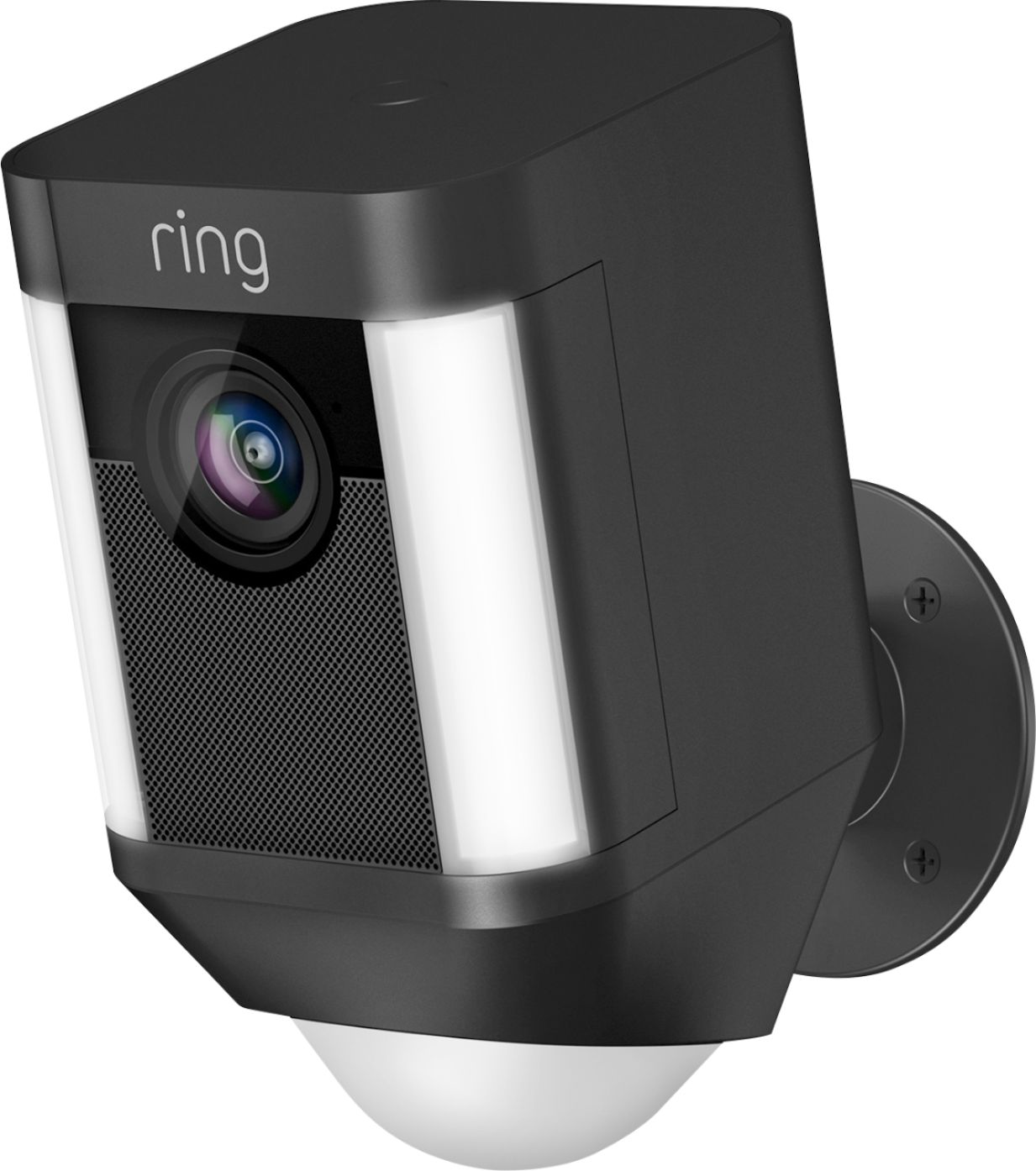
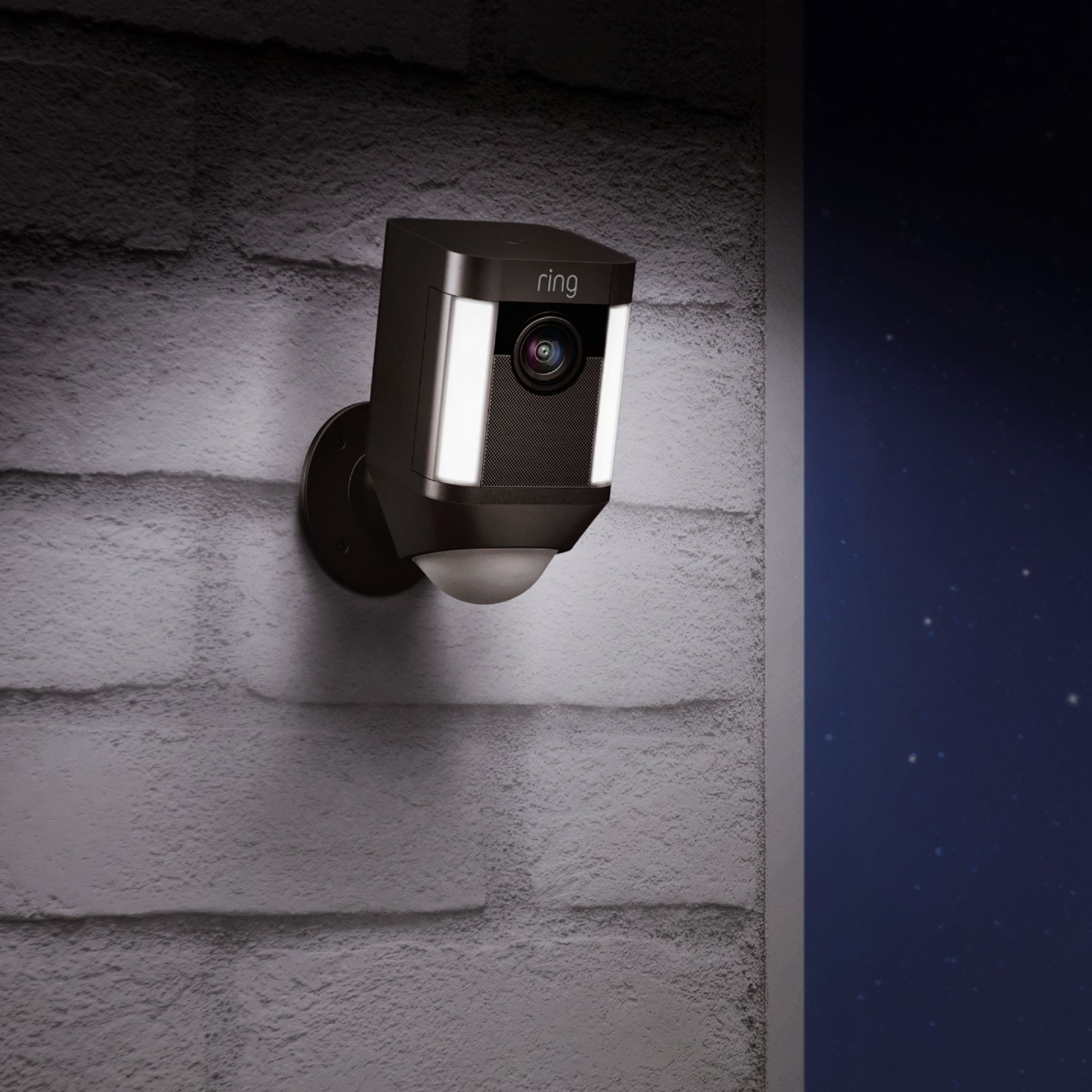
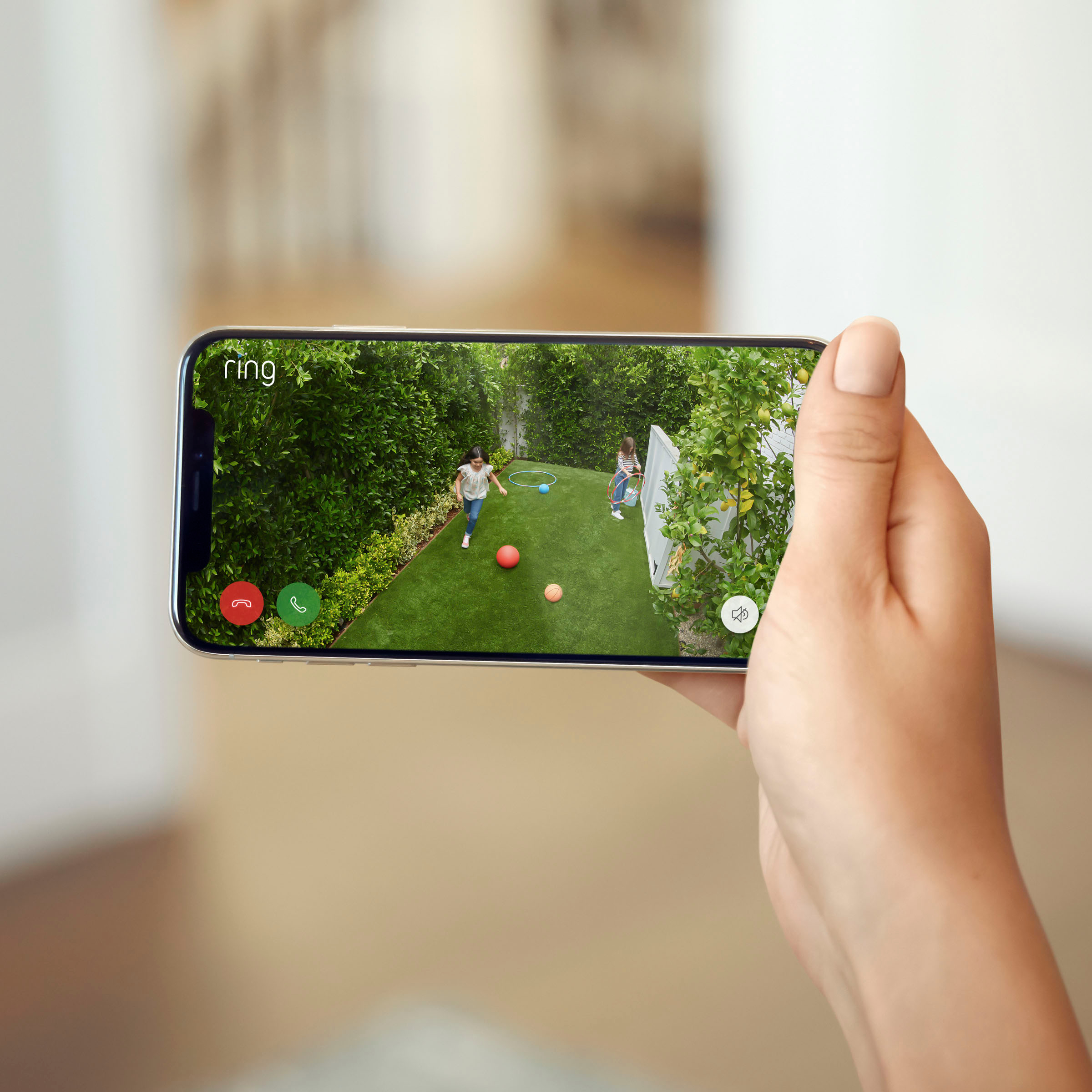
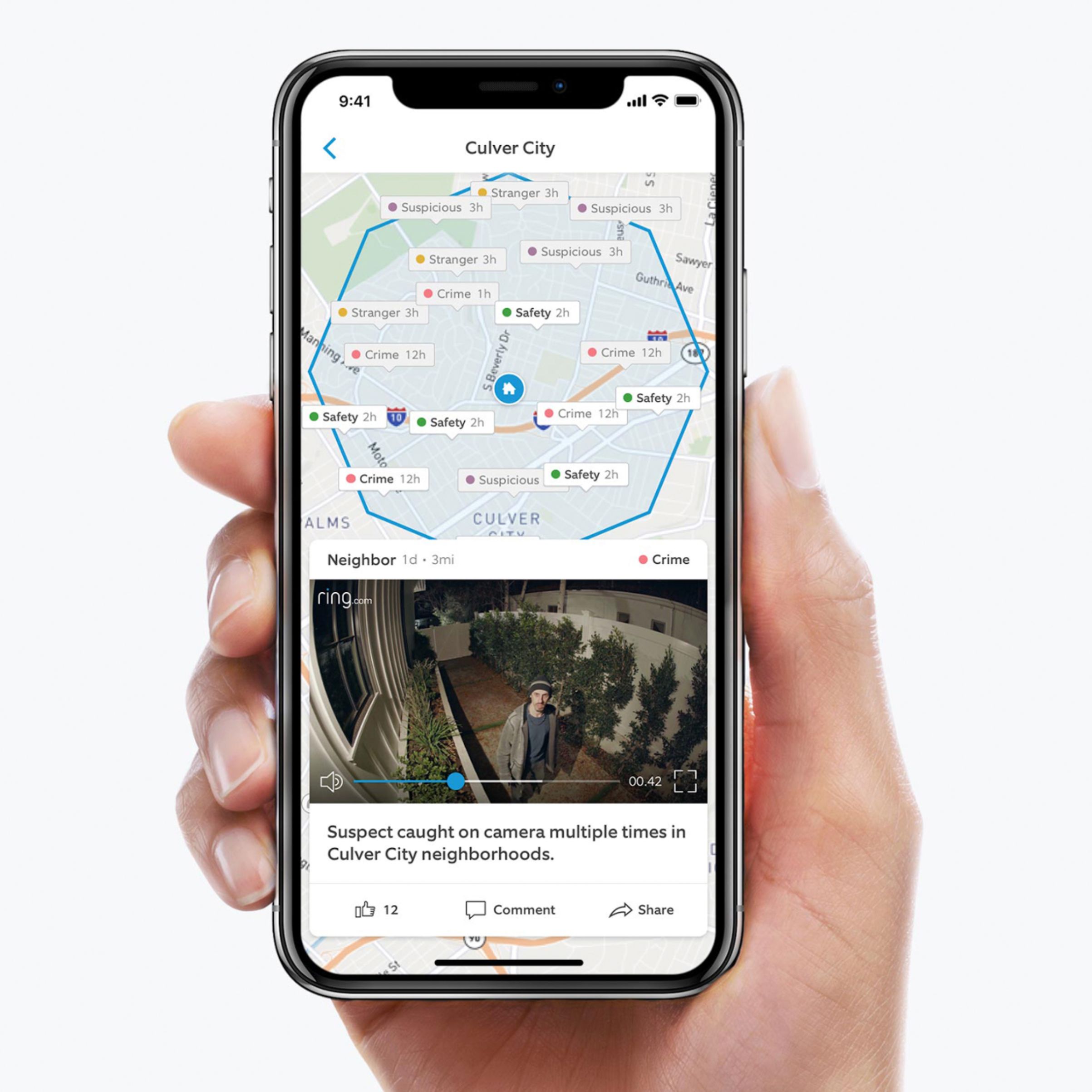



- Model:
- 8SB1S7-BEN0
- SKU:
- 5937004
Rating by feature
- Value
Rating 4.4 out of 5 stars
- Quality
Rating 4.6 out of 5 stars
- Ease of Use
Rating 4.6 out of 5 stars
Customers are saying
Customers are impressed with the Spotlight Cam Wire-free's camera quality, ease of use, and installation process. Many appreciate its motion detection, security features, bright light, and night vision capabilities. However, some customers have expressed concerns about the battery life, connectivity, price, and recording time. The solar panel and field of view are also well-received features.
This summary was generated by AI based on customer reviews.
Not good camera....spend a bit more for Arlo pro2
||Posted .This reviewer received promo considerations or sweepstakes entry for writing a review.I am stuck with two of them and they are very suck. There is a big lag in capture the event, and you must pay more for the records. I spend a bit more to buy the Arlo pro 2 and they are great and I do not have to spend money for my old records up to a week. Also, Arlo have option to record 24/7 with an extra fee.
No, I would not recommend this to a friendBrand response from Ring
Posted .Hi Thaphl,
I am sorry to hear about this less than excellent Ring experience. The delay is normally attributed to WiFi/bandwidth connection but we'd be happy to further investigate this for you. Additionally, do you have any major appliances between your router and device? Would you kindly reach me at kaitlyn.rosenthal@ring.com today so that we can improve your Ring experience please?
I would appreciate your time.
Kaitlyn R., Customer Satisfaction Specialist
Kaitlyn.rosenthal@ring.com
For the money, low resolution.
||Posted . Owned for 3 weeks when reviewed.This reviewer received promo considerations or sweepstakes entry for writing a review.It covers maybe 100SF. Resolution is poor compared to other security devices. Installation and set up is tricky to say the least.
No, I would not recommend this to a friendDisappointed
||Posted .This reviewer received promo considerations or sweepstakes entry for writing a review.We had issues with the strength of our WIFI even after we bought an enhanced router from Verizon. The strength would fluctuate during the day. It was better in the morning and afternoon but poor at night. We always were getting alerts in the early morning when traffic was going by even though the camera was set up to not include the street. During the rest of the day we did not get traffic alerts. We returned it today and will try an Arlo instead
No, I would not recommend this to a friendBrand response from Ring
Posted .Hello Linda,
Thank you for taking a moment to leave your review on the Ring Spotlight Camera. At Ring, we believe that stronger communities are the key to safer neighborhoods. That is why we are driven to create products that help you protect what matters most at home, and empower you to connect with your visitors from wherever you are. We are saddened to read that this device did not meet your expectations, but are still here to assist you, if needed.
If you still have the Ring device in your possession, we invite you to reach out to us at https://community.ring.com/. Ring Community is our first peer-to-peer community forum, giving our customers the ability to help one another and share their personal feedback/experiences with Ring. We look forward to hearing from you, if we can be of any further assistance!
Thank you,
Jamila with Ring
Wireless option not that great
||Posted . Owned for 3 weeks when reviewed.This reviewer received promo considerations or sweepstakes entry for writing a review.If you are looking for a wireless this is not the one. I was just out side my garage and it couldn't keep the signal even with a booster.
No, I would not recommend this to a friend- Cons mentioned:Battery life
nogood
||Posted . Owned for 1 month when reviewed.This reviewer received promo considerations or sweepstakes entry for writing a review.very bad mistake. never has worked right or charged batteries.
No, I would not recommend this to a friendBrand response from Ring
Posted .Hello 120421,
Thank you for taking a moment to leave your review on the Ring Spotlight Camera. At Ring, we believe that stronger communities are the key to safer neighborhoods. That is why we are driven to create products that help you protect what matters most at home, and empower you to connect with your visitors from wherever you are. We are saddened to read that this device did not meet your expectations, but are still here to assist you, if needed.
Based on your review, it seems that you are having trouble keeping your Ring Spotlight Camera battery charged. If this is the case, you may want to adjust your motion settings. Motion Frequency is a control in the Ring app that allows you to customize motion alerts to your home environment and preserve battery life. When the areas that you’re monitoring have excessive or repetitive motions, such as children playing in a yard, you may receive too many alerts, which can drain battery-operated devices too fast. Motion frequency controls were designed to help you get the notifications that you want and preserve battery life. Here is a helpful article that explains this feature in more detail: https://support.ring.com/hc/en-us/articles/115003477106-Understanding-and-Optimizing-Motion-Detection-with-Motion-Frequency.
If you still have the Ring device in your possession, we invite you to reach out to us at https://community.ring.com/. Ring Community is our first peer-to-peer community forum, giving our customers the ability to help one another and share their personal feedback/experiences with Ring. We look forward to hearing from you, if we can be of any further assistance!
Thank you,
Jamila with Ring
Not Good for me!
||Posted . Owned for 1 week when reviewed.This reviewer received promo considerations or sweepstakes entry for writing a review.It is not what I expected it dont pick up the car or people that come in my driveway unless you are right up under it.
No, I would not recommend this to a friendBrand response from Ring
Posted .Hello Jump26,
Thank you for taking a moment to leave your review of the Ring Spotlight Camera. At Ring, we believe that stronger communities are the key to safer neighborhoods. That is why we are driven to create products that help you protect what matters most at home and empower you to connect with your visitors from wherever you are. We are saddened to read that this device did not meet your expectations, but we are still here to assist you if needed.
Based on your review, it seems that you are having trouble with your Ring Spotlight Camera picking up the correct motion. If this is the case, you may want to adjust your motion settings. Motion Frequency is a control in the Ring app that allows you to customize motion alerts for your home environment. When the areas that you’re monitoring have excessive or repetitive motions, such as children playing in a yard, you may receive too many alerts, which can drain battery-operated devices too fast. Motion frequency controls are designed to help you get the notifications that you want and preserve battery life. Here is a helpful article that explains this feature in more detail: https://support.ring.com/hc/en-us/articles/115003477106-Understanding-and-Optimizing-Motion-Detection-with-Motion-Frequency.
If you still have the Ring device in your possession, we invite you to reach out to us at https://community.ring.com/. Ring Community is our first peer-to-peer community forum, giving our customers the ability to help one another and share their personal feedback and experiences with Ring. We look forward to hearing from you if we can be of any further assistance!
Thank you,
Jamila with Ring
Ring Cameras/RIng Doorbell
||Posted . Owned for 2 weeks when reviewed.This reviewer received promo considerations or sweepstakes entry for writing a review.havent gotten a chance to see if it works yet, when it was being installed, amazon/ring was down.
No, I would not recommend this to a friendBrand response from Ring
Posted .Hello ppineda,
Thank you for leaving a review.Our top priority at Ring is to ensure that our customers have the best possible experience with our products. We really appreciate your feedback. Our team is always striving to improve our products and their performance.
We would love to hear more about your experience with Ring. We invite you to share your experience with other Ring users, like yourself, on our Ring Community page: https://community.ring.com/.
Thank you, Jamila, with Ring.
Not happy
||Posted . Owned for 3 weeks when reviewed.This reviewer received promo considerations or sweepstakes entry for writing a review.Although I have notifications on it doesn't alert me all the time, only when it wants to.
No, I would not recommend this to a friendBrand response from Ring
Posted .Hello Upsetinlares,
We are thankful for your feedback regarding your experience with the Ring Stickup Camera. We are constantly pushing ourselves to develop products to empower users with an affordable, effective way to monitor and secure their home. In pursuit of our mission to make neighborhoods safer, when applying technologies to our business, we always consider our three pillars of customer security, privacy, and user control. We understand how important it is to have your devices working as intended, as it offers a level of security in your home.
Based on your review, it seems that you are having trouble with your Ring Stickup Camera picking up the correct motion. The Stick Up Cam uses infrared motion capturing to detect motion, within its field of view. You can use the Ring app to determine the Stick Up Cam’s motion detection range and the specific zones where motion will trigger a smart alert. These settings help ensure that the Stick Up Cam will capture the events you want to see and ignore the ones you don’t. Here is a helpful article with more information on how to resolve motion concerns with your device: https://support.ring.com/hc/en-us/articles/213106363-How-to-Set-Up-Motion-Detection-for-Your-Stick-Up-Cam.
Also, Ring Community is our first peer-to-peer community forum, giving our customers the ability to help one another and share their experiences with Ring directly. We invite you to reach out at https://community.ring.com/ if any additional information is needed regarding your Ring Stickup Camera device and its performance.
Thank you,
Jamila with Ring
- Cons mentioned:Battery life
Poor
||Posted . Owned for 7 months when reviewed.This reviewer received promo considerations or sweepstakes entry for writing a review.Batteries do not hold a charge and the video is very poor. All Ring products are poor!
No, I would not recommend this to a friendBrand response from Ring
Posted .Hello Jmlw,
Thank you for leaving a review of the rechargeable lithium-ion battery and sharing your user experience with us. We understand how important it is to ensure that the battery is holding its proper charge and how cumbersome recharging the batteries can be. While batteries in Ring devices can go months between recharges with normal use, this is dependent on a number of factors in your home’s environment, such as the local weather and the number of activities captured. Please know that we are here to resolve these concerns with you today.
This article will detail some of the factors that may cause your battery to require more frequent recharges: support.ring.com/hc/en-us/articles/208190773. The more events are captured by your Ring device, the more your battery is used. Also, using Live View often can drain your battery faster. If your device is capturing an excessive number of events each day, you may need to recharge your battery sooner. In order to prevent excessive activity, you can adjust your motion settings to a lower sensitivity, disable certain zones, change the motion frequency to "regularly or periodically," or adjust the direction of your Ring device, so it doesn’t detect as much motion.
If after trying these steps, you are still experiencing issues, we would love to investigate this further with you. Please feel free to check out our community forum at https://community.ring.com/for additional tips and support!
Thank you,
Jamila and the Ring
Camera and light works well but there is issues
||Posted . Owned for 1 month when reviewed.This reviewer received promo considerations or sweepstakes entry for writing a review.The place where you insert the batteries does not stay closed because the clasp won’t lock
No, I would not recommend this to a friendBrand response from Ring
Posted .Hi CStark,
We understand how important it is to keep your device's batteries secure. The Ring Spotlight Cam - Battery is designed to do just that, bringing you peace of mind. Please know that we hear your concern and are here to help.
The battery compartment on your Spotlight Camera is best closed starting from the end with the hinge. Once that edge has made full contact, firmly press the lid closed slowly. You'll hear it 'click' once locked.
If you suspect your lid is not functioning as intended, please reach us directly. We'd be more than happy to help you find the best way forward.
Regards,
Marlom at Ring
- Cons mentioned:Connectivity
Connectivity Problems
||Posted .This reviewer received promo considerations or sweepstakes entry for writing a review.Unfortunately, we had to return the camera. We could not get it to connect to function.
No, I would not recommend this to a friendBrand response from Ring
Posted .Hello Tried,
Thank you for taking the time to share your experience with the Ring Spotlight Camera Battery.
We understand how vital it is that your Ring Spotlight Camera Battery connects seamlessly so you can monitor your home as intended. We would love to offer some tips and tricks for getting your Ring device online as quickly as possible.
It sounds like your Ring Spotlight Camera Battery was unable to connect to your home’s wifi. When setting up a new Ring device that’s battery-powered, your battery will only be partially charged when you receive it. Your battery will need to be plugged in for 6–8 hours to be fully charged. If you have attempted to set up your device multiple times and failed, you may need to fully charge the battery before you can successfully set up your device. Another helpful tip is to attempt the setup process in the same room as your router. This ensures the device connects quickly to the home wifi network and is able to do all of the software updates it needs to, after a successful setup.
If your device still will not set up, please visit our support center for additional solutions: https://support.ring.com/hc/en-us/articles/217240386-In-app-Setup-Failing-Repeatedly.
You can also visit the Ring Community. The Ring Community is our first peer-to-peer community forum, giving our customers the ability to help one another and share their feedback/experiences with Ring. We invite you to reach out at https://community.ring.com/ if any additional information is needed regarding your Ring Spotlight Camera Battery concern.
All the Best,
Nicole with Ring
- Pros mentioned:Camera quality
Disappointed
||Posted . Owned for 3 weeks when reviewed.This reviewer received promo considerations or sweepstakes entry for writing a review.Camera good in daylight, image at night was poor not good at all.
No, I would not recommend this to a friendBrand response from Ring
Posted .Hello Lamar,
We can understand the importance of the video displaying correctly. It is important that the features available to you on your Spotlight Cam meet your needs and expectations. We do appreciate that you have placed value in owning a Ring product for your home security.
Poor video quality can be attributed to the wifi/bandwidth connection. One of the most important measurements in your Ring security network is the strength of your wifi signal. You may run a special connectivity test at any time to see if a bad wifi connection is responsible for problems with your device. We have included step by step instructions below:
-Open Ring app
-Hamburger Menu/ 3 Lines
-Select Devices
-Select a Ring device
-Select Device Health
-Select "Test your Wifi" under the Tools Section
-Tap "Start test
-Once the test is done, Enter your Results from the Speed test
Sometimes, even with high internet speeds, the connection is not as strong at the location of the Ring device. This article can help guide you towards having a better connection: https://support.ring.com/hc/en-us/articles/360020044511-How-to-Make-Wifi-Work-For-You.
Ring Community launched in March 2019 to help deliver the most current news and educational information to our customers. You can find tips and tricks from other Ring users at https://community.ring.com/. This peer-to-peer forum allows our neighbors to share their feedback and experiences to assist each other in resolving their concerns.
Thank you,
Antonio from Ring
No Wifi connection through block
||Posted . Owned for 3 weeks when reviewed.This reviewer received promo considerations or sweepstakes entry for writing a review.Our home is block. But our modem and router is in the front room of the house with large windows. We tried setting the camera up over the garage less than 50’ away to no avail (I get wifi much farther out with other electronics). Bought a chime pro and still nothing. Worked fine as long as it was (literally) right next to the router but not outside. What’s the point?
No, I would not recommend this to a friendBrand response from Ring
Posted .Hello Paula,
We understand how important it is to experience a reliable connection to your home security devices. The Ring Chime Pro is intended to help better your connection to Ring doorbells and cameras. With proper placement and the Chime Pro Network, you should notice a significant difference. Our team is here to ensure that is the case.
Placement of your Chime Pro is key. For the initial setup of the Chime Pro, place it within a 20 feet radius of your router to ensure a successful setup. Once the unit is set up, move your Chime Pro halfway between the router and the Ring device.
If your Chime Pro has trouble re-connecting, then it might be due to interference. Some things that can cause interference include (but are not limited to):
* Materials such as stucco, brick, or concrete.
* House appliances such as microwaves.
* Electronic devices such as televisions, game systems, or wifi enabled devices.
To ensure best performance, please test a few different locations. You’ll find that one area provides the best performance. We invite you to visit our Community Forum for some additional tips and tricks, as well as additional support. All the Best, Jamila at Ring
- Cons mentioned:Battery life
not good
||Posted . Owned for 8 months when reviewed.This reviewer received promo considerations or sweepstakes entry for writing a review.the camera stopped working when I charge the battery, it also happened to my neighbor
No, I would not recommend this to a friendBrand response from Ring
Posted .Hello jorge,
Thank you for taking the time to share your Ring Spotlight Camera experience with us. We appreciate it. Our products are intended to provide you with long-term peace of mind in terms of home security.Ring devices all include a one-year limited warranty on parts and hardware: https://ring.com/warranty. If you are a Ring Protect Plus member, an added benefit of this plan is an extended product warranty that would cover replacement for the lifetime of the device. Rest assured, whether you are a Protect Plus member or not, we do have some solutions that can resolve your concerns and ensure you have a Ring device that is capturing visitors around your home when you need it most!
To obtain the benefit of the limited warranty, please contact Ring community support at http://support.ring.com/or 1 (800) 656-1918 (US). For any additional questions or concerns, please feel free to reach out on our community forum at https://community.ring.com/. This forum was launched in 2019 to allow our neighbors to share their experiences and feedback directly with Ring.
We are eager to get a solution in place for you so you can monitor your home and get notified in a timely manner of visitors approaching your door. We look forward to hearing from you soon!
Thank you, Jamila with Ring.
- Cons mentioned:Battery life
Returned
||Posted .This reviewer received promo considerations or sweepstakes entry for writing a review.Wasn't what I expected. The video didn't have good quality. The batteries were dead within couple a weeks.
No, I would not recommend this to a friendBrand response from Ring
Posted .Hi Chaser67,
Oh no, this is not the Ring experience that we intended for you to have. At this point, I would appreciate the chance to connect with you directly so that I can both follow up on your return as well as provide you with some additional options to improve your Ring experience.
Would you please email me at Kaitlyn.rosenthal@ring.com?
I would appreciate your time.
Kaitlyn R., Neighbor Satisfaction Specialist
Kaitlyn.rosenthal@ring.com
Disappointed with installation
||Posted . Owned for 1 month when reviewed.This reviewer received promo considerations or sweepstakes entry for writing a review.Product is ok. Not able to reach technician who installed system with questions. This is not satisfactory.
No, I would not recommend this to a friendBrand response from Ring
Posted .Hello,
We understand the importance of receiving the customer support you deserve. As a Ring user, you should be able to reach our customer support contact center for live support. Rest assured, we hear your concern and are here to help.
It sounds like you hired a third party company's technician to install your Ring device. If you're unable to reach them, we encourage you to contact Ring directly for support.
You can visit our website at Ring.com, and select the chat bubble on the bottom right-hand corner. Type in Customer Support, and you'll be given the option for live chat or phone support.
Please reach us directly when you get a moment. We're confident that we can help turn your experience around.
Regards,
Marlom at Ring
Garbage!!
||Posted . Owned for 1 month when reviewed.This reviewer received promo considerations or sweepstakes entry for writing a review.Garbage. Save your money. Long load times if they worn at all. Streaming errors then hours later it works fine. This goes for all these ring devices. One day the doorbell won’t connect but side and back cameras work. Or the side cams won’t connect but the others do. Just garbage.
No, I would not recommend this to a friendBrand response from Ring
Posted .Hello ShawnG,
We know how important it is to have peace of mind when it comes to your security and receiving notifications plays a significant role in having that sense of security. For our consumers, we want to ensure that you are notified of who may be near your home at all times. Please know that it is a priority for us to be of assistance and find a resolution to your notification concern.
Ring understands the importance of being connected to live events in the moment. If you have recently received a notification on your mobile device or if you have gotten a blurry screen along with a message that the Ring App is having trouble connecting to the Ring device, this can be attributed to wifi connection. The three most common causes of this problem are the following:
* A poor connection between your mobile device and the internet
* Slow internet upload and download speeds
* A poor connection between your Ring device and your router.
If your signal is poor or very poor, this can be caused by the distance between the router and your Ring product, the layout of your home, or the materials in your walls. Our Ring Chime Pro may be a good fit for you and your network environment. We would love to improve this for you once and for all. Please reach out to us directly so we can ensure your Ring Spotlight Cam and other Ring devices are working up to your expectations. Please reach out to us directly via our community forum at https://community.ring.com/.
All the best,
Antonio from Ring
Not as good
||Posted . Owned for 2 weeks when reviewed.This reviewer received promo considerations or sweepstakes entry for writing a review.Work good for 2 days. Not good at night.. the regular ones work better for less the price
No, I would not recommend this to a friendBrand response from Ring
Posted .Hello Bkk836,
Thank you for taking a moment to leave your review of the Ring Spotlight Camera. At Ring, we believe that stronger communities are the key to safer neighborhoods. That is why we are driven to create products that help you protect what matters most at home, and empower you to connect with your visitors from wherever you are. We are saddened to read that this device did not meet your expectations, but are still here to assist you, if needed.
Based on your review, it seems that you are having trouble with your Ring Spotlight Camera picking up the correct motion. If this is the case, you may want to adjust your motion settings. Motion Frequency is a control in the Ring app that allows you to customize motion alerts to your home environment. When the areas that you’re monitoring have excessive or repetitive motions, such as children playing in a yard, you may receive too many alerts, which can drain battery-operated devices too fast. Motion frequency controls were designed to help you get the notifications that you want and preserve battery life. Here is a helpful article that explains this feature in more detail: https://support.ring.com/hc/en-us/articles/115003477106-Understanding-and-Optimizing-Motion-Detection-with-Motion-Frequency.
If you still have the Ring device in your possession, we invite you to reach out to us at https://community.ring.com/. Ring Community is our first peer-to-peer community forum, giving our customers the ability to help one another and share their personal feedback/experiences with Ring. We look forward to hearing from you, if we can be of any further assistance!
Thank you,
Jamila with Ring
okay
||Posted . Owned for 3 weeks when reviewed.This reviewer received promo considerations or sweepstakes entry for writing a review.Average product, horrible app. Night vision is bad. Saw something walk across our yard. Was it a cat, dog, rabbit, who knows.
No, I would not recommend this to a friendNot so good!
||Posted .This reviewer received promo considerations or sweepstakes entry for writing a review.Ring security systems are great however there's an exception in this particular unit being it
No, I would not recommend this to a friendBrand response from Ring
Posted .Hello RLM1234, We are thankful for your feedback. We are constantly pushing ourselves to develop products to empower users with an affordable, effective way to monitor and secure their home. In pursuit of our mission to make neighborhoods safer, when applying technologies to our business, we always consider our three pillars of customer security, privacy, and user control. We understand how important it is to have your devices working as intended, as it offers a level of security in your home. Based on your review, it seems that you are not fully satisfied with your Ring Spotlight Camera. If your device is not working as intended, we recommend resetting your device. To reset your Spotlight Camera, press and hold the setup button for 10-15 seconds and release. Once the white light on the front of the device stops spinning, proceed with the setup process. If you still have the Ring device in your possession, we invite you to reach out to us at https://community.ring.com/. We look forward to hearing from you, if you have any further feedback regarding your overall experience. Thank you, Jamila with Ring.