Customer Ratings & Reviews

- Model:
- B08JNR77QY
- SKU:
- 6459035
Rating by feature
- Video Quality
Rating 4.7 out of 5 stars
- Mobile App
Rating 4.7 out of 5 stars
- Sound Quality
Rating 4.6 out of 5 stars
Customers are saying
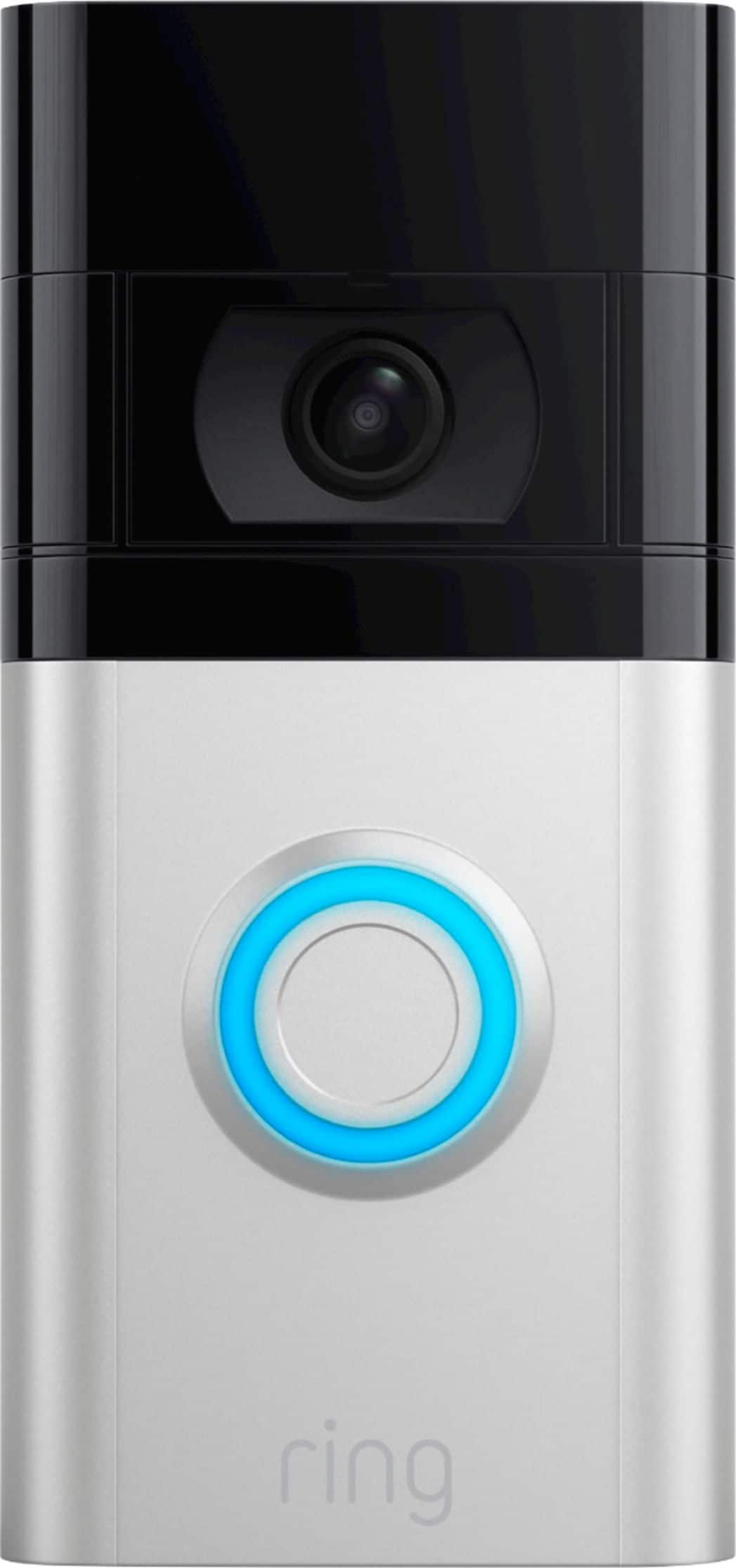
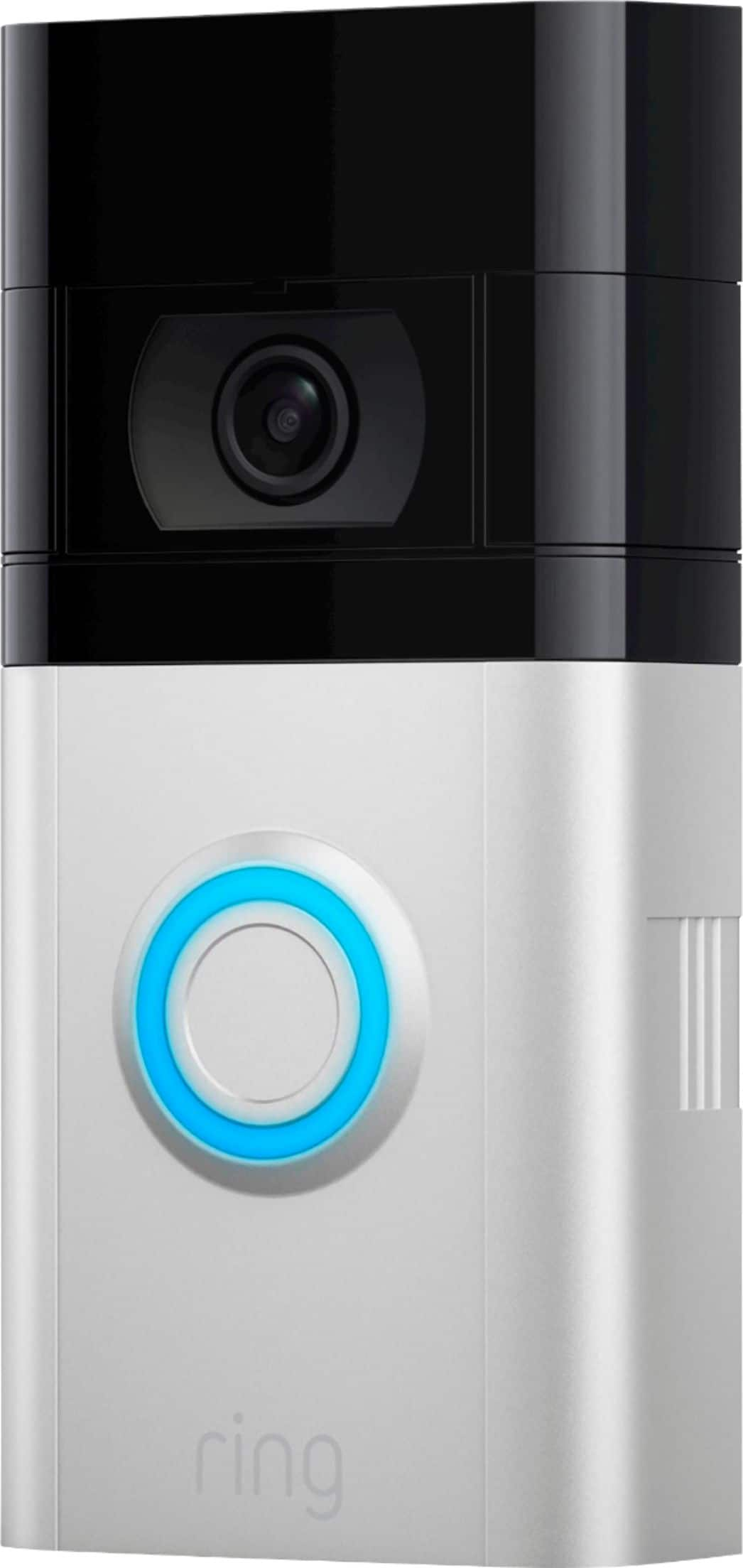
Customers are positive about the Video Doorbell 4's video quality, ease of use, and battery life, with many praising the simple installation process. They also appreciate the added security and night vision capabilities. However, some customers have reported issues with the motion detection and a few have noted concerns about the field of view and the device's overall reliability. The size of the doorbell has also been a point of concern for some users.
This summary was generated by AI based on customer reviews.
- Pros mentioned:Video quality
Good purchase
||Posted . Owned for 1 month when reviewed.This reviewer received promo considerations or sweepstakes entry for writing a review.Very good product… Good quality too… Good price too…
I would recommend this to a friend - Pros mentioned:Video quality
Camera
||Posted . Owned for 1 week when reviewed.This reviewer received promo considerations or sweepstakes entry for writing a review.Good camera i intaklit and working good!Thank you be
I would recommend this to a friend - Pros mentioned:Ease of use
This product is perfect
||Posted . Owned for 1 month when reviewed.This reviewer received promo considerations or sweepstakes entry for writing a review.Simply... It's excellent, easy to install and operate
I would recommend this to a friend - Pros mentioned:Ease of use
Great product
||Posted . Owned for 3 weeks when reviewed.This reviewer received promo considerations or sweepstakes entry for writing a review.Love this product. Does just what it says and more.
I would recommend this to a friend - Pros mentioned:Ease of use
This ring device works like a charm easy to instal
||Posted . Owned for 3 weeks when reviewed.This reviewer received promo considerations or sweepstakes entry for writing a review.This ring device works like a charm easy to install.
I would recommend this to a friend Not so good
||Posted . Owned for 3 weeks when reviewed.This reviewer received promo considerations or sweepstakes entry for writing a review.Not working good. Alerts 50% of the time. Don’t like the visuals
No, I would not recommend this to a friendBrand response from Ring
Posted .Hi Chloebear.
Thank you for taking the time to share your experience with us. We understand how important it is to have your Ring Video Doorbell 4 capture all the correct motion events. The Ring Video Doorbell 4 was designed to capture motions based on your specifications to help keep your home secure. We are here to provide you with some information to resolve the issue you mentioned in your review.
It sounds like the device is not performing as expected. It is important to ensure that you have the proper motion settings in place for your environment. This camera uses adjustable motion detection and runs on passive infrared sensors. The system identifies visitors via a moving heat signature and sends a notification to your smart device when one is detected. You can adjust three preset motion zones and their distances under the "Motion Settings" tab on the device's page in the Ring app. Additionally, you can choose how often the camera checks for movement in those predefined zones via the "Motion Frequency" setting. If you find that your camera is missing some motions, please set the motion frequency to "Frequently."
Accuracy in motion detection can also be improved by enabling the "Smart Alerts" feature for people only in your Ring app. To enable "Smart Alerts," please follow these steps:
Tap the menu (≡) on the top left.
Tap "Devices."
Tap the device that you want to adjust.
Tap "Motion Settings."
Tap "Smart Alerts."
Tap "Enable Feature."
Tap "Continue."
Select the notification options that you want for "Person" and "Other Motion."
You'll see a video camera where you can select or de-select recording and a bell icon to represent alert notifications.
After you've adjusted your settings, tap "Done."
If any additional information is needed regarding your Ring Video Doorbell 4, please reach out to our community. Ring Community is our first peer-to-peer community forum, giving our customers the ability to help one another and share their feedback and experiences directly with Ring.
Thank you,
Melissa from Ring.
The best from Ring
||Posted . Owned for 1 month when reviewed.This reviewer received promo considerations or sweepstakes entry for writing a review.This is my preferred doorbell camera, Of course much of the benefits are due to the Ring app but as a piece of hardware I cannot find any problems with it. It doesn't do face recognition but it can be integrated with other devices in a more flexible way.
I would recommend this to a friendDies fast
||Posted . Owned for 3 months when reviewed.This reviewer received promo considerations or sweepstakes entry for writing a review.It’s great. Just seems to die very easily. Disappointed in the product.
No, I would not recommend this to a friendBrand response from Ring
Posted .Hi AdeenaG.
Thank you for taking the time to share your experience with us. We understand the need to have your Ring Video Doorbell 4 function consistently and reliably so that you can effectively monitor your home. Having longevity in a battery-powered security device, such as the Ring Video Doorbell 4, is crucial when it comes to monitoring your home, especially if you are away for long periods of time. We would like to provide you with solutions to the battery life concerns you are experiencing today!
There are some troubleshooting steps that you can take to ensure that you have your device set up for optimal battery-life performance. The more events captured by your Ring devices, the more your battery is used. Using "Live View" can also drain your battery faster. If your device is capturing an excessive number of events each day, you may need to recharge your battery sooner.
To prevent excessive activity, under "Motion Settings" for your device in the Ring app, you can:
Adjust your "Motion Sensitivity" slider to a lower sensitivity.
Redraw your "Customizable Motion Zones."
Change "Motion Frequency" to regularly or periodically.
You could also adjust the direction of your Ring device so it doesn't detect as much motion.
You can go to "Power Settings" in the Ring app to see what features may be draining your battery.
To access "Power Settings," open the Ring app:
Tap the menu (≡) on the top left of the dashboard.
Tap "Devices."
Tap the individual device (video doorbell or security camera) you want to check.
Tap "Power Settings" to check your "Battery Level" percentage and "Feature Power Usage."
Tap a feature to adjust "Snapshot Capture," "Motion Frequency," and "Video Recording Length.".
Ring Community was launched to help deliver the most current news and educational information to our neighbors. This online forum is divided into four categories: Product Boards, Ring Updates, Tips + Tricks, and a Moderators’ Corner. The Product Boards are where you can begin new topics with your questions or feedback; there is also a search option that helps you find topics that have already been posted by other neighbors. We invite you to visit our community if additional information is needed on your Ring Video Doorbell 4.
Thank you,
Melissa from Ring.
- Pros mentioned:Video quality
Ring Doorbell 4
||Posted . Owned for 3 weeks when reviewed.This reviewer received promo considerations or sweepstakes entry for writing a review.Excellent video quality. Sensitivity is a bit troublesome to get right.
I would recommend this to a friend - Pros mentioned:Video quality
Quality
||Posted .This reviewer received promo considerations or sweepstakes entry for writing a review.Quality product!!! Good price!!! Quality picture!!
I would recommend this to a friend Excellent choice
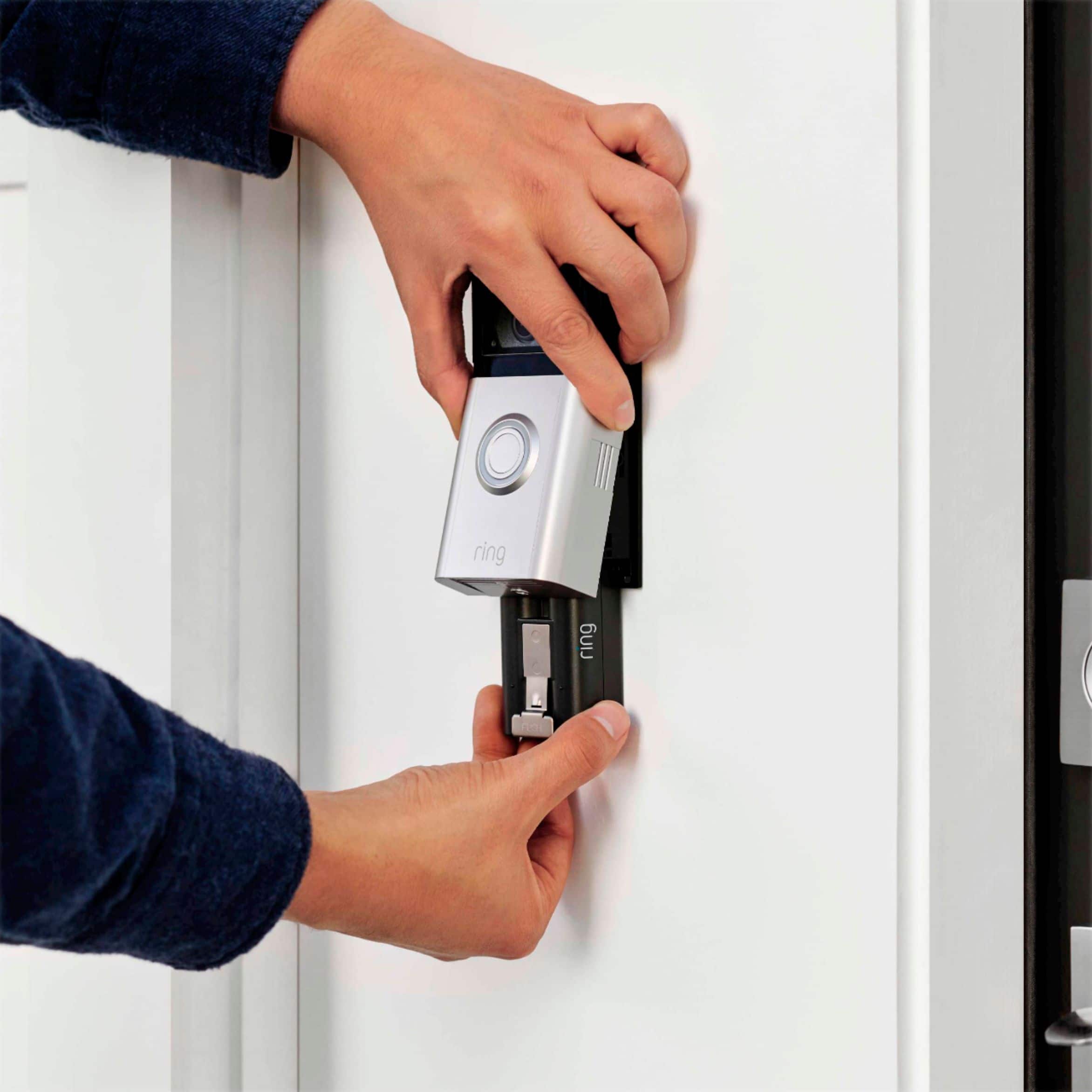
||Posted . Owned for 1 month when reviewed.This reviewer received promo considerations or sweepstakes entry for writing a review.This is the bestvdoorbell I've had. When I charge my easy renovable battery and I insert it back in, the doorbel connects without having to go tru the set up process every time as with der models. This is a plus for me. I'm very happy with this Ring doorbell. I recommend it.
I would recommend this to a friend- Pros mentioned:Installation
Great replacement for Ring Doorbell 2
||Posted . Owned for 1 month when reviewed.This reviewer received promo considerations or sweepstakes entry for writing a review.This replaced my Ring doorbell 2. Easy install and easy setup.
I would recommend this to a friend - Pros mentioned:Security
Good camera
||Posted . Owned for 3 weeks when reviewed.This reviewer received promo considerations or sweepstakes entry for writing a review.Great security eyes on your property when you're away.
I would recommend this to a friend Ring doorbell
||Posted . Owned for 1 month when reviewed.This reviewer received promo considerations or sweepstakes entry for writing a review.Doesn’t always record everything. Lots of error messages
I would recommend this to a friendBrand response from Ring
Posted .Hi Cat54.
Thank you for taking the time to share your experience with us. We understand how important it is to have your Ring Video Doorbell 4 capture all the correct motion events. The Ring Video Doorbell 4 was designed to capture motions based on your specifications to help keep your home secure. We are eager to provide you with a solution for your motion detection concern.
It sounds like the device is not performing as expected. Video Doorbell 4 is Ring’s battery video doorbell with features including color "Pre-Roll" technology, 1080p HD video, two-way talk, "Advanced Motion Detection," enhanced dual-band wifi and "Quick Replies." With color "Pre-Roll," users can see even more of what’s happening outside their front door. With an additional 4-second color video preview of each motion event, the doorbell will automatically start recording before users even receive an alert.
This camera uses adjustable motion detection and runs on passive infrared sensors. The system identifies visitors via a moving heat signature and sends a notification to your smart device when one is detected. You can adjust three preset motion zones and their distances under the "Motion Settings" tab on the device's page in the Ring app. Additionally, you can choose how often the camera checks for movement in those predefined zones via the "Motion Frequency" setting. If you find that your camera is missing some motions, please set the motion frequency to "Frequently."
Accuracy in motion detection can also be improved by enabling the "Smart Alerts" feature for people only in your Ring app. To enable "Smart Alerts," please follow these steps:
Tap the menu (≡) on the top left.
Tap "Devices."
Tap the device that you want to adjust.
Tap "Motion Settings."
Tap "Smart Alerts."
Tap "Enable Feature."
Tap "Continue."
Select the notification options that you want for "Person" and "Other Motion."
You'll see a video camera where you can select or de-select recording and a bell icon to represent alert notifications.
After you've adjusted your settings, tap "Done."
If any additional information is needed regarding your Ring Video Doorbell 4, please reach out to our community. Ring Community is our first peer-to-peer community forum, giving our customers the ability to help one another and share their feedback and experiences directly with Ring.
Thank you,
Melissa from Ring.
- Pros mentioned:Video quality
Nice quality
||Posted .This reviewer received promo considerations or sweepstakes entry for writing a review.Nice camera quality. We can see a good portion of the yard as well as the door
I would recommend this to a friend - Pros mentioned:Installation
Easy Setup
||Posted . Owned for 3 weeks when reviewed.This reviewer received promo considerations or sweepstakes entry for writing a review.Setup was easy. Replaced an earlier Ring doorbell that only lasted a year.
I would recommend this to a friend New Ring
||Posted . Owned for 3 weeks when reviewed.This reviewer received promo considerations or sweepstakes entry for writing a review.We have had a ring for over 5 years and had to replace the older version. This ring is great for watching the front walk as well as sending away unwanted solicitors! We found we could talk to these people and discovered they don't like talking to a doorbell! Love it..
I would recommend this to a friend- Pros mentioned:Video quality
Good
||Posted . Owned for 2 weeks when reviewed.This reviewer received promo considerations or sweepstakes entry for writing a review.This is a excellent product, use it daily to check whose at my door.
I would recommend this to a friend home door bell no longer useable
||Posted . Owned for 3 weeks when reviewed.This reviewer received promo considerations or sweepstakes entry for writing a review.all is good except it disconnected my home doorbell
I would recommend this to a friendBrand response from Ring
Posted .Hi Arod.
Thank you for taking the time to share your experience with us. We understand the importance of a seamless setup process so that you can begin using your Ring Video Doorbell 4 right away. The features and technology provided by the Ring Video Doorbell 4 are incredibly valuable and help provide you with peace of mind about your home security. We can definitely provide you with more information regarding the concern that you mentioned in your review.
It sounds like the device is not performing as expected. The Ring Video Doorbell 4 is Ring’s battery video doorbell with features including color "Pre-Roll" technology, 1080p HD video, two-way talk, "Advance Motion Detection," enhanced dual-band wifi and "Quick Replies." With color "Pre-Roll," users can see even more of what’s happening outside their front door. With an additional 4-second color video preview of each motion event, the doorbell will automatically start recording before users even receive an alert.
To automatically detect and configure your in-home chime:
Open the Ring app.
Tap the menu (☰).
Tap "Devices."
Tap the doorbell you want to connect to a chime.
Tap "Device Settings."
Tap "In-home Chime Settings."
Tap "Automatic Chime Detection."
Wait for the Ring app to detect your in-home chime.
If a mechanical chime is detected, you may see the following message: “Is your Ring Doorbell wired to an in-home doorbell chime?” Choose “Yes, I have an in-home chime.”
Tap "Ring my In-home Chime."
Follow the instructions and push the button on your Ring doorbell.
If it doesn’t ring correctly, select one of these options: “My chime rang partially” or “My chime didn’t ring.”
The Ring app will adjust the device settings automatically and prompt you to test your doorbell again.
If the app is unable to detect an in-home chime, it will redirect to the start of the chime auto detection process.
To manually configure your in-home chime, follow these steps after you have set up your doorbell in the Ring app:
Open the Ring app.
Tap the menu (☰).
Tap "Devices."
Tap the doorbell you want to connect to a chime.
Tap "Device Settings."
Tap "In-home Chime Settings."
Tap "Advanced Settings."
Select your "Chime Type."
Tap "Continue."
Give your Ring Video Doorbell 4 a few minutes to update, then press the button to test the chime.
Tap "Ring my In-Home Chime."
We invite you to reach out to our community if any additional information is needed regarding your Ring Video Doorbell 4. The Ring Community is our first peer-to-peer community forum, giving our customers the ability to help one another by sharing their feedback and experiences with each other.
Thank you,
Melissa from Ring.
- Pros mentioned:Video quality
Good and clear video
||Posted .This reviewer received promo considerations or sweepstakes entry for writing a review.Very clear picture. Connected with Echo show. Have good notifications.
I would recommend this to a friend