Customer Ratings & Reviews
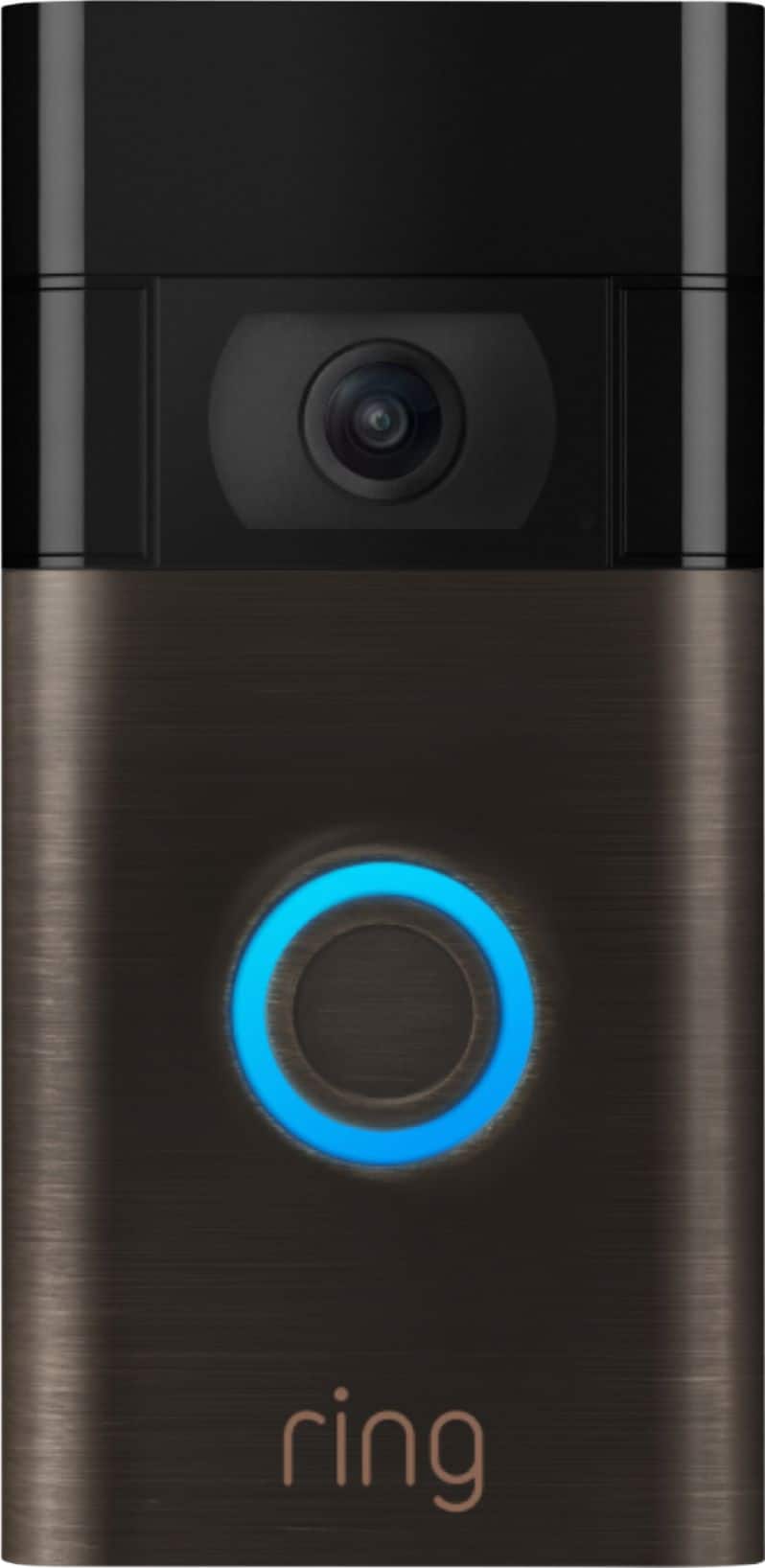
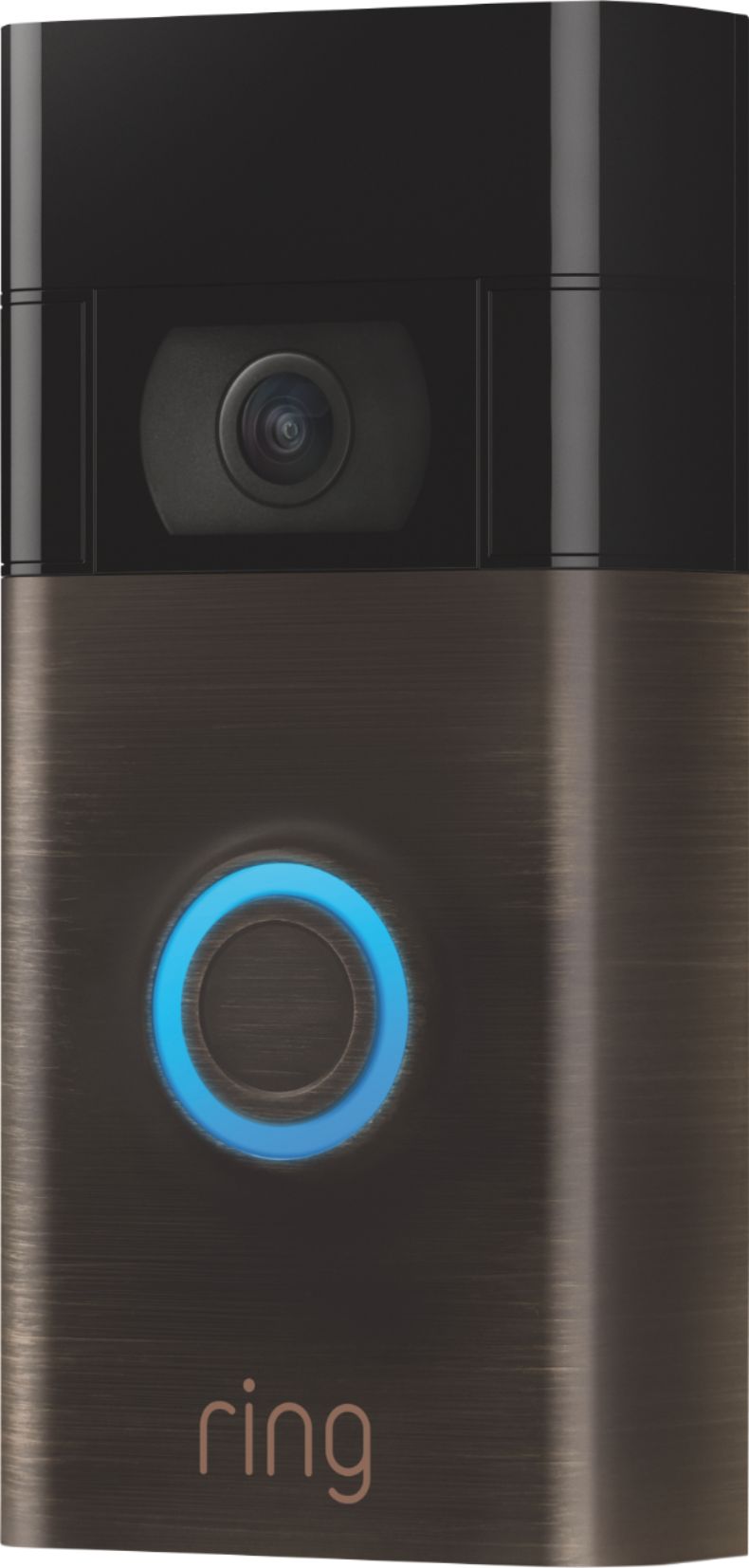
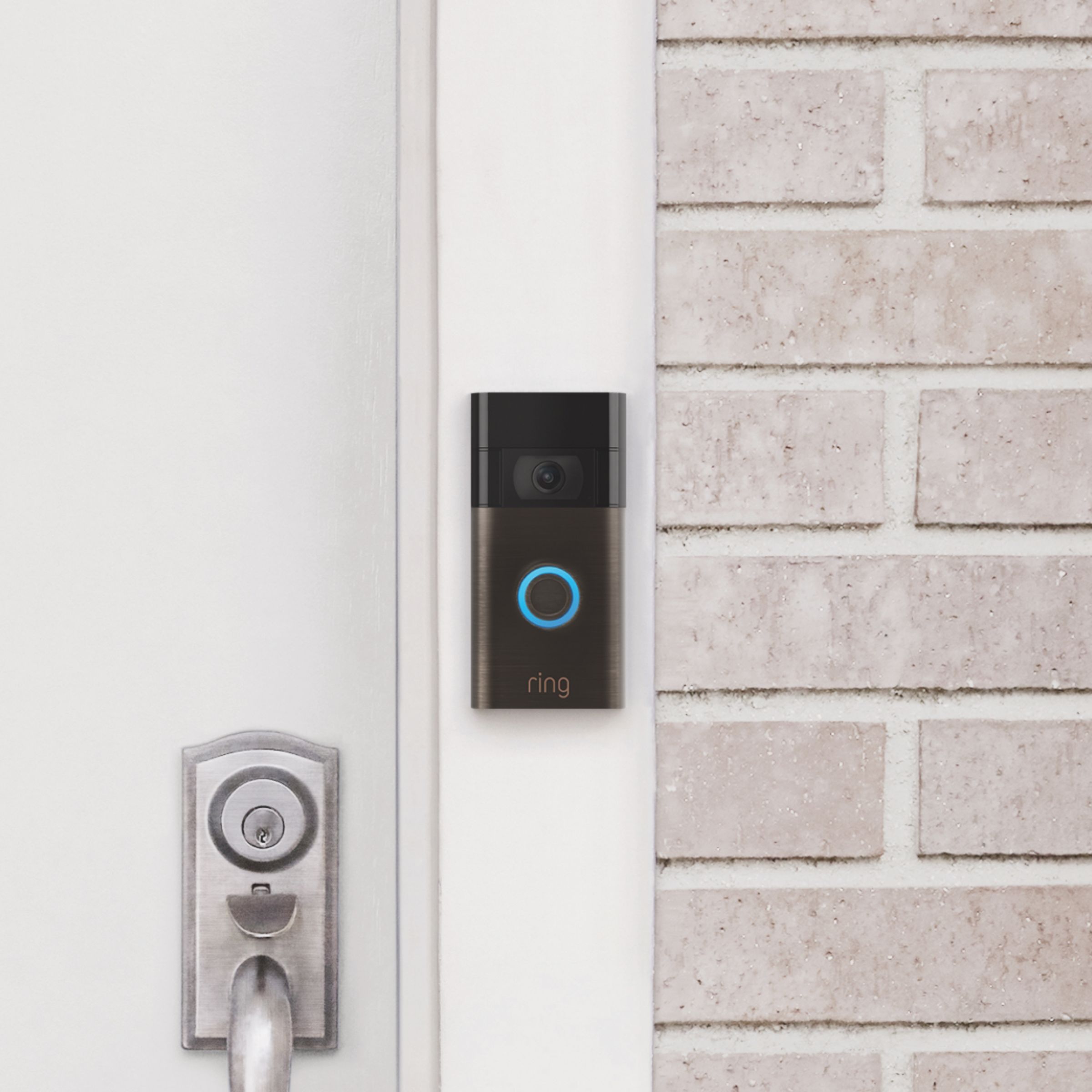
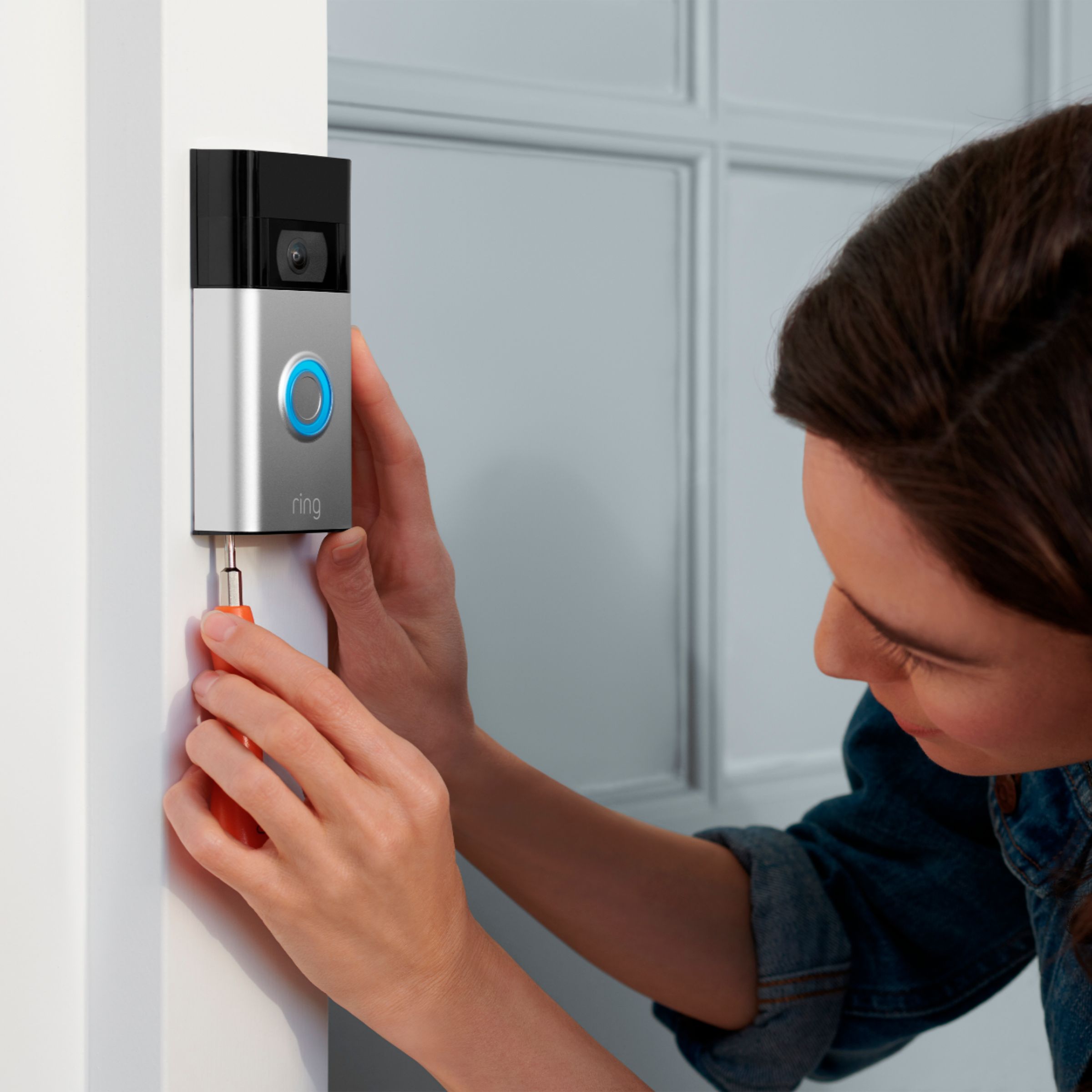



- Model:
- 8VRASZ-VEN0
- SKU:
- 11457249
Rating by feature
- Video Quality
Rating 4.7 out of 5 stars
- Mobile App
Rating 4.7 out of 5 stars
- Sound Quality
Rating 4.7 out of 5 stars
Customers are saying
Customers consistently note the product's strong overall performance, with many reporting it works properly. They also appreciate the camera quality, finding its size to be just right.
This summary was generated by AI based on customer reviews.
Easy to use
||Posted . Owned for 1 month when reviewed.This reviewer received promo considerations or sweepstakes entry for writing a review.Love my Ring doorbell! Im able to keep track of whos entering and exiting my home.
I would recommend this to a friendCrap!!!
||Posted . Owned for 1 month when reviewed.This reviewer received promo considerations or sweepstakes entry for writing a review.Doorbell is awesome but you have to pay for the recording option so really it's a waste of time..
No, I would not recommend this to a friendBrand response from Ring
Posted .Hi MarcT.
Thank you for taking the time to share your experience with us.
We understand the importance of having all relevant product information prior to purchasing. Being able to save, download, and review footage captured by your Ring Video Doorbell (2nd Generation) is a valuable feature of the Ring Protect Plan. We can definitely provide you with more information regarding the concern mentioned in your review.
It sounds like there was some confusion regarding the optional Ring Protect Plan. The Ring Protect Plan is a subscription that gives you access to paid features for Ring devices. With a Ring Protect Plan, you can save, review, and share video recordings from your Ring devices to your Ring account.
Without a Ring Protect Plan, you can still view real-time video for Ring doorbells and cameras and answer doorbell notifications when they happen, but you don’t get video recordings of those events. Visit our support center for additional information.
Ring Community was launched to help deliver the most current news and educational information to our neighbors. This online forum is divided into four categories: Product Boards, Ring Updates, Tips + Tricks, and a Moderators’ Corner. The Product Boards are where you can begin new topics with your questions or feedback; there is also a search option that helps you find topics that have already been posted by other neighbors.
All the best,
Nicole from Ring.
Love the ring
||Posted . Owned for 2 months when reviewed.This reviewer received promo considerations or sweepstakes entry for writing a review.Love the ring doorbell so much I have 3 of them and just bought one for my sister
I would recommend this to a friendRing doorbell
||Posted . Owned for 3 weeks when reviewed.This reviewer received promo considerations or sweepstakes entry for writing a review.Easy to install. Has a good picture. The projection is good. There are brief delays of alert notifications but otherwise good product
I would recommend this to a friendBrand response from Ring
Posted .Hello Sasha,
Thank you for bringing this to our attention. Here at Ring, we hear your concerns and are here to help. Our top priority at Ring is to ensure that our customers have the best possible experience with our products. It is important to us that you have all the necessary information needed to ensure that Ring App is performing optimally for you, and that you are able to answer your motion alerts.
Based on your review, it seems that you are having trouble with answering your doorbell from your Ring App. Rapid Ring is a "light" version of the classic Ring app with most of the features stripped out except for the ability to activate a Live View and respond to an event as quickly as possible. By using the Rapid Ring app in conjunction with the original Ring app, you'll be able to answer your notifications as quickly as possible. Please see our help center article for more information on the Rapid Ring App: https://support.ring.com/hc/en-us/articles/360028023571-Rapid-Ring-App-Information.
Ring Community launched in March 2019 to help deliver the most current news and educational information to our neighbors. It is our first peer-to-peer community forum, giving our customers the ability to help one another and share their feedback/experiences with Ring. Please reach out at https://community.ring.com/ if any additional information is needed regarding your Ring App concern.
Thank you, Jamila with Ring.
Geek squad installed it in no time flat!
||Posted . Owned for 4 months when reviewed.This reviewer received promo considerations or sweepstakes entry for writing a review.Very pleased with my video doorbell! I recommend this product it is a must have.
I would recommend this to a friendWHEN It Works It's Great...BUT
||Posted . Owned for 8 months when reviewed.This reviewer received promo considerations or sweepstakes entry for writing a review.when it works it's Great, mine works for a day or a few hours, I fully charge it, again; works only Temporarily !!! Taking it back !!!
No, I would not recommend this to a friendBrand response from Ring
Posted .Hello JennyBelle,
Thank you for taking a moment to leave your review on the Ring Video Doorbell 2020. At Ring, we believe that stronger communities are the key to safer neighborhoods. That is why we are driven to create products that help you protect what matters most at home, and empower you to connect with your visitors from wherever you are. We are saddened to read that this device did not meet your expectations, but are still here to assist you, if needed.
If you still have the Ring device in your possession, we invite you to reach out to us at https://community.ring.com/. Ring Community is our first peer-to-peer community forum, giving our customers the ability to help one another and share their personal feedback/experiences with Ring. We look forward to hearing from you, if we can be of any further assistance!
Thank you,
Jamila with Ring
Get it
||Posted . Owned for 1 month when reviewed.This reviewer received promo considerations or sweepstakes entry for writing a review.Works great. Shipping was accurate and product was exactly what I was expecting
I would recommend this to a friendRing Products
||Posted . Owned for 1 month when reviewed.This reviewer received promo considerations or sweepstakes entry for writing a review.Great product, added to our Ring products. Now have a front and back doorbell.
I would recommend this to a friendReconnect problem
||Posted . Owned for 1 month when reviewed.This reviewer received promo considerations or sweepstakes entry for writing a review.Installation and set up went fine. It was working fine. But after 1 week it can no longer connect to the WiFi. So far I have not been able to get it to reconnect. It may need to go back to the store.
No, I would not recommend this to a friendBrand response from Ring
Posted .Hello,
We know how important it is to have a stable internet connection to your security devices. The Ring Video Doorbell (2020 Release) should have little to no issues maintaining its connection for reliable usage. Rest assured, we are here to help.
If you haven't already, try rebooting your router. Today's routers handle a lot of information, and can benefit from the occasion reboot. Simply unplugging your device for 1 minute or so can help resolve many reconnect issues.
Once the router comes back online, your Ring Video Doorbell should automatically reconnect. If it doesn't, try ringing the doorbell and wait for 2 minutes. If it still doesn't come back online, there is likely an underlying issue to address.
You can contact us at your earliest convenience. One of our product specialists can help diagnose and resolve any issues you may be experiencing. We look forward to speaking with you soon.
Regards,
Marlom at Ring
Ring doorbell
||Posted .This reviewer received promo considerations or sweepstakes entry for writing a review.Love this it lets me know who’s at the door or if a package has been delivered
I would recommend this to a friendWatch Out Bad Customer Svcing problems with this
||Posted . Owned for 1 week when reviewed.This reviewer received promo considerations or sweepstakes entry for writing a review.was unable to set it up because the instructions to set are not Available with the Packaging and the QR Code only led me to a catalog of more items to buy from Best Buy.... no help.... When I did get ahold of someone they Wanted me to order a service call from Geek Squad for having them come and and do the install for $141.00 no thnks
No, I would not recommend this to a friendBrand response from Ring
Posted .Hi MichaelR.
Thank you for taking the time to share your experience with us.
We understand the importance of a seamless setup process so that you can begin using your Ring Video Doorbell (2nd Generation) right away. The features and technology provided by the Ring Video Doorbell (2nd Generation) are incredibly valuable and help provide you with peace of mind about your home security. We want to ensure your device is working as intended by providing you with solutions to resolve the concern you mentioned in your review.
It sounds like you are having some difficulty scanning the QR code during setup. Double-check the following if you are experiencing issues scanning the QR code:
Ensure you are in a well-lit area.
Move your camera closer or further from the QR code to help it focus.
Once your camera finds focus, hold it steady for a few seconds.
If your camera won’t focus, clean your camera lens, move to a well-lit area, and try again.
If you continue to experience issues, please follow these additional steps:
Tap Other Options below the scanner.
Select I can't scan the QR code.
Select Enter Code Manually (this corresponds to the PIN code digits underneath the QR code).
Find your device on the list.
Enter your five-digit PIN located below the QR code.
If you're still having difficulty, please reach out to our support team for further assistance.
Ring Community was launched to help deliver the most current news and educational information to our neighbors. This online forum is divided into four categories: Product Boards, Ring Updates, Tips + Tricks, and a Moderators’ Corner. The Product Boards are where you can begin new topics with your questions or feedback; there is also a search option that helps you find topics that have already been posted by other neighbors.
All the best,
Nicole from Ring.
MrRING
||Posted . Owned for 1 month when reviewed.This reviewer received promo considerations or sweepstakes entry for writing a review.I feel 110% safe makes me feel like i dont have to worry about anyone stealing
I would recommend this to a friendNot reliable
||Posted . Owned for 1 year when reviewed.This reviewer received promo considerations or sweepstakes entry for writing a review.I never get notifications for package deliveries which is the main reason I wanted this. I've had packages sitting right in front of it and still no notification. I've called Ring customer service and they were no help. It's worthless.
No, I would not recommend this to a friendRing doorbell
||Posted . Owned for 2 weeks when reviewed.This reviewer received promo considerations or sweepstakes entry for writing a review.I currently own two of these doorbells, and they’re great even in bad weather.
I would recommend this to a friendWorks ok
||Posted . Owned for 2 weeks when reviewed.This reviewer received promo considerations or sweepstakes entry for writing a review.It works ok , i just had a bestbuy technician that botched the installation
I would recommend this to a friendNot worth it
||Posted . Owned for 1.5 years when reviewed.This reviewer received promo considerations or sweepstakes entry for writing a review.Don't waste your money with so many other different video doorbells. Even though they give you a month free once that ends they don't allow you to keep service for just one of the items I had back and front but only really needed the front one. The Service lags at time which is a huge problem.
No, I would not recommend this to a friendBrand response from Ring
Posted .Hi Lynn.
Thank you for taking the time to share your experience with us.
We understand the importance of having all relevant product information prior to purchasing. The Ring Protect Plan provides valuable capabilities, such as accessing paid features and the ability to save, download, and review footage captured by your Ring device. We can definitely provide you with more information regarding the concern mentioned in your review.
It sounds like there was some confusion regarding the optional Ring Protect Plans. The Ring Protect Plan is a subscription that gives you access to paid features for your Ring device. With a Ring Protect Plan, you can save, review, and share video recordings from your Ring devices to your Ring account. Without a Ring Protect Plan, you can still view real-time video for Ring doorbells and cameras and answer doorbell notifications when they happen, but you don’t get video recordings of those events.
You have the ability to subscribe to a Ring Protect Plan for just one device or all of your devices, depending on your needs. Visit our support center for more information.
Ring Community was launched to help deliver the most current news and educational information to our neighbors. This online forum is divided into four categories: Product Boards, Ring Updates, Tips + Tricks, and a Moderators’ Corner. The Product Boards are where you can begin new topics with your questions or feedback; there is also a search option that helps you find topics that have already been posted by other neighbors.
All the best,
Nicole from Ring.
Works great
||Posted . Owned for 3 weeks when reviewed.This reviewer received promo considerations or sweepstakes entry for writing a review.Awesome tells me when ppl are in front of it through my whole house on alexa
I would recommend this to a friendPoor customer service.
||Posted . Owned for 3 weeks when reviewed.This reviewer received promo considerations or sweepstakes entry for writing a review.Great Doorbell Camera. I replaced my old one with this one and their customer service cancelled my account. I have returned it and reordered another brand on Amazon.
No, I would not recommend this to a friendBrand response from Ring
Posted .Hello whoboughttvformbestbuybuf,
Thank you for leaving a review. Ring understands how important it is for you to manage your account. In pursuit of our mission to make neighborhoods safer, when applying technologies to our business, we always consider our three pillars of customer security, privacy, and user control. Requesting your data should be a seamless process, and we would like to provide you the steps needed to, so you can take full control of your account.
Based on your review, it seems that you may have not set up the two-factor authentication feature in your Ring App. Two-Step Verification means that you can only access your Ring account by providing another piece of information besides a password. The first time you try and access a Ring product on a new device (phone or PC), you will have to enter a second piece of information in addition to your password. This second piece of information is a randomly generated code that will be sent to your mobile phone. Enter the code, and you will have access to your account. This means that in the future, you will have more secure access to your Ring products. To set up two-factor authentication, please see our help center article: https://support.ring.com/hc/en-us/articles/360039693891-Enhancing-Security-with-Two-Step-Verification.
Ring Community was launched to help deliver the most current news and educational information to our neighbors. This online forum is divided into four categories: Product Boards, Ring Updates, Tips + Tricks, and a Moderators’ Corner. The Product Boards are where you can begin new topics with your questions or feedback; there is also a search option which helps you find topics that were already posted by other neighbors. We invite you to visit our site at https://community.ring.com/ today!
Thank you, Jamila with Ring
OBSESSED
||Posted . Owned for 2 weeks when reviewed.This reviewer received promo considerations or sweepstakes entry for writing a review.I absolutely love this ring doorbell. It has awesome features for packages
I would recommend this to a friendWonderful price
||Posted . Owned for 1 month when reviewed.This reviewer received promo considerations or sweepstakes entry for writing a review.This camera is wonderful. It captures everything and it’s very sensitive.
I would recommend this to a friend