Customer Ratings & Reviews
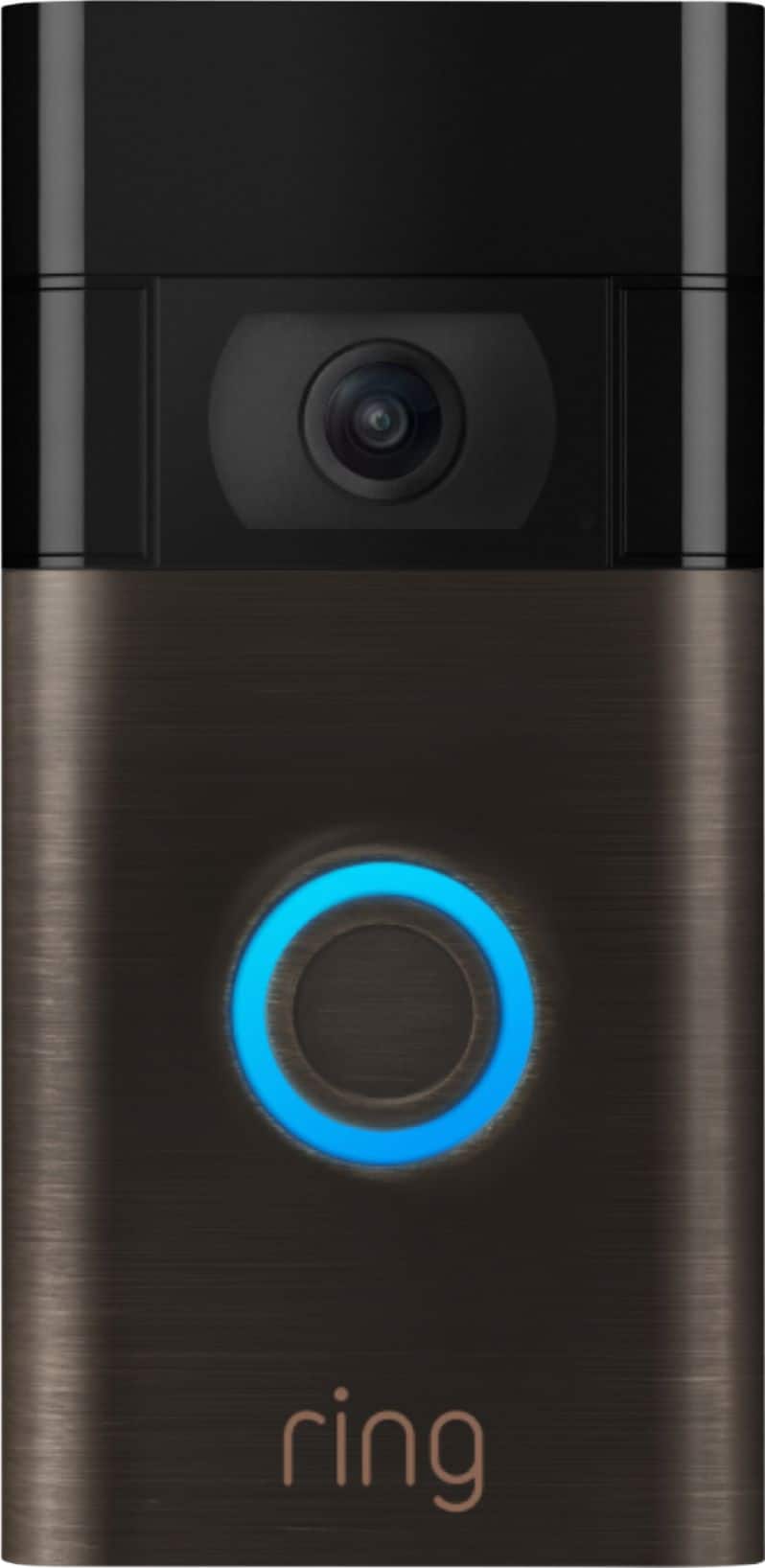
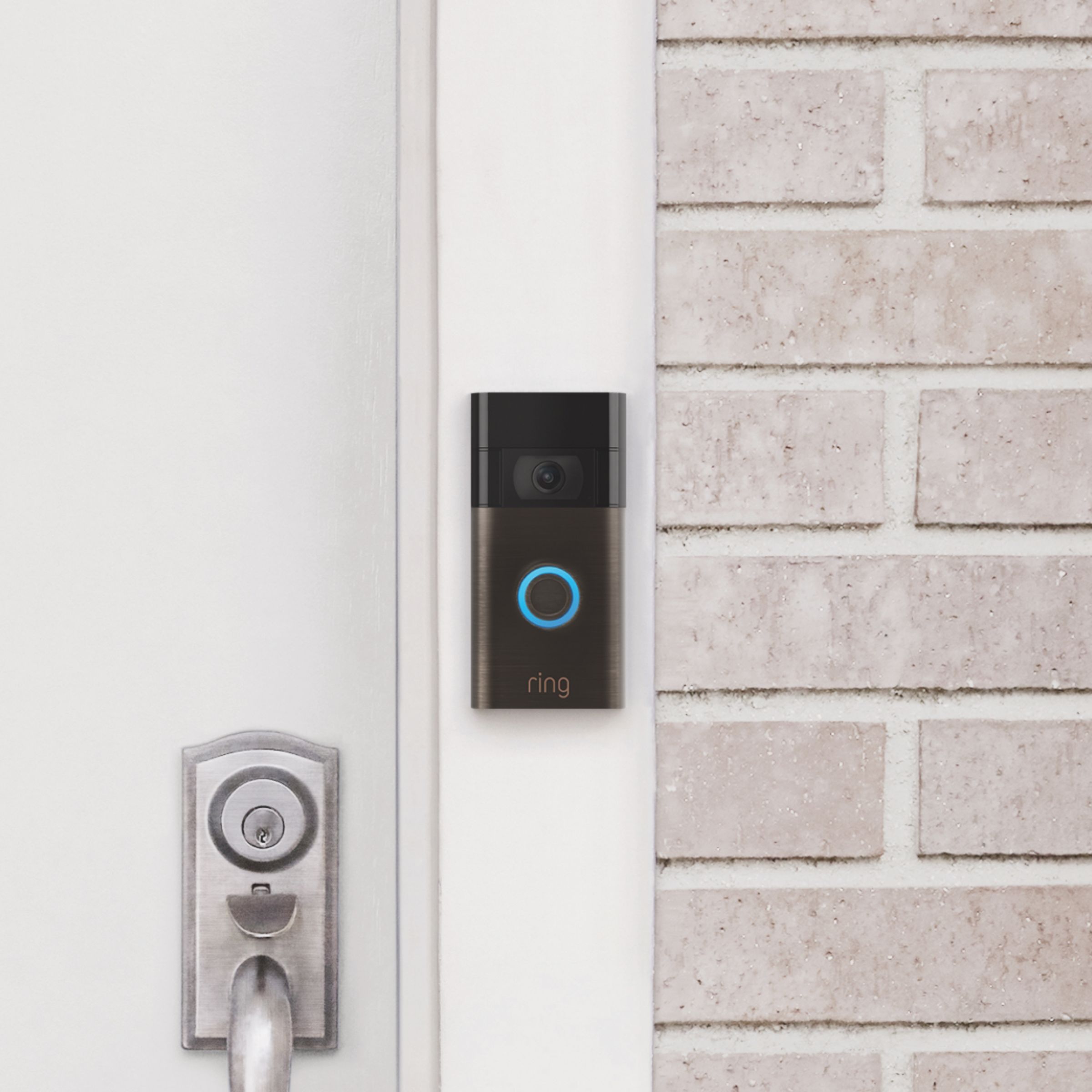
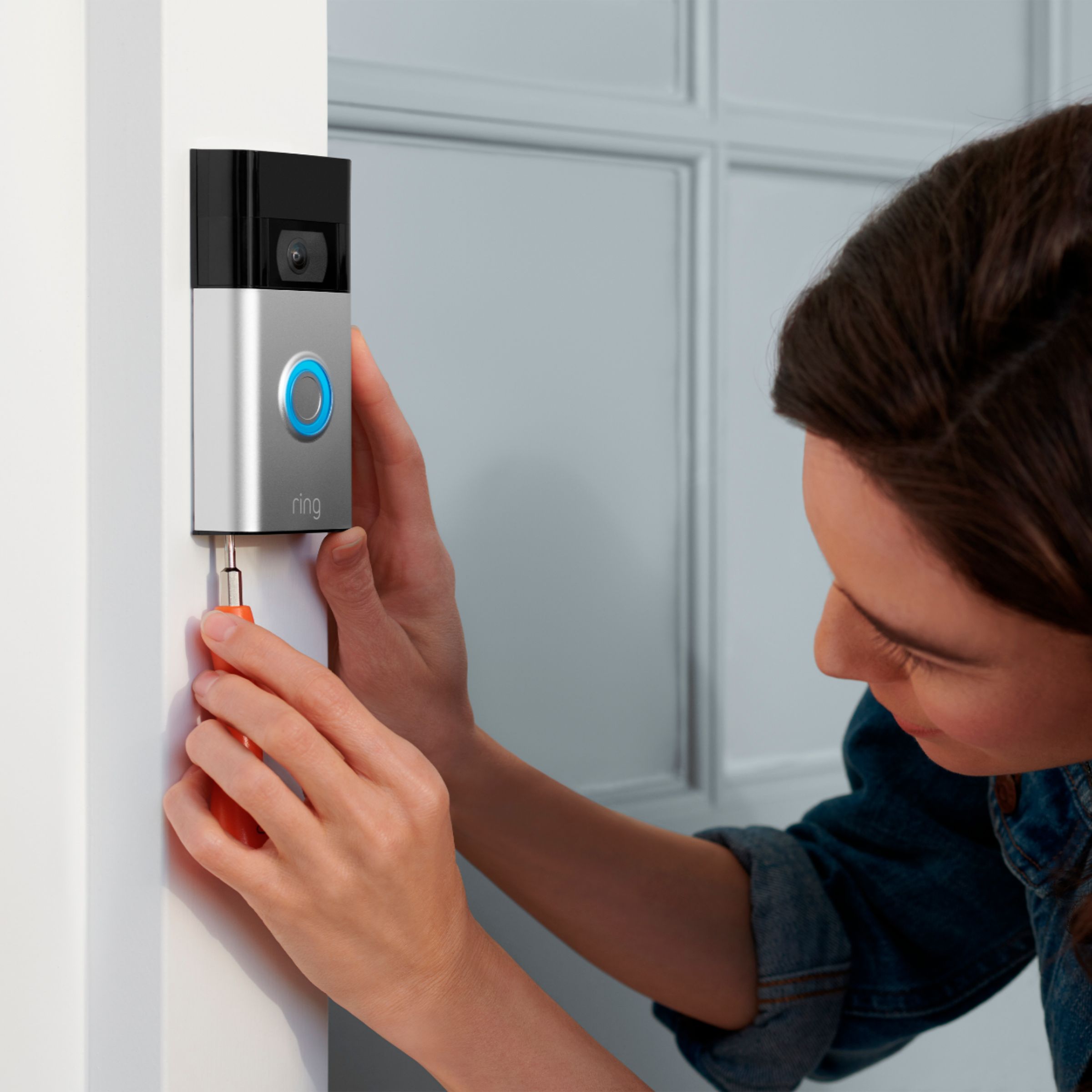



- Model:
- 8VRASZ-VEN0
- SKU:
- 11457249
Rating by feature
- Video Quality
Rating 4.7 out of 5 stars
- Mobile App
Rating 4.7 out of 5 stars
- Sound Quality
Rating 4.7 out of 5 stars
Customers are saying
Customers consistently note the product's strong overall performance, with many reporting it works properly. They also appreciate the camera quality, finding its size to be just right.
This summary was generated by AI based on customer reviews.
Not worth the price.
||Posted .This reviewer received promo considerations or sweepstakes entry for writing a review.Wont stay connected. Constantly having to reconnect it.
No, I would not recommend this to a friendBrand response from Ring
Posted .Hello CrystalD,
Our top priority at Ring is to ensure that our customers have the best possible experience with our products. We really appreciate your feedback. Our team is always striving to improve our products and their performance.
One of the most important measurements in your Ring security network is the strength of your wifi signal. There are three main factors that can weaken your wifi quality:
- Physical Obstructions: Certain materials can reduce the range of wifi signals (or even block them). Here are some examples of things that can interfere with your Ring device’s signal strength:
Heavy-duty walls and floors made of materials like concrete, brick, or metal.
Household objects such as fish tanks, bookcases and mirrors.
Windows made of Low-E glass also cause interference.
While other materials like wood and glass don't have as much effect, the more walls and floors between your router and your Ring products, the more interference you're likely to see.
- Competing wifi networks: If you live in a densely crowded area such as a big city or apartment building, there can be dozens of Wi-Fi networks around you which can cause interference and lower the quality of your network. If you open the wireless options on your mobile device or computer and see a long list of networks, you may be experiencing this type of interference.
-Other electronics: This is a difficult kind of interference to detect, as it can come from almost anything—even from appliances such as microwave ovens and baby monitors that aren't connected to your wifi network. The biggest source of electronic interference though, are those appliances that use the same Wi-Fi network as your Ring device to perform their basic functions. These include cellular phones, iPads, other smart home devices, TVs, and video game consoles.
Please reach out to us directly via our community forum at https://community.ring.com/ so we can find a solution to best resolve this and ensure the Video Doorbell 2020 is functioning as it was intended.
Thank you,
Antonio from Ring
Great purchase
||Posted . Owned for 1 month when reviewed.This reviewer received promo considerations or sweepstakes entry for writing a review.Its good for the price. I wish the camera was a little better. You get what you pay for.
I would recommend this to a friendDoor bell
||Posted . Owned for 1 month when reviewed.This reviewer received promo considerations or sweepstakes entry for writing a review.Skips recordings, you do not see the person coming to the door. Even after pressing the bell. It shows the person's back leaving.
No, I would not recommend this to a friendBrand response from Ring
Posted .Hello Jojo,
Thank you for taking the time to share your Ring Video Doorbell (2020 Release) experience with us. It is imperative that your device detect accurate motion within your monitored zones, as this ensures you are notified when someone approaches your door. You should be able to enjoy the peace of mind that the Ring Video Doorbell is designed to add to your home security.
You can adjust your motion settings to a higher sensitivity, enable/disable certain zones, or change the motion frequency. Motion Frequency is a user-accessible control that allows you to adjust your motion detection protocols to provide a balance between consistent alerts and preserving battery life. This article will detail exactly what Motion Frequency is, and how you can best utilize it to optimize your Ring device's motion detection capabilities: https://support.ring.com/hc/en-us/articles/115003477106-Understanding-and-Optimizing-Motion-Detection-with-Motion-Frequency. We'd suggest you increase this setting to frequent.
For any additional questions or concerns, please feel free to reach out on our community forum at https://community.ring.com/.
Thank you,
Alexis with Ring
Mrs
||Posted .This reviewer received promo considerations or sweepstakes entry for writing a review.I didn't have the chance for installation. Unfortunately it was too wide for the allocated space
I would recommend this to a friendBrand response from Ring
Posted .Hi Pepper,
Having a doorbell that best fits your home's environmental needs is paramount to the security Ring can provide you. The Ring Video Doorbell (2020 Release)'s dimensions are 2.4" x 4.98" x 1.10". We do have slimmer device options, that may better suit your needs. If you would like to look at complete comprehensive comparison guide, please refer to this article from our Help Center: https://support.ring.com/hc/en-us/articles/115004668746-Ring-Video-Doorbells-Product-Comparison.
We would also like to extend the invitation to participate in our Ring Community forum, where you can share your Ring experience and hear from other Ring users like yourself: https://community.ring.com/.
Best,
Caitlin with Ring
Security Ring Door Bell
||Posted . Owned for 3 weeks when reviewed.This reviewer received promo considerations or sweepstakes entry for writing a review.too much personal info required to install Ring Video Door Bell....
No, I would not recommend this to a friendBrand response from Ring
Posted .Hi FrankD.
Thank you for taking the time to leave your rating of the Ring Video Doorbell (2nd Gen.). We understand the importance of having all relevant product information prior to purchasing. We believe that stronger communities are the key to safer neighborhoods. That is why we are driven to create products that help you protect what matters most at home, and empower you to connect with your visitors from wherever you are. Together, we’ll make neighborhoods safer!
Your personal data privacy and security is a priority at Ring. Customer trust is important to us and we take the security of our devices and services extremely seriously. We highly encourage all Ring users to follow our recommended security best practices to ensure your Ring account stays secure. Customer trust is important to us and we take the security of our devices and services extremely seriously. We highly encourage all Ring users to follow these security best practices to ensure your Ring account stays secure.
At Ring, we are constantly innovating on behalf of our customers to develop products that best meet their home and security needs, and provide them with as much choice as possible. Ring Community is our first peer-to-peer community forum, giving our customers the ability to help one another and share their feedback/experiences with Ring. We invite you to reach out to our community if you have any additional questions or feedback regarding your Ring Video Doorbell (2nd Gen.). We look forward to hearing from you!
Thank you,
Melissa from Ring.
Great product
||Posted . Owned for 1 month when reviewed.This reviewer received promo considerations or sweepstakes entry for writing a review.Only thing to look out for is if your wifi reaches where you want to put the ring up
I would recommend this to a friendRing door bell
||Posted . Owned for 1 month when reviewed.This reviewer received promo considerations or sweepstakes entry for writing a review.Best Buy have the worst customer service, I didn’t receive my order yet and request a refund but it now on weeks 3 and they still haven’t refund me back yet .
No, I would not recommend this to a friendNot happy
||Posted . Owned for 1 month when reviewed.This reviewer received promo considerations or sweepstakes entry for writing a review.Tried purchasing protection plan and have not been able to
No, I would not recommend this to a friendBrand response from Ring
Posted .Hello TeresaK.
Thank you for taking the time to share your experience with us. We understand the importance of having events recorded on your Ring Video Doorbell (2nd Gen.). Being able to save, download, and review footage captured by your Ring Video Doorbell (2nd Gen.) is a valuable feature of the Ring Protect Plan. We are eager to address the issue you raised in your review and provide you with a resolution today.
It sounds like you are experiencing an issue while trying to subscribe to the Ring Protect Plan.
You can subscribe to Ring Protect from your account on Ring.com.
1. From a web browser, log in to your Ring account.
2. Go to the "Protect Plan" tab and select "Unsubscribed Devices." You’ll see a list of devices that aren’t covered by a plan.
3. Select "Subscribe," then choose a plan and the devices you want coverage for. If you selected multiple devices and choose "Basic," then the price of "Basic" will be charged for each device. Ring Protect Plus and Ring Protect Pro cover all devices at a single location for one price.
4. Select a monthly or annual payment option.
5. Enter your payment information and check out.
6. Review your order and select "Purchase".
7. You will receive a confirmation email for your subscription purchase.
We invite you to reach out to our community if any additional information is needed regarding The Ring Protect Plan. The Ring Community is our first peer-to-peer community forum, giving our customers the ability to help one another by sharing their feedback and experiences with each other.
Thank you for being the best part of Ring!
All the best,
Melissa from Ring.
Great views.
||Posted . Owned for 1 week when reviewed.This reviewer received promo considerations or sweepstakes entry for writing a review.It gives us great views of the property and alerts us of anyone coming on the porch.
I would recommend this to a friendDisappointed
||Posted . Owned for 1 year when reviewed.This reviewer received promo considerations or sweepstakes entry for writing a review.It works but then you have to pay to continue using it each month
No, I would not recommend this to a friendBrand response from Ring
Posted .Hi KimberlyM.
Thank you for sharing your feedback with us.
We understand the importance of having all relevant product information prior to purchasing. Being able to save, download, and review footage captured by your Ring Video Doorbell is a valuable feature of the Ring Protect Plan. We can definitely provide you with more information regarding the concern mentioned in your review.
It sounds like there was some confusion surrounding the optional Ring Protect Plans. The Ring Protect Plan is a subscription that gives you access to paid features for Ring devices such as video doorbells, cameras, alarm, and Car Cam. With a Ring Protect Plan, you can save, review, and share video recordings from your Ring devices to your Ring account.
Without a Ring Protect Plan, you can still view real-time video for Ring doorbells and cameras and answer doorbell notifications when they happen, but you don’t get video recordings of those events.
There are three Ring Protect Plans available for home devices, and one Ring Protect Plan available for Car Cam. Plans start at $3.99 per month. Visit our support center for more details.
Ring Community was launched to help deliver the most current news and educational information to our neighbors. This online forum is divided into four categories: Product Boards, Ring Updates, Tips + Tricks, and a Moderators’ Corner. The Product Boards are where you can begin new topics with your questions or feedback; there is also a search option that helps you find topics that have already been posted by other neighbors.
All the best,
Nicole from Ring.
Works okay for the cost
||Posted . Owned for 9 months when reviewed.This reviewer received promo considerations or sweepstakes entry for writing a review.For the price this works great, go with a pricier model for better quality video
I would recommend this to a friendRing
||Posted . Owned for 3 weeks when reviewed.This reviewer received promo considerations or sweepstakes entry for writing a review.It’s a nice product, but lately it doesn’t pick up everyone coming to the door.
I would recommend this to a friendRing & Ring Neighborhood~Great Choices..
||Posted . Owned for 1 month when reviewed.This reviewer received promo considerations or sweepstakes entry for writing a review.Bought Two for Rental Properties. Never have issues with Ring. Great Product!
I would recommend this to a friendVery Convenient
||Posted . Owned for 1 year when reviewed.This reviewer received promo considerations or sweepstakes entry for writing a review.Works well, very convenient, if you want to keep your video you have to pay.
I would recommend this to a friendAbsolutely worthless.
||Posted . Owned for 2 months when reviewed.This reviewer received promo considerations or sweepstakes entry for writing a review.Absolutely worthless. It’s supposed to be the most current version and support 5G networks, but Best Buy messed up. I’ve been working ridiculous schedules so by the time I got around to installing it, it was passed the return date. The stupid thing will never stream live. It doesn’t work at all. Not even when you press the button itself. It is absolutely worthless. 100% DO NOT RECOMMEND.
No, I would not recommend this to a friendBrand response from Ring
Posted .Hello MrEMan,
Thank you for taking the time to share your experience with us. We understand the importance of a seamless setup process, as this allows you to start using your Ring Video Doorbell (2020 release) right away. What you describe is not the experience we want you to have, rest assured we hear you and are here to offer our help.
While not comprehensive, the three most common causes of failure to complete the setup (after entering an incorrect password) are your Ring device being too far from your wifi router, having a problem with your internet connection, or some type of issue related to your wifi modem or router.
If you've already brought your Ring doorbell inside next to your router and the setup continues to fail, try rebooting your modem and/or router. Since your router and modem are usually the hardest working devices in your house, the devices like to be rebooted about once a month for optimal performance.
To reboot these devices, please follow the instructions below:
-Unplug your router or modem from its power supply (don't just turn it off). If your router and modem are separate, unplug both of them
-Wait at least 30 seconds, then plug them back in and wait for your internet to be restored
-Confirm that your internet has been restored by connecting another device to your wifi network and trying to access a website, then repeat the setup process for your Ring Doorbell.
We appreciate the value you have placed in owning a Ring doorbell for your home and would love to offer our assistance to ensure the setup completes. Please reach out to us at your earliest convenience.
Thank you,
Alexis with Ring
Good
||Posted .This reviewer received promo considerations or sweepstakes entry for writing a review.It was a very good product and worked perfectly. Definitely would recommend!
I would recommend this to a friendBad
||Posted . Owned for 1.5 years when reviewed.This reviewer received promo considerations or sweepstakes entry for writing a review.After 6 months it stopped coming back on. Charged it for day and still nothing.
No, I would not recommend this to a friendBrand response from Ring
Posted .Hi EsiaB. This shouldn't be happening. I suggest sending us a private message on Facebook @Ring so we can assist you with this. If you have any further questions or concerns, try browsing the Ring Community at https://community.ring.com/. As our first peer-to-peer forum, the Ring Community allows you to ask questions and interact with other neighbors to discuss your Ring devices. Best wishes, David with Ring.
Not for cold climates
||Posted . Owned for 3 months when reviewed.This reviewer received promo considerations or sweepstakes entry for writing a review.If you live in a climate that gets below freezing in the winter do not buy this! Even though it is hardwired it also contains a battery that dies when the temp drops below freezing and then it will not work until you take the whole thing off and charge it. Ring customer service did nothing except tell me the only fix is to buy a new one that is only hardwired.
No, I would not recommend this to a friendBrand response from Ring
Posted .Hello MBmb,
We appreciate you leaving a review. We understand how important it is to ensure that the battery is holding its proper charge and how cumbersome recharging the batteries can be. Please know that we are here to resolve these concerns with you today.
Based on your review, it seems that you are experiencing frequent battery drainage. While batteries in Ring devices can go months between recharges with normal use, this is dependent on a number of factors in your home’s environment, such as the local weather and the number of activities captured. This article will detail some of the factors that may cause your battery to require more frequent recharges: https://support.ring.com/hc/en-us/articles/208190773.
We appreciate that you have placed value in owning a Ring device to secure your home and know it's important that it meets your expectations. Please visit our community forum at https://community.ring.com/, as we have some additional solutions we'd love to share with you.
Thank you, Jamila with Ring.
Ring doorbell 2020 release
||Posted . Owned for 3 weeks when reviewed.This reviewer received promo considerations or sweepstakes entry for writing a review.Always have to charge it. The hardwiring isnt trickle charging like its supposed too so the battery runs out quickly.
No, I would not recommend this to a friendBrand response from Ring
Posted .Hello Hyper,
We understand how important it is to receive a trickle charge to your Ring Video Doorbell - 2020 Release. So long as the correct hardwiring is used, you can expect a supplemental trickle charge to your Ring doorbell. Please know we are here to help.
This device can be hardwired to an existing doorbell system or transformer for continuous charging Please ensure your transformer is rated at 8-24 VAC, 40VA max, 50/60Hz.
If your current hardwiring is not working, you may consider a Ring Plug-In adapter. This accessory will keep your device powered with a standard AC outlet.
You can learn more about this accessory here: https://ring.com/collections/accessories/products/video-doorbell-plugin-adapter-gen-2
For more tips, tricks, and support, please visit our Ring Community here: https://community.ring.com/
Regards,
Marlom at Ring
doorbell
||Posted . Owned for 1 week when reviewed.This reviewer received promo considerations or sweepstakes entry for writing a review.this doorbel bamara is super cool and fun to use and mass around with people
I would recommend this to a friend