Customer Ratings & Reviews
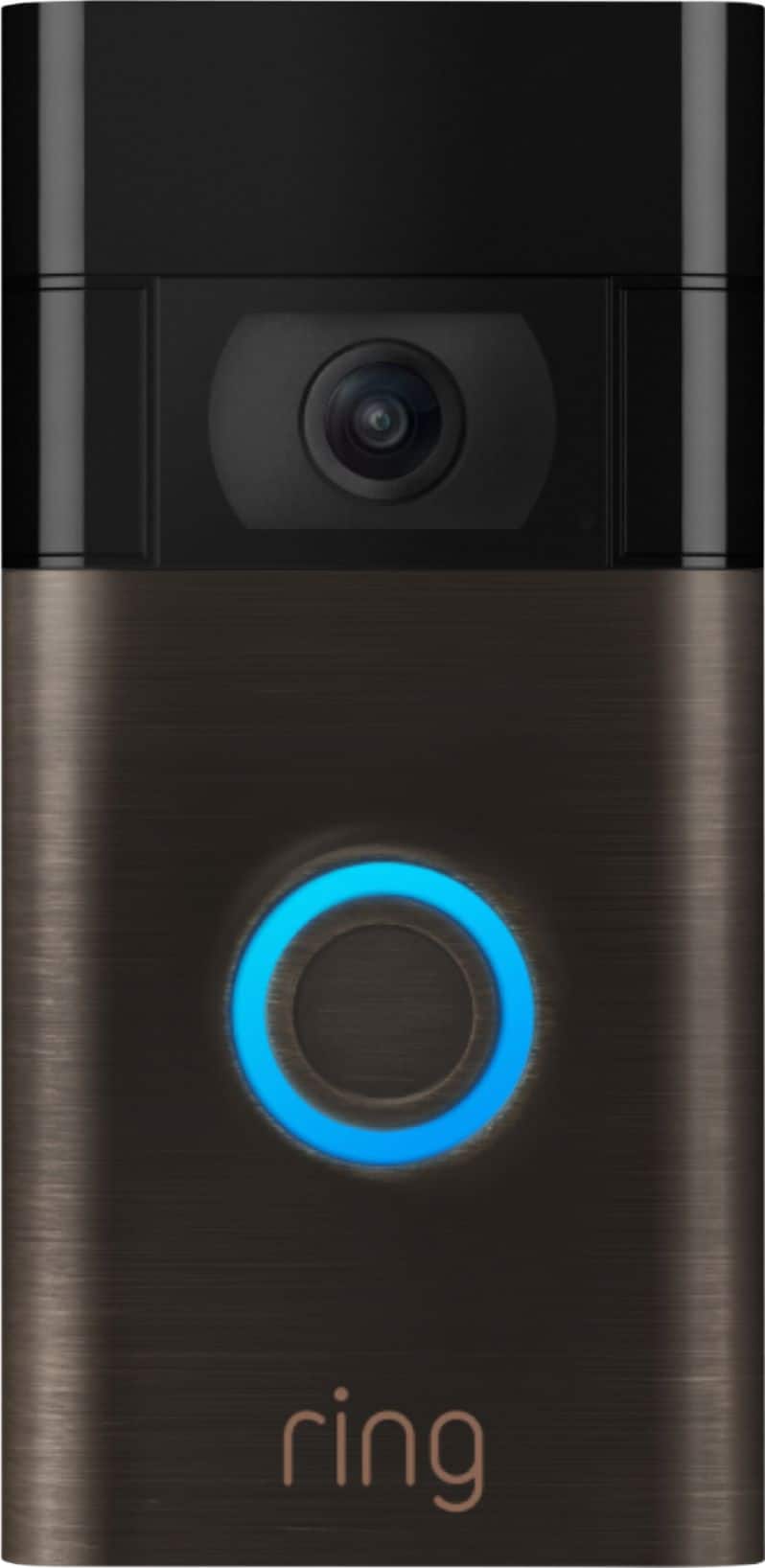
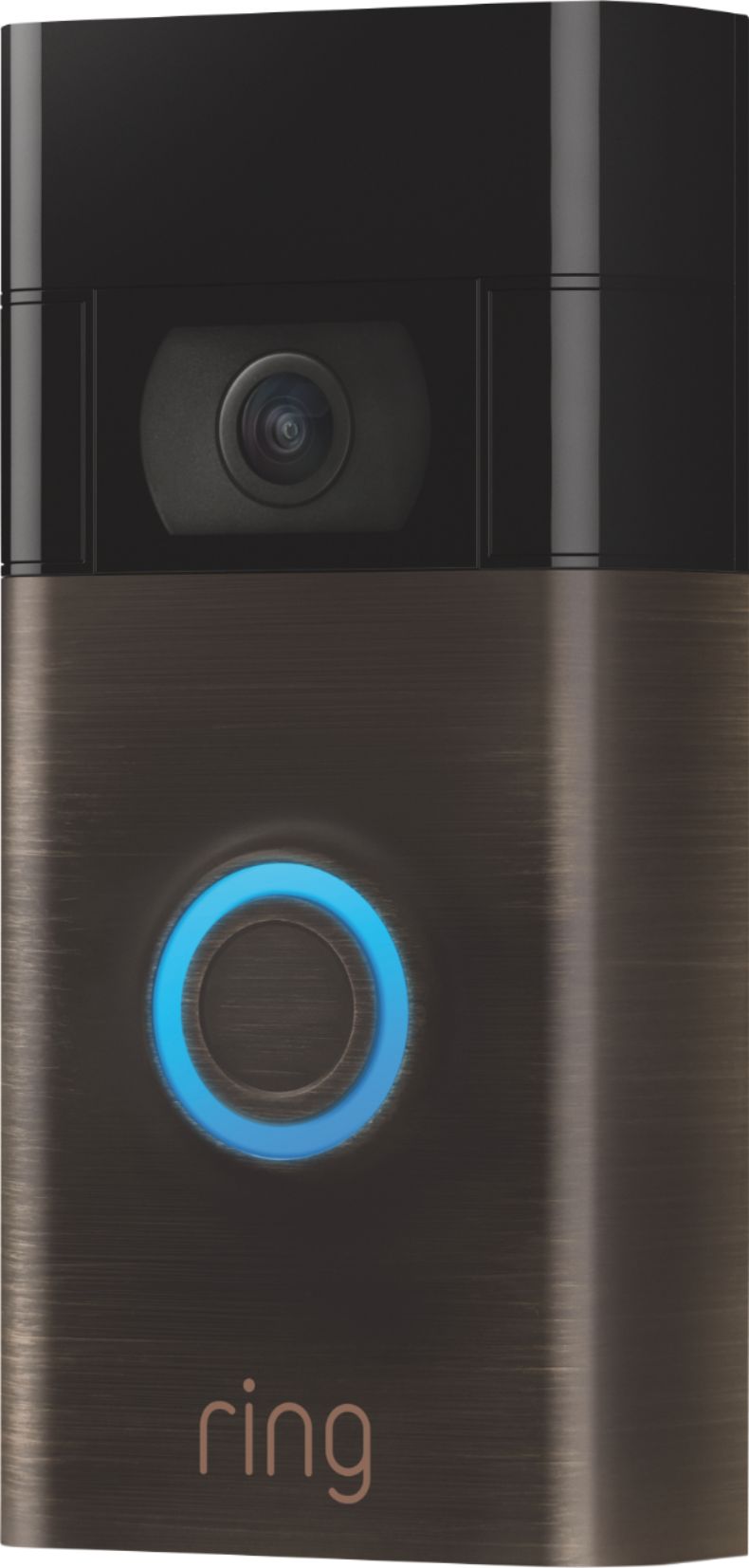
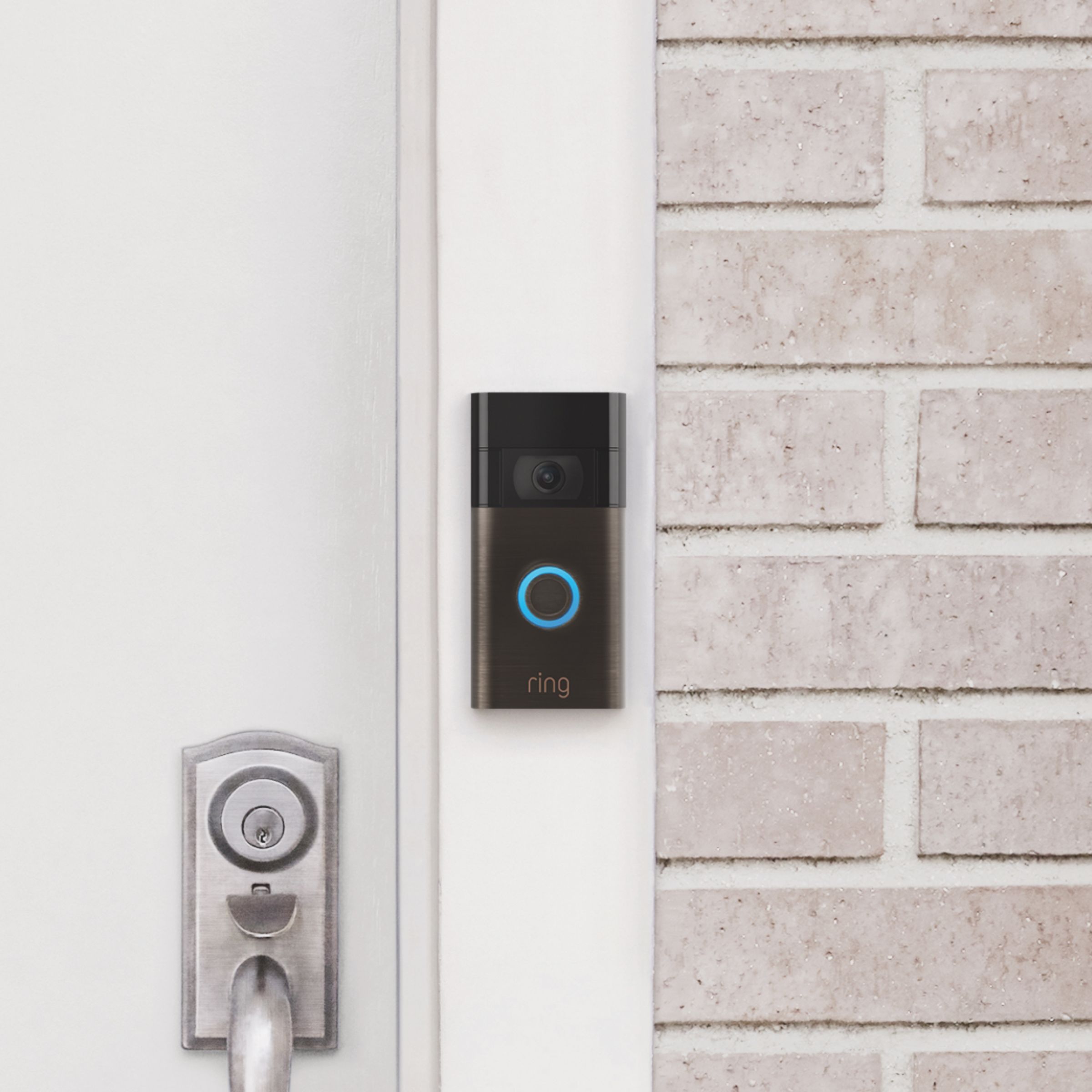
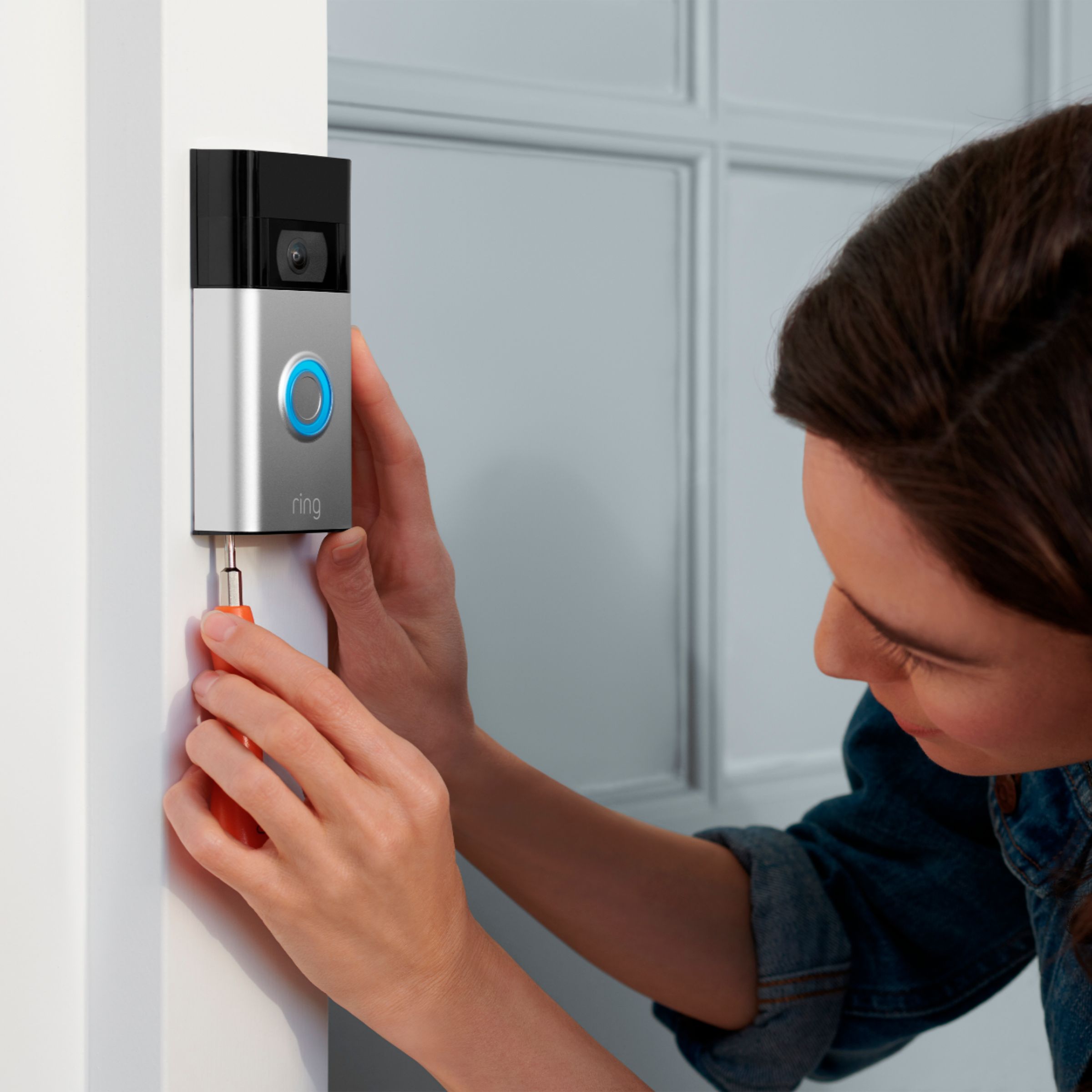



- Model:
- 8VRASZ-VEN0
- SKU:
- 11457249
Rating by feature
- Video Quality
Rating 4.7 out of 5 stars
- Mobile App
Rating 4.7 out of 5 stars
- Sound Quality
Rating 4.7 out of 5 stars
Customers are saying
Customers consistently note the product's strong overall performance, with many reporting it works properly. They also appreciate the camera quality, finding its size to be just right.
This summary was generated by AI based on customer reviews.
Disappointing
||Posted . Owned for 2 months when reviewed.This reviewer received promo considerations or sweepstakes entry for writing a review.This was useless for us. The video quality was poor, very blocky most of the time. The Audio also was very poor. kept breaking up and hard to understand on either end. Too late to return it. Will sell it cheap, give it away, or use for whatever I can.
No, I would not recommend this to a friendBrand response from Ring
Posted .Hello BadATT,
Thank you for taking the time to leave a review on the Ring Video Doorbell. Our top priority, at Ring, is to ensure that our customers have the best possible experience with our products and services. This device is intended to provide you with crystal clear audio and video so you are able to see and hear visitors at your home. We truly value our consumer’s feedback, simply because it helps us improve not only the product from a consumer standpoint but also our standards of service. Rest assured, we are here to provide you with some solutions to resolve these two concerns.
Based on your review it seems that you are having trouble with the audio and video on your Ring Video Doorbell. If you are having audio trouble with your Ring Video Doorbell, we recommend checking your mobile device to make sure that the external volume control is turned up to an adequate level to hear the person. Please see our help center article for more tips: https://support.ring.com/hc/en-us/articles/360050175212-Audio-and-Sound-Issues-Troubleshooting-Guide.
Ring Community launched in March 2019 to help deliver the most current news and educational information to our neighbors. It is our first peer-to-peer community forum, giving our customers the ability to help one another and share their feedback/experiences with Ring. Please reach out at https://community.ring.com/ if any additional information is needed regarding your Ring Video Doorbell concern.
Thank you, Jamila with Ring
BEST BUY
||Posted . Owned for 7 months when reviewed.This reviewer received promo considerations or sweepstakes entry for writing a review.BEST BUY WORST SERVICE I BOUGHT THOUSANDS AND THOUSANDS OF DOLLAR IN LAST 3/5 YEARS 8-9 TVS COMPUTERS, APPLIANCES, 4 STEREOS, BLU RAYS AND MUCH MORE. STILL THEY COULD CARE LESS. I AM SHOCKED BY THEIR LACK OF SERVICE
I would recommend this to a friendBrand response from Ring
Posted .Hello Larry,
Thank you for taking the time to share your experience with us. We understand the importance of a seamless installation process, as this allows you to start using your Ring Video Doorbell 2020 right away. What you describe is not the experience we want you to have, rest assured we hear you and are here to offer you some assistance.
In this particular case, we’d suggest you reach out to Best Buy’s customer service: 1-888-237-8289 or https://www.bestbuy.com/services/triage/home. We are confident that they will be able to provide you resolution to the installation concerns you have described.
If you need assistance from Ring, Ring Community is our first peer-to-peer community online forum, giving our customers the ability to help one another and share their feedback directly with Ring.
We invite you to reach out at https://community.ring.com/ if any additional installation information is needed regarding the Ring Video Doorbell 2020. We are eager to turn around your experience!
Thank you, Jamila with Ring.
Blink is better
||Posted . Owned for 1 month when reviewed.This reviewer received promo considerations or sweepstakes entry for writing a review.Ring no linger provides angled mounting brackets and the entire unit has to be removed when you need to charge the battery.
No, I would not recommend this to a friendBrand response from Ring
Posted .Hi Tharris9175.
Thank you for sharing your feedback with us.
We understand the importance of having all necessary information and parts for installing and using your Ring Video Doorbell (2nd Generation). The features and technology provided by the Ring Video Doorbell (2nd Generation) are incredibly valuable and help provide you with peace of mind about your home security. We want to ensure you have all of the information necessary to get your device working optimally in your home environment.
The Ring Video Doorbell (2nd Generation) comes with the Ring Video Doorbell (2nd Generation) device, installation hardware and tools, a USB charging cable, a mounting bracket, a user manual and quick-start guide, and a security sticker in the box.
If you're installing a Ring Video Doorbell on a house with aluminum siding or in a house where the door is atop a set of stairs, you can use a wedge kit to properly position the Ring Video Doorbell. This can, in turn, help catch visitor motion but minimize "false positive" motion alerts. If needed, wedge kits are available for purchase.
This model Ring Video Doorbell can be installed with or without an existing doorbell system. If you are installing it with an existing doorbell system, the device will receive continuous power from the transformer.
If you are wiring without an existing doorbell system, you will need to remove the device to recharge it periodically. To do this, remove the security screws on the base of the doorbell and lift the doorbell up and away from the mounting bracket. Use a standard micro-USB cable, such as the orange one that came with your Ring box, to charge the device. Simply plug it into any USB power source, like your computer. Your doorbell will take around 5-8 hours to fully charge, depending on whether the USB cable is plugged into a USB port or a wall outlet.
Ring Community was launched to help deliver the most current news and educational information to our neighbors. This online forum is divided into four categories: Product Boards, Ring Updates, Tips + Tricks, and a Moderators’ Corner. The Product Boards are where you can begin new topics with your questions or feedback; there is also a search option that helps you find topics that have already been posted by other neighbors.
All the best,
Nicole from Ring.
Ofline
||Posted . Owned for 2 weeks when reviewed.This reviewer received promo considerations or sweepstakes entry for writing a review.The Camera. goes off line. at night Unreliable. Tried to reset but smae issue
No, I would not recommend this to a friendBrand response from Ring
Posted .Hi NAnananama.
Thank you for taking the time to share your experience with us.
At Ring, we understand it is essential to have your Ring Video Doorbell (2nd Generation) online and working properly so you can keep your home secure. Having a solid connection ensures you do not miss any activity around your home. We can definitely assist you with this today to ensure your Ring device is performing optimally.
It sounds like your device is losing its wifi connection at night. Usually, devices falling offline repeatedly are related to poor wifi connectivity caused by signal fluctuations, channel congestion, or data loss. In rare cases, this can be caused by settings in your router.
To determine whether or not the problem is caused by poor upload speed, run a speed test to determine if your network can support Ring devices. Ring devices with 1080p video require at least 1 Mbps upload and download speeds, though 2 Mbps is recommended for optimal performance.
A poor wifi signal can also cause connectivity with your Ring device to be unreliable. Check the Device Health section of your Ring application to ensure the device’s RSSI is within an acceptable range. The recommended range for optimal performance is 0 to -60 for the RSSI.
Visit our support center for additional details to ensure optimal performance of your Ring Video Doorbell (2nd Generation).
Ring Community was launched to help deliver the most current news and educational information to our neighbors. This online forum is divided into four categories: Product Boards, Ring Updates, Tips + Tricks, and a Moderators’ Corner. The Product Boards are where you can begin new topics with your questions or feedback; there is also a search option that helps you find topics that have already been posted by other neighbors.
All the best,
Nicole from Ring.
Not what I expected
||Posted . Owned for 1 month when reviewed.This reviewer received promo considerations or sweepstakes entry for writing a review.I was not aware that I had to purchase a monthly plan just to see video of any action at my front door. So, it is completely useless unless I am immediately able to see the live view.
No, I would not recommend this to a friendBrand response from Ring
Posted .Hi WASHER. I understand the importance of getting the most out of your Video Doorbell in order to have some peace of mind. You're correct that a Ring Protect Plan, which is optional, is required in order to view videos in the Event History. Without an active Ring Protect subscription, you will still receive notifications when someone is at your door and you can still activate the Live View to speak with visitors. To learn more about the features provided by the Ring Protect Plan, check out this Help Center article: https://support.ring.com/hc/en-us/articles/115001671383-General-Information-on-Ring-Protect-Subscription-Plans. All the best, Ashley from Ring.
Ring Door Bell.
||Posted . Owned for 3 weeks when reviewed.This reviewer received promo considerations or sweepstakes entry for writing a review.My nice neighbor installed it for me and it worked. Another neighbor used it and it didn't work so she rang it a 2nd time and it worked. 2 delivery people rang it since and nothing. This is why I am giving it one star.
No, I would not recommend this to a friendBrand response from Ring
Posted .Hello handytouse,
Thank you for taking the time to leave a review. The Ring Video Doorbell 2020 is designed to send real-time notifications when visitors press your doorbell or trigger the built-in motion sensors. We understand it is vital that this feature work seamlessly, as it allows you to know when you have visitors. When you are having concerns with the functionality of your Ring Video Doorbell 2020, such delayed notifications, we first recommend investigating the network environment to ensure there is nothing preventing the Ring device from operating properly. Certain factors such as distance from the wifi router, network traffic, and speed all play a vital role in the performance your Ring Doorbell delivers.
The Jumper Cable bypasses and disables your existing doorbell chime and must be installed before you install your Ring Doorbell. So you will not hear your chime kit inside your home. Your Video Doorbell Wired is compatible with doorbell systems supplying 10-24 volts AC, at 50 or 60 Hz, 20-40 VA max.
Here is a more detailed information regarding this device and other specifications: https://support.ring.com/hc/en-us/articles/360055740151-Video-Doorbell-Wired-Information.
If you’d like more information regarding a Ring Chime, which enables audio notifications from your doorbell inside your home, here is a helpful article: https://support.ring.com/hc/en-us/articles/360038177772-Ring-Chime-2nd-Generation-Information.
If you still have concerns regarding this, we would love to hear from you directly on our Ring Community forum. This is a platform intended for Ring users, just like yourself, to create open discussions regarding their Ring experiences, provide suggestions or feedback, and more: https://community.ring.com/.
Thank you, Jamila, with Ring.
Not worth the money
||Posted . Owned for 3 months when reviewed.This reviewer received promo considerations or sweepstakes entry for writing a review.Camera is fine but dies fast, and I did a wired connection and still won’t charge I called support and they said that even if it’s connected to power I still need to charge it from time to time
No, I would not recommend this to a friendBrand response from Ring
Posted .Hello Luis,
We appreciate you leaving a review. We understand how important it is to ensure that the battery is holding its proper charge and how cumbersome recharging the batteries can be. Please know that we are here to resolve these concerns with you today.
Based on your review, it seems that you are experiencing frequent battery drainage. While batteries in Ring devices can go months between recharges with normal use, this is dependent on a number of factors in your home’s environment, such as the local weather and the number of activities captured. This article will detail some of the factors that may cause your battery to require more frequent recharges: https://support.ring.com/hc/en-us/articles/208190773.
We appreciate that you have placed value in owning a Ring device to secure your home and know it's important that it meets your expectations. Please visit our community forum at https://community.ring.com/, as we have some additional solutions we'd love to share with you.
Thank you, Jamila with Ring.
Connectivity
||Posted . Owned for 1 year when reviewed.This reviewer received promo considerations or sweepstakes entry for writing a review.This doorbell does not work with dual band wifi. Complete waste of money.
No, I would not recommend this to a friendBrand response from Ring
Posted .Hi MichaelL.
Thank you for taking the time to share your experience with us.
We understand how important it is to have all relevant product information so that you can make the best purchasing decision for your home security product. The features and technology provided by the Ring Video Doorbell (2nd Generation) are incredibly valuable and help provide you with peace of mind about your home security. We can definitely provide you with more information regarding the concern mentioned in your review.
It sounds like you have some concerns about the wifi connectivity of your device. The Ring Video Doorbell (2nd Generation) is compatible with b/g/n wifi networks operating on 2.4 GHz frequencies. Wireless networks utilize different channels for communication. The 2.4 GHz band uses channels 1–11 within the United States and 1–13 in some other countries. Multiple wireless devices using the same channels concurrently can cause wireless interference or congestion. In some cases, setting up your Ring device(s) can fail due to wireless interference or congestion.
During setup, if you are receiving a message that the network cannot be found or is too far away when connecting devices to the 2.4 GHz frequency, it could be due to congestion. We recommend switching your router’s channel to 1, 6, or 11, as they do not overlap with other channels.
If your Ring device does not find any wifi networks, try starting the setup from the beginning or from another mobile device. If the Ring device finds networks but not your own network, you might need to make the Ring device scan for new networks.
Visit our support center for more information.
Ring Community was established to assist in providing our neighbors with the most recent news and instructional material. Four sections make up this online forum: Ring Updates, Product Boards, Tips & Tricks, and a Moderators' Corner. You can start new topics on the Product Boards with your questions or suggestions; a search function will assist you in locating subjects that other neighbors have previously posted.
All the best,
Nicole from Ring.
Malfunction doorbell
||Posted . Owned for 3 weeks when reviewed.This reviewer received promo considerations or sweepstakes entry for writing a review.Someone took a package from the front of my house, and the doorbell didn't record it even with the motion sensor set to maximum sensitivity
No, I would not recommend this to a friendBrand response from Ring
Posted .Hi NARR.
Thank you for taking the time to share your experience with us. We understand how important it is to have your Ring Video Doorbell (2nd Gen.) capture all the correct motion events. The Ring Video Doorbell (2nd Gen.) was designed to capture motions based on your specifications to help keep your home secure. We are here to provide you with some information to resolve the missed motion issue you mentioned in your review.
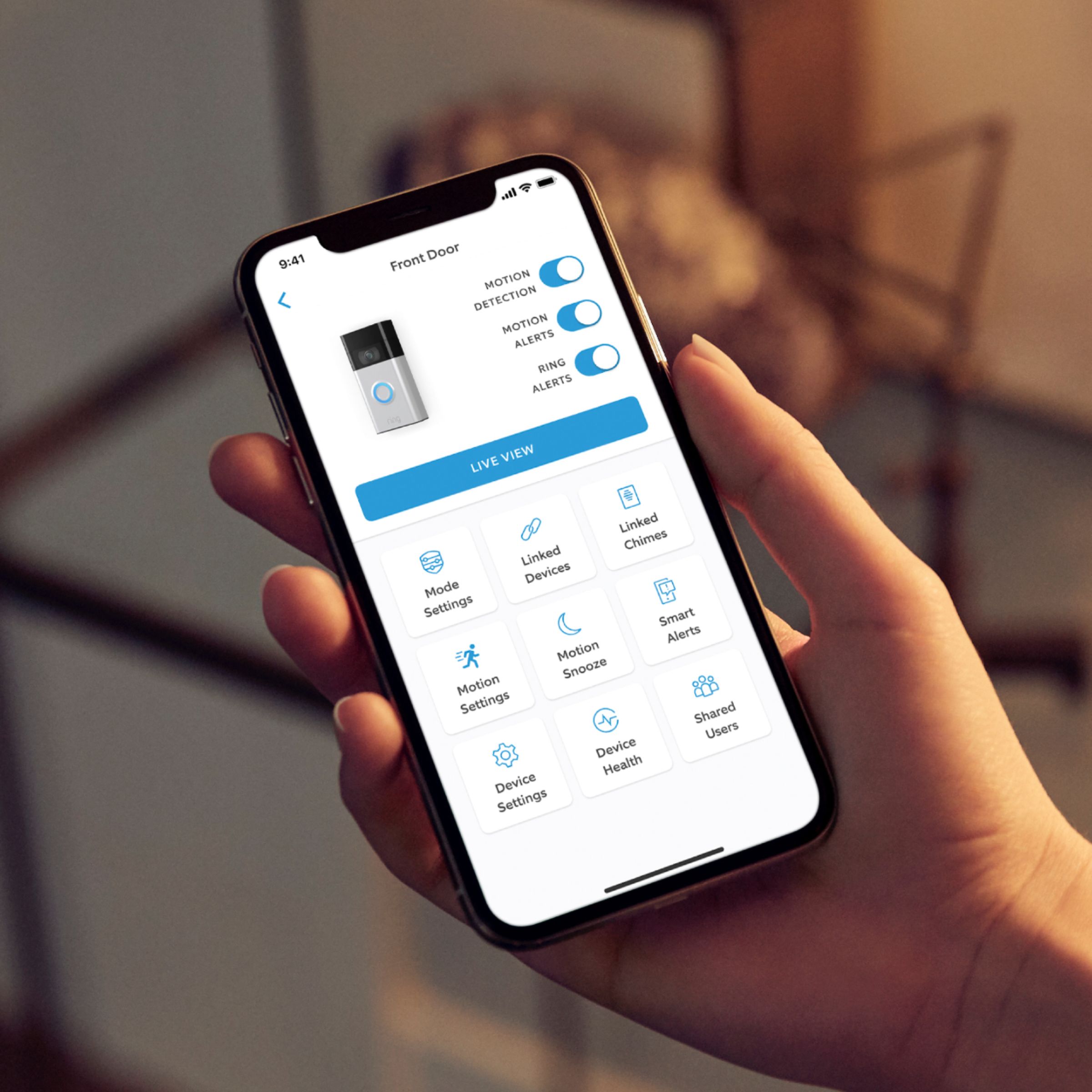
It sounds like the device is not performing as expected in regards to person detection. It is important to ensure that you have the proper motion settings in place for your environment. This camera uses adjustable motion detection and runs on passive infrared sensors. The system identifies visitors via a moving heat signature and sends a notification to your smart device when one is detected. You can adjust three preset motion zones and their distances under the "Motion Settings" tab on the device's page in the Ring app. Additionally, you can choose how often the camera checks for movement in those predefined zones via the "Motion Frequency" setting. If you find that your camera is missing some motions, please set the motion frequency to "Frequently."
Accuracy in motion detection can also be improved by enabling the "Smart Alerts" feature for people only in your Ring app. To enable "Smart Alerts," please follow these steps:
Tap the menu (≡) on the top left.
Tap "Devices."
Tap the device that you want to adjust.
Tap "Motion Settings."
Tap "Smart Alerts."
Tap "Enable Feature."
Tap "Continue."
Select the notification options that you want for "Person" and "Other Motion."
You'll see a video camera where you can select or de-select recording and a bell icon to represent alert notifications.
After you've adjusted your settings, tap "Done."
If any additional information is needed regarding your Ring Video Doorbell (2nd Gen.), please reach out to our community. Ring Community is our first peer-to-peer community forum, giving our customers the ability to help one another and share their feedback and experiences directly with Ring.
Thank you,
Melissa from Ring.
Ring doorbell
||Posted . Owned for 8 months when reviewed.This reviewer received promo considerations or sweepstakes entry for writing a review.Stopped working 2 months later, but I didn’t bother to bring it back
I would recommend this to a friendBrand response from Ring
Posted .Hi Goodgirl100.
Thank you for taking the time to share your experience with us.
We understand how important it is for your Ring Video Doorbell (2nd Generation) to last for an extended period of time. The features and technology provided by the Ring Video Doorbell (2nd Generation) are incredibly valuable and help provide you with peace of mind about your home security. We want to ensure your device is working as intended by providing you with information to resolve the concern you mentioned in your review.
It sounds like your device is no longer powering on. The first thing to check if your device is unresponsive is that it is fully charged. To charge the device, remove the device from the mounting bracket. Use a common micro-USB cable, such as the orange one included in your Ring product box, and simply plug it into any USB power source. Your battery can take around 5-10 hours to fully charge, depending on whether the USB cable is plugged into a USB port or a wall outlet. When the battery is fully charged, the blue circular LED light on the front of the doorbell will be fully lit.
Once fully charged, it should automatically reconnect to your home wifi. If additional troubleshooting is needed, visit our support center.
Ring Community was established to assist in providing our neighbors with the most recent news and instructional material. Four sections make up this online forum: Ring Updates, Product Boards, Tips & Tricks, and a Moderators' Corner. You can start new topics on the Product Boards with your questions or suggestions; a search function will assist you in locating subjects that other neighbors have previously posted.
All the best,
Nicole from Ring.
Not actually 1080p dont buy this junk.
||Posted . Owned for 4 months when reviewed.This reviewer received promo considerations or sweepstakes entry for writing a review.Horrible video quality and ring customer service is unhelpful and outsourced.
No, I would not recommend this to a friendBrand response from Ring
Posted .Hi JamesC.
Thank you for taking the time to share your experience with us.
We understand how important it is to be able to clearly see who is at your door with the Ring Video Doorbell (2nd Generation). The features and technology provided by the Ring Video Doorbell (2nd Generation) are incredibly valuable and help provide you with peace of mind about your home security. We are eager to provide you with a solution for the concern mentioned in your review.
It sounds like you have some concerns with the video quality you are experiencing with your device. The Ring Video Doorbell (2nd Generation) is designed to provide up to 1080p HD video. If you’re seeing heavy pixilation in your video, this may be due to slow wifi speeds. We recommend following these steps to run a wifi speed test:
Turn off your mobile phone’s cellular data and connect to the same wifi network as your Ring device.
Open the Ring app.
Tap the menu (☰).
Tap Devices.
Select your device.
Tap Device Health.
Under Tools, tap Test Your Wifi.
Tap Start to run a test that will measure your upload and download speeds.
Both upload and download speeds should be at least 1 Mbps or greater, but 2 Mbps or above is ideal.
Check the numbers on your wifi speed test. If either your upload or download speed is below 1 Mbps, then you might consider replacing your router (especially if it's older than five years). Contact your internet service provider to learn more about getting newer equipment and faster speeds.
Ring Community was launched to help deliver the most current news and educational information to our neighbors. This online forum is divided into four categories: Product Boards, Ring Updates, Tips + Tricks, and a Moderators’ Corner. The Product Boards are where you can begin new topics with your questions or feedback; there is also a search option that helps you find topics that have already been posted by other neighbors.
All the best,
Nicole from Ring.
Ring Doorbell Fiasco
||Posted .This reviewer received promo considerations or sweepstakes entry for writing a review.Doorbell came without mounting bracket and cable resulting in a long, confusing effort to have it replaced and installed by the Geek Squad (really a 3rd party installer). Still waiting for the installation which has been rescheduled.
No, I would not recommend this to a friendBrand response from Ring
Posted .Hello
Thank you for taking the time to share your experience with us. We understand the importance of a seamless installation process, as this allows you to start using your Ring Video Doorbell 2020 right away. What you describe is not the experience we want you to have, rest assured we hear you and are here to offer you some help.
In this particular case, we’d suggest you reach out to Best Buy’s customer service: 1-888-237-8289 or https://www.bestbuy.com/services/triage/home. We are confident that they will be able to provide you resolution to this installation appointment concern.
Also, Ring Community is our first peer-to-peer community forum, giving our customers the ability to help one another and share their feedback/experiences with Ring. We invite you to reach out at https://community.ring.com/ if any additional information is needed regarding your Ring Doorbell 2020.
Thank you,
Antonio from Ring
Waste of time
||Posted . Owned for 4 months when reviewed.This reviewer received promo considerations or sweepstakes entry for writing a review.What a piece of junk.. if you do buy this buy the one with the removable battery... Otherwise it had software/hardware issues... Never again and I have others. Picture just freezes when opening the video.
No, I would not recommend this to a friendBrand response from Ring
Posted .Hello Deandean48,
Thank you for bringing this to our attention. Here at Ring, we hear your concerns and are here to help. Our top priority at Ring is to ensure that our customers have the best possible experience with our products. It is important to us that you have all the necessary information needed to ensure that Ring App is performing optimally for you, and that you are able to answer your motion alerts.
Based on your review, it seems that you are having trouble with answering your doorbell from your Ring App. Rapid Ring is a "light" version of the classic Ring app with most of the features stripped out except for the ability to activate a Live View and respond to an event as quickly as possible. By using the Rapid Ring app in conjunction with the original Ring app, you'll be able to answer your notifications as quickly as possible. Please see our help center article for more information on the Rapid Ring App: https://support.ring.com/hc/en-us/articles/360028023571-Rapid-Ring-App-Information.
Ring Community launched in March 2019 to help deliver the most current news and educational information to our neighbors. It is our first peer-to-peer community forum, giving our customers the ability to help one another and share their feedback/experiences with Ring. Please reach out at https://community.ring.com/ if any additional information is needed regarding your Ring App concern.
Thank you, Jamila with Ring.
No Help From The geeks squad.
||Posted . Owned for 3 weeks when reviewed.This reviewer received promo considerations or sweepstakes entry for writing a review.The services by the geeks squad were unacceptable. I disliked the product due to not being helpful.
No, I would not recommend this to a friendBrand response from Ring
Posted .Hi Gdaddy.
Thank you for taking the time to share your experience with us.
We understand the importance of a seamless installation process, as this allows you to start using your Ring Video Doorbell (2nd Generation) right away. What you describe is not the experience we want you to have. Rest assured, we hear you and are here to offer you some help.
In this particular case, we'd suggest you reach out to Best Buy's customer service: 1-888-237-8289 or https://www.bestbuy.com/services/triage/home. We are confident that they will be able to provide you with a resolution to this installation concern.
Ring Community was launched to help deliver the most current news and educational information to our neighbors. This online forum is divided into four categories: Product Boards, Ring Updates, Tips + Tricks, and a Moderators’ Corner. The Product Boards are where you can begin new topics with your questions or feedback; there is also a search option that helps you find topics that have already been posted by other neighbors.
All the best,
Nicole from Ring.
DISAPPOINTED
||Posted . Owned for 1 week when reviewed.This reviewer received promo considerations or sweepstakes entry for writing a review.I had ordered two of these ring video doorbell but there is not enough room to place the camera. Also I don't get very much sun where it would go. Do not like it.
No, I would not recommend this to a friendBrand response from Ring
Posted .Hi DonaldM.
Thank you for sharing your experience with us.
We understand the importance of having the best security product to meet your home's needs. The features and technology provided by the Ring Video Doorbell (2nd Generation) are incredibly valuable and help provide you with peace of mind about your home's security. We would love to work with you today to address any concerns you may have and ensure your device is working as intended.
It sounds like the placement of your Ring Video Doorbell is causing some concern. The Ring Video Doorbell (2nd Generation) is a battery-operated device, which offers flexibility in where the device can be mounted. The proper positioning of your Ring Video Doorbell (2nd Generation) depends on a number of factors, including the layout of your yard, the distance from the front door to the street, objects within the Ring Doorbell's field of view, the height of the door, and more. This article will describe how your Ring Video Doorbell "sees" the world and the factors that go into good Ring Video Doorbell placement: https://support.ring.com/hc/en-us/articles/360040763812-Proper-Positioning-for-your-Ring-Video-Doorbell-2nd-Generation-.
If the Ring Video Doorbell (2nd Generation) is not the best fit for you, we encourage you to explore our entire line of video doorbells. The chart attached lists out the features of the individual Ring smart doorbell models, along with a recommendation (below the chart) as to which model might be best for you: https://support.ring.com/hc/en-us/articles/115004668746-Ring-Video-Doorbells-Product-Comparison.
Ring Community was launched to help deliver the most current news and educational information to our neighbors. This online forum is divided into four categories: Product Boards, Ring Updates, Tips + Tricks, and a Moderators’ Corner. The Product Boards are where you can begin new topics with your questions or feedback; there is also a search option that helps you find topics that have already been posted by other neighbors. We invite you to visit our site at https://community.ring.com/ today.
All the best,
Nicole from Ring.
Ring
||Posted . Owned for 3 weeks when reviewed.This reviewer received promo considerations or sweepstakes entry for writing a review.this item Looks very old school, and big didnt like it as soon as I openned it
No, I would not recommend this to a friendBrand response from Ring
Posted .Hi JesseD.
Thank you for taking the time to share this feedback with us.
We understand the importance of having all relevant product information prior to purchasing. The features and technology provided by the Ring Video Doorbell (2nd Generation) are incredibly valuable and help provide you with peace of mind about your home security. We can definitely provide you with more information regarding the concern mentioned in your review.
It sounds like the device is not the size you were expecting. The Ring Video Doorbell (2nd Generation) measures 2.4 in. x 4.98 in. x 1.10 in. (62mm x 126.5mm x 28mm). It has a built-in rechargeable battery pack and can be hardwired to an existing doorbell system or transformer with 8–24 VAC, 40 VA max, and 50–60 Hz for continuous charging. Visit our support center for additional details.
Ring Community was launched to help deliver the most current news and educational information to our neighbors. This online forum is divided into four categories: Product Boards, Ring Updates, Tips + Tricks, and a Moderators’ Corner. The Product Boards are where you can begin new topics with your questions or feedback; there is also a search option that helps you find topics that have already been posted by other neighbors.
All the best,
Nicole from Ring.
Got a dead item.
||Posted . Owned for 1 week when reviewed.This reviewer received promo considerations or sweepstakes entry for writing a review.I now have to return it because it does not keep a charge. At this point I am giving it a 1 star and not give it it anything higher than a 4 star do to the fact that i have to go through this.
No, I would not recommend this to a friendBrand response from Ring
Posted .Hello Tazz1082,
Thank you for taking the time to share your Bestbuy experience with us. We understand the importance of a seamless delivery, as this allows you to use your Ring device right away! Rest assured, we hear you and are here to offer you some help.
In this particular case, it may be best for you to reach out to Bestbuy's customer service team and see what solutions they have for you:1 (888) 237-8289 or https://corporate.bestbuy.com/contact-corporate-responsibility/. We are confident that they will be able to provide you a resolution to the delivery concern you’ve expressed.
Also, Ring Community is our first peer-to-peer community forum, giving our customers the ability to help one another and share their feedback/experiences with Ring. We invite you to reach out at https://community.ring.com/ if any additional information or assistance is needed regarding your Ring device.
Thank you, Jamila with Ring
Paid for new, got refurbished.
Posted .This reviewer received promo considerations or sweepstakes entry for writing a review.I ordered online yesterday. Picked up today. Got home and opened the box. I saw the wear already on it. They sold me a used item. Unacceptable and messes up!
No, I would not recommend this to a friendBrand response from Ring
Posted .Hey Marty, I'm sorry to hear about what happened. I'd recommend following up with the original retailer you purchased your Video Doorbell from in order to get this addressed. If you have any questions about your Video Doorbell, try searching our Help Center https://support.ring.com/hc/en-us/sections/360008198492-Ring-Video-Doorbell-2nd-Generation-. Best, Ashley from Ring.
Just get the doorbell 3 or 4
||Posted . Owned for 1 month when reviewed.This reviewer received promo considerations or sweepstakes entry for writing a review.It’s a nice ring cam but I had to take it back because you have to take it down to charge so I switched it for the doorbell 3 with A rechargeable battery :)
No, I would not recommend this to a friendBrand response from Ring
Posted .Hi Deejay, I know it can be difficult to find the device that works best for your home. I'm glad to hear you're enjoying your Ring Doorbell 3. If you have any questions about your new device, check out our Help Center for answers https://support.ring.com/hc/en-us/sections/360007703472-Ring-Video-Doorbell-3. Best wishes, Ashley from Ring.
Bad battery life
||Posted . Owned for 1 month when reviewed.This reviewer received promo considerations or sweepstakes entry for writing a review.Good video quality but battery life is horrible. Only lasts for two to three days before recharge. Could use a better battery design.
No, I would not recommend this to a friendBrand response from Ring
Posted .Hello DEHE,
Thank you for leaving a review of the Ring Video Doorbell 2020 and sharing your user experience with us. We understand how important it is to ensure that the battery is holding its proper charge and how cumbersome recharging the batteries can be. While batteries in Ring devices can go months between recharges with normal use, this is dependent on a number of factors in your home’s environment, such as the local weather and the number of activities captured. Please know that we are here to resolve these concerns with you today.
This article will detail some of the factors that may cause your battery to require more frequent recharges: support.ring.com/hc/en-us/articles/208190773. The more events are captured by your Ring device, the more your battery is used. Also, using Live View often can drain your battery faster. If your device is capturing an excessive number of events each day, you may need to recharge your battery sooner. In order to prevent excessive activity, you can adjust your motion settings to a lower sensitivity, disable certain zones, change the motion frequency to "regularly or periodically," or adjust the direction of your Ring device, so it doesn’t detect as much motion.
If after trying these steps, you are still experiencing issues, we would love to investigate this further with you. Please feel free to check out our community forum at https://community.ring.com/for additional tips and support!
Thank you,
Jamila and the Ring