Customer Ratings & Reviews
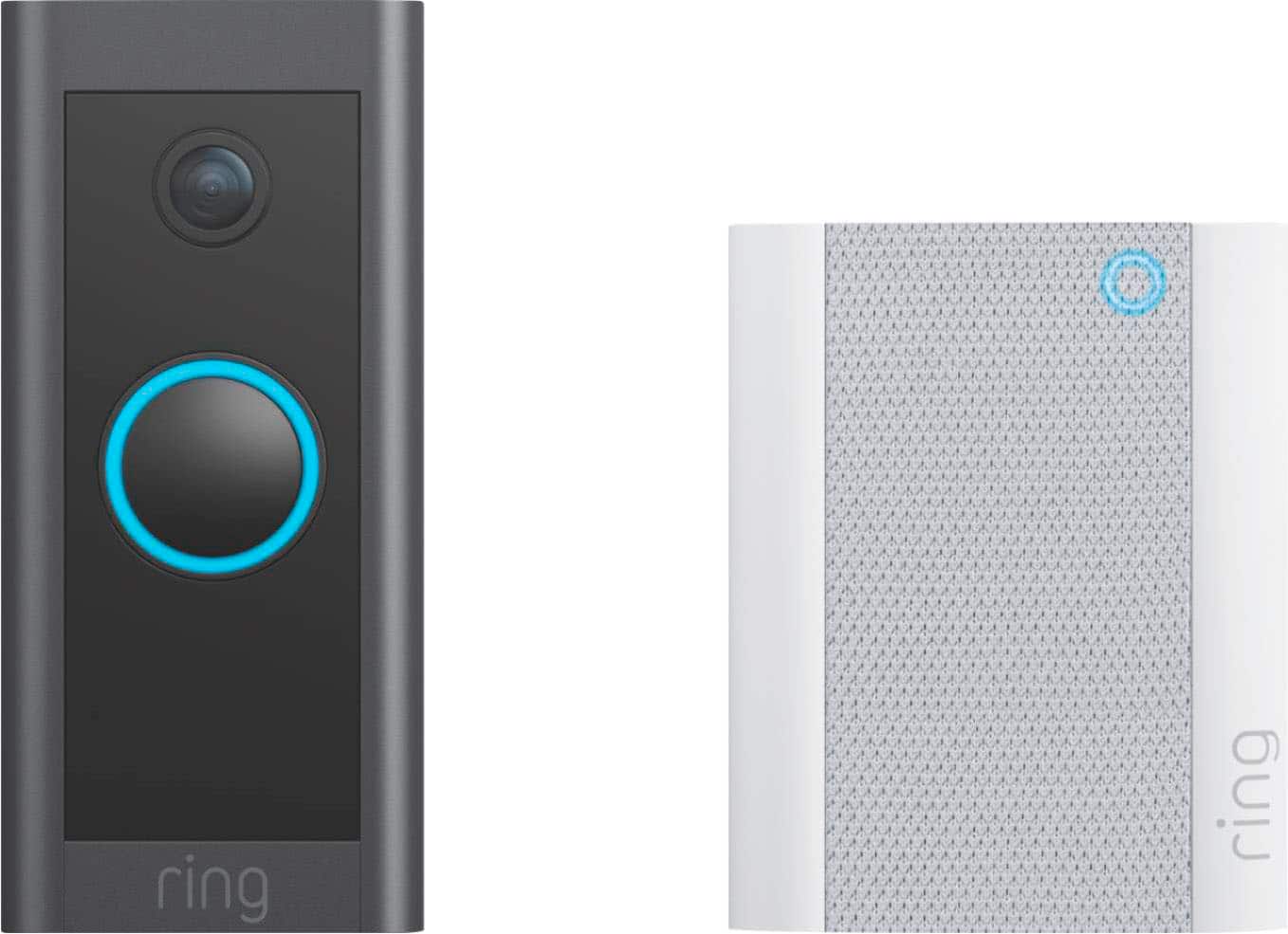
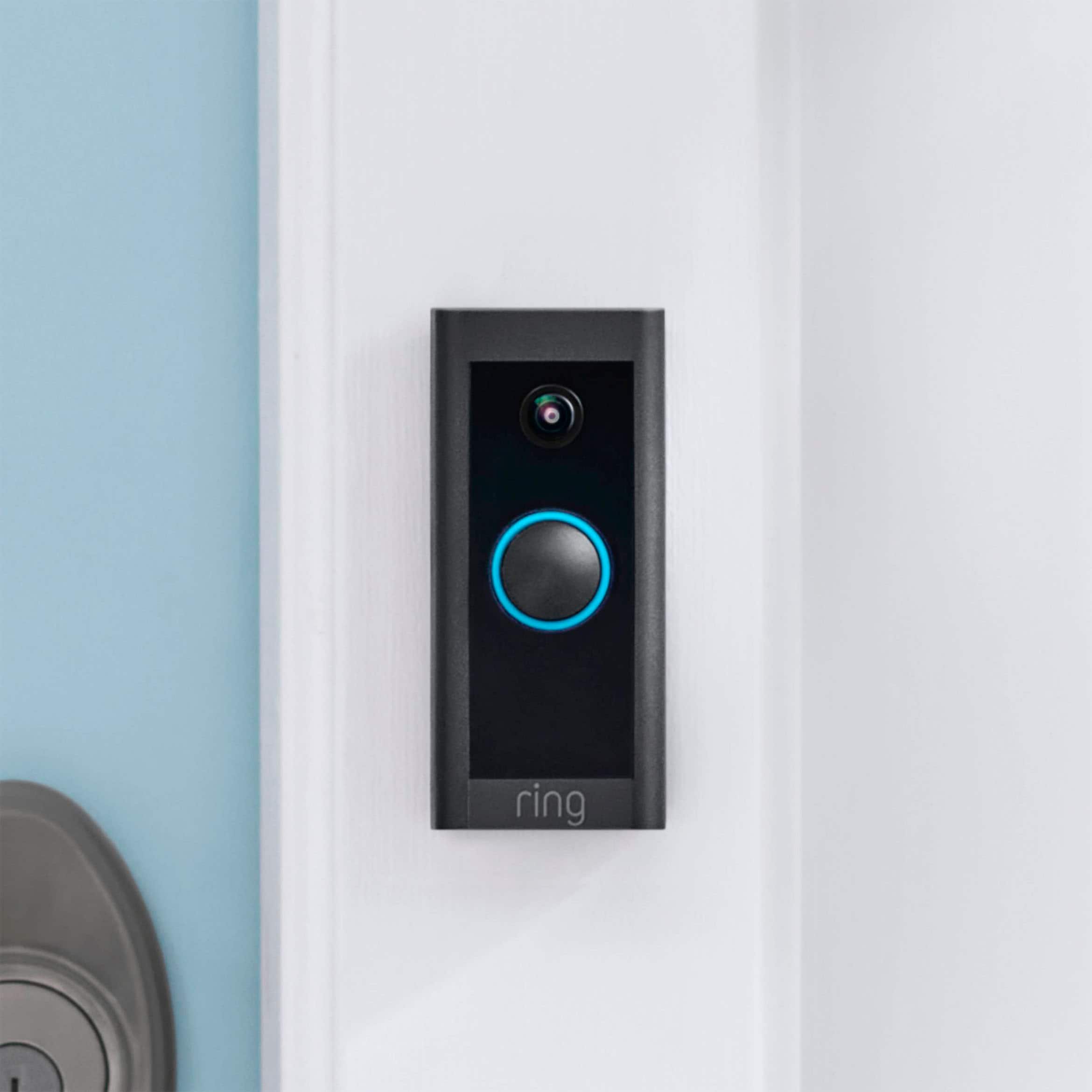
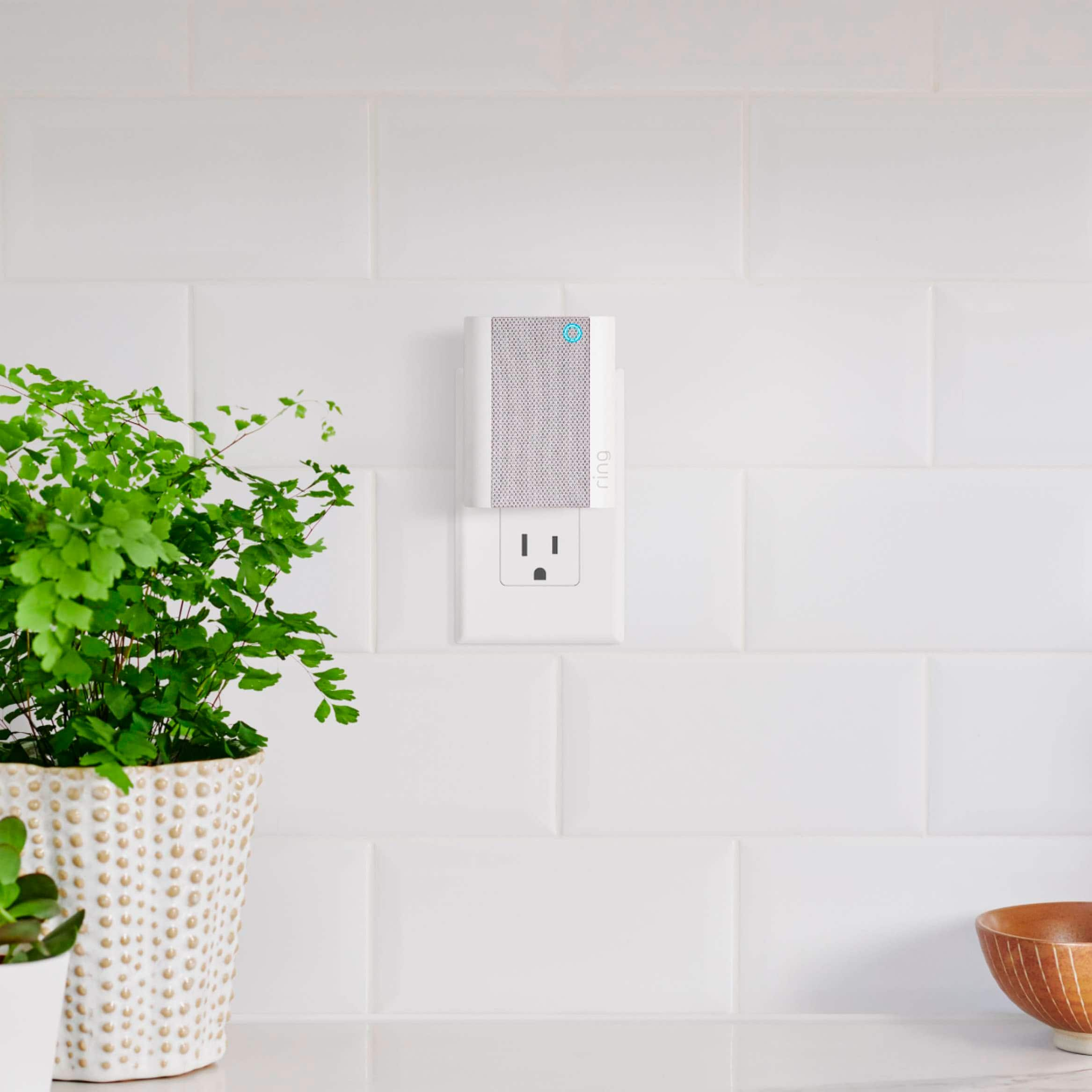




- Model:
- B09NLDYGHQ
- SKU:
- 10891328
Rating by feature
- Video Quality
Rating 4.7 out of 5 stars
- Mobile App
Rating 4.7 out of 5 stars
- Sound Quality
Rating 4.6 out of 5 stars
Ring Doorbell
||Posted . Owned for 1 week when reviewed.This reviewer received promo considerations or sweepstakes entry for writing a review.Works great wish that the clarity was better but you get what you pay for
I would recommend this to a friendDios doorbell, not so good chime
||Posted . Owned for less than 1 week when reviewed.This reviewer received promo considerations or sweepstakes entry for writing a review.Five stars for the ring doorbell, but four stars for the chime (too quiet)
I would recommend this to a friendMistake
||Posted .This reviewer received promo considerations or sweepstakes entry for writing a review.You think you have everything you need to set this up at home. You get it home and start taking out of package, read the instructions and lo and behold you need one more connector before you can install it. Not very effective if you are trying to set up to protect your child and grandchildren.
No, I would not recommend this to a friendBrand response from Ring
Posted .Hello Mistake,
Thank you for taking the time to share your experience with us. The Ring Video Doorbell Wired is a wired only doorbell, therefore, it does not have the option to power it via a battery. If you don't have an existing doorbell, this doorbell can also be powered by the Ring plug-in adapter or a transformer for power supply (10-24 VAC, 40VA max, 50/60Hz, or 24VDC, 0.5A, 12W). It's important to note, halogen or garden-lighting transformers are not compatible.
The box, containing the all-new Ring Video Doorbell Wired, includes the following items:
-Ring Video Doorbell Wired
-Install kit box, w/ install hardware and tools
-User Manual
-Security Sticker
We have a vast line up of doorbells, many of which are battery powered and do not require hardwiring. To view a complete list of our doorbells and their features, please visit our support site: https://support.ring.com/hc/en-us/articles/115004668746-Ring-Video-Doorbells-Product-Comparison.
We invite you to reach out to us at https://community.ring.com/. Ring Community is our first peer-to-peer community forum, giving our customers the ability to help one another and share their personal feedback/experiences with Ring. We look forward to hearing from you, if we can be of any further assistance!
Thank you,
Alexis with Ring
Poor visibility
||Posted . Owned for 1 month when reviewed.This reviewer received promo considerations or sweepstakes entry for writing a review.i did not know you need to subscribe so you can see the video or now .. when your not watching the video ..you wont see who came by your door. the video is blury all the time. not a realiable item
No, I would not recommend this to a friendBrand response from Ring
Posted .Hi Demi.
Thank you for taking the time to share your experience with us. We understand how important it is for your Ring Video Doorbell Wired to record clear and concise videos so that you can effectively monitor your home. The features and technology provided by the Ring Video Doorbell Wired are incredibly valuable and help provide you with peace of mind about your home security. We want to ensure your device is working as intended by providing you with solutions to resolve the concern you mentioned in your review.
It sounds like the device is not performing as expected. Ring devices require high-speed internet to bring you crisp, clear video and audio. Poor network connectivity can affect the performance of your Ring device. We are happy to share some troubleshooting steps to help you diagnose and fix common video issues that you may experience with your Ring Video Doorbell Wired.
Here are some examples of video quality issues:
Overexposed, washed-out videos: Washed-out videos may be due to overexposure to sunlight.
Poor wifi signal strength: A decline in wifi signal strength may be caused by a weak connection between the router and your Ring device.
Traveling signal strength: This may be due to a wifi dead zone in your home where you lose signal strength between the router and your Ring device.
Ring devices with 1080p video require at least 1 Mbps upload and download speeds, though 2 Mbps is recommended for optimal performance. In addition to ensuring that you have sufficient wifi speeds, you will also want to check the signal strength of your device. A poor wifi signal can cause connectivity with your Ring device to be unreliable.
Check the "Device Health" section of your Ring application to ensure the device’s RSSI is within an acceptable range. The recommended range for optimal performance is 0 to -60 for the RSSI. Turn off your mobile device's cellular data and connect to the same wifi network as your Ring device. Open the Ring app. Tap the menu (☰). Tap “Devices.” Select your device. Trigger an event on your Ring device. This could mean pressing the button on a doorbell or activating the motion sensors on a camera. Answer the event and examine the resulting video.
We have listed some possible outcomes from this test here:
Footage is crisp and clear: If your video appears good when next to the router, the issue may be caused by a disruption in between your router and your Ring device’s normal location. To fix this, try moving your device closer to the router or extending your wifi signal with a wifi extender like the Ring Chime Pro.
Footage is heavily pixelated: If you’re seeing heavy pixilation, even next to the router, this may be due to slow wifi speeds.
Severe pauses in live video: If your video pauses, stutters, or gets frozen and your wifi speed meets the minimum standards, try rebooting your router. Unplug your router, wait 30 seconds, and then plug it back in. It should take three to four minutes to reboot. Then, test your Ring device again and see if there's any difference.
Long delay before your video starts: This is also caused by slow wifi speeds. Assuming you have high-speed internet, reboot your router and the mobile phone, tablet, or PC you're accessing the video feed on, Then see if there's any difference when it's back on line.
While there are no video settings that allow you to change exposure to sunlight, there are other ways you can fix overexposed, washed-out videos. Using a wedge kit or corner kit can change the angle of the doorbell. There are many different corner kits and wedge kits, so make sure you get one that is compatible with your particular model of doorbell.
For more information on your Ring Video Doorbell Wired, we invite you to reach out to our community. Ring Community is our first peer-to-peer community forum, giving our customers the ability to help one another and share their personal feedback and experiences with Ring. We look forward to hearing from you if we can be of any further assistance!
Thank you,
Melissa from Ring.
Dislike
||Posted . Owned for 1 week when reviewed.This reviewer received promo considerations or sweepstakes entry for writing a review.I didn’t like this specific ring camera. I thought it connects to your door bell but it doesn’t. You have to depend on the chime and hope it works. When people are at my door it doesn’t always ring.
No, I would not recommend this to a friendBrand response from Ring
Posted .Hello Liz
Thank you for sharing your experience with your Ring Video Wired and Chime. The Doorbell Wired does not ring any pre-existing chimes. The Chime your Doorbell came with works as an internal chime. If it is not ringing all the time with your Doorbell, make sure your Chime has good signal strength: bit.ly/3NtrBZ9. Try also resetting your Chime by pressing and holding the setup button on it for 20–25 seconds and then reconnecting it to your wifi.
Best wishes,
Ivan from Ring
Ring Doorbell and Chime
||Posted . Owned for 1 month when reviewed.This reviewer received promo considerations or sweepstakes entry for writing a review.I love this package deal. The doorbell, plus chime free.
I would recommend this to a friendComfort
||Posted .This reviewer received promo considerations or sweepstakes entry for writing a review.I got this for my mother in law. And she loves it very Easy to use.
I would recommend this to a friendGood so far
||Posted .This reviewer received promo considerations or sweepstakes entry for writing a review.I like it so far, but sometimes it doesn't send me notifications.
I would recommend this to a friendBrand response from Ring
Posted .Hello Myreview,
We know how important it is to have peace of mind when it comes to your security and receiving notifications plays a significant role in having that sense of security. For our consumers, we want to ensure that you are notified of who may be near your door at all times. Please know that it is a priority for us to be of assistance and find a resolution to your notification concern.
The Video Doorbell Wired is designed to keep you in the loop with the activity around your home and community. You can view events as well as live activity from both Android and iOS smartphones and also from the Mac and Windows desktop Ring Applications.
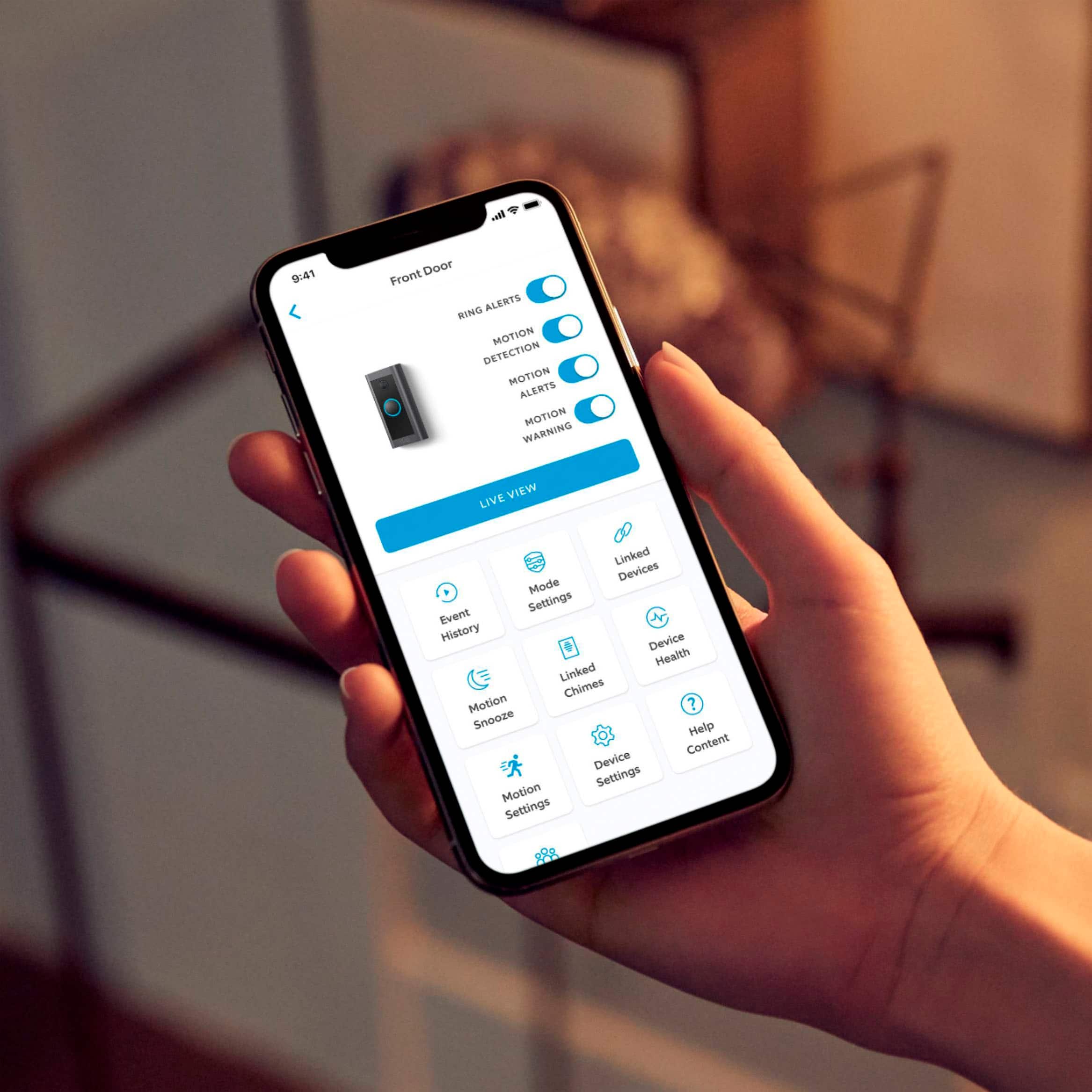
First, make sure that both Ring Alerts and Motion Alerts are activated by setting each to the blue "On" position in the Device Settings of your Ring app. Then, test your device by pressing the button on the front of your Doorbell and/or walking in front of it to trigger a motion event. If everything’s working correctly, you should start receiving notifications. If you still don't receive Motion Alerts, you may need to customize your motion settings.
Note: Notification settings are specific to the device connected to Ring, not your actual Ring Doorbell or camera. For example, if you activate notifications on your phone, they will not be automatically activated on your tablet. Instead, you have to manually designate your notification settings for each device connected to Ring.
If you’re still having issues, you may need to reset the Ring app. Do this by logging out of the app, powering off your phone, then powering it back on and logging back into the app.
Please reach out to us directly via our community forum at https://community.ring.com/ so we can find a solution to best resolve this and ensure the Video Doorbell Wired is functioning as it was intended.
Thank you,
Antonio from Ring
Camera doorbell
||Posted . Owned for 3 weeks when reviewed.This reviewer received promo considerations or sweepstakes entry for writing a review.Bought as gift. All our family and friends love theres
I would recommend this to a friendOk
||Posted . Owned for 1 month when reviewed.This reviewer received promo considerations or sweepstakes entry for writing a review.Doorbell super . Chimey ,ok ……………………………………………..,,,,,
I would recommend this to a friendNo bad
||Posted .This reviewer received promo considerations or sweepstakes entry for writing a review.Good Device but in the dark cant see from far away.
I would recommend this to a friendGood Security
||Posted . Owned for 1 month when reviewed.This reviewer received promo considerations or sweepstakes entry for writing a review.Great choice if you want a no battery option for ring.
I would recommend this to a friendGreat product
||Posted . Owned for 1 month when reviewed.This reviewer received promo considerations or sweepstakes entry for writing a review.Love the product, but the chime keeps disconnecting.
I would recommend this to a friendCost effective wired doorbell video camera.
||Posted . Owned for 1 month when reviewed.This reviewer received promo considerations or sweepstakes entry for writing a review.Works as advertised. Price effective and easy setup.
I would recommend this to a friendNot apartment friendly
||Posted . Owned for 3 weeks when reviewed.This reviewer received promo considerations or sweepstakes entry for writing a review.I thought it was apartment friendly but you have to attach to the breakers. I was like this isnt it. It would be good for a home not an apartment
I would recommend this to a friendBrand response from Ring
Posted .Hello DanielleJ
Thank you for the feedback. As described in the product features section, this is a hardwired device and not battery-operated. If you do not have pre-existing wires to install it, you could use a Ring Plug-in Adapter to power up your doorbell. https://ring.com/products/video-doorbell-plugin-adapter-gen-2.
Best wishes
Ivan from Ring
BAD TO THE BONE
||Posted . Owned for 3 weeks when reviewed.This reviewer received promo considerations or sweepstakes entry for writing a review.It would not work, i had to return it. The Best Buy employees they mean well. But yet sometimes their advice is not the best.
No, I would not recommend this to a friendBrand response from Ring
Posted .Hello wiljon338.
Thank you for taking a moment to leave your review of the Ring Video Doorbell Wired. At Ring, we believe that stronger communities are the key to safer neighborhoods. That is why we are driven to create products that help you protect what matters most at home and empower you to connect with your visitors from wherever you are. We are saddened to read that this device did not meet your expectations, but we are still here to assist you if needed.
The Ring Video Doorbell Wired is a wired video doorbell that offers 1080p HD video with night vision and two-way audio with noise cancellation. With the Ring Video Doorbell Wired, you can check in on your front door anytime, from anywhere, and can see and speak to visitors at your door in real time using your Ring app or Alexa-enabled device.
If you still have the Ring device in your possession, we invite you to reach out to our community. The Ring Community is our first peer-to-peer community forum, giving our customers the ability to help one another and share their personal feedback and experiences with Ring. We look forward to hearing from you. Please let us know if we can be of additional assistance!
All the best,
Melissa from Ring.
50/50
||Posted . Owned for 1 month when reviewed.This reviewer received promo considerations or sweepstakes entry for writing a review.The doorbell chimes consistently disconnects from wifi and fails to communicate with doorbell , I have it on the proper bandwidth channel and none of my other wifi connected devices have issues
No, I would not recommend this to a friendBrand response from Ring
Posted .Hello Opal,
Here at Ring, we understand how critical it is for your Ring Chime to work as intended. It's a key component to ensure
all connected Ring devices have a strong signal, along with providing an internal audio effect through your home. We are here to lend some assistance.
Based on your review, it seems that you are having trouble with your Ring Chime staying online. When this happens, we recommend unplugging the Chime Pro for 30 seconds and then plugging it back in. The ideal placement for your Chime is about halfway between your wifi router and the device it’s connected to.
For more information on troubleshooting your Ring Chime, please see our help center
article: https://support.ring.com/hc/en-us/articles/360048673232-Troubleshooting-Your-Ring-Chime-Pro-and-Understanding-Light-Patterns.
For any additional questions or concerns regarding your Ring Chime , please feel free to reach out on our community forum at https://community.ring.com/. We look forward to hearing from you soon.
Thank you, Jamila with Ring.
Unsatisfactory
||Posted . Owned for 1 month when reviewed.This reviewer received promo considerations or sweepstakes entry for writing a review.I purchase this item online and I received a used one that didn't work. The serial number didn't match neither so I couldn't get a refund.
No, I would not recommend this to a friendBrand response from Ring
Posted .Hello Luis,
Thank you for taking the time to share your experience with us. We understand the importance of a seamless installation process, as this allows you to start using your Ring Doorbell right away. What you describe is not the experience we want you to have, rest assured we hear you and are here to offer you some help.
In this particular case, we'd suggest you reach out to Best Buy's customer service at https://www.bestbuy.com/services/triage/home. We are confident that they will be able to provide you with a resolution to this concern.
Also, Ring Community is our first peer-to-peer community forum, giving our customers the ability to help one another and share their feedback/experiences with Ring. We invite you to reach out at https://community.ring.com/ if any additional information is needed regarding your Ring Video Doorbell device.
Thank you,
Alexis with Ring
Ring
||Posted . Owned for 3 weeks when reviewed.This reviewer received promo considerations or sweepstakes entry for writing a review.Terrible device the instructions didn't go well with my doorbell
No, I would not recommend this to a friendBrand response from Ring
Posted .Hi PaulL.
Thank you for taking the time to share your experience with us. We understand the importance of a smooth setup process so that you can begin using your Ring Video Doorbell right away. We can definitely provide you with more information regarding the installation concern that you mentioned in your review.
We are happy to provide you with the steps to install your Ring Video Doorbell Wired here:
1. Find your doorbell chime.Your Video Doorbell Wired gets its power from the doorbell system and is designed to replace an existing doorbell button. Ring your doorbell and listen for the chime. If it rings, your existing doorbell system is working. Follow the sound to find your chime and make a note of the location.
2. Turn off power at the breaker. If you're not sure which breaker controls your doorbell chime, turn off the master breaker for your home or contact an electrician.
3. Grab the included jumper cable. The jumper cable bypasses and disables your existing doorbell chime and must be installed before you can install your Video Doorbell.
Your Video Doorbell Wired is compatible with doorbell systems supplying 10–24 volts AC at 50 or 60 Hz and 20–40 VA max. The AC connector is a class 2 energy source.
4. Remove the cover from your doorbell chime. After you've located your doorbell chime and turned off the power at the breaker, remove the cover from your chime and set it aside for now.
5. Loosen the "Front" and "Trans" terminal screws. Make sure to keep the existing doorbell wires in place.
6. Connect the jumper cable. Connect one end of the jumper cable to the "Front" terminal and the other to the "Trans" terminal. It doesn't matter which wire you connect to which terminal. Be sure to tighten the terminal screws.
7. Uninstall your existing doorbell button. Remove your doorbell from the wall. Disconnect the wires. Make sure they don't fall back inside your wall, so you can access them later.
8. Remove the faceplate. Gently pull the faceplate off the unit by pulling it from the lower edge of the plate. Do not use excessive force. The faceplate should pop off easily.
9. Mark the screw holes. Using your Video Doorbell Wired as a template, mark the location of the two mounting holes on the wall.
10. Install the anchors (optional). On stucco, brick, or concrete, use a 1/4" (6mm) masonry bit to drill holes in your wall, then insert the included wall anchors. If you're installing it on wood or siding, you can skip this step.
11. Connect the doorbell wires. Loop one doorbell wire around each of the screw terminals on the rear of your Video Doorbell Wired, then tighten the terminals to secure.
12. Screw in your Ring Doorbell. Mount your Video Doorbell Wired with the two included mounting screws. If you ran the wire through your wall, be sure to feed any excess wiring into the wall first.
When securing your Ring Video Doorbell do not use any other mounting screw other than the one included. If you are running the wire up your wall (instead of through it) DO NOT over-tighten the screws.
13. Restore power at the breaker. It may take a moment for your Video Doorbell Wired to power on. You'll know it's ready when it lights up and speaks to you.
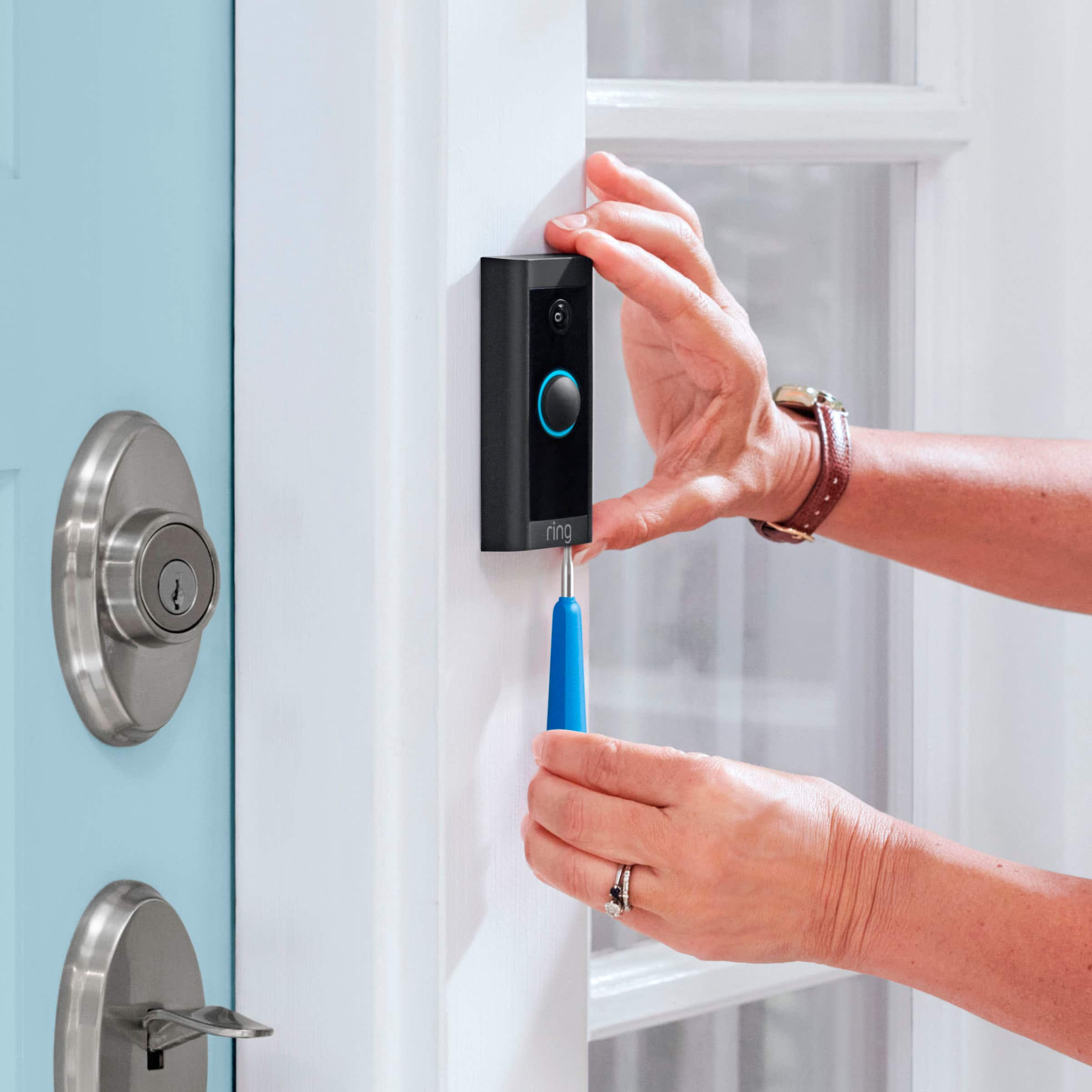
14. Secure your Ring Doorbell. Re-attach the faceplate, then use the included screwdriver to drive the small security screw into the bottom of your Video Doorbell Wired.
CAUTION: If you use the wrong screws to secure the Video Doorbell Wired, you could damage the battery during installation, create a fire hazard, and be seriously injured.
We invite you to reach out to our community if any additional information is needed regarding your Ring Video Doorbell Wired. The Ring Community is our first peer-to-peer community forum, giving our customers the ability to help one another by sharing their feedback and experiences with each other.
Thank you,
Melissa from Ring.
Im not an electriian
||Posted . Owned for 2 months when reviewed.This reviewer received promo considerations or sweepstakes entry for writing a review.I bought two of these and still can't figure out how to screw them in. I know they watch me everywhere I go, but how do I turn it on?????
No, I would not recommend this to a friendBrand response from Ring
Posted .Hi SamanthaE.
Thank you for sharing your experience with us.
We understand the importance of a seamless setup process so that you can begin using your Ring Video Doorbell Wired right away. The features and technology provided by the Ring Video Doorbell Wired are incredibly valuable and help provide you with peace of mind about your home security. We are here to provide you with some information to resolve the installation issue you mentioned in your review.
It sounds like your devices still need to be installed. Your Video Doorbell Wired is designed to replace an existing doorbell button and gets its power from the doorbell system. If you do not have an existing doorbell system, you can power your Video Doorbell Wired directly using our Plug-in Adapter (2nd Generation).
Visit our support center for a step-by-step guide on installing your Ring Video Doorbell Wired.
Ring Community was launched to help deliver the most current news and educational information to our neighbors. This online forum is divided into four categories: Product Boards, Ring Updates, Tips + Tricks, and a Moderators’ Corner. The Product Boards are where you can begin new topics with your questions or feedback; there is also a search option that helps you find topics that have already been posted by other neighbors.
All the best,
Nicole from Ring.