Customer Ratings & Reviews
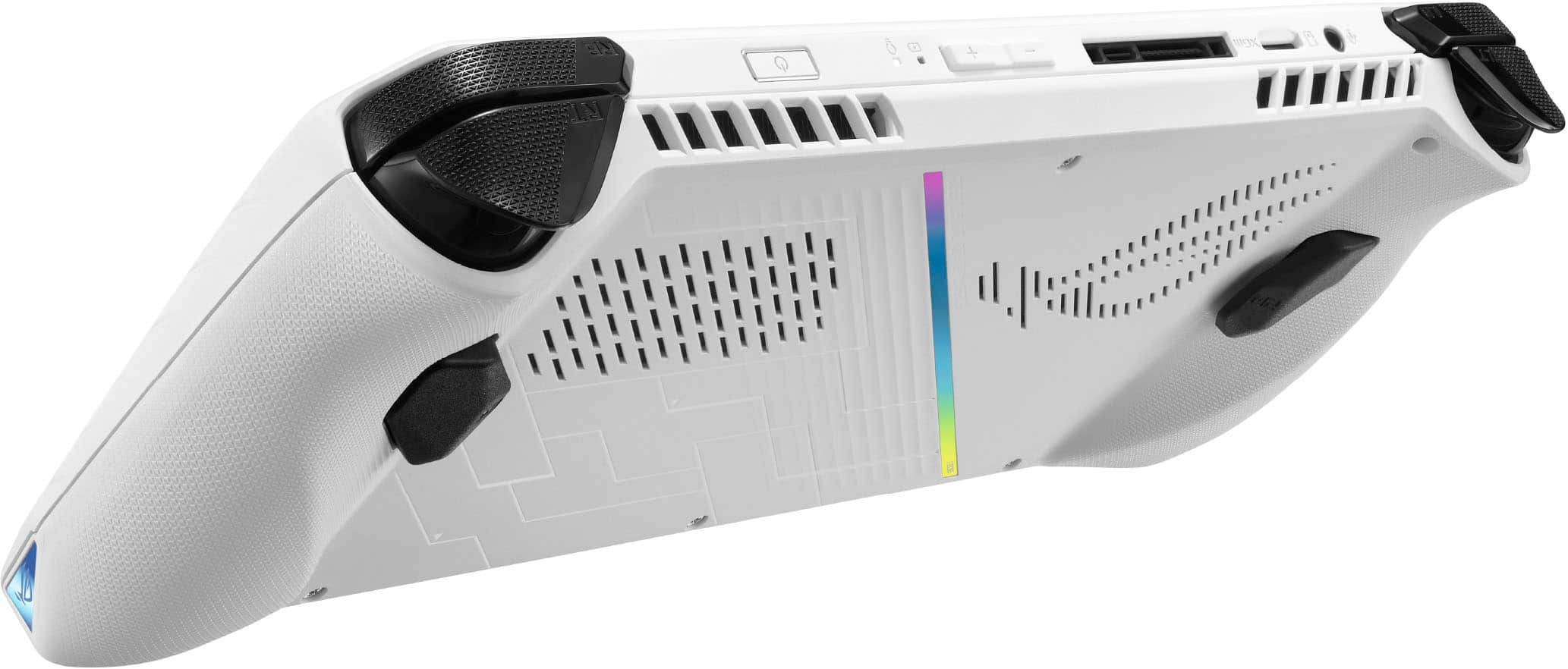
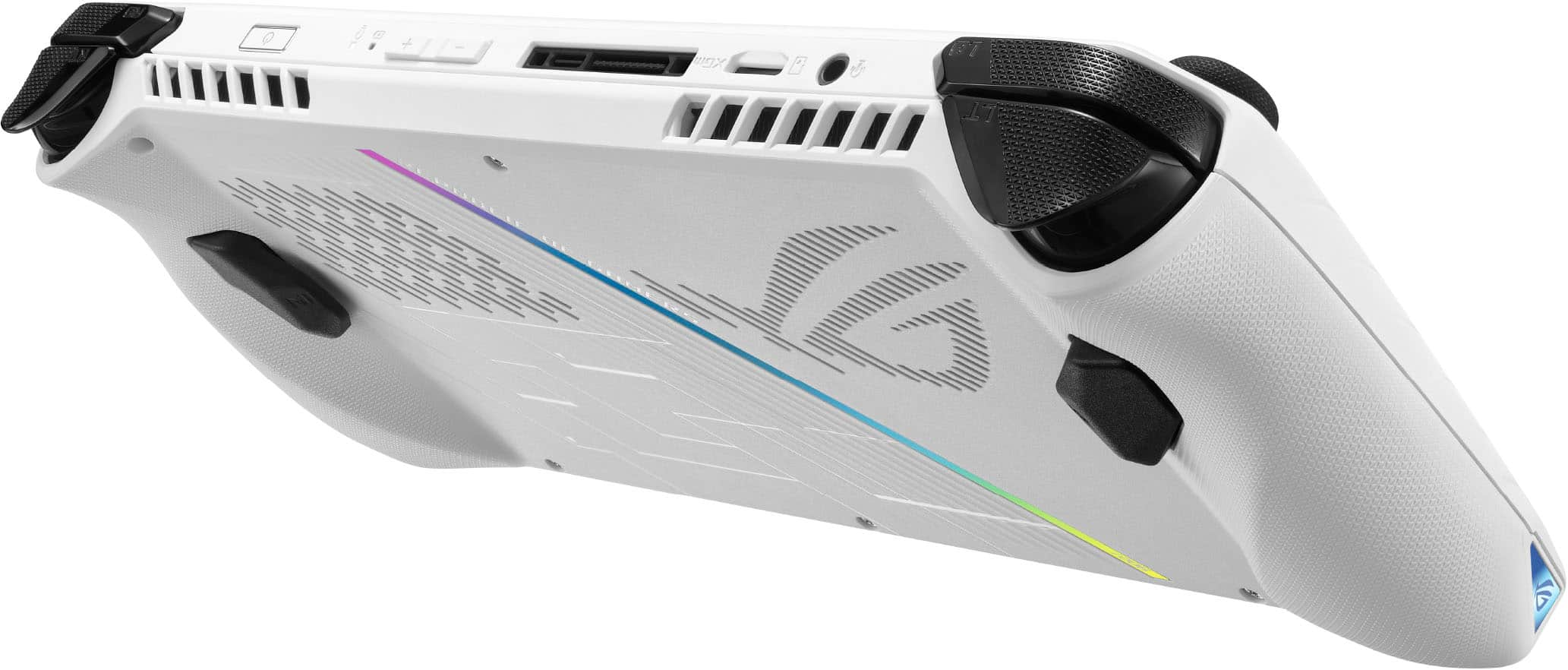


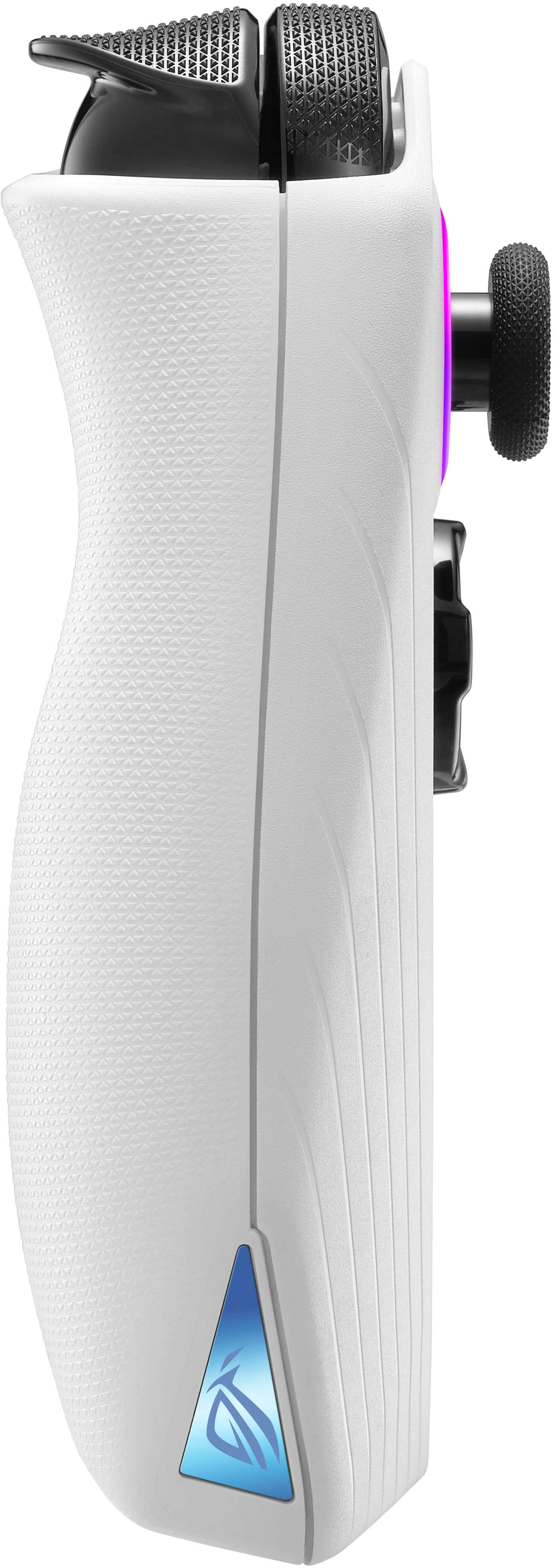
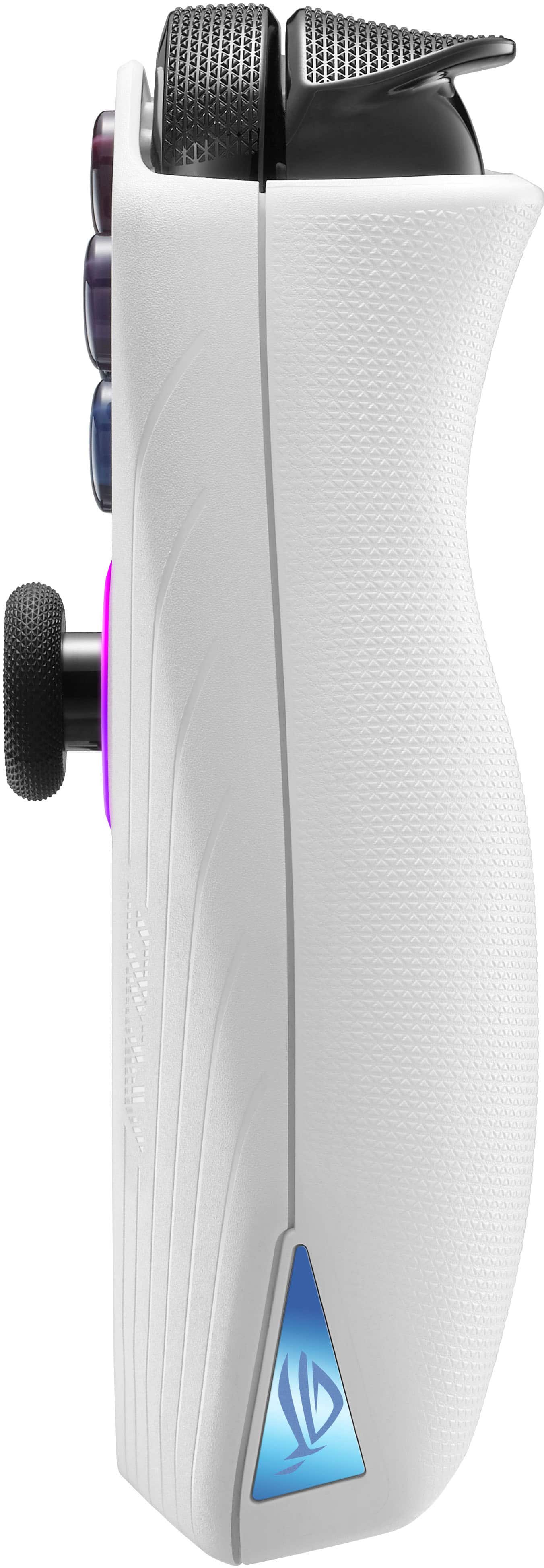






- Model:
- RC71L-ALLY.Z1X_512
- SKU:
- 6542964
Rating by feature
- Performance
Rating 4.6 out of 5 stars
- Storage Capacity
Rating 4.0 out of 5 stars
- Controller
Rating 4.4 out of 5 stars
Customers are saying
Customers commend the ROG Ally for its impressive overall performance, portability, and excellent screen quality. Many appreciate its game compatibility and lightweight design. However, some customers have expressed concerns regarding battery life and issues with the SD card reader. Additionally, a few users have noted the device can heat up and that the storage capacity and software could be improved.
This summary was generated by AI based on customer reviews.
- Pros mentioned:Game compatibility, Screen qualityCons mentioned:Battery life

Makes me feel like a kid again
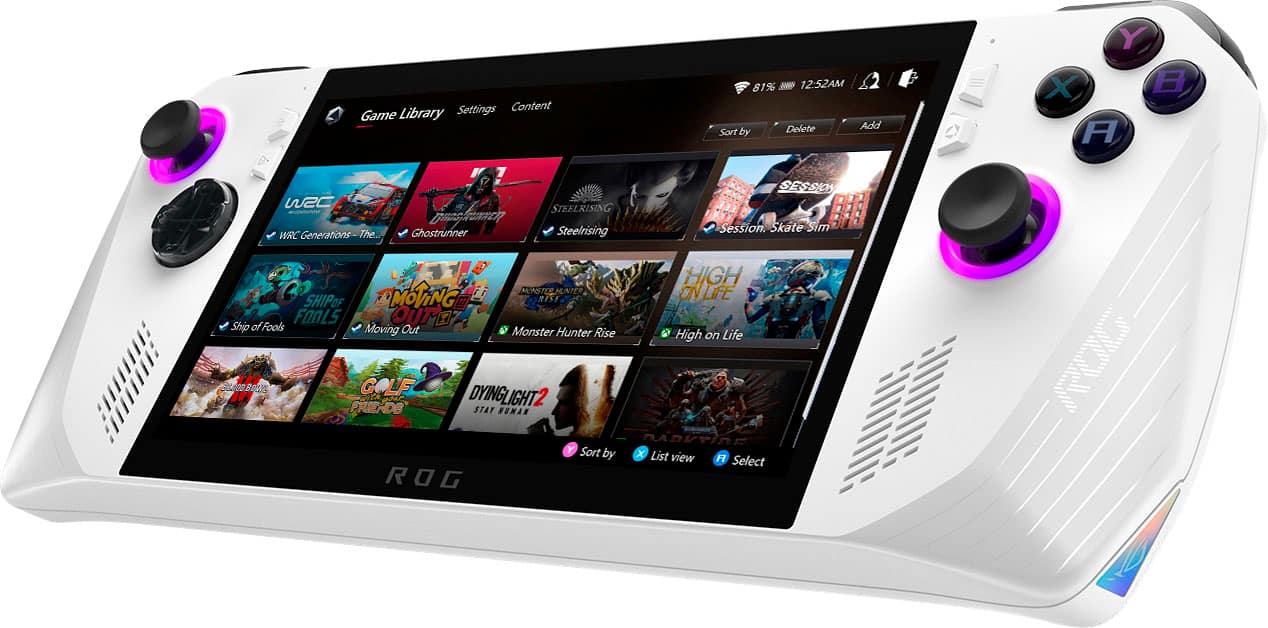
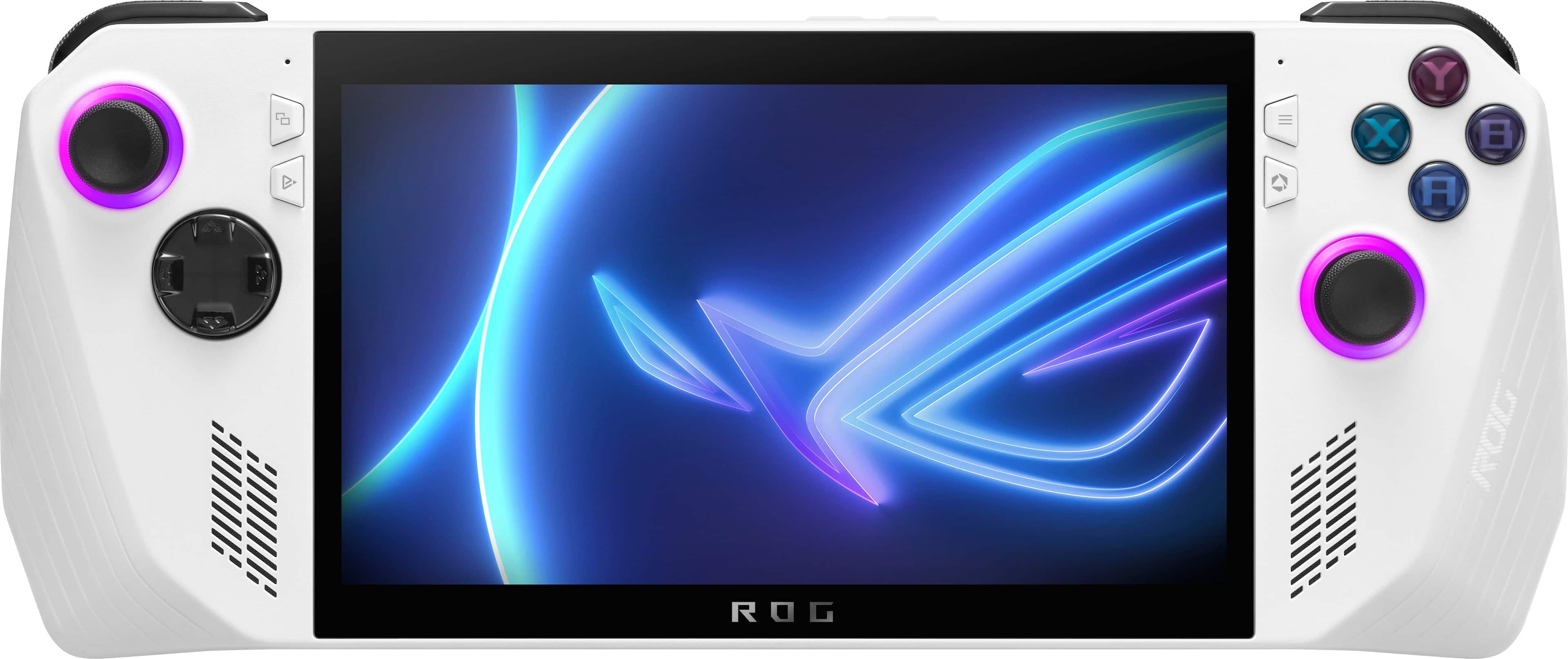
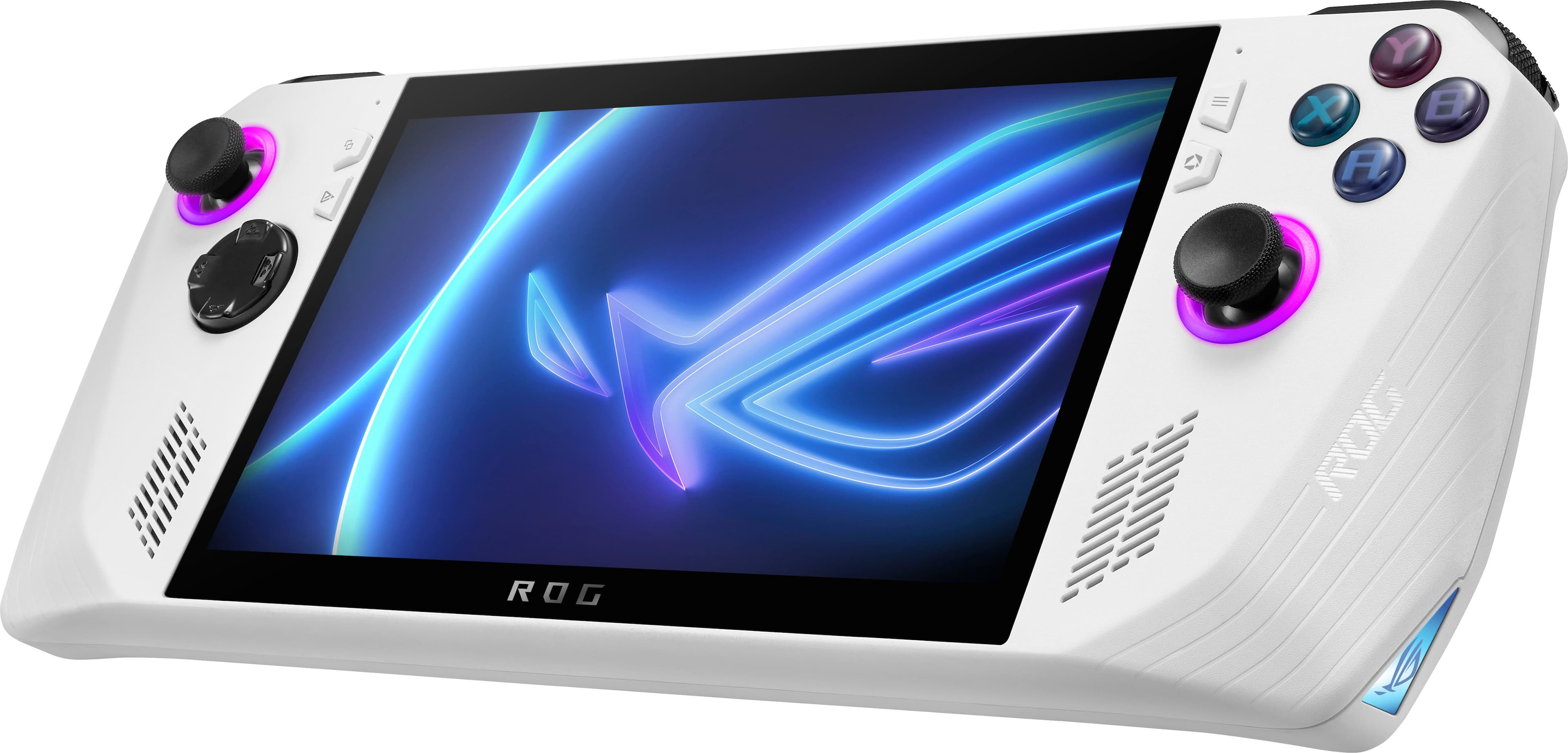
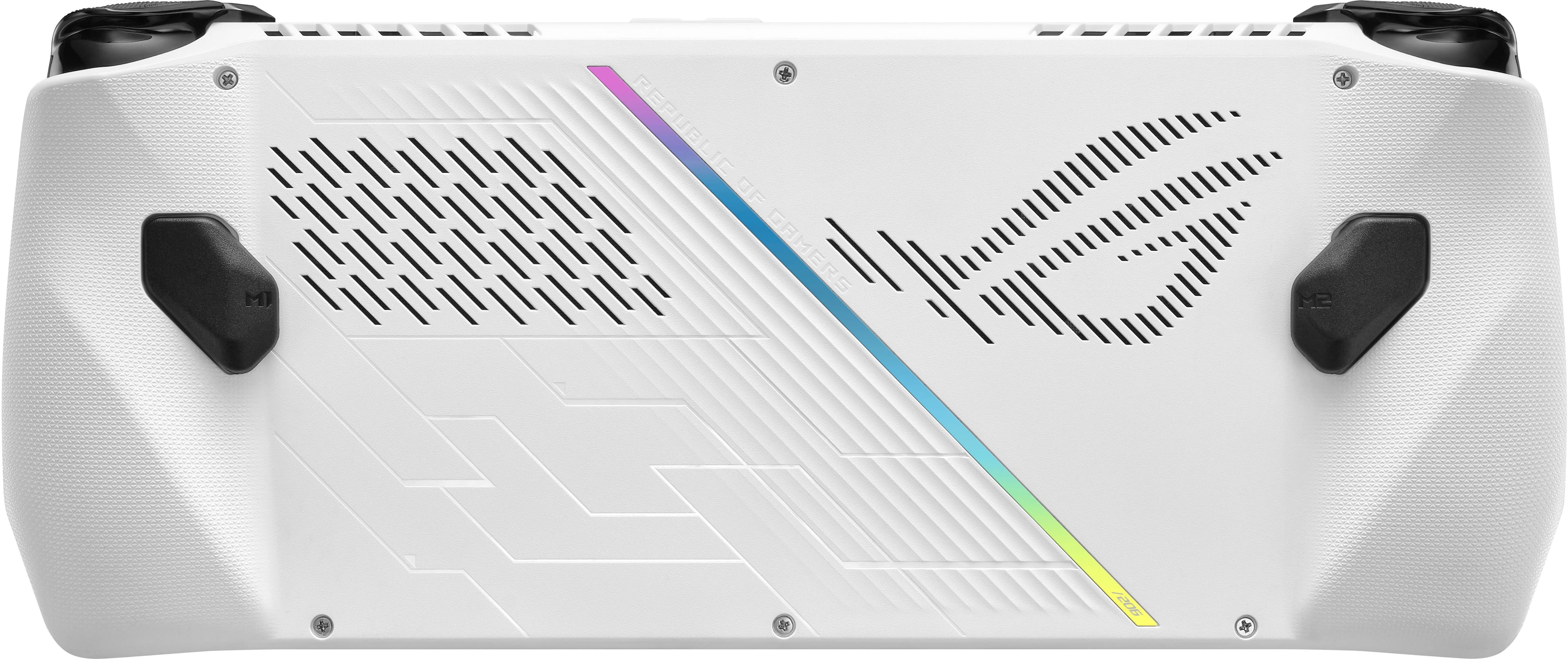
|Posted .This reviewer received promo considerations or sweepstakes entry for writing a review.I’ve been gaming with the Asus ROG Ally for the past 5 days and I’ve had a lot of fun gaming with it. Handhelds aren’t new to the market, but technology is getting really good for portable PC’s and laptops and the AMD Ryzen Z1 Extreme processor in this machine is proving to be quite powerful. I say it makes me feel like a kid again, because I remember how much fun I used to have playing with a game boy when I was a kid. It was large, clunky and it was so cool to just pick it up and start playing instantly, And the batteries die almost as quickly lol. The Ally has run every game I have tested quite flawlessly. Just to name a few.. Days Gone, Fortnite, Rocket League, Shadow of the Tomb Raider, Ultra Street Fighter IV, Tiny Tinas’s Wonderland, Red Dead Redemption, Destiny 2. 😅 They all ran pretty well in performance mode. I did have to turn down the resolution to 720p for Tiny Tina’s and Red Dead but they still looked great and played good. Battery life is about what I was expecting, I’m averaging about 1- 2 hours of gameplay in performance mode. I keep it in performance mode about 90% of the time. I find it to be the best mode for gameplay and battery life. If you are playing older games or the classic style indie games you might be able to play in silent mode. The Ally is definitely larger than I was expecting but it is very comfortable to hold for extended gaming sessions. My hands never really cramped or fatigued with it when gaming for more than an hour. The joysticks are comfortable and I didn’t find them to be in an awkward position. My only complaint about the joysticks is that they seem a little “loose” and they seem to have some deadzones / not the most responsive joysticks. They are definitely perfectly fine for casual / single player games but I would not rely on them for competitive gaming where you will want faster and more accurate response from your joysticks. Yeah, you could always pair or connect a Gamepad with a cable but in my opinion, that defeats the purpose of playing handheld. I haven’t gotten to buy / try the charging / hdmi dock that Asus makes for it but I am definitely going to grab one. I think the coolest thing about it is that you can bring it with you anywhere and just bring a couple cables and controllers and play on a TV or monitor. My nephews love playing Fortnite and rocket league together and I quickly jump in with them with my Ally. There is so many cool use possibilities with this and everyone I’ve showed it to so far is amazed by it. Back to the controls.. the buttons have been fine, they are tactile and responsive. The shoulder triggers are great, they’re really good to be honest and they are comfortable also. The two buttons on the back kind of get in the way and I tend to accidentally press them often, but they don’t cause me too much trouble. I have fairly large hands though, so they might not be a problem for most people. The screen is beautiful and vibrant and the speakers are impressive. I keep them below 40% cos they are loud. The fans are pretty silent and do a great job at keeping the machine cool. I haven’t had any frame drops because of heat. The fans and vents blow the air up and away from you, so I can never really feel any heat from it. Only when I reach up to press the volume or power button I’m like Oh, it’s toasty. Anyway, I’m just rambling now.. but all in all, I love this handheld gaming PC. Yeah.. windows isn’t really optimized for a handheld, but Asus did a great job with amory crate, it’ll boot up straight to that screen, and you can launch your games from it without having to bother with other launchers or shortcuts. The 512gb SSD is very fast and is enough storage for me. I am going to get a micro SD card later, and drop it in the slot for bonus storage. ASUS has been dropping updates pretty much every day, so I can see it only getting better as time goes on. I’m excited for the future of the Ally and looking forward to playing my favorite games on it. My only complaint is about the joysticks, I wish they were a little more accurate and responsive. They aren’t terrible, but I won’t be winning any tournaments online with them. Would I recommend it? If you love gaming and have the money for it, yes. It’s really cool, and it’s great for couch gaming with friends and family.
I would recommend this to a friend Overpriced trash
||Posted . Owned for 1 week when reviewed.This reviewer received promo considerations or sweepstakes entry for writing a review.Have had it less than 2 weeks , crashed multiple times, now in a permanent bootloop. Research on the internet says likely from windows update. Diagnostics show the wifi adapter is not working. Cloud update attempt 7, if it doesnt work, ill be returning it tomorrow. Bestbuy, stop selling unproven garbage.
No, I would not recommend this to a friendRog Ally
||Posted . Owned for 1 month when reviewed.This reviewer received promo considerations or sweepstakes entry for writing a review.This machine is full of trouble, only after several week the trigger button is no working and they refuse to exchange or provide server to my machine all of those make me feel really bad for this buying expensive I won’t buy anything from this best buy again
No, I would not recommend this to a friendBrand response from ASUS Answers
Posted .Dear JingnanC,
We are sorry to hear that the trigger of your ROG Ally is not longer functioning properly. It is really unfortunate and is not the kind of quality to expect from ASUS products. If you are still within the return window with your place of purchase we recommend trying to return it for a replacement unit. If you are no longer within the return window then you can have the device returned to ASUS for warranty service. You can contact our support by using the information found in the link below. We do stand behind our product and we continuously strive to improve our products and processes in order to achieve customer service excellence. For more information send us an email at customerloyalty@asus.com and provide the case number "N2306018159-0076" for reference. We’ll do our best to provide a quick resolution to your case. Your feedback is important as it helps with improvements to ASUS Support channels. Thank you for choosing ASUS.
Best Regards,
Leonardo
ASUS Customer Loyalty US Support
ASUS USA Contact Us: https://www.asus.com/us/support/callus/
Faulty
||Posted . Owned for 2 weeks when reviewed.This reviewer received promo considerations or sweepstakes entry for writing a review.After a week of updates it dies whenever I start playing
No, I would not recommend this to a friendBrand response from ASUS Answers
Posted .Dear FryMaster,
We sincerely apologize for the poor experience you've been having with your ROG Ally dying. This is definitely not the norm and is not the type of quality to expect from ASUS products. Please troubleshoot the issue using the steps found in this FAQ: Troubleshooting - How to fix the auto Shutdown/Restart problem - https://www.asus.com/support/FAQ/1046480/
If you are still experiencing the issue after troubleshooting we recommend returning it to Best Buy for a replacement unit. We do stand behind our product and we continuously strive to improve our products and processes in order to achieve customer service excellence. For more information send us an email at customerloyalty@asus.com and provide the case number "N2306018159-0032" for reference. We’ll do our best to provide a quick resolution to your case. Your feedback is important as it helps with improvements to ASUS Support channels. Thank you for choosing ASUS.
Best Regards,
Leonardo
ASUS Customer Loyalty US Support
- Pros mentioned:Overall performance, PortabilityCons mentioned:Battery life, Heat dissipation, Sd card reader
Not a perfect handheld, but one I love.
||Posted . Owned for 4 months when reviewed.This reviewer received promo considerations or sweepstakes entry for writing a review.I've had the ally for a few months now, and it's fantastic. There are a handful of problems, but it offers something nothing else does right now. Pros: The whole point of this handheld is to deliver a real PC gaming experience in a portable form, and it delivers impressively well. Forza Horizon 5 looks and plays fantastic, as do most other graphics intensive games I've played. There's a decent size online community too that shares optimized graphics settings to get the most out of the device. The fantasy of the Ally is basically "a steam deck that can play anything", and that is, in fact, what you get. The upgrade to a 2TB mini SSD was easy with the right screwdriver. Watch some youtube videos before you do it and double check that you're getting the right drive, it's not a normal NVMe. The cons are non-trivial, however. 1) the SD card slot is unusable. At the very least it will fail and corrupt your data, at worst the insane heat the Ally puts out will actually kill your SD card. Don't expect to use an SD for storage, period. 2) Battery life is quite short if you want to maintain a high level of performance. I have plenty of places where I'm happy to play this plugged in to the wall - if you don't, I'd skip it. Be aware that if you want to charge it from a power bank, you'll need a special high wattage one, normal ones won't work. 3) The joysticks keep shedding black plastic around the rim, which makes me worried about their lifespan. 4) it'll cook your fingers if you leave them in the wrong spot, she runs HOT. In addition to all that, people have had trouble with ASUS support, and there are concerns about the manufacturer's long term support of the device. You can see more on the subreddit. All that said, I truly don't care about any of the cons. I love this little device, and if you're an early adopter who thinks they might be interested in something like this, you probably will too.
I would recommend this to a friend - Pros mentioned:Overall performanceCons mentioned:Battery life
GAMING PC IN THE PALM OF YOUR HANDS!!!
|Posted .This reviewer received promo considerations or sweepstakes entry for writing a review.The ASUS ROG Ally is a powerful device that offers an amazing gaming experience right in the palm of your hands. Ally opens a world of possibilities, allowing you to experience multiple gaming platforms on a single device but this isn’t just a gaming platform, it can be whatever you need it to be. From playing your favorite AAA titles to watching your favorite movies to even a little bit of productivity all on the go. Asus Rog combined its powerful processor and graphics with Microsoft Windows 11 to bring to you a portable gaming pc. I have been playing around with this for a few days now and I must say that I am in love. So, let go over the features and PROS and CONS on the new Asus Rog Ally. Features: • Processor and Memory: The Ally is powered by an AMD Ryzen Z1 Extreme processor and 16GB of LPDDR5 RAM, which allows it to play even the most demanding games at high settings. I was able to play games like Elden Ring, Horizon Forbidden West, Call of Duty, and Forza Horizon 5 at high settings with no problems. The games looked great and ran smoothly. I was even able to connect my PS5 to Asus Ally using the PS remote play and play the games remotely. • Display: The Asus Ally offers a beautiful 7-inch FHD (1080p) touchscreen display that is capable of 120hz, producing a smooth gaming experience. The touchscreen is responsive, and the colors are bright and vivid and just simply amazing. • Audio: The audio quality of the Asus Ally is just simply amazing and supports Dolby Atmos Surround sound. On full volume this device can be pretty loud. The device also has a built-in microphone. You also have the option of using the provided headphone jack or your favorite Bluetooth headphones. • Connectivity: The Asus Ally supports WIFI 6, Bluetooth and best of all wireless display. I know Asus sells an adapter that you use to connect to your tv, but if you have a smart tv you can connect to it wirelessly and it works great. • Design: The Asus Ally is beautifully designed internally and externally and what I mean by internally is that even playing on this unit on “Turbo Mode” the handles of the device do not heat up and stay comfortable, even though there will be significant amount of heat coming out the of the vents on the top. The way the device is designed is fit comfortably in your hand and the controls are easy to use and easy to reach. One thing I was not a fan of the white color. Even though it looks nice, it gets dirty rather easily even with clean hands. You can easily clean it up with wipes, but I hope Asus will offer this in different colors as well in the future. • Battery Life: The battery life on the Asus Ally is not the greatest. Playing games on “Turbo Mode” with the highest settings, you will probably get about 2 hours of game play. Asus has recently released an update that improves the battery life by up to 10 to 20 percent. I would recommend that if you are going to be gaming on the highest settings to use the provided charger. PROS: • Powerful performance • Portable design • Display Quality / Touch Screen Display • Audio Quality • Variety of ports • Versatile • Great Design CONS: • Battery Life • Color Overall, the Asus ROG Ally is a great gaming device that offers a lot of features and performance for the price. If you are looking for a powerful and handheld gaming PC, the ROG Ally is a great option.
I would recommend this to a friend Even garbage threw this away
||Posted . Owned for less than 1 week when reviewed.This reviewer received promo considerations or sweepstakes entry for writing a review.I would agree with the positive reviews here but then we would both be wrong … this product is absolute trash, i do IT for a living so i ignored the warning from others not to buy one thinking it was jusy their lack of technical skills. I picked up two, both came with corrupted windows installed, I have never had issues with any asus products in the past i even used to sell and recommend their products but you can tell this was rushed to market with almost zero quality control. save your money and get the Lenovo go when it comes out this winter
No, I would not recommend this to a friendBrand response from ASUS Answers
Posted .Dear CCTHEKING,
Thank you for sharing your feedback on the ROG Ally. We sincerely apologize for the issues you've faced and any inconvenience caused. This is not the quality of service we aim to provide and it's not a representative of our brand. At ASUS, we take quality control, testing, and inspections seriously to ensure our products meet high standards. We will forward your feedback to our Product team to review to improve our products and processes.
If you are still within the window, we recommend contacting the place of purchase for an exchange or return. Please rest assured that if you are unable to gain resolution when contacting the place of purchase, we will be glad to provide further assistance.
We stand behind our products and are committed to achieving customer service excellence. If you need any further assistance, please send us an email at customerloyalty@asus.com and provide the case number "N2306018159-0174" for reference. We will do our best to offer a quick resolution to your case. Your feedback is valuable to us and helps us improve our support channels. Thank you for choosing ASUS.
Best Regards,
Chantae
ASUS Customer Loyalty US Support
- Pros mentioned:Overall performance, Screen qualityCons mentioned:Heat dissipation
Amazing - Truly A Technological Marvel
|Posted .This reviewer received promo considerations or sweepstakes entry for writing a review.This device is awesome. I came in with high expectations and it met them. The specs, build quality, and thought they put into this device is an amazing marvel. Firmware continues to improve greatly. Even as is I have no real complaints. But imagine it will get even better as time goes on. But never buy a product on what it could be. I honestly can’t recommend enough. As I’m able to catch up on my gaming during lunch at work and then continue at home on my top-tier desktop gaming machine and there isn’t that big of a difference in feel and immersion. Unbelievable difference in performance/picture quality though so I’m not saying this is comparable to that type of machine. Just that even being spoiled this thing still impresses. COMFORT/CONTROLS/BUILD QUALITY: The first thing I noticed is that it was lighter than I expected it to be. The place where you put your hands fit mine well making it comfortable immediately and this continues even after long gaming sessions. They did seem to get a bit warm which I can’t tell is just my hands (which normally isn’t an issue) or if you do get some residual heat. But the triangles they have help prevent any slippage. But despite that holding the device with one hand on the edges is difficult due to balance. The back buttons are in a good place, large, and easy to hit. I am used to Scuf controllers so I hit them a lot on purpose trying to do stuff which would cause a slight hiccup of nothing responding on controls. They come stock as shortcut controls. Unsure if you can make them something else, but based on customization options you probably can. It comes with Hall Sensors for the triggers. Which feel good and are high quality. Bumpers feel good as well. I tend to be highly specific on my joysticks and these are excellent. Right amount of resistance, movement, and accuracy. The LED around them are cool but I turned them off for battery life. They stay on during charging which was annoying but this can be disabled in settings. Buttons themselves to me feel really good like any other PlayStation/Xbox controller. I don’t use D-Pads all that often but it feels up there with the best I’ve tried. The buttons to the side of the screen feel crisp and satisfying. The same as the volume rocker on the top. Last you have the power on button which also feels good. It’s small. Has Windows Hello Fingerprint login. Which worked so-so for me. Not the best I’ve tried but not the worst. I noticed no creaking and everything feels SOLID and high quality. Overall, it feels like a premium device and is very comfortable. I have no real complaints from a physical/hardware standpoint. But I did notice some latency when using the controller during some games while on battery and on Performance Mode. Which tended to resolve (or get less noticeable) when I went into Turbo Mode. I tend to be highly sensitive to latency and it was minimal, but I could still feel it but quickly acclimated once playing for a period. Never felt this when I had keyboard/mouse plugged in. SCREEN: This is a bit hit or miss for me. As I tend to be quite the snob when it comes to my screens. I have severe black crushing and white crushing which I knock a lot of points off for. From a normal usage standpoint I don’t notice it that much as it makes it so the device has “good” contrast. But it does take away in dark environments and during media watching. Colors however are excellent and punchy. In settings you can adjust to different profiles which does change colors drastically but didn’t change black/white crush at all. The 120 Hz feels good and responsive. Especially, when you have mouse/keyboard attached. It gets bright. I usually had it at 20 – 30% indoors. Where out in my car, without windows tinted, during summer, around noon, I had it at max brightness and was able to see everything. Which I was not expecting. Temperatures were good to at 71c. But during use the screen does get quite hot to the touch. Not to the point it burns or anything, but hot. Overall, I rate this screen as solid as it doesn’t take away from the experience, most of the time I was impressed, but that crushing prevents it from being awe inspiring. PERFORMANCE SUMMARY: I wasn’t able to find a game that I couldn’t run. But you have to adjust your expectations. As while this device is surprisingly powerful it still isn’t up to gaming laptop standards. You’ll need to have it set to 720/1080p medium to low settings for newer and/or more demanding games. Whereas, for older games you may be able to get away with high. Your target and expectation should be 30 frames and it’s a bonus if you get more than that. The games I tried I tended to get 40 – 50 frames on Performance (15 watts) or 50 – 70 with Turbo Mode (30 watts). I even tried Steam Link or whatever it is called to my main gaming PC and that felt responsive. Did feel some latency and sometimes the screen would get fuzzy for a second. But allowed me to have way higher frames at higher settings. GAMES TESTED: Mainly Performance Mode. GTA 5: 65 – 93 frames GTA Online: 55 – 60 frames Elden Ring: 30 – 35 frames (but crashed multiple times) Halo Reach Multiplayer: 100 – 120 fps Dead Space 2022: low/720P Turbo was getting 40 – 60 Frames. But upping to Medium didn’t really change frames. Also, performance mode battery was closer to 40 frames where turbo was closer to 50 – 60 frames. ALLY OR LAPTOP: In comparison to my gaming laptop (AMD 5800H, 3050TI, Plugged in Turbo Mode) I was getting 140 – 200 FPS in Dead Island same settings compared to 77 FPS on the Ally. This was the case across the board on all games. Making it so a laptop with a dedicated graphics card is still going to significantly outperform this. But is going to be way larger, a lot louder (fans), not as good of speakers, screen will be hit or miss, and isn’t going to be anywhere near as portable and will consume a lot more energy with similar or worse battery life while costing more. Some of those points may change a bit depending on how much you are spending. But I’m talking about a $999 gaming laptop compared to this $700 Ally (not the fairest comparison but figured it would be beneficial). The whole package you get with this is amazing. TEMPERATURES: Temperatures were great. Usually anywhere from 50 – 78c. With most of the time being 60c mark. Fan noise is minimal where honestly most of the time I couldn’t hear them when game audio was playing. Even when I was out in my car (80 – 90F outside so hotter in car) windows down, no air conditioning, max brightness, 15 watts performance on Dead Island (40 – 50 FPS), it was 71c. At home in air conditioning (70c) Turbo Mode 30 watts, max brightness, on Dead Island (77ish frames), max I got to was 78c. The Zero Gravity fans are awesome in this too. As no matter what position I had the device in I never noticed increased temperatures or fan issues. Which is impressive. Hats off to you. POWER MODES: Changing between the different power modes is easy. Simply press the bottom left button, it brings up options, can cycle through Silent (10 watts), Performance (15 watts), or Turbo Mode (30 watts). If you so choose you can make your own settings as well which gives you a lot more control and I think allows for up to 45 watts. For this review I left everything on stock. When you plug in the device compared to when it is on battery it has two different modes saved. Where it will automatically switch to Turbo when plugged in and Performance when not. Which I liked a lot. I did find that Silent mode tended to not give me good frame rates or make games playable. Whereas, Performance did just fine, and Turbo mode made a huge difference increasing framerate (depending on game) between 1.2 – 2x performance. I will say that you get A LOT better experience using this plugged in over on battery alone. As battery life depending on mode is short. Performance Mode on Dead Island netted me and hour and forty five minutes. EXTERNAL MONITOR I was able to use a High-Quality dongle to get mouse/keyboard and power/charging to work at the same time. However, I couldn’t get a 1440p/4K monitor to work with the dongle plugged in through HDMI or USB-C. Which works perfectly fine on a normal laptop (Windows or Mac). However, if I unplug the mouse/keyboard/power and just use USB-C to HDMI I could get a picture. Which was disappointing. Making it seem like either my dongle isn’t working (unlikely seeing as it works on normal laptops) the USB-C port on the Ally itself isn’t Thunderbolt or powerful enough (I didn’t check), or Asus has it locked down to use their own non-included variant that is $69.99. Which is a bummer as I think this is an awesome handheld device, but since it is running windows, you have mouse and keyboard options that you could use on the go too (which is my preference). But as of my testing not without their official device. Which is lame. BATTERY LIFE: I tested this mostly on Performance Mode which gave me 90 – 105 minutes. I’m sure with Silent you could get 120 minutes maybe more. With Turbo I’d expect 30 – 60 minutes. So, you’ll always want to bring a charger and I highly recommend you plug in for best experience. Charge time is about an hour and half at 65 watts. Unsure if it supports faster charging with higher watt power brick. SOUND QUALITY: Sound quality is fantastic. These speakers are great. They sound amazing. Way better than any laptop speaker I’ve owned (which is quite a few including MacBook Air). The 3D effects actually work where I can tell Left/Right/Behind me. Not with pinpoint precision but close. Which blew my mind. I normally wear headphones as speakers tend to be terrible and I give up on them quickly. With this most of the time I forgot I wasn’t wearing headphones. Even for media watching they did a great job.
I would recommend this to a friend Worst handheld on the market
||Posted . Owned for 3 weeks when reviewed.This reviewer received promo considerations or sweepstakes entry for writing a review.Terrible buggy software. I can’t get over how difficult this thing is to operate. I had to find a workaround on initial setup as the screen keyboard wouldn’t populate. I would wait for a future better version of this. Couldn’t even effectively run emulators.
No, I would not recommend this to a friendBrand response from ASUS Answers
Posted .Dear Squish,
We regret to learn that you had multiple issues with this product. Please allow us to make your experience with ASUS a better one. We certainly understand your disappointment with the quality of the product that was received and the inconvenience this may have caused you. This is not a normal reflection of how our company handles customer services. We do value our customers and take negative customer service experience very seriously. Please provide me with more details on this situation so we can take the appropriate steps to get these issues straightened out. For more information send us an email at customerloyalty@asus.com and provide the link of this review for reference. We’ll do our best to provide a quick resolution to your case. Your feedback is important as it helps with improvements to ASUS Support channels. Please refer to this case number (N2306018159-0057) for us to better assist you. Thank you for choosing ASUS.
Best Regards
Schottky
ASUS Customer Loyalty US Support
- Pros mentioned:Screen qualityCons mentioned:Battery life, Storage capacity
The Rog Ally is My New Best Friend!
|Posted .This reviewer received promo considerations or sweepstakes entry for writing a review.I play a lot of games on a variety of consoles and platforms. If I’m not playing a game that’s exclusive to a console, I always opt to play on PC. For that, I have a desktop, a gaming laptop, and a Steam Deck. The Steam Deck is at its best when the game is supported and purchased on Steam. Other launchers such as GOG, Epic and EA Play Pro require you to tinker in Linux to get them to work, it’s not the best experience and the game is still not guaranteed to work. Xbox Game Pass is not available on the Deck at all, unless you settle for Cloud gaming. So up until this point, my primary gaming device on the go was a laptop, but that requires me to carry not only a bigger bag, but its proprietary charger, a controller, and a good set of ANC headphones to drown out the fan noise. Then I need a table to set it on. For me, the Asus ROG Ally is exactly what I was looking for. It runs a fully baked version of Windows, just like any other gaming PC. It supports Steam, Epic, Xbox Game Pass, EA/Origin, Ubisoft, GOG Galaxy, Microsoft Store, Minecraft Launcher...anything. It’s easy to carry as it is smaller than a Steam Deck and obviously any laptop. I can easily use it sitting, standing, in the car, in bed, or on the couch. It charges with the same USB-C chargers and battery packs I already have. Because it’s a regular PC with a web browser I can even stream music or watch Netflix, if I wanted to. Armory Crate, the software Asus designed to use with the Ally works well in this first iteration but I’m hoping Asus can add more to it with updates. At the present time, it serves as your gaming hub and allows you to start a game or storefront with a more touch friendly interface than you would have with Windows alone. It’s also where you will adjust the gamepad/key bindings and adjust what quick settings you see in the Command Center, which is an in-game overlay that gives you access to things such as Power Settings and is accessible by clicking the lower button located immediately to the left of the screen. The button opposite of it on the right of the screen will take you out of game and back into Armory Crate or vice versa. Apart from Jedi Survivor, which is a broken game that doesn’t even run well on my RTX 4090 desktop, every game I tried was playable at 1080p resolution and looked incredibly sharp on this screen. Rocket League was one of the first things I installed and it played superbly. Fortnite, I played on the medium preset which kept the framerate above 60 FPS. Forza Horizon 5 looks so good on this little screen but I did need to turn it down to Medium as the High preset caused it to not only take forever to load but to throw some out of memory errors as well. Madden 23 gave me no problems and playing on the handheld just makes me excited for the upcoming season of football. Cyberpunk 2077 was about the only game I had to put to low just to maintain an above 30 FPS Avg. However, low still looked incredibly good and was very much playable. Most of my gaming was done at the “Turbo” setting which allows the APU to draw around 25W of power. There is also a Silent (10W), Performance (15W), and another Turbo mode (30W) that is only available if you are connected to a 65W power adapter. This gives control over fan speed and battery life, the latter of which I estimate to be only 1.5-2 hours of playtime before needing to charge. However, even in the most demanding modes, Asus’ advanced cooling system does a great job at maintaining minimum fan noise. Sound quality is good enough that I don’t feel the need to carry headphones with me. Another thing I really enjoy about the Ally is that the controller layout is very similar to that of the Xbox Elite controller which is what I normally play with. I enjoyed playing Team Slayer in Halo Infinite as I could simply rely on muscle memory. The ABXY buttons are just shy of full sized and the spacing between them and the right thumbstick is nearly identical to the Xbox controller. Similarly, the left thumbstick is positioned well compared to the D-pad. The only downside to the controller layout is you only get two remappable buttons on the back instead of four. Also, it couldn’t be called ROG without some RGB bling and Asus gives you just that with LED rings around the thumbsticks that are customizable in Armory Crate. I did also try a few games that I typically play with mouse and keyboard such as Frostpunk and Surviving Mars. Even though I could play them with the controller I opted to try the “Desktop Mode” which binds controller buttons to mouse and keyboard actions and tried to play that way. It was not a great experience, but the biggest impediment was actually the smaller screen. Strategy games are just not suited for such a small screen. While Windows is a blessing, it’s also a curse here. Setting up this device can be a chore as you must go through a typical Windows setup process followed by a round of updates. Seasoned PC gamers will be fine, but folks who have never used a PC, or are coming from console will probably have a harder time. I think Asus should work on making the setup process much more “console-like”. During the Windows setup process you’ll be asked to configure Wi-Fi and other sensible things like the language for your keyboard. However, you’ll also be asked things that don’t really make sense on this device such as installing Microsoft Office or syncing with an Android phone. There’s also preinstalled Windows apps that have no place here like Todo and Teams. Once you get past Microsoft's setup of Windows you will need to update the device and unfortunately there are three places you need to check: Armory Crate, MyAsus, and Windows Update. Either of these could have an update waiting for you, which is not intuitive. When you first get the device it’s likely all three will need multiple updates. Typing on the on-screen keyboard is not as refined as it is on today’s mobile phones. Half the time the keyboard covers what you are trying to type and you need to move it around constantly. The biggest point to take away here is that Windows on a tiny touch screen is just not a great experience. The more time you can stay out of Windows, the happier you will be. Which means use Armory Crate to launch your games. 512GB seems like a lot at first but I could only have the games installed that I listed above (minus Jedi which didn't work and I had uninstalled) and am already maxed out. You can add more storage with a microSD card but I know that's not going to be as performant as the speedy internal SSD. And the fastest UHS-II cards are incredibly expensive. I wish Asus would offer a 1TB version which I think would be perfect for me and a lot of people. One minor thing to note is that although it has a Wifi 6E adapter it would never connect to my 6Ghz network, only 5Gz. Not a huge deal but just odd. Every other 6E device I have works fine. Pros: Fully-featured Windows PC Ryzen Z1 Extreme CPU is Impressive Beautiful 7” 1080p 120hz LCD Screen FreeSync Support Plays Most Games at Medium Preset or Better Quiet Fans Armory Crate Launcher Helps Unify Gaming Platforms Excellent Ergonomics Can be docked to monitor, mouse, and keyboard UHS-II MicroSD Slot USB-C 65W PD w/ Fast Charging Windows Hello Fingerprint Login Good Sound Quality RGB Thumbsticks Cons: Windows =) Battery life is short Not The Best for Mouse/Keyboard Games. 512GB is Not Big Enough Overall – Despite whatever shortcomings it might have, I am absolutely floored with the fact that the Ally enables me to play my PC games anywhere and anytime. My Ally is my new best friend and will be coming with me everywhere until Asus releases the next version!
I would recommend this to a friend Nice But not that smooth
||Posted . Owned for 1 week when reviewed.This reviewer received promo considerations or sweepstakes entry for writing a review.It's great. But crashed So many times after one week. As the first generation it need time to be developed.
I would recommend this to a friendBrand response from ASUS Answers
Posted .Dear Goosegogo,
We do understand your disappointment and the inconvenience this may have caused.
If you are experiencing system crash or performance issue with the laptop, check if the laptop is running with the most current BIOS version posted at. Also, verify if Windows and drivers are updated in order to maintain optimum system stability and performance. While accessing cloud gaming, please check if the unit has access to an established router and internet service is working properly since poor and unstable internet connection will definitely affect system speed and performance.
If you need further assistance, please email me at cl-rodel@asus.com and I would be happy to help. Or, you are most welcome to call Product Support Hotline at: 1(888) 678-3688. Also, you can chat with an ASUS live support agent from the link: https://www.asus.com/us/support/article/1135/.
Thank you for choosing an ASUS product.
Regards,
Rodel
ASUS Customer Loyalty
- Pros mentioned:Overall performance, PortabilityCons mentioned:Battery life, Heat dissipation, Storage capacity
Keeping it:
||Posted . Owned for 2 weeks when reviewed.This reviewer received promo considerations or sweepstakes entry for writing a review.The Ally caught my eye a few months ago but I couldn’t justify the high price tag given the fact I already have a ps5 and a custom built pc. However, I had a few Best Buy gift cards and that coupled with the Black Friday deal when I purchased, I bit the bullet and impulse bought it. First impressions were good, the rgb lighting, how it fit in the hand, and picture quality were all great. I’m more of a casual gamer, I play when I can and not for extended periods of time. So after a day or two playing it, I questioned whether or not this would become a purchase that sits on a shelf until I decide to pick it up again, so I contemplated returning it. That being said, I thought it’d be nice to have something more portable so I decided to keep it for a week or so and go from there. I’ll save you the trouble of reading a rambling on post on the back and forth I had with myself so let’s just get to the point. The good: Performs great on all titles I’ve played. Forza Motorsport, MW3, Hitman 3, and even beam ng. Great graphics, I actually like the fact it runs on windows, and it has good performance. I recommend maxing out the RAM dedicated for gaming for best gaming experience. The bad: Battery life isn’t great in my opinion, it does get hot, especially where the micro sd slot is, which I’ve heard causes problems. 512gb SSD just isn’t enough, so I will be upgrading the internal SSD at some point. Load times for some titles are slow, but I’m comparing that to my pc which isn’t really fair to compare a handheld pc to a full blown desktop. Final thoughts: If you’re interested in portable gaming, and want something robust enough to play any title you’d want, I would recommend it. Make sure you cough up the extra cash for z1 Extreme. I’ve read other reviews that compare the two processors and the extreme is a huge upgrade.
I would recommend this to a friend Not worth the hype
||Posted . Owned for 3 weeks when reviewed.This reviewer received promo considerations or sweepstakes entry for writing a review.Not happy with it. I have a ASUS rog Tuf laptop and it is great. Being happy with the laptop, I purchased the Ally and it is complete disappointment. Constant freezing with games like forza, and it crashes American truck simulator every time I try to load it. I do not recommend. I also purchased the dock plug and the usb C has a very unstable connection, which is very annoying..
No, I would not recommend this to a friend- Pros mentioned:Overall performance, Screen qualityCons mentioned:Battery life
A lot of potential, but still great as it stands
|Posted .This reviewer received promo considerations or sweepstakes entry for writing a review.There is a lot to this device, and I think it's important to know what it is, and what it's not. It is a portable computer designed for gaming. It's Asus's first foray into this, in partnership with Microsoft. So yes, it's Windows. If you have a particular disdain for Windows, the Ally isn't for you. But, if you're used to Windows and don't mind its quirks, there is little else that is difficult to talk negative about this. But, also keep in mind, this is a brand new product. There are a ton of updates and setup that needs to be done out of the box. You won't be playing games for an hour or two. It's a little unfortunate that all the updates are spread across Windows, myAsus, Armoury Crate, and the AMD app. There are also still bugs with some of the performance and software, but Asus appears to be really engaged and committed to fixing all the issues. But, none of the issues Make the ROG Ally unusable or any game unplayable. The bundled Armoury Crate software actually isn't terrible, and lets you really tweak and configure the Ally. You can remap all the buttons, and create specific controller and performance configurations per game, and launch your games from AC. The GamePass app and Steam are pre-installed. Everything else (Epic, GOG, EA) you have to download and install separately. The built-in controller is basically a modified Xbox Controller; it shows up in Device Manager and in games as an Xbox controller. So, in general any game that supports a controller works perfectly out of the box. I did install PS Remote Play, and of course that requires a PlayStation controller. So, something like reWASD is required to get full functionality (without connecting an actual controller). Now, for what's really great about this. First, the screen is beautiful and sharp and bright. Precicsely 0 issues with the display, it's amazing. I was able to play with max brightness on a bright sunny day (in the shade) with no issue. The other shockingly good aspect is the speakers. I think it surprises most people. Now, this is still a mobile device, and the bar to clear for mobile gaming device sound is pretty low, but they cleared that hurdle and set a pretty high bar. They are loud, clear, and not tinny or muddled. You're still not going to get wild bass, but you probably won't be reaching for headphones right away for most games. Performance is obviously going to depend on the performance mode you have it set on. If you have it plugged in, there is no reason to not have it on max performance ("Turbo, 30w"). In this mode, many modern games you can usually get in the 30-60fps range on medium or low settings. In Forza Horizon 5, it works beautifully on the default low graphics settings. And it still looks great. Only older or lower demanding games will you be able to inch up to medium or high graphics settings. But that's ok, this is not a bleeding-edge gaming machine... it's a portable one. But, I think in most cases, once this has matured a bit, performance wise this will be the best-performing mobile gaming platform, until the next one comes along. Now, for portability, you can set it to Performance or Silent mode. In silent mode you'll get the best battery life, but most games you'll have to really crank down the graphics settings. Some games this is fine, some it's maybe better to just use performance mode. In performance mode, you're not going to get earth-shattering battery life. 2-3 hours is probably what you'll see. But, there is still reason to believe that future driver and software updates will improve this to at least some degree. Heat and fan noise is basically a non-issue. In the most demanding games, at best it gets warm, but not where you're holding it. And fans are virtually silent. Asus did a really good job here. Now, as far as holding it, I've seen some reviews complain about it being difficult to hold, but I've not had an issue. But, I guess it all depends on the size of your hands and fingers. Some have complained about accidentally touching the touchscreen while using the right joystick. Not an issue for me. But, the touchscreen is VERY sensitive. Which, I guess can be a double-edged sword for some. It's good news though that means screen protectors probably won't degrade touchscreen responsiveness in any meaningful way. But, all the buttons, triggers, and joysticks, feel really nice. I never got frustrated with the gamepad. And with the added buttons on the back (which do not show up as a part of the xbox controller), you can create some neat macros or shortcuts. I mapped one to the xbox button, since the Ally doesn't have a naitive xbox button. But you can map them to keyboard shortcuts or keys, or use them as a macro button to do things like open task manager. The more I use the Ally, the more I enjoy it. Setup is a bit painful, some of the bugs are mildly annoying, but this thing has a ton of potential, and I'm enjoying the competition we're seeing in the true mobile gaming space (I'm not talking phone games).
I would recommend this to a friend - Pros mentioned:Overall performance, Screen qualityCons mentioned:Battery life
Simply incredible!
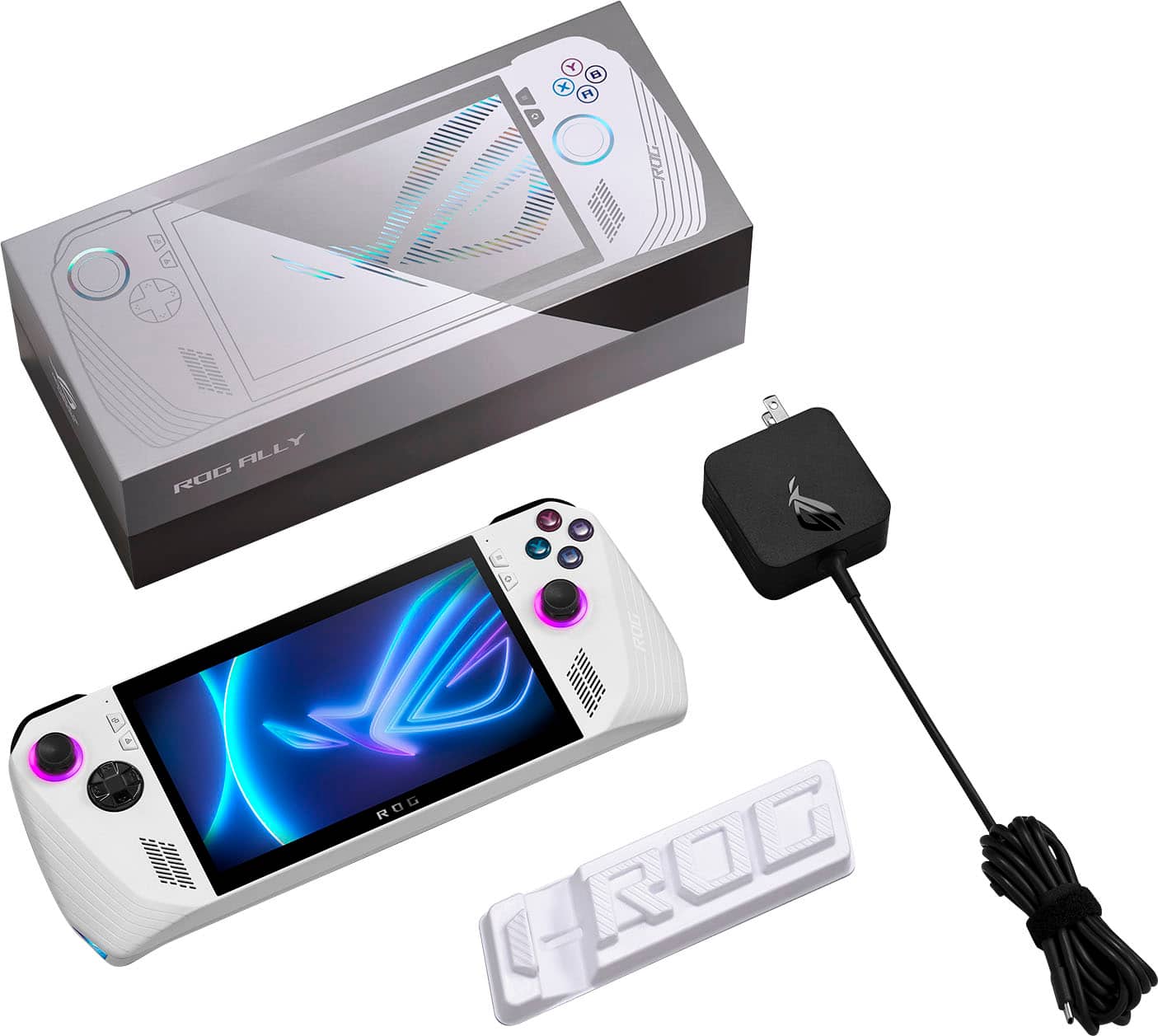
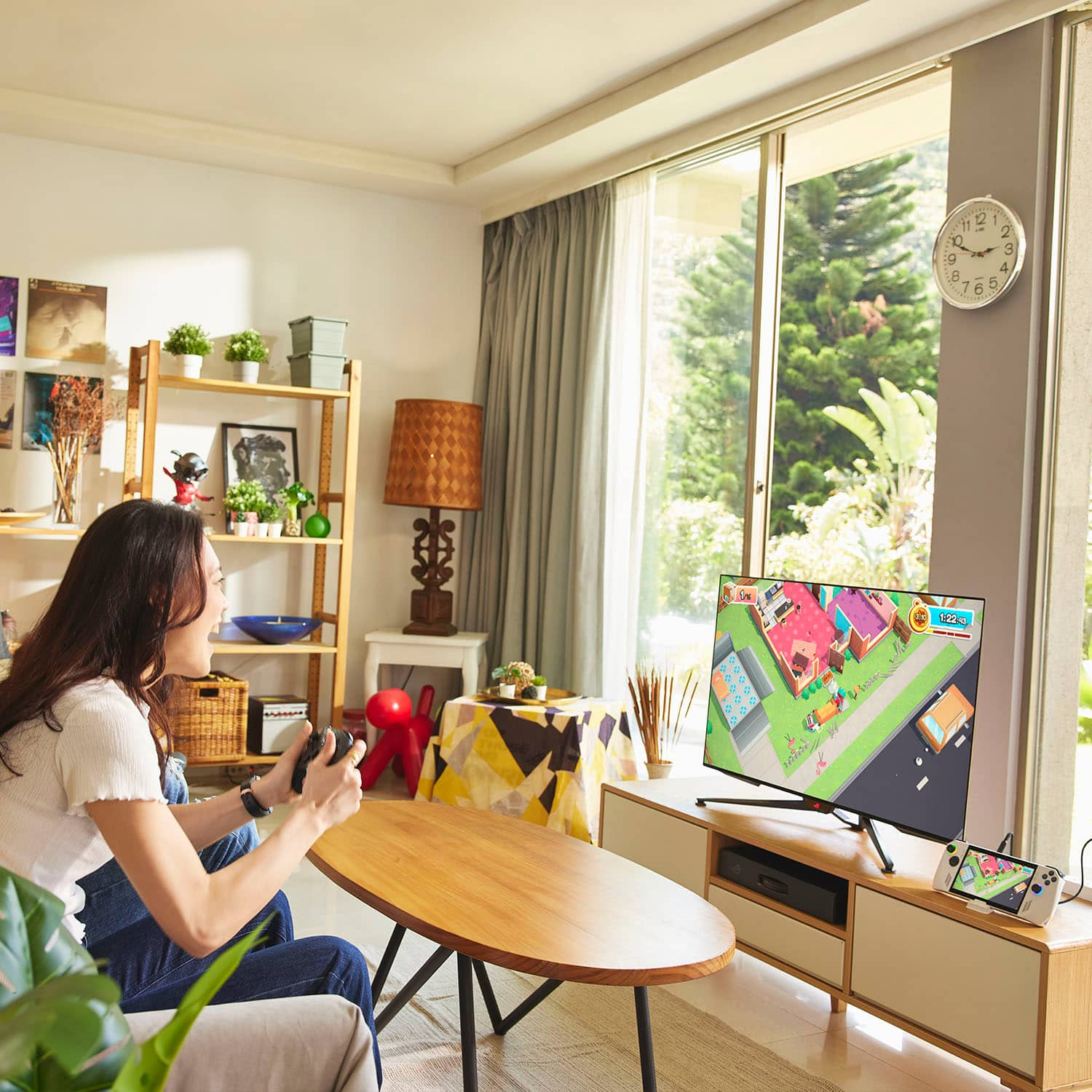
|Posted .This reviewer received promo considerations or sweepstakes entry for writing a review.PROS: - Great performance - 1080p 120Hz display - Excellent speakers - ROG XG Mobile connection - Easy to upgrade storage - Excellent emulator performance - Dock/console mode is great CONS: - Battery life isn't great == SETUP == The ROG Ally is basically a small laptop without a physical keyboard, so you will go through the standard Windows 11 setup as any other PC (but using only the touchscreen unless you use a USB-C dongle to connect a mouse+keyboard). Once you log into Windows and update all your drivers, the ROG Ally will load into Armory Crate (this is where you'll primarily switch between games) every time you power on the Ally. The Ally comes with a 65W USB-C charger in the box and a cardboard-like "stand". If you want to get even more out of the Ally, you'll want to get a USB-C dock to go along with it. ASUS does sell a 65W charger dock that supports HDMI 2.0 (lets you connect your Ally to a TV/monitor and keyboard+mouse/controller). I'm currently using a 3rd party USB-C dock to achieve the same result. Using a USB-C dock (either from ASUS or a 3rd party option) will let you use the Ally as a desktop PC or a living room console. You can also buy one of the ROG XG Mobile external GPU dock to greatly improve gaming performance. == GAMING PERFORMANCE == I'm really impressed with how well the Ally performs for not having a dedicated GPU. Several "older" games that I enjoy playing, as well as many indie games, run at 60+ FPS while using "Silent" (10W) mode. You will have three power options: "Silent" (10W), "Performance" (15W), and "Turbo" (25W on battery and 30W while using the included charger). My favorite games to play on the Ally have been older games and indie games, primarily so I can keep the Ally in 10W mode to help battery life. I can play Ori at 10W with FPS in the up 90s and lower 100s (which is great with the Ally's 120Hz display) at 1080p. I can even play WoW (with an addon for key bind mapping for a controller) at 10W with FPS in the upper 60s and lower 70s. With more demanding AAA games, such as Cyberpunk 2077, the games run very well at 25W at 1080p with a mix of low and medium settings (Cyberpunk also has a Steam Deck graphic setting which works very well on the Ally) with FPS in the mid 40s. One HUGE advantage of ASUS using Windows as the OS for the Ally is that it makes emulation so much easier/convenient. The Ally becomes the ULTIMATE handheld gaming system, allowing you to play all your current favorite games, as well as all your favorite games from the past (and from previous consoles). == BATTERY LIFE == There are so many factors to what will impact your battery life, but the biggest factors are what performance mode (wattage) you're using and what game you're playing (and what settings you choose). If you're going to be playing Cyberpunk at 25W, you're not going to be away from an outlet/battery bank very long. Just to give a general idea of battery life: I was able to play Cyberpunk using low-medium settings (AMD FSR enabled) at 15W (getting mid 30s FPS) with screen brightness at 60% and drained the battery from 100% to 10% in a little over 1.5 hours. Compare that with playing "Ori and the Blind Forest" at 10W (getting high 90s to low 100s FPS) with screen brightness at 60% and drained the battery from 100% to a little under 60% in 1.5 hours. The included 65W charger will help with getting the Ally from about 10% to full in about an hour. However, if you're traveling and want to play more demanding games, I would HIGHLY recommend buying a high capacity battery bank and keep it in your backpack with you. == BEYOND HANDHELD GAMING == The ROG Ally is just a Windows PC in a handheld form, so connect it to a USB-C dock (with a monitor and mouse+keyboard), and you have a standard desktop PC experience. I'm actually writing this review on my Ally while it's connected to a USB-C dock. If you really wanted to use the Ally as your primary/only PC, it's super easy to do so. I have installed VS Code and an Ubuntu VM on mine, so I can just connect my Ally to the dock if I want to get some work done or play games at higher wattage with a monitor and keyboard+mouse. You can push the performance and functionality of the Ally even further if you get one of the XG Mobile external GPUs. == BOTTOM LINE == I love my ROG Ally. This is honestly an amazing device that may help change mobile and PC gaming forever. There isn't another device on the market that can match the Ally. If you want to get into the PC handheld world, and want a device that can be more than JUST be a handheld, this is it.
I would recommend this to a friend - Pros mentioned:Game compatibility, Overall performance, PortabilityCons mentioned:Battery life, Heat dissipation
I'm nitpicky but it's still a great device.
||Posted . Owned for 3 months when reviewed.This reviewer received promo considerations or sweepstakes entry for writing a review.Overall I like it. There are a few quirks but before I get into it I do recommend the device. On that note it does have some tradeoffs though. The thumbsticks feel a little loose, sometimes my right shoulder button sticks in a weird way. I do wish it had more ram and storage. The battery life isn't great either... yes I know you can just PlUg It In but cmon, it's supposed to be portable and at this point I think we can agree the thickness would be okay. The micro sd card slot is a bit too close to the heat, I've seen some reports on that causing issues. I haven't personally had issues yet, but it is worth mentioning. But it actually has an sd card slot. My new phone doesn't even have that. Sometimes textures in doom don't load in properly, but dude its a handheld that you can play doom on. Like fr. Text in games is a bit small but its a full fledged laptop with a controller built into it. It's great. I do travel a lot and this definitely comes in handy. It's not perfect by any means, but especially compared to the steam deck I definitely prefer this. And the battery life is short, but it's not even that far off from the steam deck and the performance is far better. Since it's a windows machine more games are supported too.
I would recommend this to a friend My rog ally came broken
||Posted . Owned for 1 week when reviewed.This reviewer received promo considerations or sweepstakes entry for writing a review.something came broken inside  and one of the back panels didn’t work  I mean the box had a little dent in it, but that should have messed with anything the only possible thing that could’ve happened it’s such a great fall to break something inside. 
No, I would not recommend this to a friendBrand response from ASUS Answers
Posted .Dear DameianP,
We are sorry to hear that you received your unit broken . We would recommend that you reach out to best buy support so they can provide you with more information. We do stand behind our product and we continuously strive to improve our approach and processes in order to achieve customer service excellence. For more information send us an email at customerloyalty@asus.com and provide the link of this review for reference. We’ll do our best to provide a quick resolution to your case. Your feedback is important as it helps with improvements to ASUS Support channels. Please refer to this case number (N2306018159-0073) for us to better assist you. Thank you for choosing ASUS!
Best Regards,
Schottky
ASUS Customer Loyalty US Support
- Pros mentioned:Game compatibility, Portability, Screen qualityCons mentioned:Battery life
Not Getting Paid For This, I Love This Thing
||Posted . Owned for 1 month when reviewed.This reviewer received promo considerations or sweepstakes entry for writing a review.I've owned the Steam Deck before, and the Ally blows it out of the water. The battery life is slightly shorter than compared to the Deck, but no where near enough of a difference to overlook all it's other great features. It's really light for it's size, ergonomic, comfortable, as well as appearing more "bleeding edge" and less industrial. The screen and speakers really are underrated. I personally watched the last part of the Attack on Titan finale on this device, and I must say, it was one of the best cinematic viewing experiences I've had in a while. I genuinely enjoy the ROG Ally, it doesn't feel like a device that made compromises. As for what it was meant to do, the gaming is on par with most mid-range gaming laptops, which is essentially what it's internals are. The Last of Us Part I was quite an enjoyable experience on this portable little device. On top of everything the out of the box Windows experience made for a very smoother interface, being able to to things such as, emulate Metal Gear Solid 4 at a 60 FPS without having to modify any operating system functionalities. This has been the best handheld I ever owned since my Sony PSP from childhood, it brings it all back.
I would recommend this to a friend - Pros mentioned:Overall performance, Screen qualityCons mentioned:Battery life, Sd card reader
Fast and powerful but not without flaws
||Posted . Owned for 2 months when reviewed.This reviewer received promo considerations or sweepstakes entry for writing a review.I have owned this since it got released on BestBuy. Before this, I have owned the Ayaneo 2, Ayaneo Air Pro, Playstation portable, Steam deck, and the nintendo switch as far as the handheld gaming consoles goes. This met my expectations for a gaming device and one with top tier hardware. Fantastic display quality with high refresh rate, excellent surround dolby enabled sound speakers, speedy APU performance, decent cooling dual fan cooling system, and good ram and storage of 512GB to start off with. It can handle just about anything you throw at it. I have used Steam primarily for games like Dying Light 2, Destiny 2, Forza 5, Apex Legends, Final Fantasy etc. All can run 30FPS easily. Or 60 if you want to. I played other games like Overwatch 2, Valorant, Genshin Impact, simulator games without any issues. Besides what it can do, I want to talk about some things I found that is an issue or bothers me. 1. EVERYONE SHOULD BE AWARE OF THIS!! The SD card is prone to overheating and can damage it permanently if you play on high performance mode. I heard its a build design flaw where the heatsink vent is too close to the SD card slot. The harder you play, the more prone it is. I use a 1TB SD slot and I was lucky that I only play games at 30fps with fan curve adjustments. To mitigate this, we are told to customize a higher fan curve setting to cool the device down. Which is kind of a waste that it has the potential to run 60FPS easy, but I would have to play with care not to over heat the device or get an external fan to cool it down for hard sessions. Its more cost effective to get a MicroSD card to store your games and it does run fine with it, than to upgrade the SSD. Knowing this SD card issue, its kind of bothersome how I may end up reducing my SD card with it. So if you have a game you play alot, its probably better to move those games to the SSD and remove the Micro SD card to prevent damage. 2. Software: The armory crate works but it is glitchy. It is the same with Ayaneos Ayaspace but more stable. It has gotten better overtime with updates with glitches here and there when you run the game, it doesnt run the proper resolution, or the controls is not mapping properly. 3. Battery: Dont expect this to run all day. Dont expect this to run like a steam deck. It is not efficient but it is powerful. My run time is around 2-3 hours with 30fps 720p res games like Death Standing. My settings is modded for power efficiently. Hz is set to 60, turned off turbo boost by enabling in registery, power plan adjustments, toning down some services, turrning off radio waves with airplane mode for example. When I am not playing games, I can get almost double of that and that is when I am transfering games to a external SSD. I can confirm this works well with the Anker 737 power bank. Charges it up with full speed and recognizes it as a 65w charge. If you want this to run longer, play at lower specs. You wouldnt really notice it the difference cos the screen is so small. 4. Performance: While it is powerful, I would not go too hard on this device. There is the SD card issue, battery life, and also cooling system can support cooling the head output it but I wouldnt recommend it for long term use. If you are the type who plays at 60FPS or even higher just cos, you are not going to be satisfied. Its not a gaming laptop. Its not even close to a desktop performance. There is only so much this can do. 5. Comfort and weight: It is comfortable to play if you rest the device on something. Its not like having a switch. It is bigger, clunky, and heavy. Its not something you can float and play for a long time. imo, the steam deck is more ergonomic to play because of a curve. its better if you have something to rest hand or device on something. I would get those adhesive kick stand in the back and itll stand up by itself. 6. Accessories: The official accessories is kind of expensive. Case and screen protector. And it is not all that great. There is more third party accessories coming out so I would wait on that. 7. Playability: Since the screen is small and it is a windows computer, expect to see the words and other graphics to be so small to see or the scaling to be off. I would not play competive games on this due to that reason. Some RTA type of games can be difficult on this, especially when you have to zoom out. 8. Ports: Having only 1 USB-C port bothers me. The Ayaneo 2 having 3 USB-C made my life easier. Transfering files, charging at the same time, using a keyboard/mouse. I could always use a hub like device or a docking station but I dont want to fork out more for a dongle. Especially if the port fails somehow with all the tugging and you end up having no way charge your device. Its a nitpick for me but I wished that this had at least 2 ports for piece of mind. Conclusion: Its worth it. It is a high end device that can do everything but just has its limitations. I definitely do not like the SD card limitation as it is a hardware design issue.
I would recommend this to a friend - Pros mentioned:Overall performance, PortabilityCons mentioned:Battery life, Heat dissipation, Storage capacity
Powerful for it’s size with some issues
||Posted . Owned for 2 weeks when reviewed.This reviewer received promo considerations or sweepstakes entry for writing a review.The system crashed and had an irreparable error the first 48 hours of owning it. I did a complete reset, reinstalling all software and have had no issues since. I used this during a trip to game. Storage capacity is low for top games, it runs hot, and its battery capacity is short lived. I keep an extended battery block, external SSD, and make sure it can breath when in use. Its performance and graphics are good. It’s easier to carry than my laptop and powerful for its size. I play Diablo IV, Forza Horizon 5, and some lower games with no issue. Be sure to put it in offline mode and download what you need before heading out of service though.
I would recommend this to a friend