Customer Ratings & Reviews
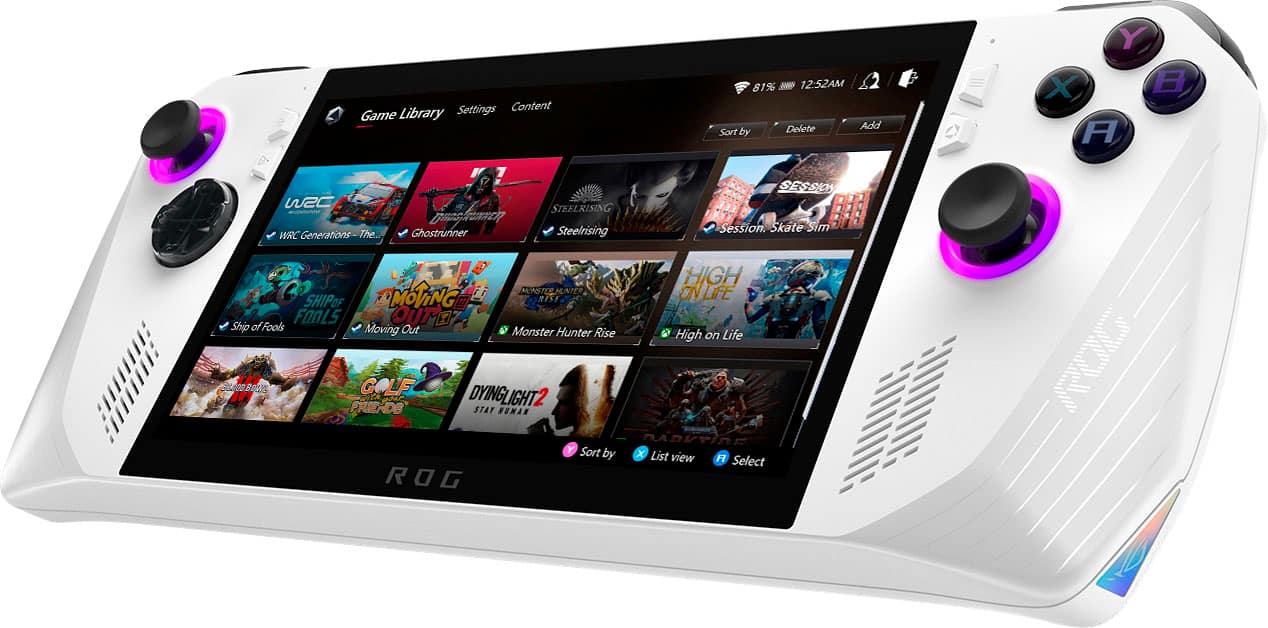
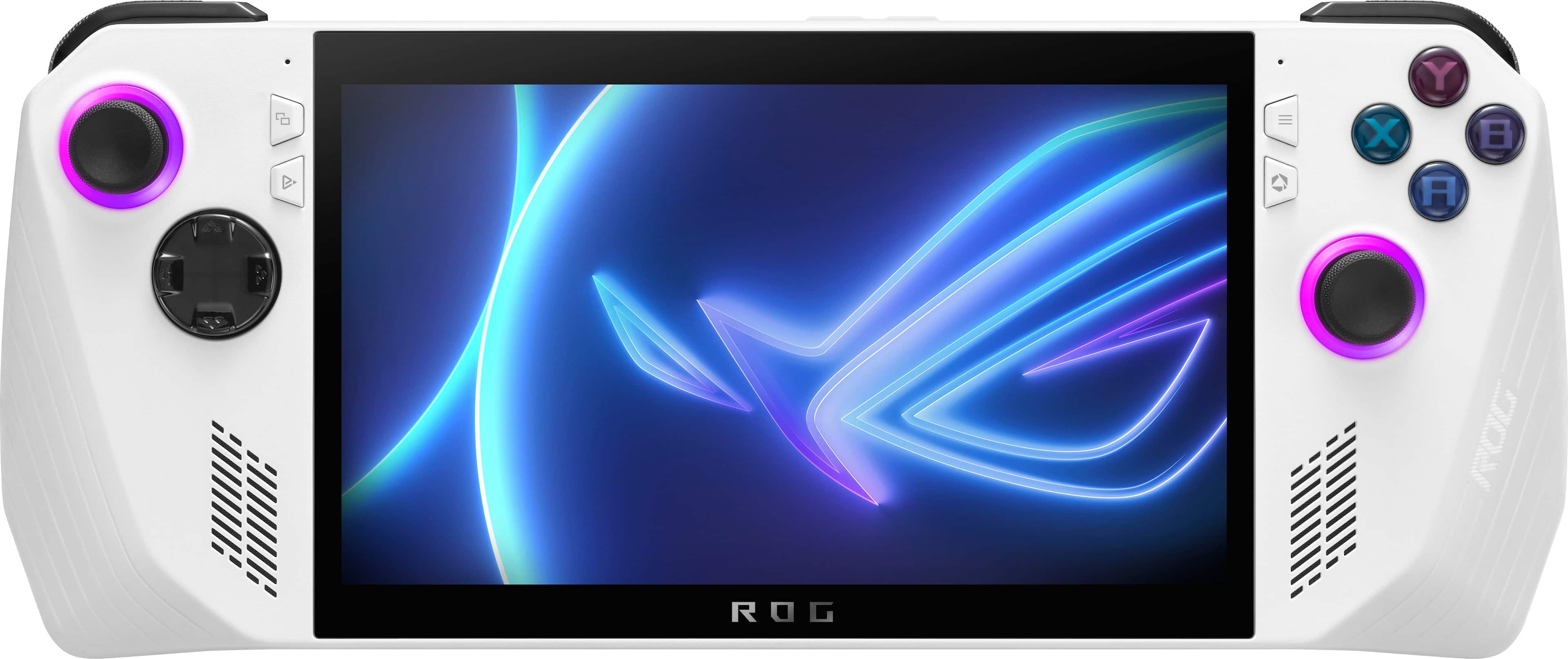
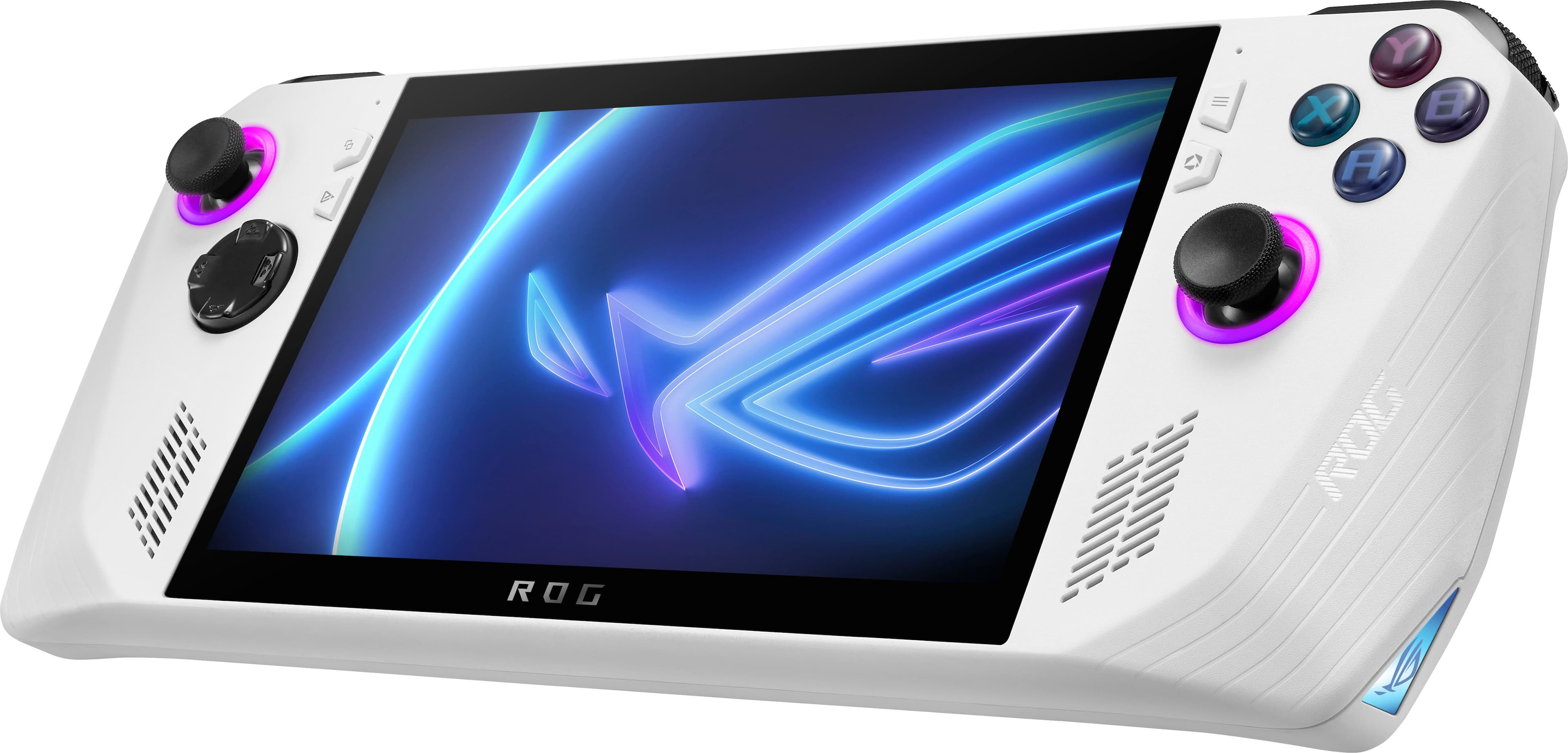
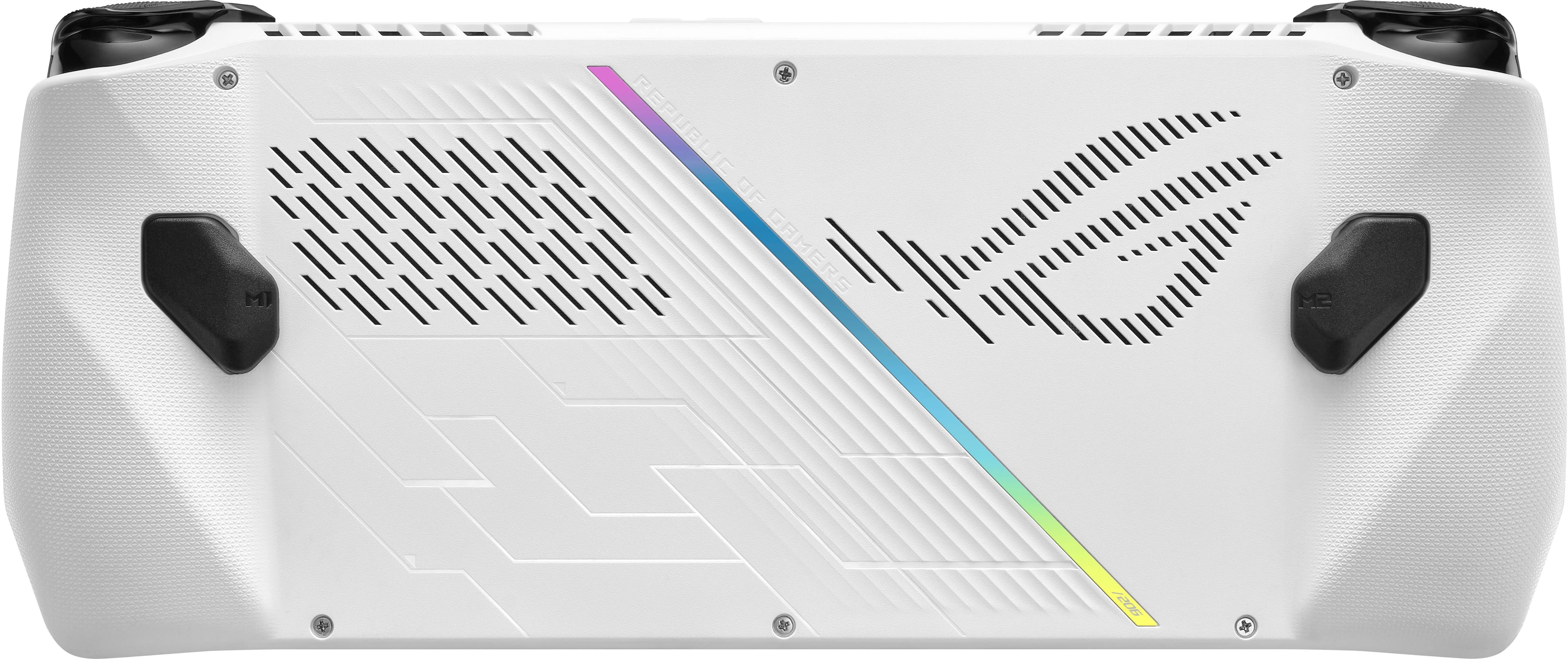
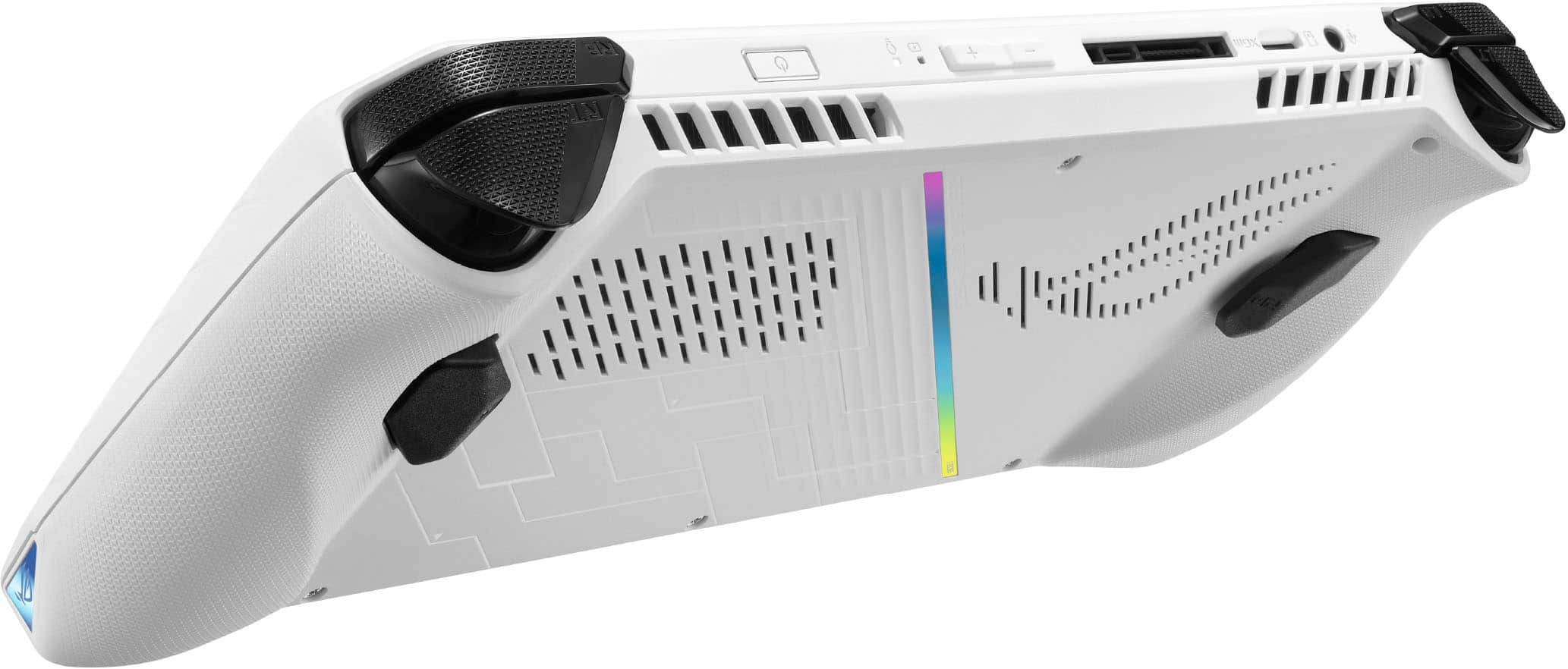
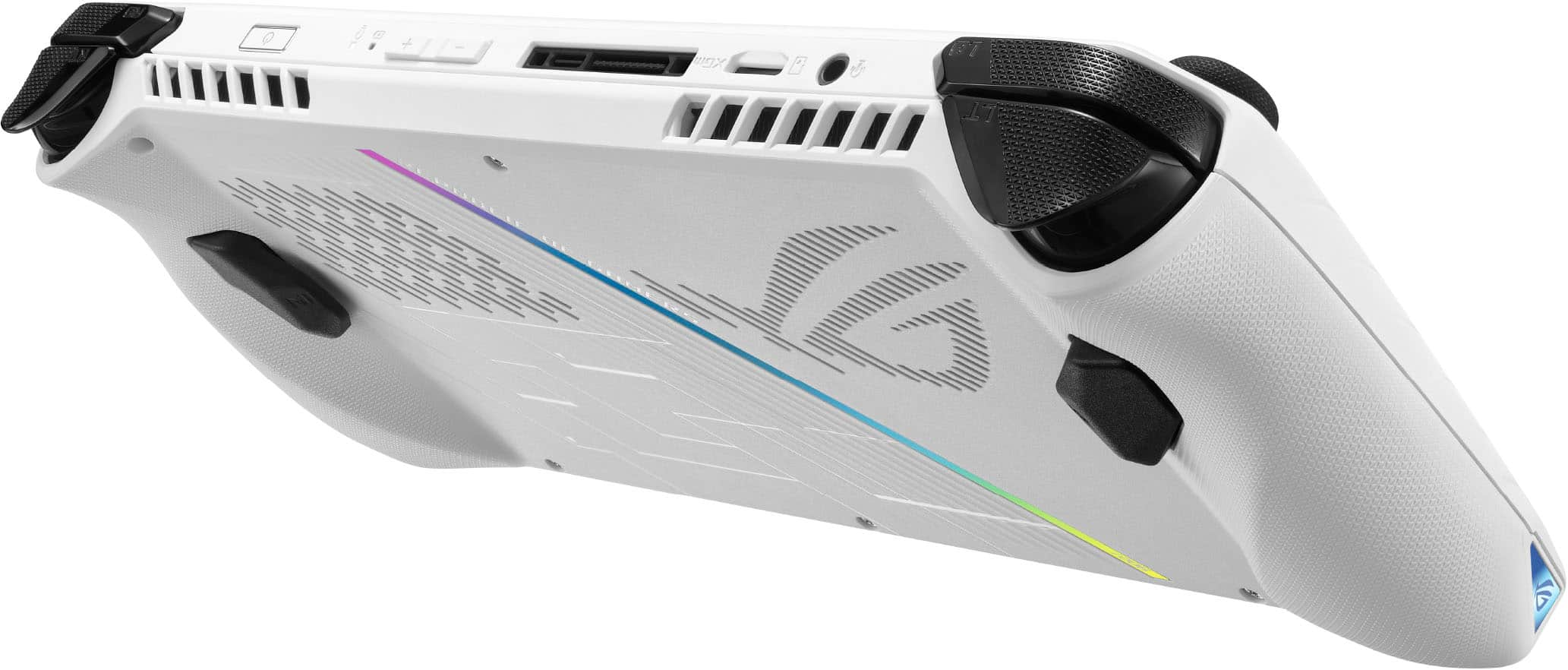


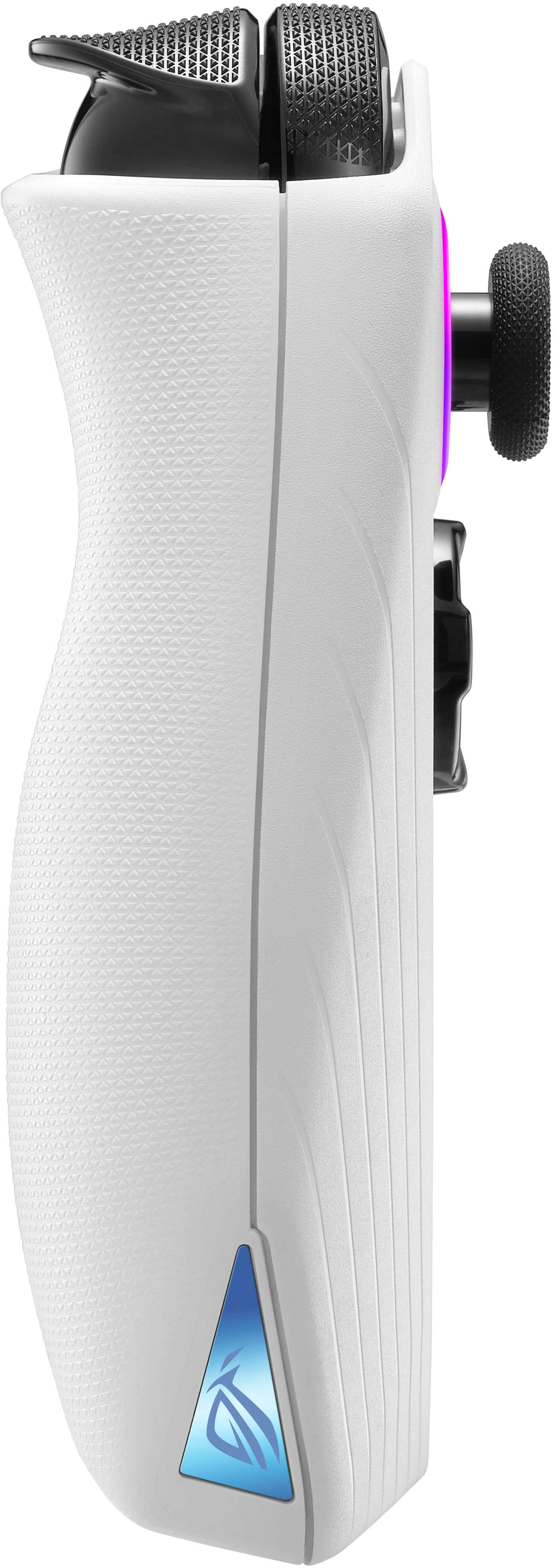
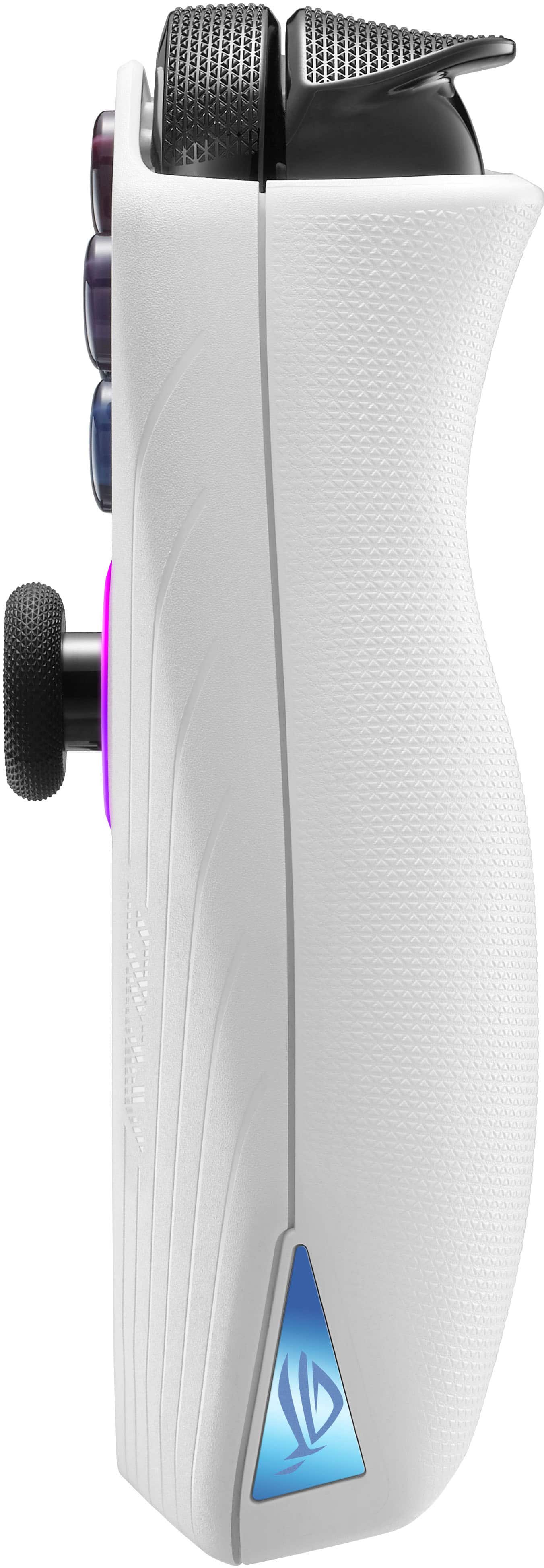







- Model:
- RC71L-ALLY.Z1X_512
- |
- SKU:
- 6542964
Customer reviews
Rating 4.4 out of 5 stars with 9109 reviews
(9,109 customer reviews)Rating by feature
- Performance4.6
Rating 4.6 out of 5 stars
- Storage Capacity4.0
Rating 4.0 out of 5 stars
- Controller4.4
Rating 4.4 out of 5 stars
Customers are saying
Customers commend the ROG Ally for its impressive overall performance, portability, and excellent screen quality. Many appreciate its game compatibility and lightweight design. However, some customers have expressed concerns regarding battery life and issues with the SD card reader. Additionally, a few users have noted the device can heat up and that the storage capacity and software could be improved.
This summary was generated by AI based on customer reviews.
- Pros mentioned:Overall performance
Rated 4 out of 5 stars
Ally Z1 Extreme
||Posted .This reviewer received promo considerations or sweepstakes entry for writing a review.In a saturated market, it is the best of its kind. Pros. It is durable. Great build quality. It plays every game. More power than a Steam deck. Windows. Cons. Gen 1 suffered from joystick issues, excessive heat near the top of the device and some software issues that are easy to fix. Windows.
I would recommend this to a friend - Pros mentioned:Overall performance
Rated 5 out of 5 stars
Nice Gaming Unit
||Posted . Owned for 1 month when reviewed.This reviewer received promo considerations or sweepstakes entry for writing a review.The Asus is a great device if you know what youre doing. Its not plug and play like Playstation, Xbox or the Steam deck so if youre new to pc gaming like myself, there is a learning curve. Battery life sucks but so does every other portable device that is able to handle legit gaming but im always near an outlet and I bought a nice anker 737 battery bank to help. 512 gb hard drive is too small for the unit imo. I upgraded to 2 TB and now i have plenty of room for my games without having to delete/reinstall games. SD card reader seems to be the main complaint with these units but mine works perfectly. Ive had it for about 3 months and no issues. Overall, its a great unit where if you just update/maintain it, it will work great and maybe even replace you gaming pc/laptop. My future plans are to purchase a docking station to plug into a monitor/tv for when im gaming at home and really treat this as my gaming pc, which its completely capable of.
I would recommend this to a friend - Pros mentioned:Overall performance
Rated 4 out of 5 stars
If you control windows, you can get a lot of use o
||Posted . Owned for 2 weeks when reviewed.This reviewer received promo considerations or sweepstakes entry for writing a review.The truth is that this little computer does more than I expected, you can play most games at a good frame rate, depending on the game, graphics and resolution. The best thing it has is its screen and speakers, this is my second unit since the first one had a dead button and problems on the screen, the speakers are the best I've heard on a portable PC of this size. The only thing really bad is the battery, but it was something that I expected, I have a Steam Deck too, so I can say that there are games that run better on Steam, but I can also say that there are several games that Ally runs that his rival does not. I think it's a very good first attempt by ASUS, it's not perfect, but as they release more updates it may get better or worse, only time will tell. P.S. Asus I know you try to keep the price low, but let's go a 1tb disk would have been ideal, I buy a 2tb.
I would recommend this to a friend - Pros mentioned:Overall performance
Rated 5 out of 5 stars
ROG ALLY
||Posted . Owned for 2 months when reviewed.This reviewer received promo considerations or sweepstakes entry for writing a review.This is among my most Favorite Device from this year. I have my Day 1 XBSX, PS5 Disc, Nintendo Switch OLED. I also have a PC I7 13700K RTX 4080 OC and Steam Deck. That said, this became my most Favorite Device. Being able to play Native Xbox Games on it at Great Resolution and FPS is Amazing. Currently Playing all the Yakuza Games at Max Graphics, 1080p, 60fps Locked @ 15wtts. To me that is Amazing. Not to mention any other game I play on it works flawless, including games from Steam, Epic, Blizzard, Ubisoft and Basically any Store on Windows. Something you cannot do on the Steam Deck that is very limited. Both are great Devices, but the ROG ALLY offers more and gives you more. Higher Performance, Better Display, 120Hz, VRR, Windows, Native Xbox Games, Amazing Speakers and Much Much More. I really recommend this Device. Not to mention it is also more portable since it is Smaller than the Steam Deck despite being better in every way.
I would recommend this to a friend - Pros mentioned:Overall performance
Rated 5 out of 5 stars
Portable gaming powerhouse
||Posted .This reviewer received promo considerations or sweepstakes entry for writing a review.The ROG Ally is insanely powerful for its size. Games run smooth at 1080p, and the 120Hz screen looks fantastic. Perfect for gaming on the go or relaxing on the couch. Battery life is solid, and performance is top-tier!
I would recommend this to a friend Rated 4 out of 5 stars
Amazing gaming device, if it fits your use case!
||Posted . Owned for 1 month when reviewed.This reviewer received promo considerations or sweepstakes entry for writing a review.I'll keep this review short. The main reasons to buy this device are the following: you want to play W11 games portably on a powerful handheld and you want to stream using moonlight-sunshine from your gaming pc and take full advantage of having freesync on both systems. I love playing on this device and the screen, back paddles, speakers, haptic feedback, all make it a great experience. The reason why I give it 4 stars is because the SD card is unusable at the moment, you have to upgrade the internal SSD if you want more memory and the support from ASUS has been very slow. Right now the community is waiting to see if AMD Fluid Motion Frames will be supported on the device and mums the word. At least FSR3 does work, but these are definitely keeping this device from being perfect.
I would recommend this to a friend- Pros mentioned:Overall performance
Rated 5 out of 5 stars
Great gaming device for hotels or in bed
||Posted . Owned for 7 months when reviewed.This reviewer received promo considerations or sweepstakes entry for writing a review.Battery life doesn't last much longer than an hour and a half while gaming with battery save and lower power usage mode. But it's really simple to use and runs games really well on turbo mode with the charger plugged in so it doesn't die really fast. I wish the battery life lasted longer but it's a gaming beast and the screen resolution is nice and the graphics look good while maintaining good fps. I personally use it while laying in bed or at a hotel sometimes during the car ride. If you have an ac 12v adapter that can charge it fast enough in the car awesome but good luck with finding one I've yet to find one. Also it looks quite sharp as well I love the RGB along with the white. And it has been reliable for me I've had zero issues with it besides it not running American Truck Simulator first try for whatever reason.
I would recommend this to a friend - Pros mentioned:Overall performance
Rated 4 out of 5 stars
Perfect handheld for an on the go gamer.
||Posted . Owned for 3 weeks when reviewed.This reviewer received promo considerations or sweepstakes entry for writing a review.An excellent piece of hardware for a gamer on the go. Also it can be used in desktop mode. The screen is clear and I’ve seen very little stammering or frame loss. Be weary the battery drains quickly. In saving mode can get three hours but in performance mode just over an hour. My only reason for four instead of five is anecdotes about it not working with some of the micro sd cards. Hopefully and update fixes that. But I didn’t intend to add one (512gb is plenty if you only have ten or fewer games installed at a time). That it runs windows gives it more 4.5 than 4 though. Buy it regardless if you want good access to any windows platform games or to stream Xbox.
I would recommend this to a friend - Pros mentioned:Overall performance
Rated 5 out of 5 stars
Completely worth it.
||Posted .This reviewer received promo considerations or sweepstakes entry for writing a review.Really enjoying this! Everything works seamlessly, but the battery life is a little short. As long as it’s plugged in it’s not a problem and I love taking my games on the go.
I would recommend this to a friend - Pros mentioned:Overall performance
Rated 4 out of 5 stars
More versatile than Steam Deck and more
||Posted . Owned for 1 week when reviewed.This reviewer received promo considerations or sweepstakes entry for writing a review.The Asus Rog Ally is a much more versatile device and more. Not only can you play more games than Steam Deck since it's full Windows 11 Operating System, the 120 HZ 1080p very high PPI display screen which I think is the star of the device. Games are very sharp and is such a treat to view and makes game much more exciting to play!! I can't say enough about the beautiful display and it at times feels like an OLED except a bit less vibrant but with no HDR. Another highlight of this device is the audio and sound. It's fantastic compare to Steam unimpressive speakers. I am hard of hearing and at max volume on Steam Deck is equivalent to ROG Ally's audio volume at 40%!! Love the speakers and 3D audio! After you update the system the ROG Ally is much better. I have the Steam Deck but it's not for me. I prefer the Asus ROG Ally by a miles.
I would recommend this to a friend - Pros mentioned:Overall performance
Rated 5 out of 5 stars
Best gaming device!
||Posted . Owned for 1 month when reviewed.This reviewer received promo considerations or sweepstakes entry for writing a review.Love this device, its a steam deck turned up to 11. I get constant 60 fps or higher on every tipple A game i load, last of us call of duty Witcher cyber punk, they all run so well and the screen is so sharp it even makes 720p look better than most 1080 handhelds. Unplugged running 1080 i get around 1.5 hours of play, include a little battery pack with 65 wat of charging and youll be gaming for 3 hours no problem. yes this comes with some extra "work" but if you just take some time to read and look up online any issue you have it is very easy to resolve. ASUS also has a great help area online you can chat with someone in minutes and they will give you whatever software you're missing or help you which is most peoples issues. Just follow set up and check all three update centers frequently and this device rules. ASUS has also supported the community since day 1 with consistent updates just get one, youll love it and its way better than a steam deck! if you want to you can purchase a 2tb drive and easily add it to the unit in about 10 minutes.
I would recommend this to a friend - Pros mentioned:Overall performance
Rated 4 out of 5 stars
Good, but might as well just buy a PC or console
||Posted . Owned for 1 month when reviewed.This reviewer received promo considerations or sweepstakes entry for writing a review.If you just need/want an alternative form of gaming that works great and serves its purpose, then the ROG Ally is the way to go. If you like using a TV or monitor for gaming, just buy a normal PC with a Ryzen chip, they play the same and you can find them at similar cost. The only real benefit the ally provides is literally the on go ability. Keep in mind though, on its highest operating mode (needed for most gaming) the battery will last you an 1.5 hours tops without power supply. ROG sells battery packs made just for the ally and are worth the investment if you see yourself using it in this way. (Keep in mind most on the go play will be offline play as well)
I would recommend this to a friend Rated 5 out of 5 stars
Asus Rog Ally
||Posted . Owned for 6 months when reviewed.This reviewer received promo considerations or sweepstakes entry for writing a review.The best and hands down choice to have a portable PC that actually gets the job done. I take it wherever and whenever I want, Bluetooth connections are ultra fast. The update for gyro is very smooth as the 120ghz screen is. All games work flawlessly. Only con is battery.
I would recommend this to a friendRated 5 out of 5 stars
ROG Ally is even better than I hoped
||Posted . Owned for 1 year when reviewed.This reviewer received promo considerations or sweepstakes entry for writing a review.Prior to buying a nice, pre-owned Z1 Extreme, I did a ton of research and reading about the Ally, Legion Go, and Steam Deck. My use case is pretty unique: at home, the Ally is a gaming handheld; on the road, the Ally is my portable work computer for contract work that I can't do on my primary work laptop. I needed Windows and a great, strongly performing, dual-monitor desktop environment in addition to a gaming handheld. It seemed to me that Ally was more mature with better support and a bigger community than Legion Go, so here we are. I got it Saturday from an ebay seller, and it came with a JSAux 7-in-1 dual-monitor dock, carry case, and screen protectors for about $200 less than a new Ally alone. Short summary: I am blown away, and it has exceeded all my expectations. Here are a few observations: The screen is stunning. I can't imagine that the Steam Deck OLED improves much on this. I'm not sure where all this talk about the lack of a polished experience comes from. Maybe Steam Deck is more console-like, and I know the Ally has improved since launch, but this is as polished a Windows handheld gaming experience as I could have possibly hoped for. To be fair, I've been a PC gamer since I was loading sound drivers and WAD files from a DOS prompt, so Windows quirks are very familiar to me. Also familiar to me is the high level of tweaking and customization available in Windows if you are willing, and I actually love that part of the PC gaming experience. It feels like this device was made just for me. With a 100w adapter, the JSAux enables 30w turbo mode flawlessly, and what a fantastic desktop experience that brings. General use is basically indistinguishable from my gaming tower. The right-angle SSD adapter also worked flawlessly to update to ultra fast 2tb storage for under $130 and leave room for future expansion (though 2tb should be plenty for the long haul). I am pleasantly surprised by how moddable and upgradeable this system is for a handheld. Open the back, and it just looks like a really compact laptop inside. I don't plan on going crazy soldering new ram or anything, but the M.2 port is very easily accessible with a surprising amount of space in the case. I'm excited about future community mods like the upcoming M.2-to-eGPU board. Gaming blows my mind. Games should not be able to look this good on a device so small. For those complaining that it doesn't match a full gaming tower, you need to realize what you're holding. Again, 30+ years of PC gaming experience here, and this is everything my teenage self dreamed of, but never really expected to get. It's astonishing, and a huge leap forward in portable gaming tech.
I would recommend this to a friend- Pros mentioned:Overall performance
Rated 5 out of 5 stars
Best Gaming Handheld PC!
||Posted . Owned for less than 1 week when reviewed.This reviewer received promo considerations or sweepstakes entry for writing a review.I have had the Ally since release and have had zero issues with it. it's been a great experience. I see most on here complaining about setting up the device, but if you know anything about a Windows PC you know there will be updates required and Asus has done an excellent job guiding you through the process with a video helping you get started. If you're looking for something that is lighter than the competition with a screen you can play most of the latest games at 60fps at it's full native (1080p) resolution with VRR then you won't find a better device. I have since updated mine and my sons Ally with 2 TB SSD drives that is extremely easy to do and only takes about 10 minutes to replace and reinstall the new drive, the system has also a built-in recovery system as well to get you back up and running. The Ally by far from my experience has been better then competition I have purchased recently.
I would recommend this to a friend - Pros mentioned:Overall performance
Rated 5 out of 5 stars
ROG Ally is awesome!!!
||Posted . Owned for 1 week when reviewed.This reviewer received promo considerations or sweepstakes entry for writing a review.Yes it's awesome, yes it can play more games than the Steam Deck and yes the battery life is short. But charge time is much quicker than a Steam Deck. And who is going to be playing this for three hours straight? Play for an hour or two, then charge it when its time to take a break. Common sense. I am not going to go into the other details since pretty much every review online will say the screen, the speakers and graphics on this thing is amazing. When you do buy this make sure to update everything. This includes the MyASUS app which has updates for BIOS and drivers, AMD app for the graphics card, Armoury Crate has updates that need to be done as well as Microsoft Store and the usual WIndows updates. Updates will take up most of your first day with the Ally. Then comes the installations and log in. Highly recommend to get a keyboard and mouse, at least for the first day so you can type in your username and passwords. Once all of the updates, game installations and log in are done, your ROG Ally is ready to go with you where ever you play and game!
I would recommend this to a friend - Pros mentioned:Overall performance
Rated 5 out of 5 stars
ROG Ally
||Posted . Owned for 3 weeks when reviewed.This reviewer received promo considerations or sweepstakes entry for writing a review.It's been great so far! I'm able to play games anywhere with comfort. The ROG Ally is surprisingly light, and impressively powerful (especially when docked). The screen graphics quality is crisp, and the audio is astounding.
I would recommend this to a friend - Pros mentioned:Overall performance
Rated 4 out of 5 stars
A work in progress, impressive performance
||Posted . Owned for 1 month when reviewed.This reviewer received promo considerations or sweepstakes entry for writing a review.I am coming from a Steam Deck to the Ally. I enjoyed my Deck but didn't like not being able to mod my games while relying on a compatibility list to check for titles. Adding games from Epic or Ubisoft was a pain, and I always wanted more performance. Playing something like Cyberpunk would net me about 80 minutes of battery life. It was only when I could drop down to 5-10W where I would start to see 2-3 hours of battery life. I pre-ordered the Ally after reading reviews and, so far, it's been a solid console with one big issue. The Steam Deck wasn't a smooth launch. It ruined one of my 512GB Samsung microSD cards and an external 512GB SSD due to the way Steam OS was formatting external storage. Both the SSD and SD card are completely lost, there was no getting them back. Valve has since patched the issue, but you can still have issues with SD cards when queuing up multiple game downloads to it. I'll get the big negative out of the way. My Ally is currently with Asus, they're repairing my SD card reader. It fried one of my SanDisk 512GB microSD cards (as in completely fried) and the SD reader no longer works. I had to go through Asus's RMA program since I didn't purchase Geek Squad. In hindsight, I wish I had spent the extra $140 for that piece of mind. Just spend the money and get it. Being able to swap for a new unit in-person is better than taking 20 days through Asus's RMA service (5 days to get there, 10 business days in repair, and another 5 days to get back to you). At least Asus is fixing it. Valve didn't offer me anything with m Deck despite ruining $120 worth of storage. They shrugged their shoulders and told me not to use my Deck's SD reader until it was patched. I still think the Ally is worth it if you're after a one and done handheld. Asus has upgraded the firmware over time so that, watt-for-watt, it outperforms the Deck. Battery life is atrocious when running at 25W. I was getting 70 minutes of use playing Spider-Man at normal settings, scaling resolution (somewhere between 480p and 720p), and getting 40-45fps. That's only 10-20 minutes less than the Deck running at 15W and getting worse performance. I'll take that trade off. The Ally's 120Hz FreeSync display is the real killer feature here. I think 1080p is too high for a display of this size, they could have dropped it down to 720p and been fine (though navigating Windows would have been a mess). However, the FreeSync display makes it adaptive. I never noticed when I experienced frame drops going from 45fps to 35-40fps in some areas of Spider-Man, Cyberpunk, or other AAA title. The game still felt smooth, smoother than playing at 30fps on a 60Hz display. Other games, like Shredder's Revenge, play at 70-80fps and the display makes them feel smooth. Again, better than playing at the same framerate on a 60Hz display. For me, the 120Hz FreeSync display is what really pushes the Ally. The Z1 Extreme is a great little APU. It's powerful enough to handle modern AAA games at mostly medium settings rendering at 720p and using FSR to play at 1080p. I can play game the Deck never could thanks to the added power. I know some people moan about it, but Windows opens things up even more. It's easy to install Epic, Ubisoft, gog, Xbox, and various other game platforms. No need to jump through hoops to get them showing up in Steam under Steam OS (Linux). Just download their setup files and go like any other system. All game mods carry over and are compatible with Windows, you won't have issues with trainers or similar programs, and you can run other programs. I have Office installed with access to my OneDrive. I don't need it in handheld mode, but I have used it docked to a display with a keyboard and mouse. The Z1 Extreme is so powerful, it can be used as a desktop for medium to heavy work. Editing 4k videos in DaVinci is smoother than I expected, and it supports using AMD's APU for hardware accelerated encoding. Photo editing in Photoshop is also smooth. That's the advantage of the Z1 Extreme and, when plugged in, the APU will run at 30W with higher turbo boost. It has become my go-to for working outside my house knowing I'm going placed with a display I can plug into. I picked up a portable keyboard and mouse to take with me. Battery life when you aren't gaming is solid. I will often drop the APU down to 10W for watching movies while turning off Wi-Fi and I can easily get 5-6 hours out of it. Start using Office and that will drop to a solid 5 hours. It's only when the APU runs at 25W when the battery life tanks, but that's to be expected. Despite having the SD reader issues, I still can't recommend this enough. I was frustrated with Steam OS, the Deck's performance, and the low-quality display in the Deck. It's a great device, but I wanted more. I spent more time tinkering with it to get games running than I did actually playing games. Aside from the last week, it's been the opposite for my Ally. I spent an hour setting it up and have been playing more games and running more programs than I have tinkering with it to get things running. Get the Geek Squad though. You're already getting a $600 handheld, spend the extra $140 and at least get the 2 year option.
I would recommend this to a friend - Pros mentioned:Overall performance
Rated 5 out of 5 stars
Alot to love, but still a ways to go
||Posted . Owned for 3 weeks when reviewed.This reviewer received promo considerations or sweepstakes entry for writing a review.Overall, the rog ally is good, very good even, but there are a few things holding it back. The good aspects of it are obvious, but the bad aspects can be harder to nail down unless you have used it for a while. Setup: the process of setting this up is no different than any other windows laptop, except for the fact that you have an onscreen keyboard instead of a real one, which is problematic if it doesnt pop up when you click on text boxes. Luckily pressing one of the buttons on the back of the device and up on the d-pad should bring it up. Ease of use: Not very good. Unless you have experience gaming on pcs and know your way around windows very well, getting everything out of the ally will be troublesome. For instance, you have to open three different apps and install windows updates to even get the expected performance, let alone having to scuffle through windows to be able to disable cpu core boosting to improve battery life. It just isnt easy to use. Battery life: Bad. You are going to buy this device because of its performance, not because you want to play a light game for 5 hours. If you want that, buy a steam deck or a switch, they are simply better devices in that regard. Given that, I think the argument that if you play light games at 5 watts the battery life is good, makes little sense when the games you want to play on this have to be at 12 watts minimum. The best battery life you can expect playing the games you want is about 2 hours, and thats at 12 watts which wont perform nearly as well as 25 watts. 18 watts is a good sweet spot for me. An external battery pack is pretty much essential if you want to play away from an outlet for a while. Screen: Very good screen, minimal backlight bleed, though some can be possible, and 120 hz feels very good browsing around and when you have a game that can utilize it. The most important thing here is variable refresh rate (vrr). Thanks to this, alongside low framerate compesation, games will feels smooth enough all the way down to 30 fps, which is awesome. In the armory crate software there is a setting to change the color mode of your screen, and I personally think the vivid setting looks the best. Also make sure to use the 120hz refresh at all times or vrr will not be enabled. Use in game frame rate limiters or leave it unlocked. Ergonomics and controls: generally good, the device fits well in my hands and have not had any cramping, though I imagine there are things they can improve. Everyone will feel differently so I recommend testing out a display model before buying. The controls are generally quite good for me. I very much like the feeling of the buttons and have had none stick after over 2 weeks of use, the sticks are very easy to move and while it takes some getting used to, ive grown to like it especially while holding the device in bed where I dont want to use much pressure to move them. The bumpers and triggers are both good, especially the triggers. The D-pad is good to me, at least to the point where ive had no issues. In terms of issues, my left stick does make a little clicking sound when I rotate it around and my left bumber sounds a bit different than my right one. Both minor issues that hopefully get ironed out, but arent dealbreakers or even medium considerations, but I wanted to mention in. There are some people that have issues with deadzones, but I have had no issues and this will likely be resolved in time, its something to be aware of though. Performance: Beyond expectations, even after seeing all the reviews. If you expect maxing every game out and getting a bunch of frames, buy a laptop or something. But if you want acceptable performance from any triple A game at 1080p with some upscaling and graphical setting changes, you will be more than satisfied. Remember that this is a handheld device. Software: generally decent, their armory crate is usable though it can be buggy. There are a lot of cool features in there though, especially regarding the ability to change your allocated vram, I recommend 8gb if you want to play diablo 4. Also as a side note, there seems to be an issue with sd cards so I would avoid using them until they sort it out, but 512 gigs should get you by for a time, which I also think is enough storage for the money, but hopefully they add a 1tb option or a 32 gig ram option for the next one. Final thoughts and considerations for the future: I love the device, despite all the issues. I personally give it a 9/10, assuming they fix all the major bugs within a month or two. I do wonder if 16gb of ram will be enough in a couple years, as it would suck to pay 700 for something that only lasts a year or two, I guess thats up to the developers in terms of optimization, but extra headroom wouldve been nice. I certainly recommend this over any of the other windows based handhelds, but I still think the steam deck is valid for those on more of a budget, or for people that like playing smaller games with more battery life than the ally. Im sure asus can improve the battery life some with optimizations, but I doubt it can ever get to the steam decks level, let alone the switch. If you get one, i highly recommend finding tutorials and little tricks you can do to get the most out of yours, because I think this device deserves it. If you dont need an ally now, and are willing to wait a year or two, I imagine the ally 2 will be phenomenal given how much they got right on the first one, but if you want one now, then get it NOW. Dont let anyone tell you what to do with your money as long as you did the proper research and know what youre getting into. Good luck!
I would recommend this to a friend - Pros mentioned:Overall performance
Rated 4 out of 5 stars
Impressive performance and versatility
||Posted . Owned for 4 months when reviewed.This reviewer received promo considerations or sweepstakes entry for writing a review.I’ve been using the ASUS ROG Ally for a few weeks now, and overall, it’s a fantastic device that balances power and portability. The standout feature is definitely its performance. The AMD Ryzen Z1 Extreme processor, combined with the RDNA 3 graphics, ensures that games run smoothly, even on higher settings. This handheld gaming PC handles AAA titles impressively well, making it a great choice for gamers on the go. The 7-inch 1080p display is vibrant and sharp, with a 120Hz refresh rate that makes gameplay incredibly smooth. The touchscreen is responsive, and the controls are comfortable for extended gaming sessions. The device also has a sleek and sturdy build, giving it a premium feel. Battery life is decent, though it could be better. Expect around 2-3 hours of intensive gaming, which is manageable but not exceptional. However, the fast charging feature helps mitigate this drawback. One of the highlights is its versatility. The ROG Ally can double as a mini-PC, thanks to Windows 11 and the ability to connect peripherals. This makes it useful for productivity tasks in addition to gaming. The device also has good connectivity options, including USB-C, which is a plus. On the downside, the price is on the higher side, and the fan can get a bit noisy under heavy load. Additionally, some users might find the software interface a bit clunky, but these are relatively minor issues. In conclusion, the ASUS ROG Ally offers impressive performance and versatility in a portable package, making it a strong contender in the handheld gaming market. With a few minor improvements, it could easily become a 5-star device. For now, it earns a solid 4 stars from me.
I would recommend this to a friend