Customer Ratings & Reviews
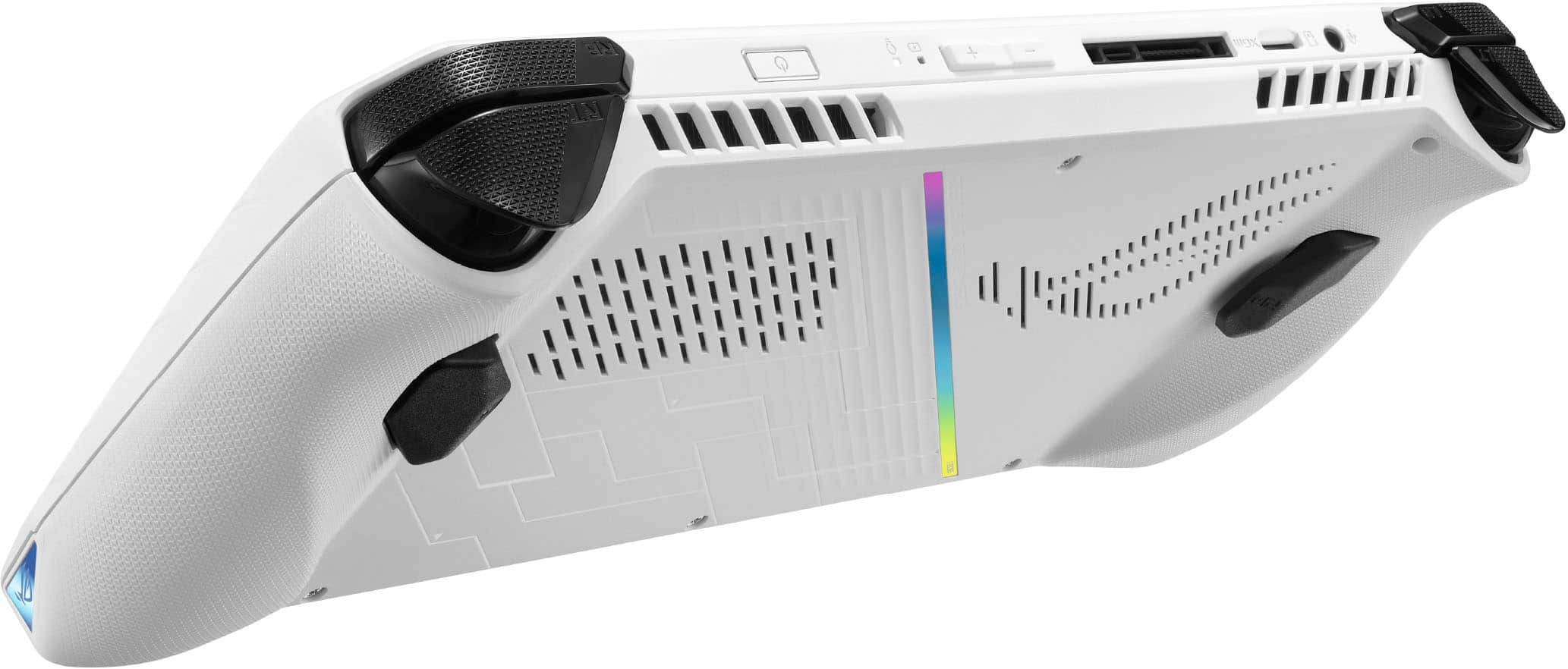
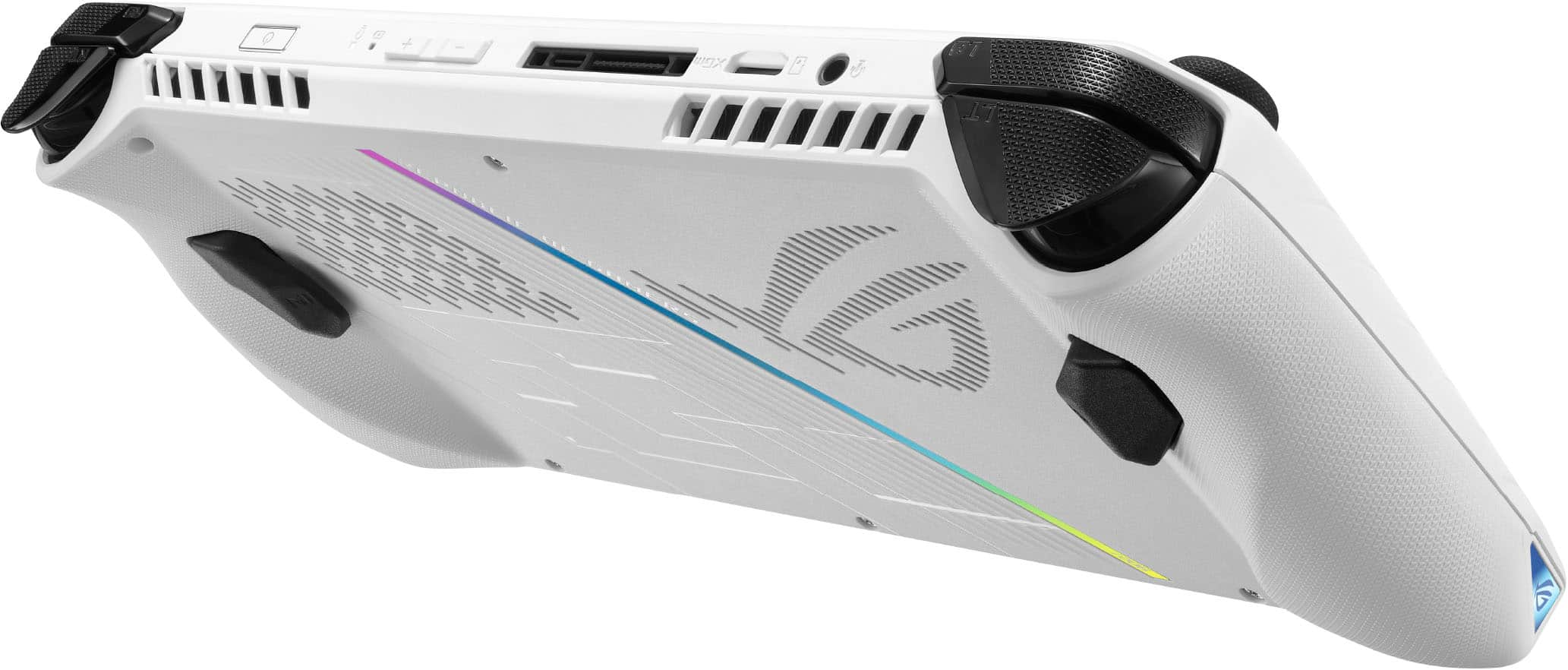


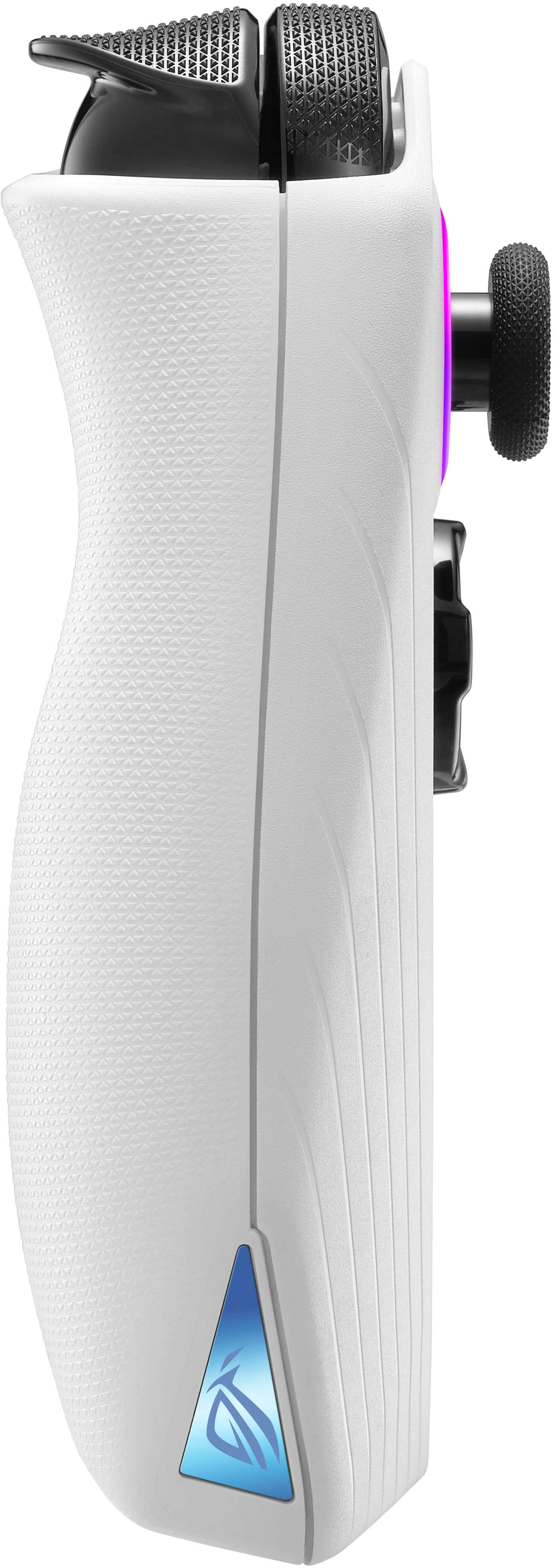
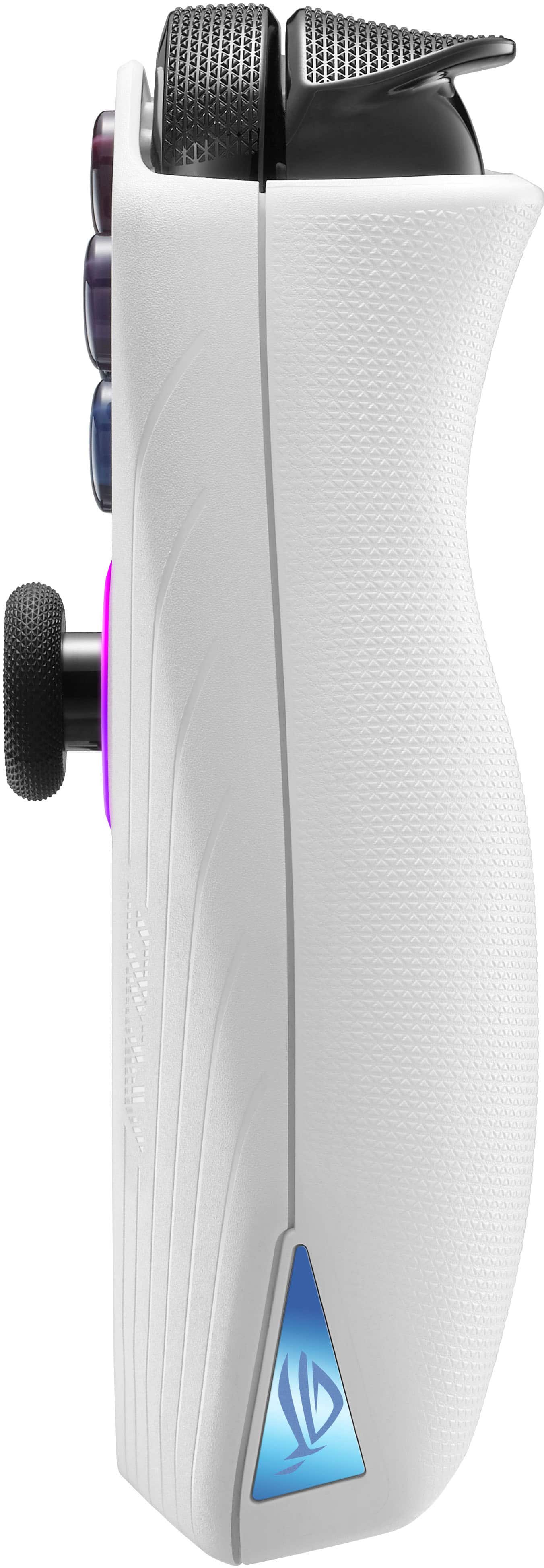






- Model:
- RC71L-ALLY.Z1X_512
- |
- SKU:
- 6542964
Customer reviews
Rating 4.4 out of 5 stars with 9121 reviews
(9,121 customer reviews)Rating by feature
- Performance4.6
Rating 4.6 out of 5 stars
- Storage Capacity4.0
Rating 4.0 out of 5 stars
- Controller4.4
Rating 4.4 out of 5 stars
to a friend
Customers are saying
Customers commend the ROG Ally for its impressive overall performance, portability, and excellent screen quality. Many appreciate its game compatibility and lightweight design. However, some customers have expressed concerns regarding battery life and issues with the SD card reader. Additionally, a few users have noted the device can heat up and that the storage capacity and software could be improved.
This summary was generated by AI based on customer reviews.
Rated 5 out of 5 stars
Improving every day
||Posted . Owned for less than 1 week when reviewed.This reviewer received promo considerations or sweepstakes entry for writing a review.This is my first PC used soley for gaming. So its not an exaggeration to say I went a little crazy getting a portable. But its been such an exciting purchase. I got it about a month so I had a ton of updates ready for me. I suspect my experience was boosted by that fact. I dont know if it was worse before but, I really like the Armory Crate. Its a very streamlined experience in my opinion. The system is a little unintuitive and can do things you didnt expect but I haven't had a problem yet while gaming. Ive played Spider-Man on it and its beatiful. The sound explodes from the speakers. Build quality feels really solid. The weight is just right. It doesnt feel as flimsy as a switch but it's not solid like a tank like the PS Vita was. My only word of warning to others not familiar with PC gaming who get this portable, lits of games have controller settings but even more don't! I learned ny leason after buying a small bundles on GOG. They were very inexpensive but I now have about a dozen games that are not compatible with not only the Ally but with any controller based set up. The good thing is I can always display to a monitor with a keyboard and mouse but this definitely does not give you an open license to buy every game ever made and then think there is a portable/controller setting to help you. Very happy with the money spent so far!
I would recommend this to a friendRated 4 out of 5 stars
The Mobile Beast = ALLY
||Posted . Owned for 2 months when reviewed.This reviewer received promo considerations or sweepstakes entry for writing a review.Overall, I really enjoy the Ally. My two things that kind of make it challenging is that the battery runs out fast on max settings (playing diablo 4 = 1 hour, Jedi Survivor = 1 hours, Sniper Elite 5 = 1 hour) and the hard drive space is terrible for the games that are coming out. Most game almost require anywhere from 60GB-100GB and with a hard drive of 512GB it just doesn't do it. Bought and install a 2TB hard drive will out a problem and that helped a lot. Also got a 1TB Scan Drive A2 gaming SD card and haven't had a problem with the overheating. This device is great for travel, went to Austria with it and it did everything I wanted for the 11 hour flight and the 4 hour train ride. I wish I had a laptop for a keyboard sometimes but then I realize I wanted this for its mobility which is way better than a laptop and take less space. I think that is better than the SteamDeck and has more opportunity for handling newer games.
I would recommend this to a friendRated 5 out of 5 stars
Awesome but you need to know Windows!
||Posted . Owned for 1 week when reviewed.This reviewer received promo considerations or sweepstakes entry for writing a review.Great device and I like it better than the Steam Deck. Pros: • Screen: 1080p and brighter than the SD. Colors look better but that could just be me • Controls: I like the buttons and triggers better on the Ally but the SD has better joysticks IMHO • Games: Yes it does play all games! All launchers work as expected. I could get the other launchers to work on SD but it was a little bit of work especially if you wanted to store the games on a micro SD card • Replacing parts: I replaced the SSD with a 2TB SSD and it took less than five minutes. From the ASUS teardown, it looks like replacing parts(especially the battery) looks very easy Cons: • Windows: This could be a pro or a con. You have to know Windows to get around this thing. There are 3 programs you have to run for updates. ArmouryCrate, MyAsus, and Windows Updates. A pain in the beginning but once you get used to it, its no big deal. Again, Windows knowledge goes a long way • Battery: Yes it is not good but worth it for the gaming experience I love this thing and once you get used to it, there is no comparison. Remember, the Steam Deck had issues(both hardware and software) when it first came out. So once you give Asus some time for updates, the Ally will get even more stable. The updates that have come out in the past week have already made a difference.
I would recommend this to a friendRated 4 out of 5 stars
Great handheld device, but has 2 caveats
||Posted . Owned for 1 month when reviewed.This reviewer received promo considerations or sweepstakes entry for writing a review.#1 Performance: overall score 9/10 Good performance on most games, great performance on indie games/roguelikes, playable performance on very graphically demanding games, with the caveat that you'll probably want to play on the charger. #2 Battery: overall score 6/10 If you are playing less demanding indie games/roguelikes, this device will last quite a long time. Older games that are very optimized and not graphically intense shouldn't be too hard on your battery life. However the graphically demanding games with heavy RTX/shaders, etc. , again will probably need to be plugged into the charger while playing. Caveats: - It runs on Windows 11. Windows 11 is not optimized for gaming, meaning it eats up a lot of your RAM. It also must be updated frequently, and does not have a console friendly interface. This is my single biggest gripe with the device. - Many keyboard and mouse games don't have a control scheme set up for the game, and may have to be set up manually in Armoury Crate. Overrall I'd give it an 8/10, because even though Windows 11 can be a pain, it gives plenty of freedom for the user to do whatever they want.
I would recommend this to a friendRated 5 out of 5 stars
Love this, POWERFUL!!!
||Posted . Owned for 3 weeks when reviewed.This reviewer received promo considerations or sweepstakes entry for writing a review.I really love the ROG Ally Z1 Extreme (get the extreme, base model is not worth it), it plays amazingly, I get 60-70FPS on Starfield with all High Settings, I would absolutely recommend getting a USB-C extension module and make sure you get 100W charger for the USB-C extension bar, so that you can hook it up to a monitor, and use keyboard and mouse, etc. also I’d recommend getting the higher SSD chip bc SD cards dont compare to an onboard SSD, and there have been instances of temperatures ruining SD cards. Also, if you want to not be near an outlet while playing, you’ll need to use lower wattage modes (15,20W) otherwise your battery will drain quickly — especially in Turbo Mode. A good solution for overall performance and mobility is cloud gaming!! Nvidia GeForce Now works incredibly on it, and since it uses their 4090 GPUs, it plays all AAA games beautfiully (as long as you have good wifi) without draining power as fast due to the fact that cloud gaming doesn’t use the onboard GPU. Overall great power-packed device
I would recommend this to a friendRated 5 out of 5 stars
Brilliant device - I decided to jump in HERE/NOW!
||Posted . Owned for 3 weeks when reviewed.This reviewer received promo considerations or sweepstakes entry for writing a review.I love this thing. I immediately installed a 2TB SSD in it and went on to put a TON of AAA GamePass and Steaam and Epic games on there. It's gorgeous, it's powerful, the screen is fantastic, it charges back up FASTER THAN I NEED TO PLAY AGAIN in most cases!!! I take it to bed so often now; I could hook up a Series S in the bedroom but why bother buying another of those or moving a Series S from room to room? This thing is going to be so fun to get all the emulators and games running on ONE device too. Number one, it's fun. It's a bit 'much' in terms of price but it is ABSOLUTELY also a powerful Win 11 PC. I mean, I paid 450 dollars for a Win10 PC years back and that was a STEAL because it had an SSD and touchscreen. If you're on the fence, take a chace - it is ASUS not some unknown brand. Steam supports their products even better yet, but I don't think I'm going to regret this very much. If you follow gaming 'journalism' (YouTubers) , you'll see the warning signs of poor product support with well enough time to exit stage left anyway. I don't see that happening. I'm out on my deck tonight playing the crap out of my favorite games. I'll aways love the Switch for 1st party Nintendo games, but this thing will handle ALL the rest.
I would recommend this to a friendRated 5 out of 5 stars
This device is a Beast
||Posted . Owned for 3 weeks when reviewed.This reviewer received promo considerations or sweepstakes entry for writing a review.Would have gone for a steam deck but after reading reviews of how I have to install this and that to play the game that I love which were mostly EA and Ubisoft games and requires the anti cheat software I decided to go with the rog Ally and let me tell you this didn’t disappoint one bit from running the game to other things it’s a machine that runs it all. Love its portability only downside would probably be battery but now that I have tweaked a bit I can go 3 hrs on AAA games without compromising on game quality ok or frame rate. Awesome stuff!
I would recommend this to a friendRated 4 out of 5 stars
Great hardware, software needs improvement
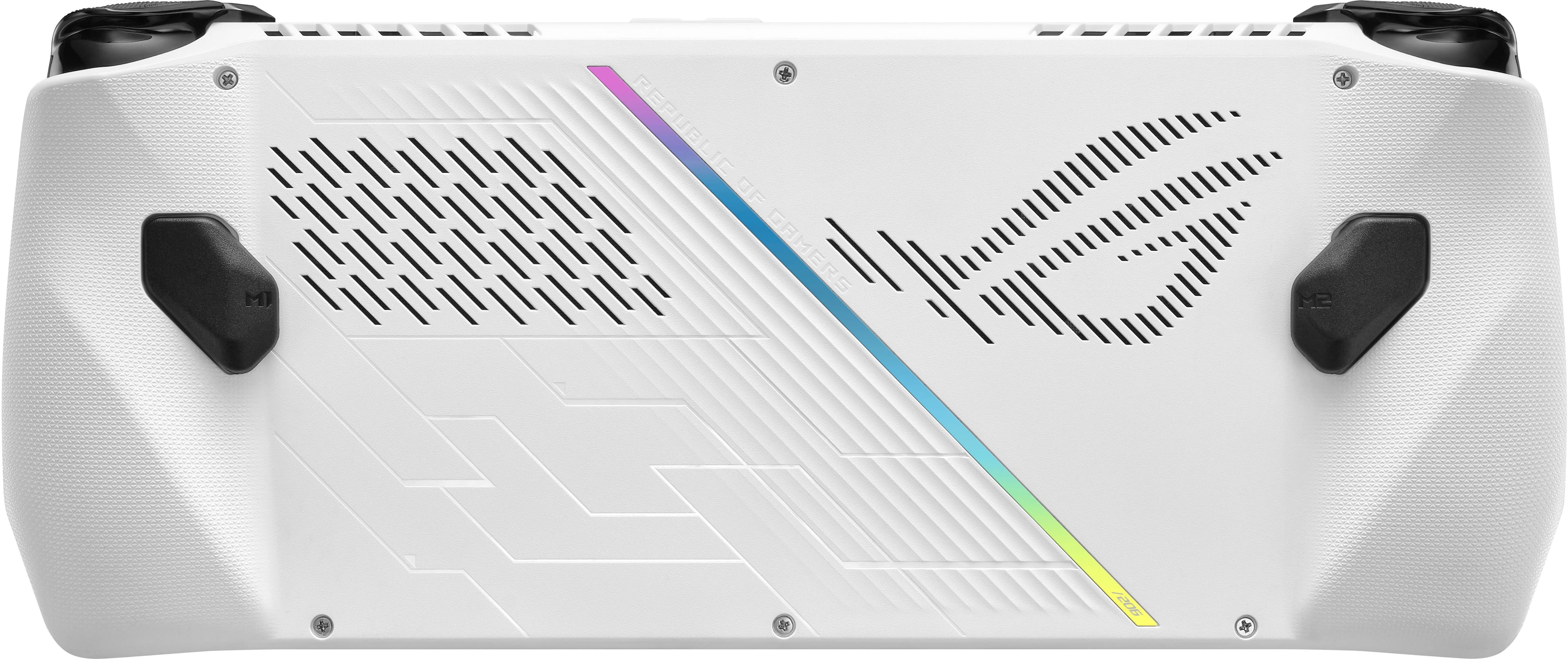
||Posted .This reviewer received promo considerations or sweepstakes entry for writing a review.This is handheld PC is awesome and better compared to its Chinese competitors like GPD and Aya. I would recommend buying this device rather than spending over $1000 on these other devices. However, I have mix feelings comparing it to the Steam Deck. I've owned my Steam Deck since launch and play it very often. This device I've been playing extensively for a day now. This is not a replacement for the Steam Deck, but a great alternative to users who do not want to be restricted to using Proton and don't want to install Windows on their Steam Deck. What the Ally does better than Steam Deck: Better screen with vivid colors, sharper screen and smoother response with low input delay. The fans are QUIET. I don't know how they do it. I saw a noise reduction category in Armory Crate. My guess is the fan curve is being managed really well by armory crate and maybe they're emitting a noise canceling frequency from the speakers to match the fan speed. Under high CPU load this thing stays 50% cooler Games installed in internal SSD loads significantly faster because of the better CPU, but Steam Deck loads game in Micro SDs faster. It's louder but the sound stage is lacking. You can feel the sound coming from the speakers. What the Steam Deck does better: Steam Deck can play games at higher settings in native resolutions better, Playing Street Fighter 6 between the two devices gave me two choices. Do I wanna play it on the Ally in 1080p in 45 FPS with all low settings or do I want to play it in medium settings in 800p in 45 FPS? Both devices running 15 watts. In 30 watts and plugged into the charger the Ally can play the game in medium settings with the same FPS. Now moving onto what Ally does that is slightly frustrating but can be improved right now... I'm a software developer and I've noticed some issues with Armory crate's Auto Gamepad and Desktop switching feature. Thanks to the developers at ASUS, Armory Crate has the ability to change the controller to support Desktop and Gamepad use depending on what is actively being used. Boot up a game and the gamepad is connected. Exit back to the Desktop and you can control the mouse cursor again. However, when I try to use Steam(outside of Big Picture) or the Xbox app in Desktop mode it will switch to a Gamepad. I think this is a Windows compatibility issue that needs to be corrected. The function to switch between different controllers only recognizes if you're actively using Steam or the Xbox app. It doesn't understand or there isn't a parameter to tell this function that the user is also currently using the Desktop version. So what do I do different? I don't use the Auto feature anymore. I switch from Desktop to Gamepad controls in the Armory Crate UI. There are also a few Windows things that ruins this device and doesn't give it a true console experience like the Steam Deck. For example, the sleep and wake function isn't responsive like the Steam Deck. It still feels like waking up and putting to sleep a regular PC. So most of the time I just turn it off. The battery life...because of all the extra Windows processes running in the background, this device's battery life is not as good as the Steam Deck, but it's not terrible. I haven't made my own custom profile for the CPU power yet but it might help. However, because of the 65w charger, it charges way faster than the Steam Deck when it's not under load. So I take about a 20-30 min break to charge the device. The analog sticks...is YMMV. Why's that? There isn't a lot of resistance and it doesn't return to the center completely. Using the gamepad tester website I noticed that the analog sticks does not return to zero(no input) at all. There is a very small decimal amount of input still being sent to the tester, but not enough to trigger stick drift. There is no Xbox Button. I assigned the Xbox Button to one of the secondary buttons on the back using Armory Crate. Some games require settings and screen resolution changes at launch. Verified Steam Deck games does not. With all these caveats, I still enjoy this little thing and I'm planning on using this more than my Steam Deck. I wouldn't recommend this to a child unless they know how to navigate Windows 11 and adjust settings for a game. The Steam Deck is a better choice for someone who doesn't want to deal with updating drivers, messing with game settings, and dealing with buggy software. What I would like to see... ASUS needs to collaborate with Microsoft to build an ecosystem for the Ally and any of their future devices. The Xbox Handheld needs to become a reality and this device has potential to change the handheld gaming industry.
I would recommend this to a friendRated 5 out of 5 stars
Good
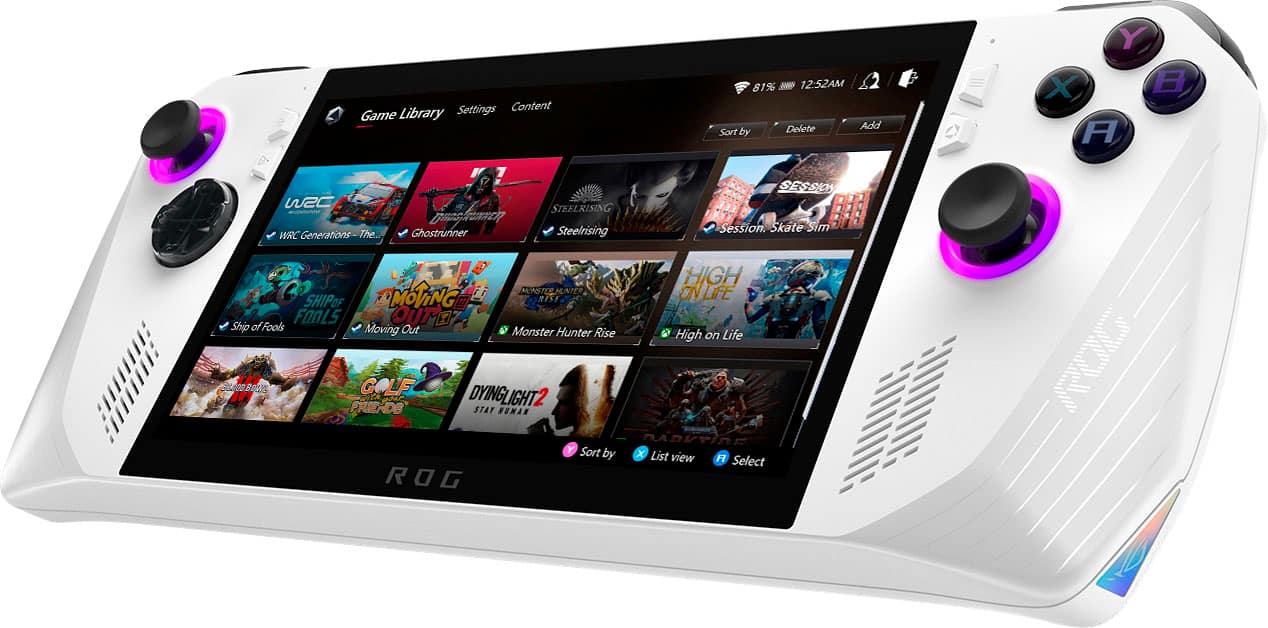
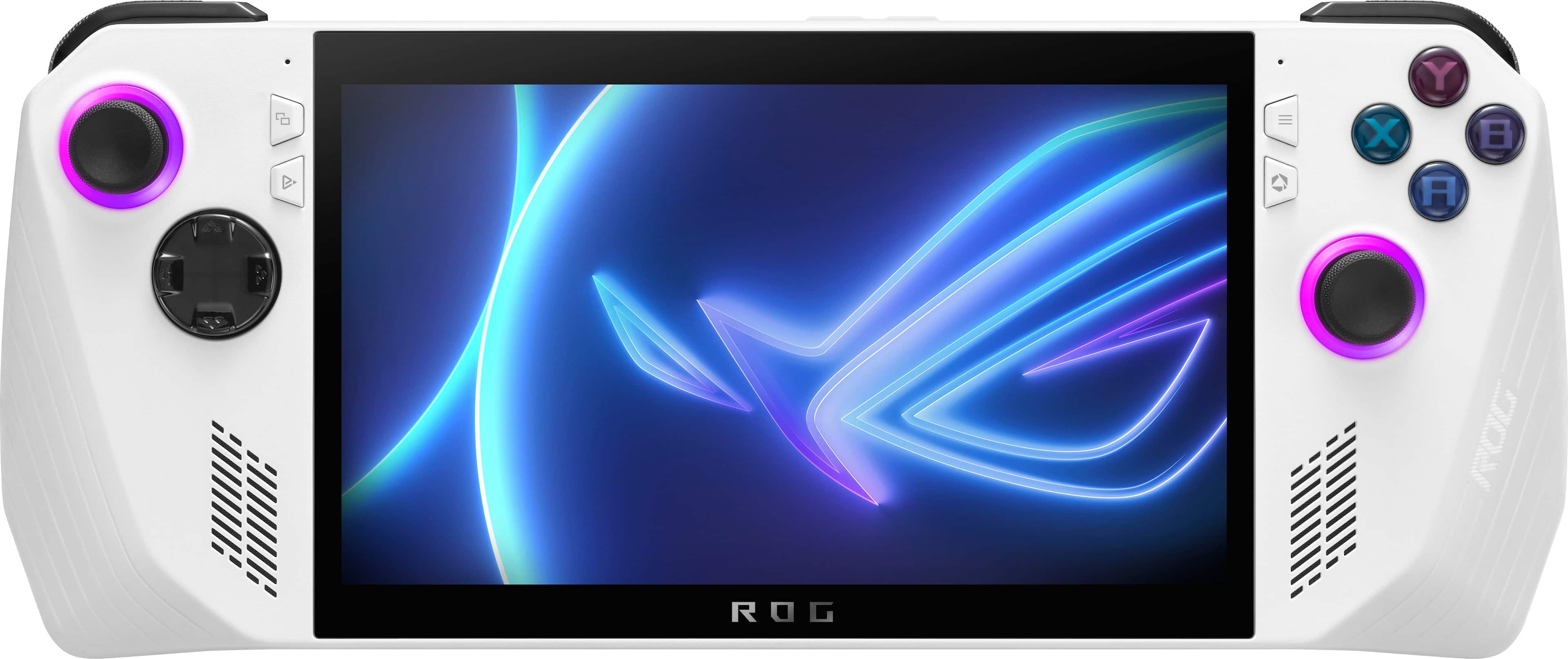
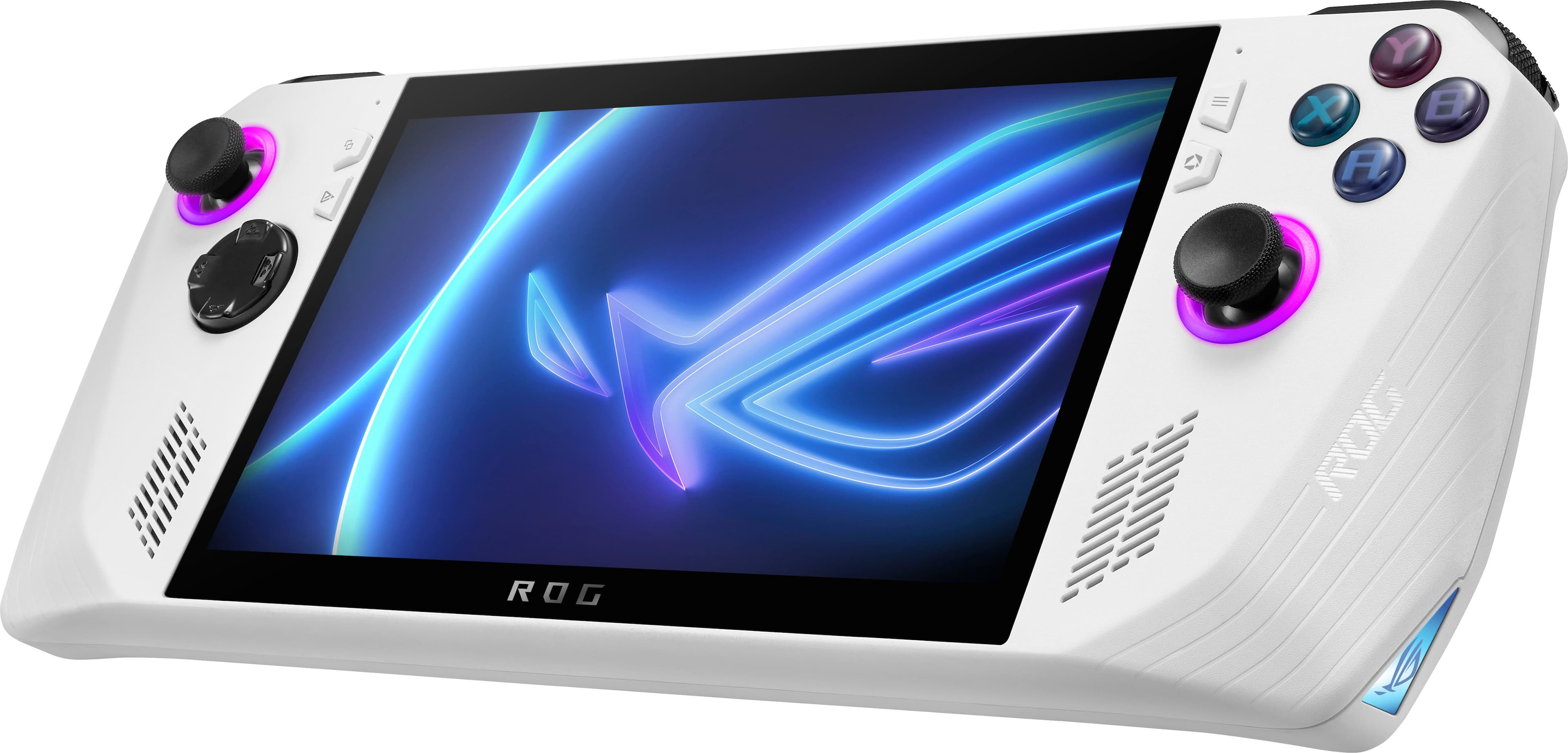
||Posted . Owned for 1 month when reviewed.This reviewer received promo considerations or sweepstakes entry for writing a review.The ASUS ROG Ally is a great handheld gaming PC that offers a lot of power and performance in a small, portable package. It features a 7-inch 1080p 120Hz display, an AMD Ryzen 7 6800U processor, 16GB of RAM, and a 512GB NVMe SSD. This combination of hardware allows the ROG Ally to play even the most demanding games at high settings, and it also makes it a great device for productivity tasks. One of the things that I really like about the ROG Ally is its design. It's made of a durable white plastic that feels good to hold, and it has a sleek, minimalist look. The controls are also well-placed and comfortable to use, and the analog sticks are especially responsive. Another thing that I like about the ROG Ally is its battery life. I was able to get about 2-3 hours of gaming on a single charge, which is pretty good for a device with this much power. Of course, battery life will vary depending on the games you're playing and the settings you're using, but I was still impressed with how long the battery lasted. Overall, I'm really impressed with the ASUS ROG Ally. It's a powerful, portable gaming PC that offers a great gaming experience. If you're looking for a handheld gaming PC that can do it all, the ROG Ally is a great option.
I would recommend this to a friendRated 5 out of 5 stars
a good game console
||Posted . Owned for 2 weeks when reviewed.This reviewer received promo considerations or sweepstakes entry for writing a review.i have been playing with this asus for 2 weeks. It is a very good console. It gets a little hot but still doesn't lose quality in the game. The battery lasts an hour and a half. Yes, I can play any game. This console supports any type of game. For my part I love this console
I would recommend this to a friendRated 5 out of 5 stars
Love my ROG
||Posted . Owned for 1 month when reviewed.This reviewer received promo considerations or sweepstakes entry for writing a review.I absolutely love this device. The graphics, the speaker sound, the size, the esthetic, the amount of GB. It is light weight and its legit a handheld computer. I can use Microsoft office and play many of my favorite video games. The only thing that I wished it was better is the battery life.
I would recommend this to a friendRated 5 out of 5 stars
Overall 4.5 out of 5
||Posted . Owned for 3 weeks when reviewed.This reviewer received promo considerations or sweepstakes entry for writing a review.The ASUS ROG Ally is a good handheld gaming PC. It is powerful, portable, and has a great display. However, the battery life and software could be improved. If you are looking for a powerful and portable gaming PC, the ASUS ROG Ally is a good option. However, if you are looking for a long-lasting gaming PC with a bug-free software, you may want to consider other options. User Reviews: • "I love the performance of the Ally. I can play most of my favorite games on it, and it even handles some newer titles pretty well." - u/The_Gaming_Nerd • "The display on the Ally is amazing. It's bright, clear, and has great colors. I really enjoy gaming on it." - u/Avid_Gamer • "The battery life on the Ally is pretty short. I only get about 3-4 hours of gaming on a single charge." - u/GamerGirl123 • "The software on the Ally can be a bit buggy at times. I've had some issues with games crashing or not launching properly." - u/PC_Gamer Overall Rating: 4 out of 5 stars Recommendation: The ASUS ROG Ally is a good option for gamers who are looking for a powerful and portable gaming PC. However, if you are looking for a long-lasting gaming PC with a bug-free software, you may want to consider other options.
I would recommend this to a friendRated 4 out of 5 stars
Great for moderate gaming.
||Posted . Owned for 3 weeks when reviewed.This reviewer received promo considerations or sweepstakes entry for writing a review.Battery life could be better but overall it works really well. Games played: Hollow Knight, Palworld, Minecraft, Fortnite, Skyrim, Outer Worlds, and Mass Effect Legendary. All played as well as my main computer. The device came in clutch as I broke my ankles and couldn’t sit at my computer. If you want to game for an hour or two, it’s great but any longer and you might want to consider staying near an outlet.
I would recommend this to a friendRated 4 out of 5 stars
Great Device - Would feel better capped at $400.
||Posted . Owned for 5 months when reviewed.This reviewer received promo considerations or sweepstakes entry for writing a review.Overall, the Ally does not disappoint. The Power is great. The Screen is great. The Asus proprietary user interface is surprisingly great as well. From Steam to Battle.net to Fortnite to Roblox... I have yet to find something that I have attempted to play that did not work well. There are certainly issues w/ early adoption - dealing with firmware updates, etc., but it's to be expected, and honestly the updates have only meant the hardware is better now than it was at the time of release. But even though it's great... it's not portable in the same way a Switch is. It's bigger. It's battery life will be shorter, because you'll likely be playing more-demanding games (that also look better). But it's great for road trips, playing in the family room (if someone else is using the TV), etc.
I would recommend this to a friendRated 4 out of 5 stars
Affordable windows handheld
||Posted . Owned for 11 months when reviewed.This reviewer received promo considerations or sweepstakes entry for writing a review.Pros: Lightweight Powerful enough for playing most of the game with med-low graphics. Armory crate is really good. Vrr. Surprisingly good sleeker Cons: - sd card issue - weak battery
I would recommend this to a friendRated 4 out of 5 stars
Overall, an amazing product
||Posted . Owned for 1 month when reviewed.This reviewer received promo considerations or sweepstakes entry for writing a review.This product has an interesting Dual fan design. Typically smaller fans are louder although the RPMs do not get that high with two fans, and do not generate a lot of noise as a result. Yes, this product is lighter than the competition but the battery life is also significantly lower. This is a 30 W battery while the competition has a 50 W hour battery such as the Lenovo. The speakers on this product phenomenal for the price. The speakers on this device compete with the iPad Pro and someways even sound better. The display is washed out at 1080P although it does support AMD free sync which the Lenovo does not. This is due SSD appears to be very slow but I haven’t done a drive test although compared to Lenovo install speeds were slow.
I would recommend this to a friendRated 5 out of 5 stars
Gamings become convenient
Posted .This reviewer received promo considerations or sweepstakes entry for writing a review.I already have a desktop gaming pc with many of the lastest bells and whistles. As much as I love u my pc, sitting at a desk to play games is sometimes.. too stiff. I can play this anywhere and everywhere, and thats the main appeal for me. I do think the armory crate game launcher is awful, but after setting up playnite as my game launcher I can get console type comfort & convince with genuinely good gameplay. This is the future that will kill the xbox in my opinion. I can dock it like my Nintendo switch and play on a tv, take it with me, and treat it like a regular gaming pc. It's better than gaming laptops and an xbox because it has combined some of the best features of the two. While it is best plugged in, thats no issue for me since I'm often near outlets or can take a portable charger with. If ASUS keeps making devices like this, I genuinely may sell my desktop pc and just stick to this and a laptop. I just look forward to more customability options in the future such as skins, button covers, etc. I know the DIY gang will probably do upgrades like hall joysticks and custom buttons. There's lots of potential here! TLDR: -Portability & ability to dock makes this an xbox killer & makes desktop pcs feel stiff. - There's options for other game launchers if you dont like aromry crate -Hall joysticks, xbox (or less ugly) abxy buttons, & a better d-pad would be nice but maybe in the future or a DIY for some. -More space would be nice, but for those who only play a few games at a time it should be fine. -Get it, it's genuinely great.
I would recommend this to a friendRated 4 out of 5 stars
Very cool.
||Posted . Owned for 1 month when reviewed.This reviewer received promo considerations or sweepstakes entry for writing a review.The battery sucks, but what did I expect? As of now, it would seem, you can't boot from the sd card. That may change with a future bios update. I found a 10 dollar adapter for the ssd. It allows for a full size ssd and makes it far less expensive to upgrade the storage. After the upgrade the bios will reinstall windows as long as you have a wifi connection. The sound is really good. The resolution is not as great as the legion, but with a sreen that size it doesn't look that different. This thing is no slouch. Plays modern title's reasonably well. I have not yet connected it to an external display so I'm not entirely sure of the performance on a 4k tv. Working on setting up a Batocera build for it.
I would recommend this to a friendRated 5 out of 5 stars
Nice Gaming Unit
||Posted . Owned for 1 month when reviewed.This reviewer received promo considerations or sweepstakes entry for writing a review.The Asus is a great device if you know what youre doing. Its not plug and play like Playstation, Xbox or the Steam deck so if youre new to pc gaming like myself, there is a learning curve. Battery life sucks but so does every other portable device that is able to handle legit gaming but im always near an outlet and I bought a nice anker 737 battery bank to help. 512 gb hard drive is too small for the unit imo. I upgraded to 2 TB and now i have plenty of room for my games without having to delete/reinstall games. SD card reader seems to be the main complaint with these units but mine works perfectly. Ive had it for about 3 months and no issues. Overall, its a great unit where if you just update/maintain it, it will work great and maybe even replace you gaming pc/laptop. My future plans are to purchase a docking station to plug into a monitor/tv for when im gaming at home and really treat this as my gaming pc, which its completely capable of.
I would recommend this to a friendRated 4 out of 5 stars
If you control windows, you can get a lot of use o
||Posted . Owned for 2 weeks when reviewed.This reviewer received promo considerations or sweepstakes entry for writing a review.The truth is that this little computer does more than I expected, you can play most games at a good frame rate, depending on the game, graphics and resolution. The best thing it has is its screen and speakers, this is my second unit since the first one had a dead button and problems on the screen, the speakers are the best I've heard on a portable PC of this size. The only thing really bad is the battery, but it was something that I expected, I have a Steam Deck too, so I can say that there are games that run better on Steam, but I can also say that there are several games that Ally runs that his rival does not. I think it's a very good first attempt by ASUS, it's not perfect, but as they release more updates it may get better or worse, only time will tell. P.S. Asus I know you try to keep the price low, but let's go a 1tb disk would have been ideal, I buy a 2tb.
I would recommend this to a friend