Customer Ratings & Reviews
















- Model:
- RC72LA-ALLYX.Z1X
- SKU:
- 6583218
Rating by feature
- Performance
Rating 4.8 out of 5 stars
- Storage Capacity
Rating 4.7 out of 5 stars
- Controller
Rating 4.7 out of 5 stars
Customers are saying
Customers often highlight the ROG Ally X's overall performance, improved battery life, and ideal balance of portability and power as key strengths. The device also receives positive feedback for its screen quality, game compatibility, storage capacity, ample RAM, efficient heat dissipation, and acceptable noise levels. While the device is considered a bit heavy, the primary concern appears to be the user experience with the operating system.
This summary was generated by AI based on customer reviews.
- Pros mentioned:Overall performance
Powerful Handheld Console
||Posted . Owned for 1 month when reviewed.This reviewer received promo considerations or sweepstakes entry for writing a review.The most powerful handheld console ever Made, You can run any Game
I would recommend this to a friend - Pros mentioned:Battery life
Rog Alley X
||Posted . Owned for 3 weeks when reviewed.This reviewer received promo considerations or sweepstakes entry for writing a review.Man get the X I know it’s expensive but it’s worth it I had the previous version but this one battery alone makes it worth it. If you get you won’t be disappointed in telling you.
I would recommend this to a friend - Pros mentioned:Overall performance
Great for Classics and Many Modern
||Posted . Owned for 3 weeks when reviewed.This reviewer received promo considerations or sweepstakes entry for writing a review.This is the best handheld PC on the market. It can easily handle most modern games that you throw on it. It is a great emulation station for classic games.
I would recommend this to a friend - Pros mentioned:Overall performance
Ally X
||Posted . Owned for 1 month when reviewed.This reviewer received promo considerations or sweepstakes entry for writing a review.Best Buy was great. The first ally I recieved ended up getting an update that bricked the device. Best Buy replaced it outside of the return window. The device itself is excellent
I would recommend this to a friend - Pros mentioned:Battery life, Overall performance, Screen qualityCons mentioned:Operating system

One of my Favorite Pieces of Tech
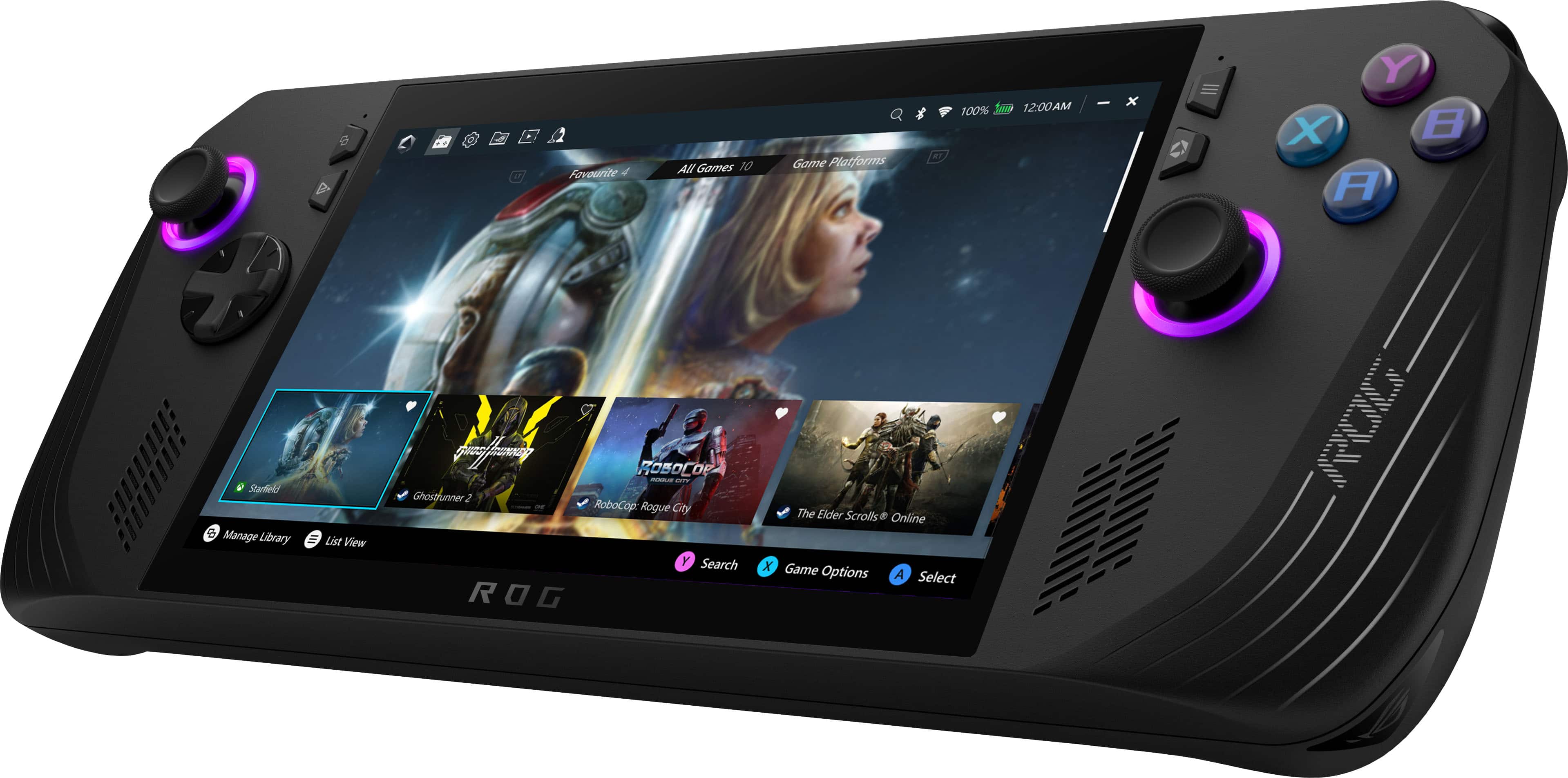
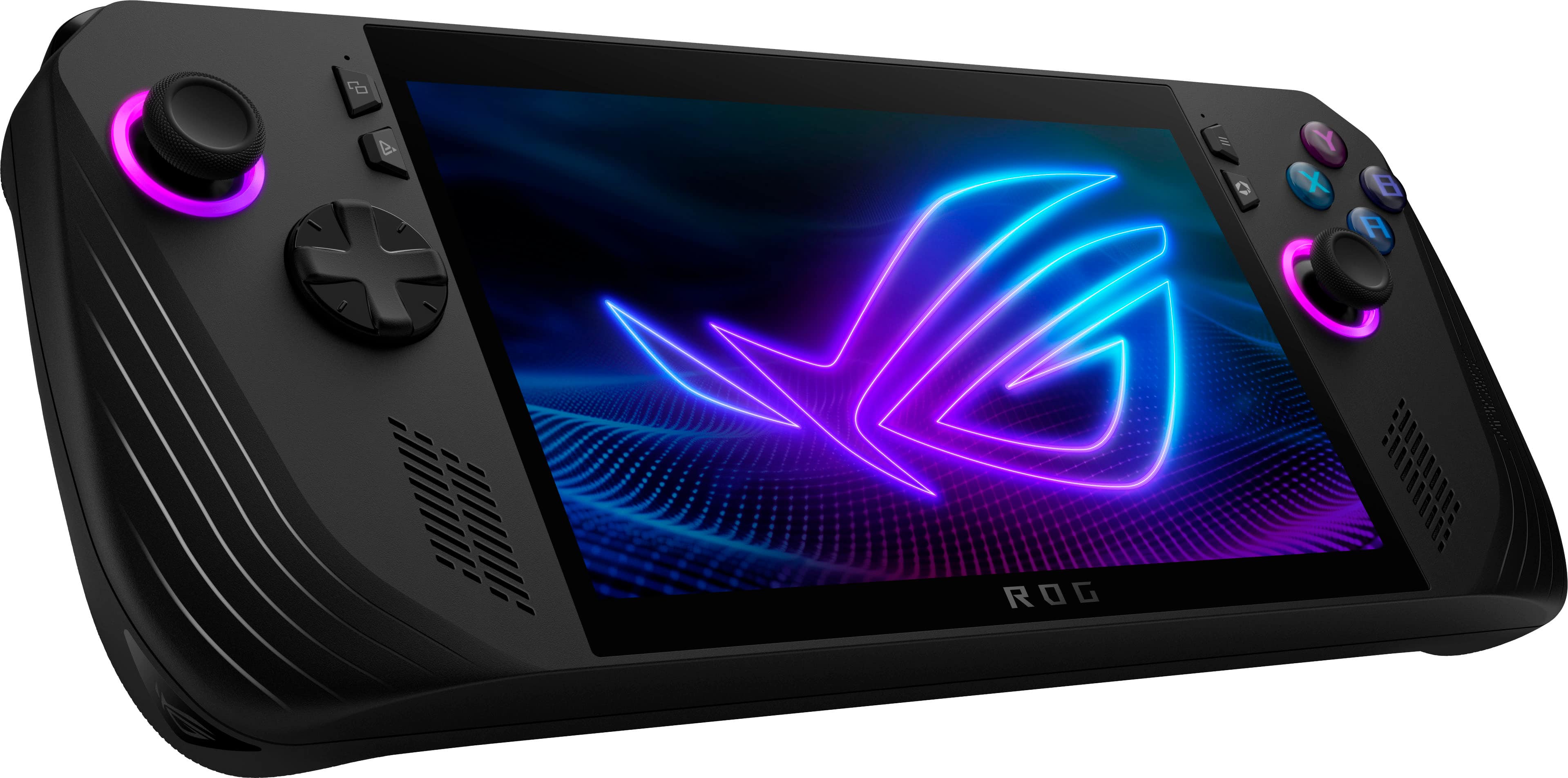
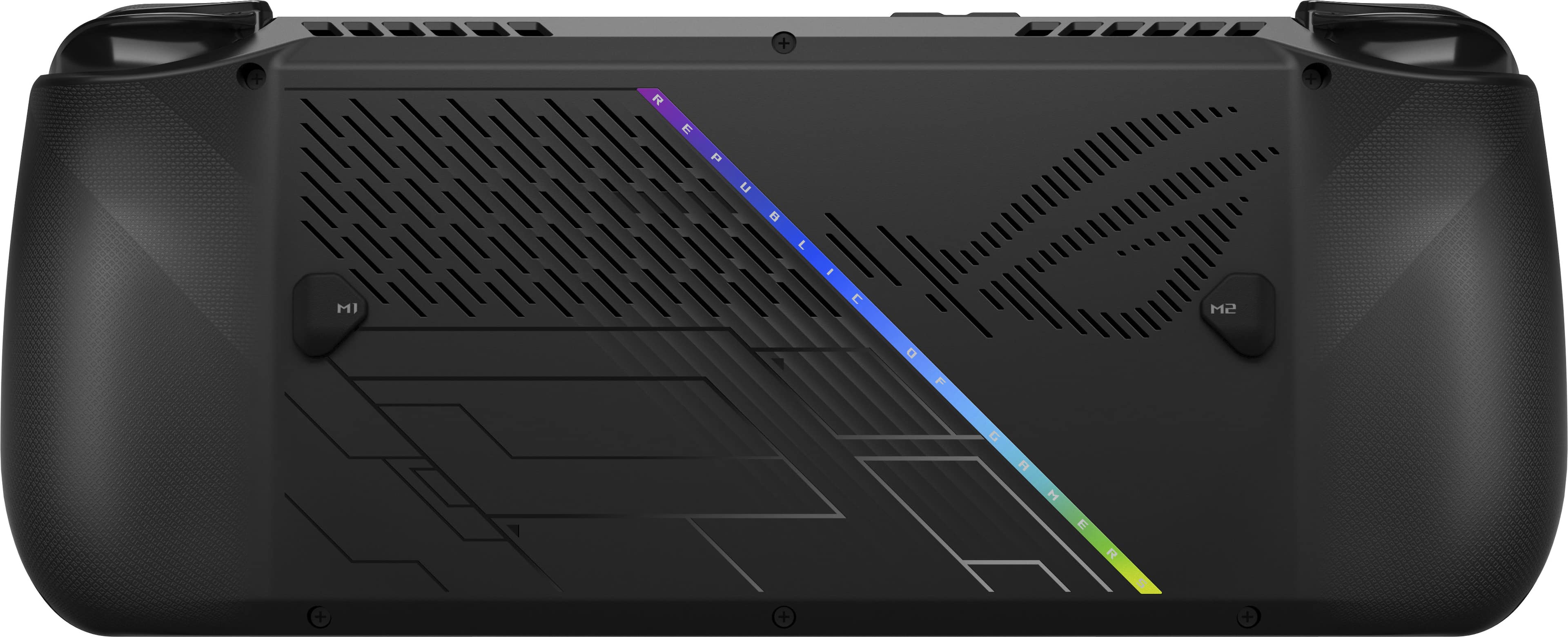
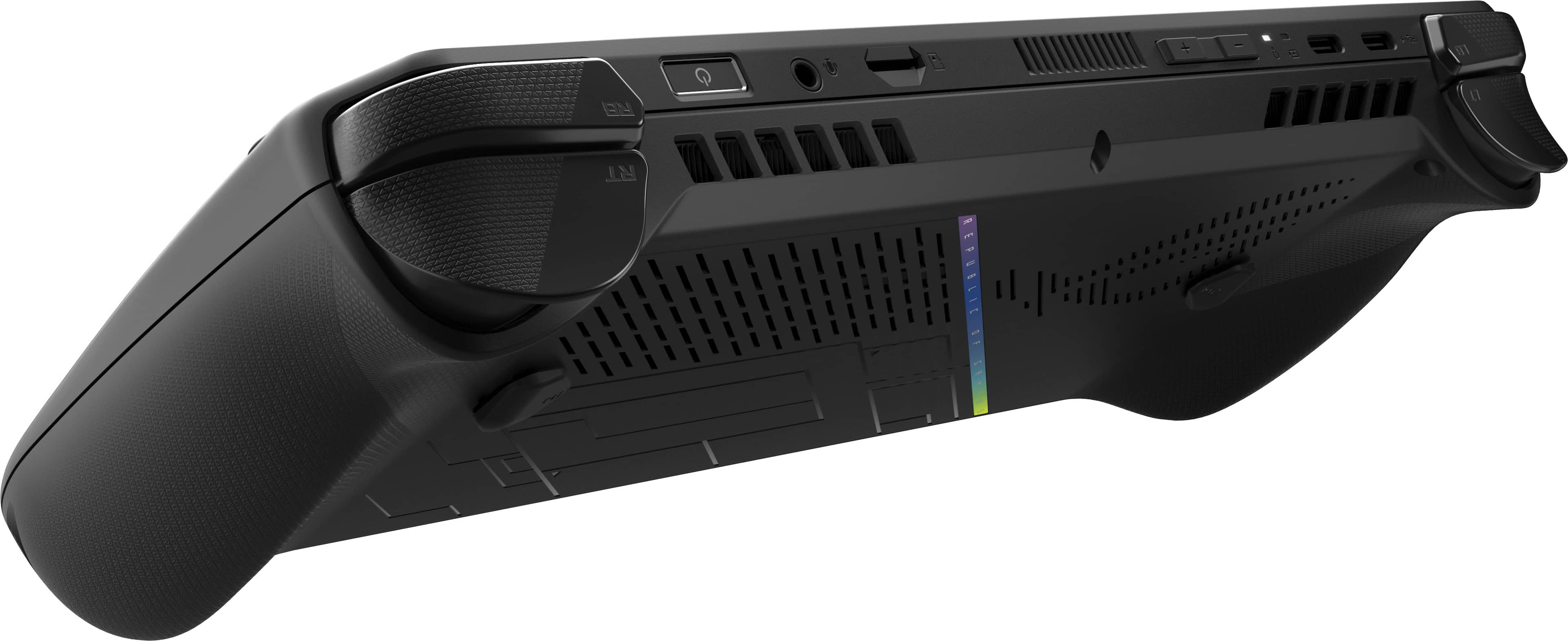
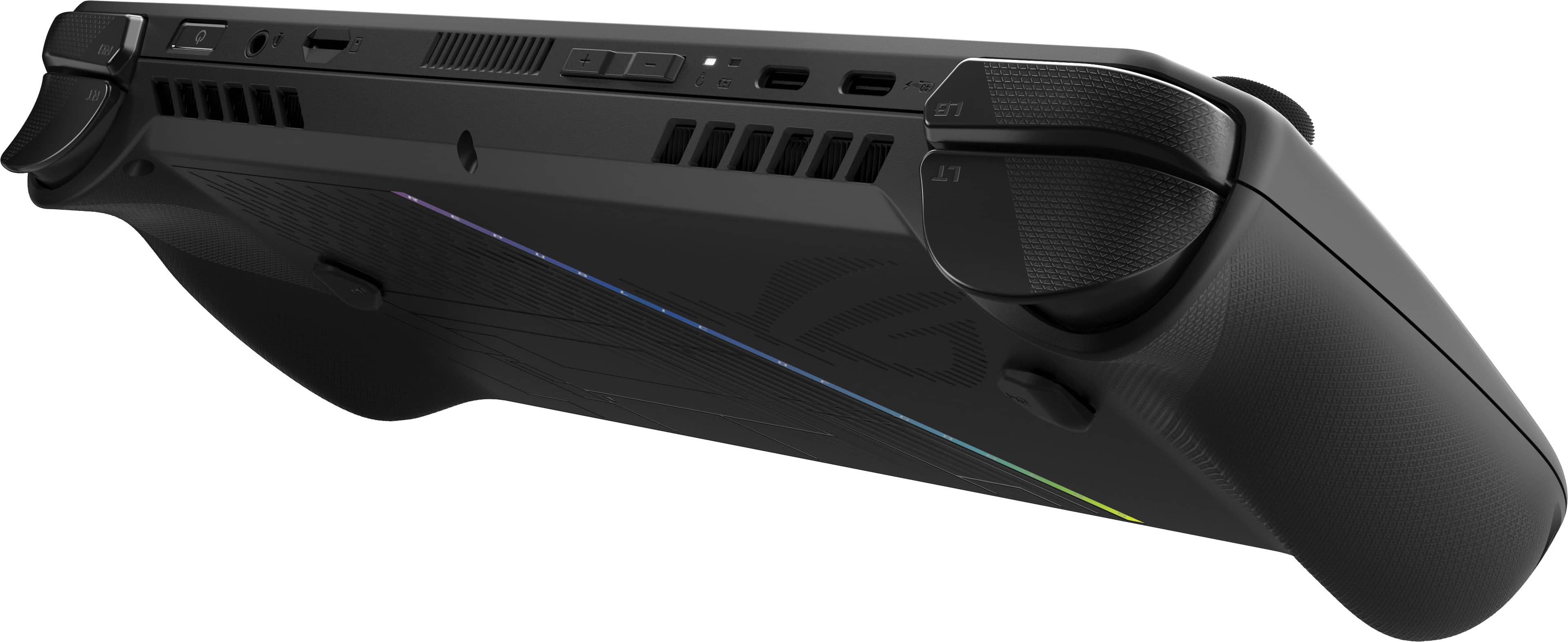
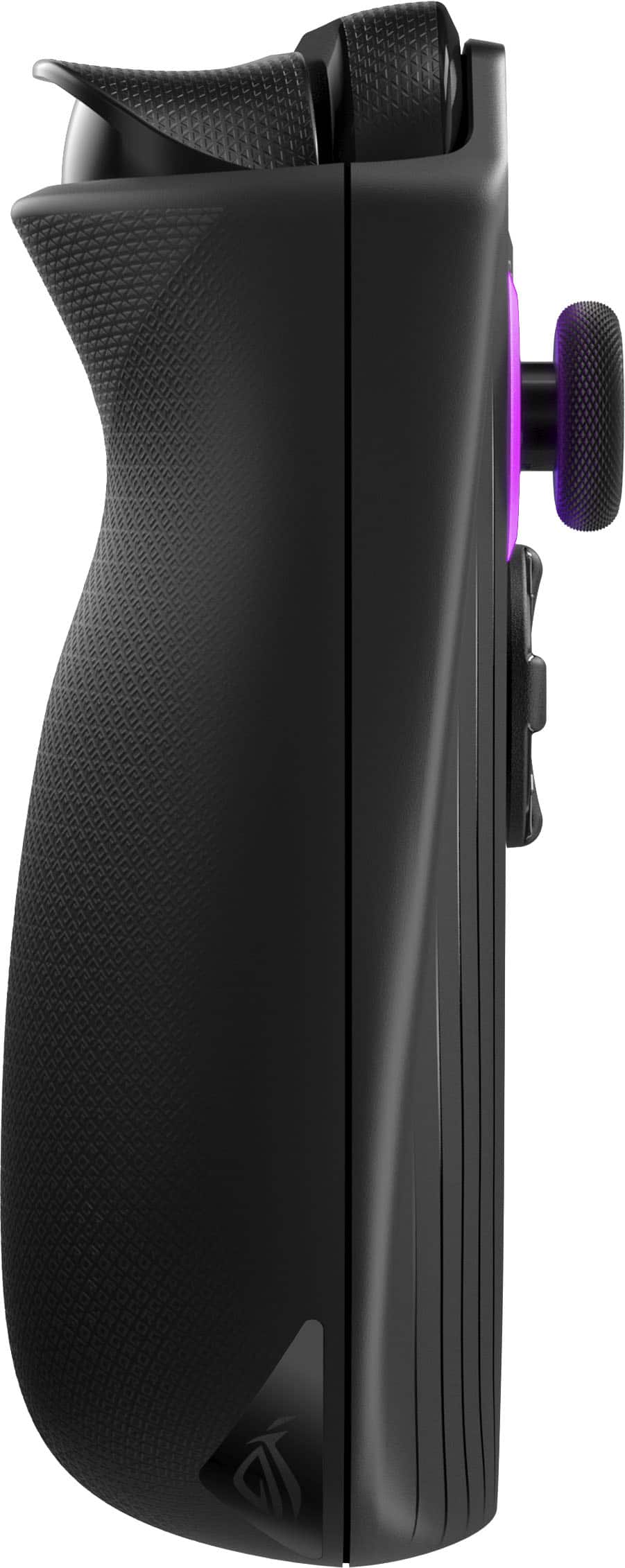
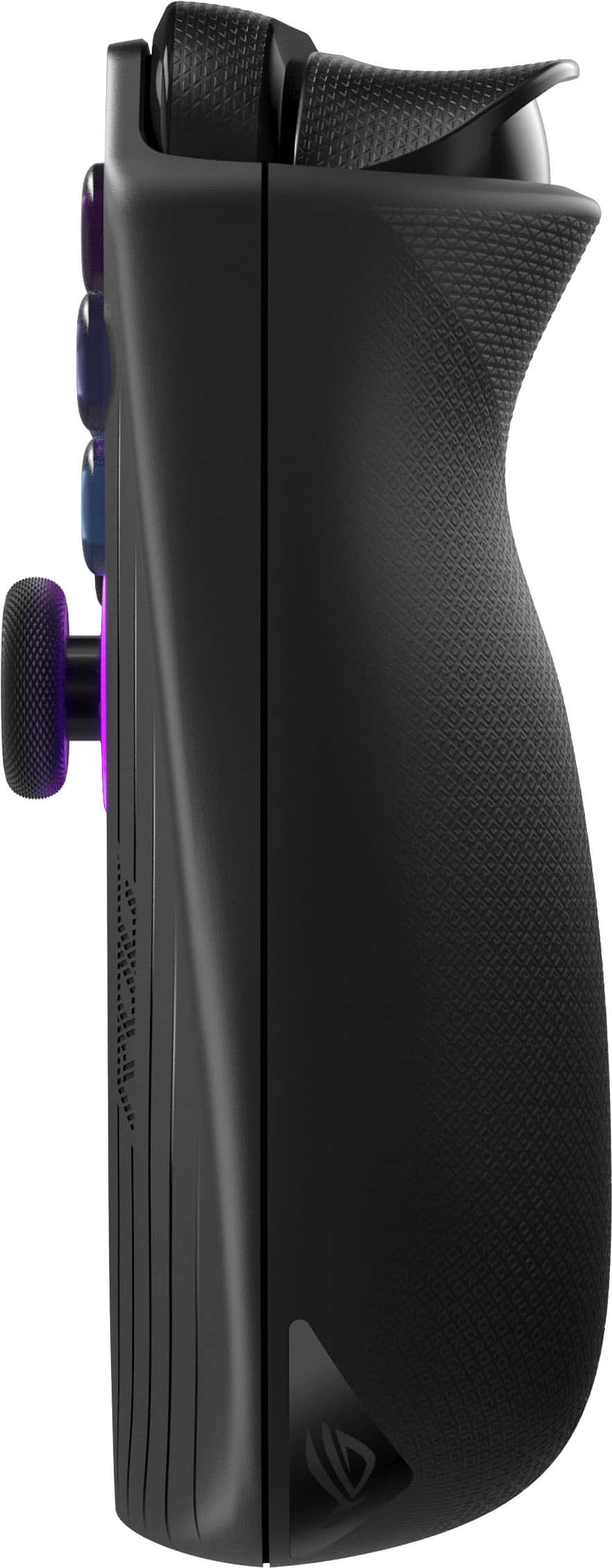
|Posted .This reviewer received promo considerations or sweepstakes entry for writing a review.PROS + Improved in almost all ways from the original ROG Ally + Performance is still amazing for a handheld - most modern games playable with settings tuning and older games running incredibly well out of the box + Massive 80Wh battery but still very portable and comfortable for a handheld + Much improved ergonomics with better back grips and smaller back buttons + 1TB internal storage and faster RAM now at 24GB + Asus Armory Crate software works well for centralizing gaming platforms and games, as well as quick access to settings + Running Windows 11 means high customizability + Runs cool and quiet in the silent and performance modes + Touchscreen is nice for navigating Windows CONS - Windows is still a pain to use in handheld mode unless you know what you are doing - To get the most out of the device you need to do a good amount of research surrounding things like settings - Between Windows, Armory Crate, and the Asus app, you will be updating this device a lot SO-SO * 1080p LCD screen is still great, but an OLED screen would have been a killer feature * Asus dropped the XG Mobile Port, so eGPU solutions will need to rely on USB4 connector with lower bandwidth * Thicker body vs original Ally means some accessories like docks may not fit as well if you are upgrading from the original Ally THE LONG AND SHORT OF IT I have been using the original Asus ROG Ally for over a year now, and I have had a great experience with it overall. It has had its quirks and rough edges, but it has performed very well for me with what it is designed to do, playing games on the go. I haven’t had any hardware issues, and so I have not had to deal with the infamous Asus RMA issues that have spread around forums and effected other users, so I cannot speak to the customer service process, but I can speak to the hardware and software usage of both the original Ally, and now the Ally X having had used the Ally X for the last week. The ROG Ally X is an improvement over the original in pretty much every way possible. In most cases they are relatively minor improvements, and in a few cases they are rather substantial improvements, but in every way it is a step forward. Asus clearly looked at every piece of the Ally, and examined how it could be made better. You still get the same 1080p 7” 120hz screen, but apart from that, almost everything else has changed in some way. To start, the ROG Ally X is both thicker and heavier, to accommodate the move from a 40Wh to 80Wh battery, but despite doubling the battery size, it is only a bit thicker and a bit heavier than the original Ally, both of which still feel well within the comfortable bounds of a handheld. Comparing them side-by-side I could notice the size differences, but if I wasn’t, I don’t think the size difference would really be that appreciable to most folks. The hardshell casing still feels very solid, with no rattle, flex, or cheap feeling plastic anywhere on the device. The thumbsticks feel very similar, but a bit more solid, the d-pad is much better for fighters with a flatter profile, the face buttons are all clicker, along with the shoulder bumpers and rear bumpers, while the triggers are larger and more comfortable to use. In terms of improvements with the physical body of the device, my favorites by far are both the better ergonomics, and the smaller back buttons. The ergonomics are much more comfortable, as the rear grips are both better textured, and feel more like a controller as they go up the back of the device, instead of being angled like the old Ally. With the old Ally, I needed to adapt the way I held it for it to be comfortable, compared with how I am used to holding controllers. With the Ally X, it feels much more natural to hold, and this is also helped by much smaller back buttons, which on the old Ally I always used to accidentally press, so much so that I had to disable them, and now I have yet to accidentally hit even once. Even the fingerprint reader is better, as the power button is recessed more into the device, and the built-in fingerprint reader is far more responsive and accurate than the original Ally. Armory Crate, the software which Asus uses to centralize all of your settings, games, & platforms into one program, has also been improved with version 1.5. It is quicker to navigate, better laid out, and less glitchy. It still is a FAR cry from a native OS that is built for gaming (this is still Windows 11 afterall), but as a program built to take away some of the PC hassle when using this as a handheld, it works well. This being said, while the touchscreen does help with setting up the Ally X, I would highly recommend that if you can, you plug it into a keyboard, mouse, and monitor to set it up like you would a desktop. It will make the process feel a lot smoother, especially as you do all of the updates you need to do for things like Windows and the Bios. Once all of this is set-up and ready to go, the device becomes significantly easier to use with the help of Armory Crate. I was able to sign into all of my gaming platforms, and as I installed games, they appeared in Armory Crate. The ROG Ally X has a few face buttons that provide shortcuts to Armory Crate, as well as settings that are quick access and customizable, like setting the resolution, fps limiter, system monitor, power profile, and much more. It all works surprisingly well, and while it could always be improved, I find it very easy to use the device 95% of the time without any other hardware needed. But gaming is where it counts, and this is also where the ROG Ally X is at its best. I tended to use the device in the 17w performance mode (up from the 15w performance mode on the original Ally), and it could handle most of my favorite games at low-medium settings without issue. This is very much a PC gamer device at its core, and you have to be comfortable with playing with settings and tinkering to have the best experience. Most modern AAA games requires playing with settings to get them running smoothly, but older games, emulated games, or lower graphical requirements games all sing. I have been playing Sifu, Limbo, TMNT Shredder’s Revenge, Cuphead, Lego Star Wars, all at high frame rates at 1080p without issue. For heavier games, like Spider-Man or Cyberpunk 2077, I needed to use lower settings and FPS caps, but even then the experience was still very playable. Games like Alien Isolation are some of my favorite, as they balance graphical fidelity with lower requirements very well, making them ideal for the ROG Ally X. The 80Wh battery is where the biggest improvement is by far though, as it almost doubles the battery life you get from the Ally X. I was regularly getting 3-4 hours of gaming while setting the ROG Ally X at an 80% max charge to preserve the overall battery health. So with higher wattage performance modes and a bigger battery, you are getting more gaming performance, and longer battery, all at once. One of my favorite uses of the ROG Ally and now the Ally X is GeforceNow, connected via ethernet and a USB-C dock with HDMI to my TV. It is surreal being able to play modern AAA games at max settings off of a handheld by streaming via GeforceNow, and it works flawlessly, so long as you have fast enough internet. And I think this sums up why the ROG Ally, and now the ROG Ally X is my favorite gaming device. It is really a jack of all trades, and does it so well. I can game at very high settings with AAA games on GeforceNow, play emulated games docked and on the go, play games on the go, use the Ally X as a mini desktop when connected to a monitor, as a streaming device, and more. As much as I have loved the Ally X in my time using it so far, there are still several things that can be improved on with the experience. The screen itself is still pretty great, with bright colors and good motion handling, but it really feels like a missed opportunity to not upgrade the screen with an OLED to really seal the deal. Also, while it is a bit of a niche feature, getting rid of the XG Mobile port also feels like a miss, as using eGPUs now relies on USB4, which gives you more flexibility, but also lower performance due to bandwidth limitations with USB4. It would have been nice to have the option to use both XG Mobile, as well as USB4, but it feels like Asus has now abandoned XG Mobile and eGPU solutions. I also still wish there was an easy alternative to Windows. Windows just doesn’t feel built for a handheld, and is by far the worst part of the Ally X experience. It is not something Asus can control, and Armory Crate does a good job of numbing the pain, but everything about using Windows on a handheld feels subpar. Finally, like I mentioned earlier, while I have not had any RMA issues, it is important to be aware of these, as your mileage may vary. Overall, I really do love the Ally X, and I would highly recommend it to anyone who is looking for a handheld, PC gaming experience. It does require a bit of patience, research, and tinkering, but if you are willing to do those, you will get a lot of bang for your buck with the Ally X. It is definitely a PC first, so go in with that expectation, and treat it like a PC that you can take with you on the go. For me, as a tech lover and a PC gamer, it really is one of my favorite pieces of tech I have used. Very well built, designed, and extremely fun to use.
I would recommend this to a friend - Pros mentioned:Overall performance
Worth It
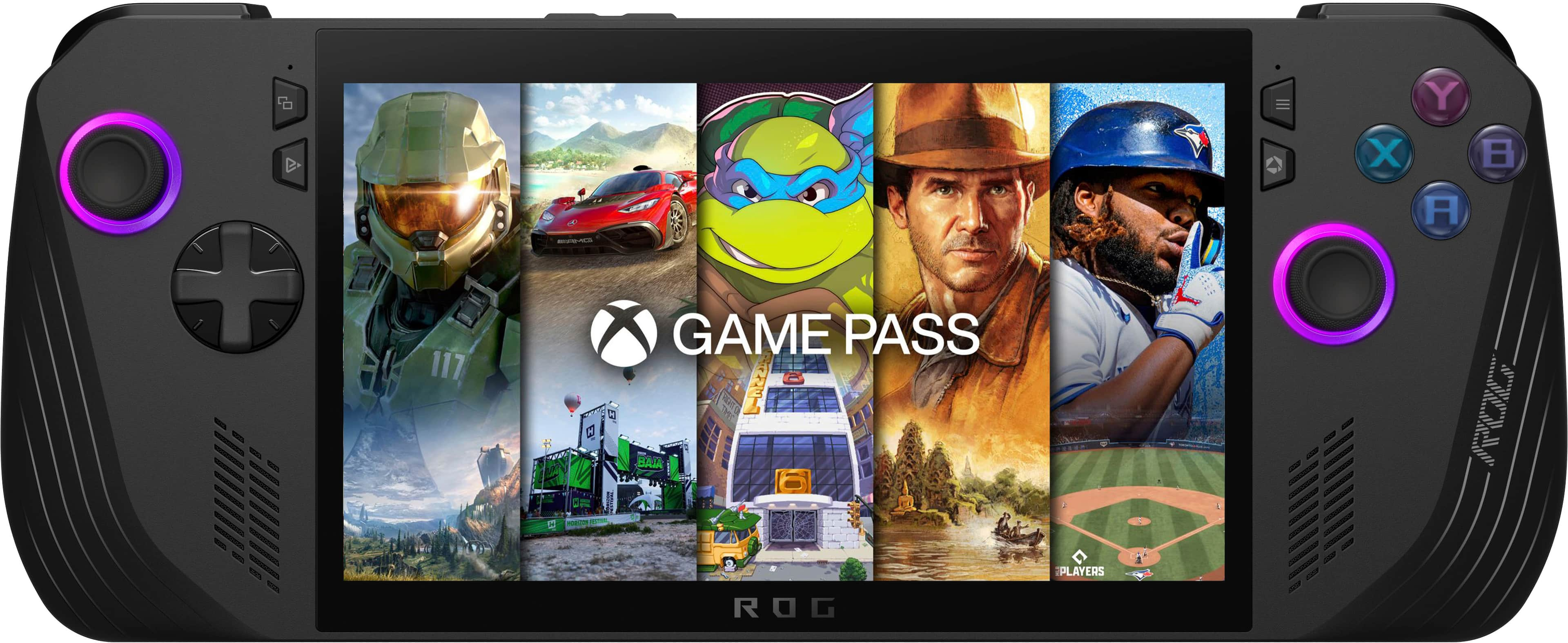
||Posted . Owned for 3 weeks when reviewed.This reviewer received promo considerations or sweepstakes entry for writing a review.Such an amazing device. I love it so much. I can play a bunch of my computer games in bed. Definitely worth it. Especially if you have the xbox gamepass :)
I would recommend this to a friend - Pros mentioned:Overall performance
ASUS is king!
||Posted . Owned for 3 weeks when reviewed.This reviewer received promo considerations or sweepstakes entry for writing a review.This thing is top notch runs Windows flawlessly Call of Duty perfectly. Highly recommend
I would recommend this to a friend - Pros mentioned:Battery life
ROG Upgrade
||Posted . Owned for 1 week when reviewed.This reviewer received promo considerations or sweepstakes entry for writing a review.I upgraded to this one for the battery increase as well as the grip promise. This new model helps me play longer periods before my hands hurt. Its still super powerful just like the og model!
I would recommend this to a friend - Pros mentioned:Battery life
Tad bit overpriced, but amazing
||Posted . Owned for 3 weeks when reviewed.This reviewer received promo considerations or sweepstakes entry for writing a review.Amazing product even though my delivery process was complicated and there was a bit of overheating issue. I had to return it because i did feel like it was overpriced but the BATTERY LIFE is amazing. If I wasn't a broke student, I would've kept it.
I would recommend this to a friend - Pros mentioned:Overall performance
Pc gaming quality on the go
||Posted . Owned for 3 weeks when reviewed.This reviewer received promo considerations or sweepstakes entry for writing a review.It's pretty pricey but it works great if you were wanting a handheld PC for on the go gaming! It has played everying I've thrown at it without issue.
I would recommend this to a friend - Pros mentioned:Portability
In love with the ally x
||Posted .This reviewer received promo considerations or sweepstakes entry for writing a review.Absolutely love the ally x I travel a lot for work so this was a no brainer
I would recommend this to a friend - Pros mentioned:Overall performance
10/10
||Posted .This reviewer received promo considerations or sweepstakes entry for writing a review.10/10 , First handheld Ive bought since Psp days, This thing is amazing
I would recommend this to a friend - Pros mentioned:Overall performance
New gaming device
||Posted . Owned for 1 month when reviewed.This reviewer received promo considerations or sweepstakes entry for writing a review.This thing is a beast. It take a little optimization to get it 1st setup but once you do there is practically nonthin you cant play.
I would recommend this to a friend - Pros mentioned:Overall performance
Small powerhouse
||Posted . Owned for 1 month when reviewed.This reviewer received promo considerations or sweepstakes entry for writing a review.Great little machine. A bit expensive, but it runs almost anything you'll throw at it. If you want the flexibility that cant be found on a steam deck, this is the one.
I would recommend this to a friend laptop almost the size of a controller
||Posted . Owned for 1 month when reviewed.This reviewer received promo considerations or sweepstakes entry for writing a review.Coolest device ever. It’s the smaller version of a laptop that almost fits in your pocket. It’s a tablet that runs windows but with a built in controller around its screen. I can run everything ps4 era on ultra settings but newer games need to be almost high or medium. It runs everything you would install on a desktop in the palm of your hands. It’s like a switch that runs on windows
I would recommend this to a friendRog ally
||Posted .This reviewer received promo considerations or sweepstakes entry for writing a review.Excellent power machine i cant complain because its all i need every single game its smooth Its easy to handle
I would recommend this to a friendROG Okay
||Posted .This reviewer received promo considerations or sweepstakes entry for writing a review.Good product, but gets hot fast amd battery life syffers. Great graphic and smpoth gameplay but a gimmick pc or laptop replacement for noobs
I would recommend this to a friend- Pros mentioned:Overall performance
In love with this thing
||Posted . Owned for 1 week when reviewed.This reviewer received promo considerations or sweepstakes entry for writing a review.Best handheld by far. 100% worth the money. Only thing they could do to make it better is give it the capability to use cellular
I would recommend this to a friend Is Gud
||Posted . Owned for 3 weeks when reviewed.This reviewer received promo considerations or sweepstakes entry for writing a review.It runs very well and has amazing visuals. One thing I would change is the fact that if it sleeps while gaming, when you turn it back on it might mess up the controls and switch back and forth between pc and controller. There is a little thing you can set that is supposed to make it stay on one or the other but it doesnt work. Other than that 5/5
I would recommend this to a friendAsus Ally X & Dbrand Killswitch
||Posted . Owned for 8 months when reviewed.This reviewer received promo considerations or sweepstakes entry for writing a review.First time ASUS & Dbrand buyer, always seen both of their products on social media but never actually ended up pulling the trigger on either of them. Man have I been missing out! Pure quality, the packaging itself was immaculate, and the actual products themselves really step the Ally X to a whole new level. Solid work from everyone at Asus & Dbrand. Keep up the good work.
I would recommend this to a friend